Upgrade to Pro — share decks privately, control downloads, hide ads and more …

Automating stateful applications with Kubernete...

Sponsored · Ship Features Fearlessly Turn features on and off without deploys. Used by thousands of Ruby developers. →

Automating stateful applications with Kubernetes Operators

Open Source Summit North America, Vancouver, British Columbia, Canada: http://sched.co/FAN9

Josh Wood

August 29, 2018

Transcript

28 slides
  1. Formerly: DocOps, CoreOS Josh Wood Red Hat Developer Advocate, Kubernetes

    and OpenShift • [email protected] • @joshixisjosh9 • github.com/joshix • speakerdeck.com/joshix
  2. Formerly: CoreOS, LindenLab Ryan Jarvinen Red Hat Developer Advocate, Kubernetes

    and OpenShift • [email protected] • @ryanj • github.com/ryanj • bit.ly/k8s-workshops learn.openshift.com
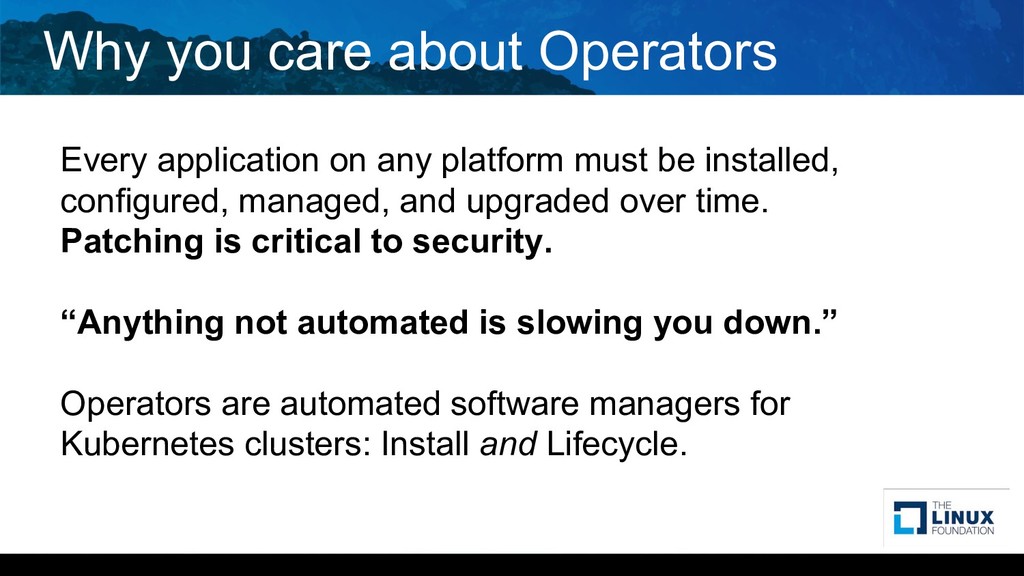
  3. Why you care about Operators Every application on any platform

    must be installed, configured, managed, and upgraded over time. Patching is critical to security. “Anything not automated is slowing you down.” Operators are automated software managers for Kubernetes clusters: Install and Lifecycle.
  4. Why you care about Operators • You can use them

    right now to make deploying software and keeping it running easier: A killer new db, but you don’t want know all about its config file, the UI for backups, how to connect monitoring… how to shard/cluster/distribute it • You can build them today with the Operator Framework SDK. It and our Operators are Open Source.
  5. Overview What about apps that… store data? Or have their

    own notion of a “cluster”? Databases?
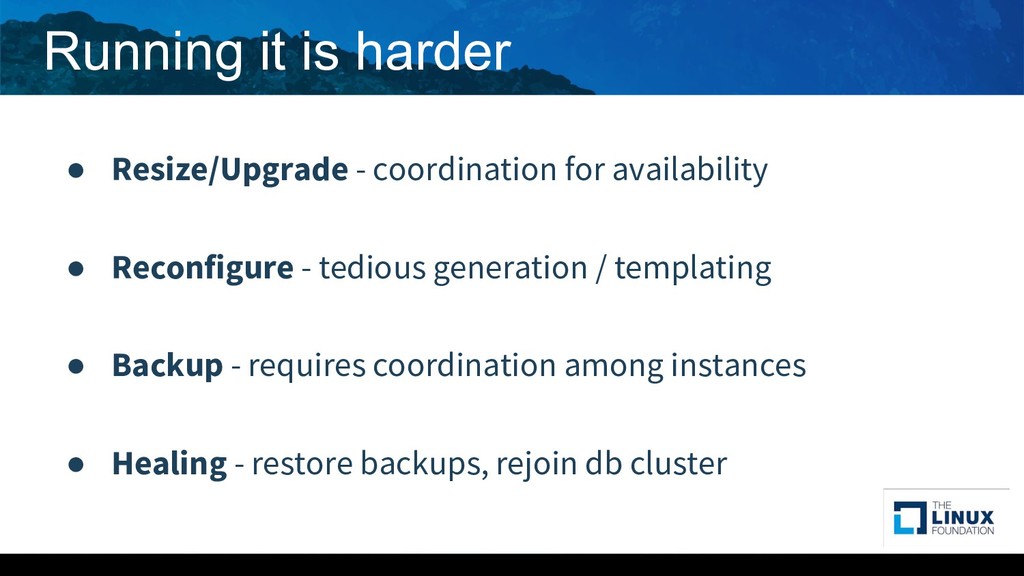
  6. Running it is harder • Resize/Upgrade - coordination for availability

    • Reconfigure - tedious generation / templating • Backup - requires coordination among instances • Healing - restore backups, rejoin db cluster
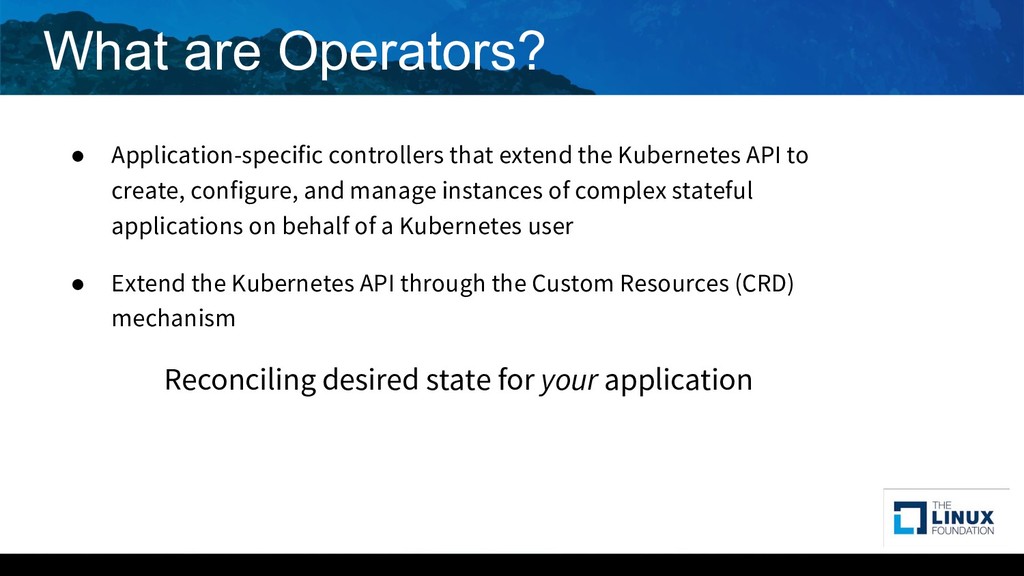
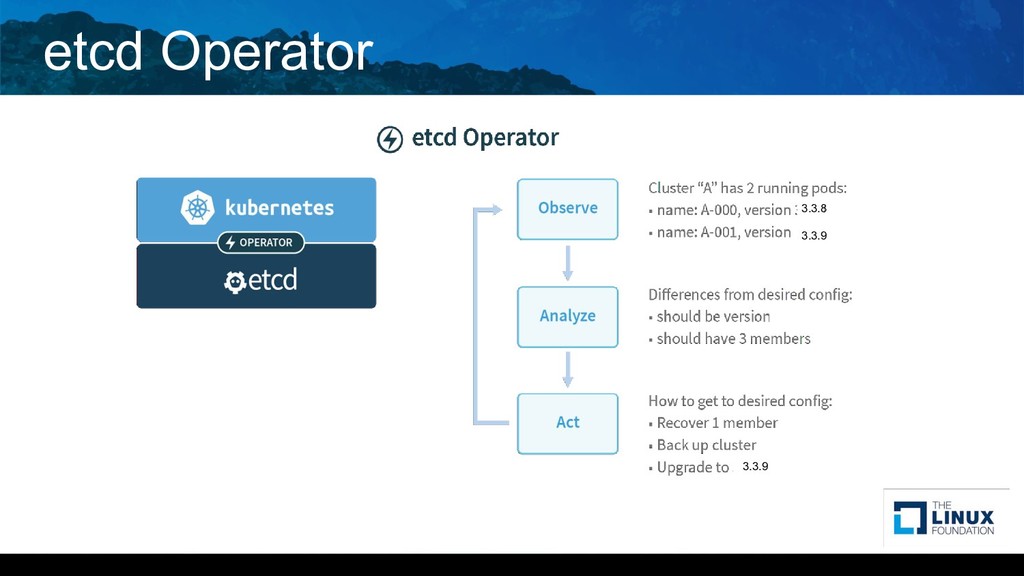
  7. What are Operators? • Application-specific controllers that extend the Kubernetes

    API to create, configure, and manage instances of complex stateful applications on behalf of a Kubernetes user • Extend the Kubernetes API through the Custom Resources (CRD) mechanism Reconciling desired state for your application
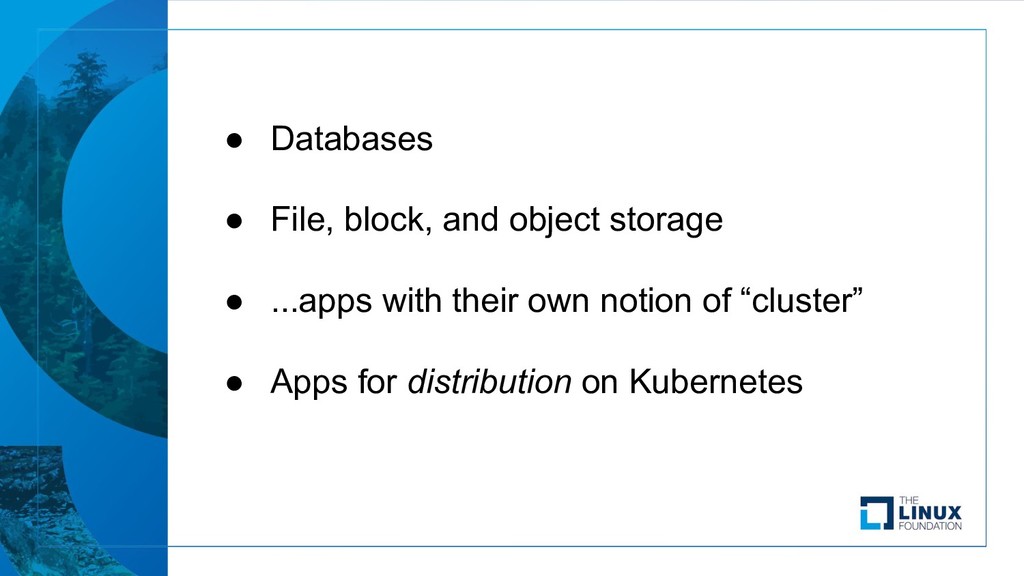
  8. • Databases • File, block, and object storage • ...apps

    with their own notion of “cluster” • Apps for distribution on Kubernetes
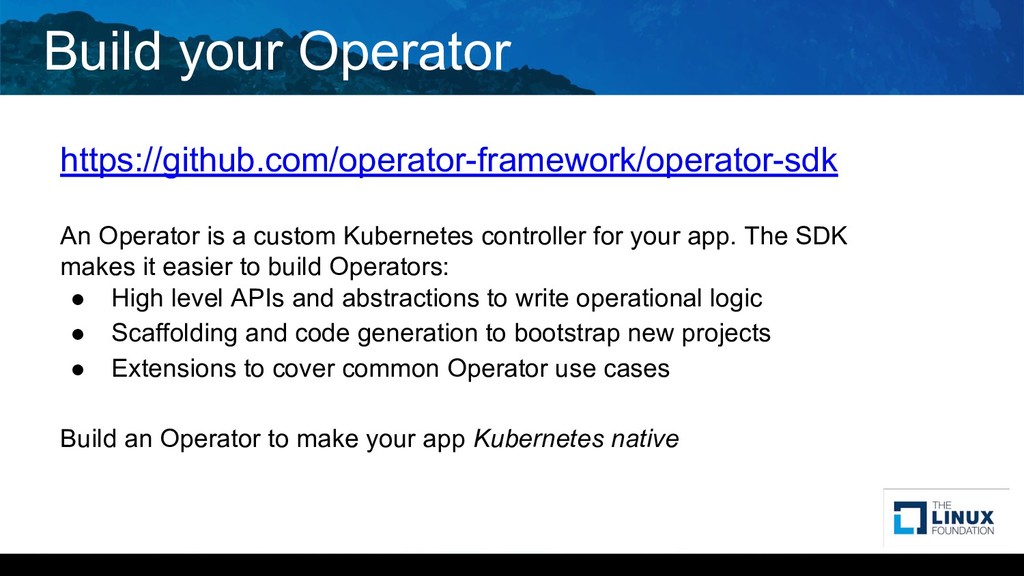
  9. Build your Operator https://github.com/operator-framework/operator-sdk An Operator is a custom Kubernetes

    controller for your app. The SDK makes it easier to build Operators: • High level APIs and abstractions to write operational logic • Scaffolding and code generation to bootstrap new projects • Extensions to cover common Operator use cases Build an Operator to make your app Kubernetes native
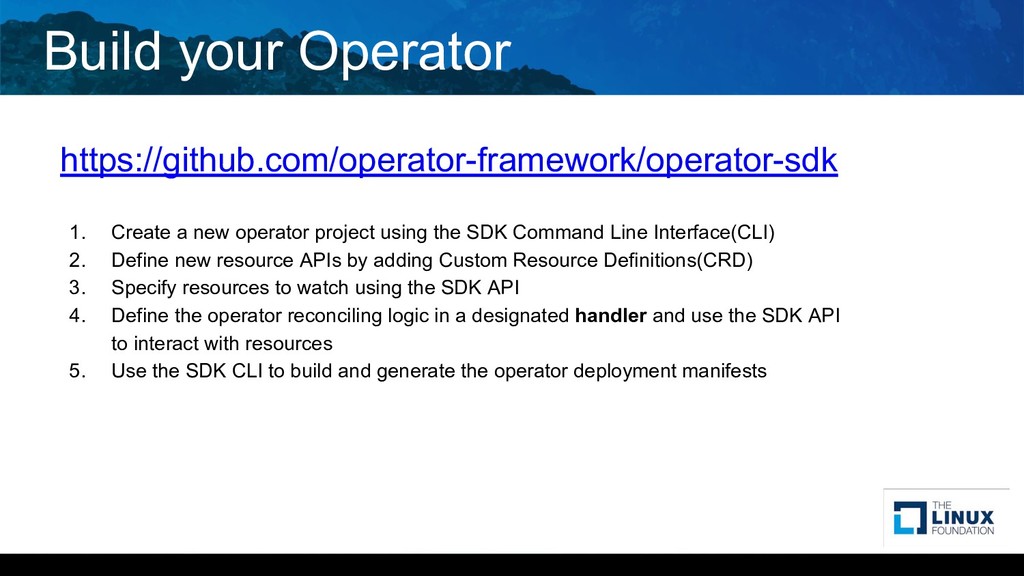
  10. Build your Operator https://github.com/operator-framework/operator-sdk 1. Create a new operator project

    using the SDK Command Line Interface(CLI) 2. Define new resource APIs by adding Custom Resource Definitions(CRD) 3. Specify resources to watch using the SDK API 4. Define the operator reconciling logic in a designated handler and use the SDK API to interact with resources 5. Use the SDK CLI to build and generate the operator deployment manifests
  11. Build your Operator Operator SDK walkthrough: Build your own memcached

    Operator: https://github.com/operator-framework/getting-started/
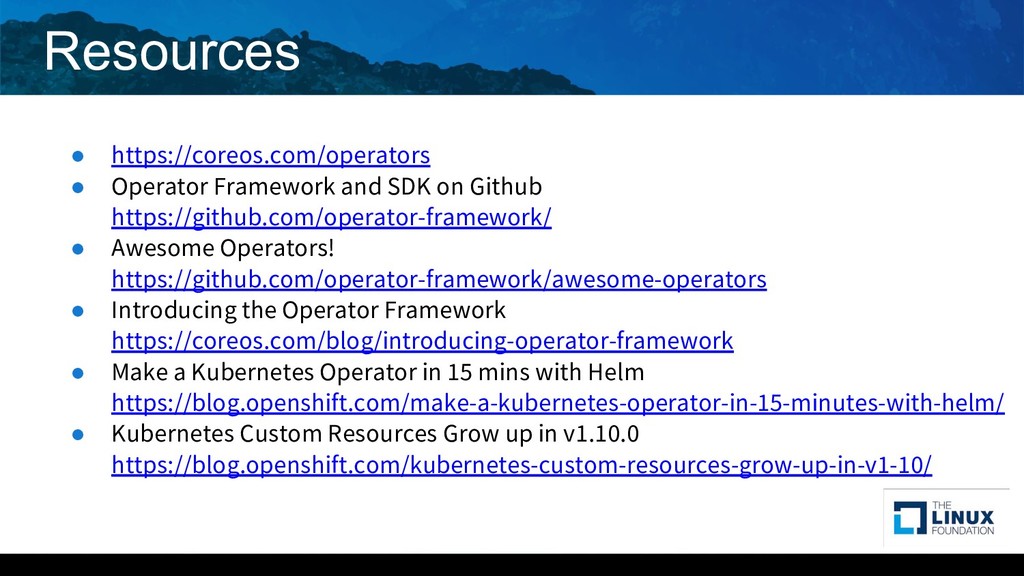
  12. Resources • https://coreos.com/operators • Operator Framework and SDK on Github

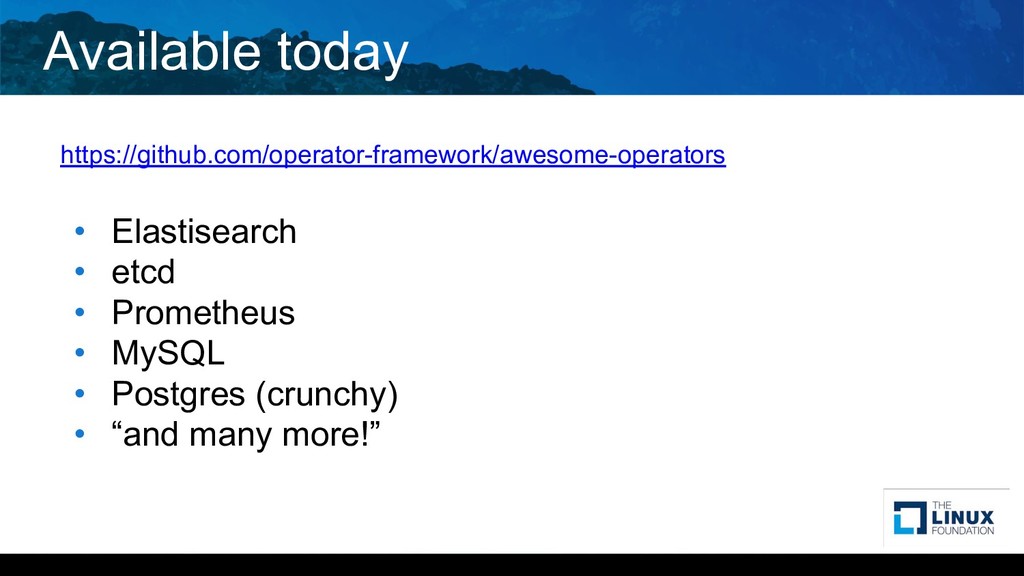
    https://github.com/operator-framework/ • Awesome Operators! https://github.com/operator-framework/awesome-operators • Introducing the Operator Framework https://coreos.com/blog/introducing-operator-framework • Make a Kubernetes Operator in 15 mins with Helm https://blog.openshift.com/make-a-kubernetes-operator-in-15-minutes-with-helm/ • Kubernetes Custom Resources Grow up in v1.10.0 https://blog.openshift.com/kubernetes-custom-resources-grow-up-in-v1-10/

More Decks by Josh Wood

Other Decks in Technology