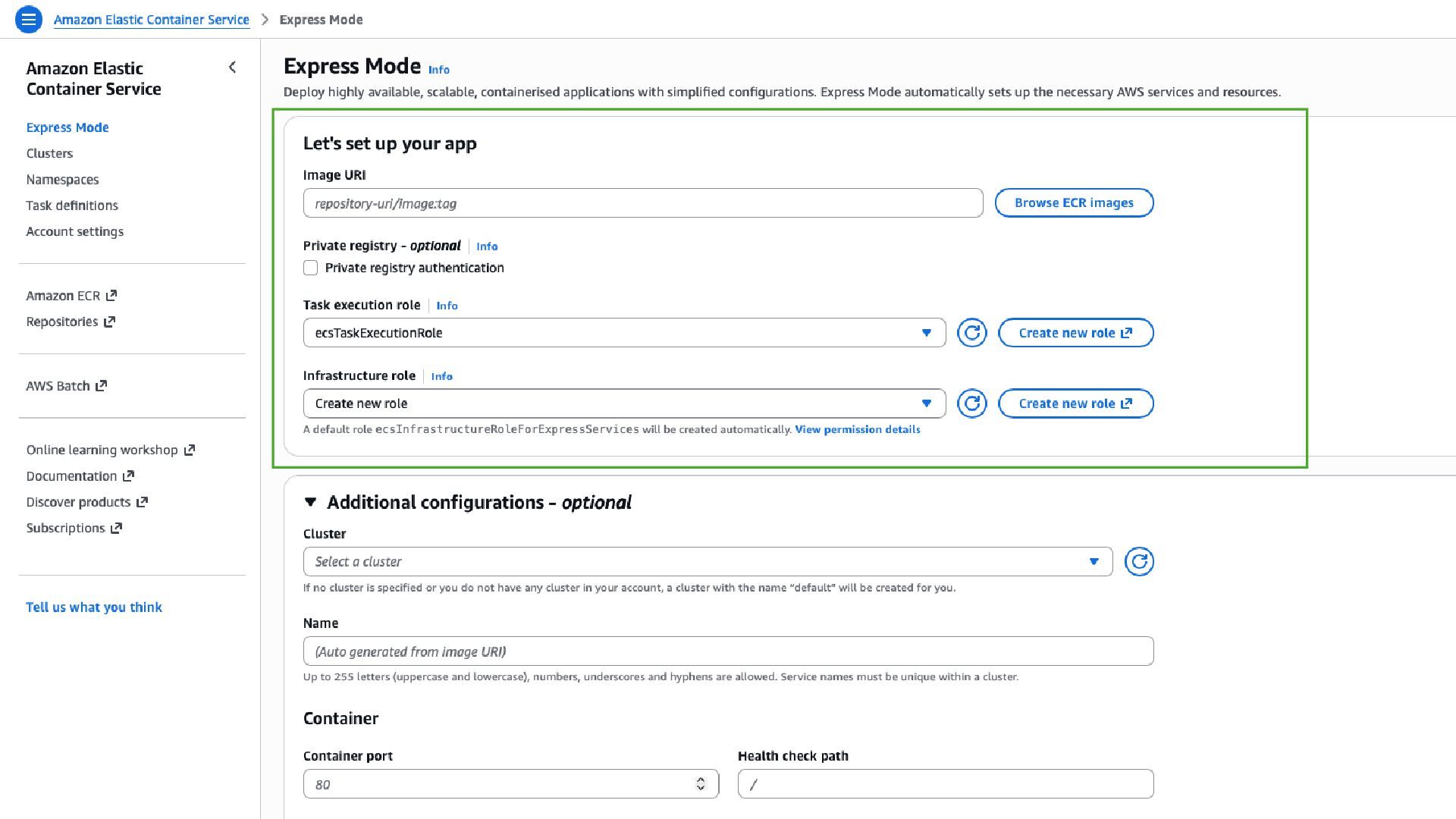
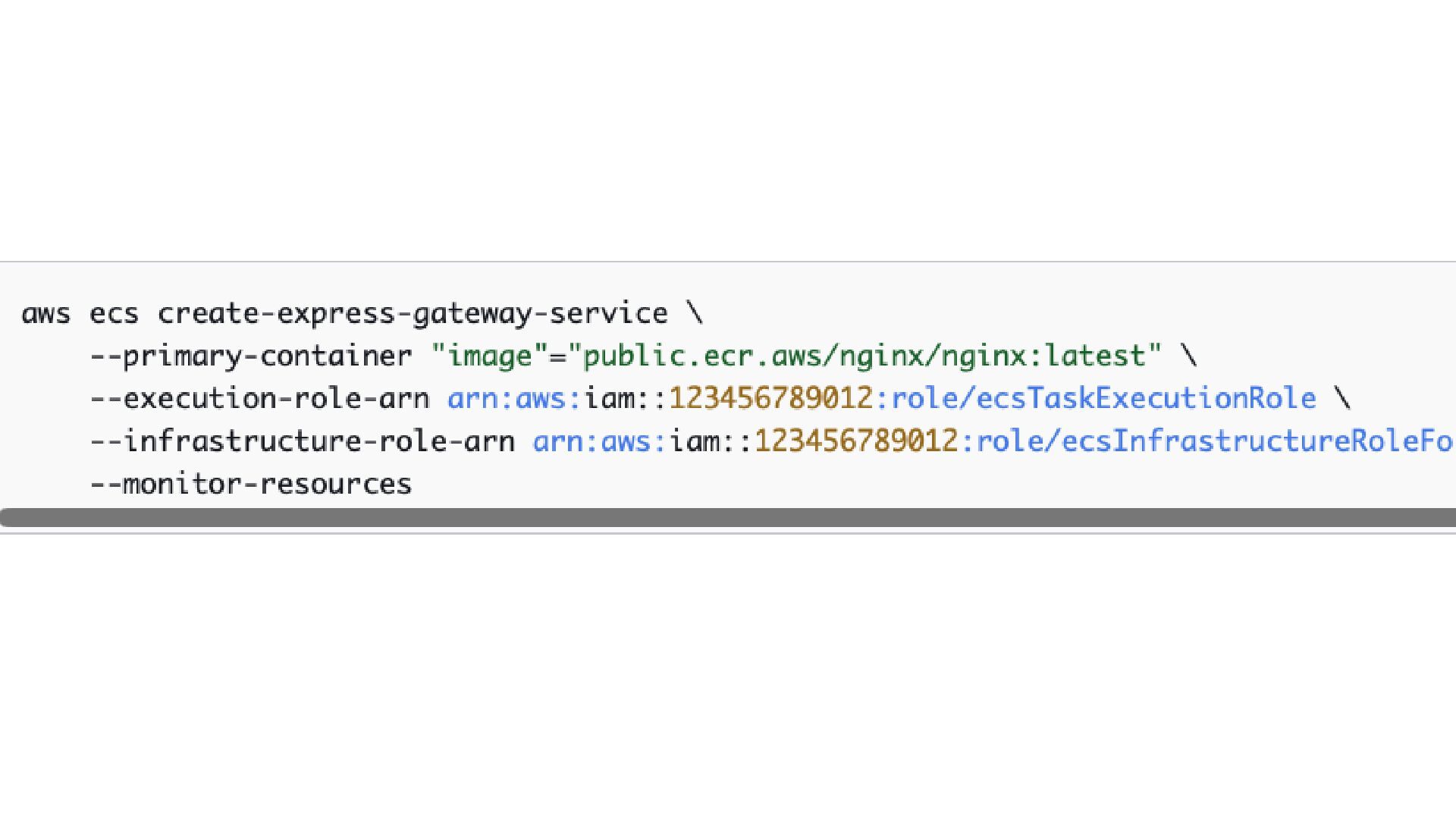
In this presentation I share my view on the newly released ECS Express Mode. We take a look at the service from an IaC point of view and consider the added benefit and limits the service gives you.
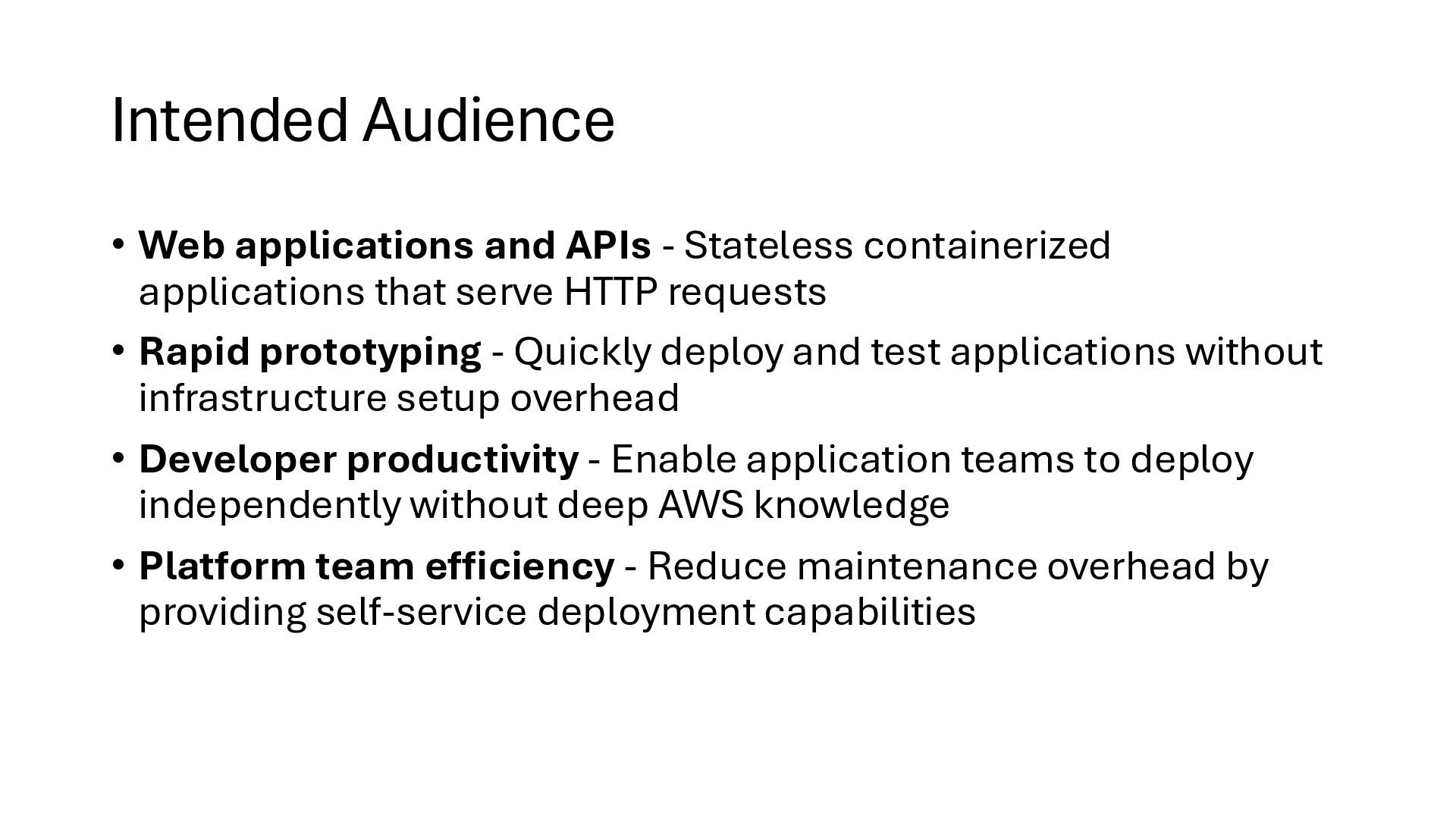
applications that serve HTTP requests • Rapid prototyping - Quickly deploy and test applications without infrastructure setup overhead • Developer productivity - Enable application teams to deploy independently without deep AWS knowledge • Platform team efficiency - Reduce maintenance overhead by providing self-service deployment capabilities
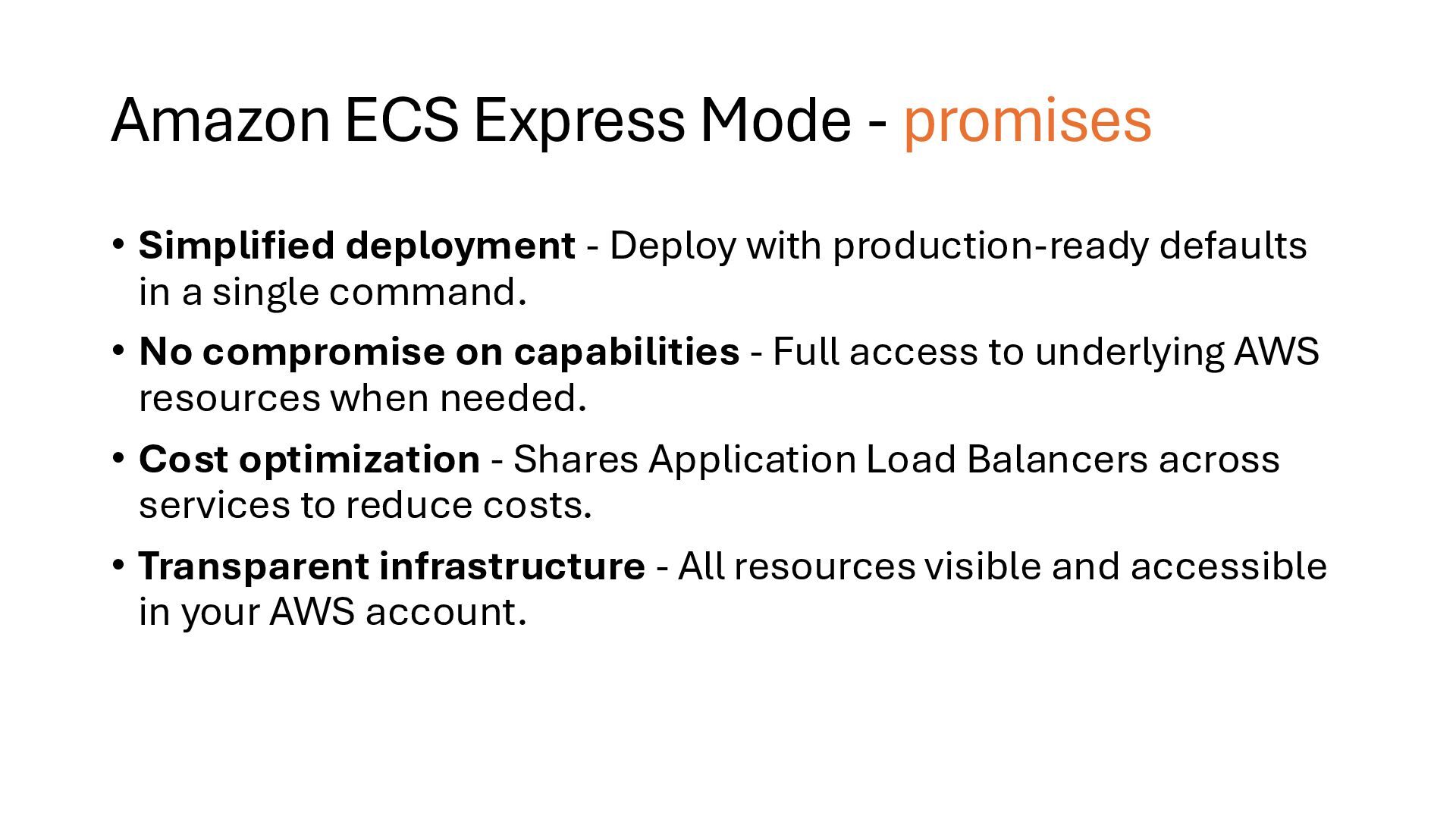
Deploy with production-ready defaults in a single command. • No compromise on capabilities - Full access to underlying AWS resources when needed. • Cost optimization - Shares Application Load Balancers across services to reduce costs. • Transparent infrastructure - All resources visible and accessible in your AWS account.
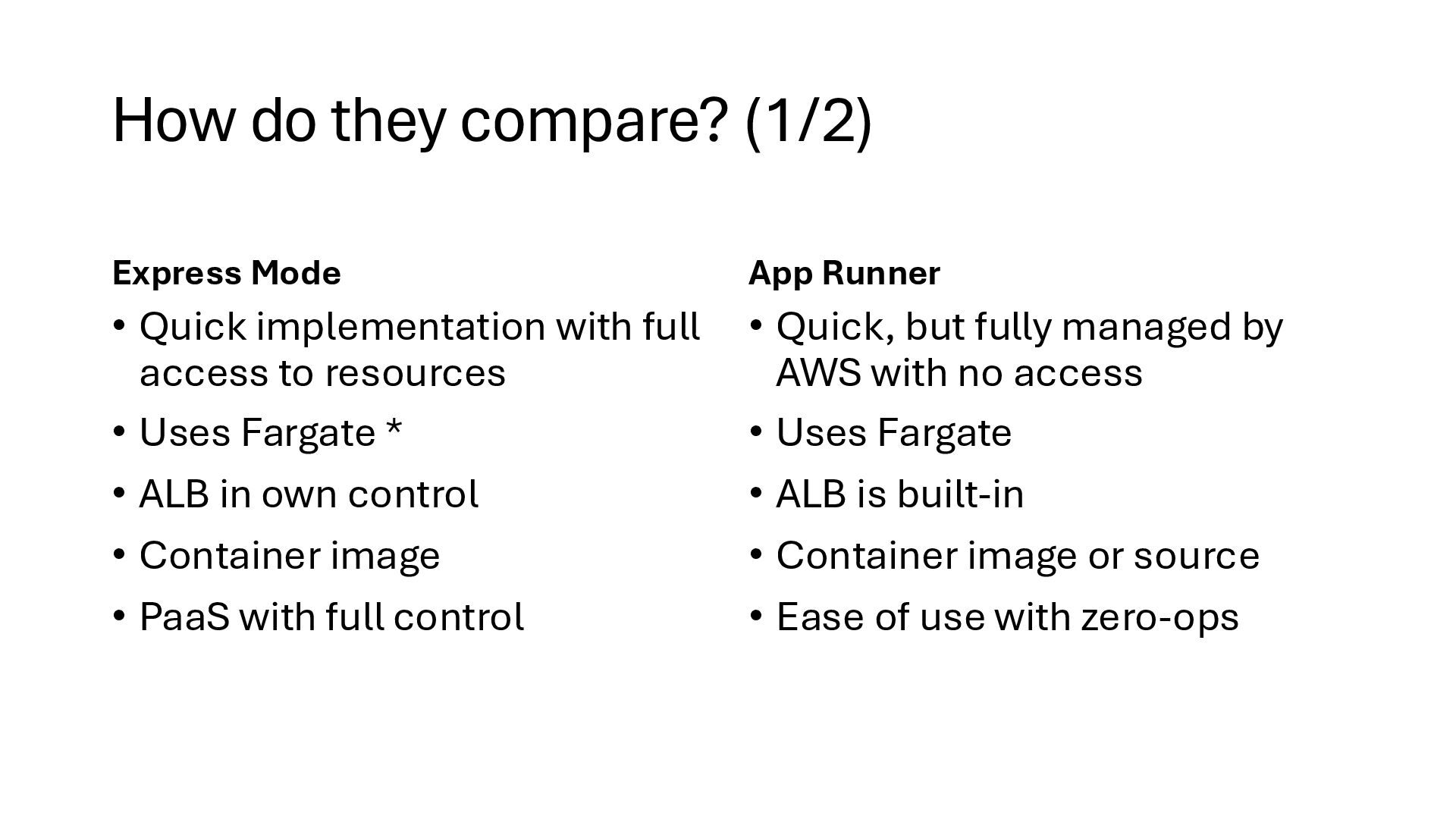
with full access to resources • Uses Fargate * • ALB in own control • Container image • PaaS with full control App Runner • Quick, but fully managed by AWS with no access • Uses Fargate • ALB is built-in • Container image or source • Ease of use with zero-ops
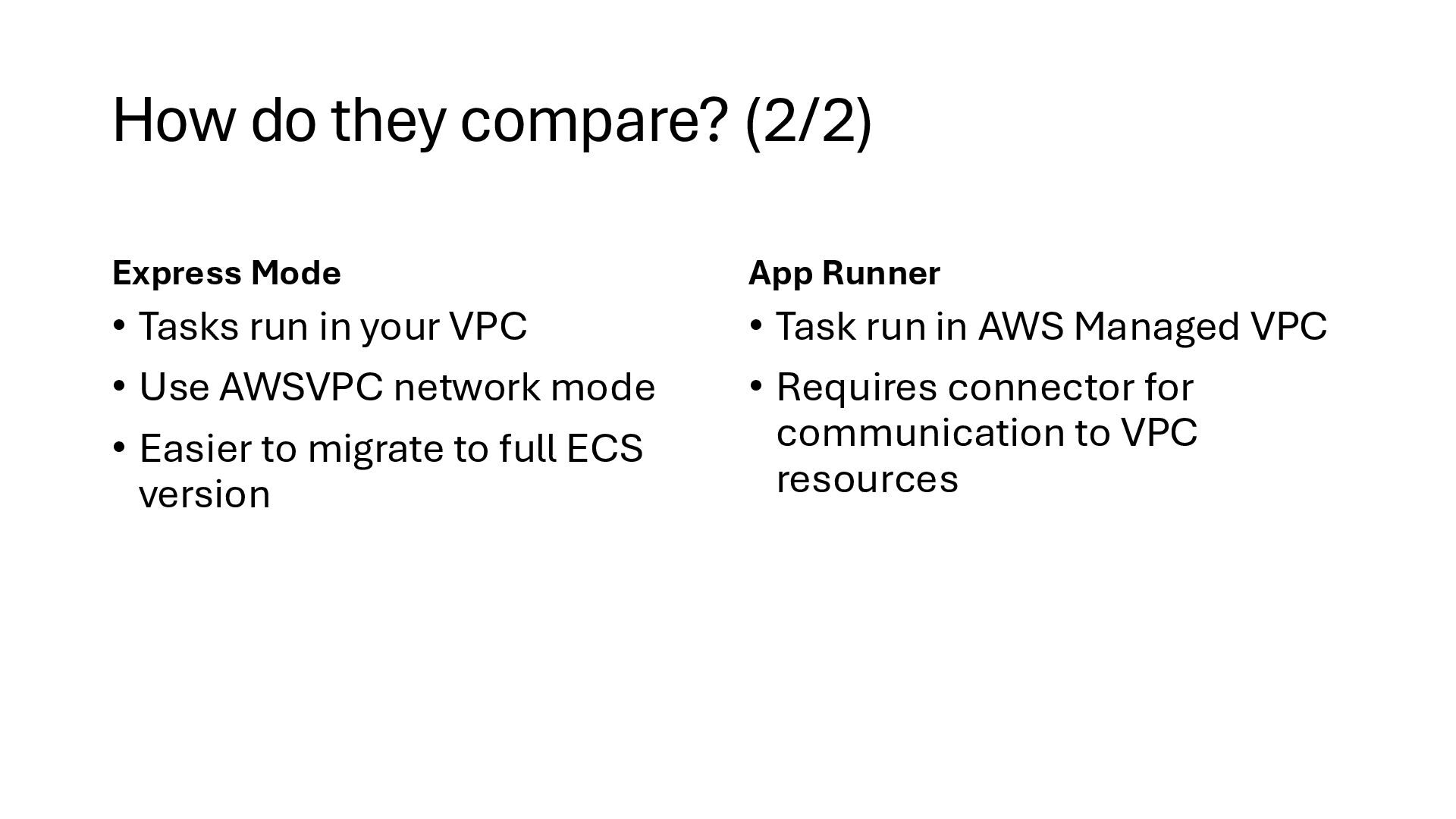
in your VPC • Use AWSVPC network mode • Easier to migrate to full ECS version App Runner • Task run in AWS Managed VPC • Requires connector for communication to VPC resources
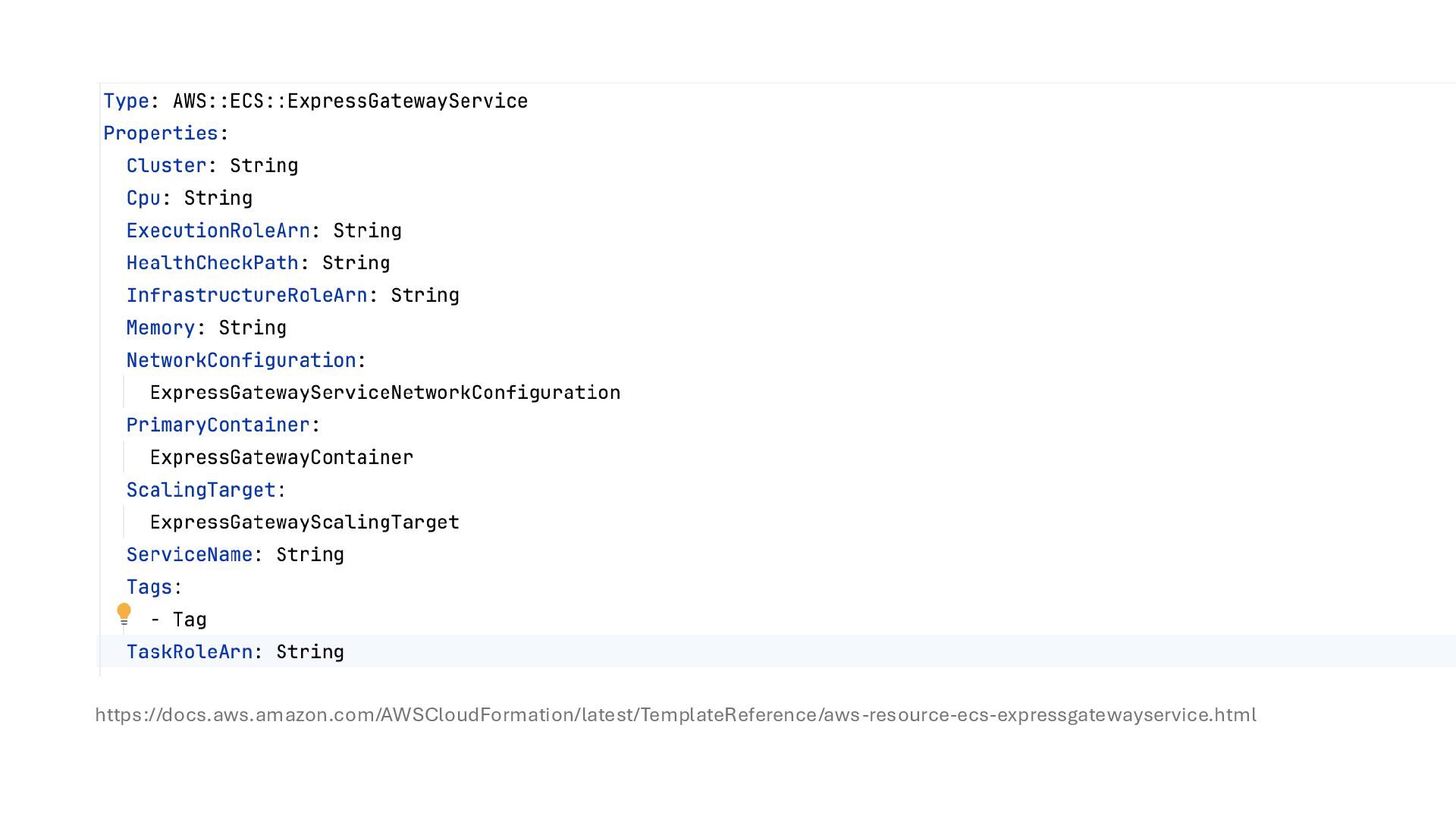
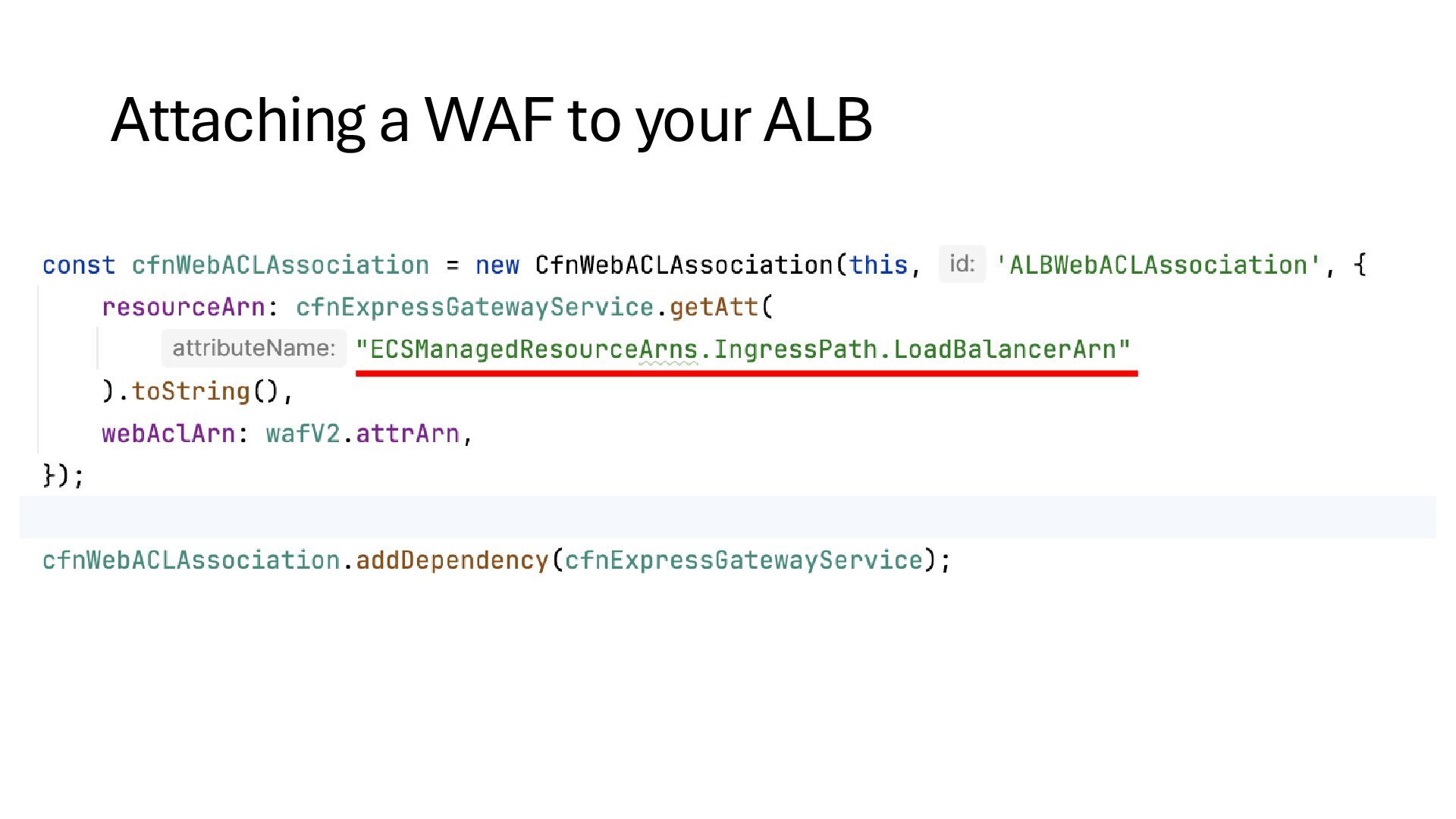
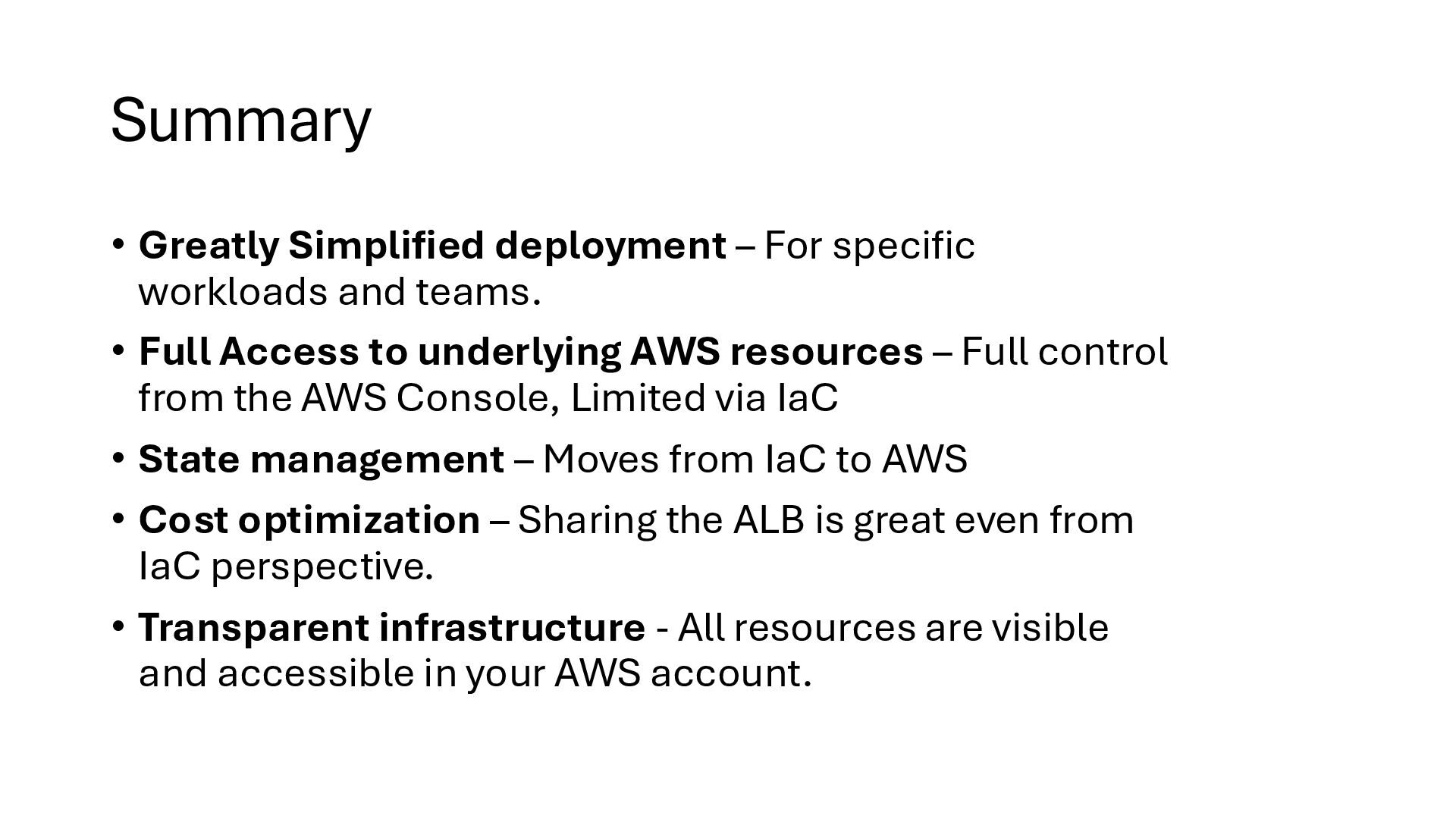
teams. • Full Access to underlying AWS resources – Full control from the AWS Console, Limited via IaC • State management – Moves from IaC to AWS • Cost optimization – Sharing the ALB is great even from IaC perspective. • Transparent infrastructure - All resources are visible and accessible in your AWS account.


 jreijn
.png) yamad
yamad
 codmoninc
 ykanoh
 riyaamemiya
 akitoshiga
 tetsuya28
 occhi
occhi
 pfn
pfn
 satoshi7
 teamlab
 terapyon
 sansantech
 sferik
 carmenintech
 tammielis
 madoxten
 csswizardry
 shlominoach
 jdejongh
 khoart
 raygrieselhuber
 chriscoyier
 mza
mza
 frankvandijk







![Thank you! Jeroen Reijn Cloud Solutions Architect [email protected] www.luminis.eu Please](https://files.speakerdeck.com/presentations/3fc82683c388478da6cae55780ec673c/slide_30.jpg)