Share
Embed
Advanced Techniques for Web Functional Testing
Presented at PyCon, Montréal 2014.
The video: https://www.youtube.com/watch?v=St9cL47_1GI
Julien Phalip
April 12, 2014
Transcript
33 slides
-
~ Julien Phalip Advanced Techniques for Web Functional Testing April
12th, 2014 PYCON 2014 - MONTRÉAL -
CONNECTED PERSONAL OBJECTS 5/2012 In brief: about me... ‣ Happy
Python programmer since 2007. ‣ Django core committer since 2011. ‣ @julienphalip -
CONNECTED PERSONAL OBJECTS 5/2012 Definitions ‣ Unit testing Ensure that
small parts work in isolation. ‣ Integration testing Ensure that those parts work well together. ‣ Functional testing Ensure that the application works, from a user’s perspective. -
CONNECTED PERSONAL OBJECTS 5/2012 Why use browser automators? ‣ Closer
to real Web user environment. ‣ Media & static files (CSS/images/etc.) implicitly get loaded. ‣ Javascript code & Ajax calls implicitly get executed. ‣ User interactions can be tested. ‣ Browser compatibility can be tested. ‣ It’s fun! -
CONNECTED PERSONAL OBJECTS 5/2012 Selenium ‣ WebDriver: API to become
W3C standard (currently in draft) ‣ Works across multiple browsers (Firefox, Chrome, IE, Safari, Opera) ‣ Client libraries in Java, C#, .NET, Ruby, PHP, Perl, Javascript and Python. ‣ Easy to install: pip install selenium -
CONNECTED PERSONAL OBJECTS 5/2012 Testing responsive sites class MyResponsiveTests(TestCase): def
test_responsive(self): # Mobile self.driver.set_window_size(600, 600) ... # Desktop self.driver.set_window_size(1200, 800) ... -
CONNECTED PERSONAL OBJECTS 5/2012 Testing visuals with Needle ‣ https://github.com/bfirsh/needle
‣ Based on Selenium. ‣ Catch regressions with styles, typography, SVG, images, etc. by comparing screenshots. -
CONNECTED PERSONAL OBJECTS 5/2012 Needle: Example class BannerTests(NeedleTestCase): def test_banner(self):
self.driver.get(‘http://us.pycon.org/’) self.assertScreenshot( '.banner', # CSS selector 'banner' # Filename (PNG) ) -
CONNECTED PERSONAL OBJECTS 5/2012 Needle Tips ‣ Baseline screenshots ==
Fixtures ‣ Store them in your repository ‣ Ensure consistency between environments (browser version, fonts, etc.) to avoid false positives. -
CONNECTED PERSONAL OBJECTS 5/2012 ‣ Install browser: $ wget https://ftp.mozilla.org/pub/mozilla.org/
firefox/releases/27.0/linux-x86_64/en-US/ firefox-27.0.tar.bz2 $ tar jxpvf firefox-27.0.tar.bz2 $ sudo ln -s "`pwd`/firefox/firefox" /usr/bin/firefox ‣ Install fonts: $ sudo apt-get install -y xfonts-100dpi xfonts-75dpi xfonts-scalable xfonts-cyrillic ‣ Install Xvfb: $ sudo apt-get install -y xvfb Headless mode ( 1/4 ) -
CONNECTED PERSONAL OBJECTS 5/2012 ‣ Either with the Xvfb command:
$ Xvfb -ac :99 2>/dev/null & $ export DISPLAY=:99 ‣ ... or with Jenkins: Xvfb plugin. ‣ ... or with Travis: before_install: - "sh -e /etc/init.d/xvfb start" - "export DISPLAY=:99.0" Headless mode ( 2/4 ) -
CONNECTED PERSONAL OBJECTS 5/2012 ‣ ... or with PyVirtualDisplay: from
pyvirtualdisplay import Display class MyTests(TestCase): def setUp(self): self.display = Display( 'xvfb', visible=1,size=(1280, 1024)) self.display.start() def tearDown(self): self.display.stop() Headless mode ( 3/4 ) -
CONNECTED PERSONAL OBJECTS 5/2012 ‣ ... or with PhantomJS WebDriver:
from selenium.webdriver import PhantomJS class MyTests(TestCase): def setUp(self): self.driver = PhantomJS() Headless mode ( 4/4 ) -
CONNECTED PERSONAL OBJECTS 5/2012 ‣ Runs remotely in the cloud
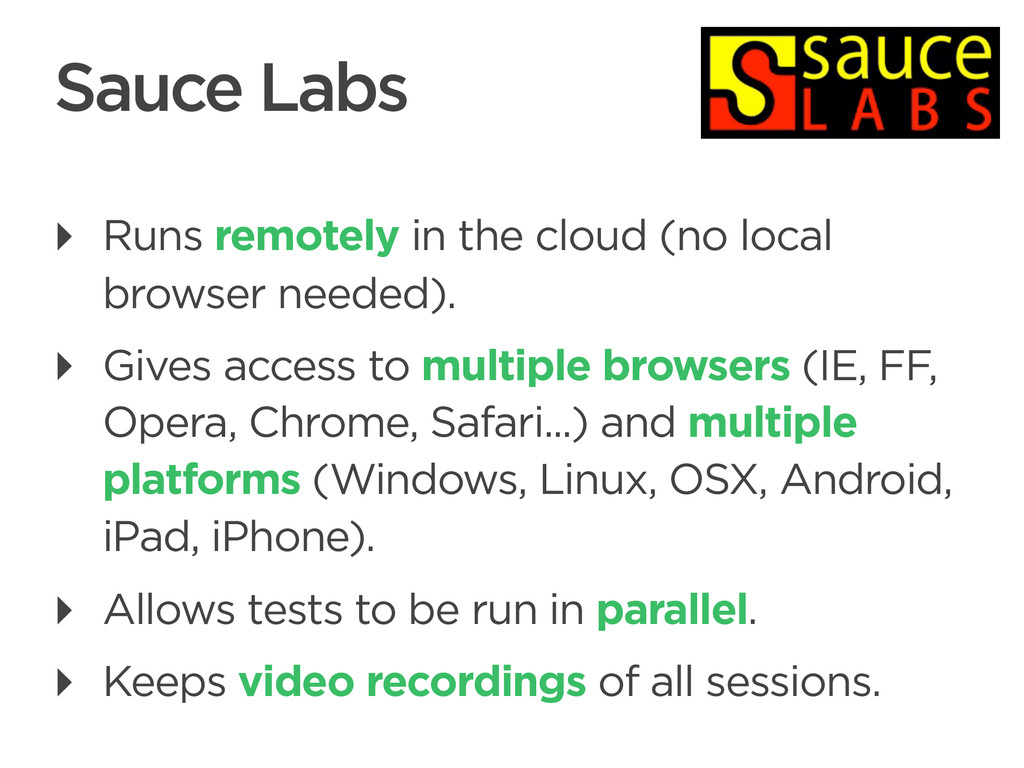
(no local browser needed). ‣ Gives access to multiple browsers (IE, FF, Opera, Chrome, Safari...) and multiple platforms (Windows, Linux, OSX, Android, iPad, iPhone). ‣ Allows tests to be run in parallel. ‣ Keeps video recordings of all sessions. Sauce Labs -
CONNECTED PERSONAL OBJECTS 5/2012 Optimizing for speed ‣ Use PhantomJS
(headless mode) ‣ Use parallelization (e.g. nosetests --processes=10) ‣ Bypass common user workflows with fake views or with test fixtures. -
CONNECTED PERSONAL OBJECTS 5/2012 Optimizing for robustness ‣ Pin down
versions for your whole software stack (incl. browser) ‣ Master the use of explicit waits (esp. with heavy JS/Ajax apps) ‣ Use lowest common denominator of WebDriver API implementations (for cross-browser testing) -
CONNECTED PERSONAL OBJECTS 5/2012 ‣ The Selenium Guidebook http://seleniumguidebook.com/ ‣
Selenium Testing Tools Cookbook http://www.packtpub.com/recipes-to- master-selenium-2-testing-tools-cookbook/ book More tips... -
CONNECTED PERSONAL OBJECTS 5/2012 A word of caution... ‣ Integration
& functional tests are slow. Use them with moderation. ‣ Use Selenium only for what a dummy test client may not already achieve (interactive user interfaces, visuals, complex user workflows). -
CONNECTED PERSONAL OBJECTS 5/2012 Integration & functional tests are important.
‣ Increase your confidence in your code. ‣ Increase your test coverage. ‣ Test the integration frontend/backend. ‣ Ensure that the user interface works and looks as expected. ‣ Have fun in the process! -
CONNECTED PERSONAL OBJECTS 5/2012 Photo credits ‣ http://www.flickr.com/photos/t0msk/3148160756/ ‣ http://www.flickr.com/photos/loozrboy/7311771718/
‣ http://www.flickr.com/photos/randomskk/3057595640/