tools for AI x XR, such as Seiro MCP and the tool I am announcing today. I hope this serves as a reference when building AI tools. • Developing daily with Seiro MCP • New frustrations • Conceiving the Abstract Layout Tool (tentative) • DEMO • Future developments
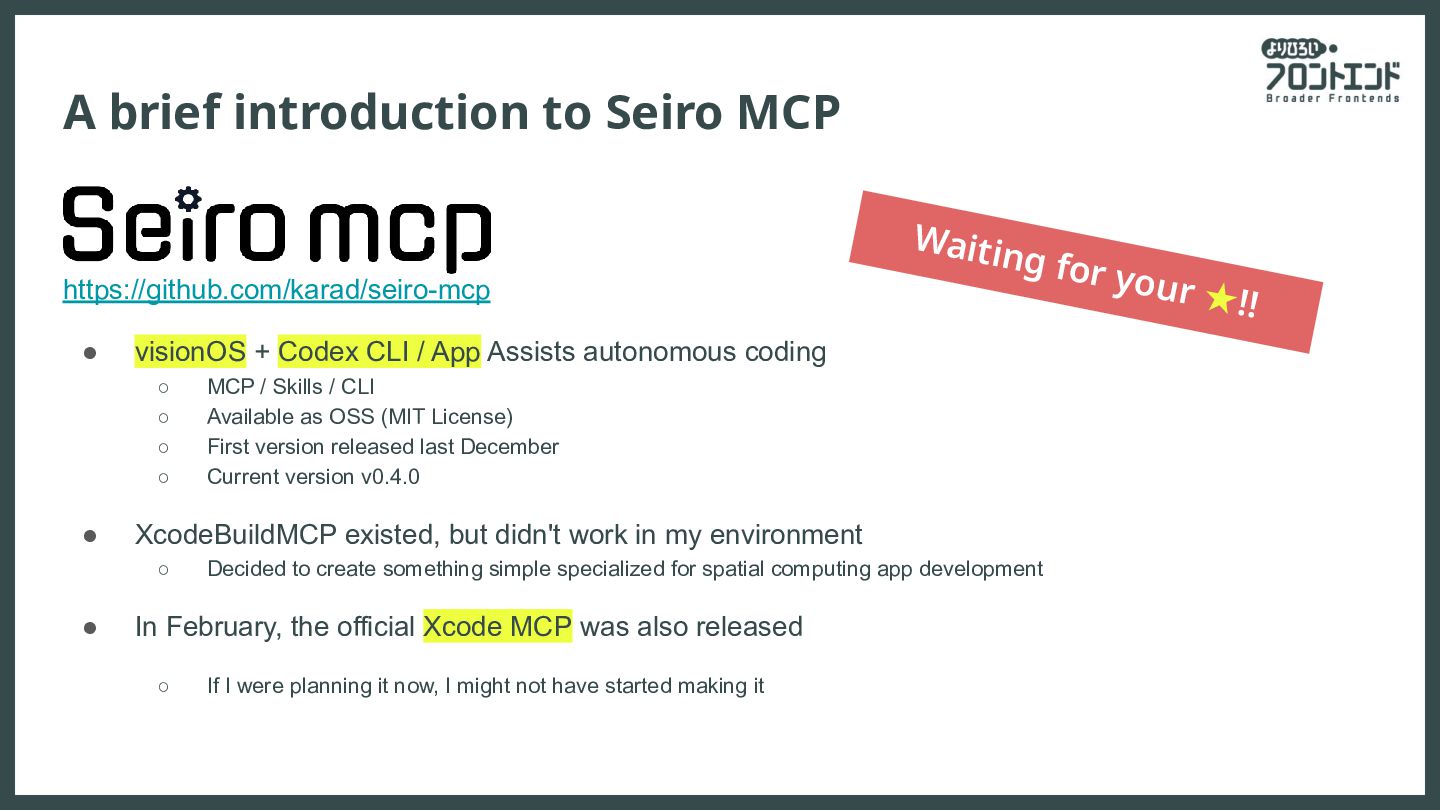
Codex CLI / App Assists autonomous coding ◦ MCP / Skills / CLI ◦ Available as OSS (MIT License) ◦ First version released last December ◦ Current version v0.4.0 • XcodeBuildMCP existed, but didn't work in my environment ◦ Decided to create something simple specialized for spatial computing app development • In February, the official Xcode MCP was also released ◦ If I were planning it now, I might not have started making it Waiting for your ★!!
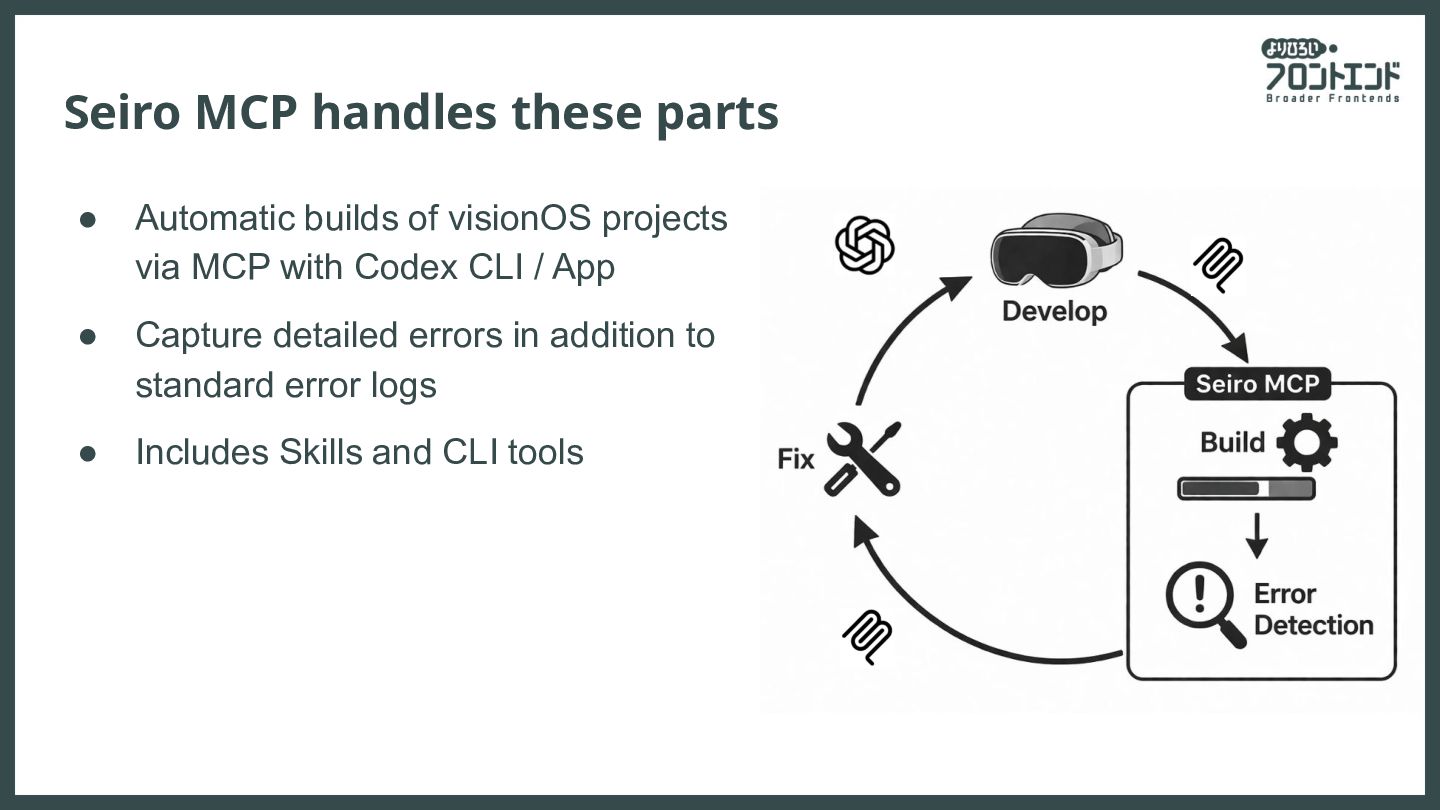
achieved, you realize there is even more ahead In the case of Seiro MCP... • Abstract errors make the AI unsure of what to do ◦ Resolved by digging into more detailed logs • Similar errors occur repeatedly, requiring re-solving the same problems ◦ The same mistakes are made often, and the errors tend to be consistent ◦ These steps are taken every time an error occurs • How to centralize solution know-how is one of the current challenges To be addressed in the next Seiro MCP
when the AI understands the correct state but the implementation is incorrect • If the AI doesn't understand the correct answer to begin with, it cannot reach a solution • Giving instructions for spatial content is inherently difficult ◦ Describing spatial relationships is challenging, even for skilled writers ◦ Providing corrective instructions is also difficult
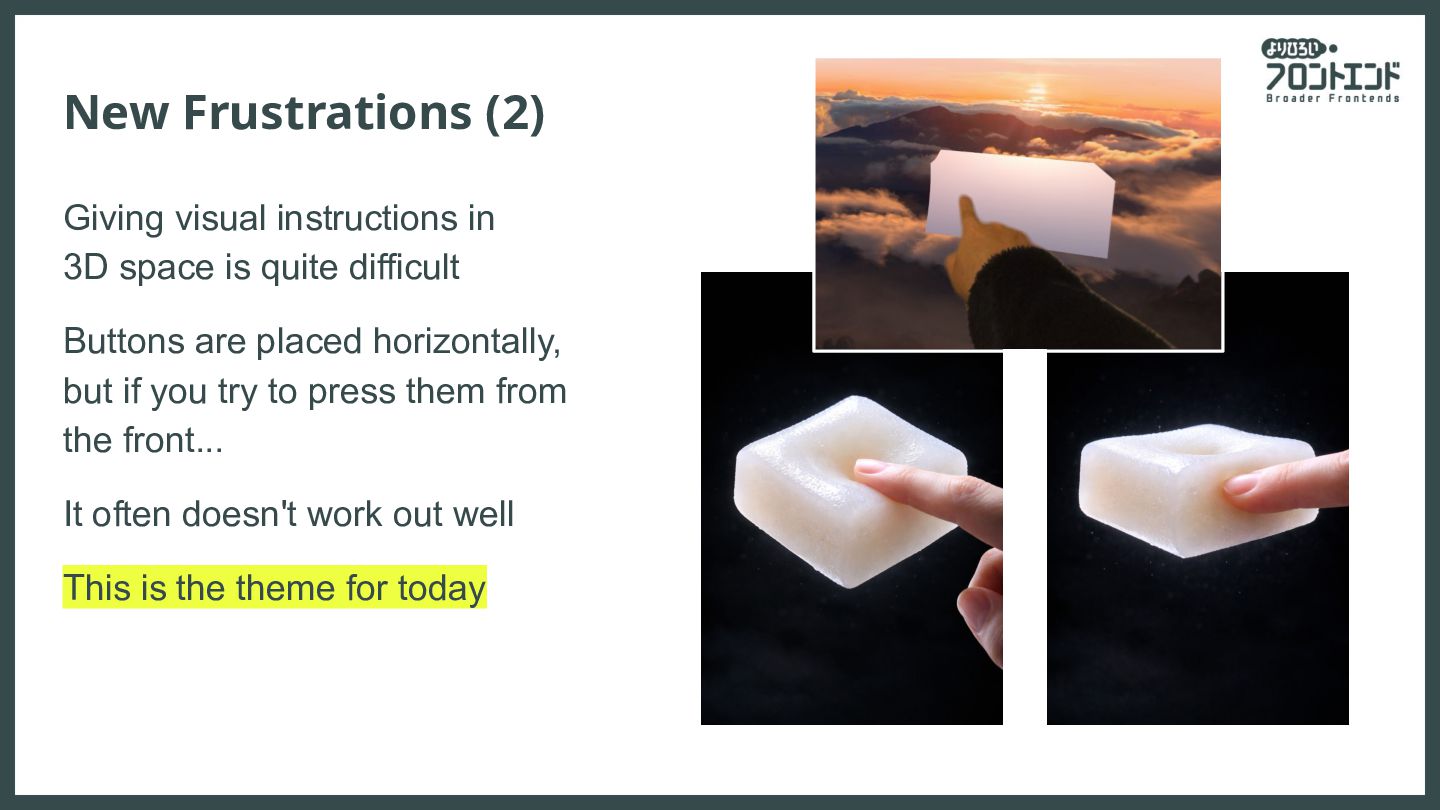
quite difficult Buttons are placed horizontally, but if you try to press them from the front... It often doesn't work out well This is the theme for today
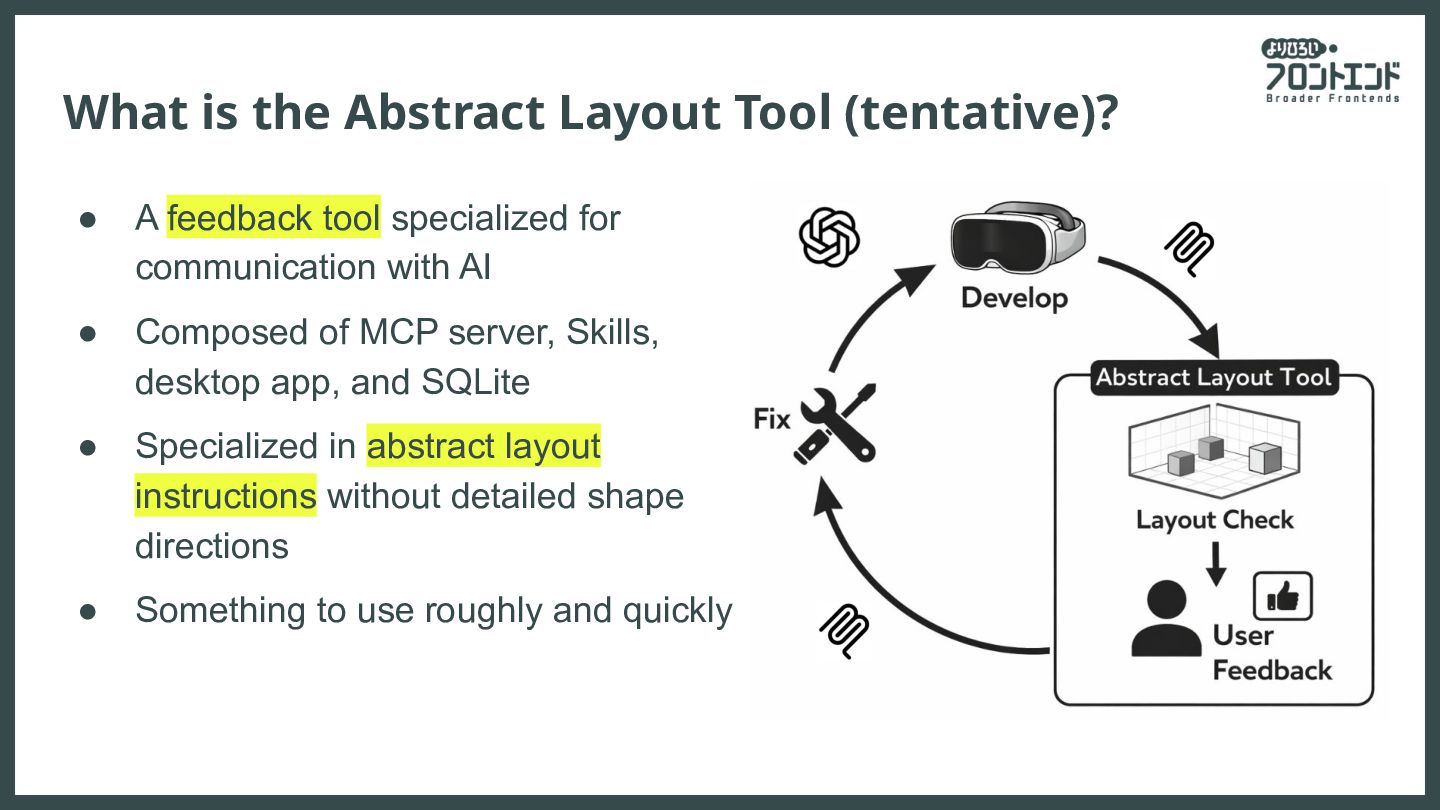
tool specialized for communication with AI • Composed of MCP server, Skills, desktop app, and SQLite • Specialized in abstract layout instructions without detailed shape directions • Something to use roughly and quickly
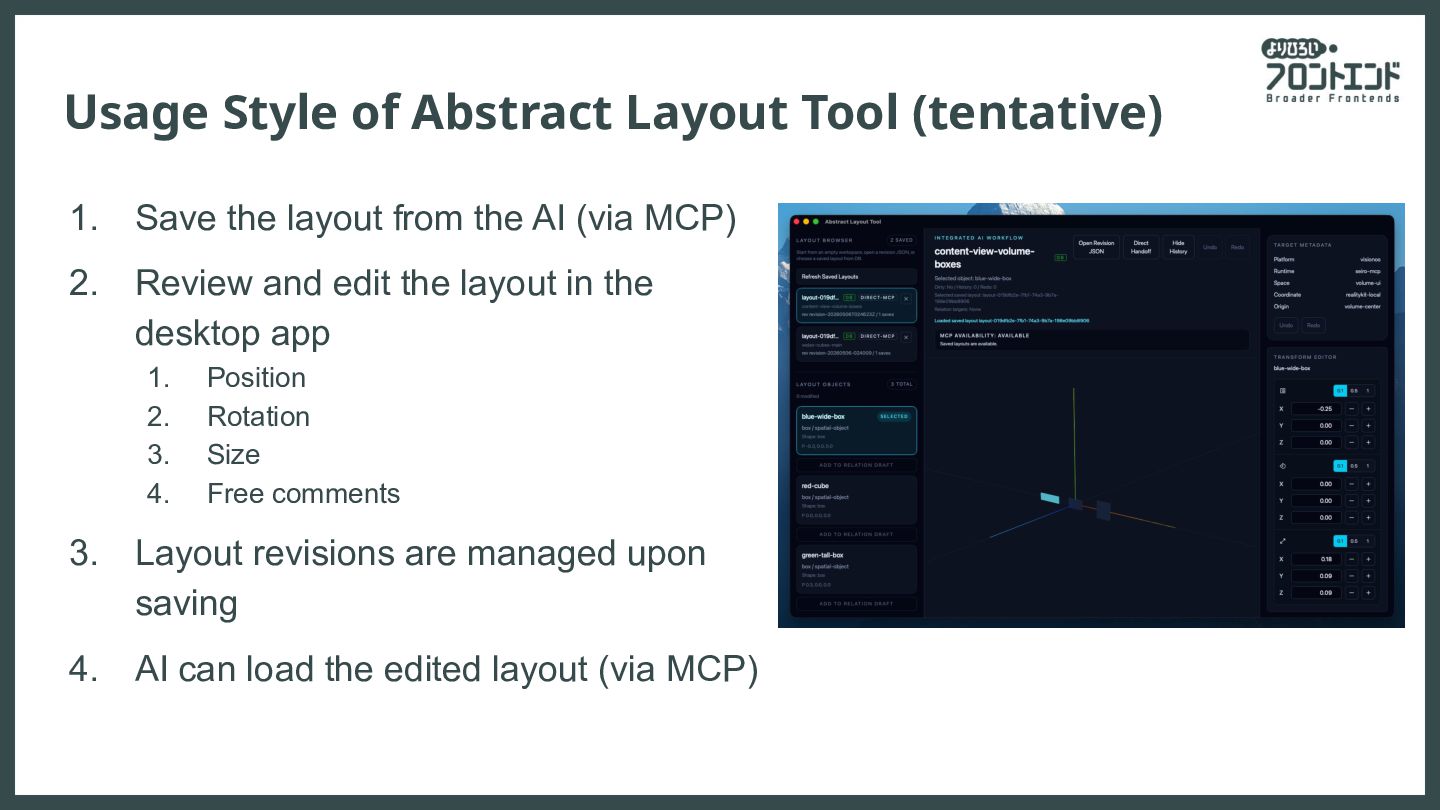
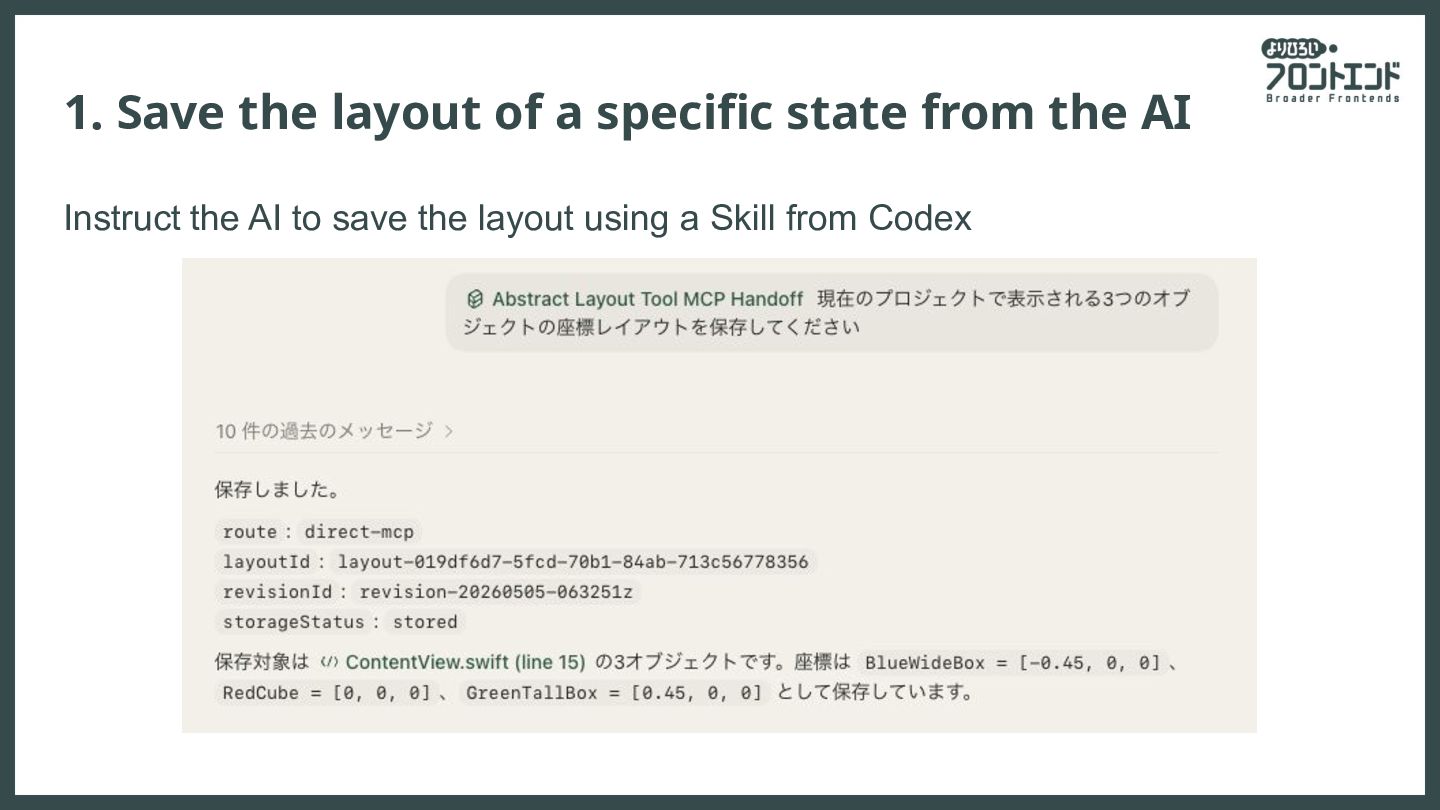
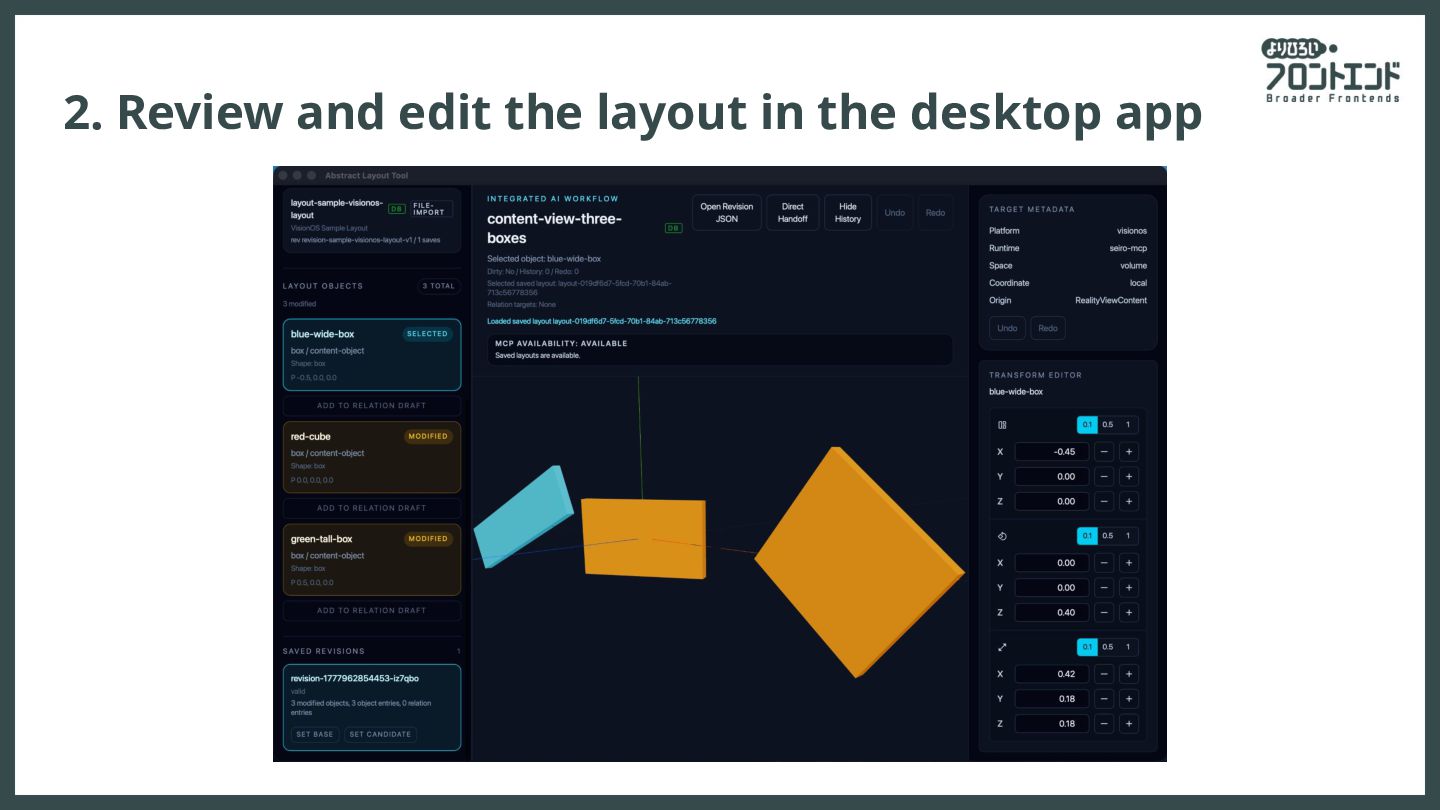
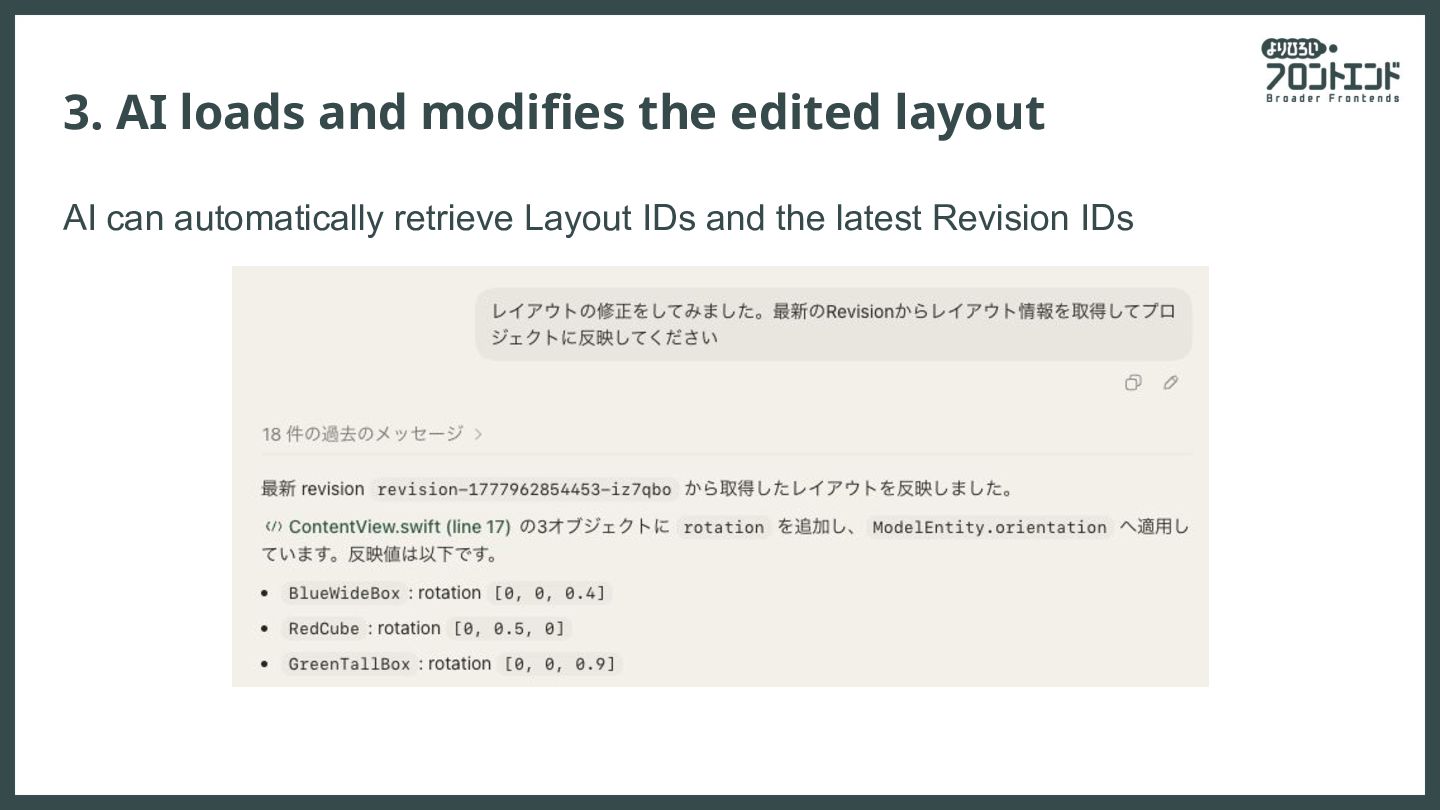
layout from the AI (via MCP) 2. Review and edit the layout in the desktop app 1. Position 2. Rotation 3. Size 4. Free comments 3. Layout revisions are managed upon saving 4. AI can load the edited layout (via MCP)
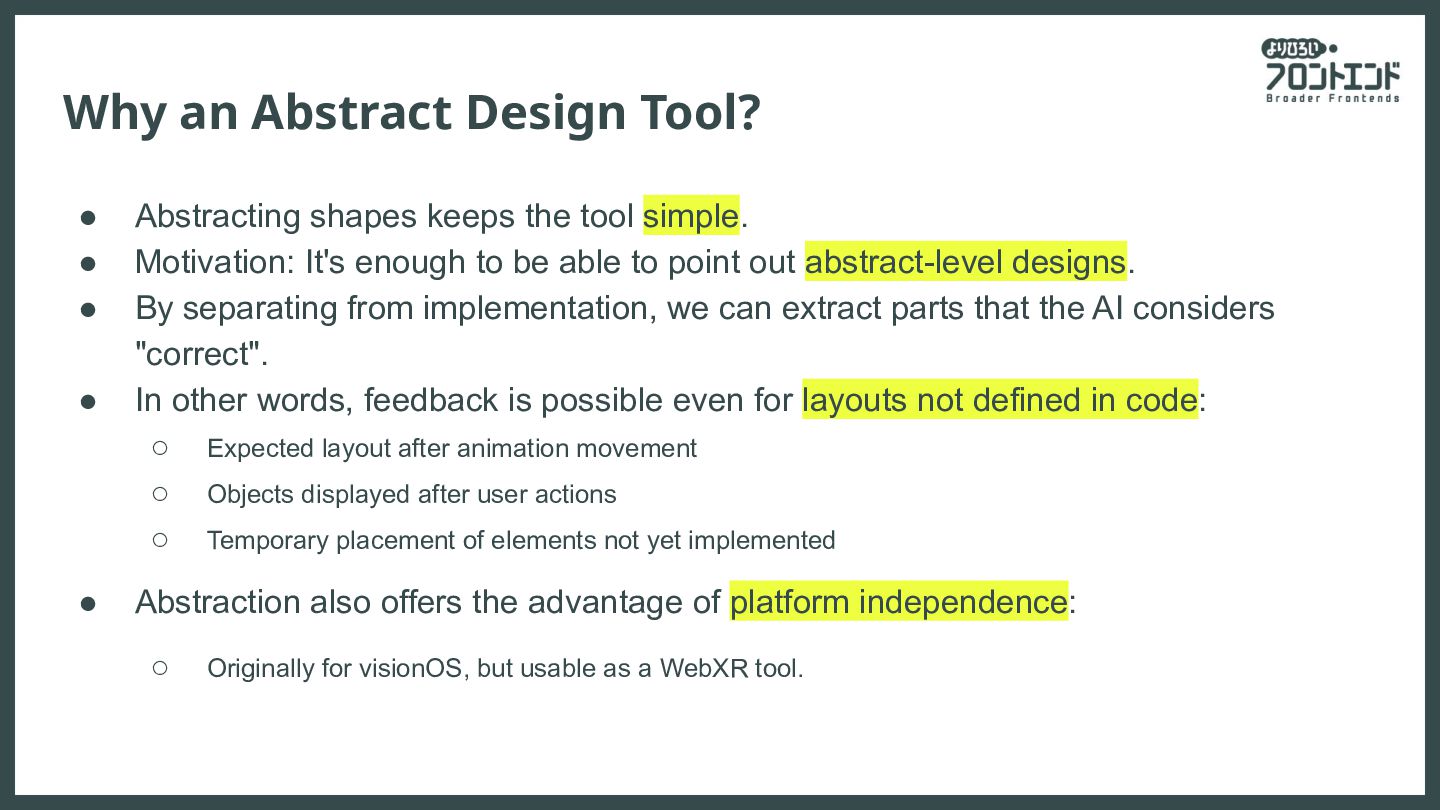
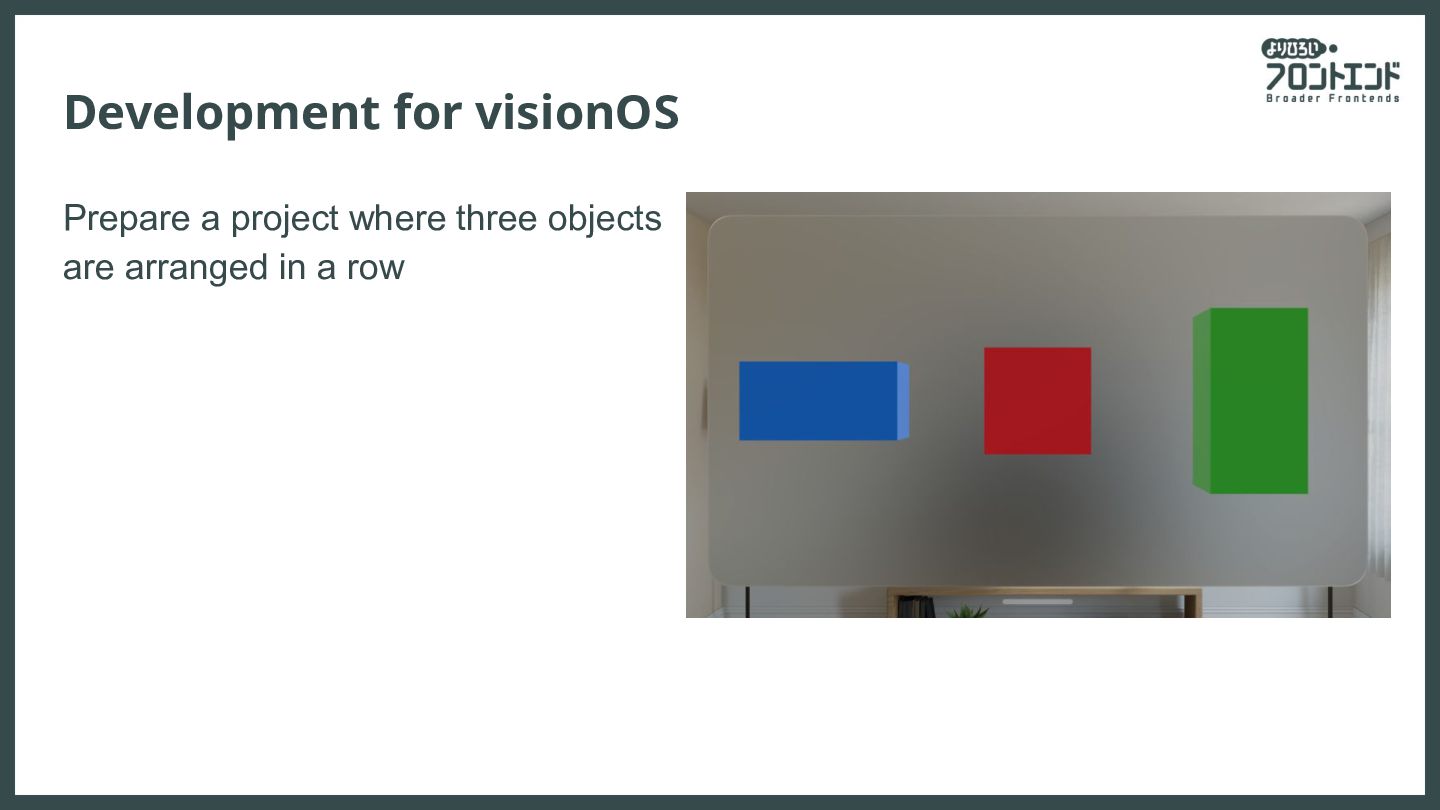
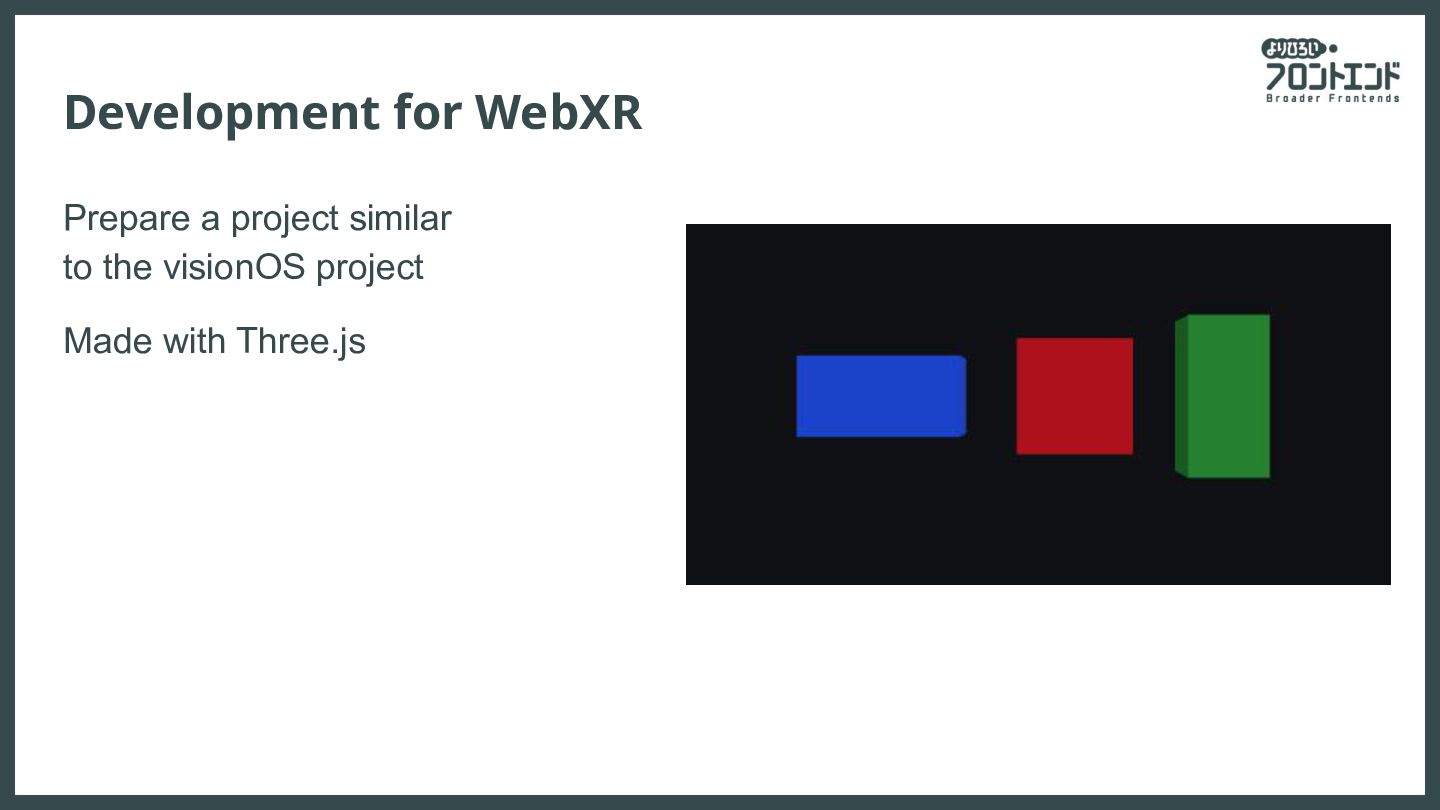
tool simple. • Motivation: It's enough to be able to point out abstract-level designs. • By separating from implementation, we can extract parts that the AI considers "correct". • In other words, feedback is possible even for layouts not defined in code: ◦ Expected layout after animation movement ◦ Objects displayed after user actions ◦ Temporary placement of elements not yet implemented • Abstraction also offers the advantage of platform independence: ◦ Originally for visionOS, but usable as a WebXR tool.
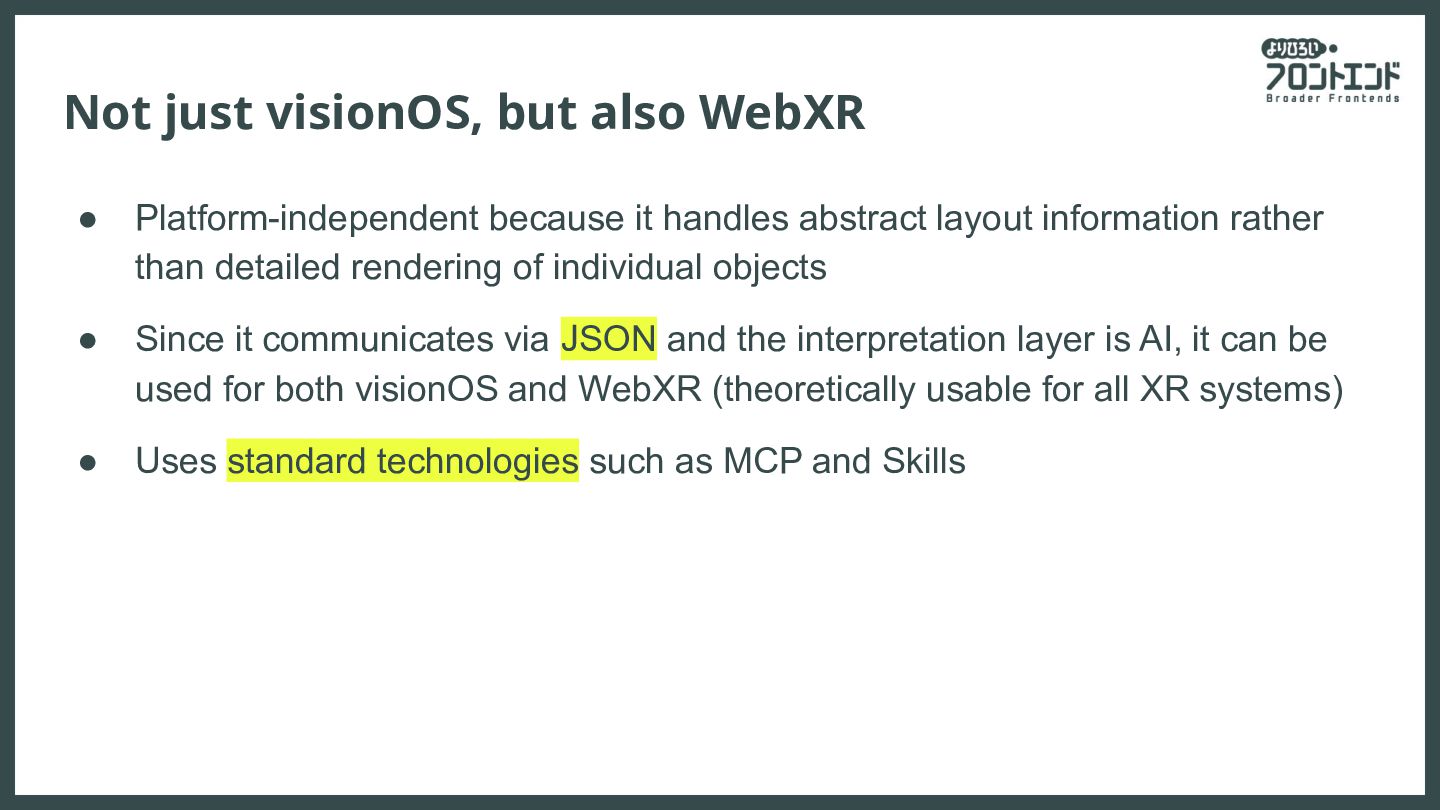
handles abstract layout information rather than detailed rendering of individual objects • Since it communicates via JSON and the interpretation layer is AI, it can be used for both visionOS and WebXR (theoretically usable for all XR systems) • Uses standard technologies such as MCP and Skills
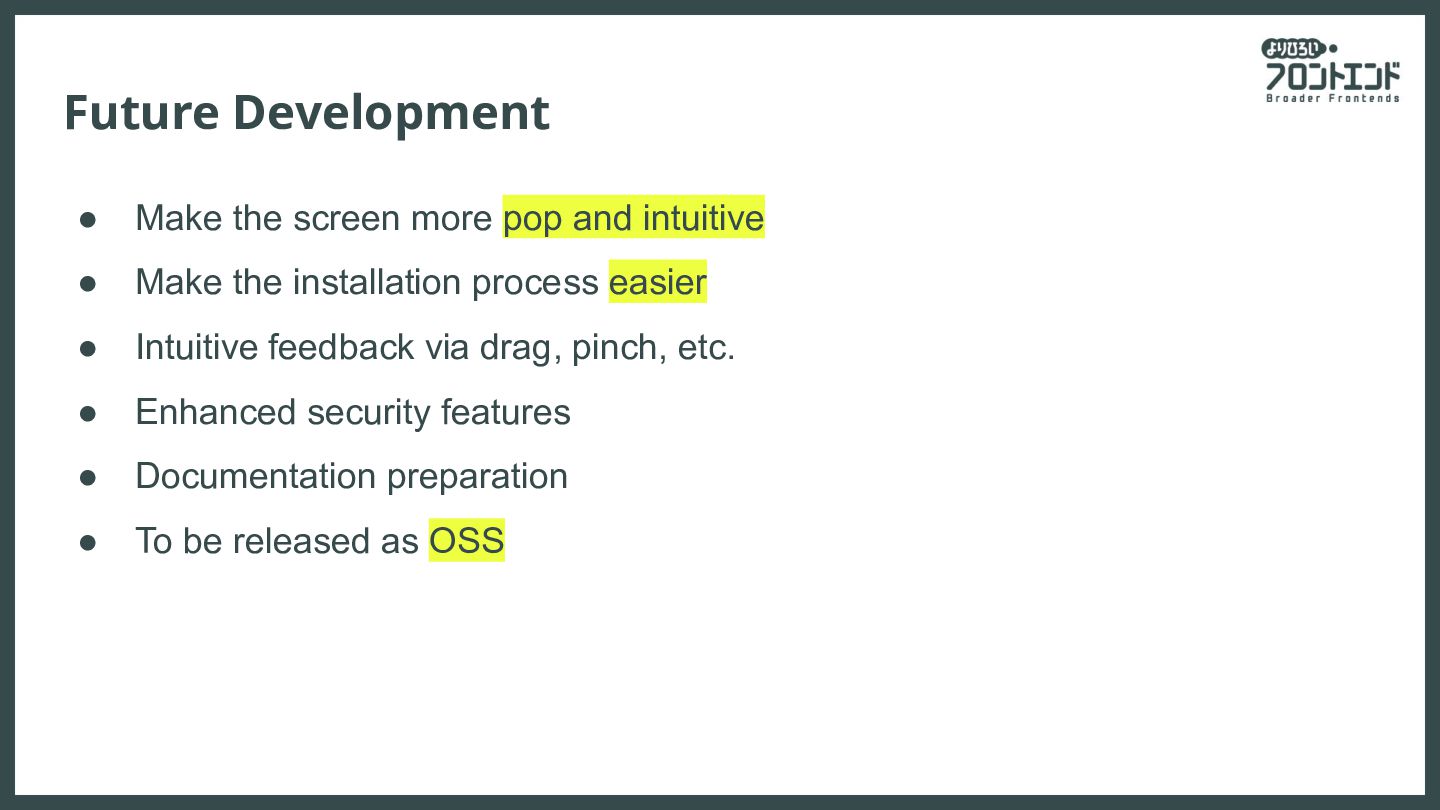
• Make the installation process easier • Intuitive feedback via drag, pinch, etc. • Enhanced security features • Documentation preparation • To be released as OSS


 karad
karad
 cygames
 ottatto
 webnaut
 kotasaito_cnt
 heartlanguage
 iwaken71
 garyuten
 noppefoxwolf
 toy1618
 sugi2000
 tinykitten
 kgsi
kgsi
 samtorres
 cassininazir
 inesmontani
 ipullrank
 nikkihalliwell
 addyosmani
 reverentgeek
 geoffreycrofte
 tapps
tapps
 bermonpainter
 axbom
axbom