Upgrade to Pro — share decks privately, control downloads, hide ads and more …

Library Session 1 - Intro. to Library Research ...

Sponsored · Your Podcast. Everywhere. Effortlessly. Share. Educate. Inspire. Entertain. You do you. We'll handle the rest.

Library Session 1 - Intro. to Library Research COSC 111 Section 002

Avatar for Kimberly Miller

Kimberly Miller

February 28, 2013
Tweet

More Decks by Kimberly Miller

Other Decks in Education

Transcript

  1. K I M B E R LY M I L

    L E R , M S I K I M B E R LY M I L L E R @ T O W S O N . E D U COSC111: AN INTRO. TO RESEARCH & THE LIBRARY
  2. ASK A LIBRARIAN! • Kimberly Miller • [email protected] • 410-704-6324

    • Cook Library • In-person: Reference desk (3rd Floor) • Phone: 410-704-2462 • IM/Email: http://cooklibrary.towson.edu • Text: 66746 & start your question with askcook • Social Media
  3. COSC 111 RESEARCH ASSIGNMENT From your assignment: “In this group

    study you will work with a team to research, create, and present information on topics that you have selected. In the process you will improve your skills in the areas of team building, information gathering, organization and presentation.”
  4. WHAT ARE WE GOING TO TALK ABOUT? Research Process Evaluating

    Information Using Library Resources Ethical Information Use • Search Strategies • Finding Books & Articles • Plagiarism • Citing Information
  5. Interpreting the Assignment Reading Background Information Using Online Databases &

    Indexes Gathering Sources Drafting Paper or Presentation Identifying & Listing Vocabulary Citing Sources Refining a Topic Evaluating Sources Selecting a Topic Research Process
  6. LOOK FOR CRAAP • Currency - Timeliness of the information

    • Relevance • Authority • Accuracy • Purpose
  7. LOOK FOR CRAAP • Currency • Relevance – Importance of

    information for your needs • Authority • Accuracy • Purpose
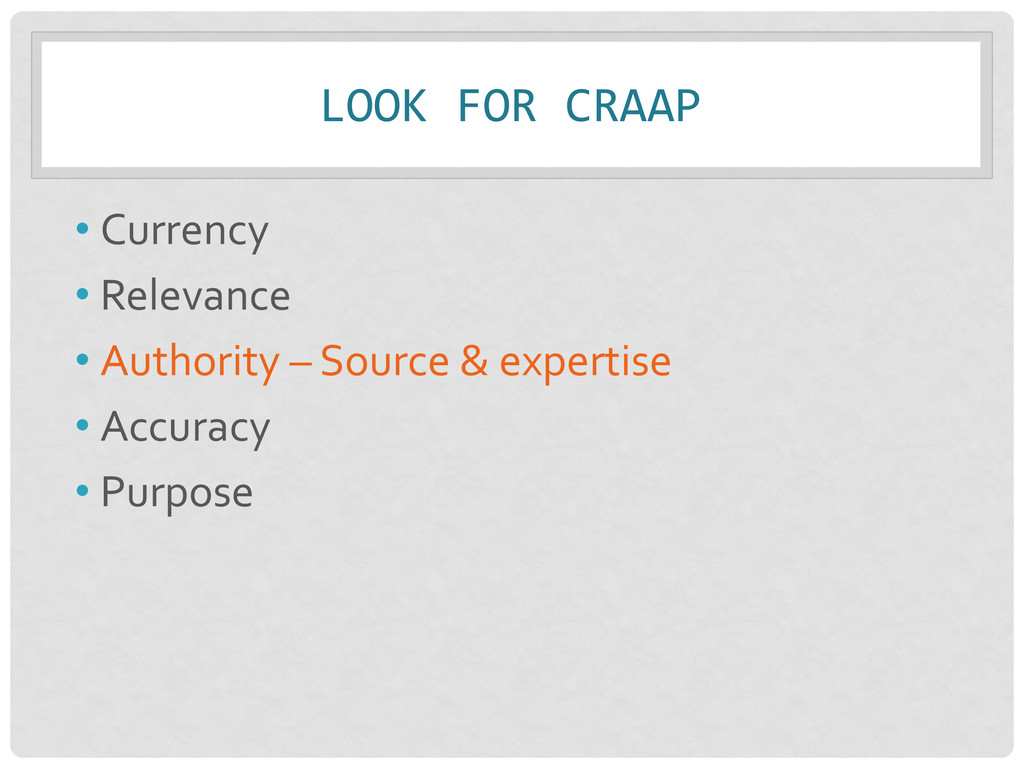
  8. LOOK FOR CRAAP • Currency • Relevance • Authority –

    Source & expertise • Accuracy • Purpose
  9. LOOK FOR CRAAP • Currency • Relevance • Authority •

    Accuracy – Reliability, truthfulness, and correctness • Purpose
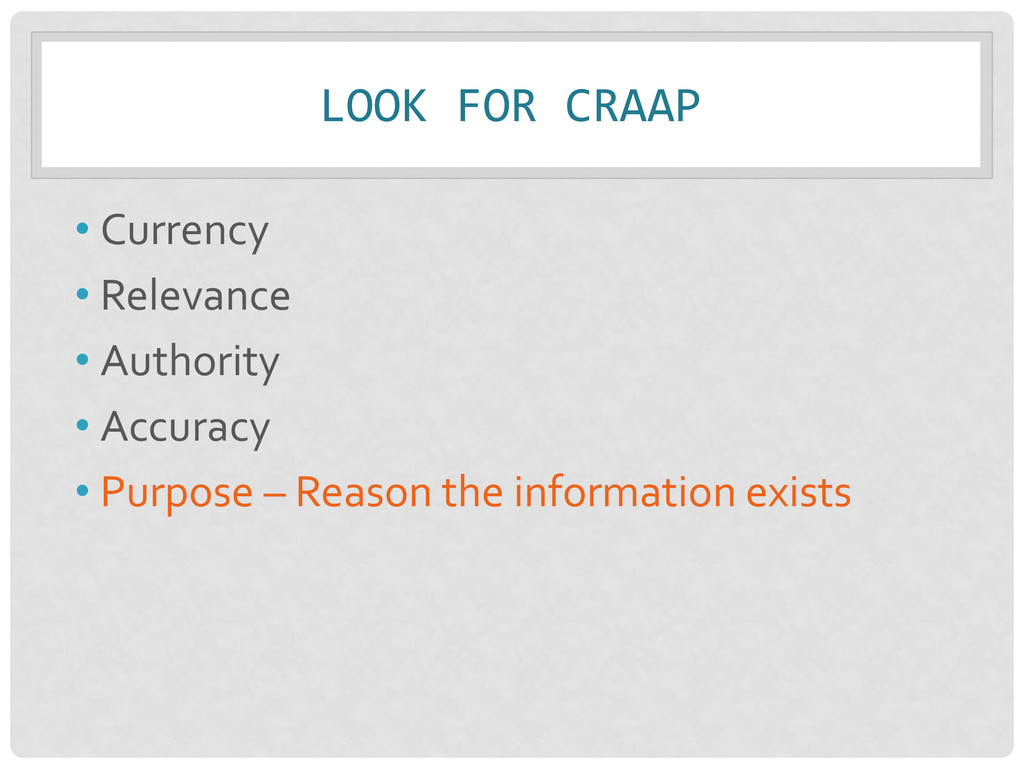
  10. LOOK FOR CRAAP • Currency • Relevance • Authority •

    Accuracy • Purpose – Reason the information exists
  11. LOOK FOR CRAAP • Currency - Timeliness of the information

    • Relevance – Importance of info. for your needs • Authority – Source & expertise • Accuracy – Reliability, truthfulness, and correctness • Purpose – Reason the information exists Remember: Not just one criteria, but a balance of all!
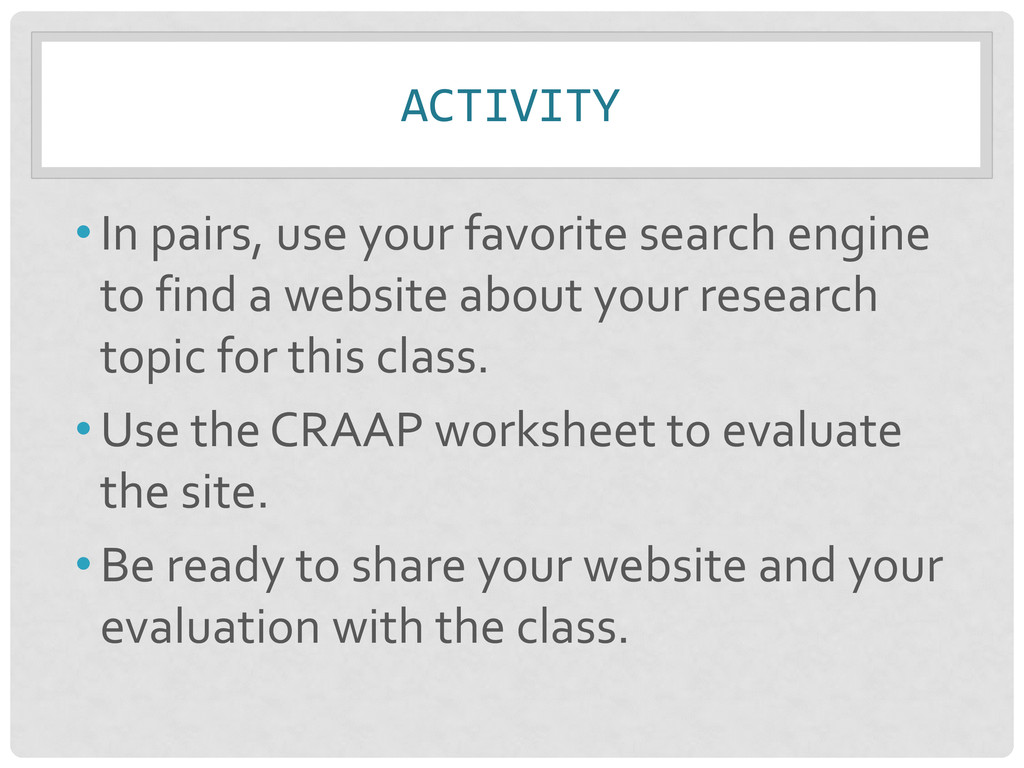
  12. ACTIVITY •In pairs, use your favorite search engine to find

    a website about your research topic for this class. •Use the CRAAP worksheet to evaluate the site. •Be ready to share your website and your evaluation with the class.
  13. COOK GUIDE TO THE WEB We’ve done some of the

    work for you! http://cooklibrary.towson.edu/ “Research” → “Guide to the Web” “Help Guides” → “Google Advanced Search”
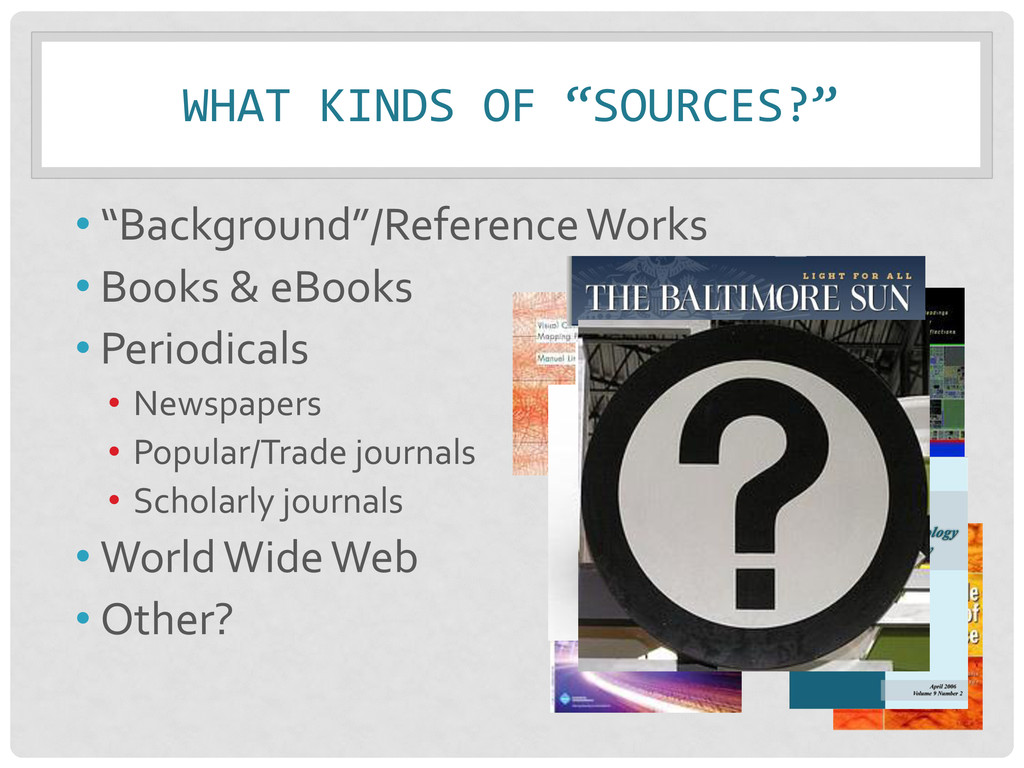
  14. WHAT KINDS OF “SOURCES?” • “Background”/Reference Works • Books &

    eBooks • Periodicals • Newspapers • Popular/Trade journals • Scholarly journals • World Wide Web • Other?
  15. TOPIC DEVELOPMENT Questions to consider: •What issues/concepts are related to

    this topic? •What do I want to know/show? •So what?
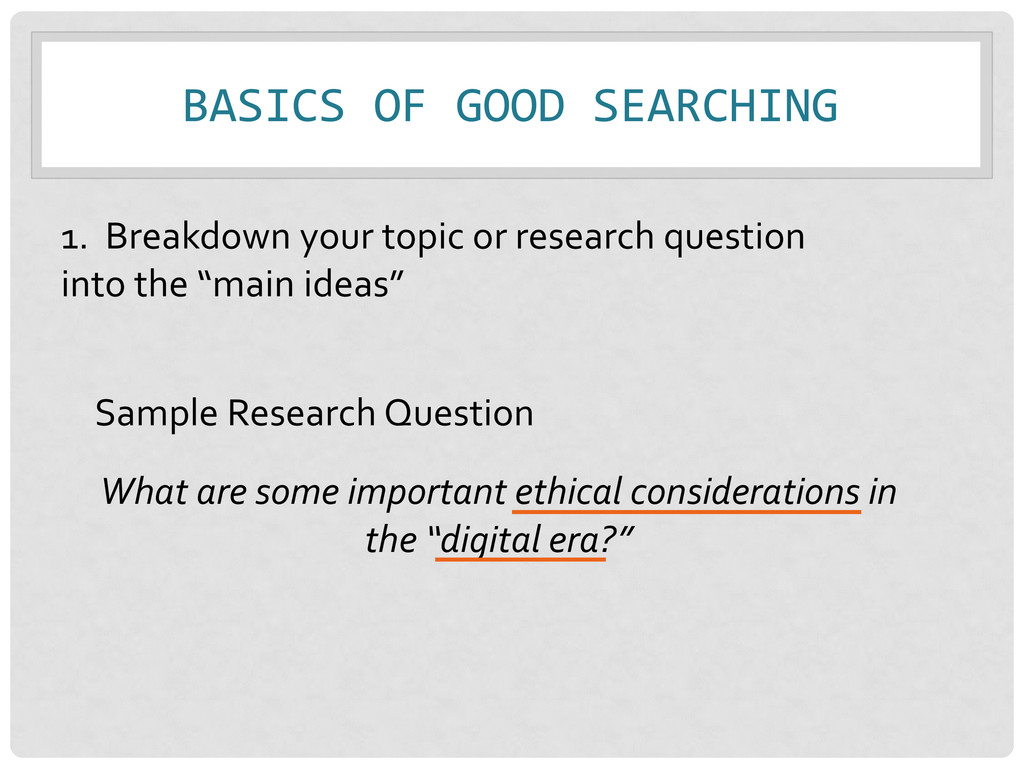
  16. BASICS OF GOOD SEARCHING Sample Research Question What are some

    important ethical considerations in the “digital era?” 1. Breakdown your topic or research question into the “main ideas”
  17. THINK IT… BUT DON’T SEARCH IT •Effect / Affect •Impact

    •Change •Influence •Advance / Improve • Help / Aid • Cause • Pro / Con • Benefit • Importance
  18. YOUR TURN •Write your topic in the first box on

    your worksheet •Identify at least two main concepts in your topic and write them on the lines in the second box on your worksheet
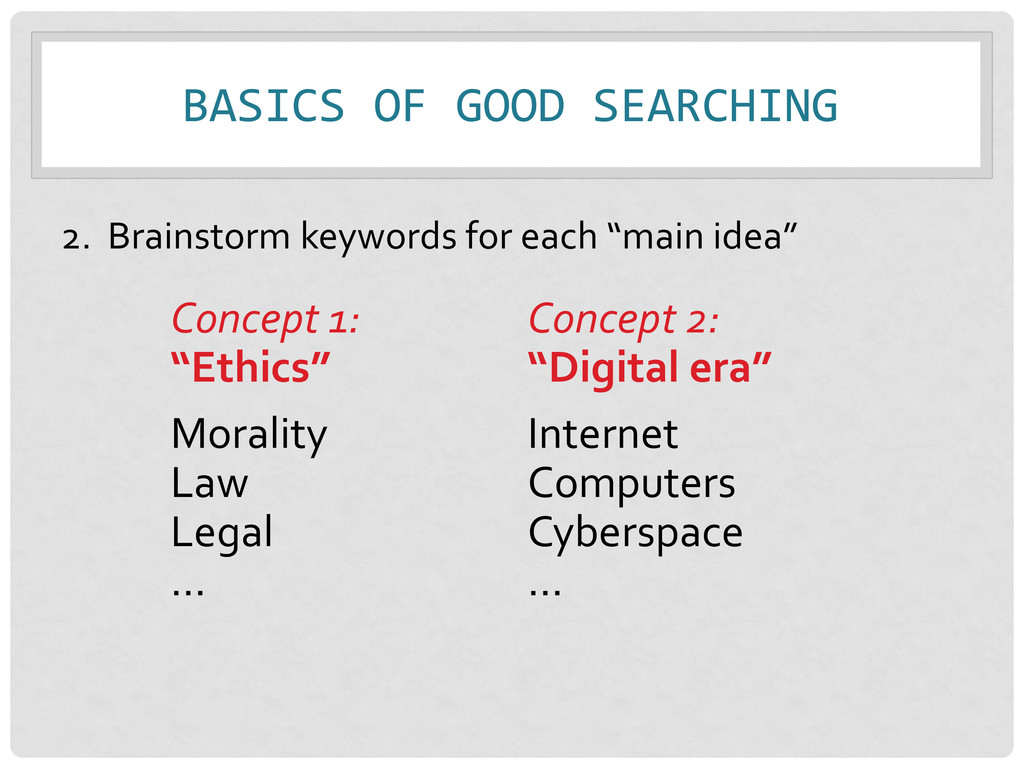
  19. BASICS OF GOOD SEARCHING Concept 1: “Ethics” Morality Law Legal

    … Concept 2: “Digital era” Internet Computers Cyberspace … 2. Brainstorm keywords for each “main idea”
  20. YOUR TURN • In the third group of boxes on

    your worksheet list additional key terms (synonyms) you might be able to use in your search • What other words could describe each main concept?
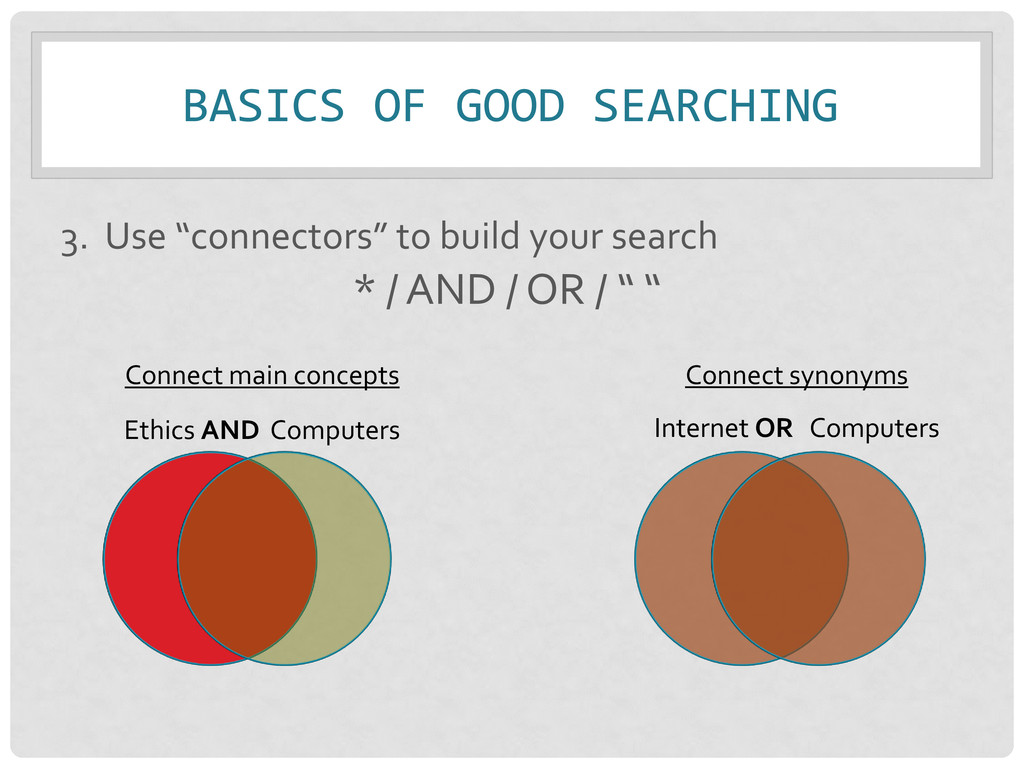
  21. BASICS OF GOOD SEARCHING 3. Use “connectors” to build your

    search * / AND / OR / “ “ Connect main concepts Ethics AND Computers Connect synonyms Internet OR Computers
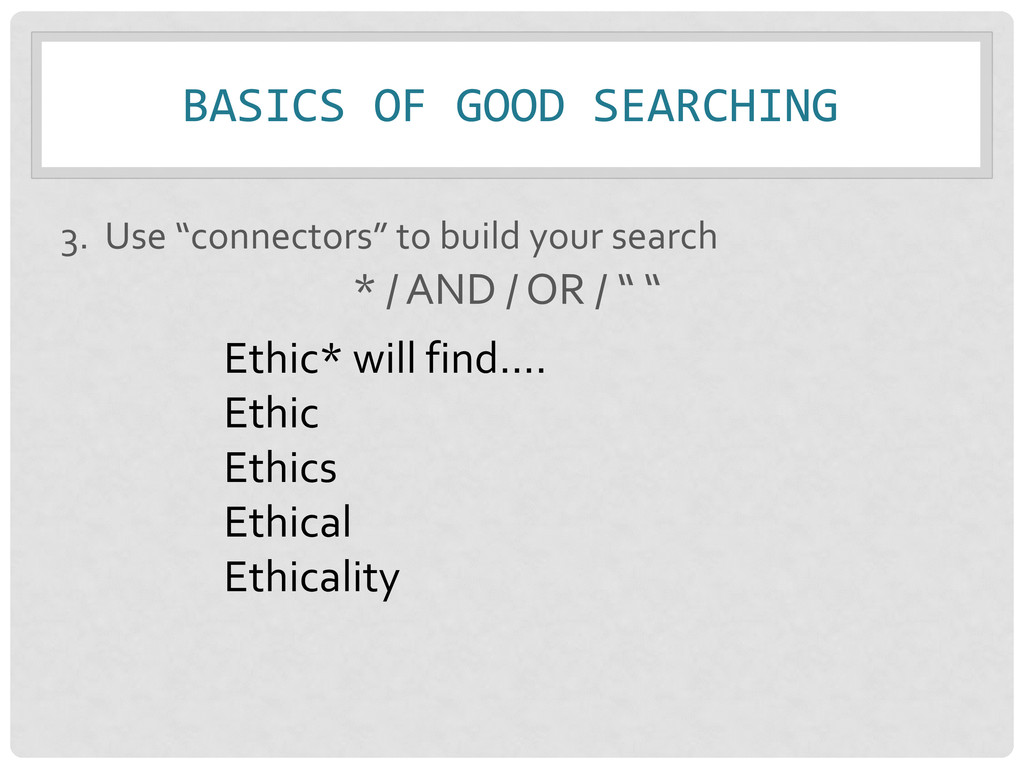
  22. BASICS OF GOOD SEARCHING 3. Use “connectors” to build your

    search * / AND / OR / “ “ Ethic* will find…. Ethic Ethics Ethical Ethicality
  23. BASICS OF GOOD SEARCHING 3. Use “connectors” to build your

    search * / AND / OR / “ “ MORE COMPLEX SEARCH: (ethic* OR cyberethics) AND (internet OR computer* OR “digital era”) SIMPLE SEARCH: ethics AND internet
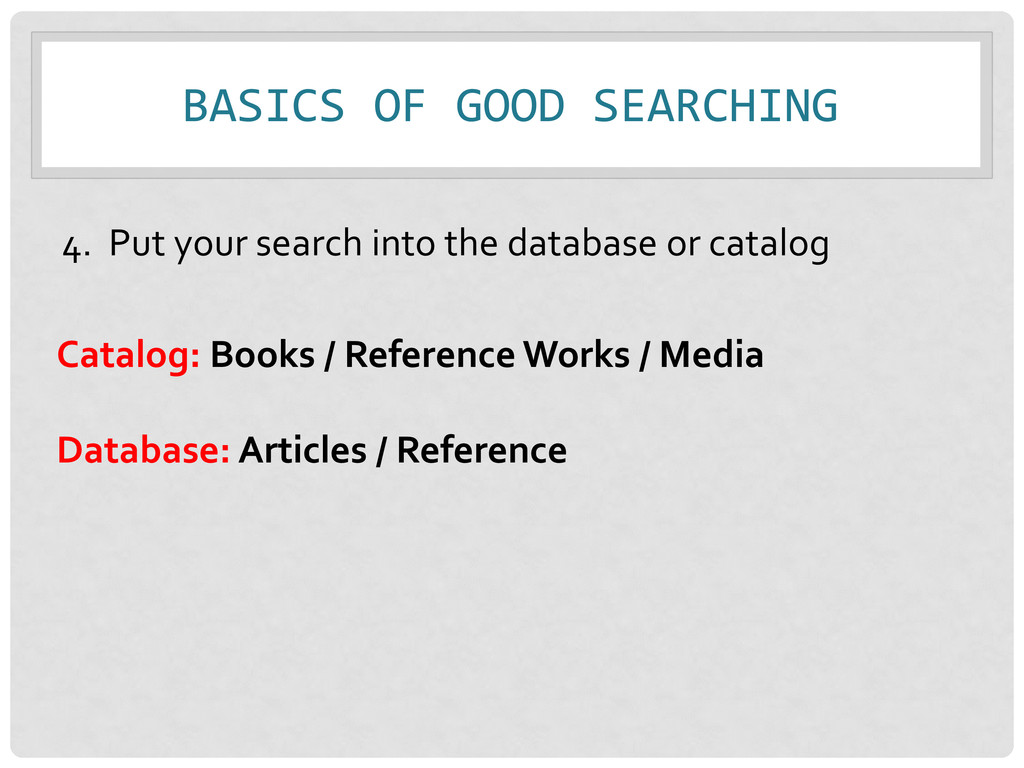
  24. BASICS OF GOOD SEARCHING 4. Put your search into the

    database or catalog Catalog: Books / Reference Works / Media Database: Articles / Reference
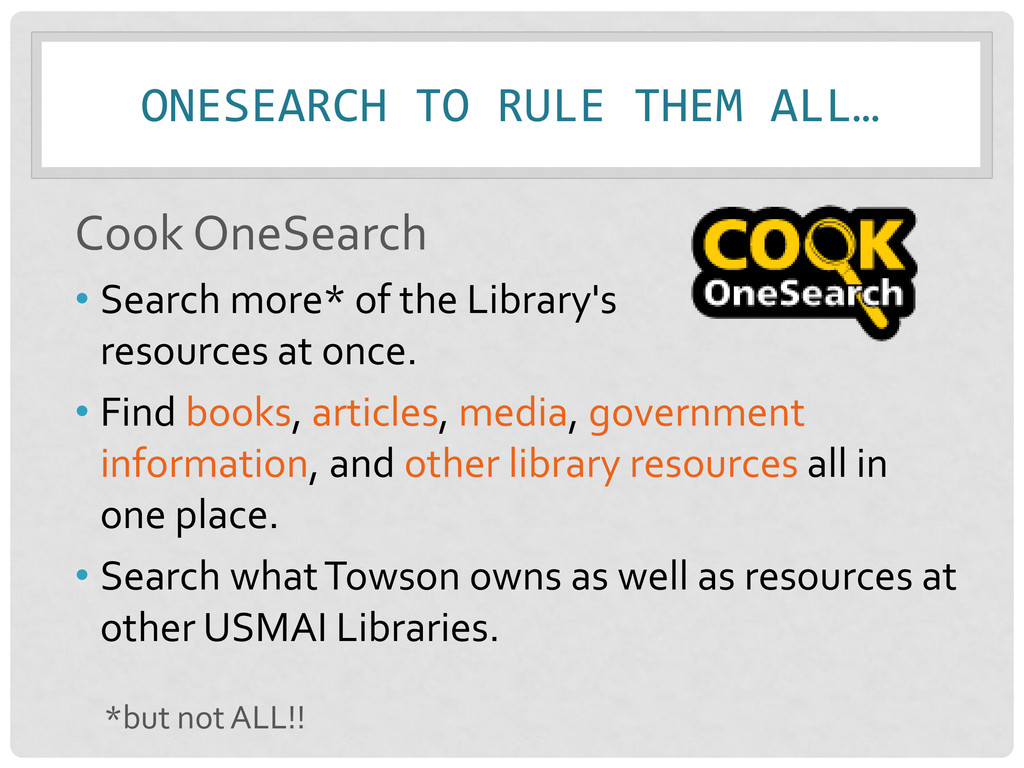
  25. ONESEARCH TO RULE THEM ALL… Cook OneSearch • Search more*

    of the Library's resources at once. • Find books, articles, media, government information, and other library resources all in one place. • Search what Towson owns as well as resources at other USMAI Libraries. *but not ALL!!
  26. C O O K O N E S E A

    R C H http://cooklibrary.towson.edu
  27. RECAP • Research process – many steps! • Evaluating information

    – check for CRAAP! • “Library Research” – can mean a lot of things! • Practice good search techniques • NEXT TIME: • Finish searching • Ethical use of information
  28. QUESTIONS? • Kimberly Miller • [email protected] • 410-704-6324 • Reference

    • In-person: Reference desk (3rd Floor) • Phone: 410-704-2462 • IM/Email: http://cooklibrary.towson.edu • Text: 66746 & start your question with askcook