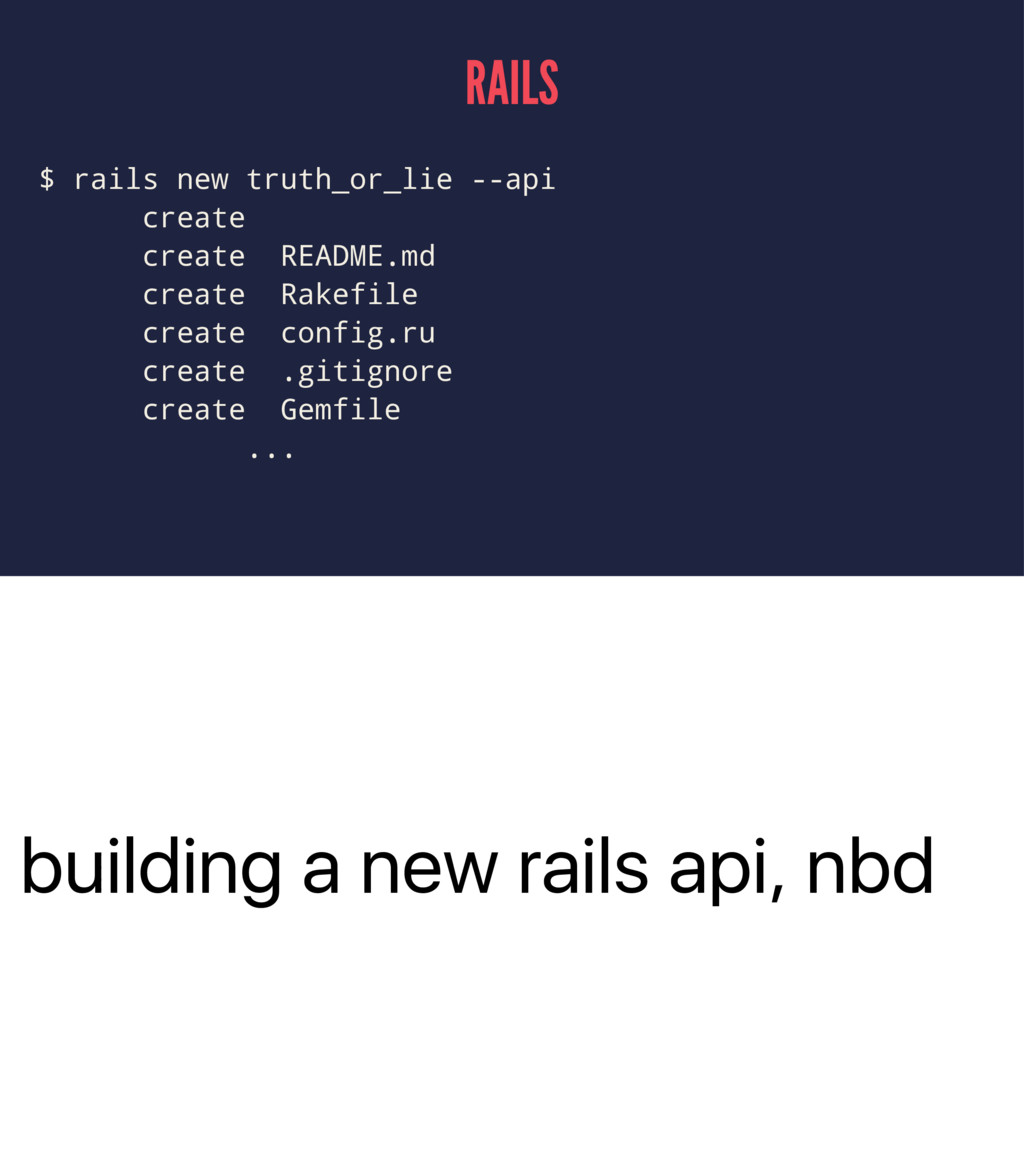
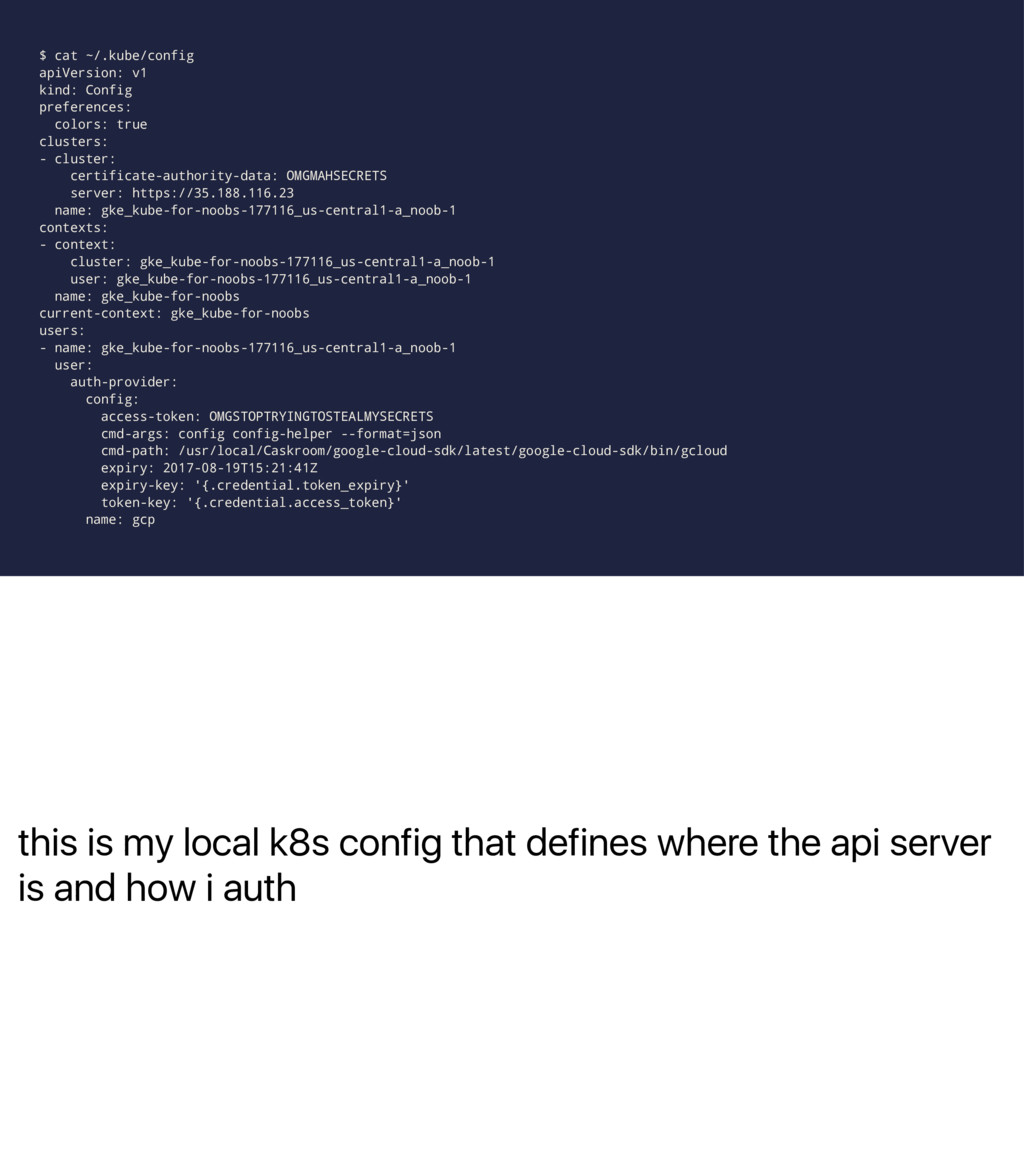
deploying stuff in the future no more capistrano or fabric, no more "oh this project uses cap 3 but this one uses cap 2 shit i need a different version of ruby-ssh for this one" no more maintaining capfiles or the tools you use for deployment not gonna get too far in the weeds but enough to help build a mental model users intro, not operators intro WHY
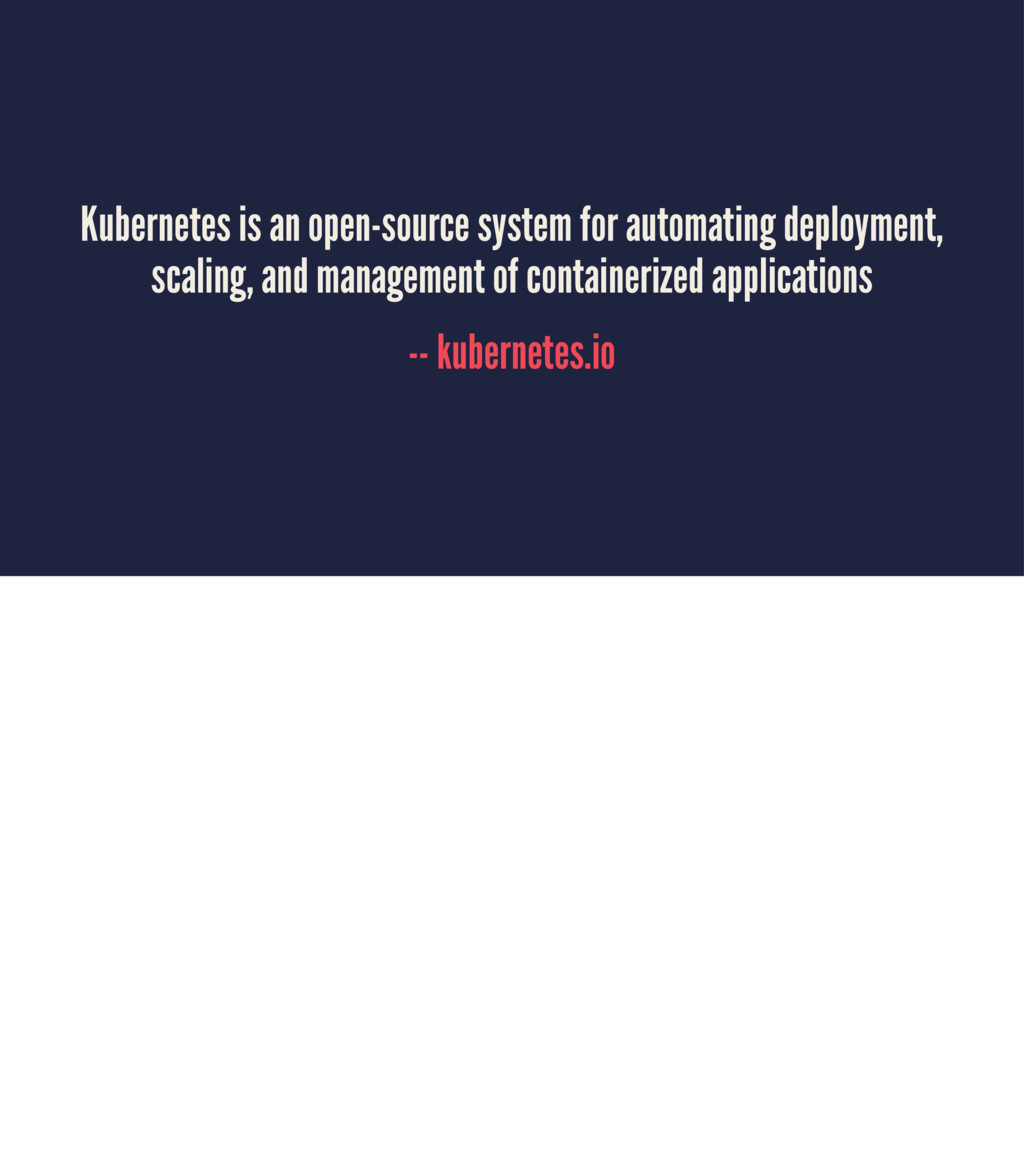
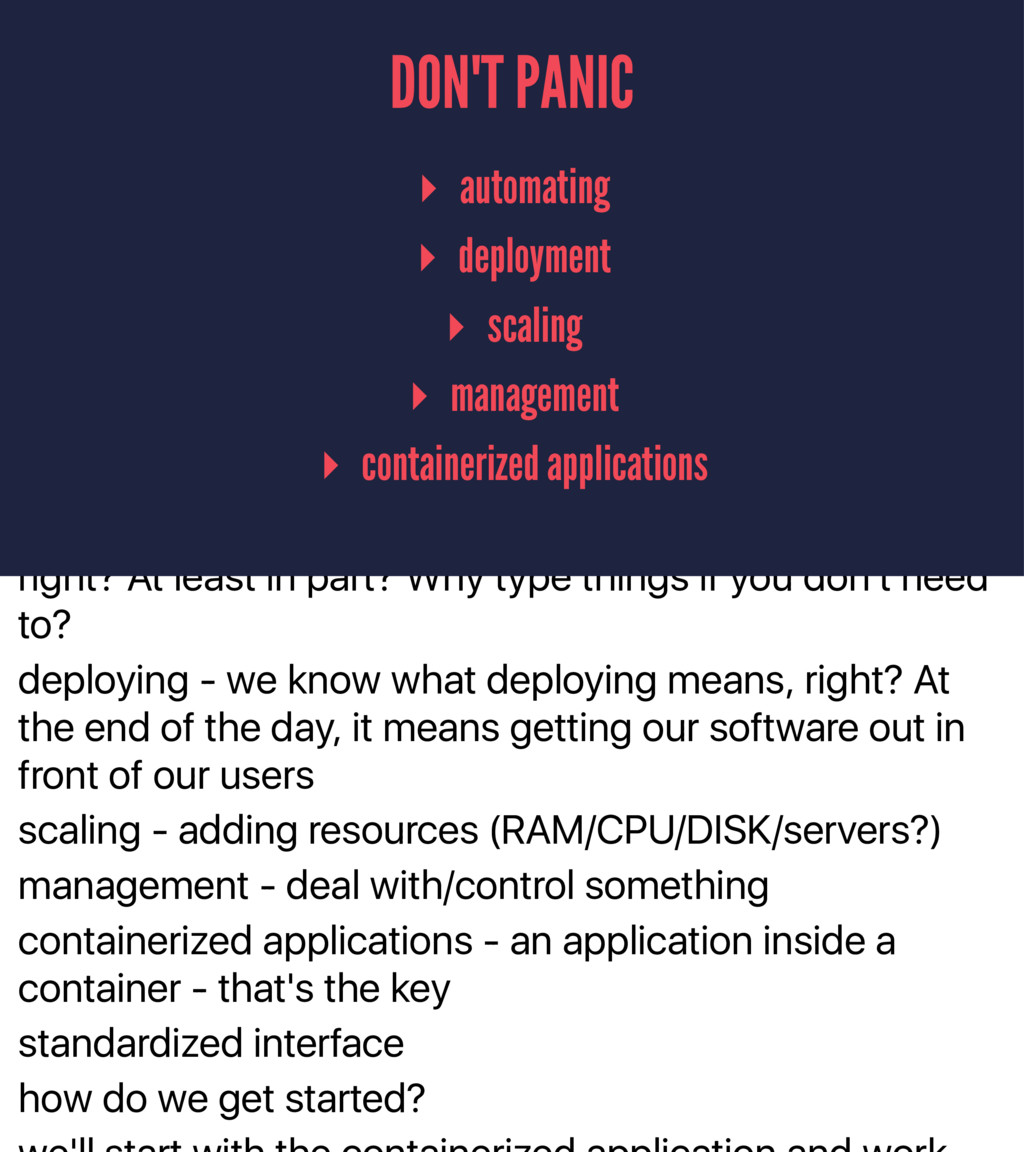
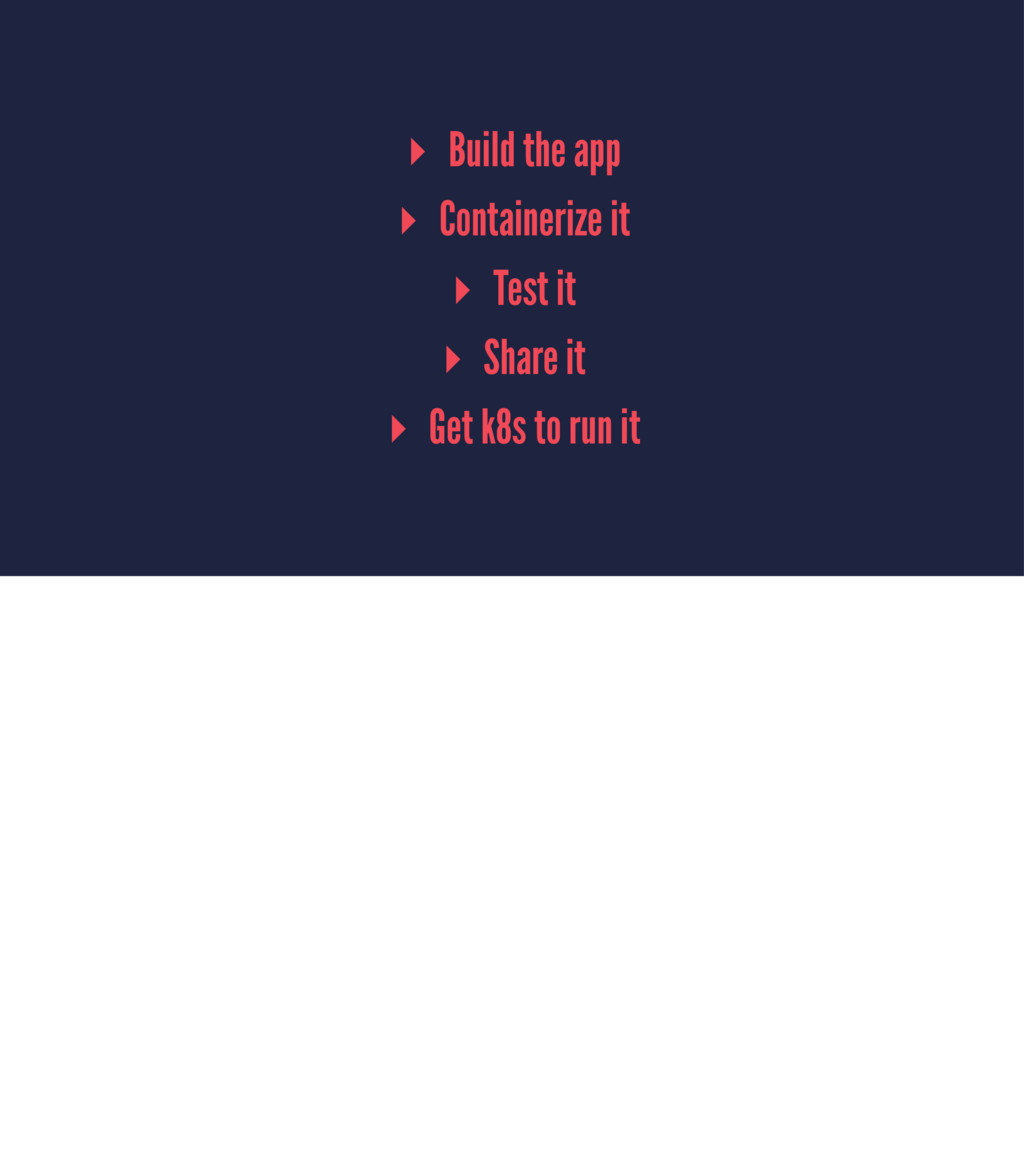
At least in part? Why type things if you don't need to? deploying - we know what deploying means, right? At the end of the day, it means getting our software out in front of our users scaling - adding resources (RAM/CPU/DISK/servers?) management - deal with/control something containerized applications - an application inside a container - that's the key standardized interface how do we get started? DON'T PANIC ▸ automating ▸ deployment ▸ scaling ▸ management ▸ containerized applications
of hands - how many folks are comfortable with this part? any questions feel free to speak up and chloe will answer them CONTAINERIZED APPLICATION http://apps.octoconsulting.com/images/rubyIcon.png
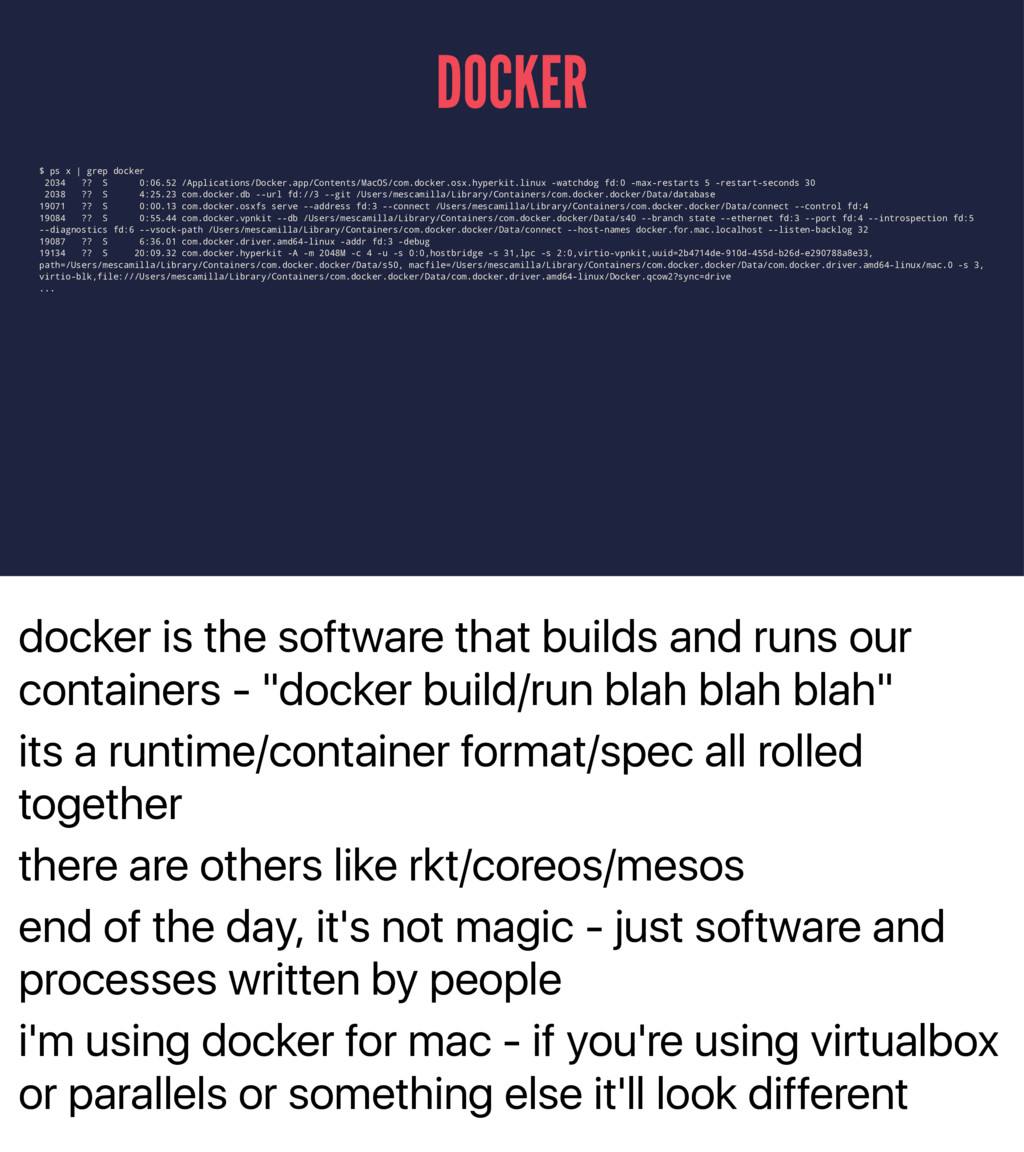
- "docker build/run blah blah blah" its a runtime/container format/spec all rolled together there are others like rkt/coreos/mesos end of the day, it's not magic - just software and processes written by people i'm using docker for mac - if you're using virtualbox or parallels or something else it'll look different DOCKER $ ps x | grep docker 2034 ?? S 0:06.52 /Applications/Docker.app/Contents/MacOS/com.docker.osx.hyperkit.linux -watchdog fd:0 -max-restarts 5 -restart-seconds 30 2038 ?? S 4:25.23 com.docker.db --url fd://3 --git /Users/mescamilla/Library/Containers/com.docker.docker/Data/database 19071 ?? S 0:00.13 com.docker.osxfs serve --address fd:3 --connect /Users/mescamilla/Library/Containers/com.docker.docker/Data/connect --control fd:4 19084 ?? S 0:55.44 com.docker.vpnkit --db /Users/mescamilla/Library/Containers/com.docker.docker/Data/s40 --branch state --ethernet fd:3 --port fd:4 --introspection fd:5 --diagnostics fd:6 --vsock-path /Users/mescamilla/Library/Containers/com.docker.docker/Data/connect --host-names docker.for.mac.localhost --listen-backlog 32 19087 ?? S 6:36.01 com.docker.driver.amd64-linux -addr fd:3 -debug 19134 ?? S 20:09.32 com.docker.hyperkit -A -m 2048M -c 4 -u -s 0:0,hostbridge -s 31,lpc -s 2:0,virtio-vpnkit,uuid=2b4714de-910d-455d-b26d-e290788a8e33, path=/Users/mescamilla/Library/Containers/com.docker.docker/Data/s50, macfile=/Users/mescamilla/Library/Containers/com.docker.docker/Data/com.docker.driver.amd64-linux/mac.0 -s 3, virtio-blk,file:///Users/mescamilla/Library/Containers/com.docker.docker/Data/com.docker.driver.amd64-linux/Docker.qcow2?sync=drive ...
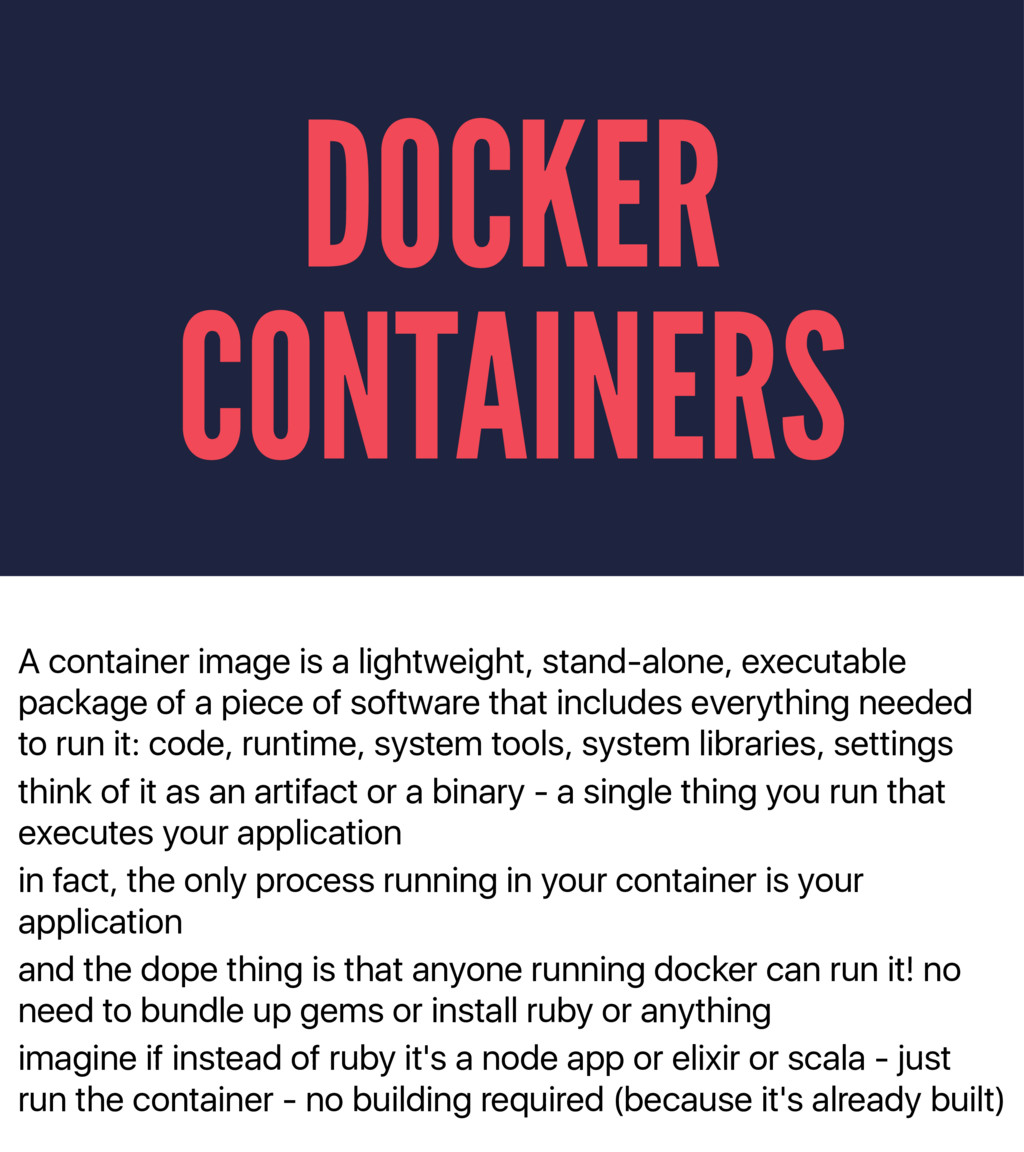
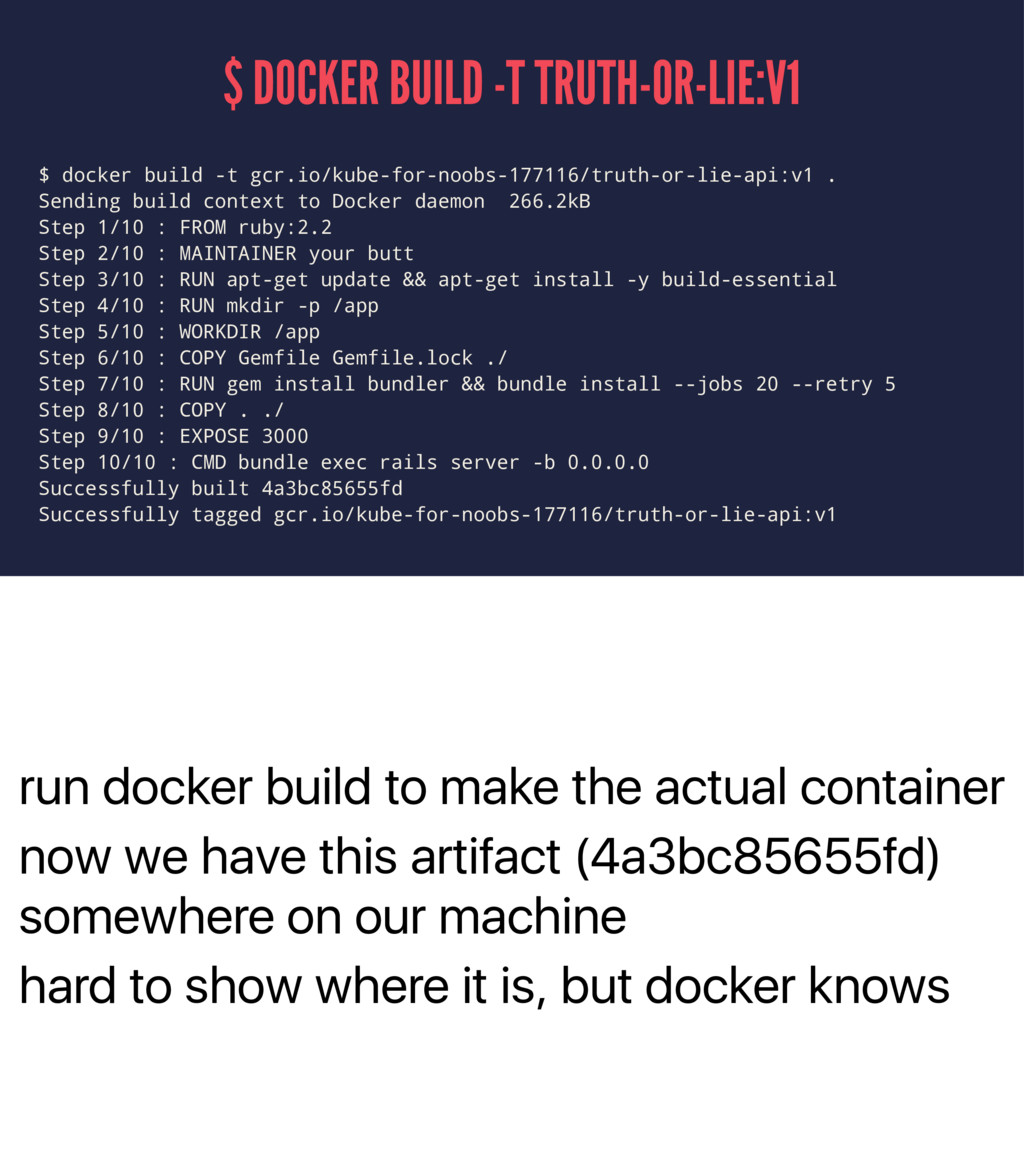
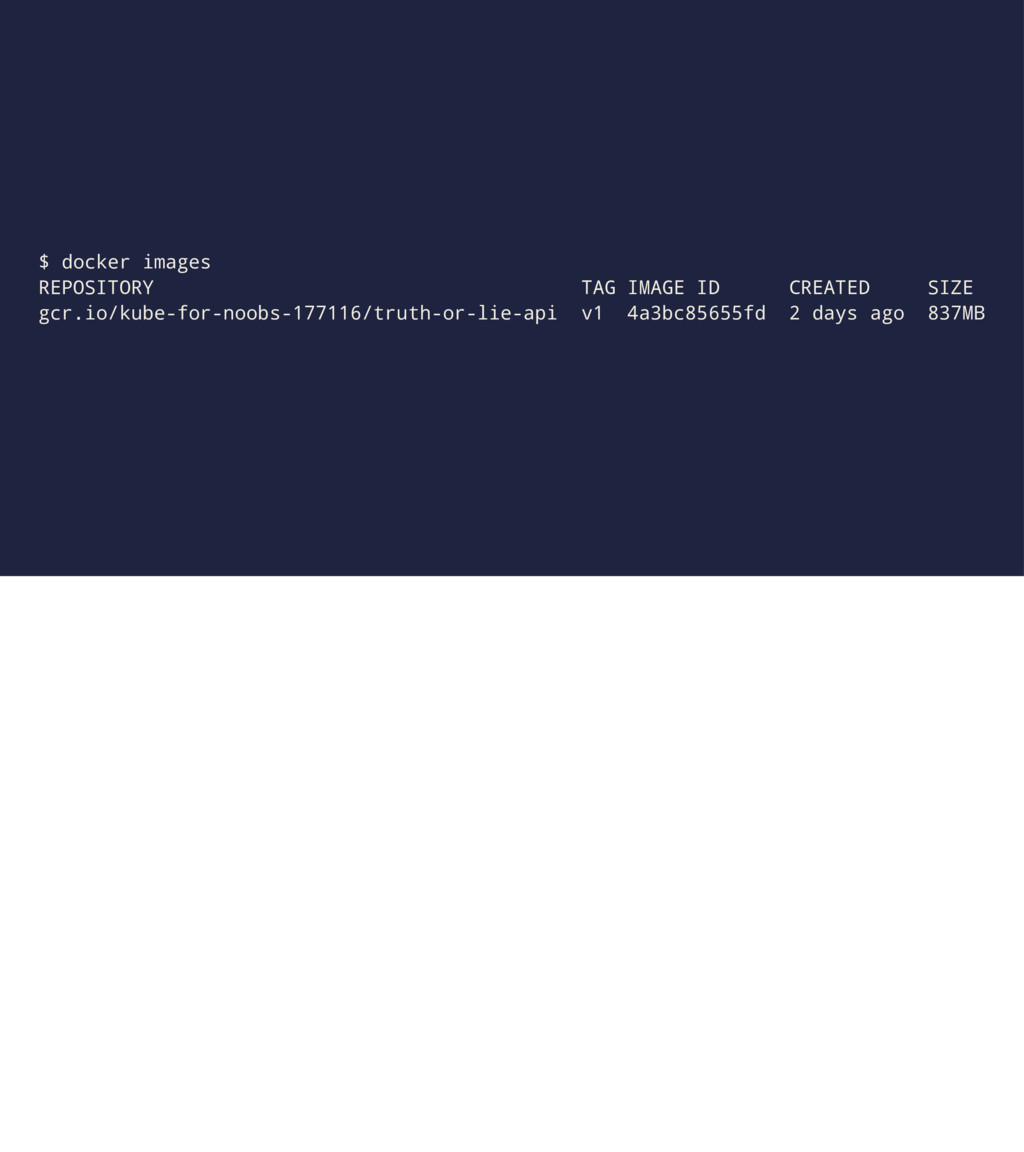
a piece of software that includes everything needed to run it: code, runtime, system tools, system libraries, settings think of it as an artifact or a binary - a single thing you run that executes your application in fact, the only process running in your container is your application and the dope thing is that anyone running docker can run it! no need to bundle up gems or install ruby or anything imagine if instead of ruby it's a node app or elixir or scala - just run the container - no building required (because it's already built) DOCKER CONTAINERS
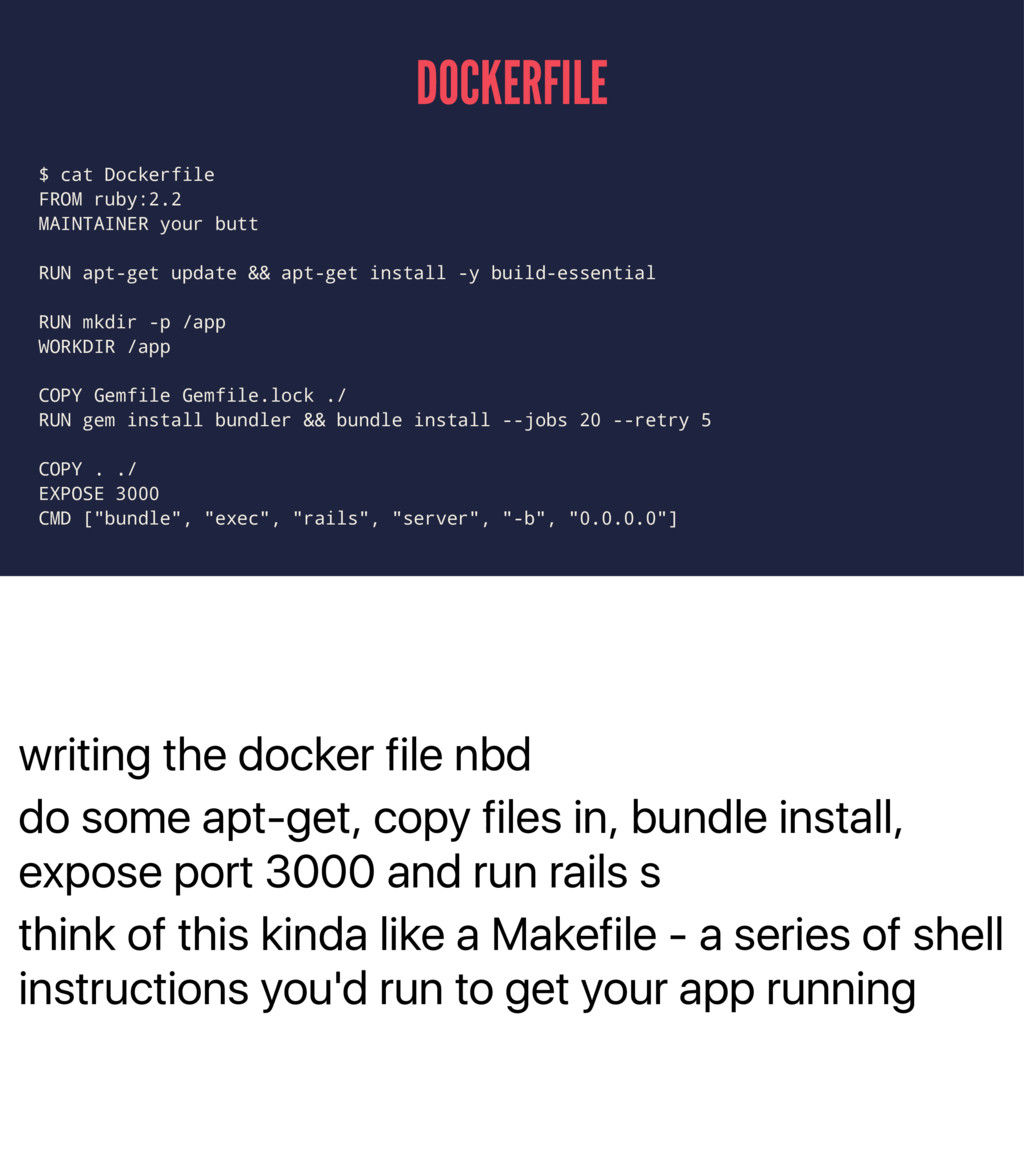
in, bundle install, expose port 3000 and run rails s think of this kinda like a Makefile - a series of shell instructions you'd run to get your app running DOCKERFILE $ cat Dockerfile FROM ruby:2.2 MAINTAINER your butt RUN apt-get update && apt-get install -y build-essential RUN mkdir -p /app WORKDIR /app COPY Gemfile Gemfile.lock ./ RUN gem install bundler && bundle install --jobs 20 --retry 5 COPY . ./ EXPOSE 3000 CMD ["bundle", "exec", "rails", "server", "-b", "0.0.0.0"]
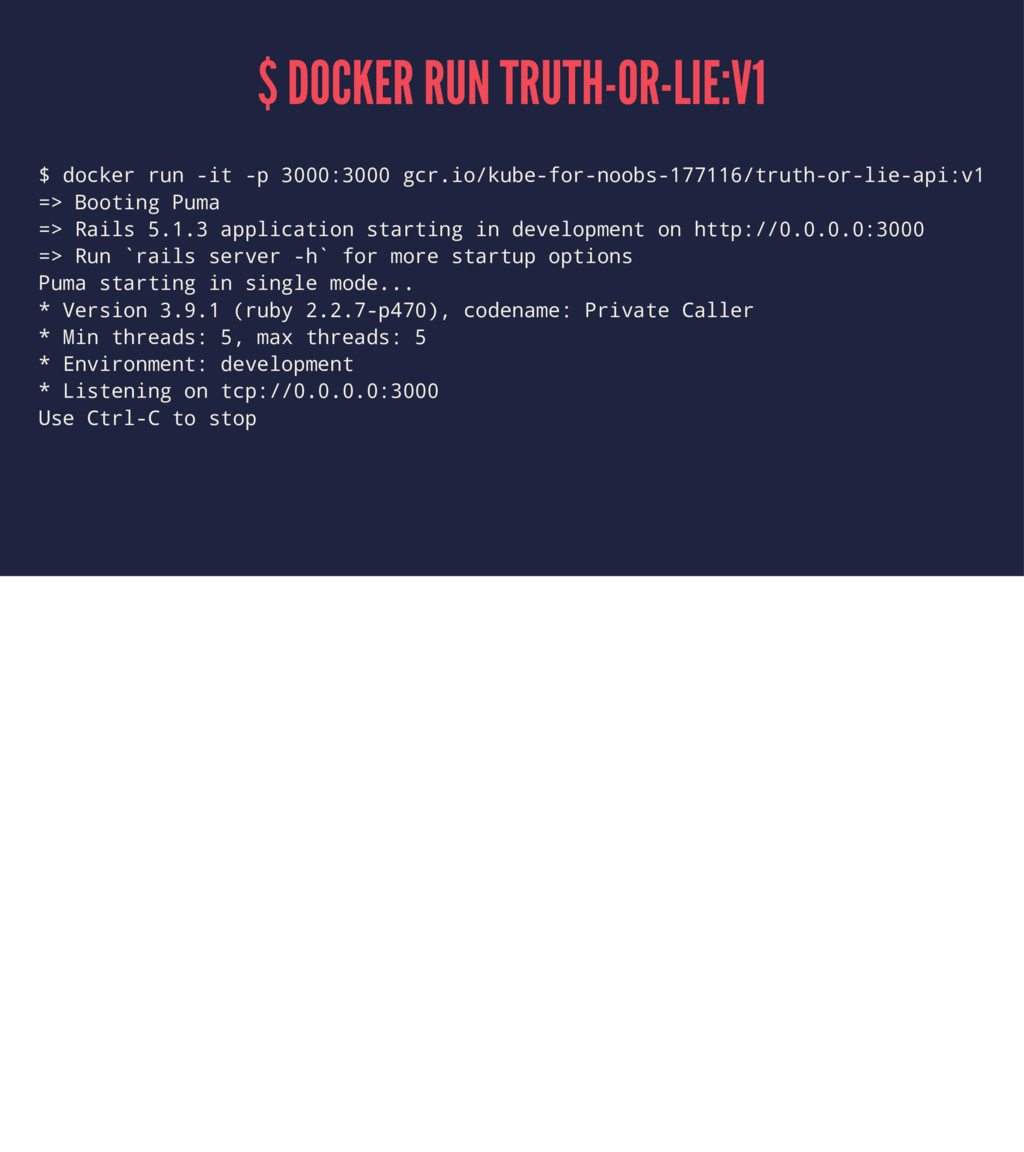
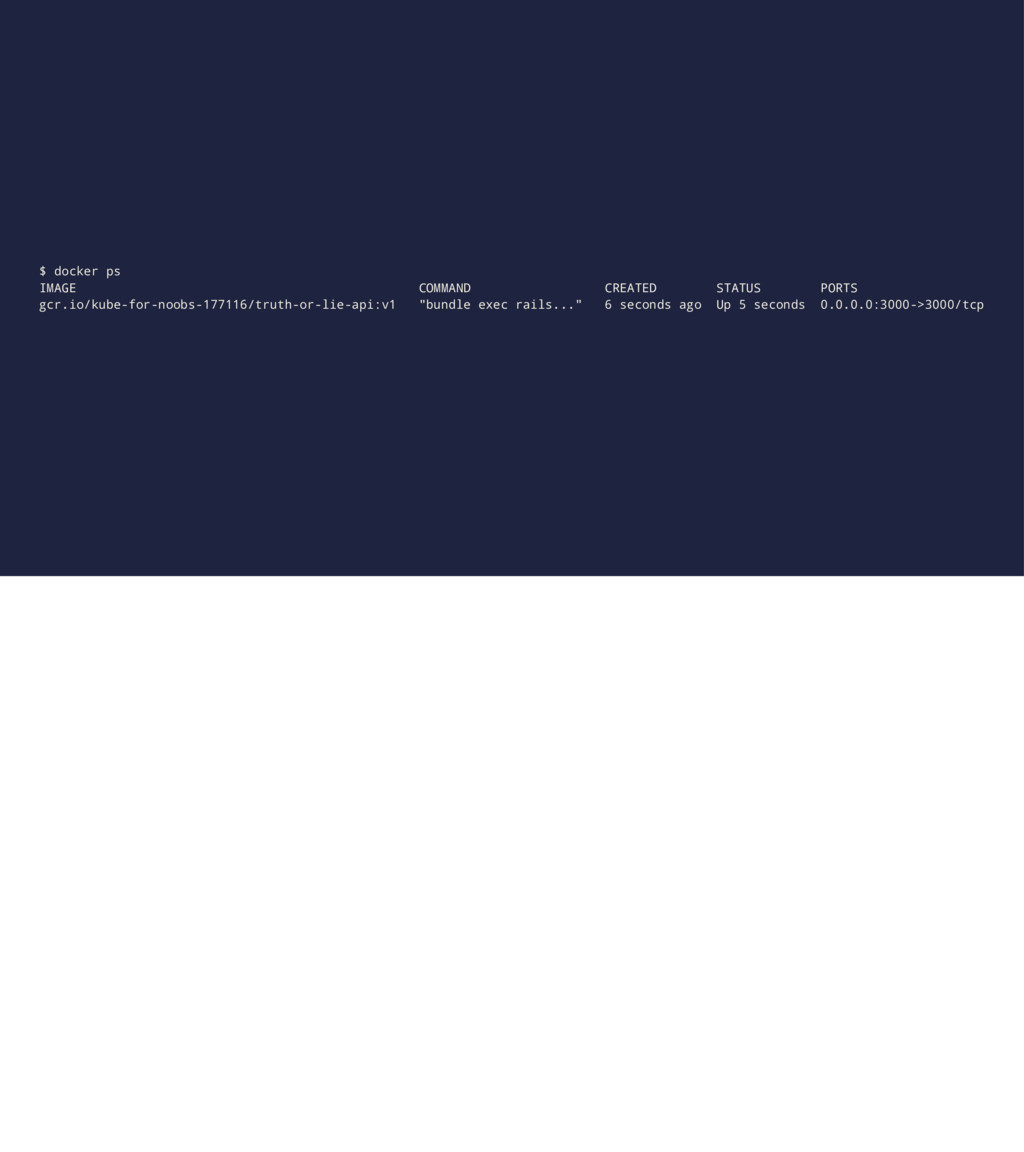
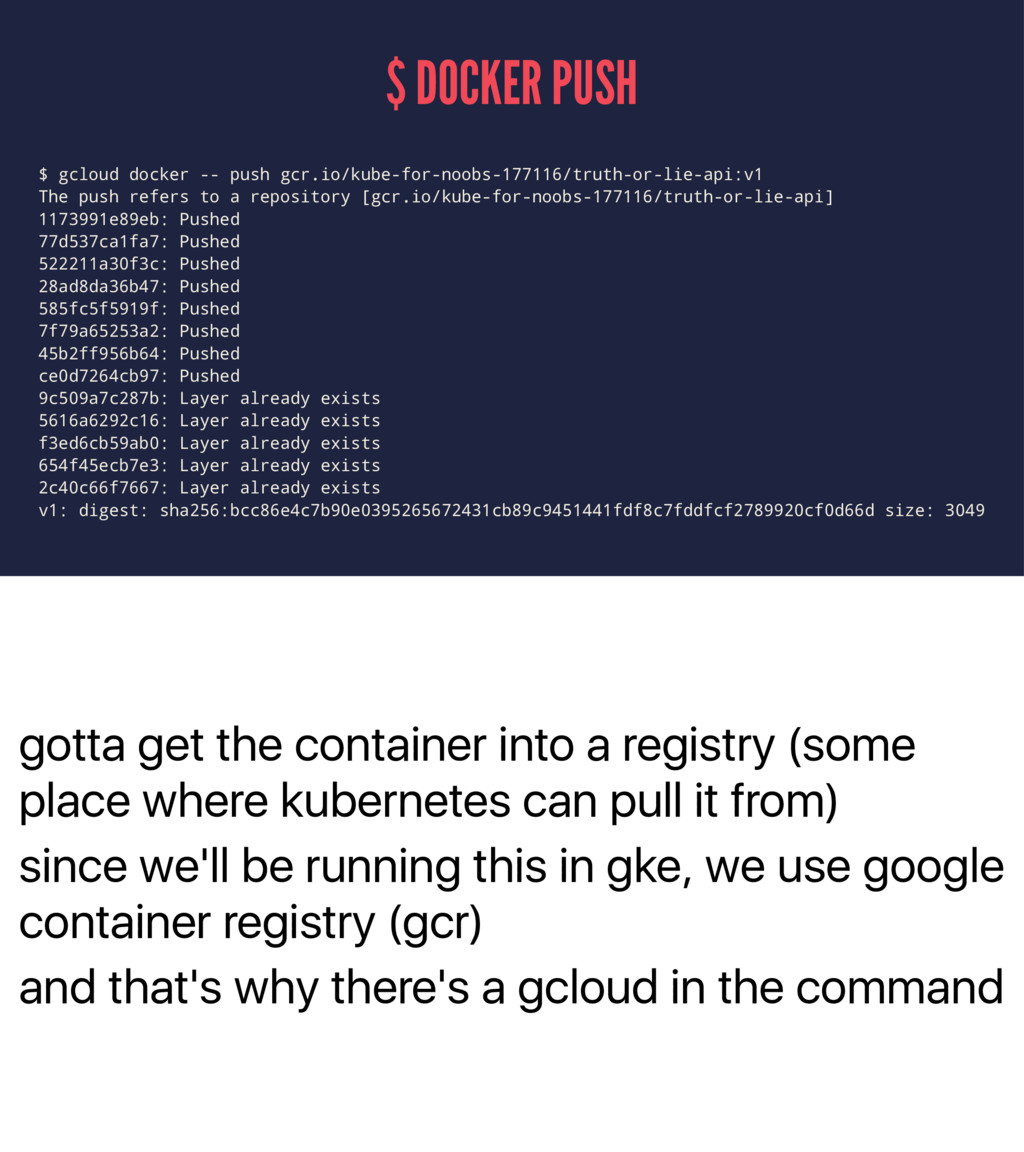
gcr.io/kube-for-noobs-177116/truth-or-lie-api:v1 => Booting Puma => Rails 5.1.3 application starting in development on http://0.0.0.0:3000 => Run `rails server -h` for more startup options Puma starting in single mode... * Version 3.9.1 (ruby 2.2.7-p470), codename: Private Caller * Min threads: 5, max threads: 5 * Environment: development * Listening on tcp://0.0.0.0:3000 Use Ctrl-C to stop
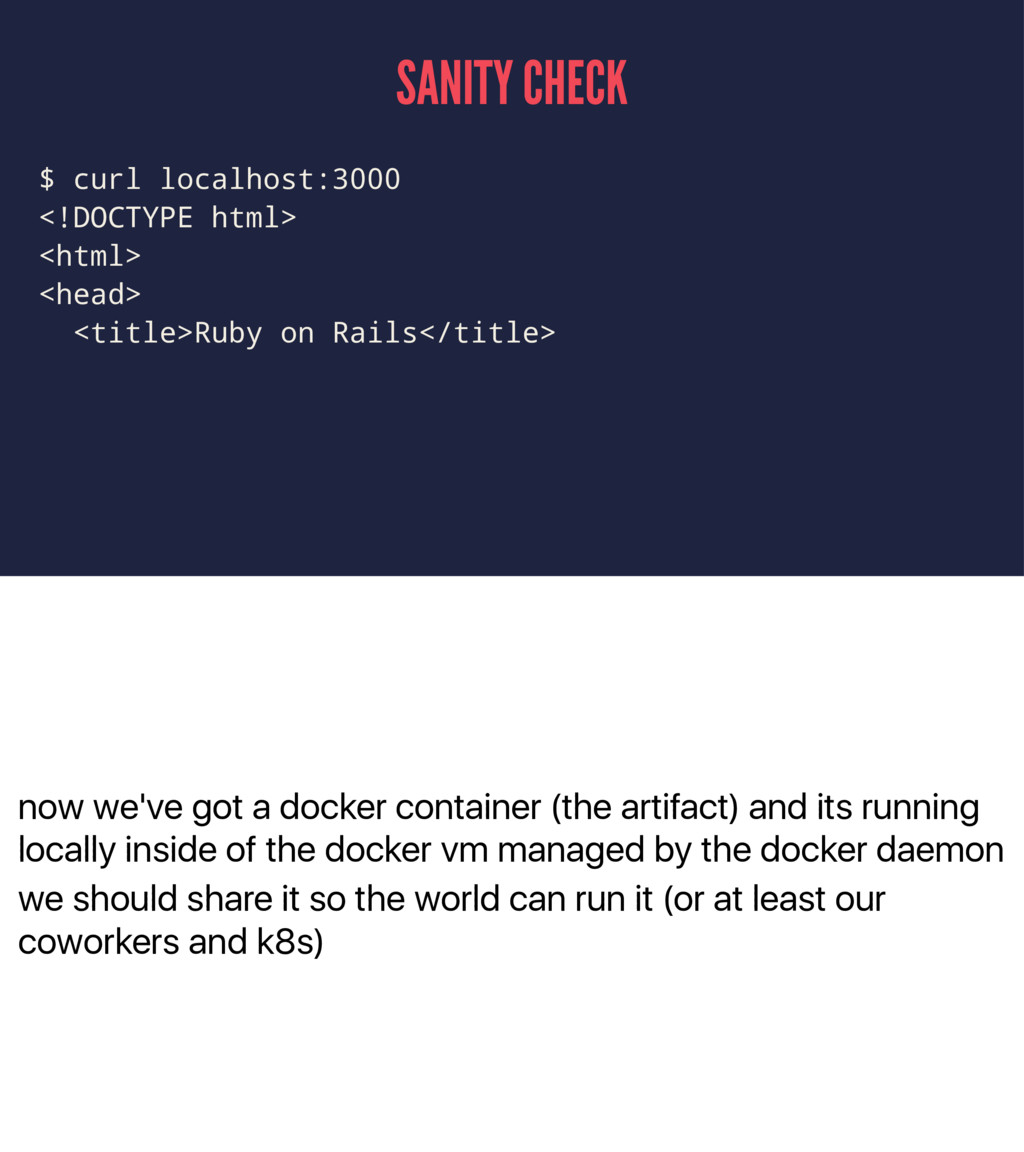
running locally inside of the docker vm managed by the docker daemon we should share it so the world can run it (or at least our coworkers and k8s) SANITY CHECK $ curl localhost:3000 <!DOCTYPE html> <html> <head> <title>Ruby on Rails</title>
mean he really changed the face of hip hop you know he was like this big middle finger to puffy and those guys and people don't really give him the respect i think he deserves also i'm super into running linux on the desktop this is the year i can feel it hi this is 90s chloe im 9 and i need you to run this perl web page ok sure thing. i mean, it's gonna take a bit - i gotta call like HP or Dell, get a box in a couple of weeks, rack it up then i gotta install an OS on there, set up users, install perl and the perl modules, install apache but dont worry i've got some pretty brittle shell scripts to
TPain and i'm 100% sure this is the year of linux on the desktop hi this is 2000s chloe i'm 19 and i need you to run this j2ee application no problem i've got this new beta stuff called chef i've been using on this new thing called AWS EC2 lemme just write a new cookbook real quick here java you say? kk cant use ubuntu because i cant use auto-agree to oracle user agreement maybe openjdk? no? k
anything let alone linux on the desktop hi this is 2017 chloe and i fucking can't even either but i need you to run this rails app for me is it in a container? cool cool kubectl run/kubectl expose done now lets head down to the protest
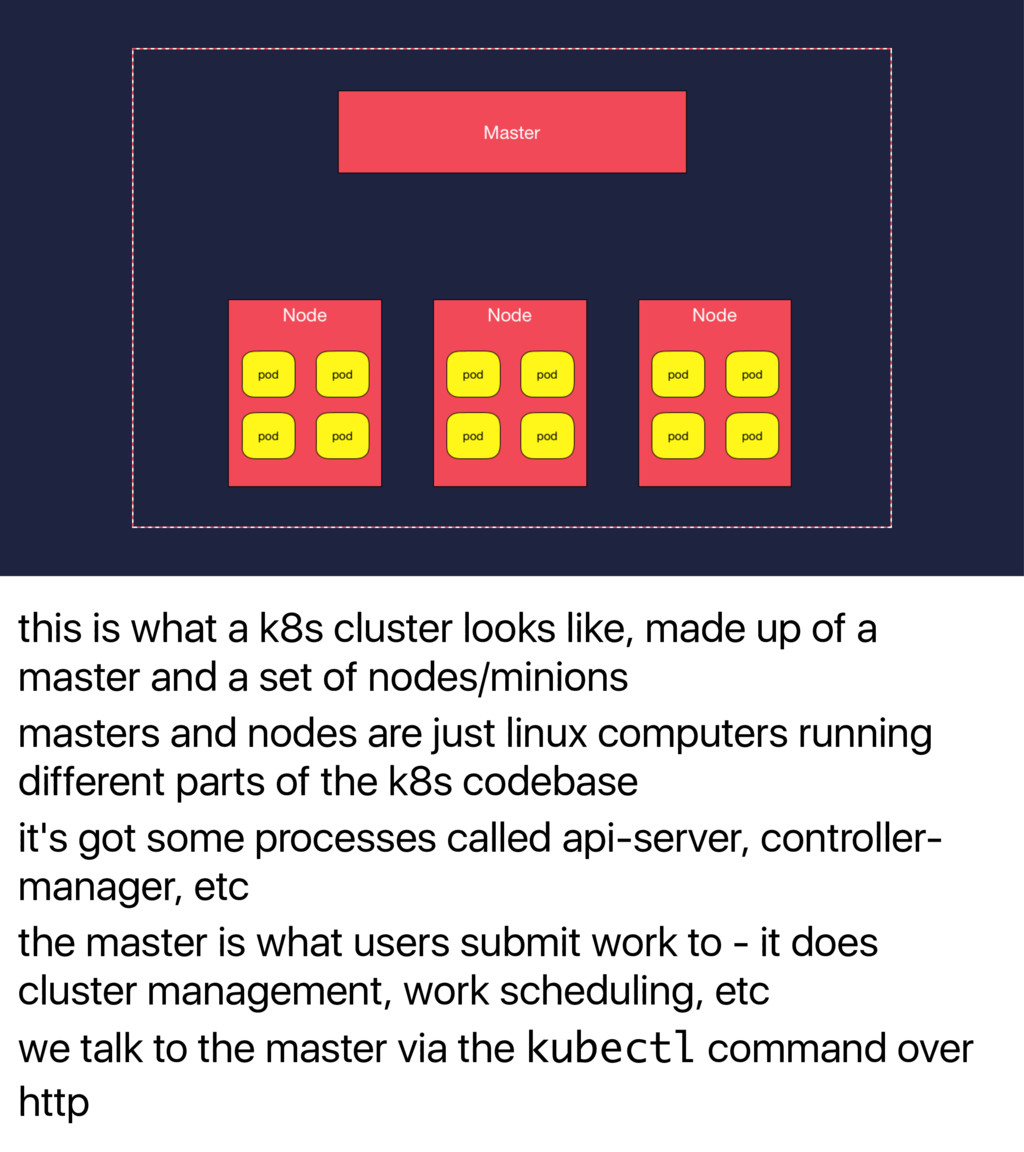
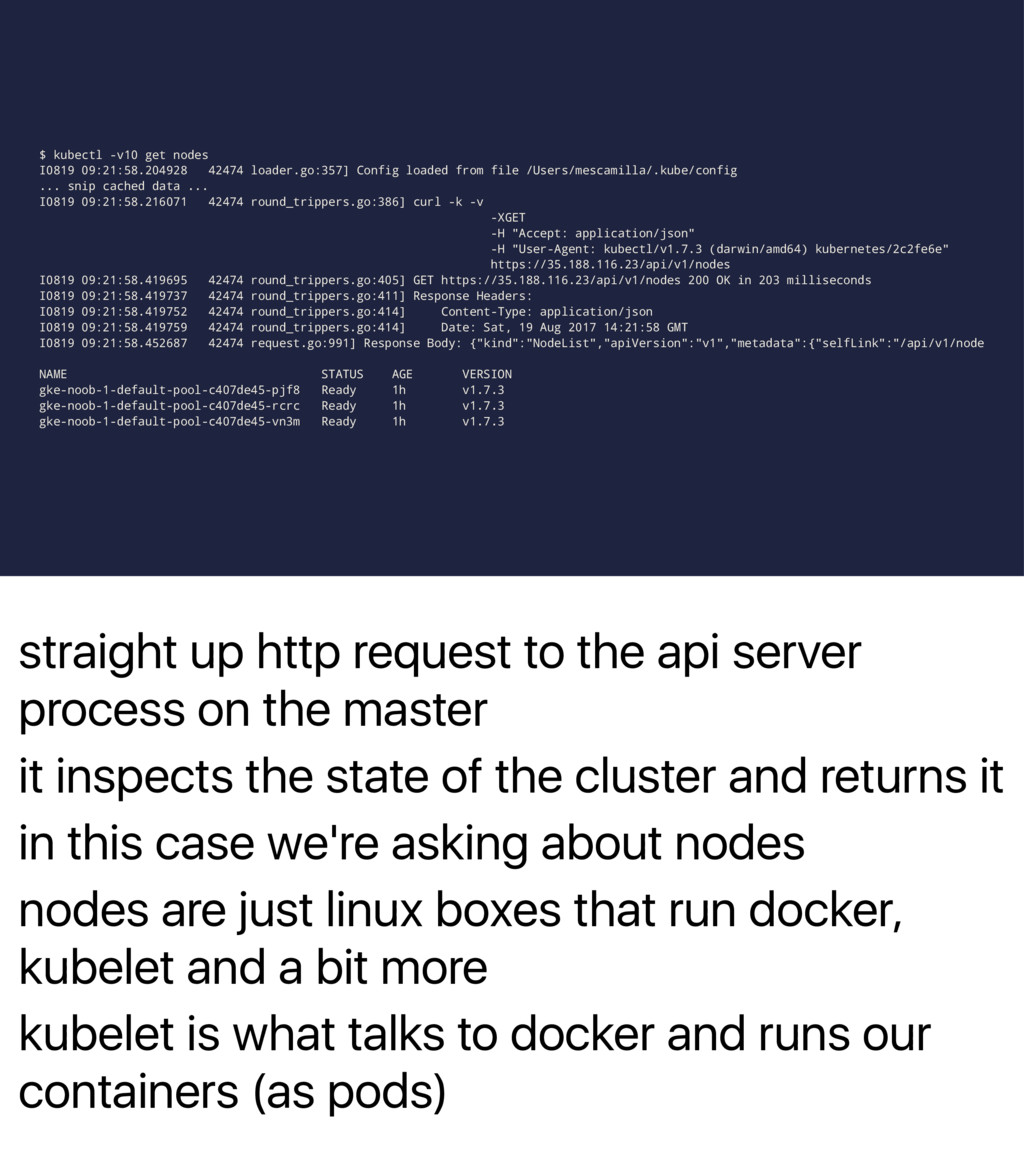
of a master and a set of nodes/minions masters and nodes are just linux computers running different parts of the k8s codebase it's got some processes called api-server, controller- manager, etc the master is what users submit work to - it does cluster management, work scheduling, etc we talk to the master via the kubectl command over http
the master it inspects the state of the cluster and returns it in this case we're asking about nodes nodes are just linux boxes that run docker, kubelet and a bit more kubelet is what talks to docker and runs our containers (as pods) $ kubectl -v10 get nodes I0819 09:21:58.204928 42474 loader.go:357] Config loaded from file /Users/mescamilla/.kube/config ... snip cached data ... I0819 09:21:58.216071 42474 round_trippers.go:386] curl -k -v -XGET -H "Accept: application/json" -H "User-Agent: kubectl/v1.7.3 (darwin/amd64) kubernetes/2c2fe6e" https://35.188.116.23/api/v1/nodes I0819 09:21:58.419695 42474 round_trippers.go:405] GET https://35.188.116.23/api/v1/nodes 200 OK in 203 milliseconds I0819 09:21:58.419737 42474 round_trippers.go:411] Response Headers: I0819 09:21:58.419752 42474 round_trippers.go:414] Content-Type: application/json I0819 09:21:58.419759 42474 round_trippers.go:414] Date: Sat, 19 Aug 2017 14:21:58 GMT I0819 09:21:58.452687 42474 request.go:991] Response Body: {"kind":"NodeList","apiVersion":"v1","metadata":{"selfLink":"/api/v1/node NAME STATUS AGE VERSION gke-noob-1-default-pool-c407de45-pjf8 Ready 1h v1.7.3 gke-noob-1-default-pool-c407de45-rcrc Ready 1h v1.7.3 gke-noob-1-default-pool-c407de45-vn3m Ready 1h v1.7.3


 mando
mando
 rkaga
rkaga
 tmikov2023
 gam0022
 nokomoro3
 syumai
 utakaha
 uyuki234
 kishida
 y0hgi
y0hgi
 guaca
guaca
 kawashimo0
 moro
moro
 geoffreycrofte
 aleyda
 sonatard
 bluesmoon
.png) helenjbeal
helenjbeal
 pauljervisheath
 rabernat
 marketingsoph
 samanthasiow
 varn
varn
 keithpitt
 auna
auna