Upgrade to Pro — share decks privately, control downloads, hide ads and more …

Challenges and Enhancements in modern Android a...

Challenges and Enhancements in modern Android applications

This deck describes the commin problems face by Android Developers and what enhancements can be done to solve them. It also recommends best practices like Background jobs, Battery Optimization, Offline first, Code Obfuscation, APK Size Reduction, etc

Avatar for Mayuri K

Mayuri K

April 17, 2019

Other Decks in Technology

Transcript

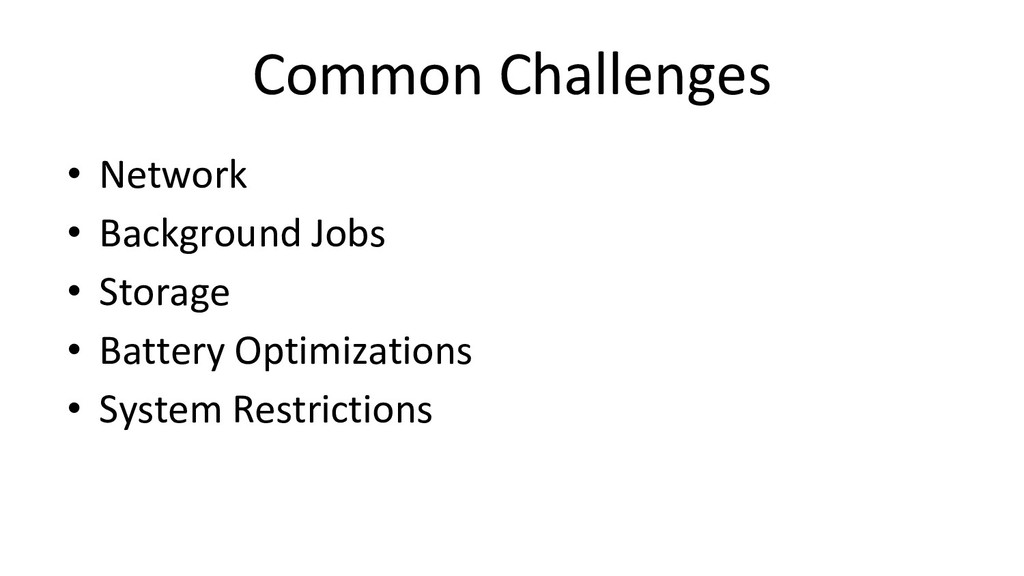
  1. Common Challenges • Network • Background Jobs • Storage •

    Battery Optimizations • System Restrictions
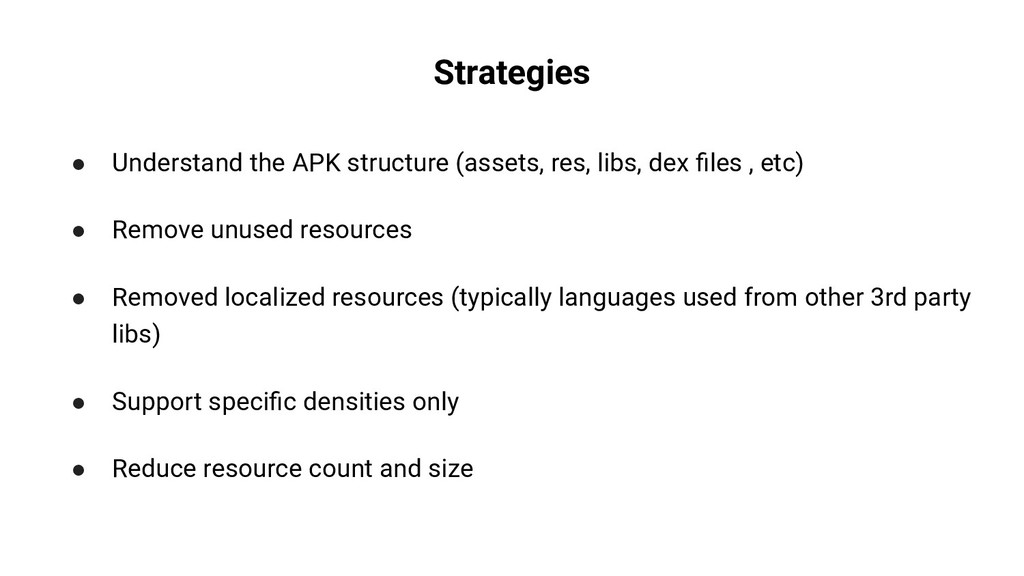
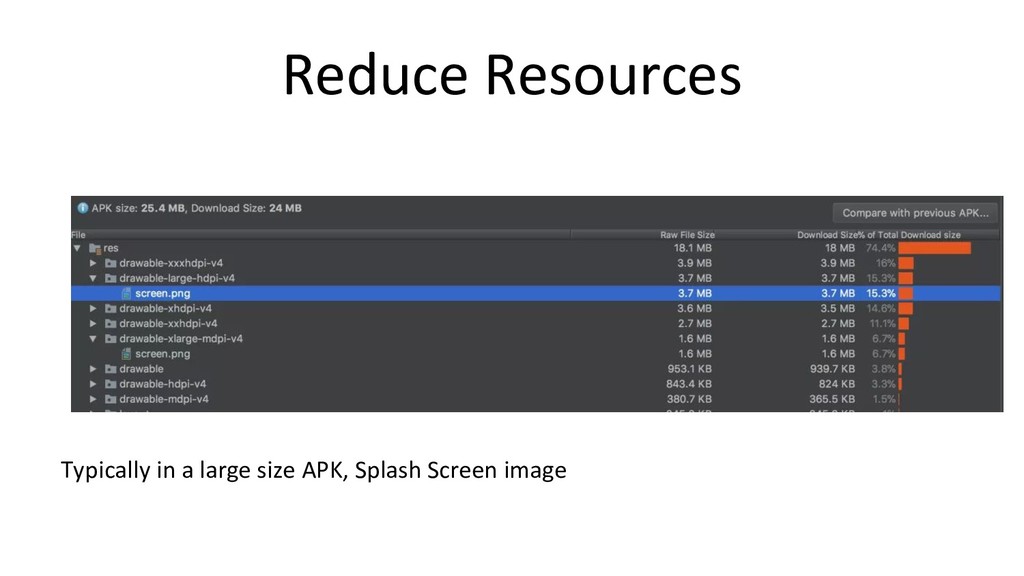
  2. Strategies • Understand the APK structure (assets, res, libs, dex

    files , etc) • Remove unused resources • Removed localized resources (typically languages used from other 3rd party libs) • Support specific densities only • Reduce resource count and size
  3. Manage Network Usage • Listen to network states (Pause when

    required) • Defer Sync/ Upload jobs to WIFI network • Use modern day Background jobs.
  4. Network less notifications • Cache Data • Receive Notifications clicks

    and dismiss events • Use them intelligently to know your user • Improve your click ratio and maximize user engagement
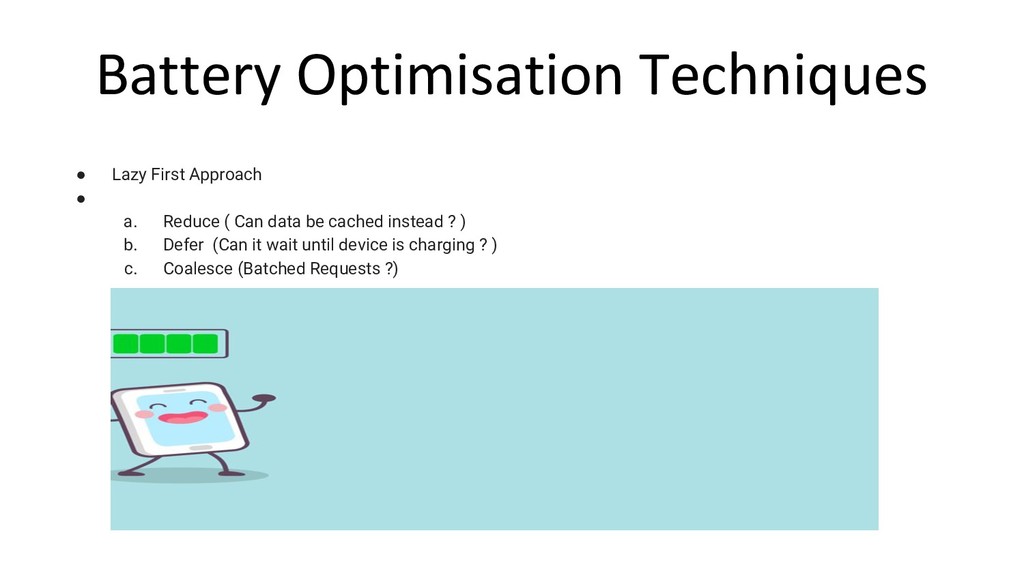
  5. Battery Optimisation Techniques • Lazy First Approach • a. Reduce

    ( Can data be cached instead ? ) b. Defer (Can it wait until device is charging ? ) c. Coalesce (Batched Requests ?)
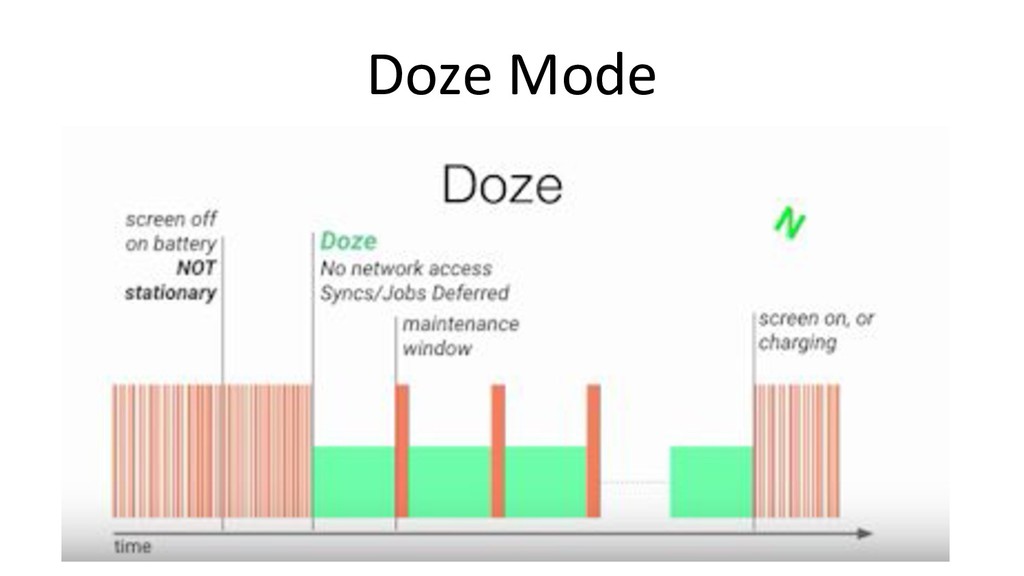
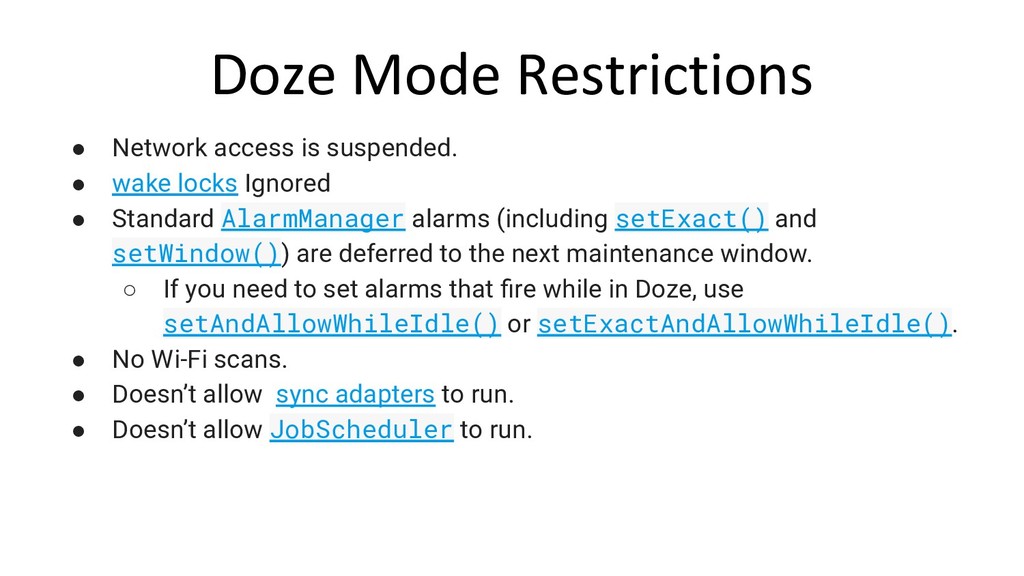
  6. Doze Mode Restrictions • Network access is suspended. • wake

    locks Ignored • Standard AlarmManager alarms (including setExact() and setWindow()) are deferred to the next maintenance window. ◦ If you need to set alarms that fire while in Doze, use setAndAllowWhileIdle() or setExactAndAllowWhileIdle(). • No Wi-Fi scans. • Doesn’t allow sync adapters to run. • Doesn’t allow JobScheduler to run.
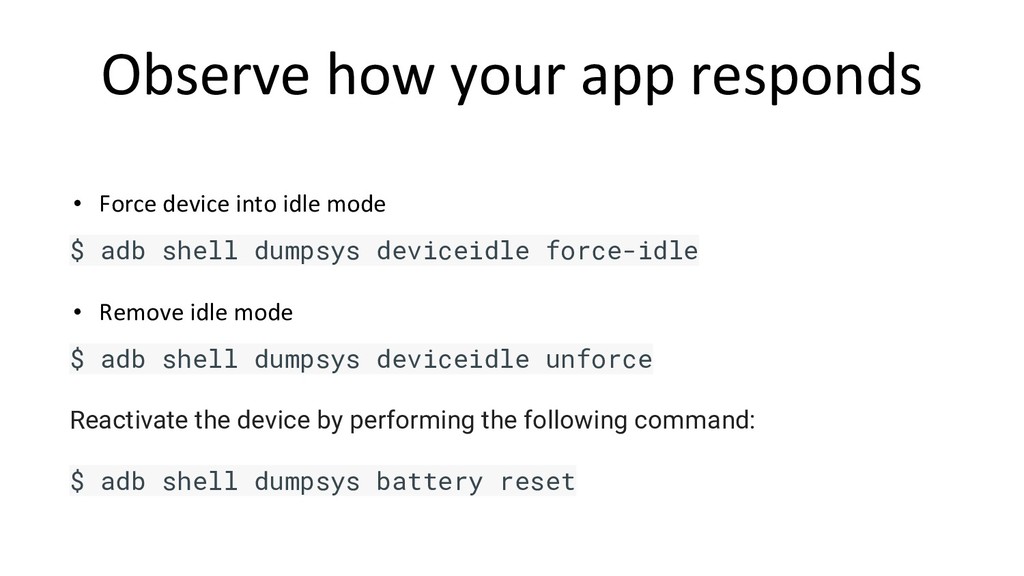
  7. Observe how your app responds • Force device into idle

    mode $ adb shell dumpsys deviceidle force-idle • Remove idle mode $ adb shell dumpsys deviceidle unforce Reactivate the device by performing the following command: $ adb shell dumpsys battery reset
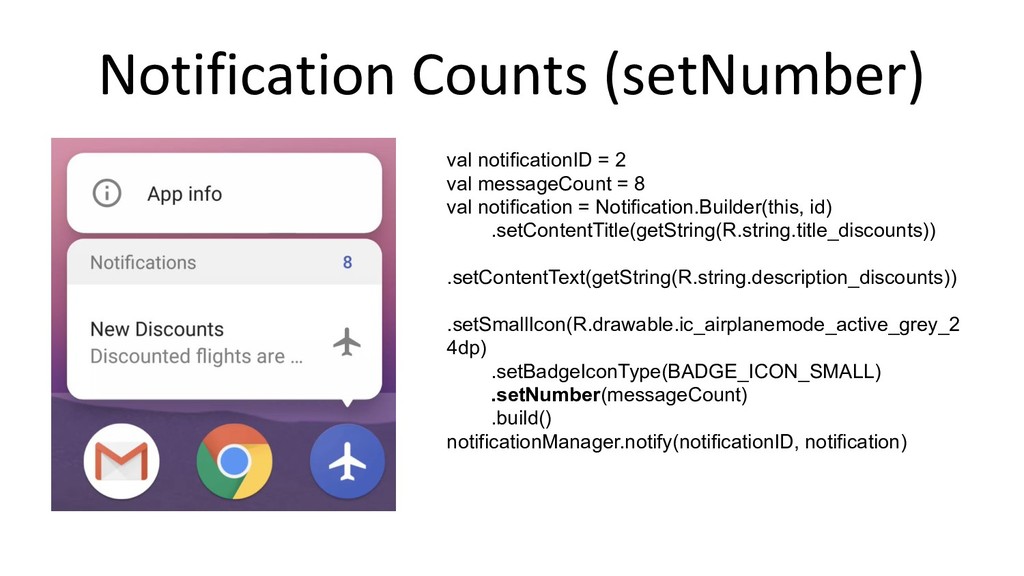
  8. Notification Counts (setNumber) val notificationID = 2 val messageCount =

    8 val notification = Notification.Builder(this, id) .setContentTitle(getString(R.string.title_discounts)) .setContentText(getString(R.string.description_discounts)) .setSmallIcon(R.drawable.ic_airplanemode_active_grey_2 4dp) .setBadgeIconType(BADGE_ICON_SMALL) .setNumber(messageCount) .build() notificationManager.notify(notificationID, notification)
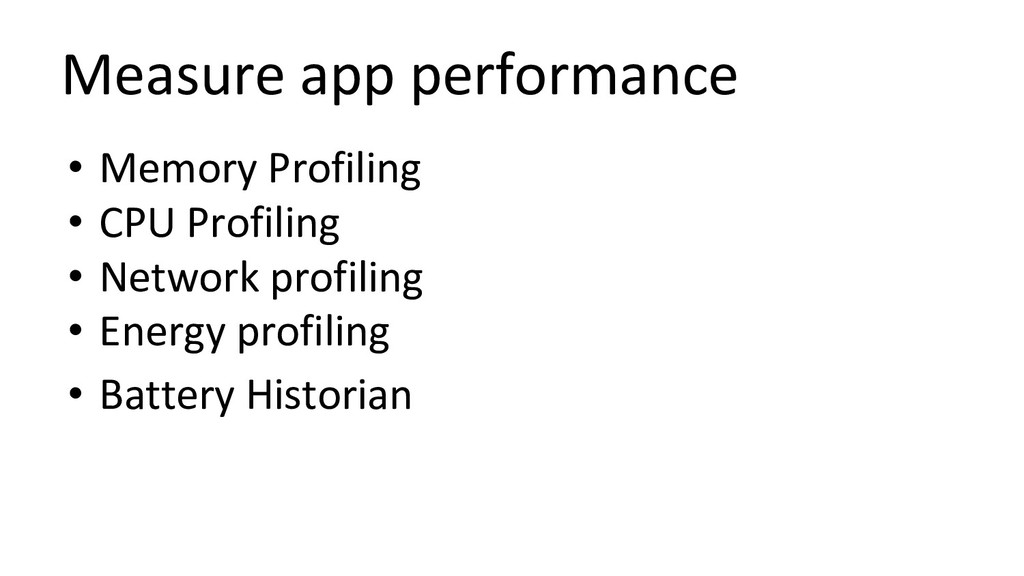
  9. Measure app performance • Memory Profiling • CPU Profiling •

    Network profiling • Energy profiling • Battery Historian
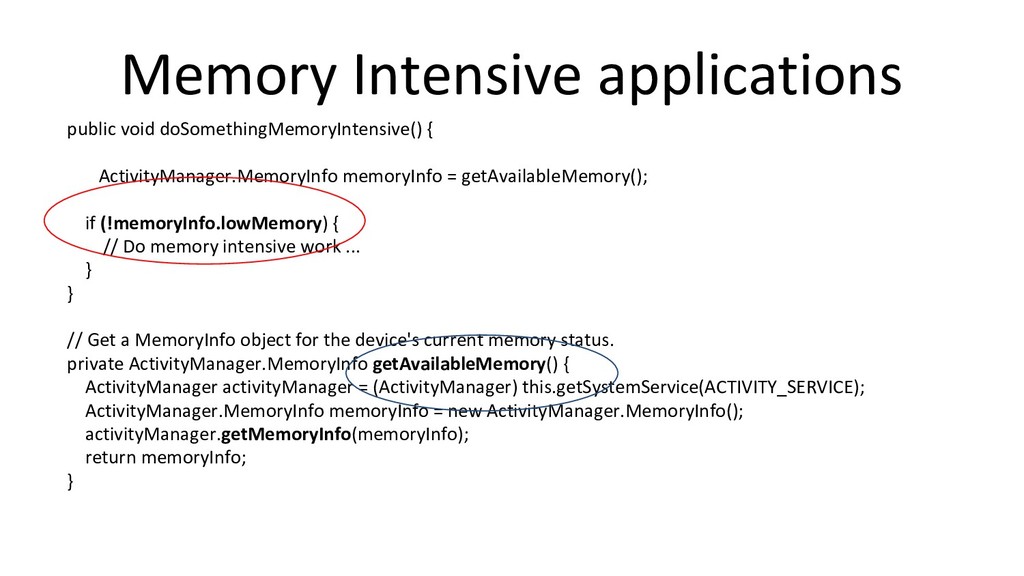
  10. Memory Intensive applications public void doSomethingMemoryIntensive() { ActivityManager.MemoryInfo memoryInfo =

    getAvailableMemory(); if (!memoryInfo.lowMemory) { // Do memory intensive work ... } } // Get a MemoryInfo object for the device's current memory status. private ActivityManager.MemoryInfo getAvailableMemory() { ActivityManager activityManager = (ActivityManager) this.getSystemService(ACTIVITY_SERVICE); ActivityManager.MemoryInfo memoryInfo = new ActivityManager.MemoryInfo(); activityManager.getMemoryInfo(memoryInfo); return memoryInfo; }
  11. Android app Learnings A case study -Target audience -Usage(daily/weekly/monthly) -Minimum

    Feature Set -Fluid UI -Well thought marketing -Feedback And improvements
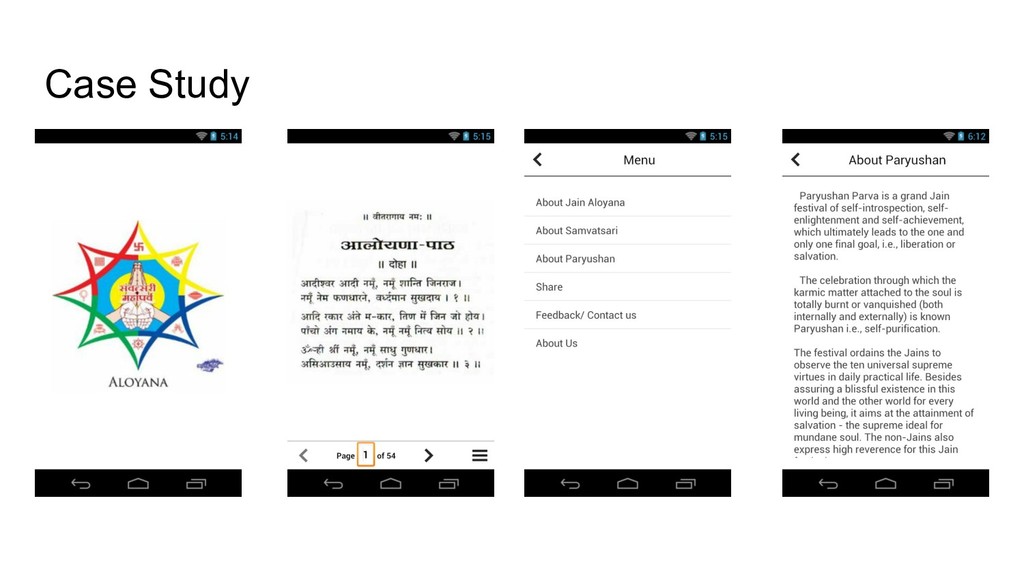
  12. Simple app with 7000+ downloads -Made in one week -Rating

    4.7 - APK Size 1.5 MB -Clean UI- -Fluid Design -Image pinch and zoom -Go To Page feature -Share with friends -Contact Us
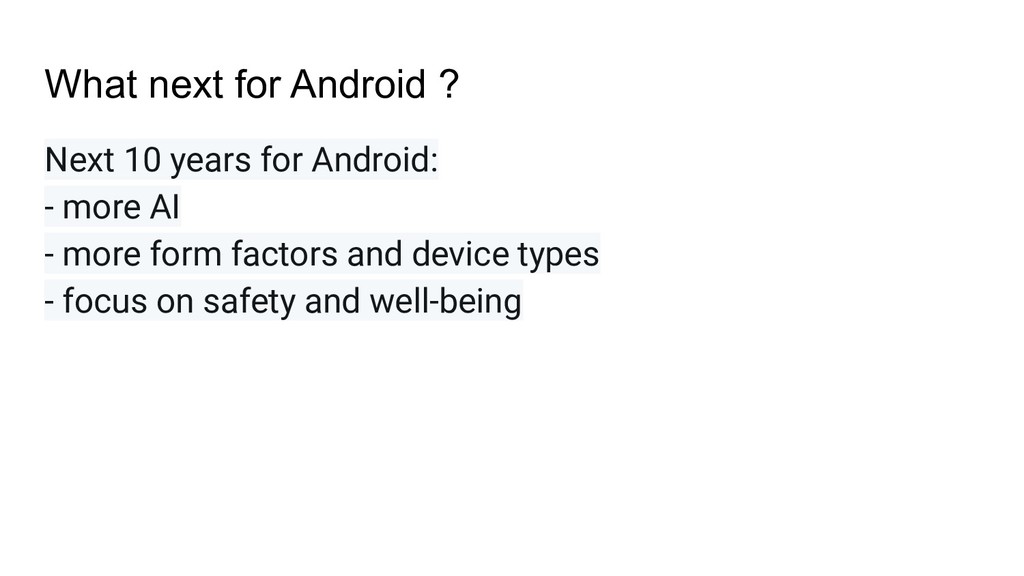
  13. What next for Android ? Next 10 years for Android:

    - more AI - more form factors and device types - focus on safety and well-being