Upgrade to Pro — share decks privately, control downloads, hide ads and more …

From Generated Clip to Useful Cut

Sponsored · Your Podcast. Everywhere. Effortlessly. Share. Educate. Inspire. Entertain. You do you. We'll handle the rest. →

From Generated Clip to Useful Cut

A short editing guide for turning a generated clip into a shot that serves a sequence.

The six slides cover choosing a starting frame, writing one small action, trying the result in a rough edit, and reviewing picture and sound. The rainy-window example is a suggested brief, not a tested output.

SnapGen AI supports text-to-video and image-to-video workflows in a browser. I help promote the site. This is a general editing guide, not a measured review of the service.

melody xian

October 30, 2026

Transcript

6 slides
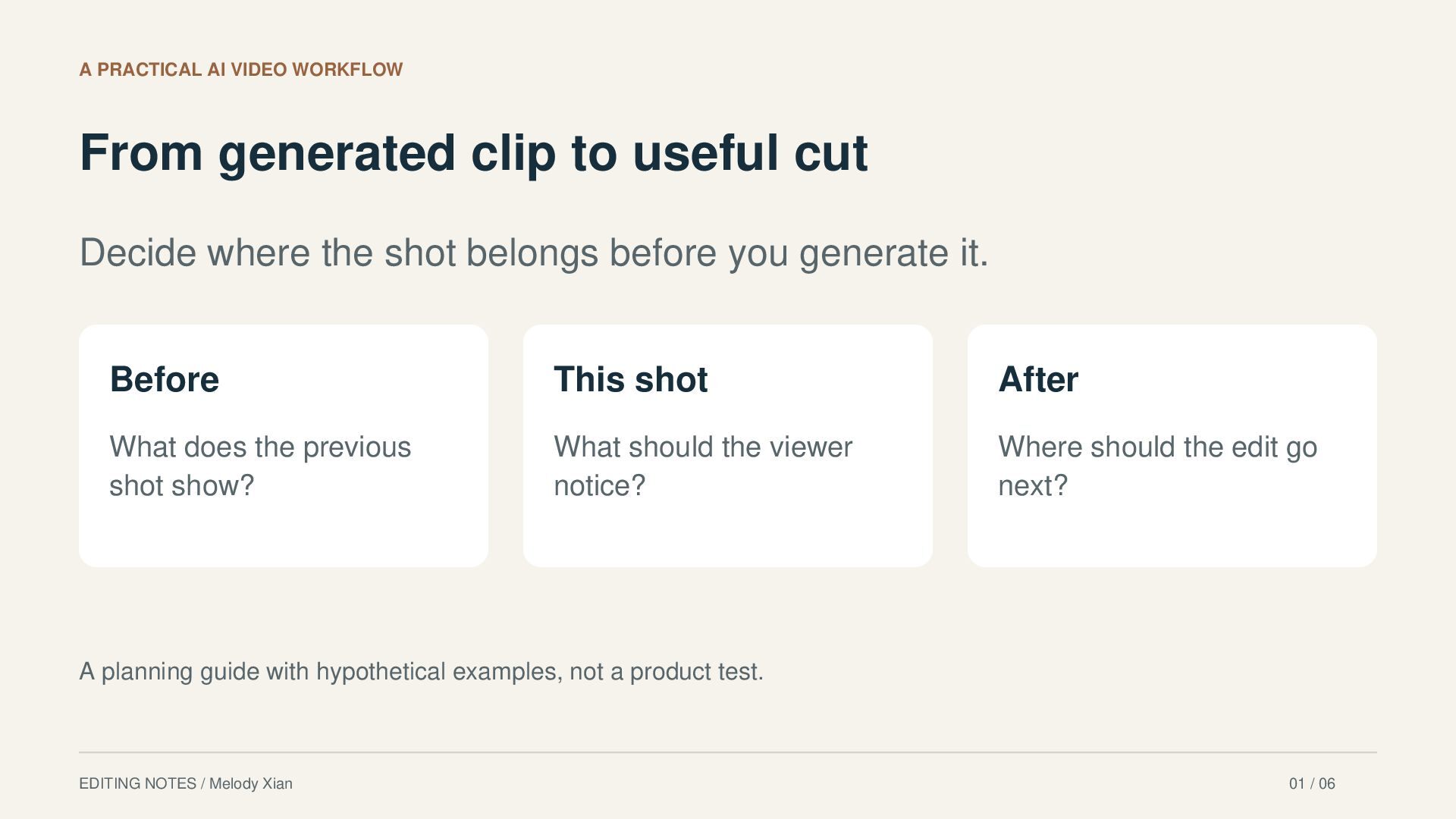
  1. A PRACTICAL AI VIDEO WORKFLOW From generated clip to useful

    cut Decide where the shot belongs before you generate it. Before This shot After What does the previous shot show? What should the viewer notice? Where should the edit go next? A planning guide with hypothetical examples, not a product test. EDITING NOTES / Melody Xian 01 / 06
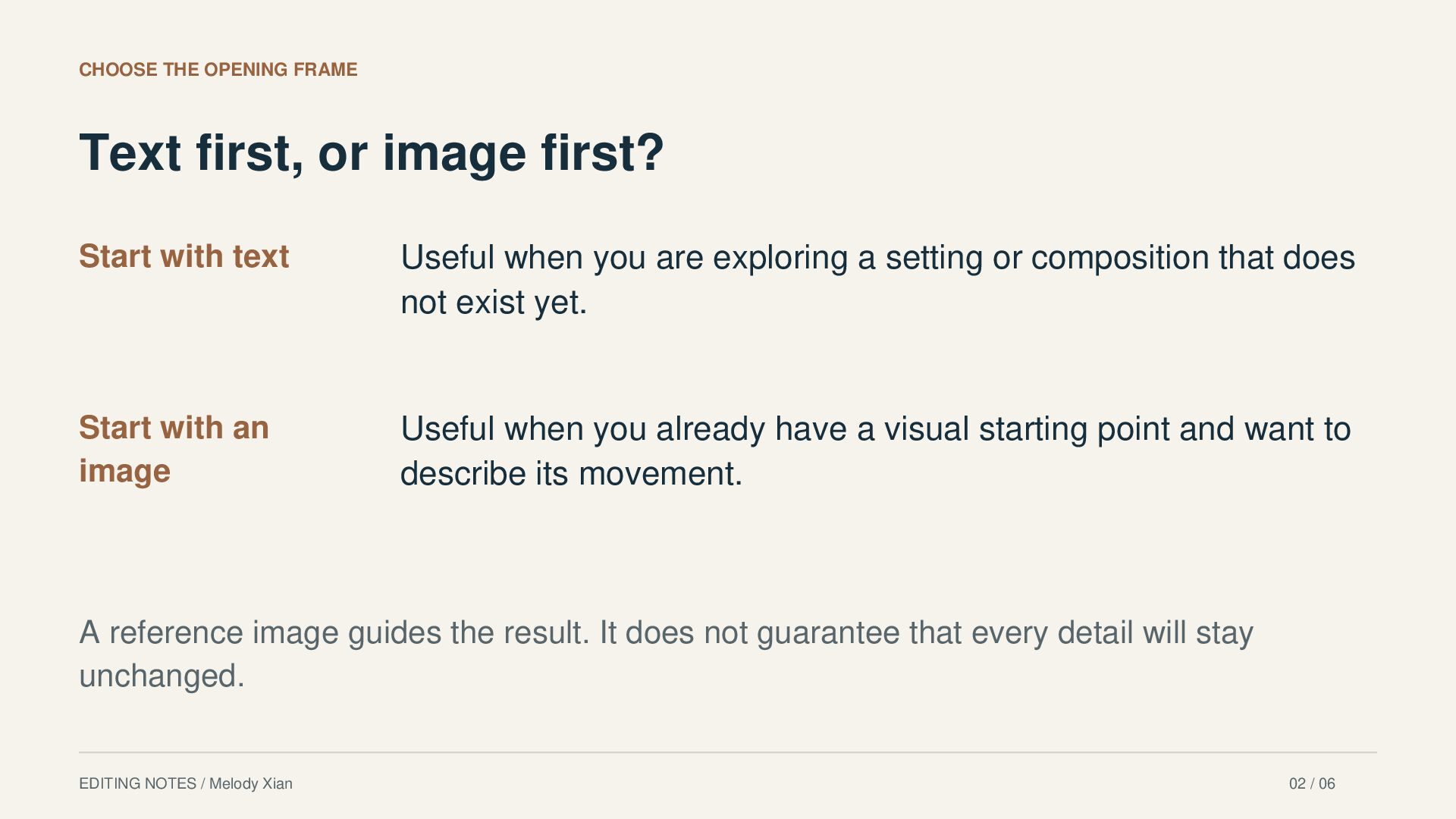
  2. CHOOSE THE OPENING FRAME Text first, or image first? Start

    with text Useful when you are exploring a setting or composition that does not exist yet. Start with an image Useful when you already have a visual starting point and want to describe its movement. A reference image guides the result. It does not guarantee that every detail will stay unchanged. EDITING NOTES / Melody Xian 02 / 06
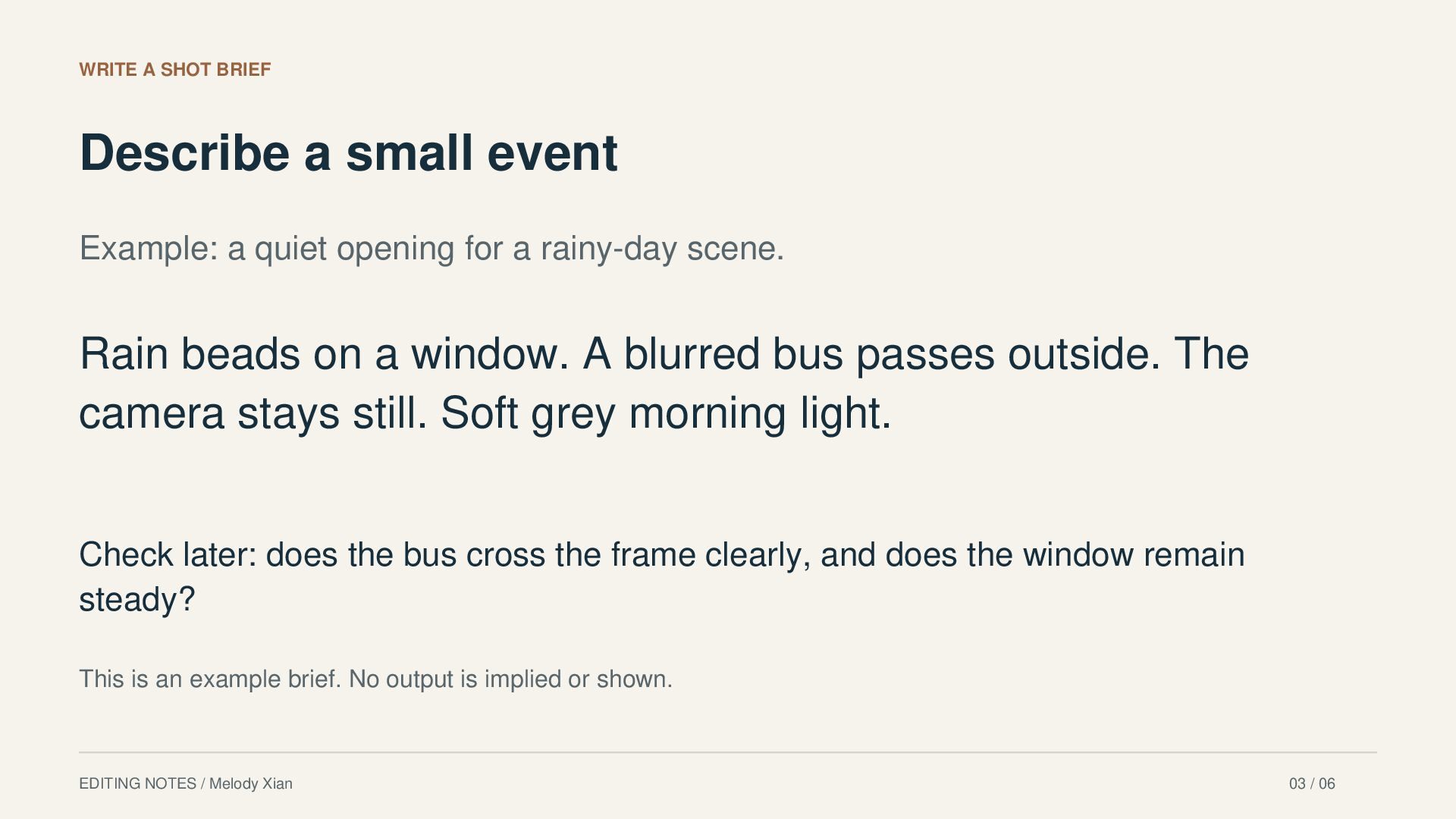
  3. WRITE A SHOT BRIEF Describe a small event Example: a

    quiet opening for a rainy-day scene. Rain beads on a window. A blurred bus passes outside. The camera stays still. Soft grey morning light. Check later: does the bus cross the frame clearly, and does the window remain steady? This is an example brief. No output is implied or shown. EDITING NOTES / Melody Xian 03 / 06
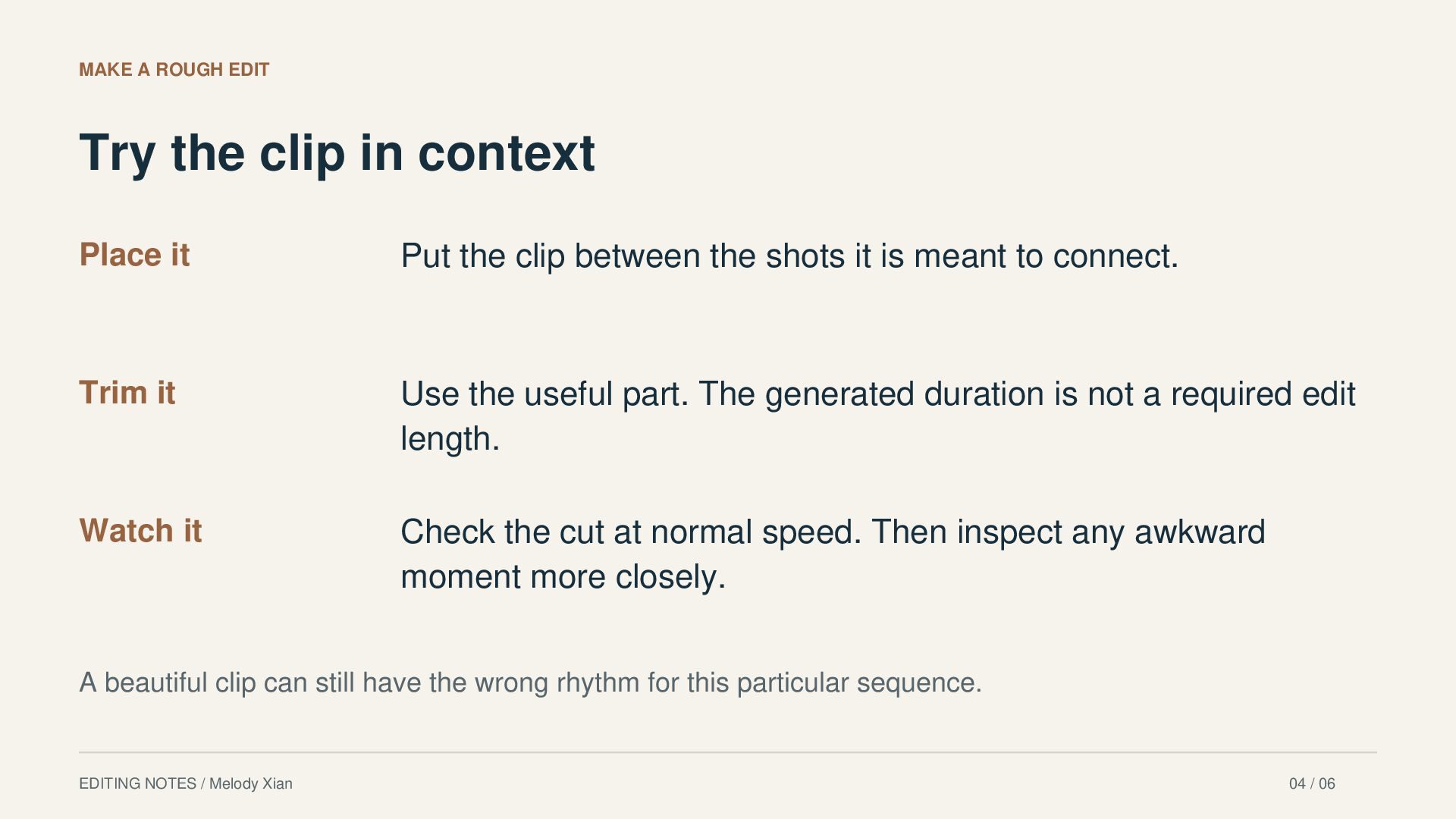
  4. MAKE A ROUGH EDIT Try the clip in context Place

    it Put the clip between the shots it is meant to connect. Trim it Use the useful part. The generated duration is not a required edit length. Watch it Check the cut at normal speed. Then inspect any awkward moment more closely. A beautiful clip can still have the wrong rhythm for this particular sequence. EDITING NOTES / Melody Xian 04 / 06
  5. REVIEW PICTURE AND SOUND Check the version you will share

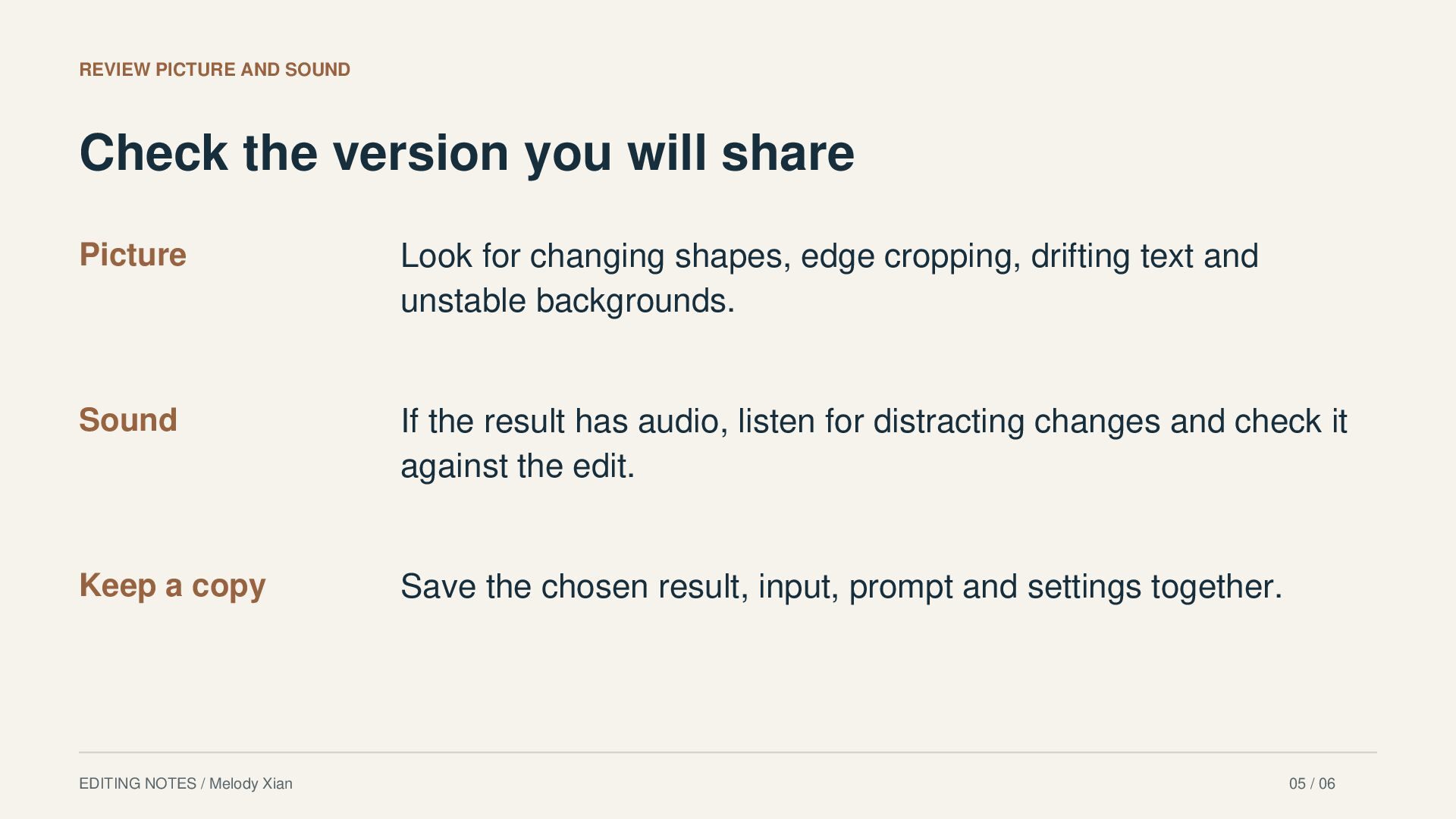
    Picture Look for changing shapes, edge cropping, drifting text and unstable backgrounds. Sound If the result has audio, listen for distracting changes and check it against the edit. Keep a copy Save the chosen result, input, prompt and settings together. EDITING NOTES / Melody Xian 05 / 06
  6. AN EXAMPLE WORKSPACE Try the method in SnapGen AI SnapGen

    AI supports text-to-video and image-to-video workflows in a browser. Its available settings depend on the selected model. Review the displayed settings and credit cost before generating. I help promote SnapGen AI. This guide explains a general editing workflow; it is not a measured review of the service. Product reference: snapgenai.io / checked October 30, 2026 EDITING NOTES / Melody Xian 06 / 06

More Decks by melody xian

Other Decks in How-to & DIY