Upgrade to Pro — share decks privately, control downloads, hide ads and more …

Plan One Shot Before You Generate a Video

Plan One Shot Before You Generate a Video

A short guide to writing an image-to-video brief without making every part of the frame move at once.

The six slides cover the subject, one clear action, camera movement, details that should stay steady, and a simple way to compare attempts. The sample cup prompt is a planning example, not a tested result.

Wan3 is a browser-based option for text-to-video and image-to-video work. I help promote the site. It is an independent service, not the official Wan model developer website. This deck shares a general planning method, not a benchmark or a promise about output quality.

Avatar for melody xian

melody xian

October 30, 2026

More Decks by melody xian

Other Decks in How-to & DIY

Transcript

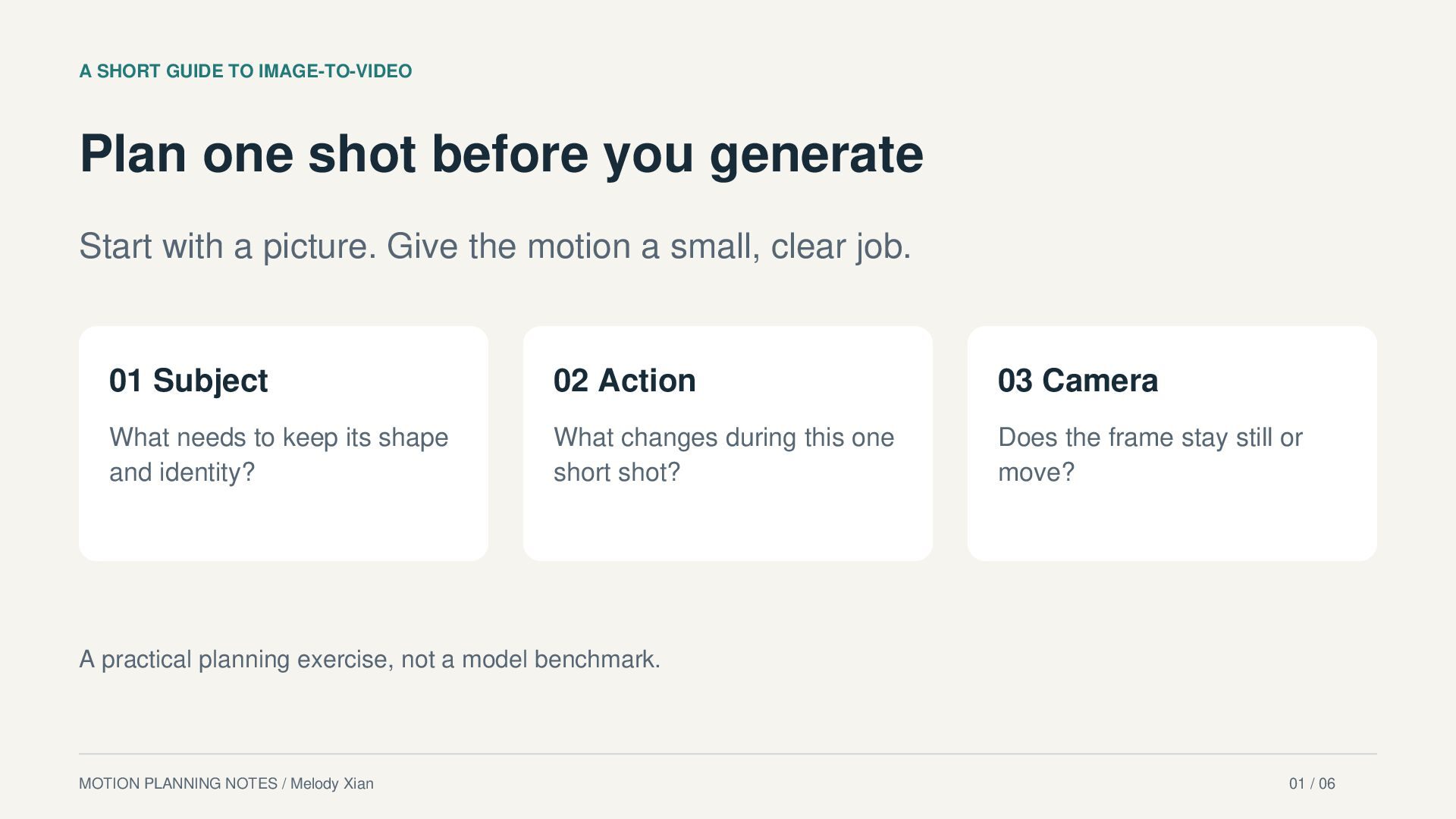
  1. A SHORT GUIDE TO IMAGE-TO-VIDEO Plan one shot before you

    generate Start with a picture. Give the motion a small, clear job. 01 Subject 02 Action 03 Camera What needs to keep its shape and identity? What changes during this one short shot? Does the frame stay still or move? A practical planning exercise, not a model benchmark. MOTION PLANNING NOTES / Melody Xian 01 / 06
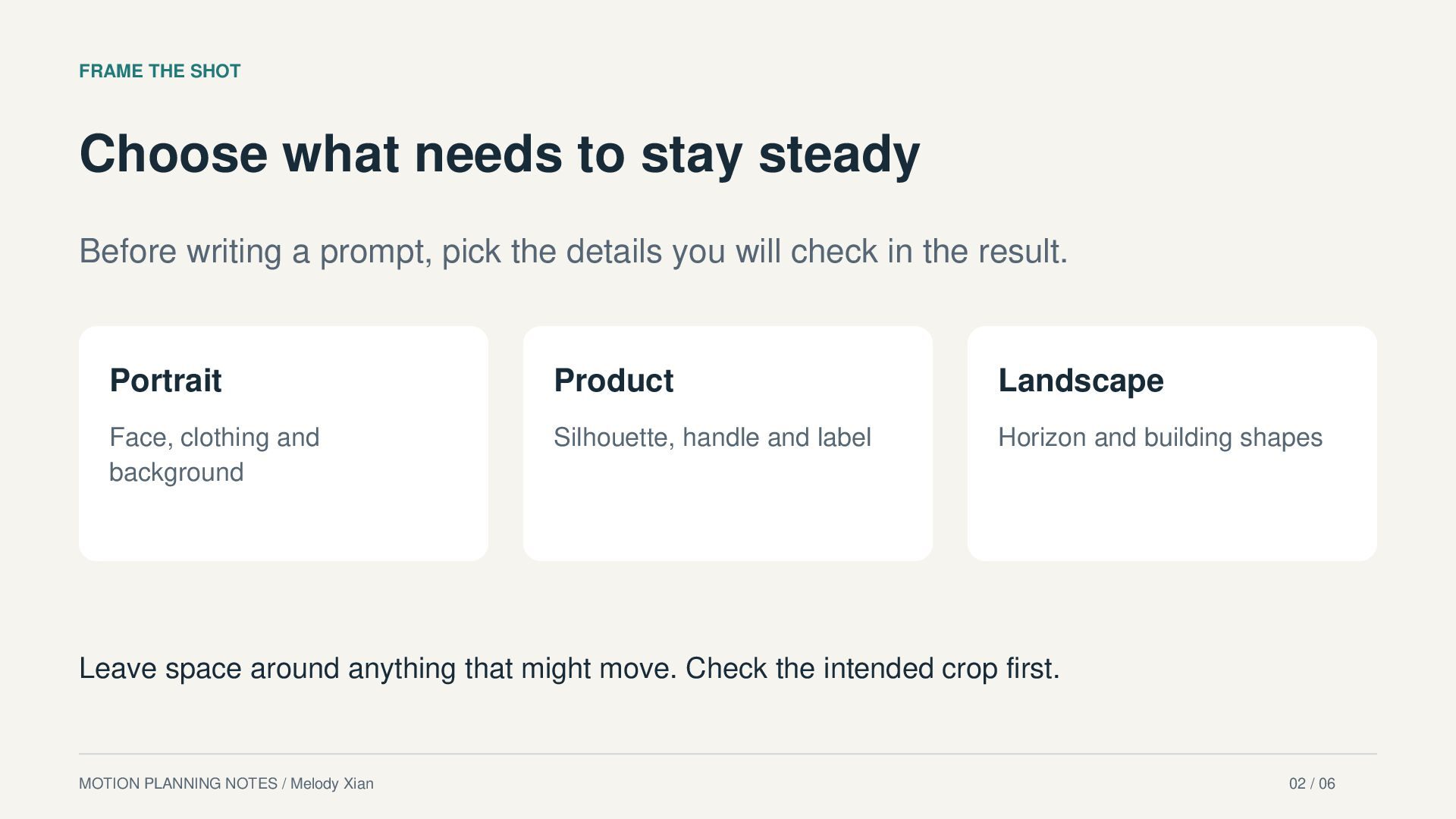
  2. FRAME THE SHOT Choose what needs to stay steady Before

    writing a prompt, pick the details you will check in the result. Portrait Product Landscape Face, clothing and background Silhouette, handle and label Horizon and building shapes Leave space around anything that might move. Check the intended crop first. MOTION PLANNING NOTES / Melody Xian 02 / 06
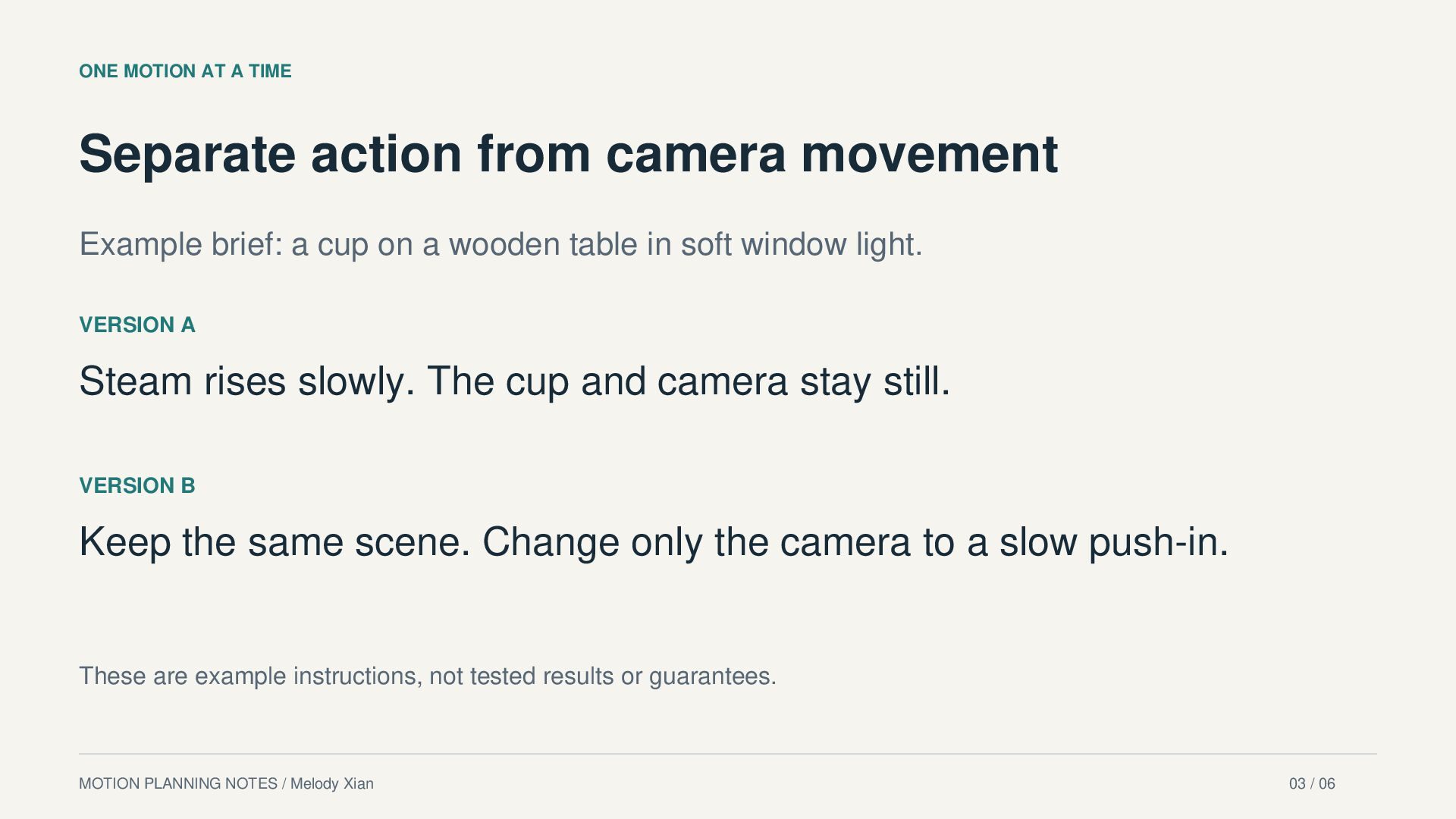
  3. ONE MOTION AT A TIME Separate action from camera movement

    Example brief: a cup on a wooden table in soft window light. VERSION A Steam rises slowly. The cup and camera stay still. VERSION B Keep the same scene. Change only the camera to a slow push-in. These are example instructions, not tested results or guarantees. MOTION PLANNING NOTES / Melody Xian 03 / 06
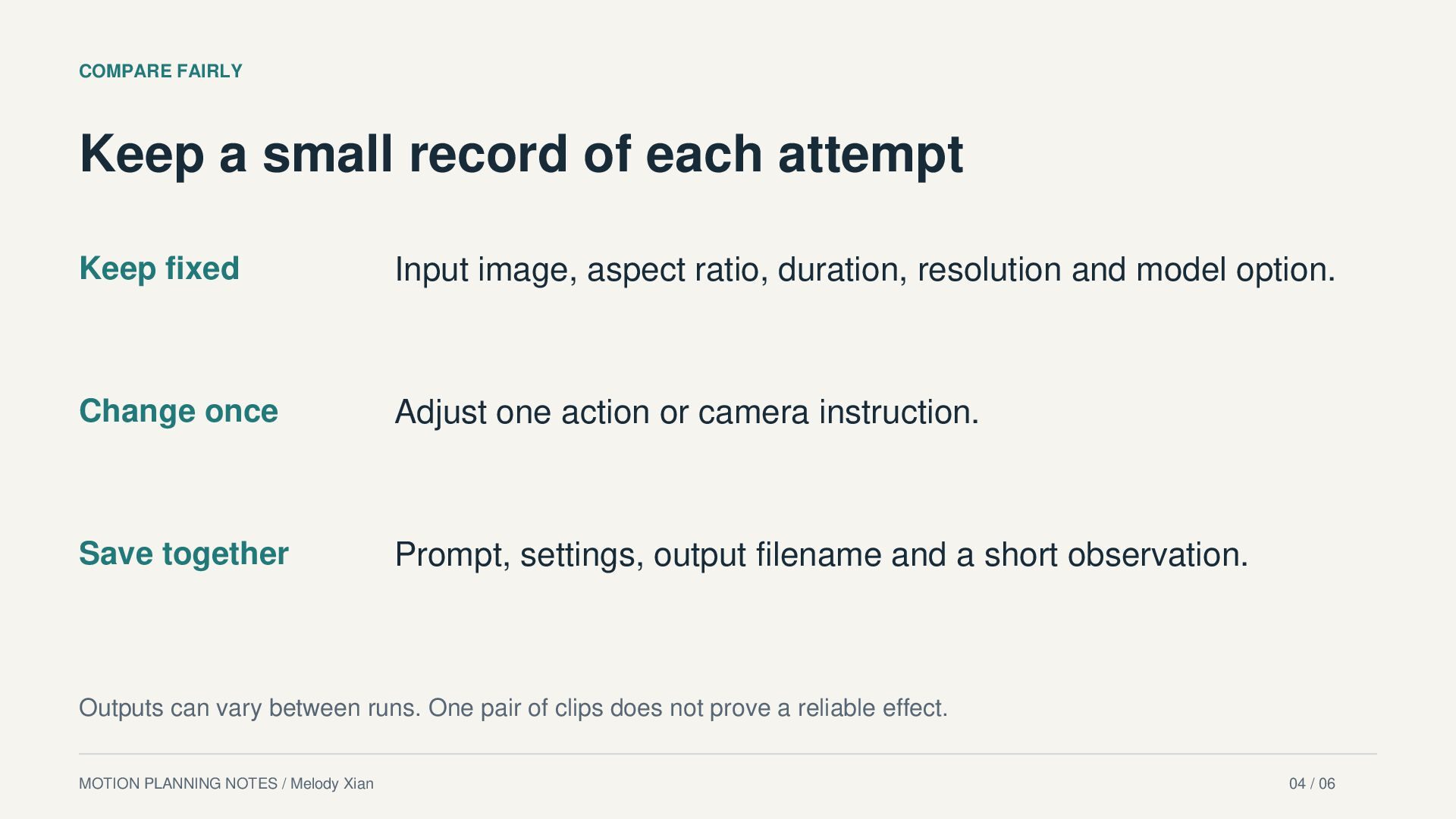
  4. COMPARE FAIRLY Keep a small record of each attempt Keep

    fixed Input image, aspect ratio, duration, resolution and model option. Change once Adjust one action or camera instruction. Save together Prompt, settings, output filename and a short observation. Outputs can vary between runs. One pair of clips does not prove a reliable effect. MOTION PLANNING NOTES / Melody Xian 04 / 06
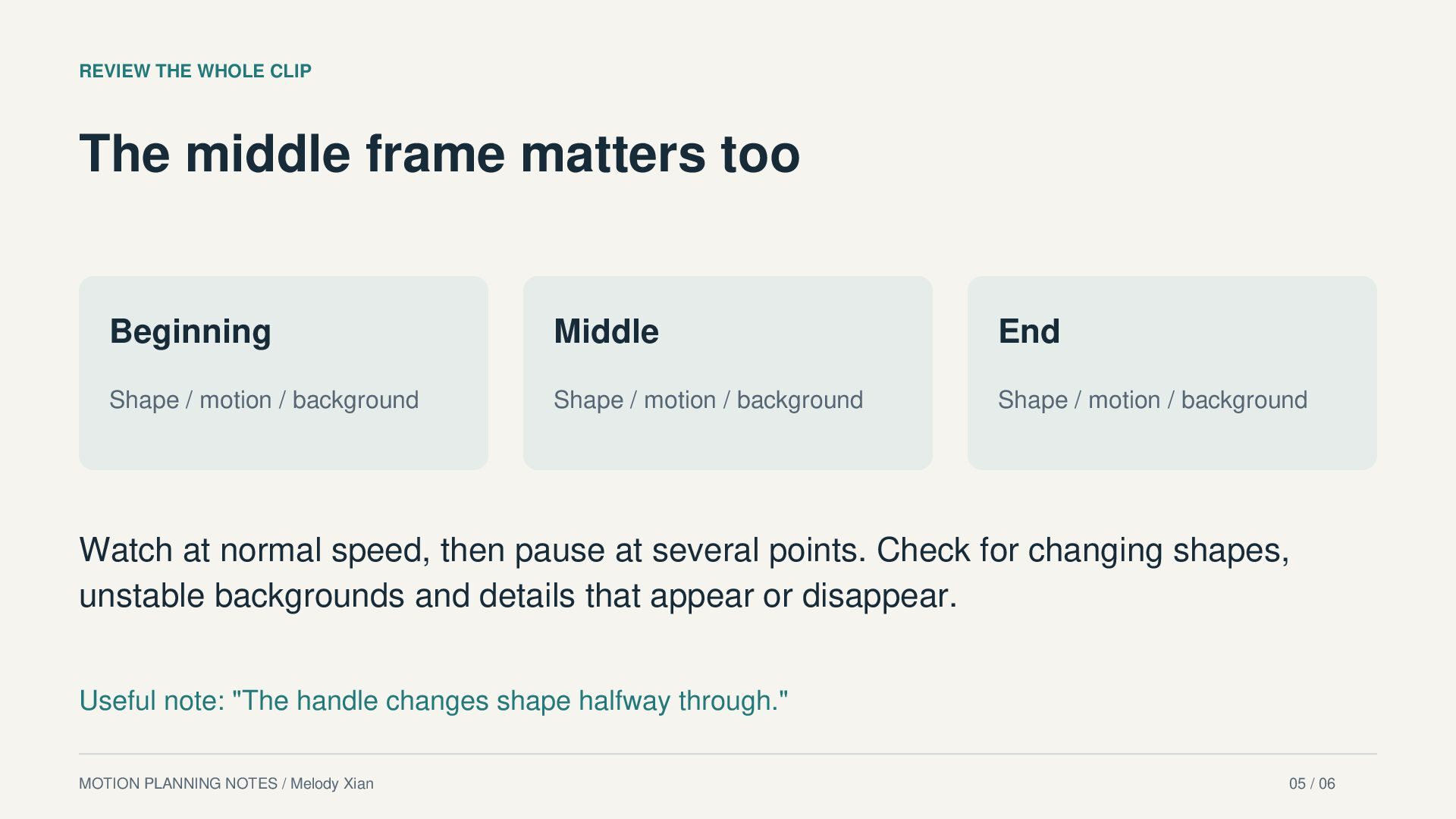
  5. REVIEW THE WHOLE CLIP The middle frame matters too Beginning

    Middle End Shape / motion / background Shape / motion / background Shape / motion / background Watch at normal speed, then pause at several points. Check for changing shapes, unstable backgrounds and details that appear or disappear. Useful note: "The handle changes shape halfway through." MOTION PLANNING NOTES / Melody Xian 05 / 06
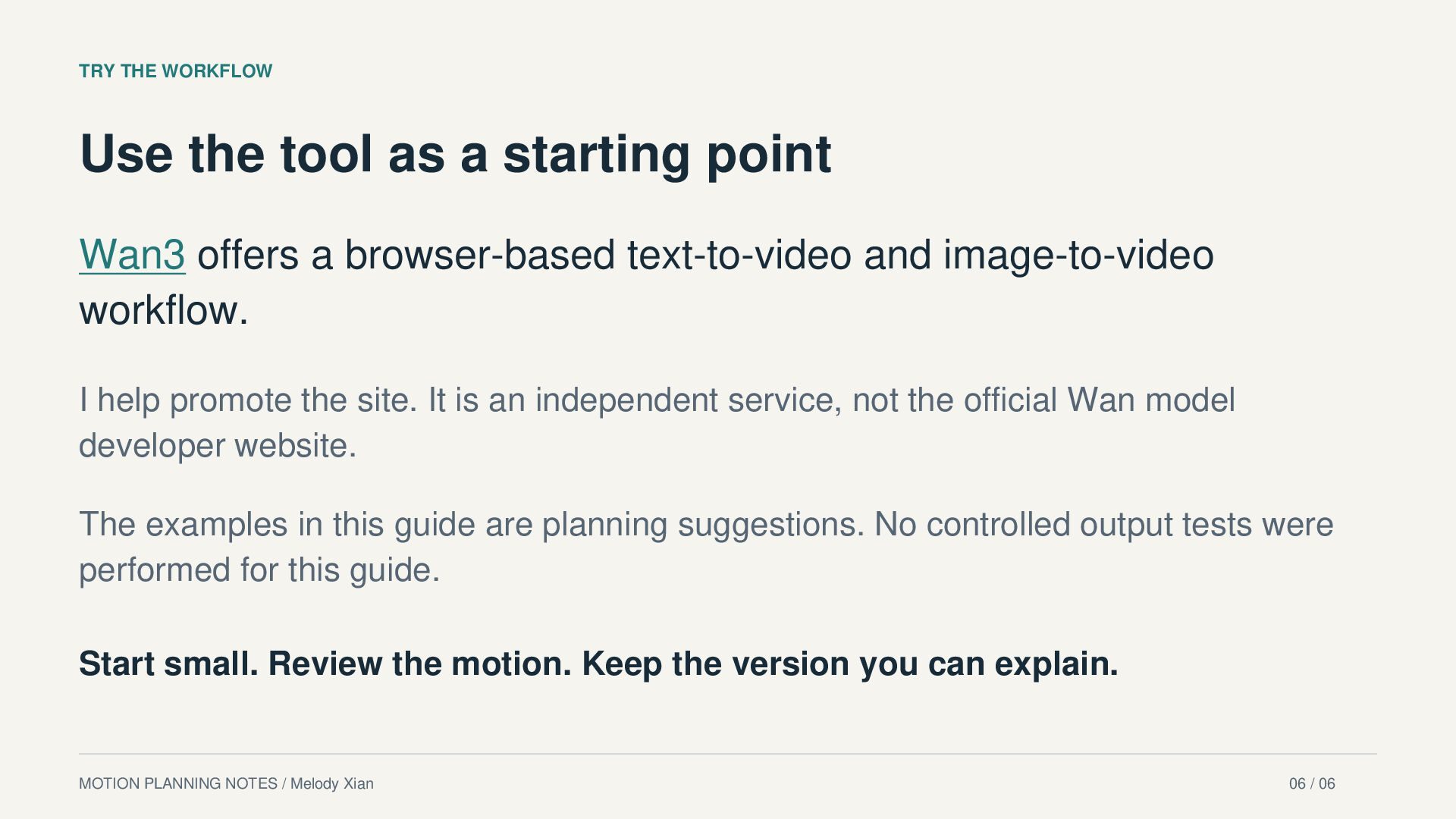
  6. TRY THE WORKFLOW Use the tool as a starting point

    Wan3 offers a browser-based text-to-video and image-to-video workflow. I help promote the site. It is an independent service, not the official Wan model developer website. The examples in this guide are planning suggestions. No controlled output tests were performed for this guide. Start small. Review the motion. Keep the version you can explain. MOTION PLANNING NOTES / Melody Xian 06 / 06