Share
Embed
Transcript
27 slides
-
A2UI is a generative UI protocol, from Google, that enables
AI agents to generate rich, interactive user interfaces across web, mobile, desktop Agent to UI Protocol (A2UI) a2ui.org -
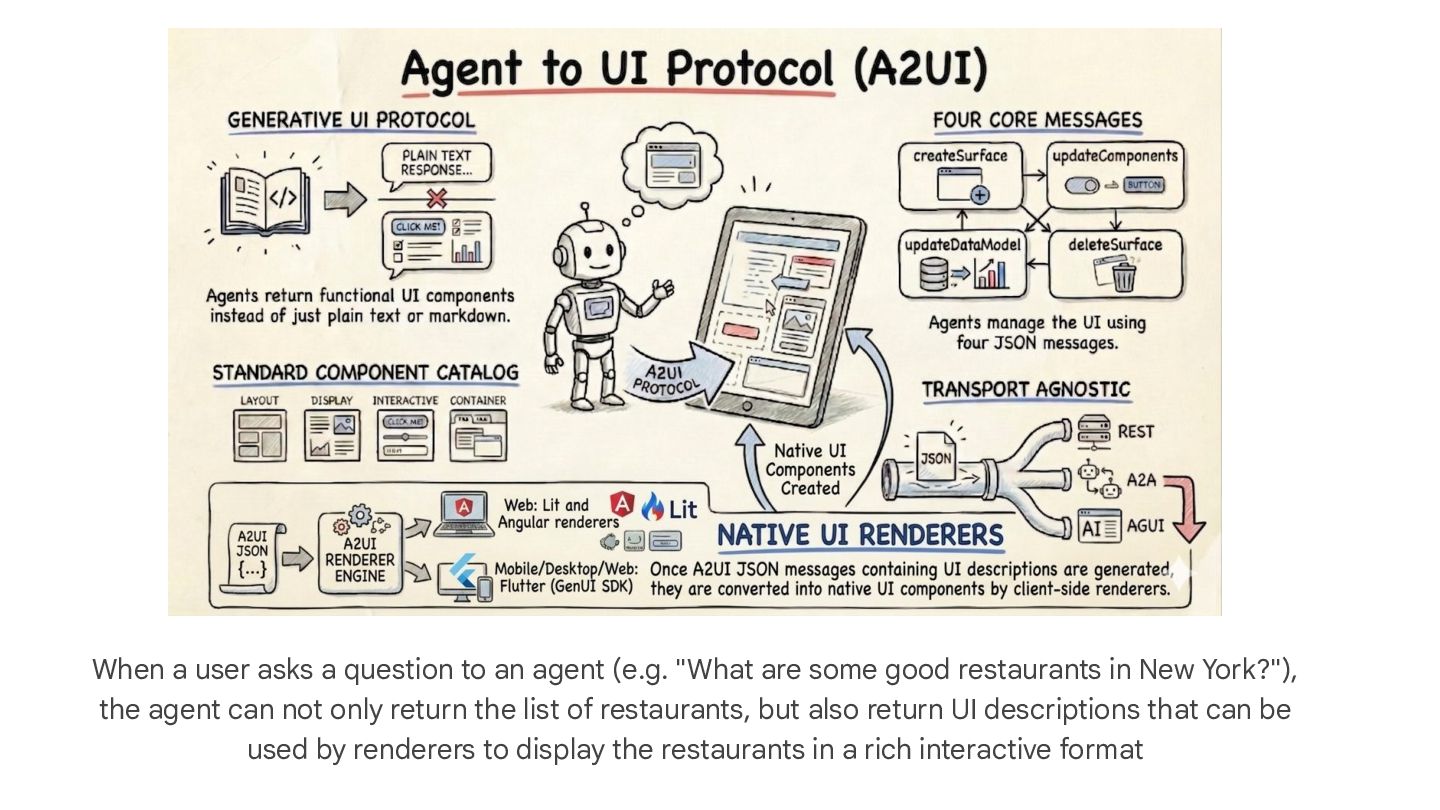
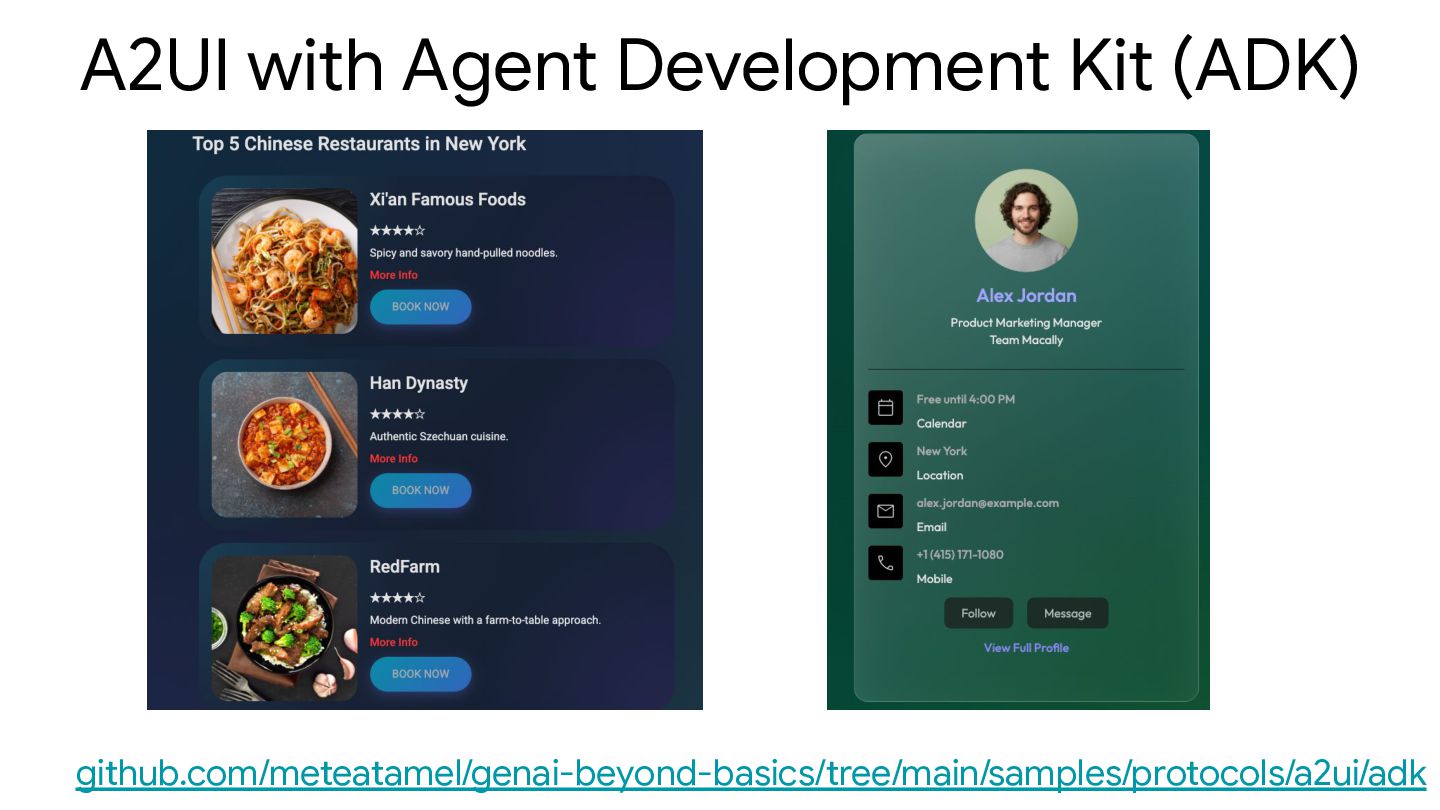
When a user asks a question to an agent (e.g.
"What are some good restaurants in New York?"), the agent can not only return the list of restaurants, but also return UI descriptions that can be used by renderers to display the restaurants in a rich interactive format -
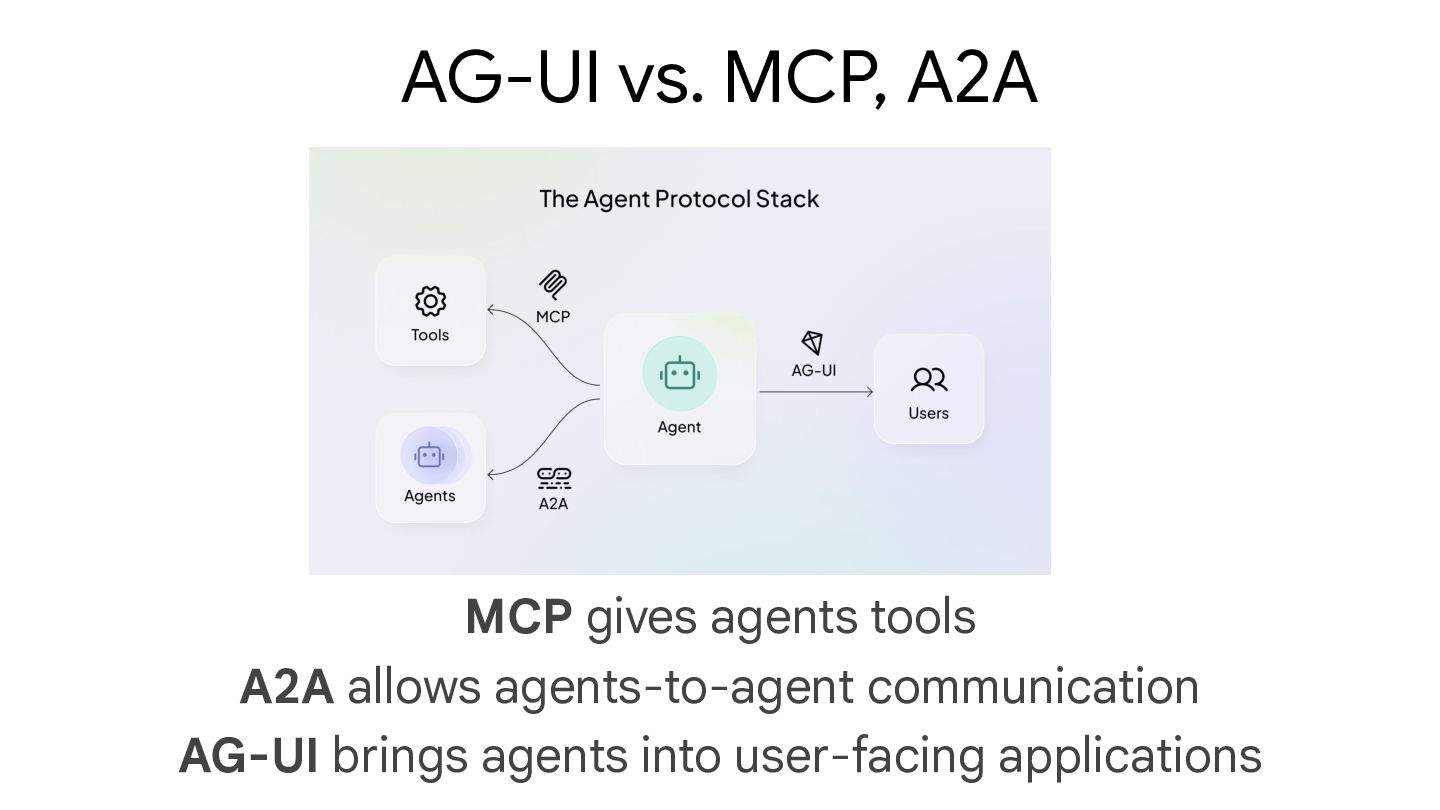
MCP gives agents tools A2A allows agents-to-agent communication AG-UI brings
agents into user-facing applications AG-UI vs. MCP, A2A -
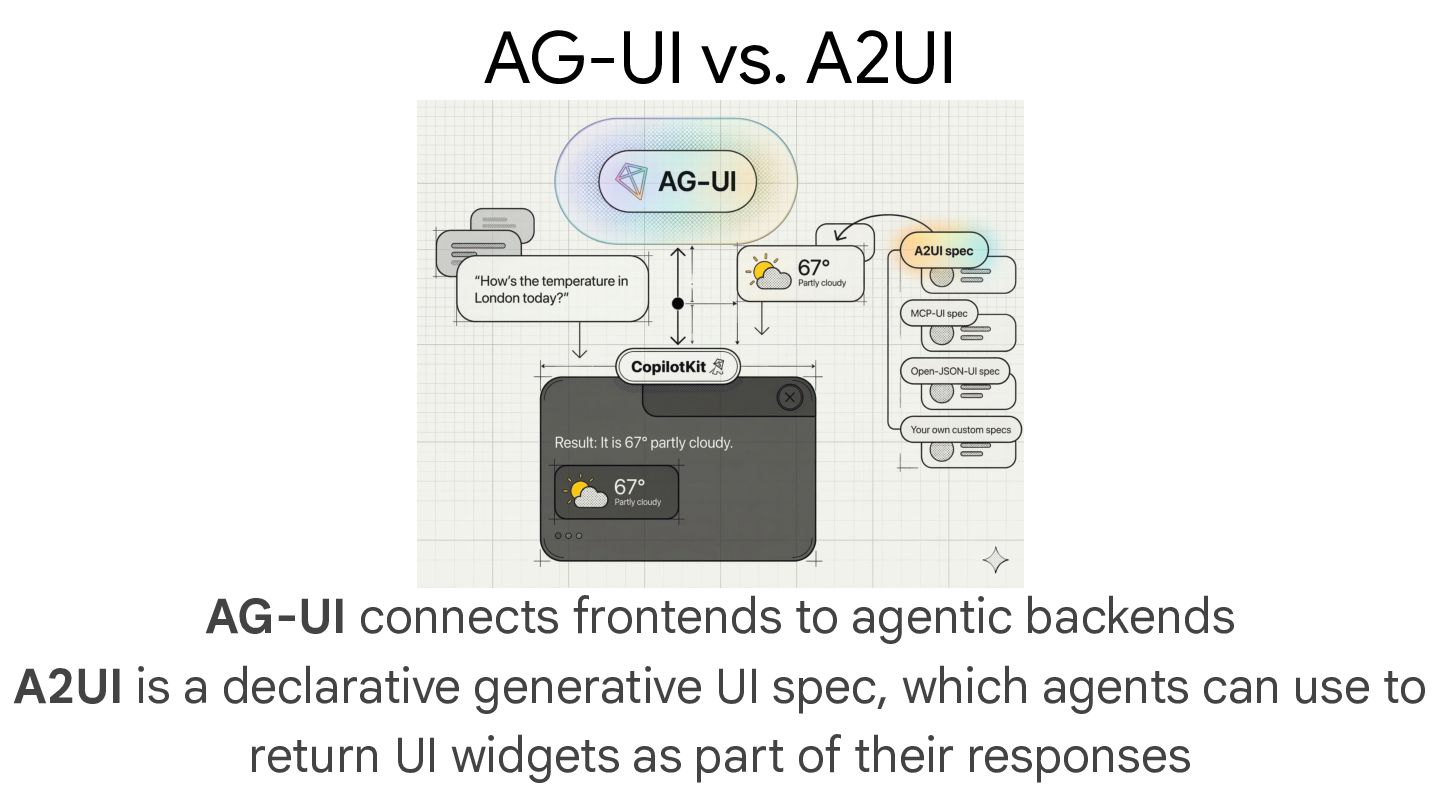
AG-UI connects frontends to agentic backends A2UI is a declarative
generative UI spec, which agents can use to return UI widgets as part of their responses AG-UI vs. A2UI -
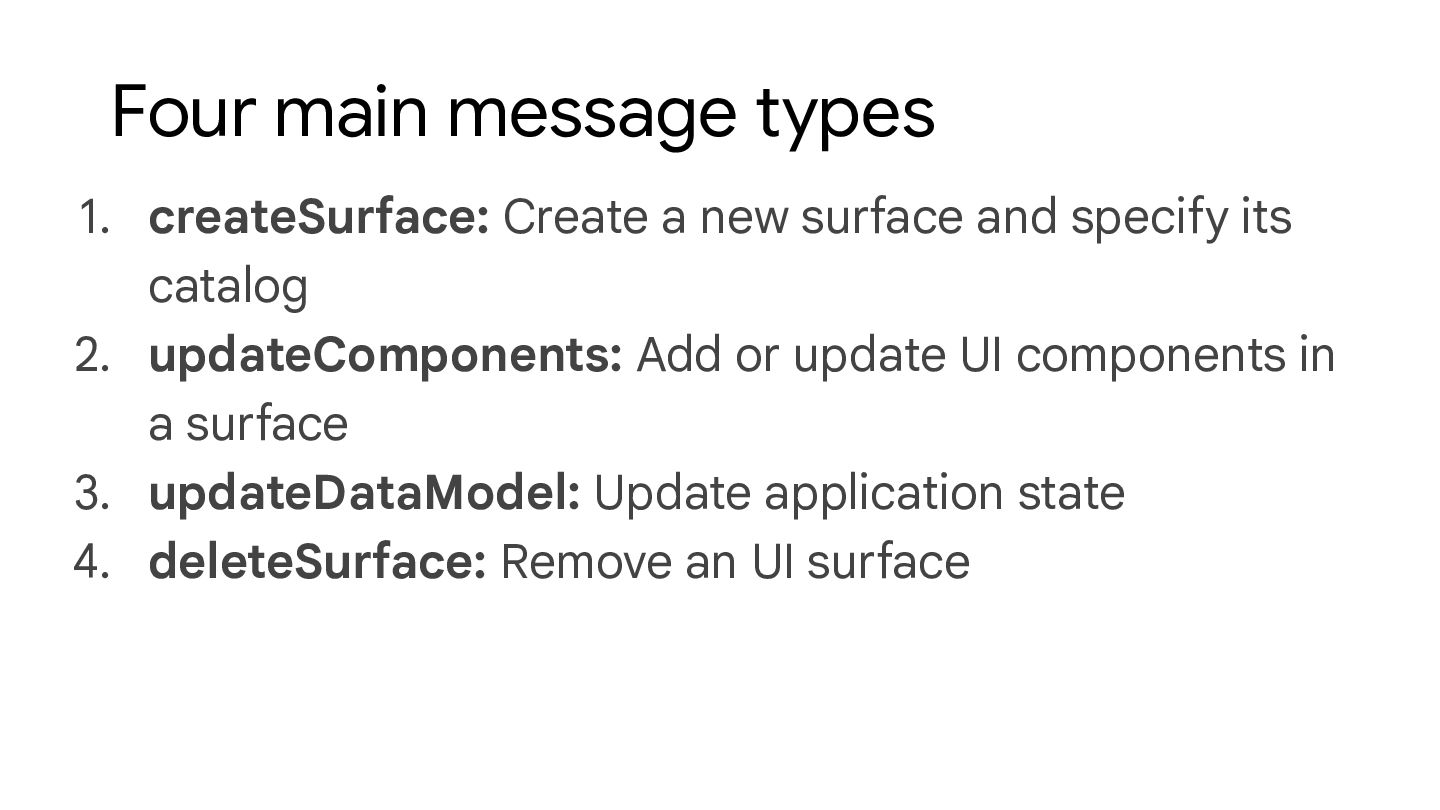
1. createSurface: Create a new surface and specify its catalog
2. updateComponents: Add or update UI components in a surface 3. updateDataModel: Update application state 4. deleteSurface: Remove an UI surface Four main message types -
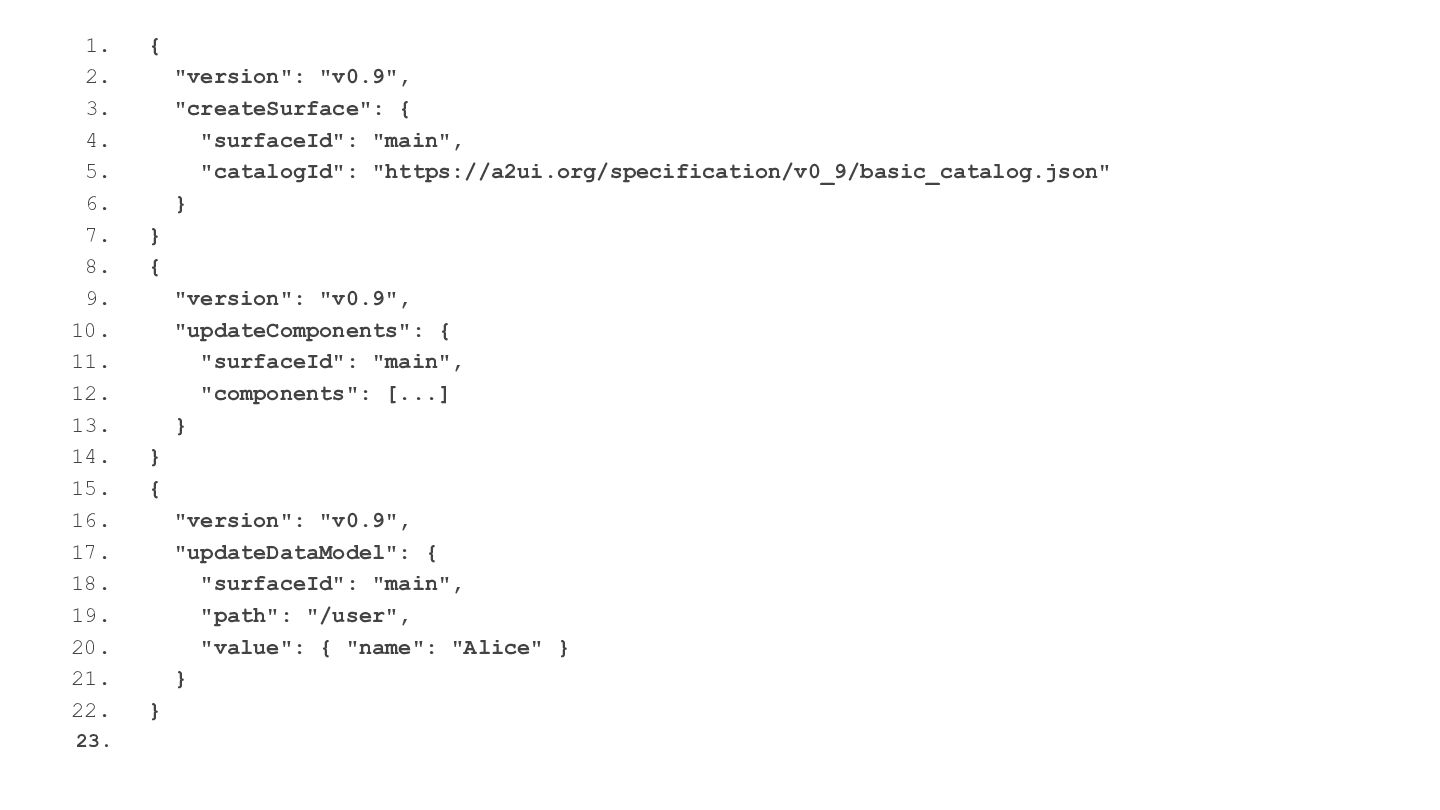
1. { 2. "version": "v0.9", 3. "createSurface": { 4. "surfaceId":
"main", 5. "catalogId": "https://a2ui.org/specification/v0_9/basic_catalog.json" 6. } 7. } 8. { 9. "version": "v0.9", 10. "updateComponents": { 11. "surfaceId": "main", 12. "components": [...] 13. } 14. } 15. { 16. "version": "v0.9", 17. "updateDataModel": { 18. "surfaceId": "main", 19. "path": "/user", 20. "value": { "name": "Alice" } 21. } 22. } 23. -
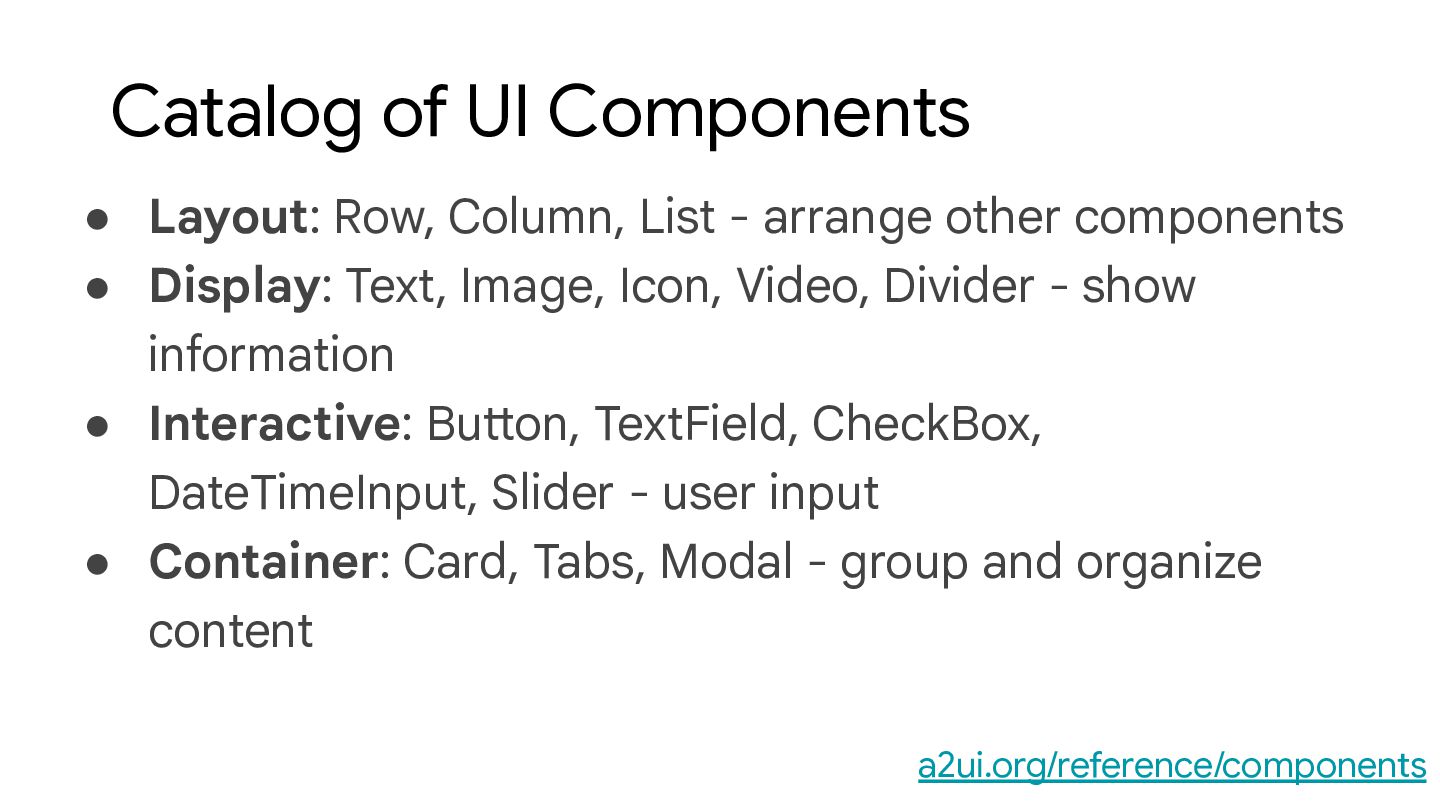
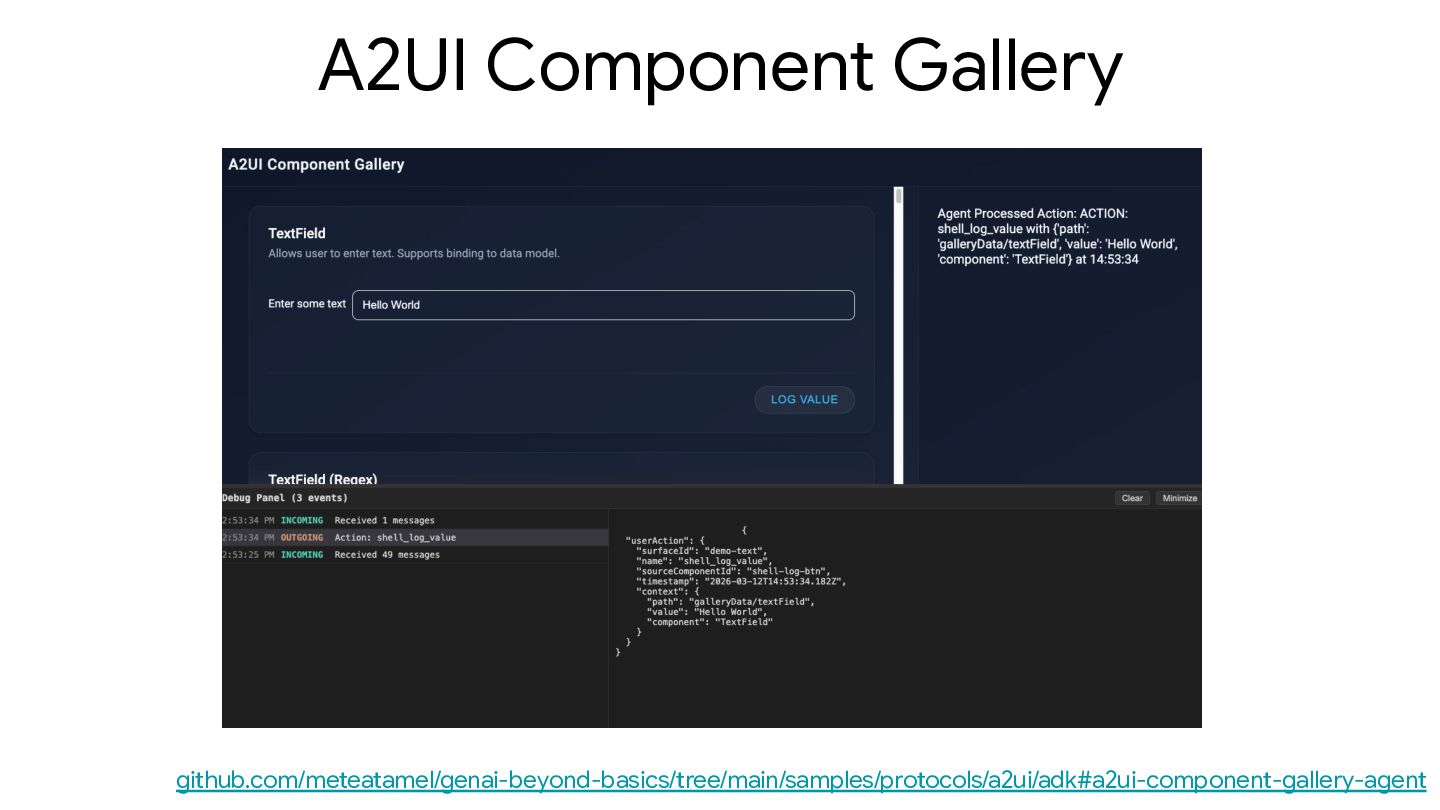
• Layout: Row, Column, List - arrange other components •
Display: Text, Image, Icon, Video, Divider - show information • Interactive: Button, TextField, CheckBox, DateTimeInput, Slider - user input • Container: Card, Tabs, Modal - group and organize content Catalog of UI Components a2ui.org/reference/components -
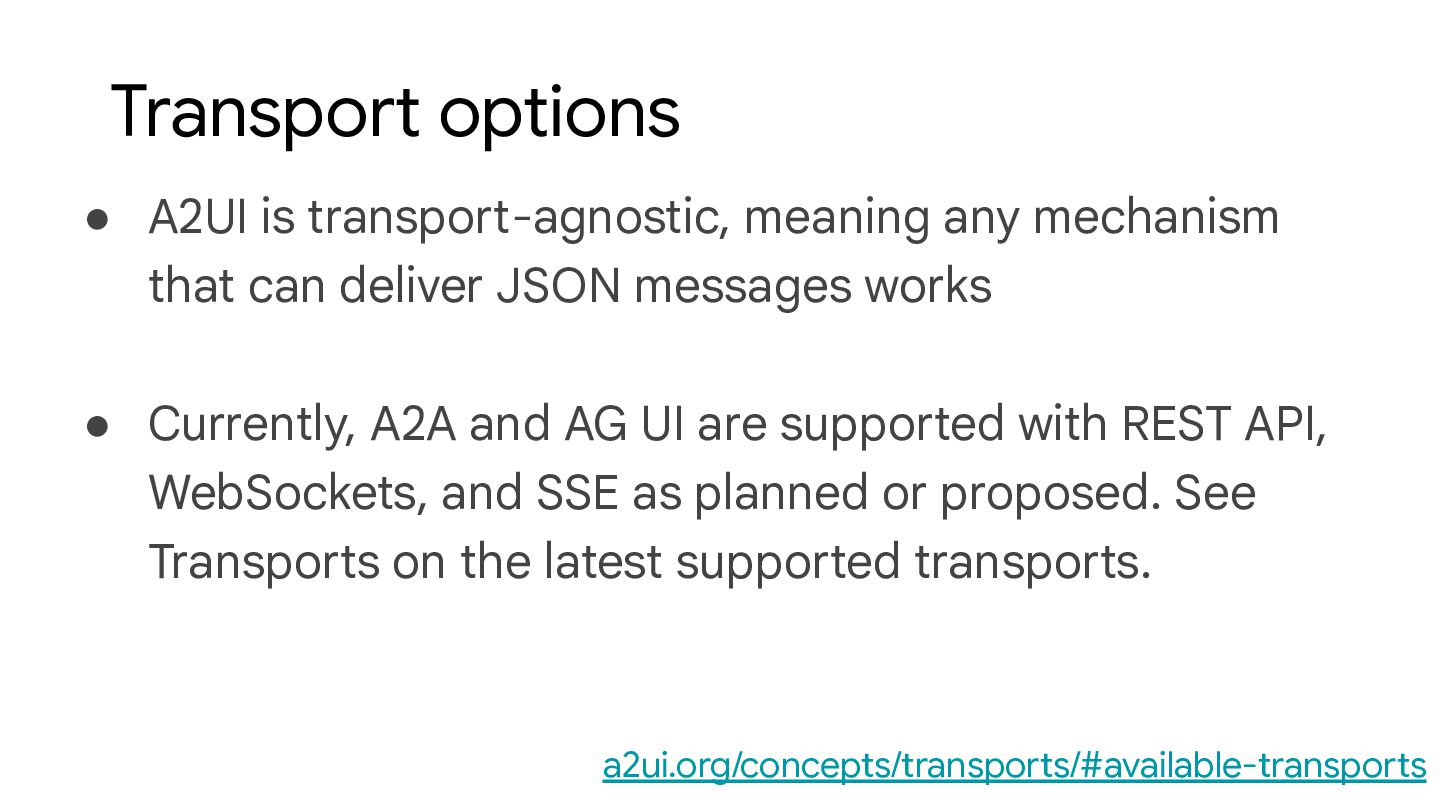
• A2UI is transport-agnostic, meaning any mechanism that can deliver
JSON messages works • Currently, A2A and AG UI are supported with REST API, WebSockets, and SSE as planned or proposed. See Transports on the latest supported transports. Transport options a2ui.org/concepts/transports/#available-transports -
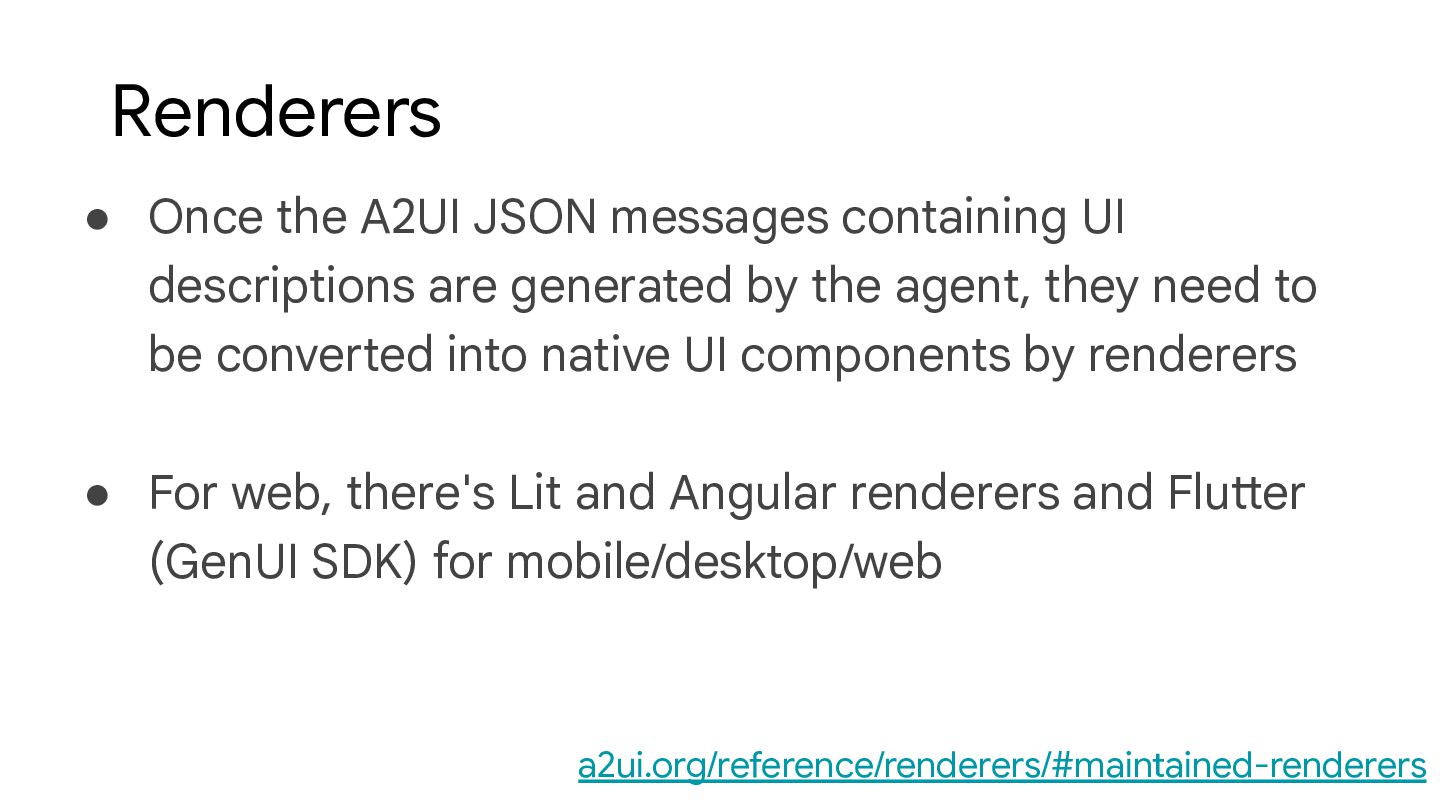
• Once the A2UI JSON messages containing UI descriptions are
generated by the agent, they need to be converted into native UI components by renderers • For web, there's Lit and Angular renderers and Flutter (GenUI SDK) for mobile/desktop/web Renderers a2ui.org/reference/renderers/#maintained-renderers -
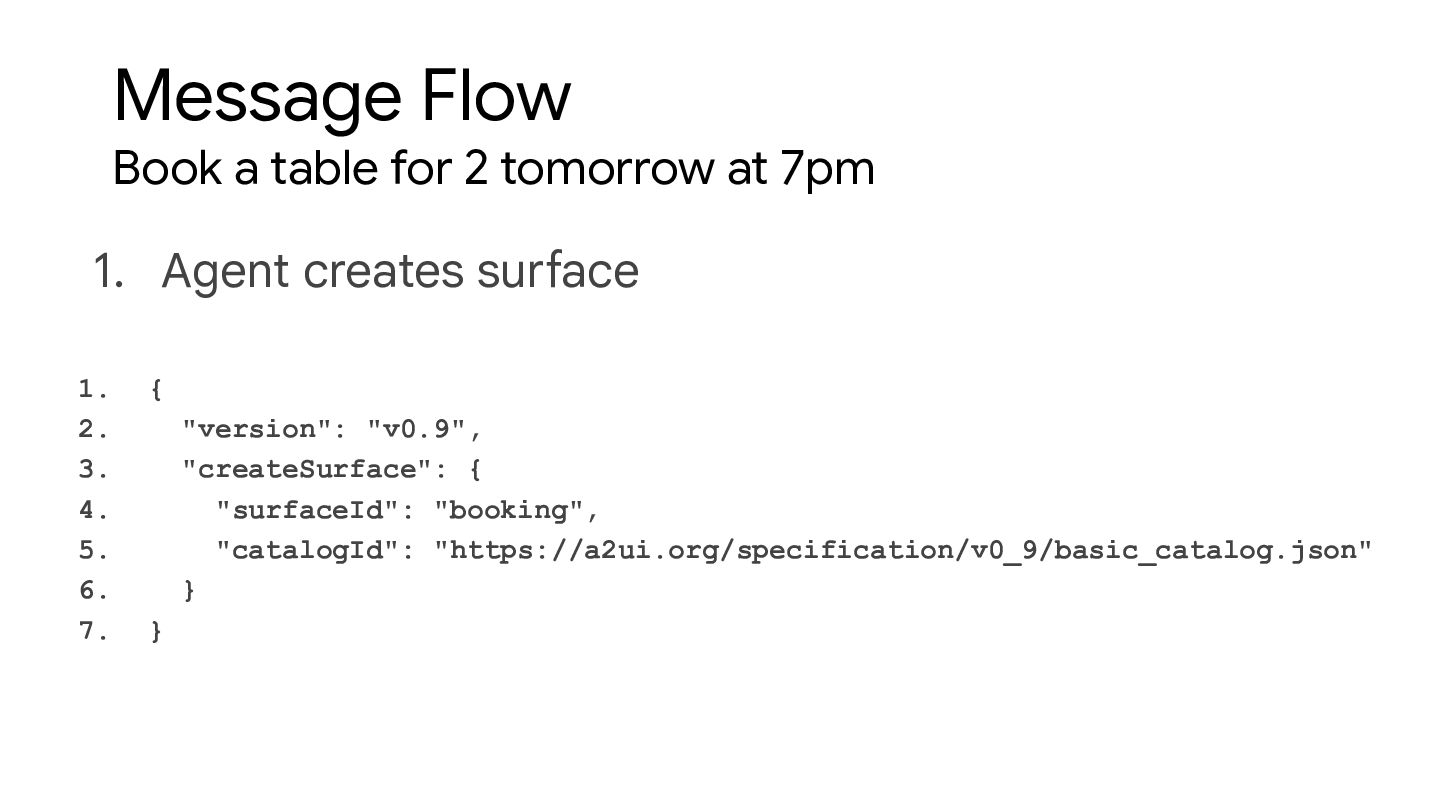
Message Flow Book a table for 2 tomorrow at 7pm
1. { 2. "version": "v0.9", 3. "createSurface": { 4. "surfaceId": "booking", 5. "catalogId": "https://a2ui.org/specification/v0_9/basic_catalog.json" 6. } 7. } 1. Agent creates surface -
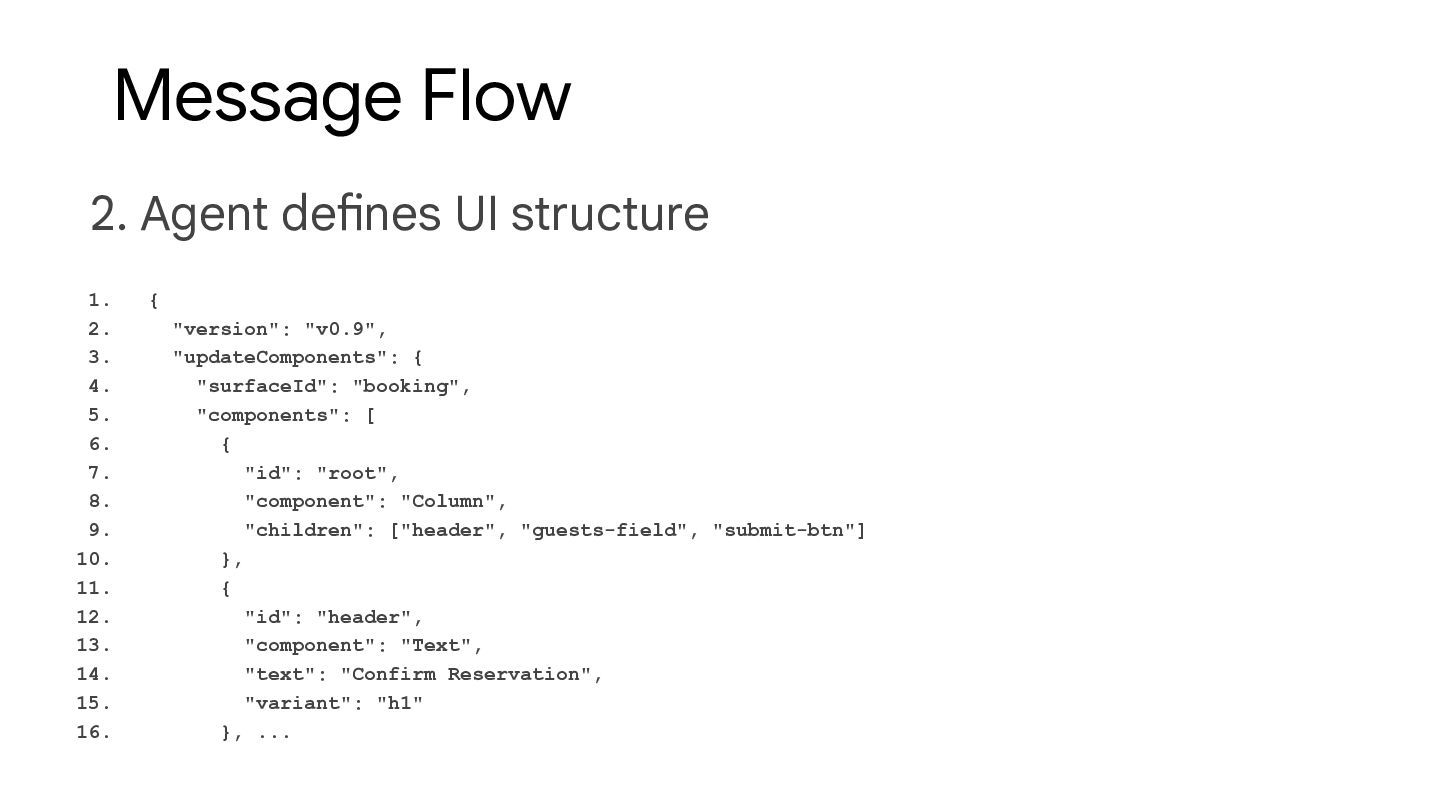
Message Flow 2. Agent defines UI structure 1. { 2.
"version": "v0.9", 3. "updateComponents": { 4. "surfaceId": "booking", 5. "components": [ 6. { 7. "id": "root", 8. "component": "Column", 9. "children": ["header", "guests-field", "submit-btn"] 10. }, 11. { 12. "id": "header", 13. "component": "Text", 14. "text": "Confirm Reservation", 15. "variant": "h1" 16. }, ... -
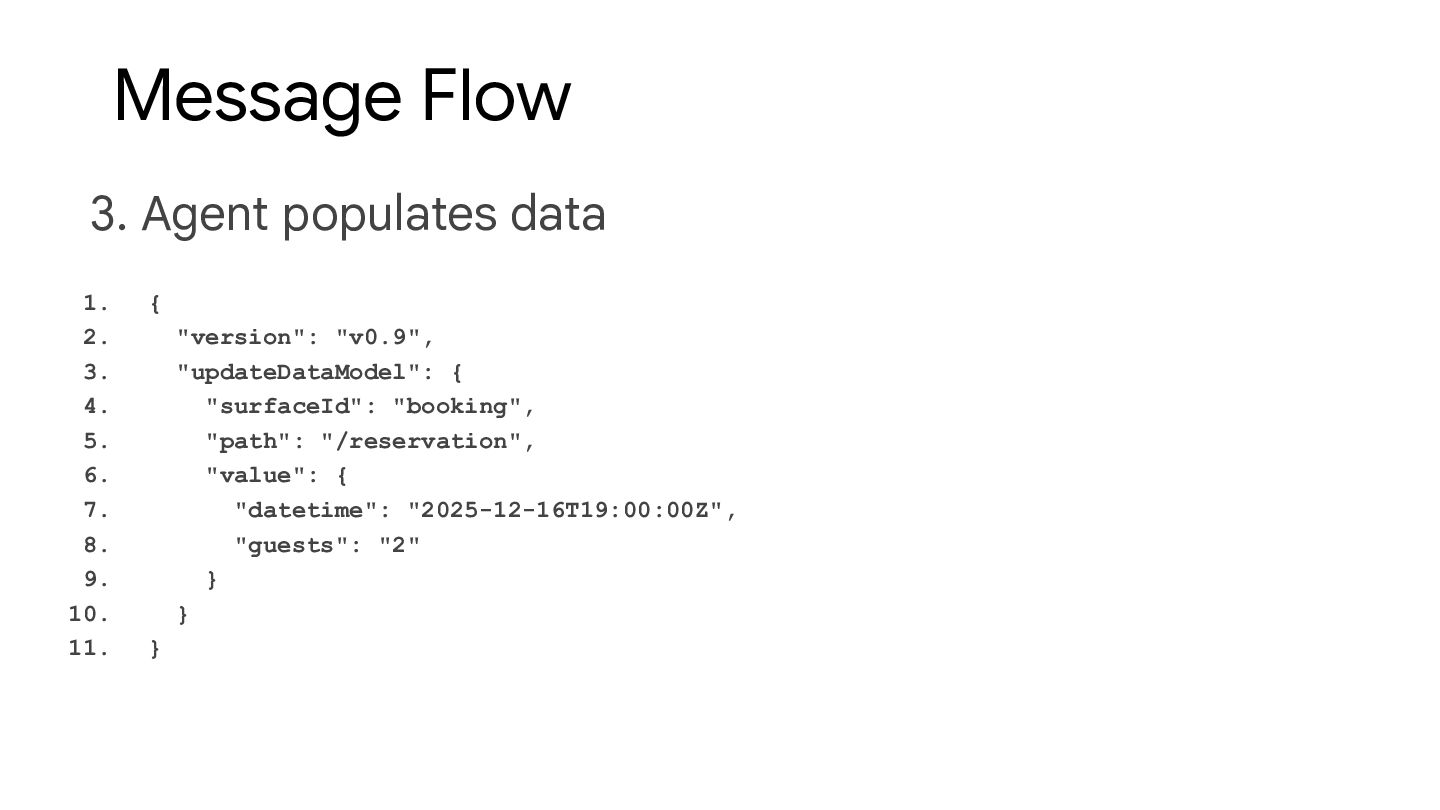
Message Flow 3. Agent populates data 1. { 2. "version":
"v0.9", 3. "updateDataModel": { 4. "surfaceId": "booking", 5. "path": "/reservation", 6. "value": { 7. "datetime": "2025-12-16T19:00:00Z", 8. "guests": "2" 9. } 10. } 11. } -
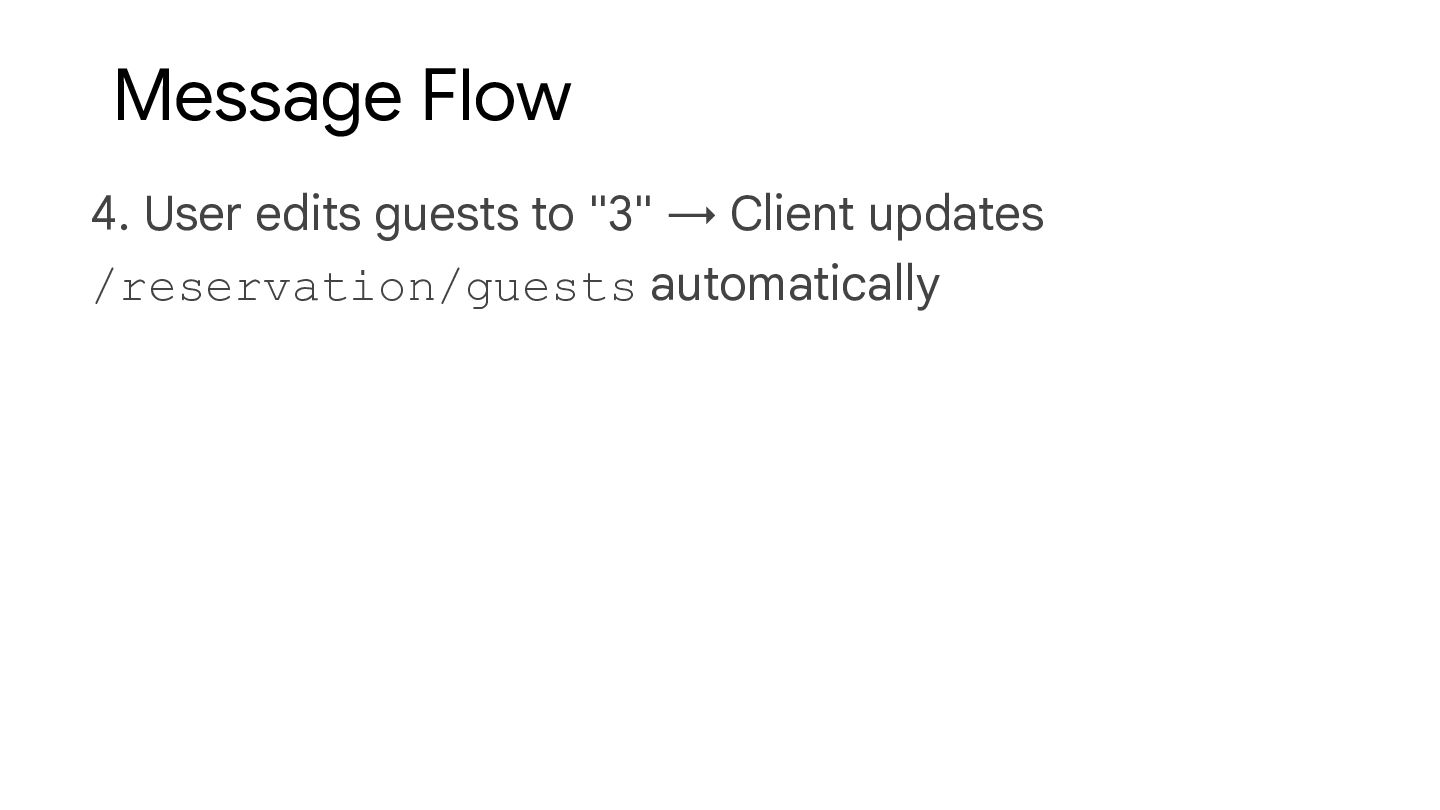
Message Flow 4. User edits guests to "3" → Client
updates /reservation/guests automatically -
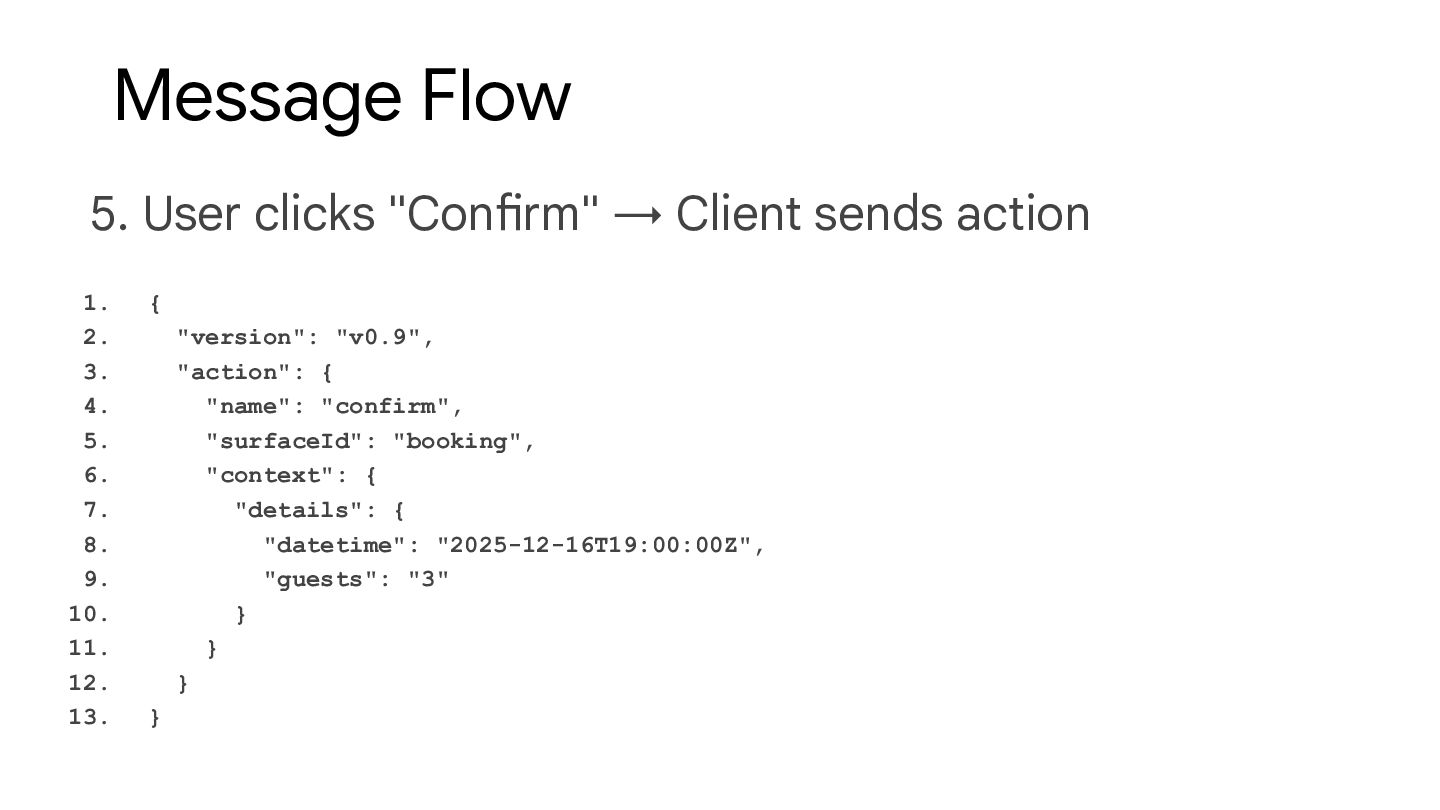
Message Flow 5. User clicks "Confirm" → Client sends action
1. { 2. "version": "v0.9", 3. "action": { 4. "name": "confirm", 5. "surfaceId": "booking", 6. "context": { 7. "details": { 8. "datetime": "2025-12-16T19:00:00Z", 9. "guests": "3" 10. } 11. } 12. } 13. } -
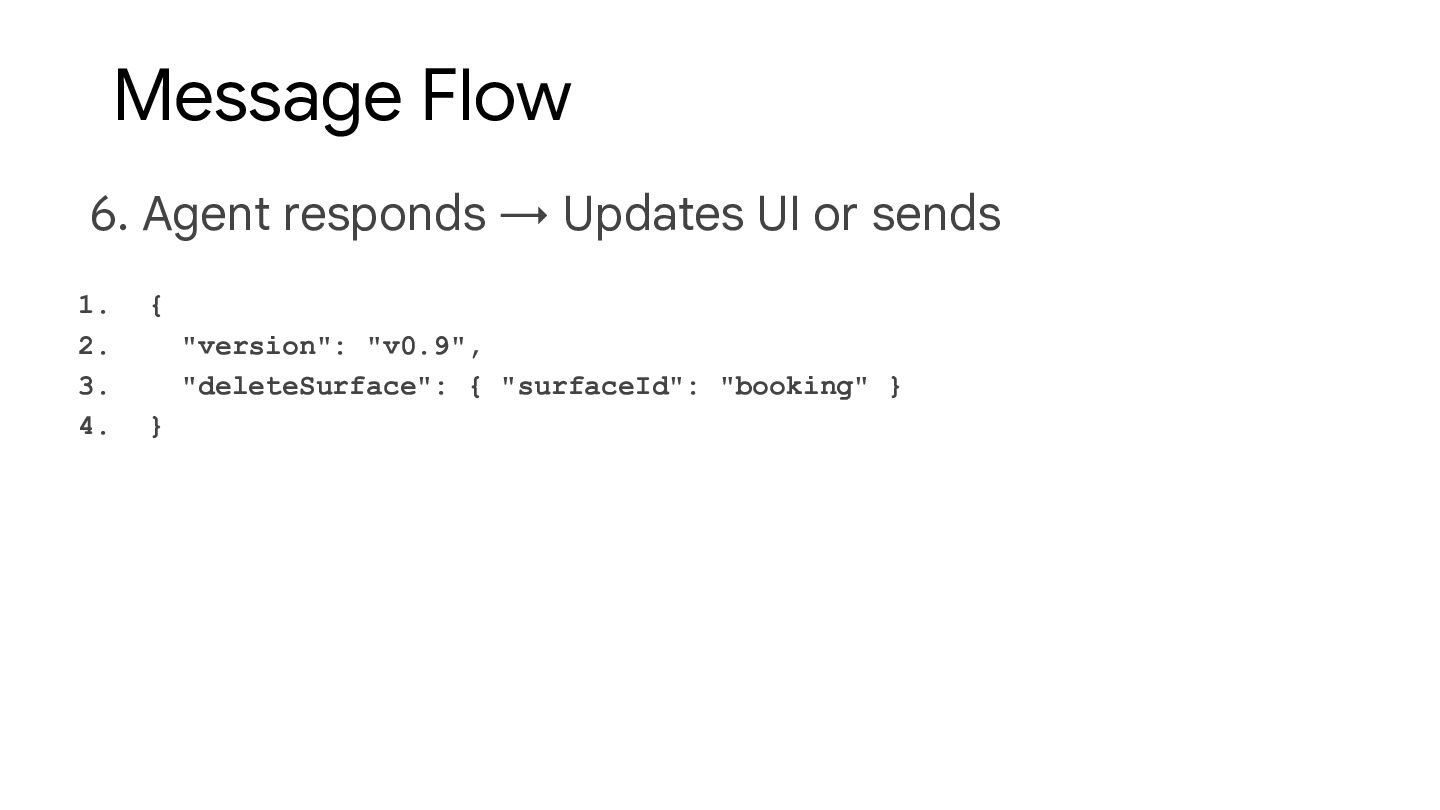
Message Flow 6. Agent responds → Updates UI or sends
1. { 2. "version": "v0.9", 3. "deleteSurface": { "surfaceId": "booking" } 4. } -
Thank you! Mete Atamel Developer Advocate at Google @meteatamel atamel.dev
speakerdeck.com/meteatamel github.com/meteatamel/genai-beyond-basics/tree/main/samples/protocols/a2ui