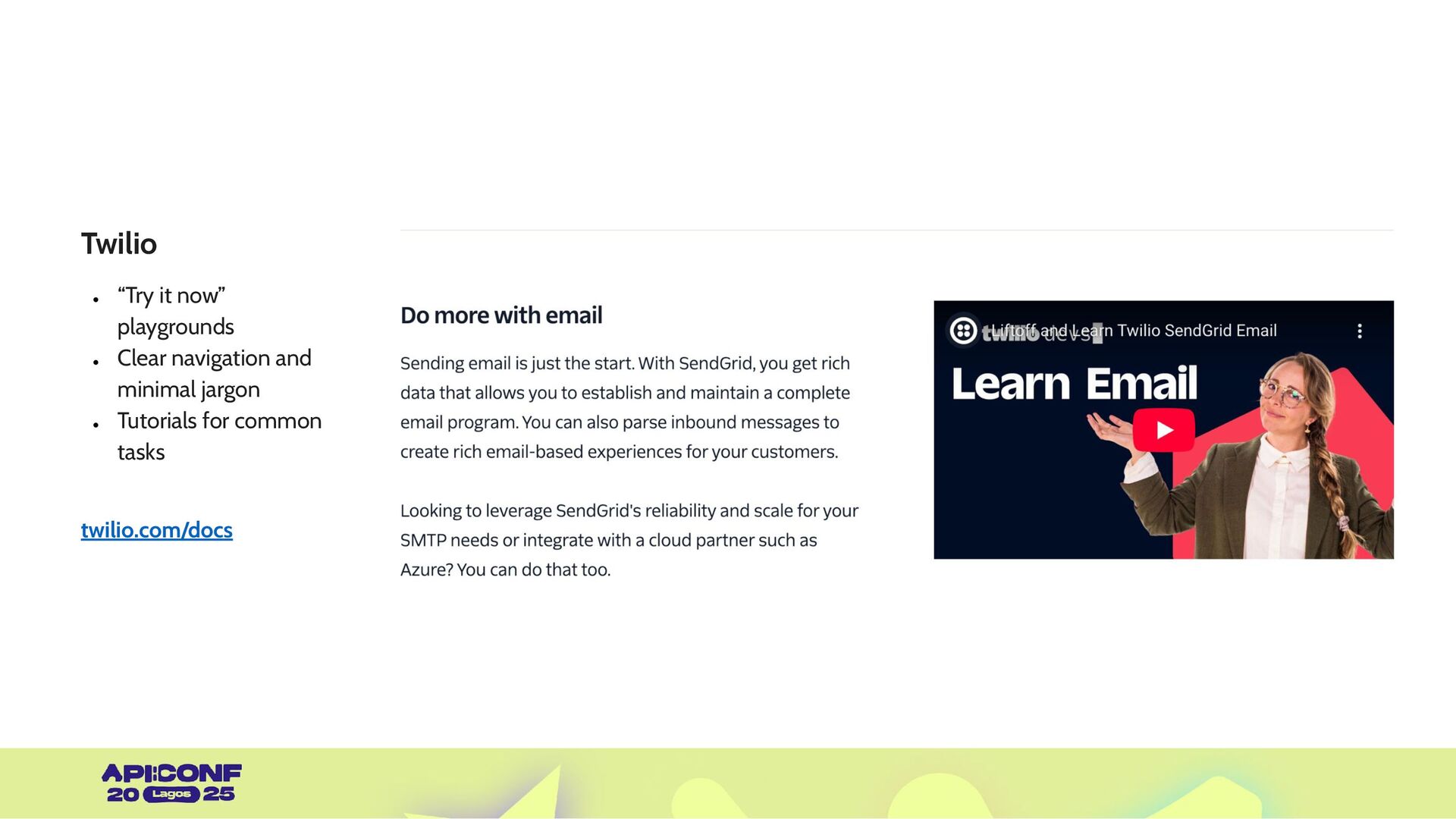
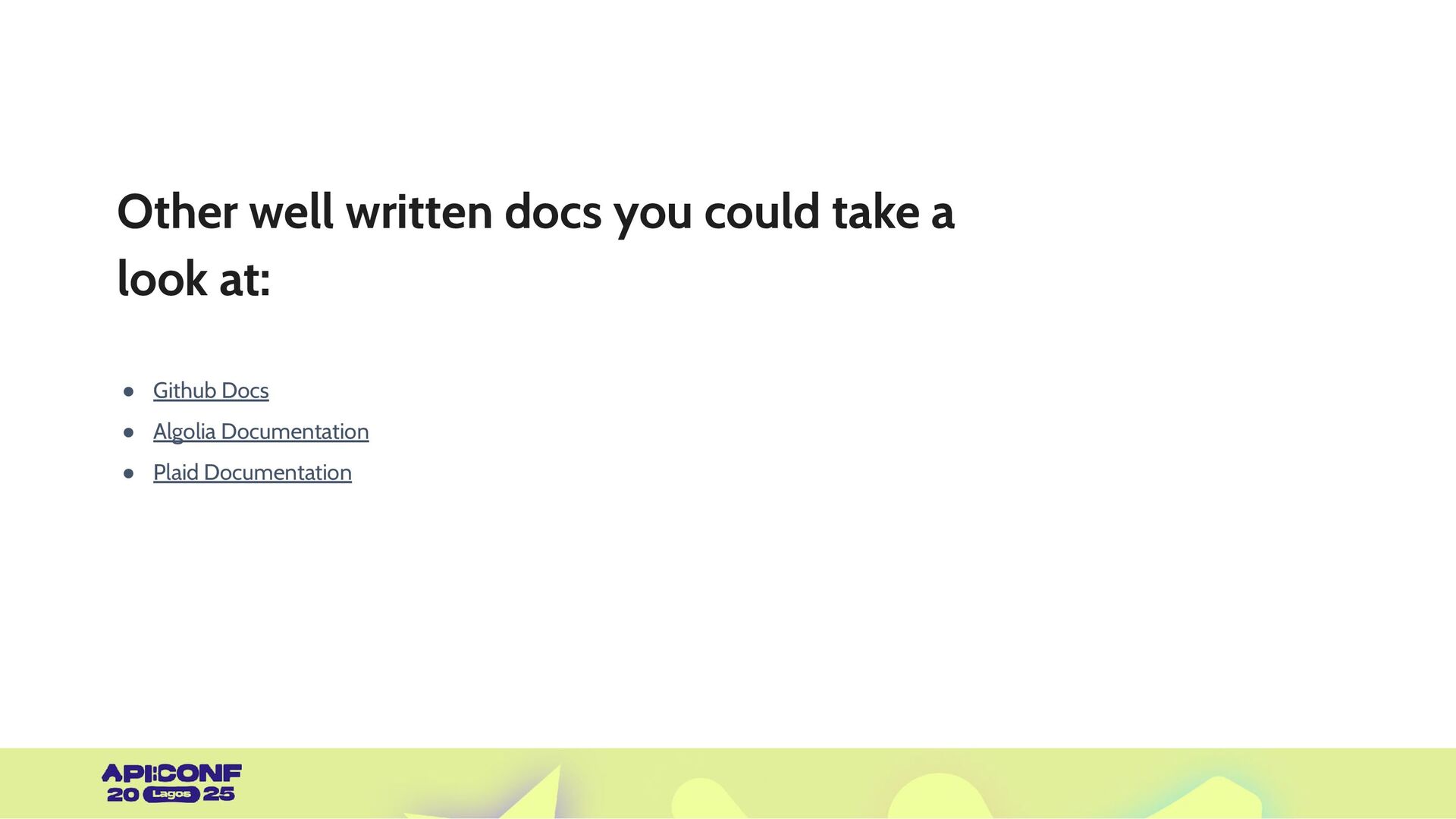
practical techniques behind designing API documentation. Break down real-world examples of excellent documentation and analyze what they are doing right. Explore ways you can make your documentation interactive, accessible, and human-friendly ✔ ✔ ✔
and here’s what it leads to: • Developers may feel frustrated by unclear or incomplete references. • Non-developers (like PMs or marketers) may feel lost when trying to understand what an API can do. We need docs that are both technically sound and human-friendly. Lagos
and detailed instructions. It should offer onboarding paths and real use cases. Guide: Empower: It should help users either technical or non-technical achieve desired outcomes. Delight: It should reduce confusion and increase satisfaction The goal of making a great API Documentation is to reduce time and give value to anyone using your API.
structure: Progressive disclosure: Understand your users and what they need. Use consistent headers, group endpoints logically, and include a getting started section. Don’t overload users upfront. Guide them step-by-step.
Instead of just listing an endpoint, show how it fits into a user workflow (e.g., “Use this to collect customer payments after signup.”) Clear structure: Progressive disclosure: Use cases & examples: Understand your users and what they need. Use consistent headers, group endpoints logically, and include a getting started section. Don’t overload users upfront. Guide them step-by-step. Bring abstract endpoints to life with scenarios.
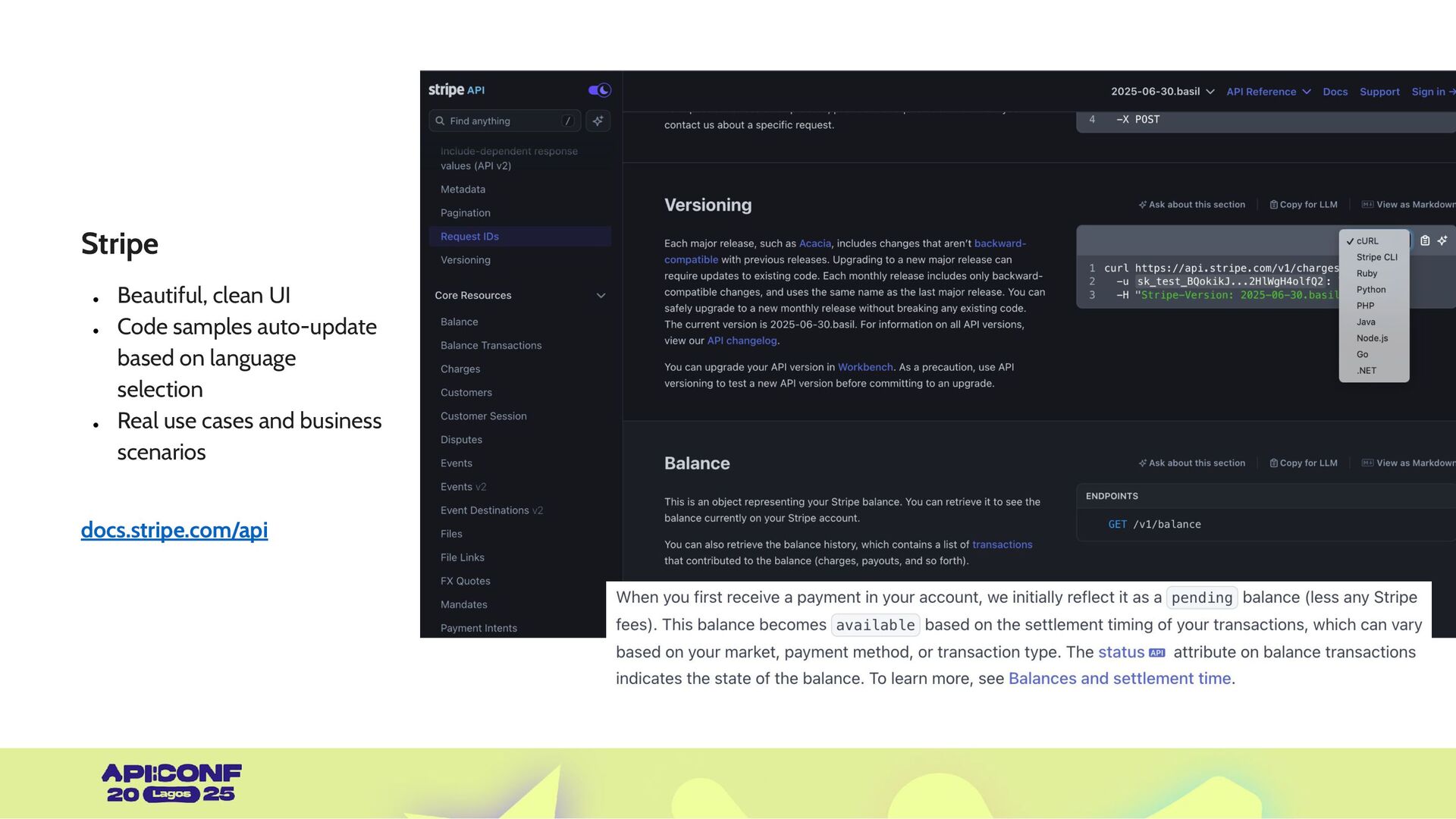
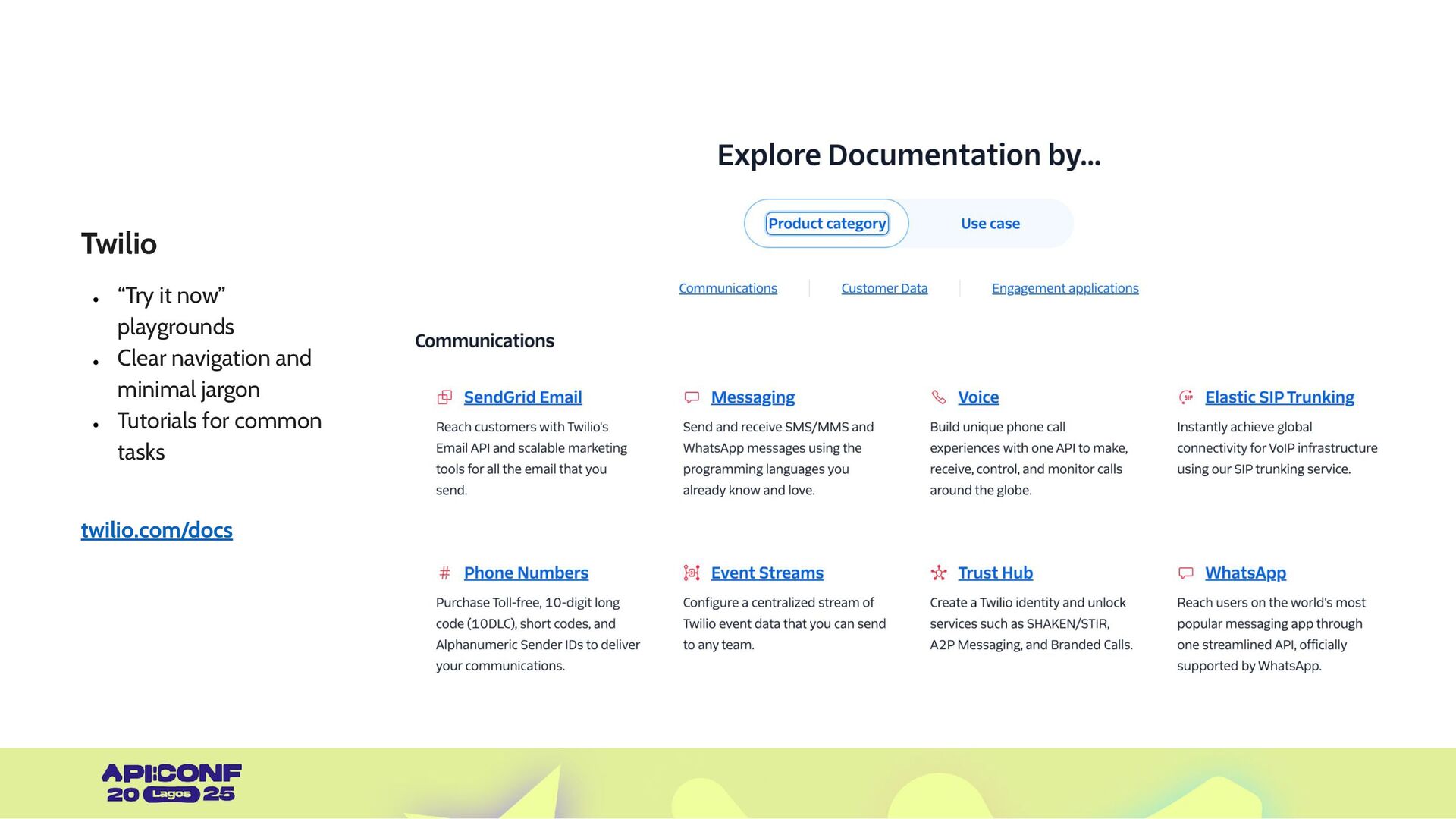
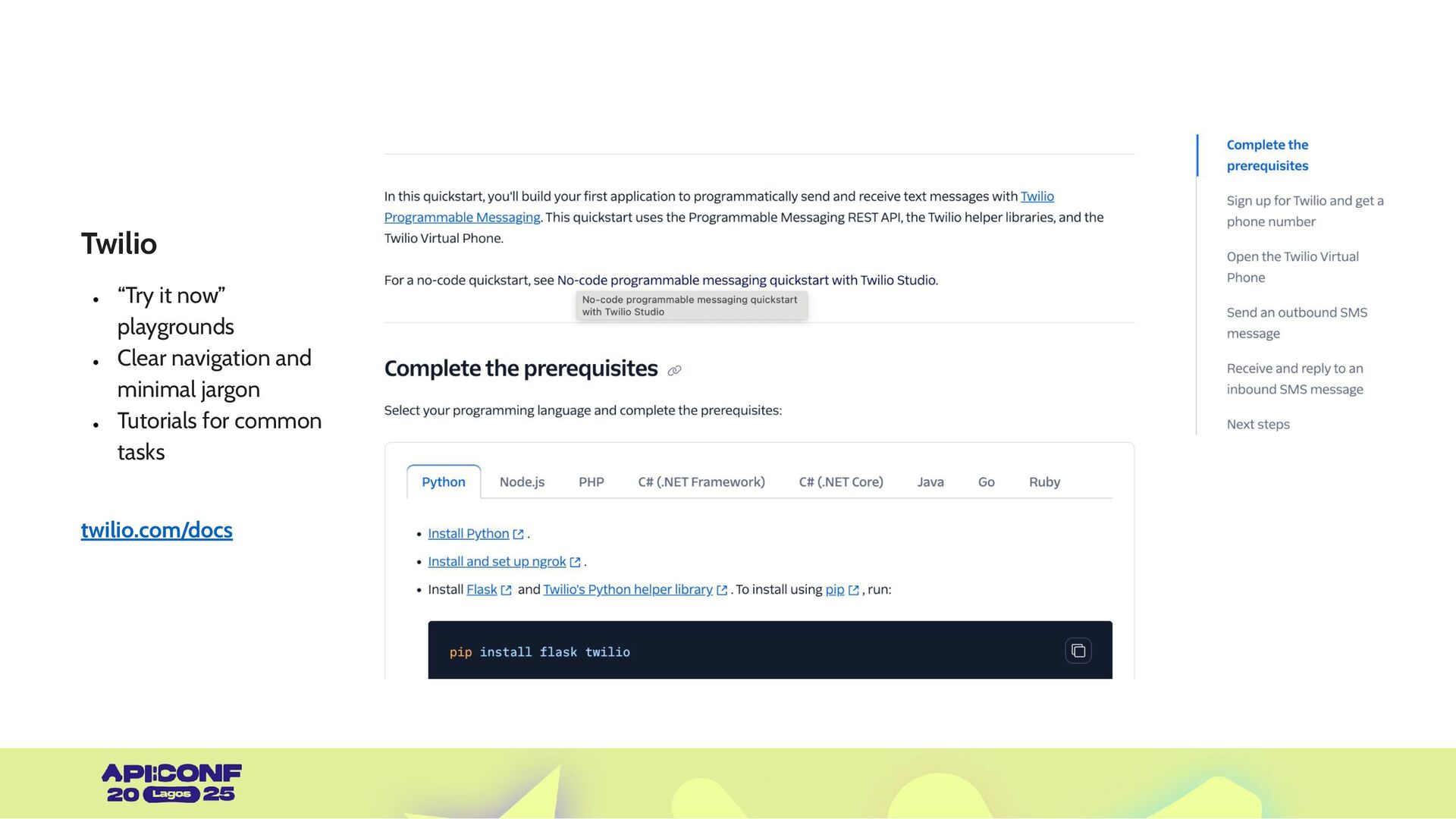
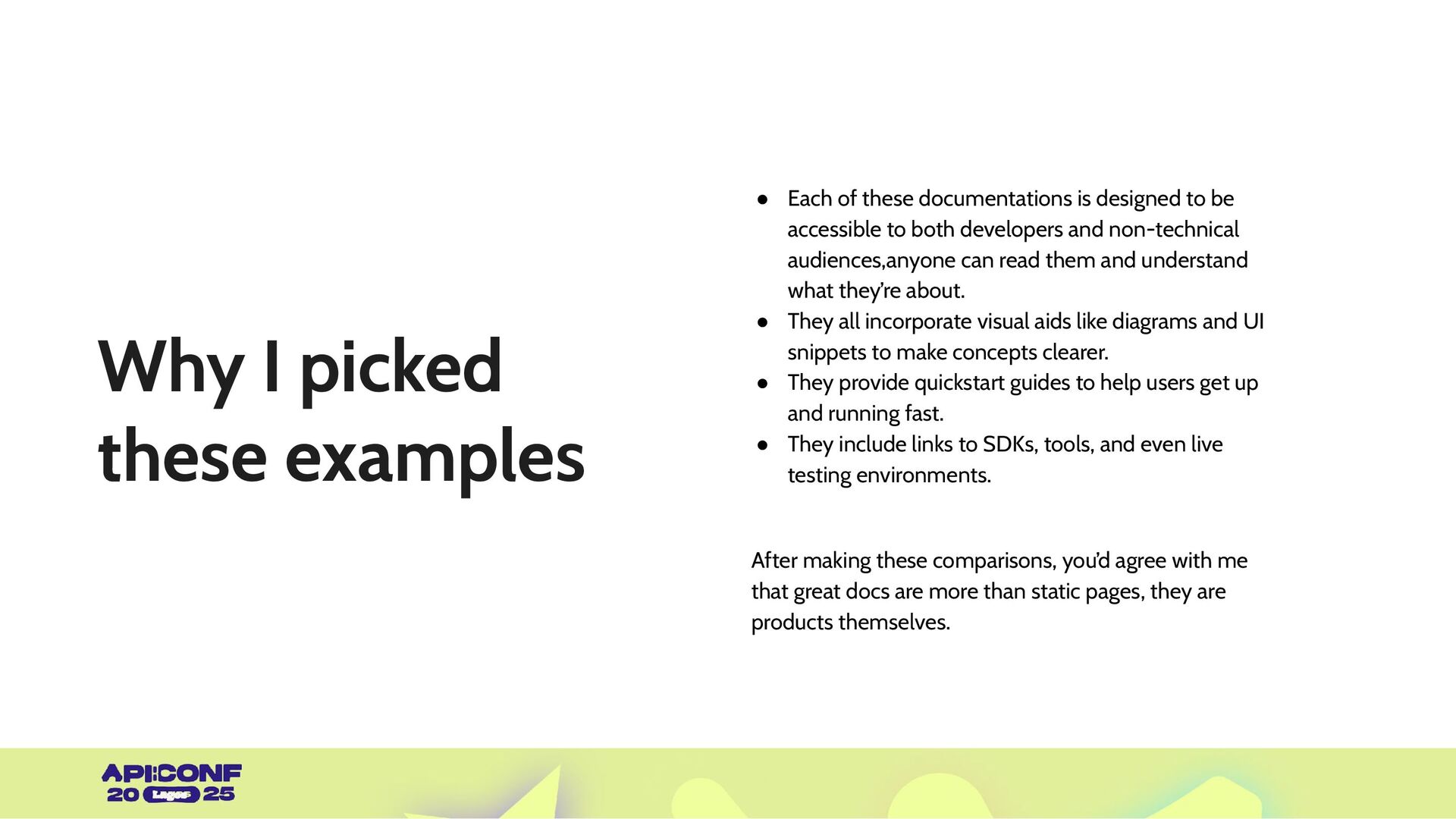
is designed to be accessible to both developers and non-technical audiences,anyone can read them and understand what they’re about. • They all incorporate visual aids like diagrams and UI snippets to make concepts clearer. • They provide quickstart guides to help users get up and running fast. • They include links to SDKs, tools, and even live testing environments. After making these comparisons, you’d agree with me that great docs are more than static pages, they are products themselves. Lagos
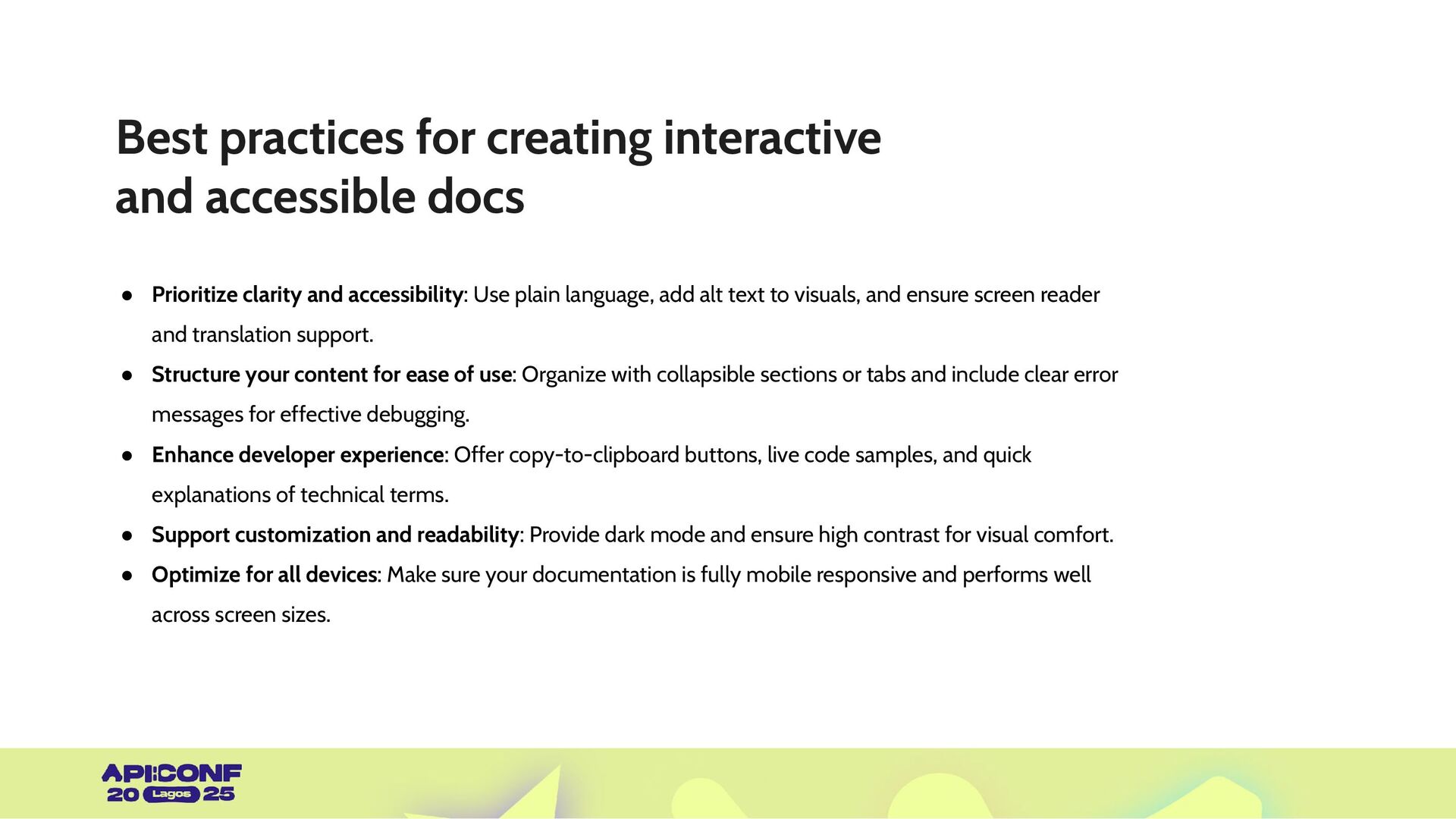
clarity and accessibility: Use plain language, add alt text to visuals, and ensure screen reader and translation support. • Structure your content for ease of use: Organize with collapsible sections or tabs and include clear error messages for effective debugging. • Enhance developer experience: Offer copy-to-clipboard buttons, live code samples, and quick explanations of technical terms. • Support customization and readability: Provide dark mode and ensure high contrast for visual comfort. • Optimize for all devices: Make sure your documentation is fully mobile responsive and performs well across screen sizes.


 mfonobong
 keio_smilab
 yachibit
 yahonda
 shisyu_gaku
 watany
 greenmidori
 yu23ki14
 oasis1994liveforever
 sue445
 mhlyc
mhlyc
 pfn
pfn
 masakiokuda
 szymonslowik
 jonyablonski
 nwiizo
 aleyda
 letsgokoyo
 codingconduct
 keavy
keavy
 reverentgeek
 rasmusluckow
 leimatthew05
 inesmontani
 davetheseo