Lock in $30 Savings on PRO—Offer Ends Soon! ⏳

Threat Hunting - How to Use Your Logs for Good

Threat Hunting - How to Use Your Logs for Good

Presented at the Rocky Mountain Information Security Conference 2017.

Massive volumes of logs are generated and collected in every company around the world on a constant basis. How often are you looking at them for threats? Monitoring of the SIEM has become the go-to security response method for too many companies. A resurgence of proactive searching for threats is upon us and people are calling it "threat hunting". Looking at your data is not new, but a reminder of how fruitful it can be may help prioritize it in your daily work.

Avatar for Mike B

Mike B

May 10, 2017
Tweet

More Decks by Mike B

Other Decks in Technology

Transcript

  1. me: Mike Benjamin @mikebdotorg Security guy at Level 3 Colorado

    resident I love data This is my personal work
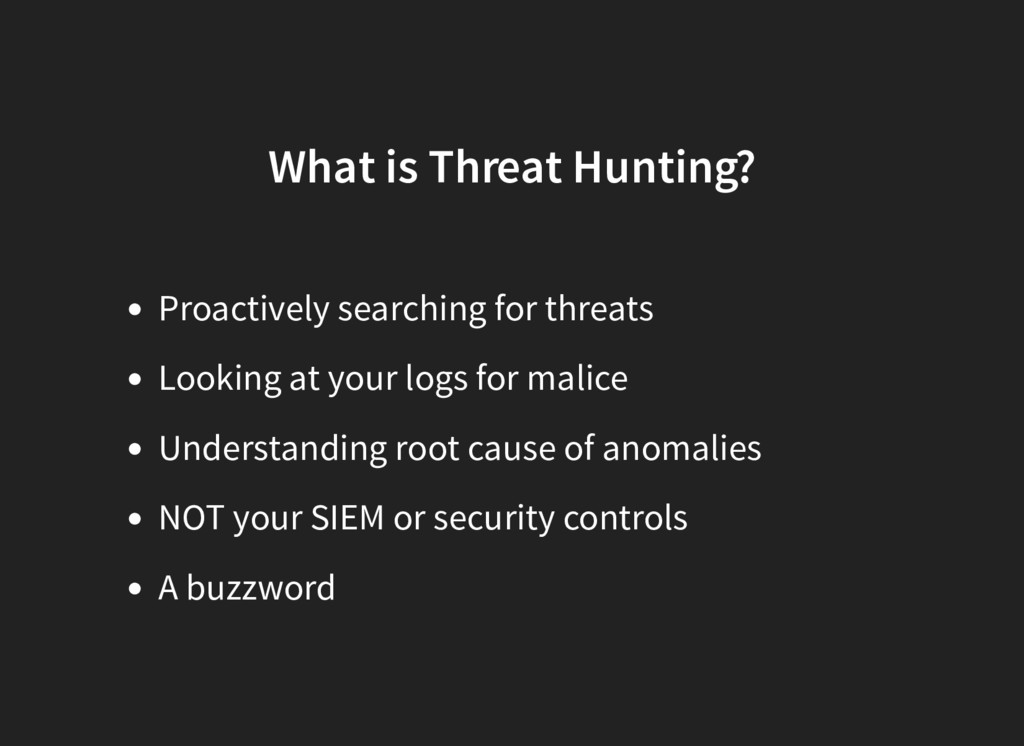
  2. What is Threat Hunting? Proactively searching for threats Looking at

    your logs for malice Understanding root cause of anomalies NOT your SIEM or security controls A buzzword
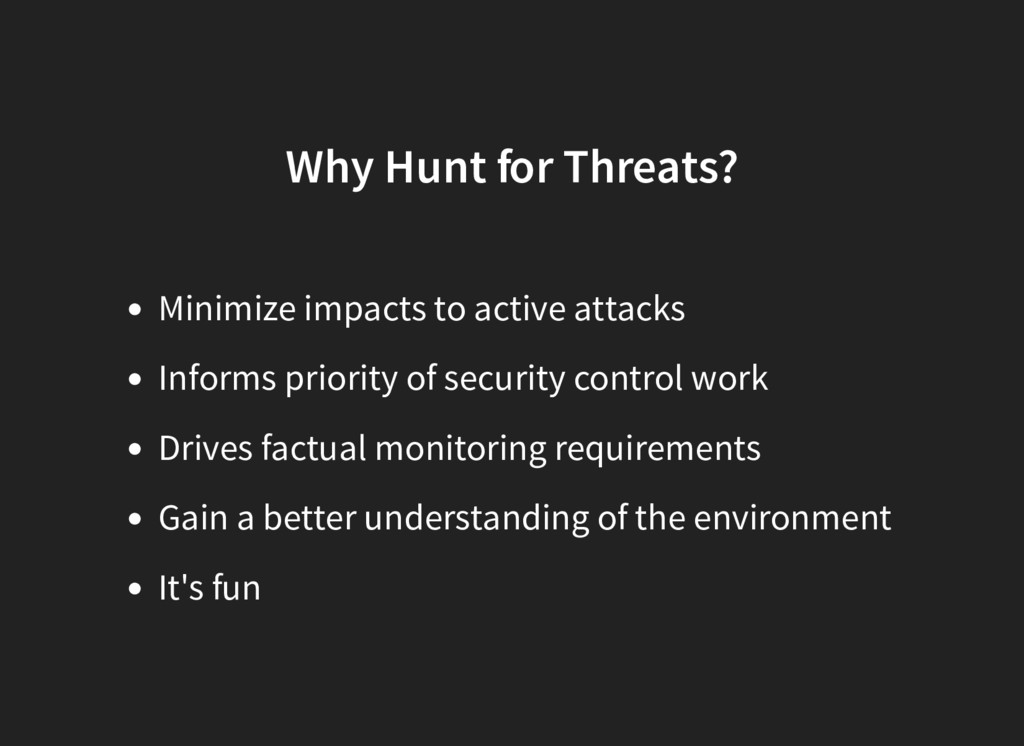
  3. Why Hunt for Threats? Minimize impacts to active attacks Informs

    priority of security control work Drives factual monitoring requirements Gain a better understanding of the environment It's fun
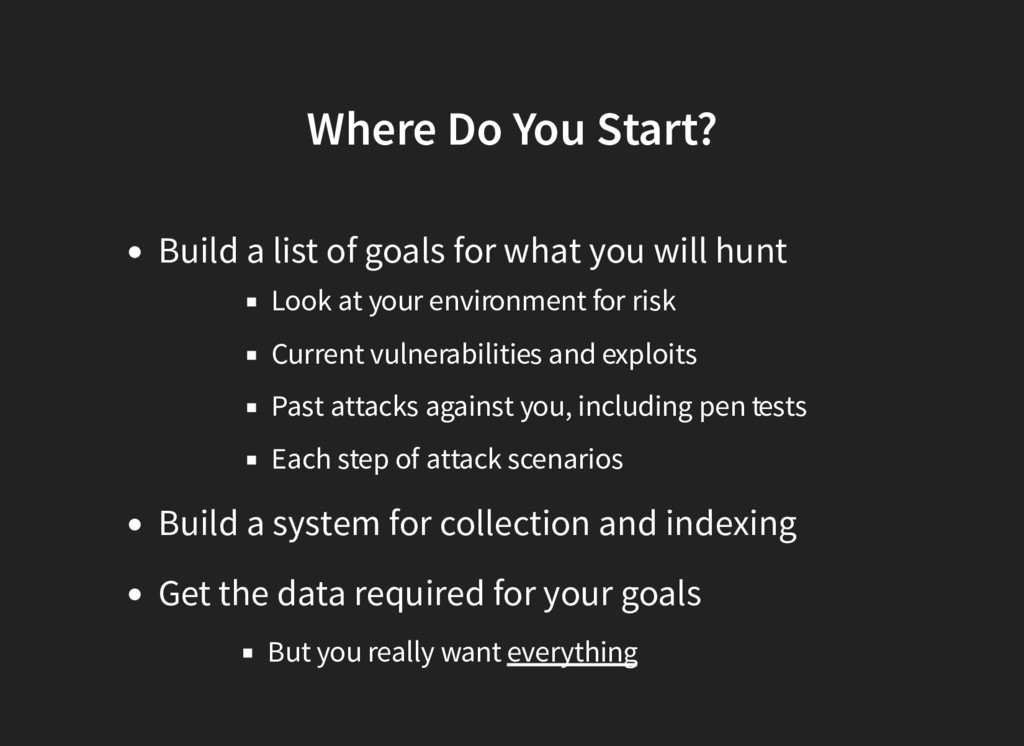
  4. Where Do You Start? Build a list of goals for

    what you will hunt Look at your environment for risk Current vulnerabilities and exploits Past attacks against you, including pen tests Each step of attack scenarios Build a system for collection and indexing Get the data required for your goals But you really want everything
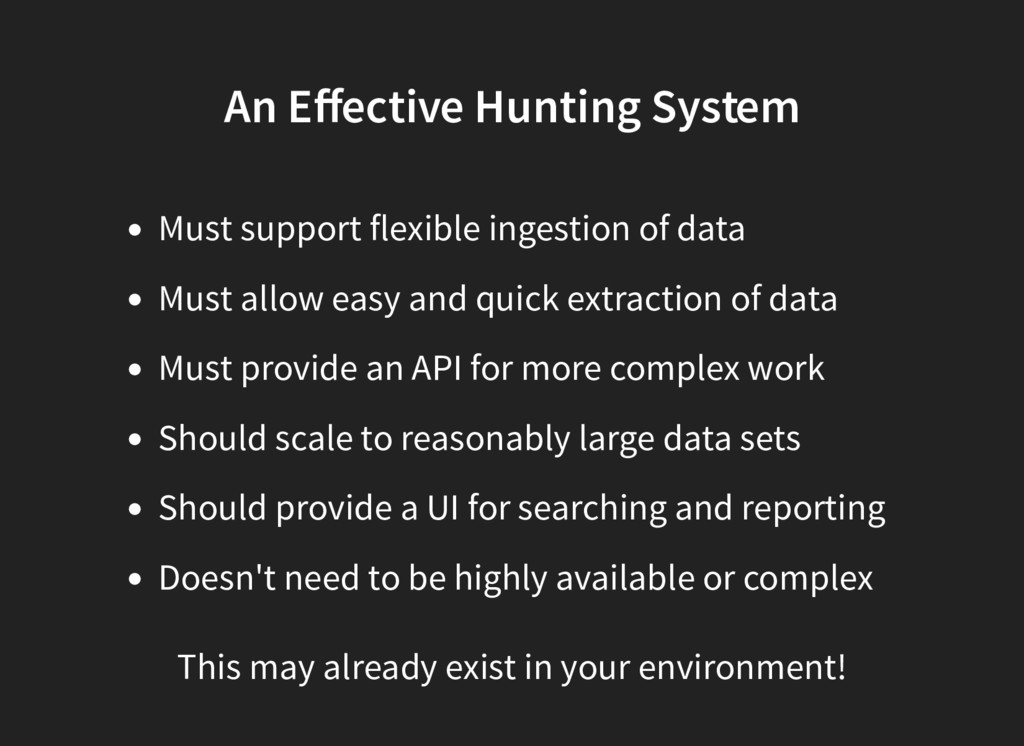
  5. An Effective Hunting System Must support flexible ingestion of data

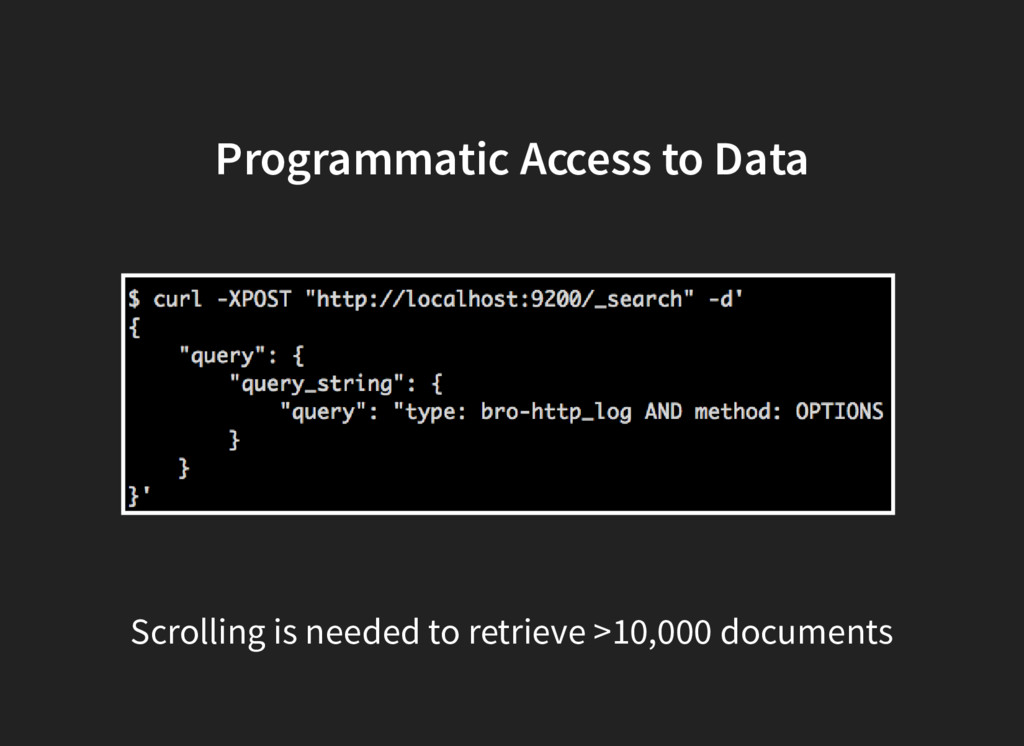
    Must allow easy and quick extraction of data Must provide an API for more complex work Should scale to reasonably large data sets Should provide a UI for searching and reporting Doesn't need to be highly available or complex This may already exist in your environment!
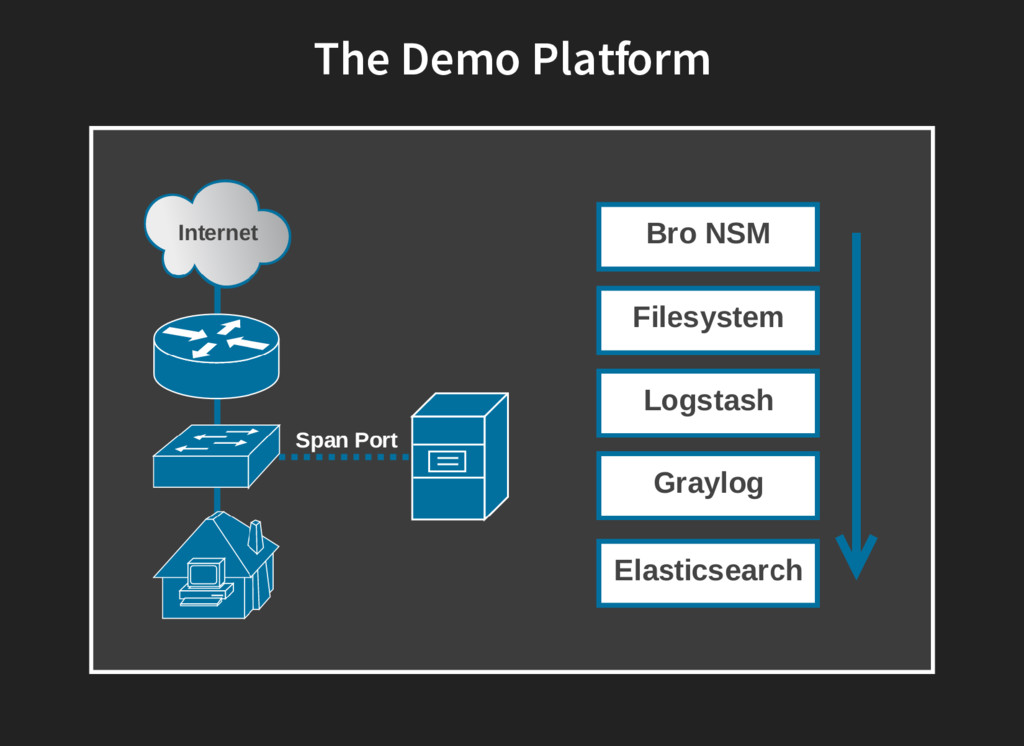
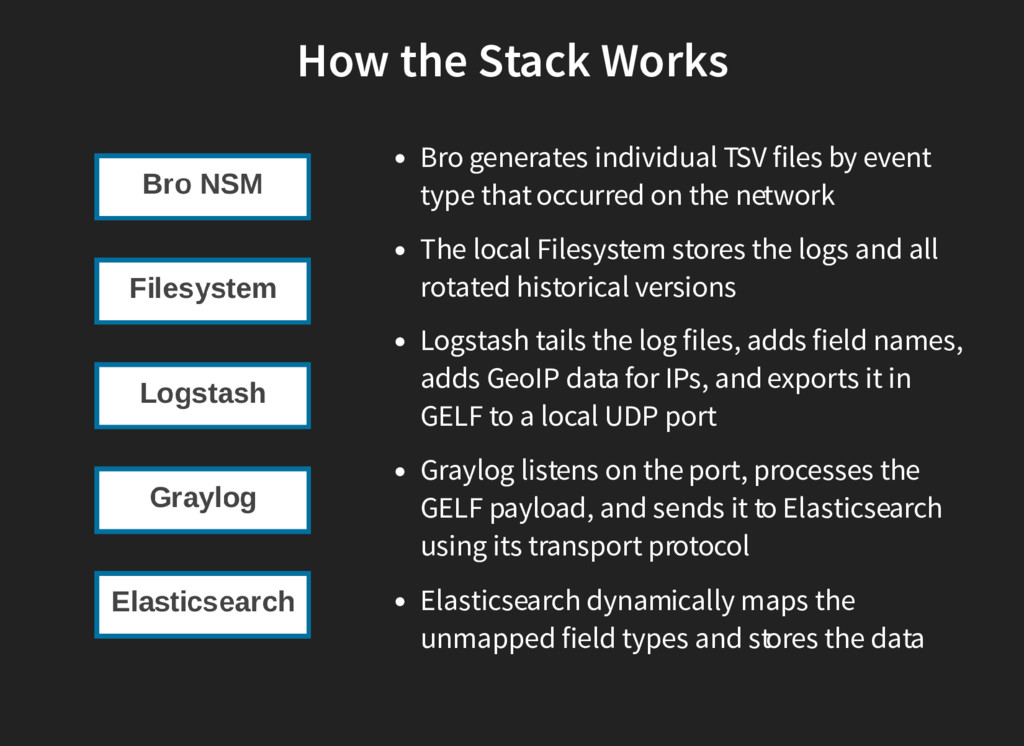
  6. How the Stack Works Bro generates individual TSV files by

    event type that occurred on the network The local Filesystem stores the logs and all rotated historical versions Logstash tails the log files, adds field names, adds GeoIP data for IPs, and exports it in GELF to a local UDP port Graylog listens on the port, processes the GELF payload, and sends it to Elasticsearch using its transport protocol Elasticsearch dynamically maps the unmapped field types and stores the data
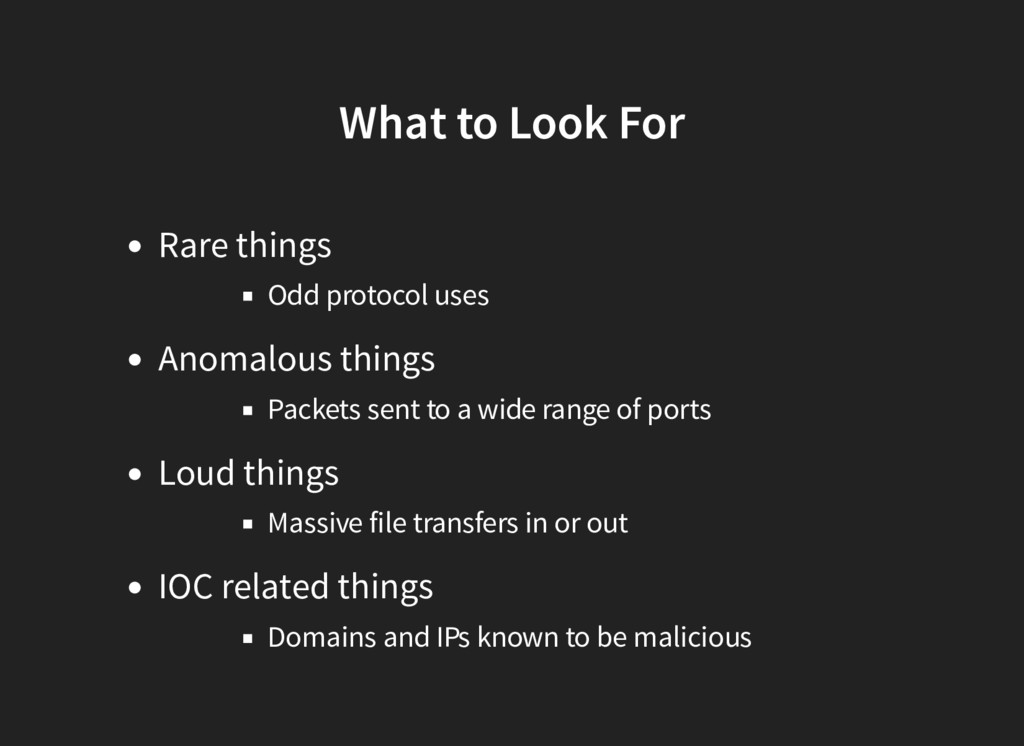
  7. What to Look For Rare things Odd protocol uses Anomalous

    things Packets sent to a wide range of ports Loud things Massive file transfers in or out IOC related things Domains and IPs known to be malicious
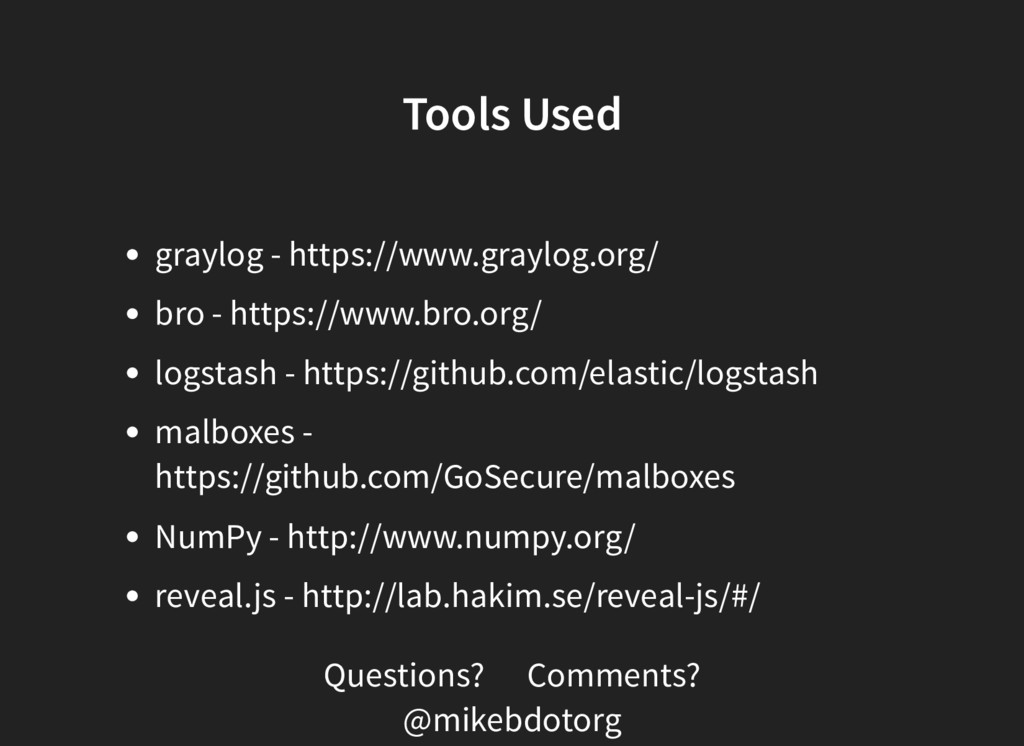
  8. Tools Used graylog - https://www.graylog.org/ bro - https://www.bro.org/ logstash -

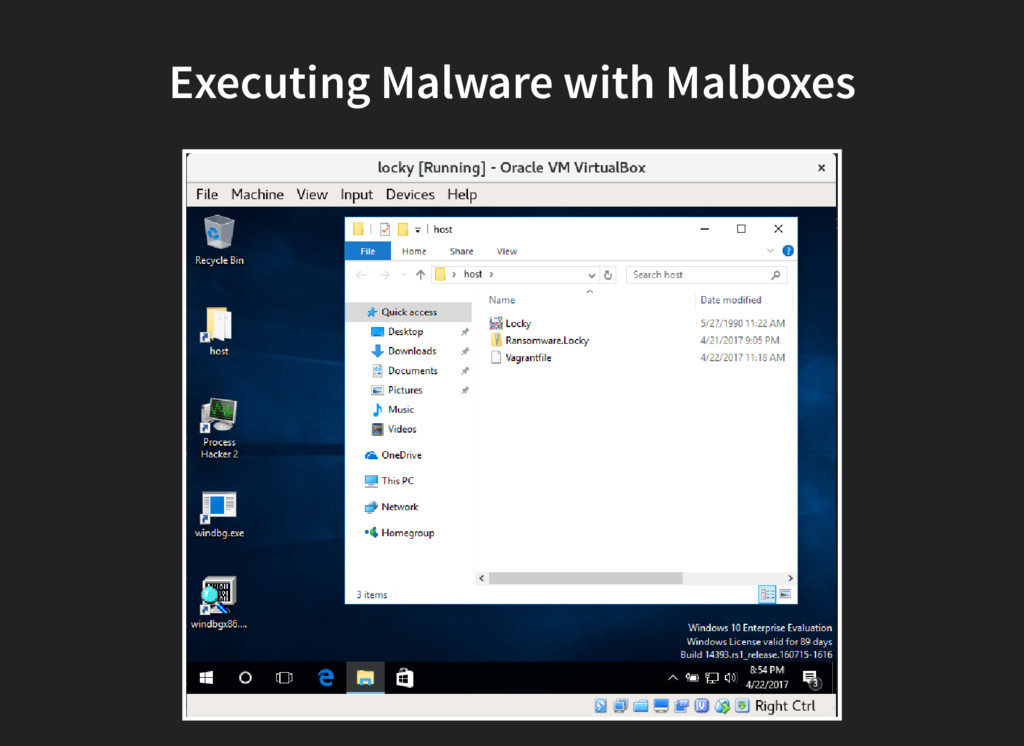
    https://github.com/elastic/logstash malboxes - https://github.com/GoSecure/malboxes NumPy - http://www.numpy.org/ reveal.js - http://lab.hakim.se/reveal-js/#/ Questions? Comments? @mikebdotorg