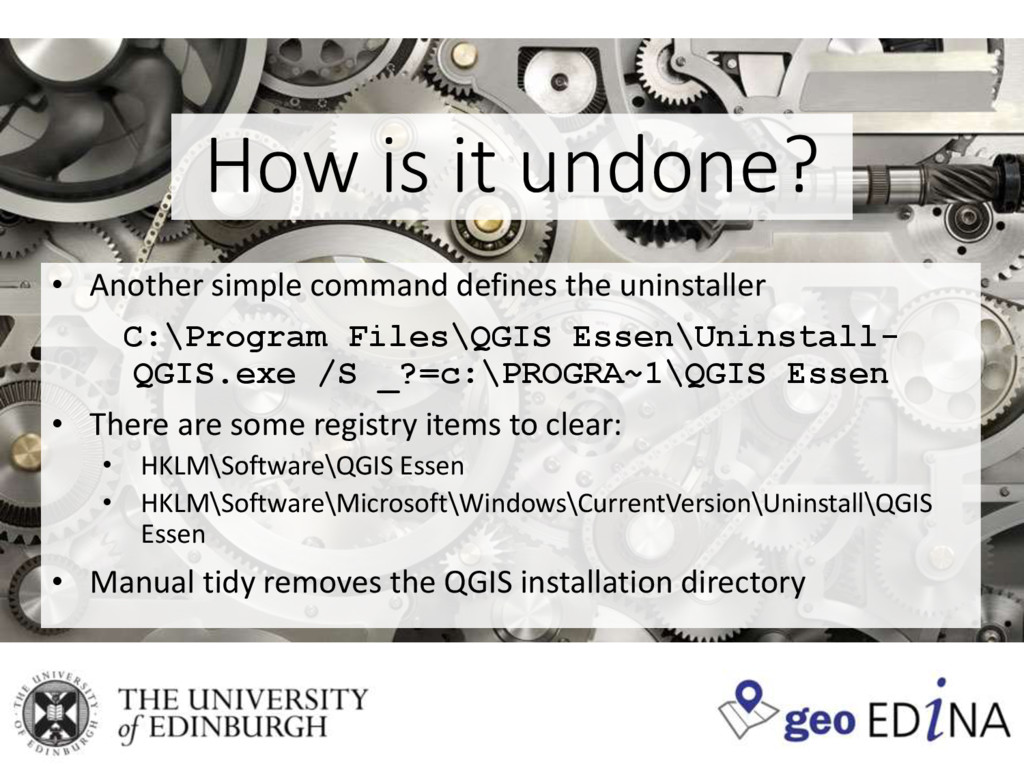
Tom Armitage's presentation on the University of Edinburgh's process for install QGIS across a network. Presented at 6th Scottish QGIS UK user group meeting.
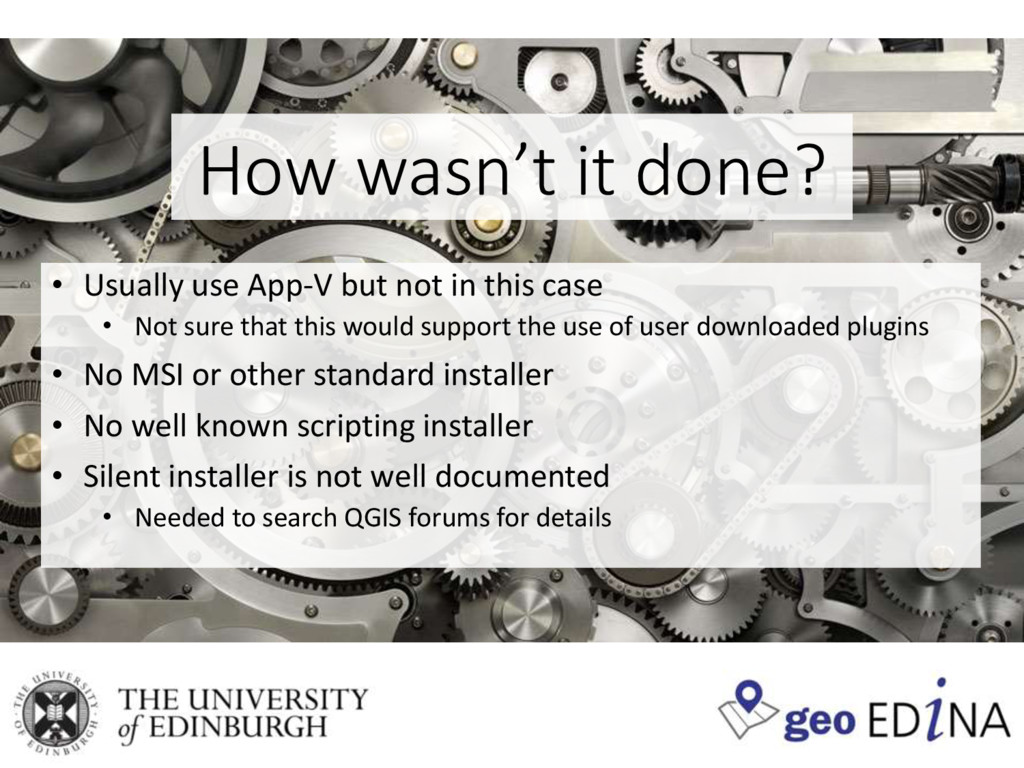
in this case • Not sure that this would support the use of user downloaded plugins • No MSI or other standard installer • No well known scripting installer • Silent installer is not well documented • Needed to search QGIS forums for details
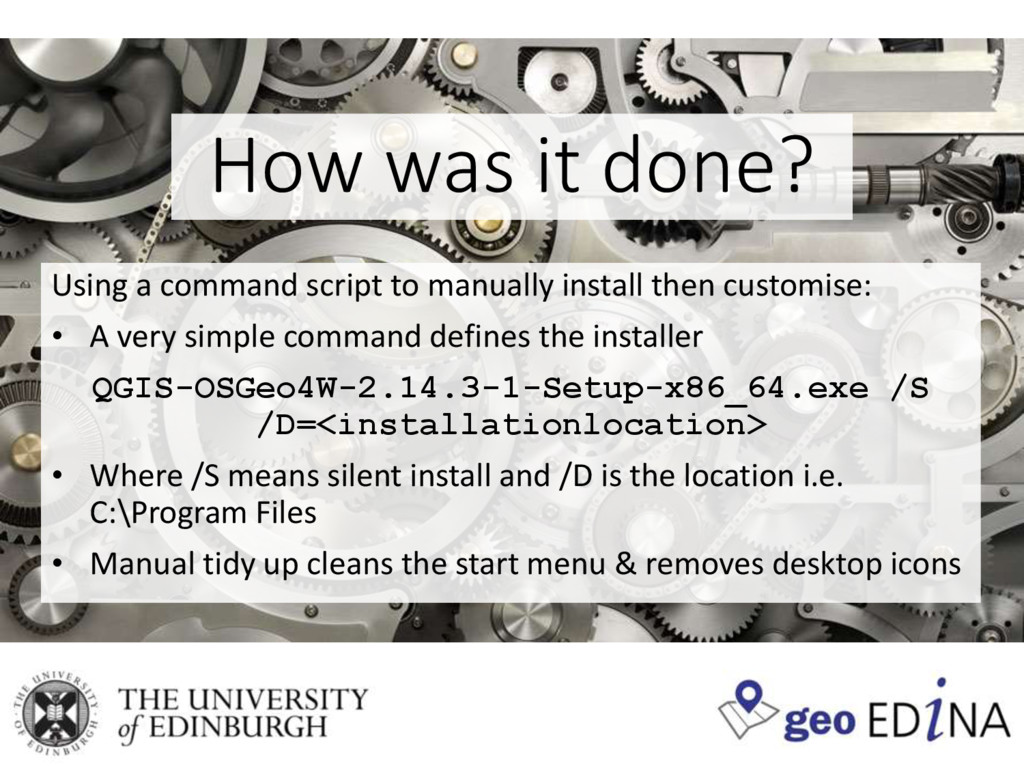
install then customise: • A very simple command defines the installer QGIS-OSGeo4W-2.14.3-1-Setup-x86_64.exe /S /D=<installationlocation> • Where /S means silent install and /D is the location i.e. C:\Program Files • Manual tidy up cleans the start menu & removes desktop icons
avoid virtual installers for plugins • Get a community to consult on changes • There is no need to be afraid of OpenSource software on large network installations • Can’t wait to run the process for QGIS 3.2!


 mixedbredie
 yu23ki14
 syuchimu
 occhi
occhi
 shugo
shugo
 takahashim
 akitoshiga
 carta_engineering
 gogutan
 willnet
 koukihosaka
 takanorip
 kairim0
 nonsquared
 schroneko
 palkan
 nmsamuel
 joshbly
 kneath
.jpg) cargoodrich
cargoodrich
 smashingmag
 mfonobong
 lemiorhan
 davetheseo
 khoart