Upgrade to Pro
— share decks privately, control downloads, hide ads and more …
Speaker Deck
Sign up for free
Menu
Search
Features
All features
Private URLs
Password Protection
Custom URLS
Scheduled publishing
Remove Branding
Restrict embedding
Deck Collections
Notes
Features
All features
Private URLs
Password Protection
Custom URLS
Scheduled publishing
Remove Branding
Restrict embedding
Deck Collections
Notes
Explore
Featured decks
Featured speakers
Programming
Technology
Storyboards
Explore
Featured decks
Featured speakers
Programming
Technology
Storyboards
Pricing
Search
Sign in
Sign up for free
Develop with Swift
Search
Morita Naoki
November 27, 2015
Technology
1.4k
3
Share
Embed
Copy iframe code
Copy JS code
Copy link
Start on current slide
Develop with Swift
Swift development environment is already prepared.
Morita Naoki
November 27, 2015
More Decks by Morita Naoki
See All by Morita Naoki
TouchVisualizer Demo movie #potatotips
morizotter
1
5.6k
KPTをやってみた
morizotter
4
21k
Other Decks in Technology
See All in Technology
TiDBファミリーにDWHが新登場!! TiDB最新情報 / TiDB update 202609
yoshiakiyamasaki
0
160
PQC移行の今 -- IETF からみた現在地
satokan
4
680
「大丈夫そう?」をObservabilityで確かめる
mrmtsu
0
240
CI/CDではもう遅い - 人とAIが迂回しないDevSecOps Verify基盤の再設計 -
kintotechdev
1
450
Kiro Meetup #8 Kiro アップデート (2026/3/21〜2026/9/24)
katzueno
1
310
個別開発で終わらせない。 現場の課題をプロダクトの強さに変える StockmarkのFDE
ktkrhr
0
430
人にやさしく、AIにやさしく、書き手を選ばないIaCのガードレール再考 / Rethinking IaC Guardrails for Humans and AI Alike
kohbis
5
1.8k
手を動かして実感する、Kiro が変える開発体験
inariku
0
420
なぜAI任せのゲームは面白くならないのか?
hirohasuyoutube
0
330
GitHub Agentic Workflows を触ってみる
htkym
2
880
Making AI Agents Safe and Fast- Jev, Obsidian, and the Meta-Harness
x5gtrn
PRO
0
160
MCPゲートウェイを作って運用してわかったこと — Agent時代の権限管理の現在地
mtpooh
5
1.1k
Featured
See All Featured
Raft: Consensus for Rubyists
vanstee
142
7.7k
CSS Pre-Processors: Stylus, Less & Sass
bermonpainter
360
31k
Utilizing Notion as your number one productivity tool
mfonobong
4
600
Automating Front-end Workflow
addyosmani
1369
210k
svc-hook: hooking system calls on ARM64 by binary rewriting
retrage
2
600
[RailsConf 2023] Rails as a piece of cake
palkan
59
7k
The Hidden Cost of Media on the Web [PixelPalooza 2025]
tammyeverts
2
510
30 Presentation Tips
portentint
PRO
1
410
Done Done
chrislema
187
17k
Bash Introduction
62gerente
615
220k
Collaborative Software Design: How to facilitate domain modelling decisions
baasie
1
330
GraphQLの誤解/rethinking-graphql
sonatard
75
12k
Transcript
Develop with Swift
ాɹथ
morizotter
2015
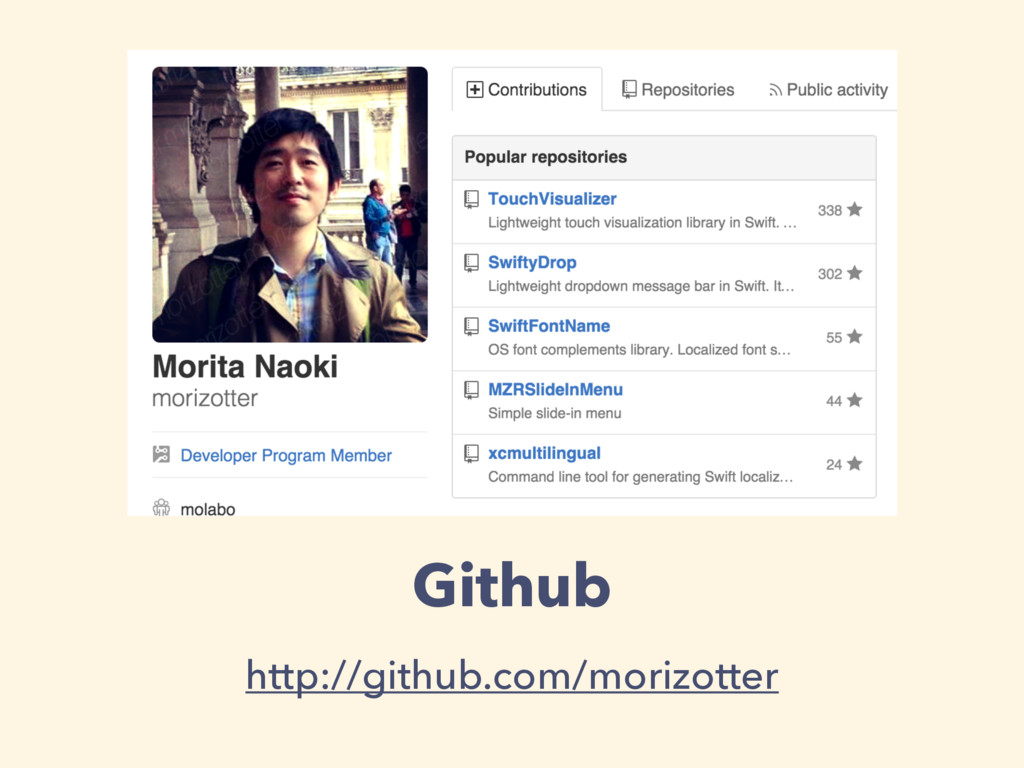
Github http://github.com/morizotter
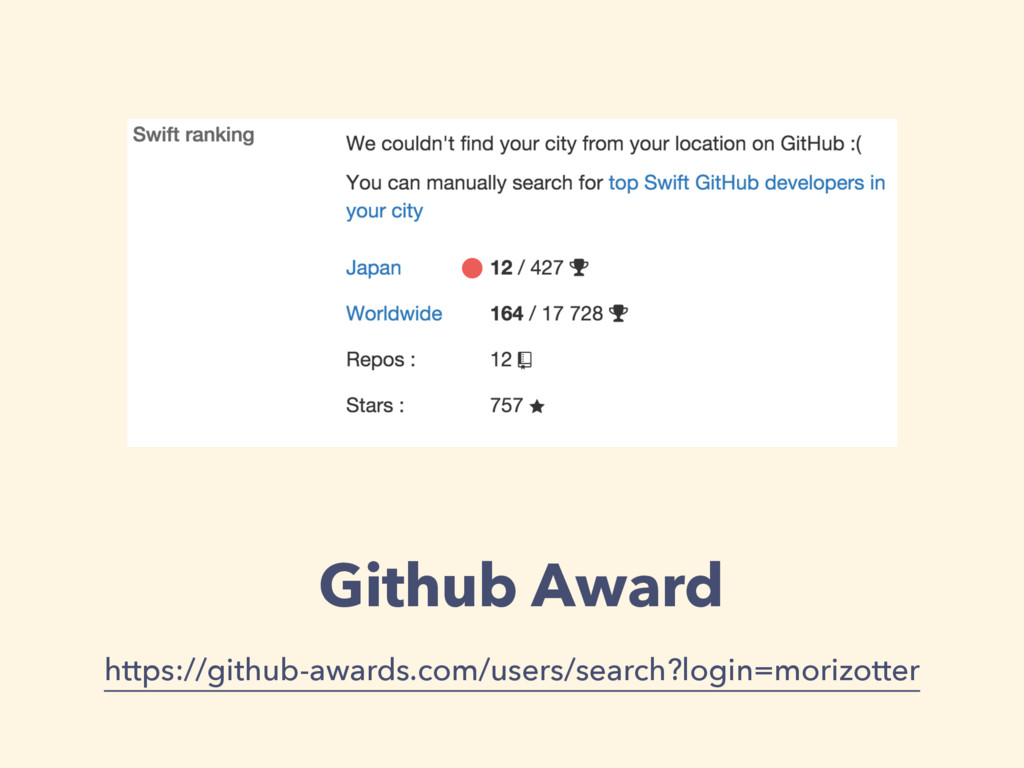
Github Award https://github-awards.com/users/search?login=morizotter
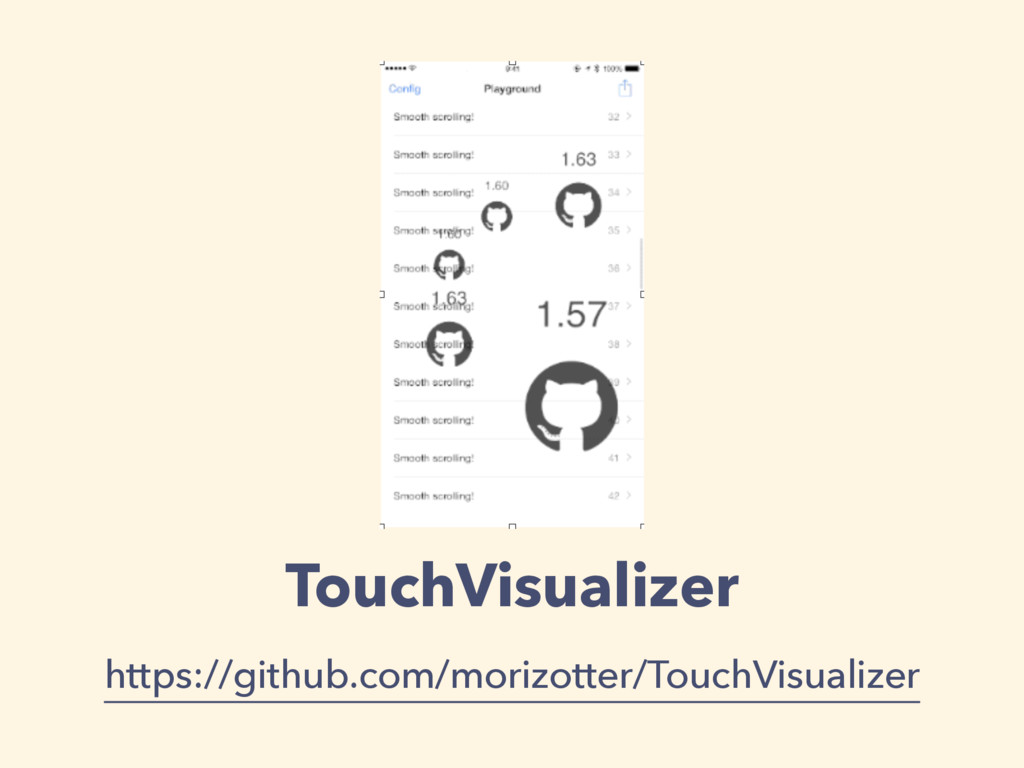
TouchVisualizer https://github.com/morizotter/TouchVisualizer
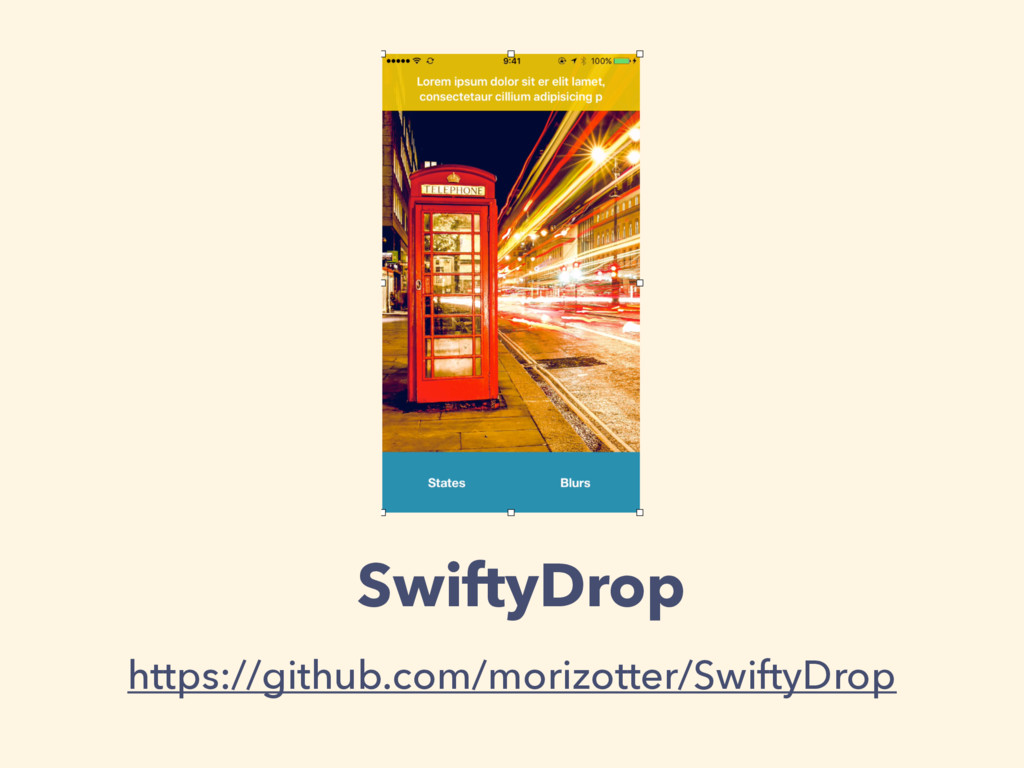
SwiftyDrop https://github.com/morizotter/SwiftyDrop
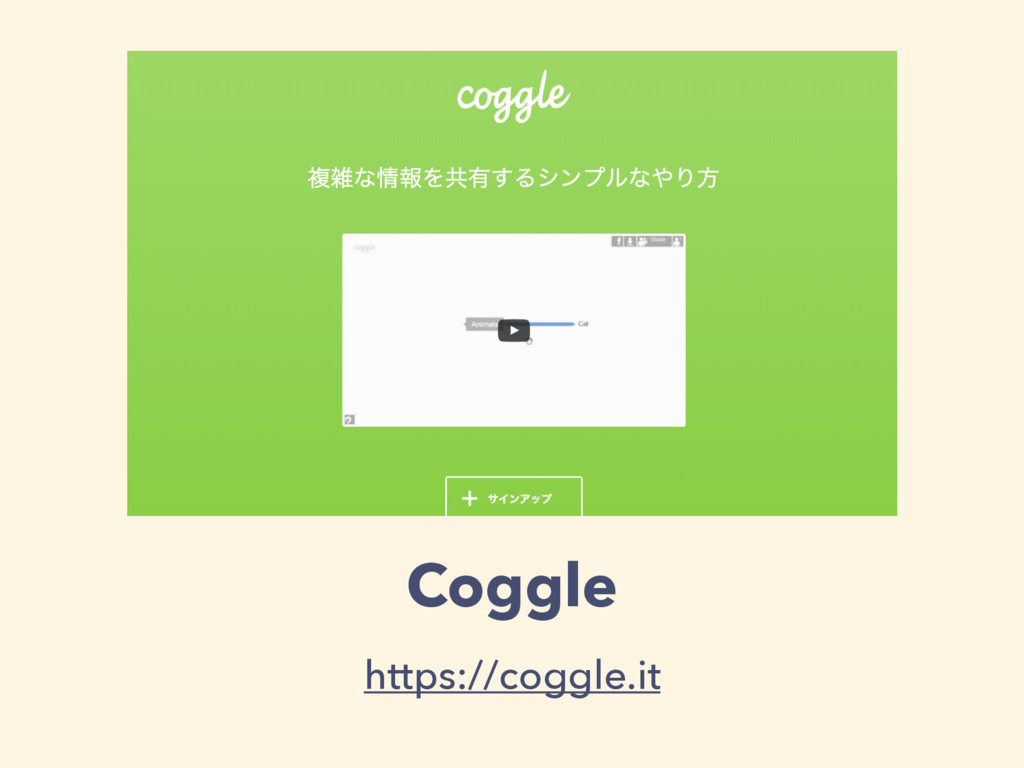
Coggle https://coggle.it
Coggle https://coggle.it
Coggle https://coggle.it
Coggle https://coggle.it
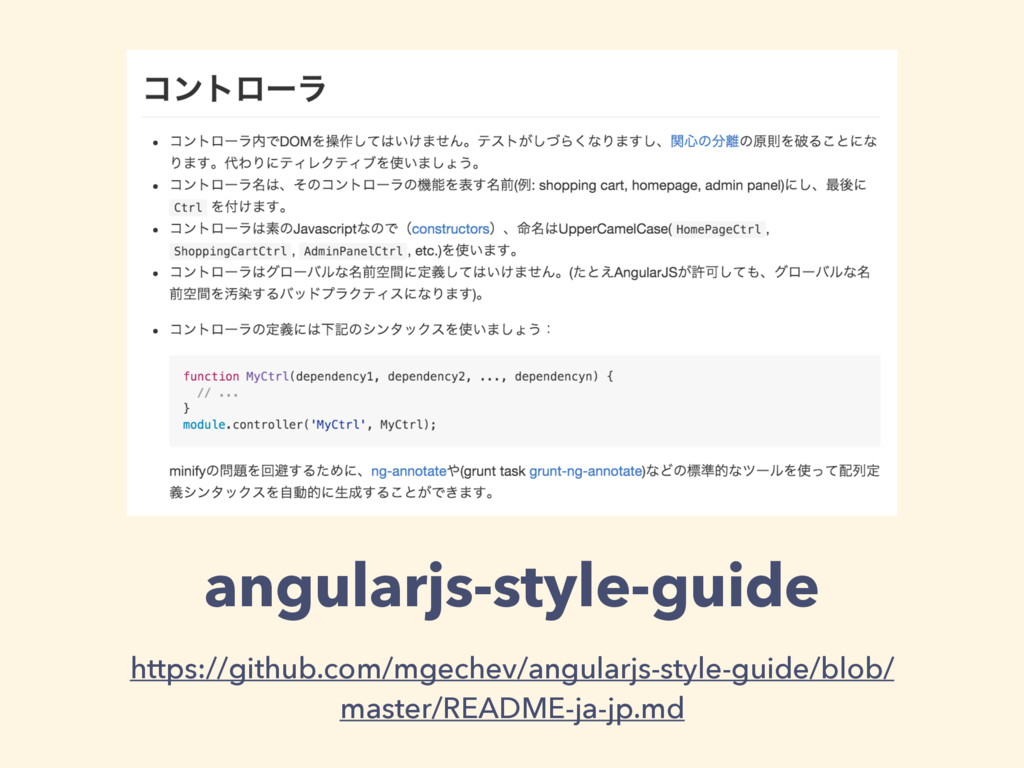
angularjs-style-guide https://github.com/mgechev/angularjs-style-guide/blob/ master/README-ja-jp.md
angularjs-style-guide https://github.com/mgechev/angularjs-style-guide/blob/ master/README-ja-jp.md
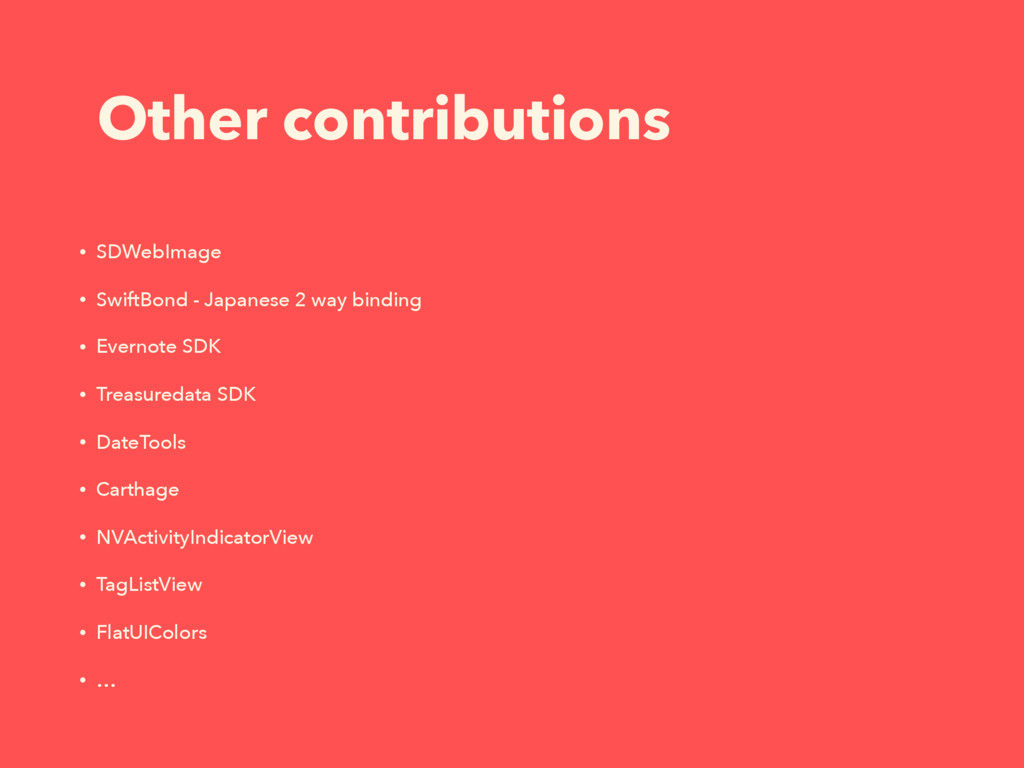
Other contributions • SDWebImage • SwiftBond - Japanese 2 way
binding • Evernote SDK • Treasuredata SDK • DateTools • Carthage • NVActivityIndicatorView • TagListView • FlatUIColors • …
Develop with Swift
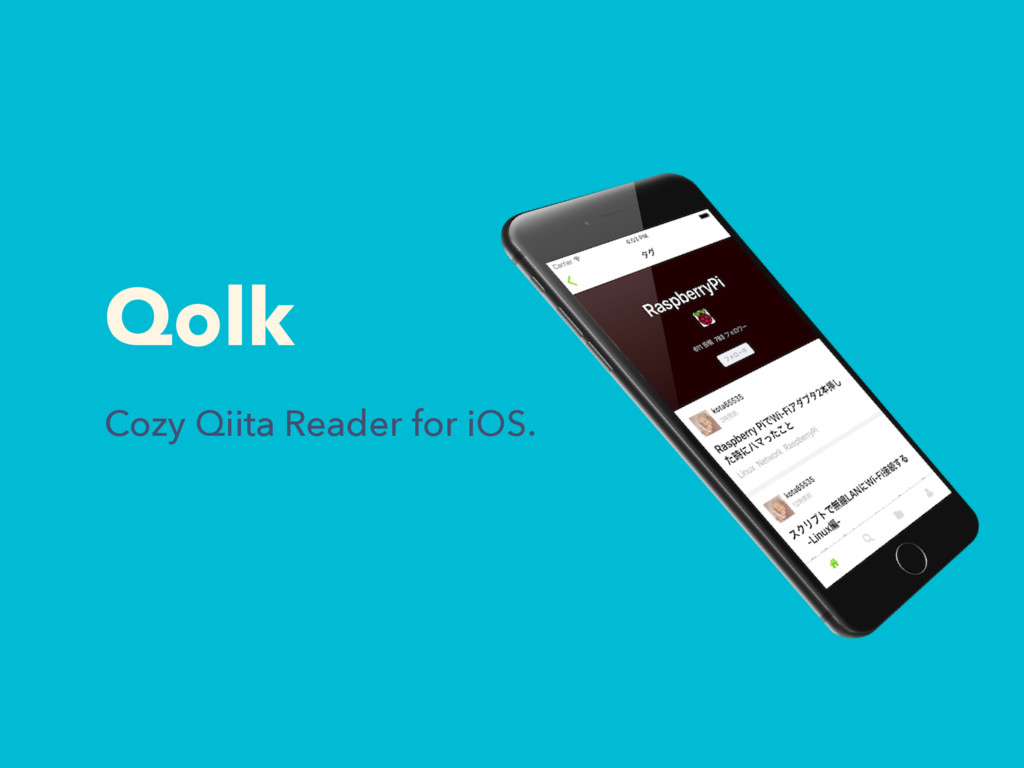
Qolk Cozy Qiita Reader for iOS.
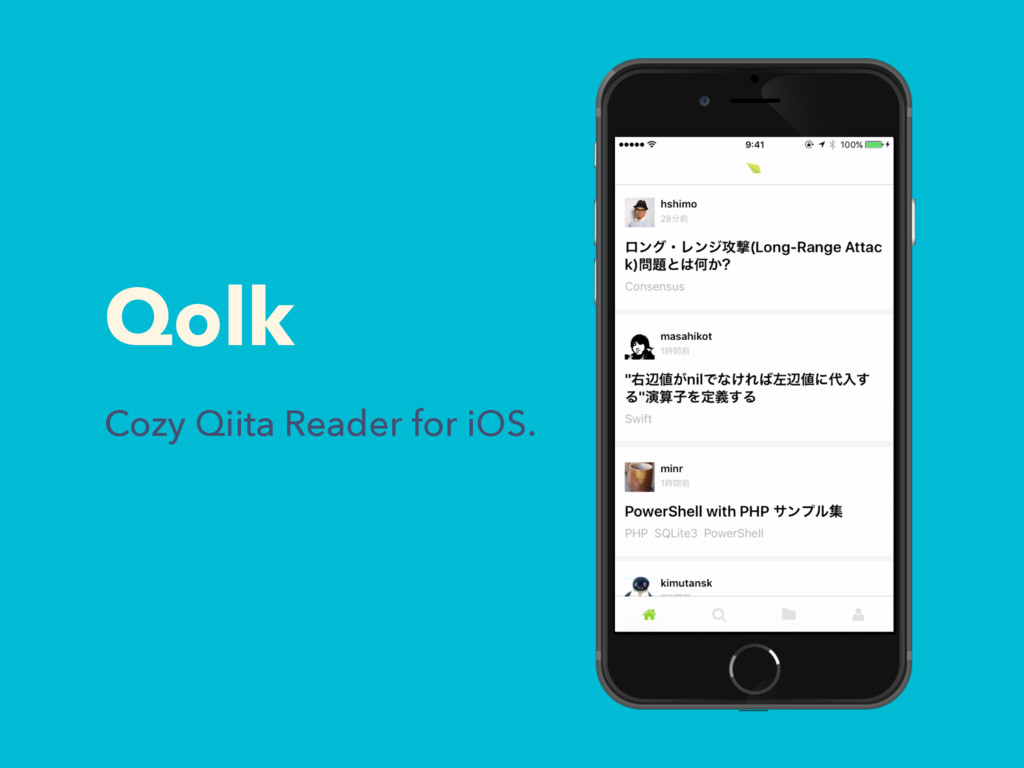
Qolk Cozy Qiita Reader for iOS.
Qolk QiitaΫϥΠΞϯτͷQolkΛMacbookͱCarthageͰ࡞ͬͨ http://qiita.com/morizotter/items/90d6d6024a6e7e0e9e84
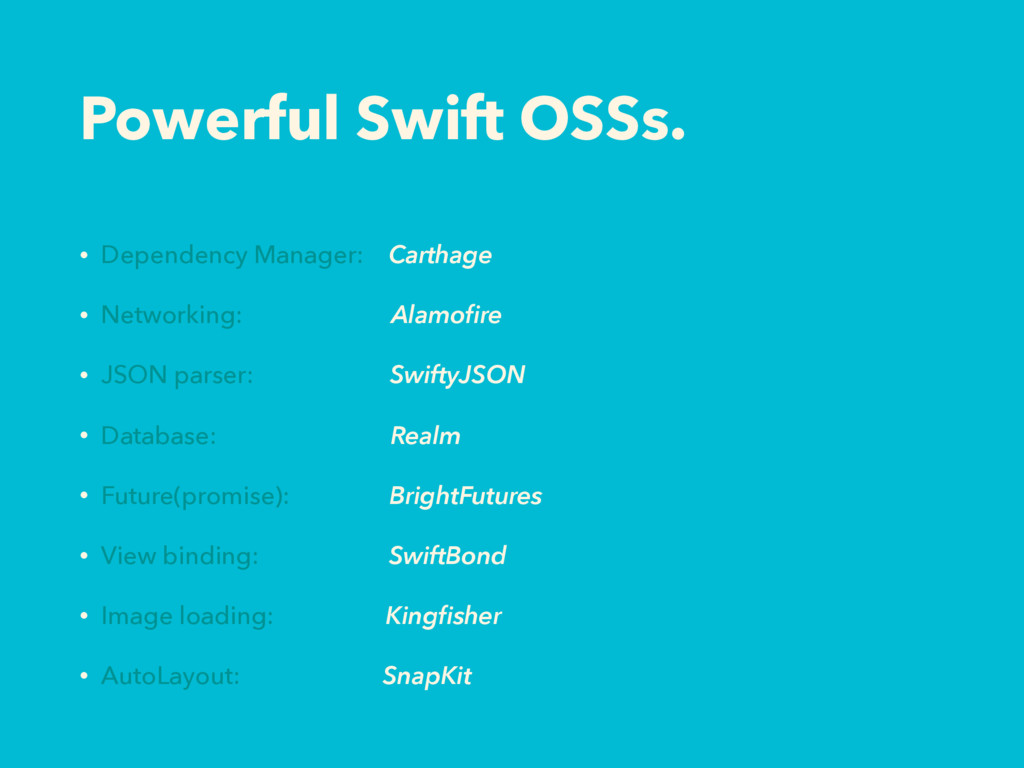
Powerful Swift OSSs. • Dependency Manager: Carthage • Networking: Alamofire
• JSON parser: SwiftyJSON • Database: Realm • Future(promise): BrightFutures • View binding: SwiftBond • Image loading: Kingfisher • AutoLayout: SnapKit
Powerful Swift OSSs. • Dependency Manager: Carthage Cocoapods • Networking:
Alamofire AFNetworking • JSON parser: SwiftyJSON Mantle • Database: Realm MagicalRecord/CoreData • Future(promise): BrightFutures Bolts/PromiseKit • View binding: SwiftBond ReactiveCocoa? • Image loading: Kingfisher SDWebImage • AutoLayout: SnapKit Masonry Objective-C?
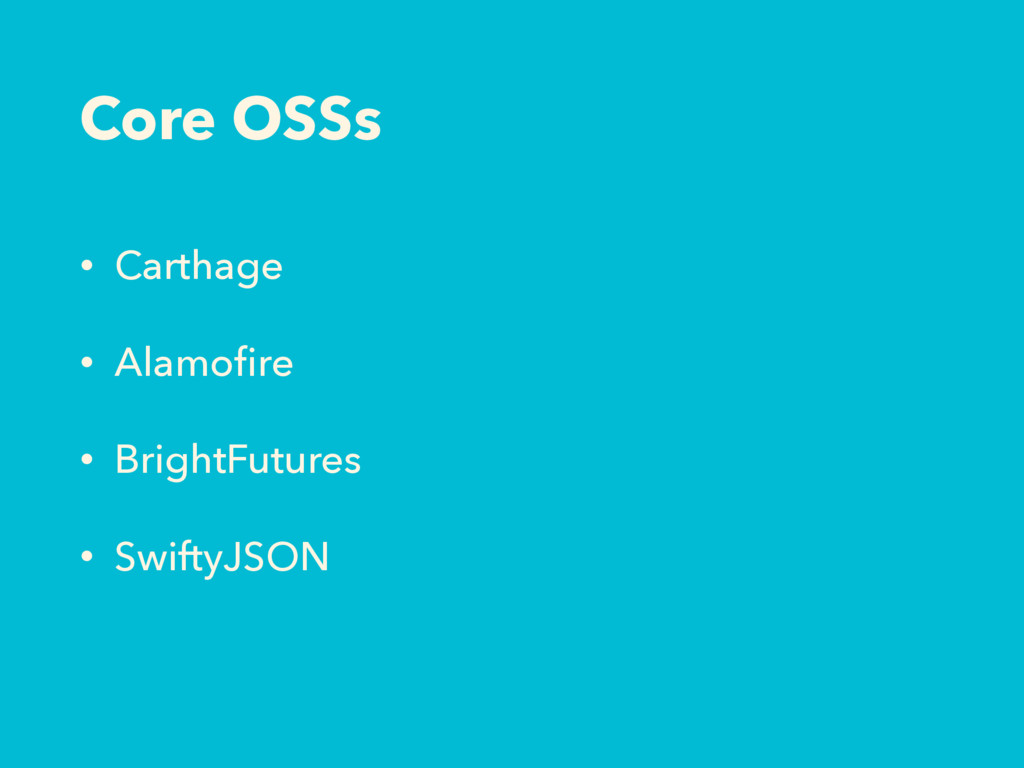
Core OSSs • Carthage • Alamofire • BrightFutures • SwiftyJSON
Carthage for all
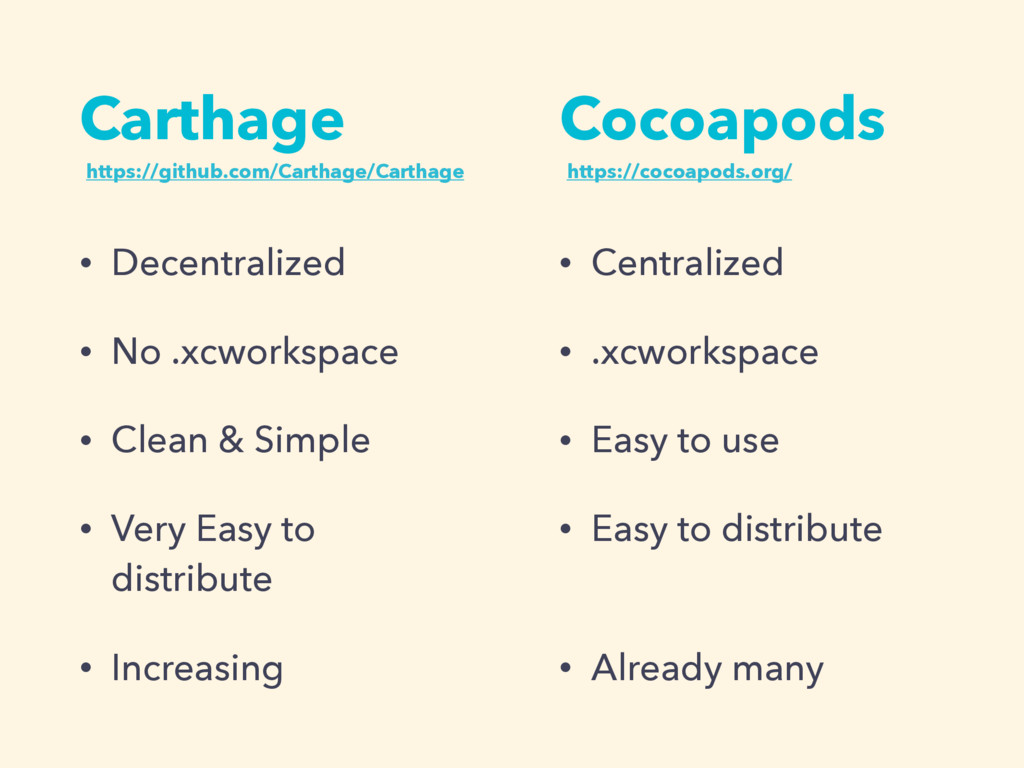
Carthage • Decentralized • No .xcworkspace • Clean & Simple
• Very Easy to distribute • Increasing • Centralized • .xcworkspace • Easy to use • Easy to distribute • Already many Cocoapods https://github.com/Carthage/Carthage https://cocoapods.org/
Carthage $ brew update $ brew install carthage $ cd
move/to/app/root $ vi Cartfile github "Alamofire/Alamofire" == 3.1.2 wq $ carthage update -platform ios
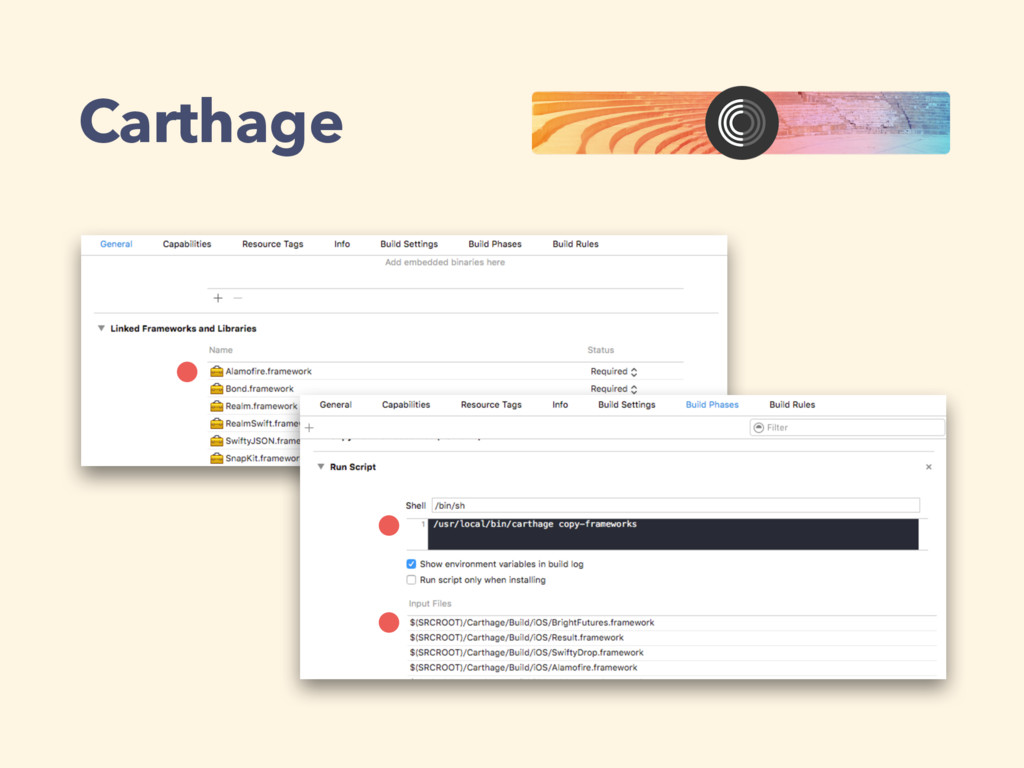
Carthage
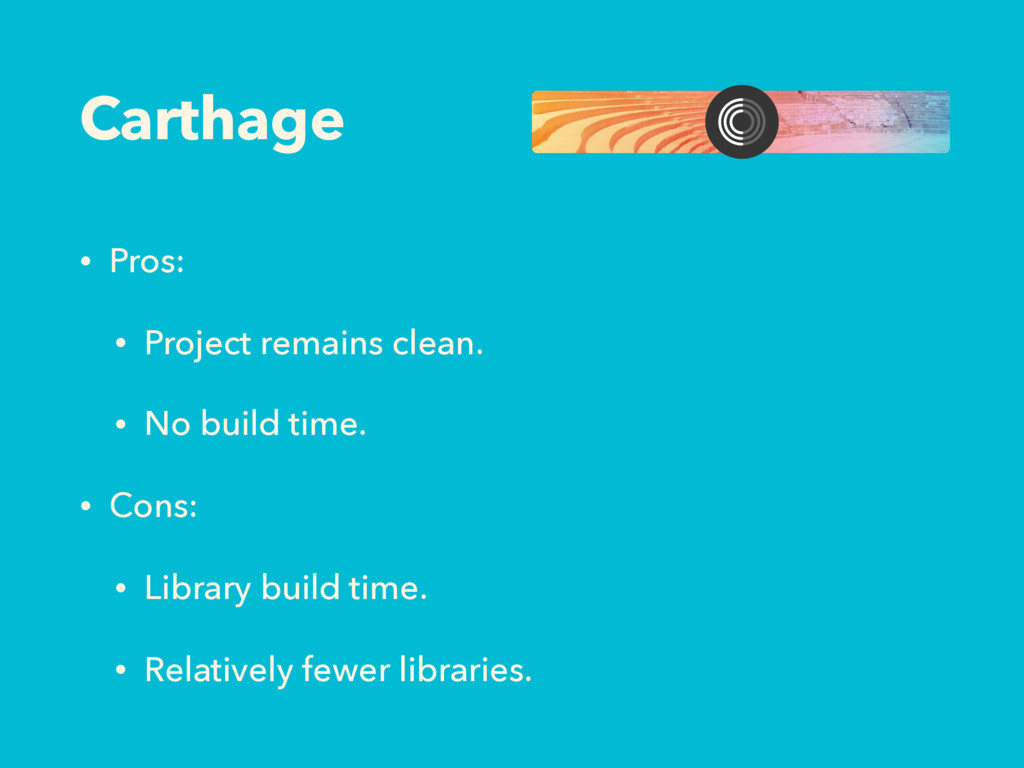
Carthage • Pros: • Project remains clean. • No build
time. • Cons: • Library build time. • Relatively fewer libraries.
If library doesn’t compatible with Carthage?
Fork! Tweak! (Pull Request!)
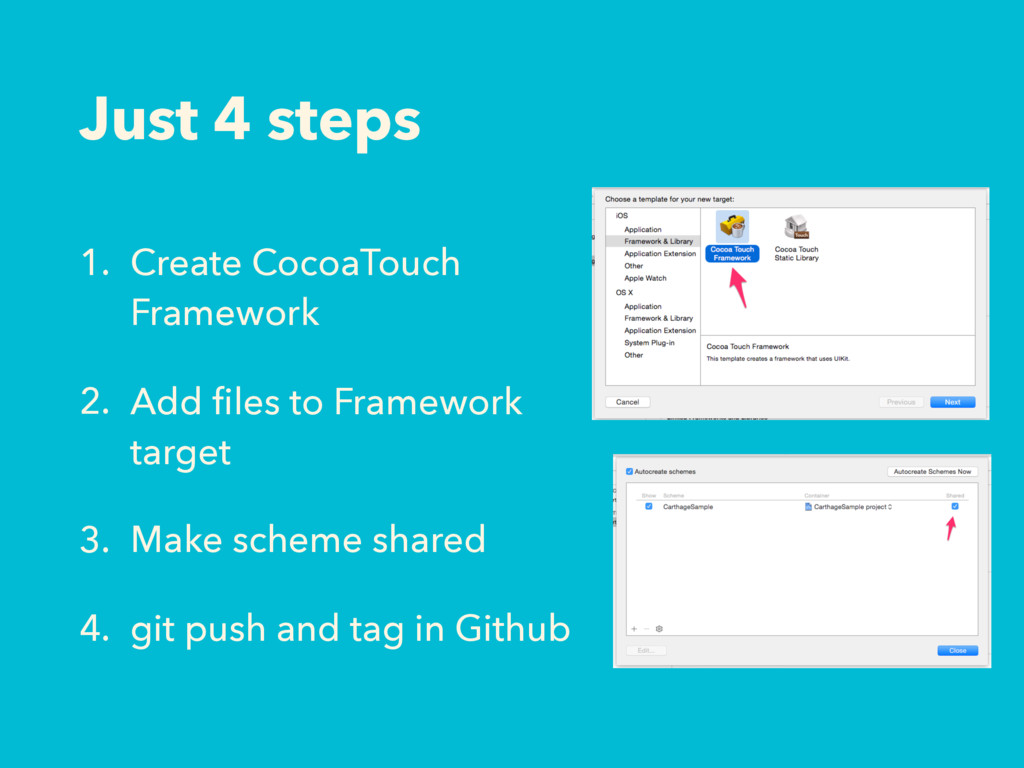
Just 4 steps 1. Create CocoaTouch Framework 2. Add files
to Framework target 3. Make scheme shared 4. git push and tag in Github
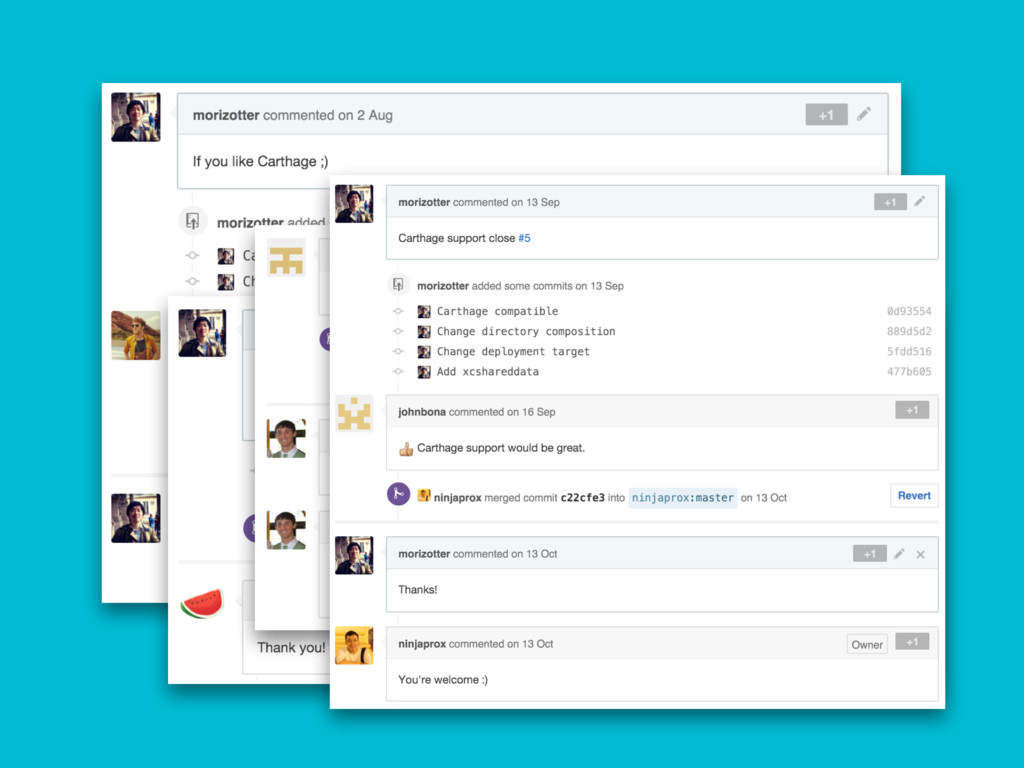
I made 5 libraries or more Carthage Compatible for Qolk.
Many Thanks.
Alamofire SwiftyJSON BrightFutures cooperate.
BrightFutures Networking system API Server App SwiftyJSON
Alamofire & BrightFutures // AlamofireClient.swift struct AlamofireClient { static let
sharedInstance = AlamofireClient() let alamofire: Manager init() { let configuration = NSURLSessionConfiguration.defaultSessionConfiguration() configuration.timeoutIntervalForResource = RequestTimeoutSec alamofire = Manager(configuration: configuration) } static func requestJSON(URLRequest: URLRequestConvertible) -> Future<JSONResponse, ErrorResponse> { let promise = Promise<JSONResponse, ErrorResponse>() sharedInstance.alamofire.request(URLRequest) .validate() .responseJSON(options: .AllowFragments) { (response) -> Void in log.debug("REQUEST: \(response.request)") log.debug("RESPONSE: \(response.response)”) switch response.result { case .Success(let json): log.debug("[QIITA] JSON: \(json)") promise.success(JSONResponse(json: json, response: response.response!)) case .Failure(let error): log.debug("[QIITA] ERROR: \(error.localizedDescription)") self.errorHandling(error, response: response.response) promise.failure(ErrorResponse(nsError: error, response: response.response)) } } return promise.future } … } Return future.
Responses // AlamofireClient.swift struct JSONResponse { var json = JSON([])
var response: NSHTTPURLResponse? var rateLimit: Int? var rateRemaining: Int? init(json: AnyObject?, response: NSHTTPURLResponse?) { if let json = json { self.json = JSON(json) } if let response = response { self.response = response let headers = JSON(response.allHeaderFields) self.rateLimit = headers["Rate-Limit"].int self.rateRemaining = headers["Rate-Remaining"].int } } } struct ErrorResponse: ErrorType { var error: NSError var response: NSHTTPURLResponse? init(error: NSError, response: NSHTTPURLResponse? = nil) { self.nsError = error self.response = response } } Make original struct for easy handling.
BrightFutures & SwiftyJSON // AppManager.swift func getItems(pageInfo: PageInfo, query: String?)
-> PageResponseFuture { let promise = Promise<PageResponse, ErrorResponse>() AlamofireClient.requestJSON(QiitaAPIRouter.Items(pageInfo: pageInfo, query: query)) .onSuccess { (result: JSONResponse) in let pageResponse = PageResponse(json: result.json, pageInfo: pageInfo, response: result.response!) promise.success(pageResponse) } .onFailure { (errorResponse: ErrorResponse) in promise.failure(errorResponse) } return promise.future } struct PageResponse { var json: JSON var totalCount: Int? var pageInfo: PageInfo init(json: JSON, pageInfo: PageInfo, response: NSHTTPURLResponse?) { self.json = json self.pageInfo = pageInfo if let response = response { let headers = JSON(response.allHeaderFields) self.totalCount = headers["Total-Count"].intValue } } } typealias PageResponseFuture = Future<PageResponse, ErrorResponse> Inject something before network returns.
SwiftyJSON final class Item: Object, ObjectCopyable { dynamic var renderedBody
= "" dynamic var body = "" dynamic var coediting = false dynamic var createdAt = "" dynamic var itemId = "" dynamic var isPrivate = false let tags = List<Tag>() dynamic var title = "" dynamic var updatedAt = "" dynamic var url = "" dynamic var user: User? override static func primaryKey() -> String? { return "itemId" } class func fromJSON(json: JSON) -> Item { let item = Item() item.renderedBody = json["rendered_body"].stringValue item.body = json["body"].stringValue item.coediting = json["coediting"].boolValue item.createdAt = json["created_at"].stringValue item.itemId = json["id"].stringValue item.isPrivate = json["private"].boolValue item.title = json["title"].stringValue item.updatedAt = json["updated_at"].stringValue item.url = json["url"].stringValue item.user = User.fromJSON(json["user"]) for (_, subJson): (String, JSON) in json["tags"] { item.tags.append(Tag.fromJSON(subJson)) } return item } … }
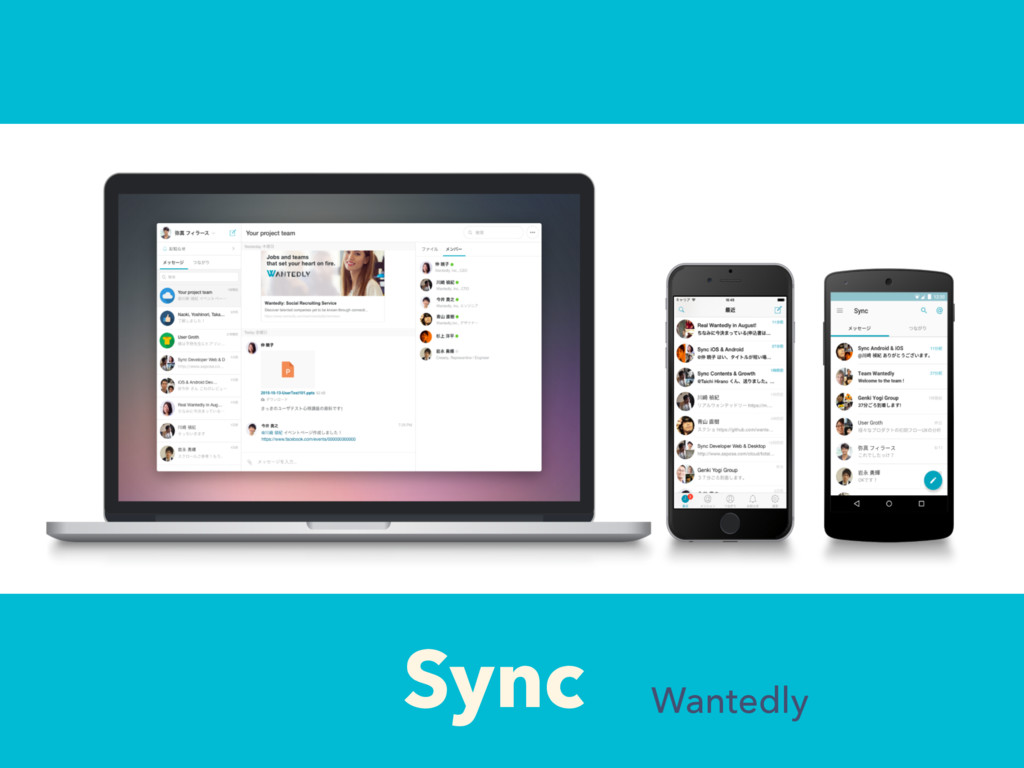
Sync Wantedly


 morizotter
 yoshiakiyamasaki
 satokan
 mrmtsu
 kintotechdev
 katzueno
 ktkrhr
 kohbis
 inariku
 hirohasuyoutube
 htkym
htkym
 x5gtrn
 mtpooh
 vanstee
 bermonpainter
 mfonobong
 addyosmani
 retrage
 palkan
 tammyeverts
 portentint
 chrislema
 62gerente
 baasie
 sonatard
















![Responses // AlamofireClient.swift struct JSONResponse { var json = JSON([])](https://files.speakerdeck.com/presentations/be410d8c46ea4a0c872dfb66396b20a1/slide_35.jpg)