Upgrade to Pro — share decks privately, control downloads, hide ads and more …

10 Must-Have Internal Communication Tools

10 Must-Have Internal Communication Tools

Effective internal communication hinges on having the right mix of tools that foster clarity, connection, and engagement across diverse teams. The MyHub article presents the 10 most essential tools organizations should have in their communication toolkit—from central intranet platforms to mobile access and instant messaging. Each plays a role in bridging gaps and streamlining workflows today.

At the top of the list is the company intranet, a secure, central hub that links employees to information, resources, newsfeeds, directories, and collaborative tools. Complementary tools like mobile intranet apps ensure no one is disconnected—especially frontline or remote staff. Features such as update feeds, instant messaging, collaboration spaces, internal blogs/CEO messaging, knowledge management modules, feedback surveys, project tracking, and internal social networks round out a powerful agenda for engagement and productivity.

Together, these tools create a connected workplace where information flows seamlessly, feedback is honored, collaboration thrives, and every team member—regardless of location—has a voice. From actionable newsfeeds to two-way forums and social channels, modern internal communication goes deeper than broadcasting. It’s about building relationships, trust, and efficiency—all through purposeful tools.

Avatar for MyHub Intranet

MyHub Intranet

October 15, 2025
Tweet

More Decks by MyHub Intranet

Other Decks in Business

Transcript

  1. 10 Must-Have Internal Communication Tools Effective internal communication hinges on

    having the right mix of tools that foster clarity, connection, and engagement across diverse teams. From central intranet platforms to mobile access and instant messaging, each tool plays a vital role in bridging gaps and streamlining workflows.
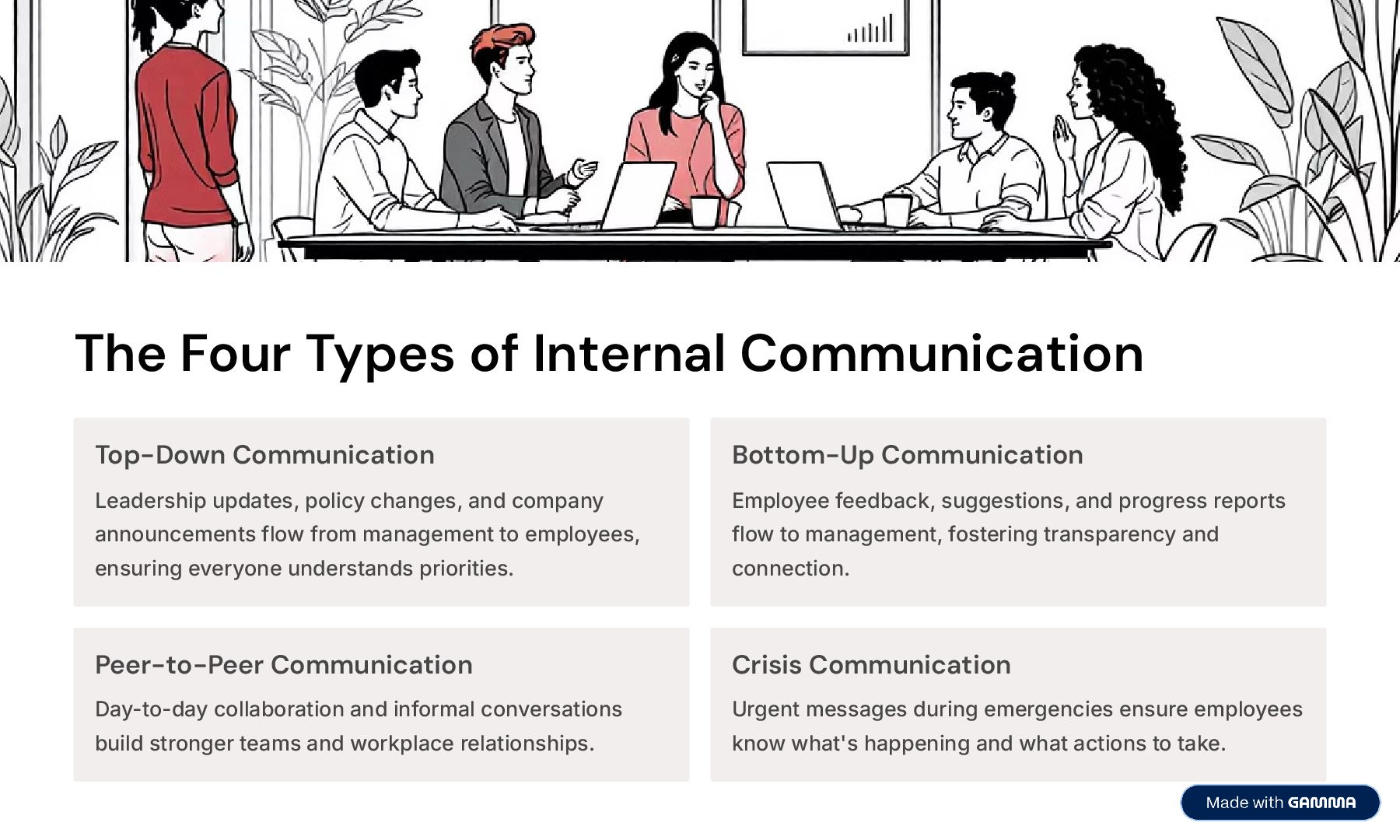
  2. The Four Types of Internal Communication Top-Down Communication Leadership updates,

    policy changes, and company announcements flow from management to employees, ensuring everyone understands priorities. Bottom-Up Communication Employee feedback, suggestions, and progress reports flow to management, fostering transparency and connection. Peer-to-Peer Communication Day-to-day collaboration and informal conversations build stronger teams and workplace relationships. Crisis Communication Urgent messages during emergencies ensure employees know what's happening and what actions to take.
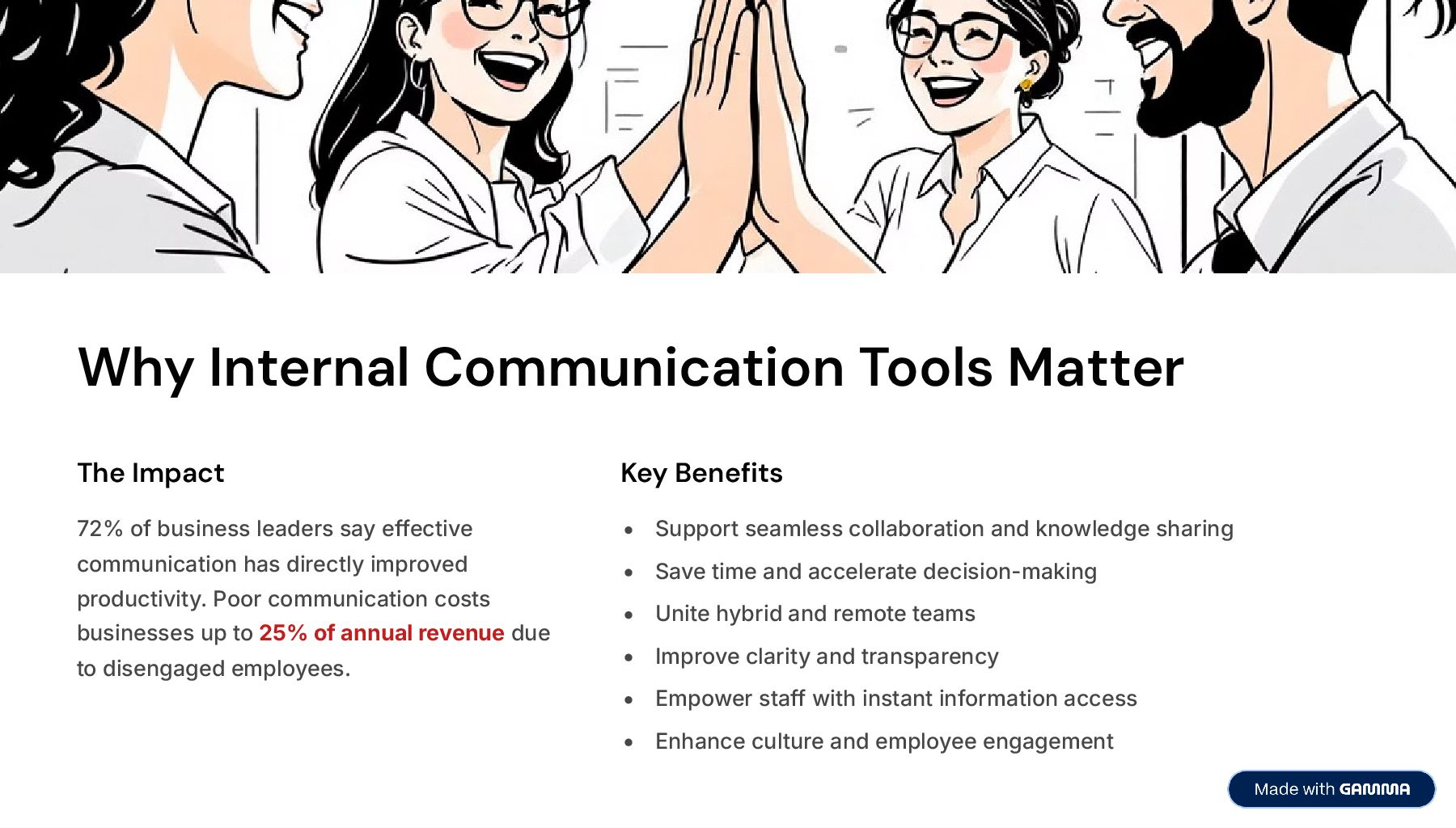
  3. Why Internal Communication Tools Matter The Impact 72% of business

    leaders say effective communication has directly improved productivity. Poor communication costs businesses up to 25% of annual revenue due to disengaged employees. Key Benefits Support seamless collaboration and knowledge sharing Save time and accelerate decision-making Unite hybrid and remote teams Improve clarity and transparency Empower staff with instant information access Enhance culture and employee engagement
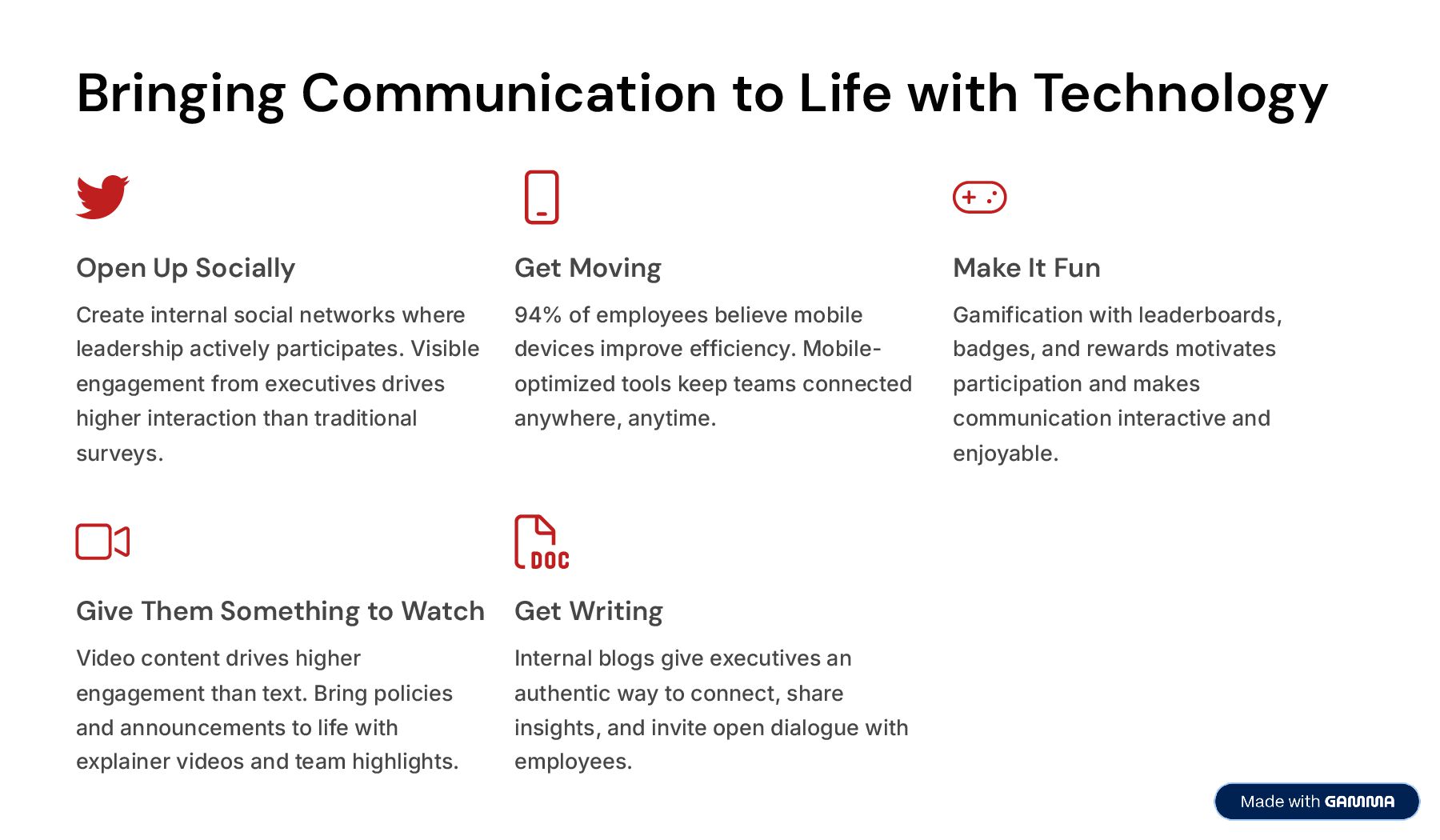
  4. Bringing Communication to Life with Technology Open Up Socially Create

    internal social networks where leadership actively participates. Visible engagement from executives drives higher interaction than traditional surveys. Get Moving 94% of employees believe mobile devices improve efficiency. Mobile- optimized tools keep teams connected anywhere, anytime. Make It Fun Gamification with leaderboards, badges, and rewards motivates participation and makes communication interactive and enjoyable. Give Them Something to Watch Video content drives higher engagement than text. Bring policies and announcements to life with explainer videos and team highlights. Get Writing Internal blogs give executives an authentic way to connect, share insights, and invite open dialogue with employees.
  5. Top 3 Essential Tools 01 Company Intranet The clear number

    one. A secure central hub for information, resources, and collaboration4supporting newsfeeds, file sharing, project management, directories, and real-time chat all in one platform. 02 Mobile Intranet App Essential for hybrid workplaces. With only 58% of US employees working fully on-site, mobile apps bridge the gap for remote and deskless workers, ensuring real-time communication from any location. 03 Updates Feed A personalized feed that centralizes company news, shoutouts, notifications, and announcements4 cutting through digital noise so employees focus on what matters most.
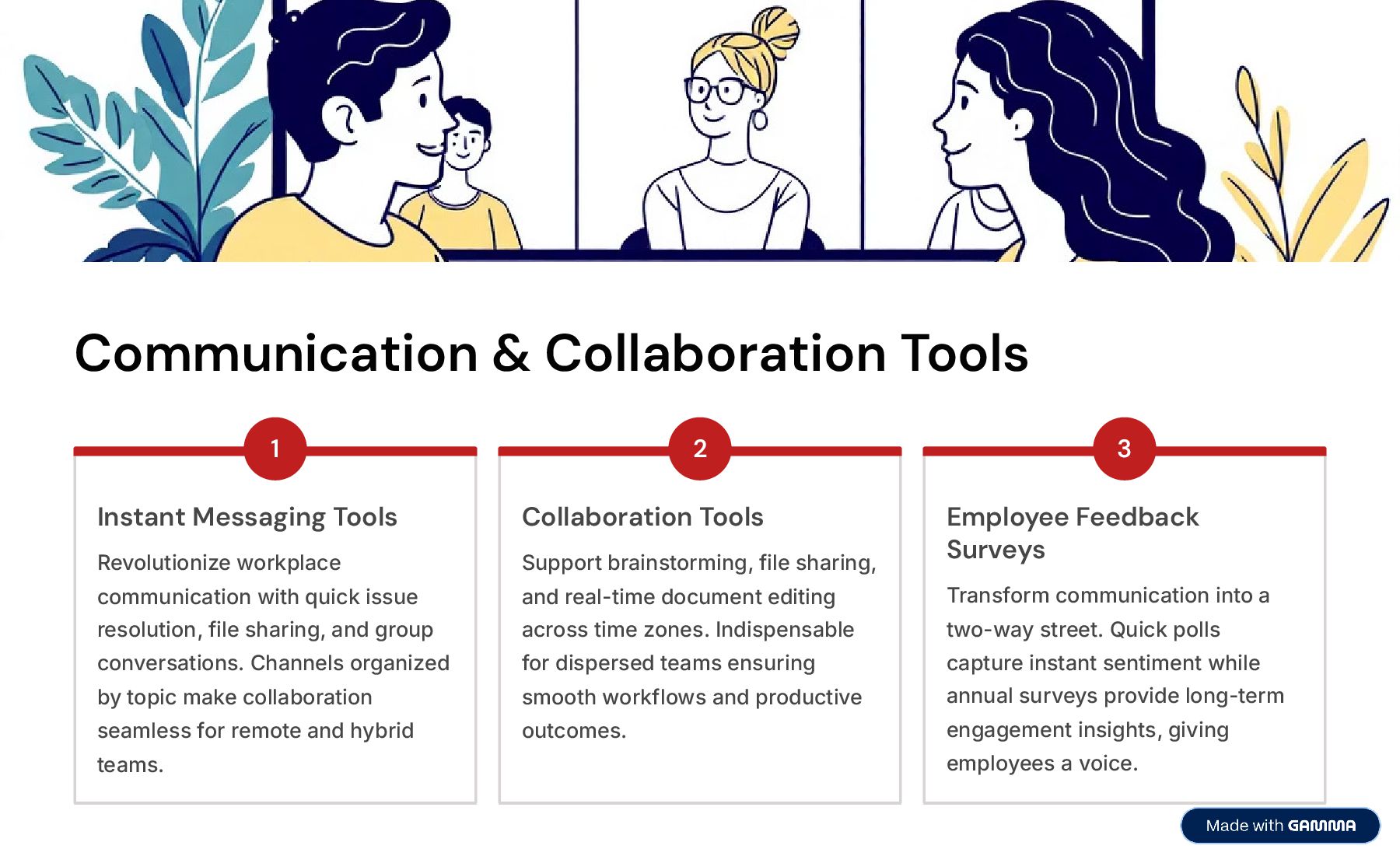
  6. Communication & Collaboration Tools 1 Instant Messaging Tools Revolutionize workplace

    communication with quick issue resolution, file sharing, and group conversations. Channels organized by topic make collaboration seamless for remote and hybrid teams. 2 Collaboration Tools Support brainstorming, file sharing, and real-time document editing across time zones. Indispensable for dispersed teams ensuring smooth workflows and productive outcomes. 3 Employee Feedback Surveys Transform communication into a two-way street. Quick polls capture instant sentiment while annual surveys provide long-term engagement insights, giving employees a voice.
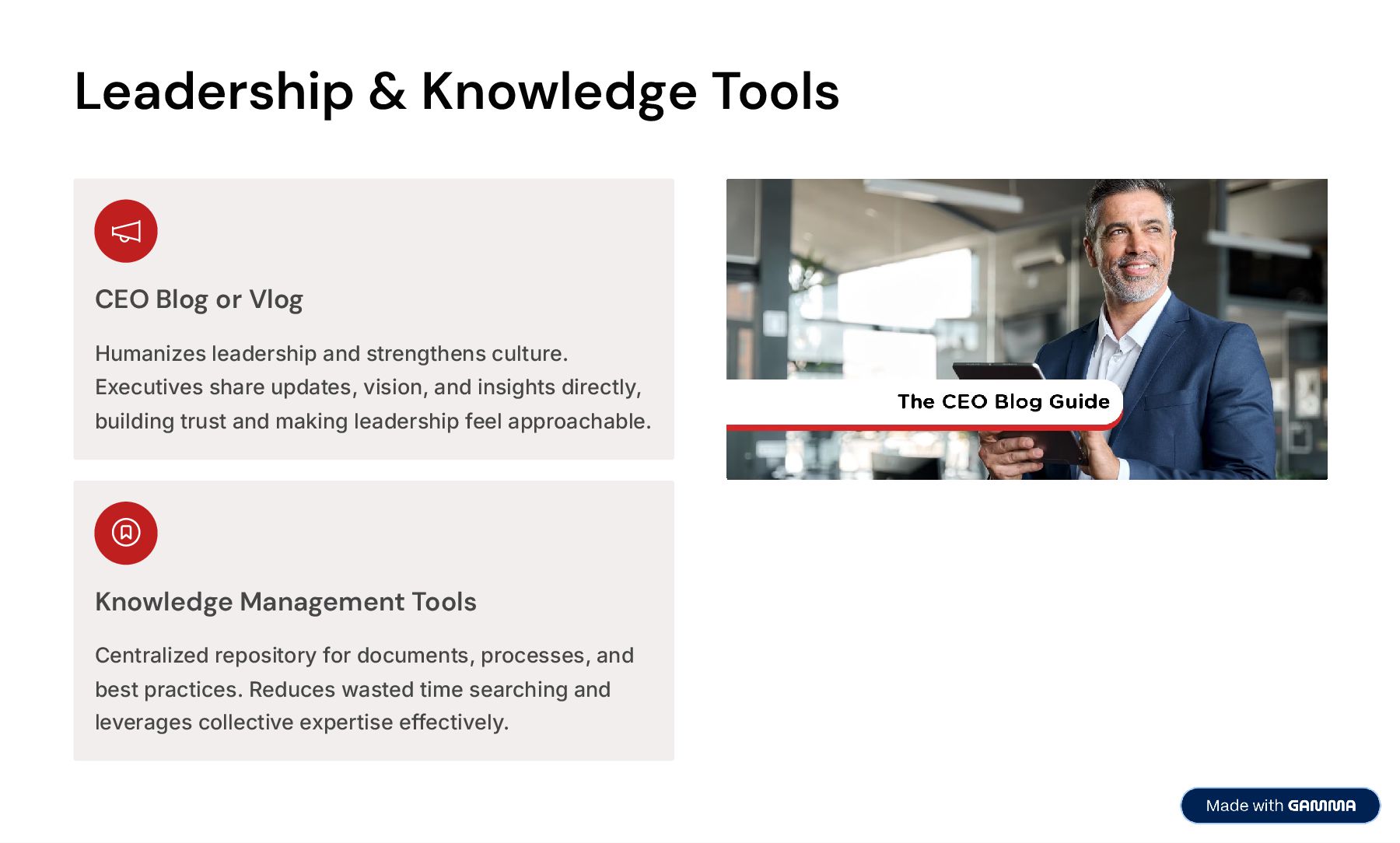
  7. Leadership & Knowledge Tools CEO Blog or Vlog Humanizes leadership

    and strengthens culture. Executives share updates, vision, and insights directly, building trust and making leadership feel approachable. Knowledge Management Tools Centralized repository for documents, processes, and best practices. Reduces wasted time searching and leverages collective expertise effectively.
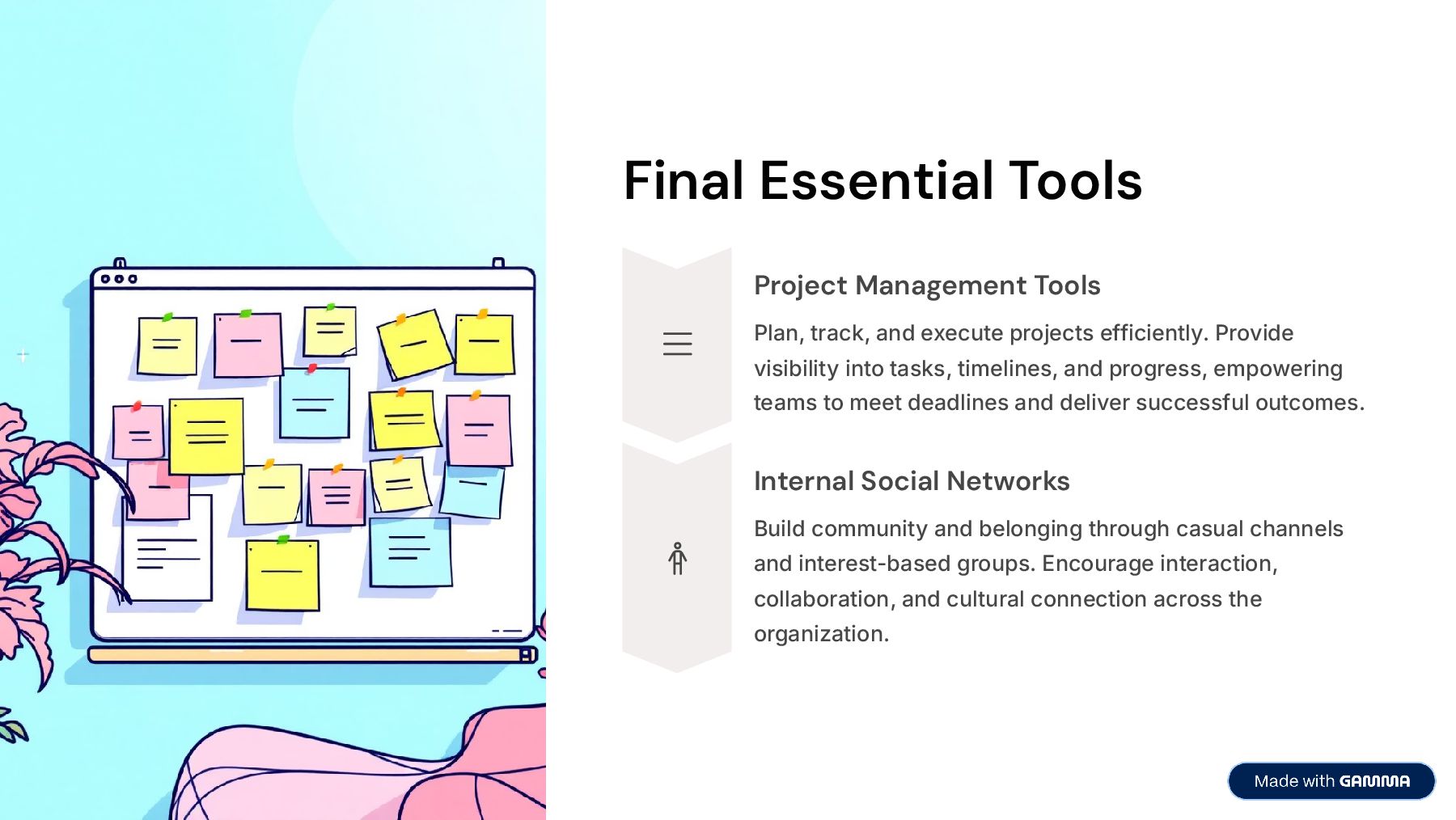
  8. Final Essential Tools Project Management Tools Plan, track, and execute

    projects efficiently. Provide visibility into tasks, timelines, and progress, empowering teams to meet deadlines and deliver successful outcomes. Internal Social Networks Build community and belonging through casual channels and interest-based groups. Encourage interaction, collaboration, and cultural connection across the organization.
  9. How to Choose the Right Software Identify Your Needs Clarify

    communication challenges. Do you want to boost collaboration, improve project management, or strengthen engagement? Clear objectives help focus on the right solutions. Evaluate Features & Usability Look for instant messaging, video conferencing, file sharing, and integration capabilities. Ensure the interface is intuitive and requires minimal training for faster adoption. Consider Scalability & Security Choose platforms that grow with your business and meet robust security standards including encryption, authentication, and compliance with GDPR or HIPAA. Research Reputation & Cost Review testimonials and case studies to gauge reliability. Compare pricing plans to ensure the platform is budget-friendly while delivering needed features and support.
  10. MyHub: Your All-in-One Solution MyHub is an all-in-one internal communications

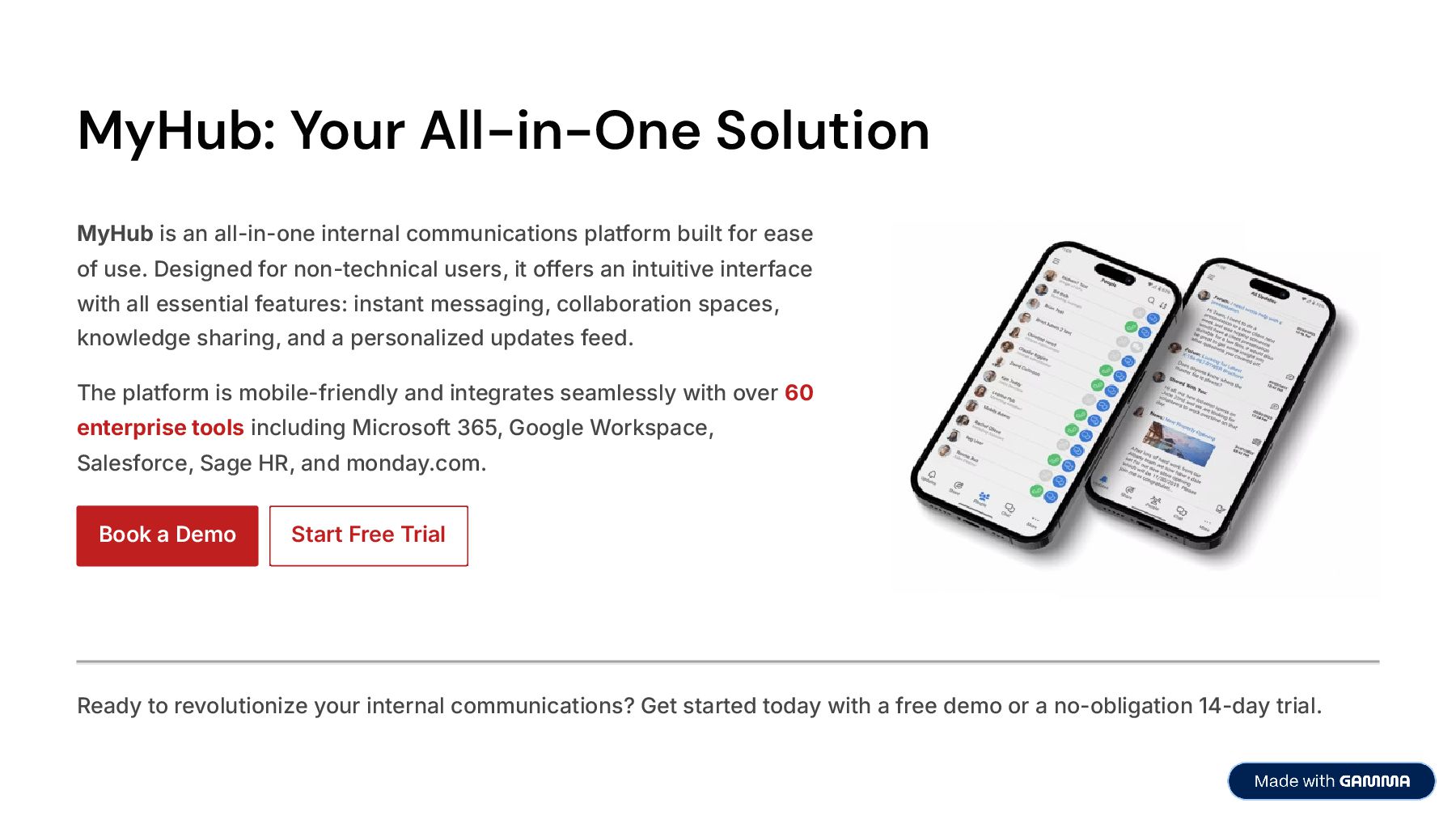
    platform built for ease of use. Designed for non-technical users, it offers an intuitive interface with all essential features: instant messaging, collaboration spaces, knowledge sharing, and a personalized updates feed. The platform is mobile-friendly and integrates seamlessly with over 60 enterprise tools including Microsoft 365, Google Workspace, Salesforce, Sage HR, and monday.com. Book a Demo Start Free Trial Ready to revolutionize your internal communications? Get started today with a free demo or a no-obligation 14-day trial.