Upgrade to Pro — share decks privately, control downloads, hide ads and more …

The Easiest Intranet Solutions: Smarter Communi...

Sponsored · Ship Features Fearlessly Turn features on and off without deploys. Used by thousands of Ruby developers.

The Easiest Intranet Solutions: Smarter Communication & Collaboration for Every Business

Choosing the right intranet solution can feel overwhelming, but it doesn’t have to be. This slideshow breaks down the three main types of intranet options—custom builds, off-the-shelf platforms, and cloud intranets—so you can understand the pros and cons of each.

You’ll discover how cloud-based intranet solutions deliver fast setup, built-in security, and intuitive tools designed for businesses without dedicated IT resources. From streamlined communication and document management to process automation and brand customization, modern intranet solutions make it easy to connect teams and boost productivity.

Packed with practical comparisons and insights, this slideshow is perfect for business leaders and IT managers looking for a cost-effective, user-friendly way to improve collaboration. If you’re ready to cut complexity and find the easiest intranet solution for your company, this presentation will show you how.

Avatar for MyHub Intranet

MyHub Intranet

September 02, 2025
Tweet

More Decks by MyHub Intranet

Other Decks in Business

Transcript

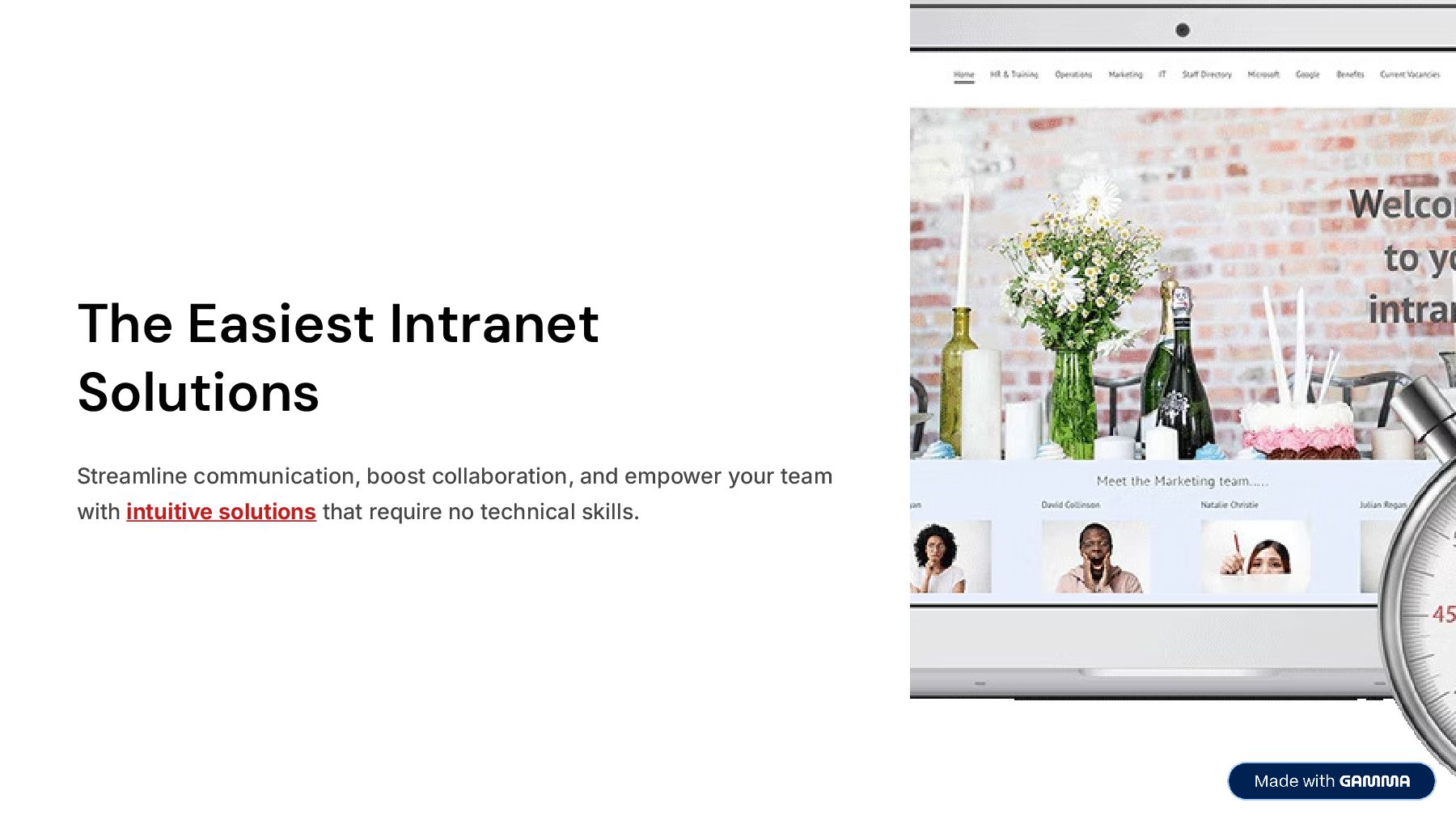
  1. The Easiest Intranet Solutions Streamline communication, boost collaboration, and empower

    your team with intuitive solutions that require no technical skills.
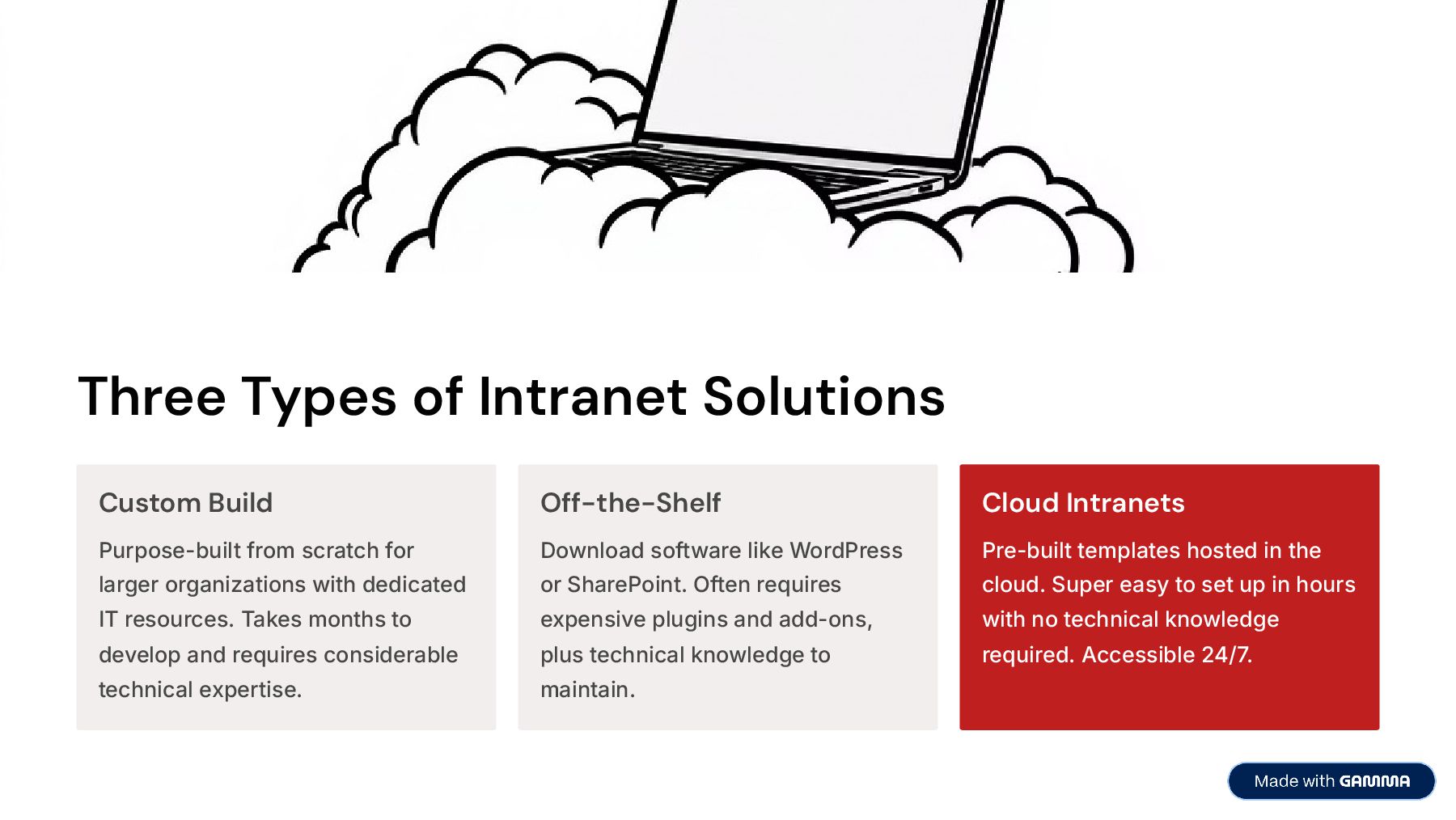
  2. Three Types of Intranet Solutions Custom Build Purpose-built from scratch

    for larger organizations with dedicated IT resources. Takes months to develop and requires considerable technical expertise. Off-the-Shelf Download software like WordPress or SharePoint. Often requires expensive plugins and add-ons, plus technical knowledge to maintain. Cloud Intranets Pre-built templates hosted in the cloud. Super easy to set up in hours with no technical knowledge required. Accessible 24/7.
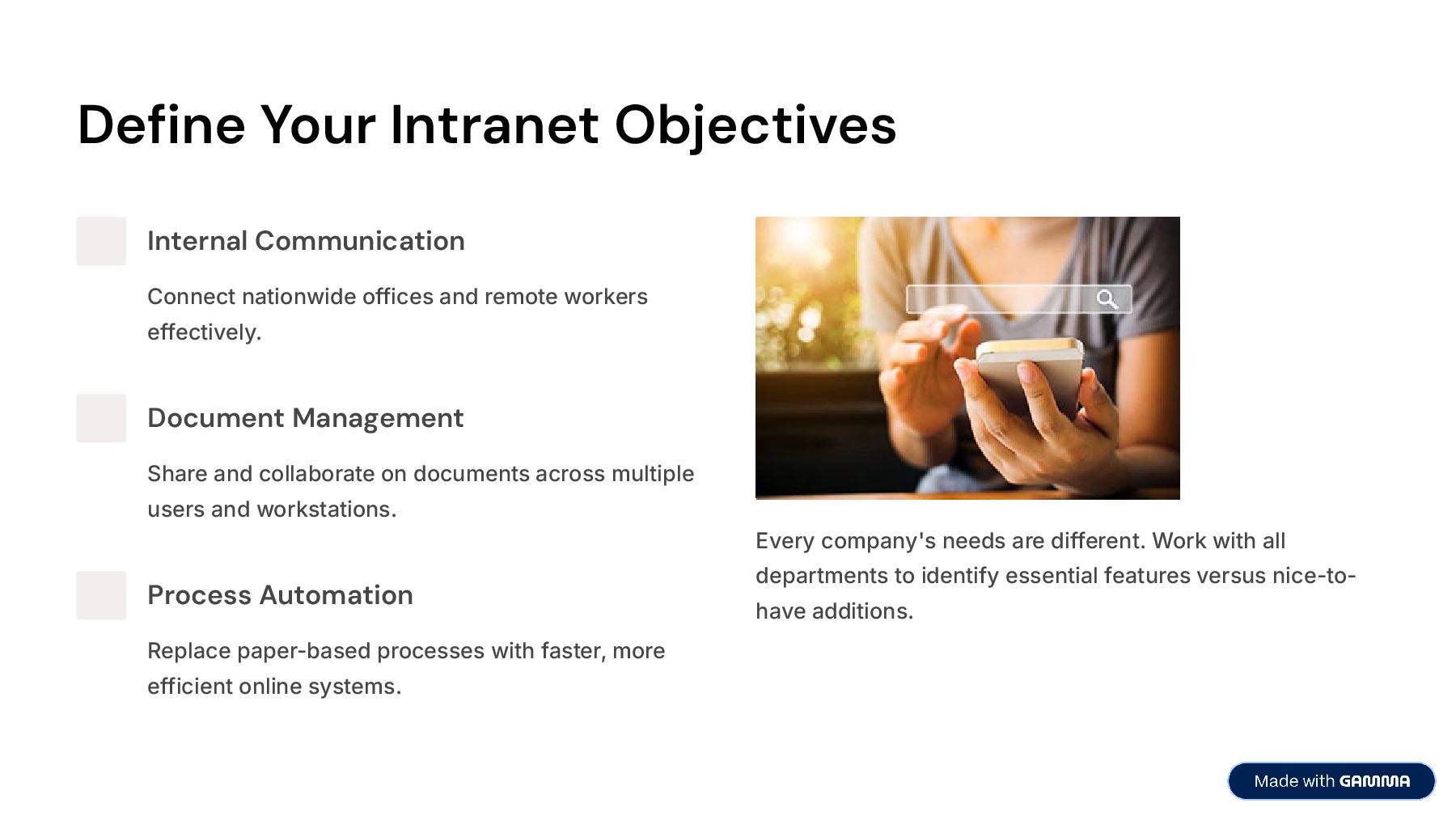
  3. Define Your Intranet Objectives Internal Communication Connect nationwide offices and

    remote workers effectively. Document Management Share and collaborate on documents across multiple users and workstations. Process Automation Replace paper-based processes with faster, more efficient online systems. Every company's needs are different. Work with all departments to identify essential features versus nice-to- have additions.
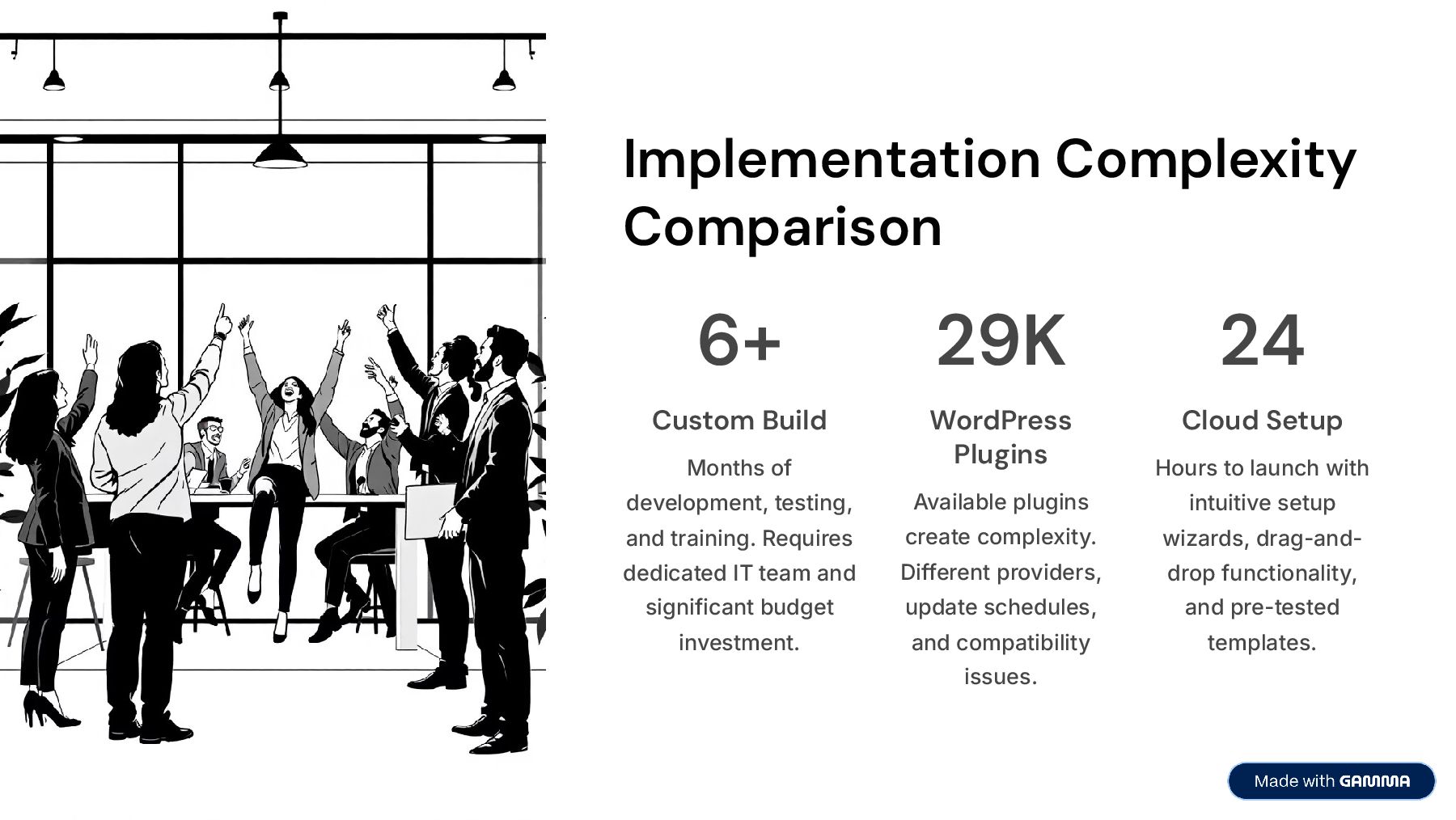
  4. Implementation Complexity Comparison 6+ Custom Build Months of development, testing,

    and training. Requires dedicated IT team and significant budget investment. 29K WordPress Plugins Available plugins create complexity. Different providers, update schedules, and compatibility issues. 24 Cloud Setup Hours to launch with intuitive setup wizards, drag-and- drop functionality, and pre-tested templates.
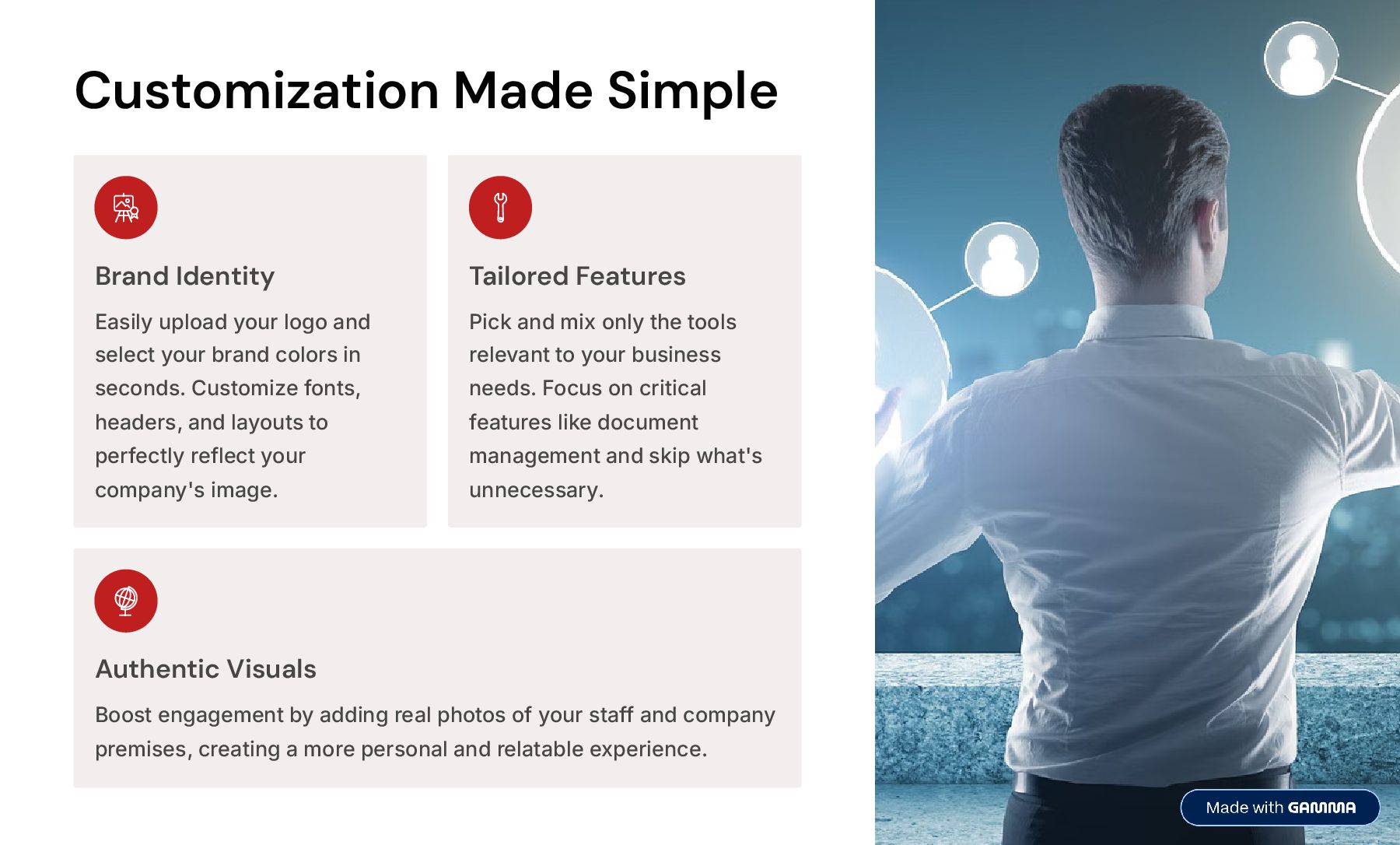
  5. Customization Made Simple Brand Identity Easily upload your logo and

    select your brand colors in seconds. Customize fonts, headers, and layouts to perfectly reflect your company's image. Tailored Features Pick and mix only the tools relevant to your business needs. Focus on critical features like document management and skip what's unnecessary. Authentic Visuals Boost engagement by adding real photos of your staff and company premises, creating a more personal and relatable experience.
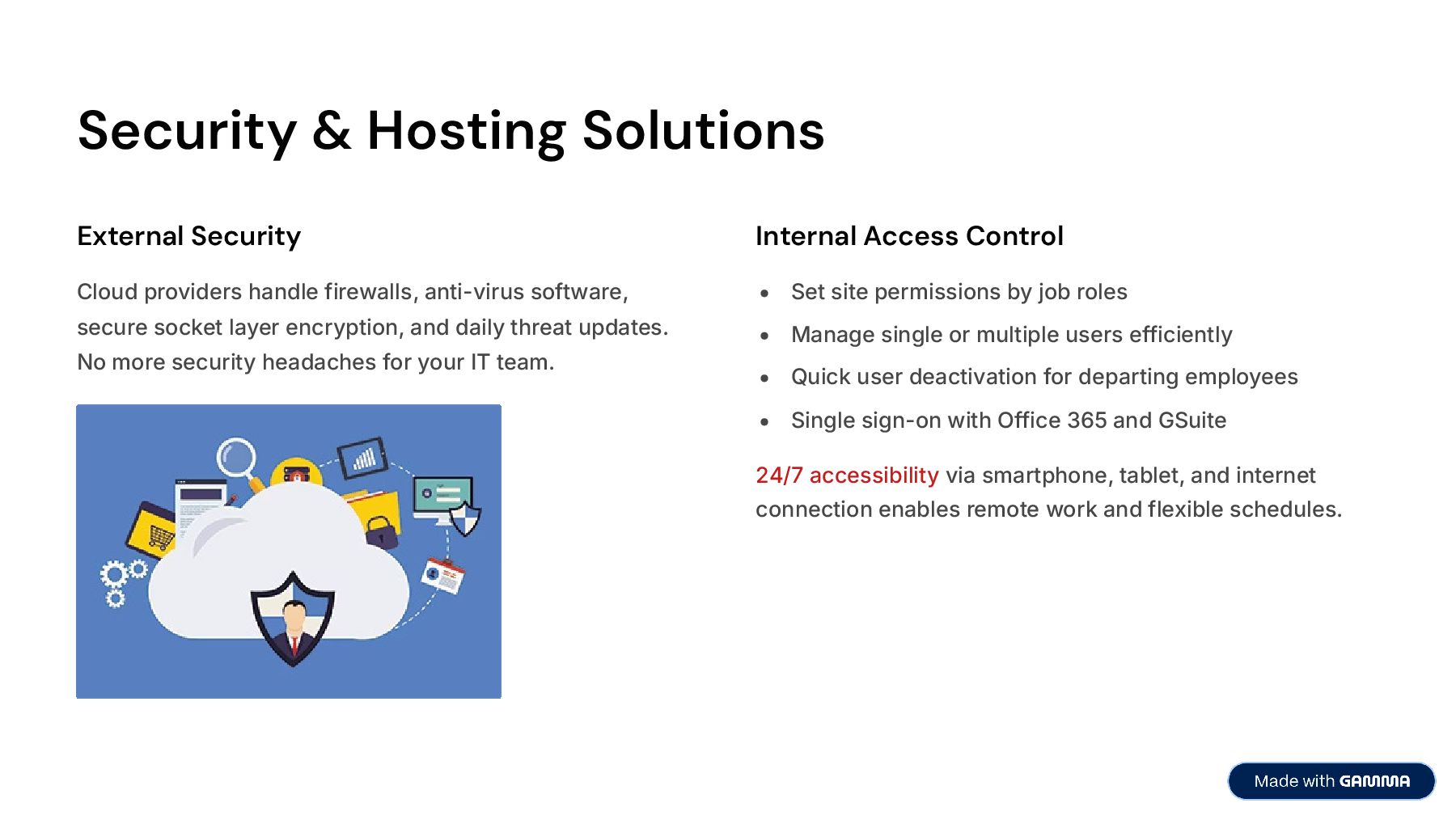
  6. Security & Hosting Solutions External Security Cloud providers handle firewalls,

    anti-virus software, secure socket layer encryption, and daily threat updates. No more security headaches for your IT team. Internal Access Control Set site permissions by job roles Manage single or multiple users efficiently Quick user deactivation for departing employees Single sign-on with Office 365 and GSuite 24/7 accessibility via smartphone, tablet, and internet connection enables remote work and flexible schedules.
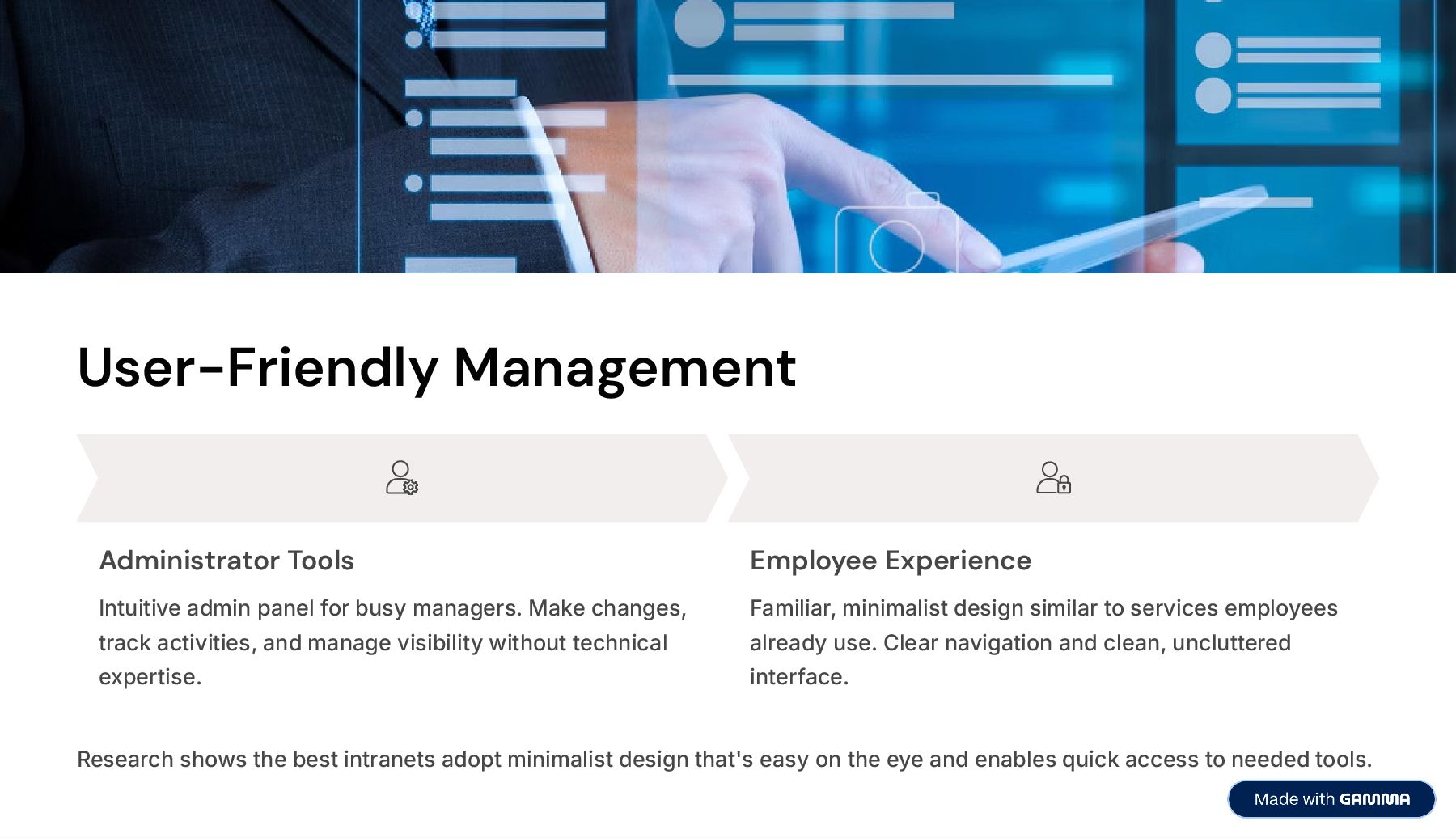
  7. User-Friendly Management Administrator Tools Intuitive admin panel for busy managers.

    Make changes, track activities, and manage visibility without technical expertise. Employee Experience Familiar, minimalist design similar to services employees already use. Clear navigation and clean, uncluttered interface. Research shows the best intranets adopt minimalist design that's easy on the eye and enables quick access to needed tools.
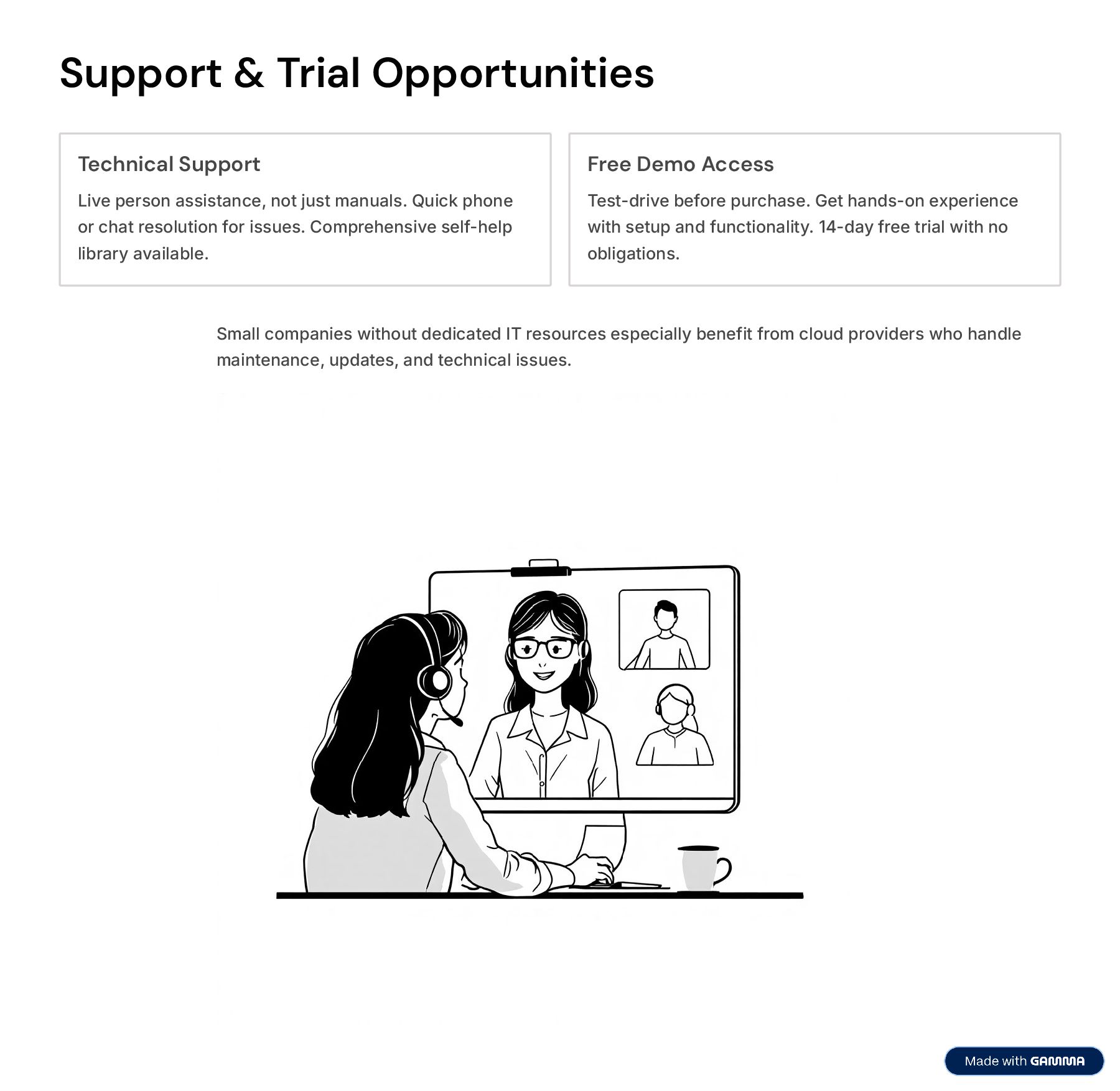
  8. Support & Trial Opportunities Technical Support Live person assistance, not

    just manuals. Quick phone or chat resolution for issues. Comprehensive self-help library available. Free Demo Access Test-drive before purchase. Get hands-on experience with setup and functionality. 14-day free trial with no obligations. Small companies without dedicated IT resources especially benefit from cloud providers who handle maintenance, updates, and technical issues.
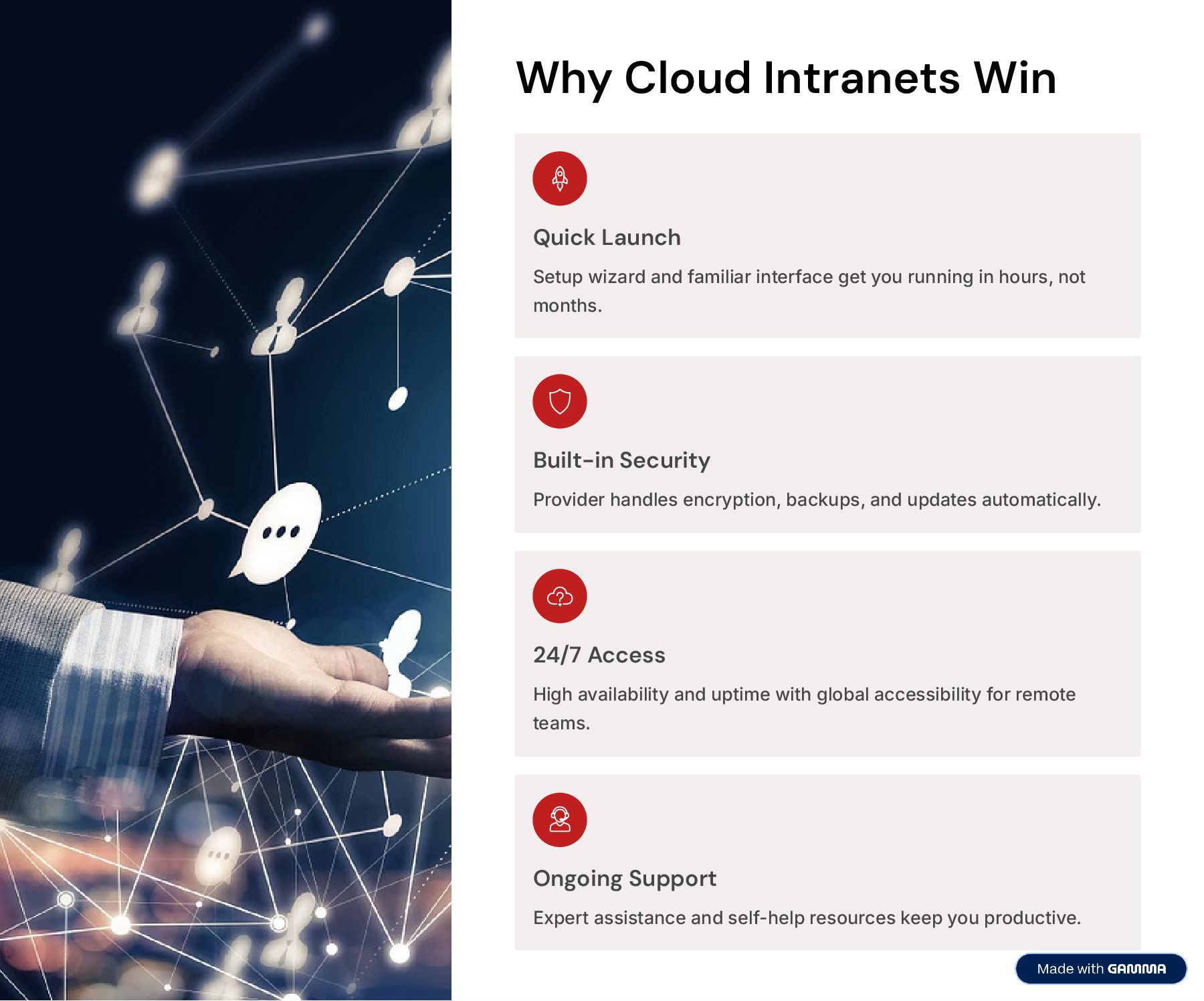
  9. Why Cloud Intranets Win Quick Launch Setup wizard and familiar

    interface get you running in hours, not months. Built-in Security Provider handles encryption, backups, and updates automatically. 24/7 Access High availability and uptime with global accessibility for remote teams. Ongoing Support Expert assistance and self-help resources keep you productive.
  10. Start Your Free Trial Transform your workplace communication and collaboration

    with the easiest intranet solution available. Start Free Trial Now Book a Live Demo 7 Super Easy To Customize 7 No Technical Skills Required 7 Free Support 7 No Commitments