Upgrade to Pro — share decks privately, control downloads, hide ads and more …

Team Chat - The Future of Workplace Communication

Team Chat - The Future of Workplace Communication

Team chat software brings workplace communication into the fast lane, blending messaging, file sharing, and group discussion into seamless workflows. With over three billion global users relying on platforms like Facebook Messenger and WhatsApp in their personal lives, businesses have quickly embraced tools like Slack, Microsoft Teams, and Google Chat to connect remote, hybrid, and on-site teams in real time. Unlike email, these tools enable instant responses, visibility of read status, and quick group collaboration—ideal for fast problem-solving and inclusive dialogue.

Core features of modern team chat platforms include real-time messaging with emojis and attachments, customizable notifications and themes, and powerful search capabilities that ensure past messages and files are always within reach. For organizations using intranet platforms like MyHub, integrated team chat takes collaboration up a notch—seamlessly combining messaging, channels, user status, and single sign-on access to create a fluid, productive communication experience.

The benefits are plain: speed, accessibility, and efficiency. Chat promotes brief, conversational exchanges—boosting response times and keeping everyone in the loop. With chat integrated into intranet systems, employees can collaborate in a secure, organized environment that boosts productivity while maintaining discretion and professionalism.

Avatar for MyHub Intranet

MyHub Intranet

October 08, 2025
Tweet

More Decks by MyHub Intranet

Other Decks in Business

Transcript

  1. Team Chat: The Future of Workplace Communication Instant messaging has

    transformed how teams connect, collaborate, and solve problems. With over three billion users worldwide embracing chat in their personal lives, businesses are rapidly adopting platforms like Slack, Microsoft Teams, and Google Chat to power real-time workplace communication.
  2. What Is Team Chat? Team chat software enables users to

    share messages, files, and join group discussions via mobile or desktop. Unlike email, it delivers instant responses with read receipts and real-time collaboration4perfect for fast problem-solving. Popular platforms include Microsoft Teams, Google Chat, and Slack, connecting remote, hybrid, and on-site teams seamlessly.
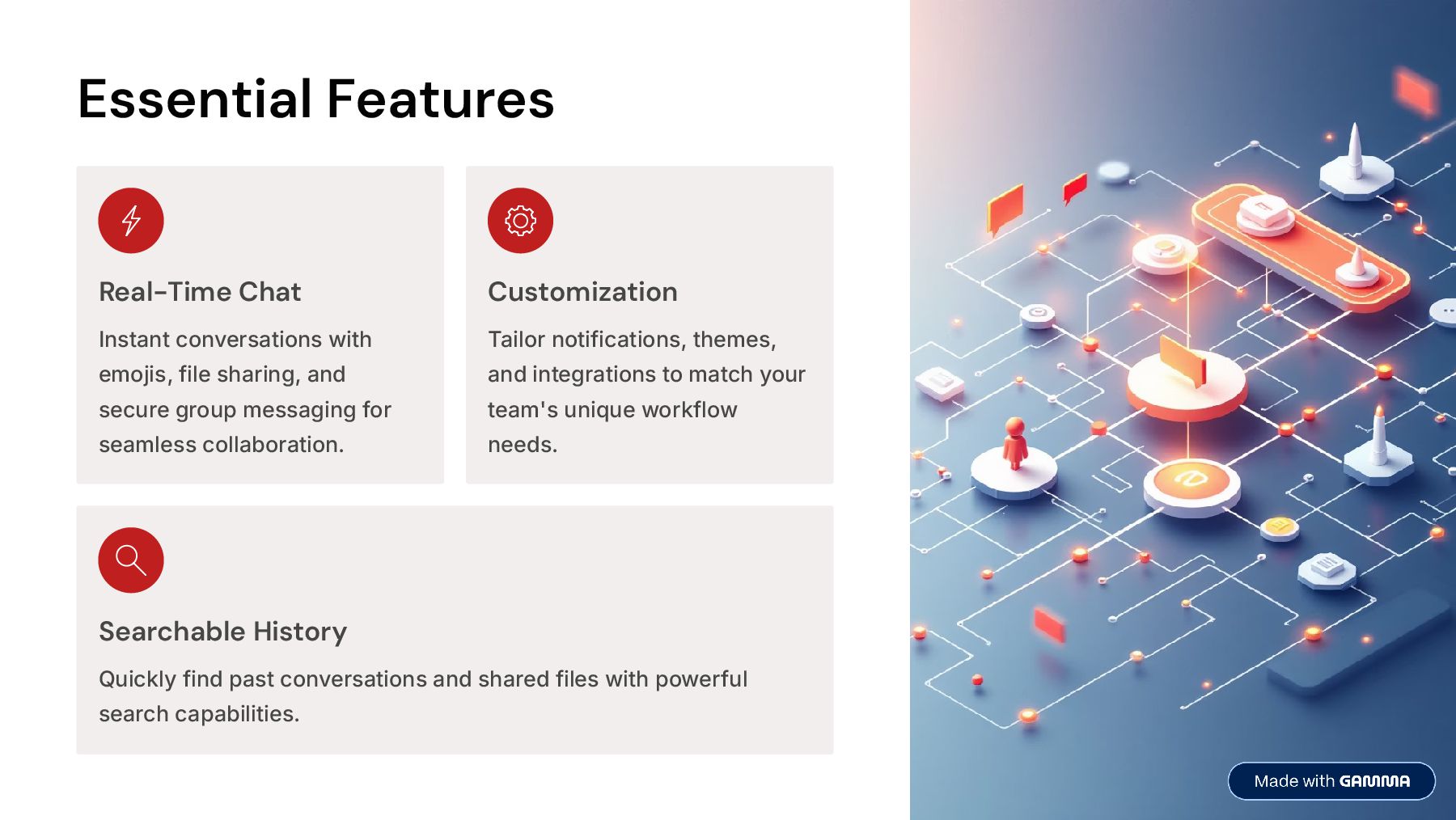
  3. Essential Features Real-Time Chat Instant conversations with emojis, file sharing,

    and secure group messaging for seamless collaboration. Customization Tailor notifications, themes, and integrations to match your team's unique workflow needs. Searchable History Quickly find past conversations and shared files with powerful search capabilities.
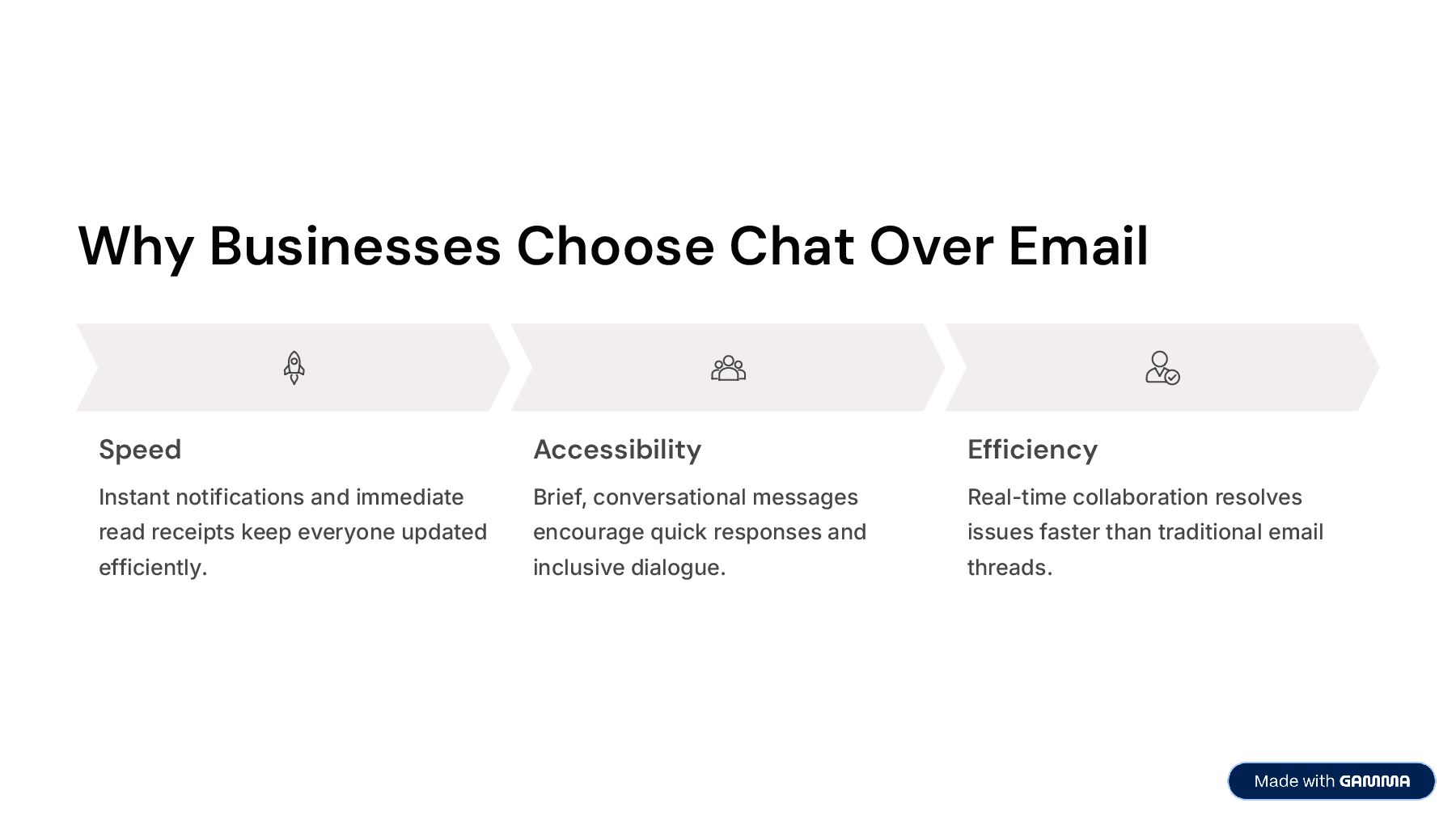
  4. Why Businesses Choose Chat Over Email Speed Instant notifications and

    immediate read receipts keep everyone updated efficiently. Accessibility Brief, conversational messages encourage quick responses and inclusive dialogue. Efficiency Real-time collaboration resolves issues faster than traditional email threads.
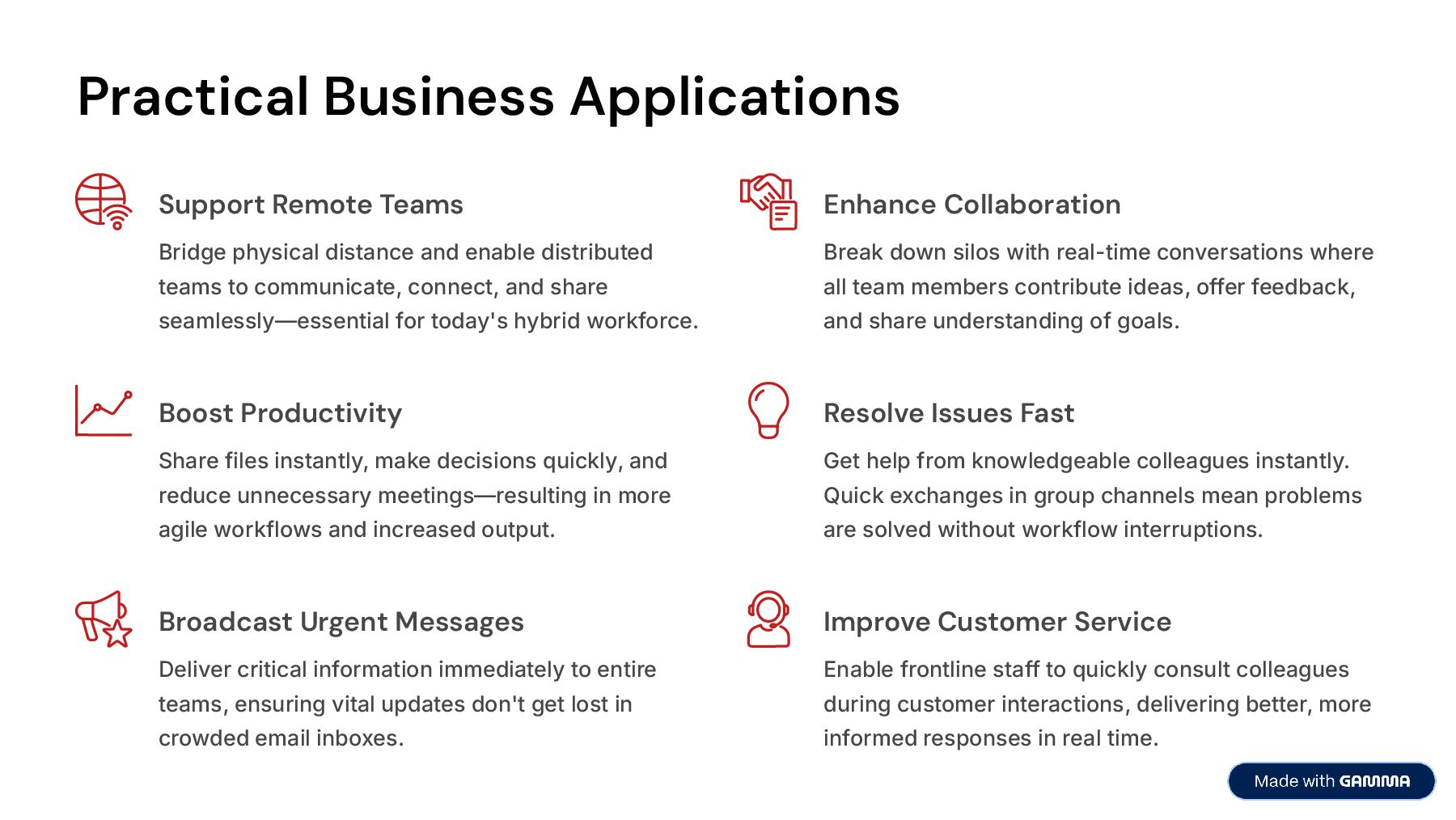
  5. Practical Business Applications Support Remote Teams Bridge physical distance and

    enable distributed teams to communicate, connect, and share seamlessly4essential for today's hybrid workforce. Enhance Collaboration Break down silos with real-time conversations where all team members contribute ideas, offer feedback, and share understanding of goals. Boost Productivity Share files instantly, make decisions quickly, and reduce unnecessary meetings4resulting in more agile workflows and increased output. Resolve Issues Fast Get help from knowledgeable colleagues instantly. Quick exchanges in group channels mean problems are solved without workflow interruptions. Broadcast Urgent Messages Deliver critical information immediately to entire teams, ensuring vital updates don't get lost in crowded email inboxes. Improve Customer Service Enable frontline staff to quickly consult colleagues during customer interactions, delivering better, more informed responses in real time.
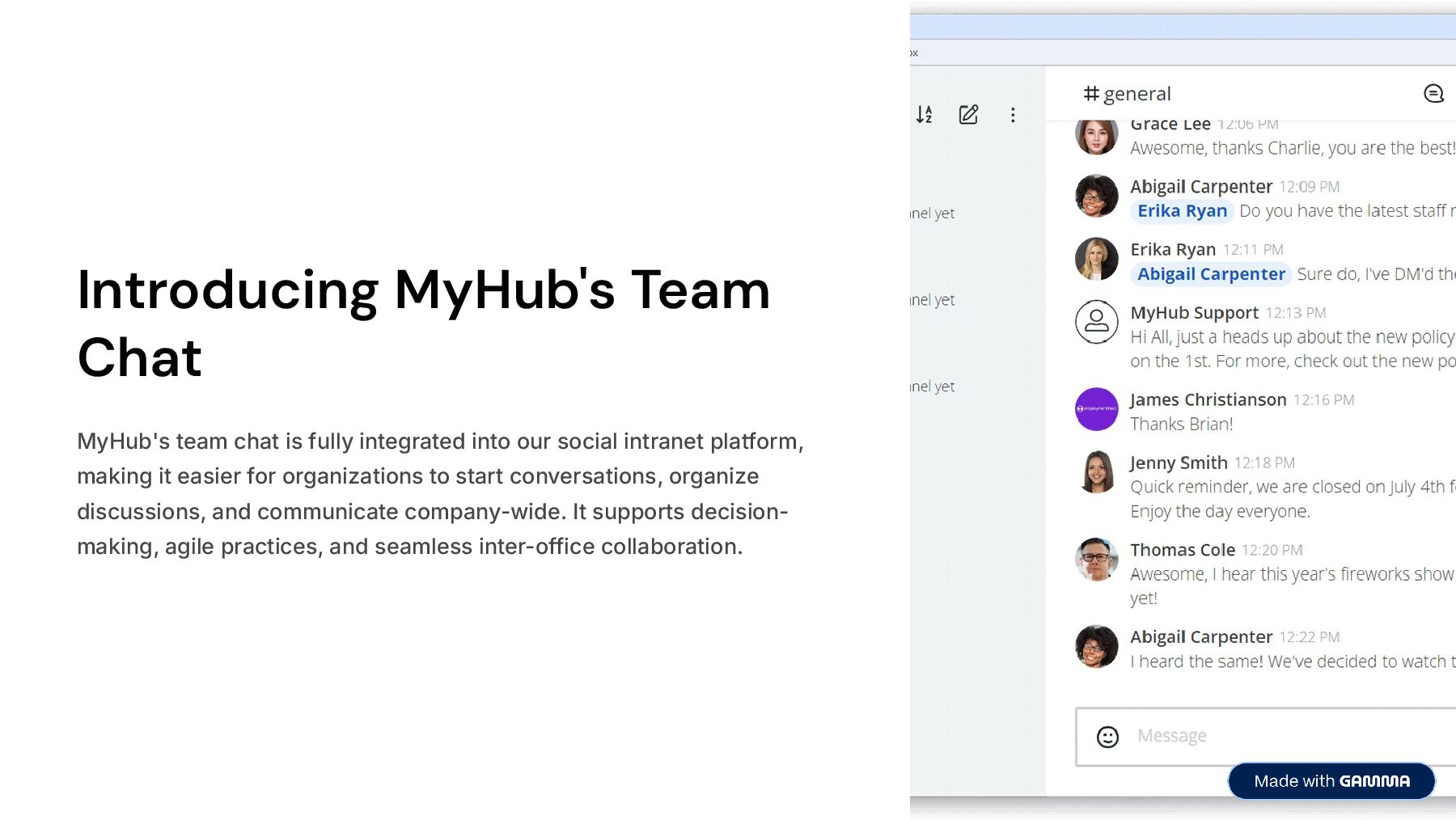
  6. Introducing MyHub's Team Chat MyHub's team chat is fully integrated

    into our social intranet platform, making it easier for organizations to start conversations, organize discussions, and communicate company-wide. It supports decision- making, agile practices, and seamless inter-office collaboration.
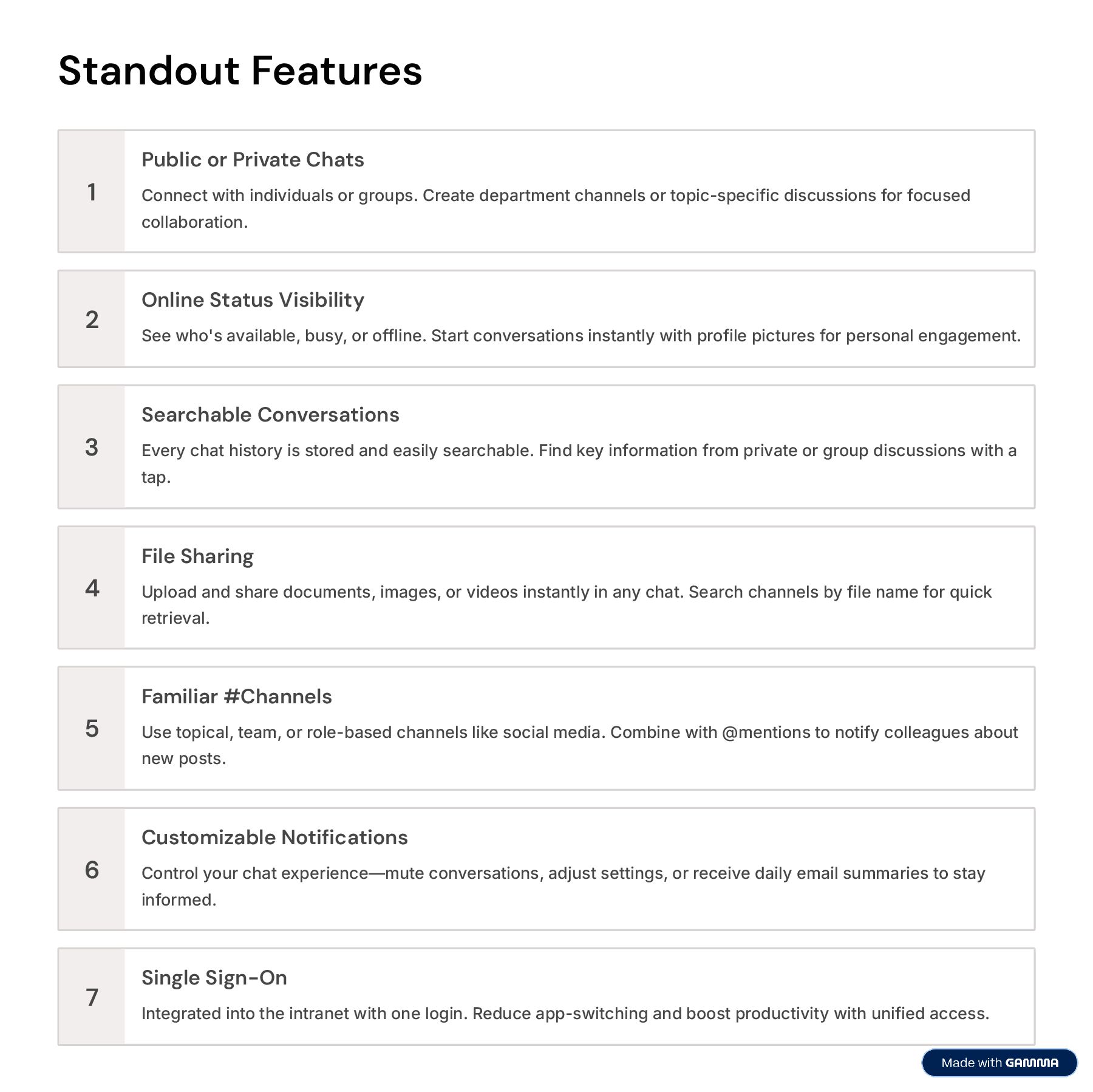
  7. Standout Features 1 Public or Private Chats Connect with individuals

    or groups. Create department channels or topic-specific discussions for focused collaboration. 2 Online Status Visibility See who's available, busy, or offline. Start conversations instantly with profile pictures for personal engagement. 3 Searchable Conversations Every chat history is stored and easily searchable. Find key information from private or group discussions with a tap. 4 File Sharing Upload and share documents, images, or videos instantly in any chat. Search channels by file name for quick retrieval. 5 Familiar #Channels Use topical, team, or role-based channels like social media. Combine with @mentions to notify colleagues about new posts. 6 Customizable Notifications Control your chat experience4mute conversations, adjust settings, or receive daily email summaries to stay informed. 7 Single Sign-On Integrated into the intranet with one login. Reduce app-switching and boost productivity with unified access.
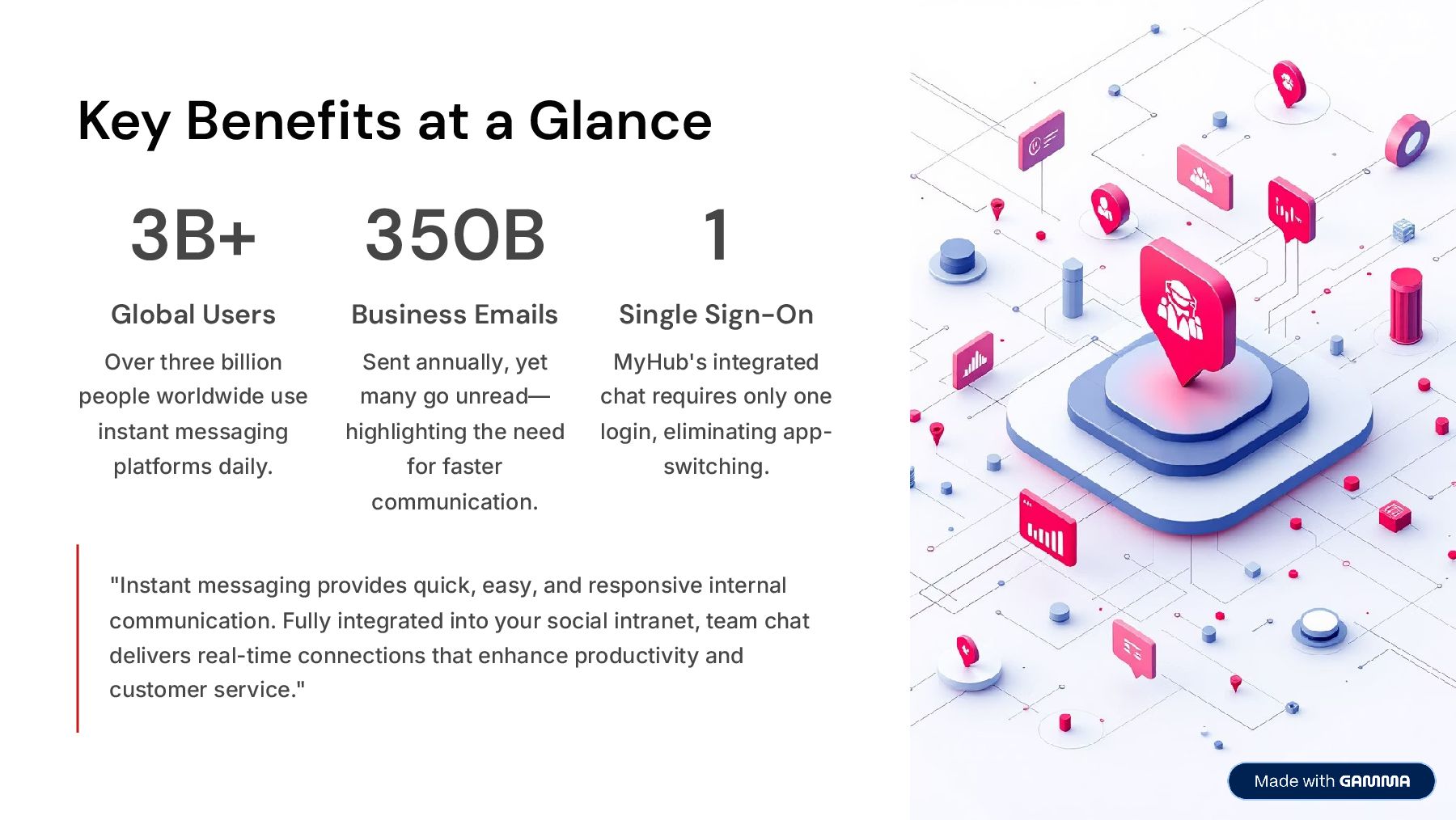
  8. Key Benefits at a Glance 3B+ Global Users Over three

    billion people worldwide use instant messaging platforms daily. 350B Business Emails Sent annually, yet many go unread4 highlighting the need for faster communication. 1 Single Sign-On MyHub's integrated chat requires only one login, eliminating app- switching. "Instant messaging provides quick, easy, and responsive internal communication. Fully integrated into your social intranet, team chat delivers real-time connections that enhance productivity and customer service."
  9. Ready to Transform Your Team Communication? Discover how MyHub's all-in-one

    intranet solution streamlines communication, boosts collaboration, and empowers your team with intuitive chat features. See It In Action Book a live demo and experience the difference MyHub can make for your organization. Try It Free Start your 14-day no-obligation trial and explore all features risk- free. Book a Demo Start Free Trial