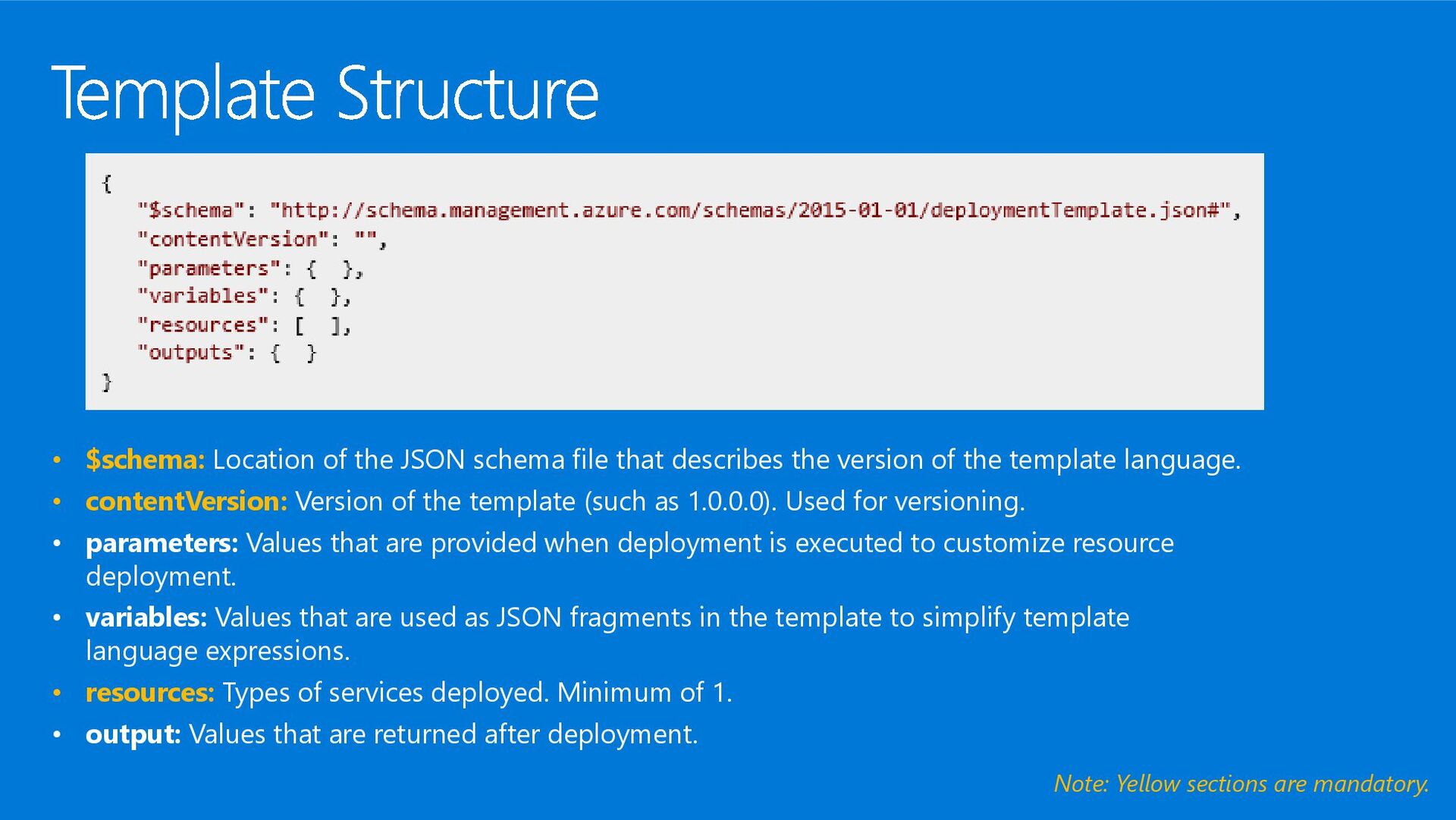
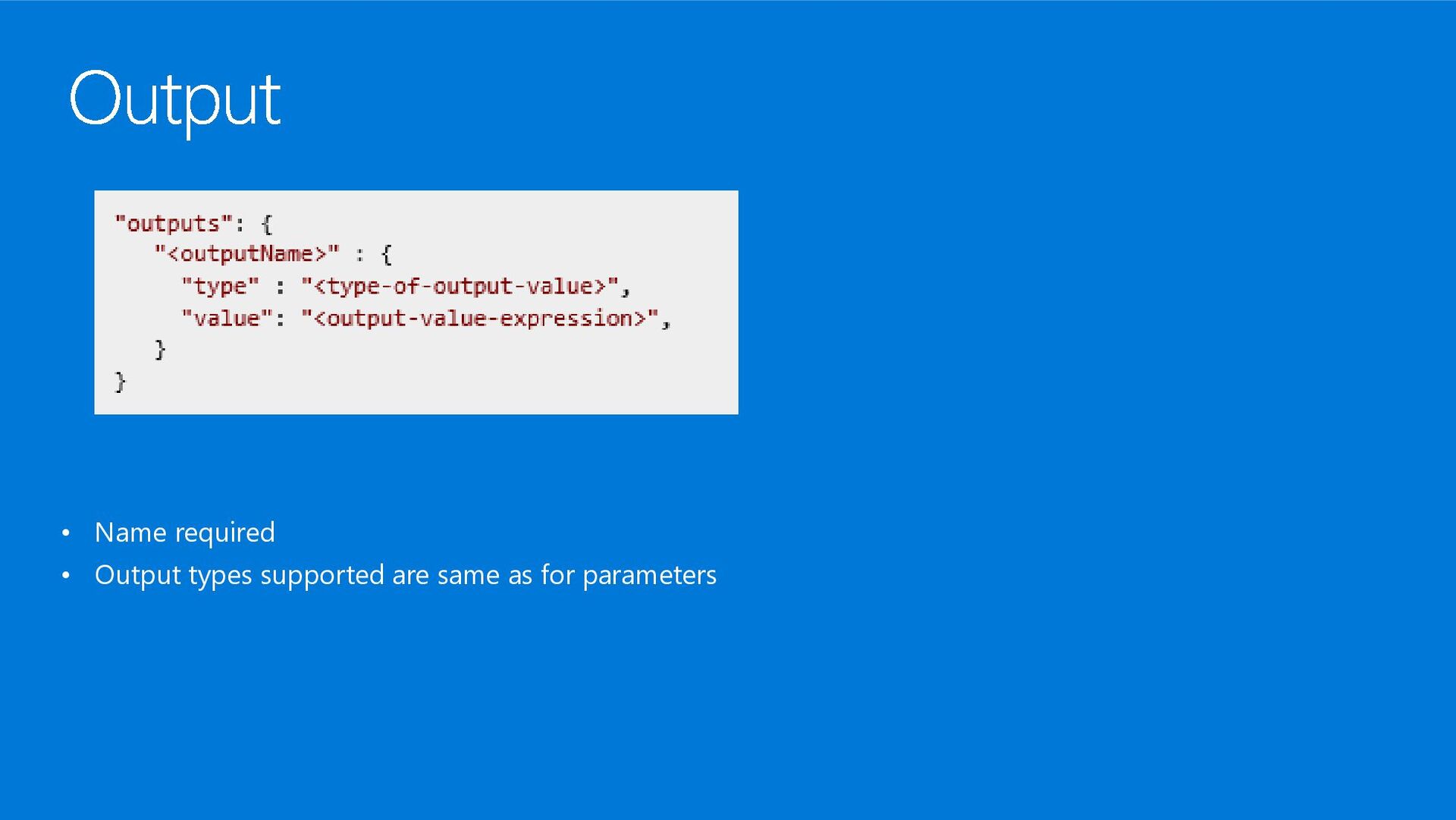
the version of the template language. • contentVersion: Version of the template (such as 1.0.0.0). Used for versioning. • parameters: Values that are provided when deployment is executed to customize resource deployment. • variables: Values that are used as JSON fragments in the template to simplify template language expressions. • resources: Types of services deployed. Minimum of 1. • output: Values that are returned after deployment. Note: Yellow sections are mandatory.
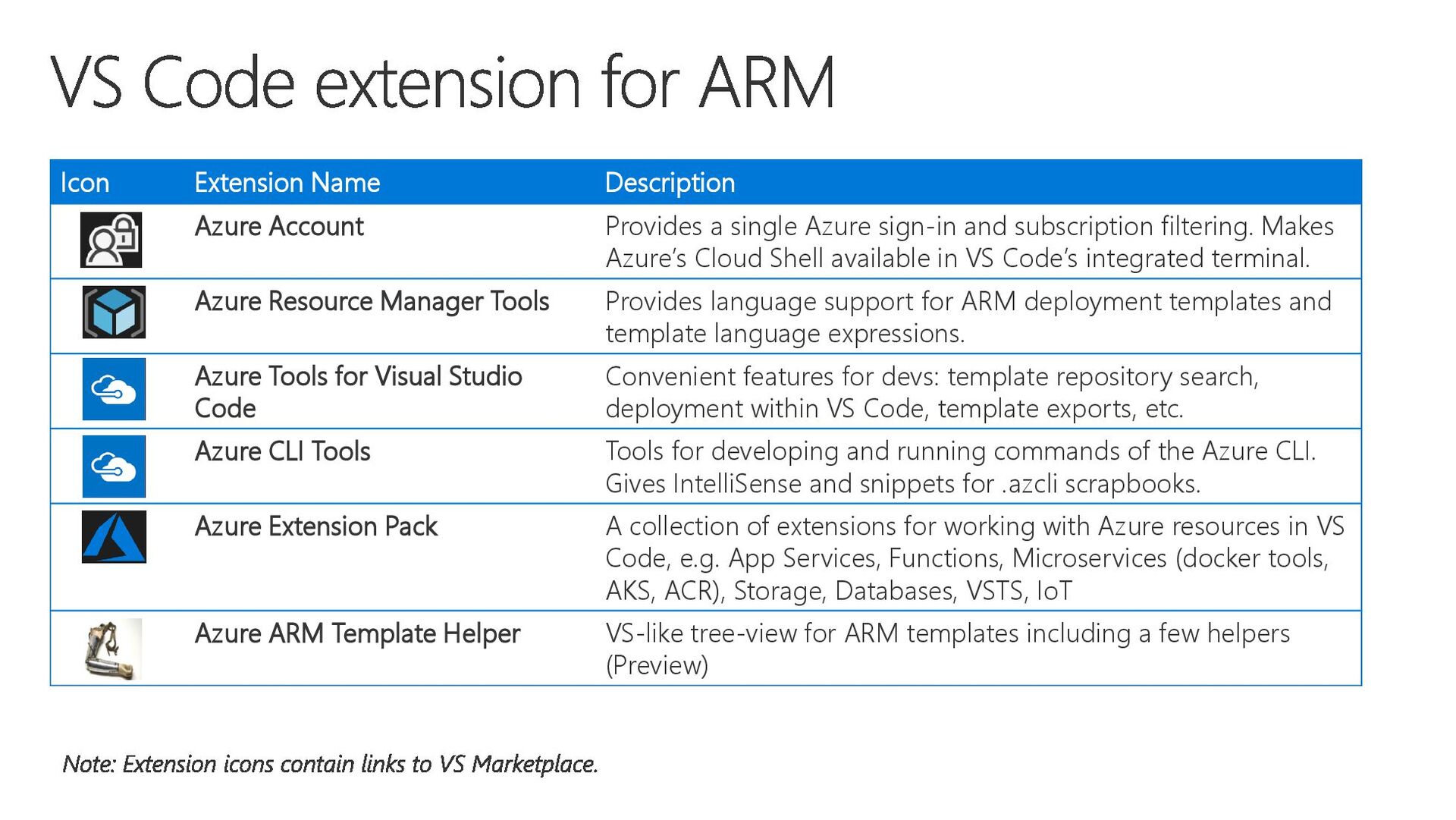
sign-in and subscription filtering. Makes Azure’s Cloud Shell available in VS Code’s integrated terminal. Azure Resource Manager Tools Provides language support for ARM deployment templates and template language expressions. Azure Tools for Visual Studio Code Convenient features for devs: template repository search, deployment within VS Code, template exports, etc. Azure CLI Tools Tools for developing and running commands of the Azure CLI. Gives IntelliSense and snippets for .azcli scrapbooks. Azure Extension Pack A collection of extensions for working with Azure resources in VS Code, e.g. App Services, Functions, Microservices (docker tools, AKS, ACR), Storage, Databases, VSTS, IoT Azure ARM Template Helper VS-like tree-view for ARM templates including a few helpers (Preview)
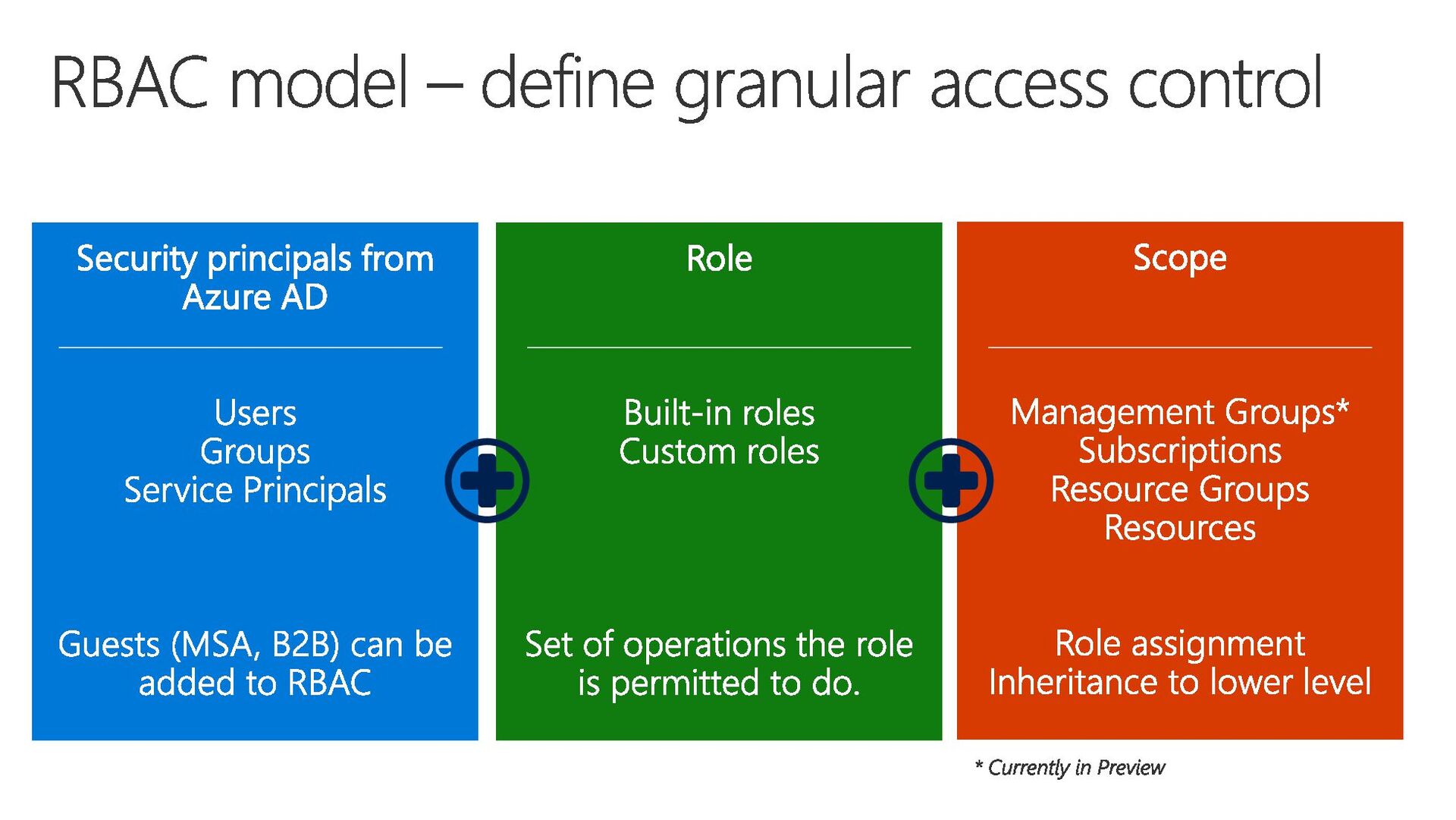
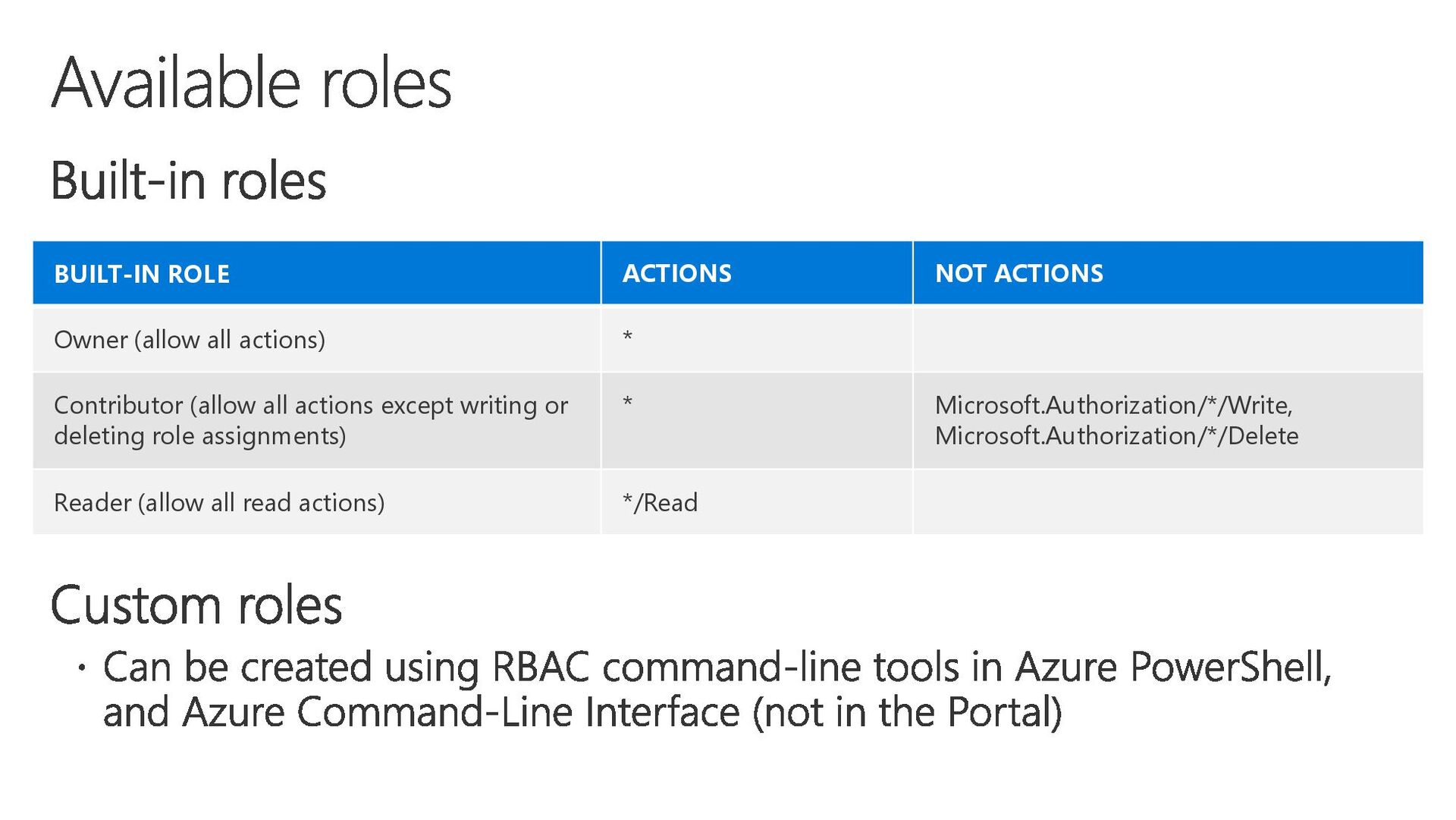
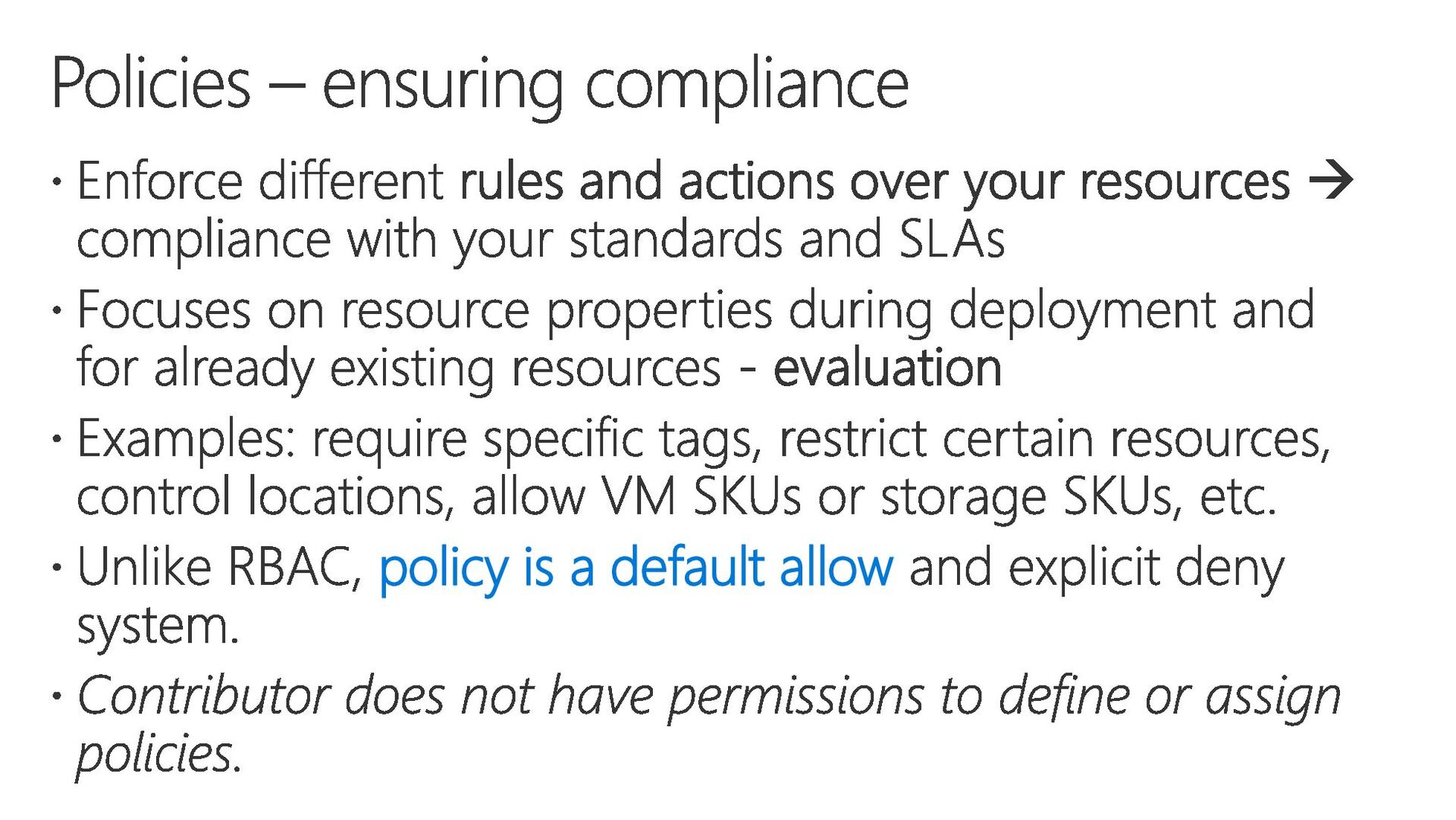
Contributor (allow all actions except writing or deleting role assignments) * Microsoft.Authorization/*/Write, Microsoft.Authorization/*/Delete Reader (allow all read actions) */Read
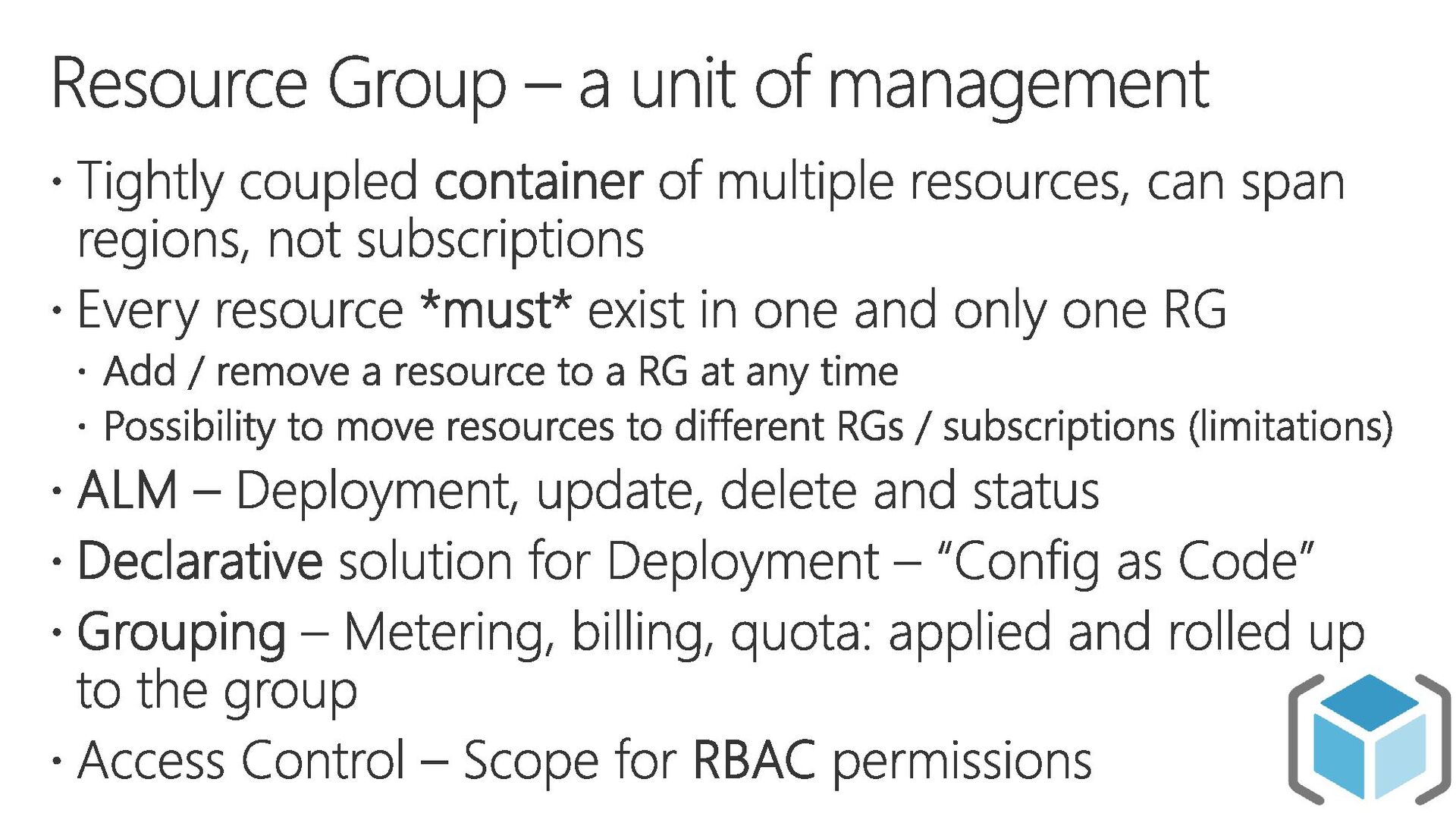
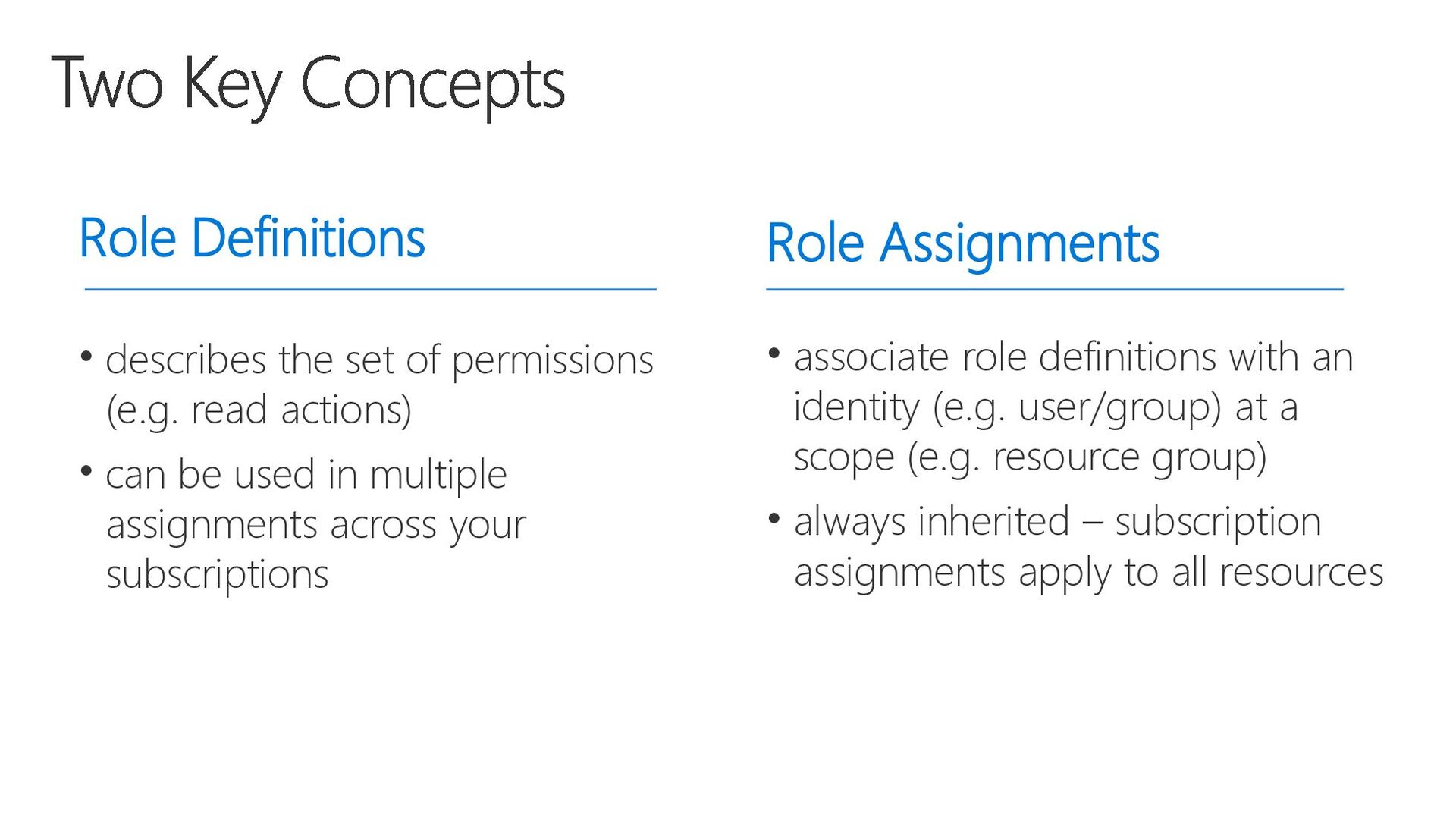
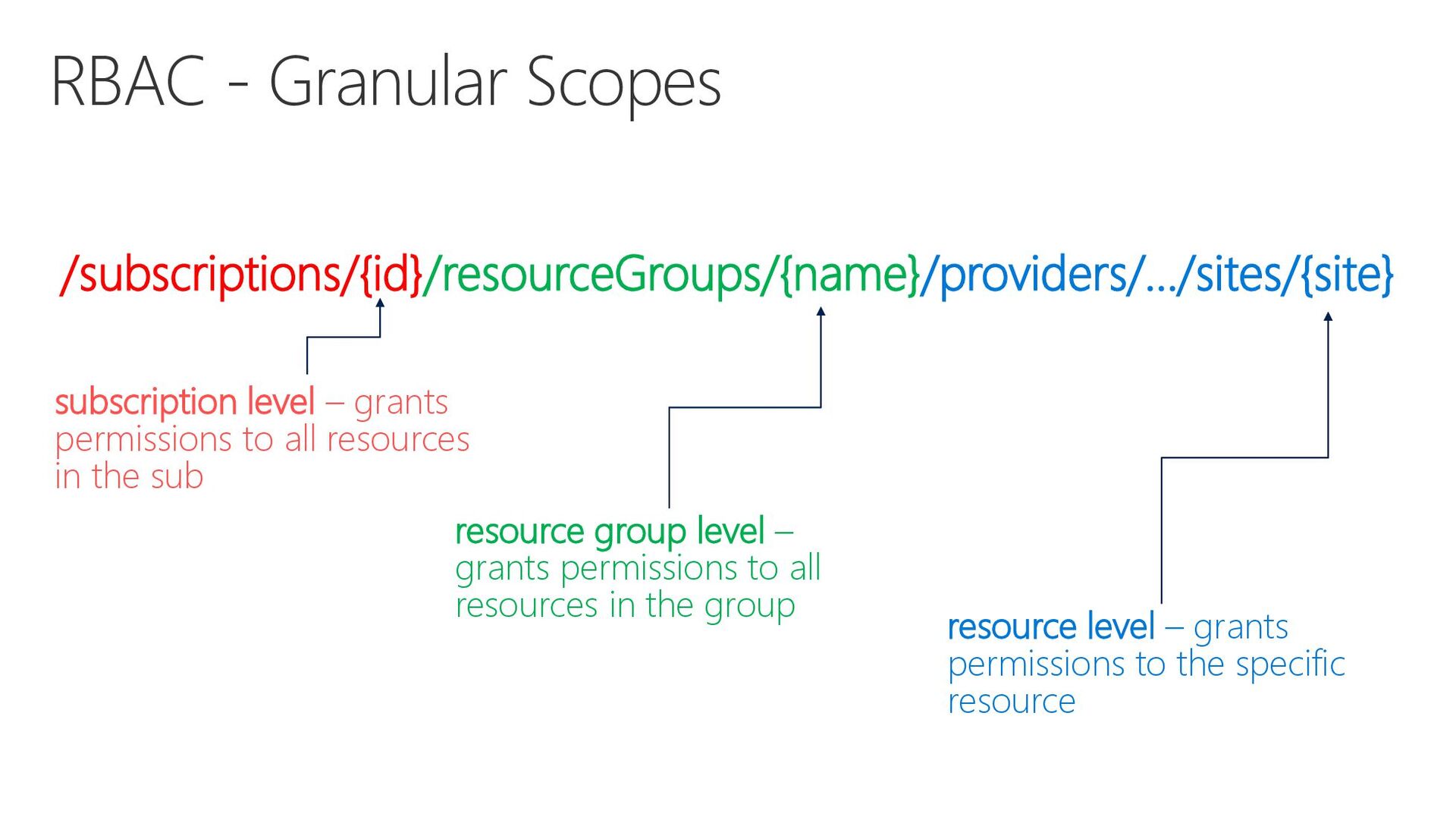
actions) • can be used in multiple assignments across your subscriptions Role Assignments • associate role definitions with an identity (e.g. user/group) at a scope (e.g. resource group) • always inherited – subscription assignments apply to all resources
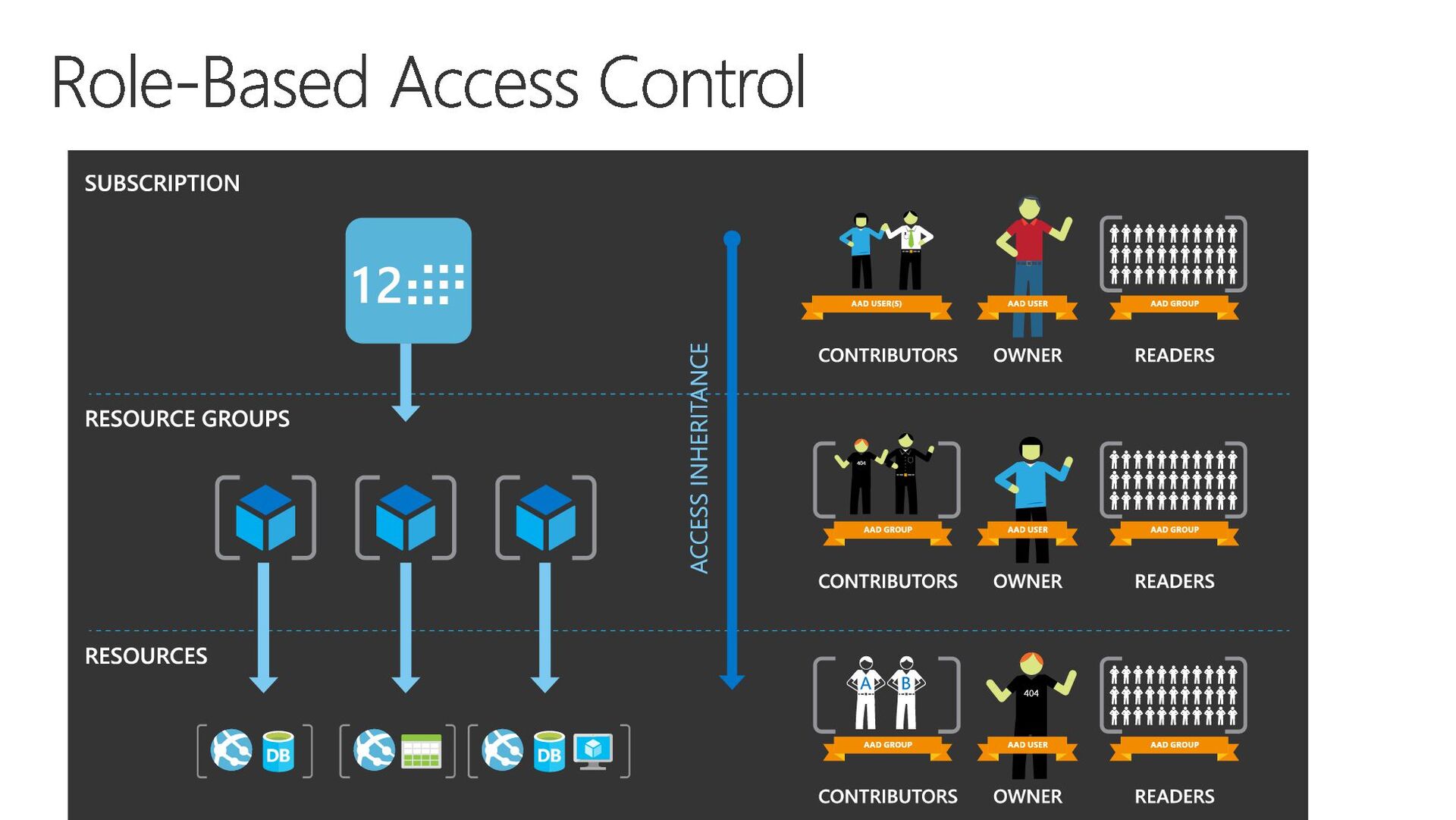
to all resources in the sub resource group level – grants permissions to all resources in the group resource level – grants permissions to the specific resource
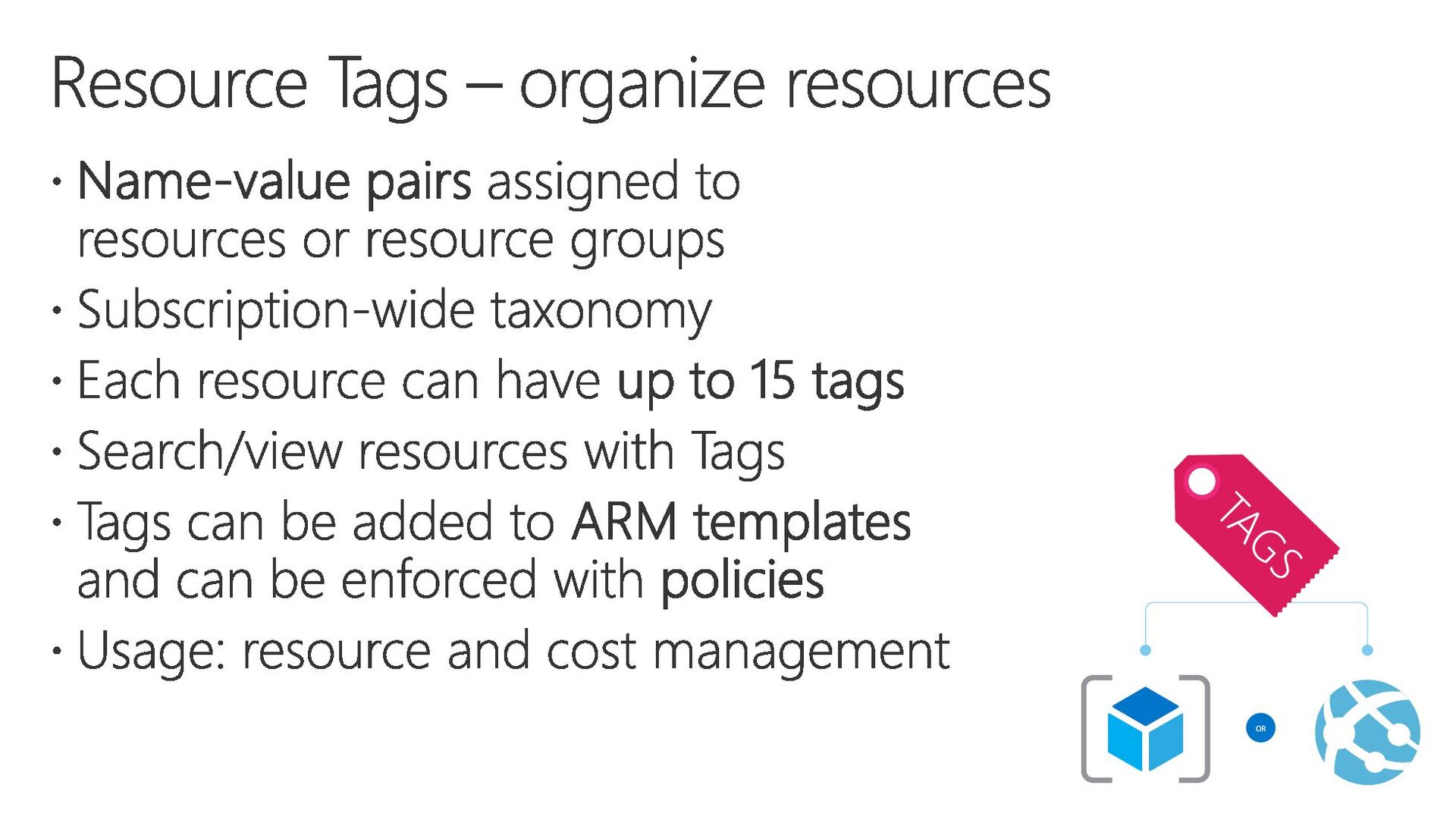
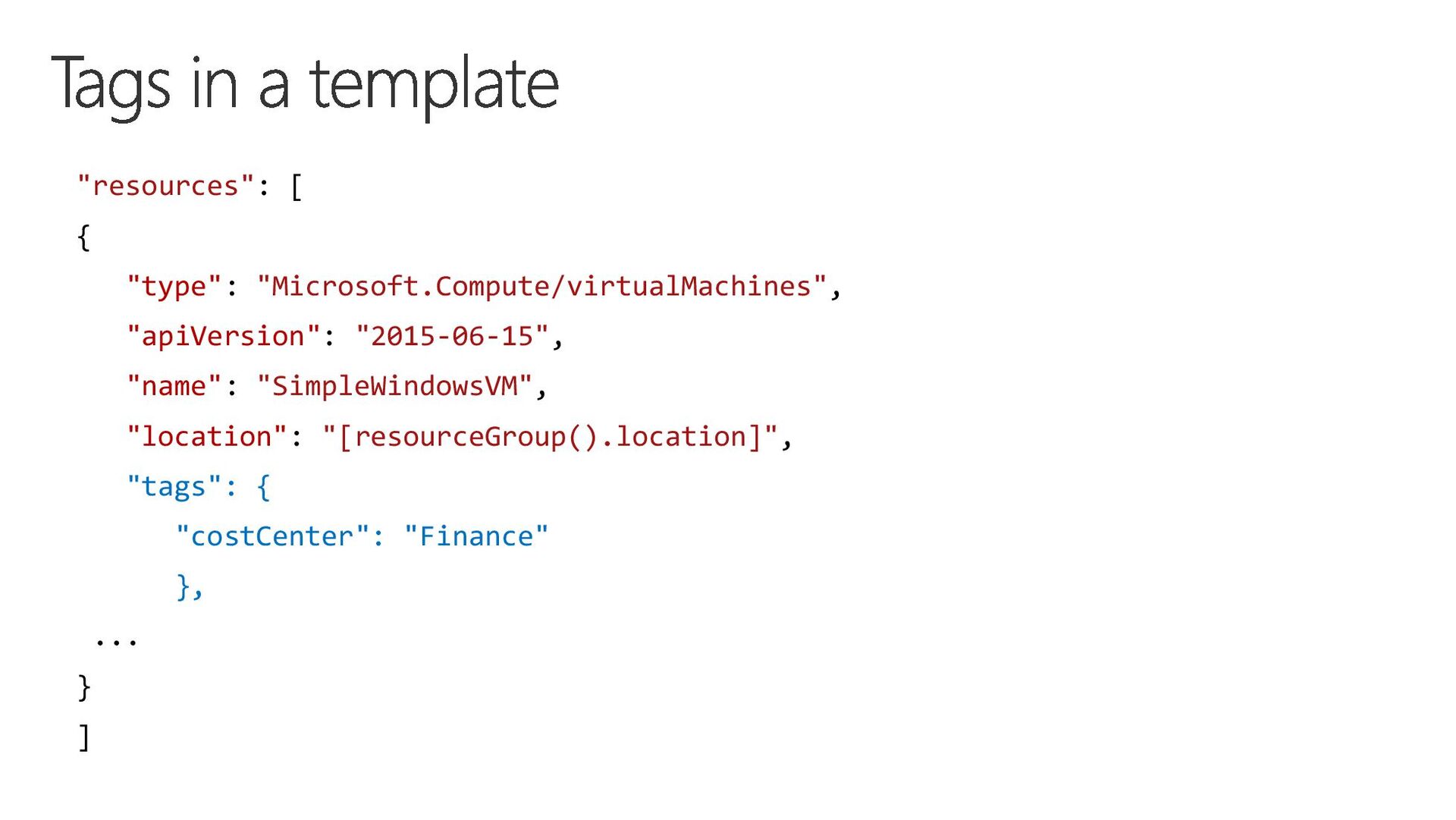
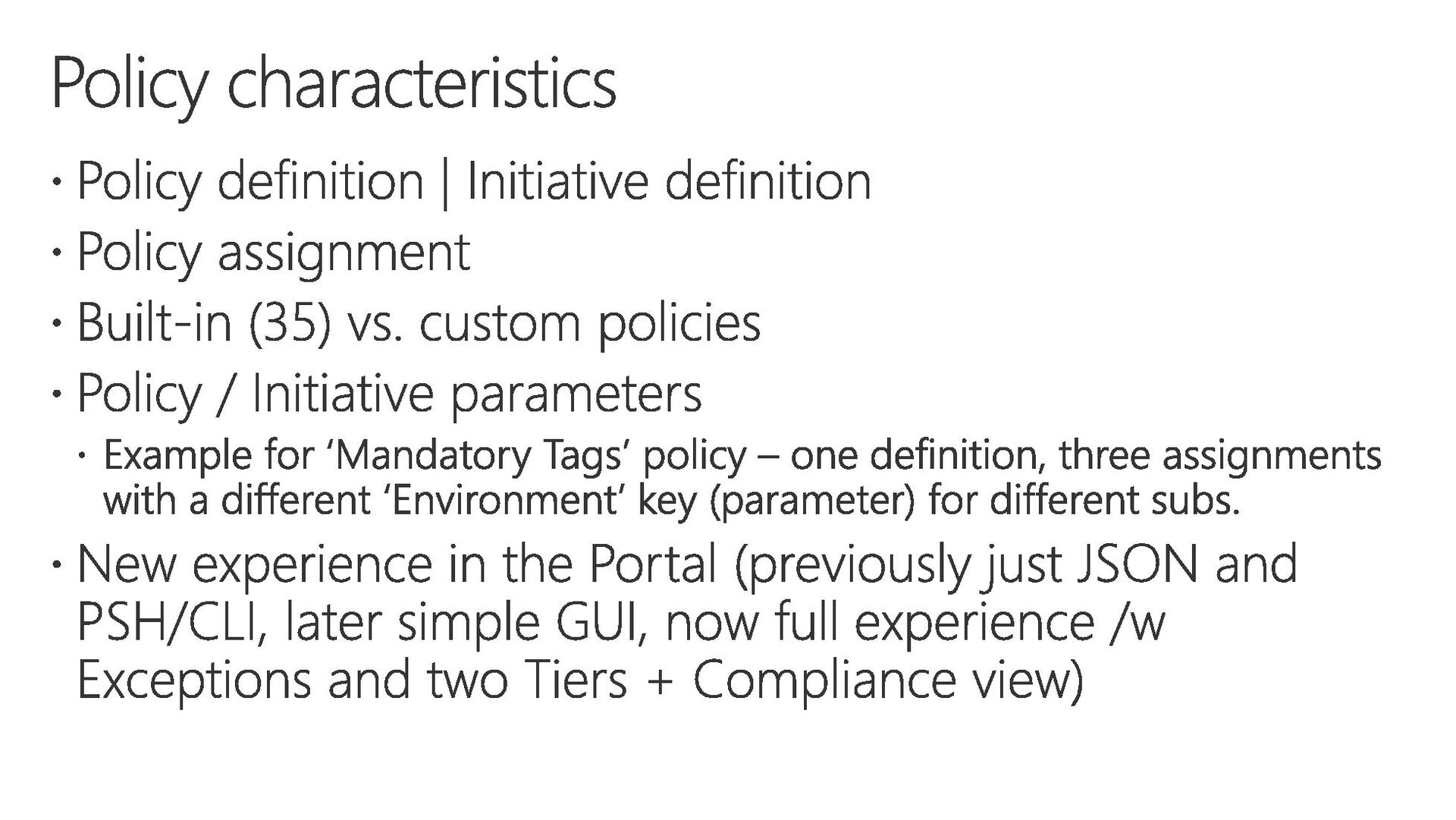
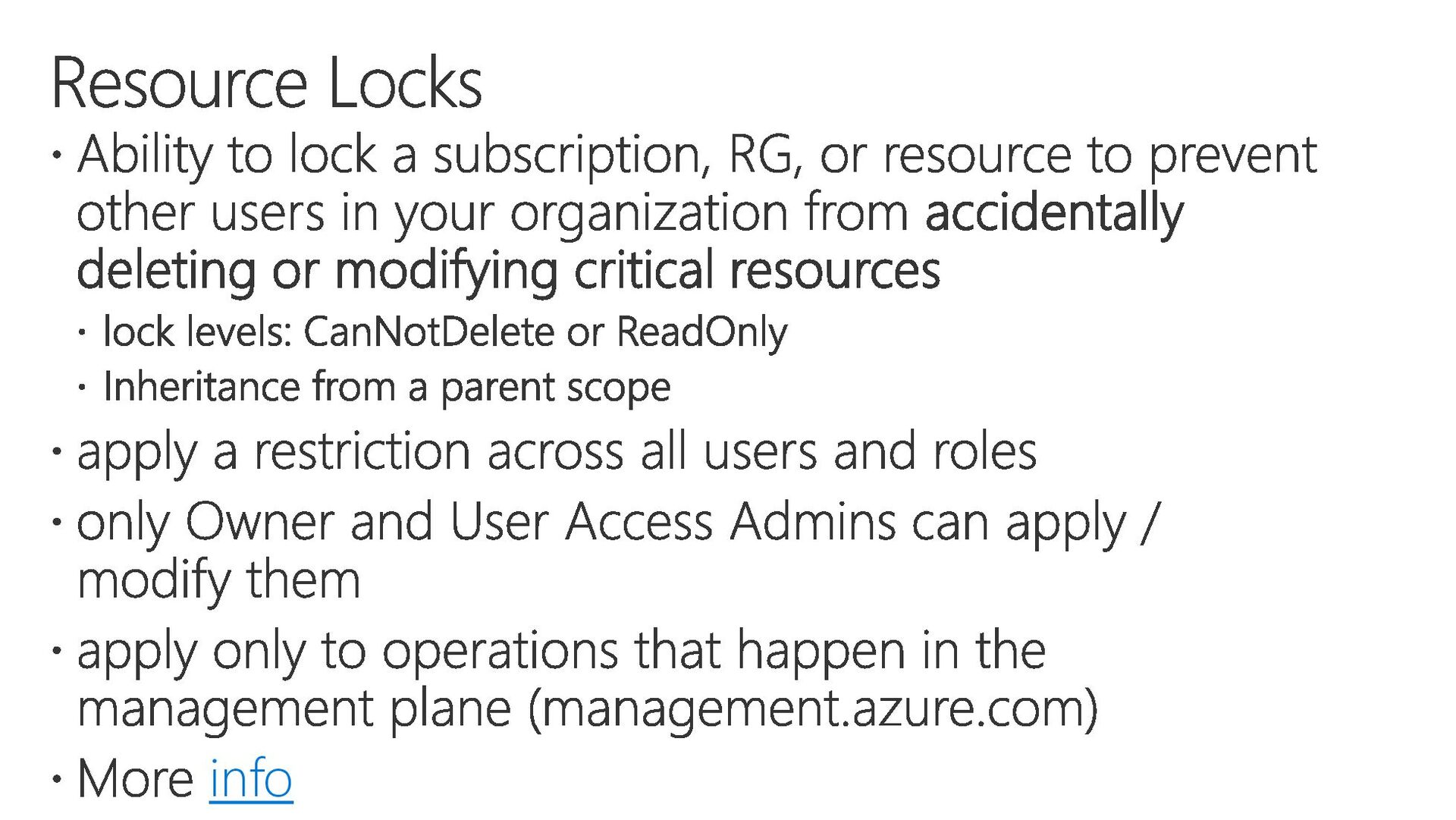
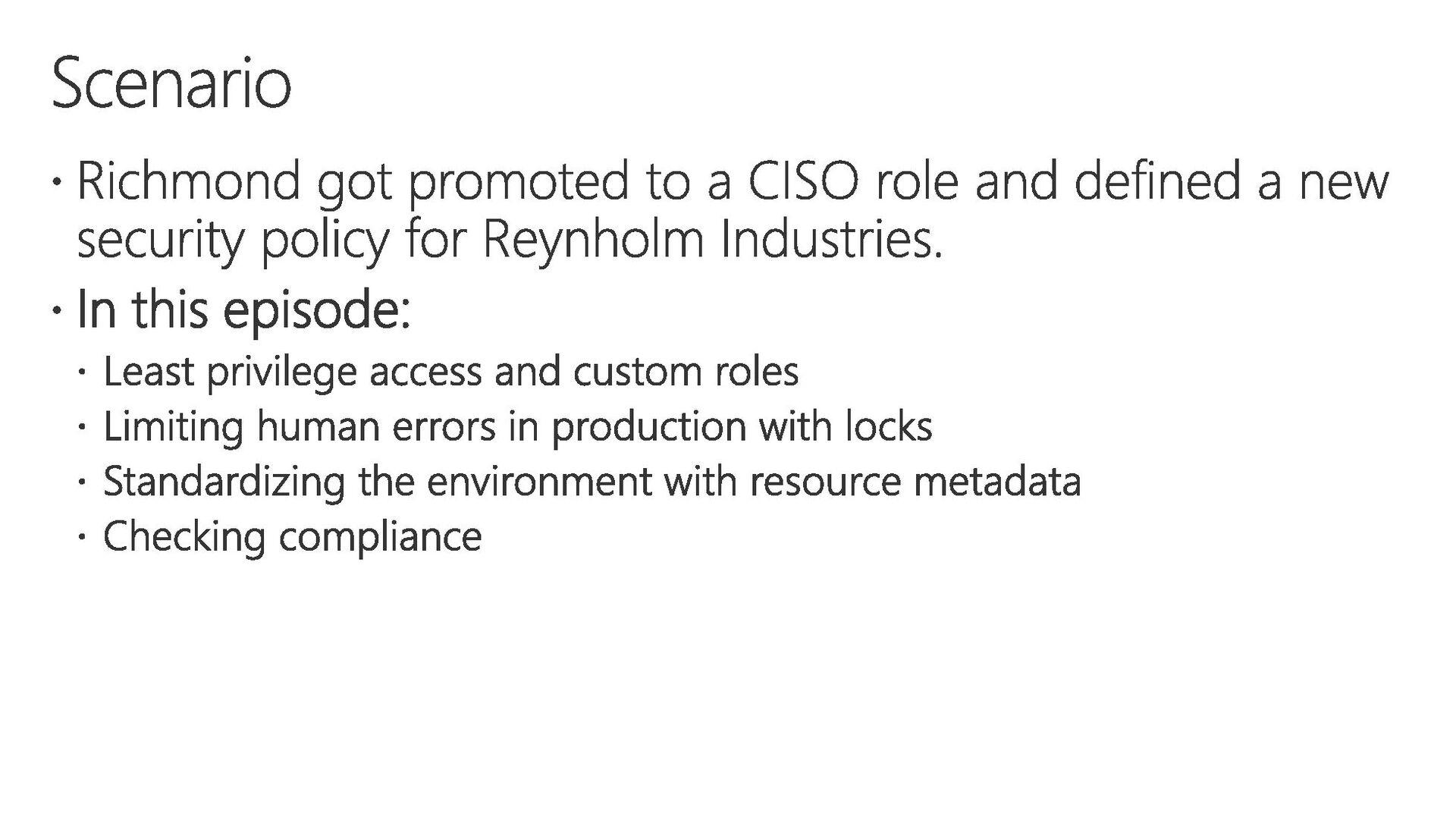
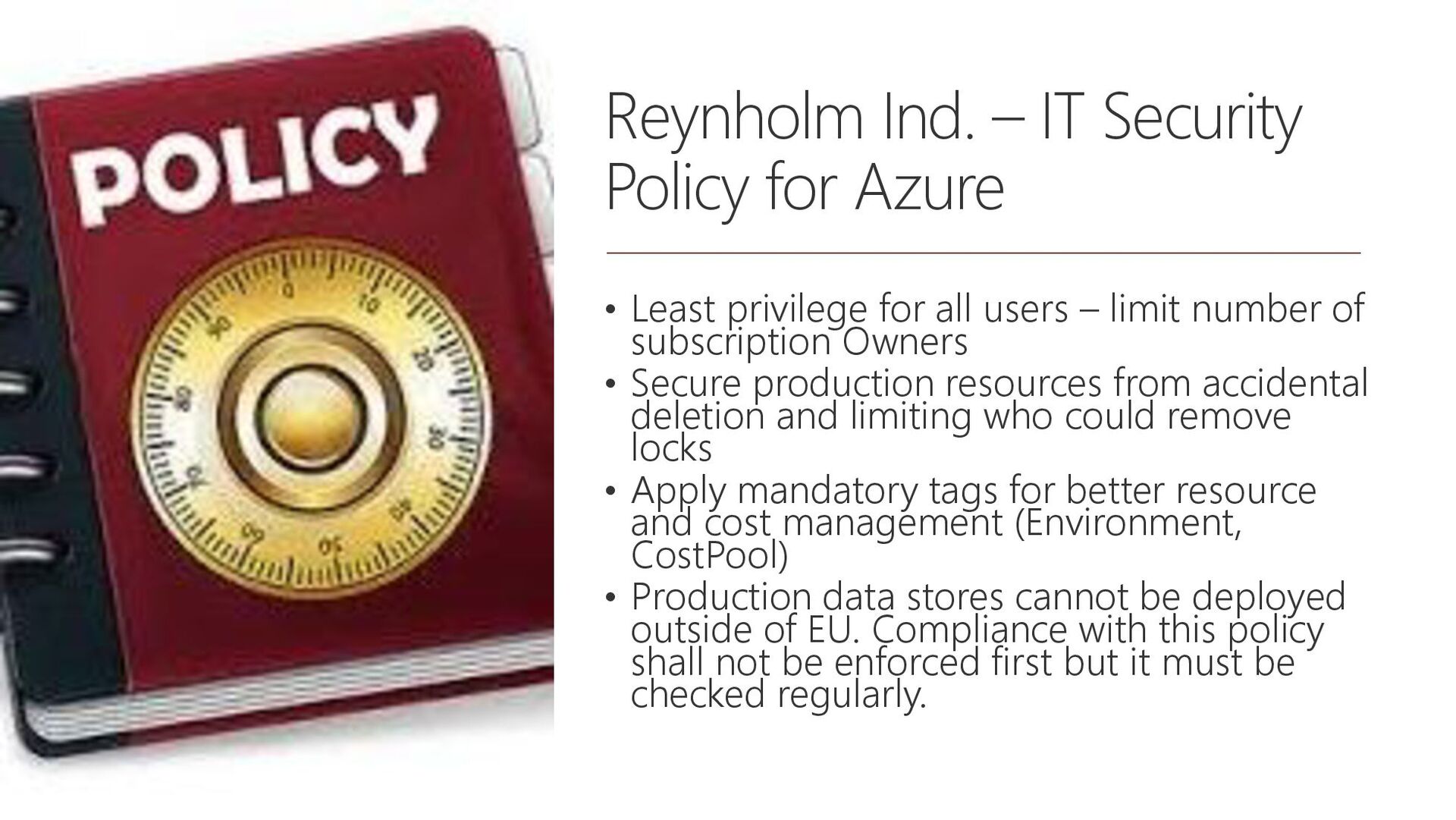
privilege for all users – limit number of subscription Owners • Secure production resources from accidental deletion and limiting who could remove locks • Apply mandatory tags for better resource and cost management (Environment, CostPool) • Production data stores cannot be deployed outside of EU. Compliance with this policy shall not be enforced first but it must be checked regularly.
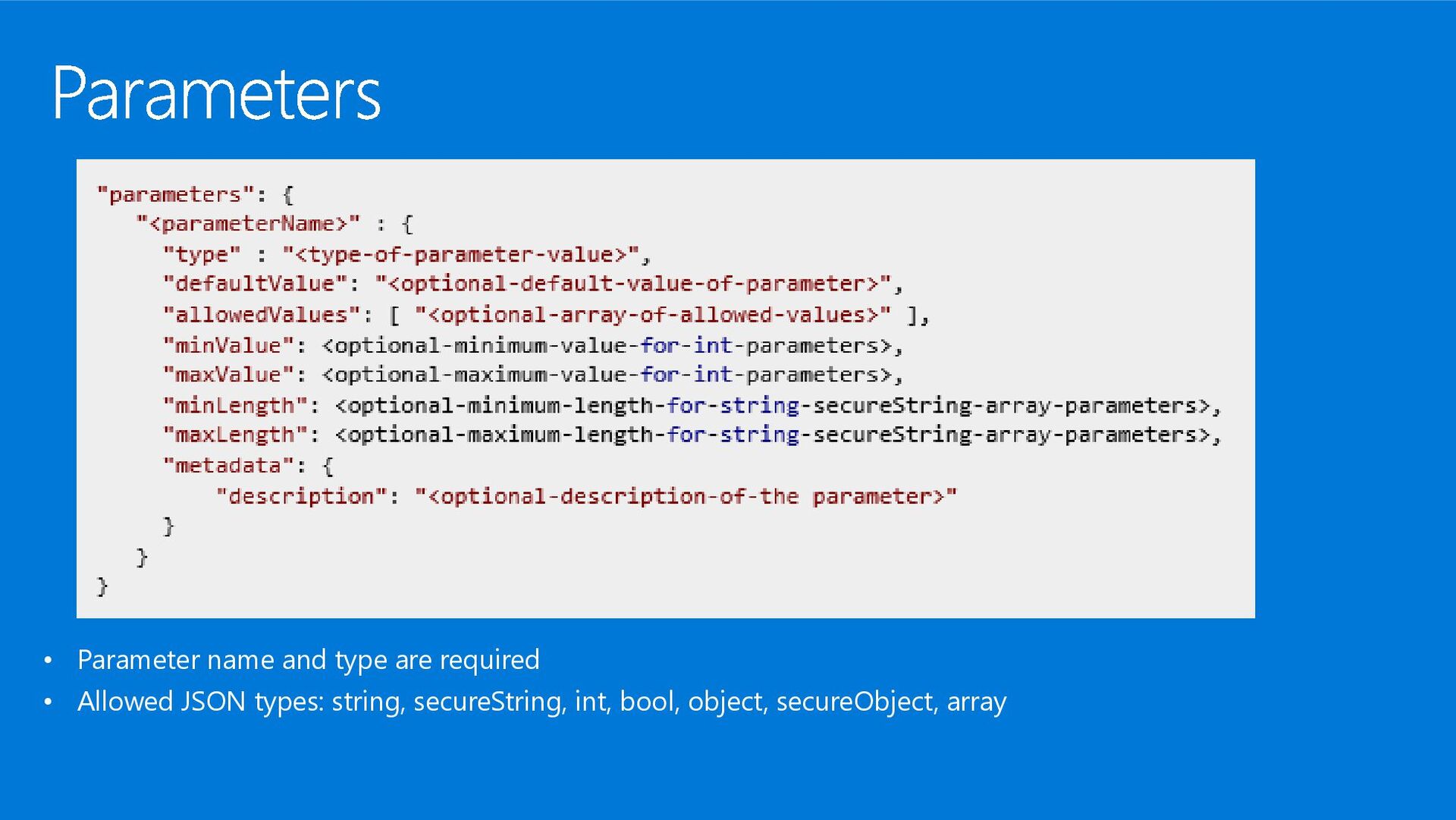
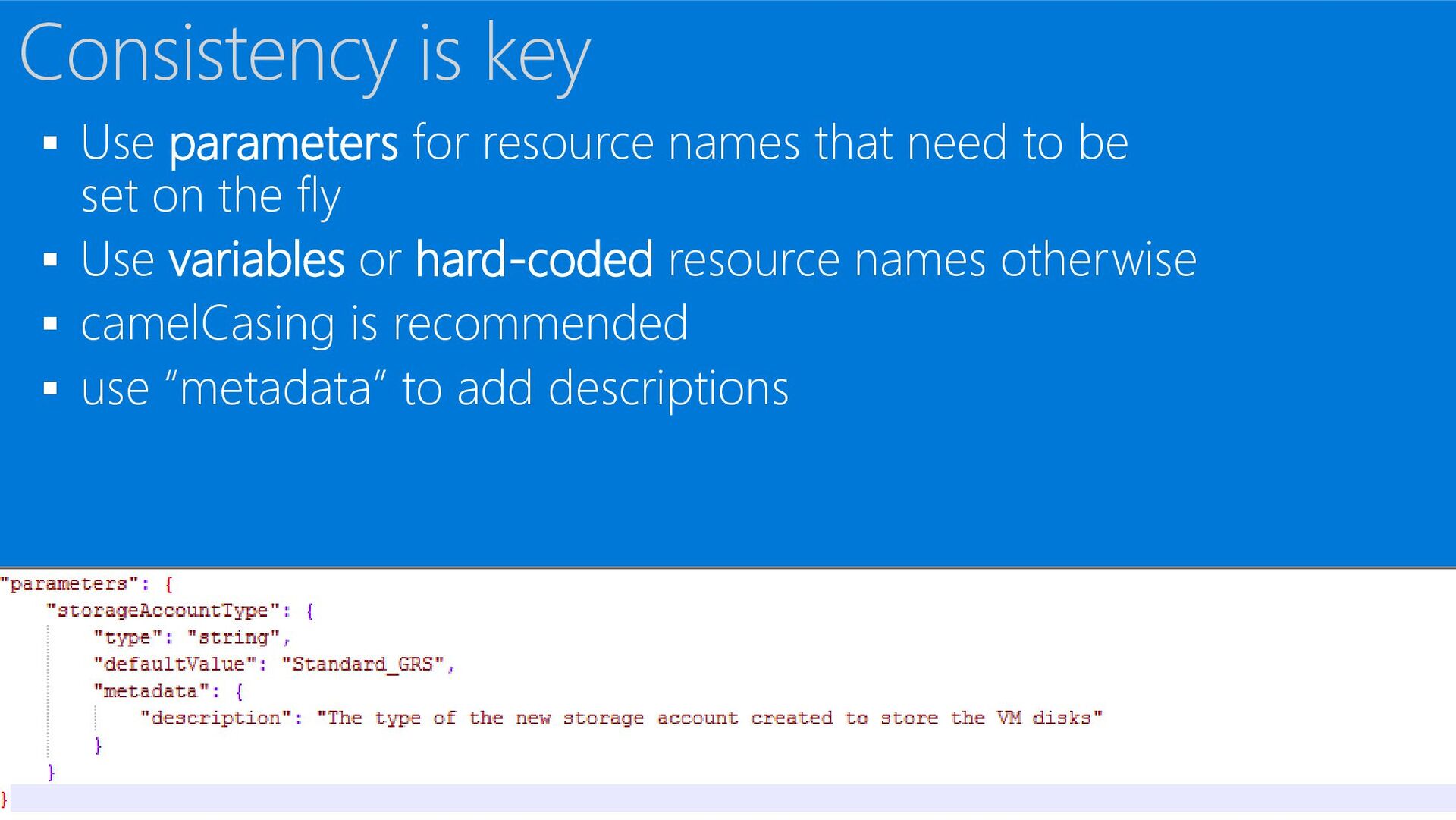
set on the fly ▪ Use variables or hard-coded resource names otherwise ▪ camelCasing is recommended ▪ use “metadata” to add descriptions Consistency is key
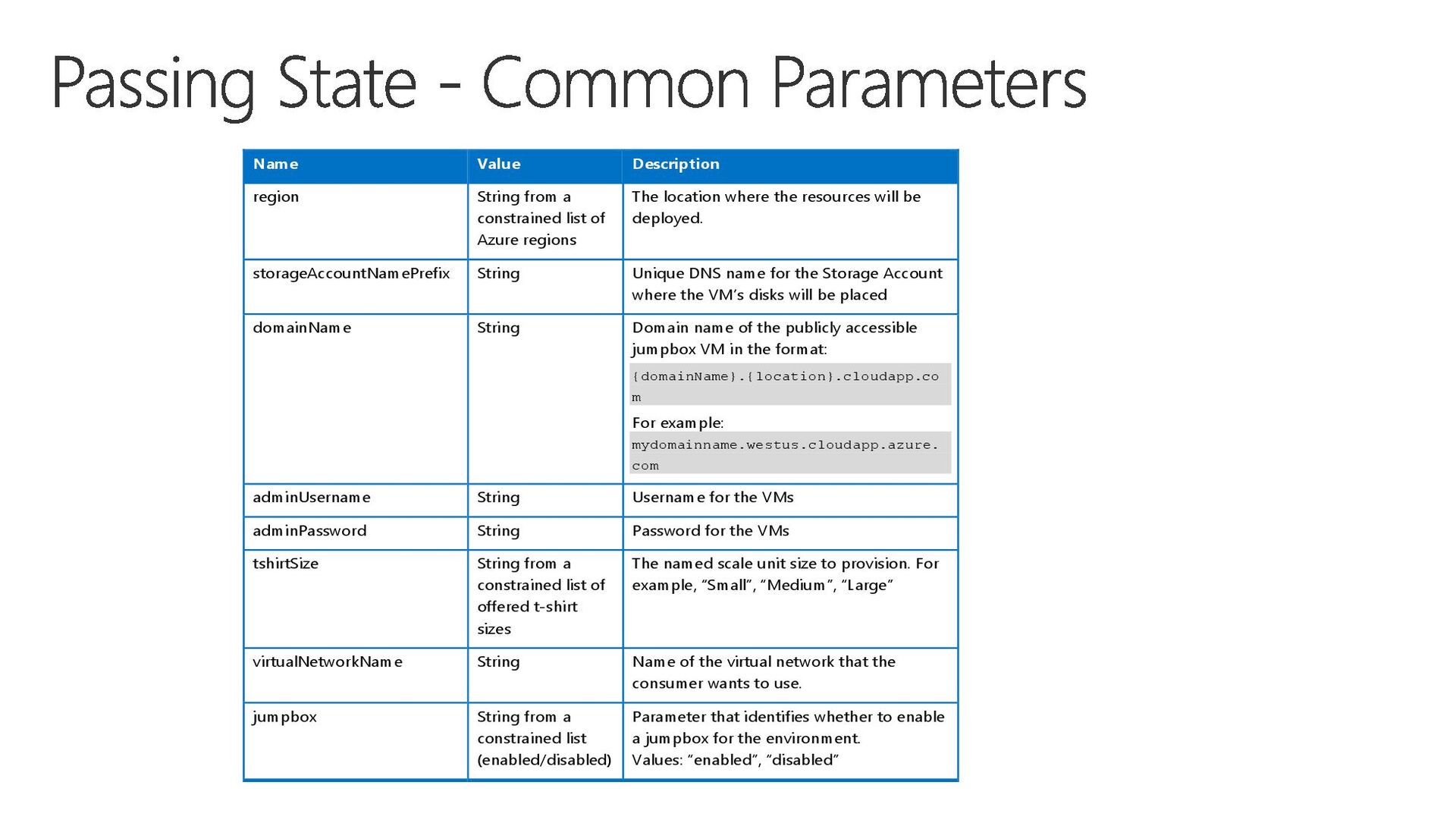
Azure regions The location where the resources will be deployed. storageAccountNamePrefix String Unique DNS name for the Storage Account where the VM’s disks will be placed domainName String Domain name of the publicly accessible jumpbox VM in the format: {domainName}.{location}.cloudapp.co m For example: mydomainname.westus.cloudapp.azure. com adminUsername String Username for the VMs adminPassword String Password for the VMs tshirtSize String from a constrained list of offered t-shirt sizes The named scale unit size to provision. For example, “Small”, “Medium”, “Large” virtualNetworkName String Name of the virtual network that the consumer wants to use. jumpbox String from a constrained list (enabled/disabled) Parameter that identifies whether to enable a jumpbox for the environment. Values: “enabled”, “disabled”
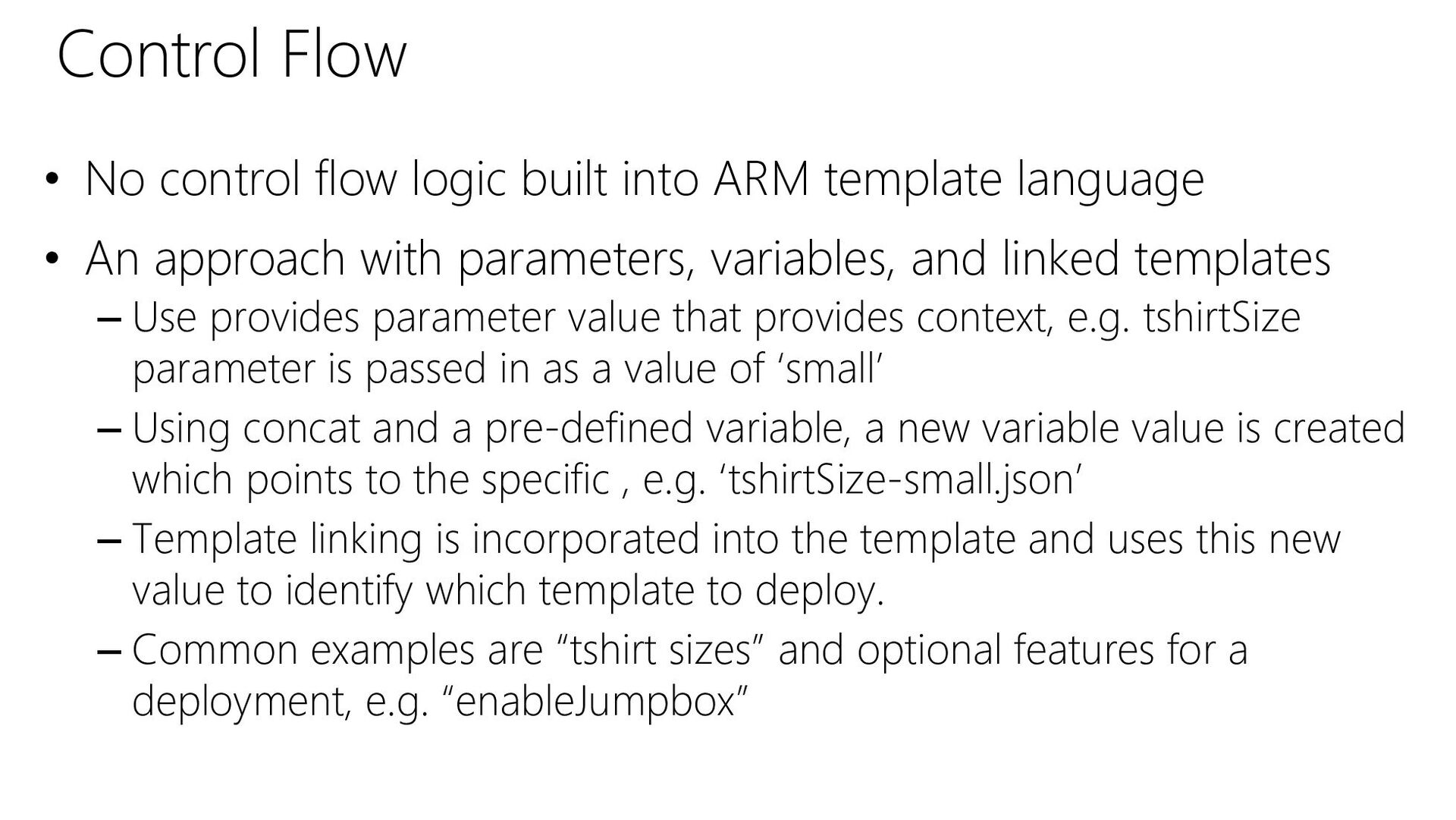
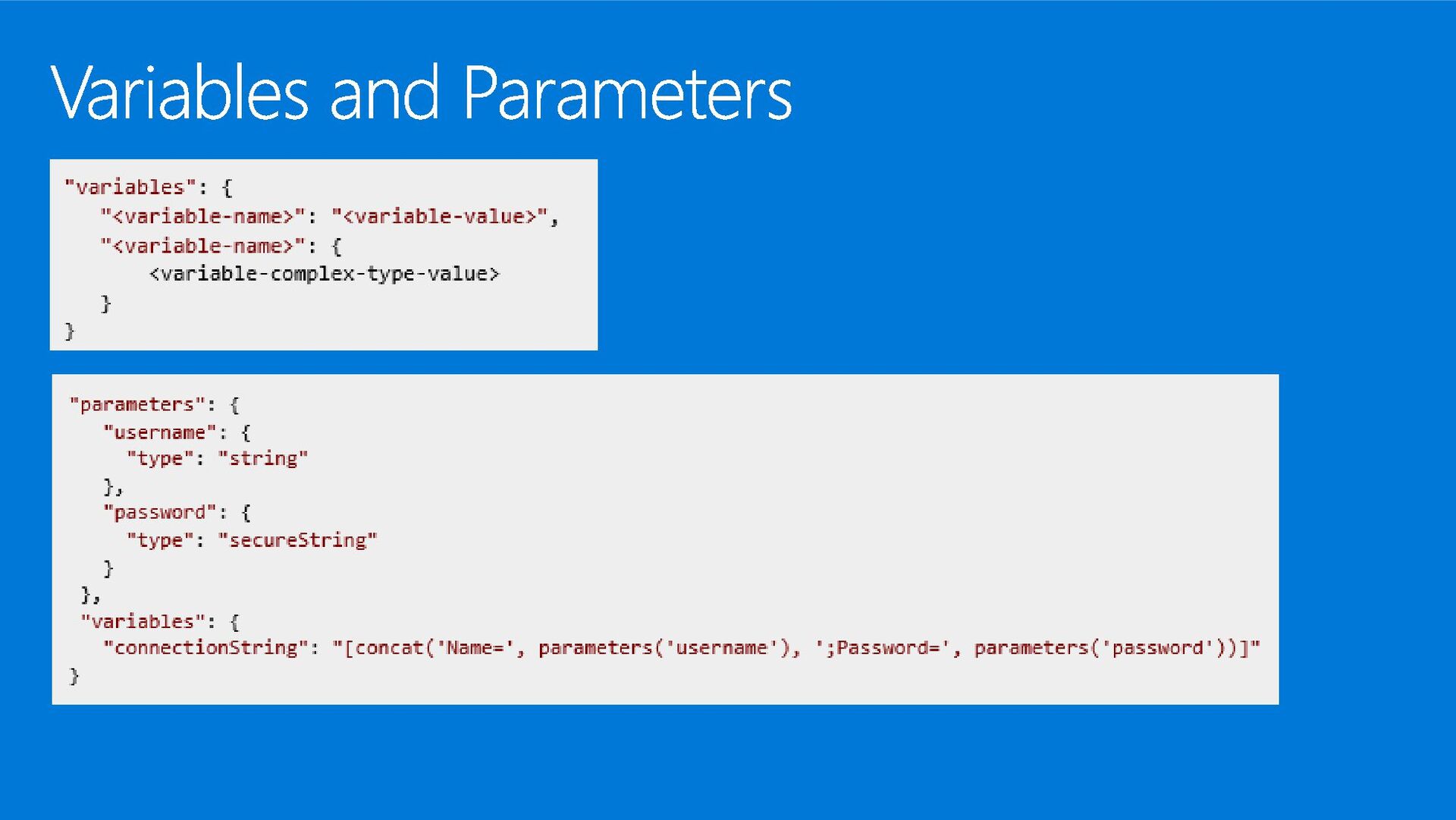
• An approach with parameters, variables, and linked templates – Use provides parameter value that provides context, e.g. tshirtSize parameter is passed in as a value of ‘small’ – Using concat and a pre-defined variable, a new variable value is created which points to the specific , e.g. ‘tshirtSize-small.json’ – Template linking is incorporated into the template and uses this new value to identify which template to deploy. – Common examples are “tshirt sizes” and optional features for a deployment, e.g. “enableJumpbox” Control Flow
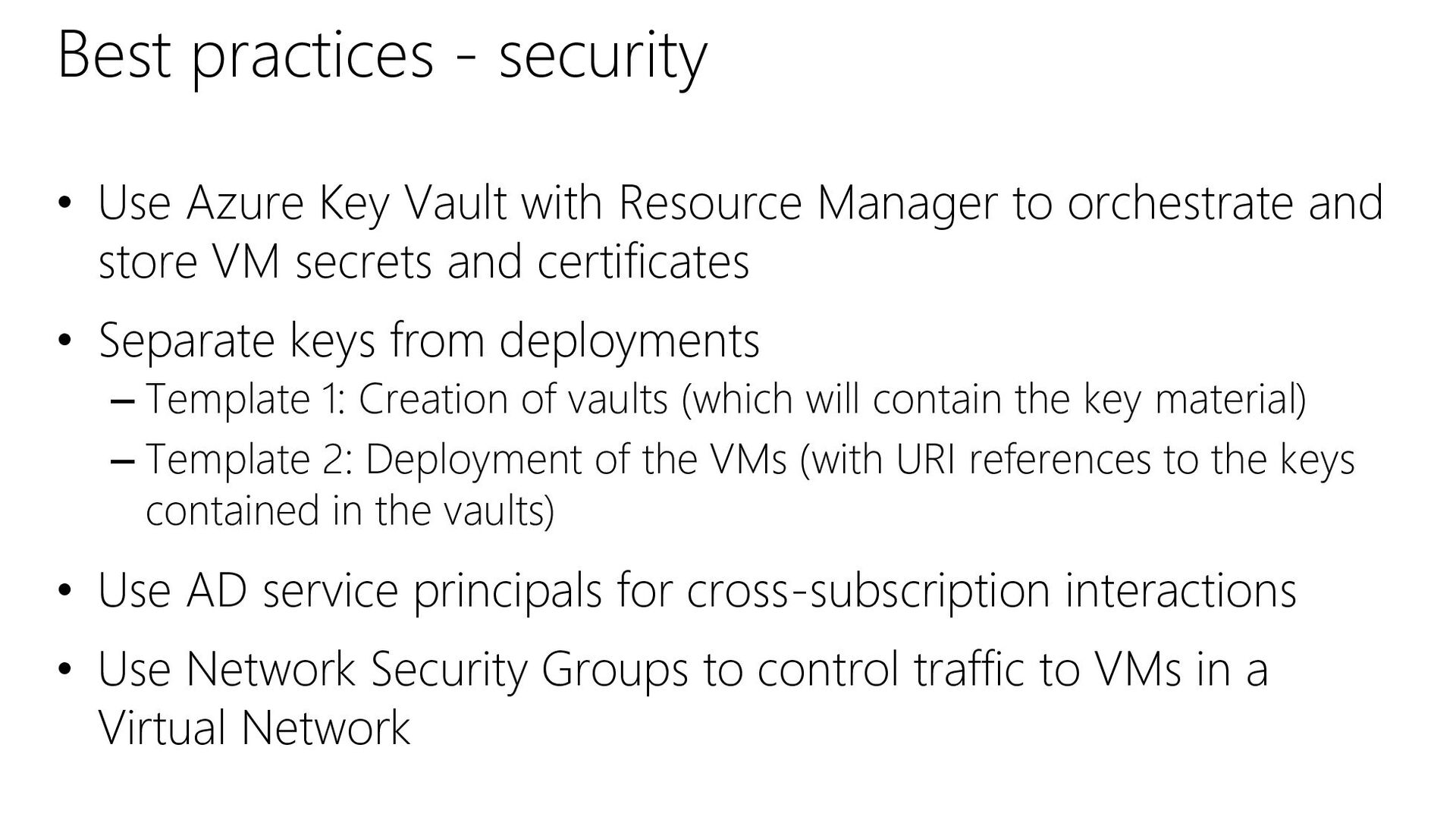
Resource Manager to orchestrate and store VM secrets and certificates • Separate keys from deployments – Template 1: Creation of vaults (which will contain the key material) – Template 2: Deployment of the VMs (with URI references to the keys contained in the vaults) • Use AD service principals for cross-subscription interactions • Use Network Security Groups to control traffic to VMs in a Virtual Network


 pazdedav
 akitoshiga
 kzkhykw1991
 riyaamemiya
 4o1sobblue
 recruitengineers
 kizawa2020
 gogutan
 willnet
 bitkey
 kairim0
 taketakekaho
 teamlab
 szymonslowik
 rabernat
 tapps
tapps
 aleyda
 cassininazir
 jonoalderson
 chriscoyier
 gurzu
gurzu
 pauljervisheath
 eileencodes
 tmiket
![SQL - A Website Virtual Machines SQL-A Website [SQL CONFIG]](https://files.speakerdeck.com/presentations/1920a617081a432da6566a851442c2ae/slide_13.jpg)



![{ "apiVersion": "2015-05-01-preview", "type": "Microsoft.Compute/virtualMachines", "name": "[concat(parameters('vmNamePrefix'), copyindex())]", "location": "[parameters('location')]",](https://files.speakerdeck.com/presentations/1920a617081a432da6566a851442c2ae/slide_64.jpg)
!["outputs": { "masterip": { "value": "[reference(concat(variables('nicName'),0)).ipConfigurations[0].properties.privateIPAddre ss]", "type":"string" }} "masterIpAddress":](https://files.speakerdeck.com/presentations/1920a617081a432da6566a851442c2ae/slide_65.jpg)