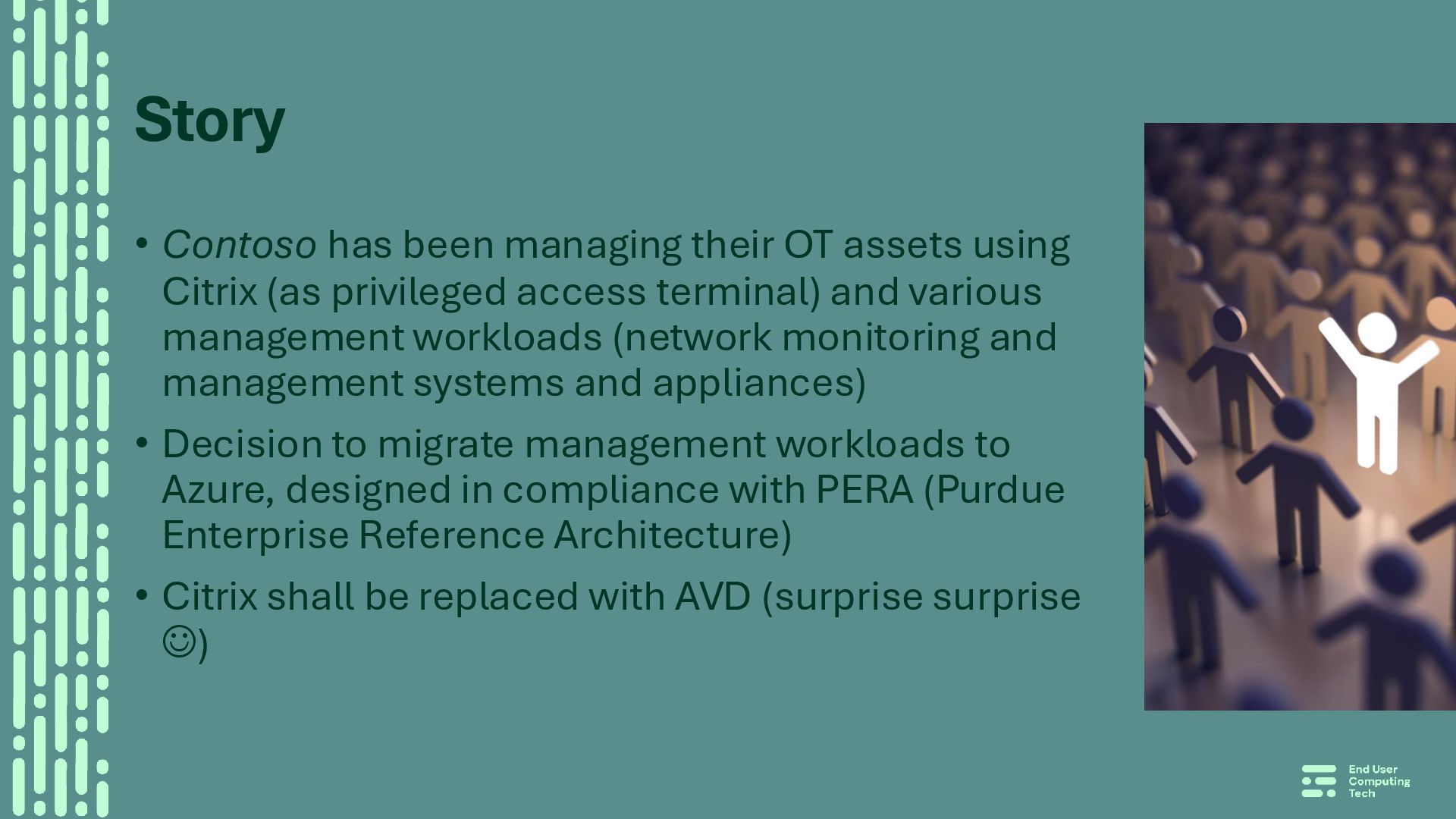
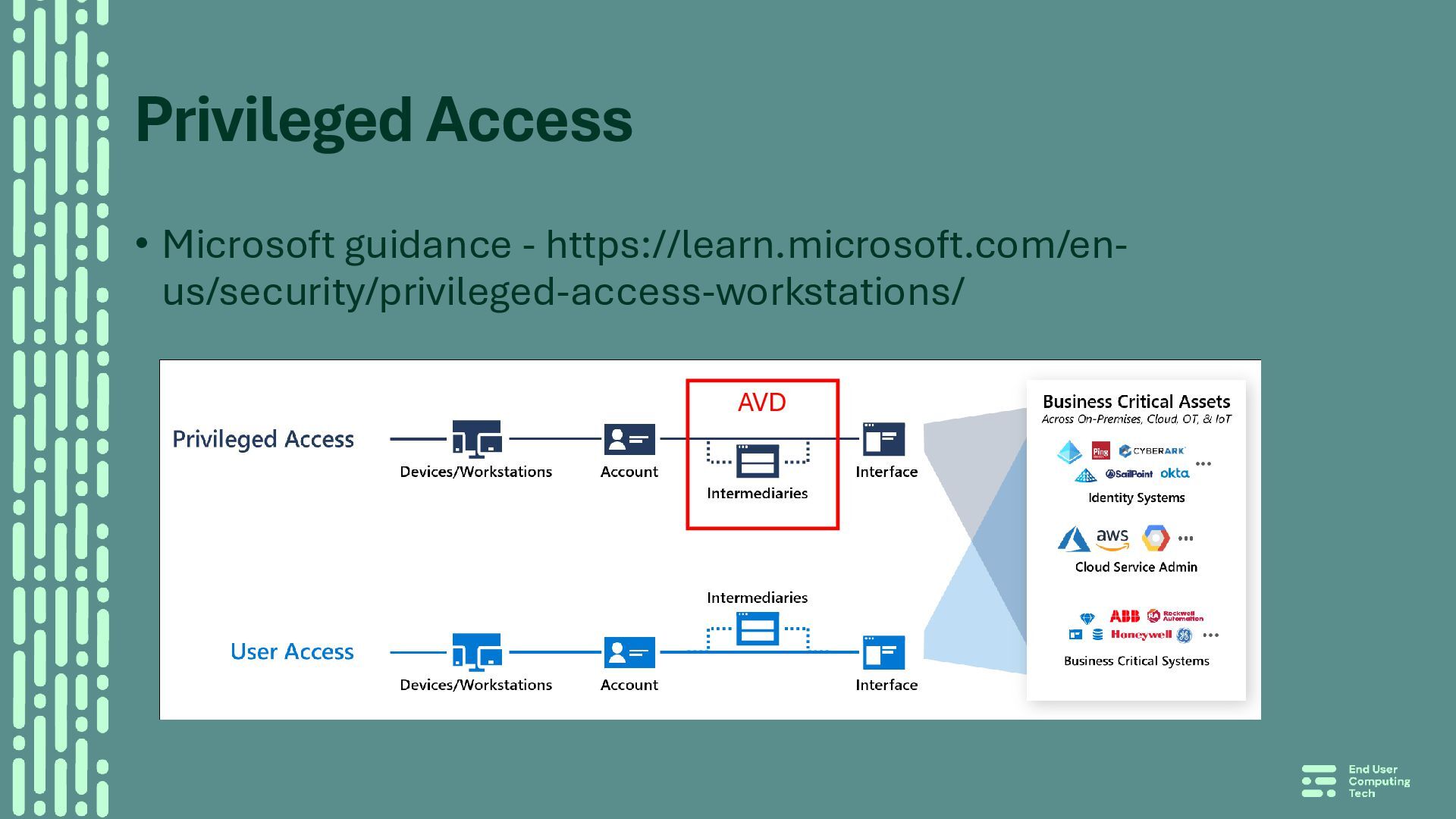
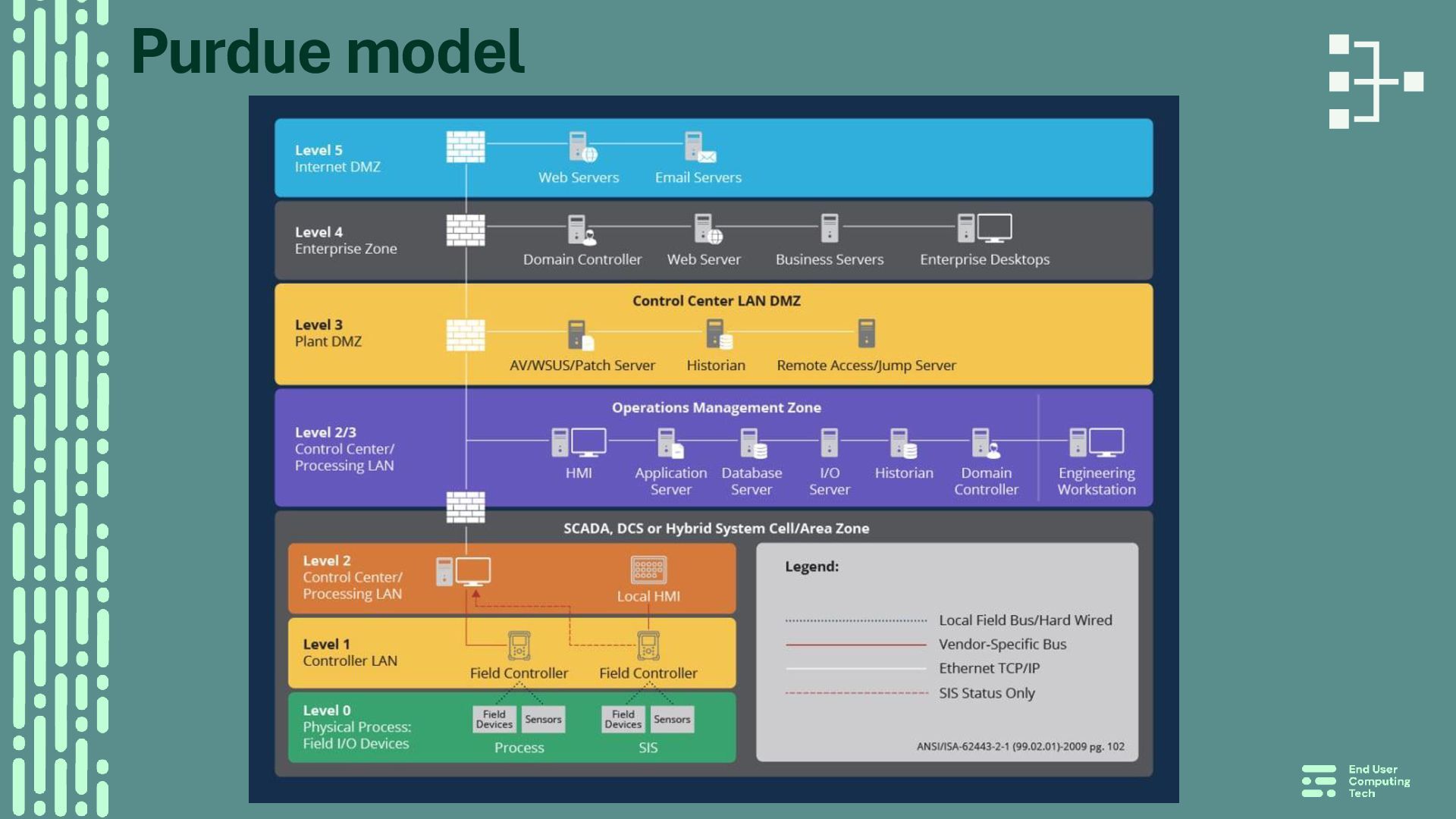
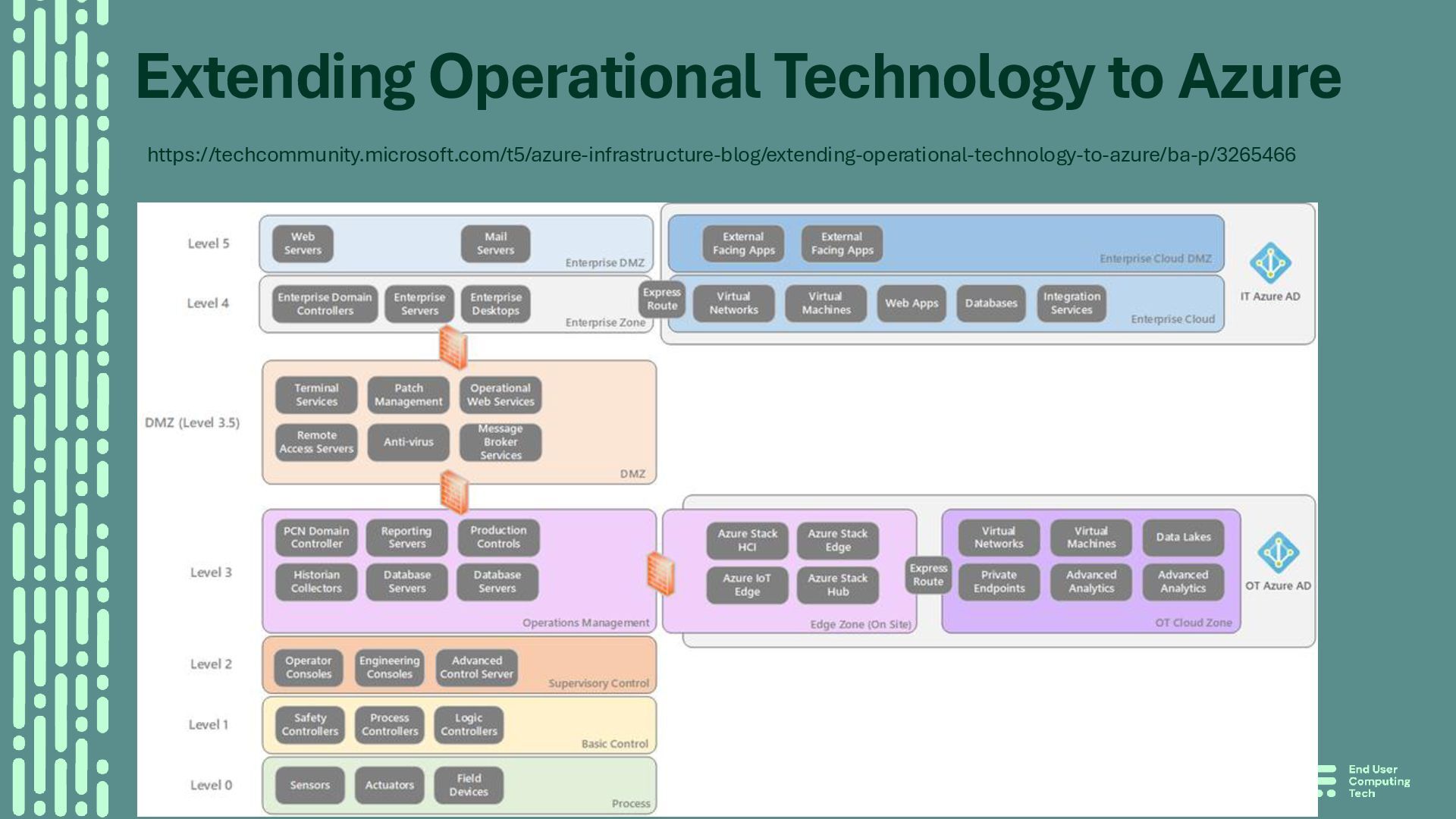
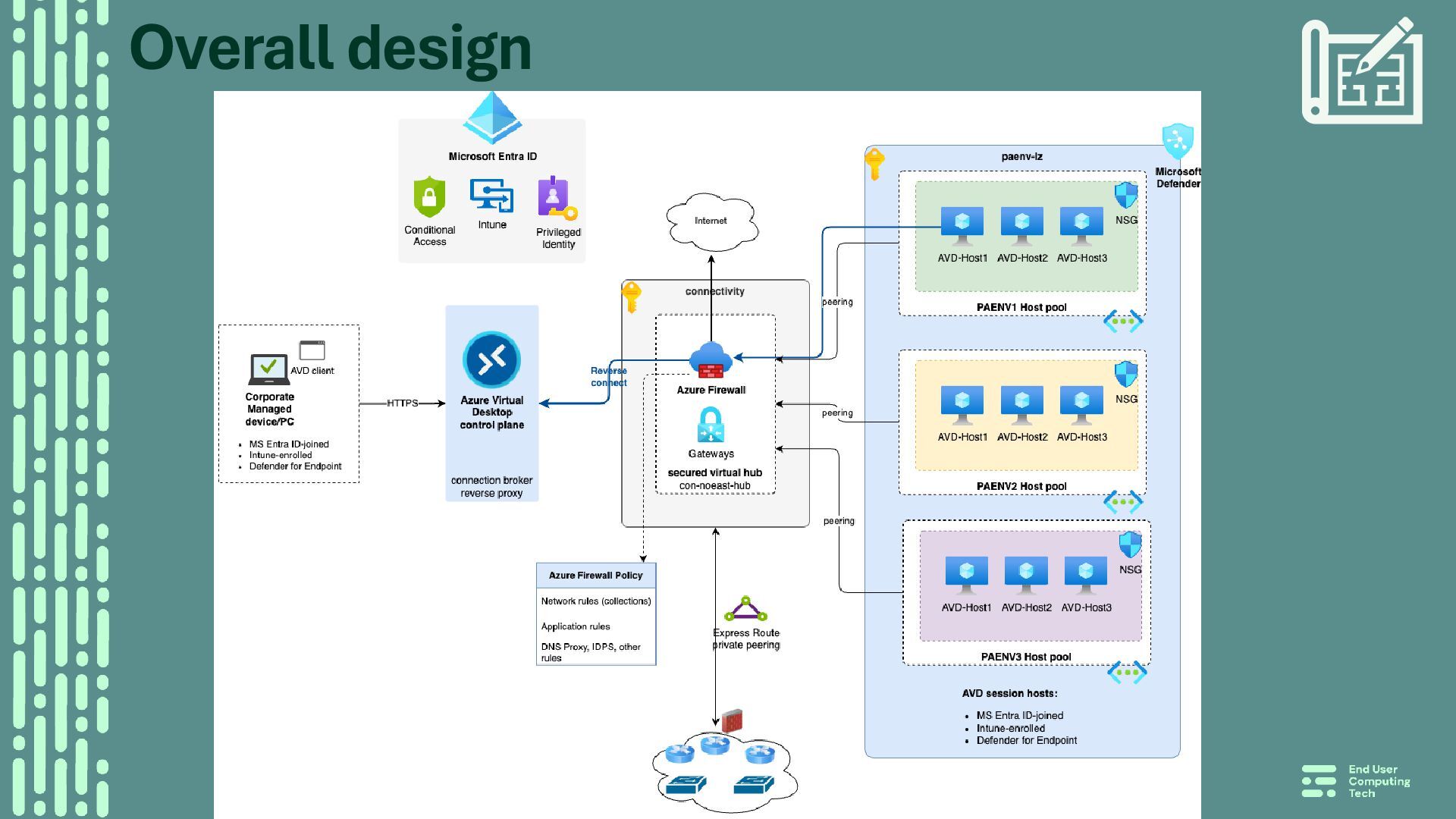
Citrix (as privileged access terminal) and various management workloads (network monitoring and management systems and appliances) • Decision to migrate management workloads to Azure, designed in compliance with PERA (Purdue Enterprise Reference Architecture) • Citrix shall be replaced with AVD (surprise surprise ☺)
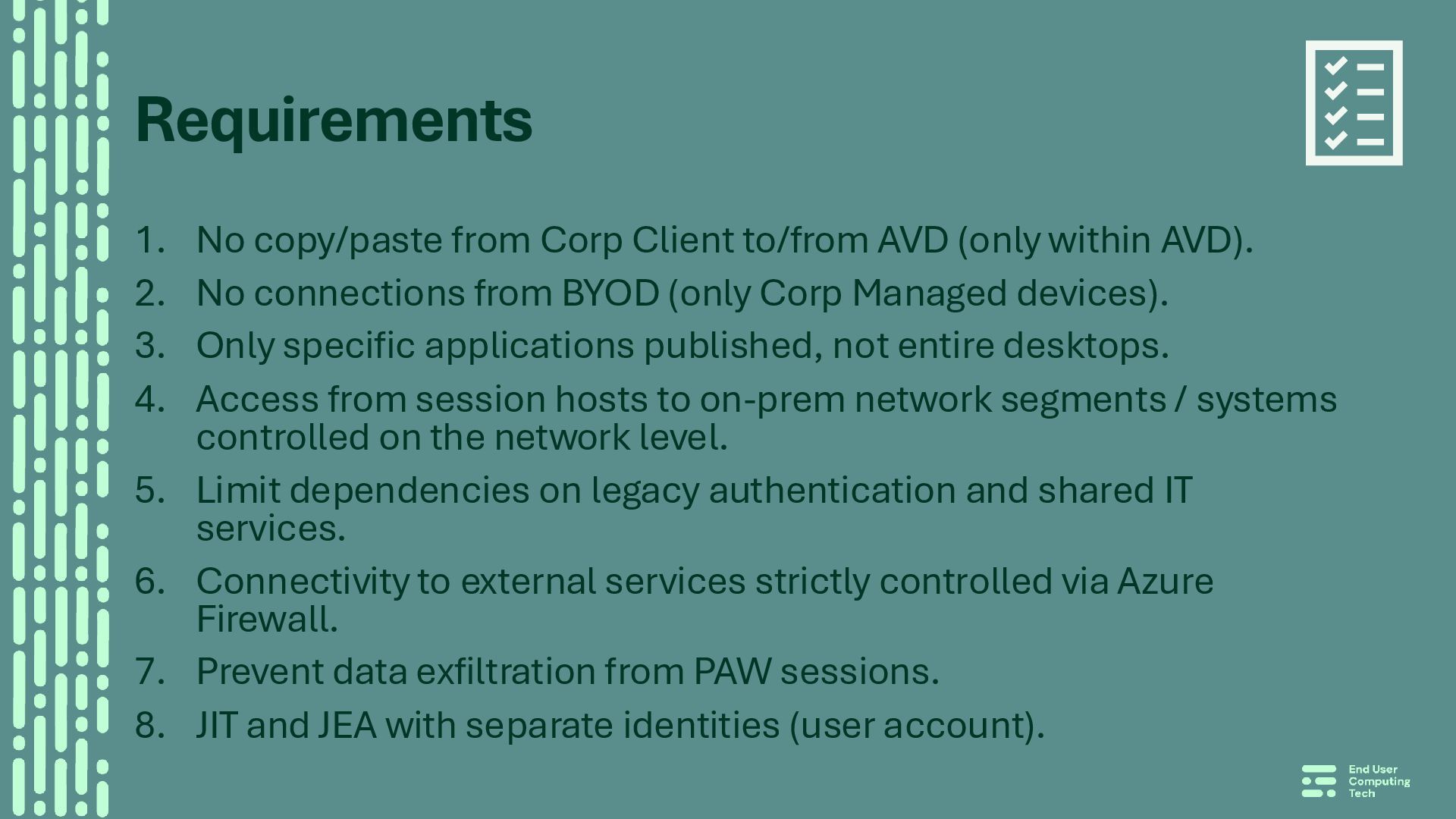
within AVD). 2. No connections from BYOD (only Corp Managed devices). 3. Only specific applications published, not entire desktops. 4. Access from session hosts to on-prem network segments / systems controlled on the network level. 5. Limit dependencies on legacy authentication and shared IT services. 6. Connectivity to external services strictly controlled via Azure Firewall. 7. Prevent data exfiltration from PAW sessions. 8. JIT and JEA with separate identities (user account).
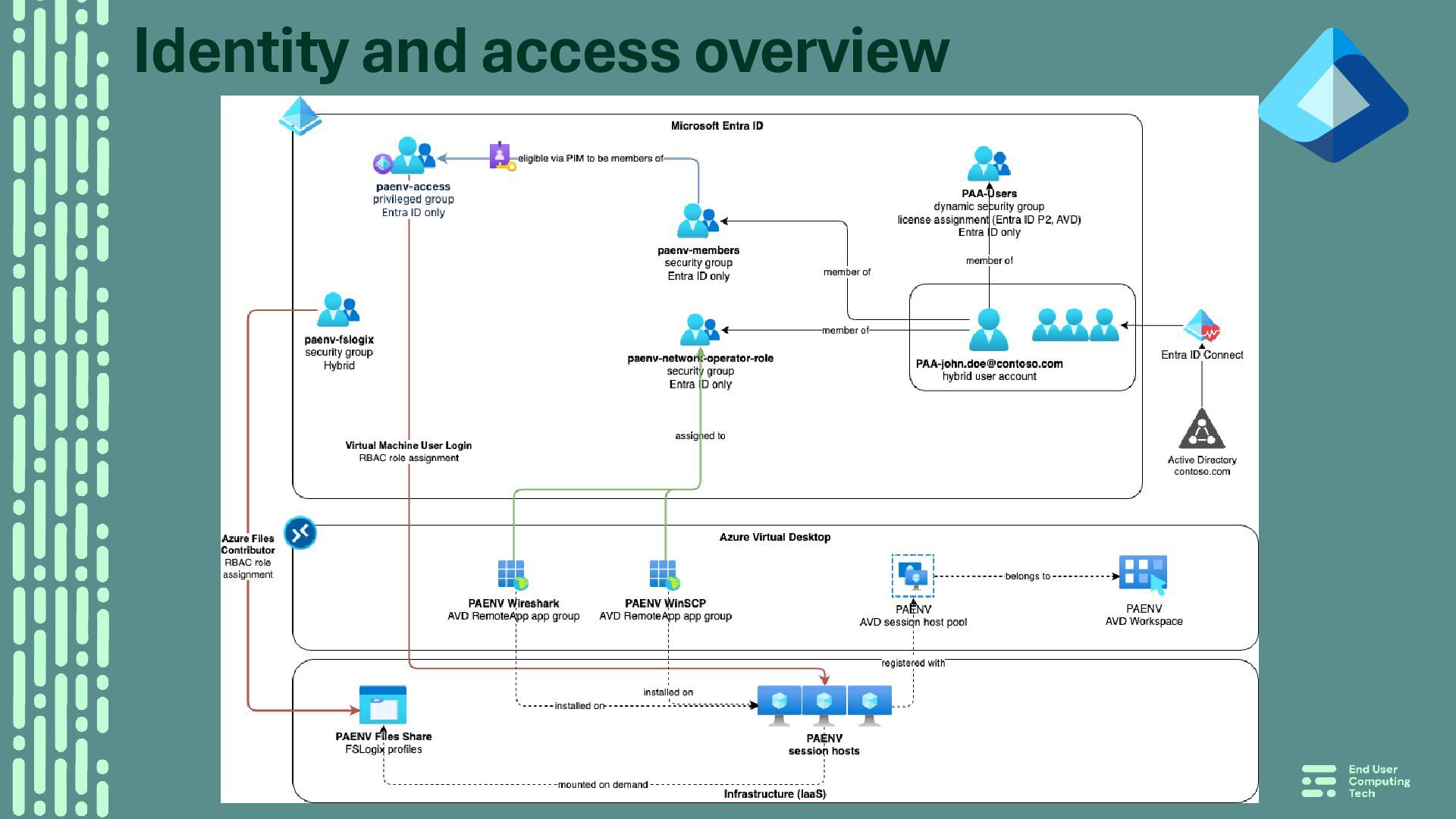
– synced to Entra ID • no privileges on-prem (AD) • all PAA accounts are member of a dynamic Entra ID group for assigning licenses (AVD + Entra ID PIM) • Entra ID privileged groups • control access to host pools – assigned ‘Virtual Machine User Login’ RBAC role • PAA users are eligible to activate membership – group membership policy • enforced MFA, require justification, max activation time, membership review (process) • conditional access: CORP compliant device, Norwegian IP ranges
storage • assigned RBAC data plan role – Azure Files Contributor • File & folder permissions (DACL) • Role-based access for applications (interfaces) • several roles defined (Network Operator, Customer Service, etc.) • each role has a security group in Entra ID and owner to control membership • each application has its own AVD RemoteApp app group • assigning the apps (aka Role assignment) per ’role group’ • User permissions on the session hosts • no admin rights, access strictly controlled
joined • no line-of-sight with AD domain controllers (no dependency) • requires an extra VM extension • Applications (aka Interfaces) have their own AuthN/AuthZ • e.g., Cisco ISE, LDAP
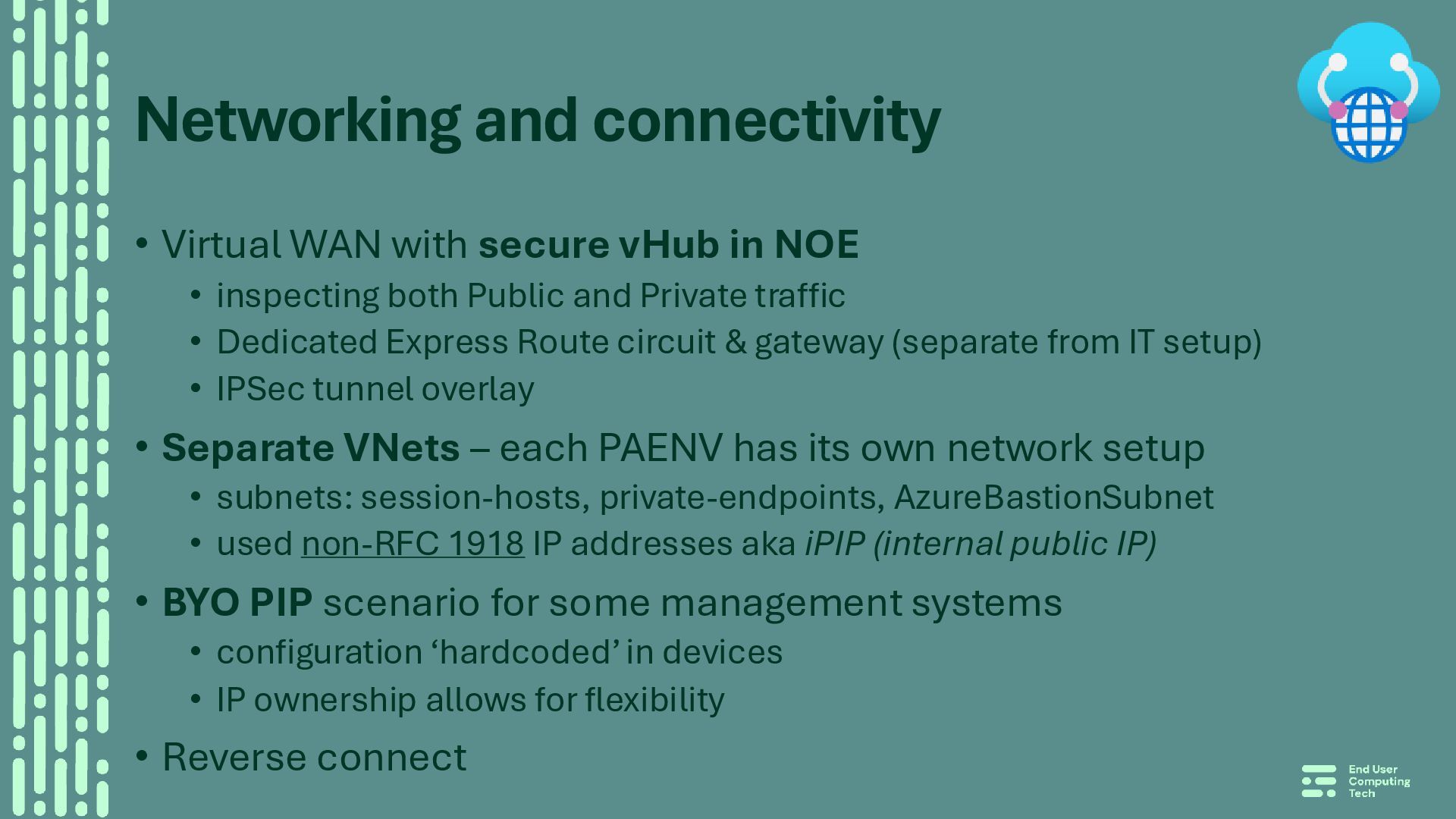
NOE • inspecting both Public and Private traffic • Dedicated Express Route circuit & gateway (separate from IT setup) • IPSec tunnel overlay • Separate VNets – each PAENV has its own network setup • subnets: session-hosts, private-endpoints, AzureBastionSubnet • used non-RFC 1918 IP addresses aka iPIP (internal public IP) • BYO PIP scenario for some management systems • configuration ‘hardcoded’ in devices • IP ownership allows for flexibility • Reverse connect
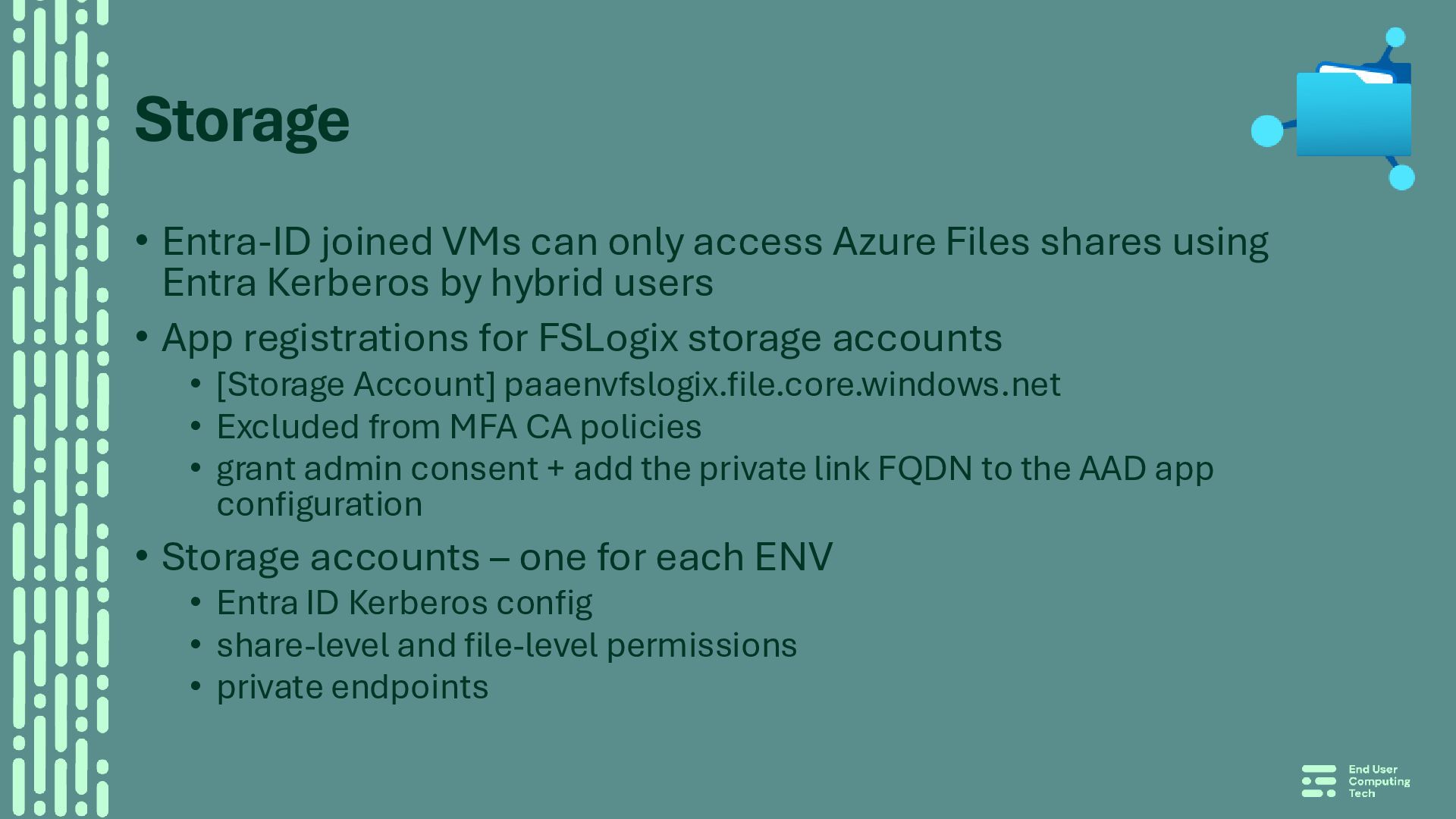
shares using Entra Kerberos by hybrid users • App registrations for FSLogix storage accounts • [Storage Account] paaenvfslogix.file.core.windows.net • Excluded from MFA CA policies • grant admin consent + add the private link FQDN to the AAD app configuration • Storage accounts – one for each ENV • Entra ID Kerberos config • share-level and file-level permissions • private endpoints
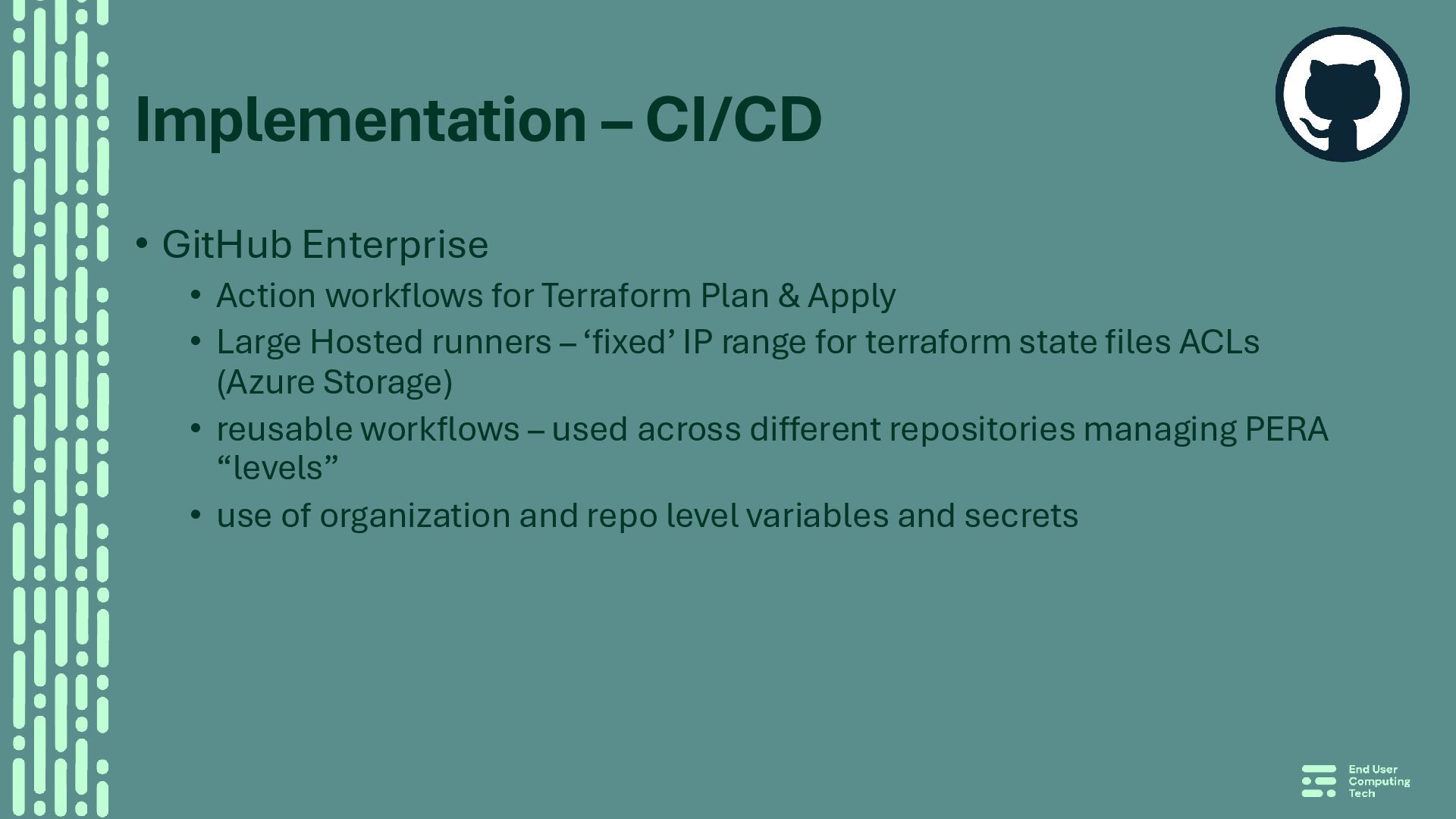
Terraform Plan & Apply • Large Hosted runners – ‘fixed’ IP range for terraform state files ACLs (Azure Storage) • reusable workflows – used across different repositories managing PERA “levels” • use of organization and repo level variables and secrets
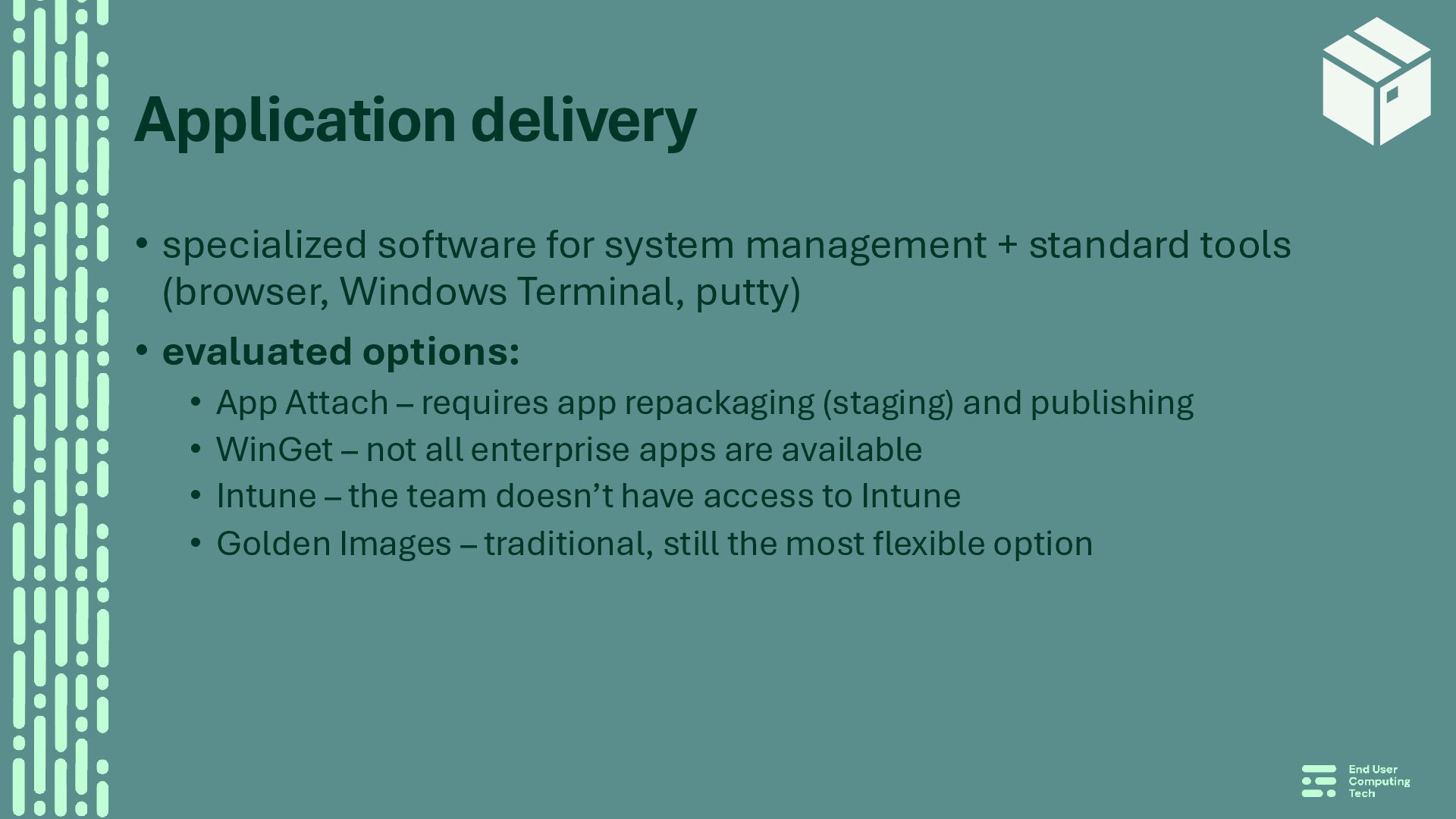
tools (browser, Windows Terminal, putty) • evaluated options: • App Attach – requires app repackaging (staging) and publishing • WinGet – not all enterprise apps are available • Intune – the team doesn’t have access to Intune • Golden Images – traditional, still the most flexible option
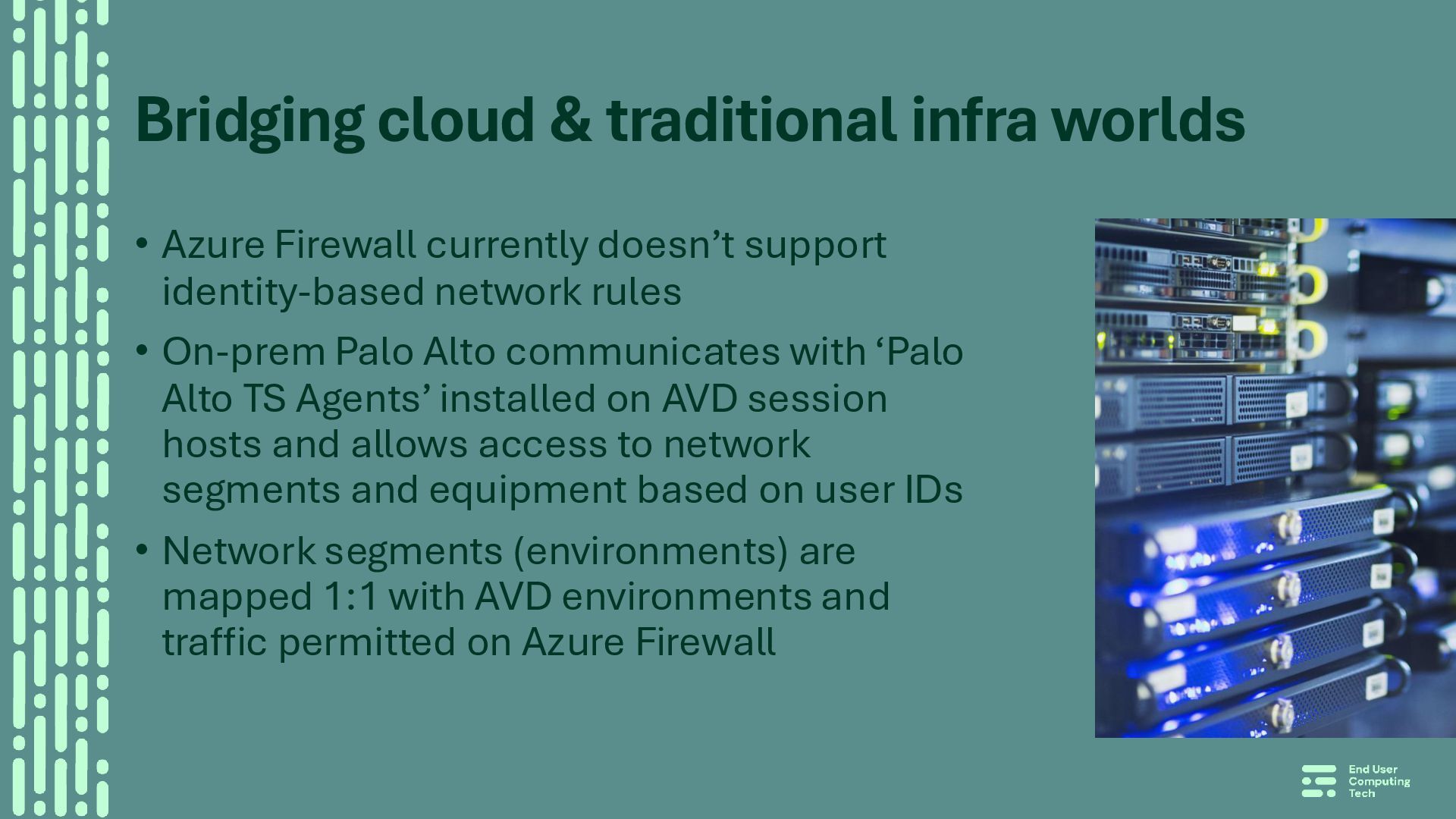
doesn’t support identity-based network rules • On-prem Palo Alto communicates with ‘Palo Alto TS Agents’ installed on AVD session hosts and allows access to network segments and equipment based on user IDs • Network segments (environments) are mapped 1:1 with AVD environments and traffic permitted on Azure Firewall
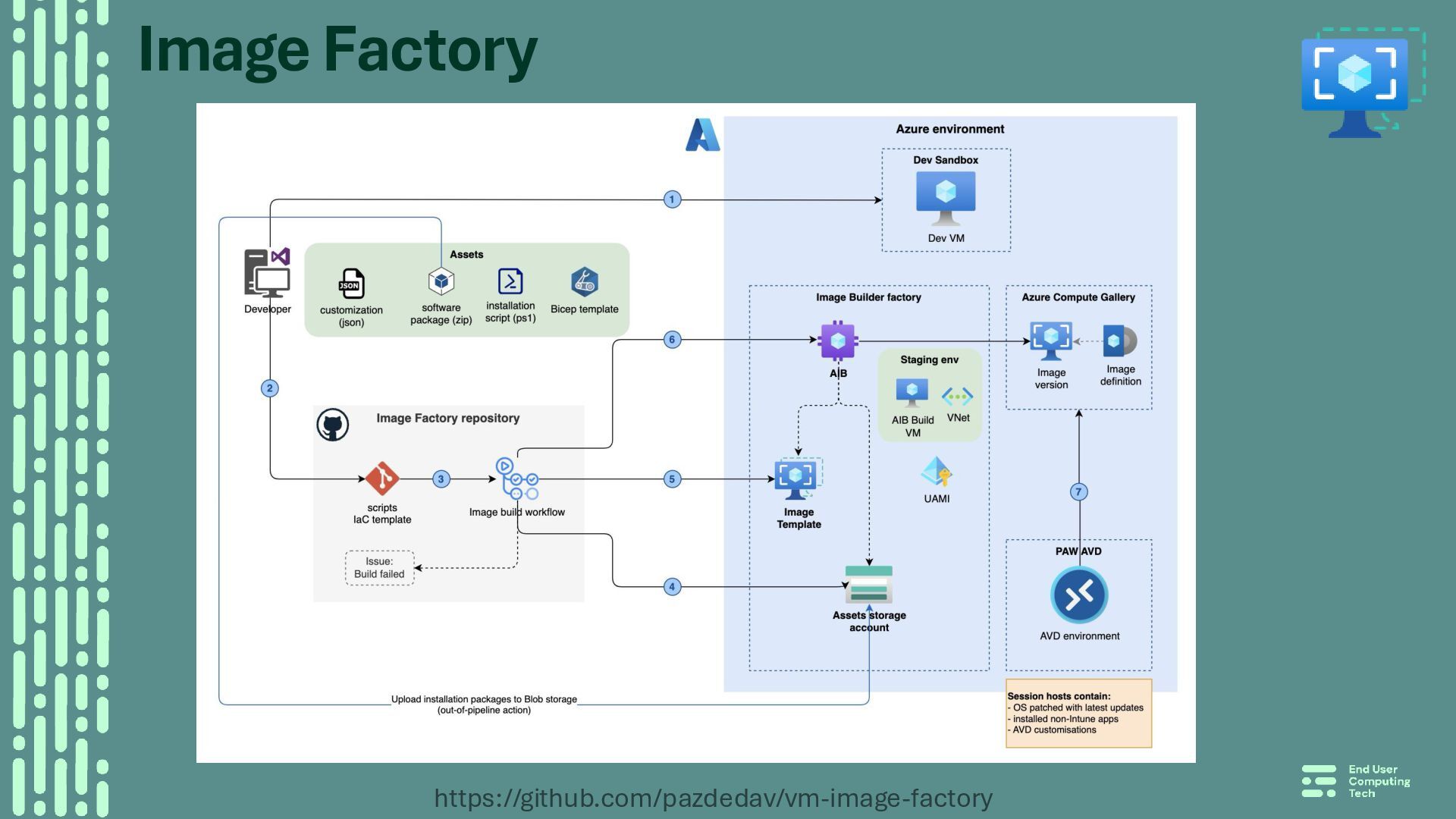
trigger image build (update in baseline/source image) • New versions or new apps • Image Factory – new customizer, manifest file, package in the Assets Storage • Rebuilding host pool • cleanup first: de-register VMs from the host pool, cleanup in Entra ID • update image reference (version) after a successful build • tf plan & apply
(ARM / control plane) • guest level (inside VM) • Several implementation options, we used: • GitHub workflow running on a schedule (can be triggered on demand) • Pester tests to validate resource configuration and export results to ‘GithubActions’ CIFormat • Using strategy:matrix to run the validation on all PAAENVs in parallel • Missing: guest-level validation • can be done using Invoke-AzVMRunCommand • waiting for ‘GitHub integration with Azure Vnet'
with hardware keys (Ubikey) • Piloting different application delivery options: ‘VM Apps’ and/or ‘App Attach’ (decouple apps from the OS image) • GitHub VNet integration for hosted runners • Consider using Entra ID Administrative Units • Configuration management & Compliance validation using ‘Machine Configuration’


 pazdedav
 wagnerfusca
 shreyas1009
 tomtanaka
 naruoga
 sony
sony
 k_adachi_01
 kworkdev
 marceloancelmo
 kairim0
 sagochiko
 ryotarai
 vivion
 irinanazarova
 cassininazir
 csswizardry
 aarron
 lauravandoore
 orderedlist
 aleyda
 trishagee
 mkilby
 mfonobong
![Identity and access [1/3] • Separate hybrid accounts – PAA](https://files.speakerdeck.com/presentations/f69d5cc529e24ba498b9e38b3a8a0df9/slide_9.jpg)
![Identity and access [2/3] • Hybrid group for accessing FSLogix](https://files.speakerdeck.com/presentations/f69d5cc529e24ba498b9e38b3a8a0df9/slide_10.jpg)
![Identity and access [3/3] • Session hosts are Entra ID](https://files.speakerdeck.com/presentations/f69d5cc529e24ba498b9e38b3a8a0df9/slide_11.jpg)