Upgrade to Pro — share decks privately, control downloads, hide ads and more …

ClickOps is Dead: Refactoring existing Azure en...

Sponsored · Your Podcast. Everywhere. Effortlessly. Share. Educate. Inspire. Entertain. You do you. We'll handle the rest.

ClickOps is Dead: Refactoring existing Azure environments with GitOps, Bicep, and AI

Are you still managing your Azure infrastructure through the portal? It’s time to shift from ClickOps to GitOps and embrace Infrastructure as Code for scalable, secure, and collaborative cloud operations. It's quite easy to start from scratch (greenfield) but how about that existing environment (brownfield)?

In this demo-heavy session, we’ll walk through how to reverse-engineer an existing Azure environment into a fully code-first setup by using a multi-stage process that involves AI-powered code refactoring with GitHub Copilot, ensuring best practices, leveraging Azure Verified Modules as building blocks, and boosting team productivity by using reusable GitHub repo templates and workflows with validation, security scanning, etc. As an important step, we will harden the environment to prevent configuration drifts and promote traceability and governance controls both in Azure and your coding environment.

Whether you’re a cloud engineer or platform architect, this session will leave you with practical examples, tips, and a repeatable process to bring your infrastructure under version control and automated deployments.

The entire process will be demonstrated using Bicep and GitHub, but this knowledge could be transferable to other DSLs and collaboration platforms.

All code, templates, and workflows demonstrated will be shared with attendees, so you can start applying what you’ve seen as soon as you leave the room.

Avatar for David Pazdera

David Pazdera

March 07, 2026
Tweet

More Decks by David Pazdera

Other Decks in Technology

Transcript

  1. ClickOps – seasoned veteran • manual GUI-based configuration and management

    of infrastructure and services • heterogeneous environments with dozen vendors and technology providers
  2. GitOps – young challenger • declarative infra/app state stored in

    Git with automated reconciliation • idempotent DSLs • push-based vs. pull-based GitOps
  3. Who is this guy? • cloud solution architect @ •

    co-organizer of AUGN and IaC UG Oslo • GitHub | LinkedIn | Sessionize | SpeakerDeck | X : pazdedav handle • blog: azurescholar.cloud
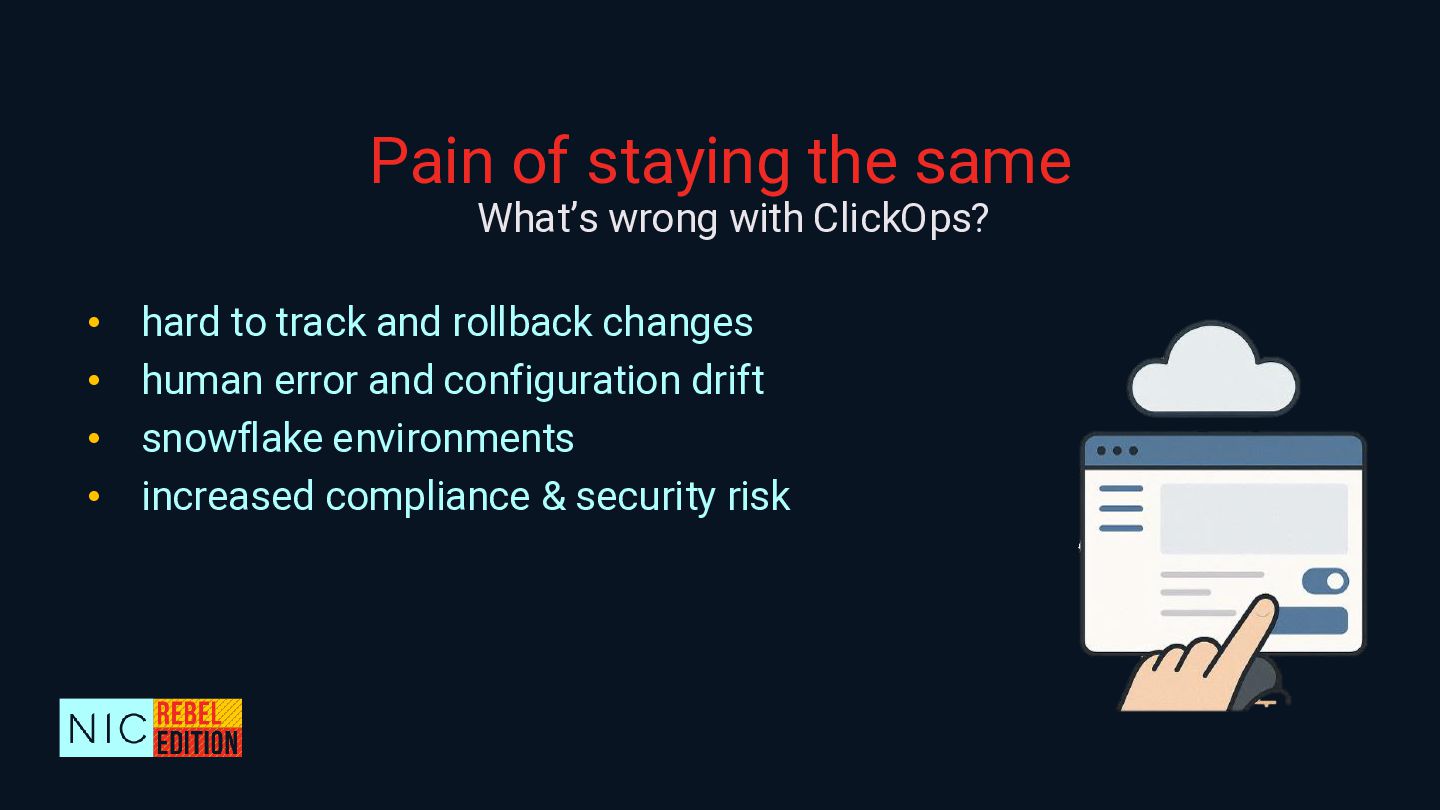
  4. Pain of staying the same • hard to track and

    rollback changes • human error and configuration drift • snowflake environments • increased compliance & security risk What’s wrong with ClickOps?
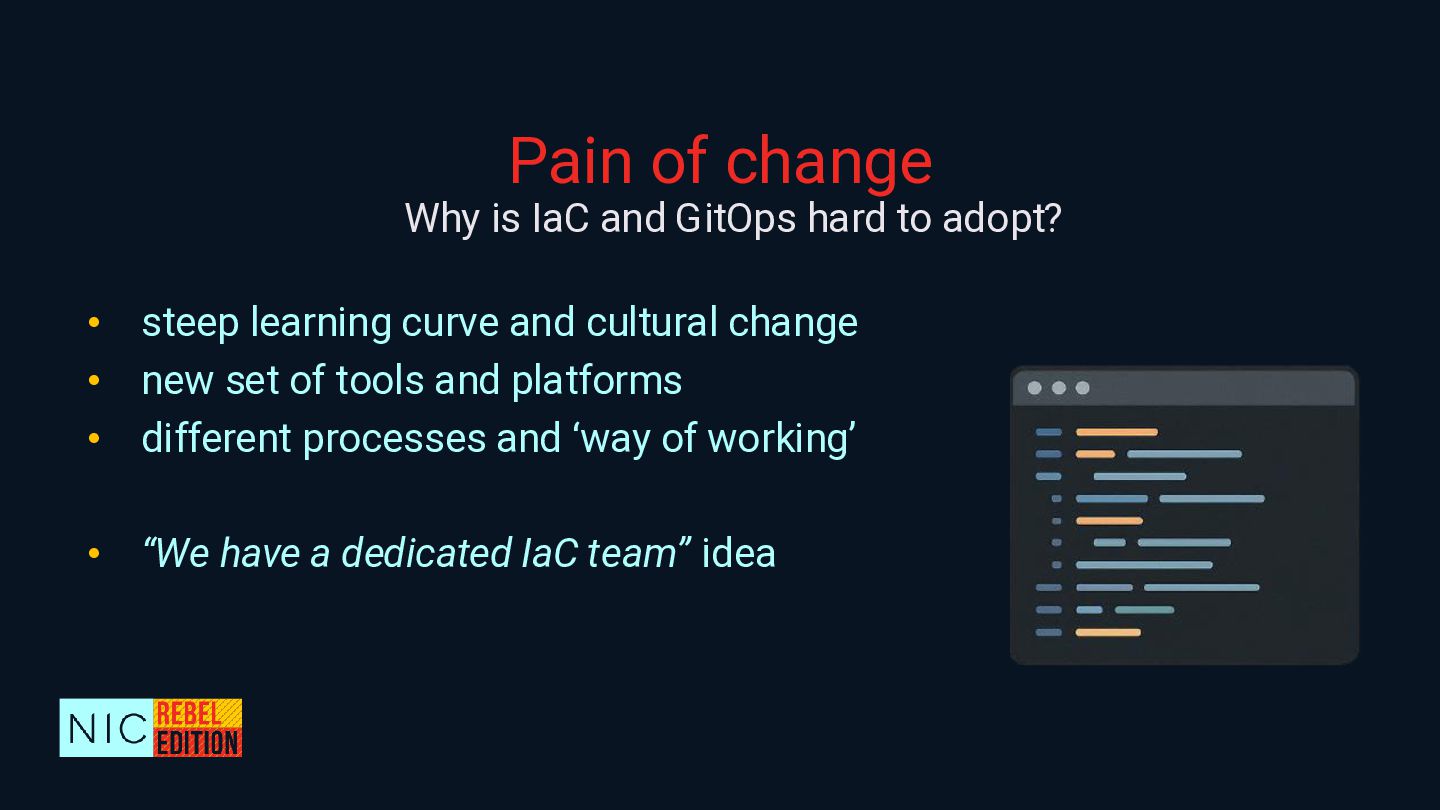
  5. Pain of change • steep learning curve and cultural change

    • new set of tools and platforms • different processes and ‘way of working’ • “We have a dedicated IaC team” idea Why is IaC and GitOps hard to adopt?
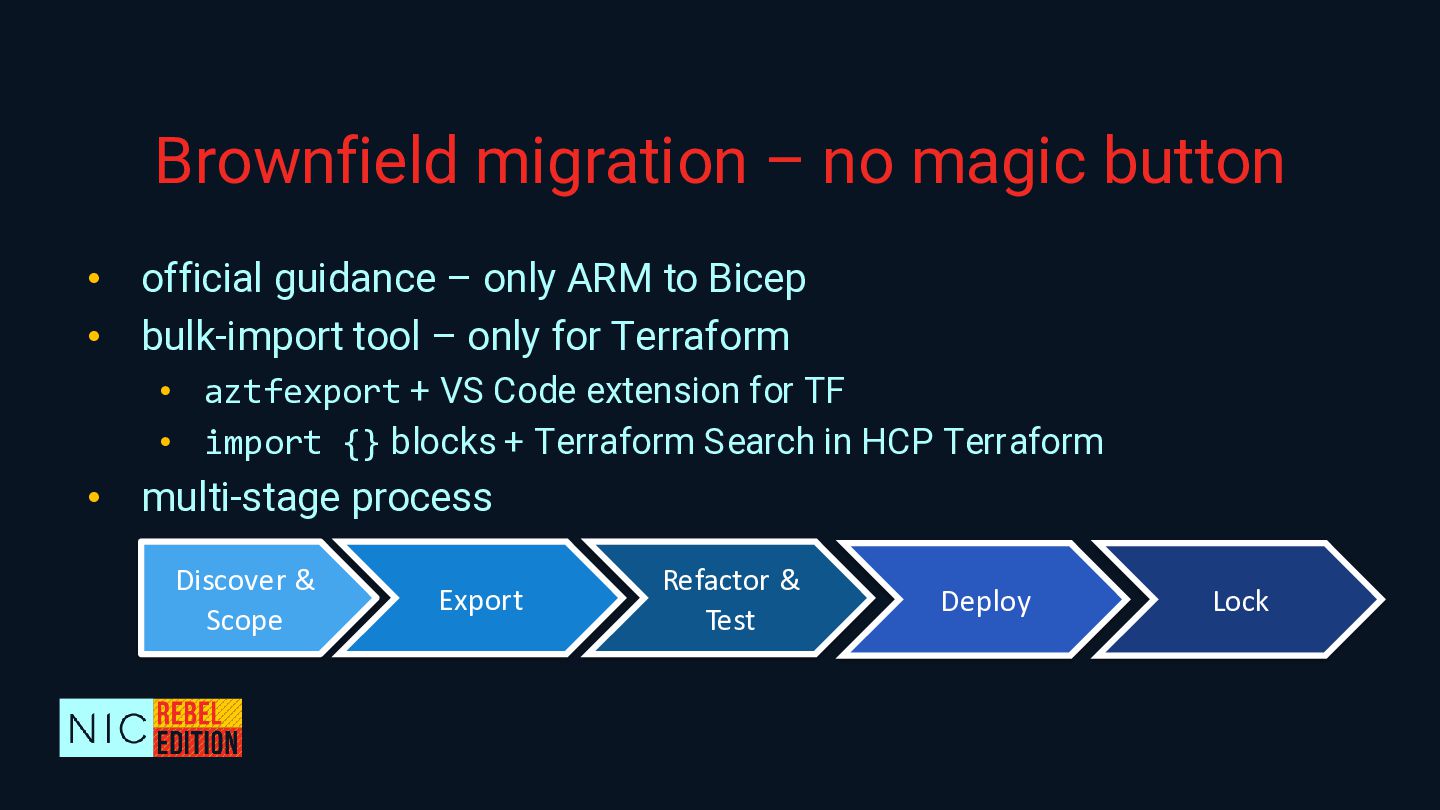
  6. Brownfield migration – no magic button • official guidance –

    only ARM to Bicep • bulk-import tool – only for Terraform • aztfexport + VS Code extension for TF • import {} blocks + Terraform Search in HCP Terraform • multi-stage process Discover & Scope Export Refactor & Test Deploy Lock
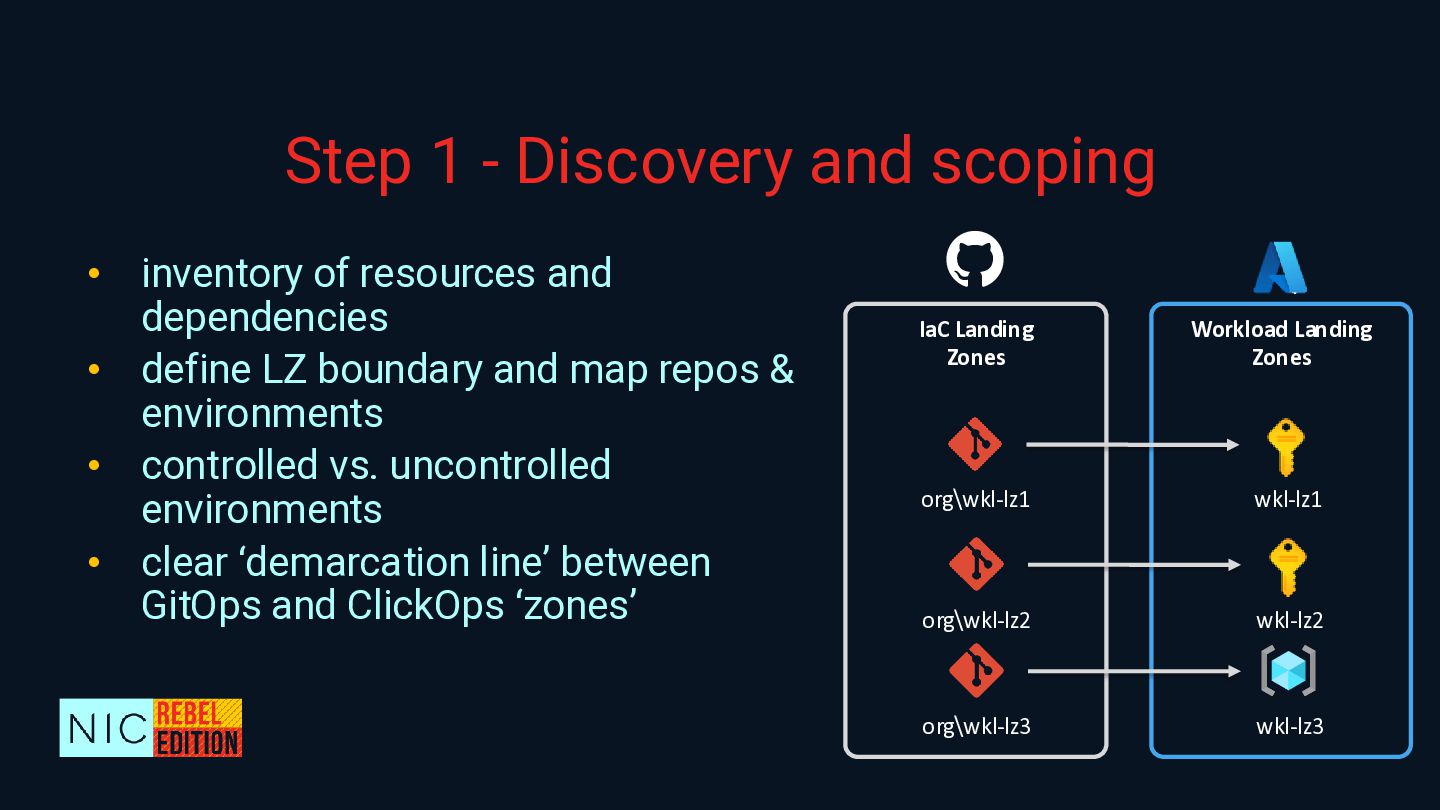
  7. Step 1 - Discovery and scoping • inventory of resources

    and dependencies • define LZ boundary and map repos & environments • controlled vs. uncontrolled environments • clear ‘demarcation line’ between GitOps and ClickOps ‘zones’ Workload Landing Zones org\wkl-lz1 wkl-lz1 IaC Landing Zones org\wkl-lz2 wkl-lz2 org\wkl-lz3 wkl-lz3
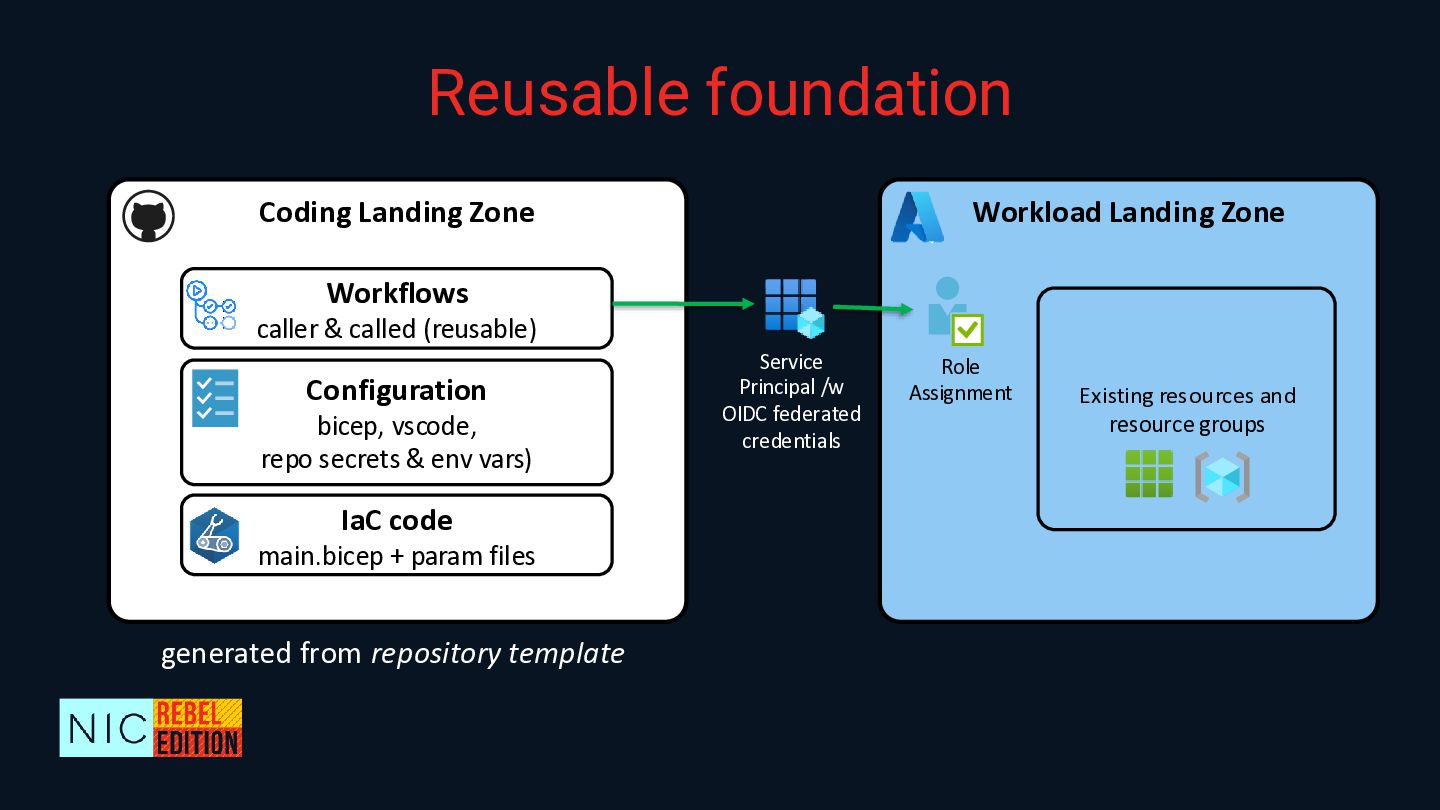
  8. Workload Landing Zone Coding Landing Zone Workflows caller & called

    (reusable) IaC code main.bicep + param files Configuration bicep, vscode, repo secrets & env vars) Role Assignment Service Principal /w OIDC federated credentials Reusable foundation Existing resources and resource groups generated from repository template
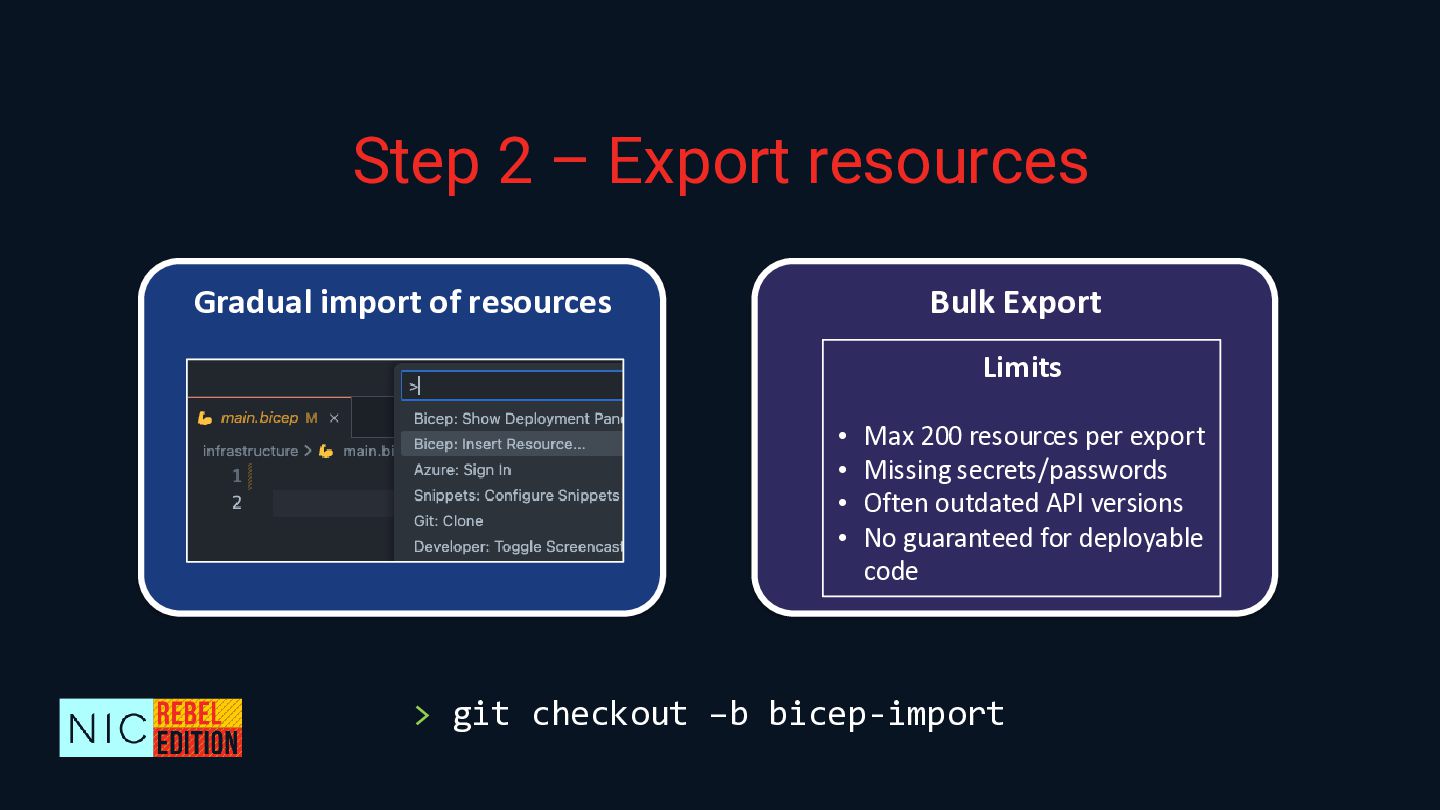
  9. Step 2 – Export resources > git checkout –b bicep-import

    Gradual import of resources Bulk Export Limits • Max 200 resources per export • Missing secrets/passwords • Often outdated API versions • No guaranteed for deployable code
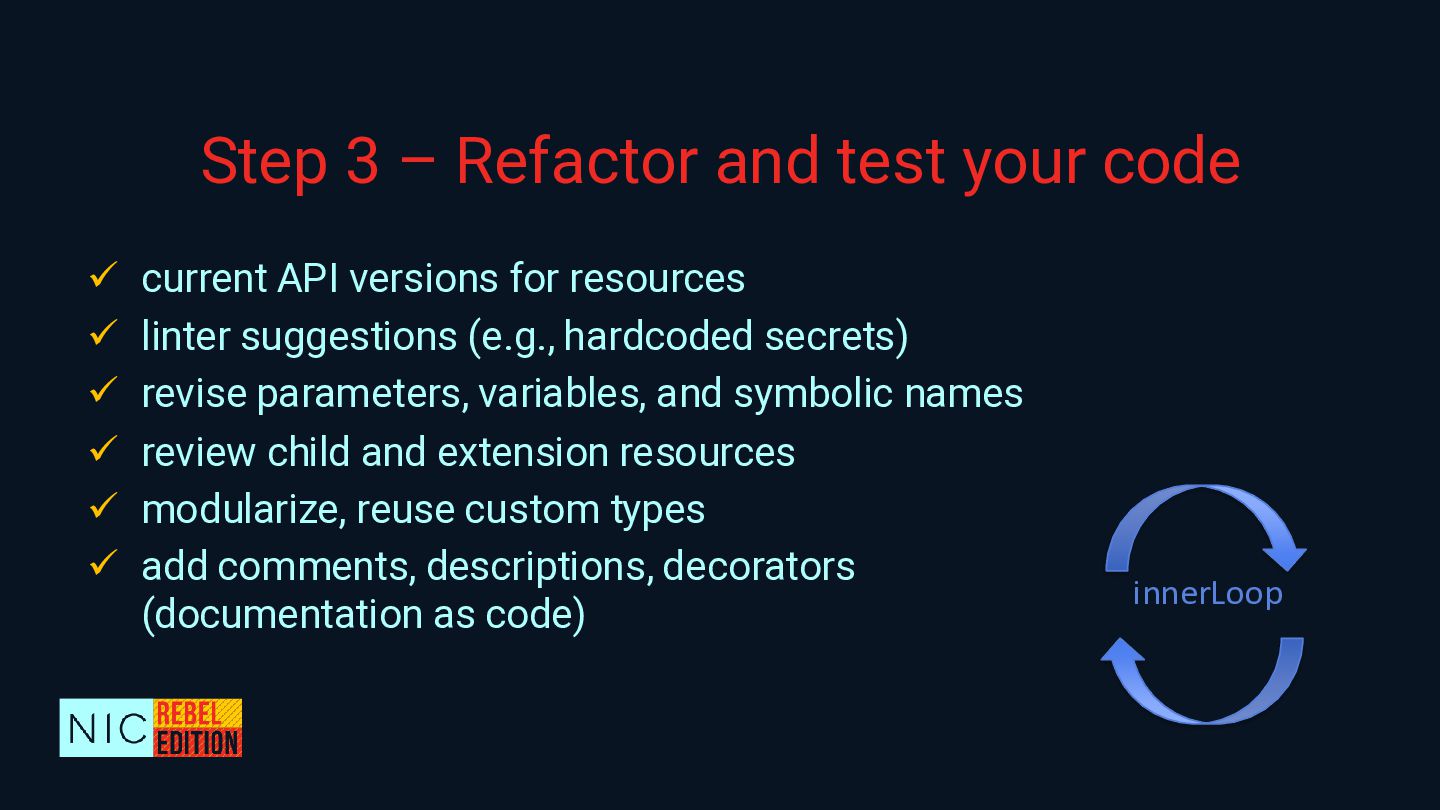
  10. Step 3 – Refactor and test your code ✓ current

    API versions for resources ✓ linter suggestions (e.g., hardcoded secrets) ✓ revise parameters, variables, and symbolic names ✓ review child and extension resources ✓ modularize, reuse custom types ✓ add comments, descriptions, decorators (documentation as code) innerLoop
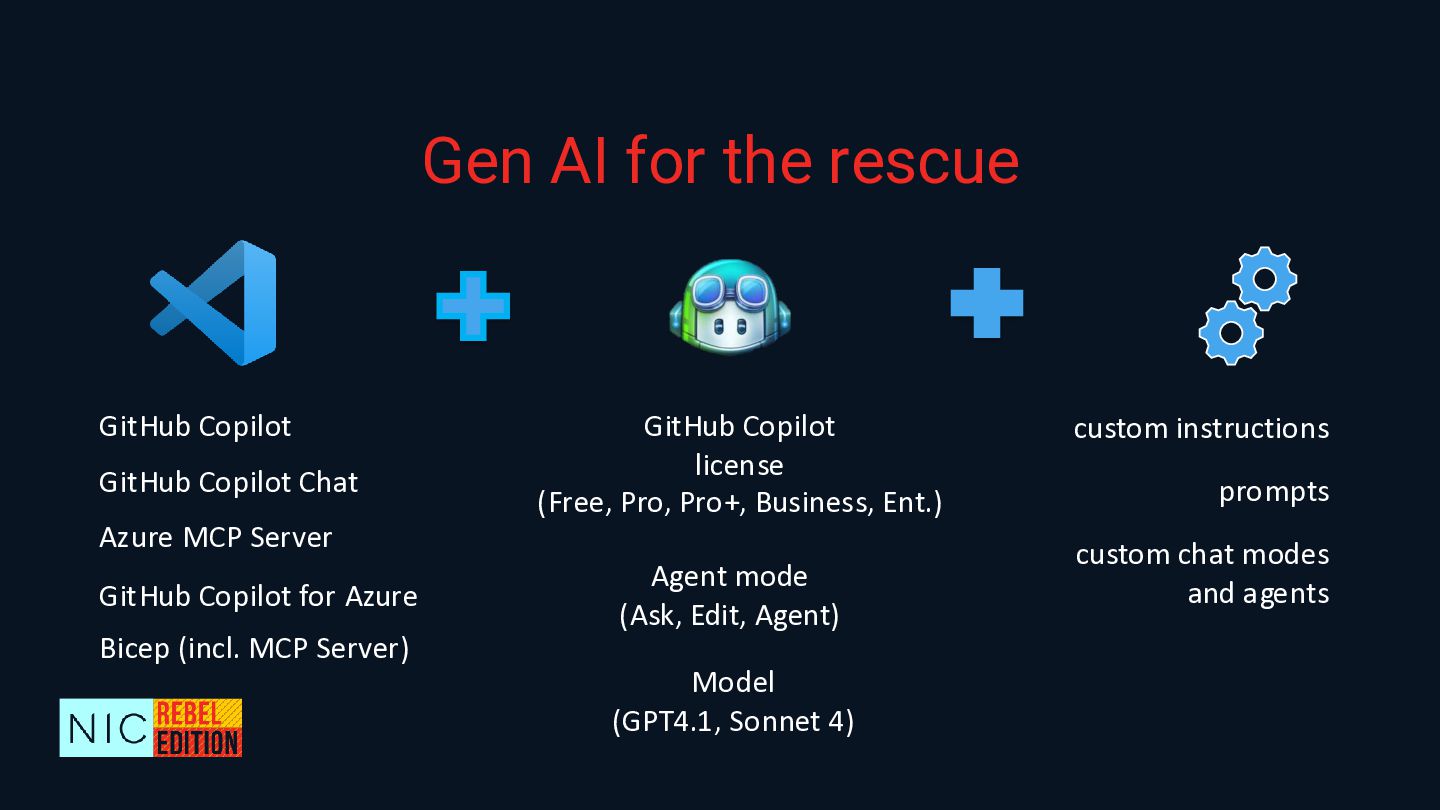
  11. Gen AI for the rescue Azure MCP Server GitHub Copilot

    Chat GitHub Copilot GitHub Copilot for Azure Bicep (incl. MCP Server) GitHub Copilot license (Free, Pro, Pro+, Business, Ent.) Agent mode (Ask, Edit, Agent) Model (GPT4.1, Sonnet 4) custom instructions prompts custom chat modes and agents
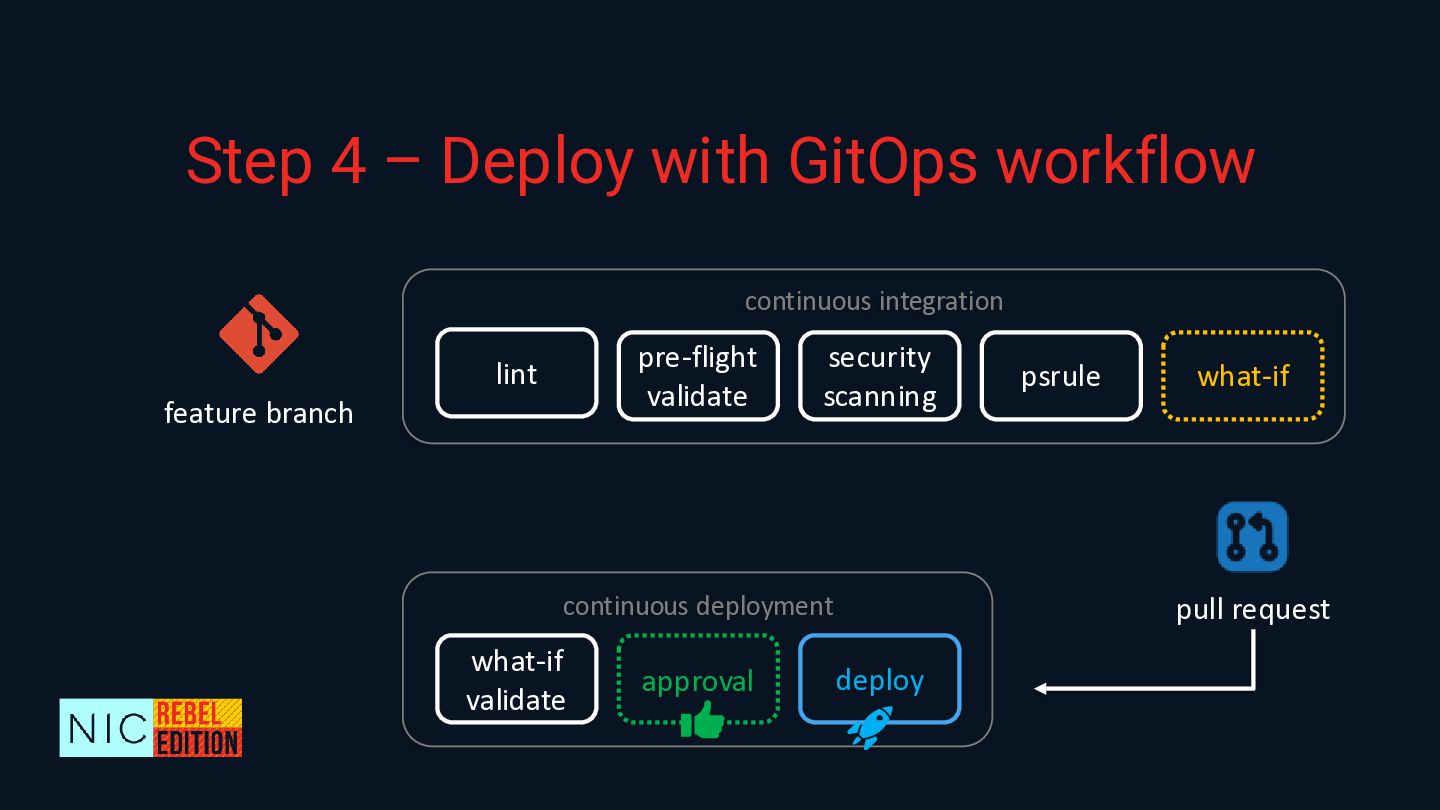
  12. Step 4 – Deploy with GitOps workflow continuous integration lint

    pre-flight validate security scanning psrule what-if what-if validate deploy approval continuous deployment feature branch pull request
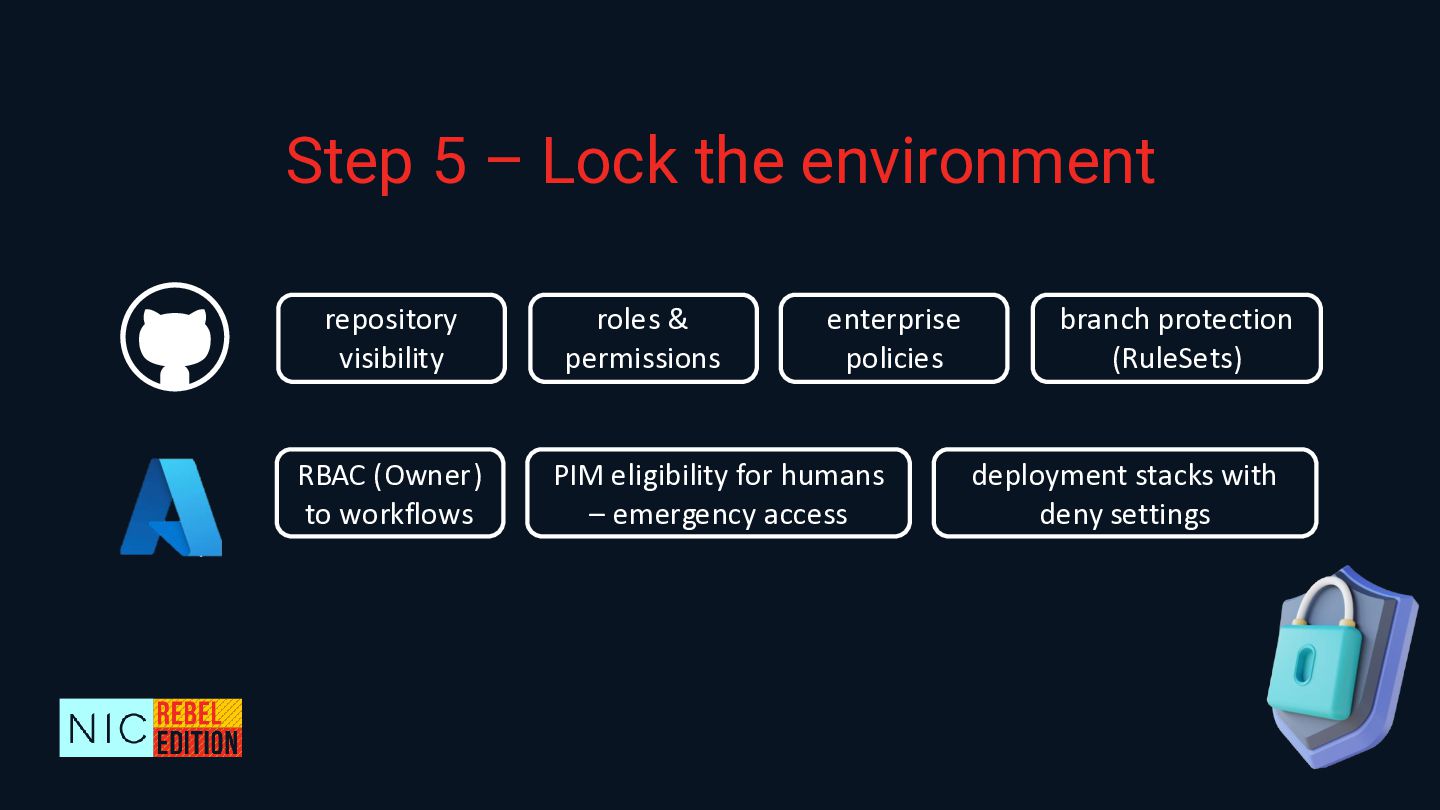
  13. Step 5 – Lock the environment roles & permissions enterprise

    policies branch protection (RuleSets) repository visibility RBAC (Owner) to workflows PIM eligibility for humans – emergency access deployment stacks with deny settings
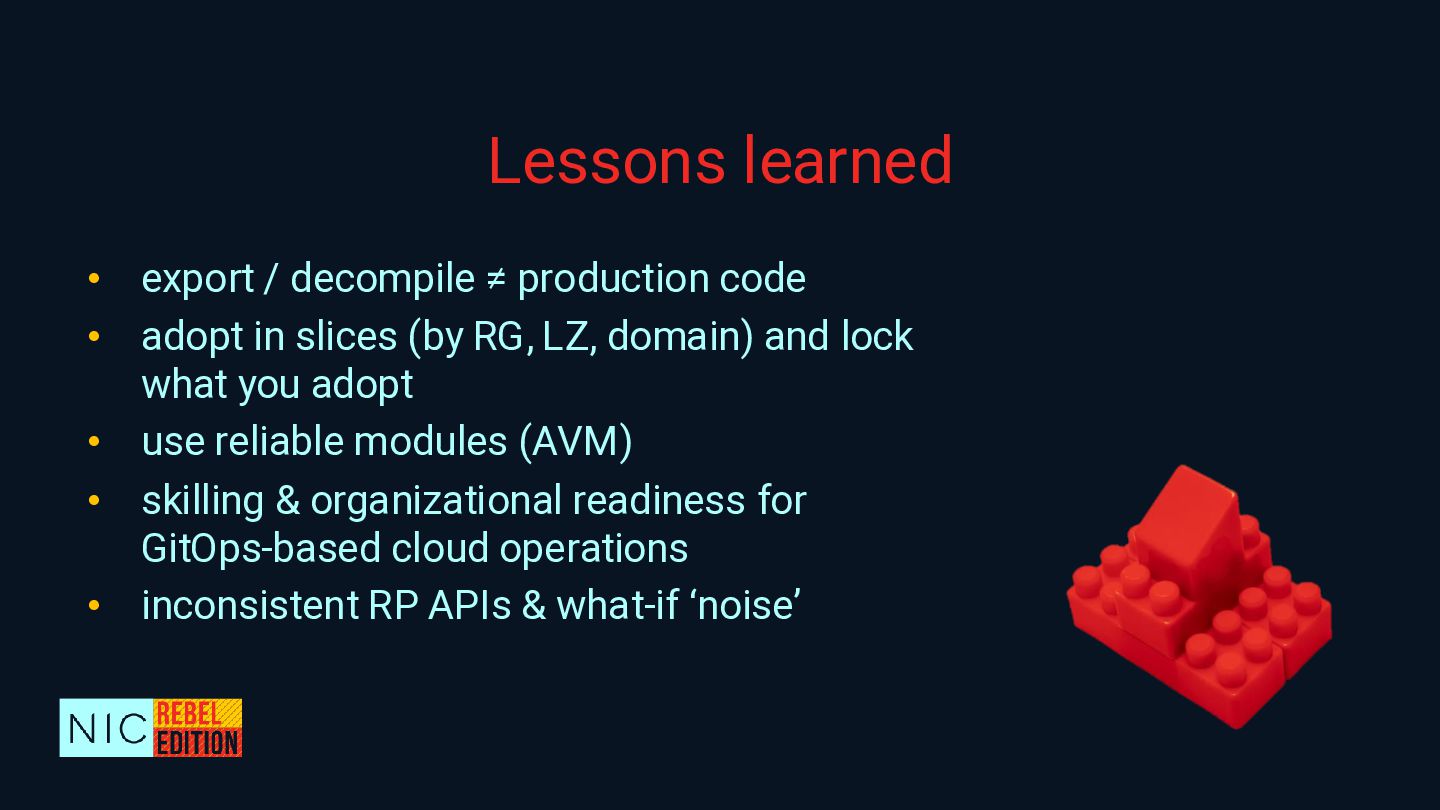
  14. Lessons learned • export / decompile ≠ production code •

    adopt in slices (by RG, LZ, domain) and lock what you adopt • use reliable modules (AVM) • skilling & organizational readiness for GitOps-based cloud operations • inconsistent RP APIs & what-if ‘noise’
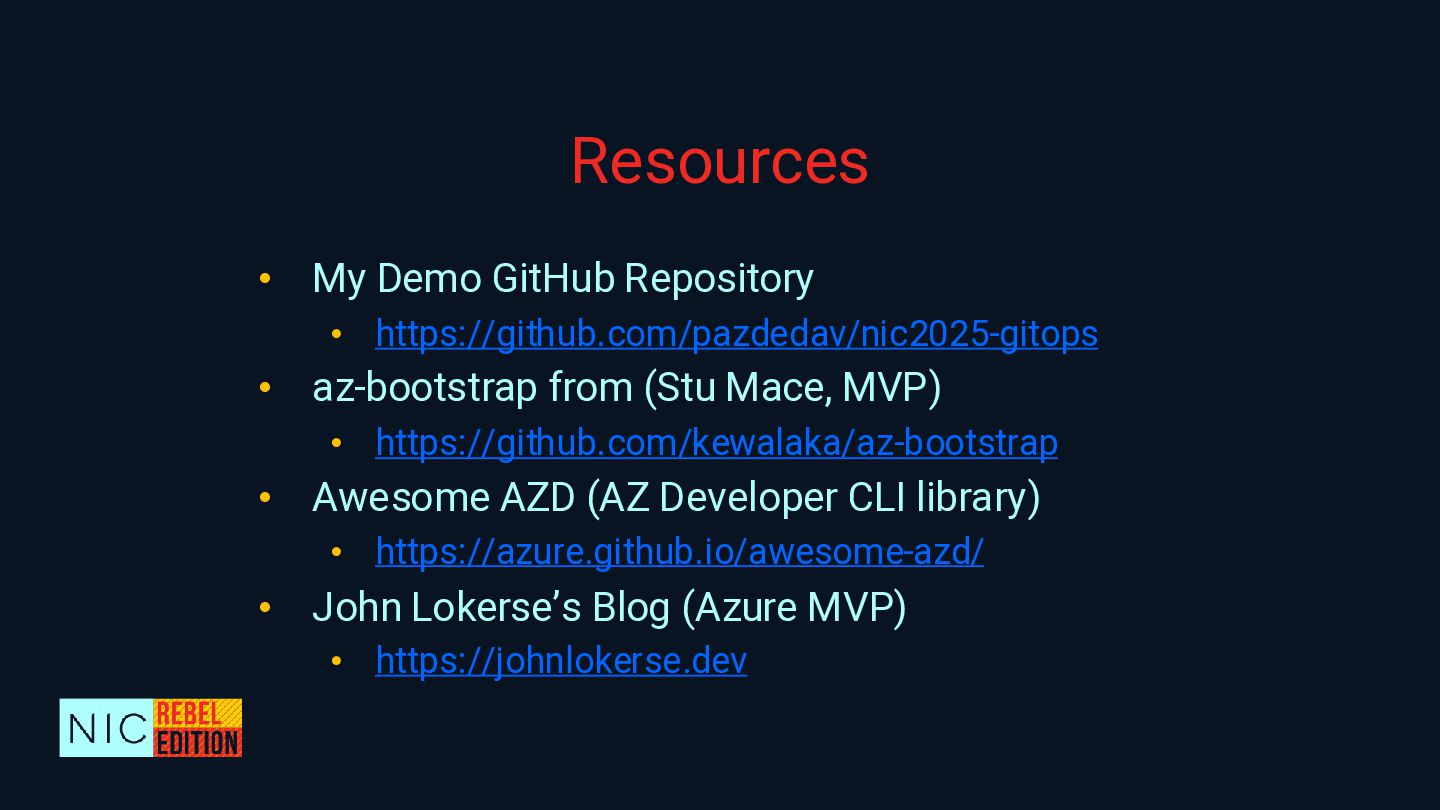
  15. Resources • My Demo GitHub Repository • https://github.com/pazdedav/nic2025-gitops • az-bootstrap

    from (Stu Mace, MVP) • https://github.com/kewalaka/az-bootstrap • Awesome AZD (AZ Developer CLI library) • https://azure.github.io/awesome-azd/ • John Lokerse’s Blog (Azure MVP) • https://johnlokerse.dev