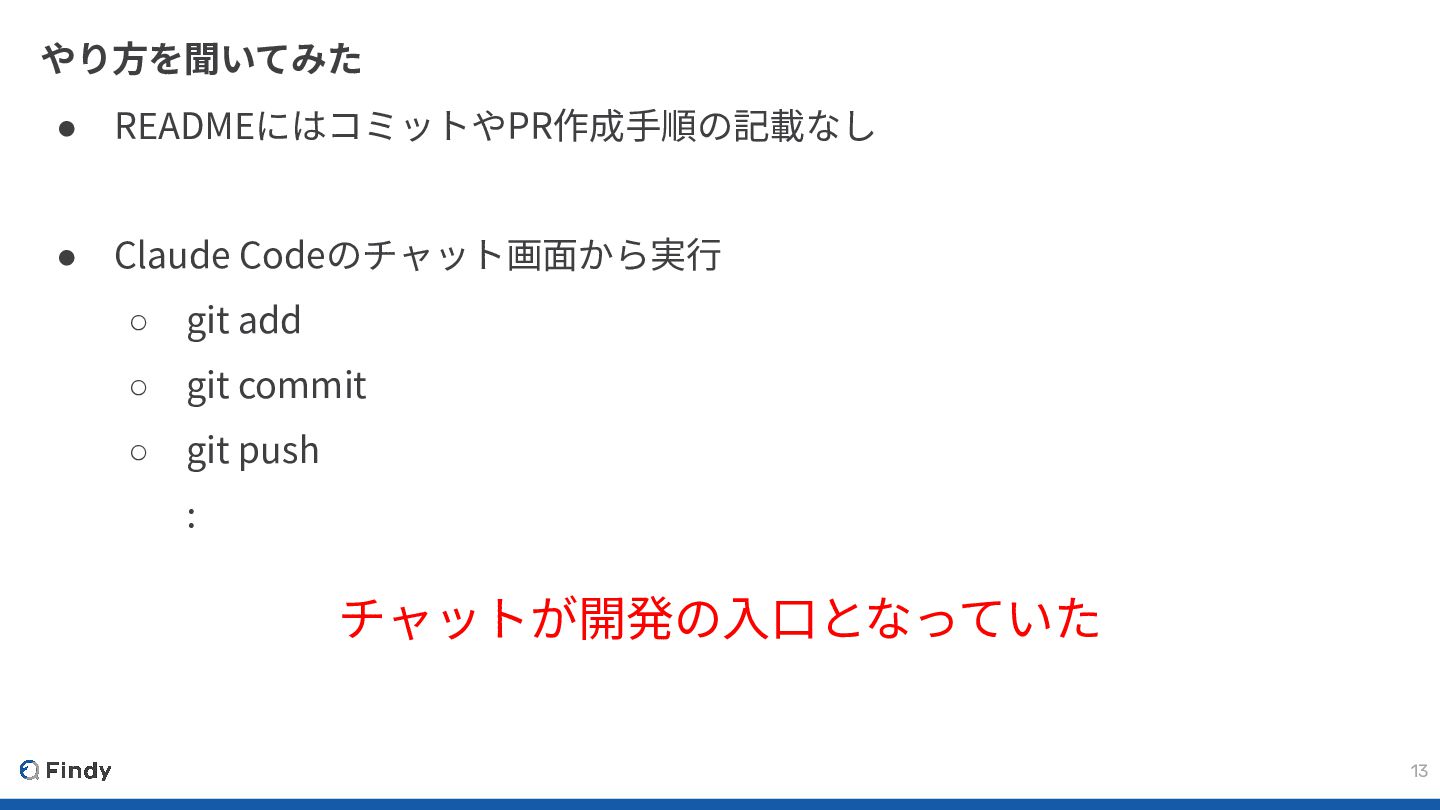
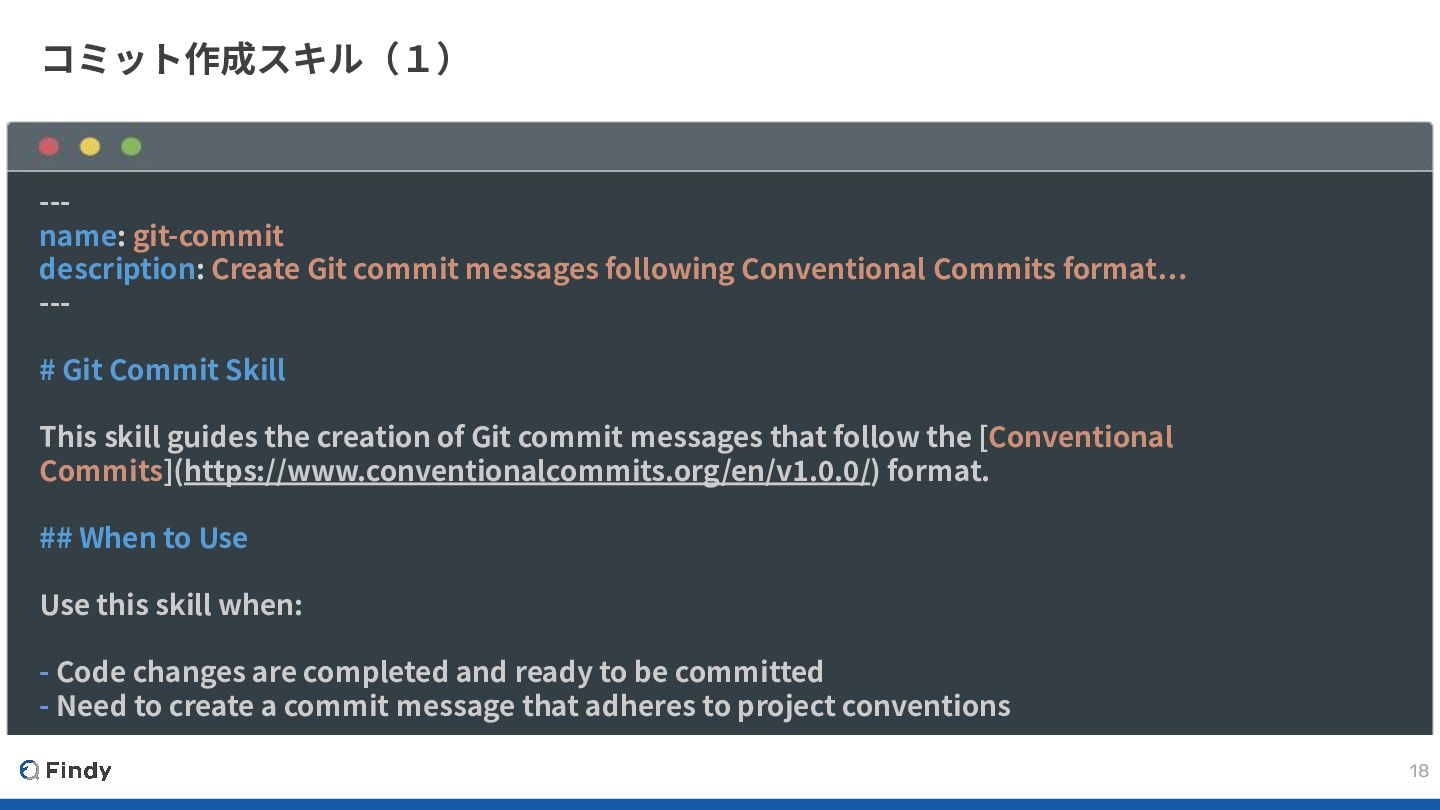
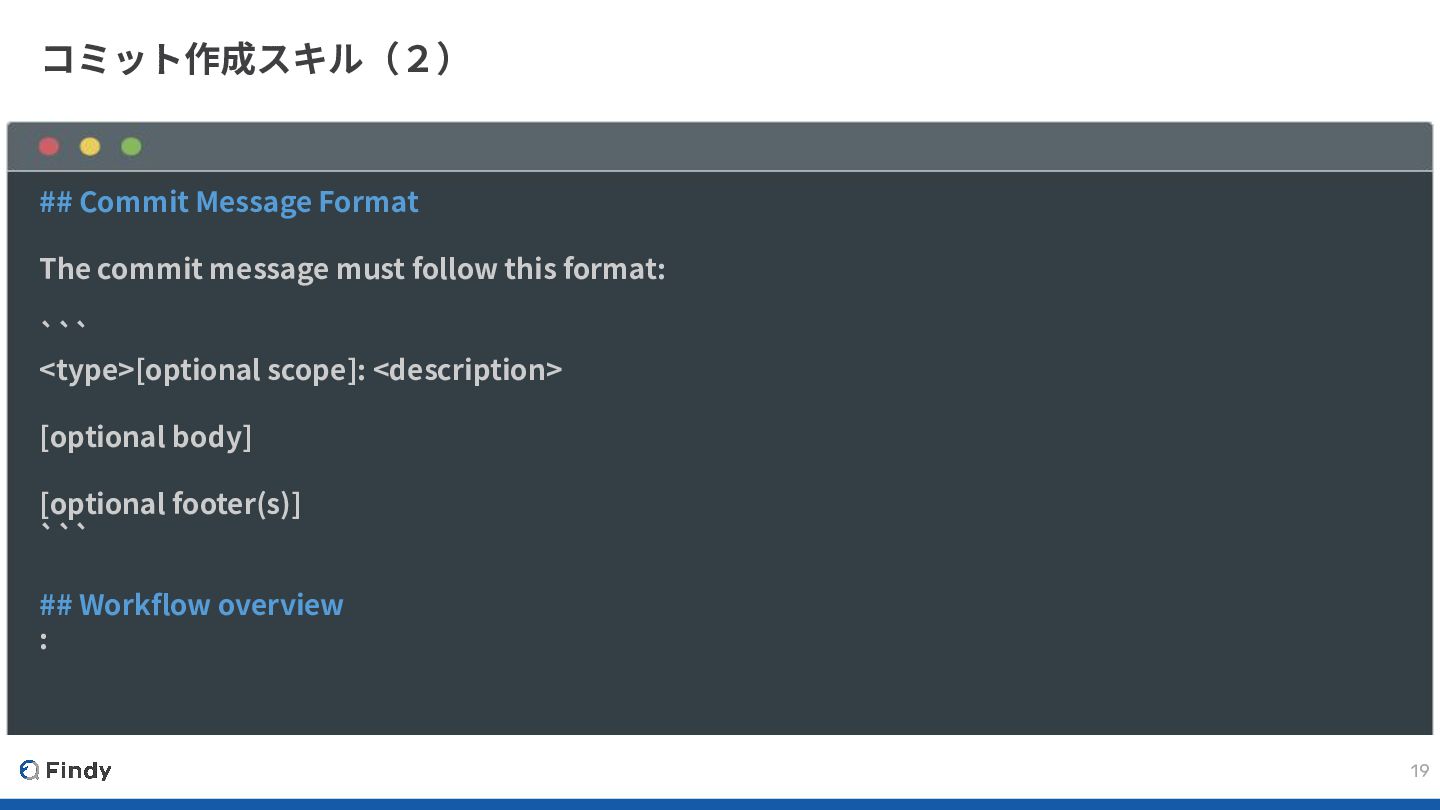
following Conventional Commits format… --- # Git Commit Skill This skill guides the creation of Git commit messages that follow the [Conventional Commits](https://www.conventionalcommits.org/en/v1.0.0/) format. ## When to Use Use this skill when: - Code changes are completed and ready to be committed - Need to create a commit message that adheres to project conventions
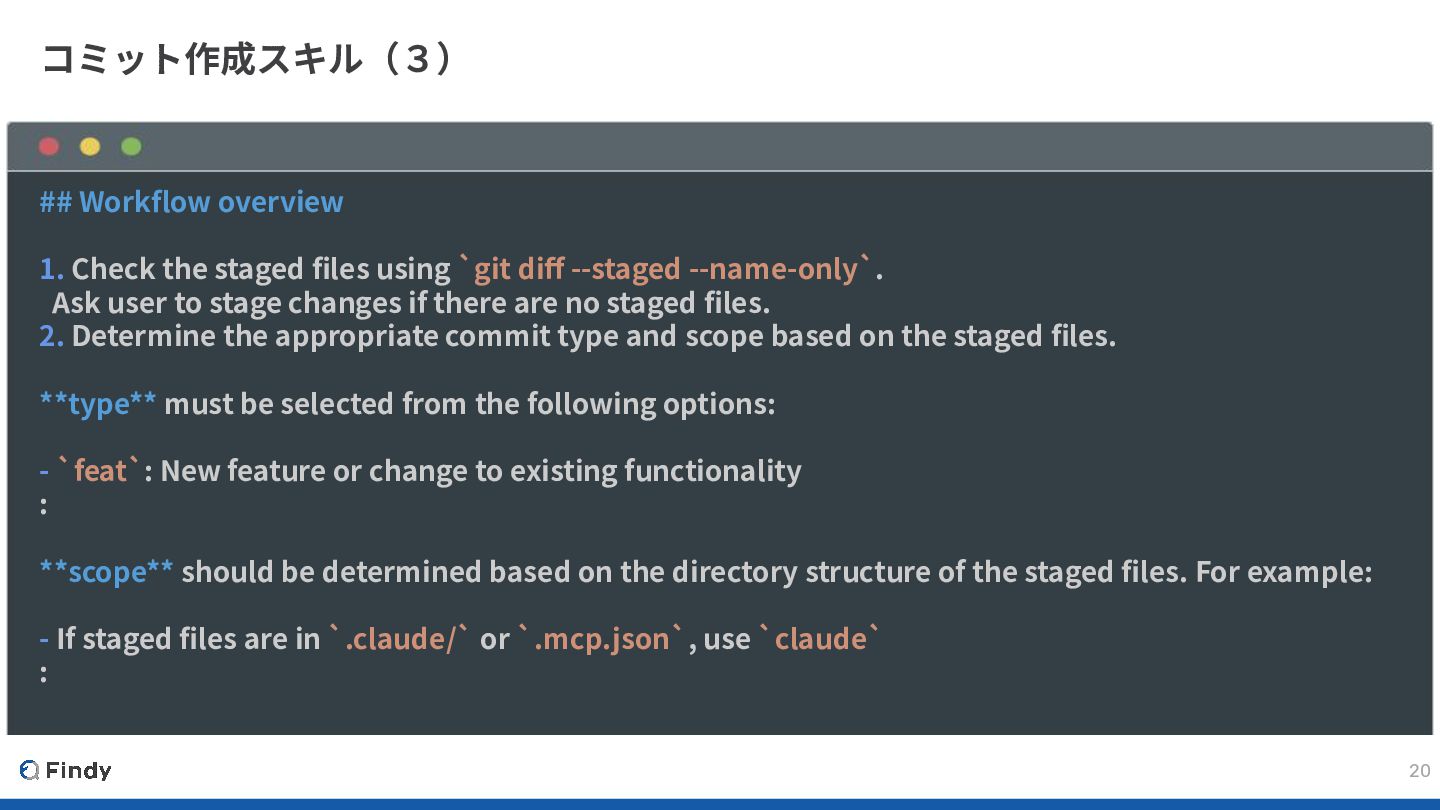
using `git diff --staged --name-only`. Ask user to stage changes if there are no staged files. 2. Determine the appropriate commit type and scope based on the staged files. **type** must be selected from the following options: - `feat`: New feature or change to existing functionality : **scope** should be determined based on the directory structure of the staged files. For example: - If staged files are in `.claude/` or `.mcp.json`, use `claude` :
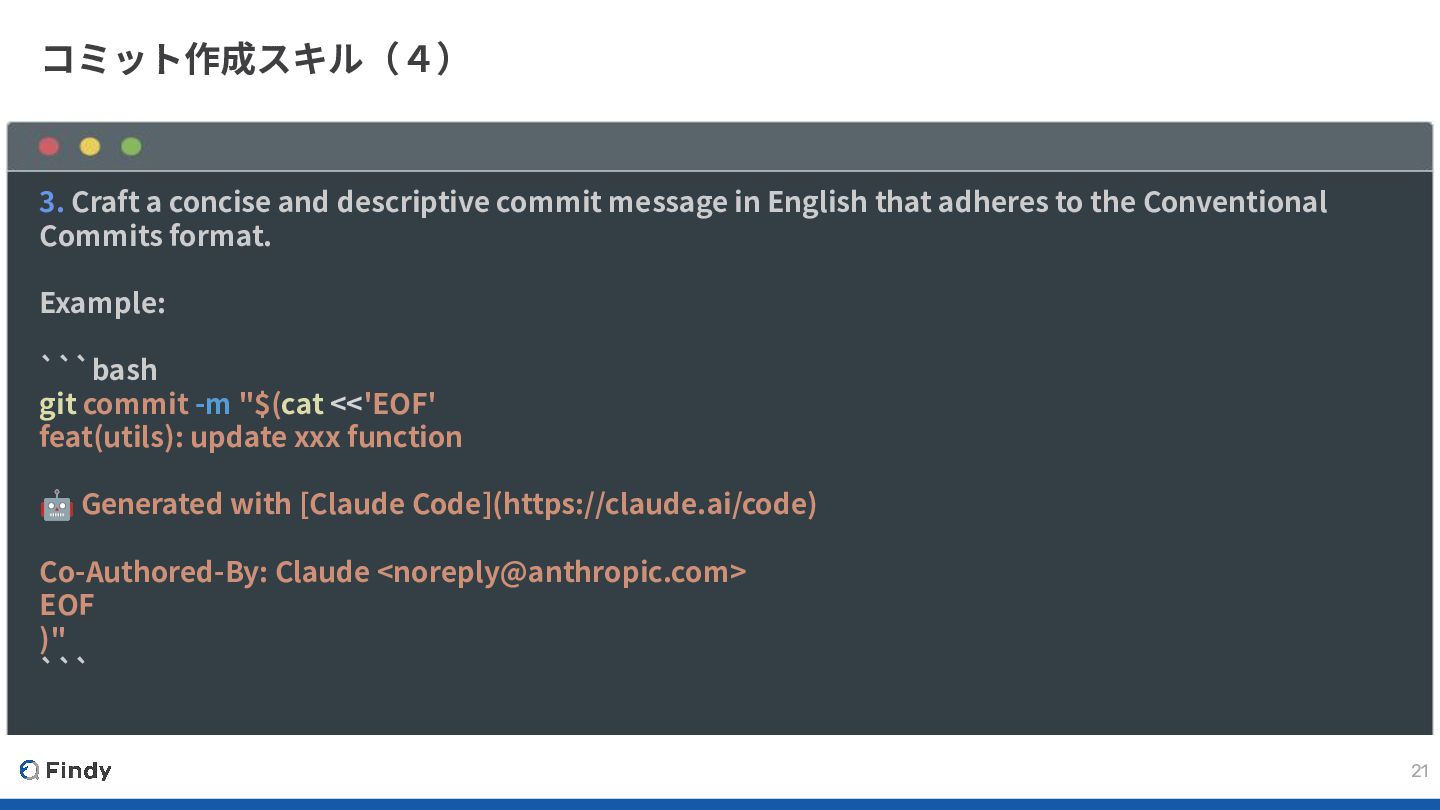
in English that adheres to the Conventional Commits format. Example: ```bash git commit -m "$(cat <<'EOF' feat(utils): update xxx function 🤖 Generated with [Claude Code](https://claude.ai/code) Co-Authored-By: Claude <[email protected]> EOF )" ```


 puku0x
 hiracky16
 riyaamemiya
 jtakeda
 ezaki
ezaki
 teamlab
 oasis1994liveforever
 watany
 ymotongpoo
 ueponx
 sh_fk2
 ivry_presentationmaterials
 yu23ki14
 mongodb
 aleyda
 trishagee
 katarinadahlin
 skipperchong
 rabernat
 addyosmani
 oripsolob
 davidcarrasco
 soudai
 lynnandtonic
 tanoku