Upgrade to Pro — share decks privately, control downloads, hide ads and more …

SMX Advanced EU 2026 - Rendering Strategies for...

SMX Advanced EU 2026 - Rendering Strategies for the Web That's Coming

Your rendering strategy was probably decided by your engineering team, for your users. Sam Torres made the case that it’s also one of the most consequential SEO decisions you’re not actively managing. That gap is only growing as AI crawlers and agents become a meaningful source of traffic and visibility.

This session went beyond traditional crawler considerations to address two converging shifts: the growing popularity of LLM-driven search and the coming agentic web. Sam mapped each rendering approach to its real-world impact on discoverability, structured data accessibility, and agent compatibility, and offers a practical framework for auditing and future-proofing your site for what comes next.

Avatar for Sam Torres

Sam Torres

September 30, 2026

More Decks by Sam Torres

Other Decks in Marketing & SEO

Transcript

  1. SMX ADVANCED 2026 Rendering Strategies for the Web That's Coming

    Sam Torres · The SEO Mermaid · Sr. Manager, Technical SEO at Pipedrive
  2. Aloha y'all, I'm Sam. SEO Mermaid 15 years experience, both

    agency and in-house Based in Atlanta Former frontend developer WHAT I NERD OUT ON JavaScript SEO Headless CMS site architecture Translating SEO for engineering teams
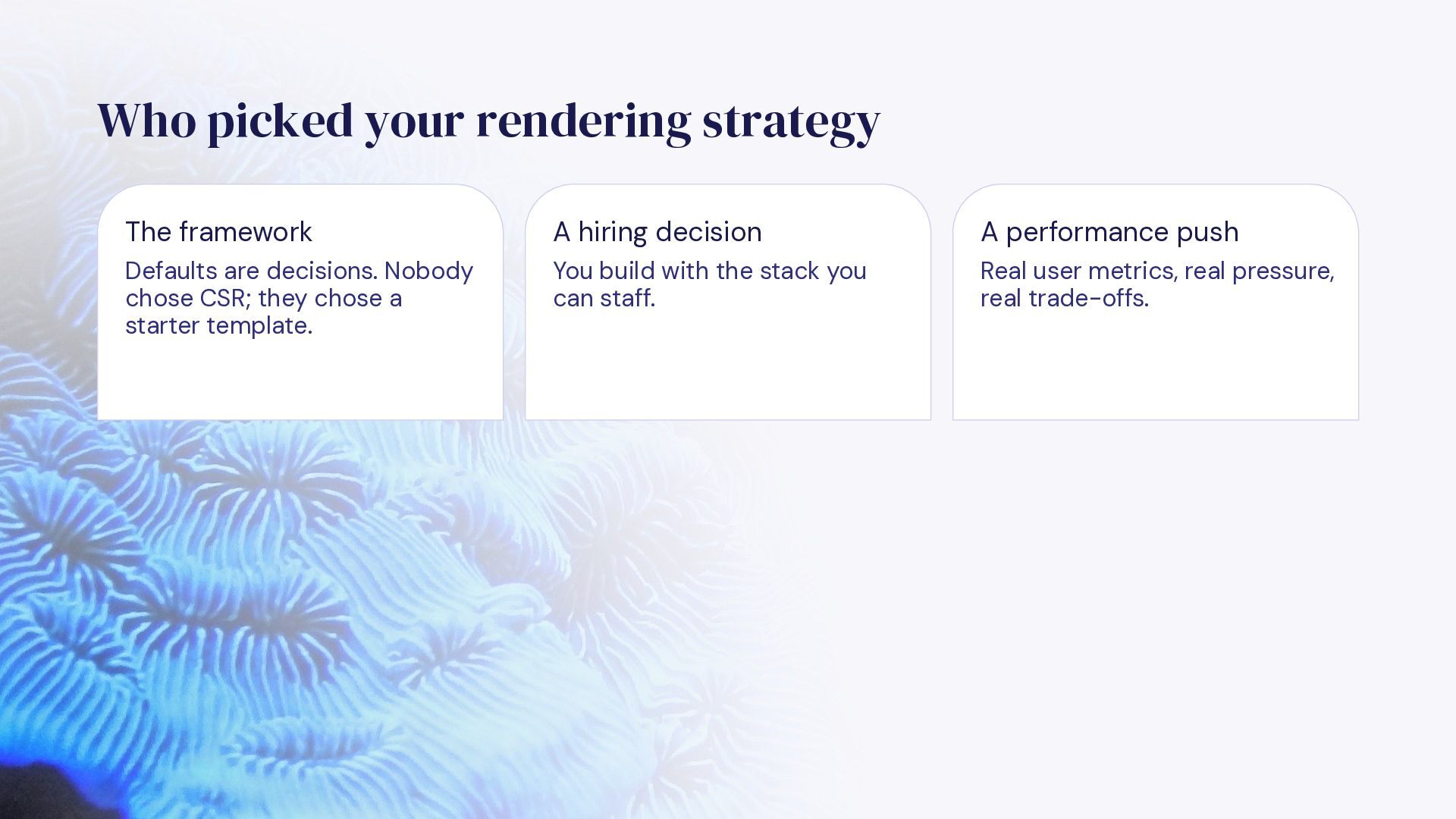
  3. Who picked your rendering strategy The framework A hiring decision

    A performance push Defaults are decisions. Nobody chose CSR; they chose a starter template. You build with the stack you can staff. Real user metrics, real pressure, real trade-offs.
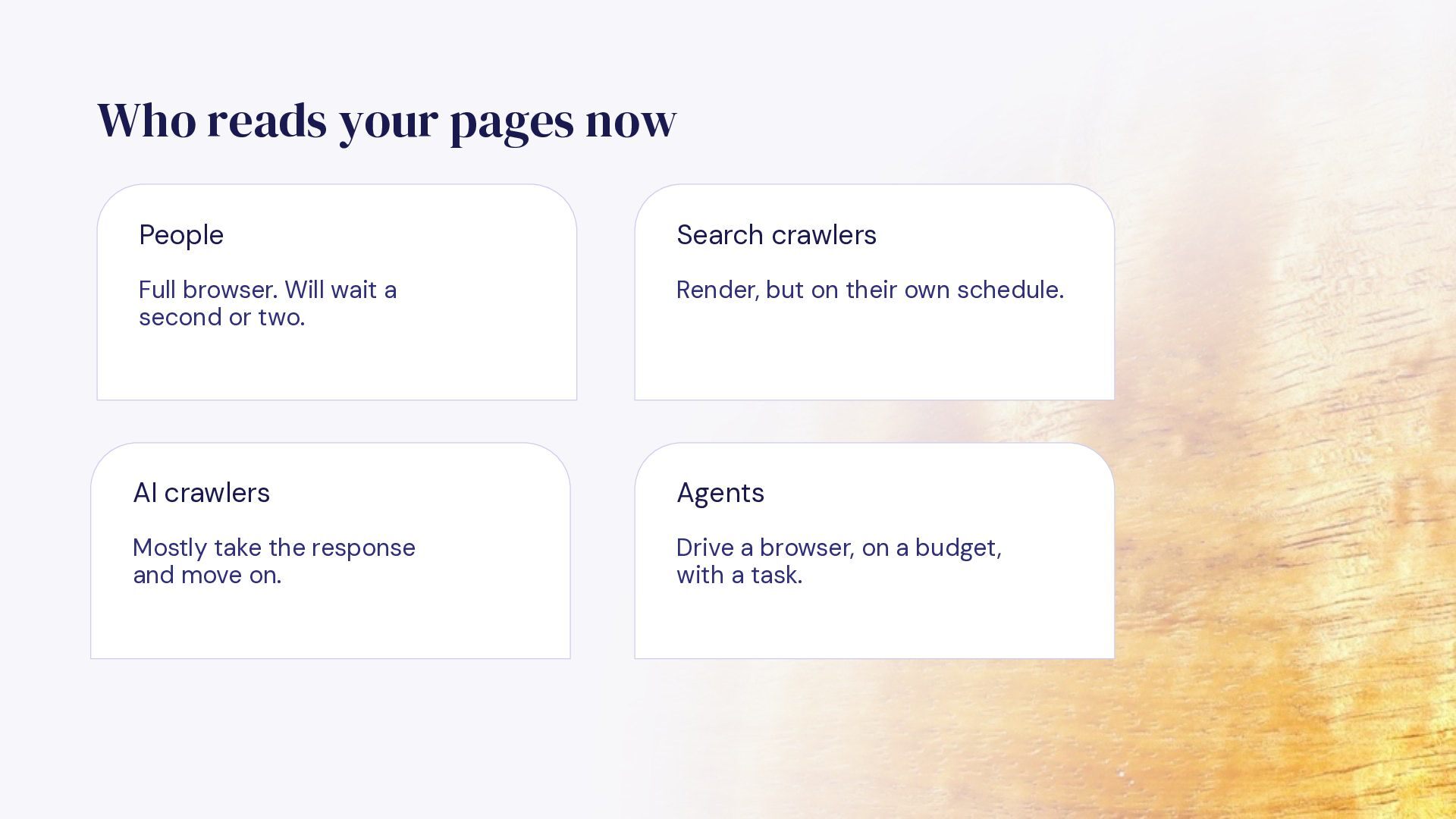
  4. Who reads your pages now People Search crawlers Full browser.

    Will wait a second or two. Render, but on their own schedule. AI crawlers Agents Mostly take the response and move on. Drive a browser, on a budget, with a task.
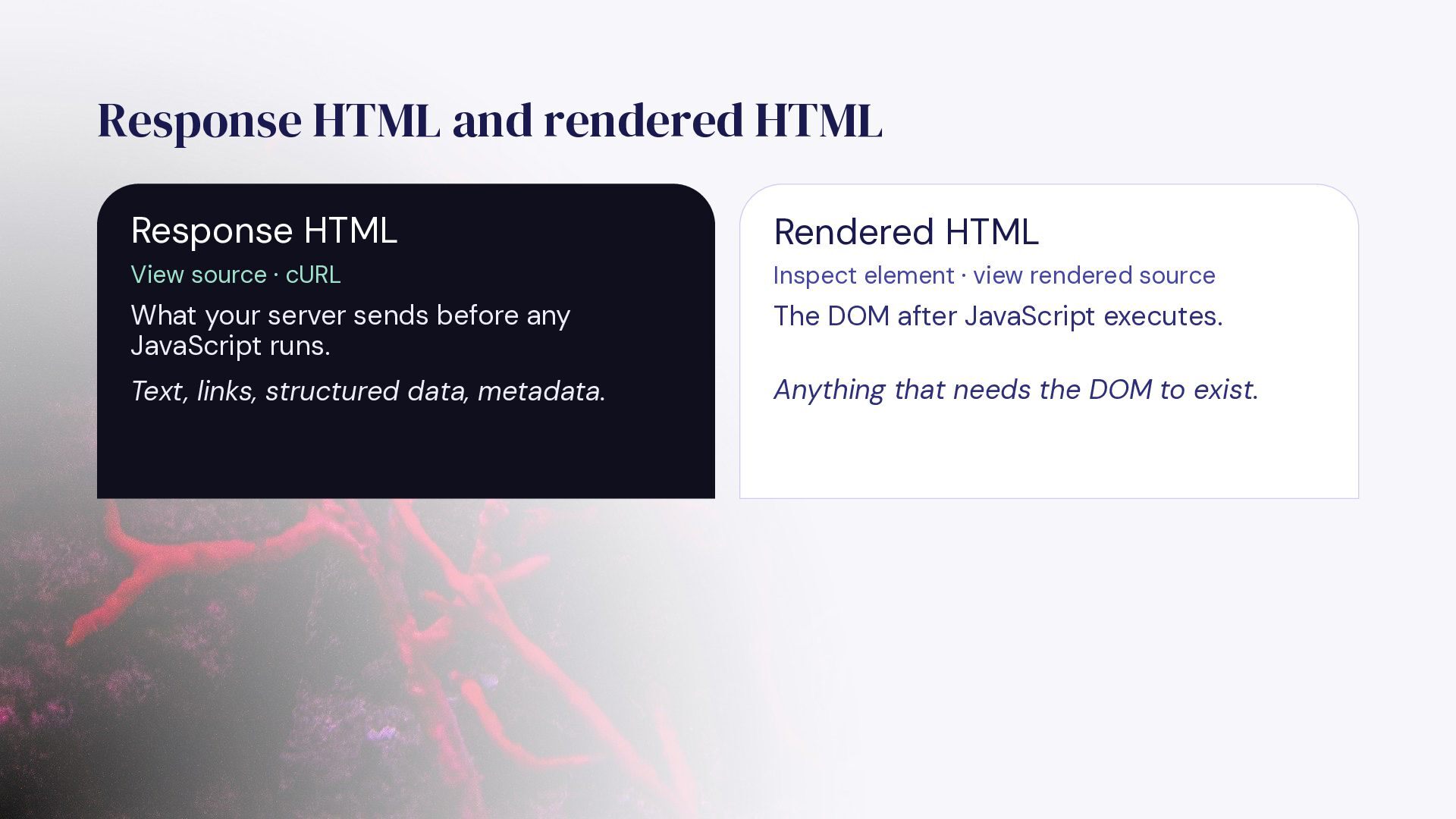
  5. Response HTML and rendered HTML Response HTML Rendered HTML View

    source · cURL Inspect element · view rendered source What your server sends before any JavaScript runs. The DOM after JavaScript executes. Text, links, structured data, metadata. Anything that needs the DOM to exist.
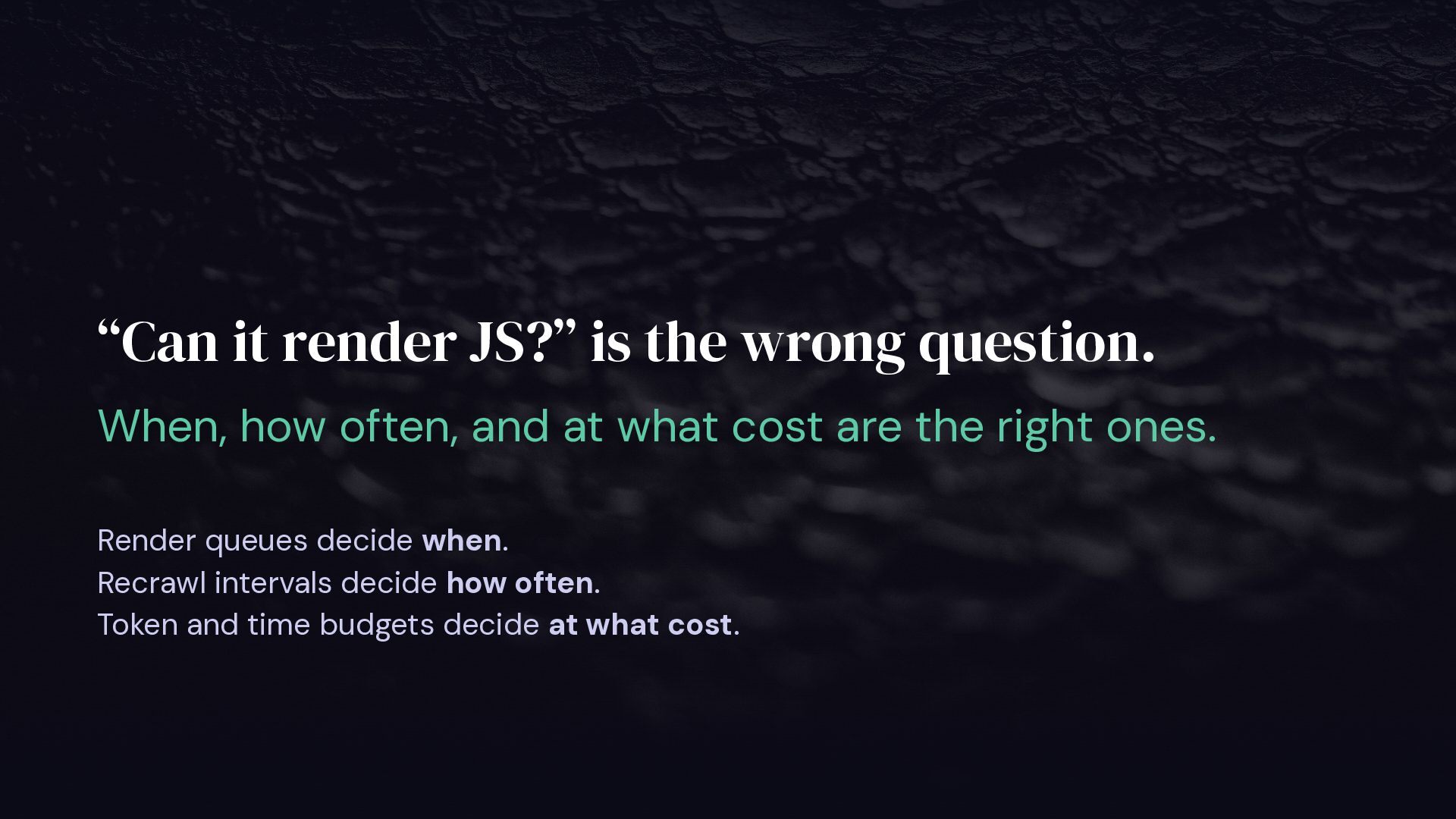
  6. “Can it render JS?” is the wrong question. When, how

    often, and at what cost are the right ones. Render queues decide when. Recrawl intervals decide how often. Token and time budgets decide at what cost.
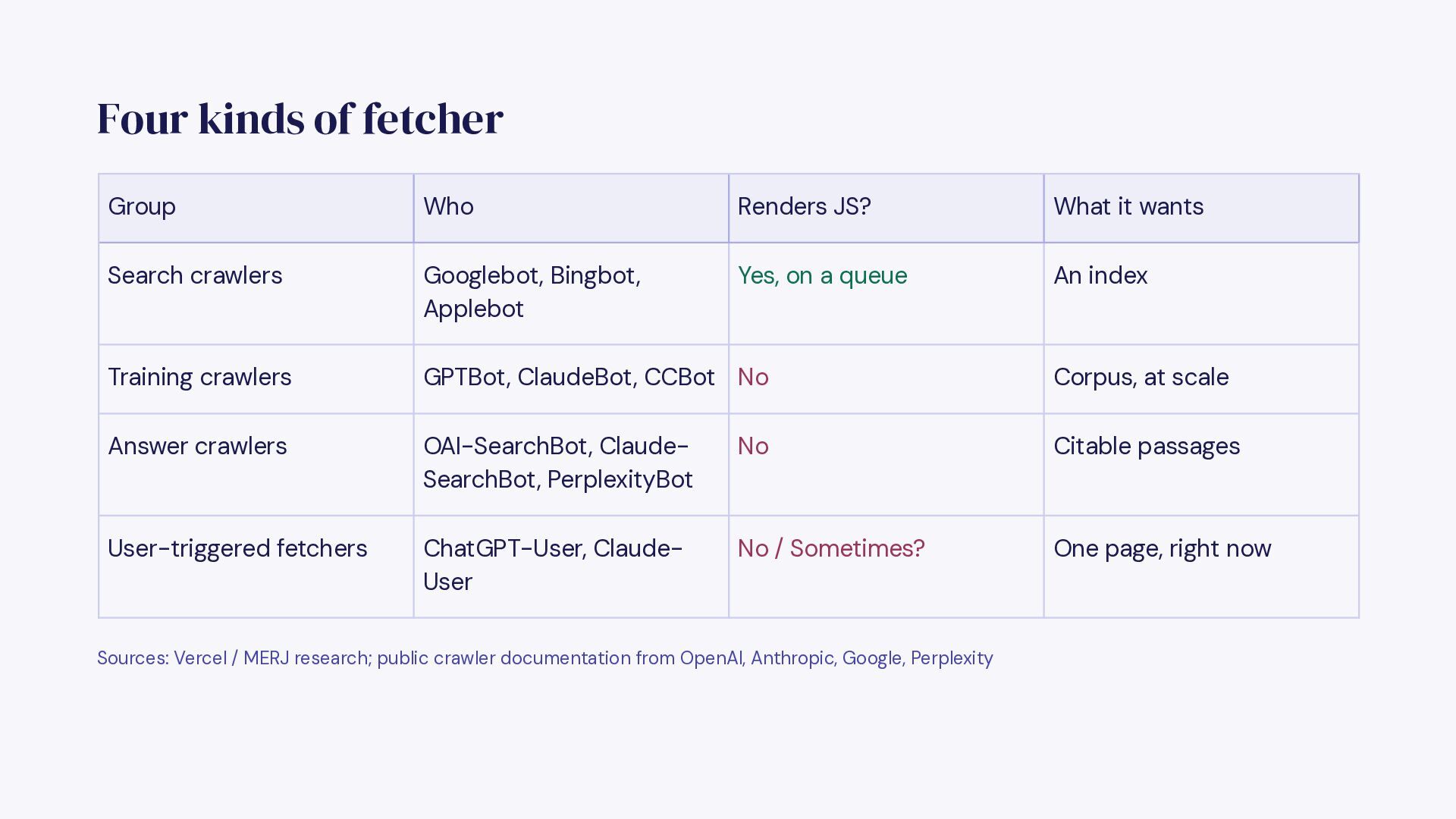
  7. Four kinds of fetcher Group Who Renders JS? What it

    wants Search crawlers Googlebot, Bingbot, Applebot Yes, on a queue An index Training crawlers GPTBot, ClaudeBot, CCBot No Corpus, at scale Answer crawlers OAI-SearchBot, ClaudeSearchBot, PerplexityBot No Citable passages User-triggered fetchers ChatGPT-User, ClaudeUser No / Sometimes? One page, right now Sources: Vercel / MERJ research; public crawler documentation from OpenAI, Anthropic, Google, Perplexity
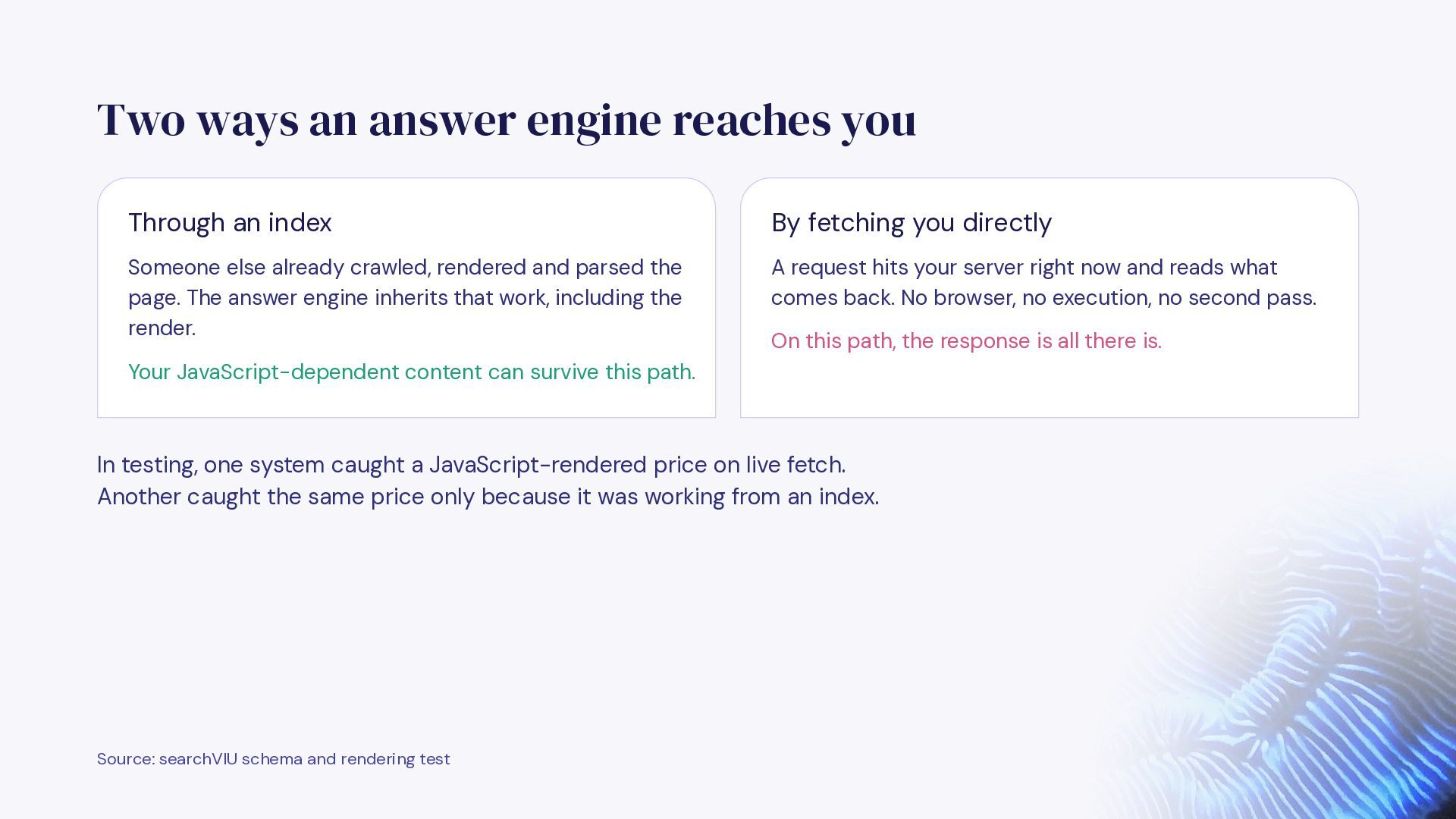
  8. Two ways an answer engine reaches you Through an index

    By fetching you directly Someone else already crawled, rendered and parsed the page. The answer engine inherits that work, including the render. A request hits your server right now and reads what comes back. No browser, no execution, no second pass. On this path, the response is all there is. Your JavaScript-dependent content can survive this path. In testing, one system caught a JavaScript-rendered price on live fetch. Another caught the same price only because it was working from an index. Source: searchVIU schema and rendering test
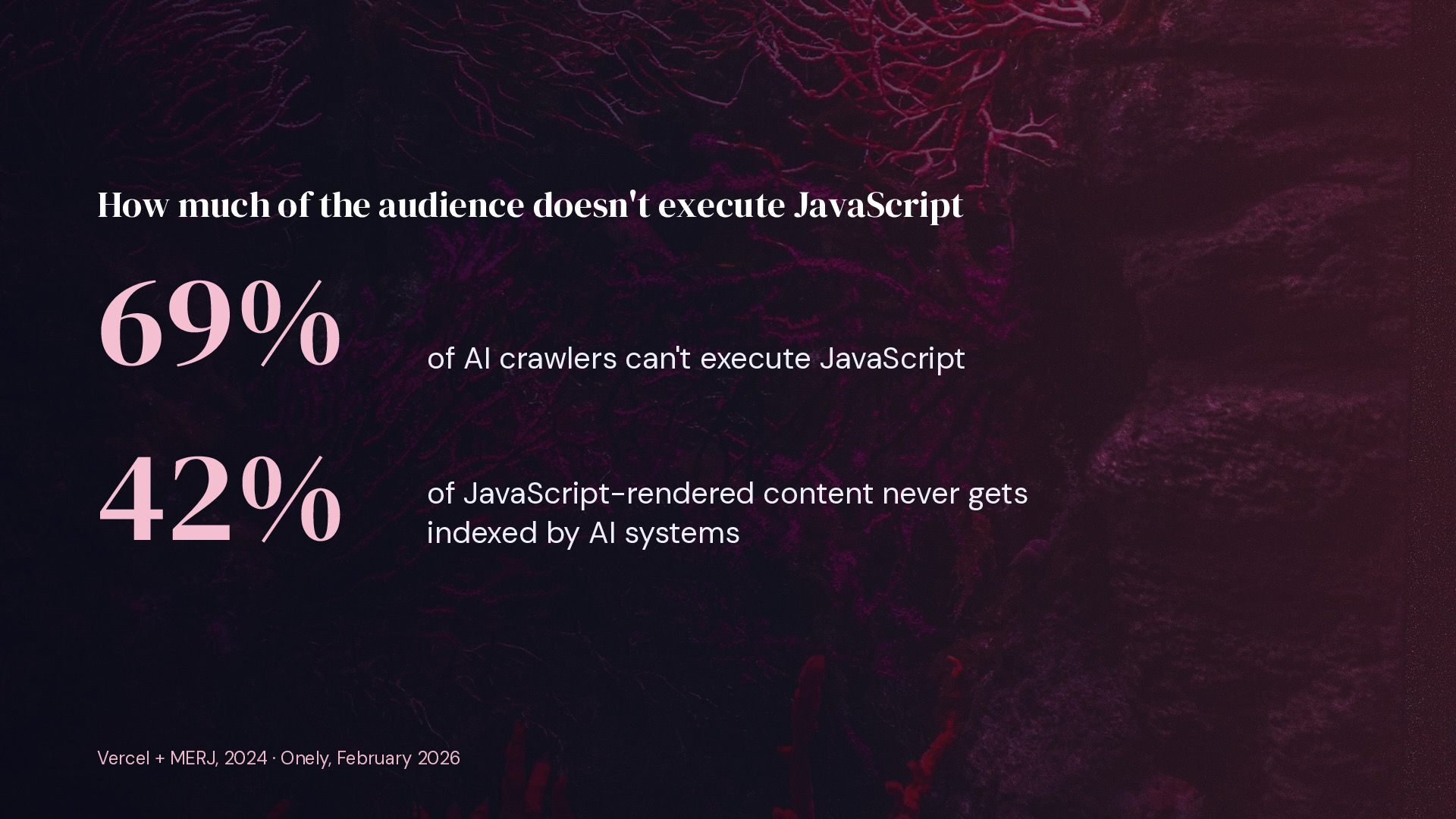
  9. How much of the audience doesn't execute JavaScript 69% 42%

    of AI crawlers can't execute JavaScript of JavaScript-rendered content never gets indexed by AI systems Vercel + MERJ, 2024 · Onely, February 2026
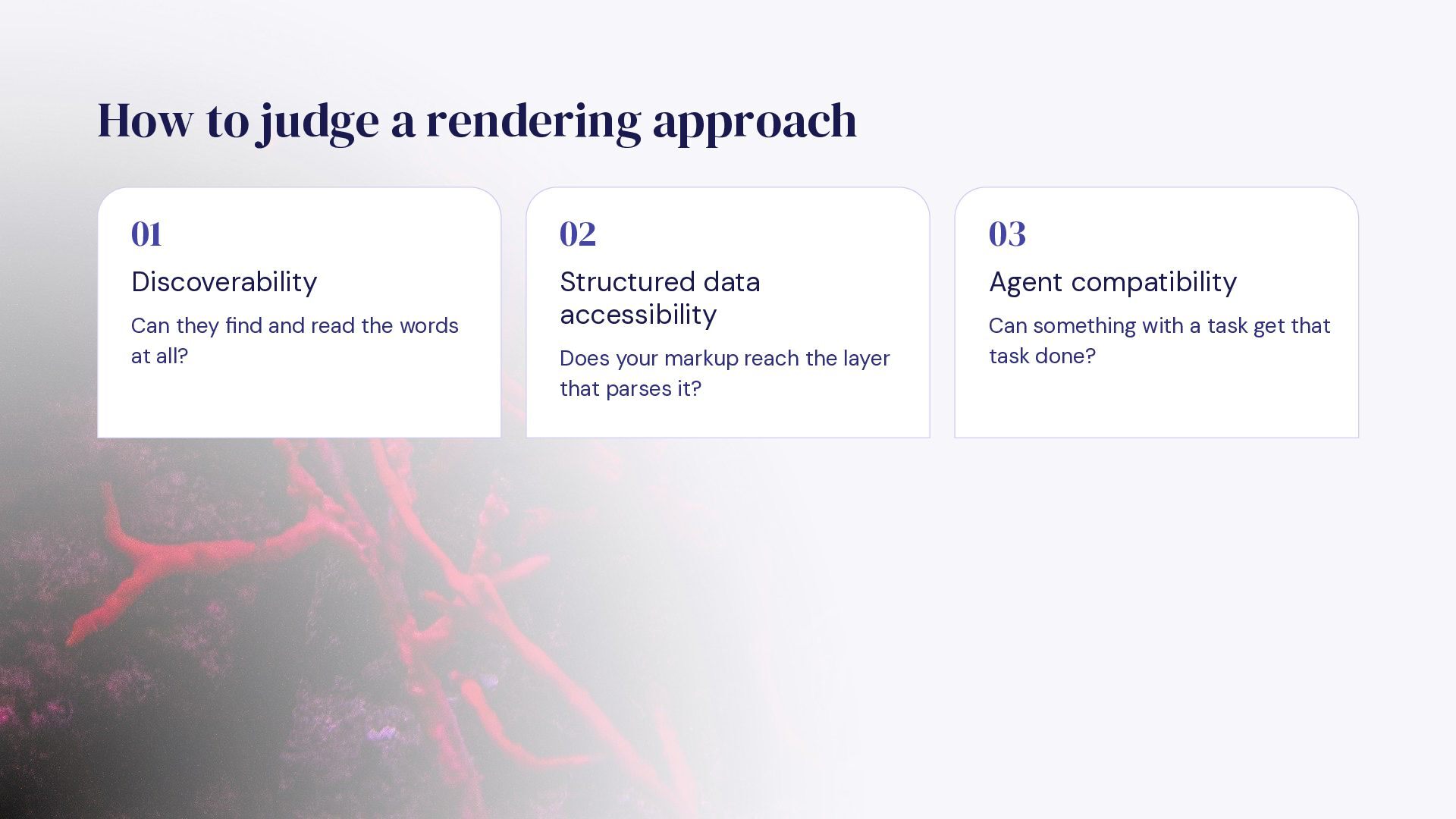
  10. How to judge a rendering approach 01 02 03 Discoverability

    Structured data accessibility Agent compatibility Can they find and read the words at all? Does your markup reach the layer that parses it? Can something with a task get that task done?
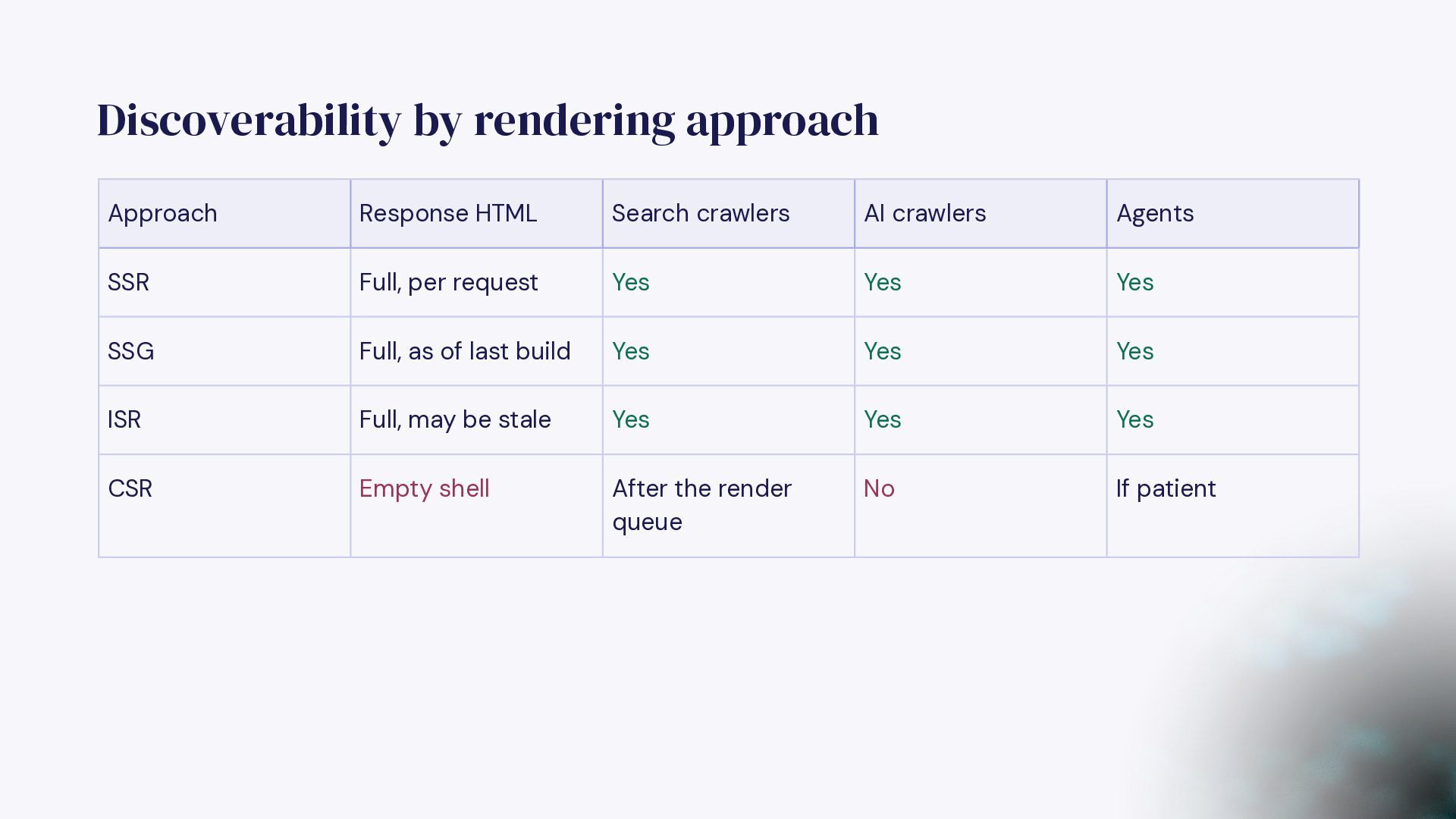
  11. Discoverability by rendering approach Approach Response HTML Search crawlers AI

    crawlers Agents SSR Full, per request Yes Yes Yes SSG Full, as of last build Yes Yes Yes ISR Full, may be stale Yes Yes Yes CSR Empty shell After the render queue No If patient
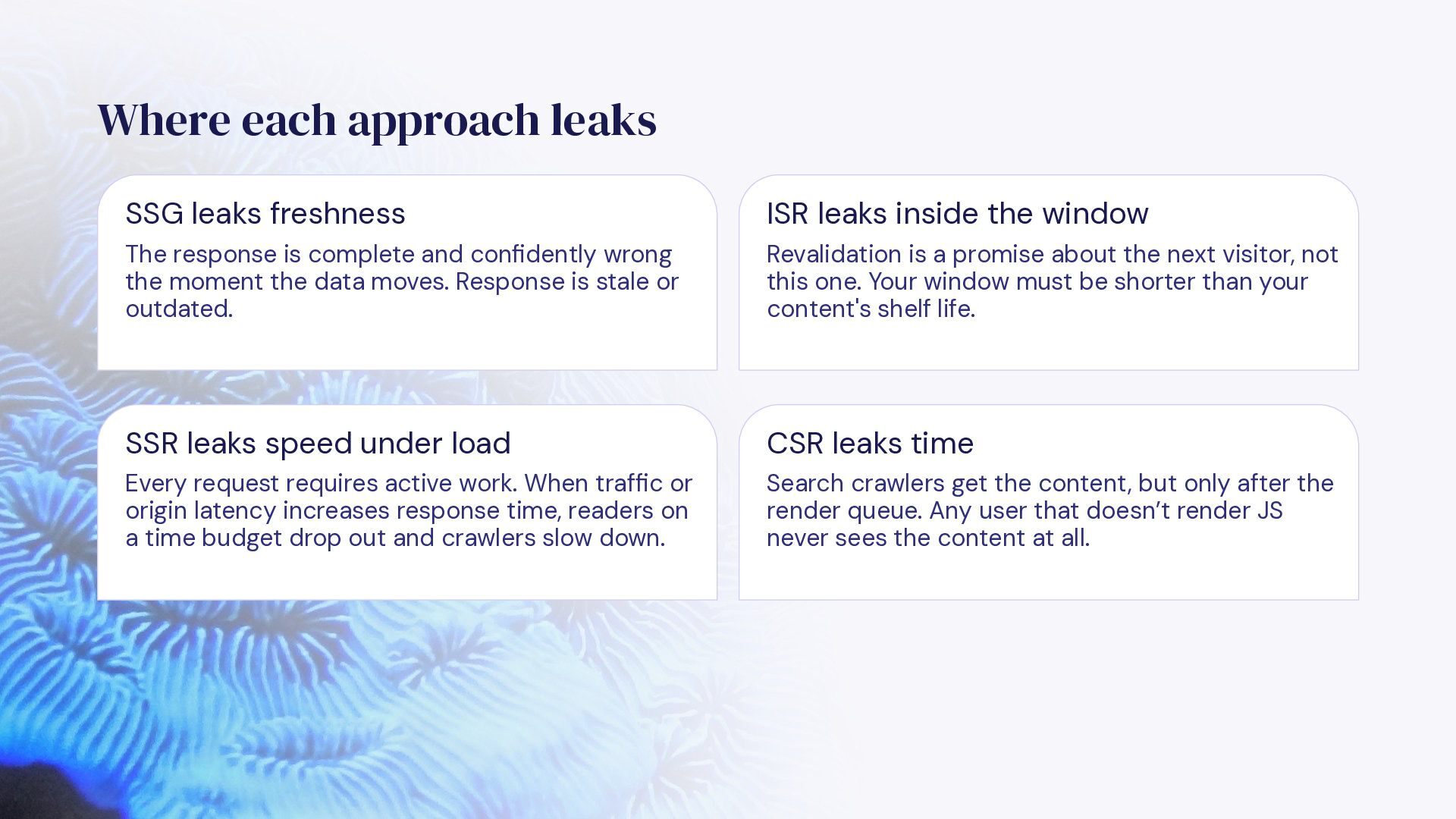
  12. Where each approach leaks SSG leaks freshness ISR leaks inside

    the window The response is complete and confidently wrong the moment the data moves. Response is stale or outdated. Revalidation is a promise about the next visitor, not this one. Your window must be shorter than your content's shelf life. SSR leaks speed under load CSR leaks time Every request requires active work. When traffic or origin latency increases response time, readers on a time budget drop out and crawlers slow down. Search crawlers get the content, but only after the render queue. Any user that doesn’t render JS never sees the content at all.
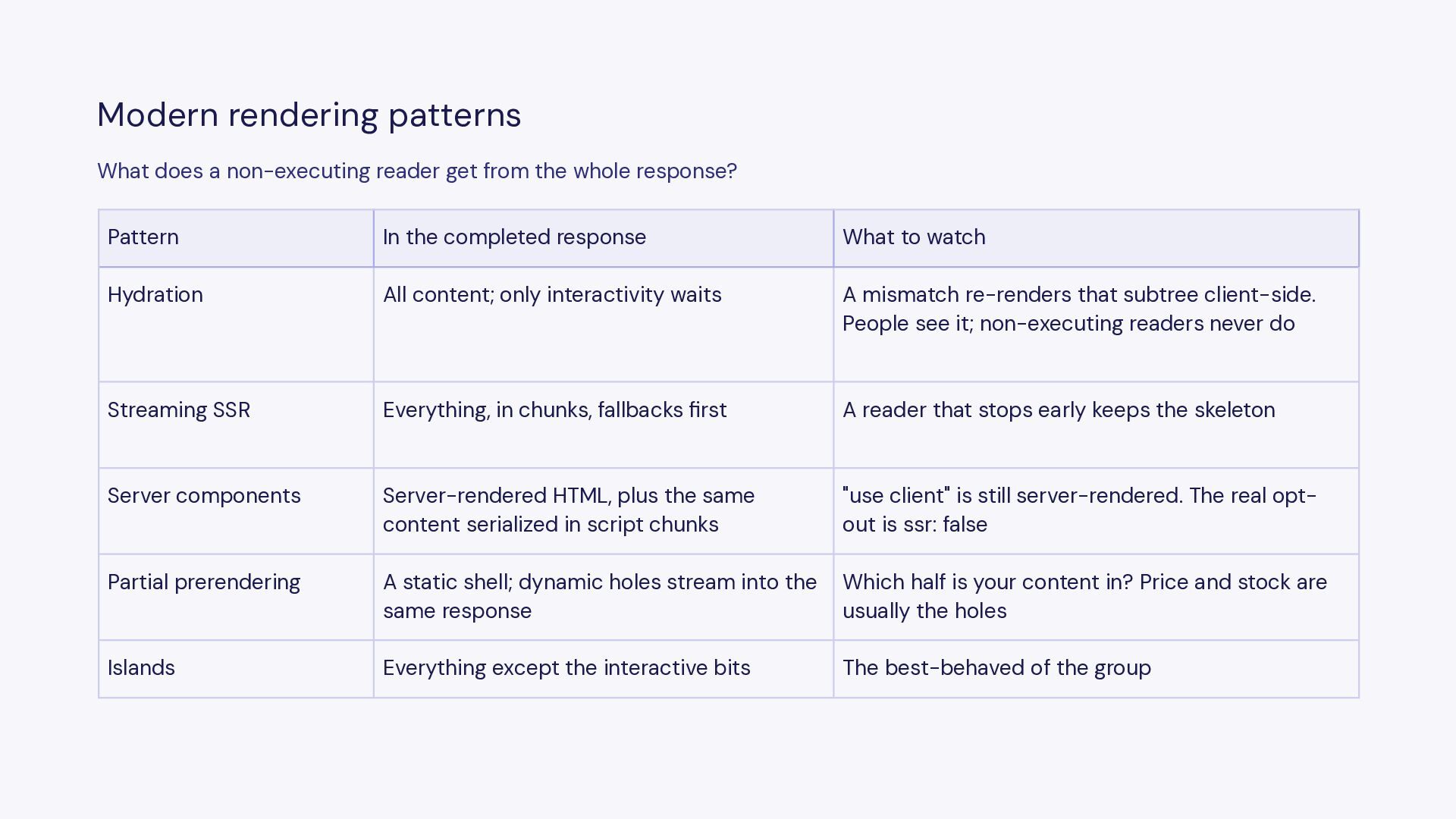
  13. Modern rendering patterns What does a non-executing reader get from

    the whole response? Pattern In the completed response What to watch Hydration All content; only interactivity waits A mismatch re-renders that subtree client-side. People see it; non-executing readers never do Streaming SSR Everything, in chunks, fallbacks first A reader that stops early keeps the skeleton Server components Server-rendered HTML, plus the same content serialized in script chunks "use client" is still server-rendered. The real optout is ssr: false Partial prerendering A static shell; dynamic holes stream into the same response Which half is your content in? Price and stock are usually the holes Islands Everything except the interactive bits The best-behaved of the group
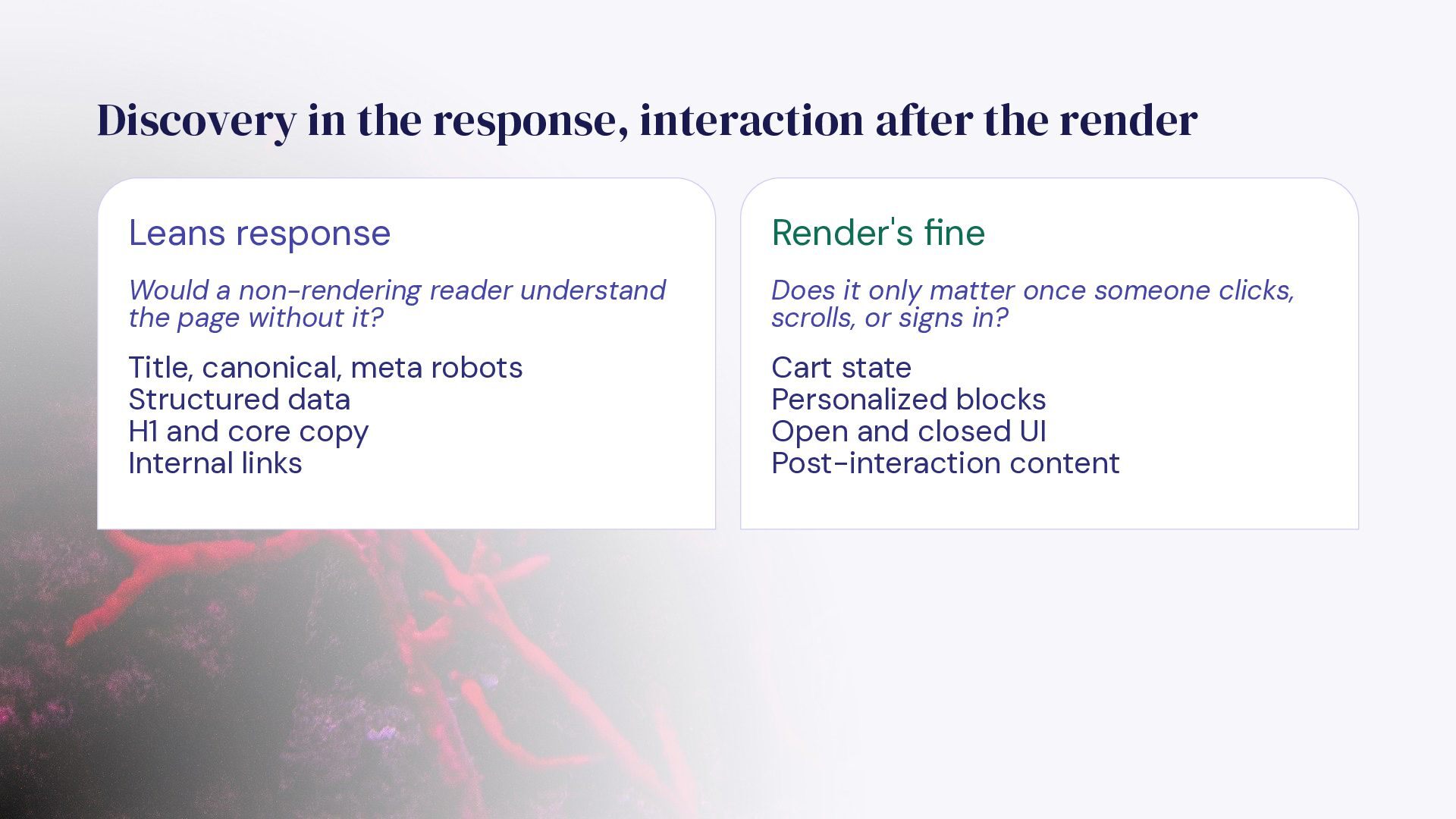
  14. Discovery in the response, interaction after the render Leans response

    Render's fine Would a non-rendering reader understand the page without it? Does it only matter once someone clicks, scrolls, or signs in? Title, canonical, meta robots Structured data H1 and core copy Internal links Cart state Personalized blocks Open and closed UI Post-interaction content
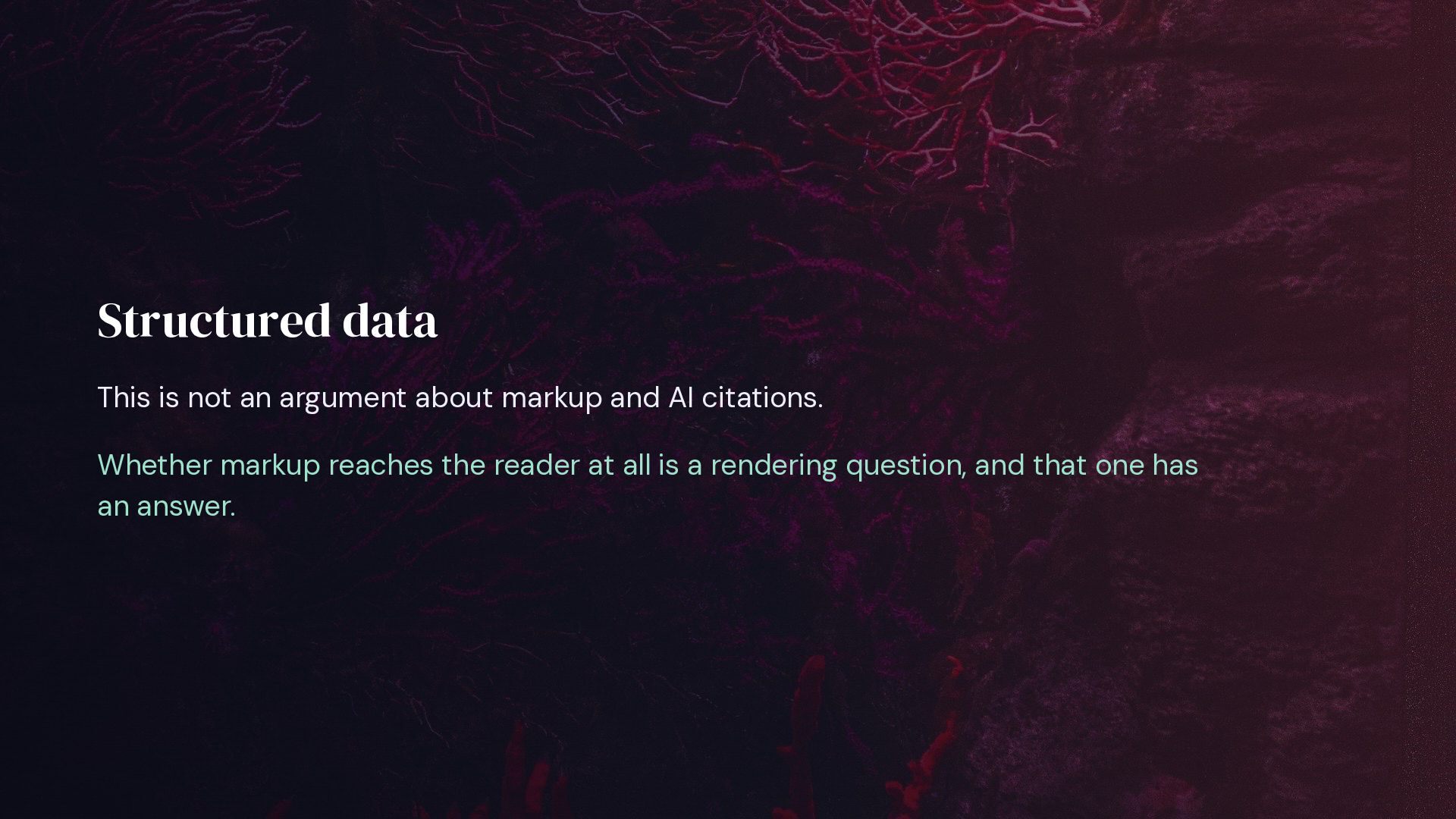
  15. Structured data This is not an argument about markup and

    AI citations. Whether markup reaches the reader at all is a rendering question, and that one has an answer.
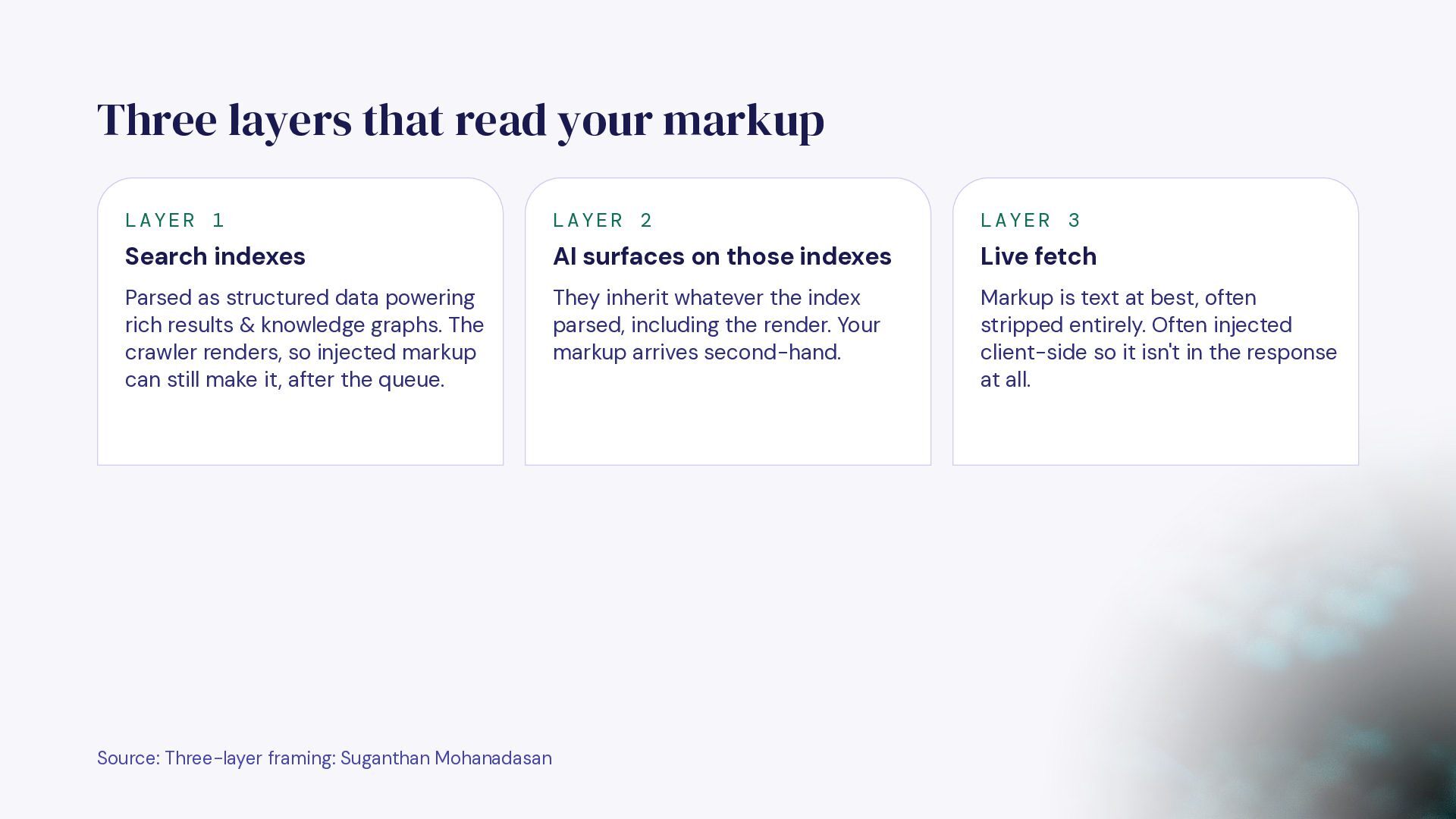
  16. Three layers that read your markup LAYER 1 LAYER 2

    LAYER 3 Search indexes AI surfaces on those indexes Live fetch Parsed as structured data powering rich results & knowledge graphs. The crawler renders, so injected markup can still make it, after the queue. They inherit whatever the index parsed, including the render. Your markup arrives second-hand. Markup is text at best, often stripped entirely. Often injected client-side so it isn't in the response at all. Source: Three-layer framing: Suganthan Mohanadasan
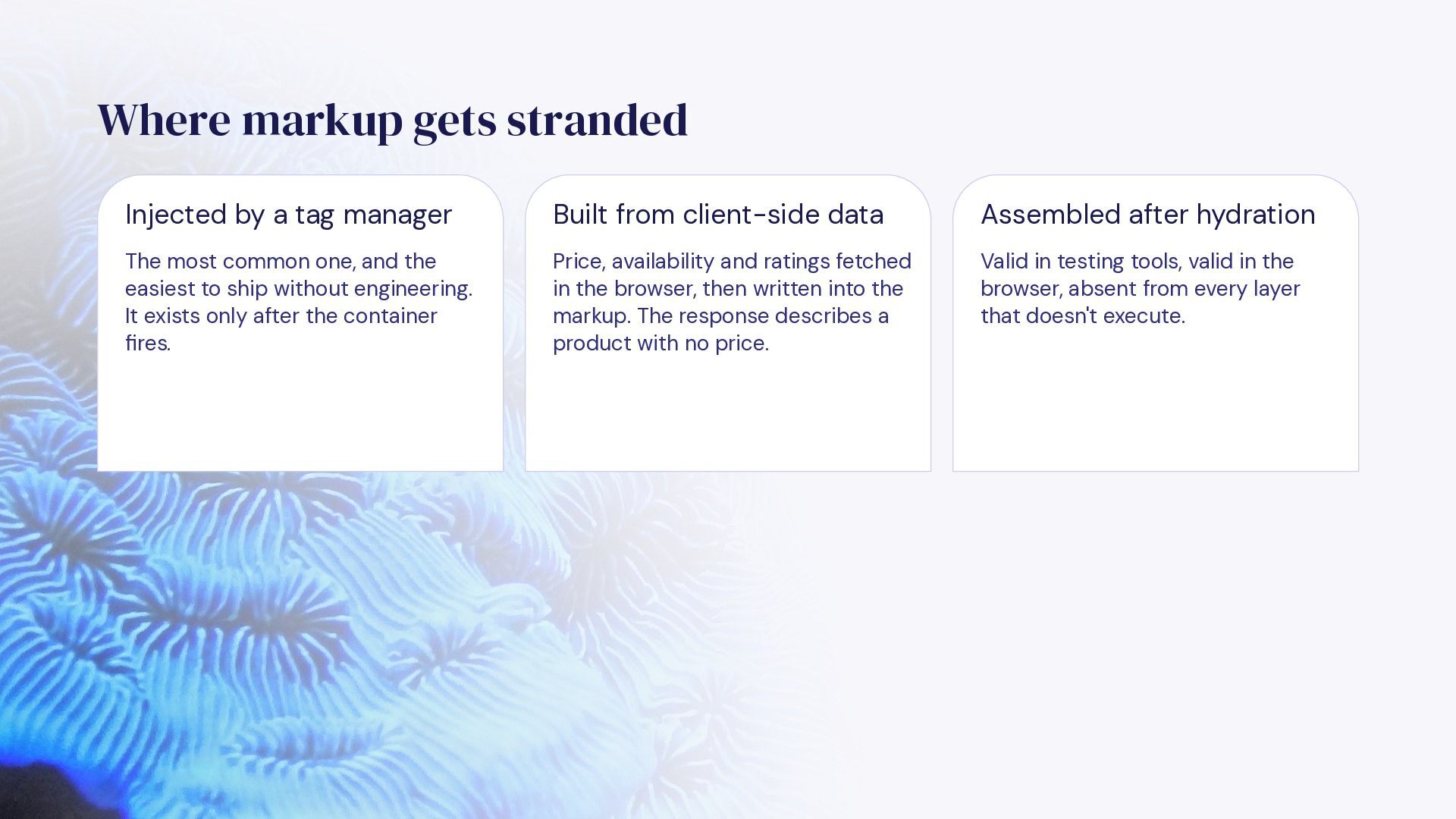
  17. Where markup gets stranded Injected by a tag manager Built

    from client-side data Assembled after hydration The most common one, and the easiest to ship without engineering. It exists only after the container fires. Price, availability and ratings fetched in the browser, then written into the markup. The response describes a product with no price. Valid in testing tools, valid in the browser, absent from every layer that doesn't execute.
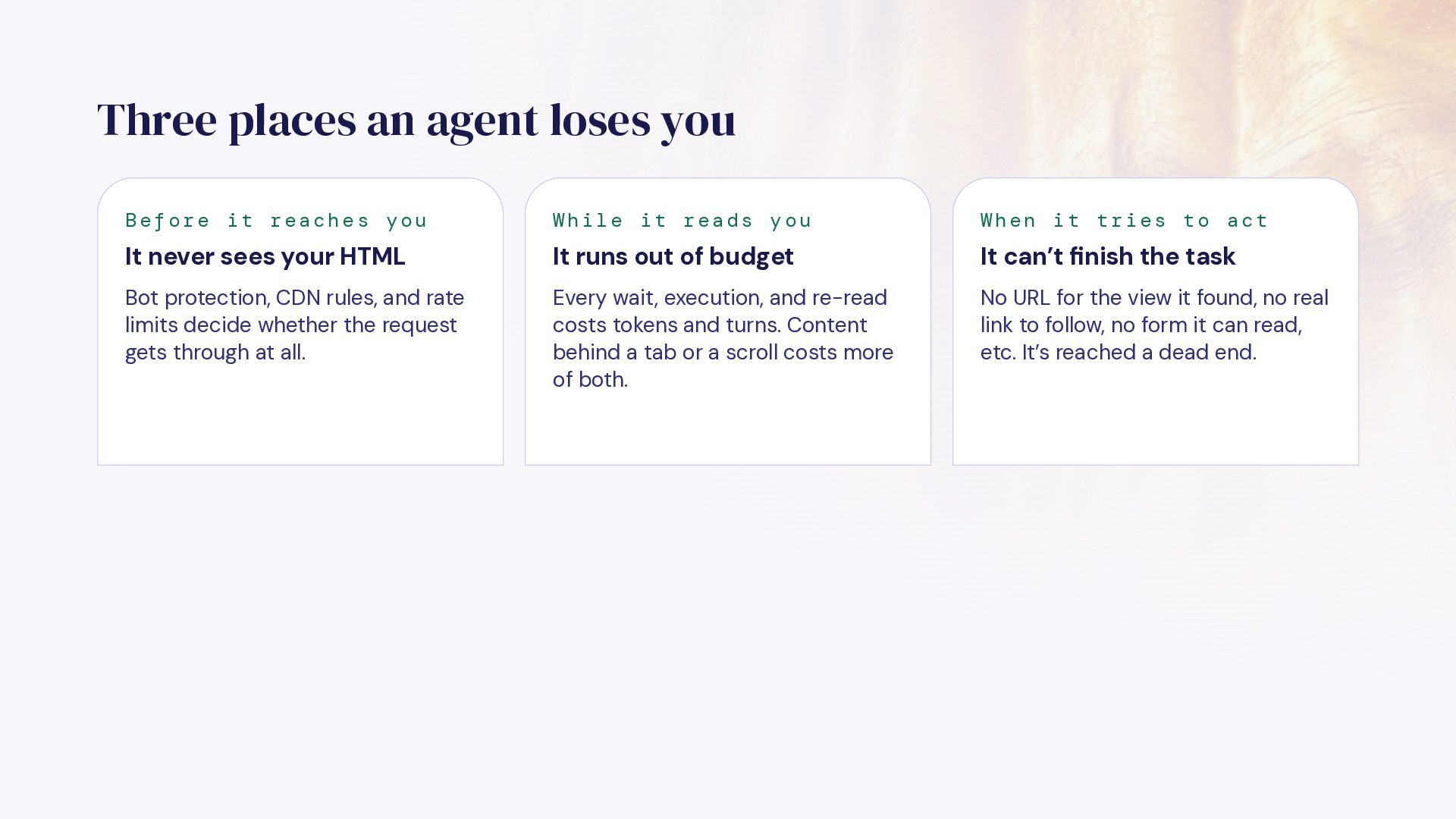
  18. Three places an agent loses you Before it reaches you

    While it reads you When it tries to act It never sees your HTML It runs out of budget It can’t finish the task Bot protection, CDN rules, and rate limits decide whether the request gets through at all. Every wait, execution, and re-read costs tokens and turns. Content behind a tab or a scroll costs more of both. No URL for the view it found, no real link to follow, no form it can read, etc. It’s reached a dead end.
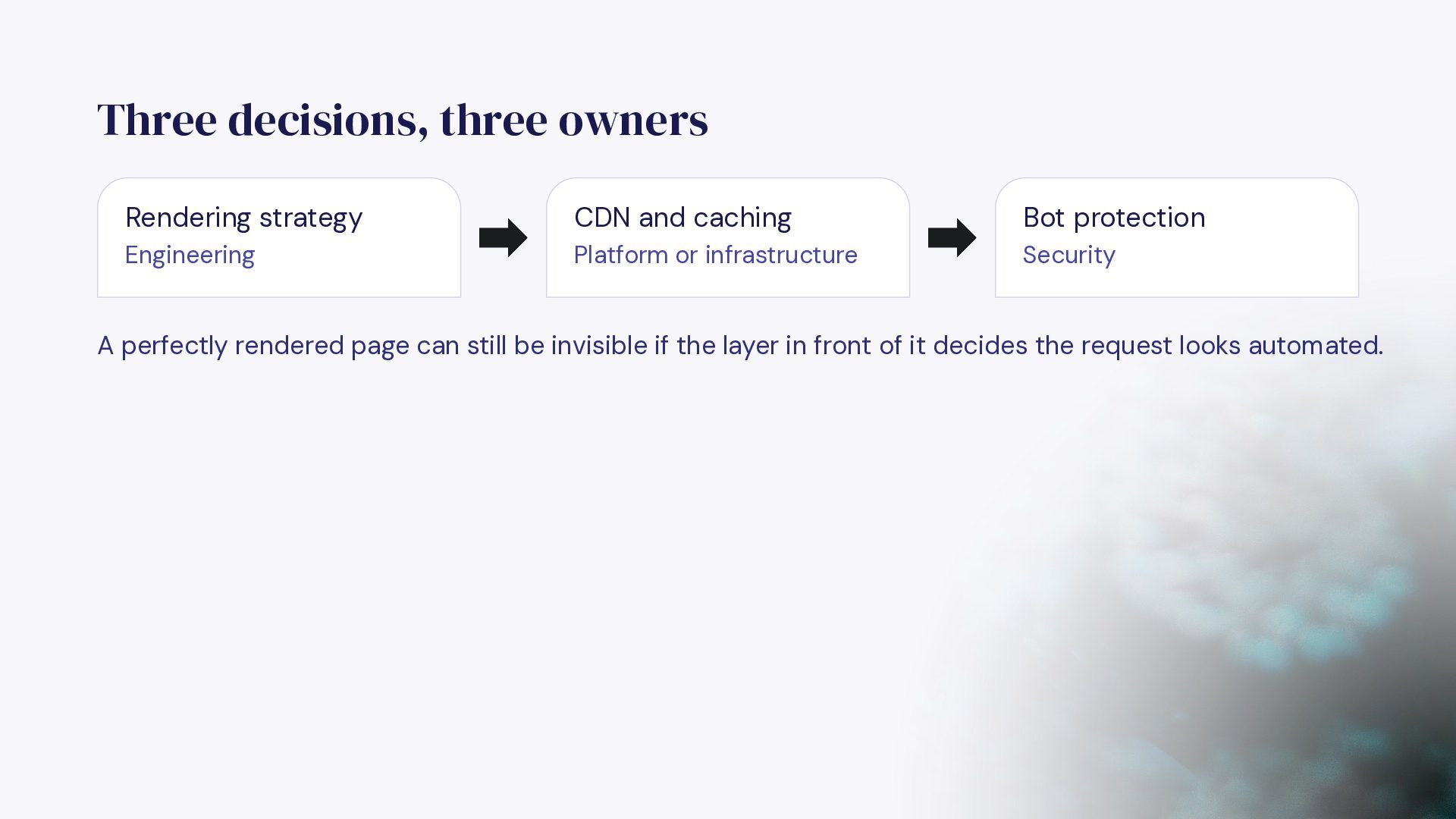
  19. Three decisions, three owners Rendering strategy CDN and caching Bot

    protection Engineering Platform or infrastructure Security A perfectly rendered page can still be invisible if the layer in front of it decides the request looks automated.
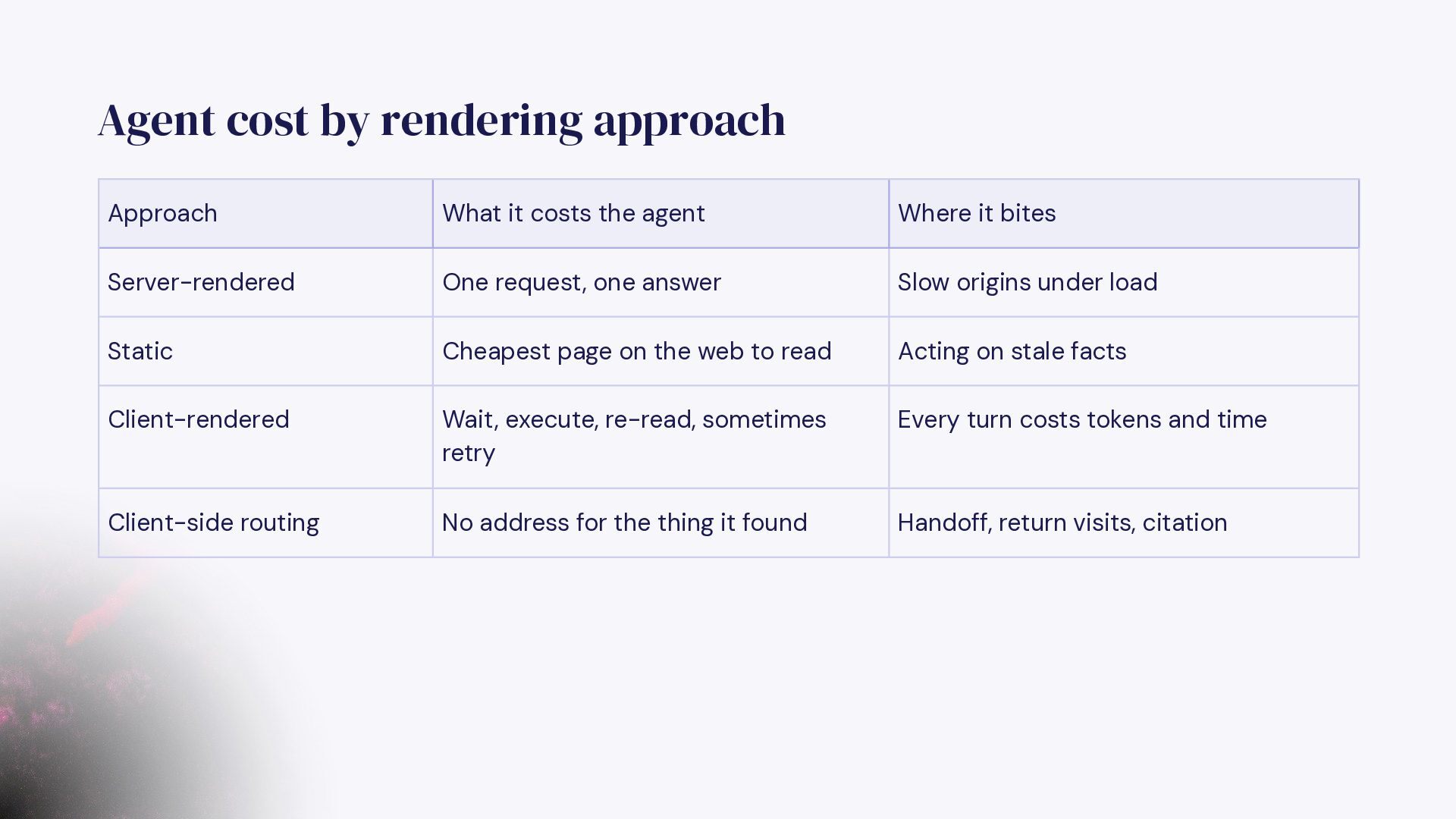
  20. Agent cost by rendering approach Approach What it costs the

    agent Where it bites Server-rendered One request, one answer Slow origins under load Static Cheapest page on the web to read Acting on stale facts Client-rendered Wait, execute, re-read, sometimes retry Every turn costs tokens and time Client-side routing No address for the thing it found Handoff, return visits, citation
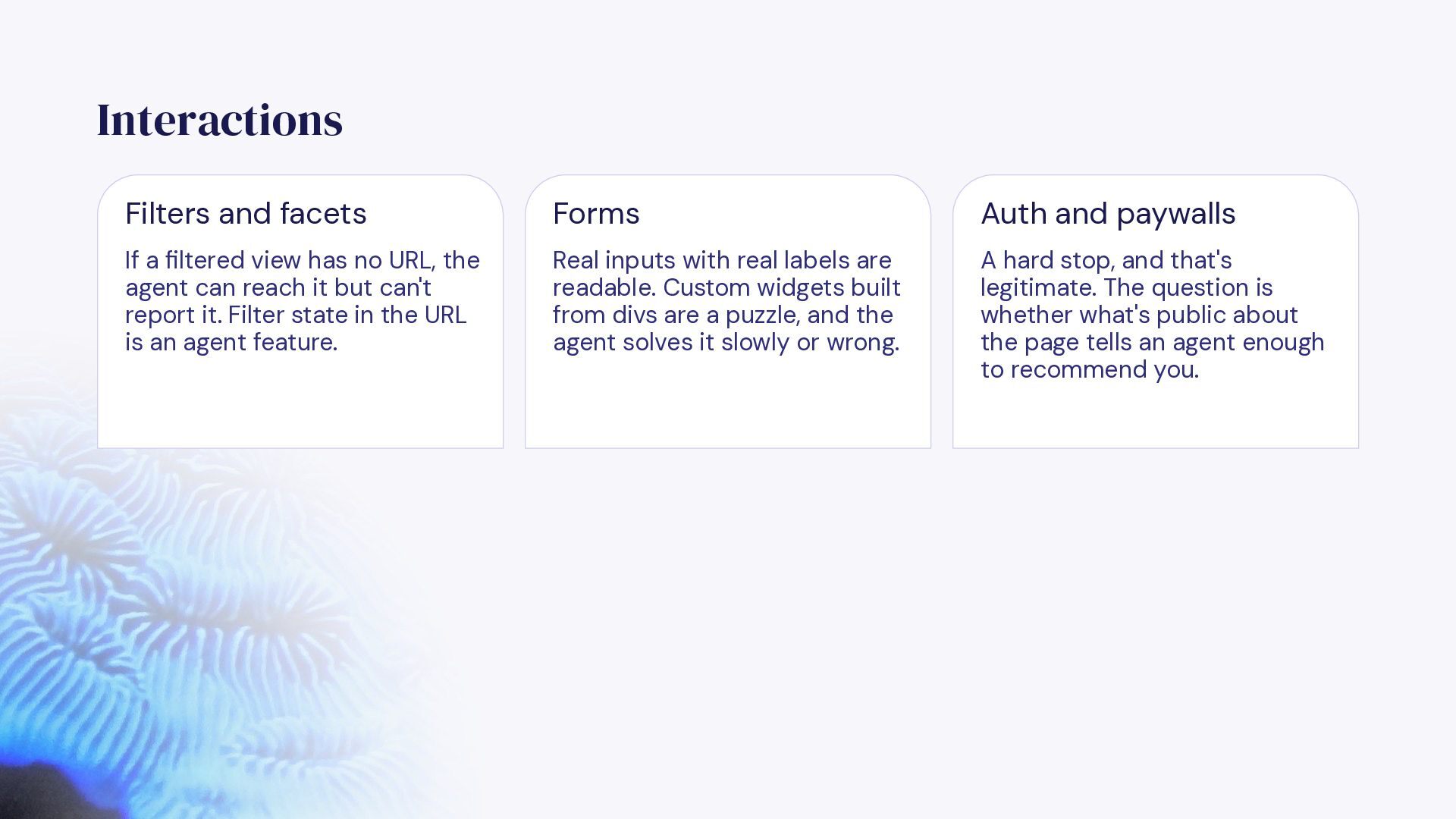
  21. Interactions Filters and facets Forms Auth and paywalls If a

    filtered view has no URL, the agent can reach it but can't report it. Filter state in the URL is an agent feature. Real inputs with real labels are readable. Custom widgets built from divs are a puzzle, and the agent solves it slowly or wrong. A hard stop, and that's legitimate. The question is whether what's public about the page tells an agent enough to recommend you.
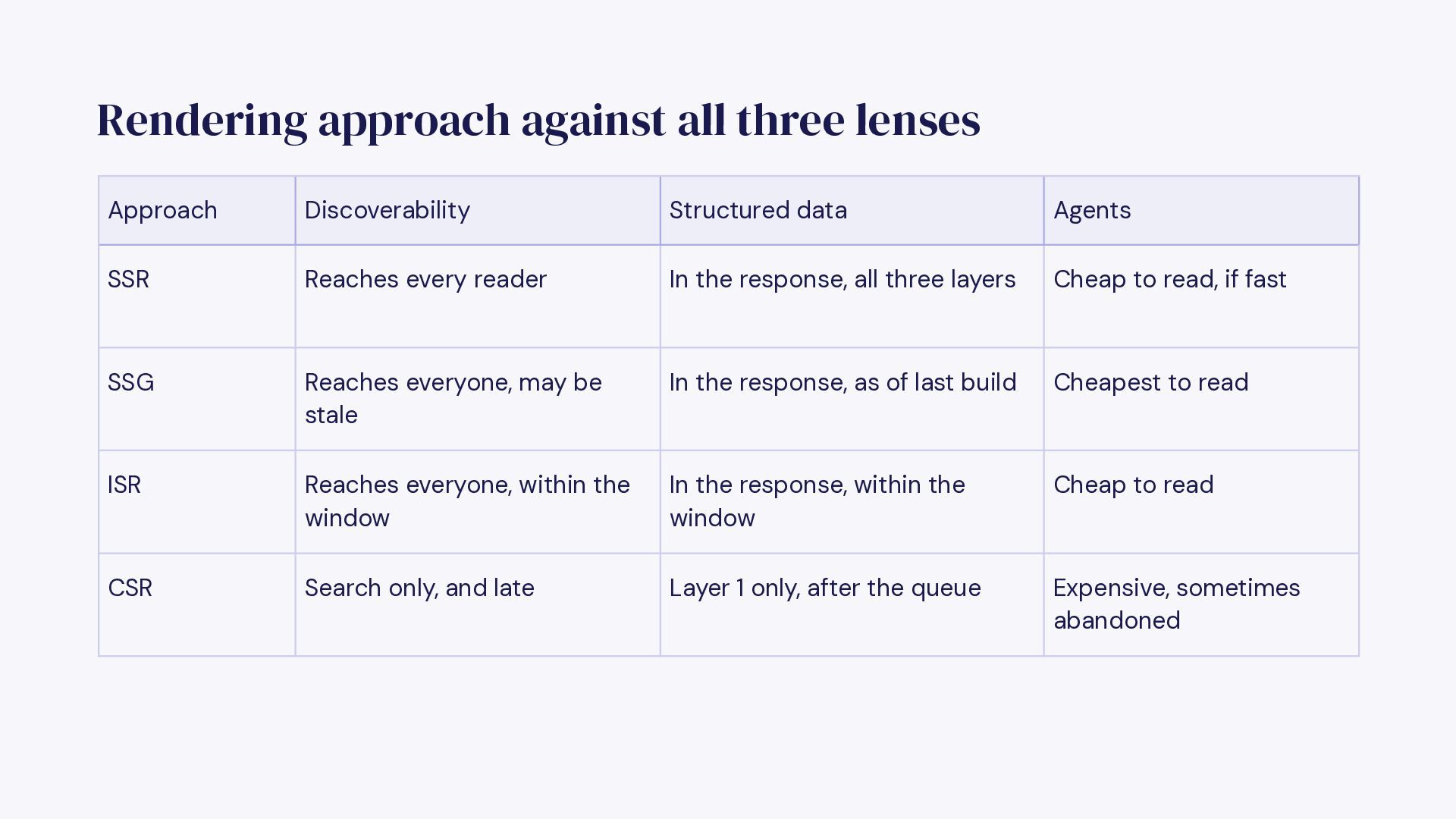
  22. Rendering approach against all three lenses Approach Discoverability Structured data

    Agents SSR Reaches every reader In the response, all three layers Cheap to read, if fast SSG Reaches everyone, may be stale In the response, as of last build Cheapest to read ISR Reaches everyone, within the window In the response, within the window Cheap to read CSR Search only, and late Layer 1 only, after the queue Expensive, sometimes abandoned
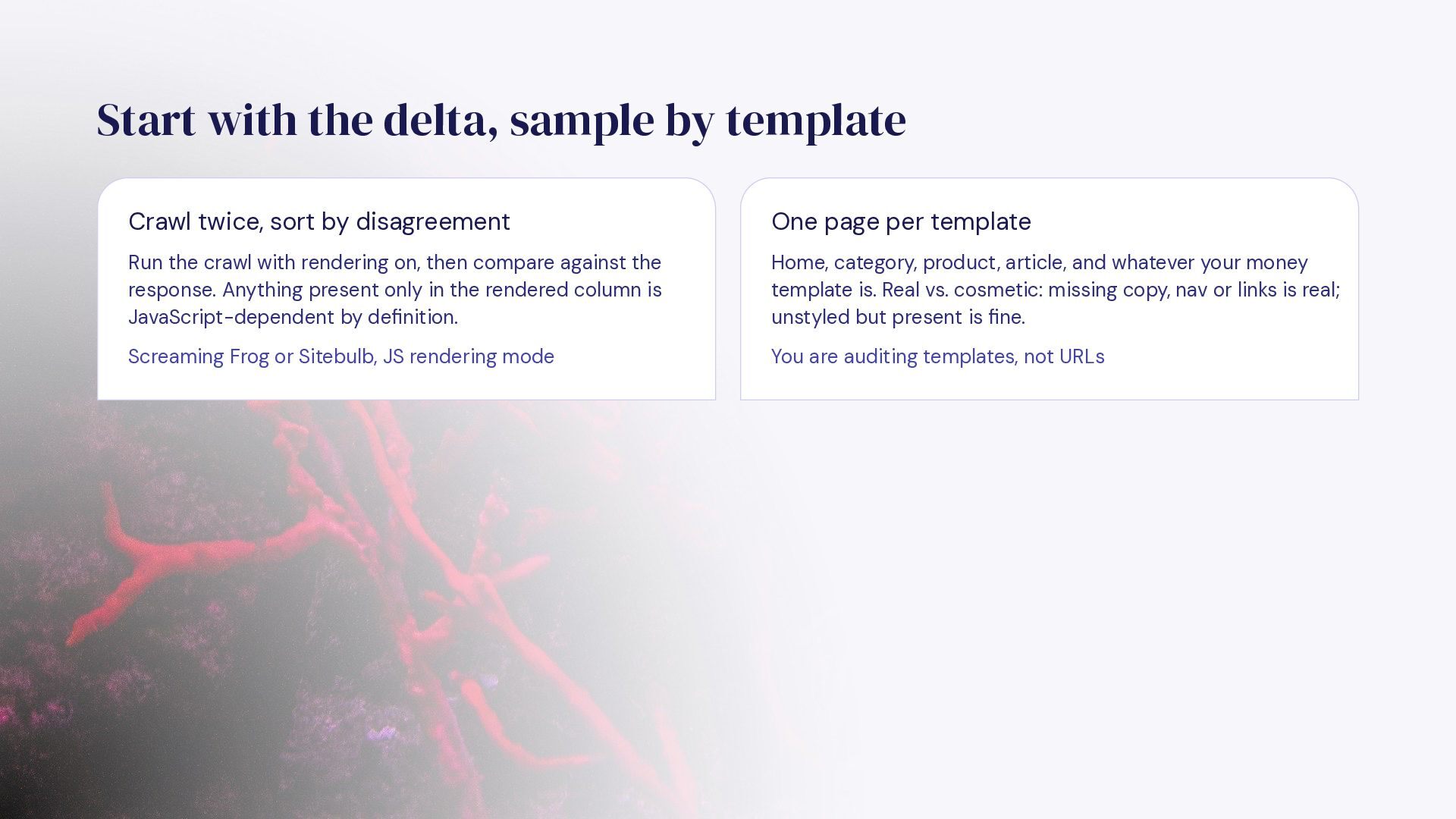
  23. Start with the delta, sample by template Crawl twice, sort

    by disagreement One page per template Run the crawl with rendering on, then compare against the response. Anything present only in the rendered column is JavaScript-dependent by definition. Home, category, product, article, and whatever your money template is. Real vs. cosmetic: missing copy, nav or links is real; unstyled but present is fine. Screaming Frog or Sitebulb, JS rendering mode You are auditing templates, not URLs
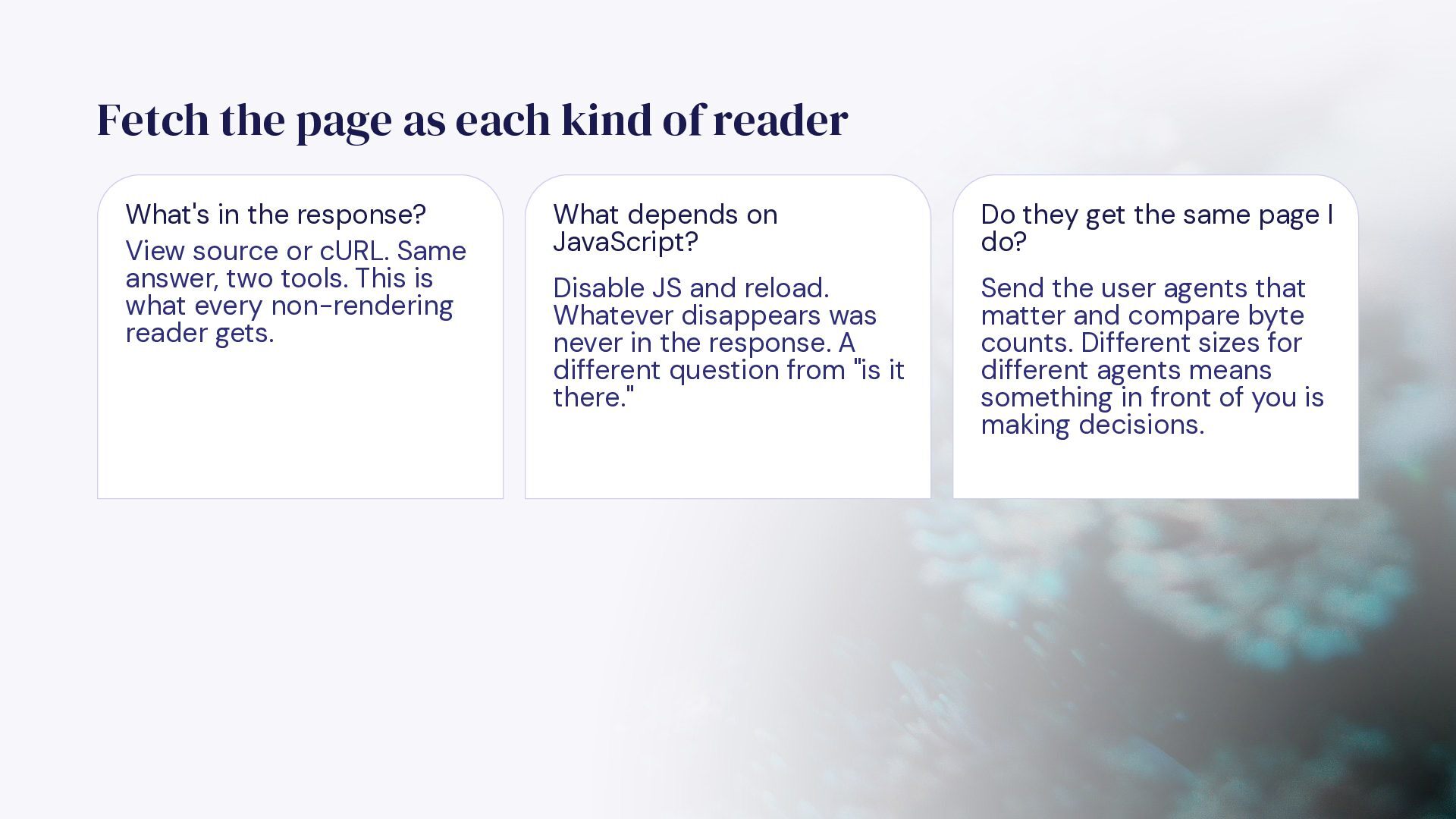
  24. Fetch the page as each kind of reader What's in

    the response? View source or cURL. Same answer, two tools. This is what every non-rendering reader gets. What depends on JavaScript? Do they get the same page I do? Disable JS and reload. Whatever disappears was never in the response. A different question from "is it there." Send the user agents that matter and compare byte counts. Different sizes for different agents means something in front of you is making decisions.
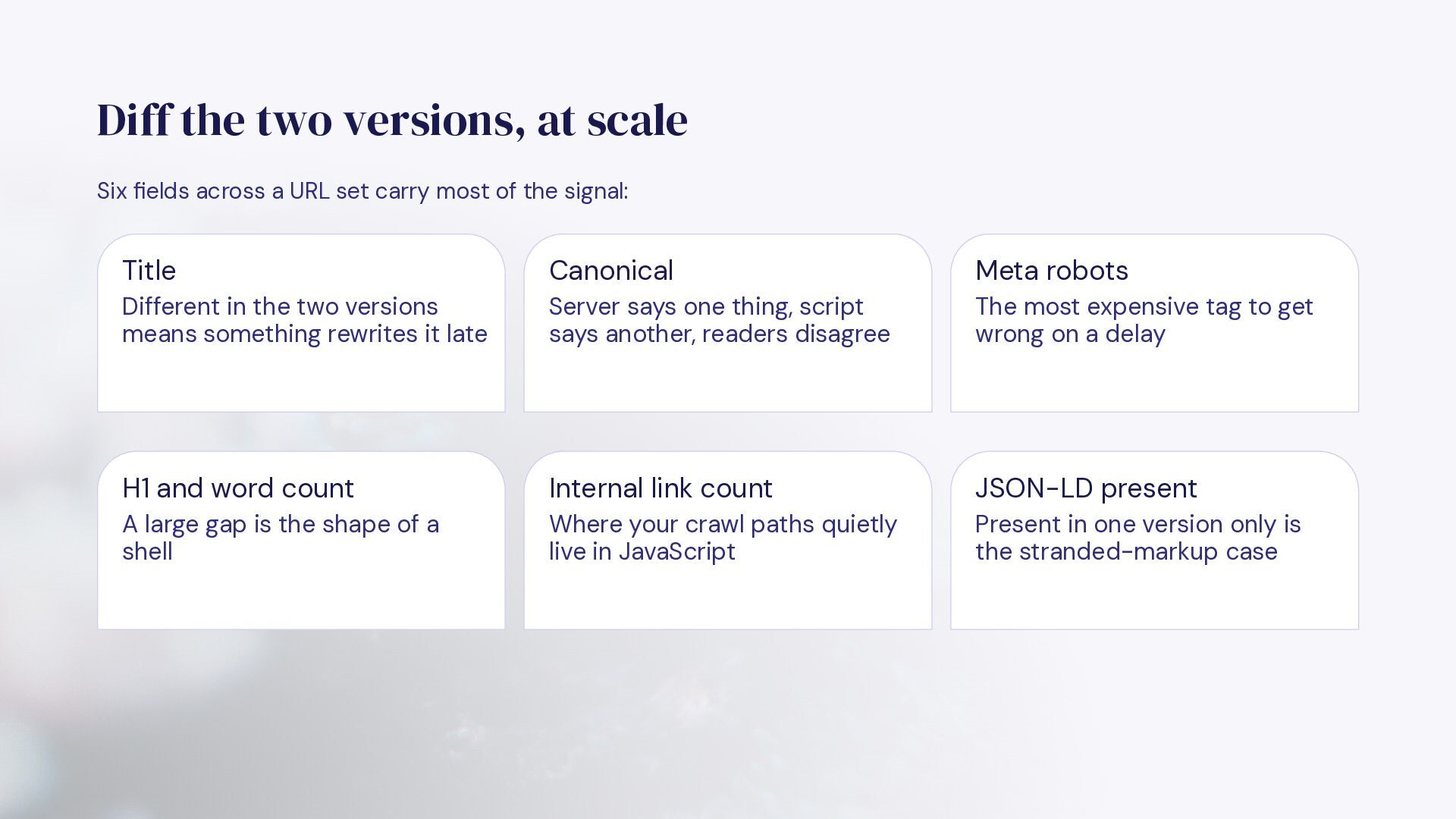
  25. Diff the two versions, at scale Six fields across a

    URL set carry most of the signal: Title Canonical Meta robots Different in the two versions means something rewrites it late Server says one thing, script says another, readers disagree The most expensive tag to get wrong on a delay H1 and word count Internal link count JSON-LD present A large gap is the shape of a shell Where your crawl paths quietly live in JavaScript Present in one version only is the stranded-markup case
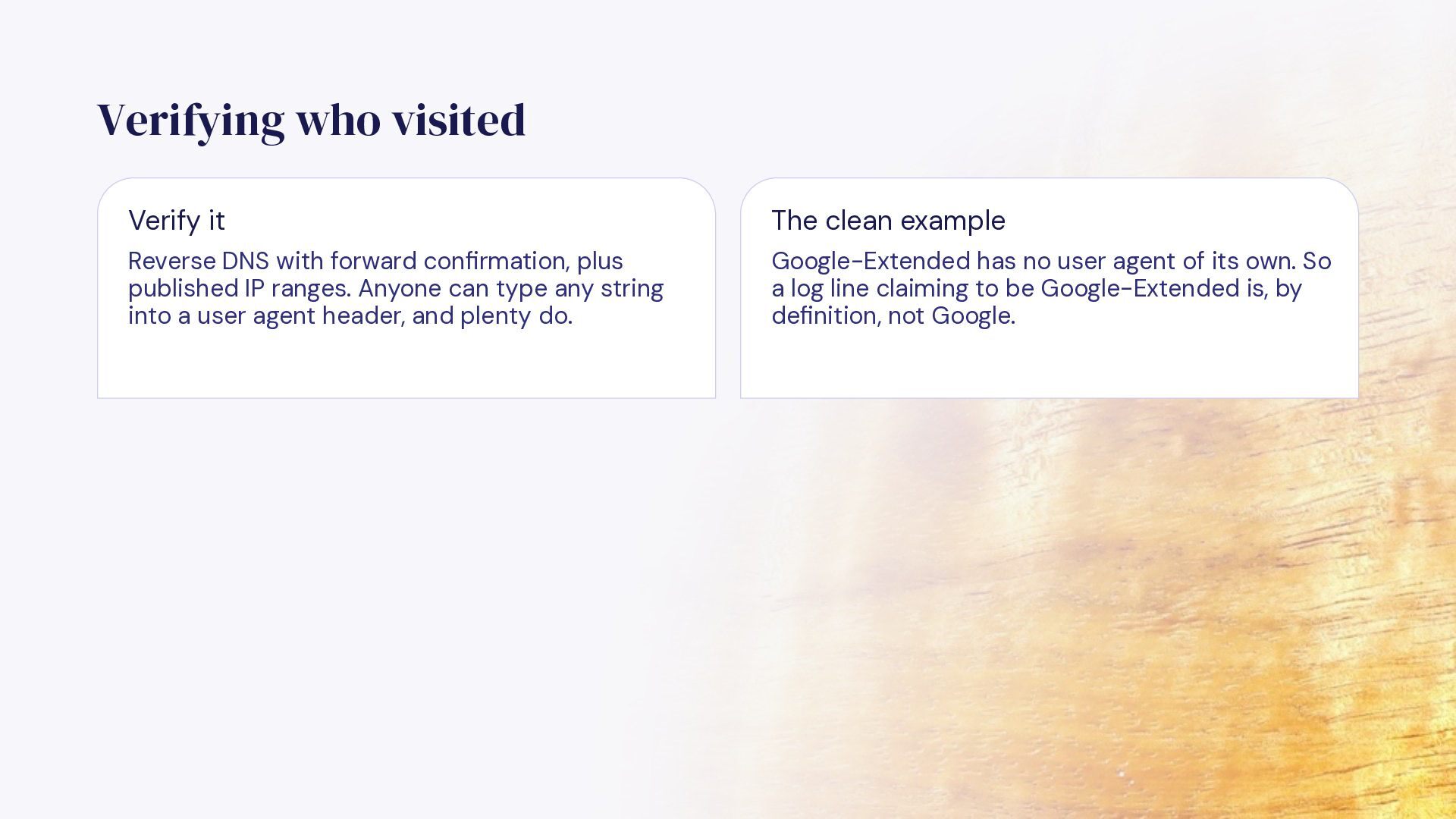
  26. Verifying who visited Verify it The clean example Reverse DNS

    with forward confirmation, plus published IP ranges. Anyone can type any string into a user agent header, and plenty do. Google-Extended has no user agent of its own. So a log line claiming to be Google-Extended is, by definition, not Google.
  27. Anatomy of a log line 203.0.113.42 - - [12/Sep/2026:09:14:22 +0000]

    "GET /pricing HTTP/2.0" 200 4821 "-" "Mozilla/5.0 (compatible; GPTBot/1.1; +https://openai.com/gptbot)" 0.184 MISS Client IP Path and status Bytes The only thing you can verify. Everything else is self-reported. What they asked for, and whether they got it. 4,821 on a pricing page is a shell, not a page. User agent Response time Cache status Who they claim to be. Group it, then 0.184s here. This is the number verify it. agents quit over. MISS means it reached your origin. HITs may never appear in origin logs at all.
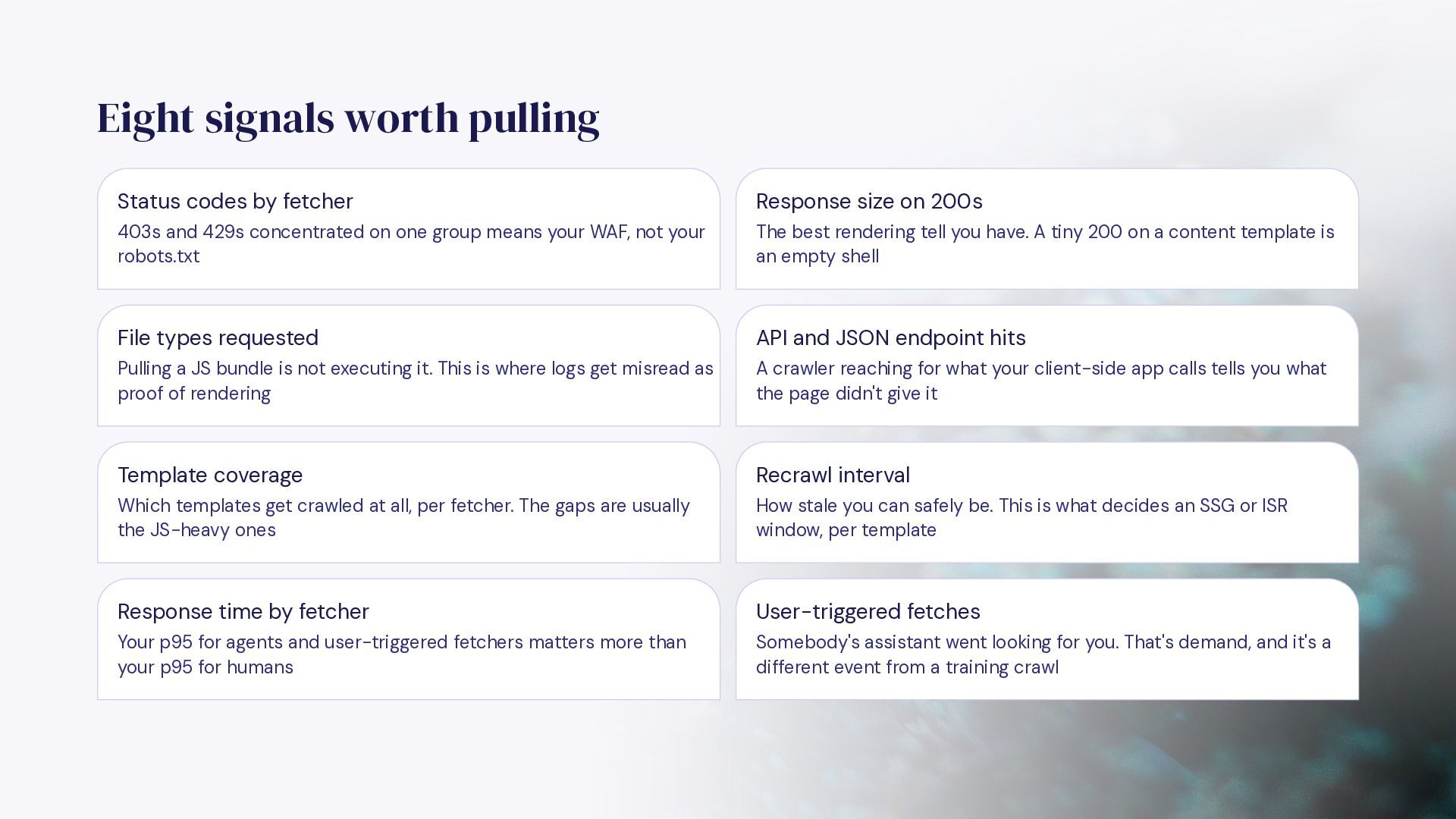
  28. Eight signals worth pulling Status codes by fetcher Response size

    on 200s 403s and 429s concentrated on one group means your WAF, not your robots.txt The best rendering tell you have. A tiny 200 on a content template is an empty shell File types requested API and JSON endpoint hits Pulling a JS bundle is not executing it. This is where logs get misread as proof of rendering A crawler reaching for what your client-side app calls tells you what the page didn't give it Template coverage Recrawl interval Which templates get crawled at all, per fetcher. The gaps are usually the JS-heavy ones How stale you can safely be. This is what decides an SSG or ISR window, per template Response time by fetcher User-triggered fetches Your p95 for agents and user-triggered fetchers matters more than your p95 for humans Somebody's assistant went looking for you. That's demand, and it's a different event from a training crawl
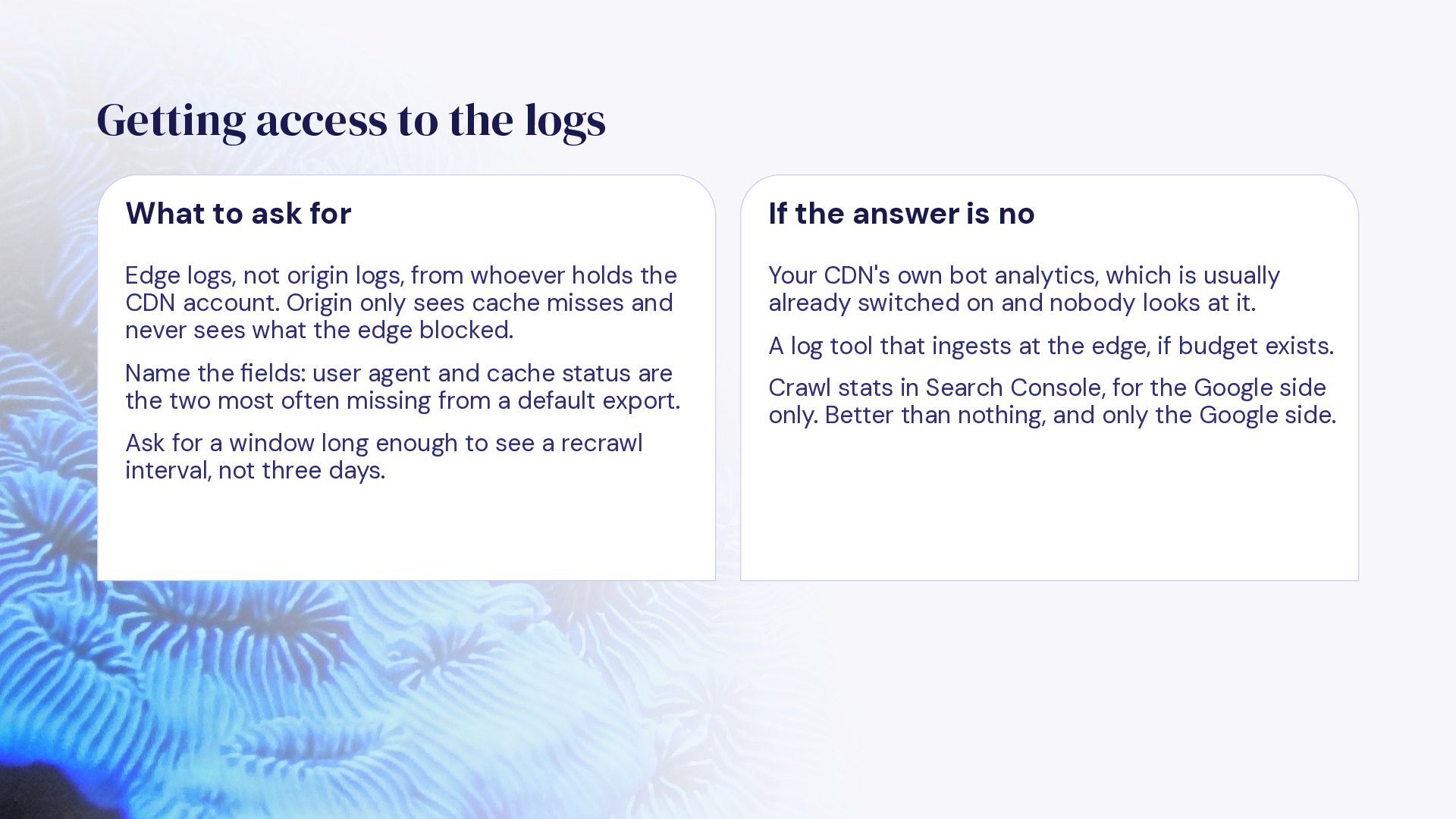
  29. Getting access to the logs What to ask for If

    the answer is no Edge logs, not origin logs, from whoever holds the CDN account. Origin only sees cache misses and never sees what the edge blocked. Your CDN's own bot analytics, which is usually already switched on and nobody looks at it. Name the fields: user agent and cache status are the two most often missing from a default export. Ask for a window long enough to see a recrawl interval, not three days. A log tool that ingests at the edge, if budget exists. Crawl stats in Search Console, for the Google side only. Better than nothing, and only the Google side.
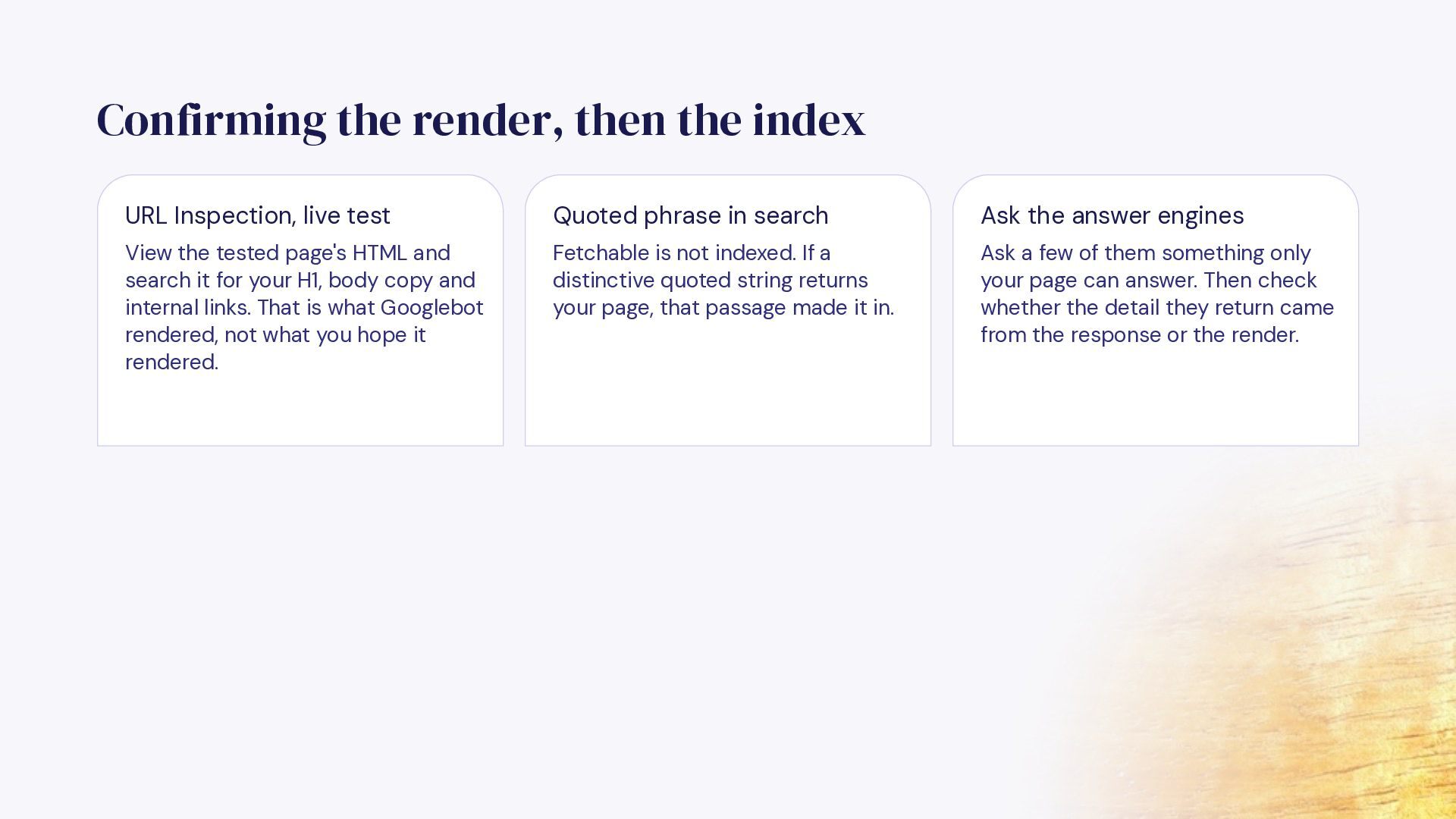
  30. Confirming the render, then the index URL Inspection, live test

    Quoted phrase in search Ask the answer engines View the tested page's HTML and search it for your H1, body copy and internal links. That is what Googlebot rendered, not what you hope it rendered. Fetchable is not indexed. If a distinctive quoted string returns your page, that passage made it in. Ask a few of them something only your page can answer. Then check whether the detail they return came from the response or the render.
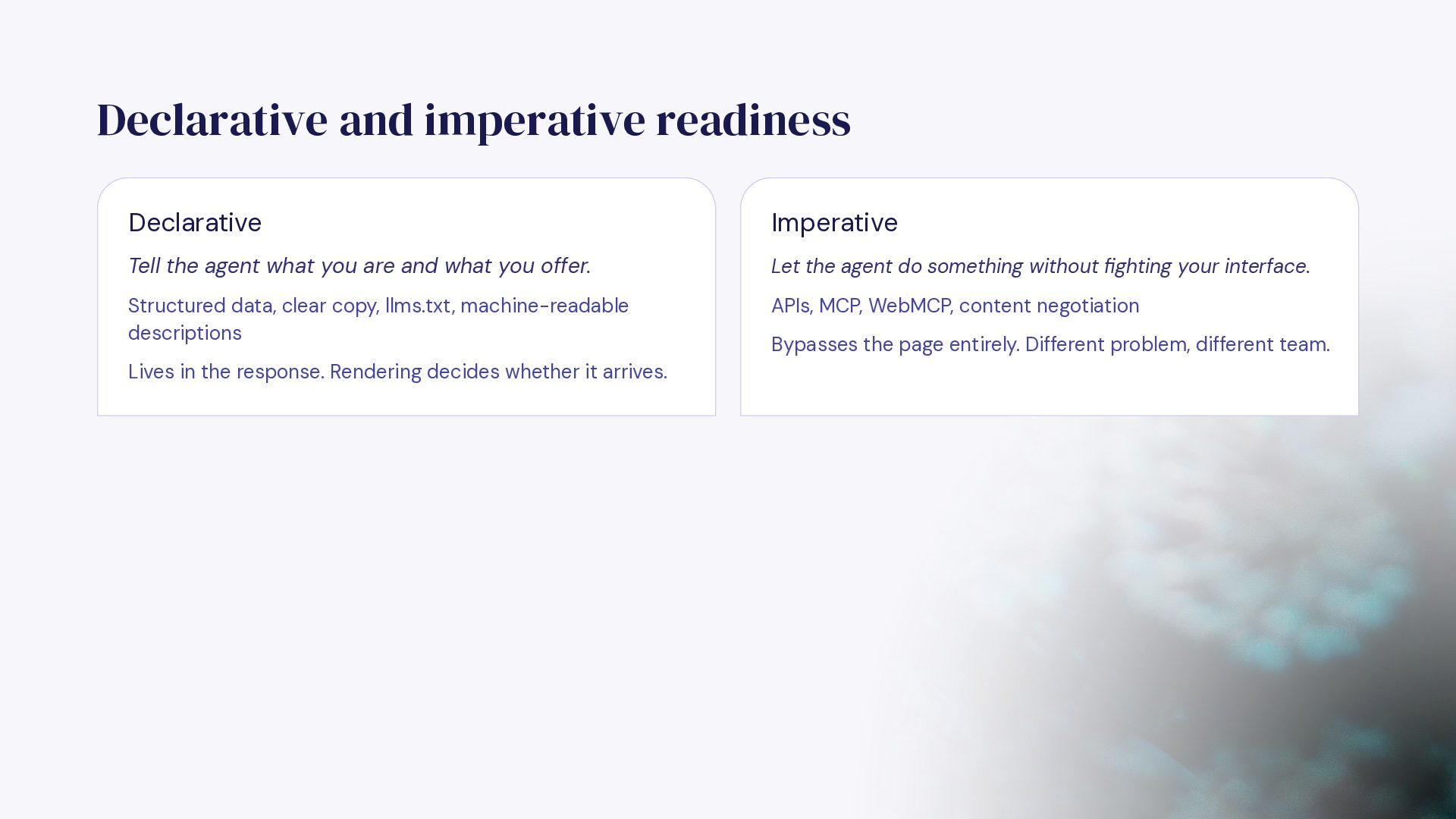
  31. Declarative and imperative readiness Declarative Imperative Tell the agent what

    you are and what you offer. Let the agent do something without fighting your interface. Structured data, clear copy, llms.txt, machine-readable descriptions APIs, MCP, WebMCP, content negotiation Lives in the response. Rendering decides whether it arrives. Bypasses the page entirely. Different problem, different team.
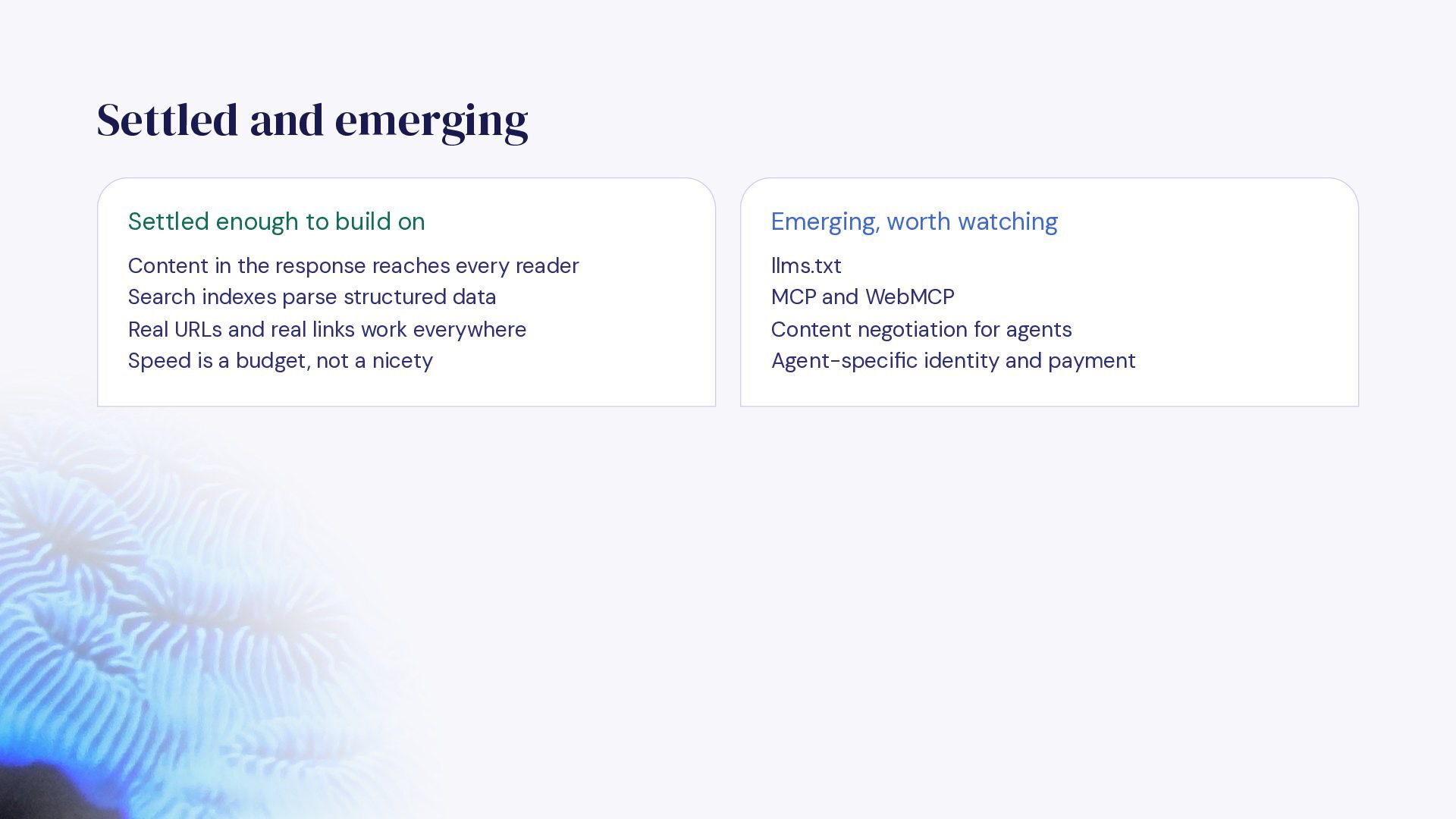
  32. Settled and emerging Settled enough to build on Emerging, worth

    watching Content in the response reaches every reader Search indexes parse structured data llms.txt MCP and WebMCP Real URLs and real links work everywhere Speed is a budget, not a nicety Content negotiation for agents Agent-specific identity and payment
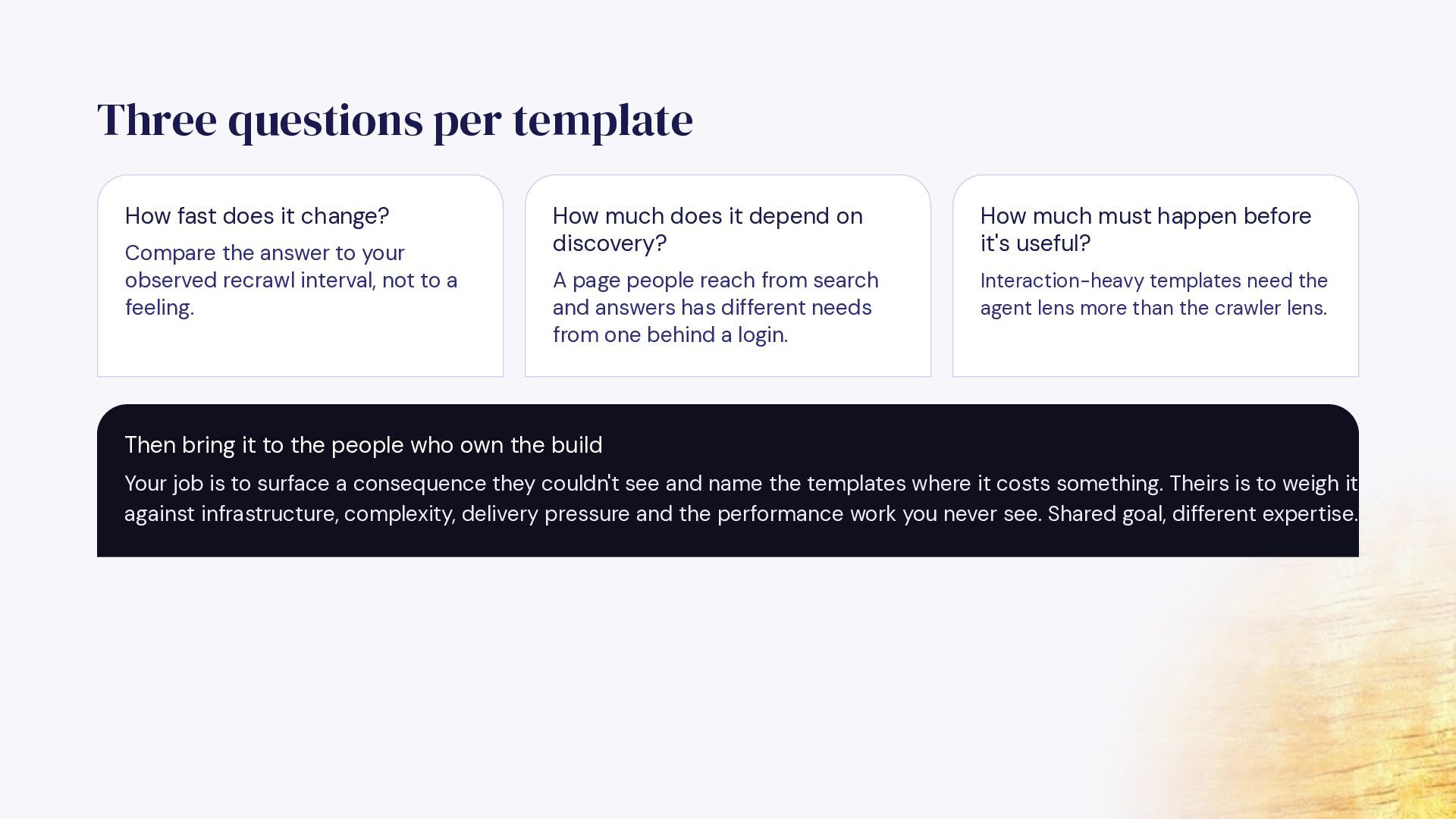
  33. Three questions per template How fast does it change? Compare

    the answer to your observed recrawl interval, not to a feeling. How much does it depend on discovery? How much must happen before it's useful? A page people reach from search and answers has different needs from one behind a login. Interaction-heavy templates need the agent lens more than the crawler lens. Then bring it to the people who own the build Your job is to surface a consequence they couldn't see and name the templates where it costs something. Theirs is to weigh it against infrastructure, complexity, delivery pressure and the performance work you never see. Shared goal, different expertise.
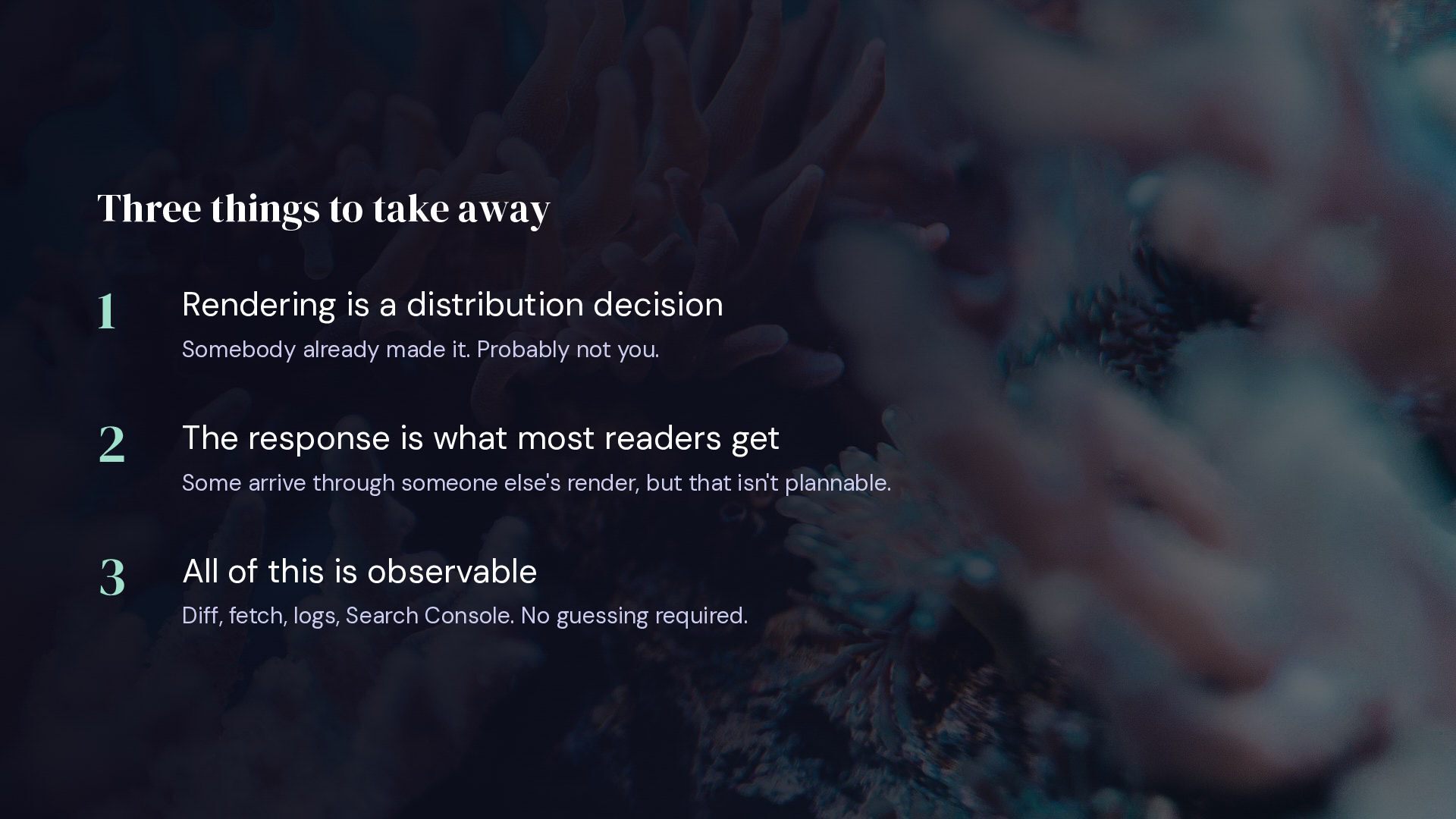
  34. Three things to take away 1 Rendering is a distribution

    decision 2 The response is what most readers get 3 All of this is observable Somebody already made it. Probably not you. Some arrive through someone else's render, but that isn't plannable. Diff, fetch, logs, Search Console. No guessing required.
  35. Thank you! Questions? Sam Torres SEO Mermaid Sr. Manager, Technical

    SEO @ Pipedrive LinkedIn: /in/samantha-torres-seo theseomermaid.com