Share
Embed
Transcript
108 slides
-
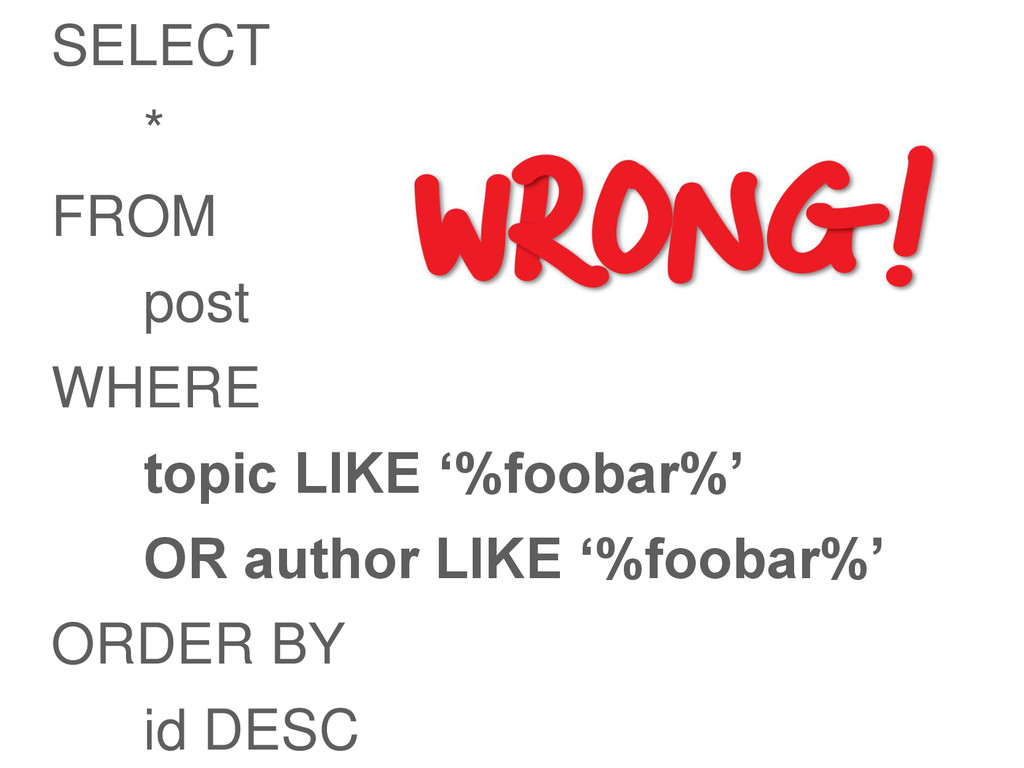
SELECT * FROM post WHERE topic LIKE „%foobar%‟ OR author
LIKE „%foobar%‟ ORDER BY id DESC -
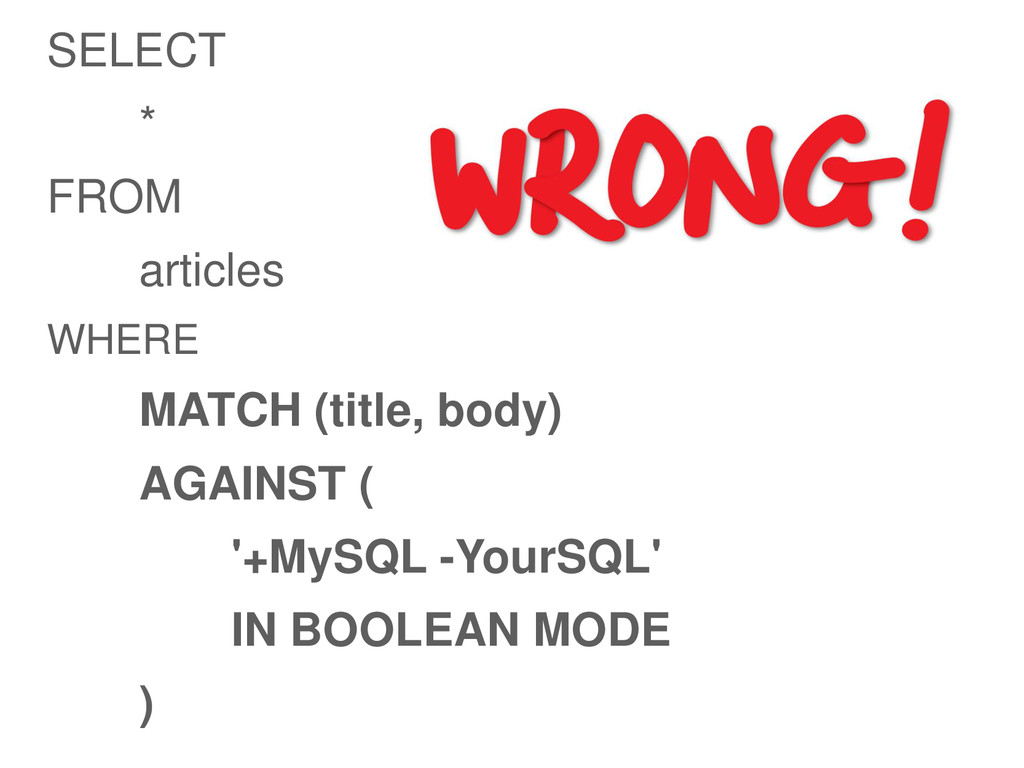
SELECT * FROM articles WHERE MATCH (title, body) AGAINST (
'+MySQL -YourSQL' IN BOOLEAN MODE ) -
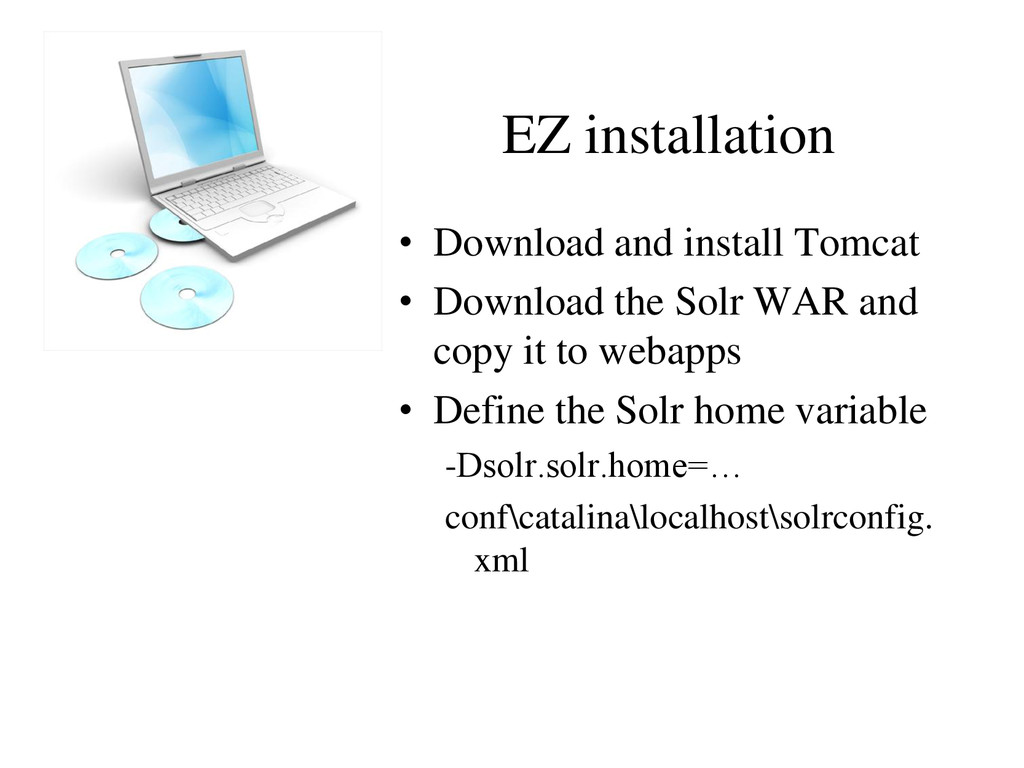
EZ installation • Download and install Tomcat • Download the
Solr WAR and copy it to webapps • Define the Solr home variable -Dsolr.solr.home=… conf\catalina\localhost\solrconfig. xml -
Directory layout • ${solr.home} – conf • schema.xml • solrconfig.xml
– data – logs – bin -
Solrconfig.xml • Lucene indexing parameters • Cache settings • Request
handler configuration • HTTP cache settings • Search components, response writers, query parsers -
Solr Schema • Lucene has no notion of schema –
Sorting: string vs numeric – No ranges • Defines fields, types and properties • Defines unique key field, default search field • schema.xml – Defines types used in the webapp – Defines fields and types – Define copyfields -
Solr data model • Solr maintains a collection of documents
• A document is a collection of fields & values • A field can occur multiple times in a document • Documents are inmutable – They can be deleted, and a new version added, however. -
Solr data model • A document is not a database
row! • A solr Index store only ONE kind of document definition • A document has typed properties: string, date, integer • Static definition or dynamic type • May be indexed or stored • De-normalize your database into a structured document optimized for the search requirements -
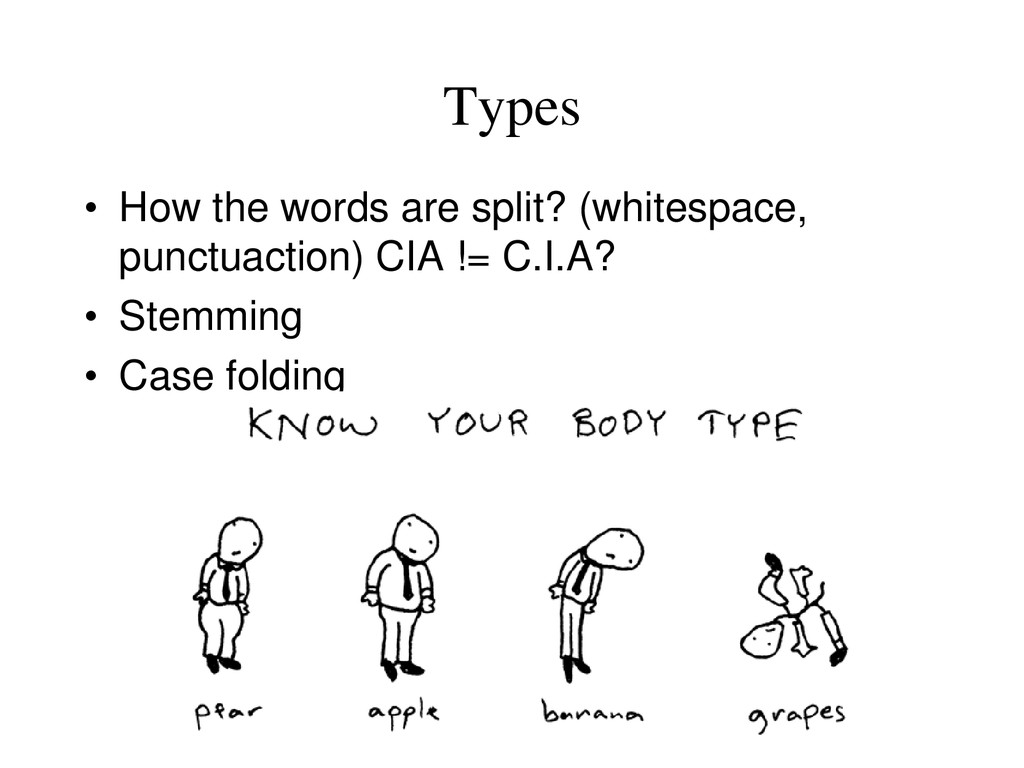
Types • How the words are split? (whitespace, punctuaction) CIA
!= C.I.A? • Stemming • Case folding -
Multivalued field • The property is similar to an array
• Neat solution for storing a set of categories linked to a product or permissions linked to a document -
copyField • Copies one field to another at index time
• Use case: Analyze same field different ways – Copy into a field with a different analyzer – Boost exact-case, exact-punctuation matches – Language translations, thesaurus, soundex • Use case 2: Index multiple fields into single searchable field -
Copy fields • Two main uses – To concatenate fields
– To analyze a field in two different ways -
Adding data (indexing) An HTTP POST request to /update <add>
<doc> <field name=“title”>scooter</field> <field name=”price”>42.30</field> </doc> </add> -
Command line with curl • curl URL -H “Content-type: text/xml”
--data- binary “<commit />” -
Query parameters • Query arguments for HTTP GET/POST to /select
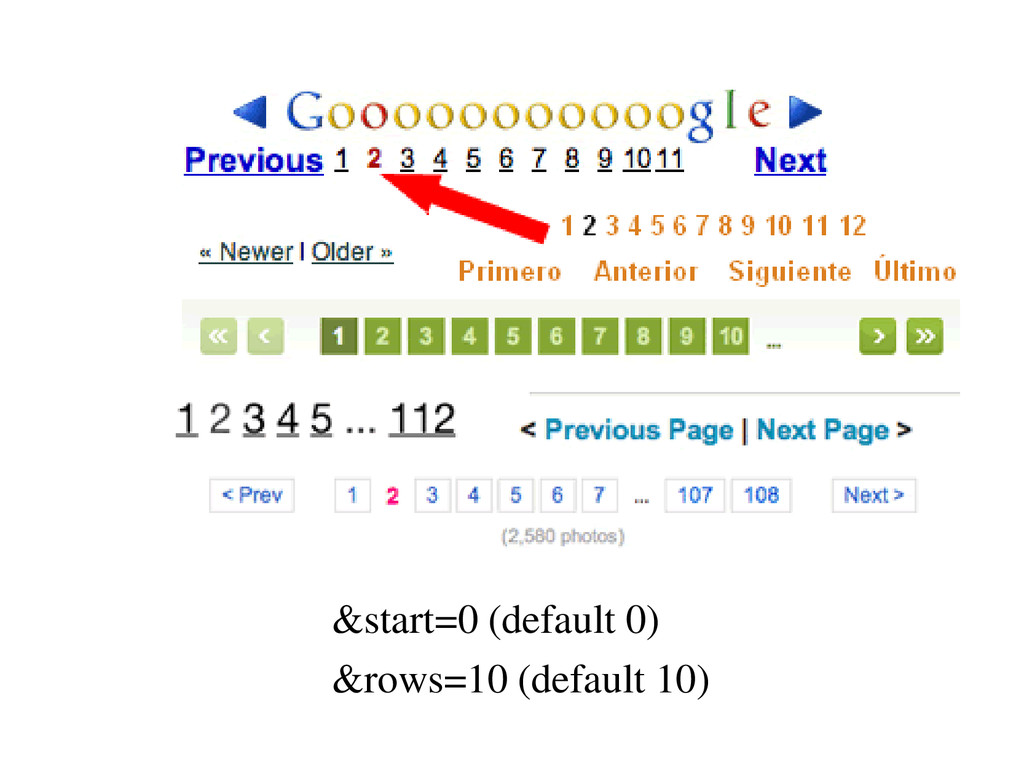
– “q” the query – “start” (0) offset – “rows” (10) number of docs – “fl” (*) fields to return – “qt” (standard) query type, maps to query handler – “df” (schema) default field to search – “qt” query type (response writer) -
Response writers • XML (Standard) • Python • PHP •
JSON • Ruby • XSLT (output) -
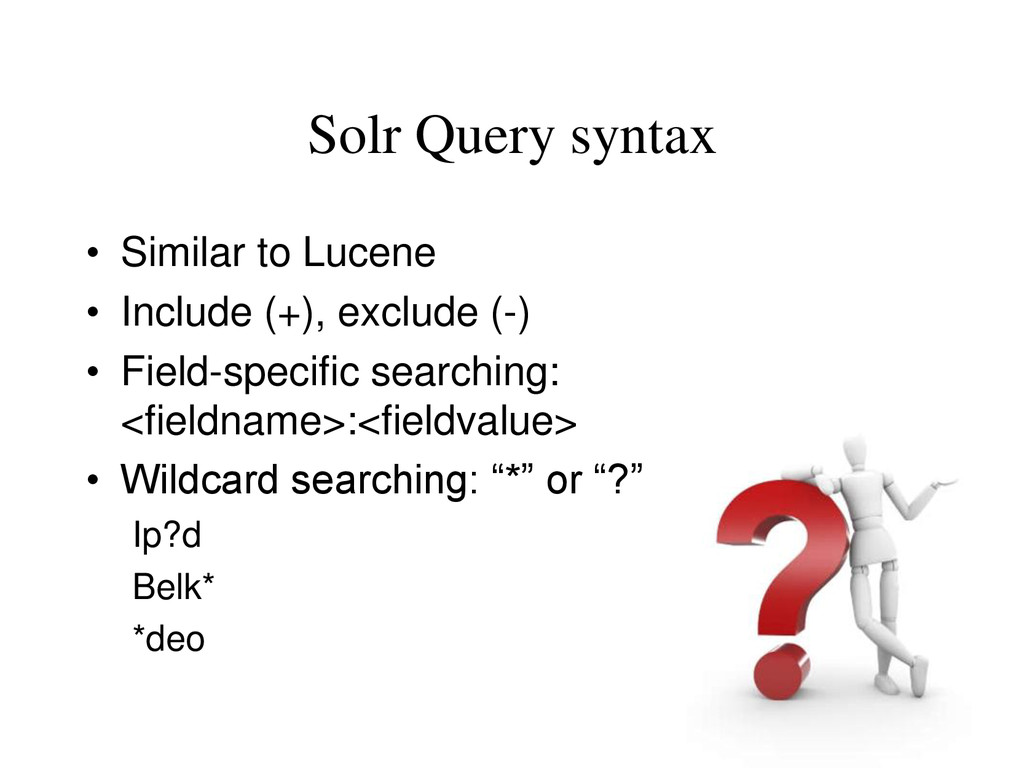
Solr Query syntax • Similar to Lucene • Include (+),
exclude (-) • Field-specific searching: <fieldname>:<fieldvalue> • Wildcard searching: “*” or “?” Ip?d Belk* *deo -
Solr Query syntax • paris • city:paris • title:”The Right
Way” AND text:go • price:[100 TO 300] • -type:sale • te?t • theat* • te*t • test~ -
Solr Query syntax • Range searching – Timestamp:[2006-01-01 TO *]
• Proximity searching: “~” – “video ipod”~3 (up to 3 words apart) • Fuzzy searches: “~” – Ipod~ (will find ipod and ipods) – Belkin~0.8 (will find words close spellings) -
Debugging query • Add &debugQuery=on to request params• &debugQuery=true is
your friend • Returns scoring information • Returns parsed form of query • Includes parsed query, explanations, and • search component timings in response -
Deleting data • Delete by id – <delete><id>1</id></delete> • Delete
by query – <delete><query>city:paris</query></delete> -
Commiting • Nothing shows up in the index until you
commit <commit /> • /solr/update <optimize /> sames as commit, merges all index segments -
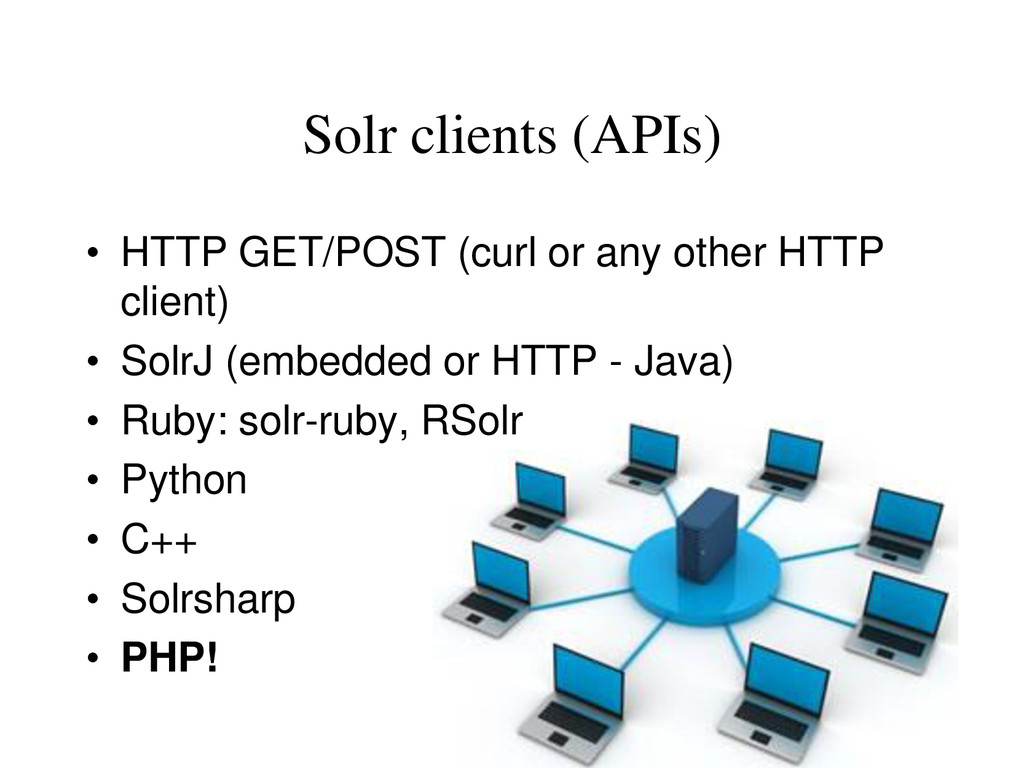
Solr clients (APIs) • HTTP GET/POST (curl or any other
HTTP client) • SolrJ (embedded or HTTP - Java) • Ruby: solr-ruby, RSolr • Python • C++ • Solrsharp • PHP! -
• Roll your own classes – Not difficult, it’s REST
after all – Some Curl, XML, Json or native PHP array parsing • Using existing libraries – PECL – http://us.php.net/manual/en/book.solr.php – Solr-php-client (follows ZF Coding Standards) – Ez Components ezcSearch -
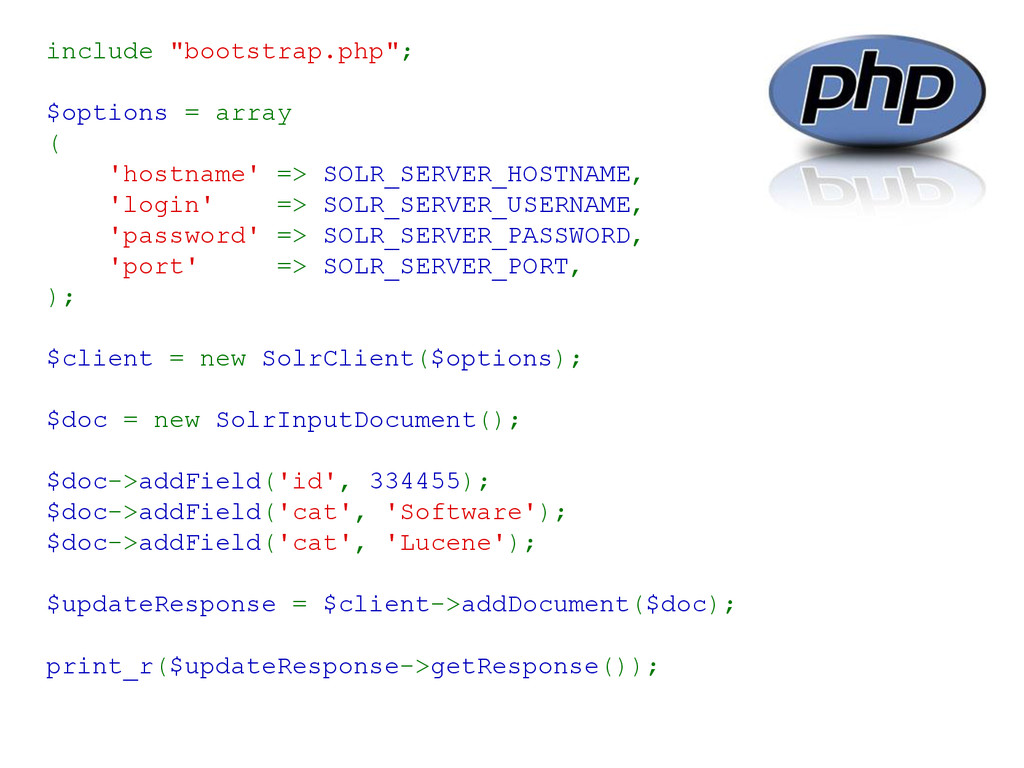
include "bootstrap.php"; $options = array ( 'hostname' => SOLR_SERVER_HOSTNAME, 'login'
=> SOLR_SERVER_USERNAME, 'password' => SOLR_SERVER_PASSWORD, 'port' => SOLR_SERVER_PORT, ); $client = new SolrClient($options); $doc = new SolrInputDocument(); $doc->addField('id', 334455); $doc->addField('cat', 'Software'); $doc->addField('cat', 'Lucene'); $updateResponse = $client->addDocument($doc); print_r($updateResponse->getResponse()); -
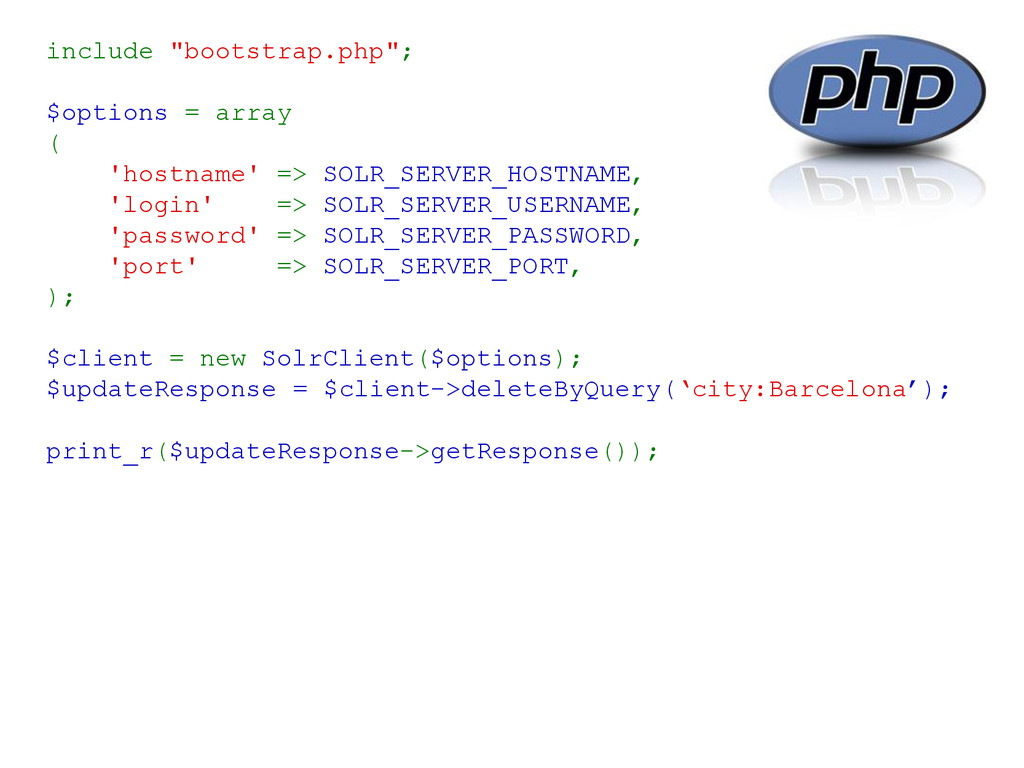
include "bootstrap.php"; $options = array ( 'hostname' => SOLR_SERVER_HOSTNAME, 'login'
=> SOLR_SERVER_USERNAME, 'password' => SOLR_SERVER_PASSWORD, 'port' => SOLR_SERVER_PORT, ); $client = new SolrClient($options); $updateResponse = $client->deleteByQuery(‘city:Barcelona’); print_r($updateResponse->getResponse()); -
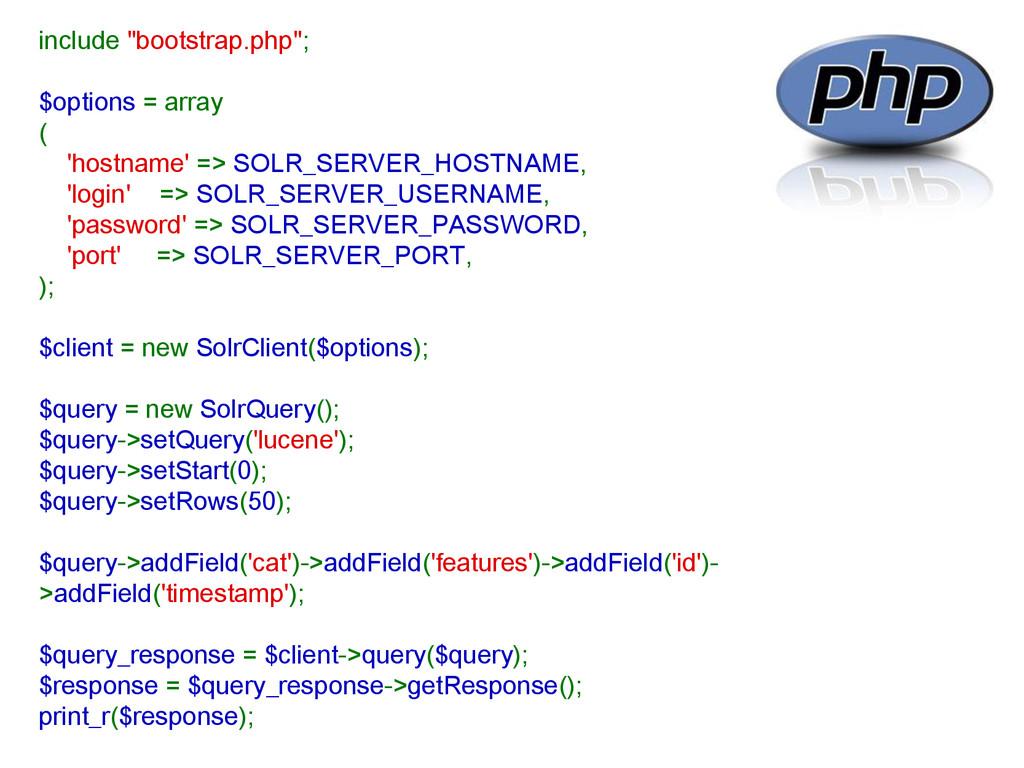
include "bootstrap.php"; $options = array ( 'hostname' => SOLR_SERVER_HOSTNAME, 'login'
=> SOLR_SERVER_USERNAME, 'password' => SOLR_SERVER_PASSWORD, 'port' => SOLR_SERVER_PORT, ); $client = new SolrClient($options); $query = new SolrQuery(); $query->setQuery('lucene'); $query->setStart(0); $query->setRows(50); $query->addField('cat')->addField('features')->addField('id')- >addField('timestamp'); $query_response = $client->query($query); $response = $query_response->getResponse(); print_r($response); -
SolrJ SolrServer solr = new CommonsHttpSolrServer( new URL("http://localhost:8983/solr")); SolrInputDocument doc
= new SolrInputDocument(); doc.addField("id", "EXAMPLEDOC01"); doc.addField("title", "NOVAJUG SolrJ Example"); solr.add(doc); solr.commit(); // after a batch, not per document solr.optimize(); // periodically, if/when needed -
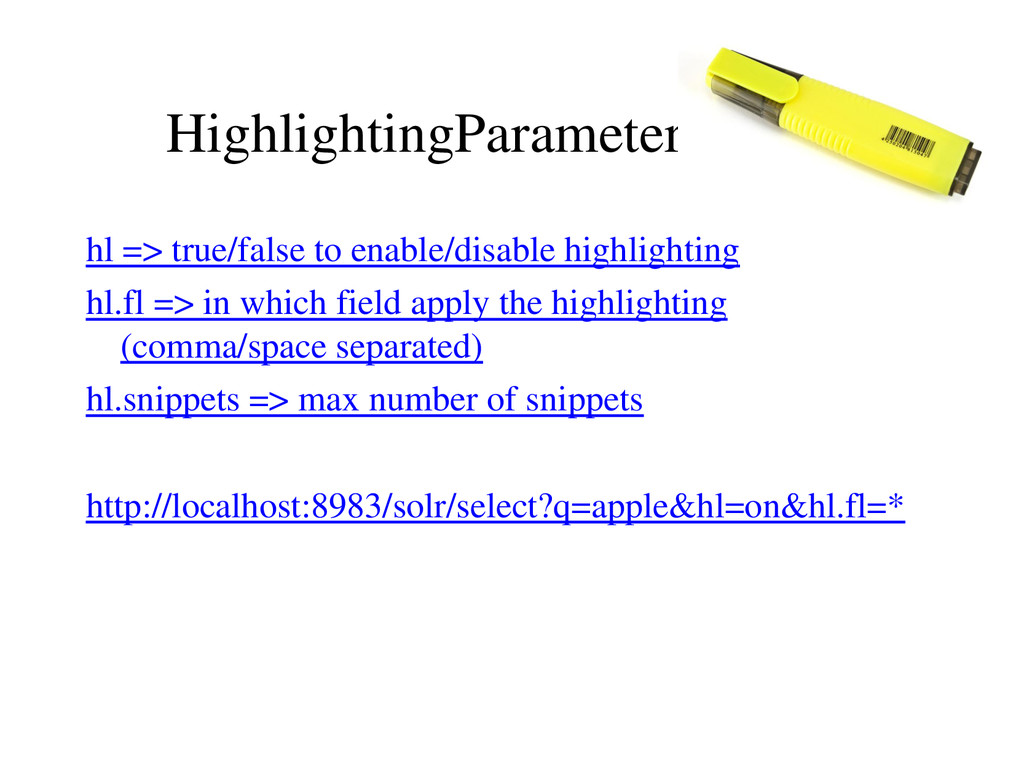
HighlightingParameters hl => true/false to enable/disable highlighting hl.fl => in
which field apply the highlighting (comma/space separated) hl.snippets => max number of snippets http://localhost:8983/solr/select?q=apple&hl=on&hl.fl=* -
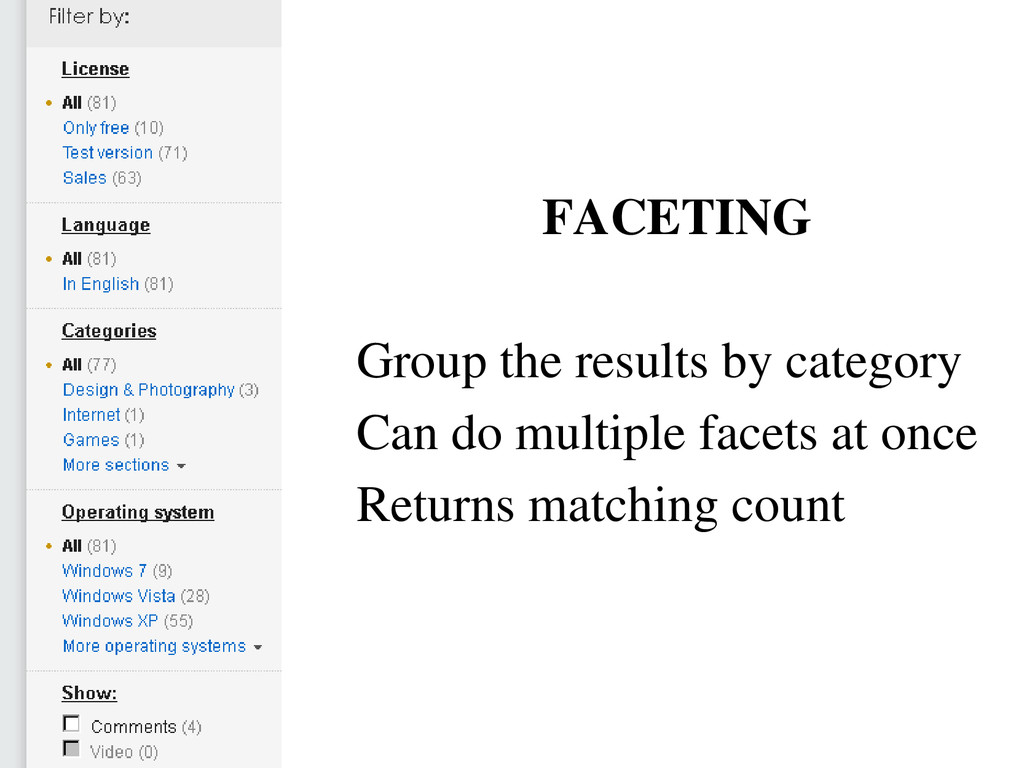
FACETING Group the results by category Can do multiple facets
at once Returns matching count -
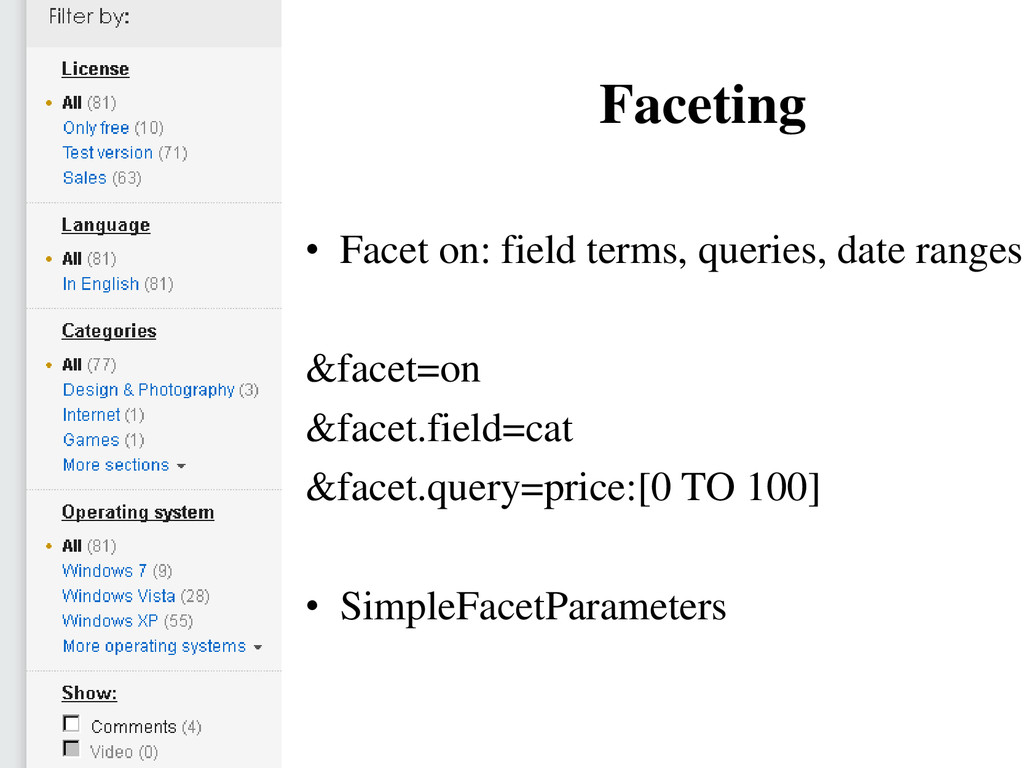
Faceting • Facet on: field terms, queries, date ranges &facet=on
&facet.field=cat &facet.query=price:[0 TO 100] • SimpleFacetParameters -
Spell checking • File or index-based dictionaries • Dictionary lookup
• Using the indexed words itself • Supports pluggable distance algorithms: • Levenstein and JaroWinkler -
• Configurable through the “elevate.xml” config file to boost/exclude specific
documents • Based on the QueryElevationComponent -
DEDUPLICATION • Duplicates detection • Adds a signature field •
Exact or Fuzzy duplicate detection -
• Single primary index – Cars – Exclusive configuration files
• schema.xml, solrconfig.xml Solr CORE -
Using a solr.xml file, you can configure Solr to manage
several different indexes. <solr persistent="true" sharedLib="lib“> <cores adminPath="/core-admin/"> <core name="books" instanceDir="books" /> <core name="games" instanceDir="games" /> </solr> Multi core -
Data import handler • Indexes relational database, XML data, and
email sources • Supports full and incremental/delta indexing • Highly extensible with custom data sources, transformers, etc -
Solr Cell aka ExtractingRequestHandler Leveraging Tika, extracts and indexes rich
documents such as Word, PDF, HTML, and many other types curl http://localhost:8983/solr/update/extract?literal.id=doc1&commit=true' –F [email protected] -
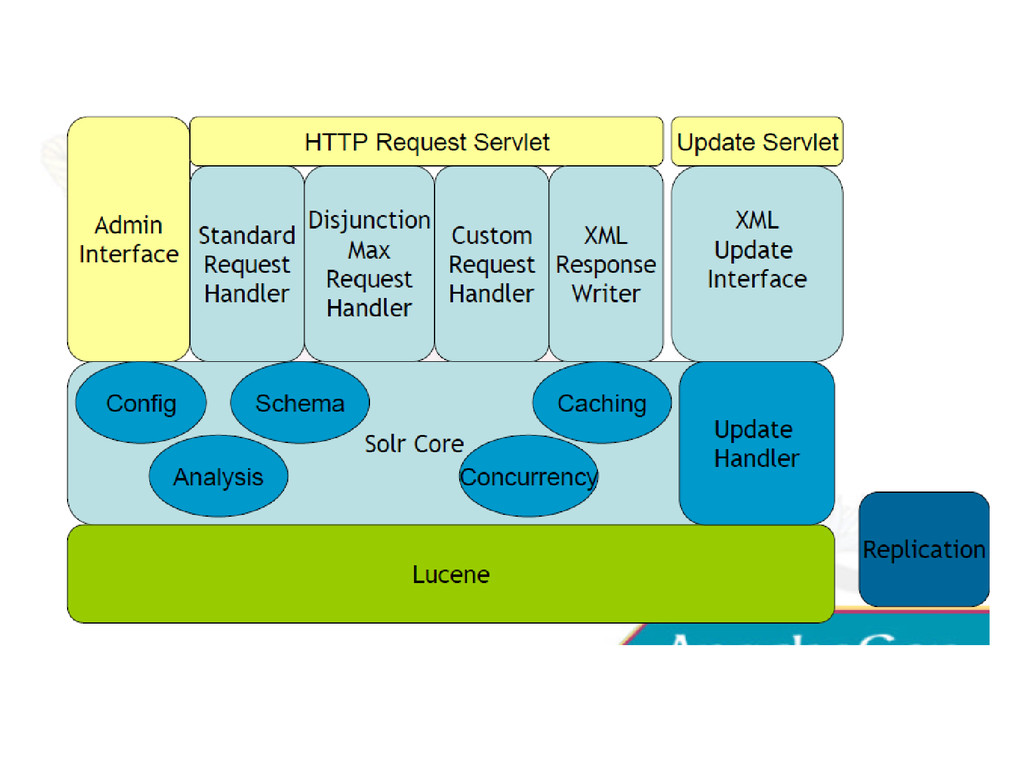
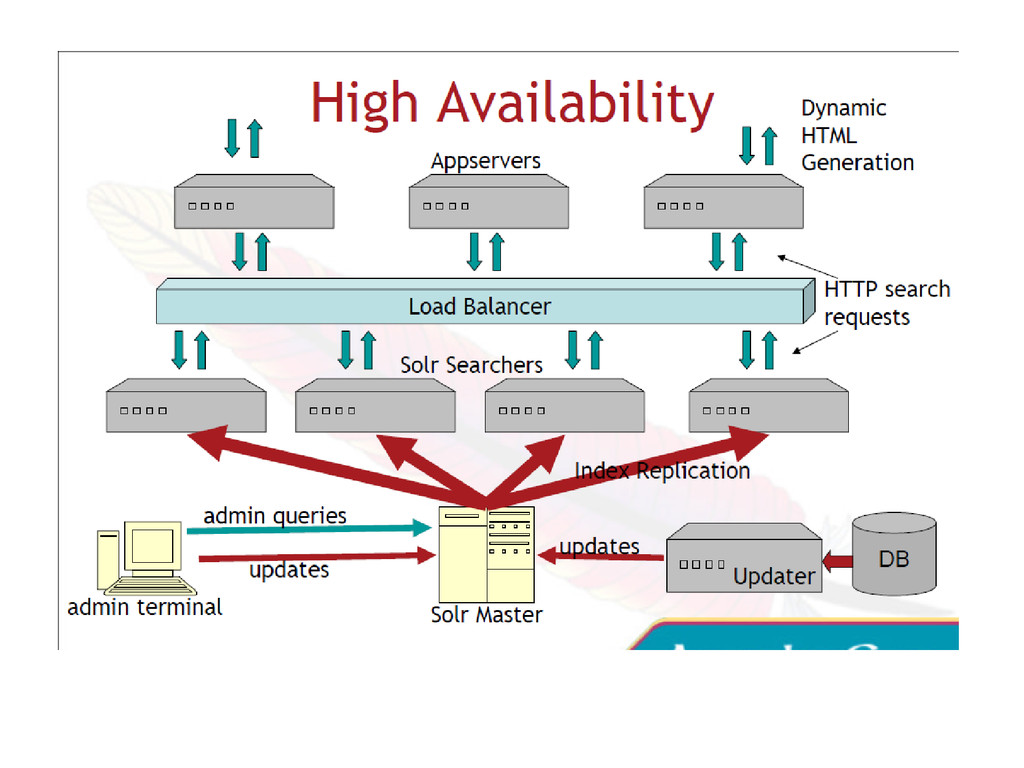
Architecture • Scales from – Single solr server – Master/replicants
(slaves) – Distributed shards • Each solr instance can also have multiple cores -
Relevance • Term frequency (TF): number of times a term
appears in a document • Inverse document frequency (IDF): One over number of times term appears in the index (1/df) -
Request handlers • Defines how the query is processed •
Two main types – StandardRequestHandler • Simple queries – DisMaxRequestHandler • Boost functions • Boost fields • Span query to many fields -
Request handler • mini-“servlets” • SearchHandler extensions chain search components
• Flexible response formatting: • &wt=[json, ruby, xslt, php, phps, javabin, python,velocity] -
Dump • http://localhost:8983/solr/debug/dump • Echoes parameters, content streams, and Solr
web context • Careful with content stream enabled, client could retrieve contents of any file on server or accessible network! [Solution: disable dump request handler] -
Ping • http://localhost:8983/solr/admin/ping • If healthcheck configured and file not
available, error is reported • Executes single configured request and reports failure or OK -
System • http://localhost:8983/solr/admin/system • Core info, Lucene version, JVM details,
uptime, operating system info -
Plugins • http://localhost:8983/solr/admin/plugins • Configuration details of Solr core, available
query and update handlers, cache settings -
Properties • http://localhost:8983/solr/admin/properties • All JVM system properties, or single
property value (?name=os.arch) -
Dismax • Minimum match: for optional clauses • Default: 100%
(pure AND) • Examples: – Pure OR: mm= 0 or mm=0% – At least tow should match=2 – At least 75% should match mm:75% -
Search components • Default Components That Power SearchHandler QueryComponent, HighlightComponent,
FacetComponent, MoreLikeThisComponent, StatsComponent, DebugComponent • Additional Components You Can Configure SpellCheckComponent, QueryElevationComponent, TermsComponent, TermVectorComponent, ClusteringComponent -
Boost functions • Allow to influence scoring at runtime •
Computationally expensive! • Really useful for tuning scoring -
Stemming • Reduce terms to their root form • Language
specific • Many specialised stemmers available – Most european languages -
•Inject synonyms for certain terms •Language specific •Best used for
query time analysis •May inflate the search index too much •Decreases relevancy -
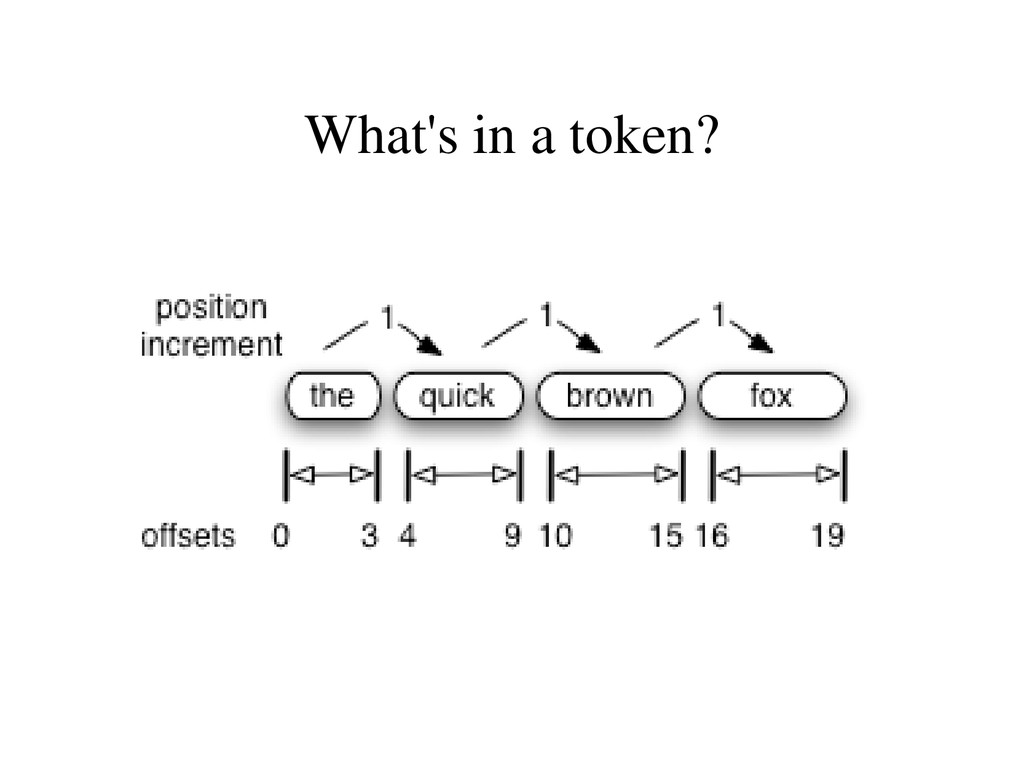
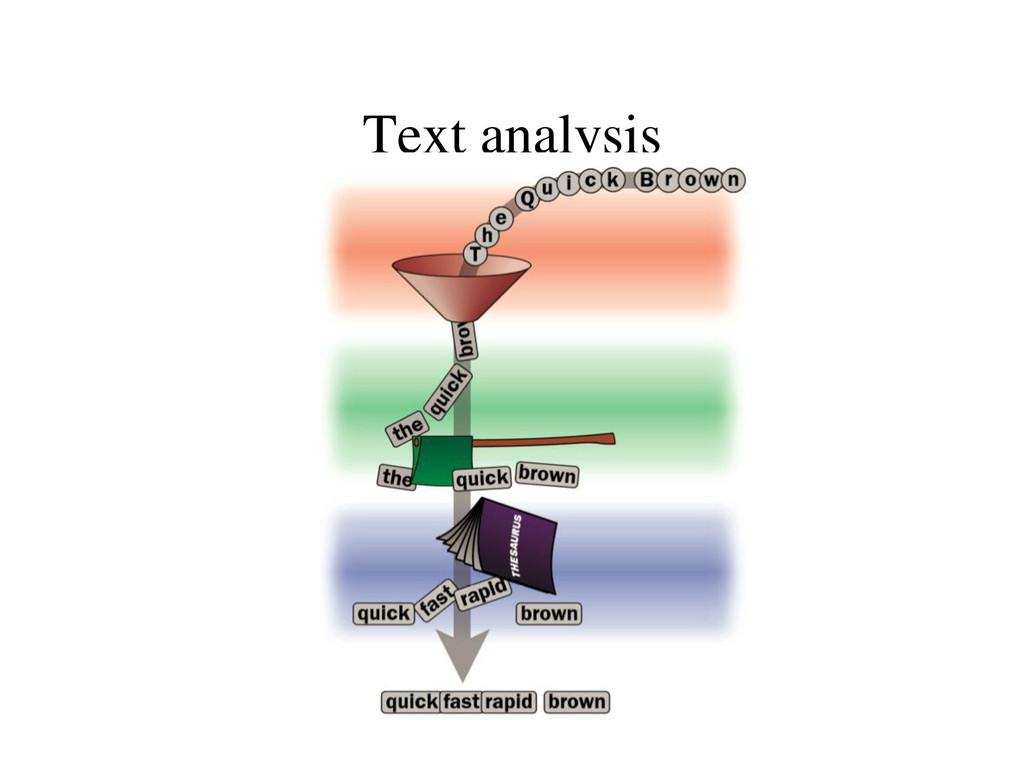
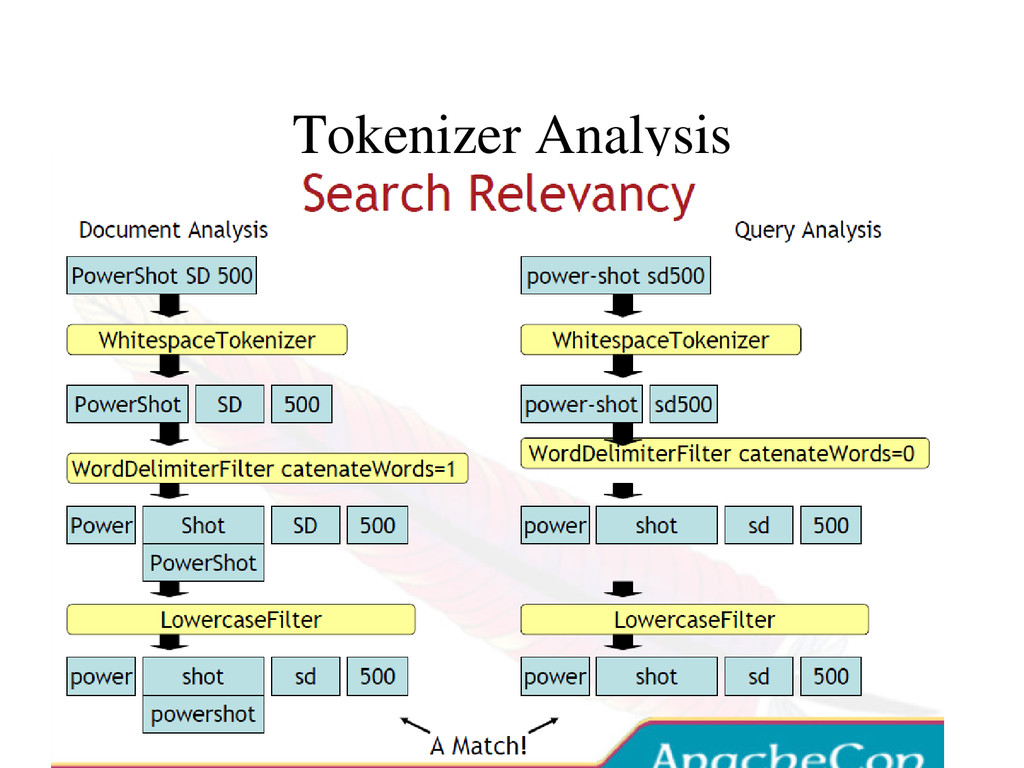
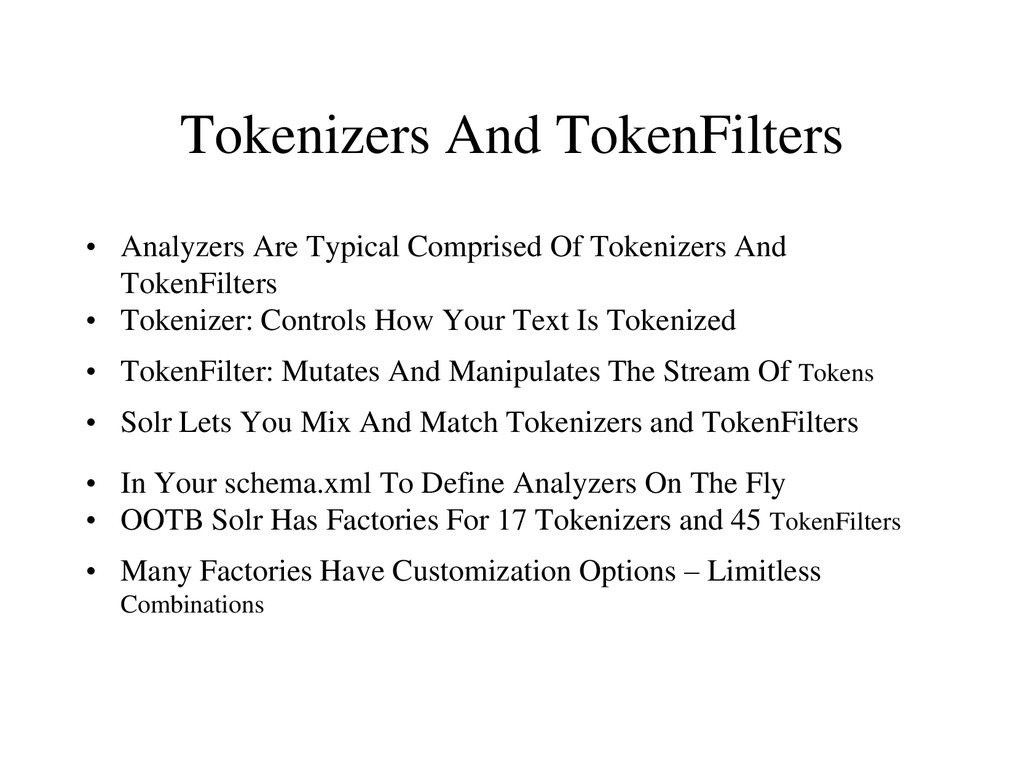
Tokenizers And TokenFilters • Analyzers Are Typical Comprised Of Tokenizers
And TokenFilters • Tokenizer: Controls How Your Text Is Tokenized • TokenFilter: Mutates And Manipulates The Stream Of Tokens • Solr Lets You Mix And Match Tokenizers and TokenFilters • In Your schema.xml To Define Analyzers On The Fly • OOTB Solr Has Factories For 17 Tokenizers and 45 TokenFilters • Many Factories Have Customization Options – Limitless Combinations -
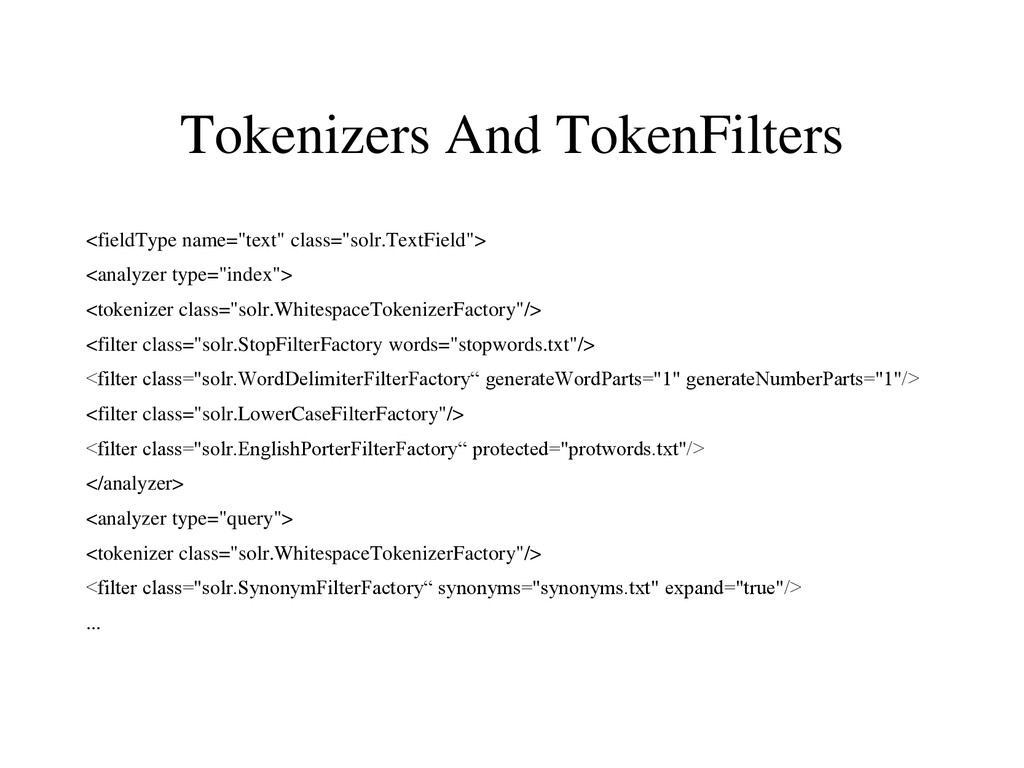
Tokenizers And TokenFilters <fieldType name="text" class="solr.TextField"> <analyzer type="index"> <tokenizer class="solr.WhitespaceTokenizerFactory"/>
<filter class="solr.StopFilterFactory words="stopwords.txt"/> <filter class="solr.WordDelimiterFilterFactory“ generateWordParts="1" generateNumberParts="1"/> <filter class="solr.LowerCaseFilterFactory"/> <filter class="solr.EnglishPorterFilterFactory“ protected="protwords.txt"/> </analyzer> <analyzer type="query"> <tokenizer class="solr.WhitespaceTokenizerFactory"/> <filter class="solr.SynonymFilterFactory“ synonyms="synonyms.txt" expand="true"/> ... -
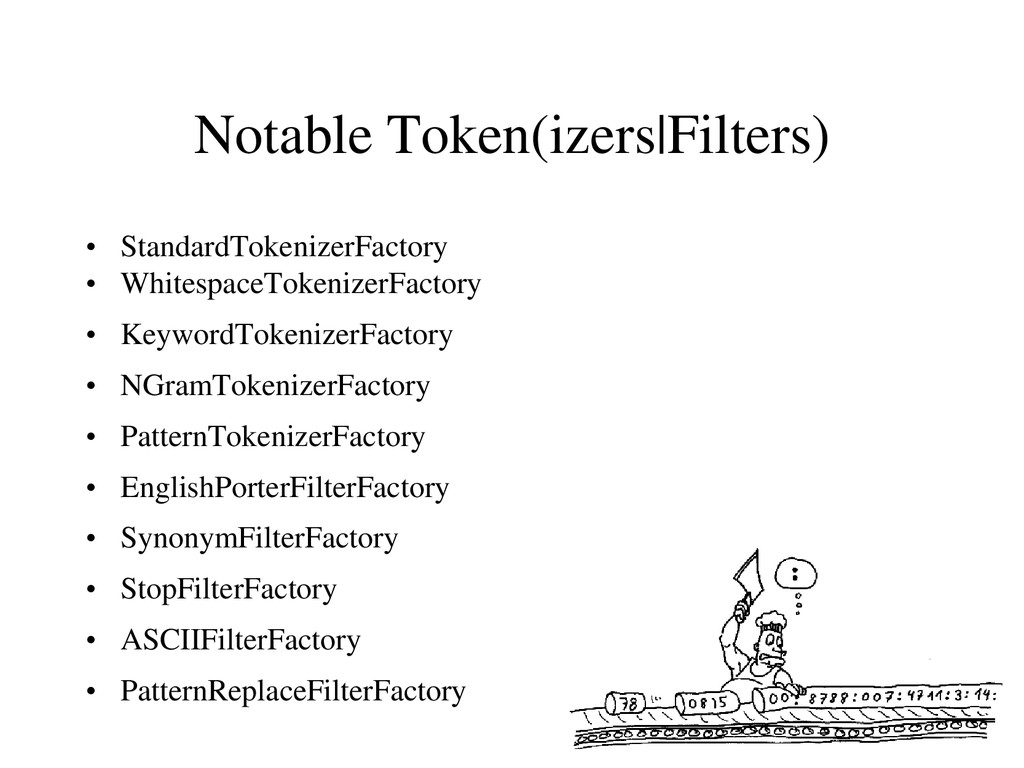
Notable Token(izers|Filters) • StandardTokenizerFactory • WhitespaceTokenizerFactory • KeywordTokenizerFactory • NGramTokenizerFactory
• PatternTokenizerFactory • EnglishPorterFilterFactory • SynonymFilterFactory • StopFilterFactory • ASCIIFilterFactory • PatternReplaceFilterFactory -
Character filters • Used to cleanup text before tokenizing –
HTMLStripCharFilter (strips html, xml, js, css) – MappingCharFilter (normalisation of characters, removing accents) – Regular expression filter -
Web admin interface • Show config, schema, distribution info •
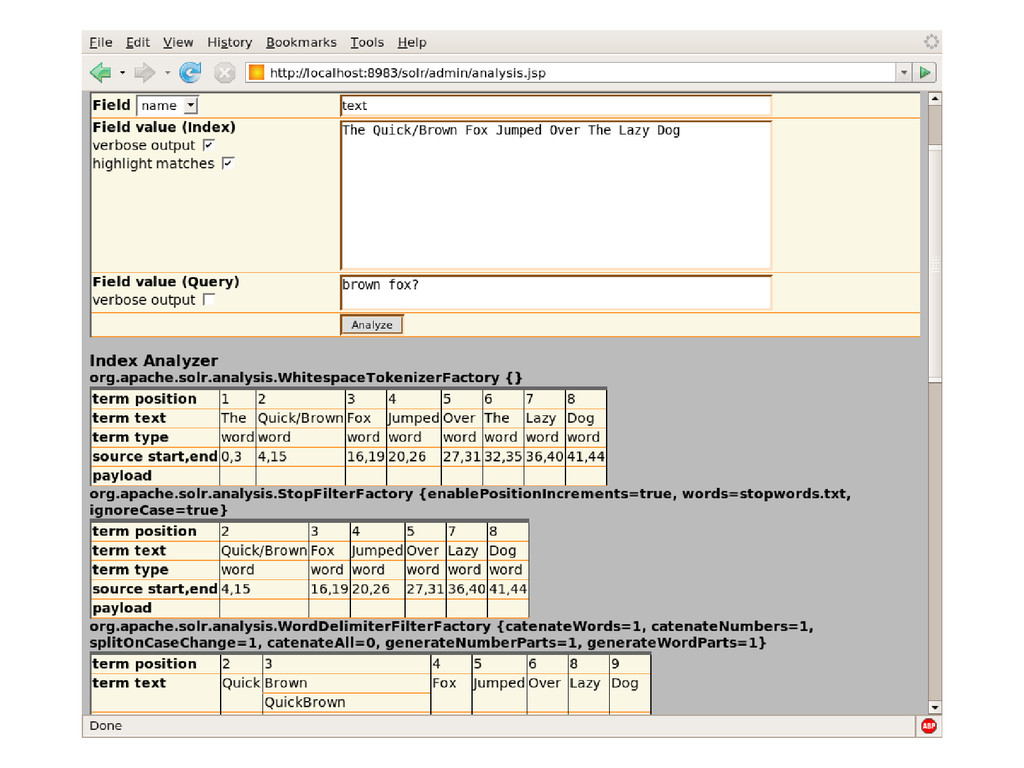
Query interface • Statistics – Caches: lookups, hits, hitratio, inserts, evictions, size – RequestHandlers: requests, errors – UpdateHandler: adds, deletes, commits, optimizes – Indexreader: opentime, indexversion, numdocs, maxdocs • Analysys debugger – Show tokesn after each analyzer stage – Show token matches for query vs index -
Analysis Tool • HTML Form Allowing You To Feed In
Text And See How It • Would Be Analyzed For A Given Field (Or Field Type) • Displays Step By Step Information For Analyzers • Configured Using Solr Factories... • Token Stream Produced By The Tokenizer • How The Token Stream Is Modified By Each TokenFilter • How The Tokens Produced When Indexing Compare With • The Tokens Produced When Querying • Helpful In Deciding Which Tokenizer/TokenFilters You • Want To Use For Each Field Based On Your Goals -
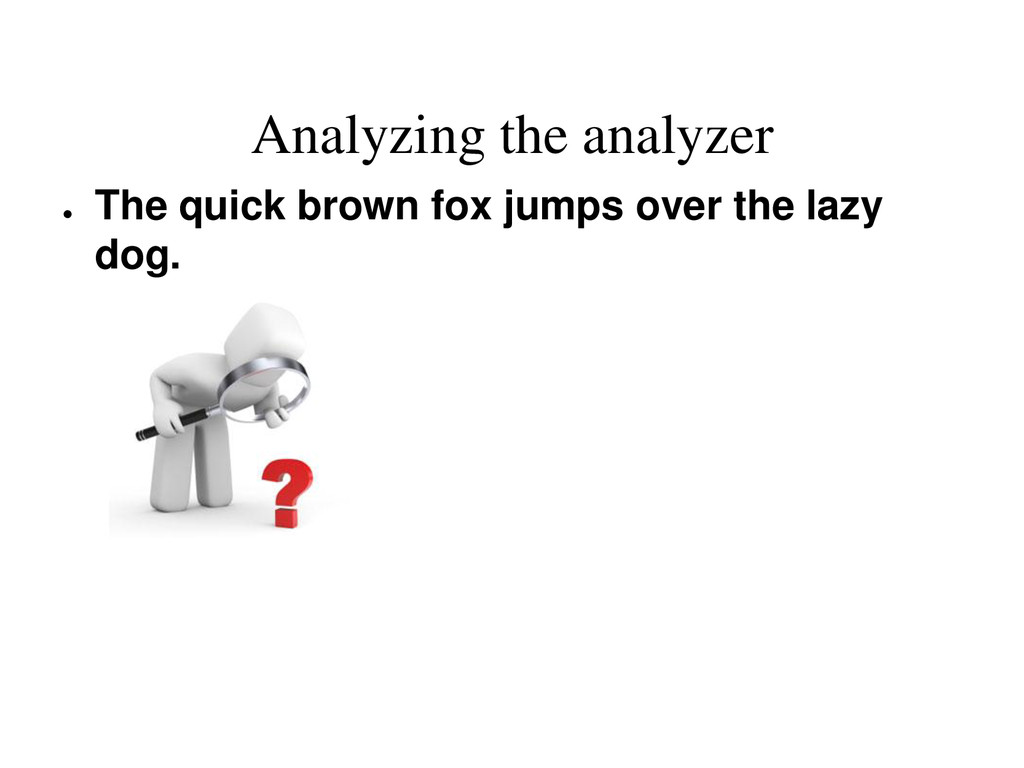
Analyzing the analyzer • The quick brown fox jumps over
the lazy dog. -
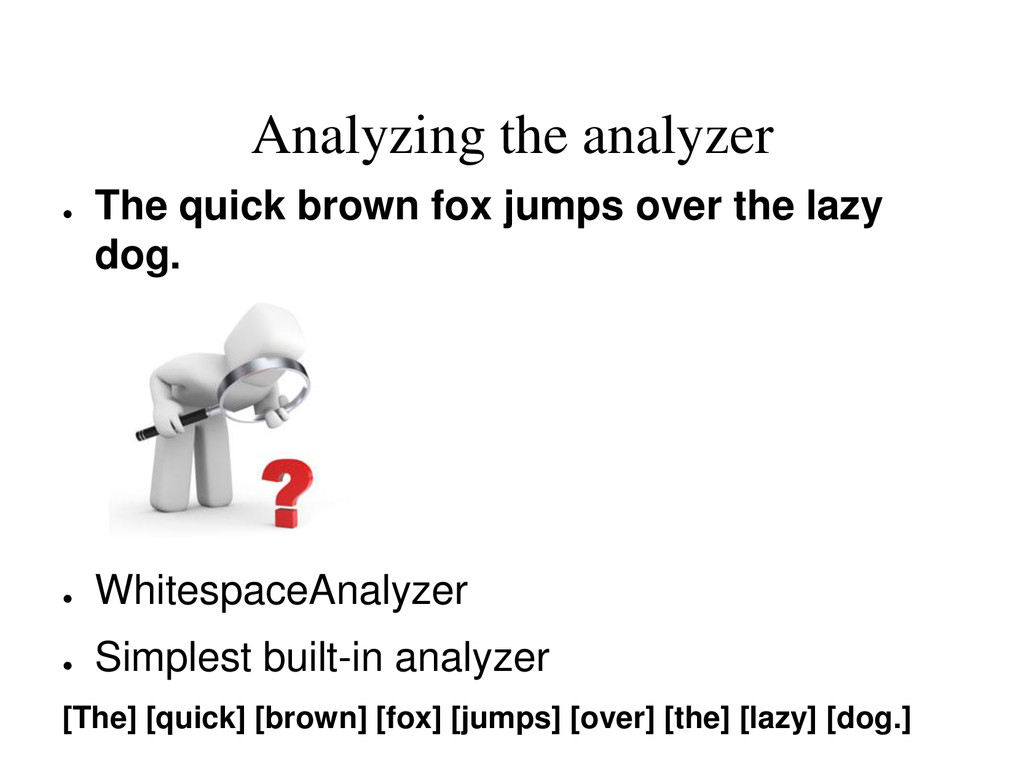
Analyzing the analyzer • The quick brown fox jumps over
the lazy dog. • WhitespaceAnalyzer • Simplest built-in analyzer [The] [quick] [brown] [fox] [jumps] [over] [the] [lazy] [dog.] -
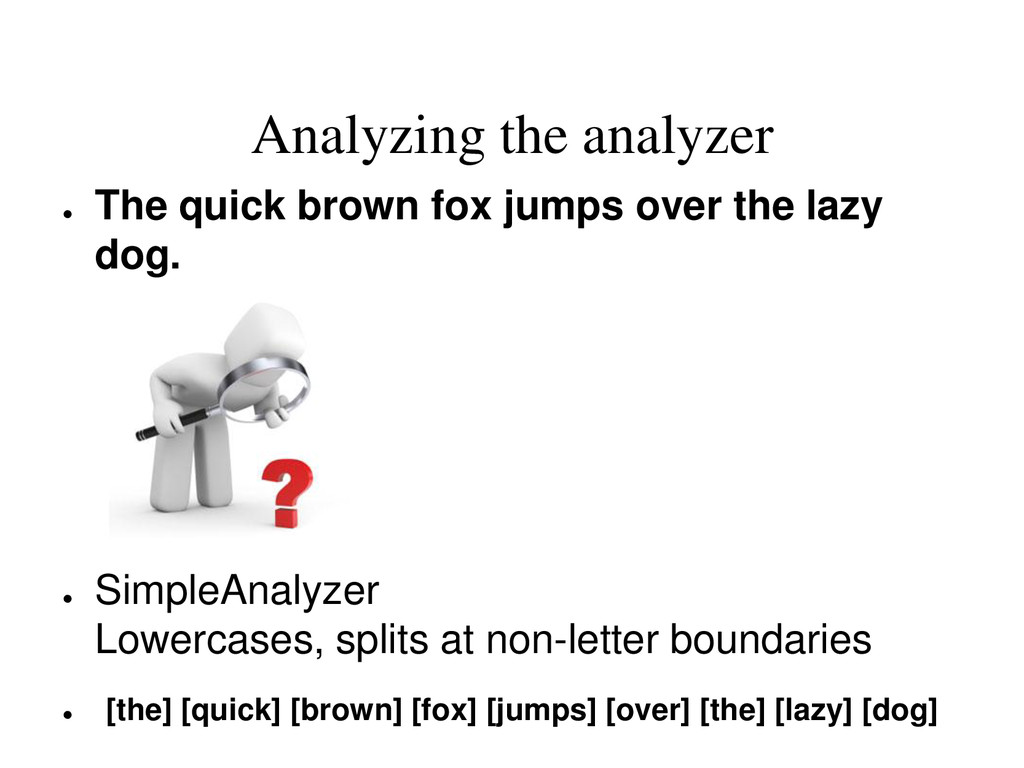
Analyzing the analyzer • The quick brown fox jumps over
the lazy dog. • SimpleAnalyzer Lowercases, splits at non-letter boundaries • [the] [quick] [brown] [fox] [jumps] [over] [the] [lazy] [dog] -
Analyzing the analyzer • The quick brown fox jumps over
the lazy dog. • StopAnalyzer Lowercases and removes stop words • [quick] [brown] [fox] [jumps] [over] [lazy] [dog] -
Analyzing the analyzer • The quick brown fox jumps over
the lazy dog. • SnowballAnalyzer Stemming algorithm • [the] [quick] [brown] [fox] [jump] [over] [the] [lazi] [dog] -
Do I find “cheval” when searching for “chevaux”? Is document
93345 found when searching for “+montreux –casino AND role:story” -
Indexing performance tips • Tricks of the trade: • multithread/multiprocess
• batch documents • separate Solr server and indexers • Indexing master + replicants • StreamingUpdateSolrServer + javabin -
Search performance tips • Searching Performance • javabin - binary
protocol for Java clients • caches: filterCache most relevant here • Autowarm • FastLRUCache • warming queries: firstSearcher, newSearcher • sorting, faceting -
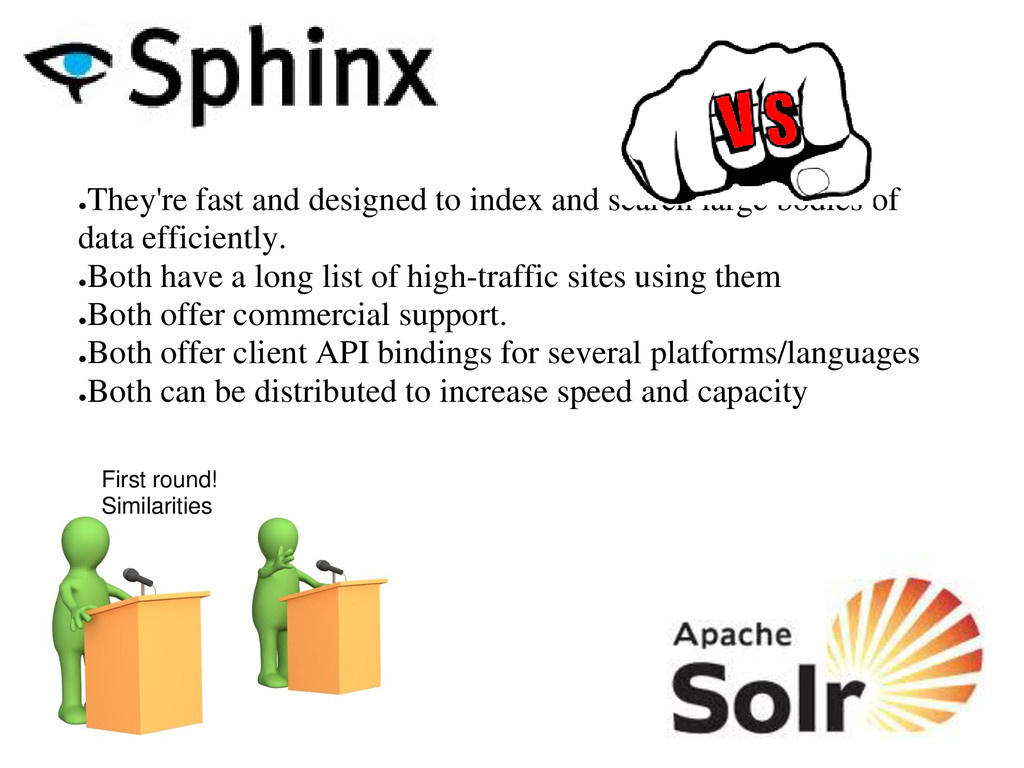
• They're fast and designed to index and search large
bodies of data efficiently. • Both have a long list of high-traffic sites using them • Both offer commercial support. • Both offer client API bindings for several platforms/languages • Both can be distributed to increase speed and capacity First round! Similarities -
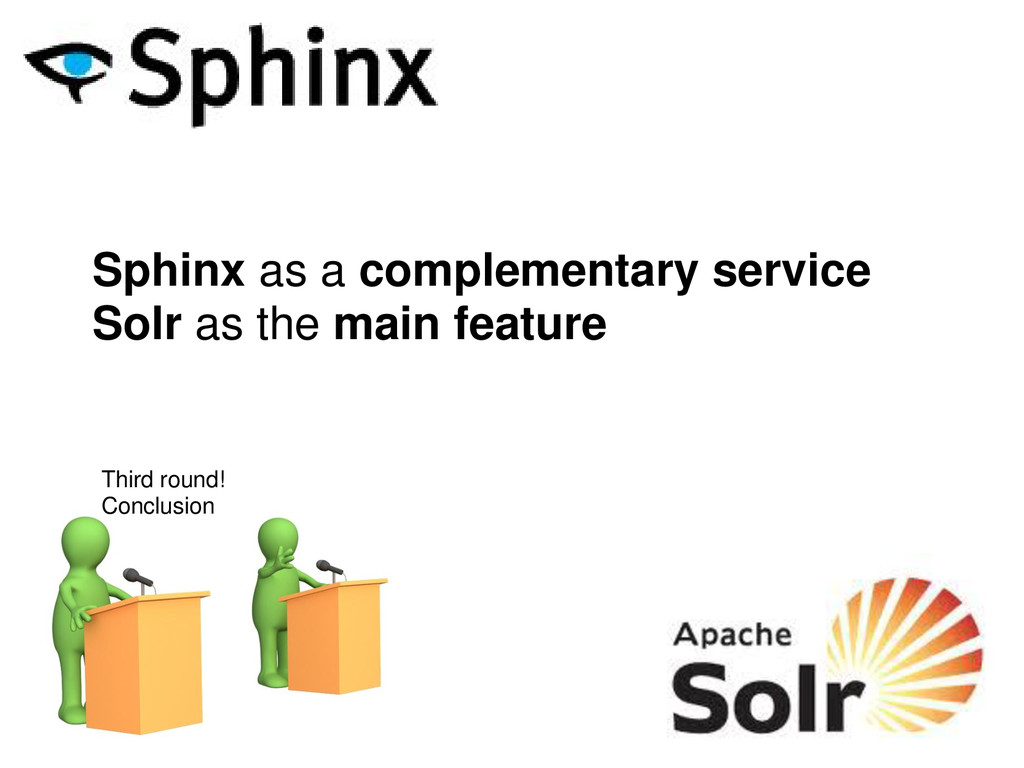
Sphinx as a complementary service Solr as the main feature
Third round! Conclusion