Upgrade to Pro — share decks privately, control downloads, hide ads and more …

Distributed Data Processing Platforsm.

Distributed Data Processing Platforsm.

This is the first presentation of a workshop, I am speaking in the School of Computer Science and Engineering of Shahid Beheshti University on Big-Data processing as a workshop on Distributed Databases course.

This presentation starts with setting a Linux cluster up in your notebook and leads you to the other talks such as Intro to Elasticsearch and Hadoop.

Amir Sedighi

November 20, 2014

Transcript

23 slides
  1. 1 هدش عیزوت هداد شزادرپ هاگراک یتشهبدیهش -سیدرپ رتویپماک یسدنهم

    و مولع هدکشناد :سرد هدش عیزوت هداد هاگیاپ :داتسا ییابطابط یداه رتکد :هئارا یقیدص لضفلاوبا نابآ ۱۳۹۳
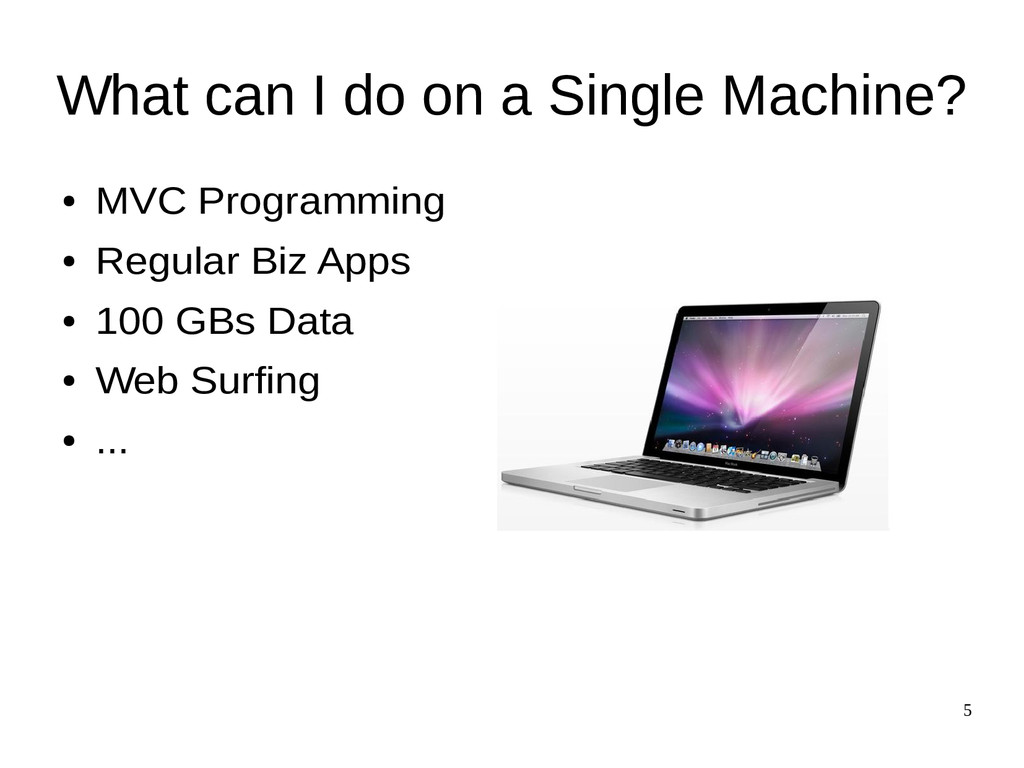
  2. 5 What can I do on a Single Machine? •

    MVC Programming • Regular Biz Apps • 100 GBs Data • Web Surfing • ...
  3. 7

  4. 8

  5. 9 Introduction This is a 4 sessions, hands-on, step-by-step tutorial

    on setting up, a Linux cluster on your machine (Notebook or PC), to try a few number of big-data processing frameworks and tools.
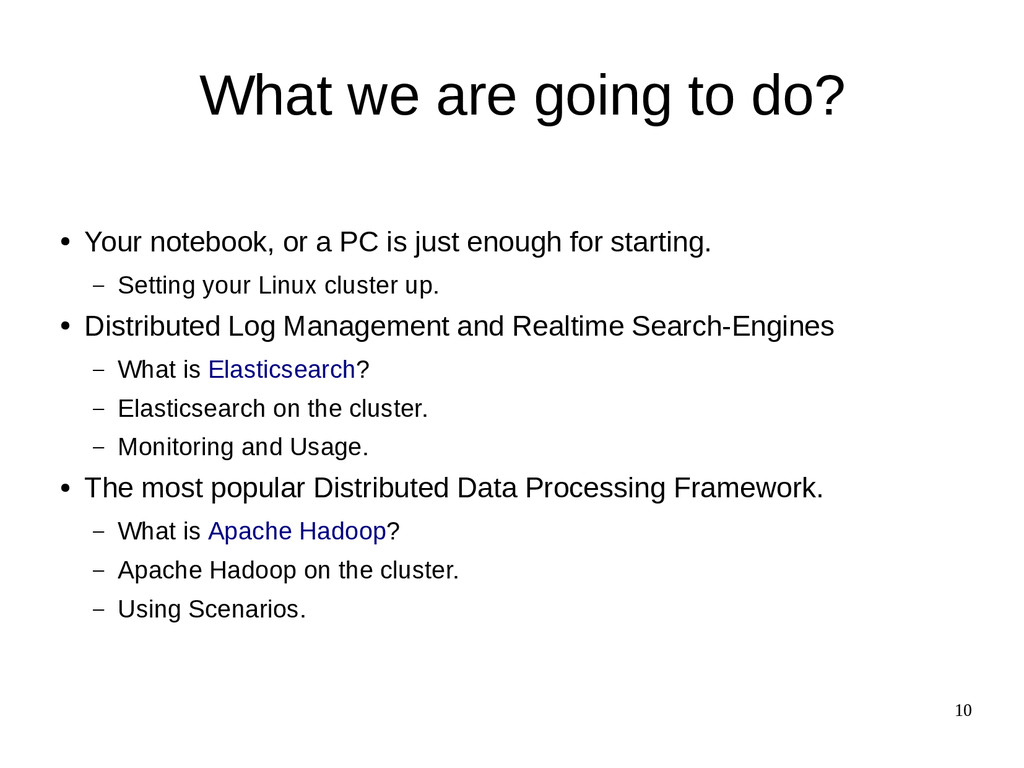
  6. 10 What we are going to do? • Your notebook,

    or a PC is just enough for starting. – Setting your Linux cluster up. • Distributed Log Management and Realtime Search-Engines – What is Elasticsearch? – Elasticsearch on the cluster. – Monitoring and Usage. • The most popular Distributed Data Processing Framework. – What is Apache Hadoop? – Apache Hadoop on the cluster. – Using Scenarios.
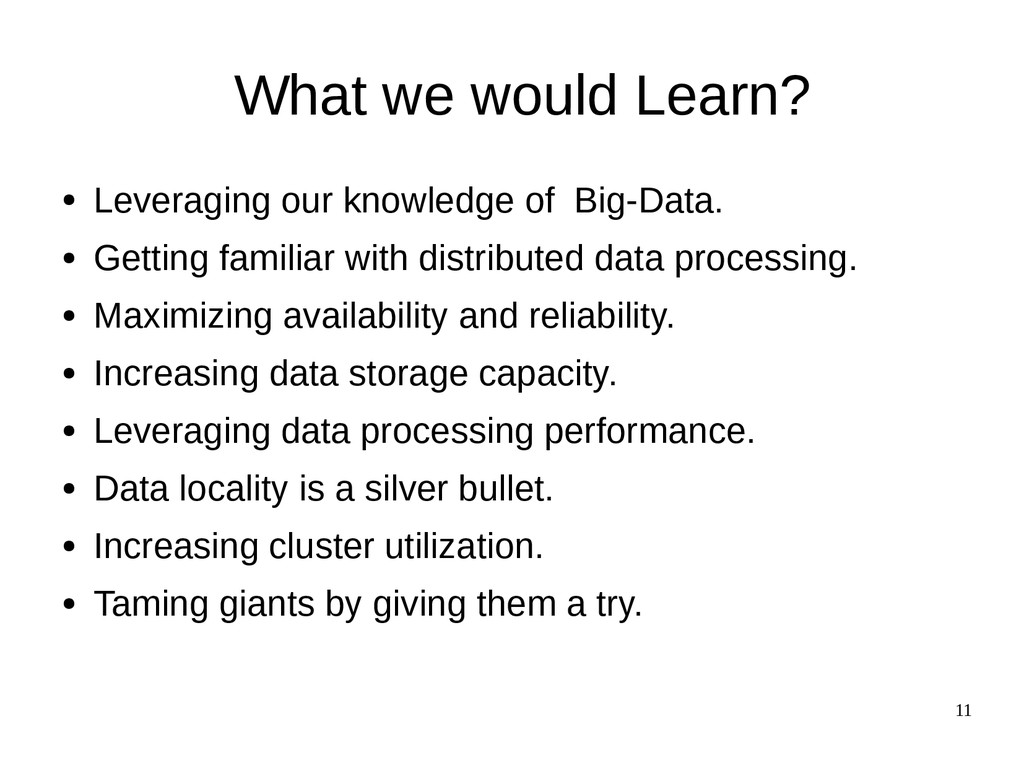
  7. 11 What we would Learn? • Leveraging our knowledge of

    Big-Data. • Getting familiar with distributed data processing. • Maximizing availability and reliability. • Increasing data storage capacity. • Leveraging data processing performance. • Data locality is a silver bullet. • Increasing cluster utilization. • Taming giants by giving them a try.
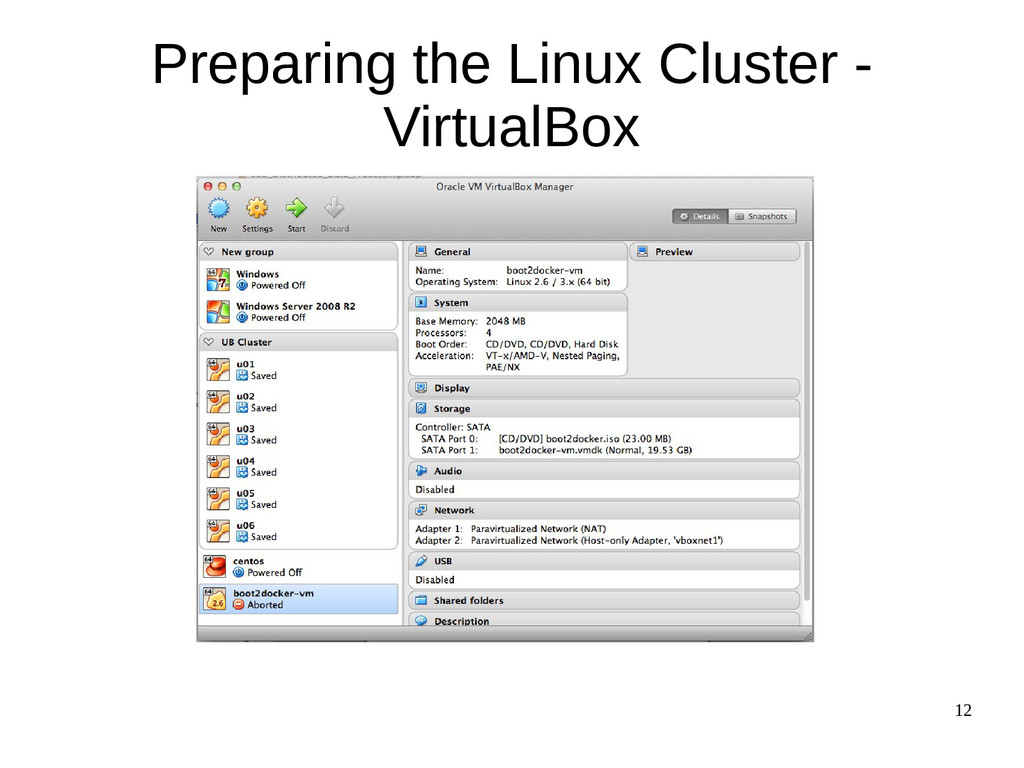
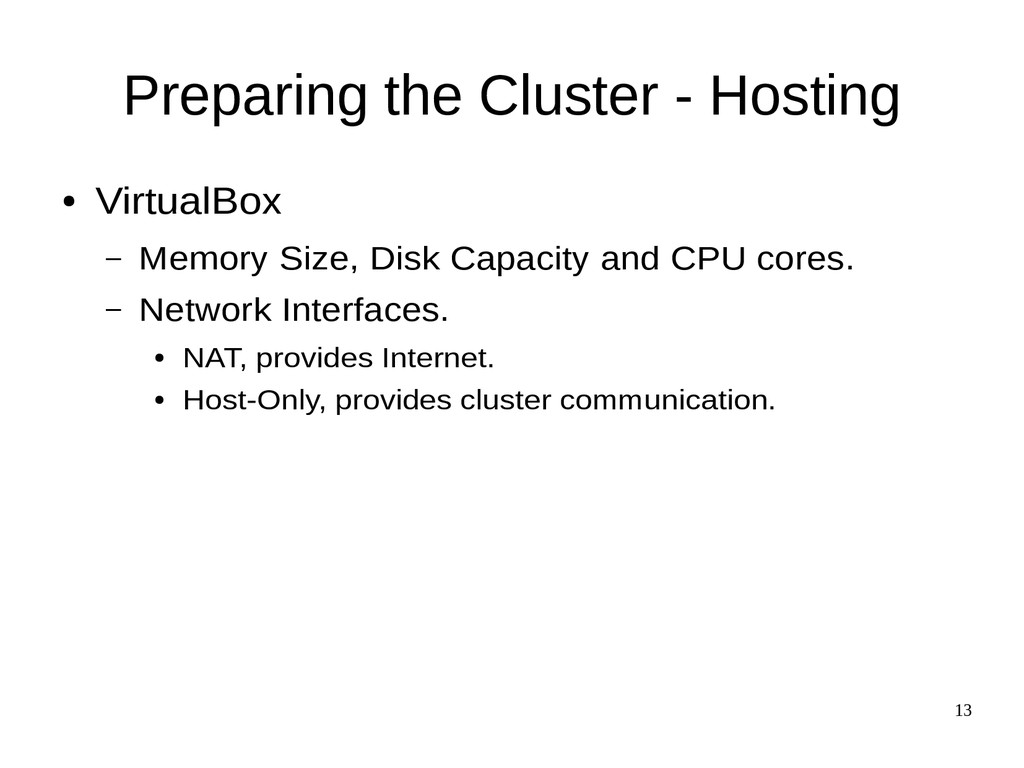
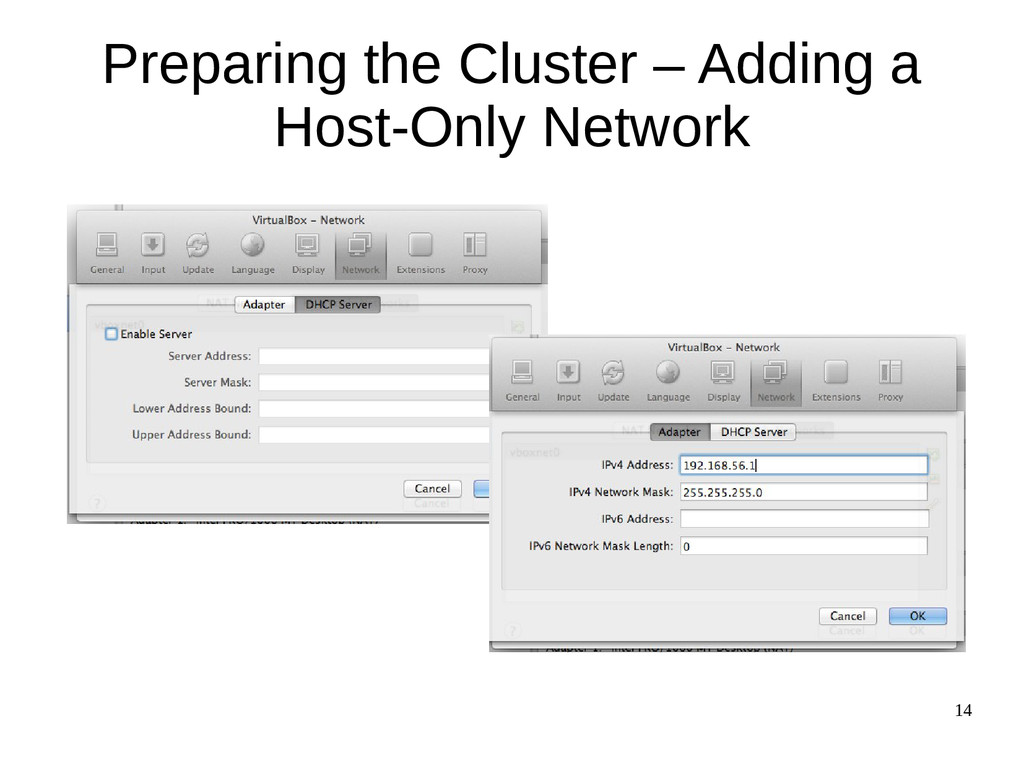
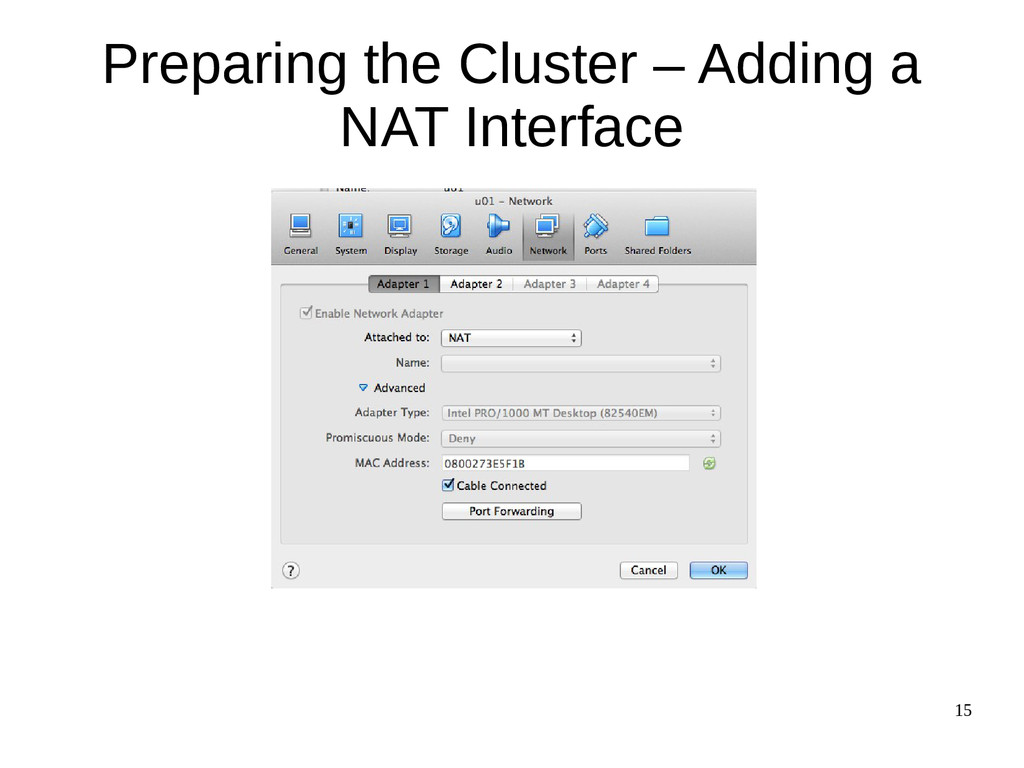
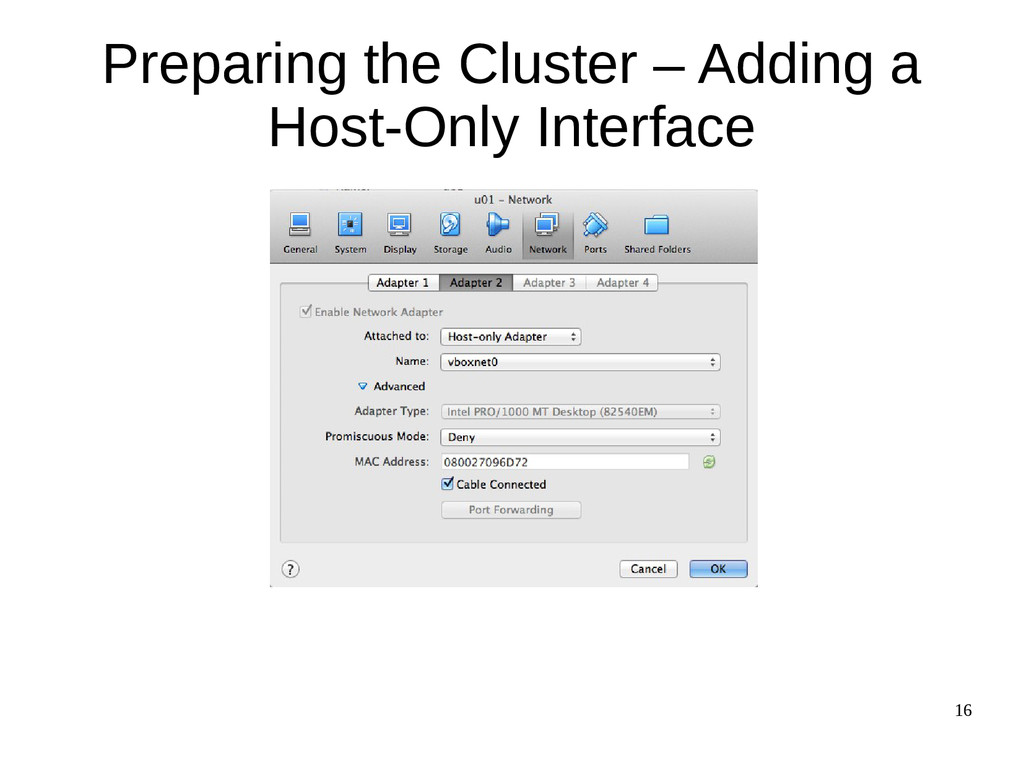
  8. 13 Preparing the Cluster - Hosting • VirtualBox – Memory

    Size, Disk Capacity and CPU cores. – Network Interfaces. • NAT, provides Internet. • Host-Only, provides cluster communication.
  9. 17 Preparing the Cluster – First Node • Creating a

    Linux machine inside VirtualBox. • Installing Linux. (I've used Ubuntu 12.04) – Check Samba – Check OpenSSH • Give the first node all. – Having an “install” folder on. – Having primitives such as Java installed on. • Shutting down the first node.
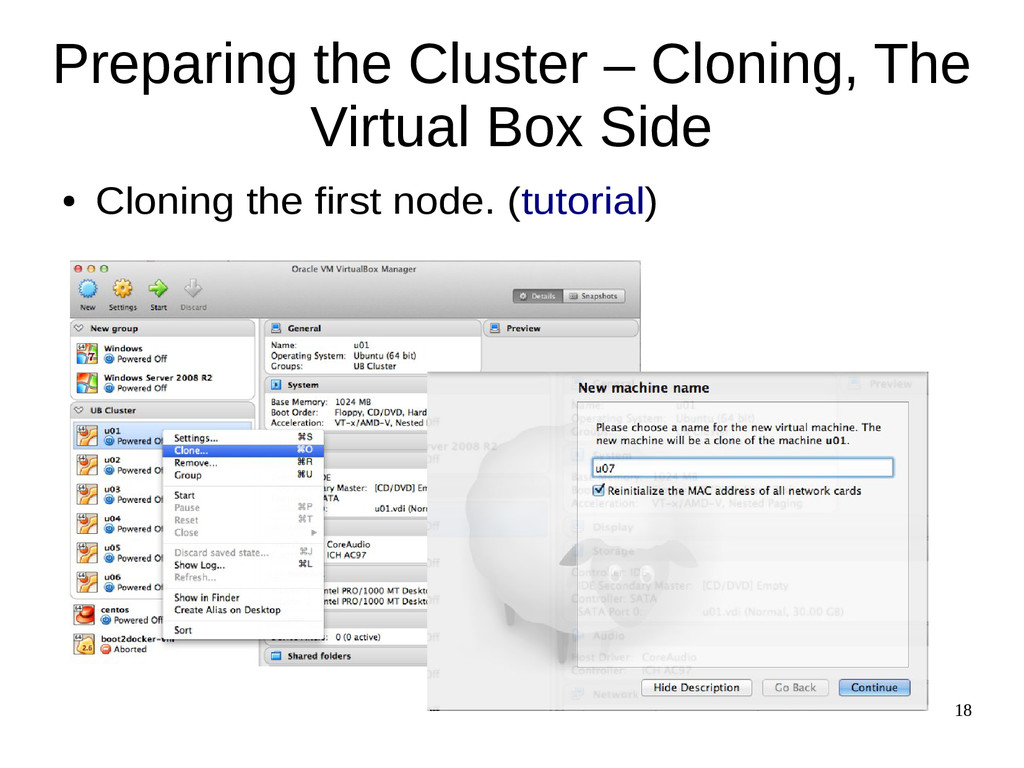
  10. 18 Preparing the Cluster – Cloning, The Virtual Box Side

    • Cloning the first node. (tutorial)
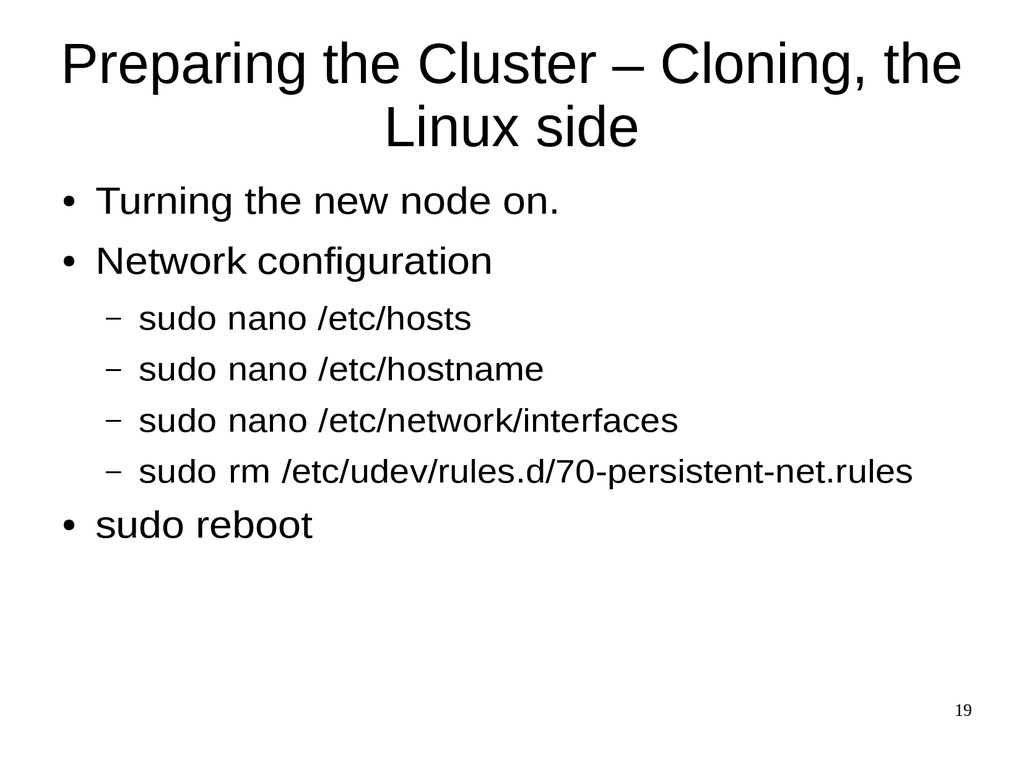
  11. 19 Preparing the Cluster – Cloning, the Linux side •

    Turning the new node on. • Network configuration – sudo nano /etc/hosts – sudo nano /etc/hostname – sudo nano /etc/network/interfaces – sudo rm /etc/udev/rules.d/70-persistent-net.rules • sudo reboot
  12. 20 Preparing the Cluster – No Password Login • Do

    this: – ssh-keygen – ssh-copy-id -i ~/.ssh/id_rsa.pub user@host • Or this: – ssh-keygen -t dsa -p '' -f ~/.ssh/id_dsa – scp .ssh/id_rsa.pub user@host:~/master_key – ssh user@host – cat master_key >> ./ssh/authorized_keys
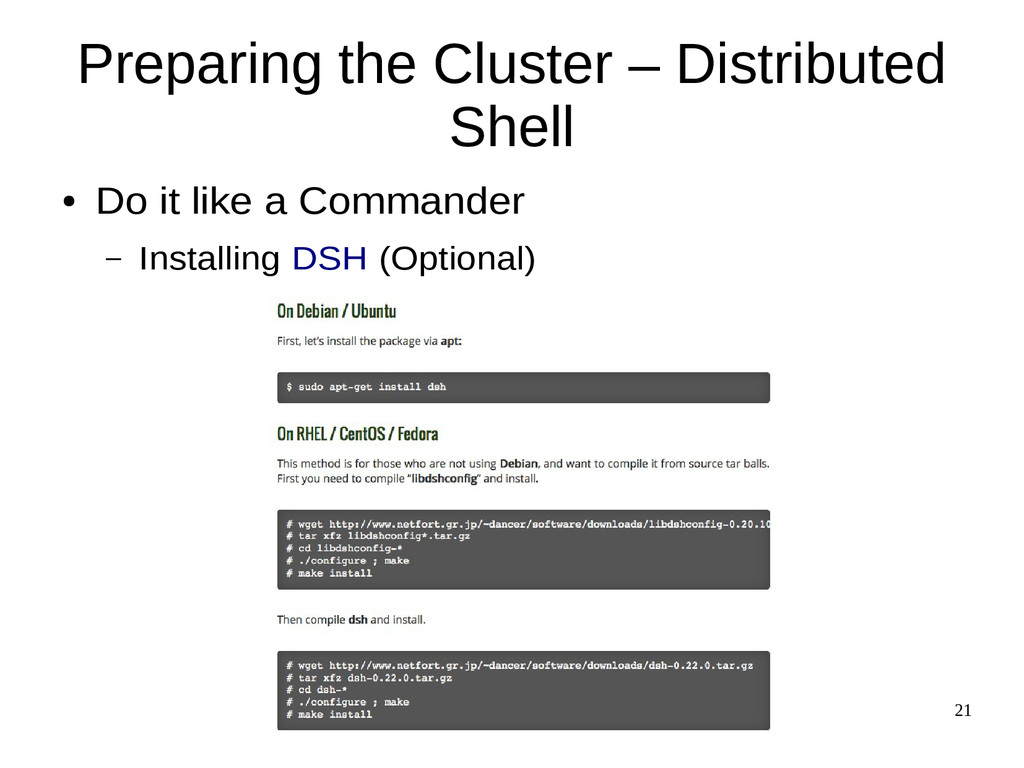
  13. 21 Preparing the Cluster – Distributed Shell • Do it

    like a Commander – Installing DSH (Optional)
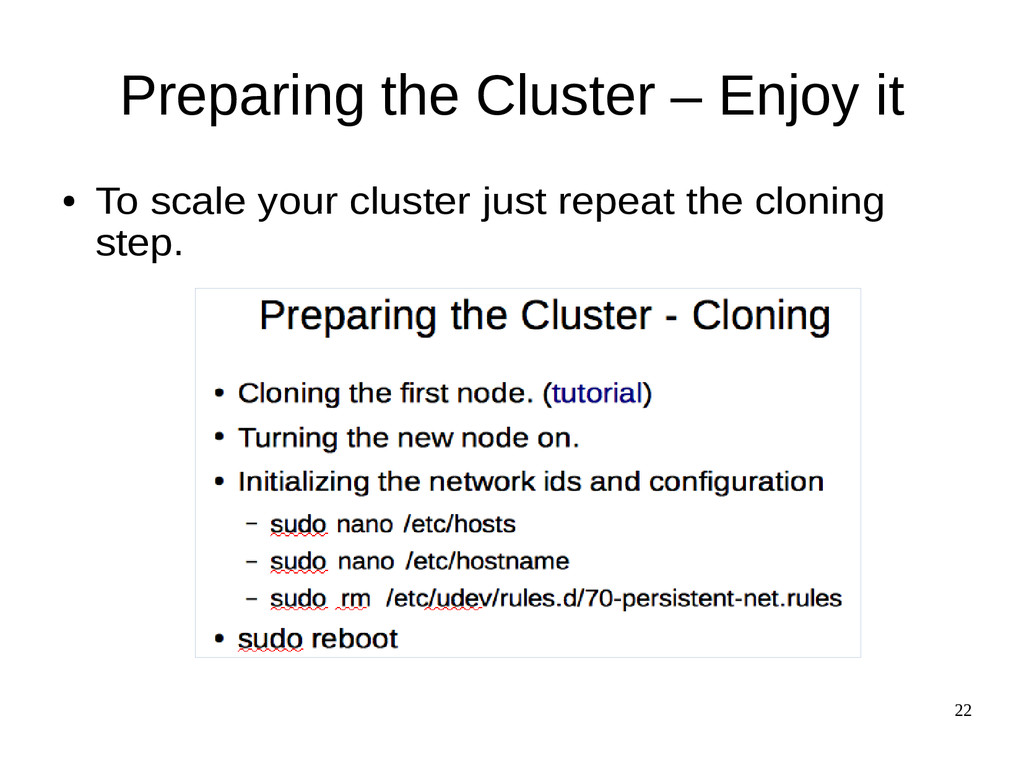
  14. 22 Preparing the Cluster – Enjoy it • To scale

    your cluster just repeat the cloning step.
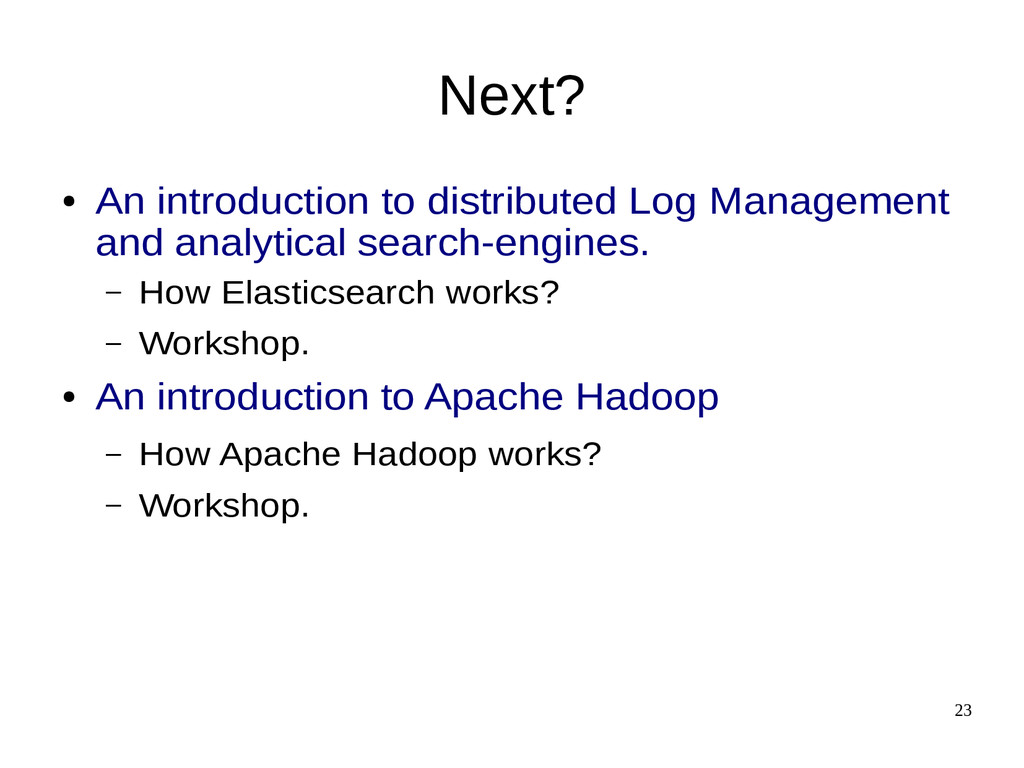
  15. 23 Next? • An introduction to distributed Log Management and

    analytical search-engines. – How Elasticsearch works? – Workshop. • An introduction to Apache Hadoop – How Apache Hadoop works? – Workshop.

More Decks by Amir Sedighi

Other Decks in Programming