Share
Embed
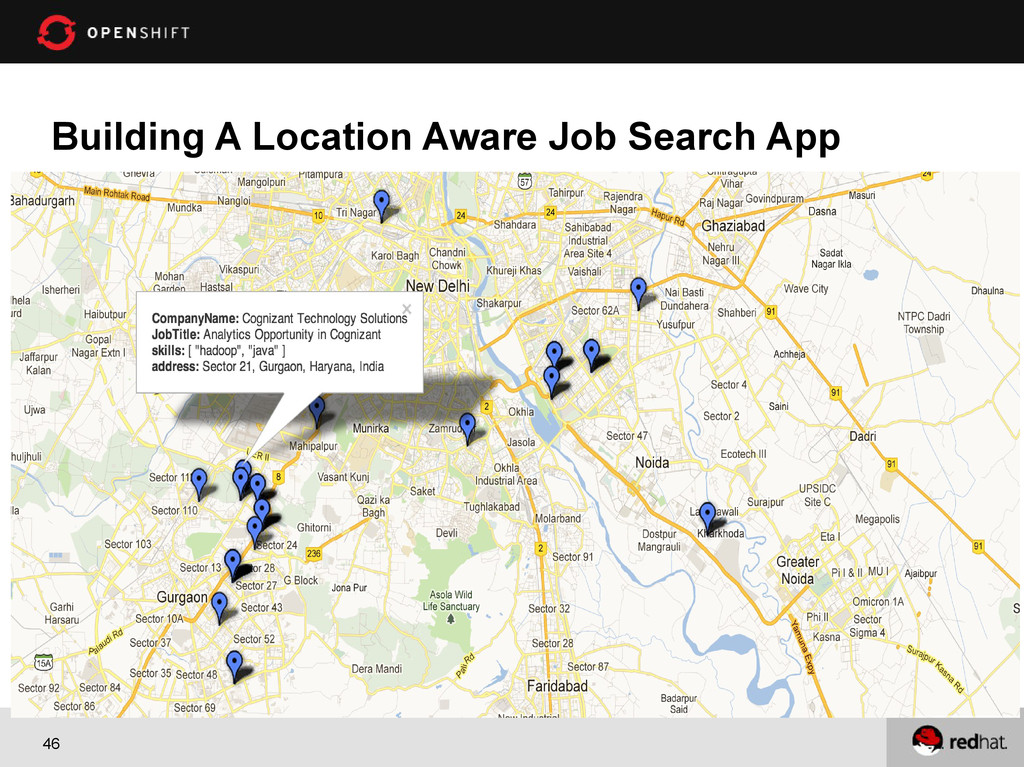
Building Location Aware Job Search Application with OpenShift and MongoDB
Shekhar Gulati
December 16, 2012
Transcript
72 slides
-
1 Building Location Aware Applications with OpenShift and MongoDB Shekhar
Gulati @shekhargulati OpenShift Evangelist, Red Hat -
2 About Me ➢ OpenShift Evangelist at Red Hat ➢
Hands-on Developer ➢ Active Blogger http://whyjava.wordpress.com/ https://openshift.redhat.com/community/blogs ➢ Written Technical Articles on various technology portals. ➢ Active Speaker JUDCon, Red Hat Developer Day, JBoss World, MongoDB Meetups, etc ➢ Twitter Handle : shekhargulati ➢ Trying to learn and improve every day -
4 Agenda • What is PaaS? • Let's become friends
with OpenShift • What does development look like ? • Getting your hands dirty Tweet about the event with #openshift -
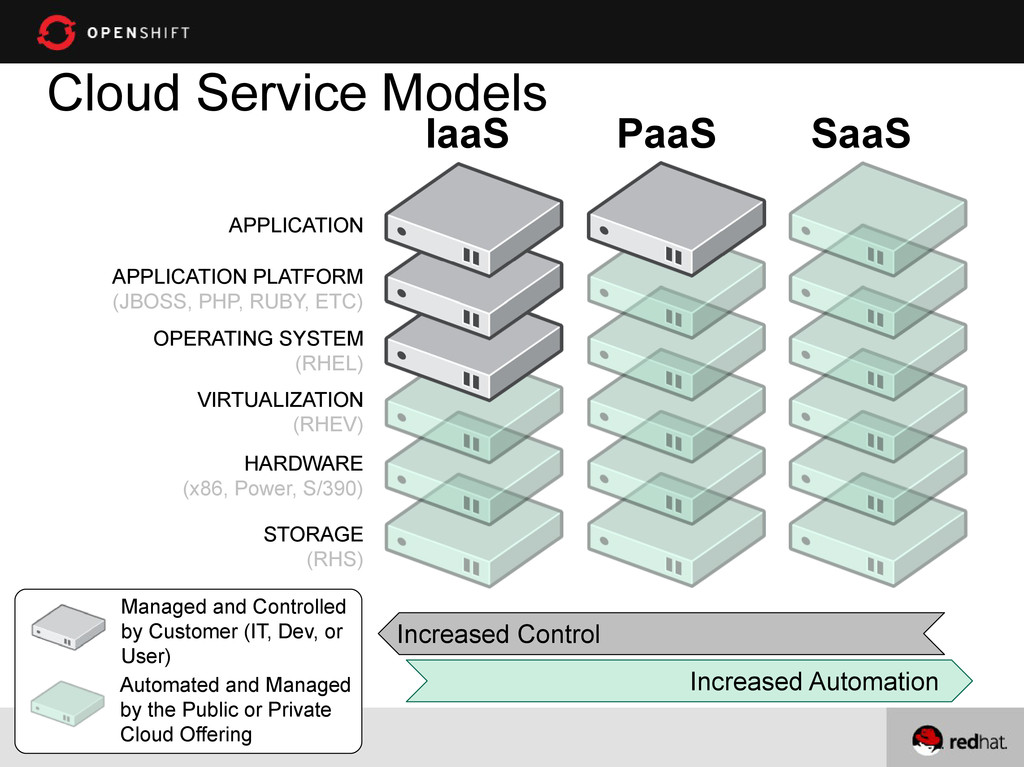
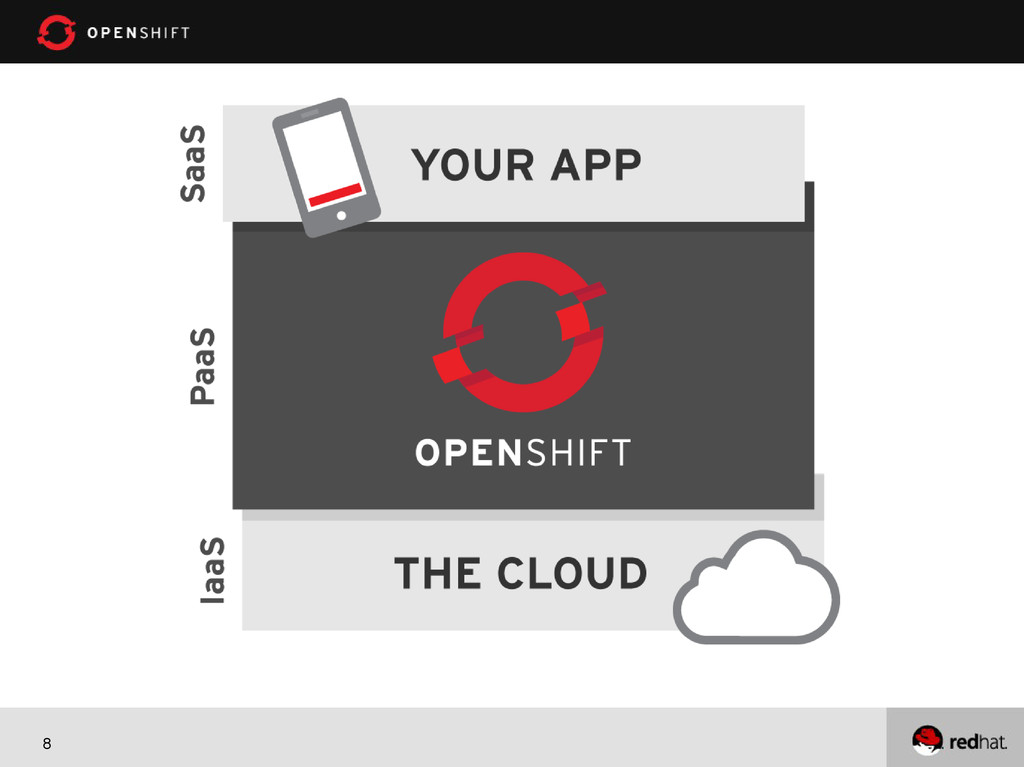
5 Cloud Service Models STORAGE (RHS) HARDWARE (x86, Power, S/390)
VIRTUALIZATION (RHEV) OPERATING SYSTEM (RHEL) APPLICATION PLATFORM (JBOSS, PHP, RUBY, ETC) APPLICATION Automated and Managed by the Public or Private Cloud Offering Managed and Controlled by Customer (IT, Dev, or User) IaaS PaaS SaaS Increased Control Increased Automation -
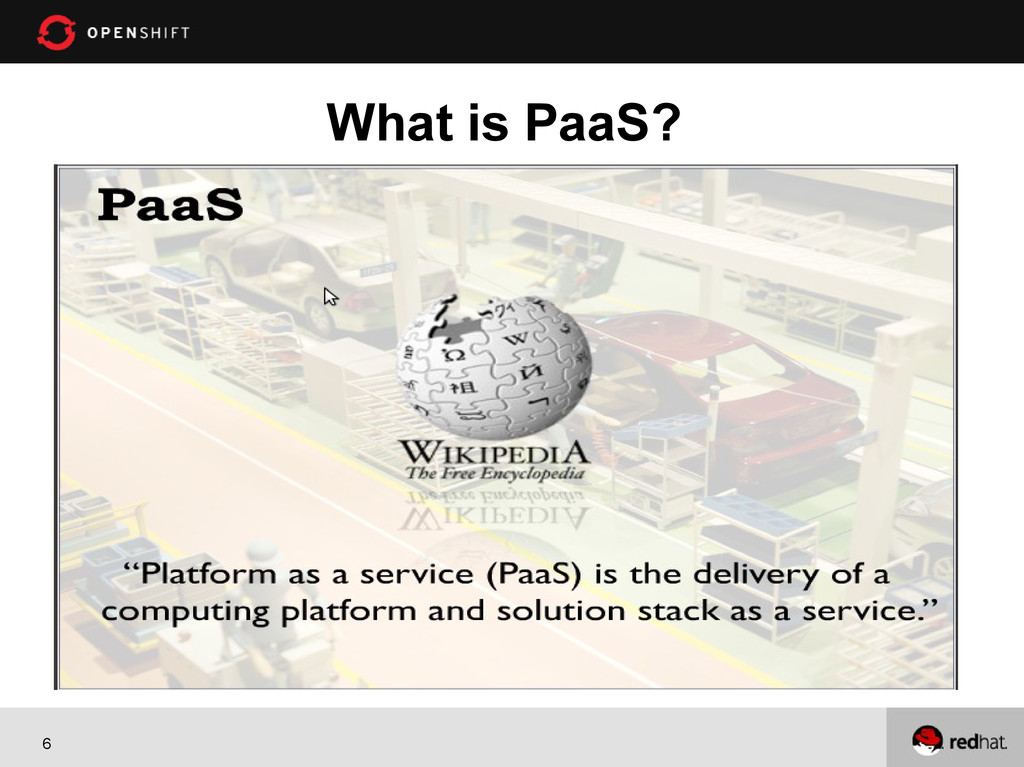
7 PaaS = Platform as a Service A Cloud Application
Platform Code Deploy Enjoy Save Time and Money Code your app Push-button Deploy, and your App is running in the Cloud! -
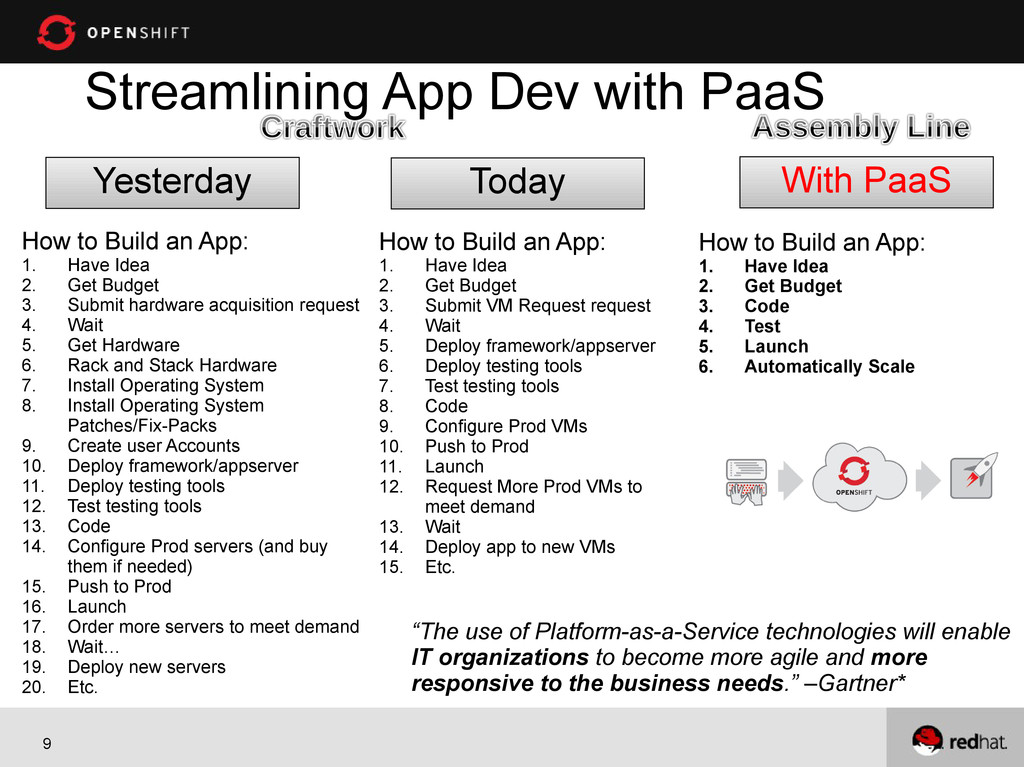
9 Streamlining App Dev with PaaS With PaaS How to
Build an App: 1. Have Idea 2. Get Budget 3. Code 4. Test 5. Launch 6. Automatically Scale How to Build an App: 1. Have Idea 2. Get Budget 3. Submit VM Request request 4. Wait 5. Deploy framework/appserver 6. Deploy testing tools 7. Test testing tools 8. Code 9. Configure Prod VMs 10. Push to Prod 11. Launch 12. Request More Prod VMs to meet demand 13. Wait 14. Deploy app to new VMs 15. Etc. Today How to Build an App: 1. Have Idea 2. Get Budget 3. Submit hardware acquisition request 4. Wait 5. Get Hardware 6. Rack and Stack Hardware 7. Install Operating System 8. Install Operating System Patches/Fix-Packs 9. Create user Accounts 10. Deploy framework/appserver 11. Deploy testing tools 12. Test testing tools 13. Code 14. Configure Prod servers (and buy them if needed) 15. Push to Prod 16. Launch 17. Order more servers to meet demand 18. Wait… 19. Deploy new servers 20. Etc. Yesterday “The use of Platform-as-a-Service technologies will enable IT organizations to become more agile and more responsive to the business needs.” –Gartner* -
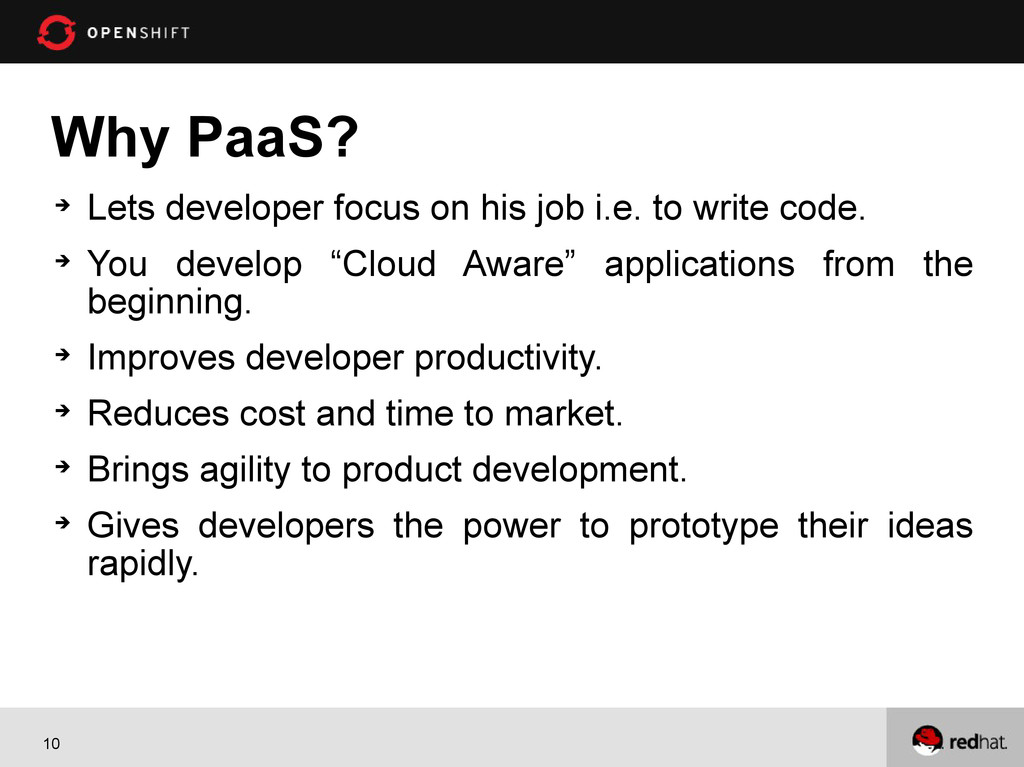
10 Why PaaS? Lets developer focus on his job
i.e. to write code. You develop “Cloud Aware” applications from the beginning. Improves developer productivity. Reduces cost and time to market. Brings agility to product development. Gives developers the power to prototype their ideas rapidly. -
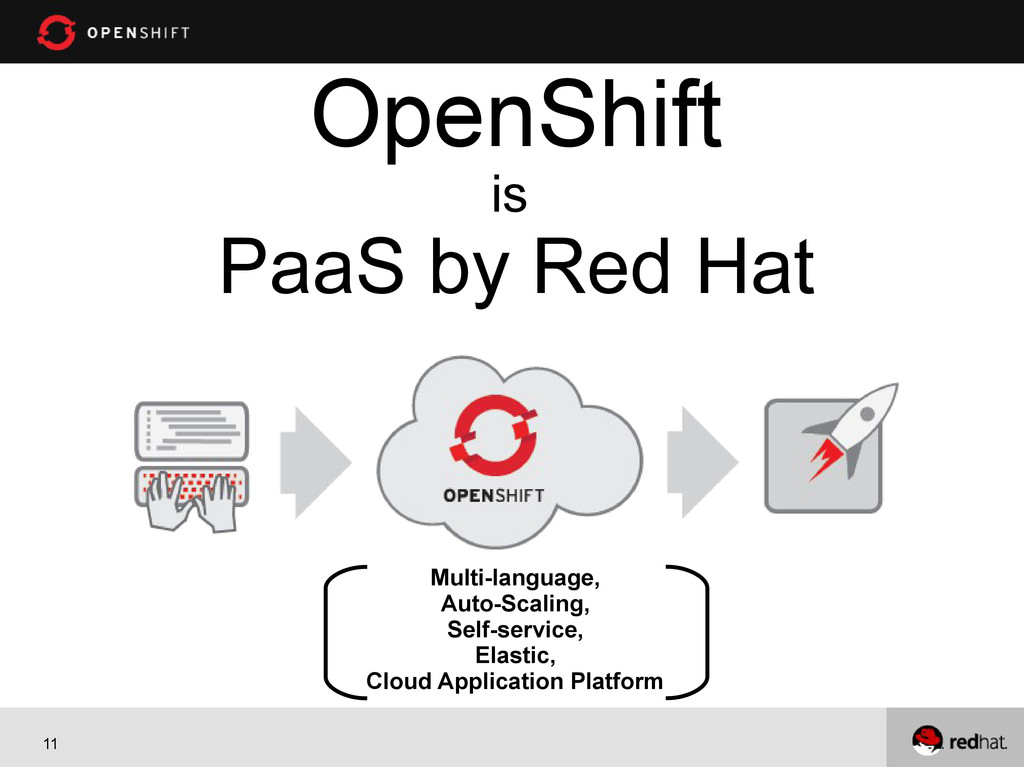
11 OpenShift is PaaS by Red Hat Multi-language, Auto-Scaling, Self-service,
Elastic, Cloud Application Platform -
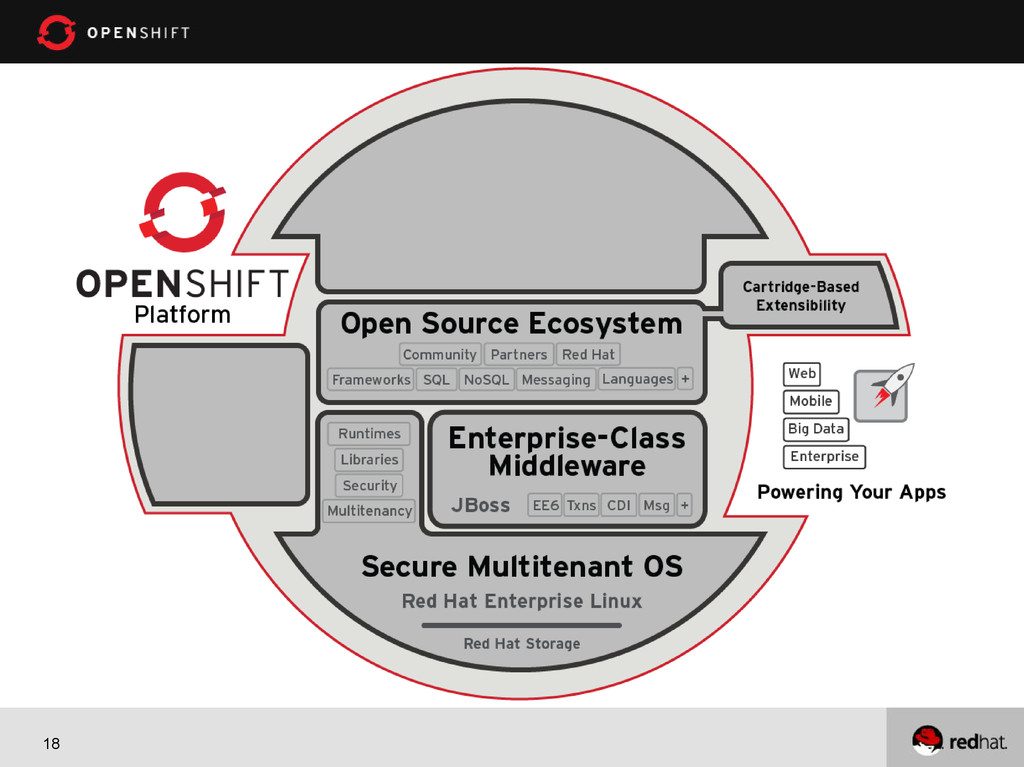
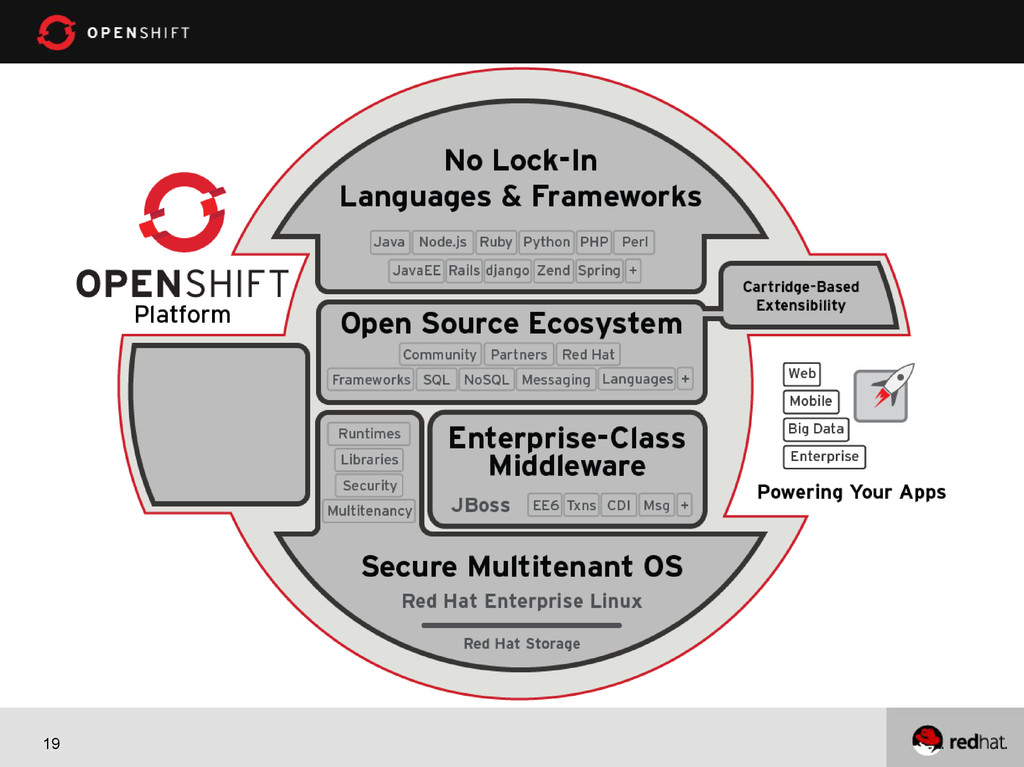
12 Introducing OpenShift A free auto-scaling, cloud-based application platform
from Red Hat. Multi Language, Multi Frameworks, Multi Cartridges. No proprietary software. No Lock-in. Open source – OpenShift Origin. -
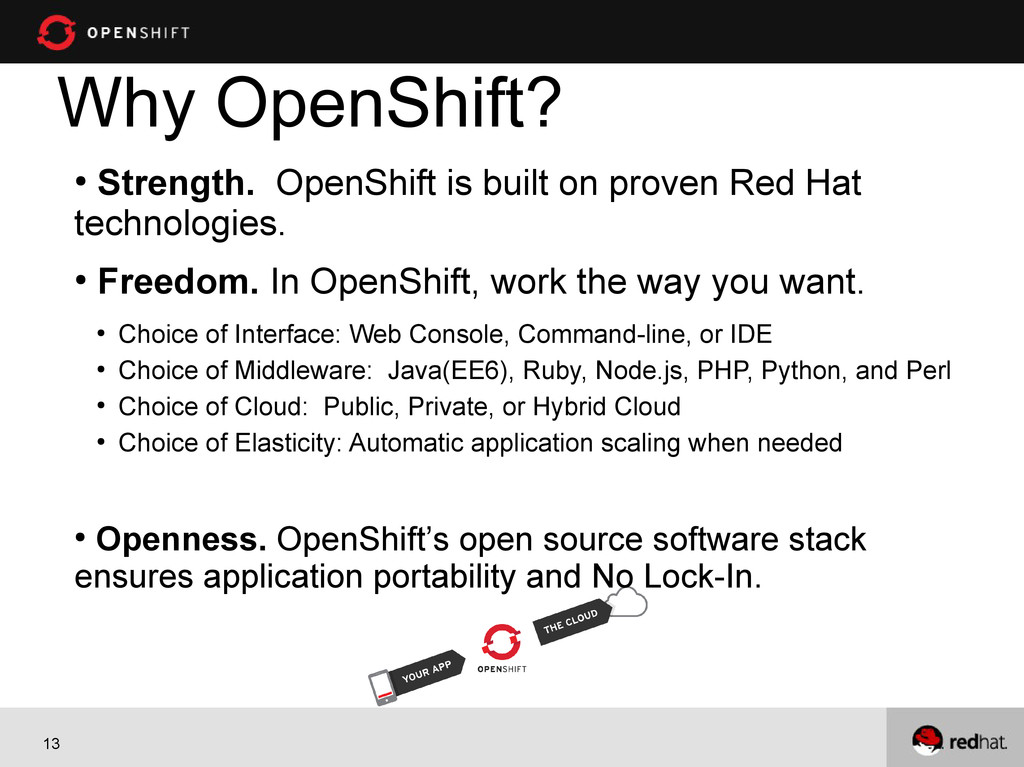
13 Why OpenShift? • Strength. OpenShift is built on proven
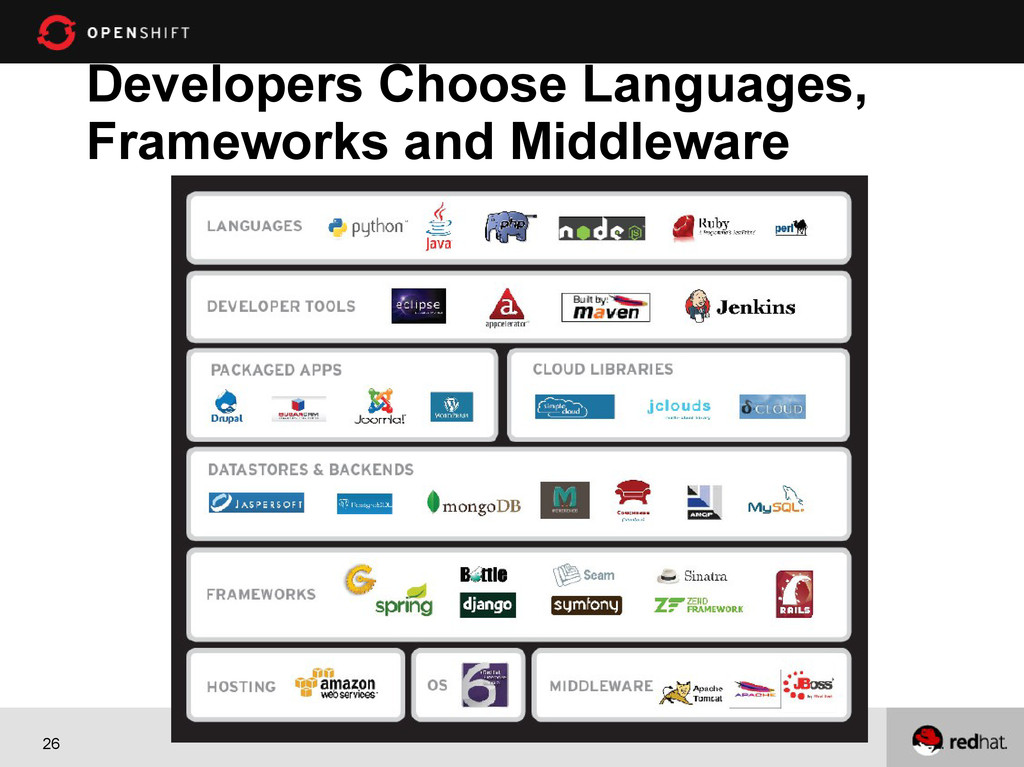
Red Hat technologies. • Freedom. In OpenShift, work the way you want. • Choice of Interface: Web Console, Command-line, or IDE • Choice of Middleware: Java(EE6), Ruby, Node.js, PHP, Python, and Perl • Choice of Cloud: Public, Private, or Hybrid Cloud • Choice of Elasticity: Automatic application scaling when needed • Openness. OpenShift’s open source software stack ensures application portability and No Lock-In. -
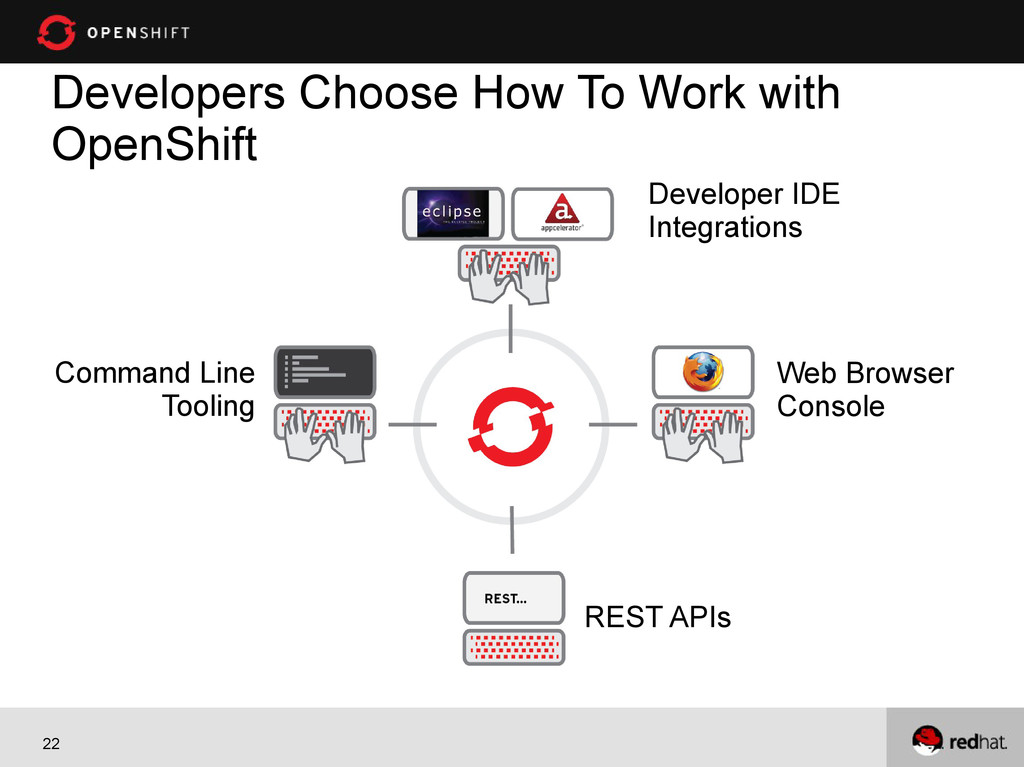
22 Developers Choose How To Work with OpenShift Developer IDE
Integrations Web Browser Console Command Line Tooling REST APIs -
24 Are You a Command-Line Fan? OpenShift’s RHC CLI Tools
1) Create App rhc app create -a javasample -t jbossas-7 2) Add MongoDB rhc cartridge add -a javasample –c mongodb-2.2 3) Add add WAR file to your deployments directory cd javasample cp /path/to/war/ROOT.war ./deployments 4) Add the WAR file to git git add ./deployments/ROOT.war 5) Push your code git push 6) Done -
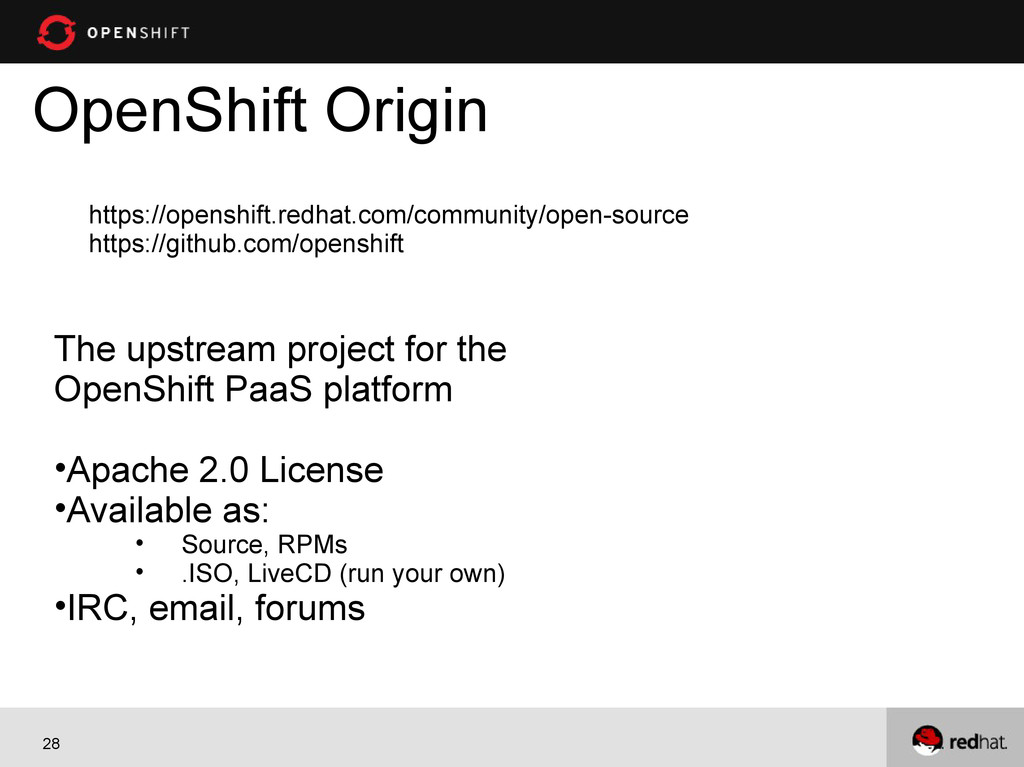
28 OpenShift Origin The upstream project for the OpenShift PaaS
platform •Apache 2.0 License •Available as: • Source, RPMs • .ISO, LiveCD (run your own) •IRC, email, forums https://openshift.redhat.com/community/open-source https://github.com/openshift -
29 What else do I get and what is the
catch? OpenShift is free-as-in-beer & free-as-in-freedom You get three free gears, each with 512MB memory and 1GB of disk space. Need more resources, just ask! The catch is we are in developer preview right now -
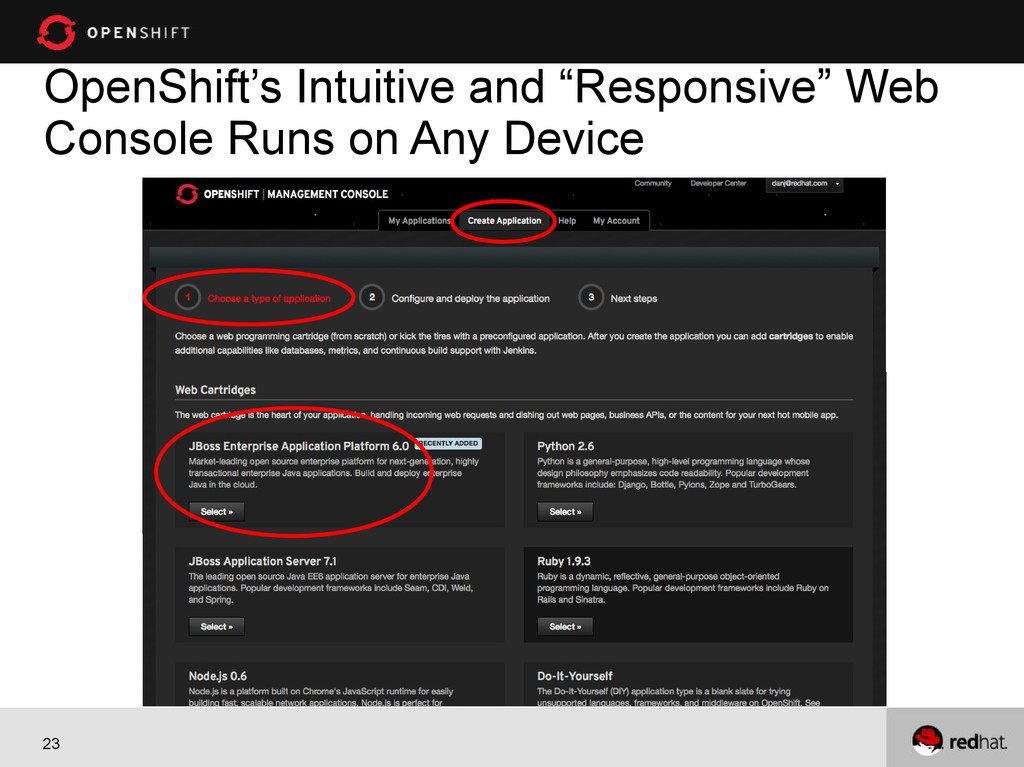
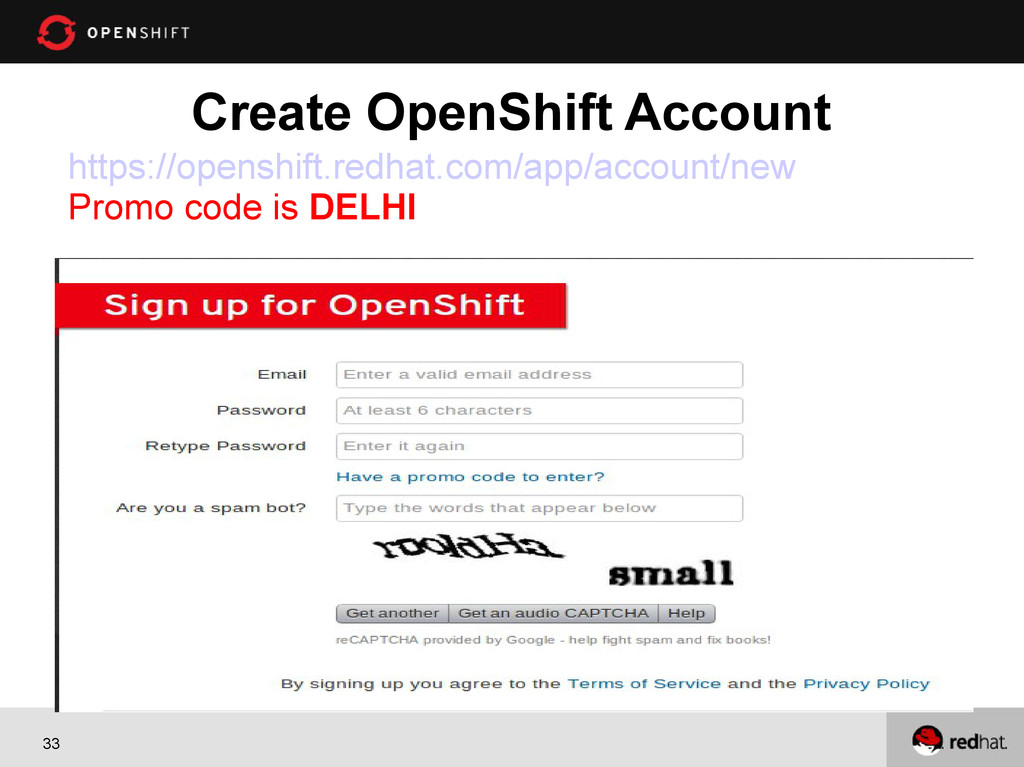
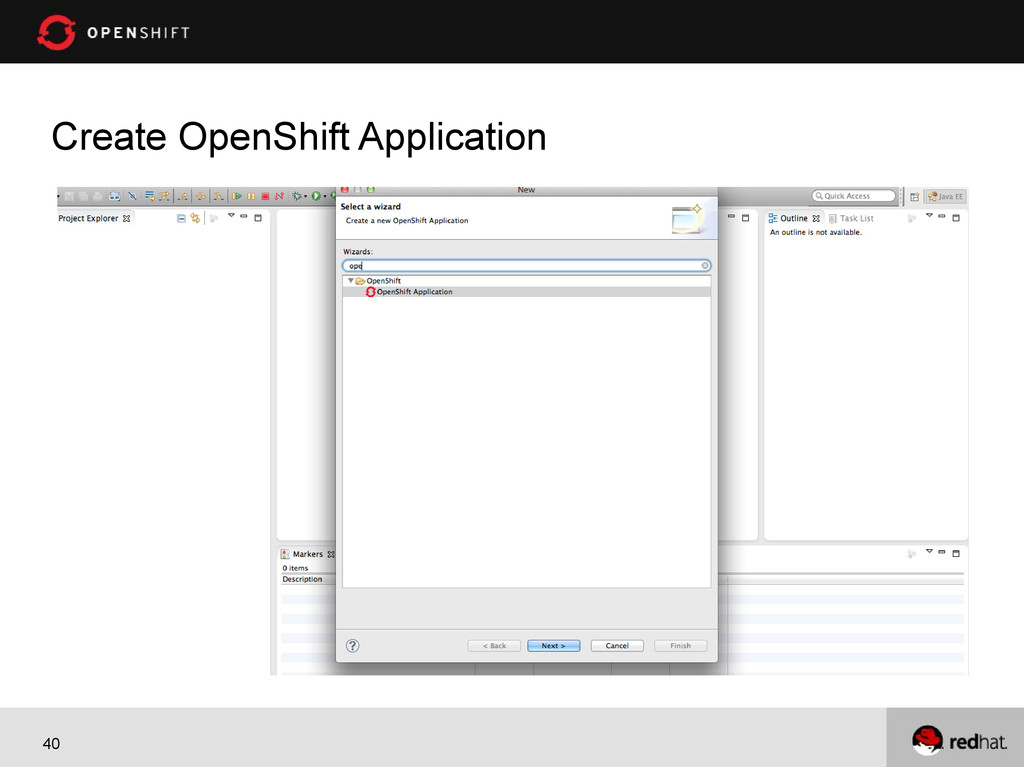
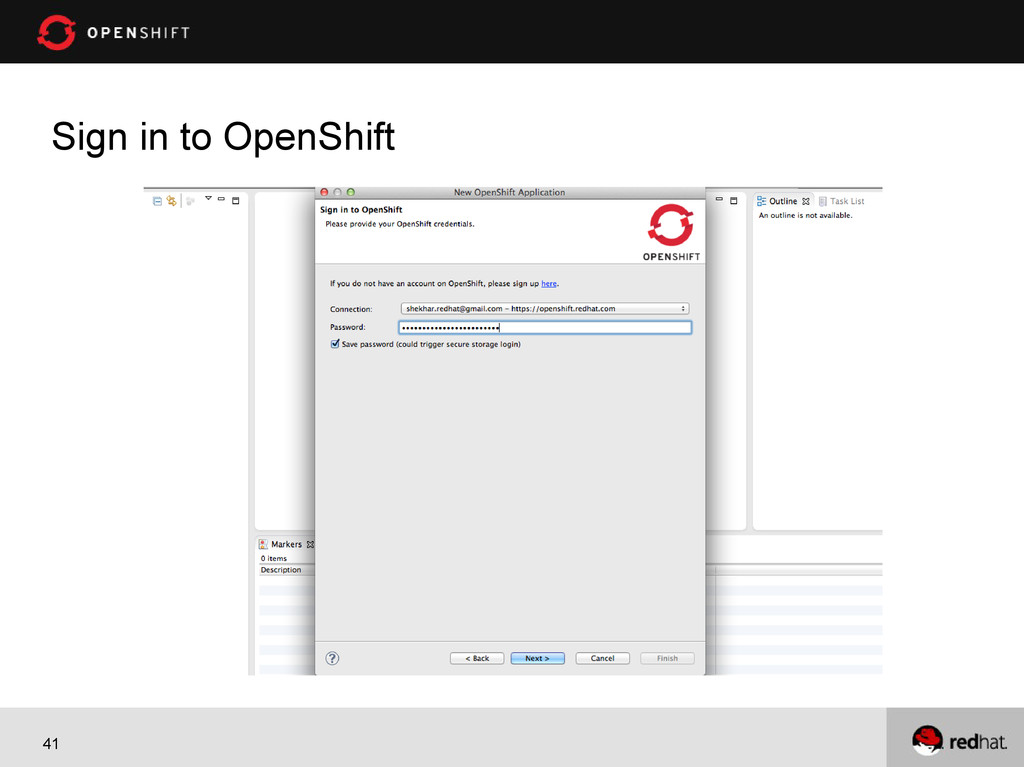
30 1. OpenShift Web console demo 2. OpenShift Eclipse Integration
demo 3. Developing Location Aware Job search application Note : The promo code is DELHI Demo -
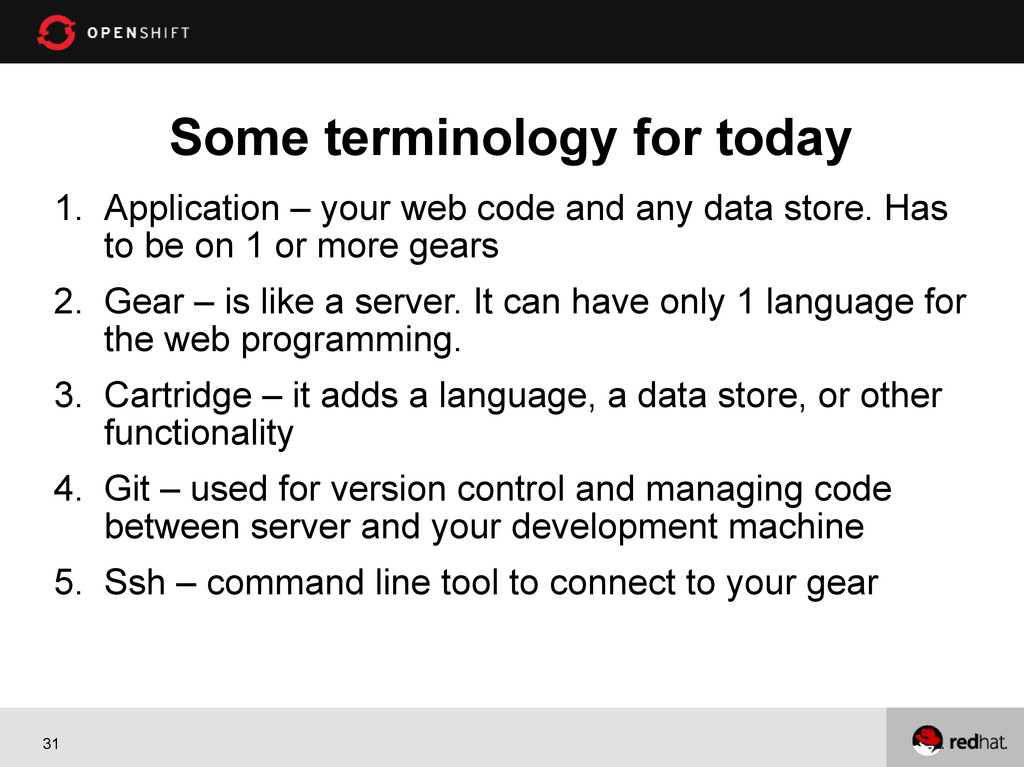
31 Some terminology for today 1. Application – your web
code and any data store. Has to be on 1 or more gears 2. Gear – is like a server. It can have only 1 language for the web programming. 3. Cartridge – it adds a language, a data store, or other functionality 4. Git – used for version control and managing code between server and your development machine 5. Ssh – command line tool to connect to your gear -
34 Demo 1 - Web Console Wordpress in less than
two minutes Default username/password is admin/OpenShiftAdmin -
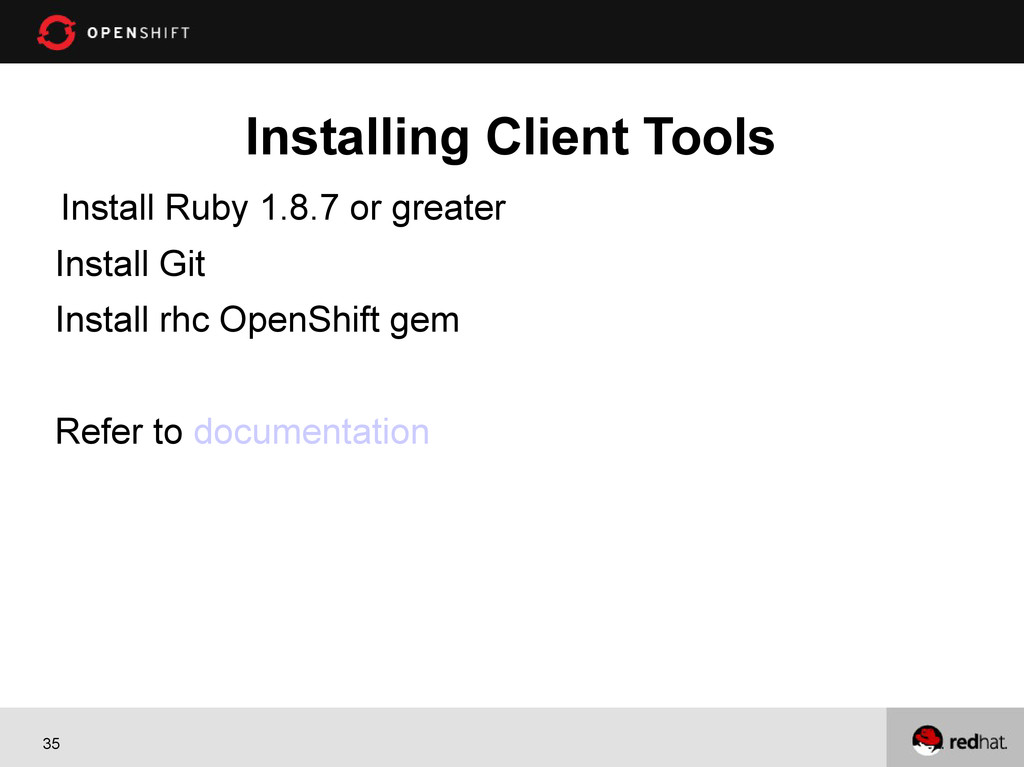
35 Installing Client Tools Install Ruby 1.8.7 or greater Install
Git Install rhc OpenShift gem Refer to documentation -
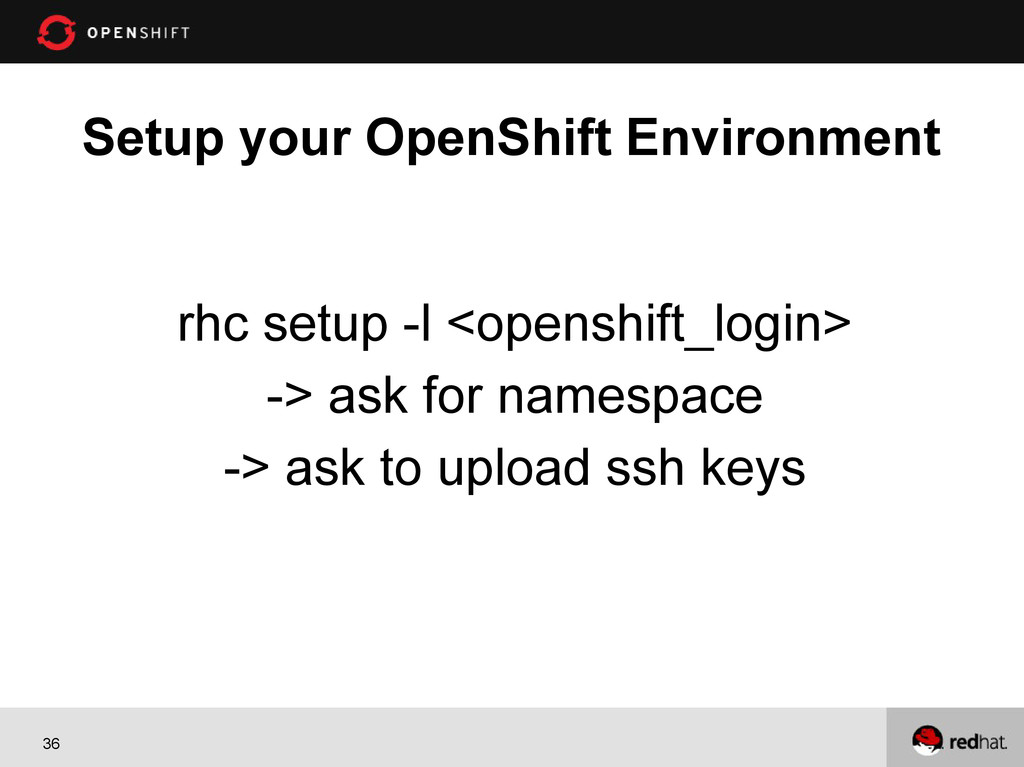
36 Setup your OpenShift Environment rhc setup -l <openshift_login> ->
ask for namespace -> ask to upload ssh keys -
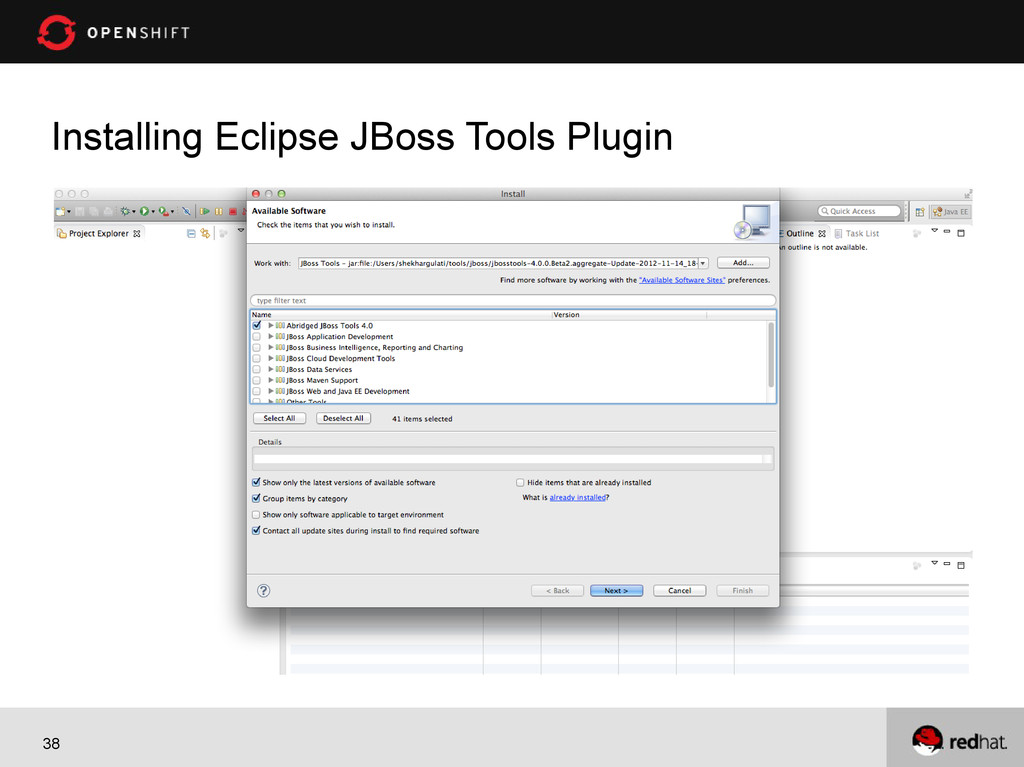
37 Demo 2 – Eclipse Integration Two ways to use
with Eclipse 1) Using Eclipse Plugin 2) Using JBoss Developer Studio – Eclipse with JBoss Goodness -
47 User Stories As a User, I should be
able to find all the jobs. As a User, I should be able to find all the jobs near to my location. As a User, I should be able to find all MongoDB (or any skill) jobs near to my location. As a User, I should be able to find all the MongoDB (or any other skill) jobs near to my location with distance. -
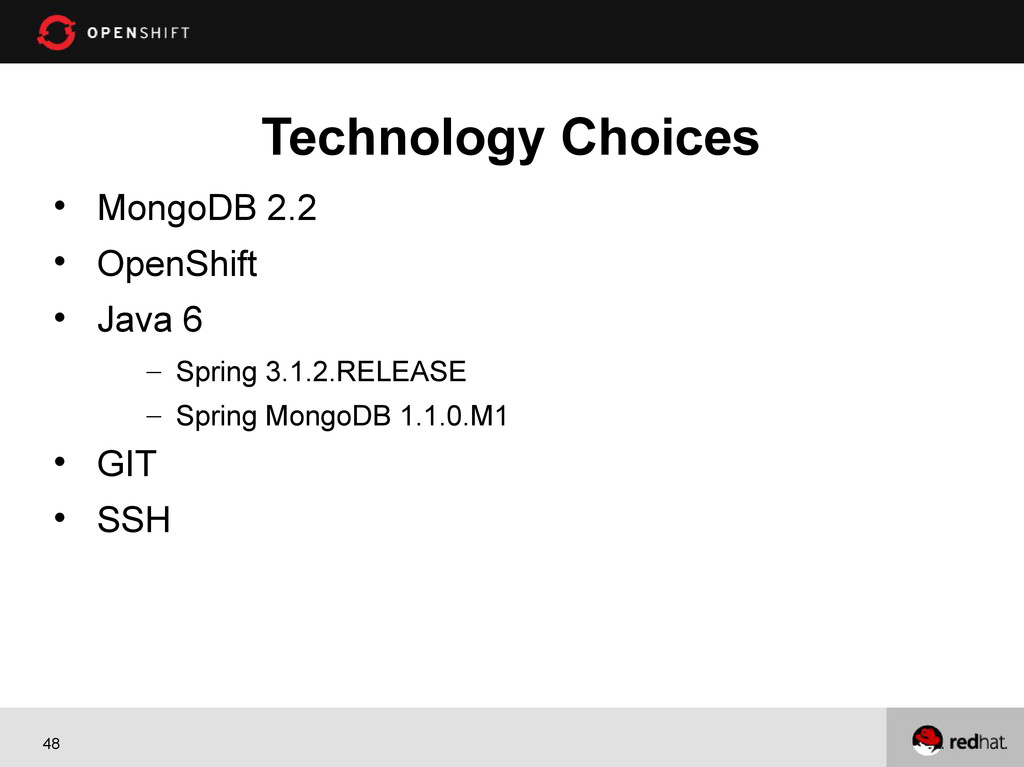
48 Technology Choices MongoDB 2.2 OpenShift Java
6 – Spring 3.1.2.RELEASE – Spring MongoDB 1.1.0.M1 GIT SSH -
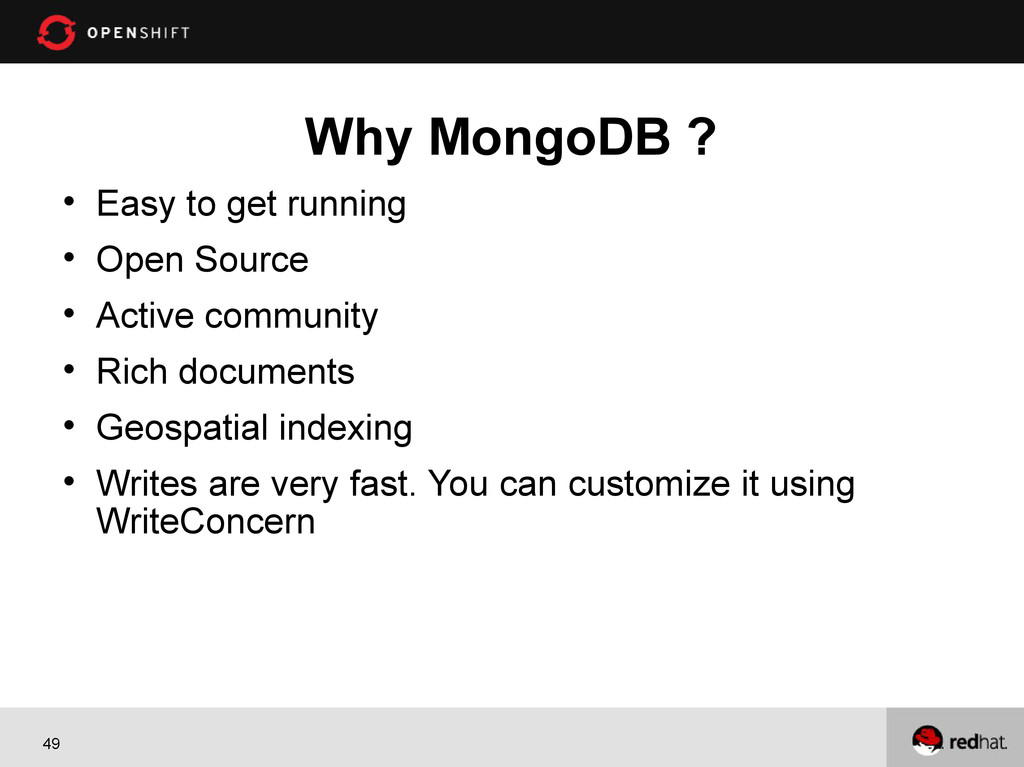
49 Why MongoDB ? Easy to get running
Open Source Active community Rich documents Geospatial indexing Writes are very fast. You can customize it using WriteConcern -
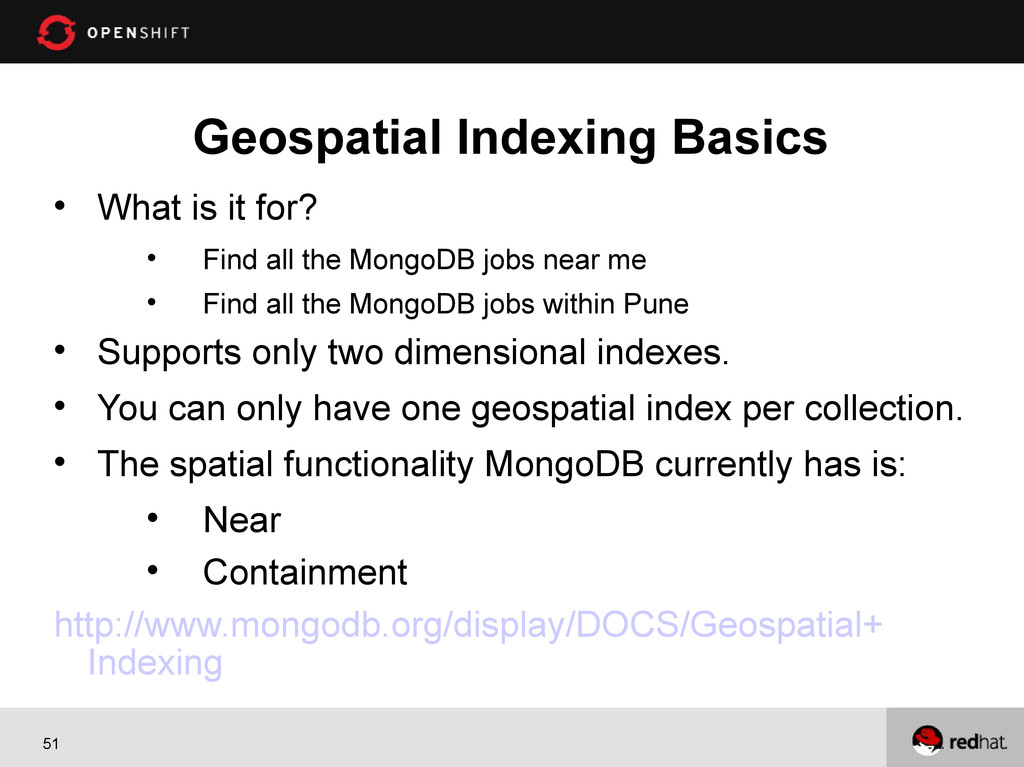
51 Geospatial Indexing Basics What is it for?
Find all the MongoDB jobs near me Find all the MongoDB jobs within Pune Supports only two dimensional indexes. You can only have one geospatial index per collection. The spatial functionality MongoDB currently has is: Near Containment http://www.mongodb.org/display/DOCS/Geospatial+ Indexing -
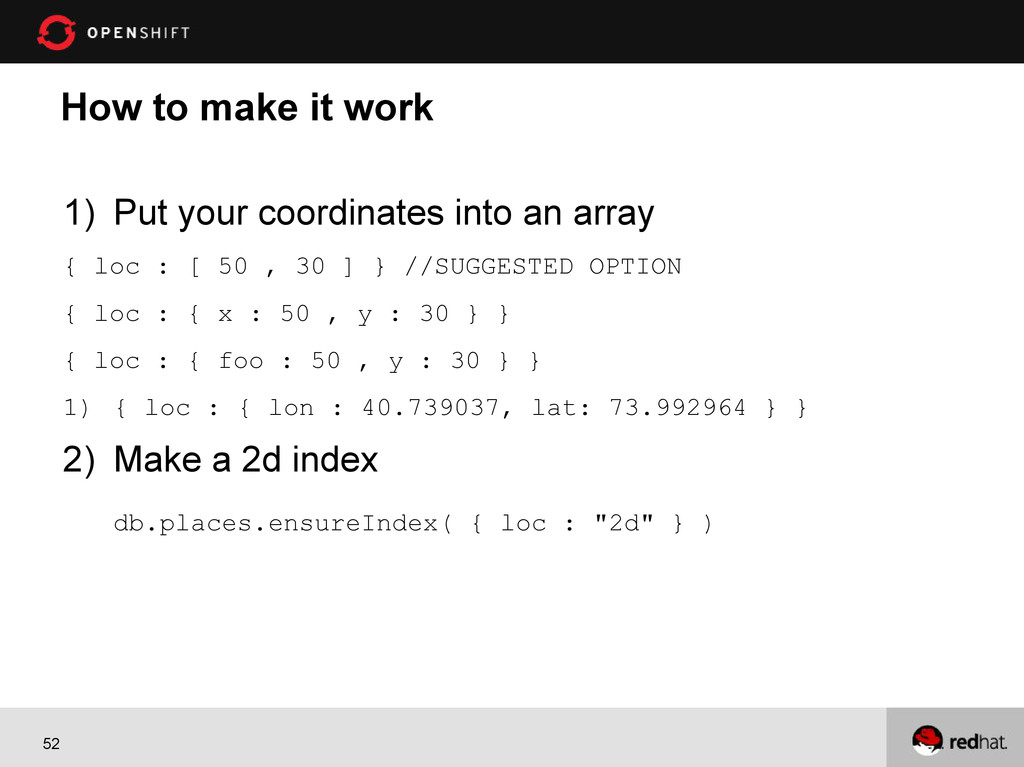
52 How to make it work 1) Put your coordinates
into an array { loc : [ 50 , 30 ] } //SUGGESTED OPTION { loc : { x : 50 , y : 30 } } { loc : { foo : 50 , y : 30 } } 1) { loc : { lon : 40.739037, lat: 73.992964 } } 2) Make a 2d index db.places.ensureIndex( { loc : "2d" } ) -
53 Why OpenShift ? Supports MongoDB. Also supports MySQL
and PostgreSQL. Multi-language support. Supports Java, Node.js, Perl, Python, PHP and Ruby. No need to learn anything new. Scalable. FREE! -
54 Let's take a look at GIT Distributed Version control
A local repository – on your laptop A remote repository – on some other machine, usually a server -
55 You need to understand at least 3 commands in
Git 1. Git add . (means add all new files as being tracked in the local repository) 2. Git commit –am “your message” (means commit all my changes to the local repository with this message) 3. Git push (means push from your local repository to the repository on your OpenShift gear) -
56 Creating an OpenShift Application rhc app create -a localjobs
-t jbossews-1.0 Some other options -d, -s, -g Some other types : jbossas-7, jbosseap-6, ruby-1.9, python-2.6,nodej-0.6, php-5.3 -
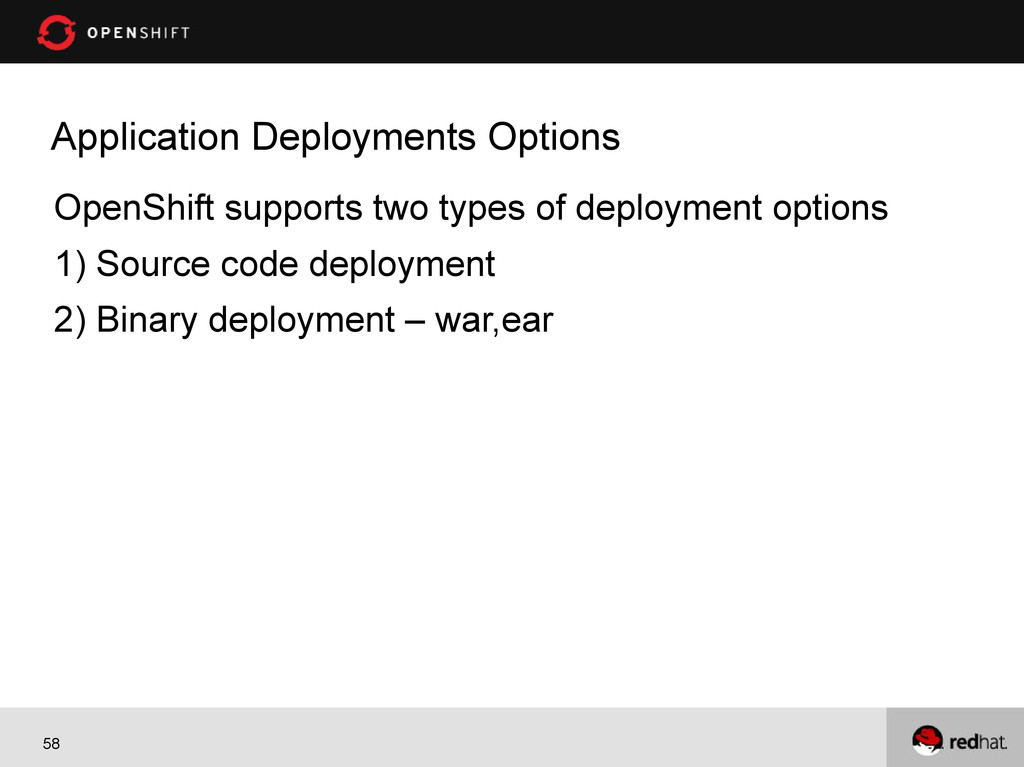
58 Application Deployments Options OpenShift supports two types of deployment
options 1) Source code deployment 2) Binary deployment – war,ear -
59 Other Application Commands App Details – rhc app show
-a localjobs Delete App – rhc app delete -a localjobs App Status – rhc app show --state -a localjobs Start App – rhc app start -a localjobs Stop App – rhc app stop -a localjobs Restart App – rhc app restart -a localjobs Clean App – rhc app tidy -a localjobs -
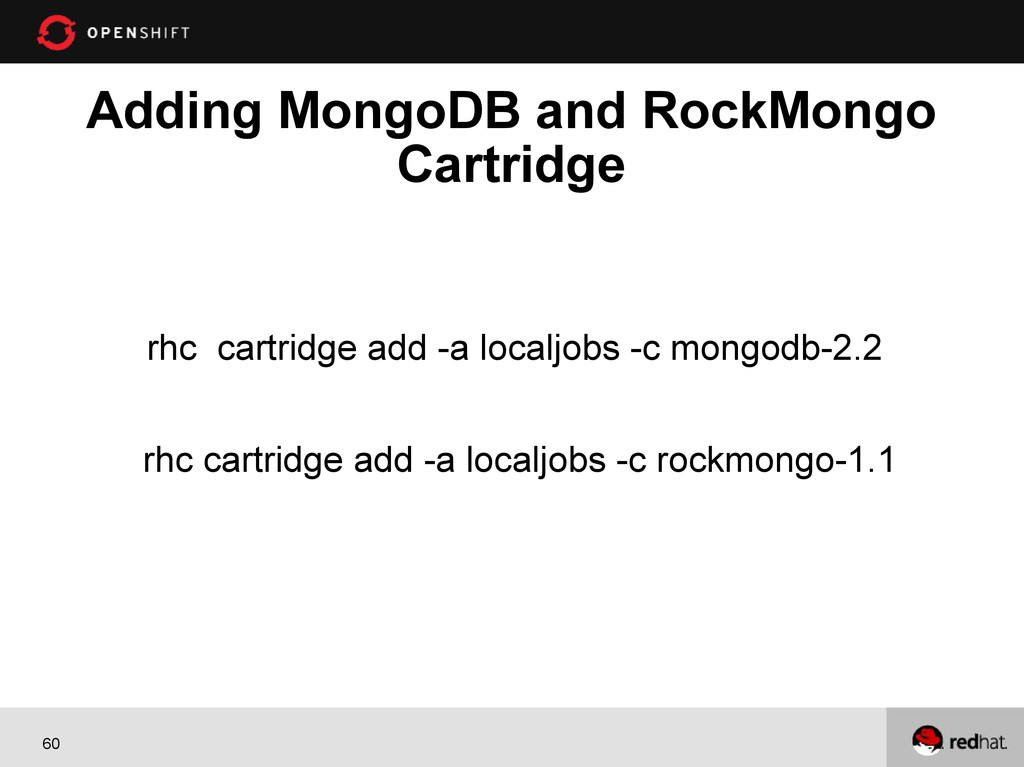
60 Adding MongoDB and RockMongo Cartridge rhc cartridge add -a
localjobs -c mongodb-2.2 rhc cartridge add -a localjobs -c rockmongo-1.1 -
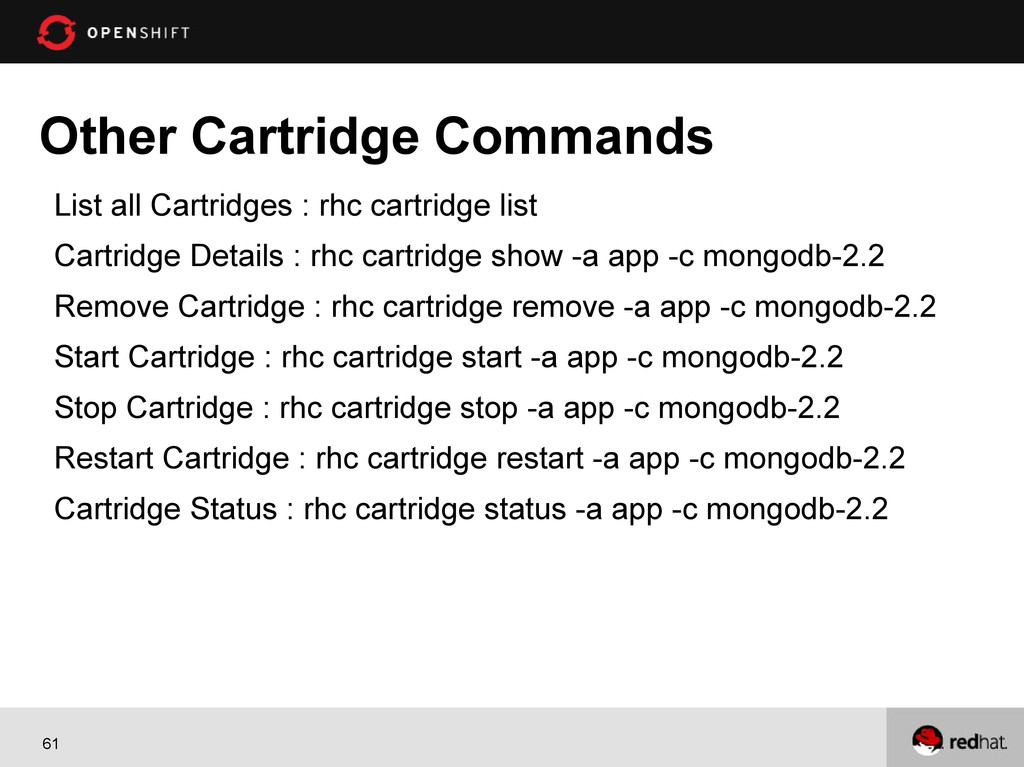
61 Other Cartridge Commands List all Cartridges : rhc cartridge
list Cartridge Details : rhc cartridge show -a app -c mongodb-2.2 Remove Cartridge : rhc cartridge remove -a app -c mongodb-2.2 Start Cartridge : rhc cartridge start -a app -c mongodb-2.2 Stop Cartridge : rhc cartridge stop -a app -c mongodb-2.2 Restart Cartridge : rhc cartridge restart -a app -c mongodb-2.2 Cartridge Status : rhc cartridge status -a app -c mongodb-2.2 -
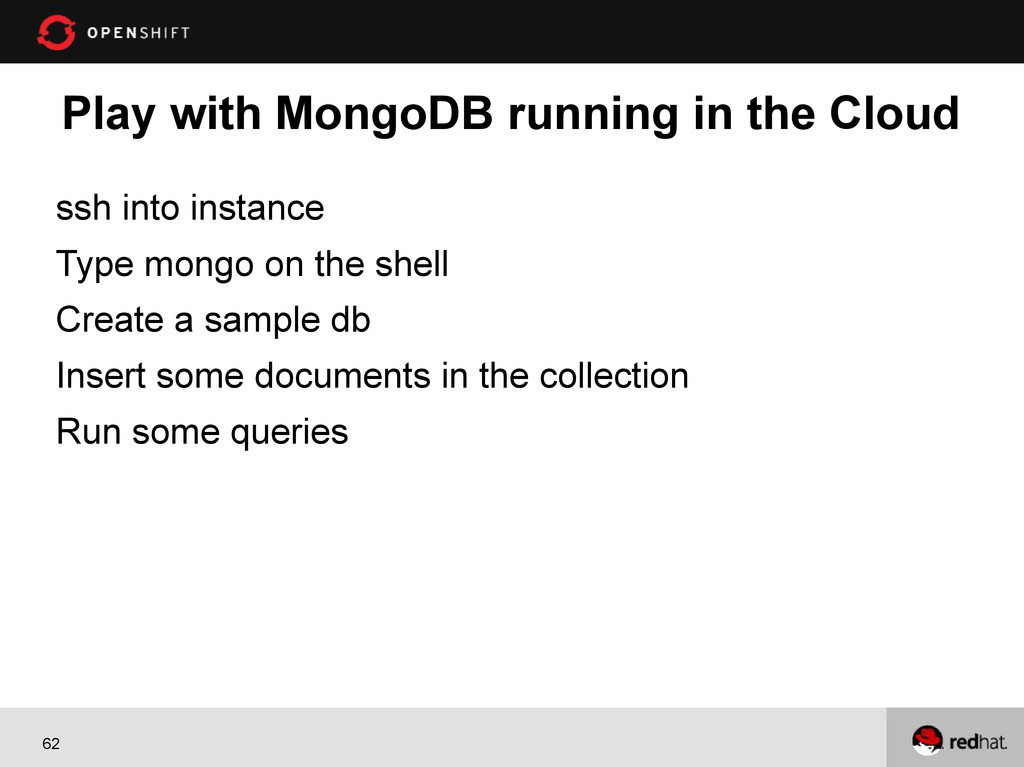
62 Play with MongoDB running in the Cloud ssh into
instance Type mongo on the shell Create a sample db Insert some documents in the collection Run some queries -
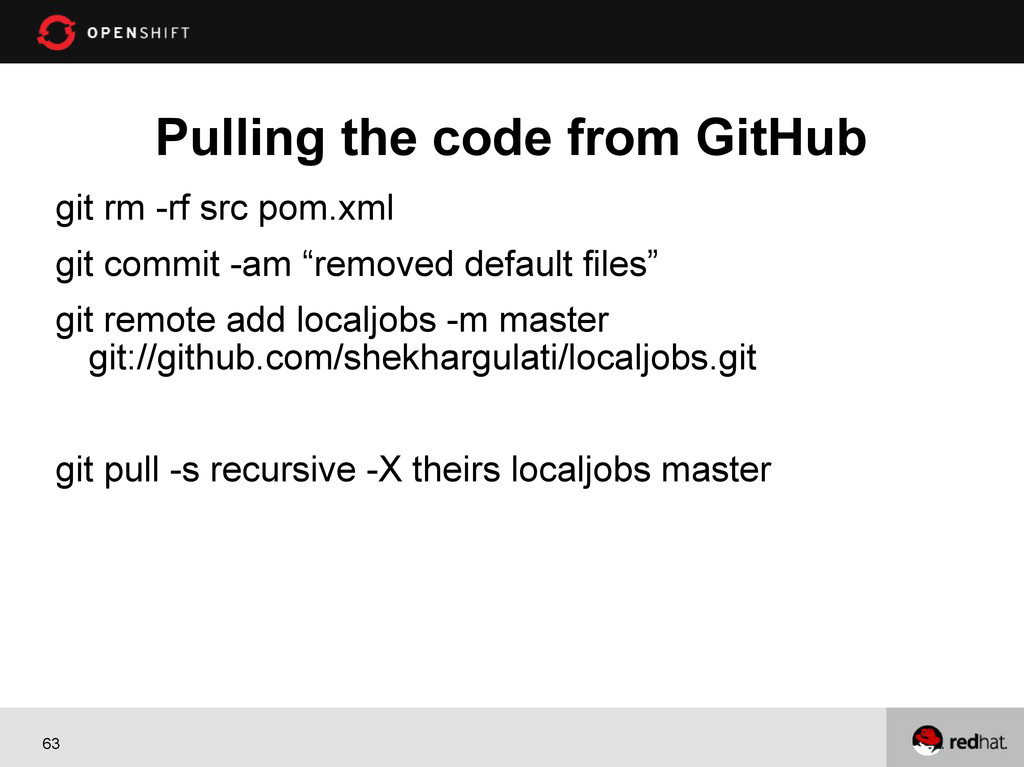
63 Pulling the code from GitHub git rm -rf src
pom.xml git commit -am “removed default files” git remote add localjobs -m master git://github.com/shekhargulati/localjobs.git git pull -s recursive -X theirs localjobs master -
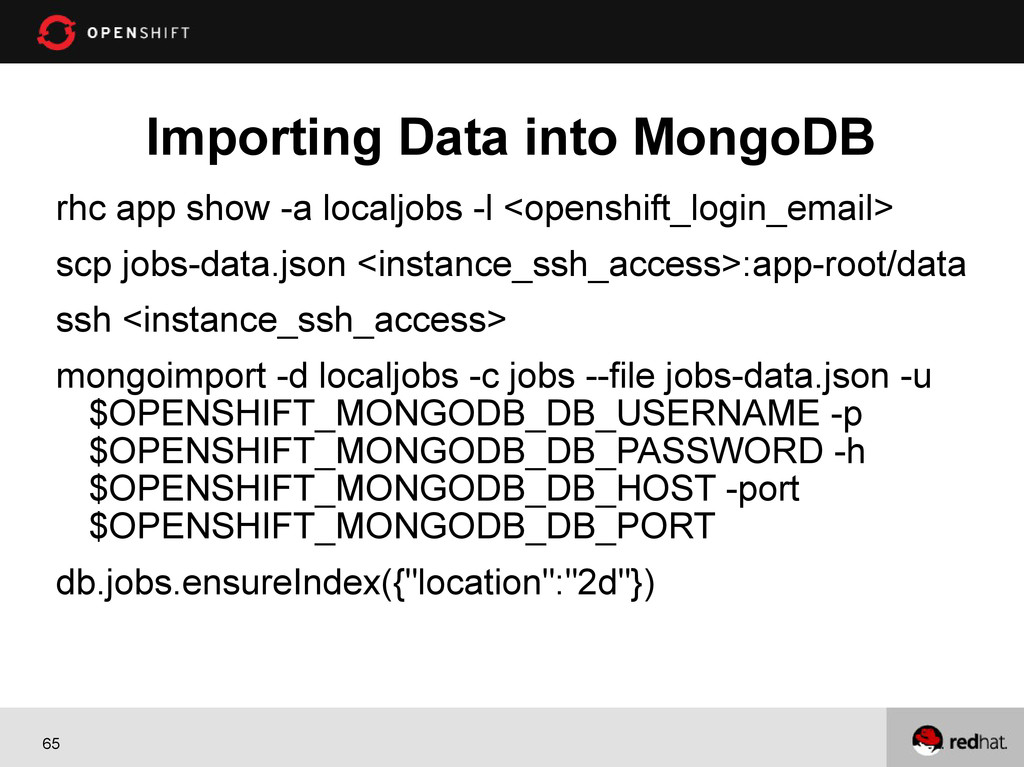
65 Importing Data into MongoDB rhc app show -a localjobs
-l <openshift_login_email> scp jobs-data.json <instance_ssh_access>:app-root/data ssh <instance_ssh_access> mongoimport -d localjobs -c jobs --file jobs-data.json -u $OPENSHIFT_MONGODB_DB_USERNAME -p $OPENSHIFT_MONGODB_DB_PASSWORD -h $OPENSHIFT_MONGODB_DB_HOST -port $OPENSHIFT_MONGODB_DB_PORT db.jobs.ensureIndex({"location":"2d"}) -
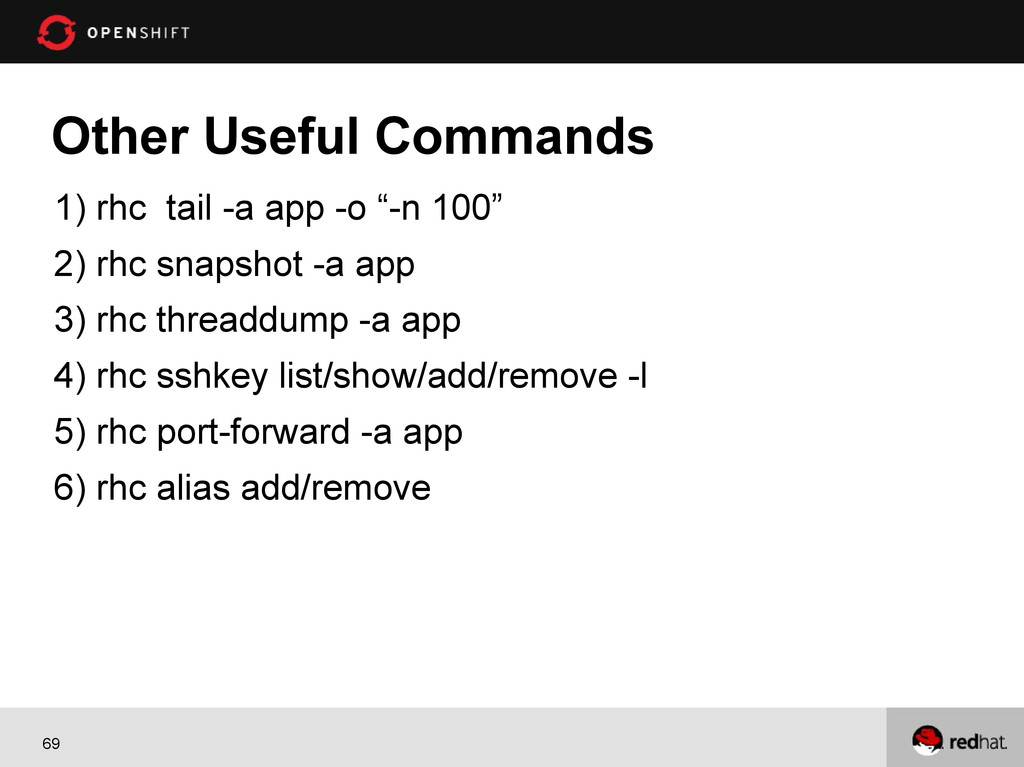
69 Other Useful Commands 1) rhc tail -a app -o
“-n 100” 2) rhc snapshot -a app 3) rhc threaddump -a app 4) rhc sshkey list/show/add/remove -l 5) rhc port-forward -a app 6) rhc alias add/remove -
71 Command to Add Jenkins Support Jenkins Server rhc app
create -a jenkins -t jenkins-1.4 Jenkins Client rhc cartridge add -a app -c jenkins-client-1.4 -
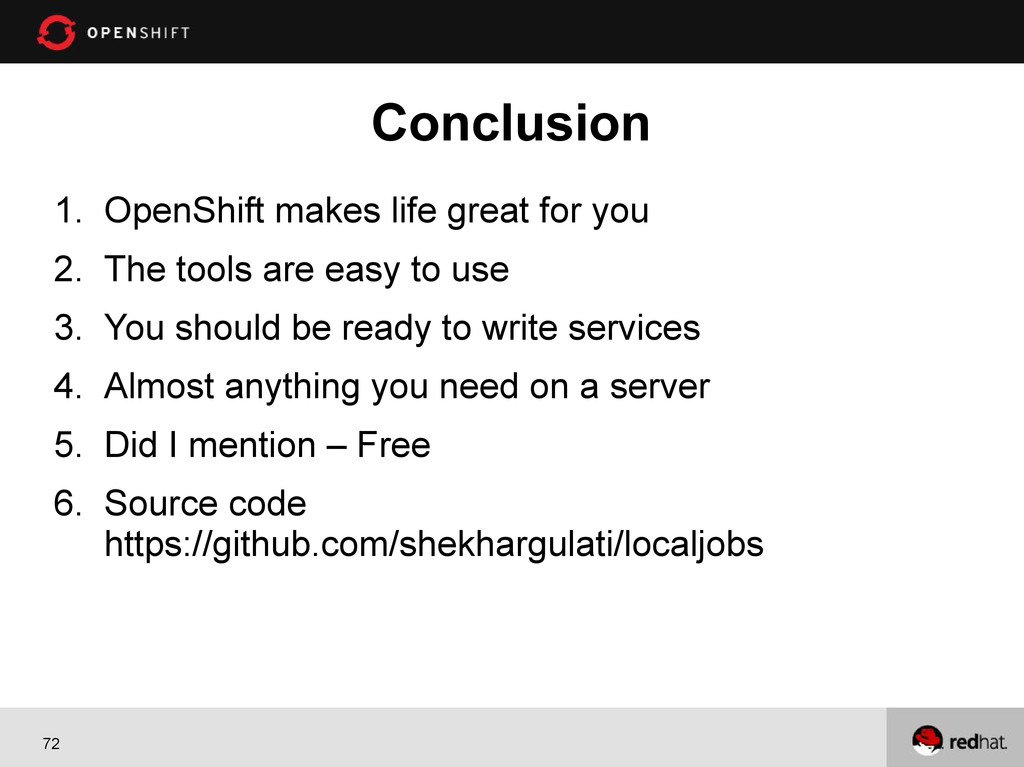
72 1. OpenShift makes life great for you 2. The
tools are easy to use 3. You should be ready to write services 4. Almost anything you need on a server 5. Did I mention – Free 6. Source code https://github.com/shekhargulati/localjobs Conclusion