Upgrade to Pro — share decks privately, control downloads, hide ads and more …

Employee Monitoring Software For Office Teams

Employee Monitoring Software For Office Teams

Team Treck is a powerful employee monitoring software and time-tracking software designed to help businesses manage teams, track work hours, monitor productivity, and improve workflow efficiency. With real-time tracking, screenshot monitoring, URL tracking, and detailed productivity reports, Team Treck helps organizations stay organized and make smarter decisions about team performance.

Read More - https://teamtreck.com/

Avatar for Vijay Bhut

Vijay Bhut

May 22, 2026

Other Decks in Business

Transcript

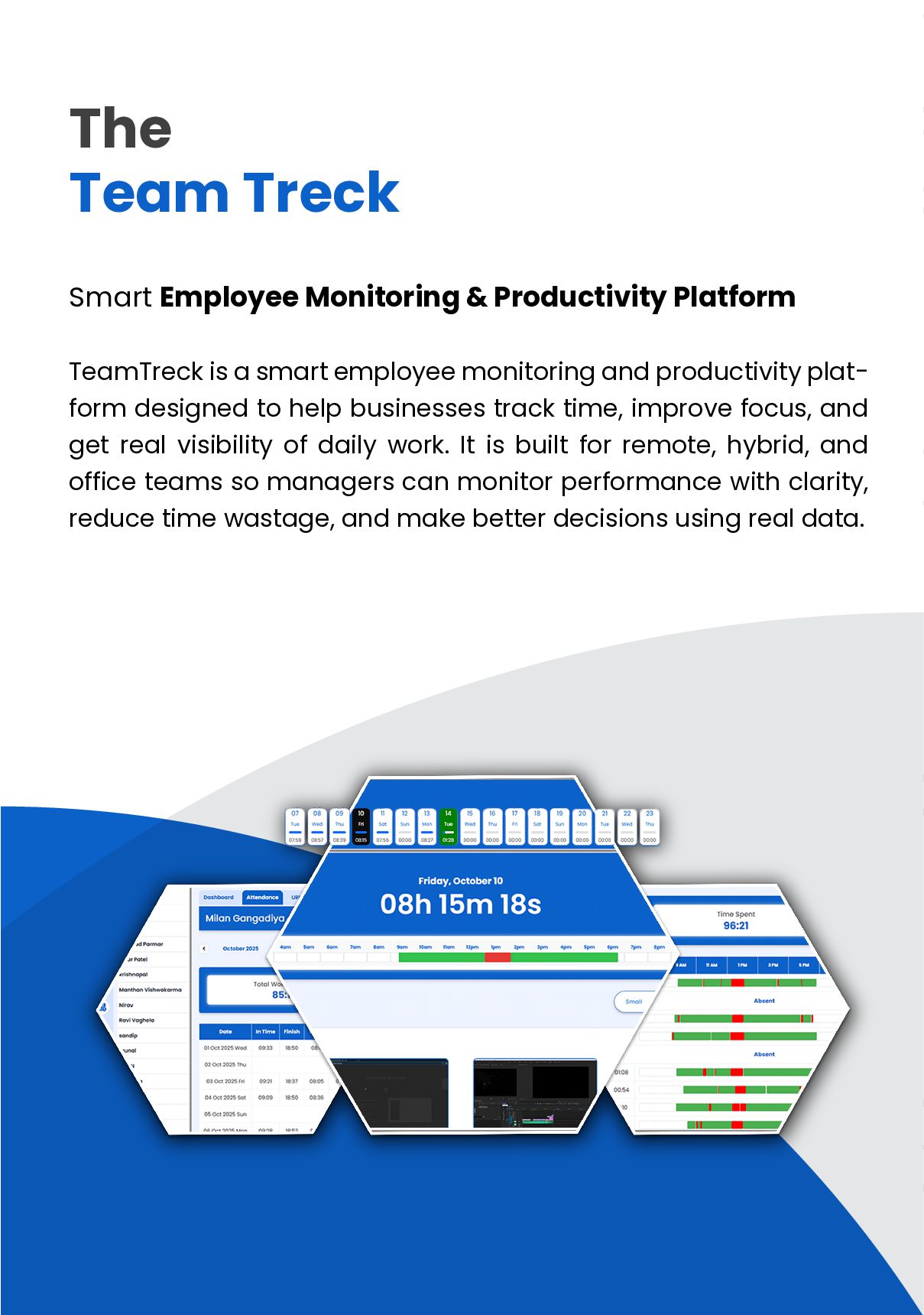
  1. The Team Treck Smart Employee Monitoring & Productivity Platform TeamTreck

    is a smart employee monitoring and productivity plat- form designed to help businesses track time, improve focus, and get real visibility of daily work. It is built for remote, hybrid, and office teams so managers can monitor performance with clarity, reduce time wastage, and make better decisions using real data.
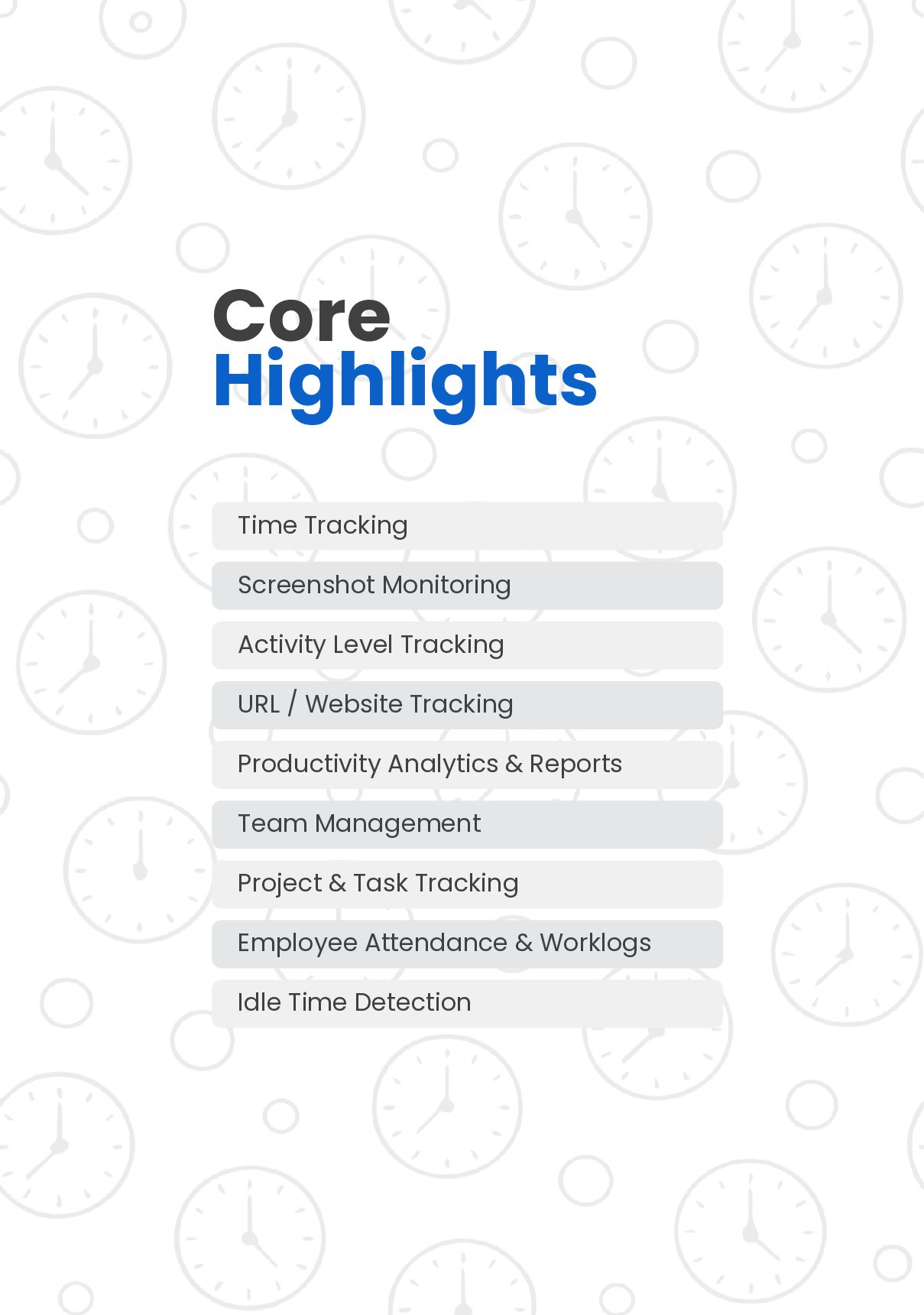
  2. Core Highlights Time Tracking Screenshot Monitoring Activity Level Tracking URL

    / Website Tracking Productivity Analytics & Reports Team Management Project & Task Tracking Employee Attendance & Worklogs Idle Time Detection
  3. Managing a team shouldn’t mean chasing updates. TeamTreck fixes this

    with simple, real-time tracking and clean reporting—so you can manage outcomes, not guesses. Managing a team shouldn’t mean chasing updates. Unclear work progress Inaccurate time logs Low visibility into productive vs idle hours No proof of work when needed Page No - 04
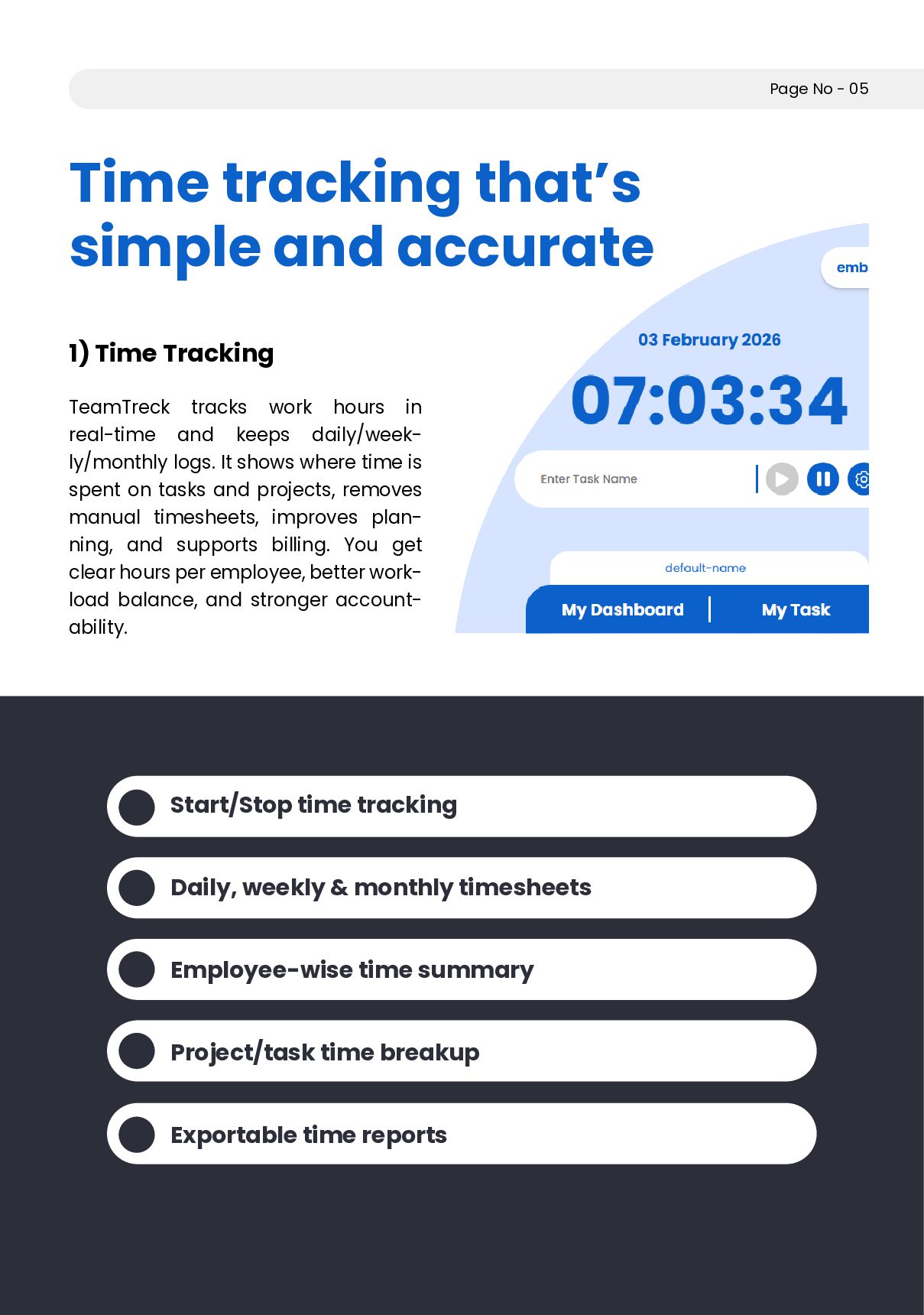
  4. Time tracking that’s simple and accurate 1) Time Tracking TeamTreck

    tracks work hours in real-time and keeps daily/week- ly/monthly logs. It shows where time is spent on tasks and projects, removes manual timesheets, improves plan- ning, and supports billing. You get clear hours per employee, better work- load balance, and stronger account- ability. Page No - 05 Start/Stop time tracking Daily, weekly & monthly timesheets Employee-wise time summary Project/task time breakup Exportable time reports
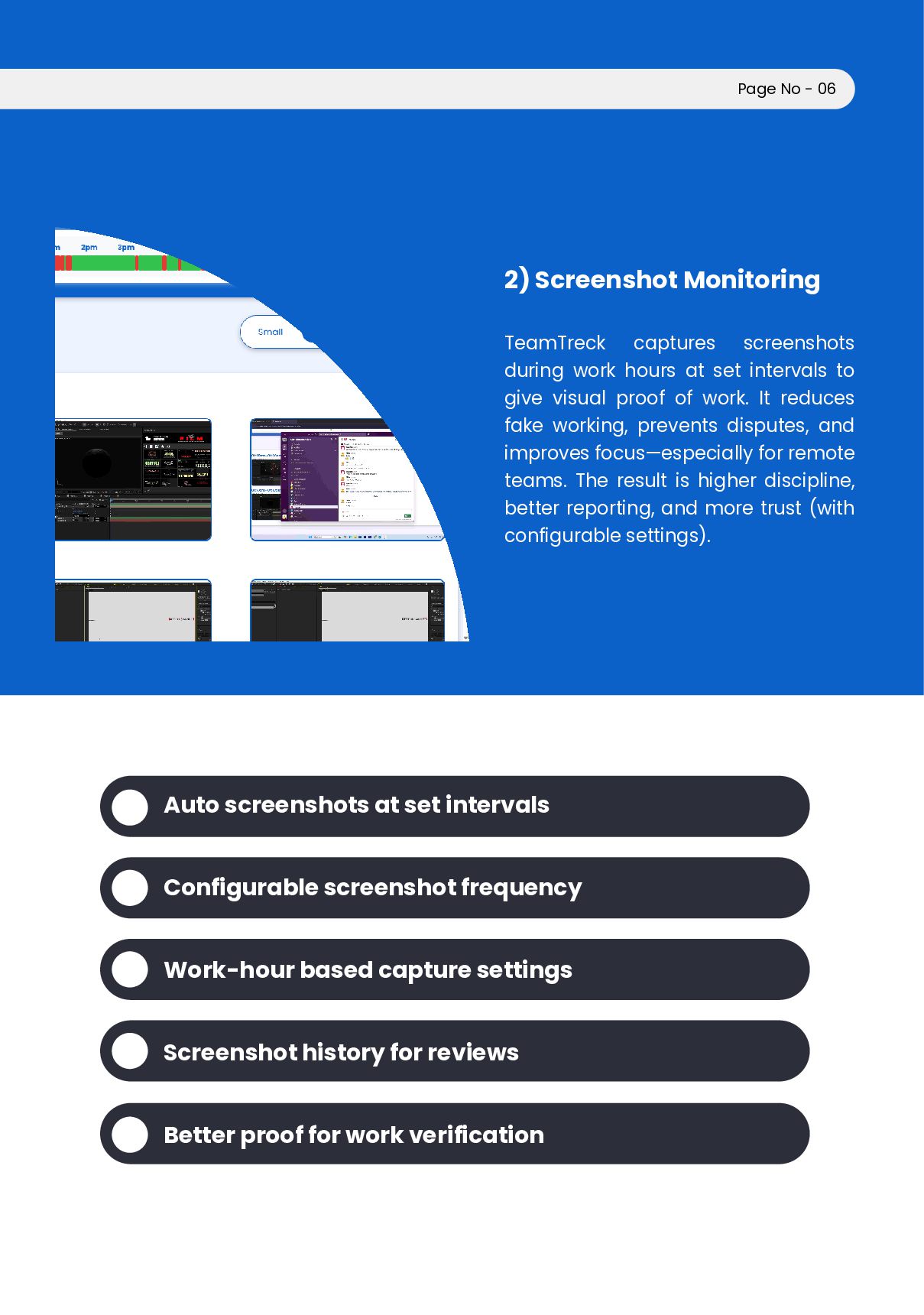
  5. 2) Screenshot Monitoring TeamTreck captures screenshots during work hours at

    set intervals to give visual proof of work. It reduces fake working, prevents disputes, and improves focus—especially for remote teams. The result is higher discipline, better reporting, and more trust (with configurable settings). Page No - 06 Auto screenshots at set intervals Configurable screenshot frequency Work-hour based capture settings Screenshot history for reviews Better proof for work verification
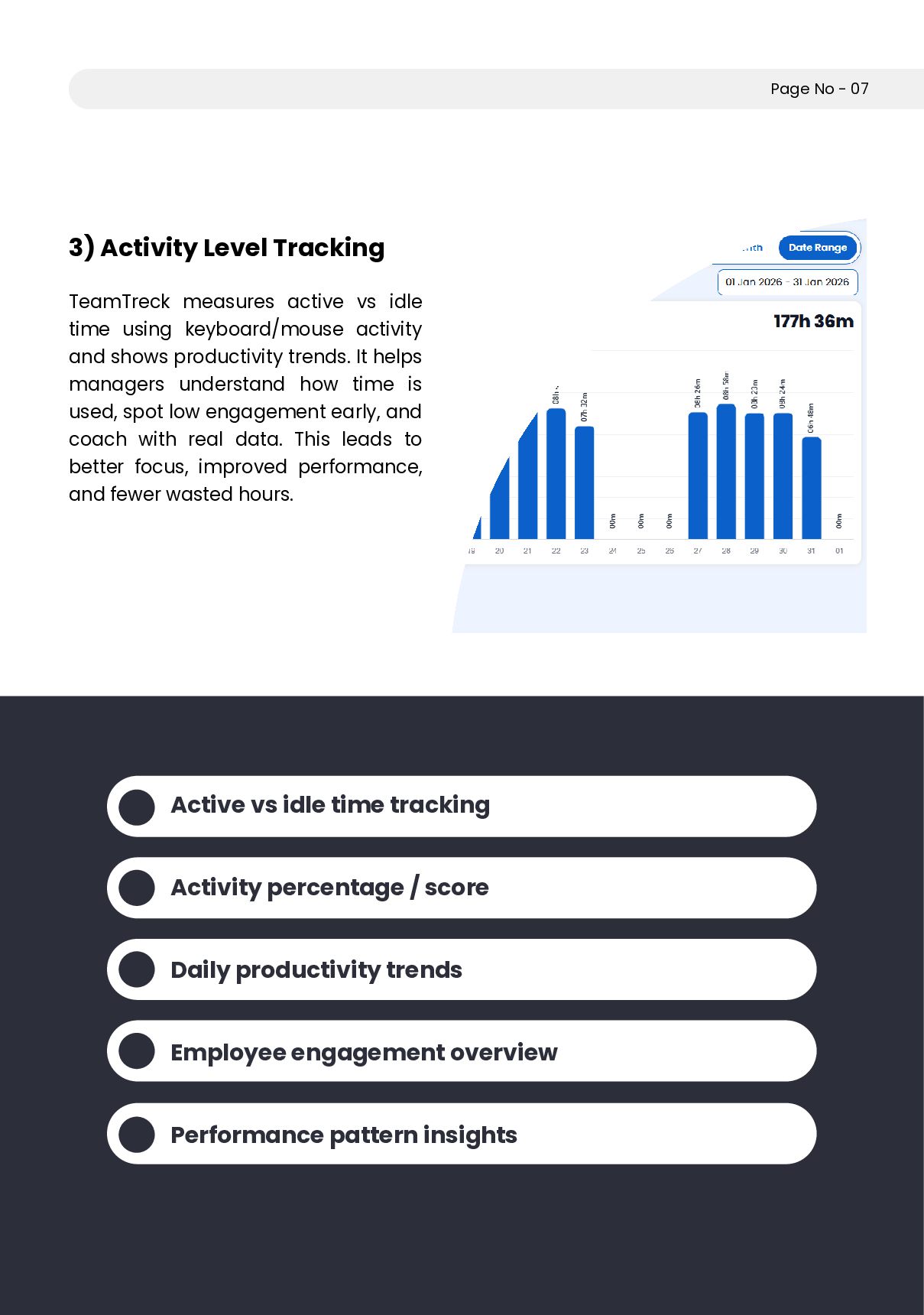
  6. 3) Activity Level Tracking TeamTreck measures active vs idle time

    using keyboard/mouse activity and shows productivity trends. It helps managers understand how time is used, spot low engagement early, and coach with real data. This leads to better focus, improved performance, and fewer wasted hours. Page No - 07 Active vs idle time tracking Activity percentage / score Daily productivity trends Employee engagement overview Performance pattern insights
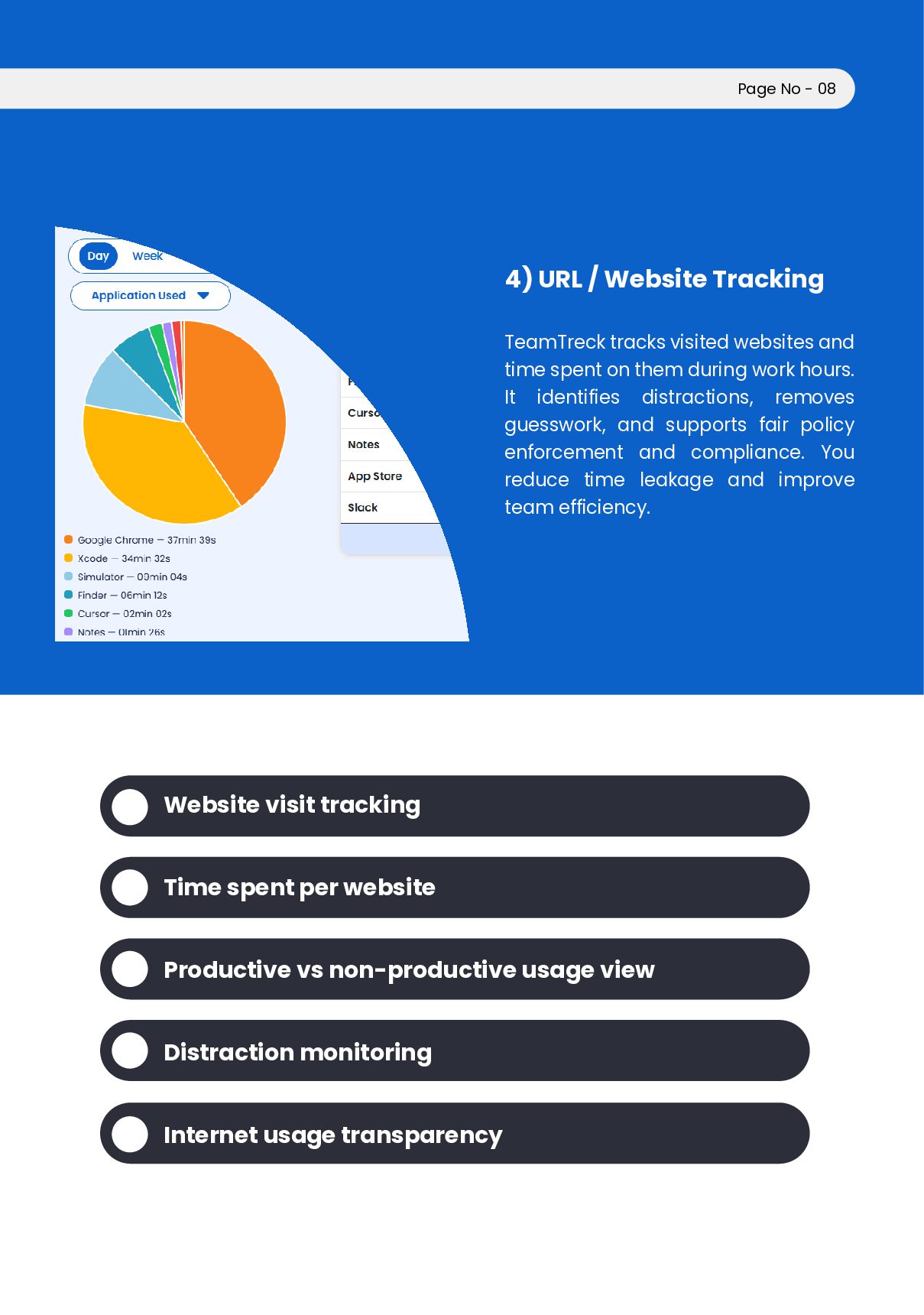
  7. 4) URL / Website Tracking TeamTreck tracks visited websites and

    time spent on them during work hours. It identifies distractions, removes guesswork, and supports fair policy enforcement and compliance. You reduce time leakage and improve team efficiency. Page No - 08 Website visit tracking Time spent per website Productive vs non-productive usage view Distraction monitoring Internet usage transparency
  8. Why Choose TeamTreck? TeamTreck helps you get real-time work visibility,

    improve team accountability, and boost produc- tivity—without micromanaging. Perfect for remote, hybrid, and office teams. Page No - 09 Real-time visibility without chasing updates Accountability without micromanagement Perfect for remote, hybrid, and office teams Fair performance tracking with real data Less time waste, better focus Easy to set up and use Faster decisions with clear insights Stronger, more disciplined work culture
  9. Free Trial 14 Days / up to 5 Users Perfect

    for testing with a small team. Whether you’re just starting or managing a large workforce, Team- Treck offers flexible plans with core productivity features included. Billing options: Monthly / Yearly Includes: Time Tracking Screenshot Monitoring (12 screenshots/hour) Screenshot storage: 1 month Individual settings Activity Level Tracking URL Tracking Page No - 10 Simple Pricing. Scale as you grow.
  10. Standard /10 Users — ₹ 3,601.89/ month Best for small

    teams that want full tracking + visibility. Includes: Time Tracking Screenshot Monitoring (12 screenshots/hour) Screenshot storage: 3 month Individual settings Activity Level Tracking URL Tracking Page No - 11
  11. Professional (Recommended) /25 Users — ₹9,004.73/month Great for growing teams

    needing stronger control and reporting. Includes: Time Tracking Screenshot Monitoring (12 screenshots/hour) Screenshot storage: 3 month Individual settings Activity Level Tracking URL Tracking Page No - 12
  12. Team /50 Users — ₹18,009.46/month Ideal for mid-size companies managing

    multiple depart- ments. Includes: Time Tracking Screenshot Monitoring (12 screenshots/hour) Screenshot storage: 3 month Individual settings Activity Level Tracking URL Tracking Page No - 13
  13. Enterprise /100 Users — ₹ 36,020.52/ month Best for large

    teams that need scale, consistency, and full visibility. Includes: Time Tracking Screenshot Monitoring (12 screenshots/hour) Screenshot storage: 3 month Individual settings Activity Level Tracking URL Tracking Page No - 14
  14. How TeamTreck works Download the TeamTreck desktop app (Windows /

    Mac / Linux) Team starts tracking time and activity Admins view dashboards, reports, and insights Page No - 15
  15. Get In Touch Website: https://teamtreck.com/ Email: [email protected] Phone: +91 81603

    54057 Track smarter. Manage better. Book a Demo / Start Free Trial