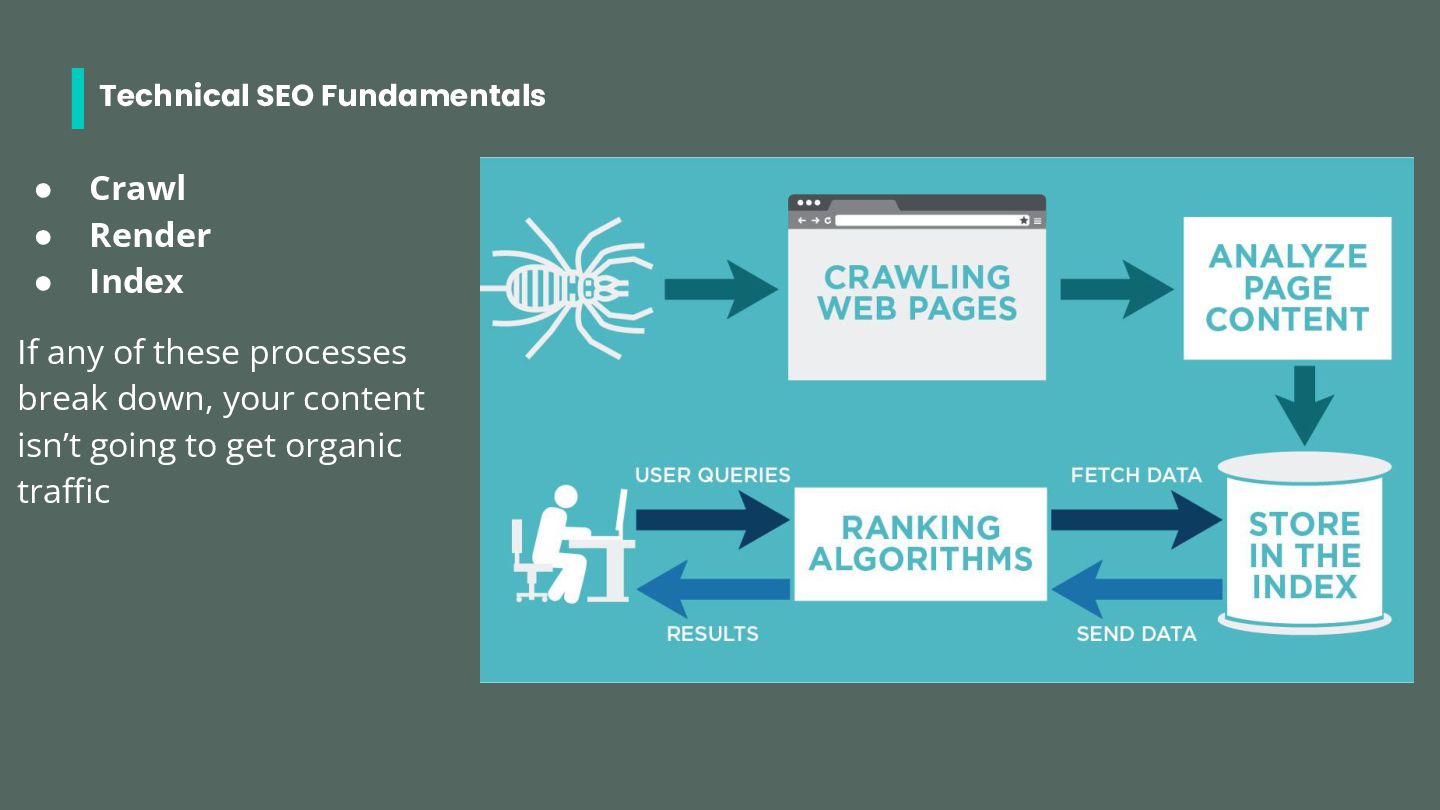
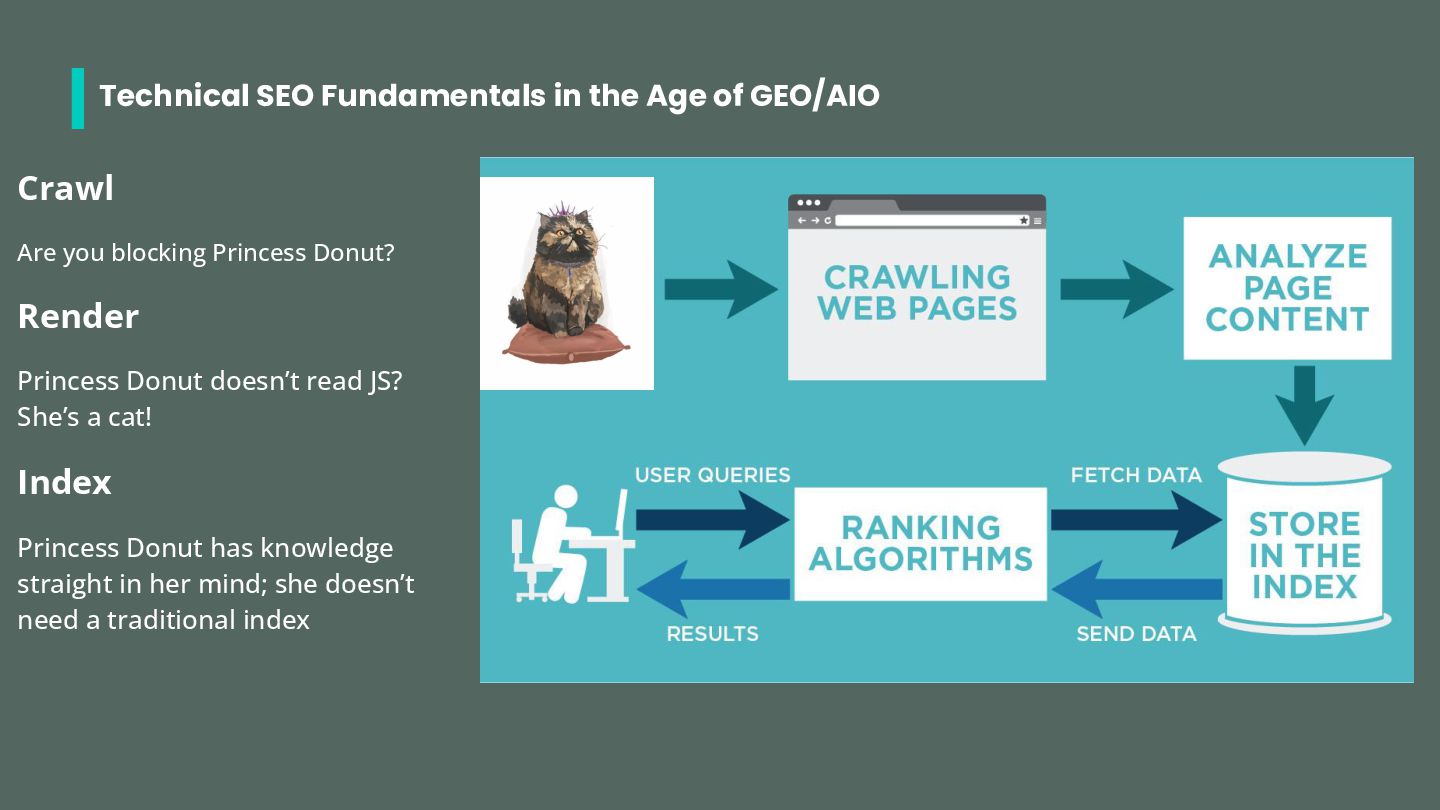
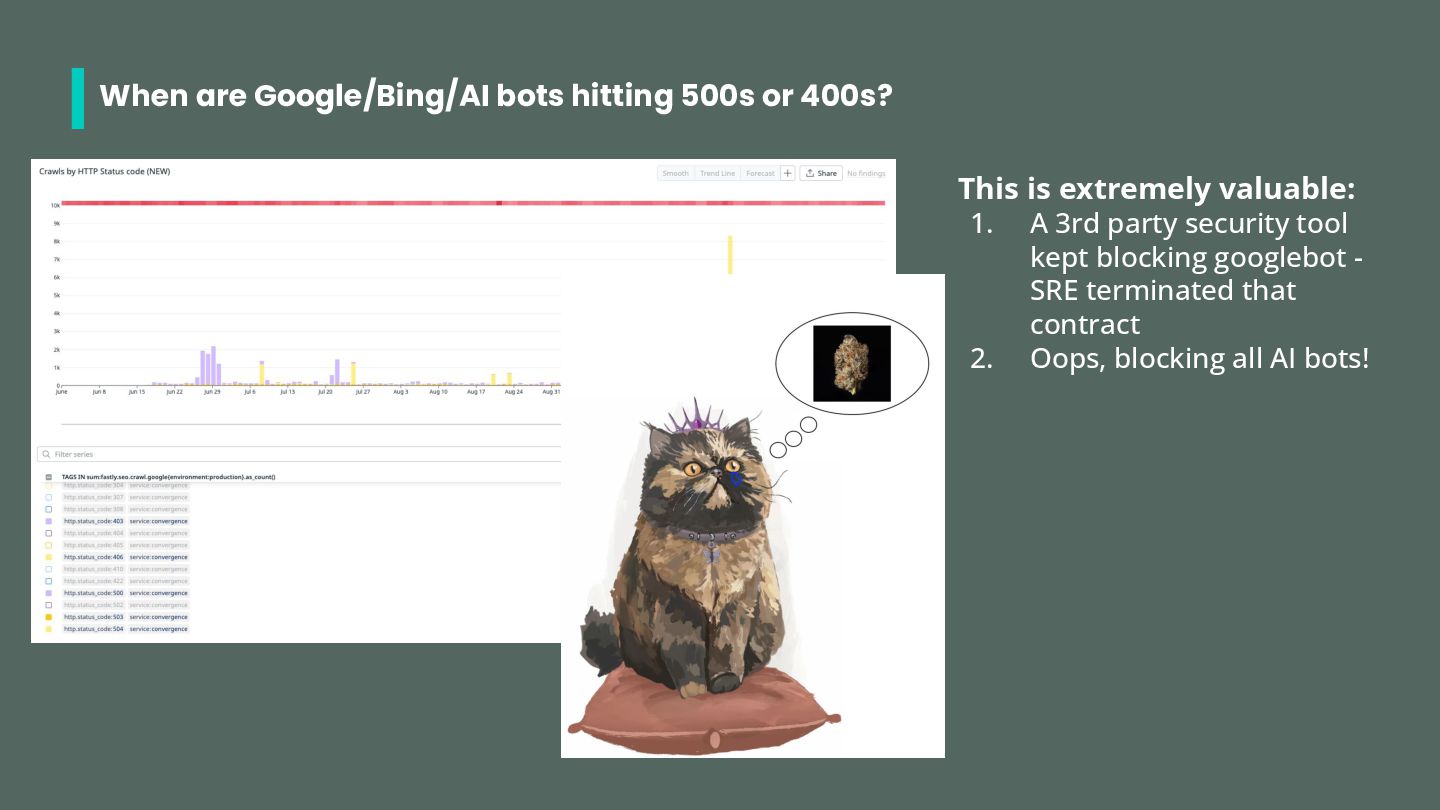
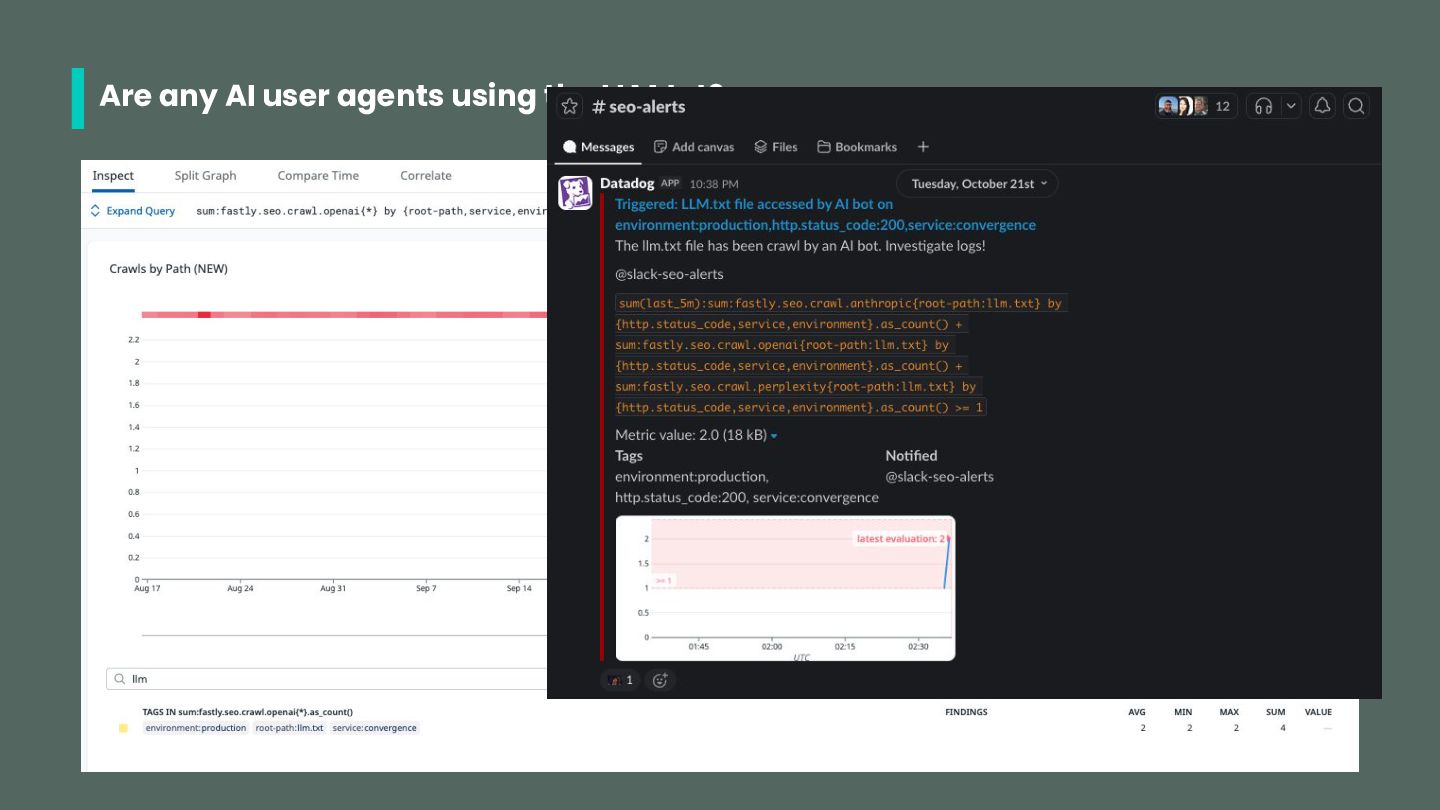
you blocking Princess Donut? Render Princess Donut doesn’t read JS? She’s a cat! Index Princess Donut has knowledge straight in her mind; she doesn’t need a traditional index
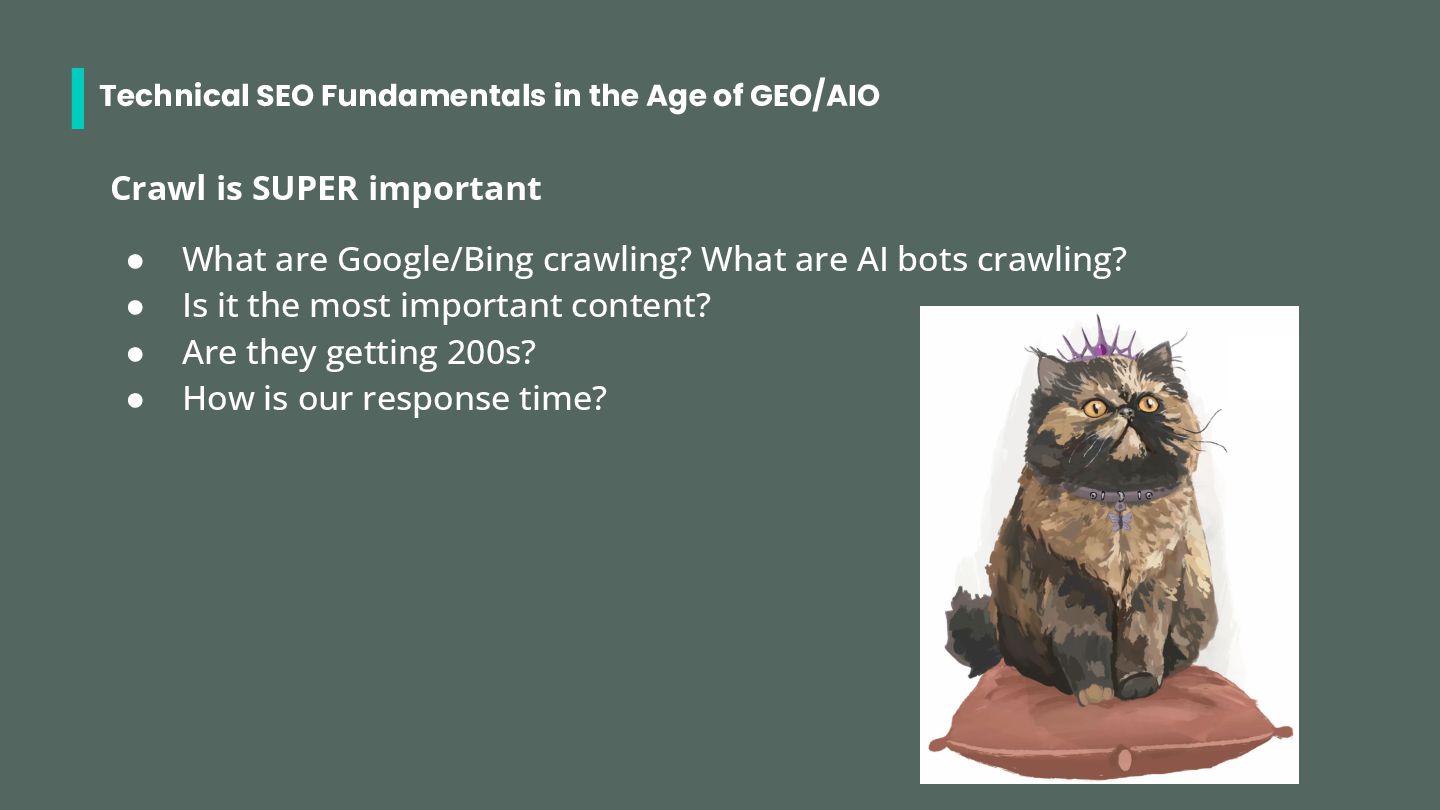
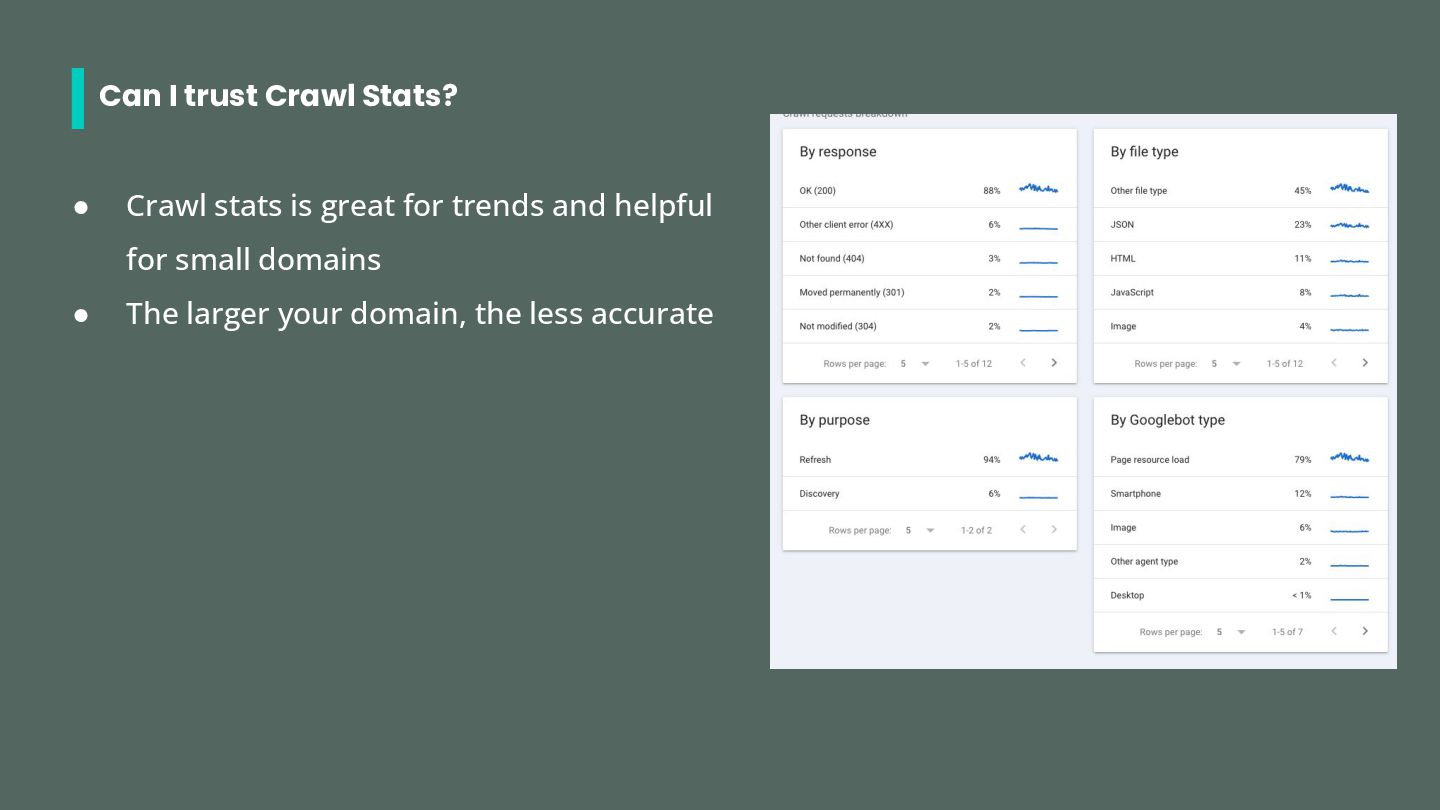
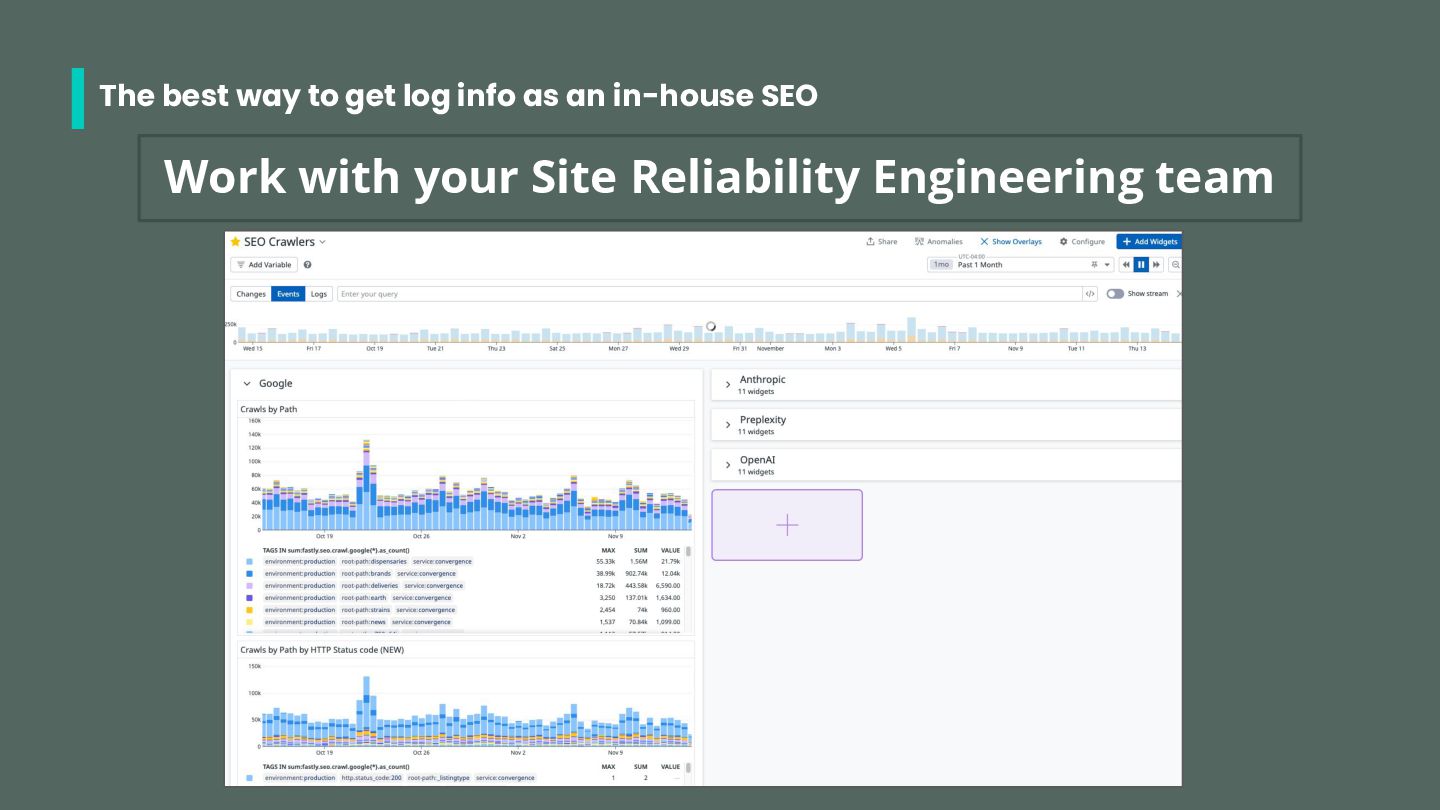
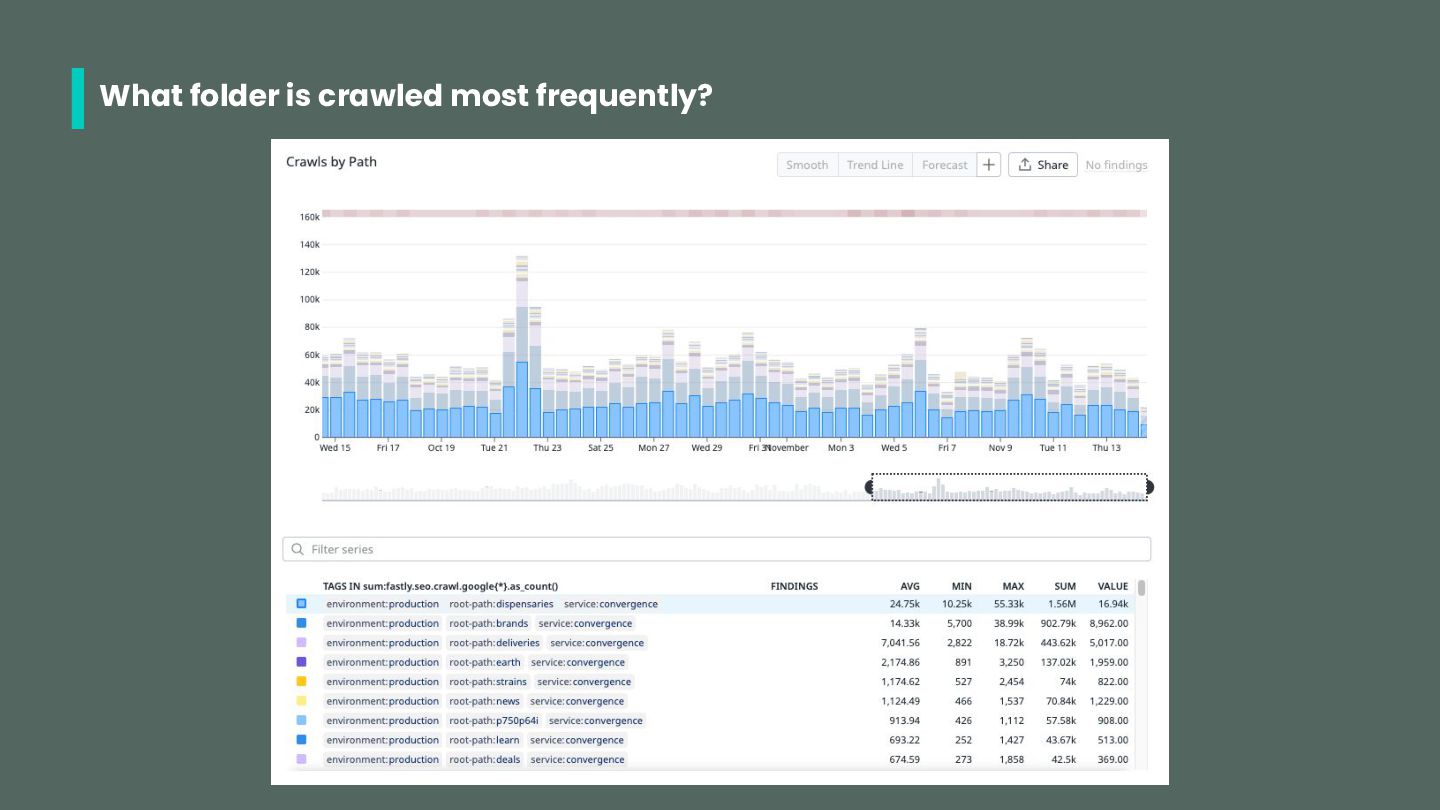
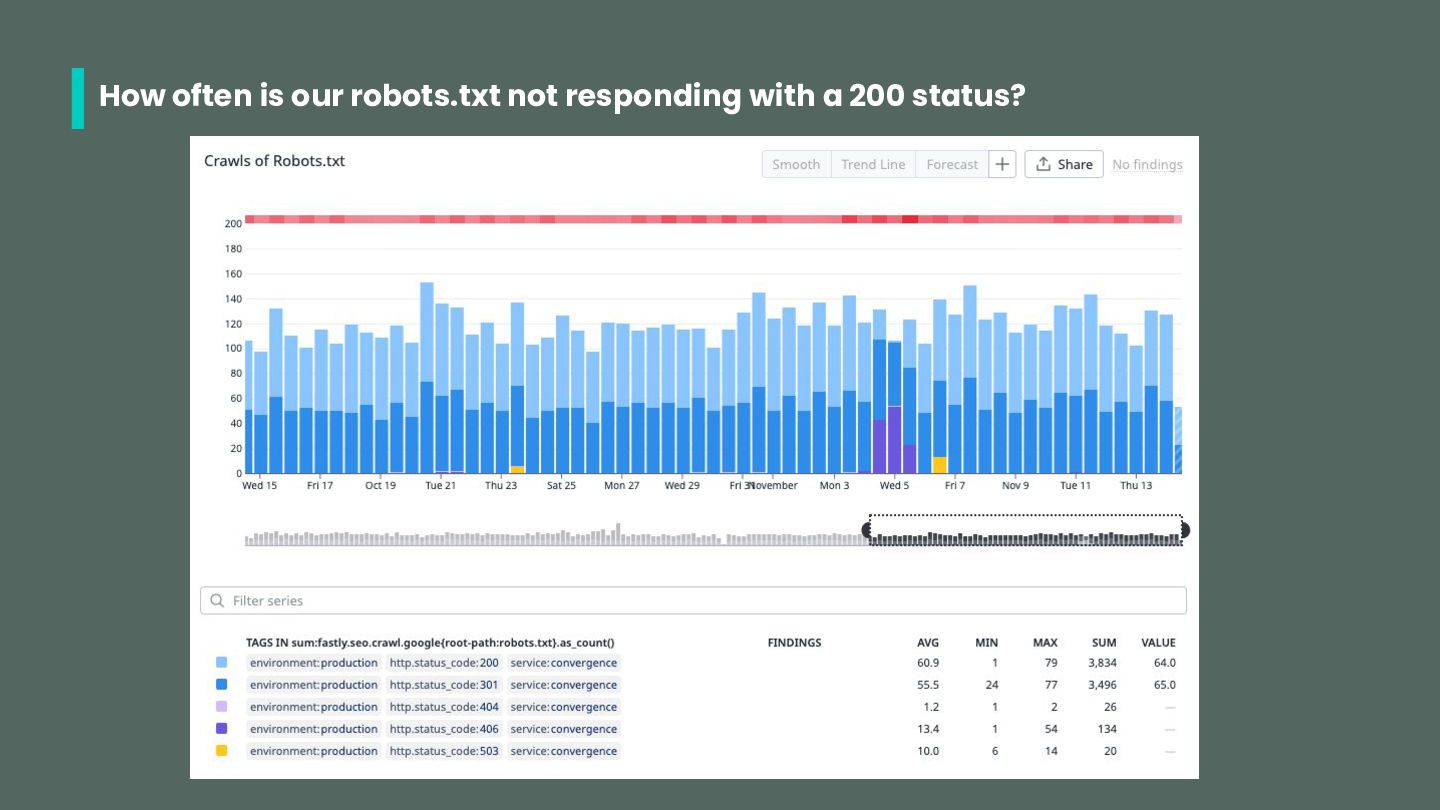
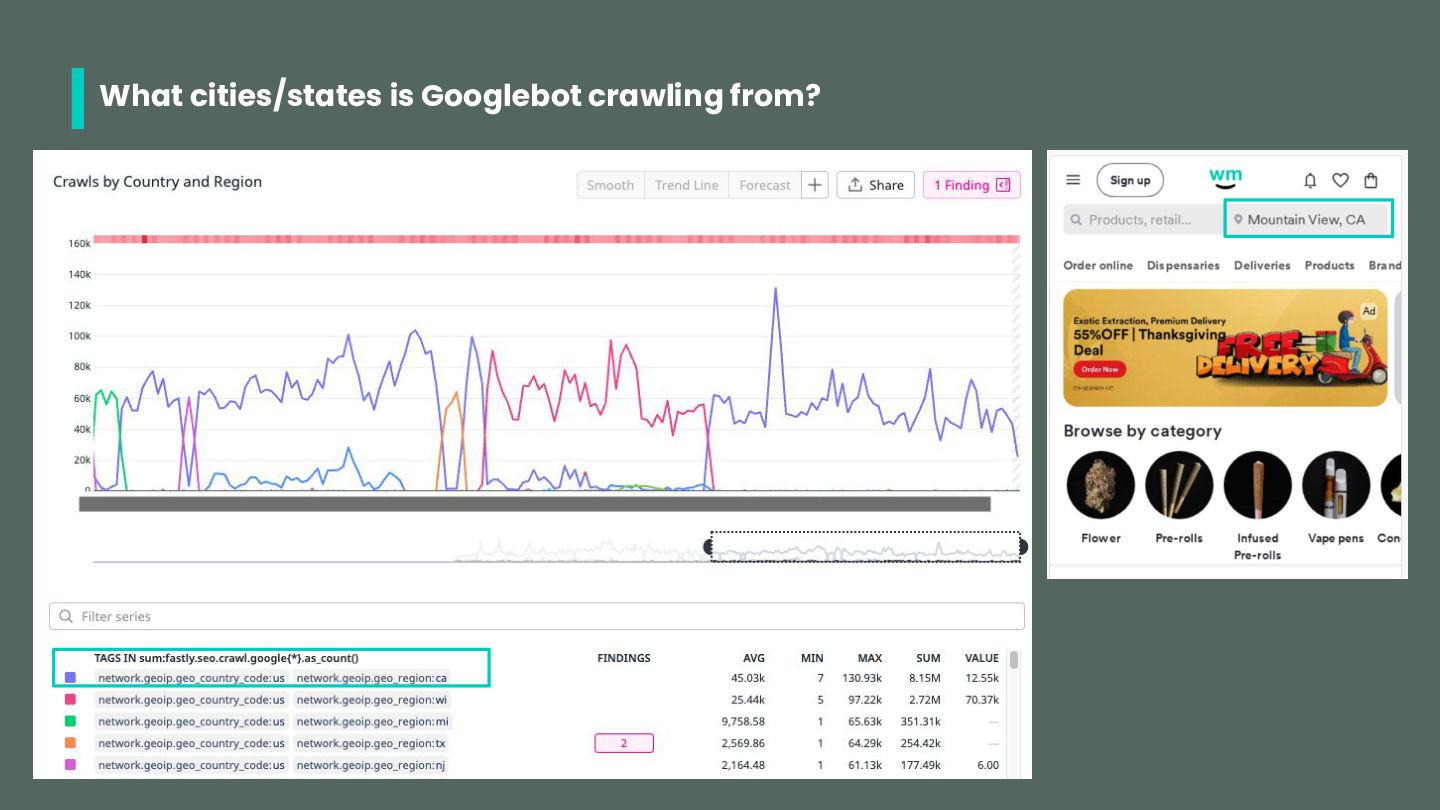
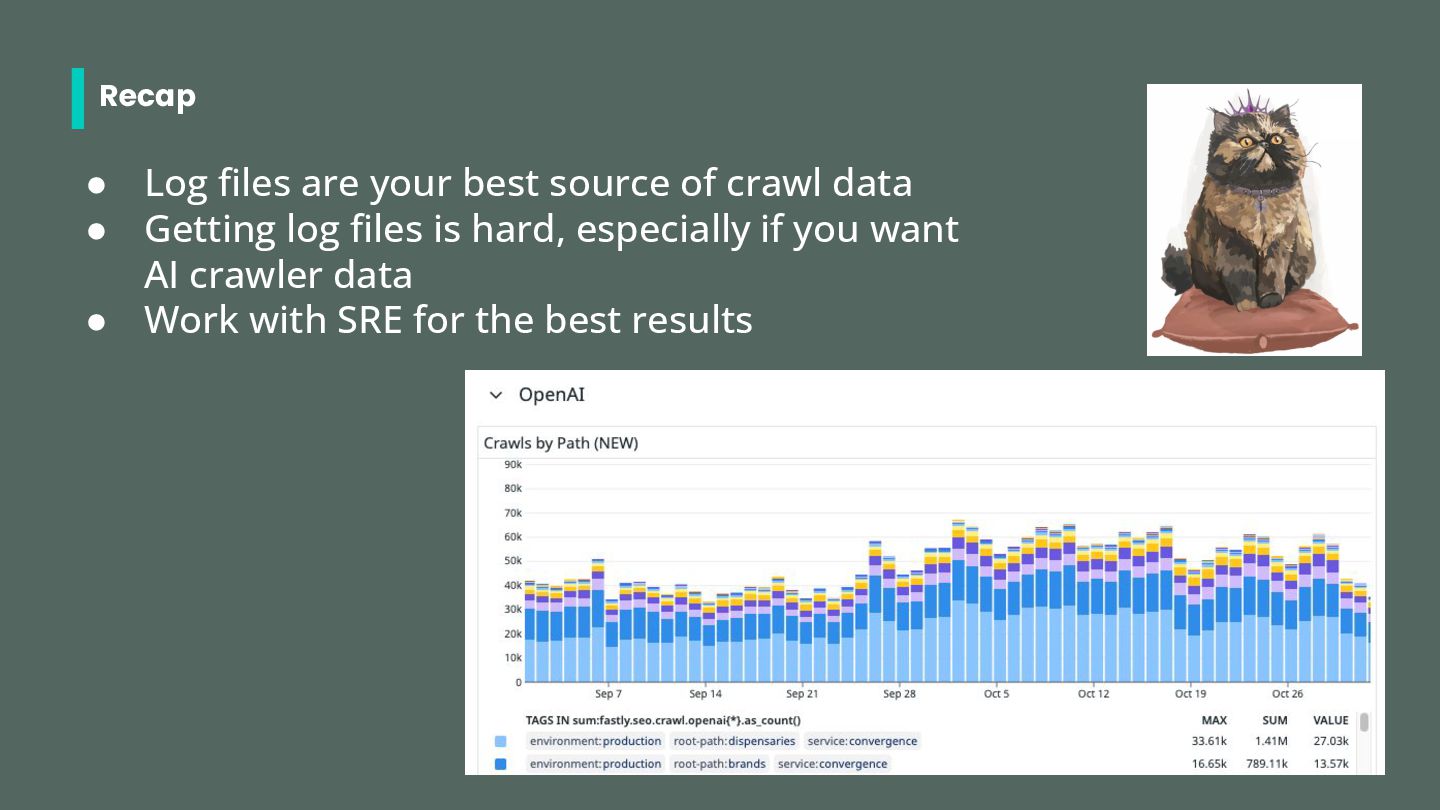
SUPER important • What are Google/Bing crawling? What are AI bots crawling? • Is it the most important content? • Are they getting 200s? • How is our response time?
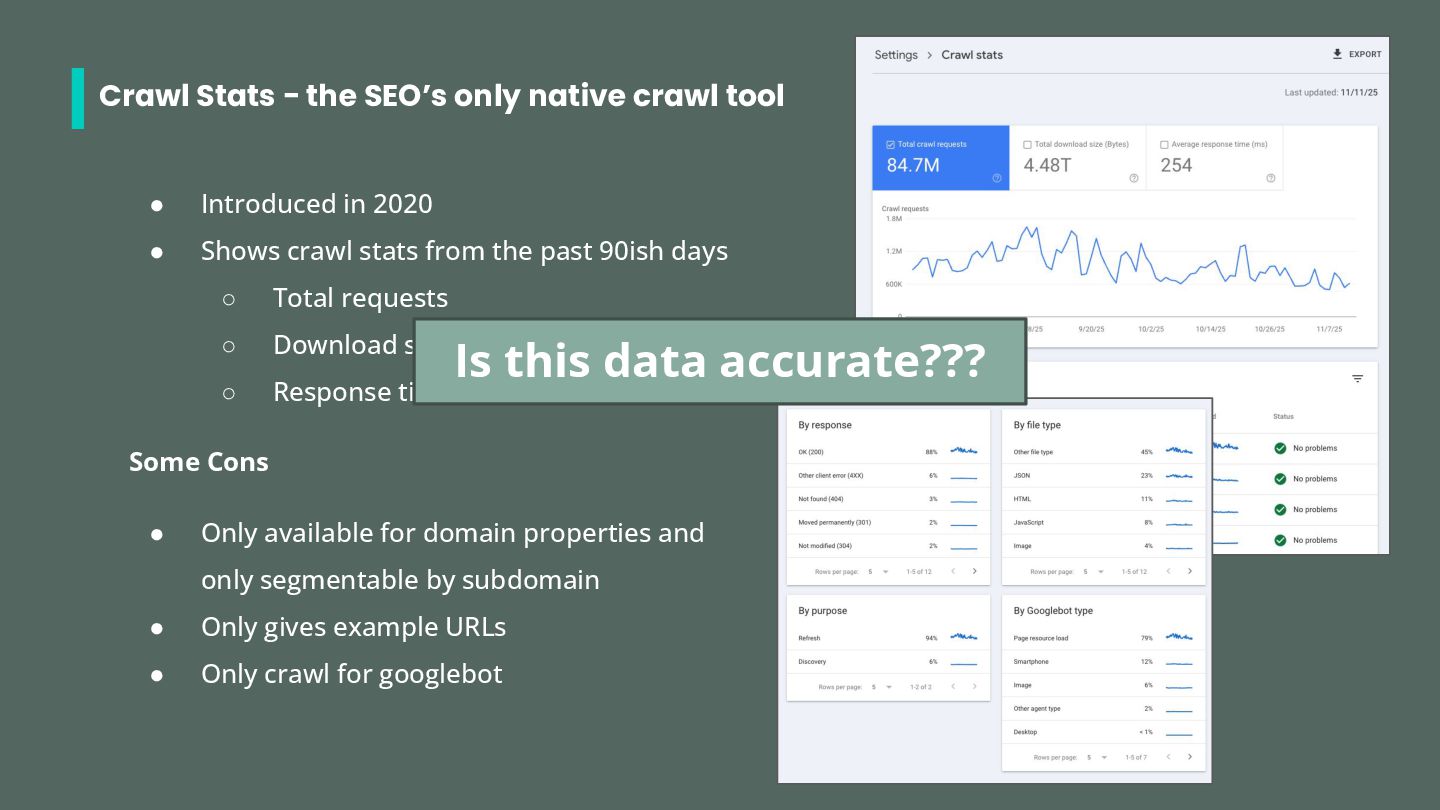
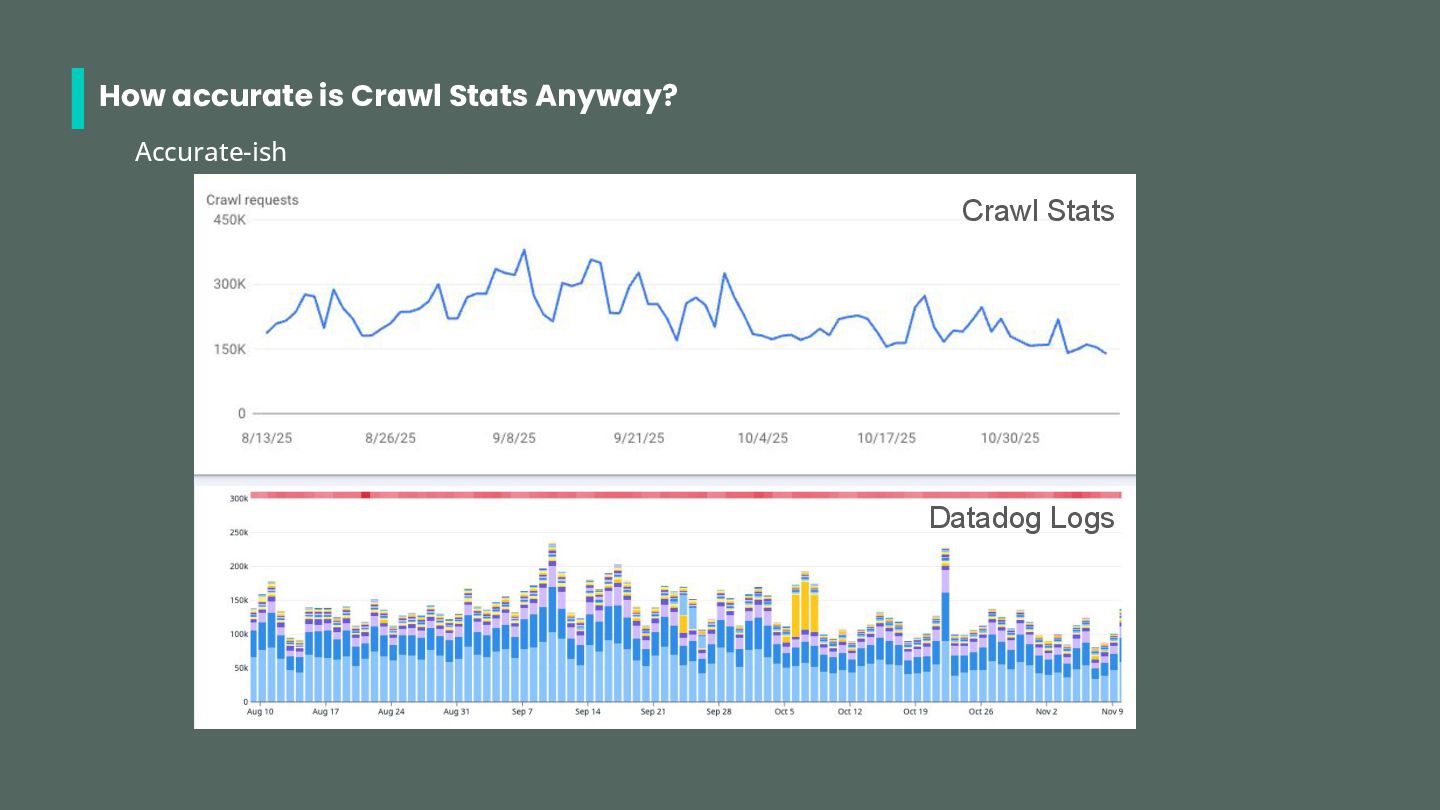
Introduced in 2020 • Shows crawl stats from the past 90ish days ◦ Total requests ◦ Download size ◦ Response time Some Cons • Only available for domain properties and only segmentable by subdomain • Only gives example URLs • Only crawl for googlebot Is this data accurate???
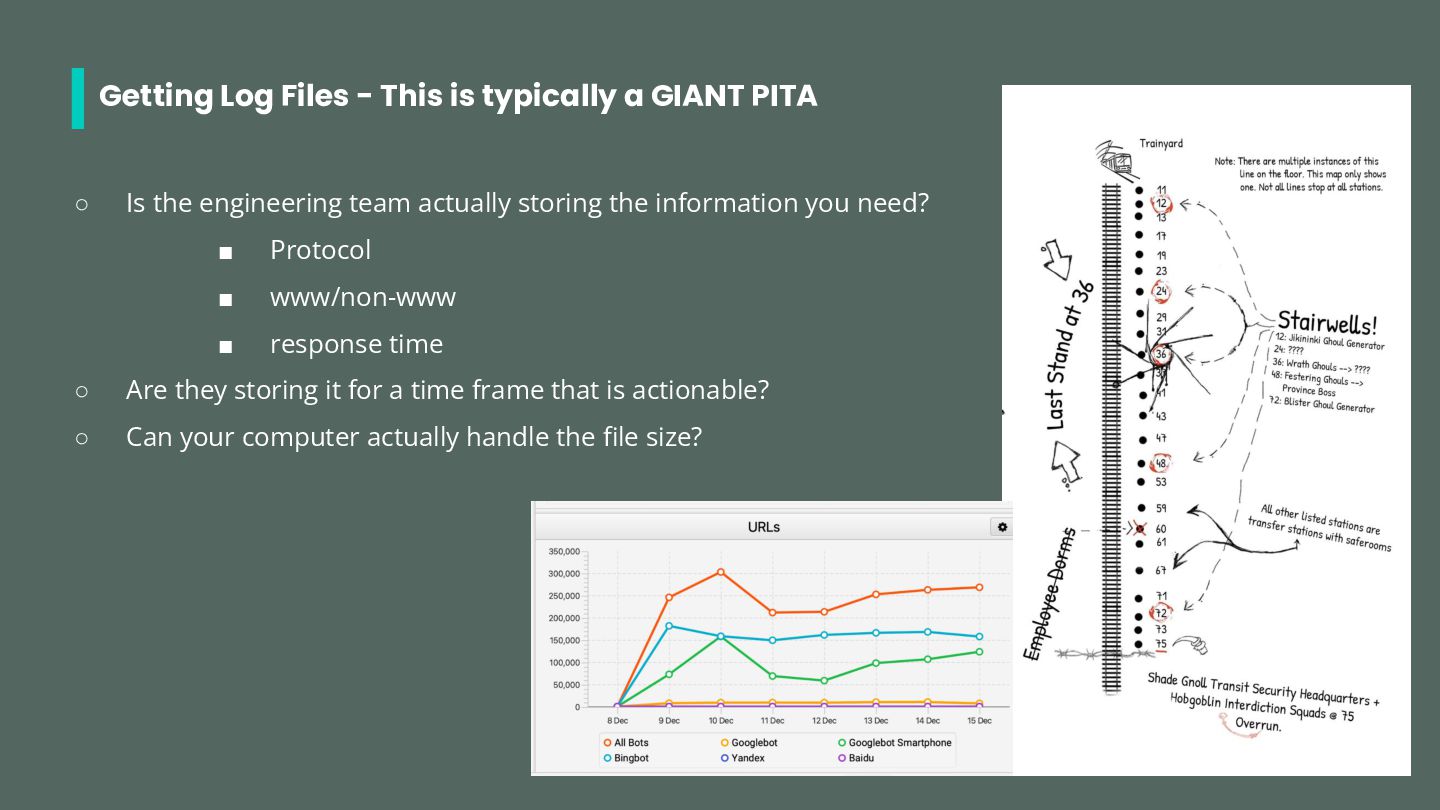
◦ Is the engineering team actually storing the information you need? ▪ Protocol ▪ www/non-www ▪ response time ◦ Are they storing it for a time frame that is actionable? ◦ Can your computer actually handle the file size?
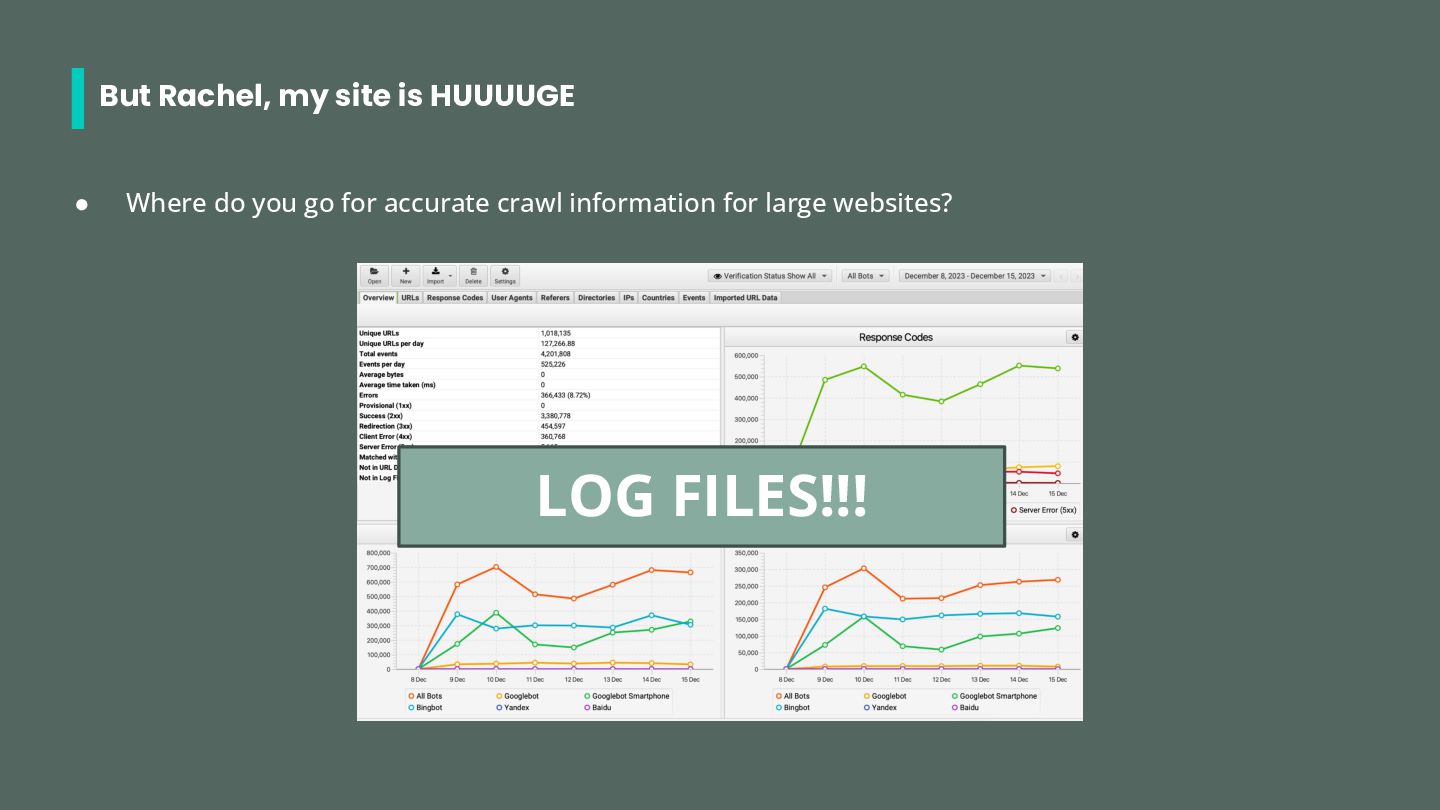
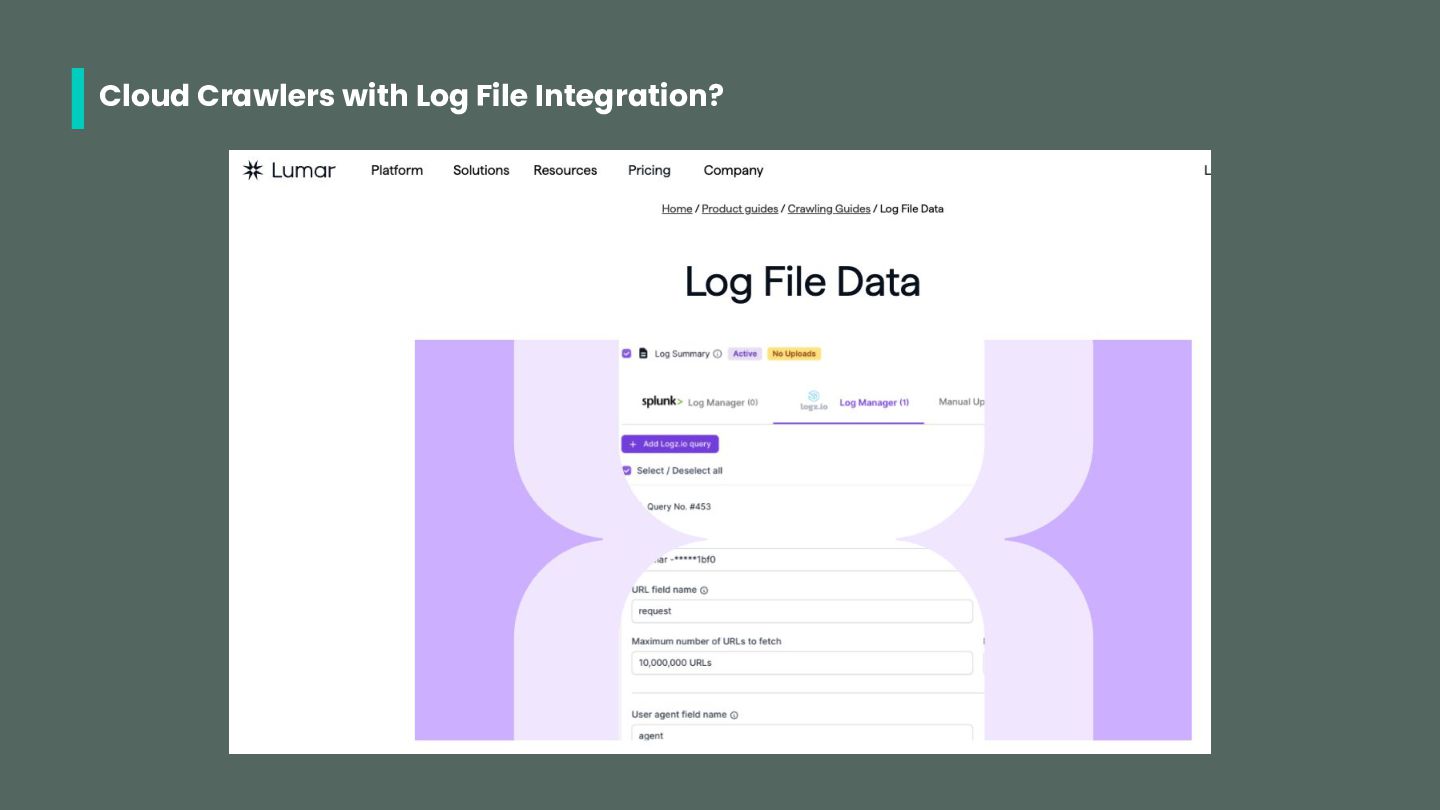
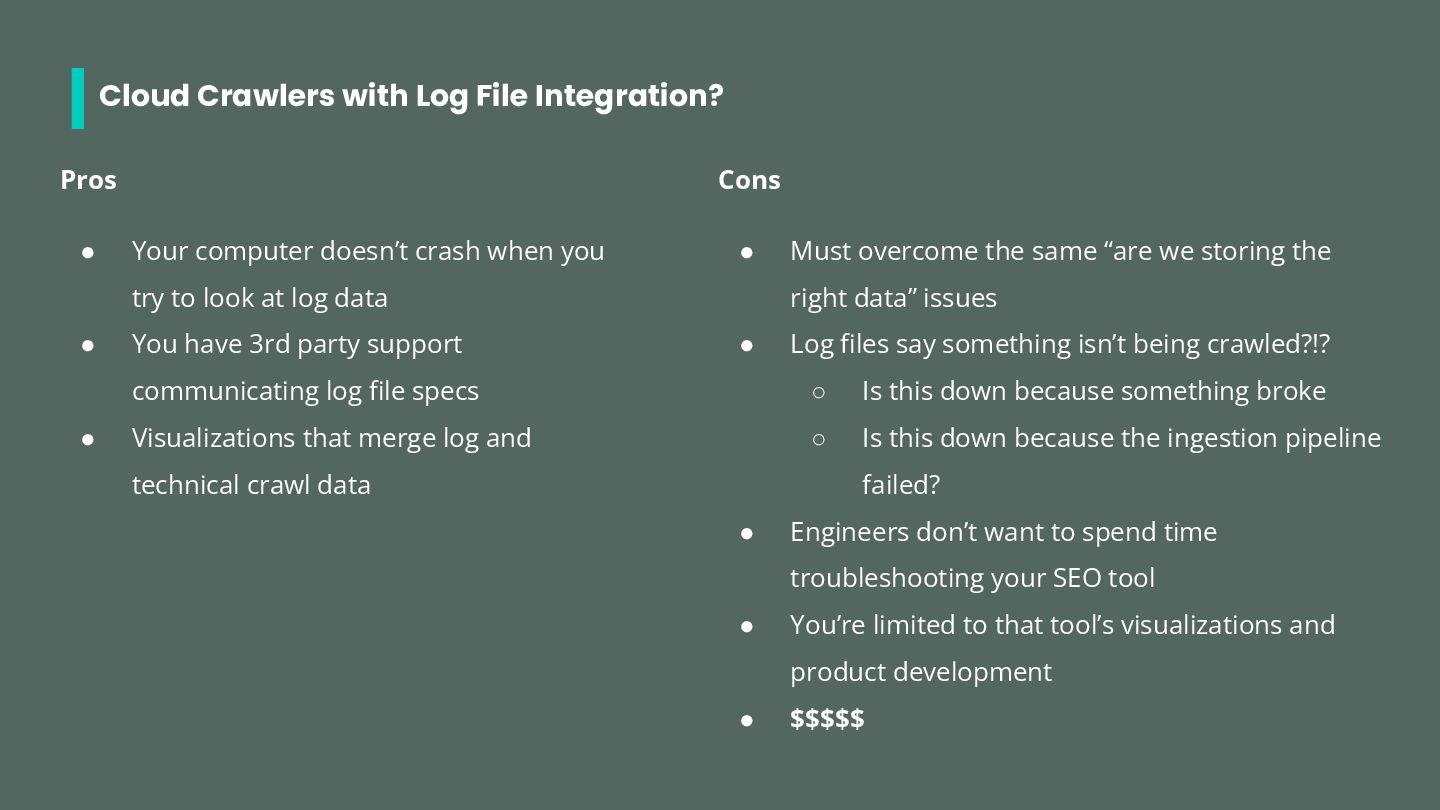
doesn’t crash when you try to look at log data • You have 3rd party support communicating log file specs • Visualizations that merge log and technical crawl data Cons • Must overcome the same “are we storing the right data” issues • Log files say something isn’t being crawled?!? ◦ Is this down because something broke ◦ Is this down because the ingestion pipeline failed? • Engineers don’t want to spend time troubleshooting your SEO tool • You’re limited to that tool’s visualizations and product development • $$$$$
asked them to whitelist an IP address • Reached out when GSC reported server errors • Gotten a request to not run a large crawl on Black Friday Why? • Their whole job is keeping the website up, secure, and fast • They really care about and understand crawl • They use logs all day! • They use advanced log tools that your org is already paying for and maintaining
for a meeting to chat with them about crawl ◦ Frame them as the crawl experts ◦ You’d like to learn: ▪ What resources search engines and AI bots are crawling ▪ What log file tools the org is already using
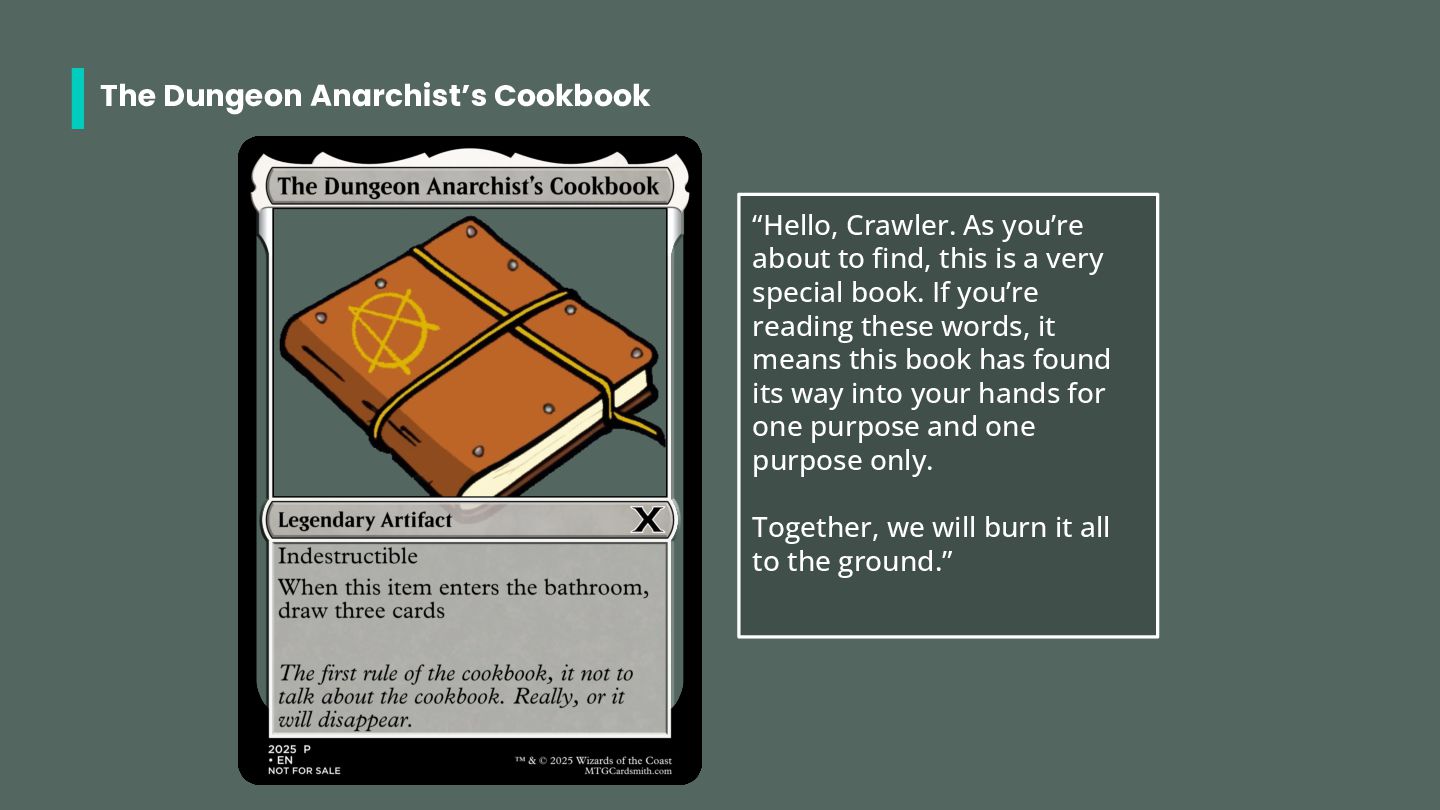
find, this is a very special book. If you’re reading these words, it means this book has found its way into your hands for one purpose and one purpose only. Together, we will burn it all to the ground.”
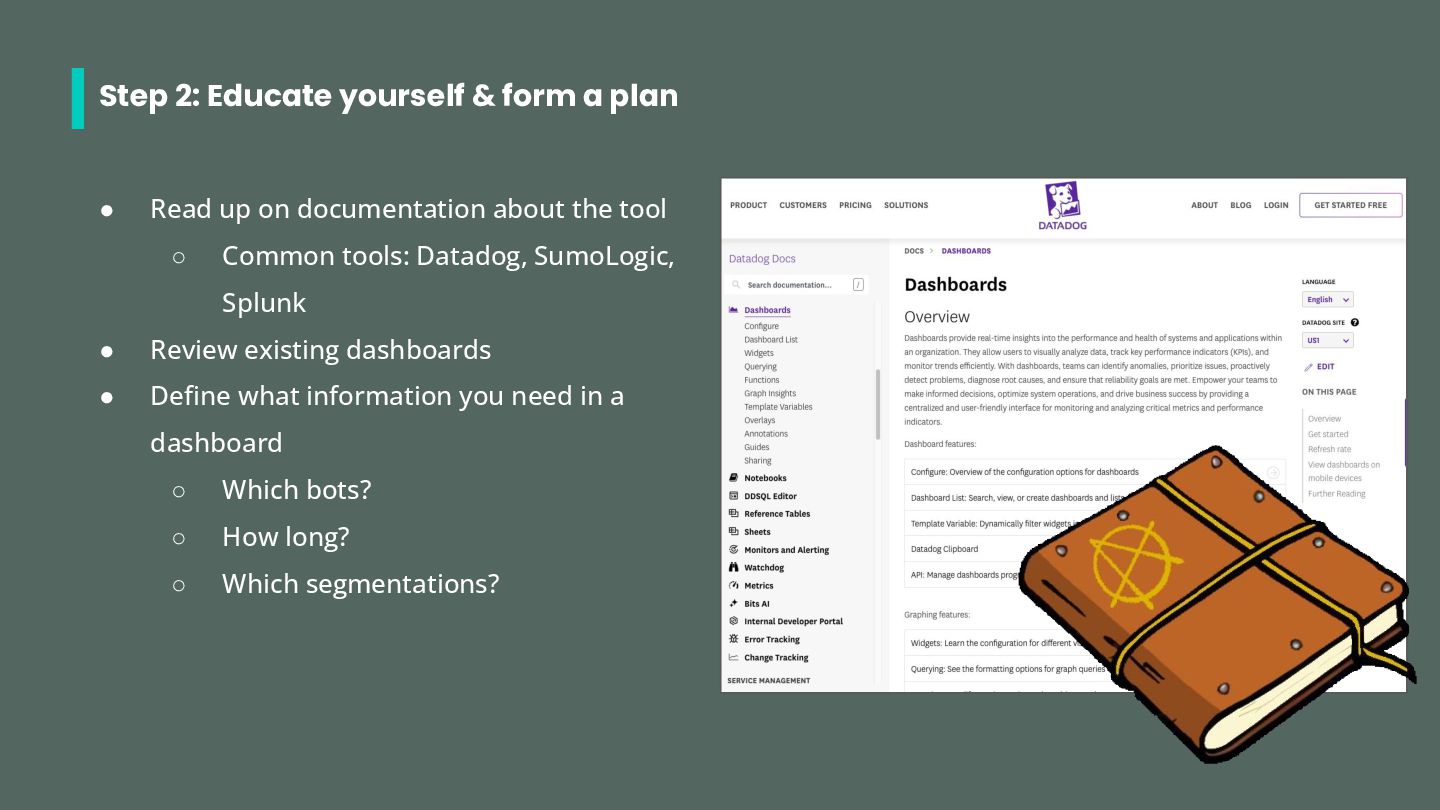
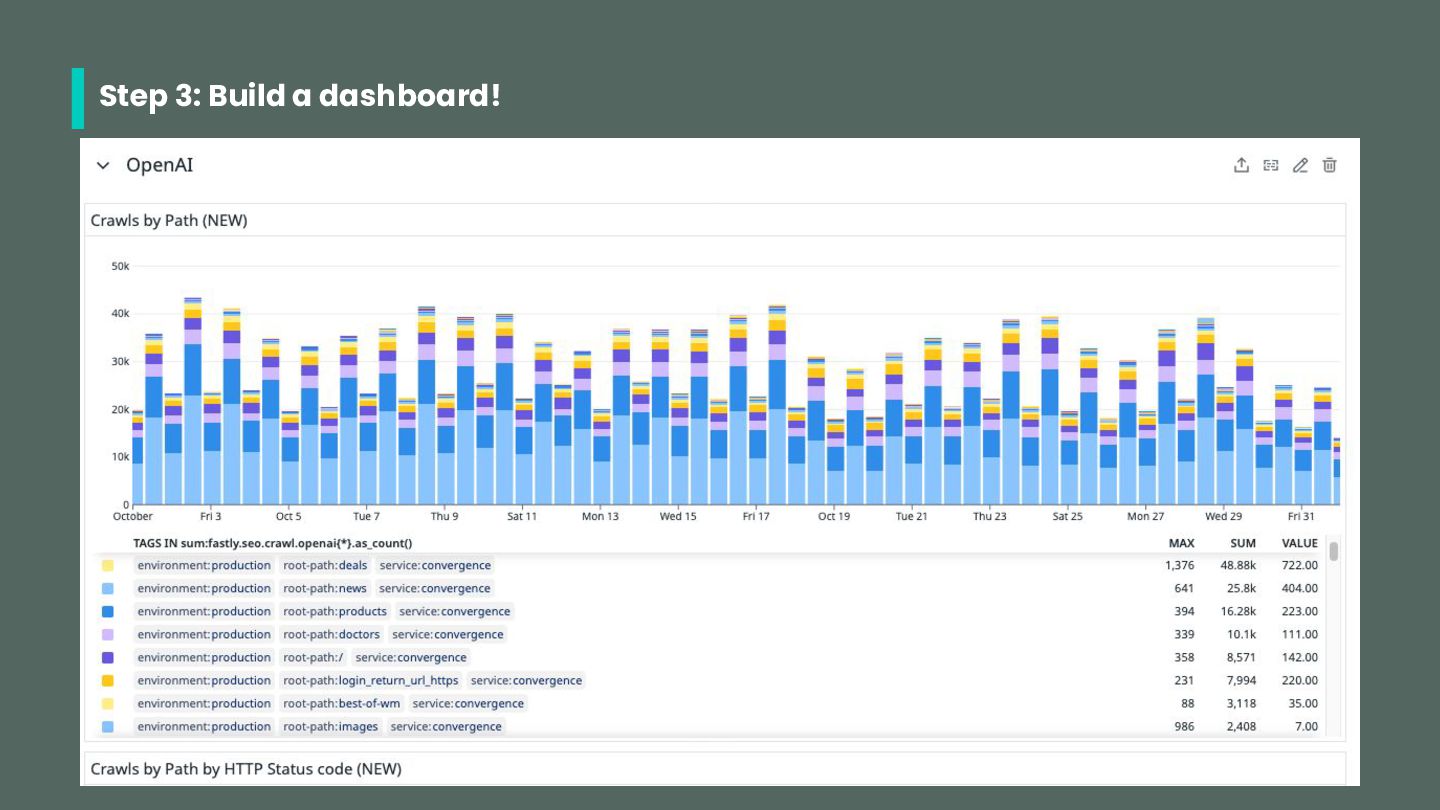
up on documentation about the tool ◦ Common tools: Datadog, SumoLogic, Splunk • Review existing dashboards • Define what information you need in a dashboard ◦ Which bots? ◦ How long? ◦ Which segmentations?
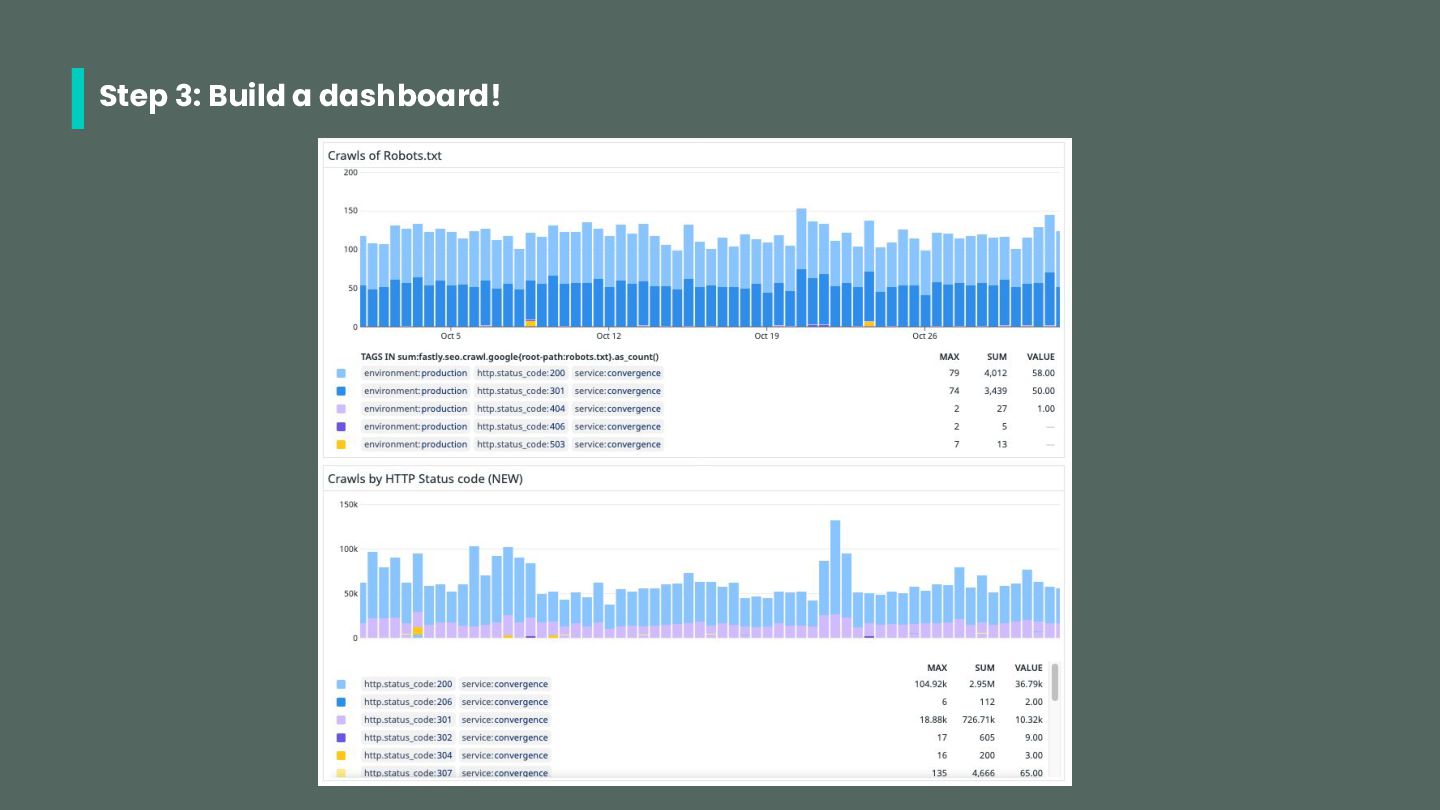
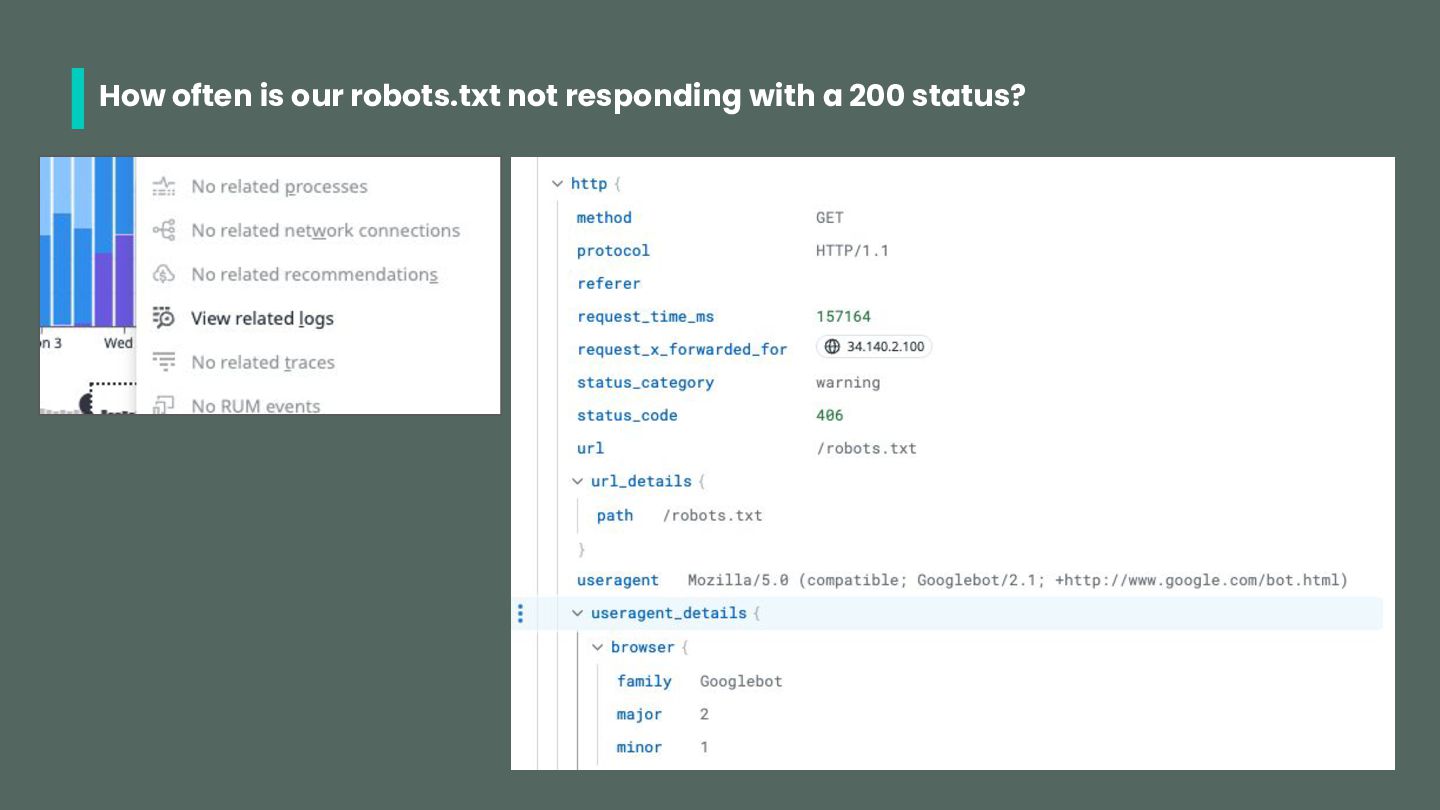
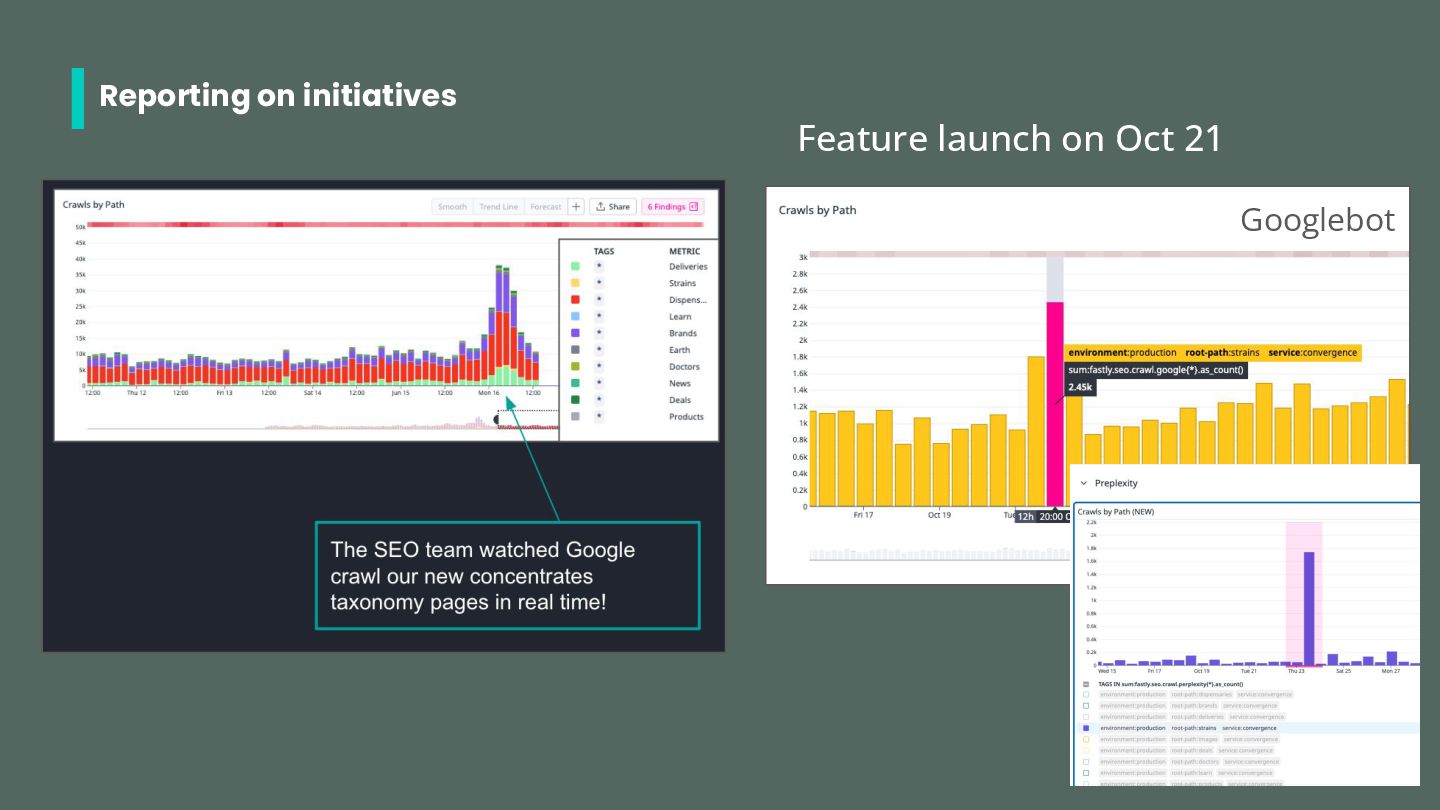
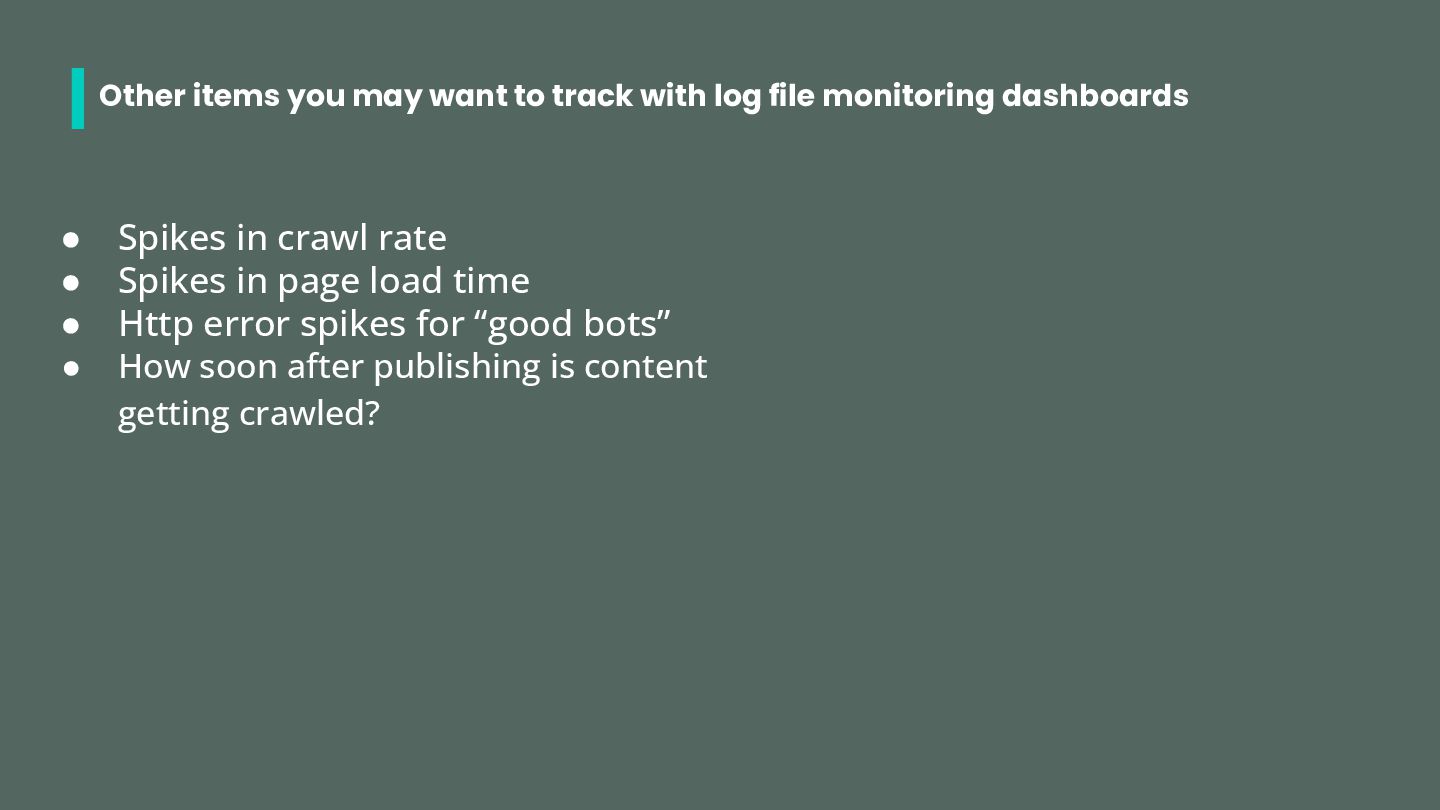
monitoring dashboards • Spikes in crawl rate • Spikes in page load time • Http error spikes for “good bots” • How soon after publishing is content getting crawled?
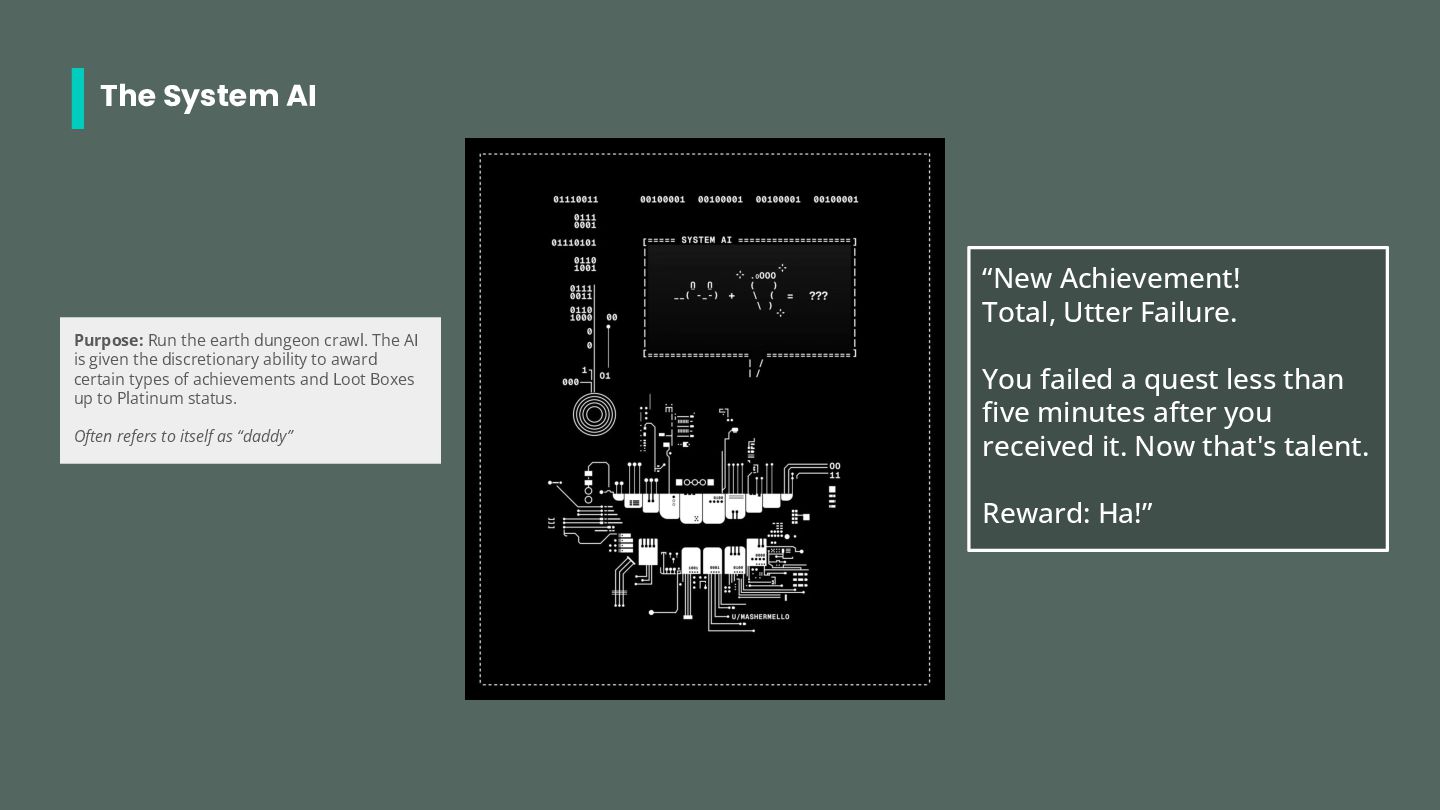
a quest less than five minutes after you received it. Now that's talent. Reward: Ha!” Purpose: Run the earth dungeon crawl. The AI is given the discretionary ability to award certain types of achievements and Loot Boxes up to Platinum status. Often refers to itself as “daddy”
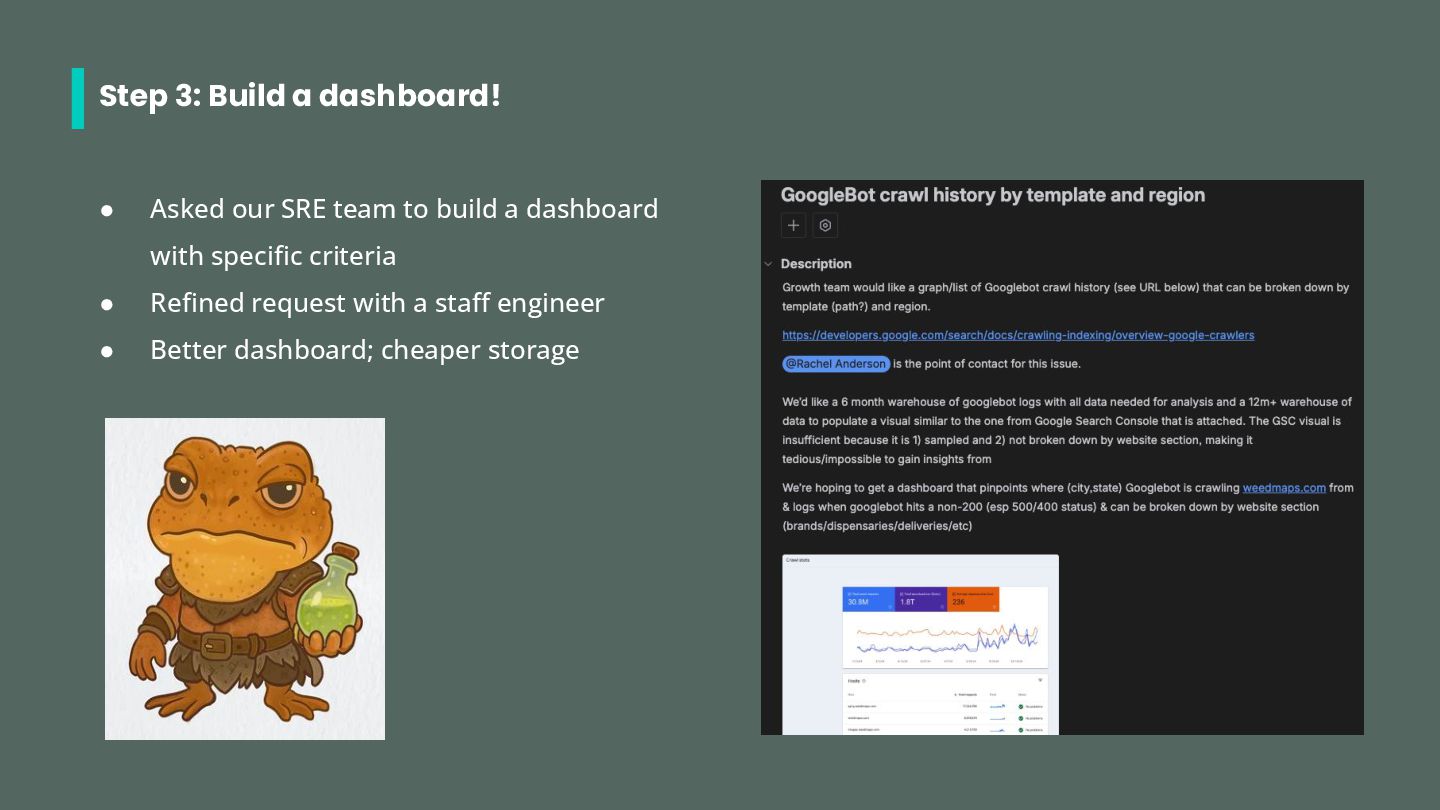
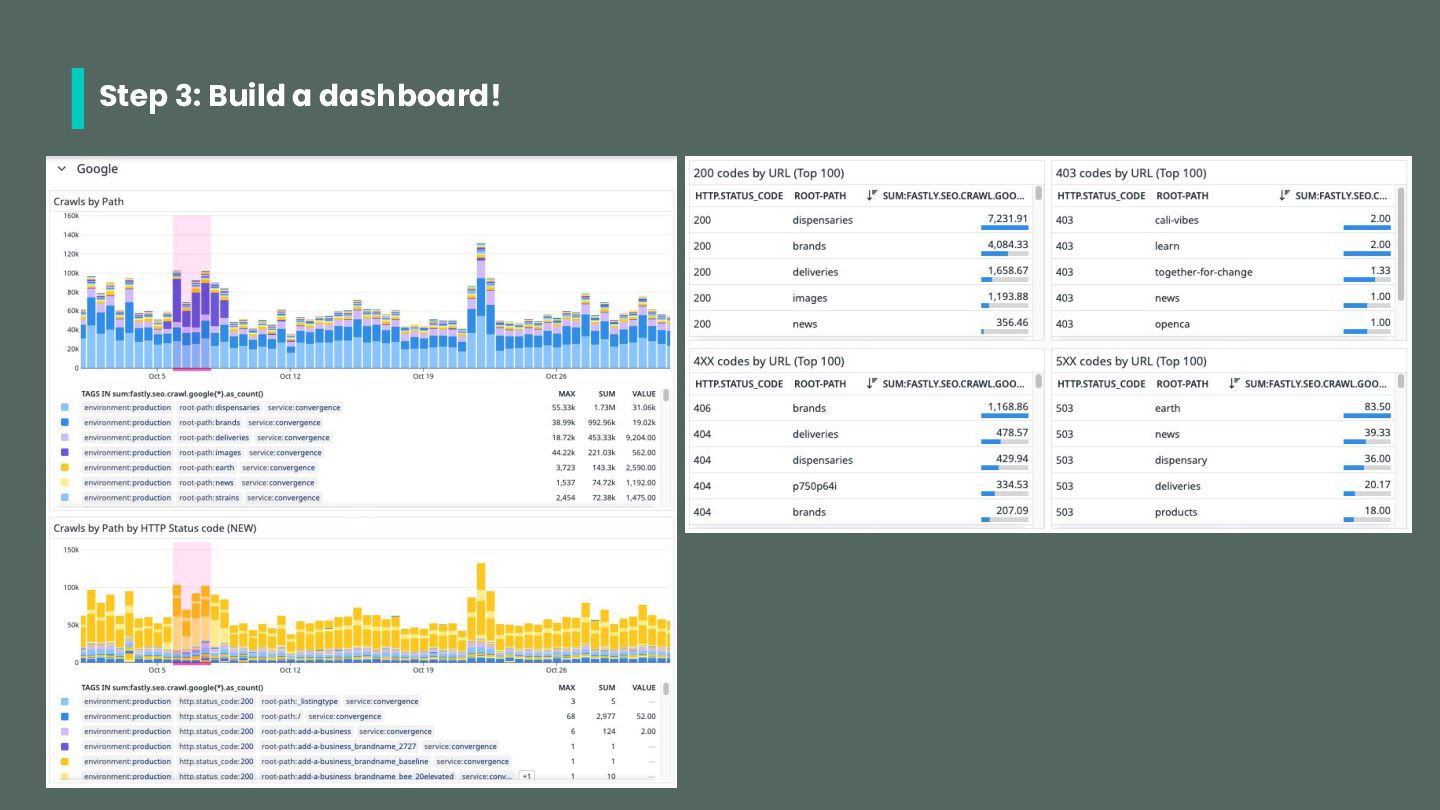
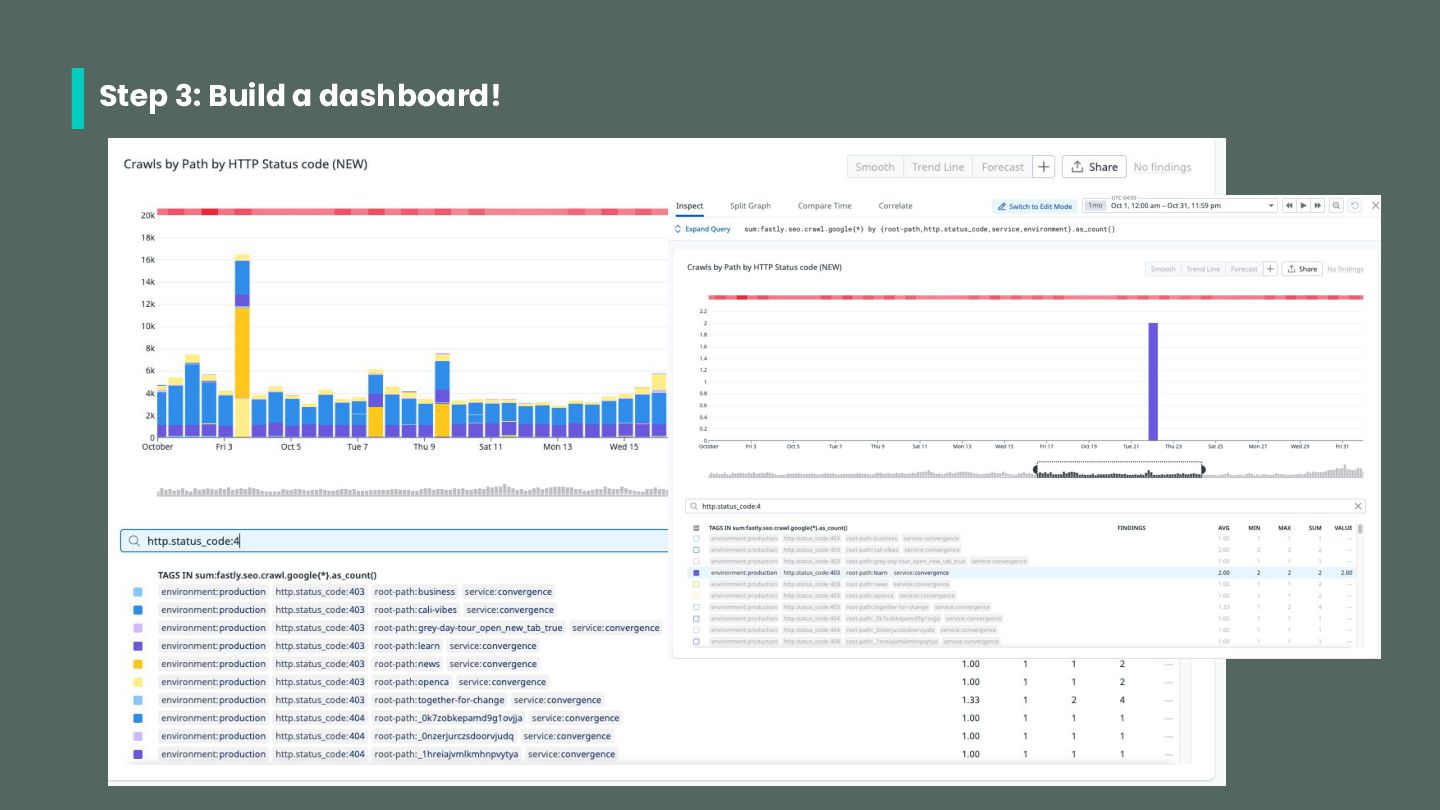
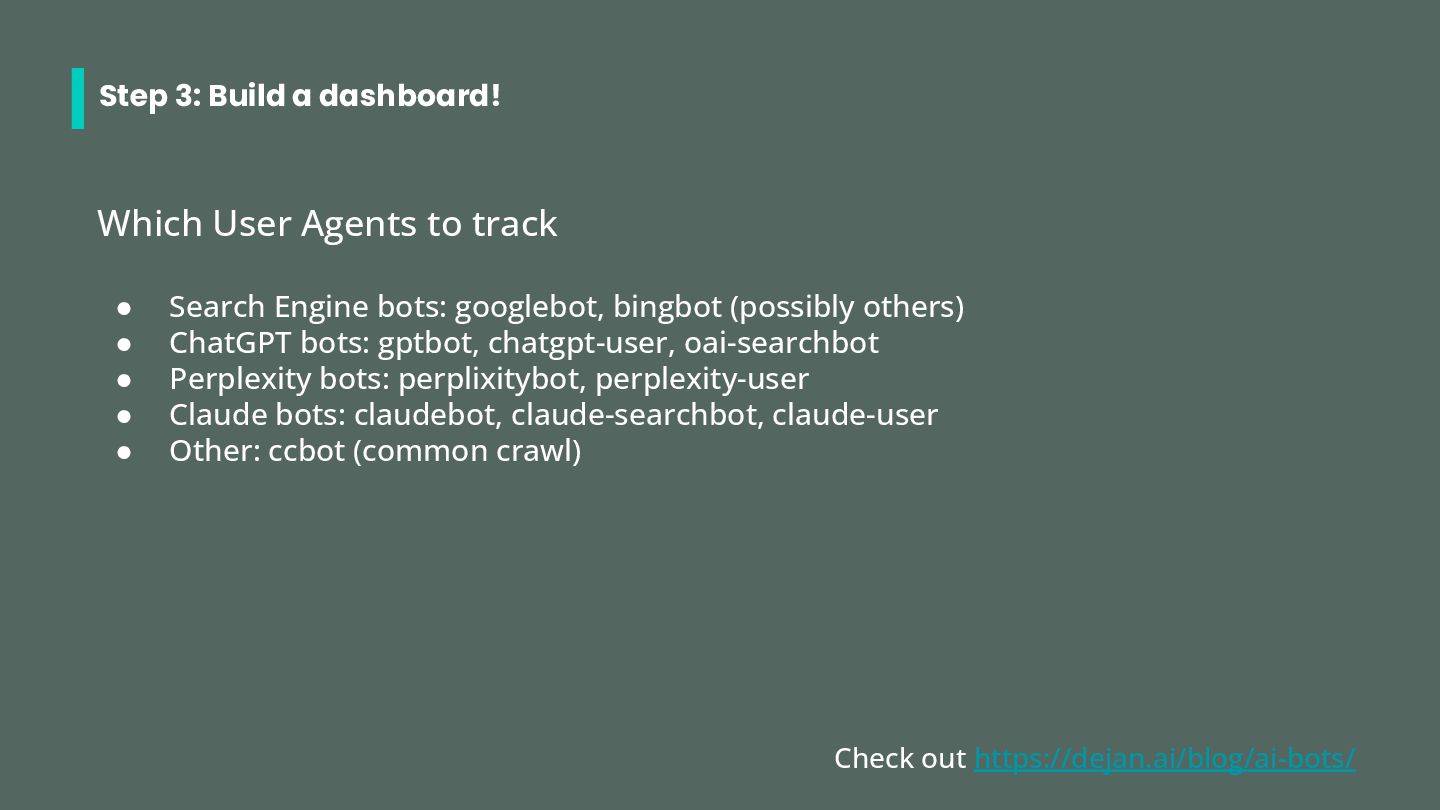
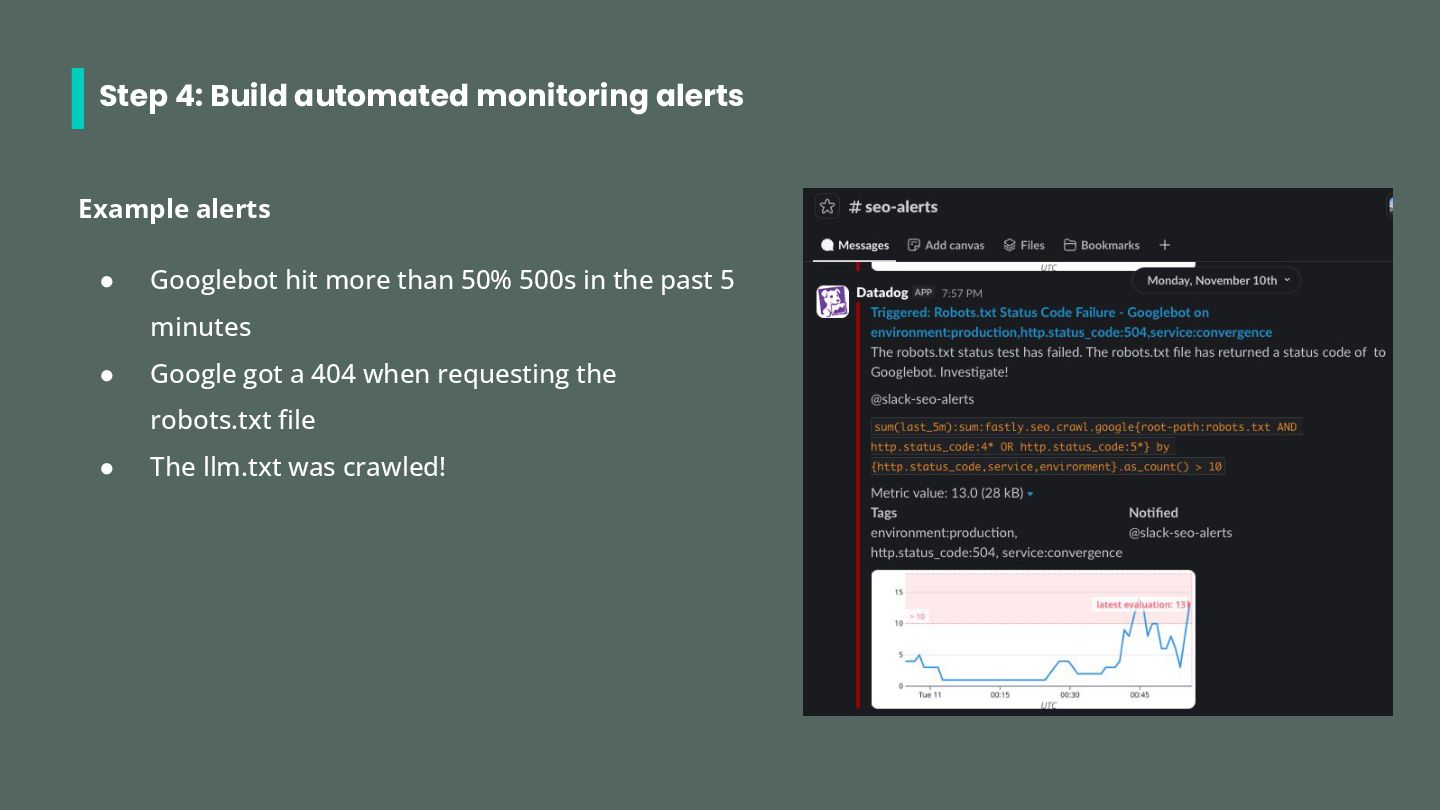
with your SRE team a. Position them as the experts b. Figure out what tools your org is already using 2. Educate yourself a. On the capabilities of the tools b. On what you actually need monitoring for 3. Build dashboards in your engineering tools a. Track traditional user agents + AI user agents b. Partner with SRE for the best, cheapest data 4. Build automated alerting a. For critical errors or tests
SRE! Your rewaaaard: You’ve created cross-functional competency on SEO within the SRE team! The SRE team will now involve SEO as a stakeholder in crawl decisions!


 techseoconnect
.jpg) cargoodrich
cargoodrich
 owainlw
 tenshoku_draft
 yigarashi
 sairu_inc
 yoshiesan
 somanishioka
 decabbit
 pablolopezm
 tribal
 speedyindexteam
 ktkn1129
 inesmontani
 eileencodes
 tammyeverts
 smashingmag
 aemeredith
 frankvandijk
 auna
auna
 panda_program
 katiecoart
 dougneiner
 bkeepers