is different from your application’s domain. I’m talking about client side injection, if you wanted to learn how to attack nodejs apps, you’re in the wrong room.
is central (uservoice, auth0) • Critical to the features of many (pocket, readability, chrome apps, bookmarklets, etc.) • A lot more companies are doing it than you think (yes you facebook) for “not so central” portions of their business model. • Always bet on JS • As software gets more sophisticated and data sources get more consolidated, the tendency for websites to be conglomerations of individual js widgets rather than compiled server pages will increase. • Cross domain stuff connects websites, and connectivity is collaboration, and collaboration is good for web startups.
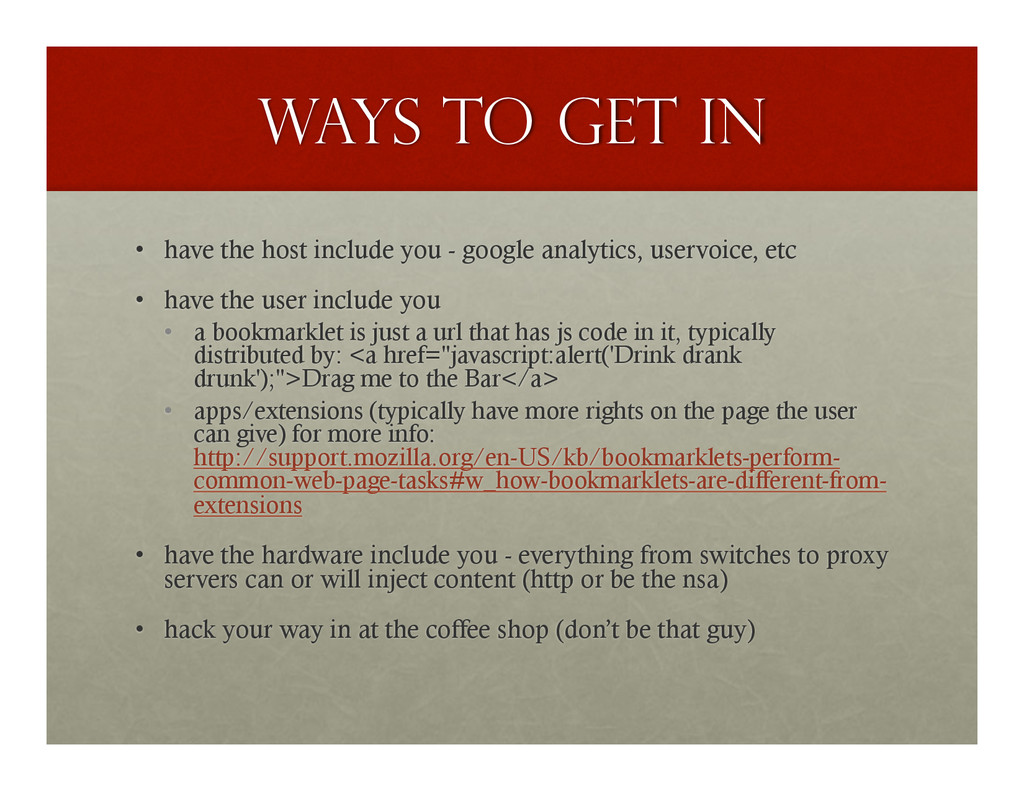
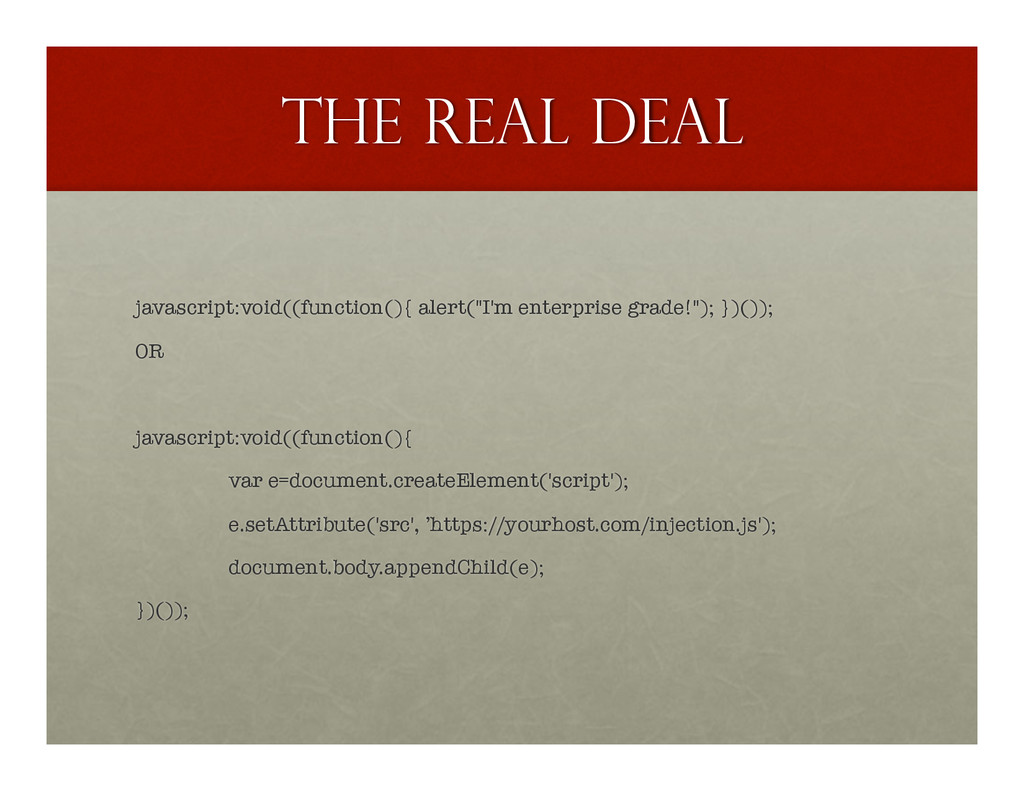
- google analytics, uservoice, etc • have the user include you • a bookmarklet is just a url that has js code in it, typically distributed by: <a href="javascript:alert('Drink drank drunk');">Drag me to the Bar</a> • apps/extensions (typically have more rights on the page the user can give) for more info: http://support.mozilla.org/en-US/kb/bookmarklets-perform- common-web-page-tasks#w_how-bookmarklets-are-different-from- extensions • have the hardware include you - everything from switches to proxy servers can or will inject content (http or be the nsa) • hack your way in at the coffee shop (don’t be that guy)
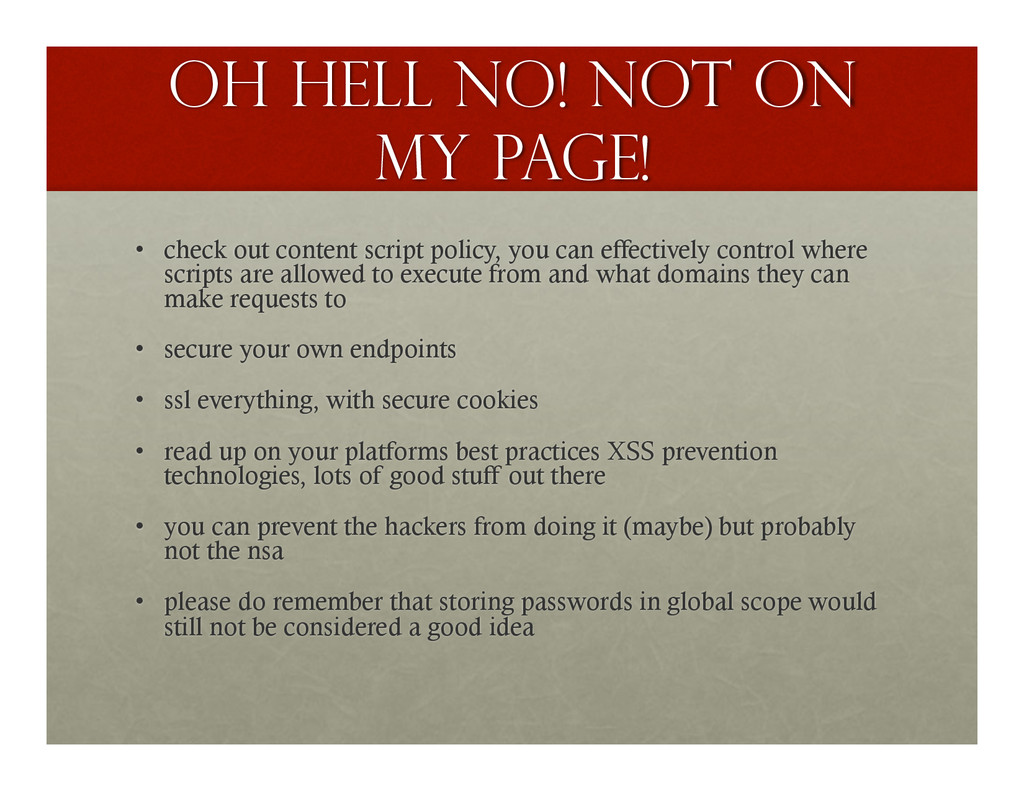
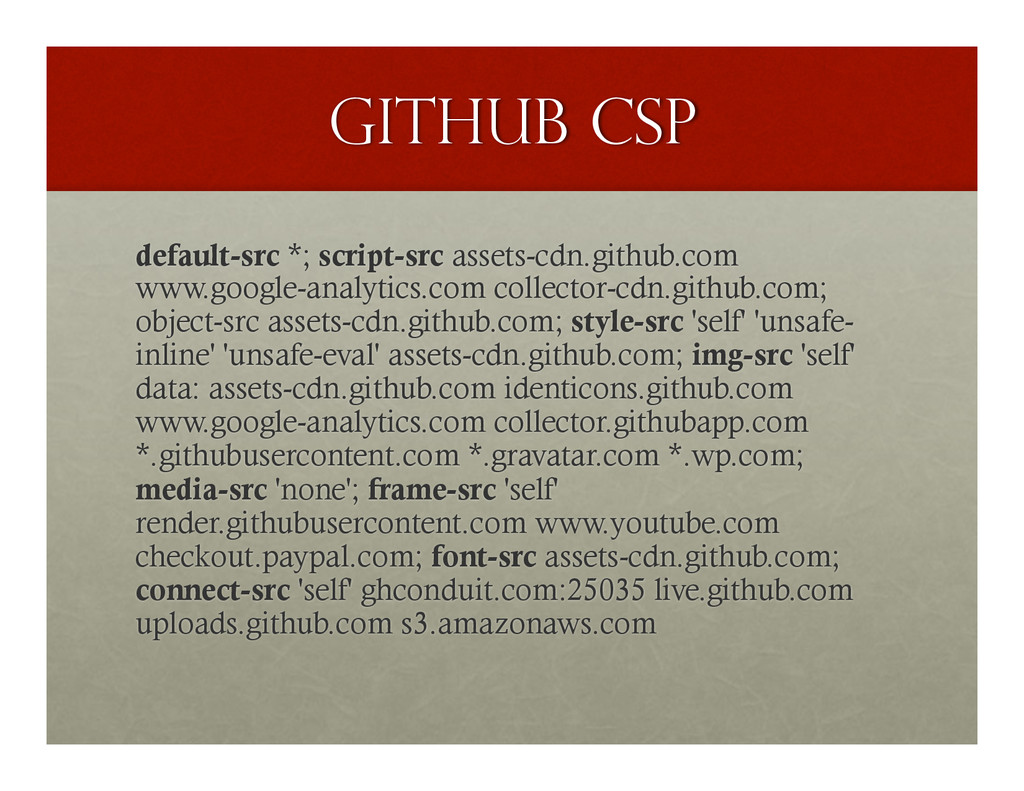
content script policy, you can effectively control where scripts are allowed to execute from and what domains they can make requests to • secure your own endpoints • ssl everything, with secure cookies • read up on your platforms best practices XSS prevention technologies, lots of good stuff out there • you can prevent the hackers from doing it (maybe) but probably not the nsa • please do remember that storing passwords in global scope would still not be considered a good idea
a CSP policy should not interfere with the operation of user-supplied scripts such as third-party user-agent add-ons and JavaScript bookmarklets.” –w3 “BWAHAHAHAHAHAHAHAHAHAHA” - chrome
HTML! • All those year of DOM manipulation finally paid off. • You can bring in other libraries, we’ll get into the details, but first, let’s style this view up a bit… • 10 hours later… WHY DOES IT STILL LOOK LIKE THE PAGE I INJECTED ON!!!!!! great, now that I’m on someone else’s page, I want to show something to the user.
your content looks distinct from the page the basic idea is that the more specific you are, the more likely you are to win in a complex web scenario, you will need to understand A LOT about specificity, and this is a fun way to start learning more: http://www.smashingmagazine.com/ 2007/07/27/css-specificity-things-you- should-know/
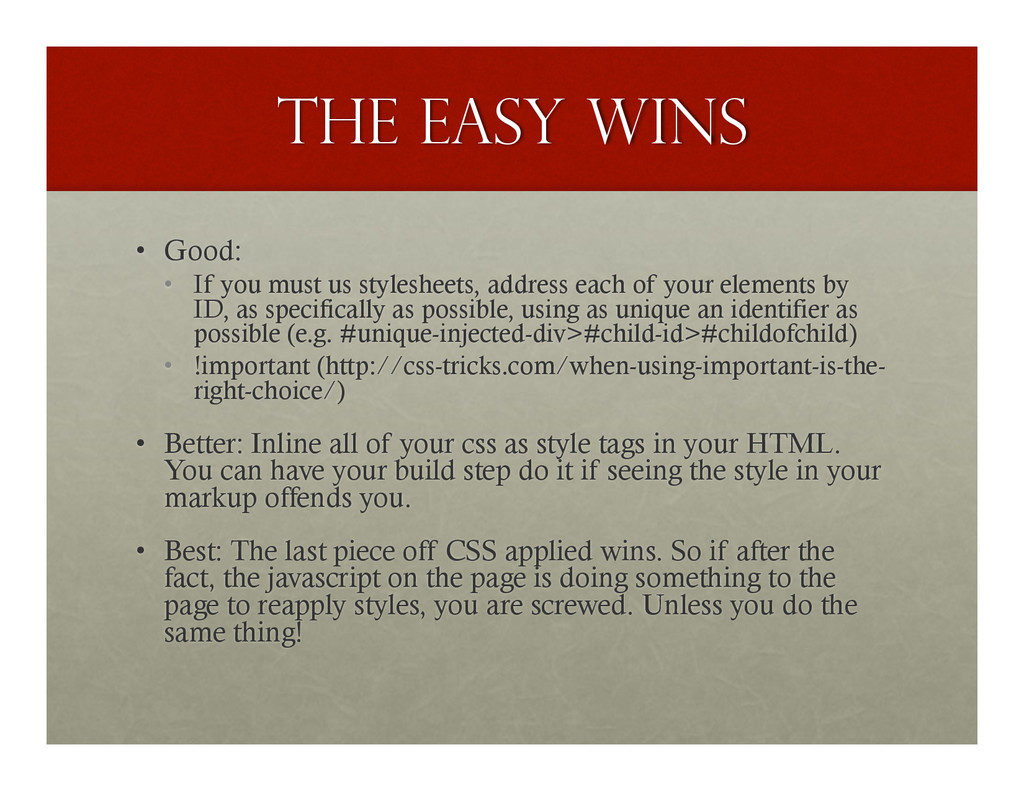
stylesheets, address each of your elements by ID, as specifically as possible, using as unique an identifier as possible (e.g. #unique-injected-div>#child-id>#childofchild) • !important (http://css-tricks.com/when-using-important-is-the- right-choice/) • Better: Inline all of your css as style tags in your HTML. You can have your build step do it if seeing the style in your markup offends you. • Best: The last piece off CSS applied wins. So if after the fact, the javascript on the page is doing something to the page to reapply styles, you are screwed. Unless you do the same thing!
element with a uuid or unique app id the second you arrive. • a elements are magic path parsers for the domain you injected on- if you are logging parts of the page, etc • var url = document.createElement('a'); • set url.href = any kinda path • get url.href = heck yeah, fully qualified!!!!!
be jQuery. In general, it’s very important to know your document is loaded before you being operating on the DOM. • It’s critical in injection scenarios, because you can’t control 99% of the equation (the code the other people wrote). • So if not jQuery, be sure to find some way to know our DOM is fully loaded before you begin. • It handles the edge cases so you don’t have to. But bottom line, no document.write bs, all clean DOM insertions.
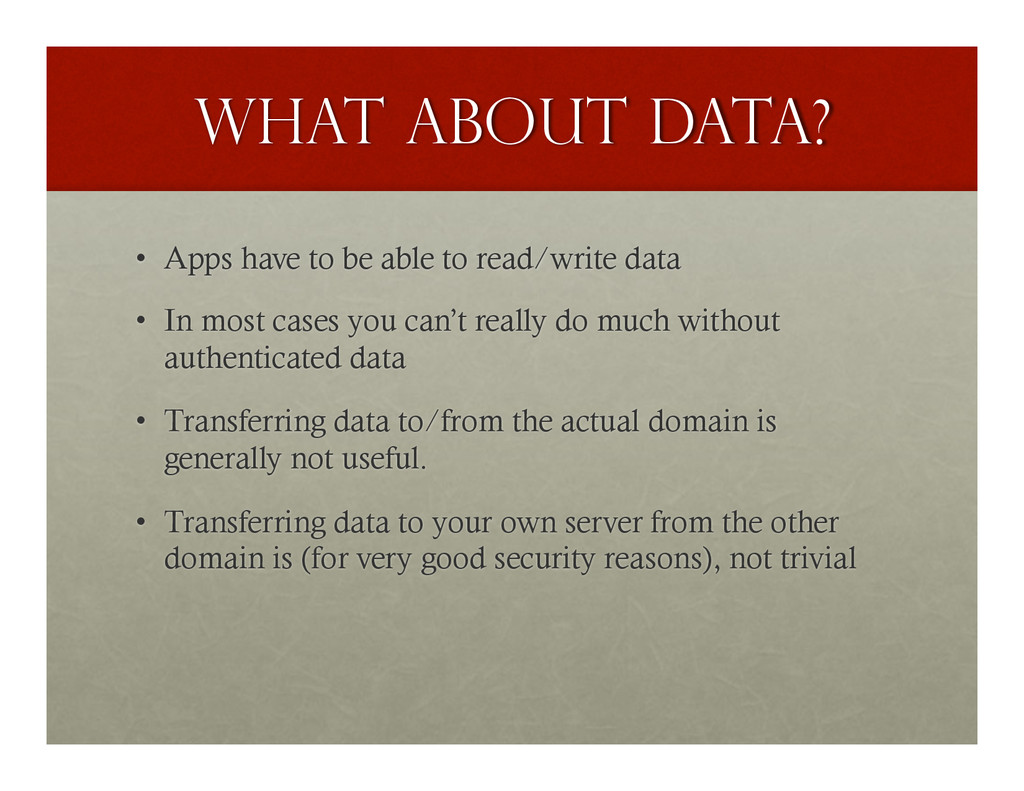
read/write data • In most cases you can’t really do much without authenticated data • Transferring data to/from the actual domain is generally not useful. • Transferring data to your own server from the other domain is (for very good security reasons), not trivial
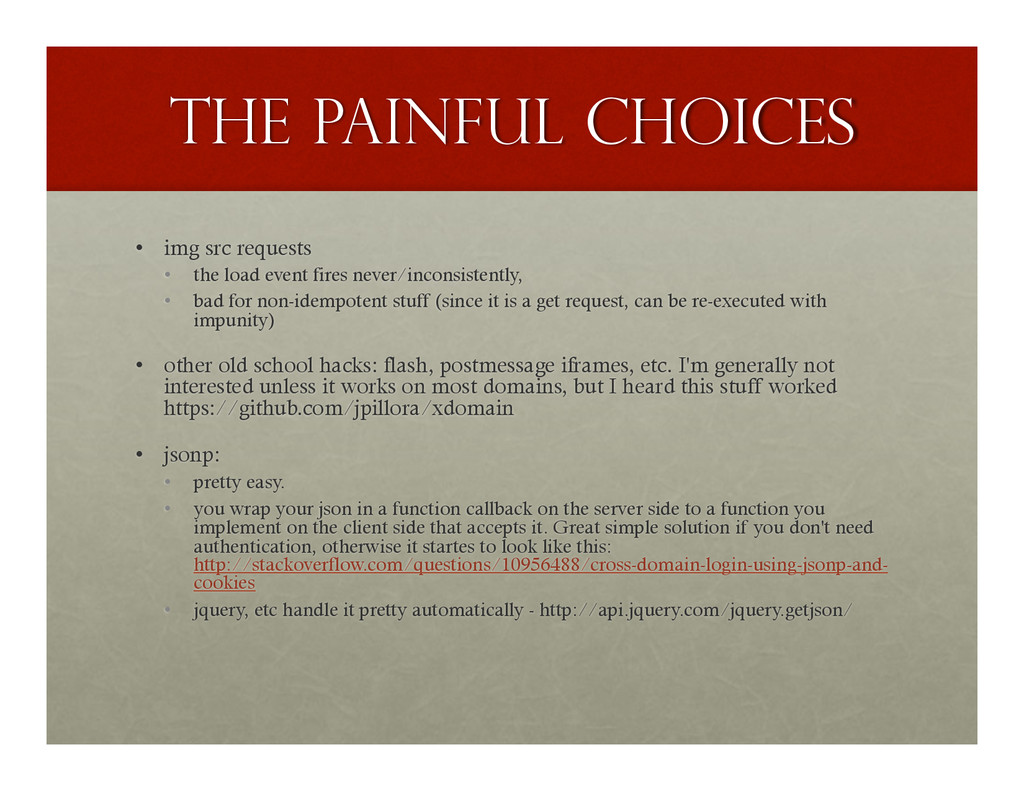
event fires never/inconsistently, • bad for non-idempotent stuff (since it is a get request, can be re-executed with impunity) • other old school hacks: flash, postmessage iframes, etc. I'm generally not interested unless it works on most domains, but I heard this stuff worked https://github.com/jpillora/xdomain • jsonp: • pretty easy. • you wrap your json in a function callback on the server side to a function you implement on the client side that accepts it. Great simple solution if you don't need authentication, otherwise it startes to look like this: http://stackoverflow.com/questions/10956488/cross-domain-login-using-jsonp-and- cookies • jquery, etc handle it pretty automatically - http://api.jquery.com/jquery.getjson/
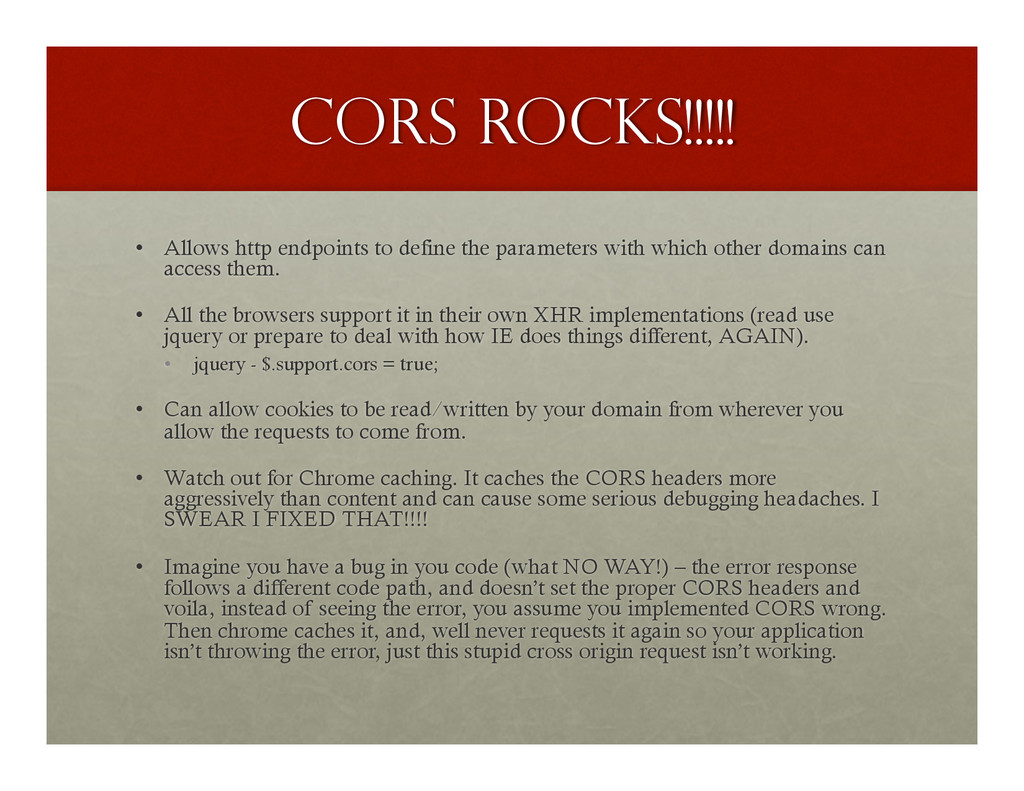
with which other domains can access them. • All the browsers support it in their own XHR implementations (read use jquery or prepare to deal with how IE does things different, AGAIN). • jquery - $.support.cors = true; • Can allow cookies to be read/written by your domain from wherever you allow the requests to come from. • Watch out for Chrome caching. It caches the CORS headers more aggressively than content and can cause some serious debugging headaches. I SWEAR I FIXED THAT!!!! • Imagine you have a bug in you code (what NO WAY!) – the error response follows a different code path, and doesn’t set the proper CORS headers and voila, instead of seeing the error, you assume you implemented CORS wrong. Then chrome caches it, and, well never requests it again so your application isn’t throwing the error, just this stupid cross origin request isn’t working.
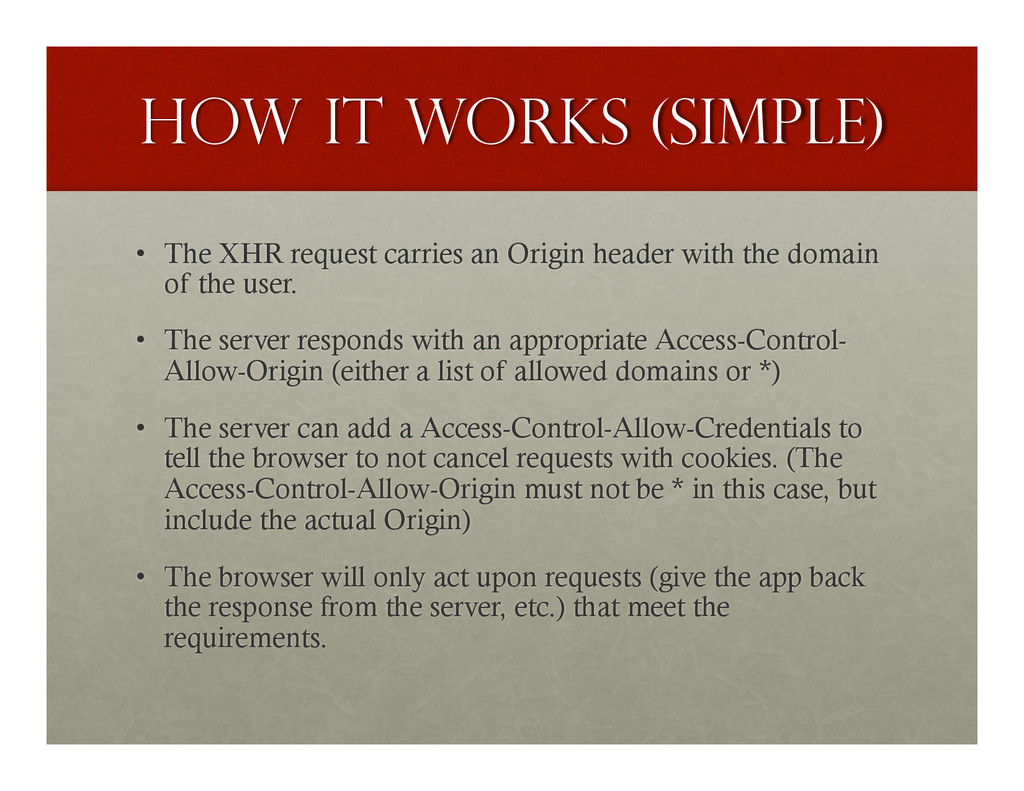
Origin header with the domain of the user. • The server responds with an appropriate Access-Control- Allow-Origin (either a list of allowed domains or *) • The server can add a Access-Control-Allow-Credentials to tell the browser to not cancel requests with cookies. (The Access-Control-Allow-Origin must not be * in this case, but include the actual Origin) • The browser will only act upon requests (give the app back the response from the server, etc.) that meet the requirements.
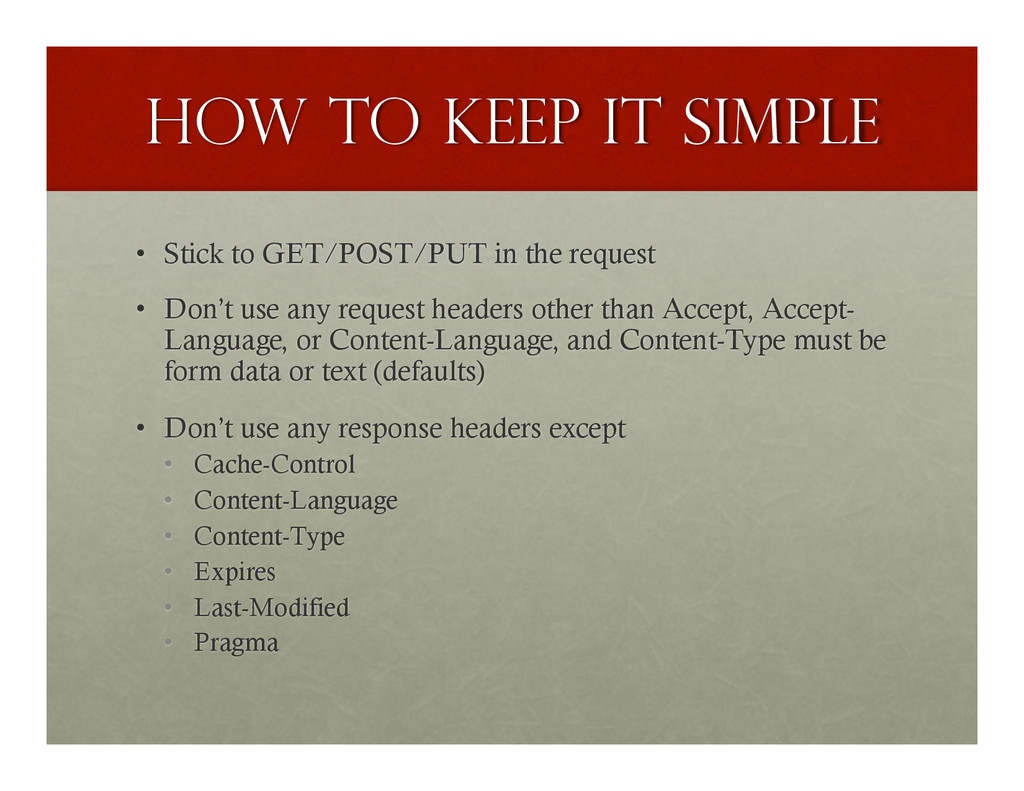
the request • Don’t use any request headers other than Accept, Accept- Language, or Content-Language, and Content-Type must be form data or text (defaults) • Don’t use any response headers except • Cache-Control • Content-Language • Content-Type • Expires • Last-Modified • Pragma
can pass json around and call it text/html all day long. you can use POST to delete stuff. ok, if your app is just too “correct” for all that… the browser can do a preflight OPTIONS request that will checkout out all the headers and other stuff you are sending to make sure the server is fine with it. be prepared to be very explicit: http://www.w3.org/TR/cors/#resource-preflight-requests


 thabofletcher
 moro
moro
 seike460
 eed3si9n
 ivargrimstad
 rkaga
rkaga
 deka_morita
 irinanazarova
 rshindo
 hollycummins
 andpad
 hschwentner
 marcoroth
 skipperchong
 jakevdp
 tessaabrams
 csswizardry
 matthewcrist
 katarinadahlin
 palkan
 aleyda
 paigeccino
 jmmastey
 danielanewman
 cassininazir