it has many flaws: the DOM can be clunky to use the same code doesn't always work the same way in every browser code that works great in Chrome, Firefox, Safari, ... will fail in IE and vice versa many developers work around these problems with hacks (checking if browser is IE, etc.)
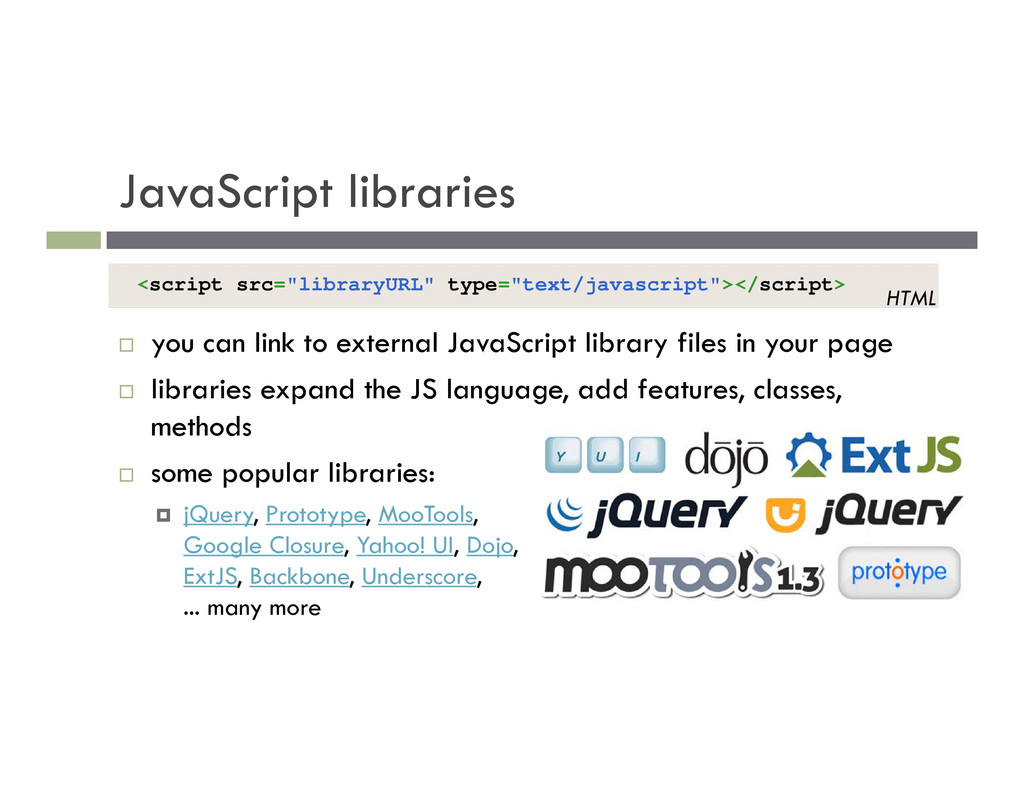
files in your page libraries expand the JS language, add features, classes, methods some popular libraries: jQuery, Prototype, MooTools, Google Closure, Yahoo! UI, Dojo, ExtJS, Backbone, Underscore, ... many more <script src="libraryURL" type="text/javascript"></script> HTML
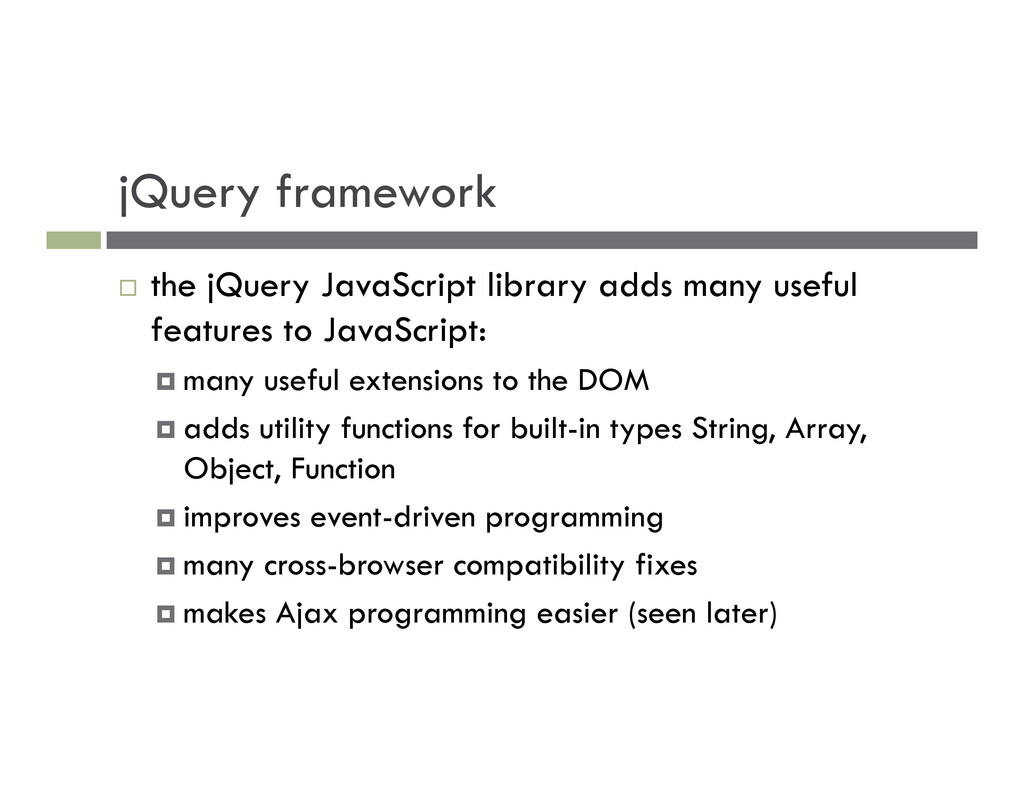
features to JavaScript: many useful extensions to the DOM adds utility functions for built-in types String, Array, Object, Function improves event-driven programming
features to JavaScript: many useful extensions to the DOM adds utility functions for built-in types String, Array, Object, Function improves event-driven programming many cross-browser compatibility fixes
features to JavaScript: many useful extensions to the DOM adds utility functions for built-in types String, Array, Object, Function improves event-driven programming many cross-browser compatibility fixes makes Ajax programming easier (seen later)
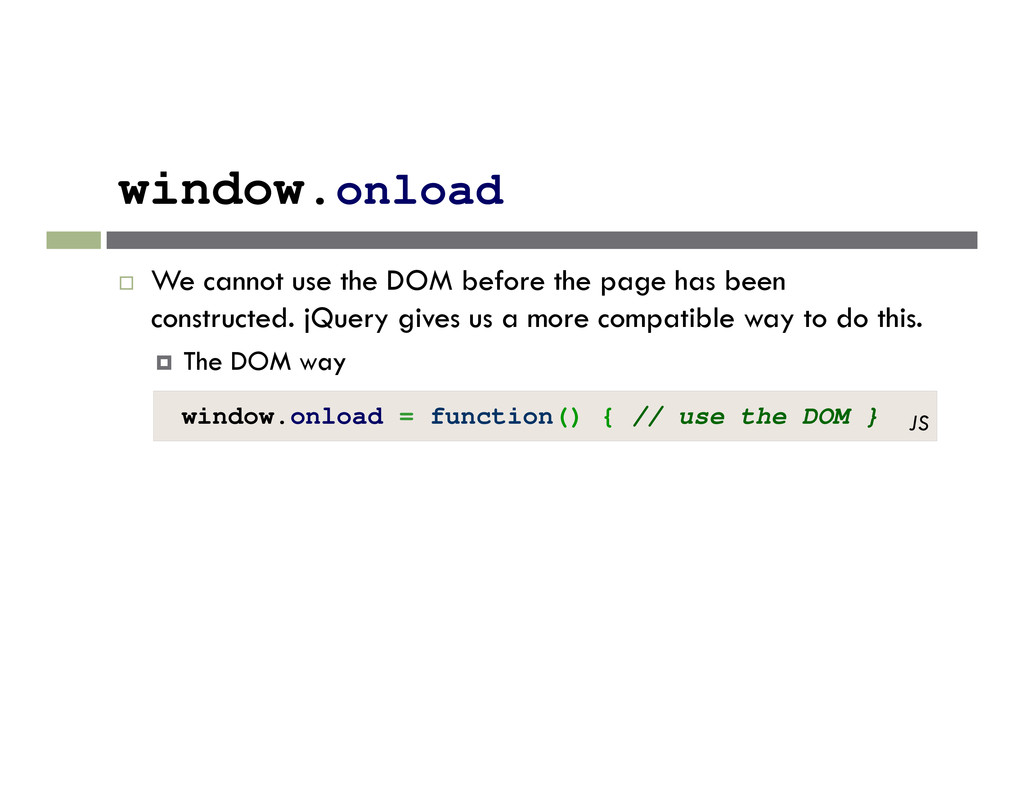
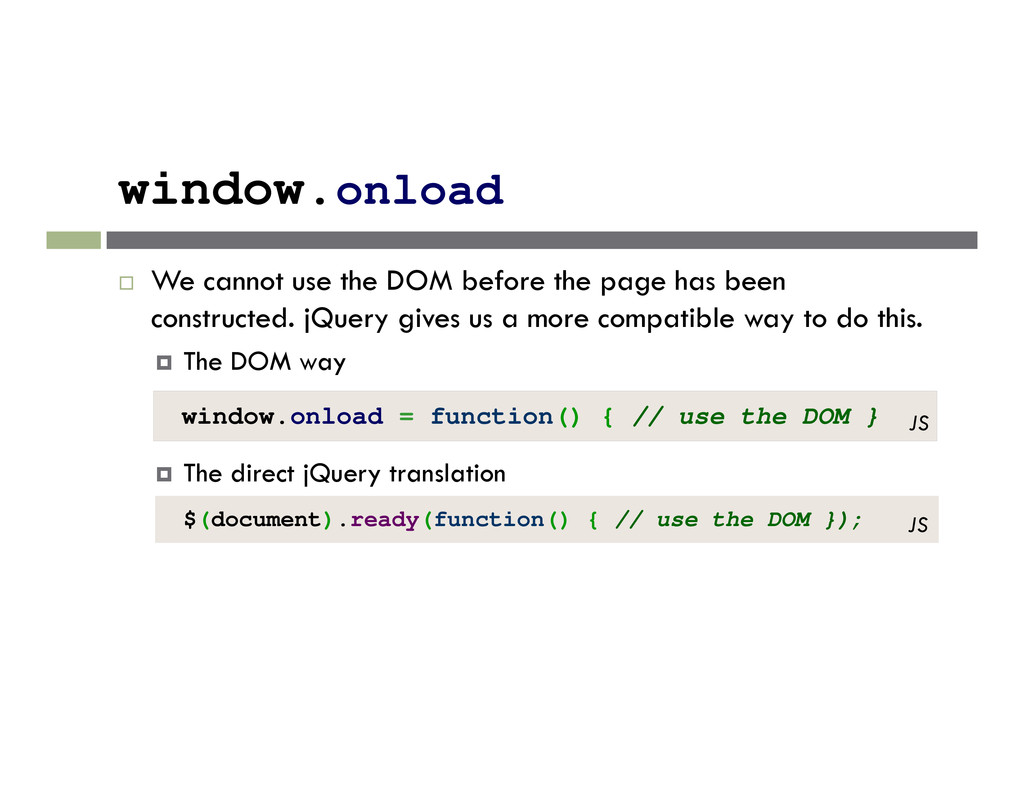
has been constructed. jQuery gives us a more compatible way to do this. The DOM way window.onload = function() { // use the DOM } JS $(document).ready(function() { // use the DOM }); The direct jQuery translation JS
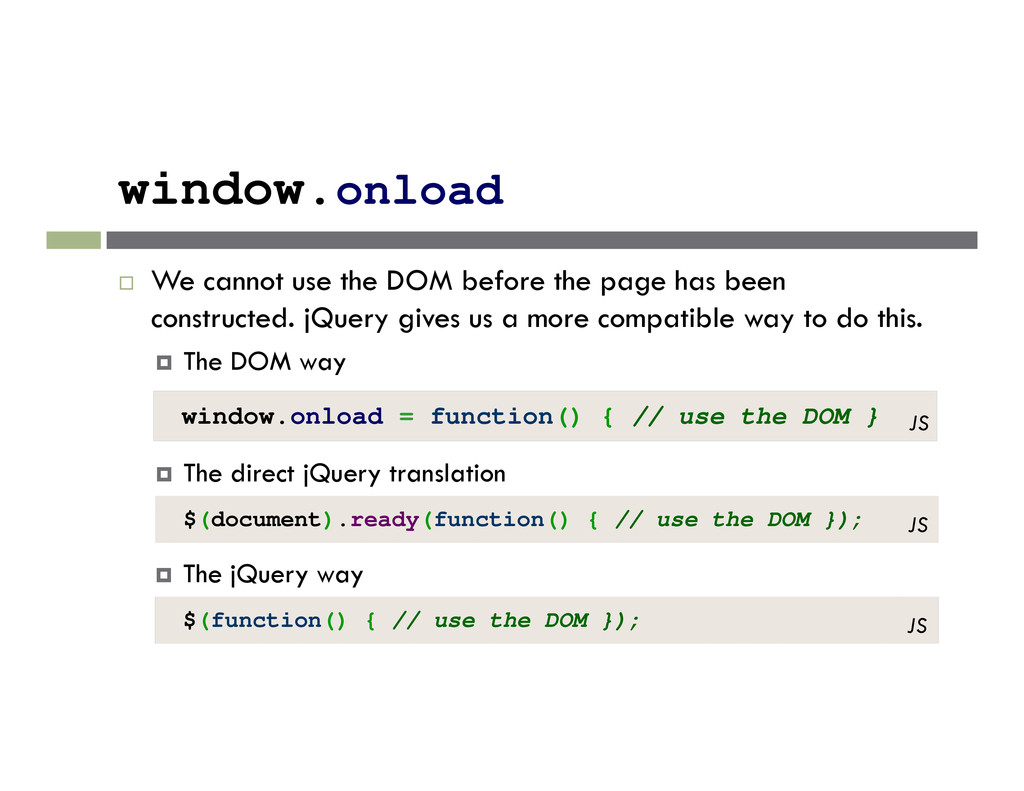
has been constructed. jQuery gives us a more compatible way to do this. The DOM way window.onload = function() { // use the DOM } JS $(document).ready(function() { // use the DOM }); The direct jQuery translation JS $(function() { // use the DOM }); The jQuery way JS
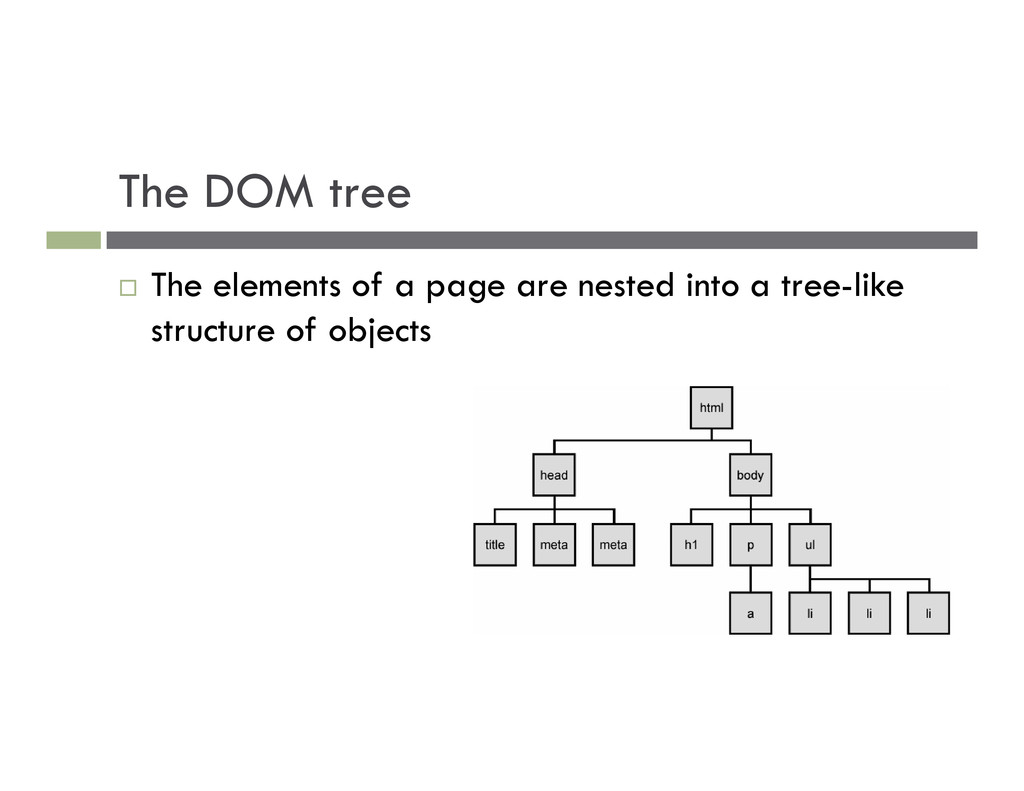
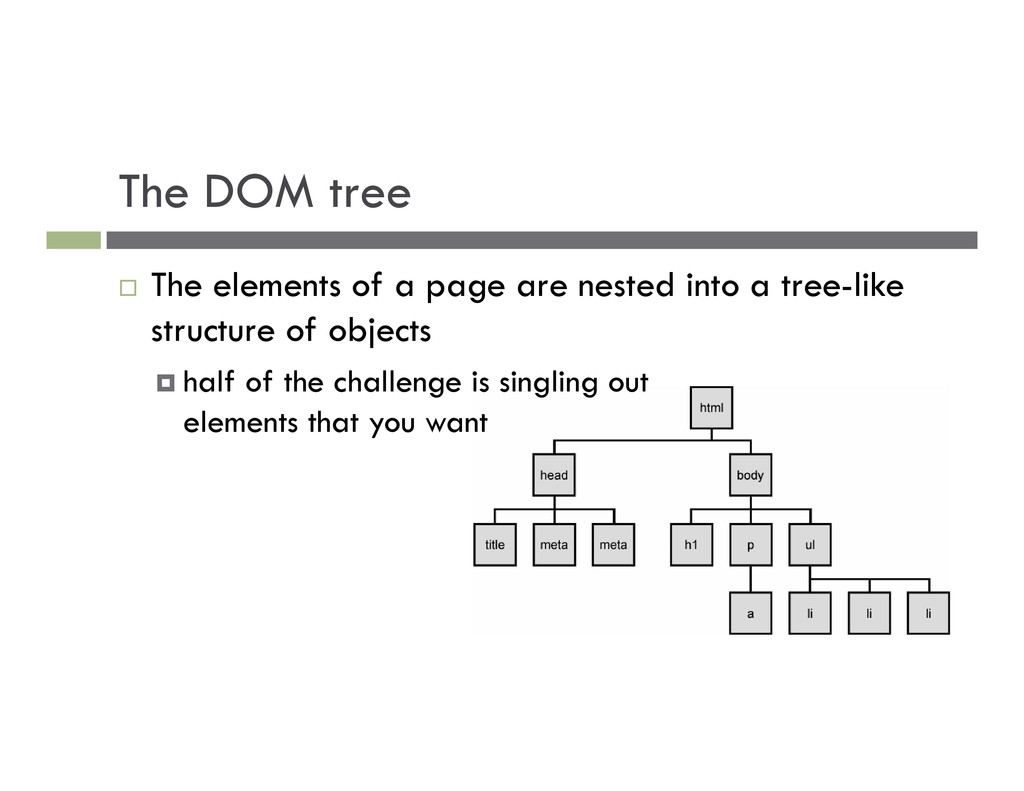
I obtain a reference to the node that I want. Traversal: how do I move around the DOM tree. Node Manipulation: how do I get or set aspects of a DOM node.
I obtain a reference to the node that I want. Traversal: how do I move around the DOM tree. Node Manipulation: how do I get or set aspects of a DOM node. Tree Manipulation: how do I change the structure of the page.
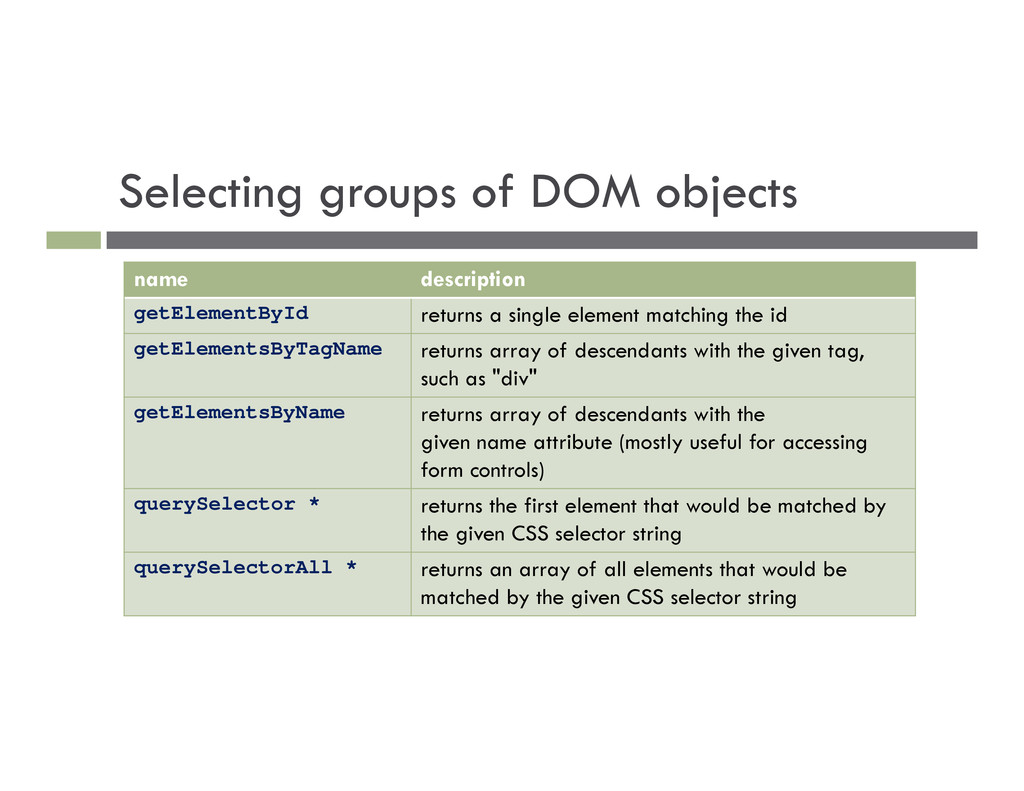
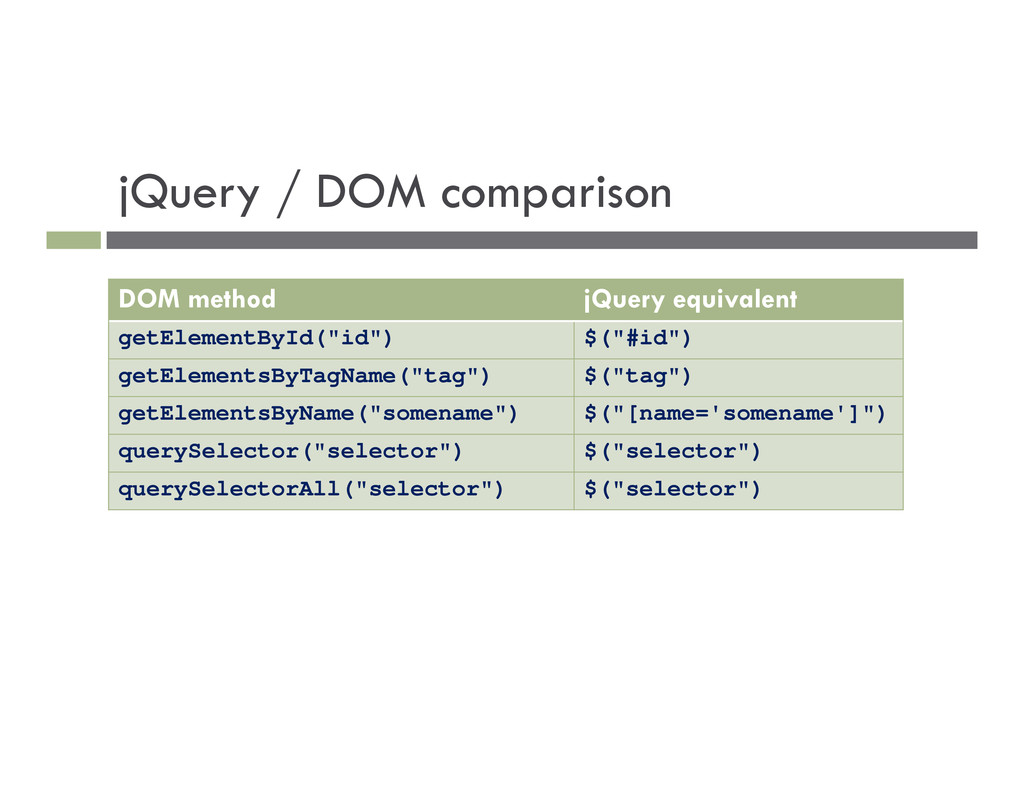
single element matching the id getElementsByTagName returns array of descendants with the given tag, such as "div" getElementsByName returns array of descendants with the given name attribute (mostly useful for accessing form controls) querySelector * returns the first element that would be matched by the given CSS selector string querySelectorAll * returns an array of all elements that would be matched by the given CSS selector string
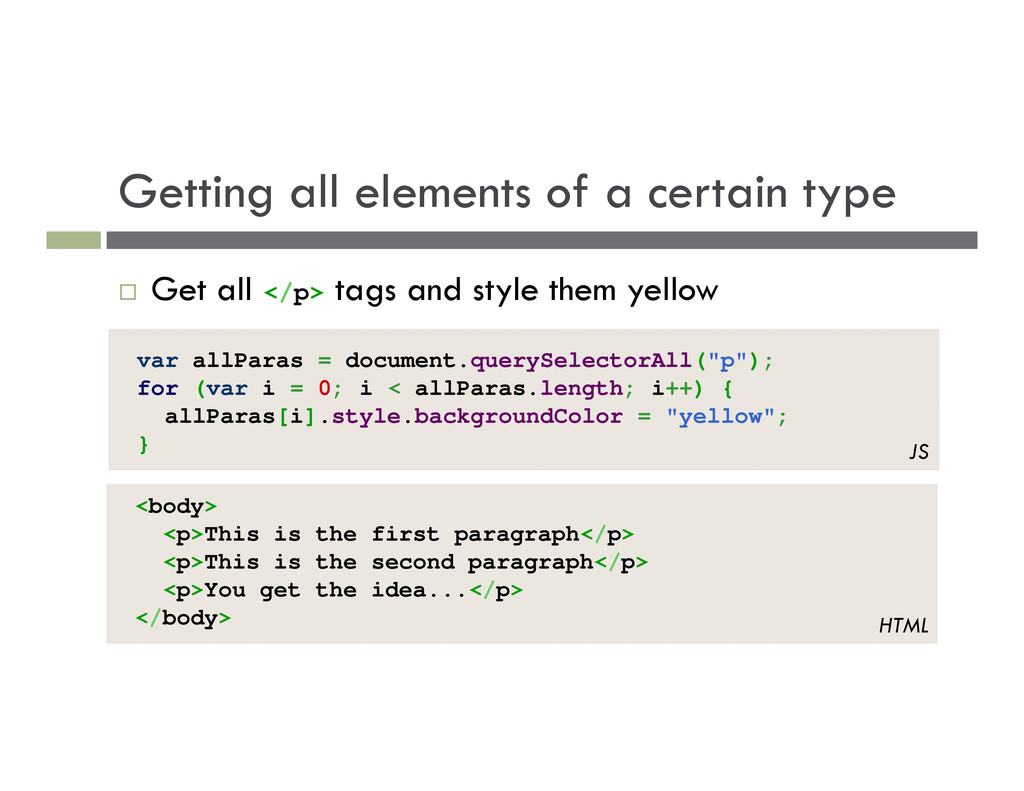
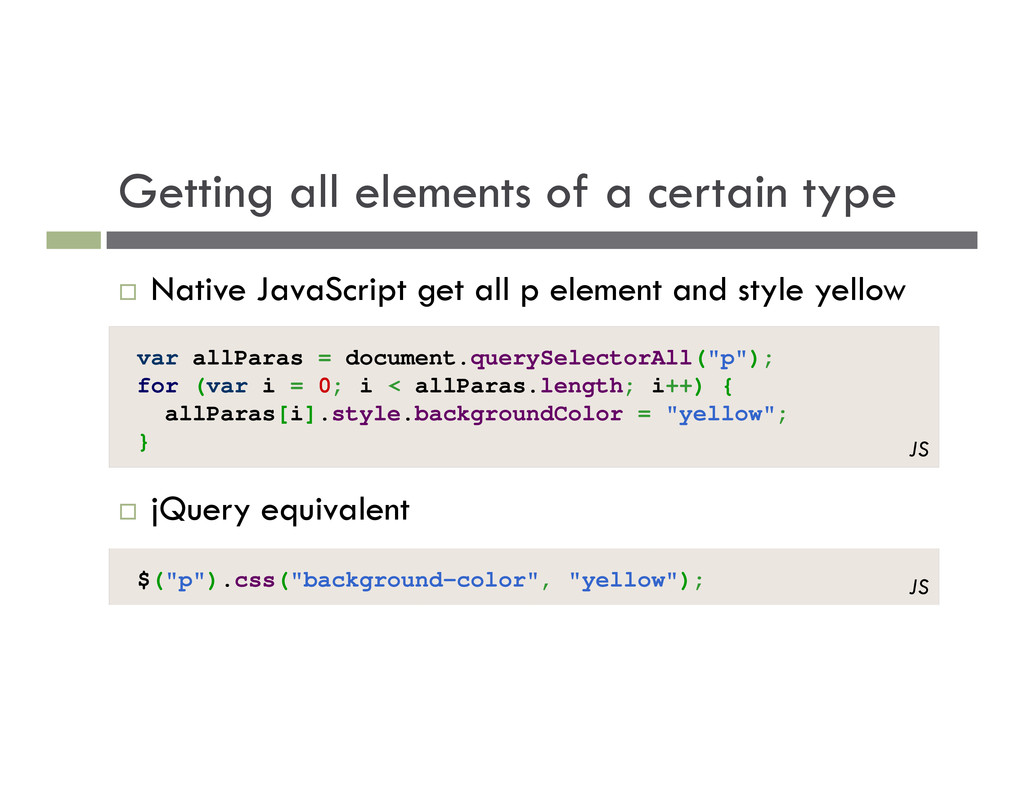
document.querySelectorAll("p"); for (var i = 0; i < allParas.length; i++) { allParas[i].style.backgroundColor = "yellow"; } JS Get all </p> tags and style them yellow <body> <p>This is the first paragraph</p> <p>This is the second paragraph</p> <p>You get the idea...</p> </body> HTML
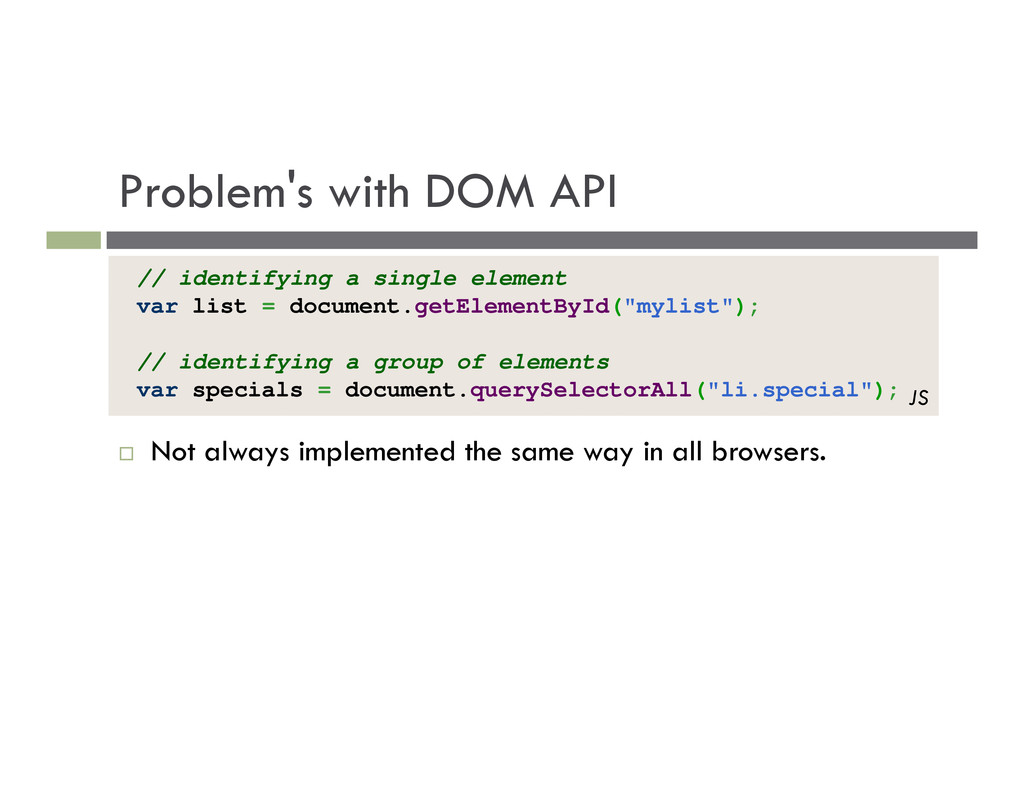
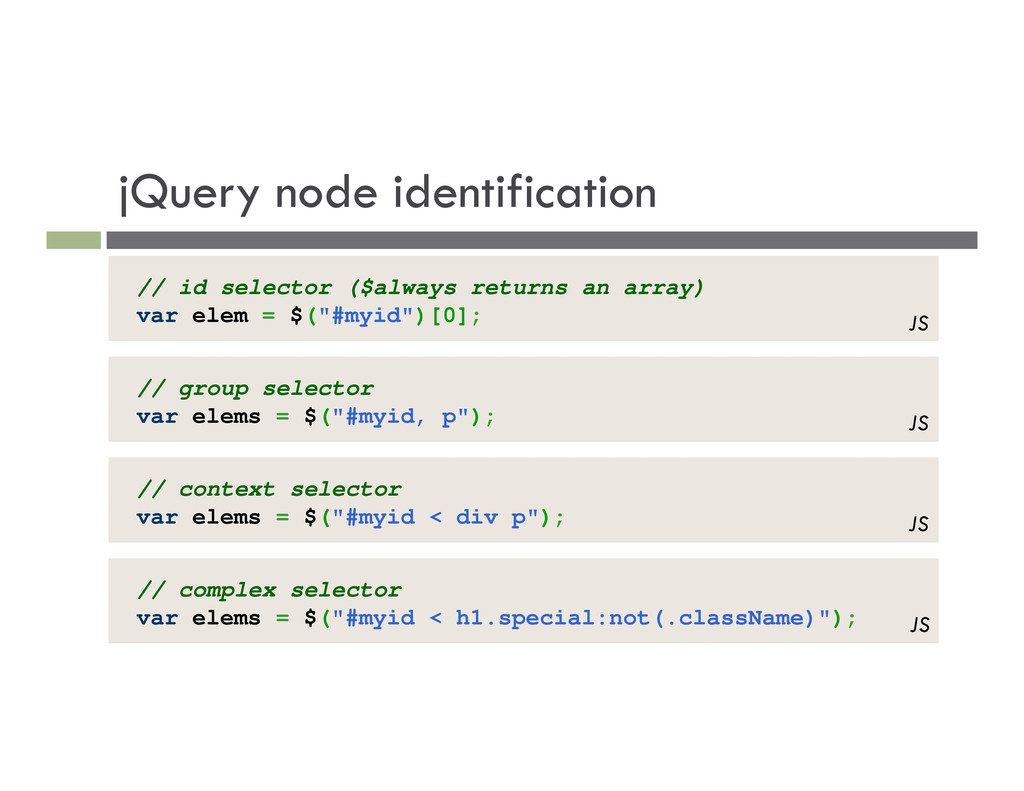
way in all browsers. // identifying a single element var list = document.getElementById("mylist"); // identifying a group of elements var specials = document.querySelectorAll("li.special"); JS
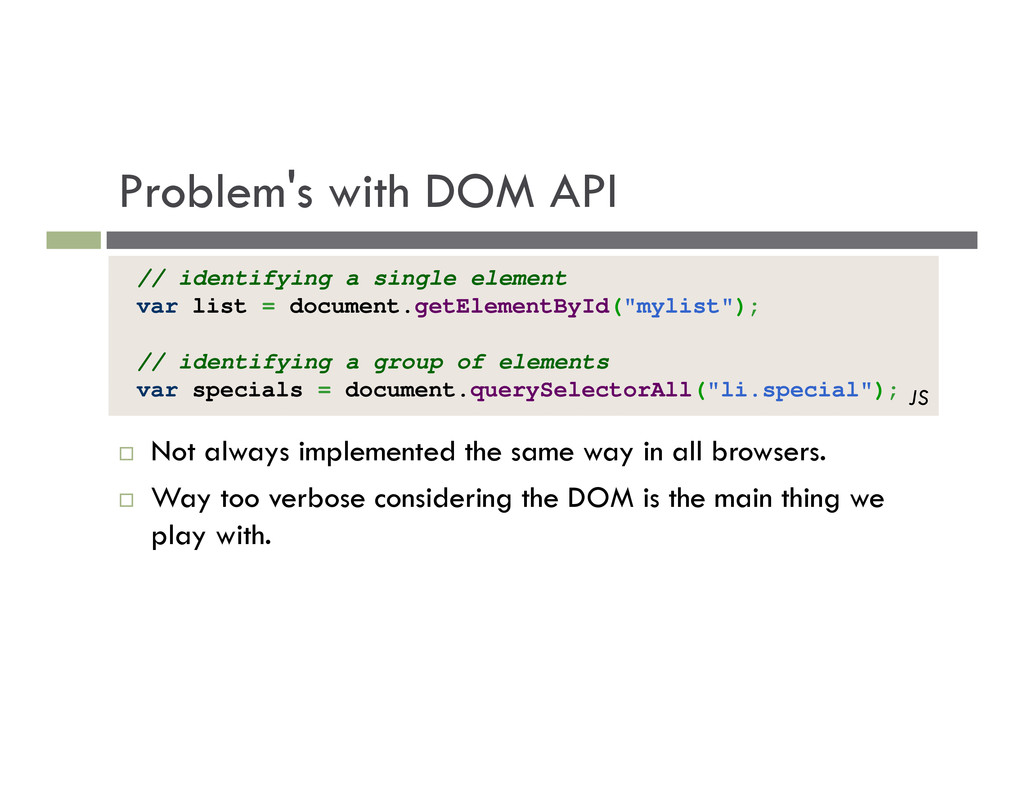
way in all browsers. Way too verbose considering the DOM is the main thing we play with. // identifying a single element var list = document.getElementById("mylist"); // identifying a group of elements var specials = document.querySelectorAll("li.special"); JS
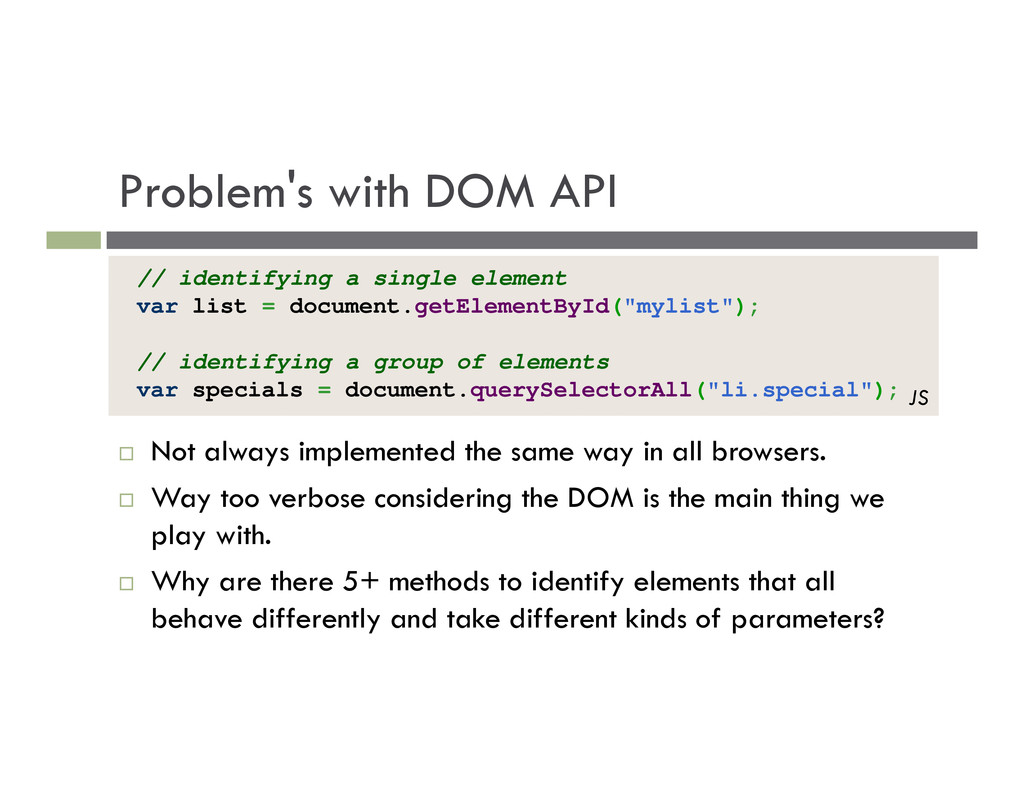
way in all browsers. Way too verbose considering the DOM is the main thing we play with. Why are there 5+ methods to identify elements that all behave differently and take different kinds of parameters? // identifying a single element var list = document.getElementById("mylist"); // identifying a group of elements var specials = document.querySelectorAll("li.special"); JS
document.querySelectorAll("p"); for (var i = 0; i < allParas.length; i++) { allParas[i].style.backgroundColor = "yellow"; } JS Native JavaScript get all p element and style yellow jQuery equivalent $("p").css("background-color", "yellow"); JS
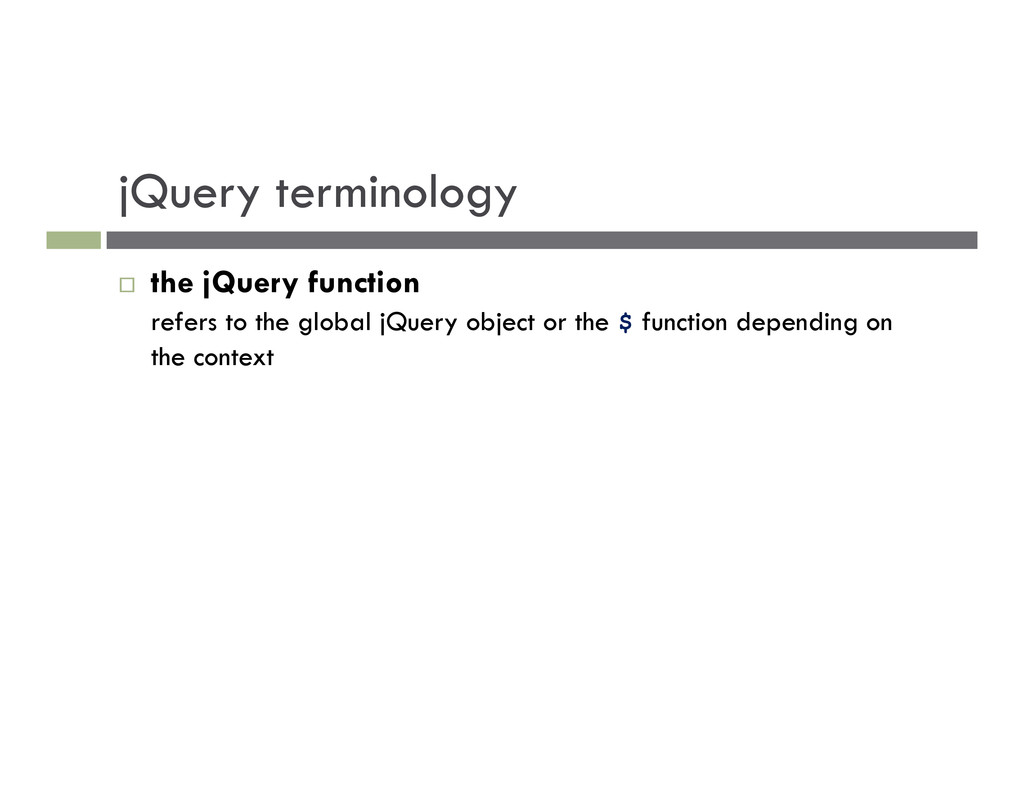
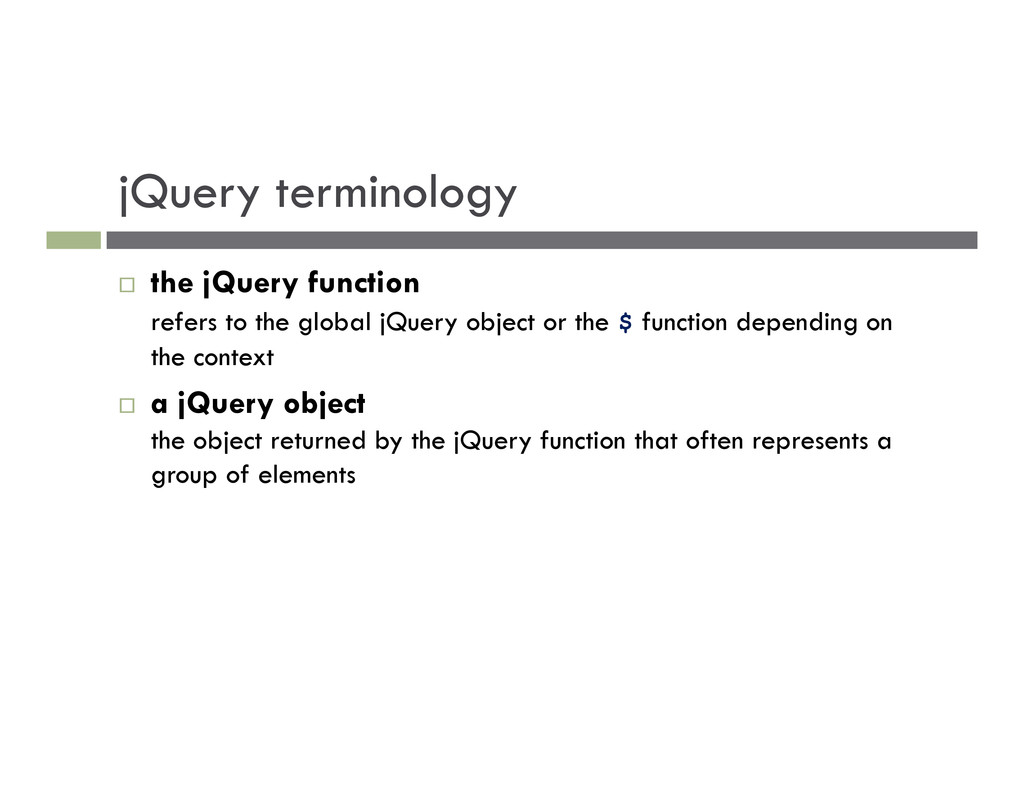
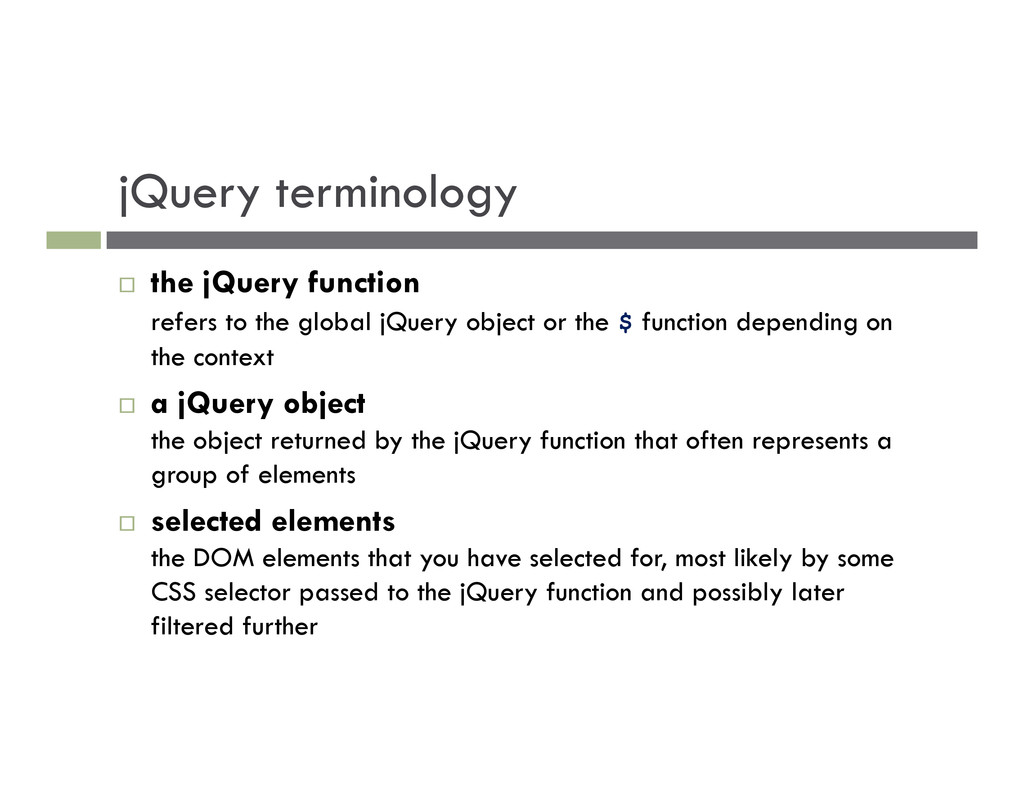
jQuery object or the $ function depending on the context a jQuery object the object returned by the jQuery function that often represents a group of elements
jQuery object or the $ function depending on the context a jQuery object the object returned by the jQuery function that often represents a group of elements selected elements the DOM elements that you have selected for, most likely by some CSS selector passed to the jQuery function and possibly later filtered further
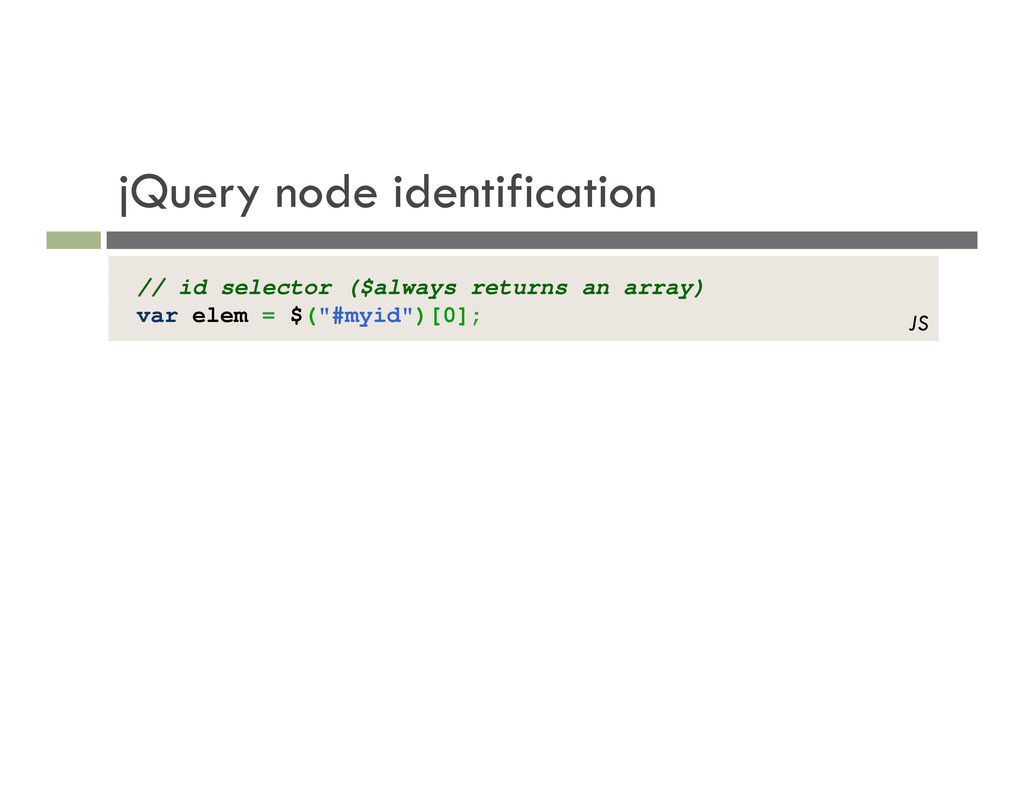
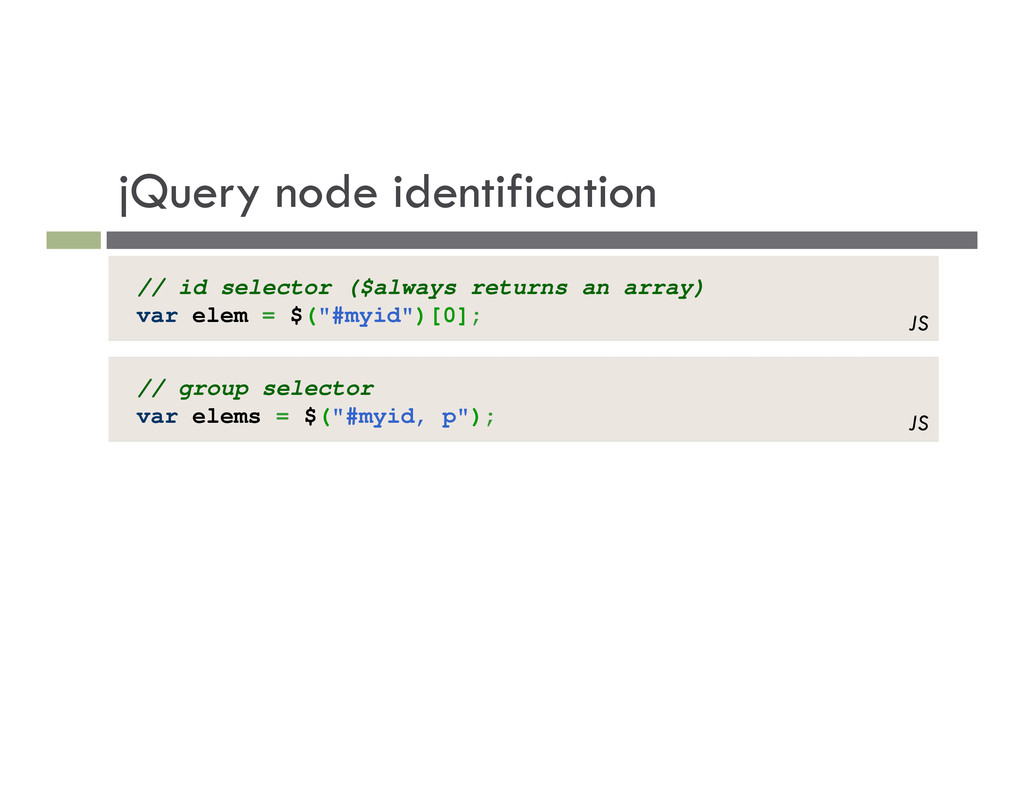
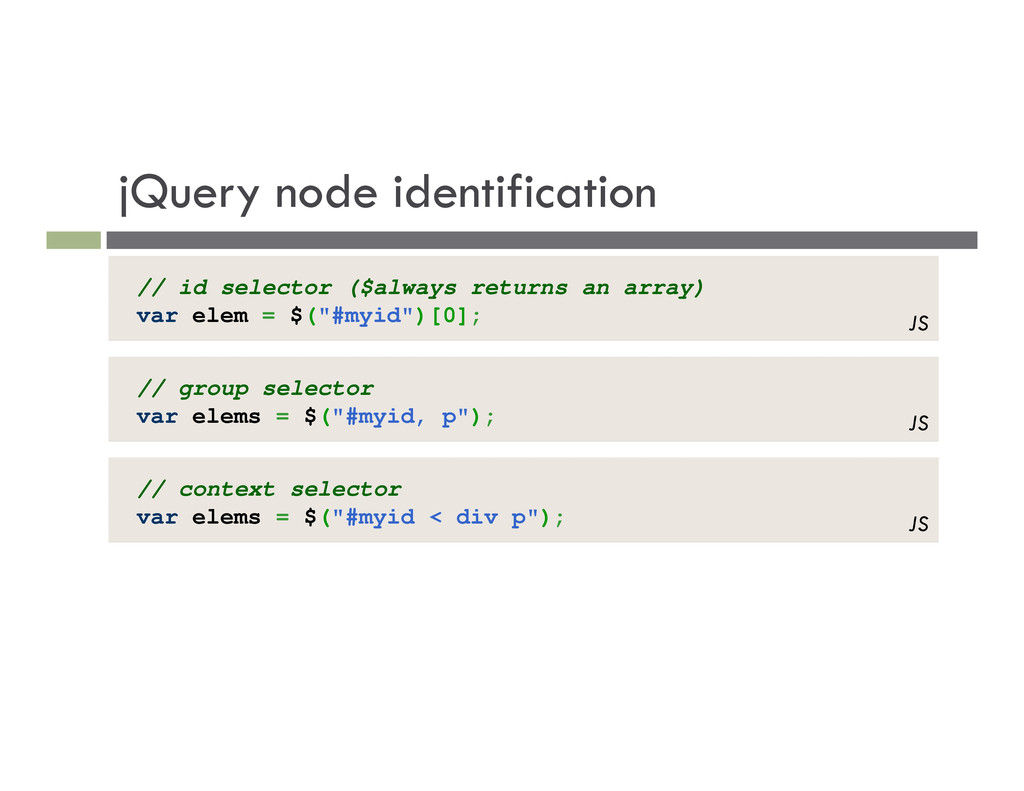
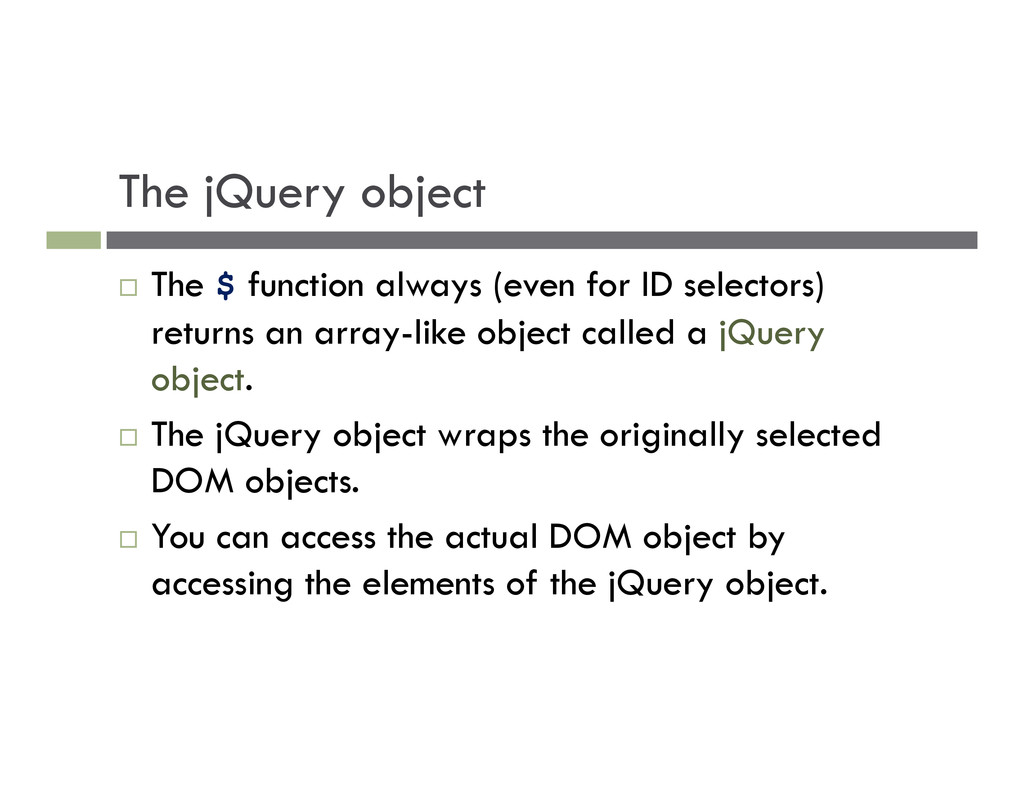
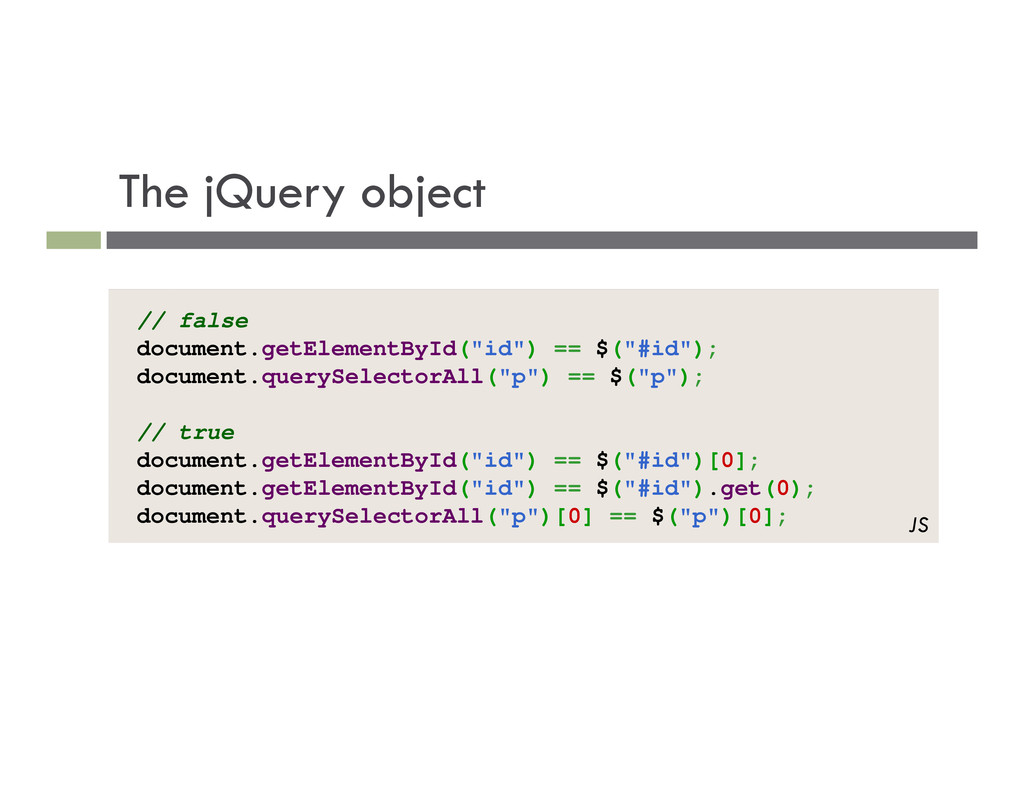
ID selectors) returns an array-like object called a jQuery object. The jQuery object wraps the originally selected DOM objects. You can access the actual DOM object by accessing the elements of the jQuery object.
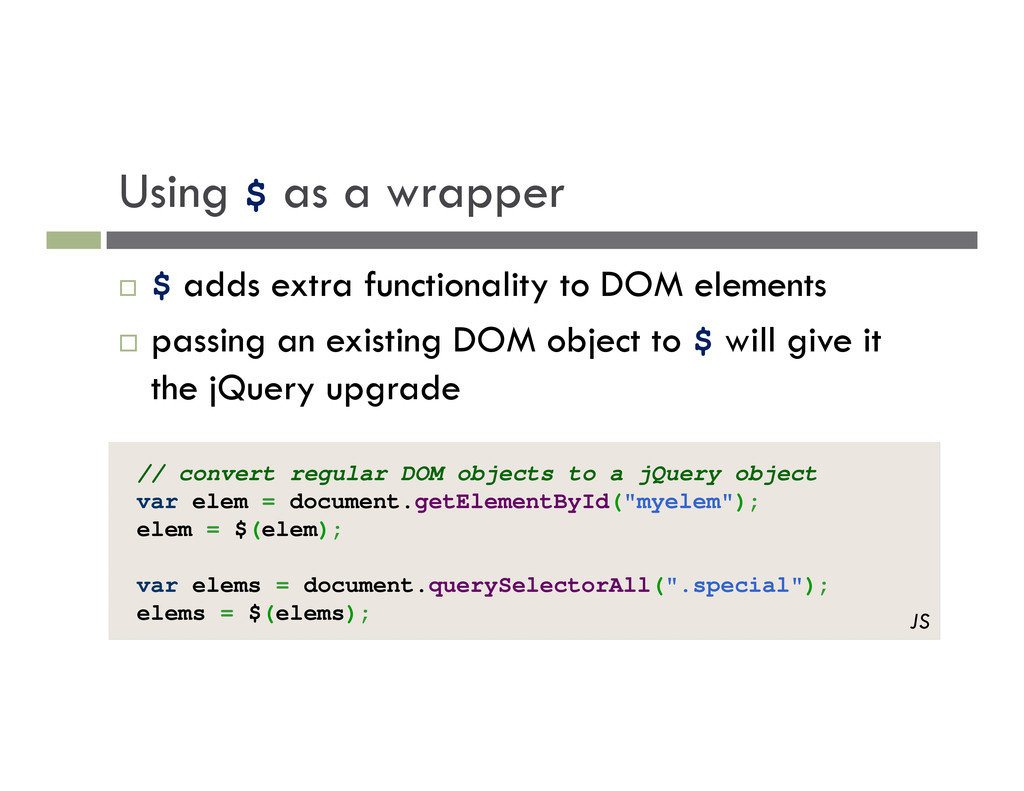
to DOM elements passing an existing DOM object to $ will give it the jQuery upgrade // convert regular DOM objects to a jQuery object var elem = document.getElementById("myelem"); elem = $(elem); var elems = document.querySelectorAll(".special"); elems = $(elems); JS
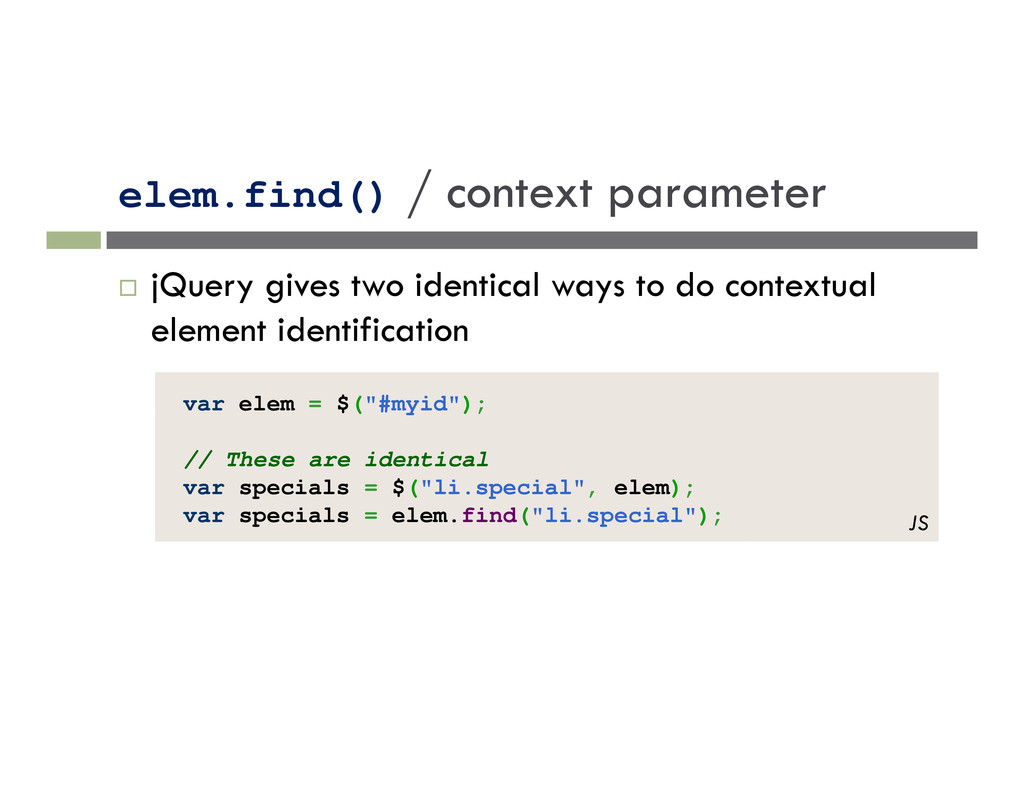
to do contextual element identification var elem = $("#myid"); // These are identical var specials = $("li.special", elem); var specials = elem.find("li.special"); JS


 tony
tony
 kentapapa
 gogutan
 raspython3
 masakiokuda
 ueponx
 recruitengineers
 kaminashi
 yamanoku
 occhi
occhi
 keeg
keeg
 greenmidori
 rfdnxbro
 dougneiner
.png) helenjbeal
helenjbeal
 mfonobong
 honnibal
 retrage
 eileencodes
 baasie
 asonas
 carmenintech
 denniskardys
 aleyda
![DOM context identification var list = document.getElementsByTagName("ul")[0]; var specials =](https://files.speakerdeck.com/presentations/d75aef7074e801300c56123139180528/slide_46.jpg)