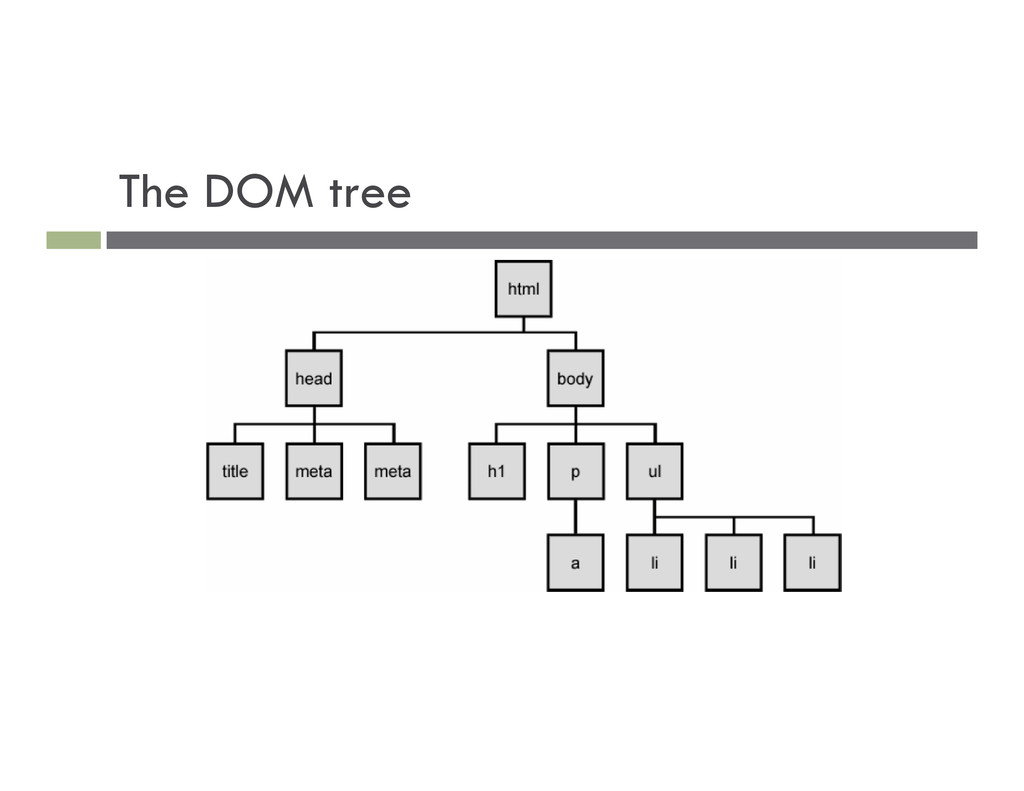
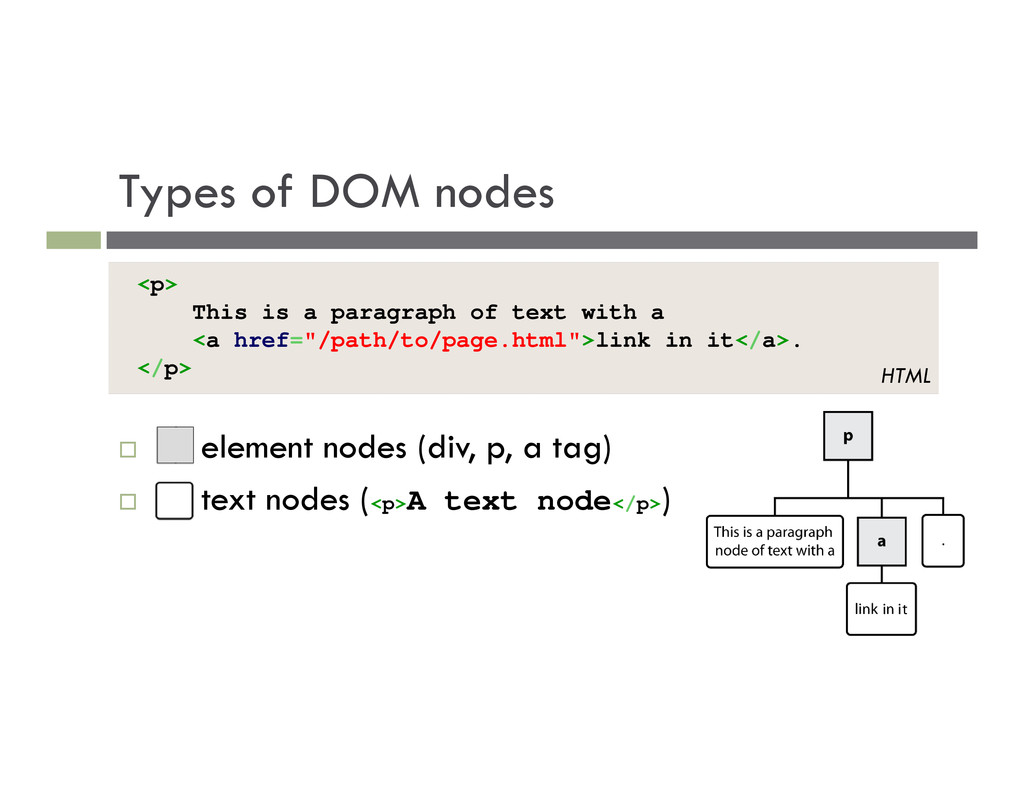
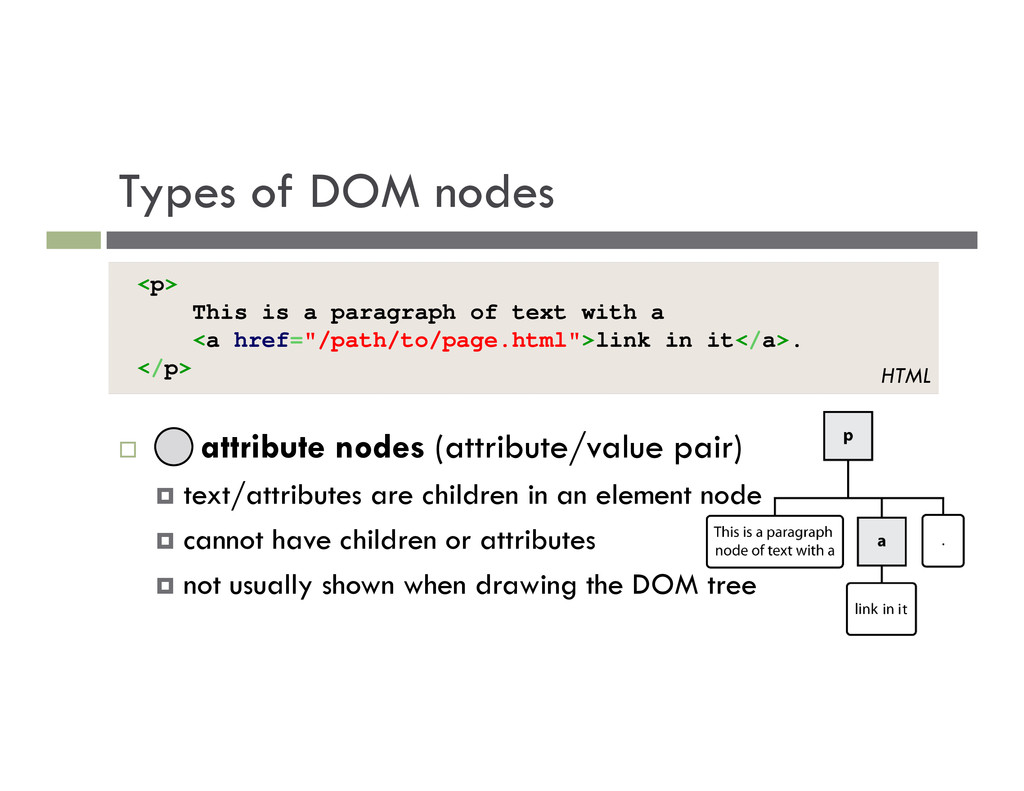
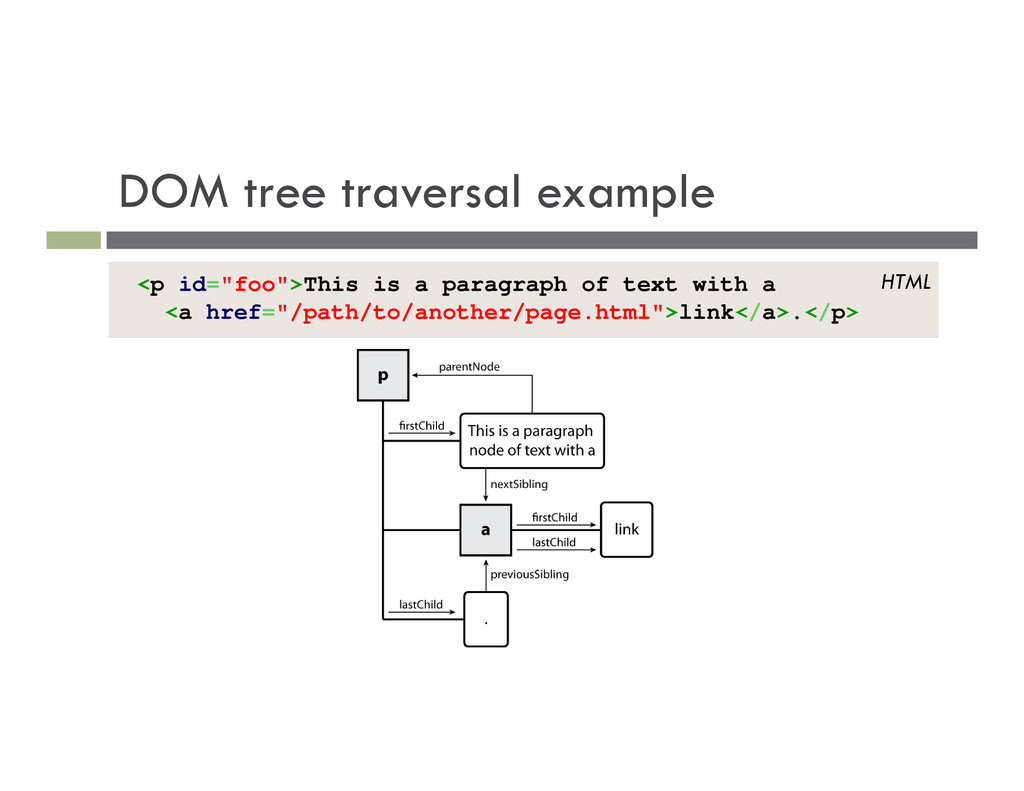
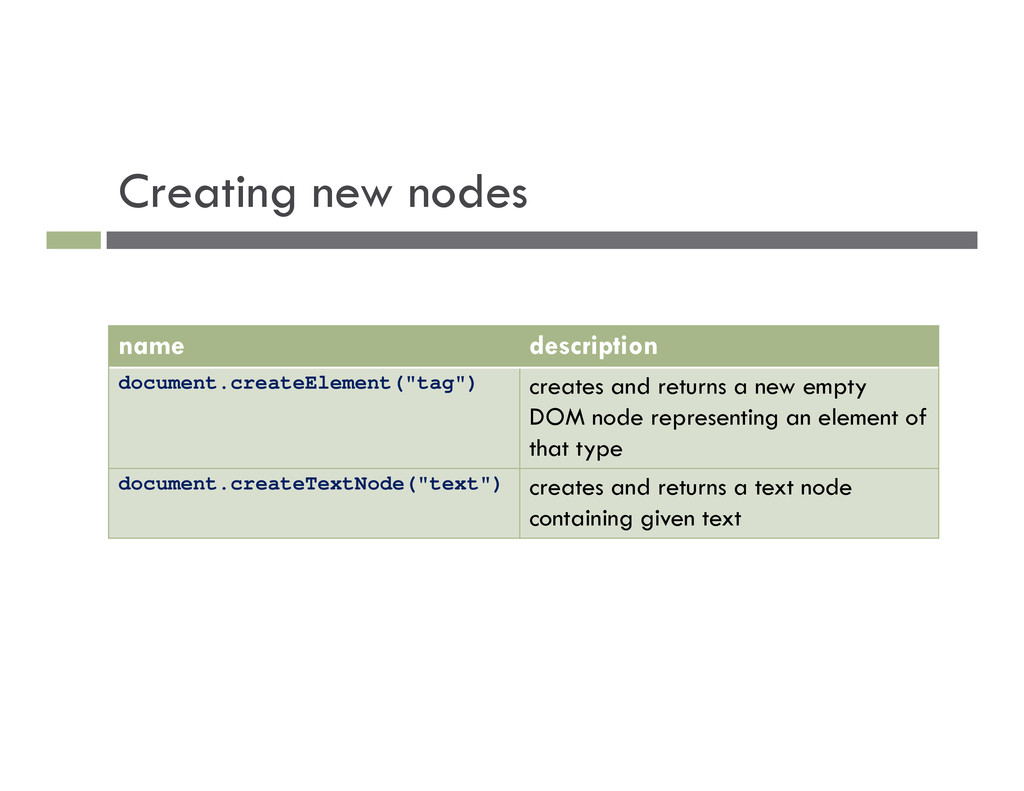
text/attributes are children in an element node cannot have children or attributes not usually shown when drawing the DOM tree <p> This is a paragraph of text with a <a href="/path/to/page.html">link in it</a>. </p> HTML
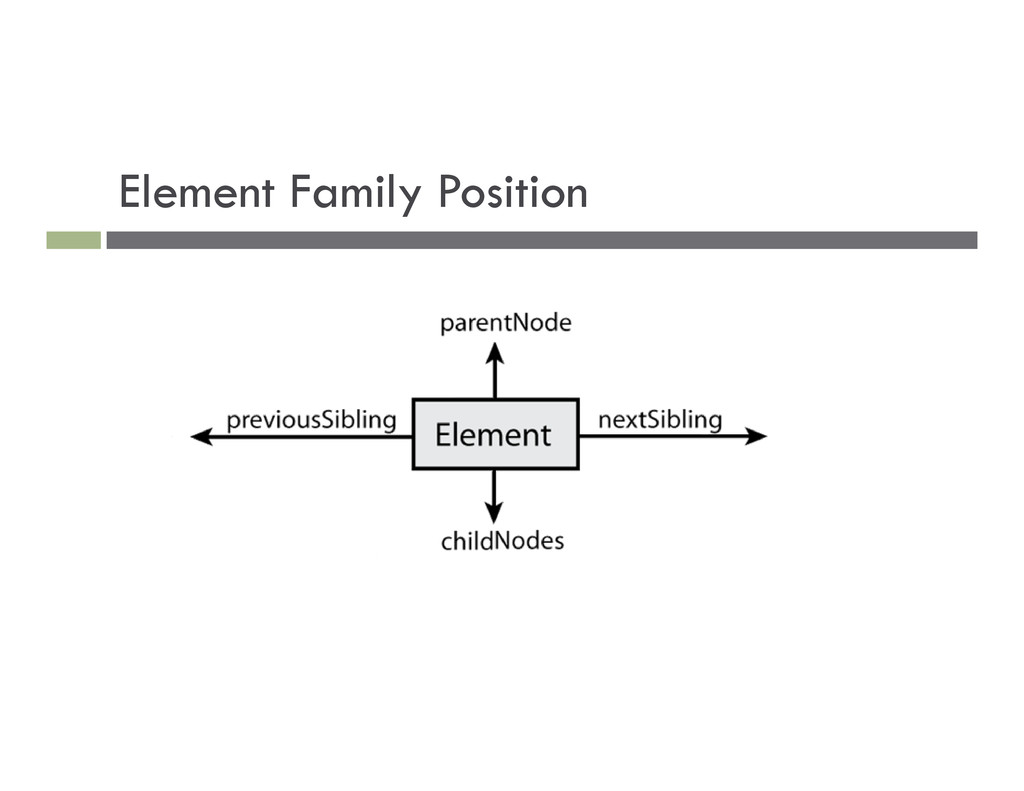
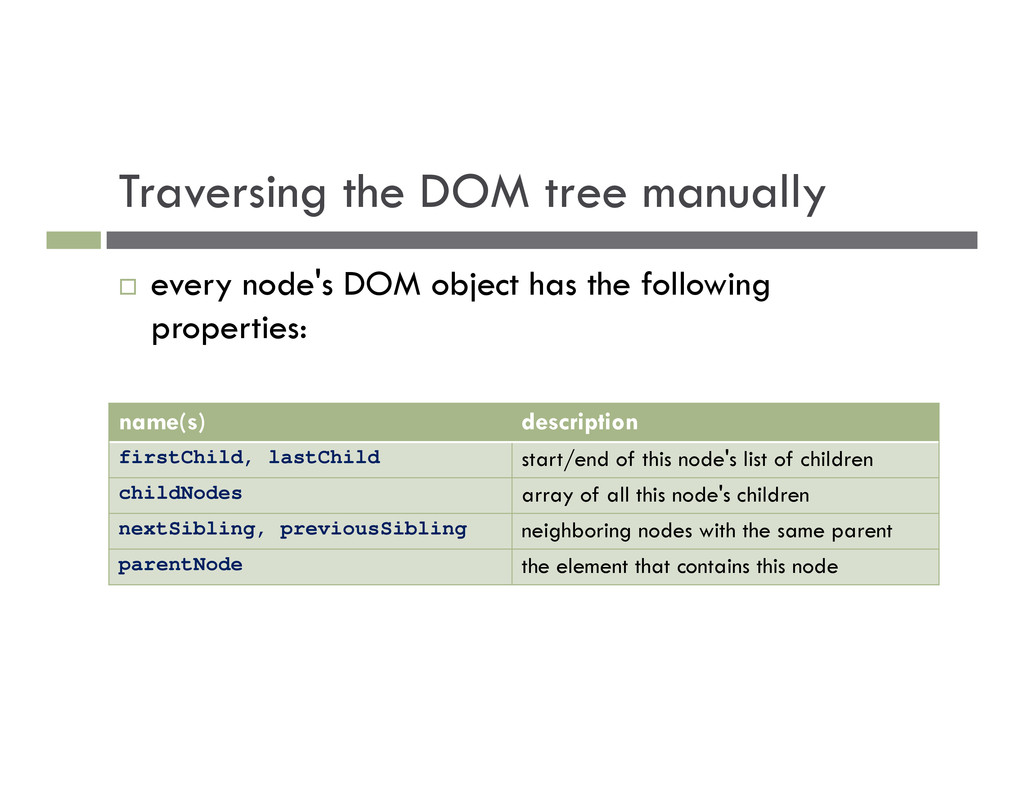
has the following properties: name(s) description firstChild, lastChild start/end of this node's list of children childNodes array of all this node's children nextSibling, previousSibling neighboring nodes with the same parent parentNode the element that contains this node
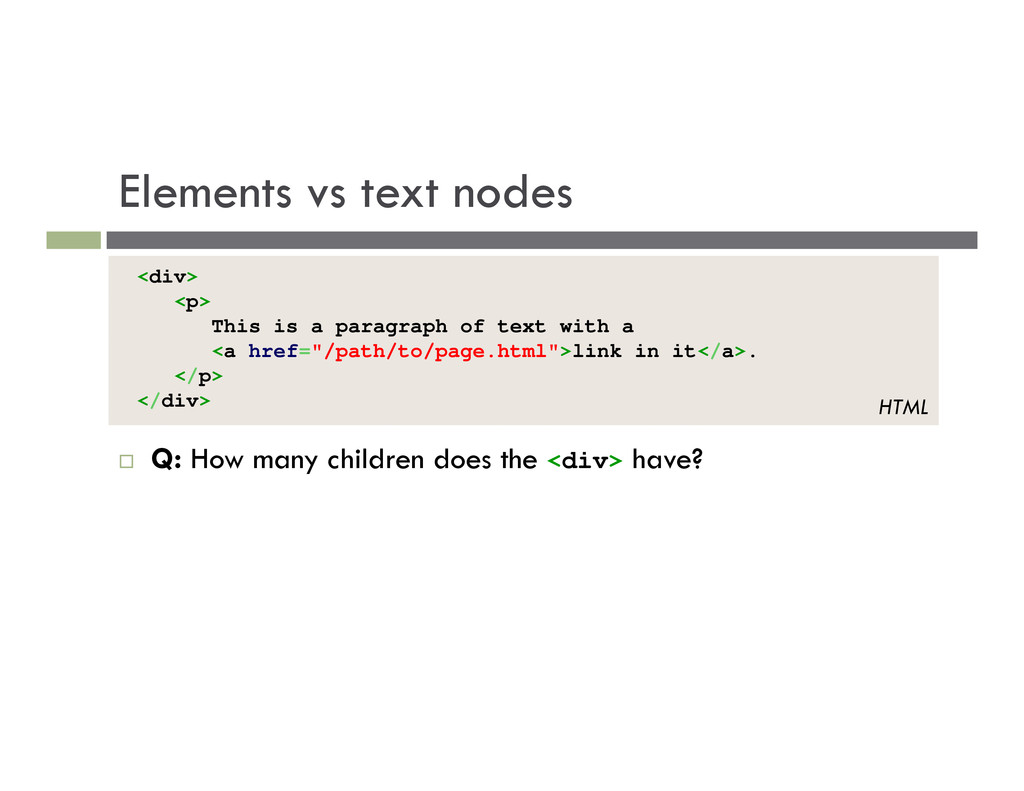
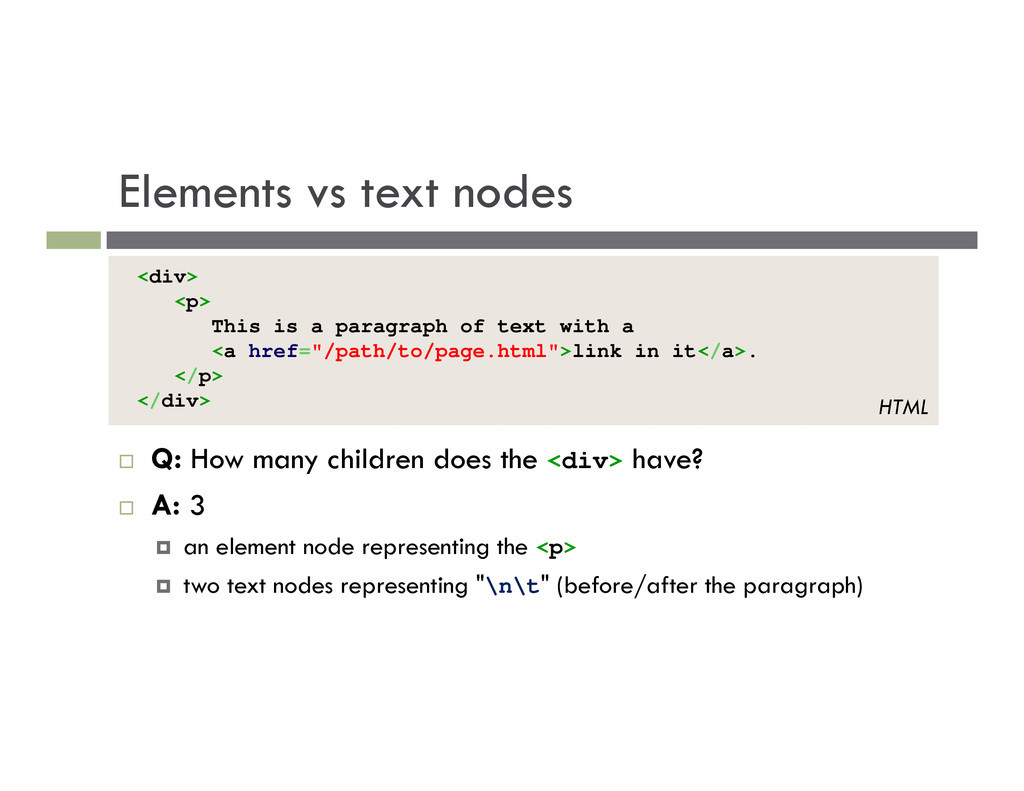
the <div> have? A: 3 an element node representing the <p> two text nodes representing "\n\t" (before/after the paragraph) <div> <p> This is a paragraph of text with a <a href="/path/to/page.html">link in it</a>. </p> </div> HTML
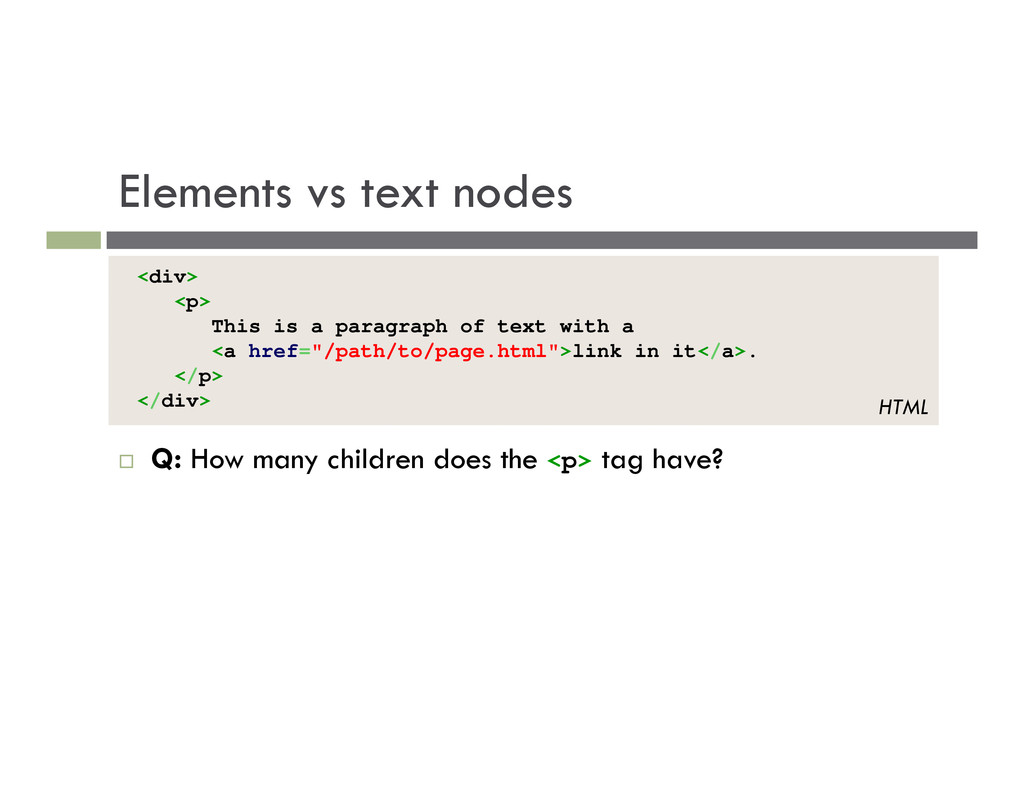
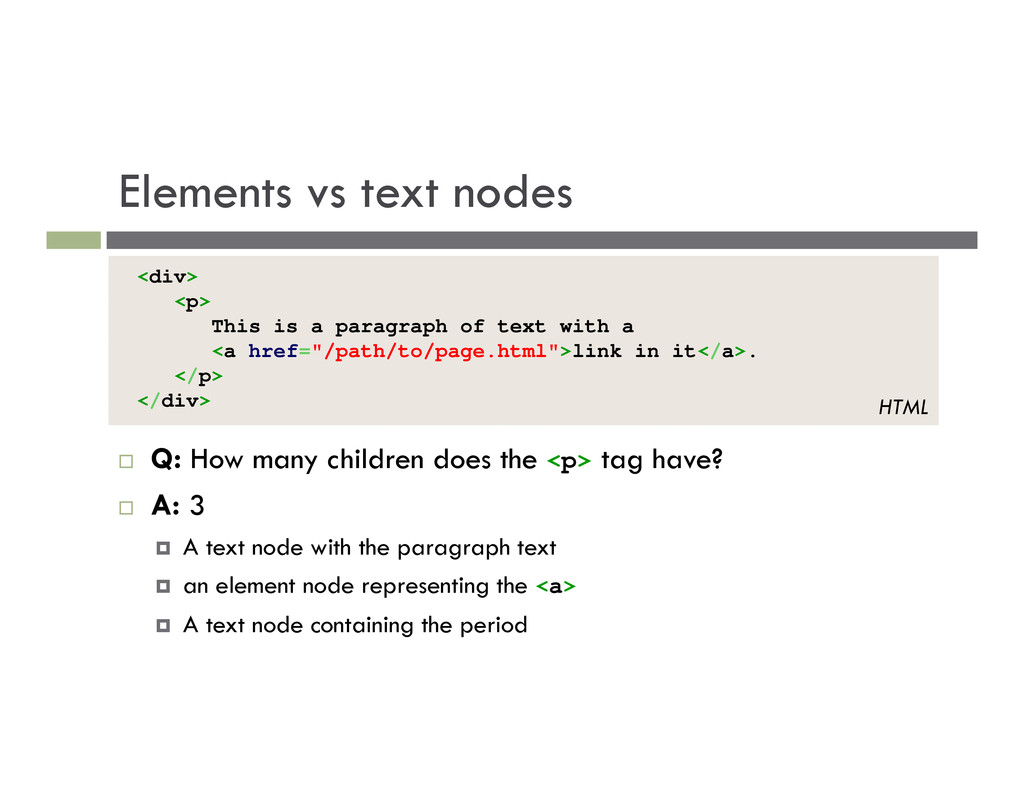
the <p> tag have? A: 3 A text node with the paragraph text an element node representing the <a> A text node containing the period <div> <p> This is a paragraph of text with a <a href="/path/to/page.html">link in it</a>. </p> </div> HTML
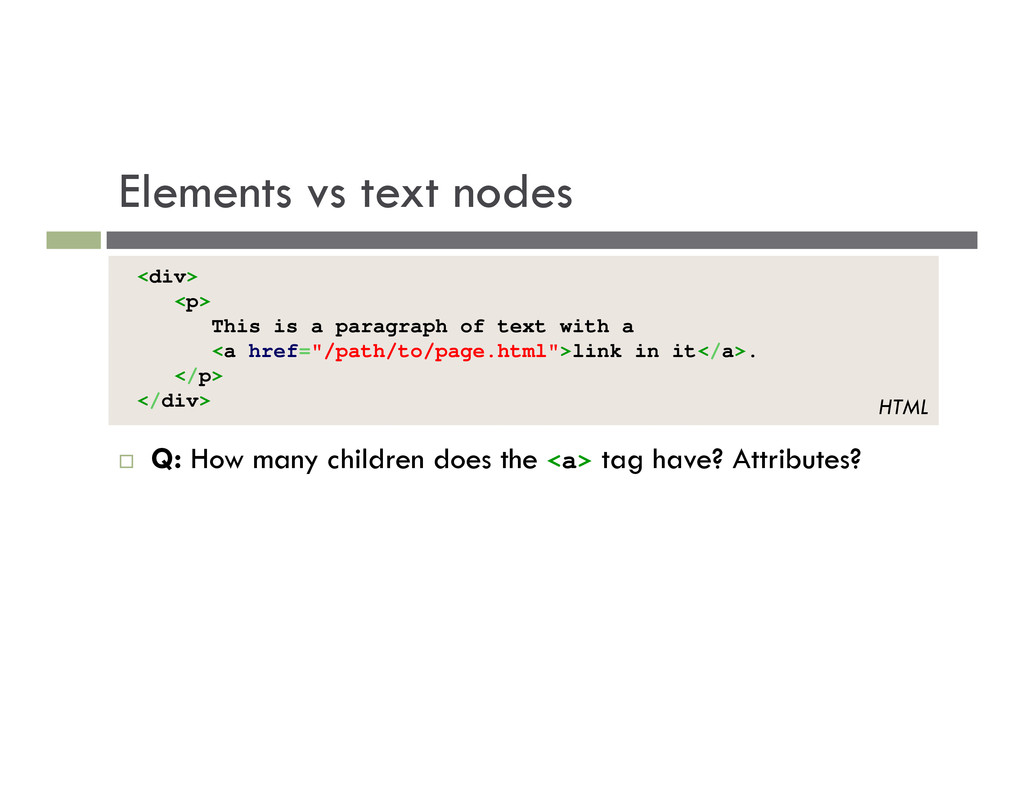
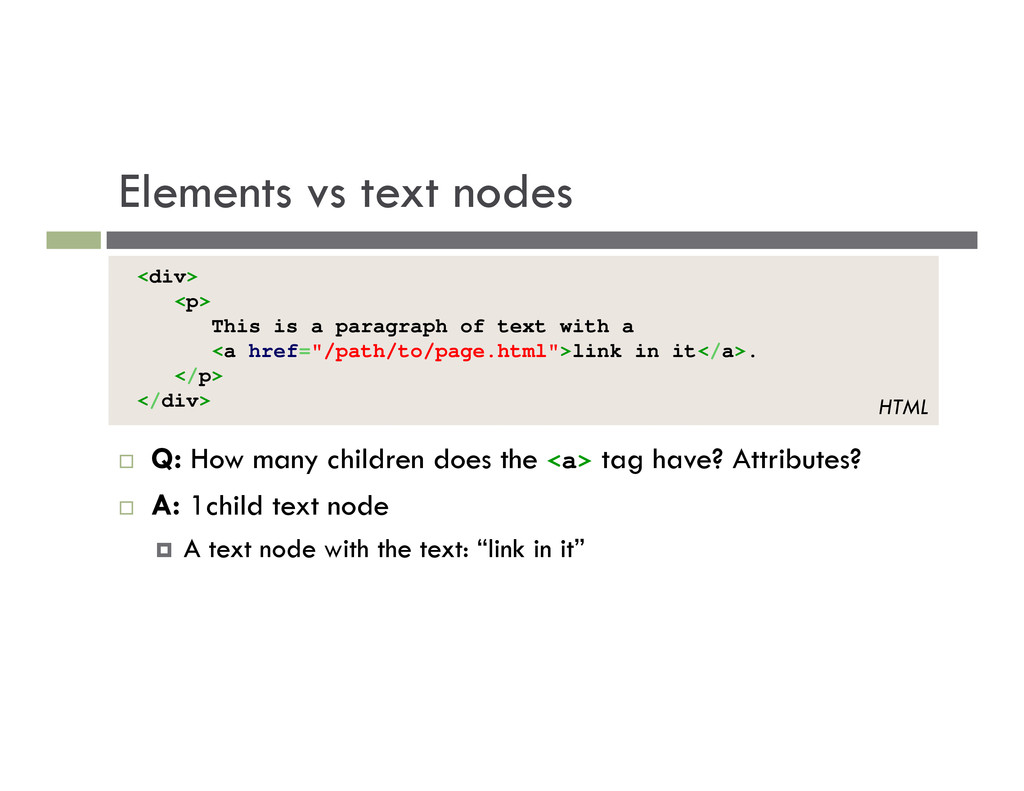
the <a> tag have? Attributes? A: 1child text node A text node with the text: “link in it” <div> <p> This is a paragraph of text with a <a href="/path/to/page.html">link in it</a>. </p> </div> HTML
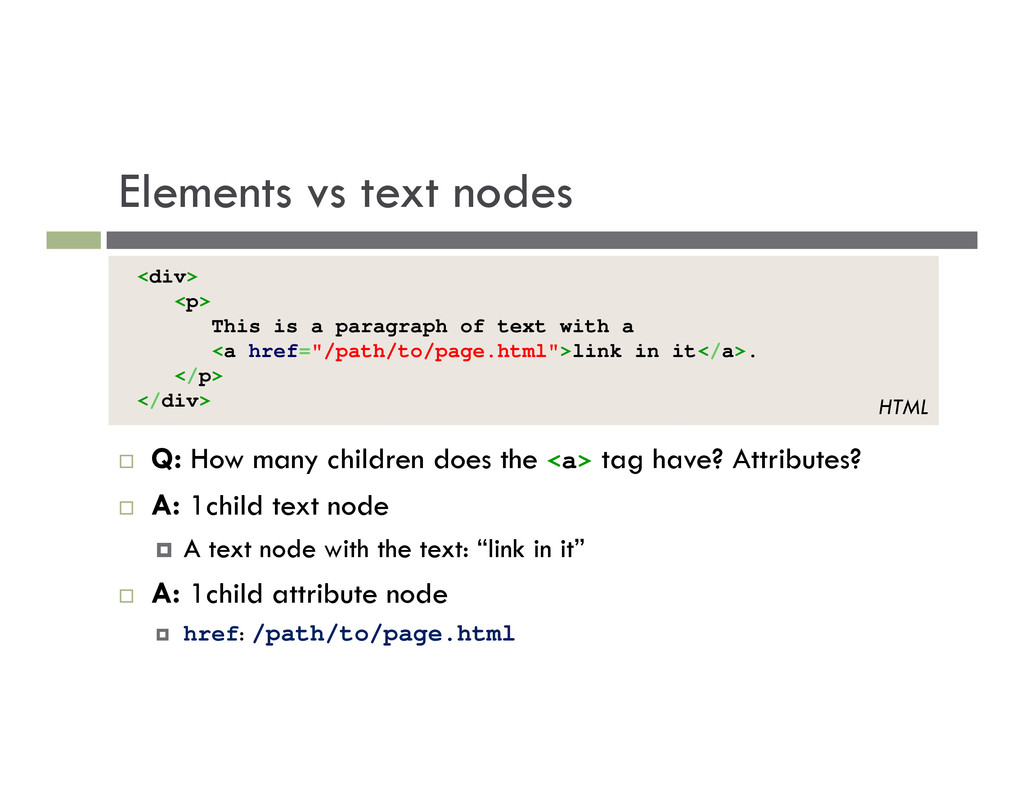
the <a> tag have? Attributes? A: 1child text node A text node with the text: “link in it” A: 1child attribute node href: /path/to/page.html <div> <p> This is a paragraph of text with a <a href="/path/to/page.html">link in it</a>. </p> </div> HTML
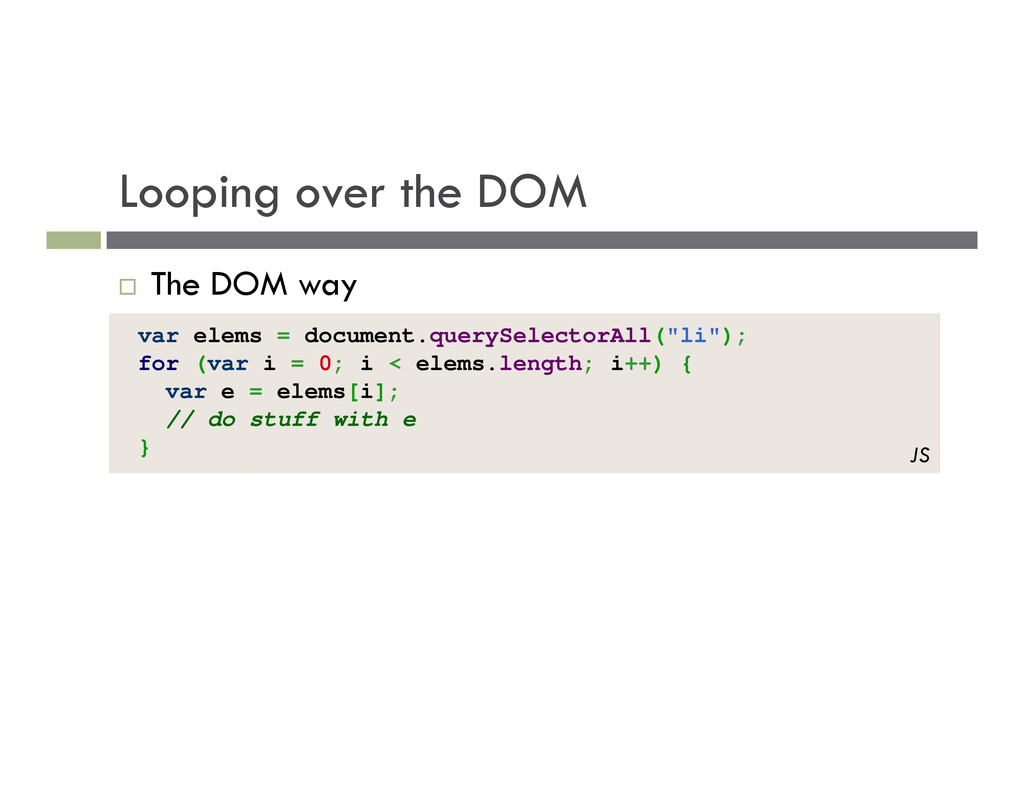
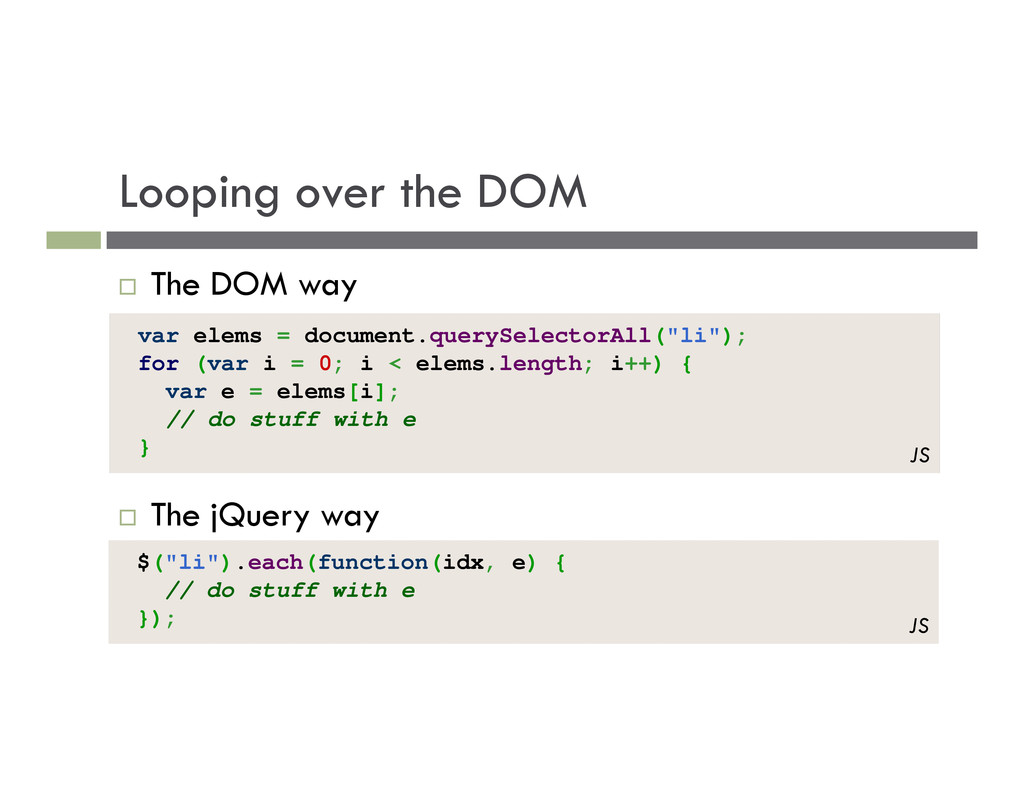
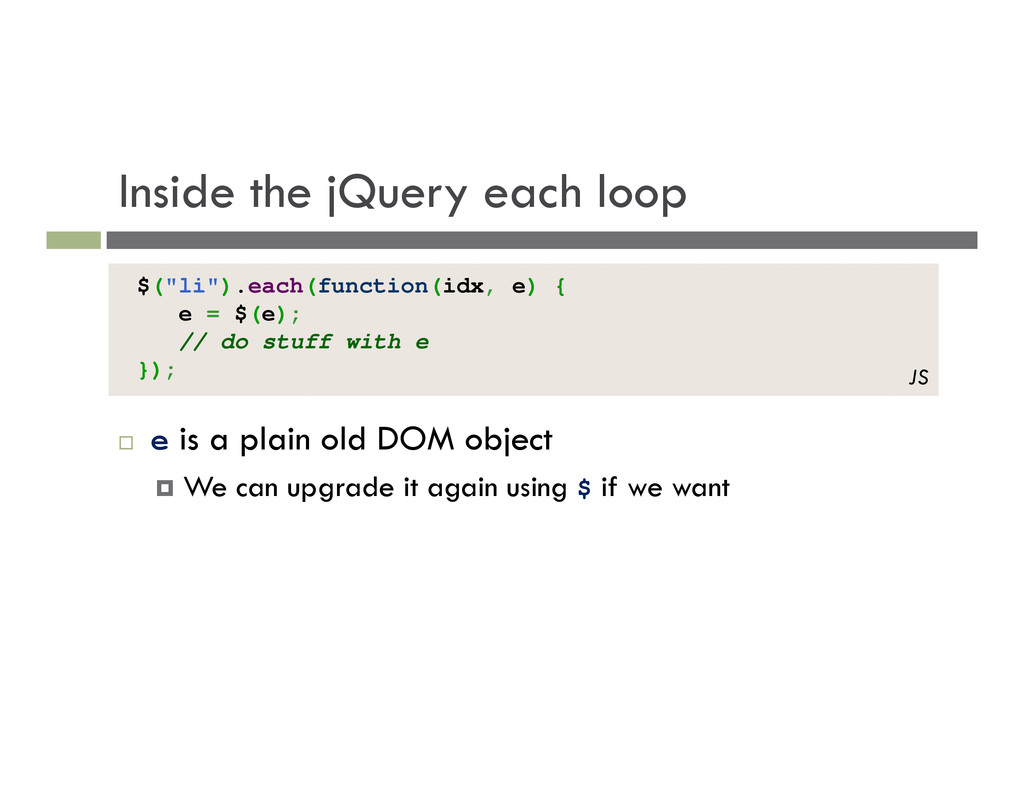
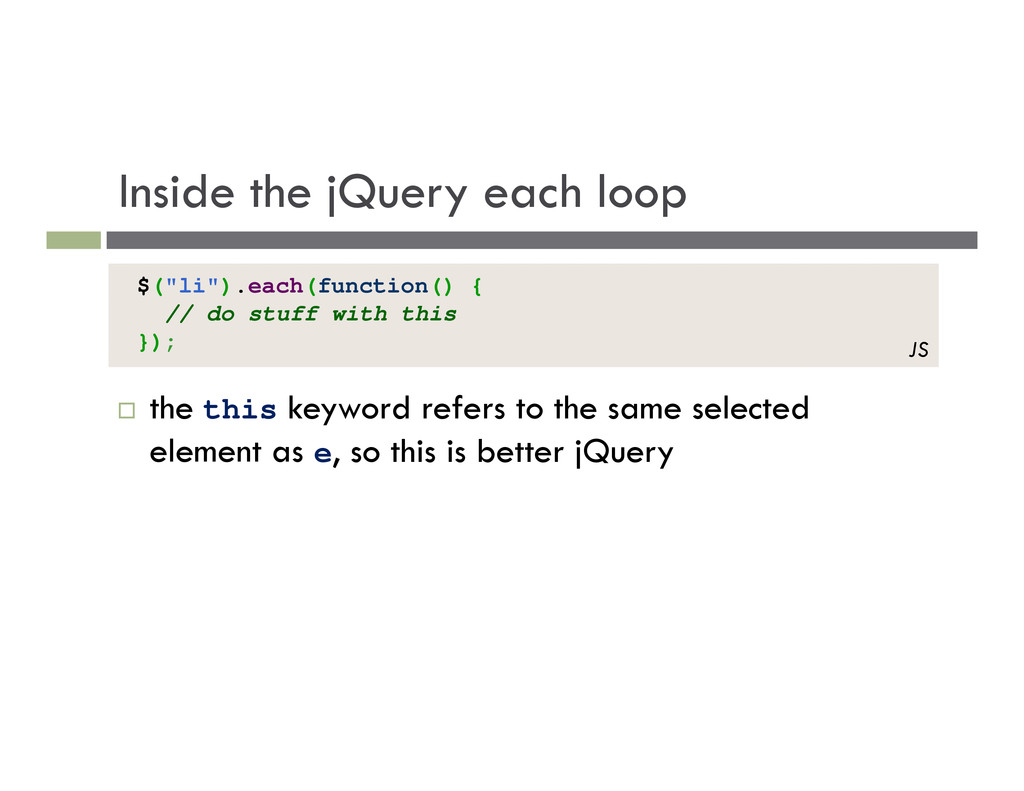
with e }); JS The jQuery way The DOM way var elems = document.querySelectorAll("li"); for (var i = 0; i < elems.length; i++) { var e = elems[i]; // do stuff with e } JS
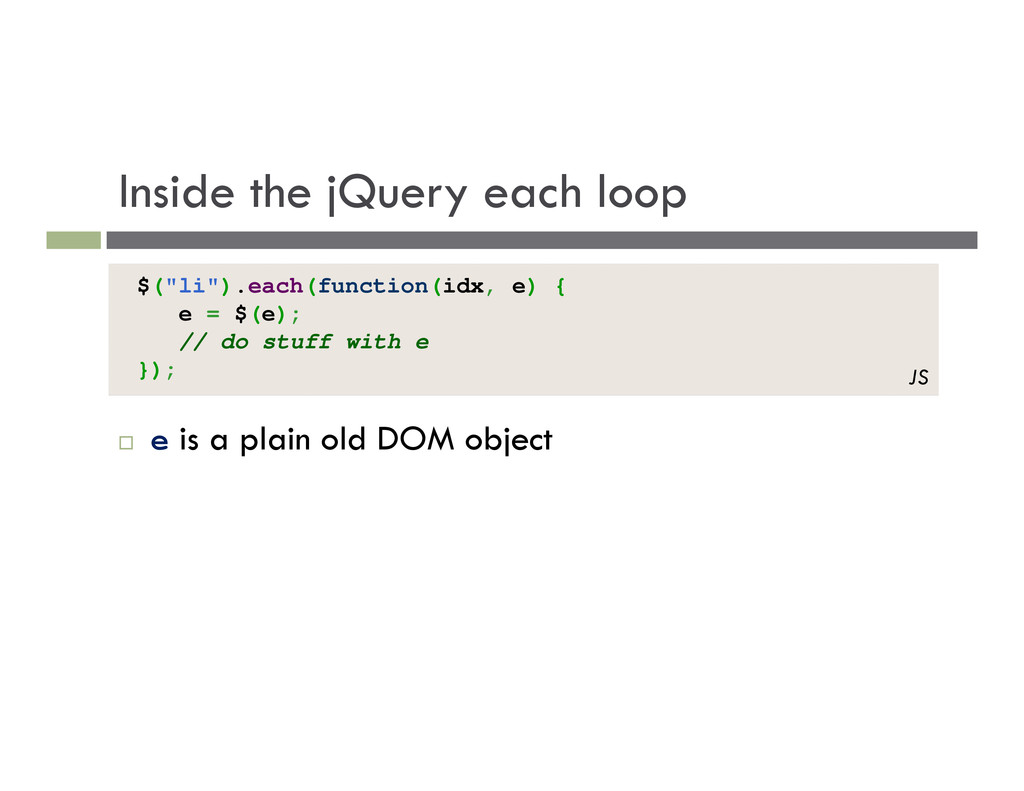
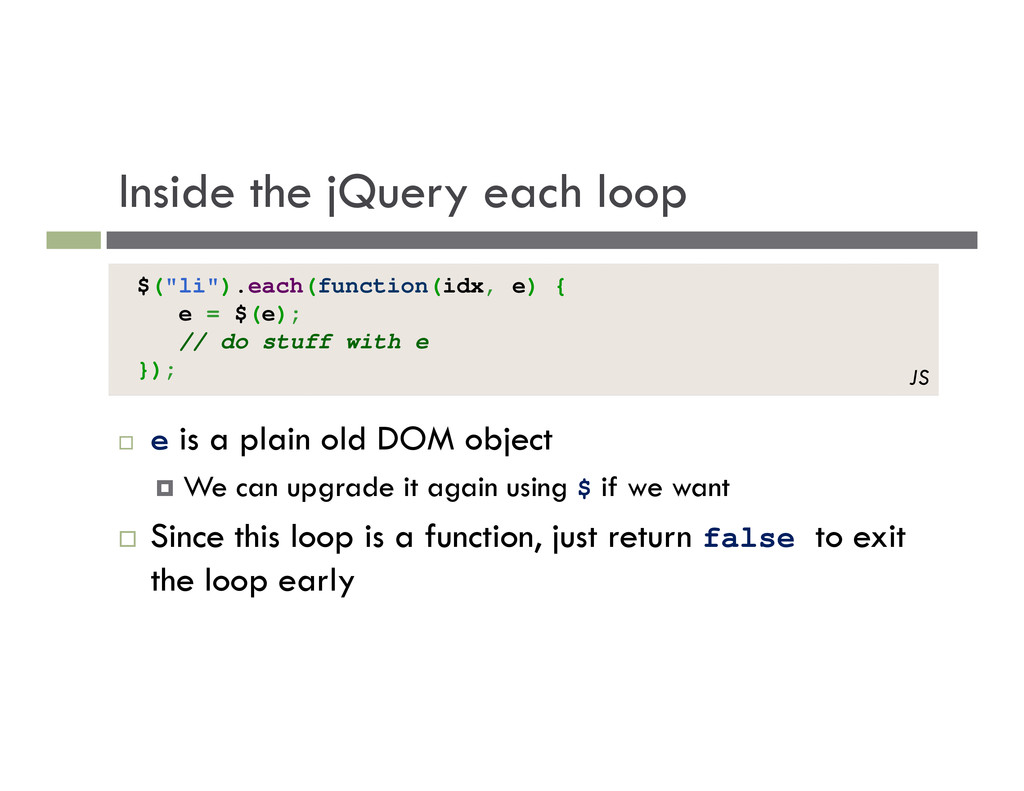
$(e); // do stuff with e }); JS e is a plain old DOM object We can upgrade it again using $ if we want Since this loop is a function, just return false to exit the loop early
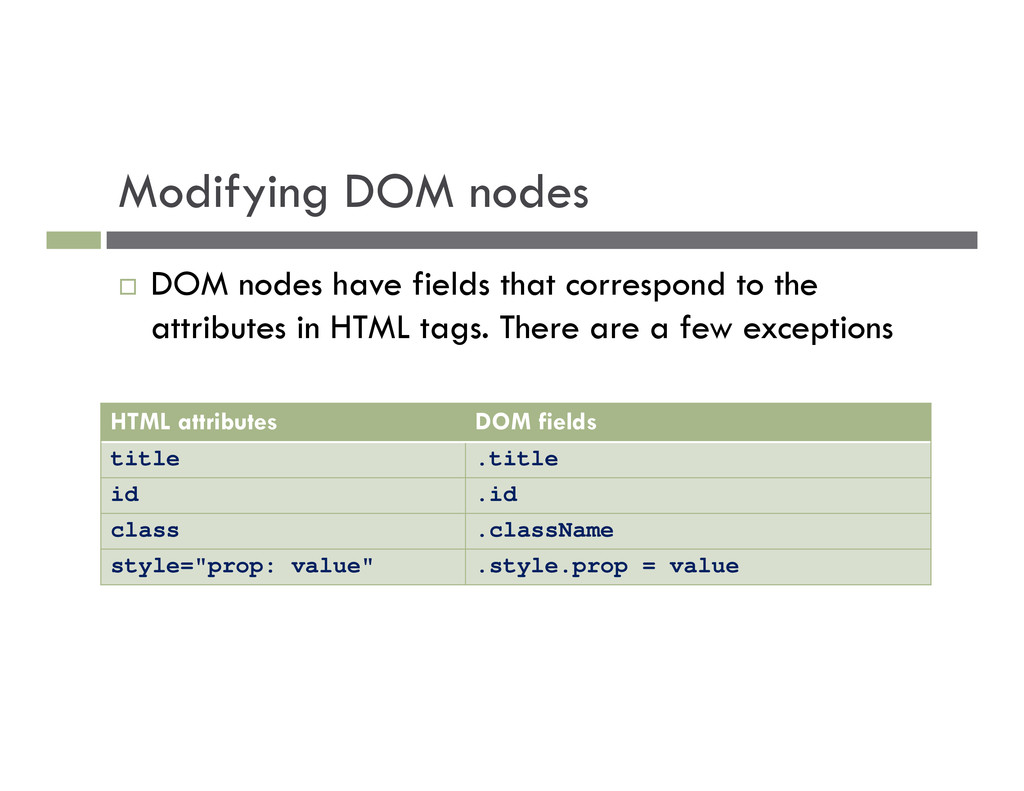
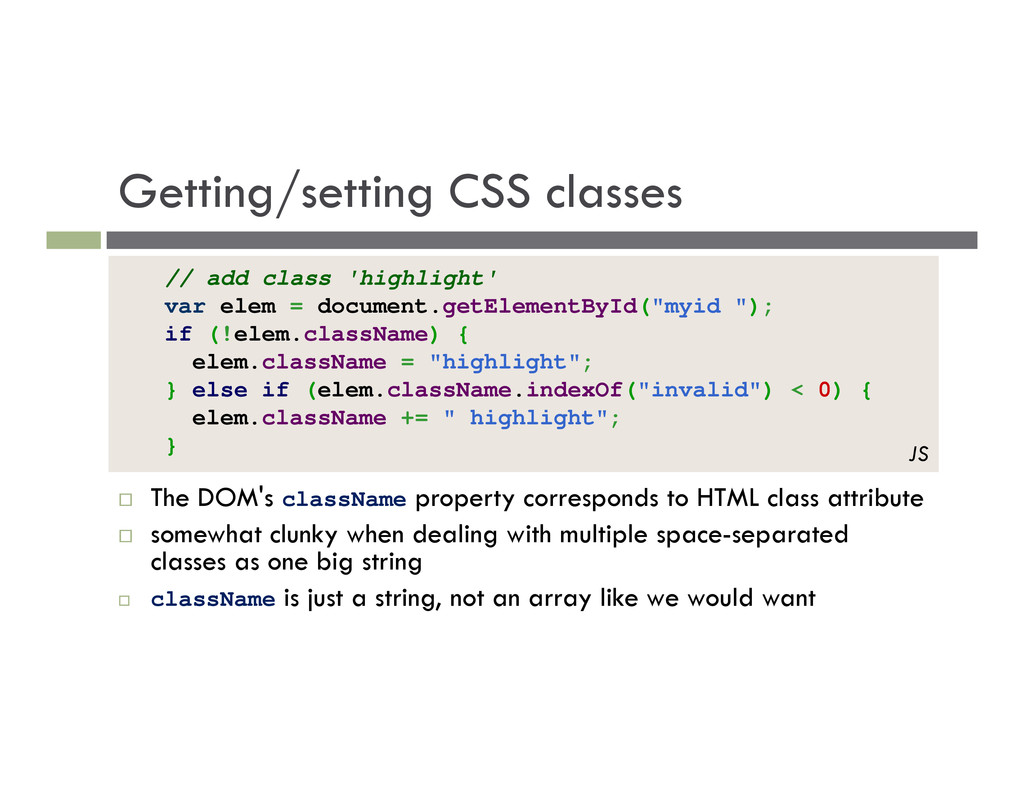
to the attributes in HTML tags. There are a few exceptions HTML attributes DOM fields title .title id .id class .className style="prop: value" .style.prop = value
HTML class attribute somewhat clunky when dealing with multiple space-separated classes as one big string className is just a string, not an array like we would want // add class 'highlight' var elem = document.getElementById("myid "); if (!elem.className) { elem.className = "highlight"; } else if (elem.className.indexOf("invalid") < 0) { elem.className += " highlight"; } JS
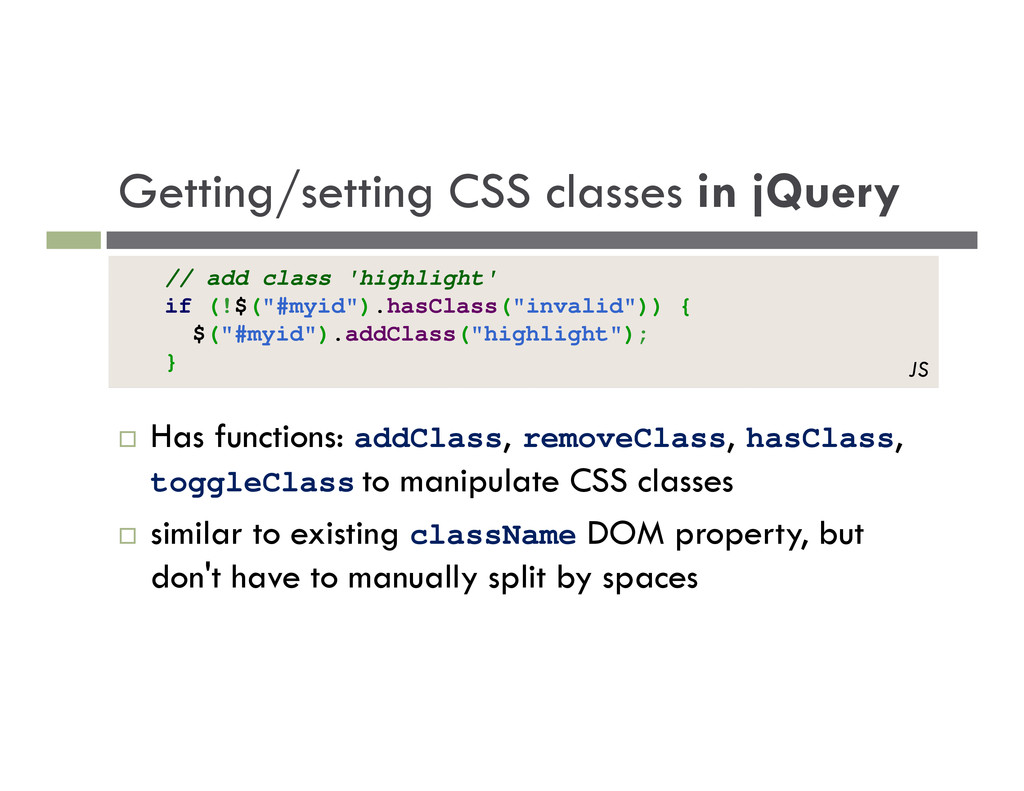
hasClass, toggleClass to manipulate CSS classes similar to existing className DOM property, but don't have to manually split by spaces // add class 'highlight' if (!$("#myid").hasClass("invalid")) { $("#myid").addClass("highlight"); } JS
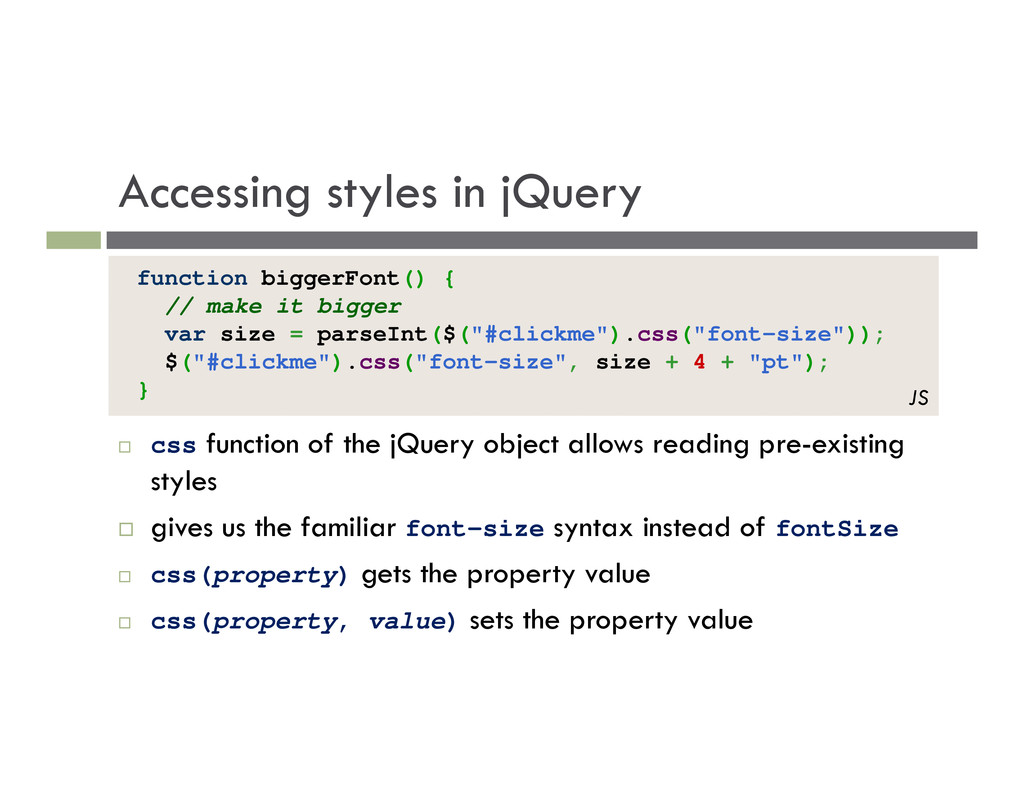
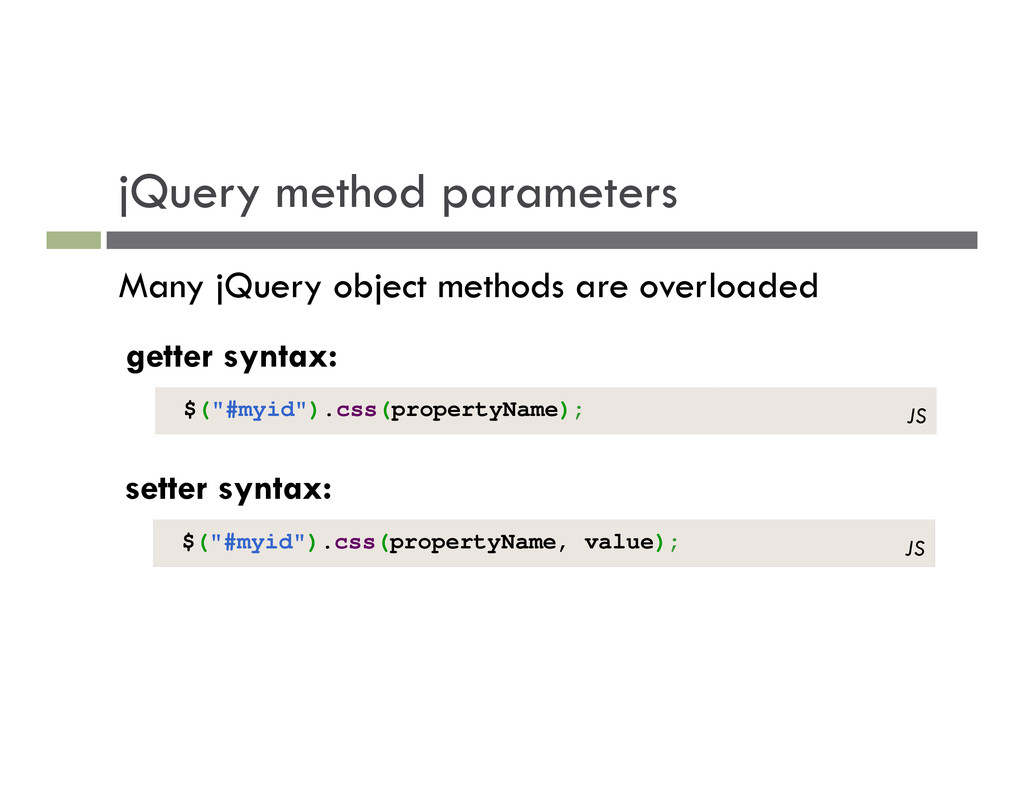
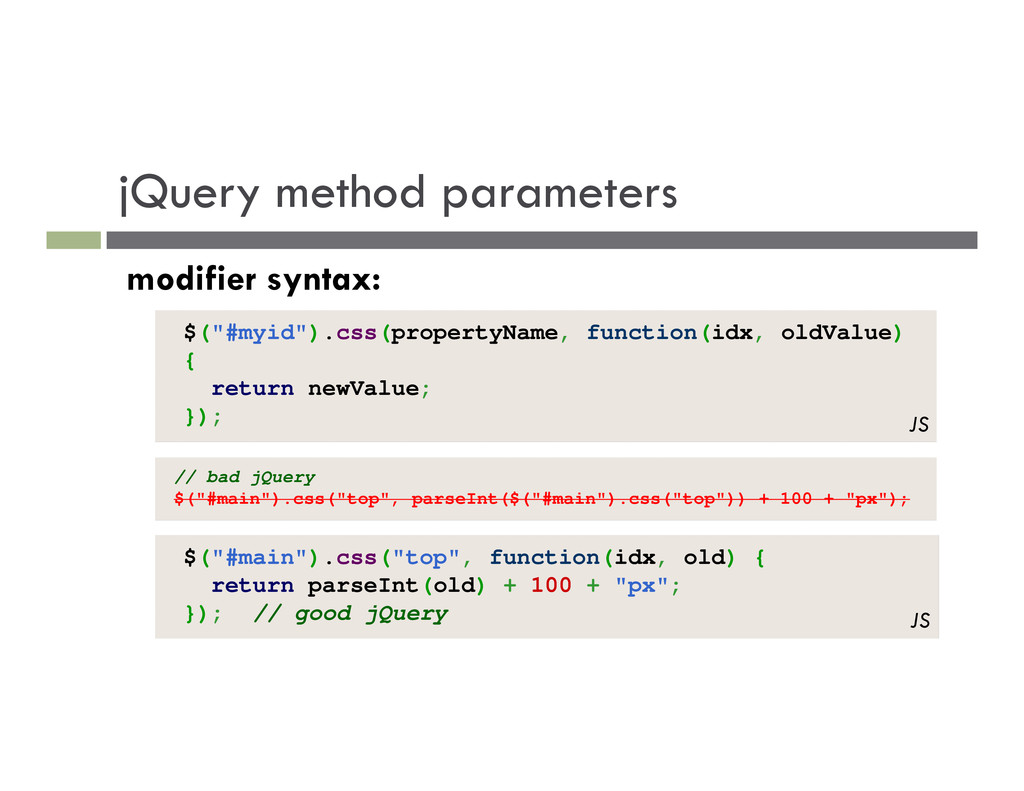
object allows reading pre-existing styles gives us the familiar font-size syntax instead of fontSize css(property) gets the property value css(property, value) sets the property value function biggerFont() { // make it bigger var size = parseInt($("#clickme").css("font-size")); $("#clickme").css("font-size", size + 4 + "pt"); } JS
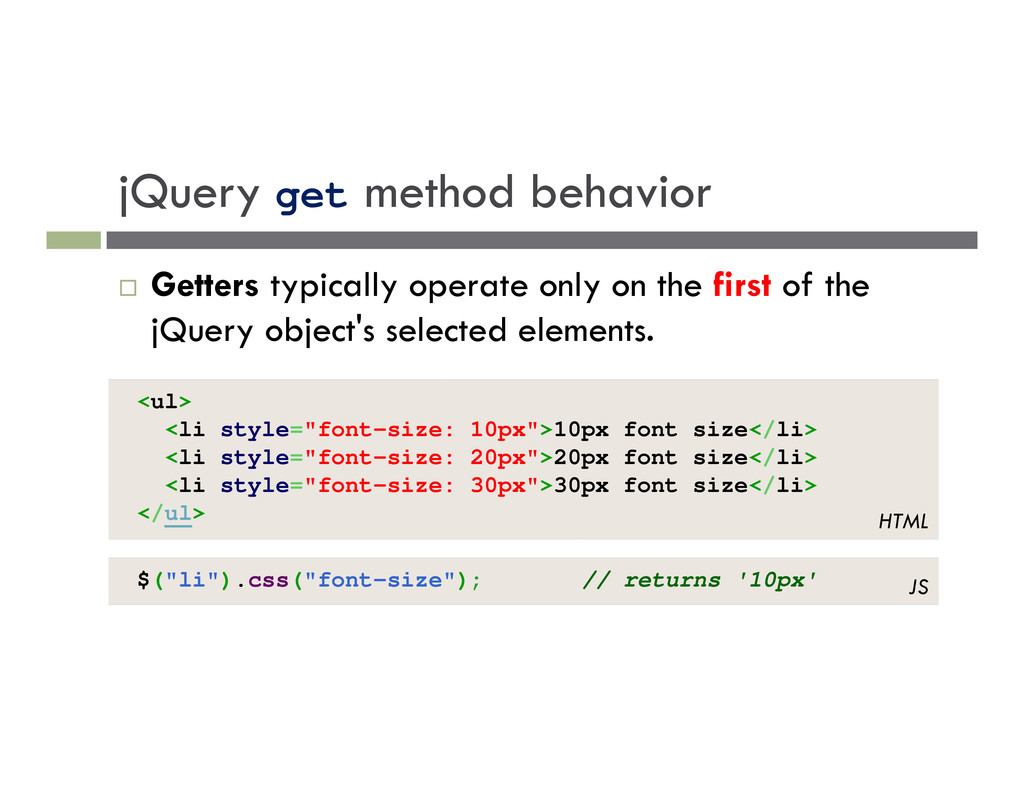
the first of the jQuery object's selected elements. <ul> <li style="font-size: 10px">10px font size</li> <li style="font-size: 20px">20px font size</li> <li style="font-size: 30px">30px font size</li> </ul> HTML $("li").css("font-size"); // returns '10px' JS
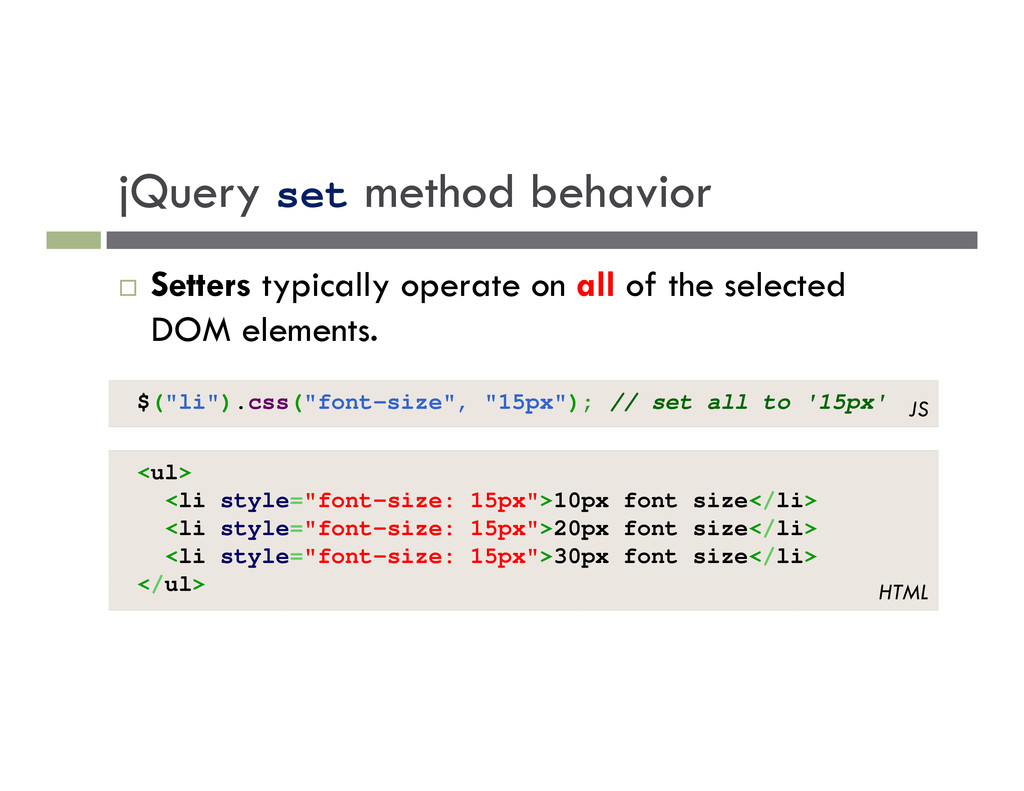
of the selected DOM elements. <ul> <li style="font-size: 15px">10px font size</li> <li style="font-size: 15px">20px font size</li> <li style="font-size: 15px">30px font size</li> </ul> HTML $("li").css("font-size", "15px"); // set all to '15px' JS
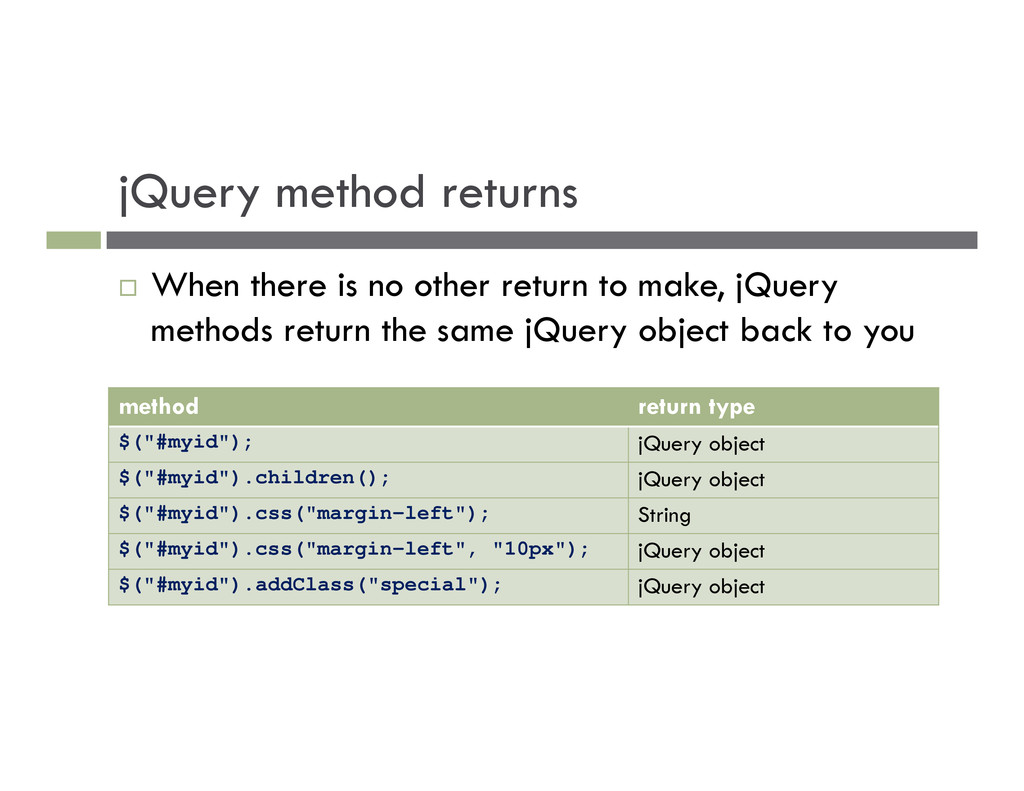
to make, jQuery methods return the same jQuery object back to you method return type $("#myid"); jQuery object $("#myid").children(); jQuery object $("#myid").css("margin-left"); String $("#myid").css("margin-left", "10px"); jQuery object $("#myid").addClass("special"); jQuery object
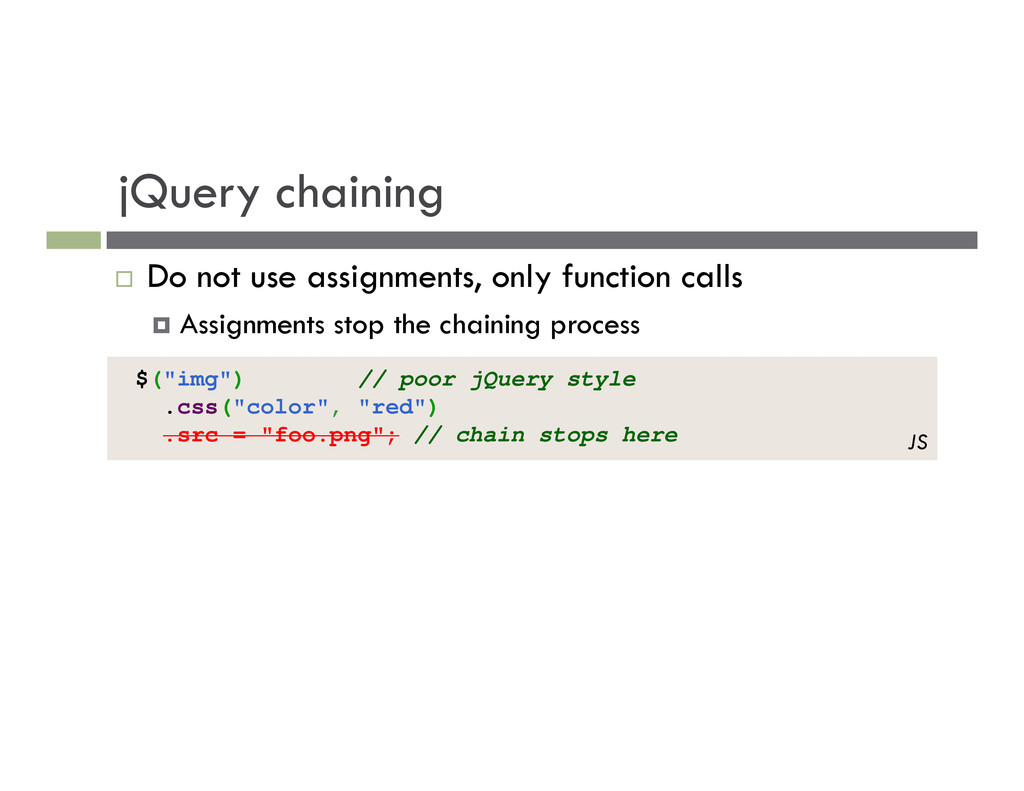
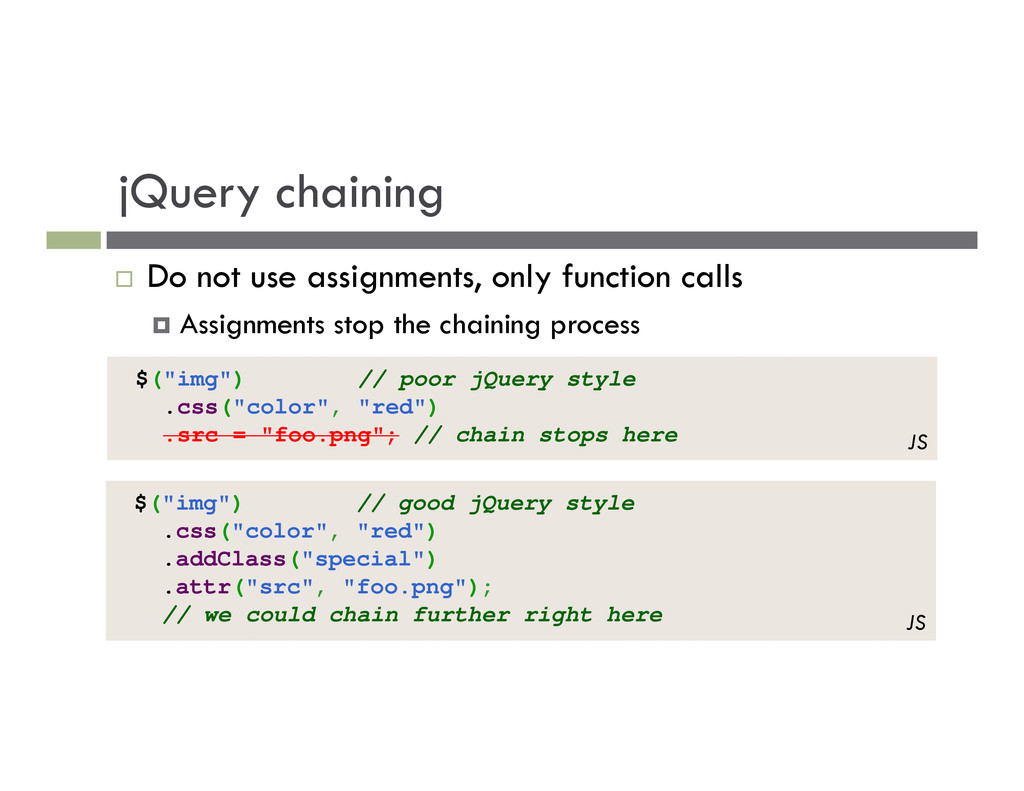
Assignments stop the chaining process $("img") // poor jQuery style .css("color", "red") .src = "foo.png"; // chain stops here JS $("img") // good jQuery style .css("color", "red") .addClass("special") .attr("src", "foo.png"); // we could chain further right here JS
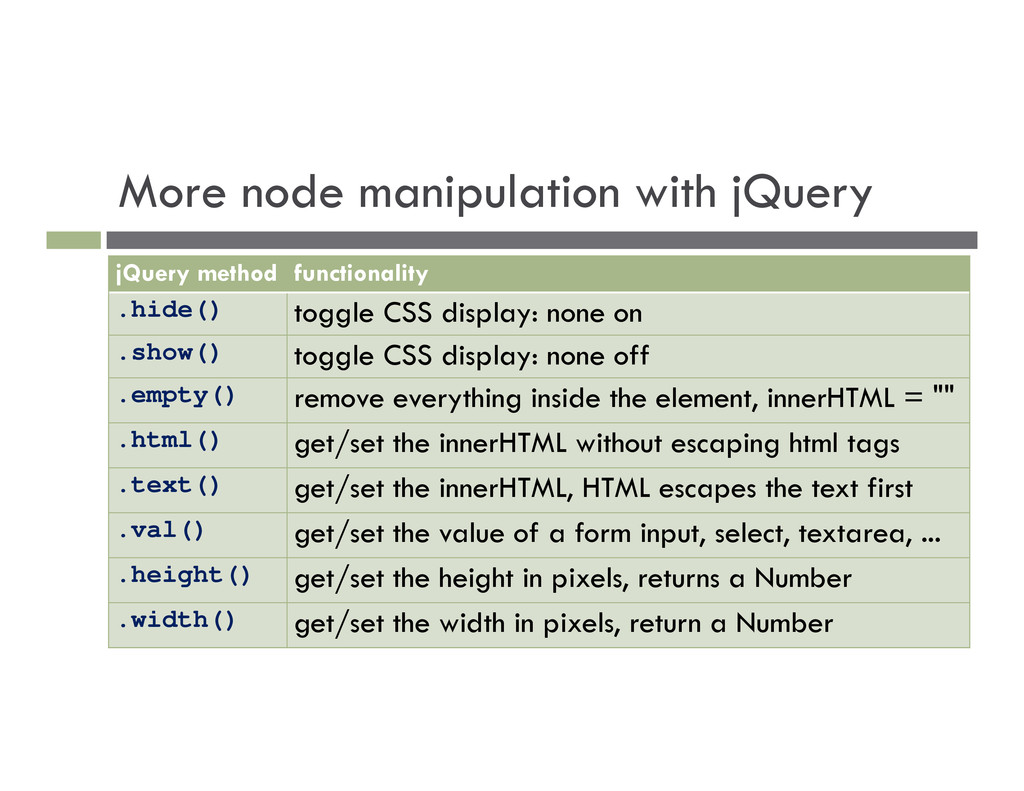
CSS display: none on .show() toggle CSS display: none off .empty() remove everything inside the element, innerHTML = "" .html() get/set the innerHTML without escaping html tags .text() get/set the innerHTML, HTML escapes the text first .val() get/set the value of a form input, select, textarea, ... .height() get/set the height in pixels, returns a Number .width() get/set the width in pixels, return a Number
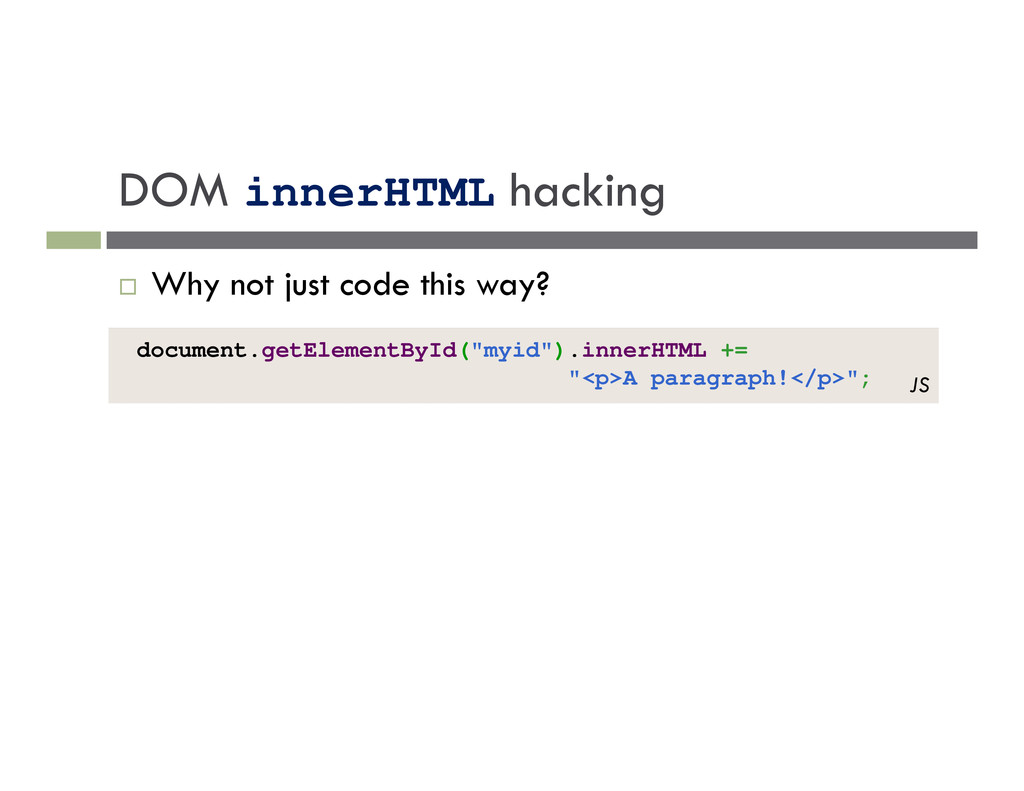
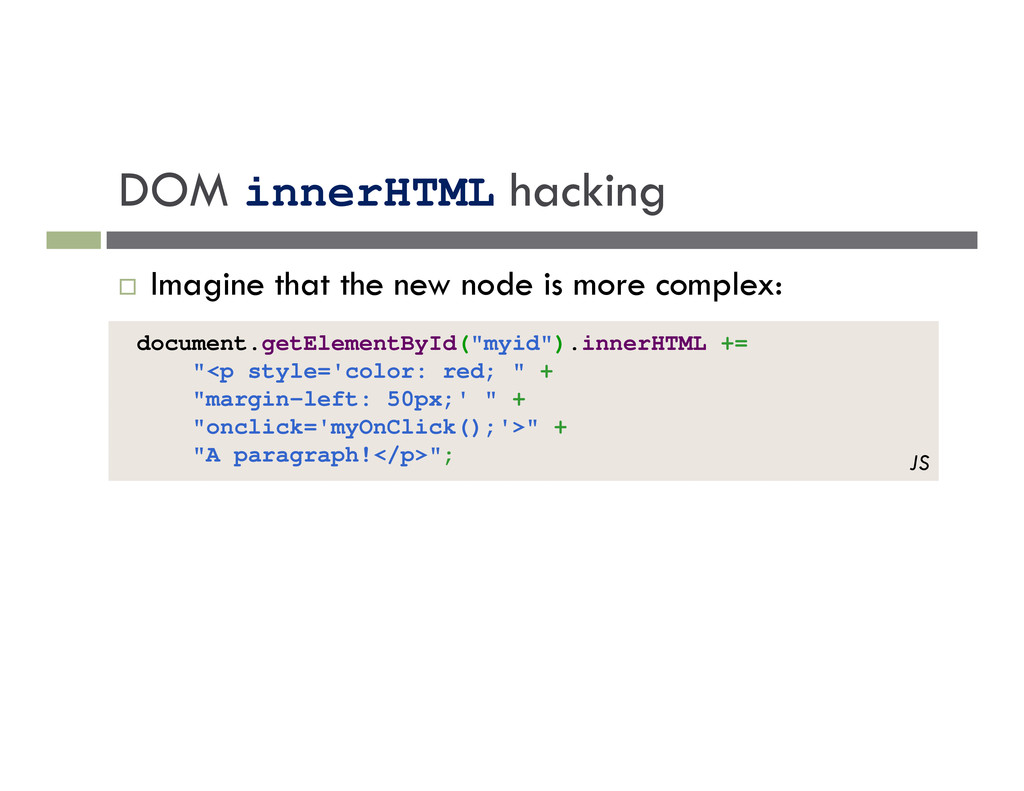
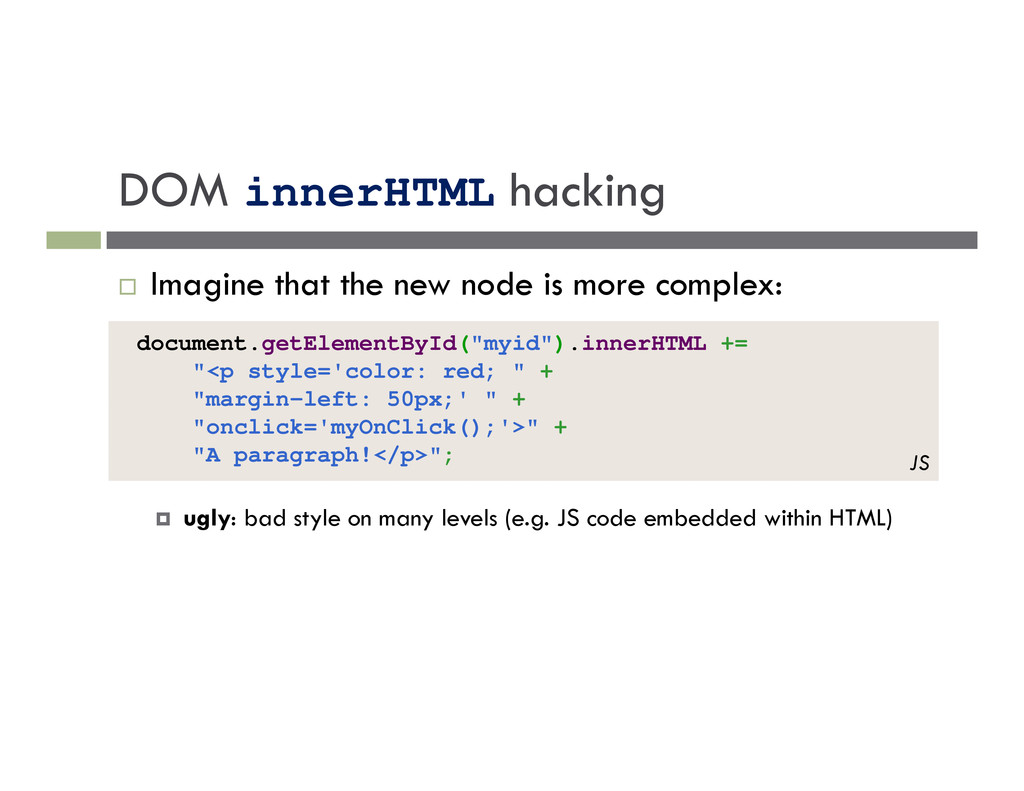
"margin-left: 50px;' " + "onclick='myOnClick();'>" + "A paragraph!</p>"; JS Imagine that the new node is more complex: ugly: bad style on many levels (e.g. JS code embedded within HTML)
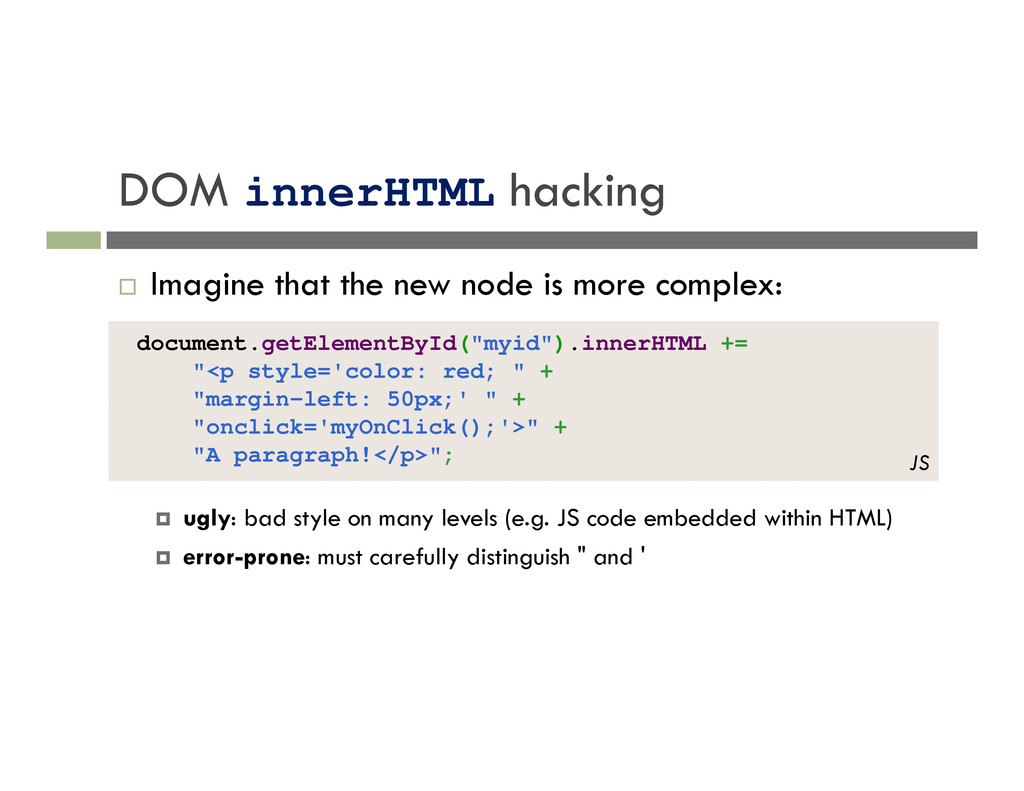
"margin-left: 50px;' " + "onclick='myOnClick();'>" + "A paragraph!</p>"; JS Imagine that the new node is more complex: ugly: bad style on many levels (e.g. JS code embedded within HTML) error-prone: must carefully distinguish " and '
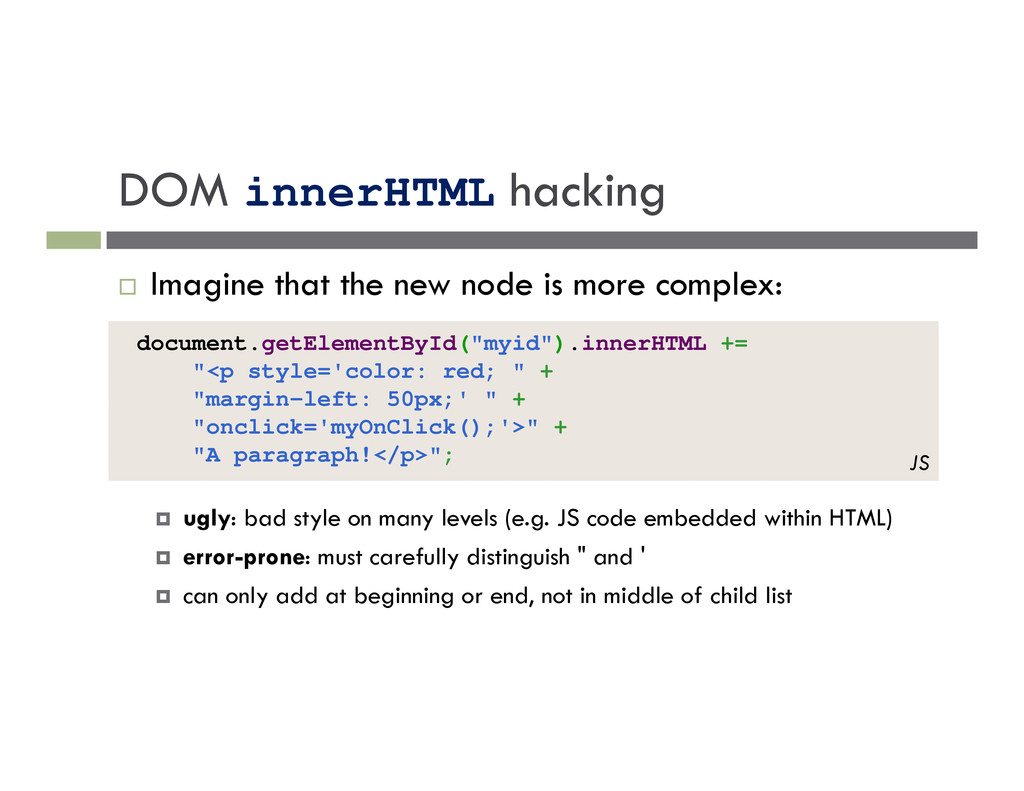
"margin-left: 50px;' " + "onclick='myOnClick();'>" + "A paragraph!</p>"; JS Imagine that the new node is more complex: ugly: bad style on many levels (e.g. JS code embedded within HTML) error-prone: must carefully distinguish " and ' can only add at beginning or end, not in middle of child list
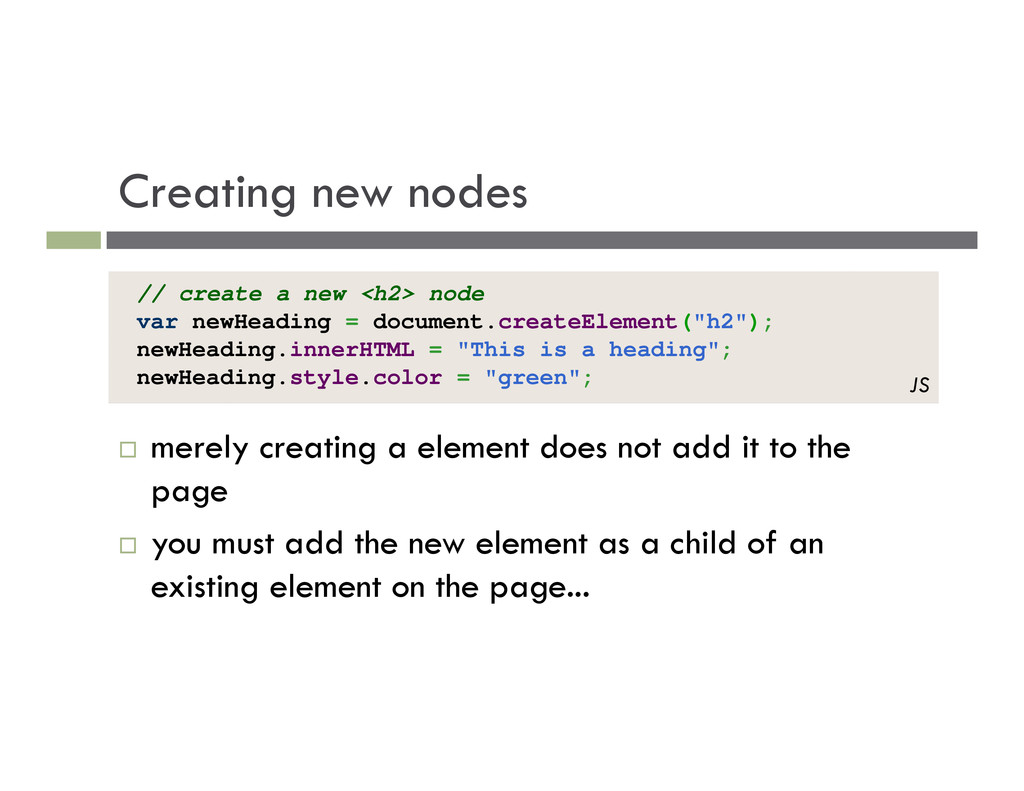
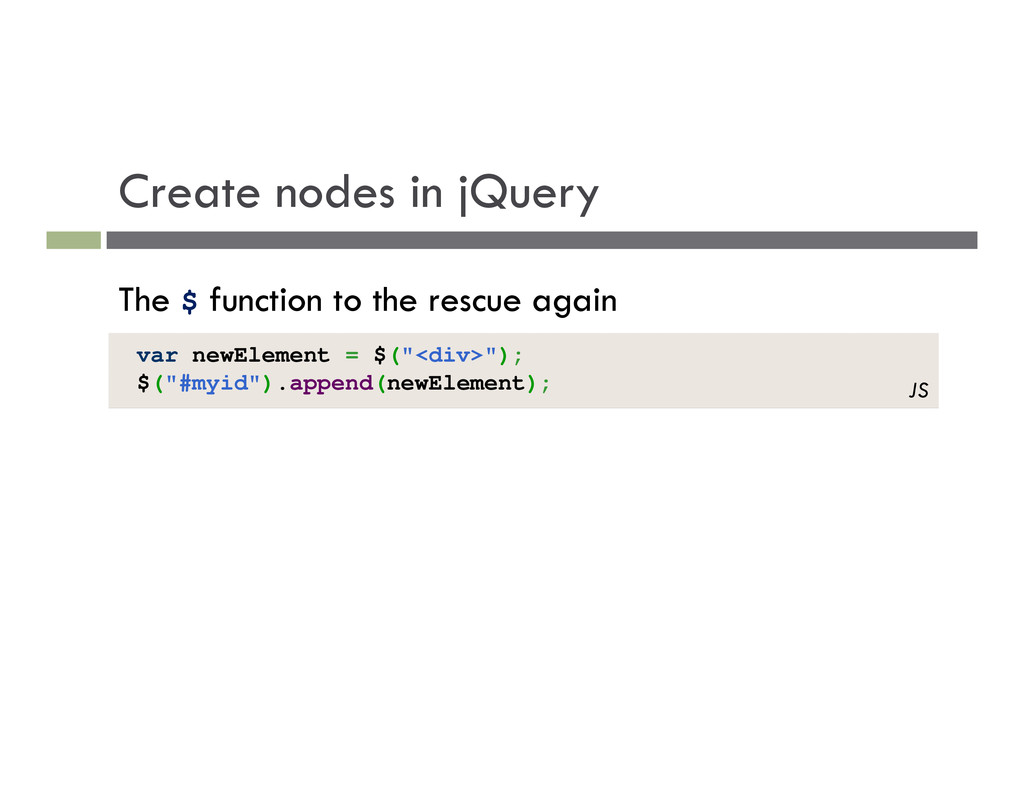
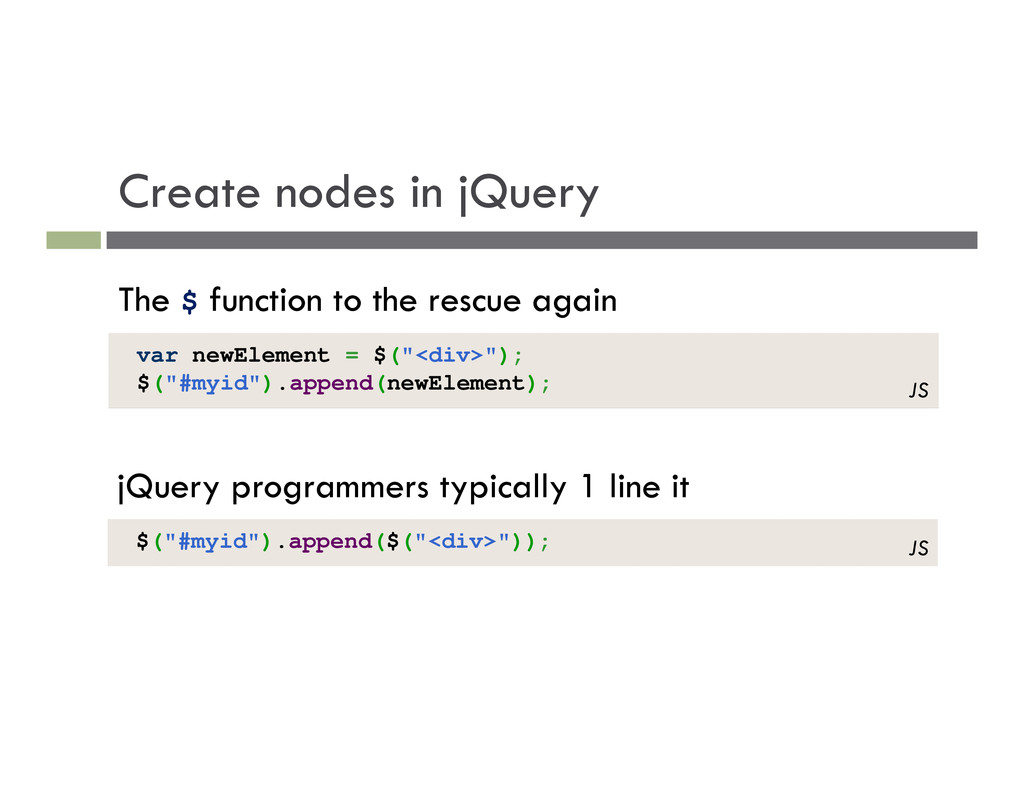
add it to the page you must add the new element as a child of an existing element on the page... // create a new <h2> node var newHeading = document.createElement("h2"); newHeading.innerHTML = "This is a heading"; newHeading.style.color = "green"; JS
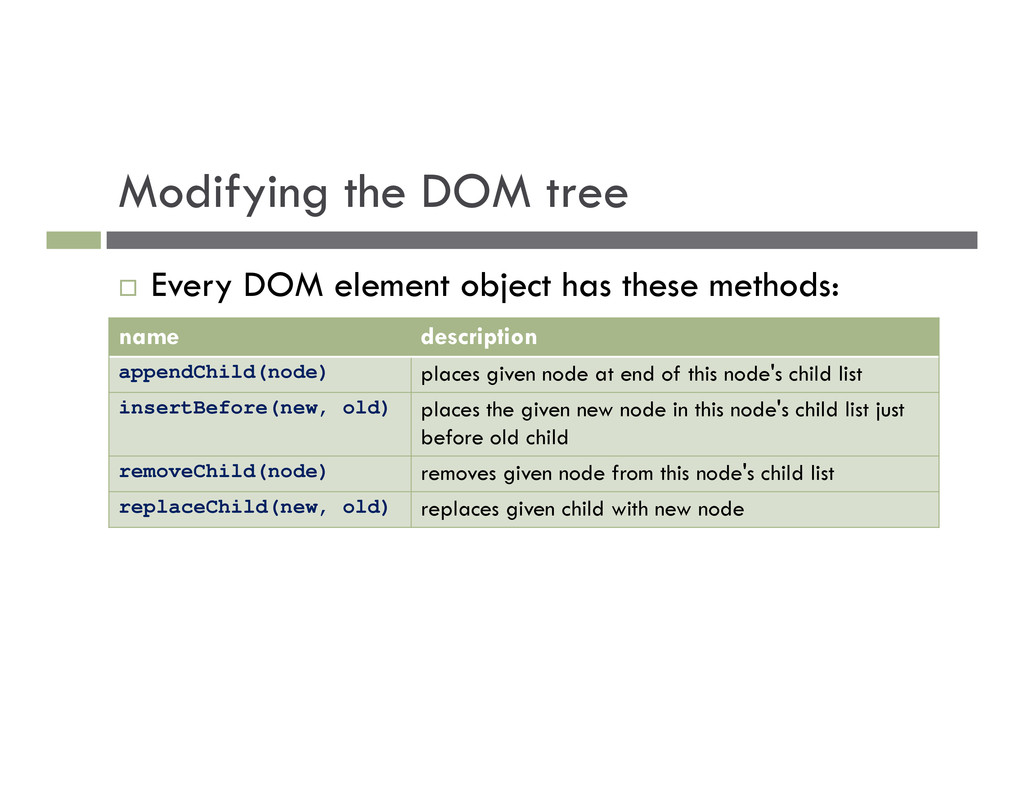
these methods: name description appendChild(node) places given node at end of this node's child list insertBefore(new, old) places the given new node in this node's child list just before old child removeChild(node) removes given node from this node's child list replaceChild(new, old) replaces given child with new node
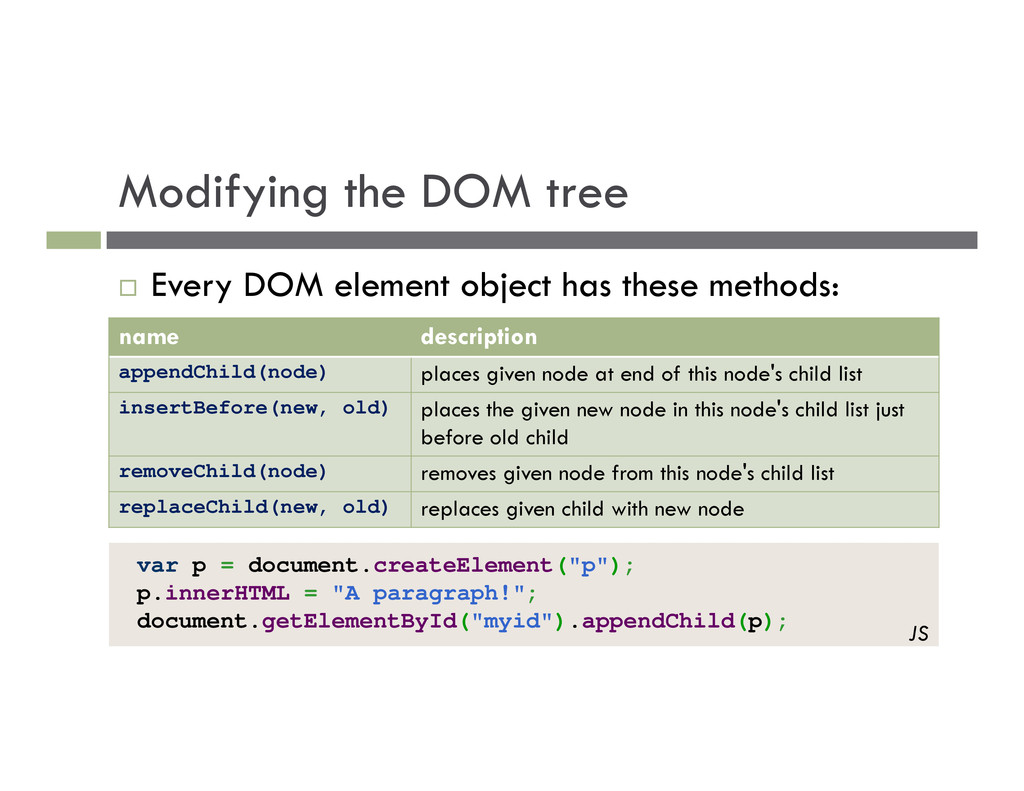
these methods: name description appendChild(node) places given node at end of this node's child list insertBefore(new, old) places the given new node in this node's child list just before old child removeChild(node) removes given node from this node's child list replaceChild(new, old) replaces given child with new node var p = document.createElement("p"); p.innerHTML = "A paragraph!"; document.getElementById("myid").appendChild(p); JS
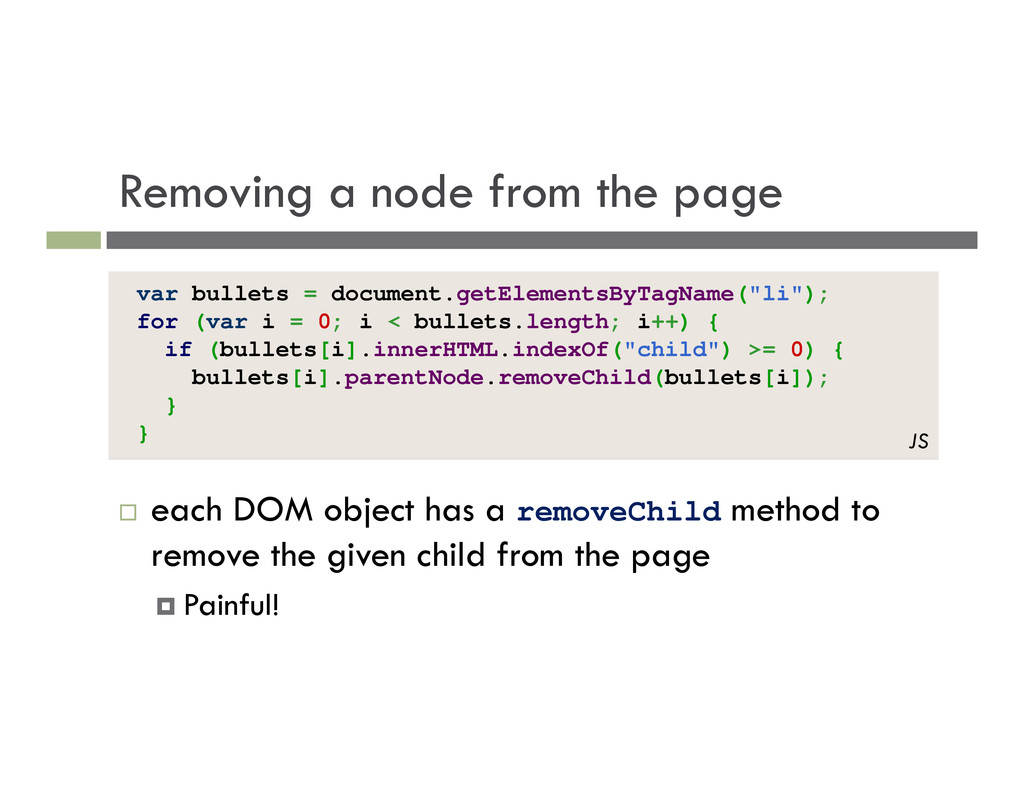
has a removeChild method to remove the given child from the page Painful! var bullets = document.getElementsByTagName("li"); for (var i = 0; i < bullets.length; i++) { if (bullets[i].innerHTML.indexOf("child") >= 0) { bullets[i].parentNode.removeChild(bullets[i]); } } JS
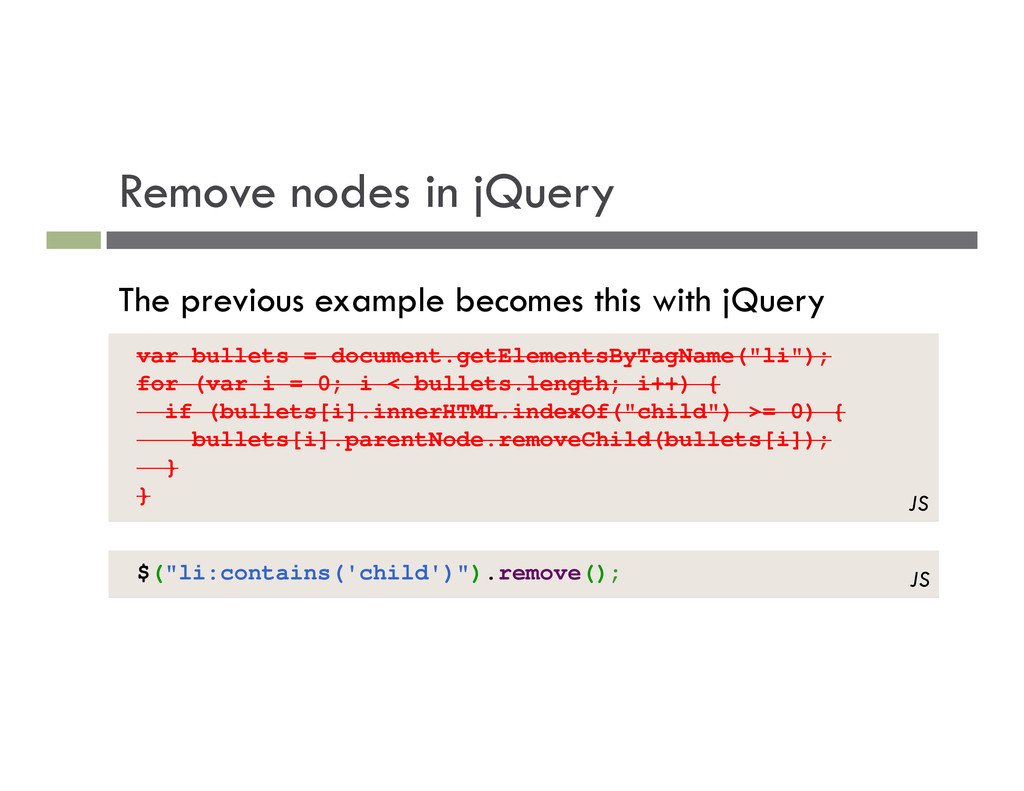
i = 0; i < bullets.length; i++) { if (bullets[i].innerHTML.indexOf("child") >= 0) { bullets[i].parentNode.removeChild(bullets[i]); } } JS The previous example becomes this with jQuery $("li:contains('child')").remove(); JS
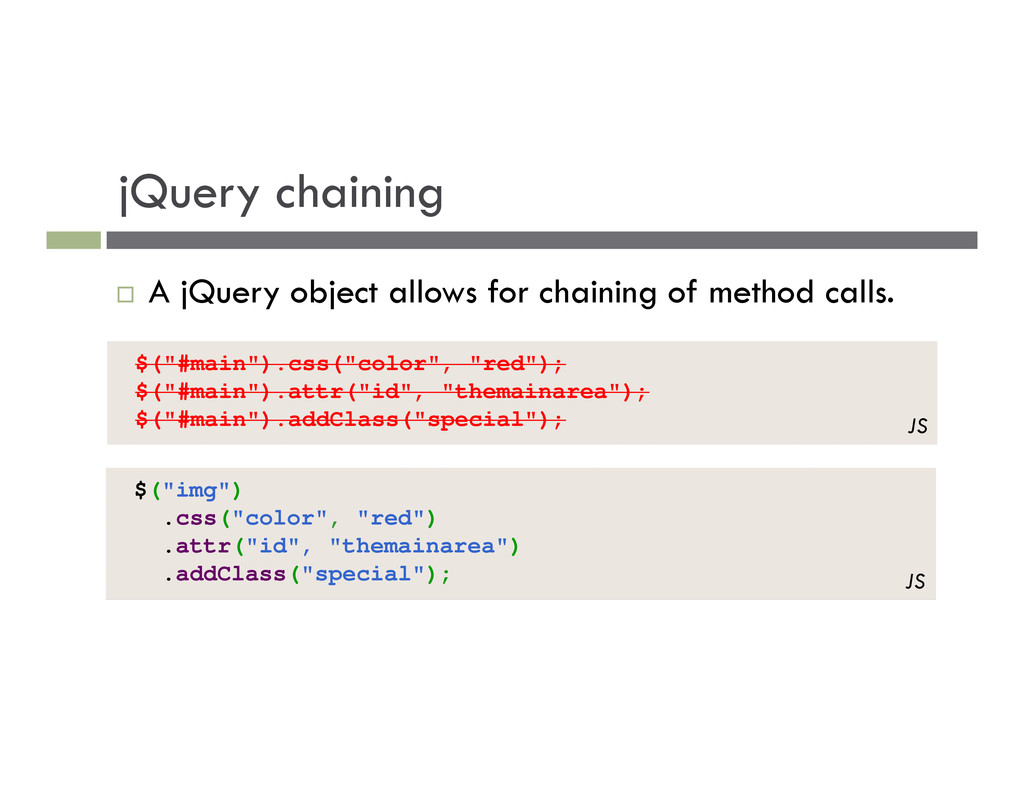
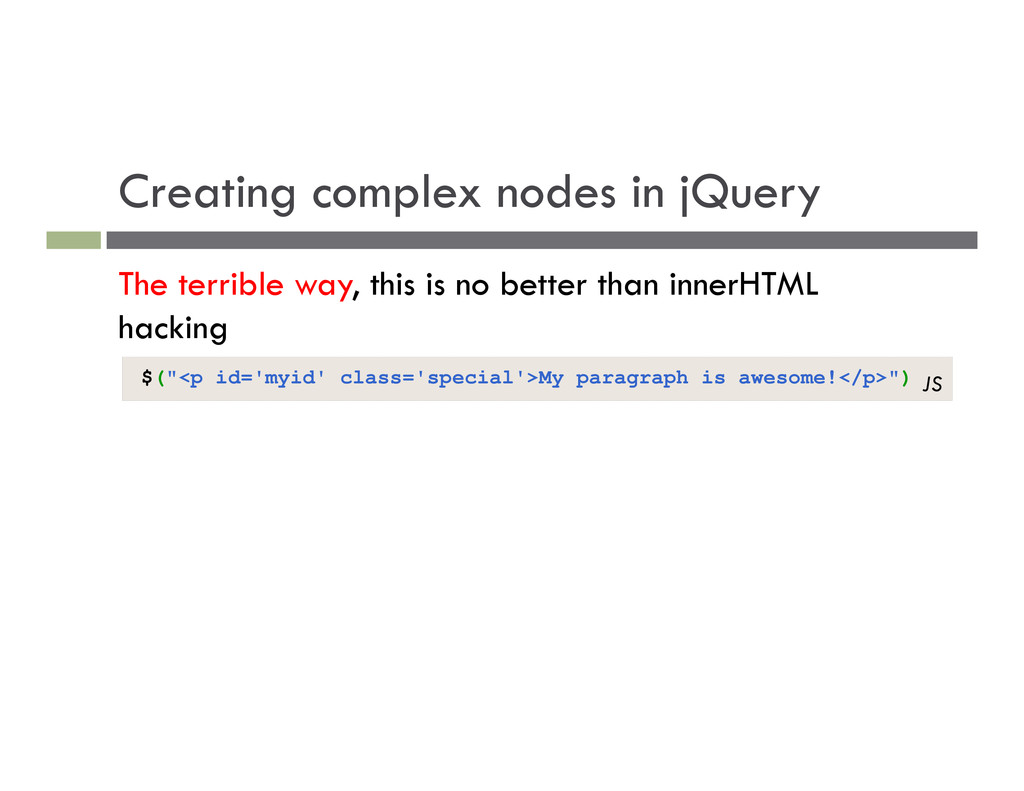
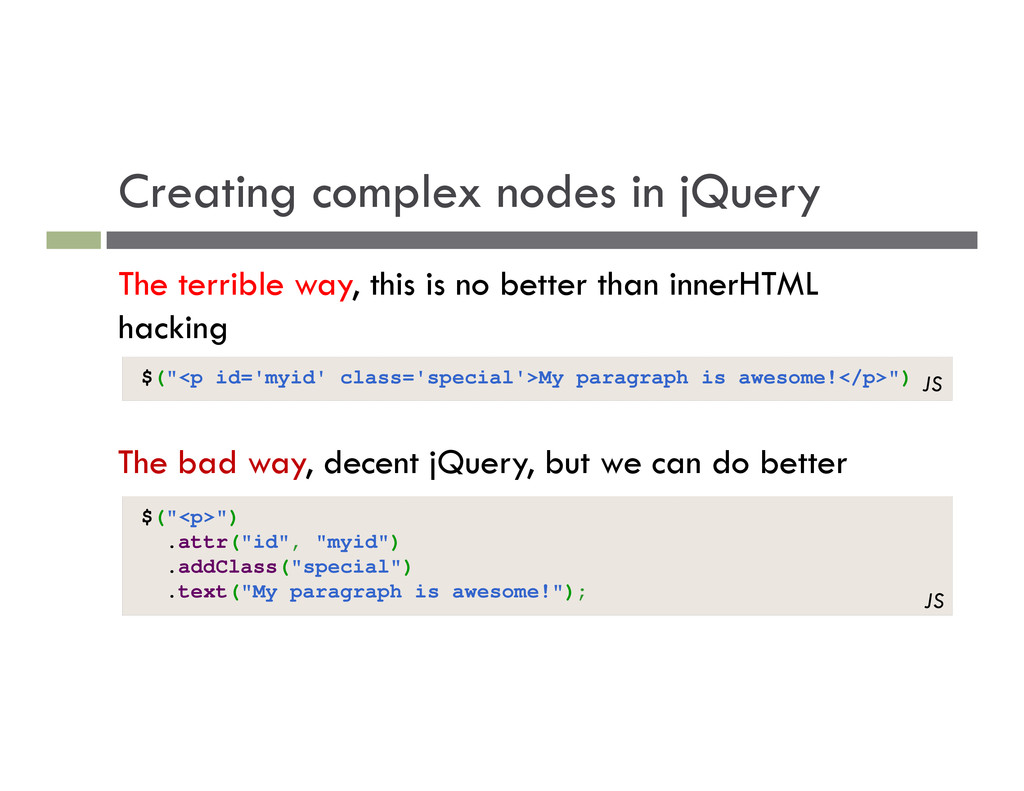
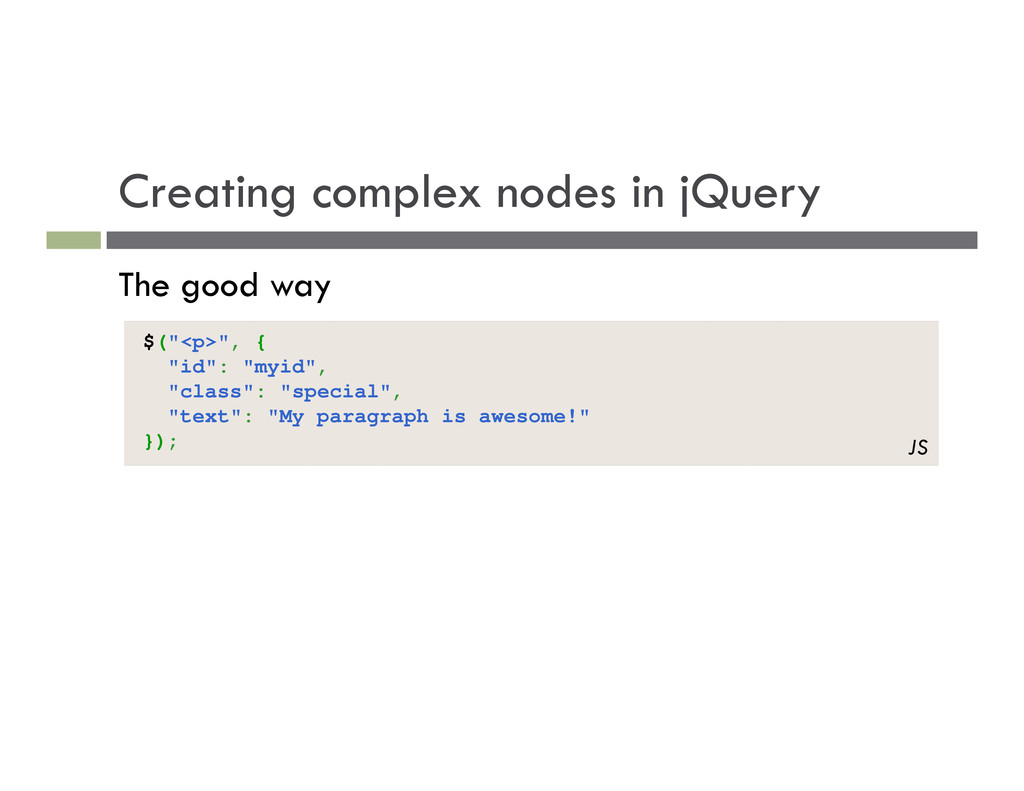
no better than innerHTML hacking $("<p id='myid' class='special'>My paragraph is awesome!</p>") The bad way, decent jQuery, but we can do better $("<p>") .attr("id", "myid") .addClass("special") .text("My paragraph is awesome!"); JS JS
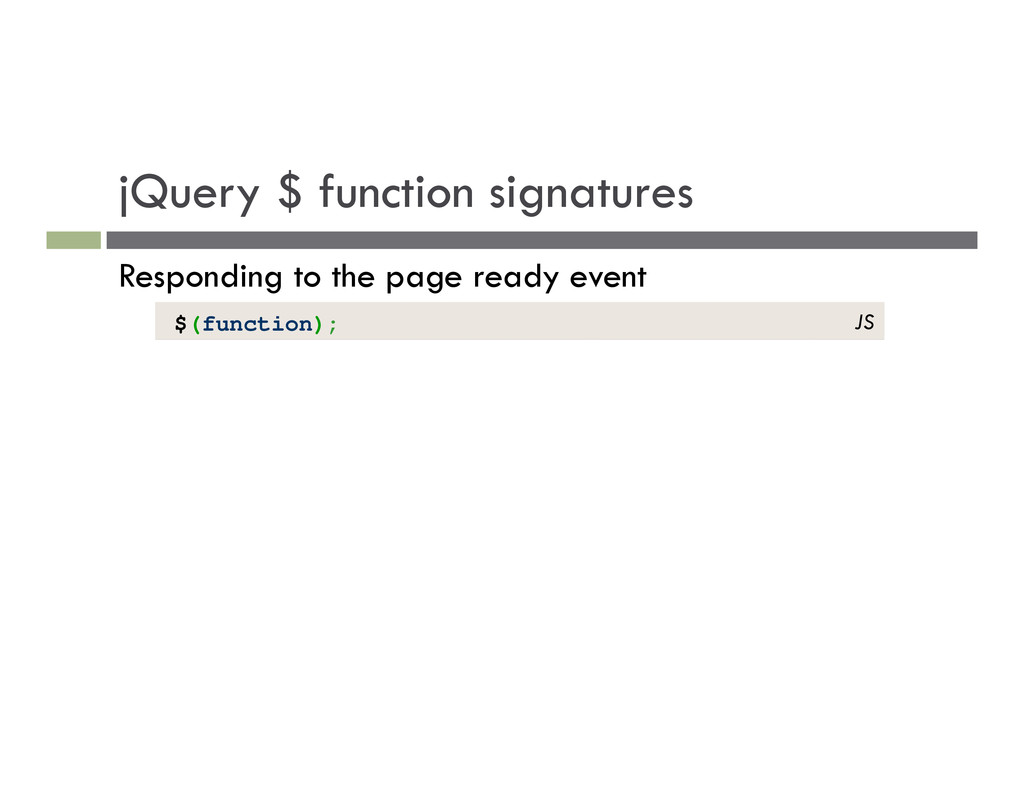
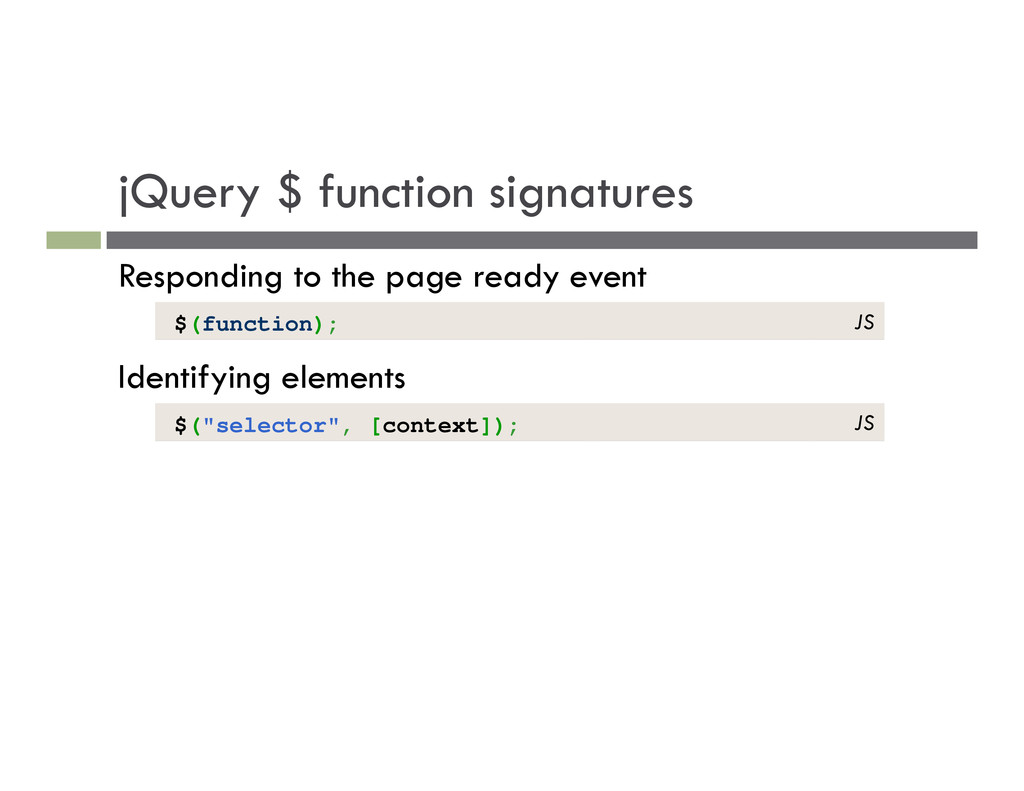
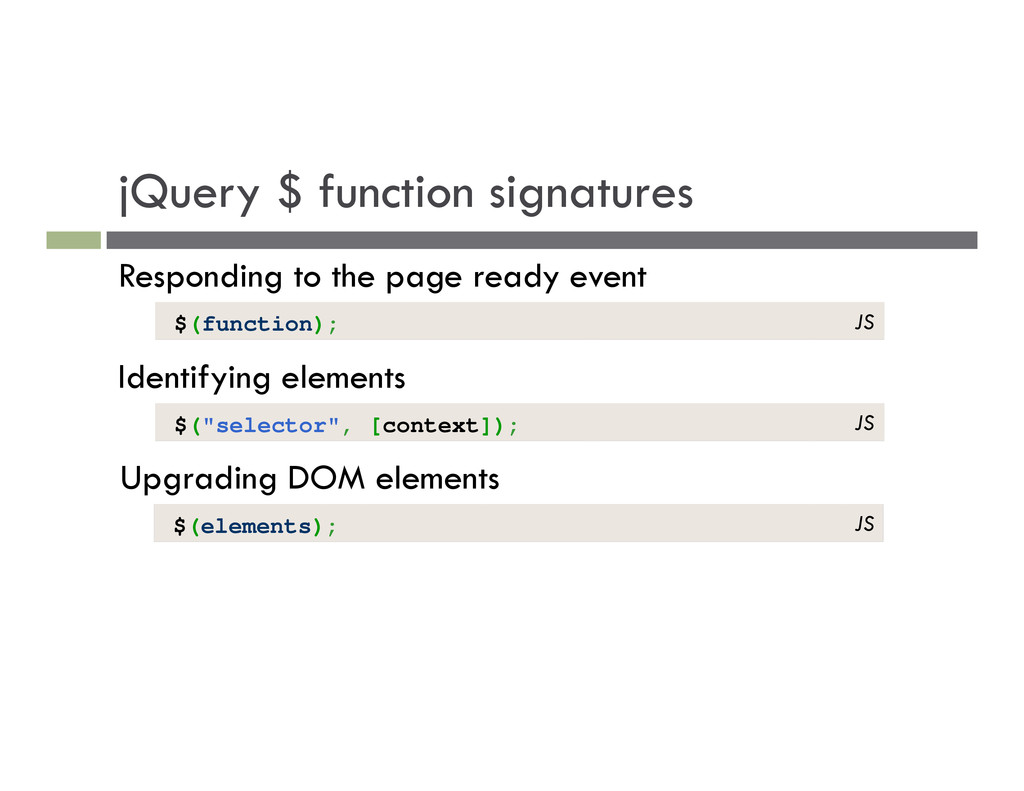
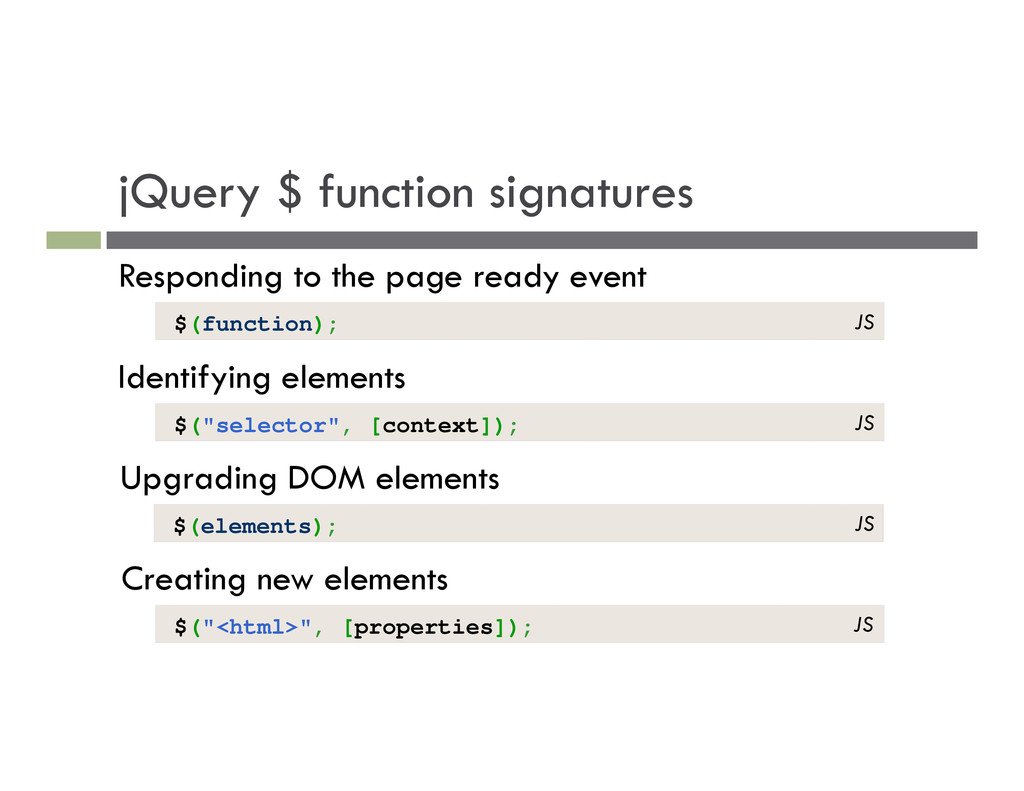
Identifying elements Upgrading DOM elements $(function); $("selector", [context]); $(elements); Creating new elements $("<html>", [properties]); JS JS JS JS

 SiteGround - Reliable hosting with speed, security, and support you can count on.


 tony
tony
 kentapapa
 yu23ki14
 teamlab
 masakiokuda
 taketakekaho
 ykanoh
 nttcom
 endonanana
 iktakahiro
 ymotongpoo
 raspython3
 takonda
 oripsolob
 kristinabergwall1
 afnizarnur
 aleyda
 jonrohan
 denniskardys
 sonatard
 samtorres
 baasie
 inesmontani
 joshbly