Share
Embed
Maleo with openSUSE Leap 42.1
Run HTML5 Applications Natively More Easy
Estu Fardani
December 05, 2015
Transcript
49 slides
-
Maleo with openSUSE® Run HTML5 Applications Natively More Easy Estu
Fardani [email protected] openSUSE.Asia Summit 2015 Dec 04-06, 2015 Taipei -
2 Who am I? • Estu Fardani | @tuanpembual •
Tuanpembual.wordpress.com • [email protected] • GNU/Linux Enthusiast • BlankOn Project (http://blankonlinux.or.id) • Part Time sysadmin • openSUSE new user -
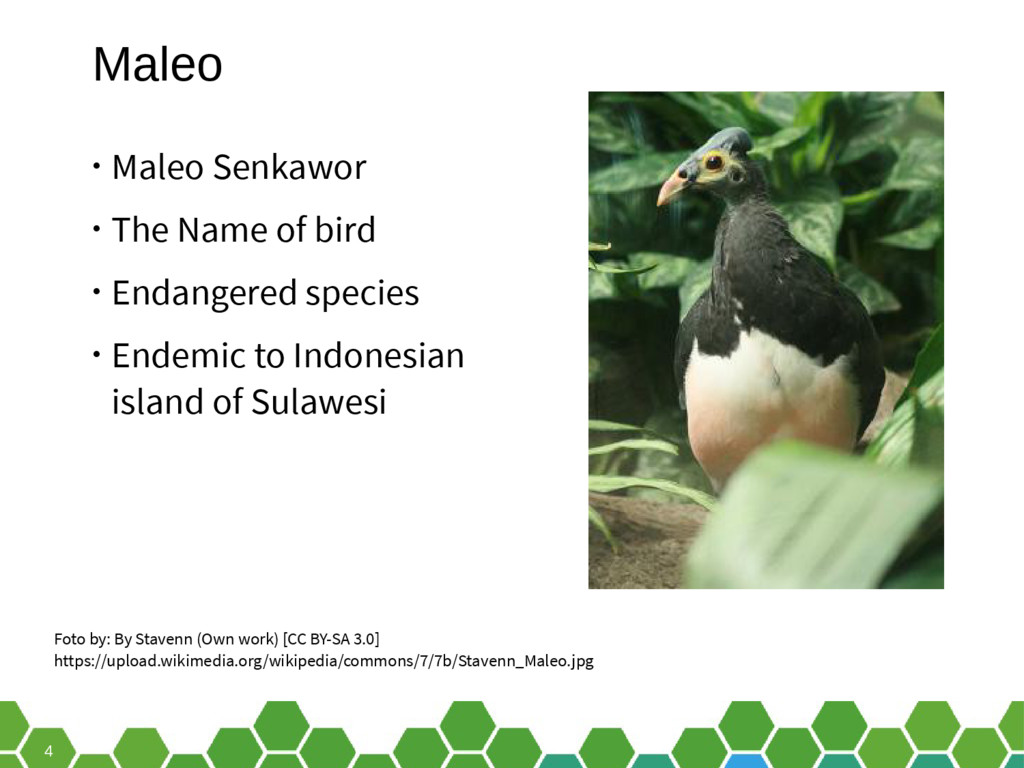
4 Maleo • Maleo Senkawor • The Name of bird
• Endangered species • Endemic to Indonesian island of Sulawesi Foto by: By Stavenn (Own work) [CC BY-SA 3.0] https://upload.wikimedia.org/wikipedia/commons/7/7b/Stavenn_Maleo.jpg -
6 Maleo This is a html5 application runner. It is
built using Gtk+ Webkit port in Vala programming language. -
8 Who made? • Its product from BlankOn Project R&D
Team • Active contributor: Dhi Aurrahman https://github.com/diorahman • Installed default on BlankOn Linux -
11 Release Version • Maleo 1.0 • https://github.com/blankon/maleo • Release:
27 Sep 2013 • Maleo 2.0 • https://github.com/rockybars/maleo • Release 4 Apr 2015 -
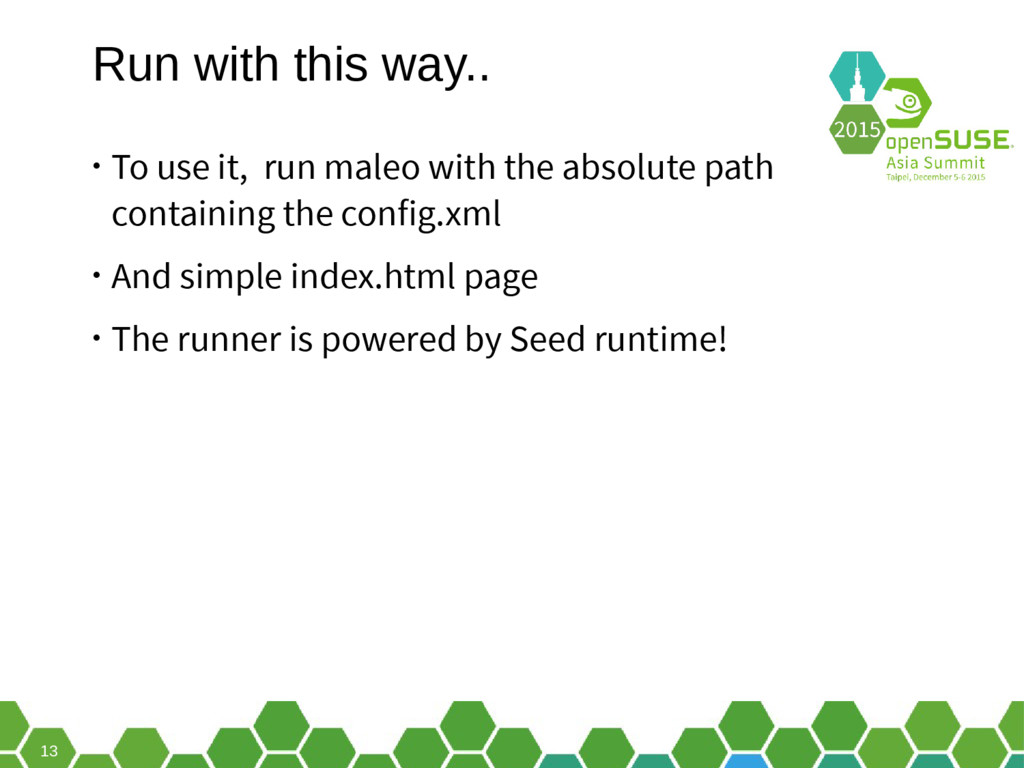
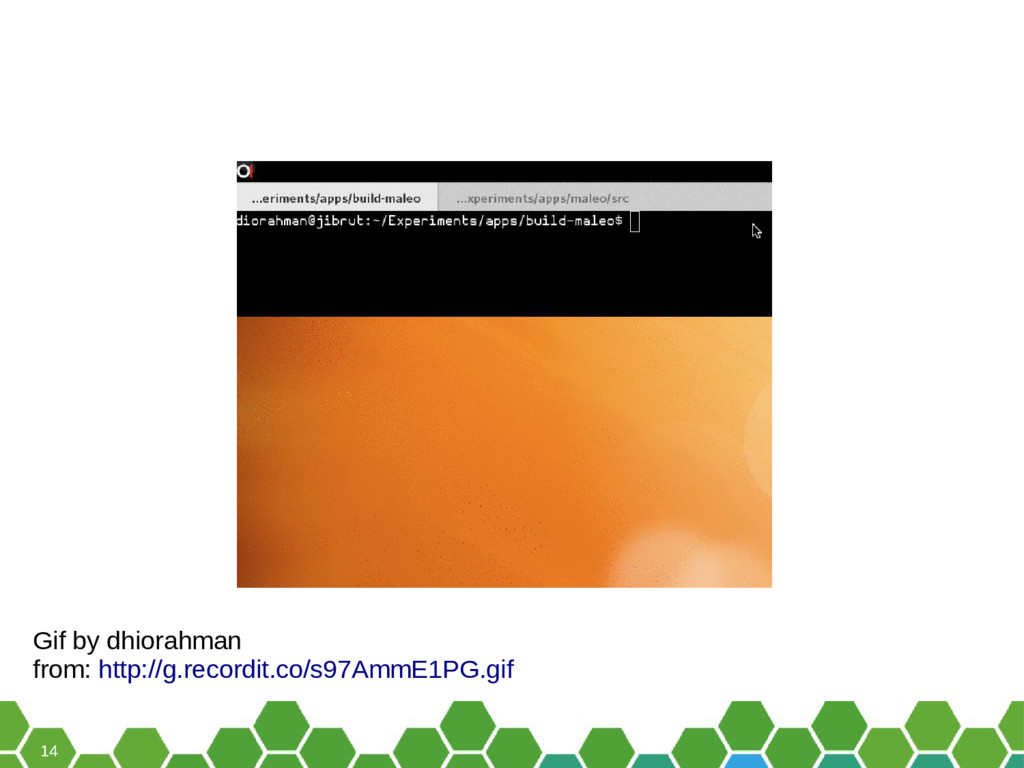
13 Run with this way.. • To use it, run
maleo with the absolute path containing the config.xml • And simple index.html page • The runner is powered by Seed runtime! -
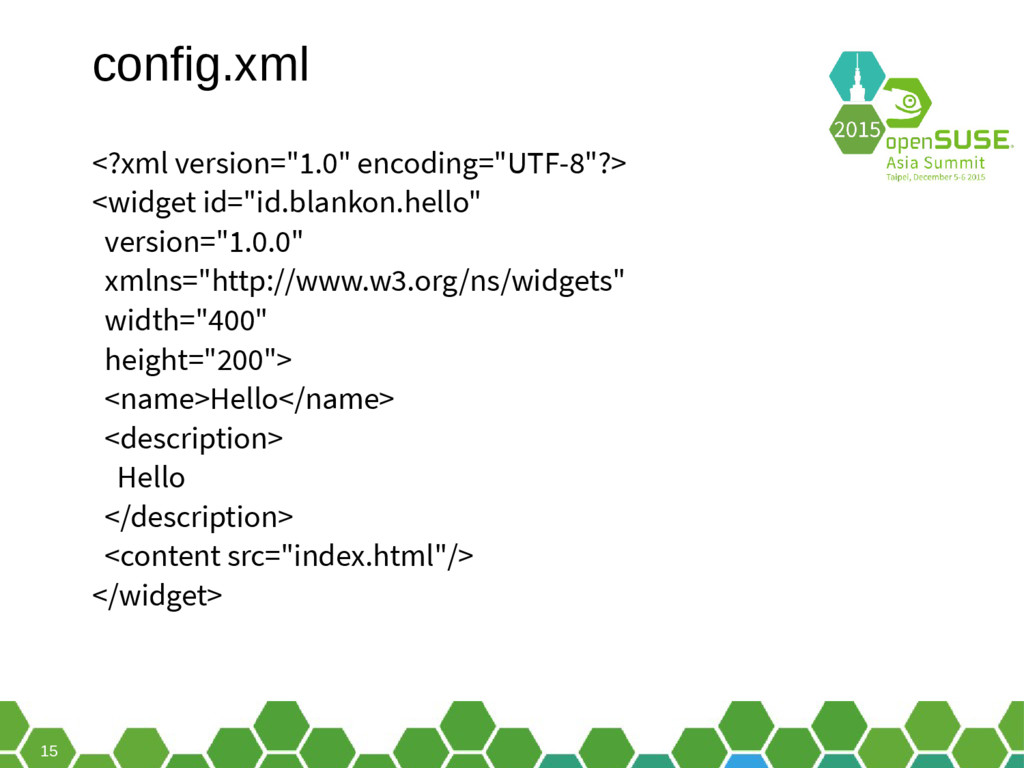
15 config.xml <?xml version="1.0" encoding="UTF-8"?> <widget id="id.blankon.hello" version="1.0.0" xmlns="http://www.w3.org/ns/widgets" width="400"
height="200"> <name>Hello</name> <description> Hello </description> <content src="index.html"/> </widget> -
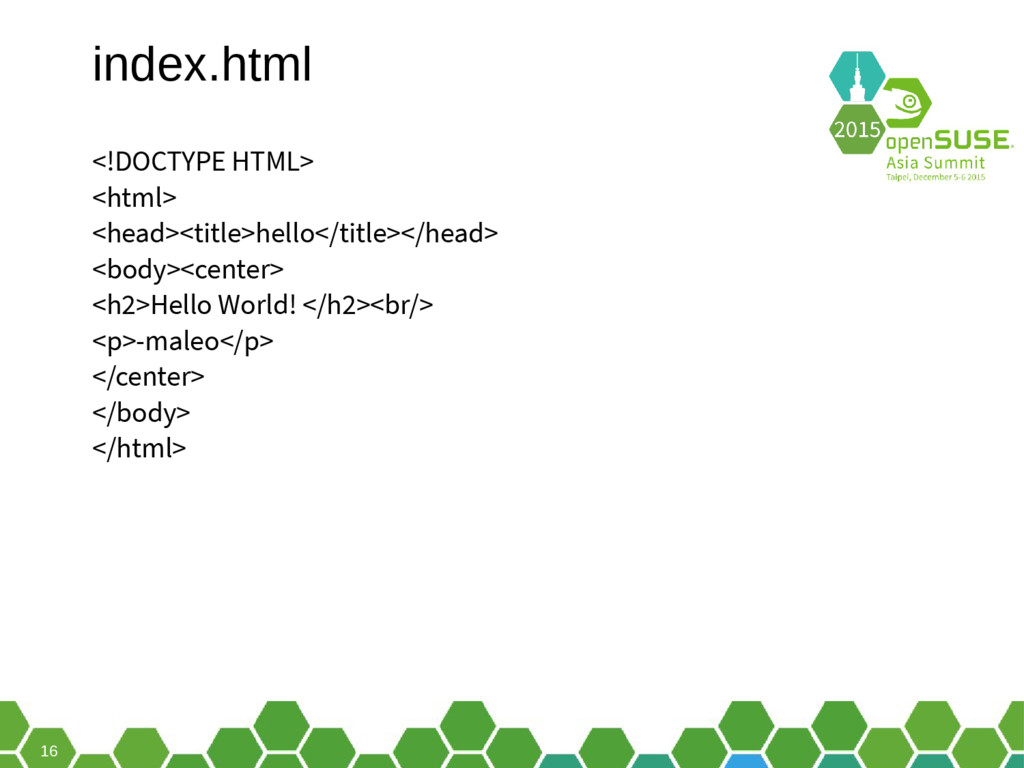
16 index.html <!DOCTYPE HTML> <html> <head><title>hello</title></head> <body><center> <h2>Hello World! </h2><br/>
<p>-maleo</p> </center> </body> </html> -
18 Can maleo run on openSUSE? • Sure! • But,
with more work. -
21 What we need? You need: • libwebkit2gtk-4.0-dev, • libseed
(from git) with patch to use libwebkit2gtk- 4.0 -
22 What we need? You need: • libwebkit2gtk-4.0-dev, • libseed
(from git) with patch to use libwebkit2gtk- 4.0 • javascriptcoregtk-4.0. -
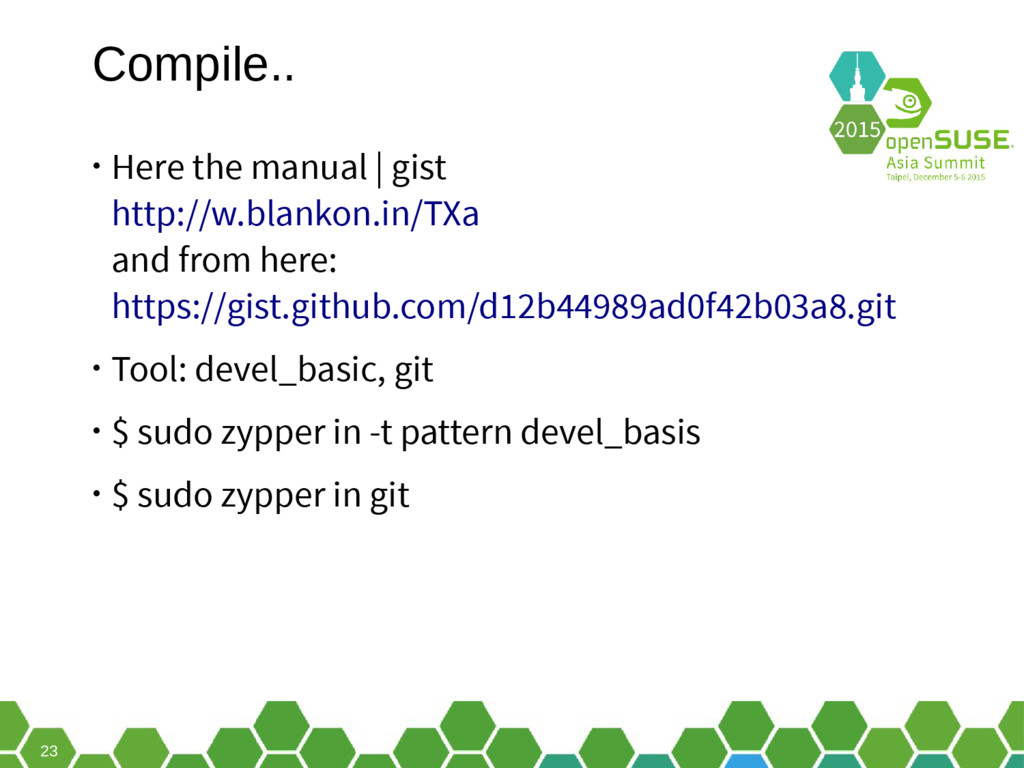
23 Compile.. • Here the manual | gist http://w.blankon.in/TXa and
from here: https://gist.github.com/d12b44989ad0f42b03a8.git • Tool: devel_basic, git • $ sudo zypper in -t pattern devel_basis • $ sudo zypper in git -
24 seed • With little patch to enable build seed
for libwebkit2gtk-4.0 -
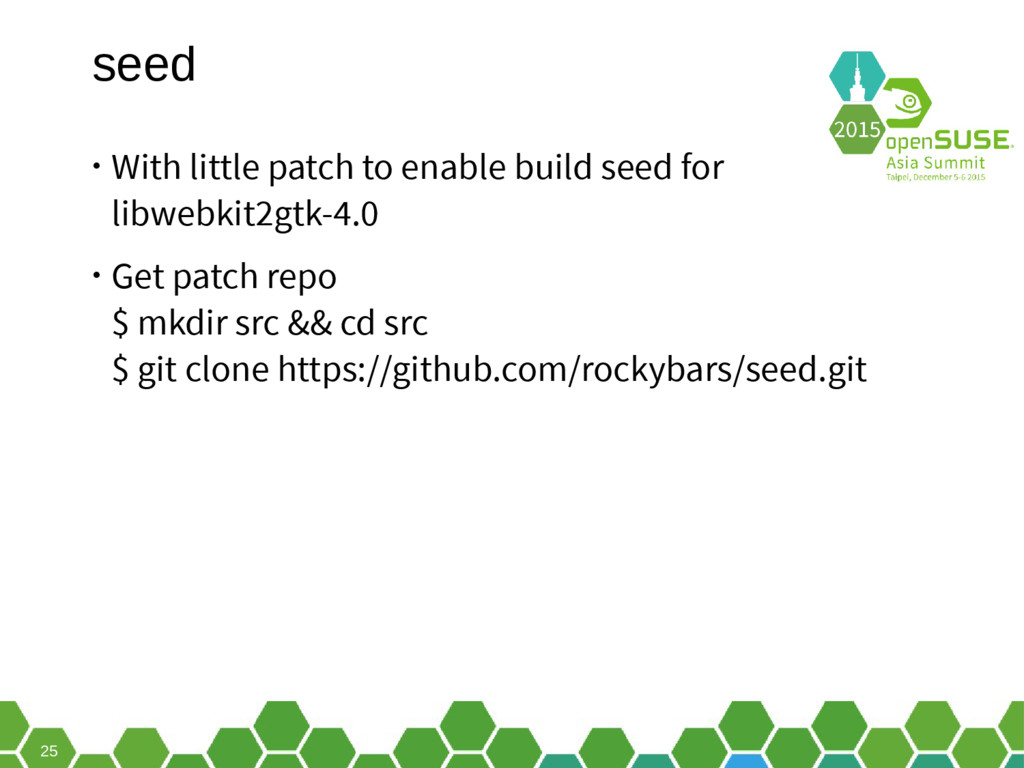
25 seed • With little patch to enable build seed
for libwebkit2gtk-4.0 • Get patch repo $ mkdir src && cd src $ git clone https://github.com/rockybars/seed.git -
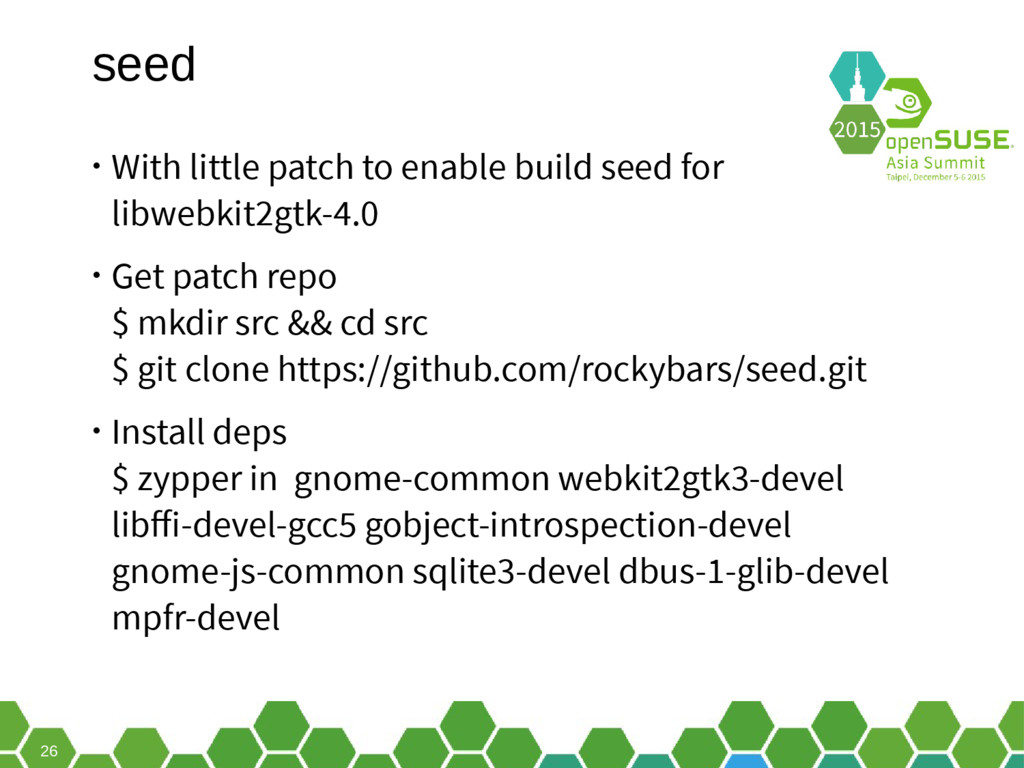
26 seed • With little patch to enable build seed
for libwebkit2gtk-4.0 • Get patch repo $ mkdir src && cd src $ git clone https://github.com/rockybars/seed.git • Install deps $ zypper in gnome-common webkit2gtk3-devel libffi-devel-gcc5 gobject-introspection-devel gnome-js-common sqlite3-devel dbus-1-glib-devel mpfr-devel -
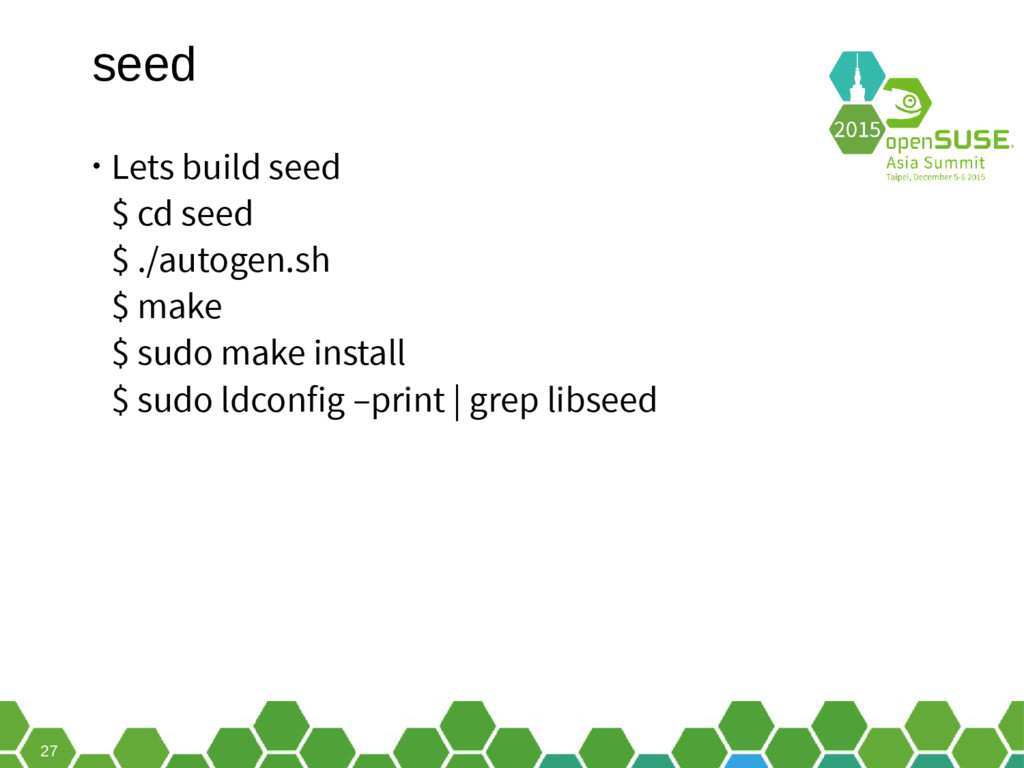
27 seed • Lets build seed $ cd seed $
./autogen.sh $ make $ sudo make install $ sudo ldconfig –print | grep libseed -
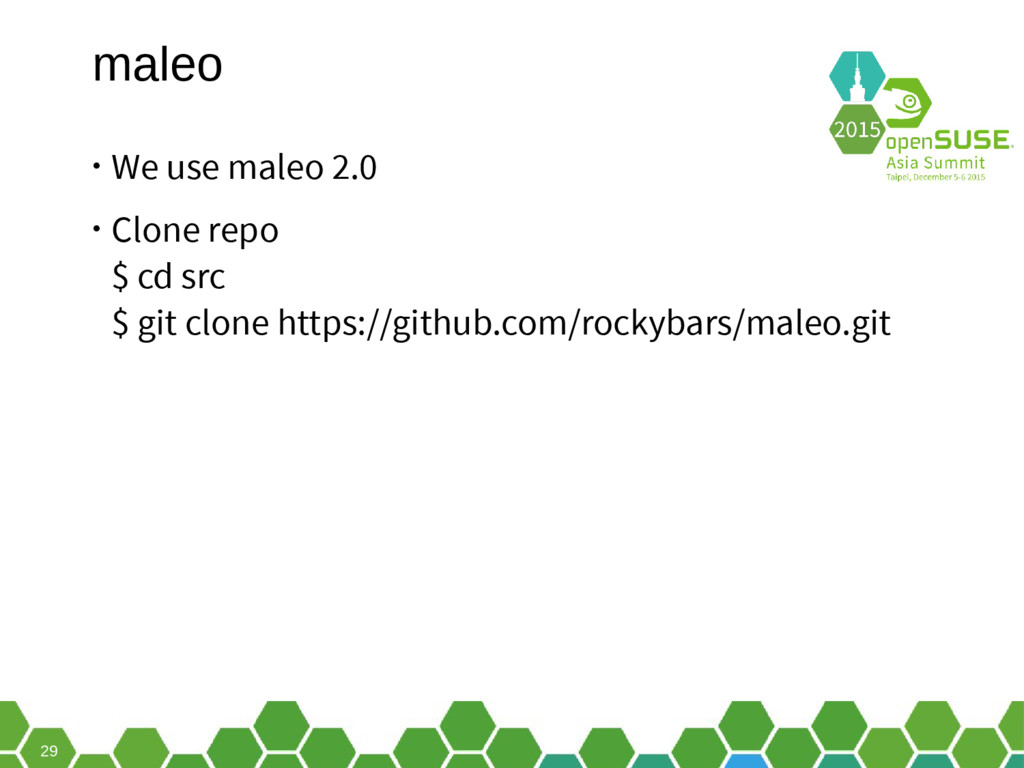
29 maleo • We use maleo 2.0 • Clone repo
$ cd src $ git clone https://github.com/rockybars/maleo.git -
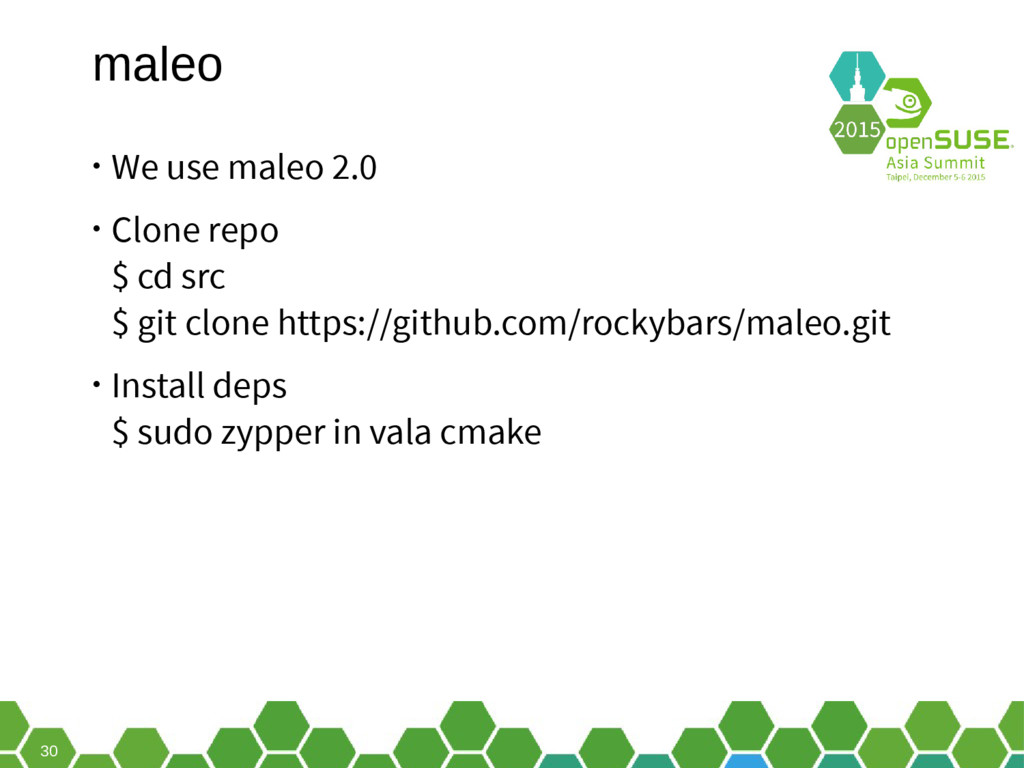
30 maleo • We use maleo 2.0 • Clone repo
$ cd src $ git clone https://github.com/rockybars/maleo.git • Install deps $ sudo zypper in vala cmake -
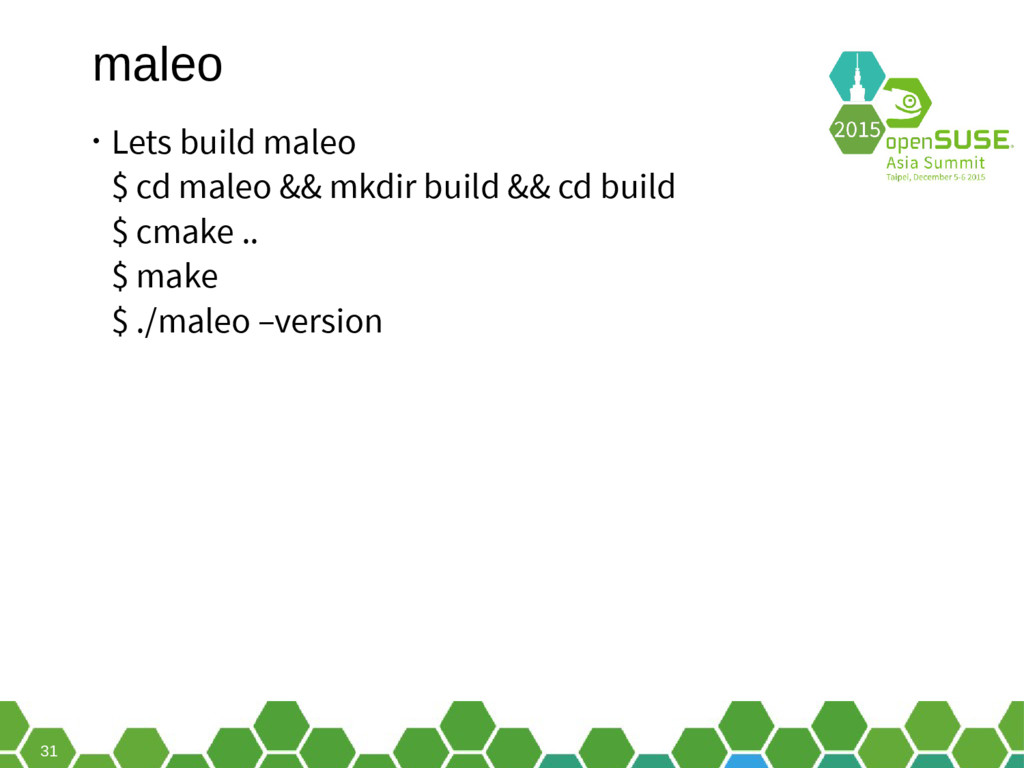
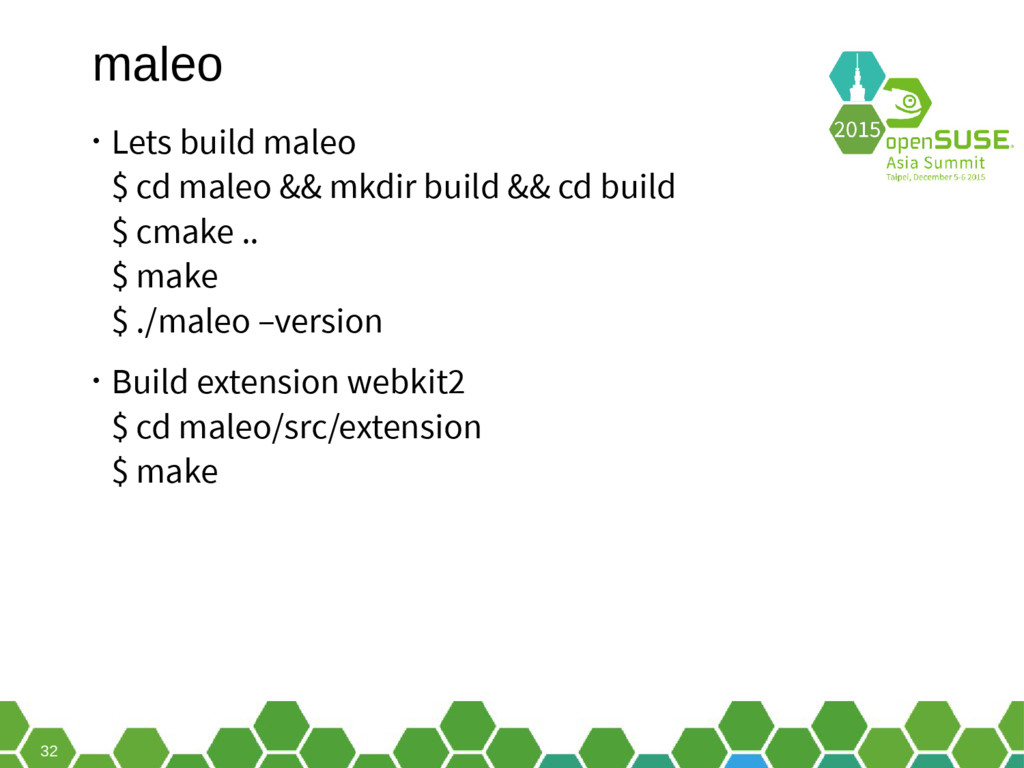
31 maleo • Lets build maleo $ cd maleo &&
mkdir build && cd build $ cmake .. $ make $ ./maleo –version -
32 maleo • Lets build maleo $ cd maleo &&
mkdir build && cd build $ cmake .. $ make $ ./maleo –version • Build extension webkit2 $ cd maleo/src/extension $ make -
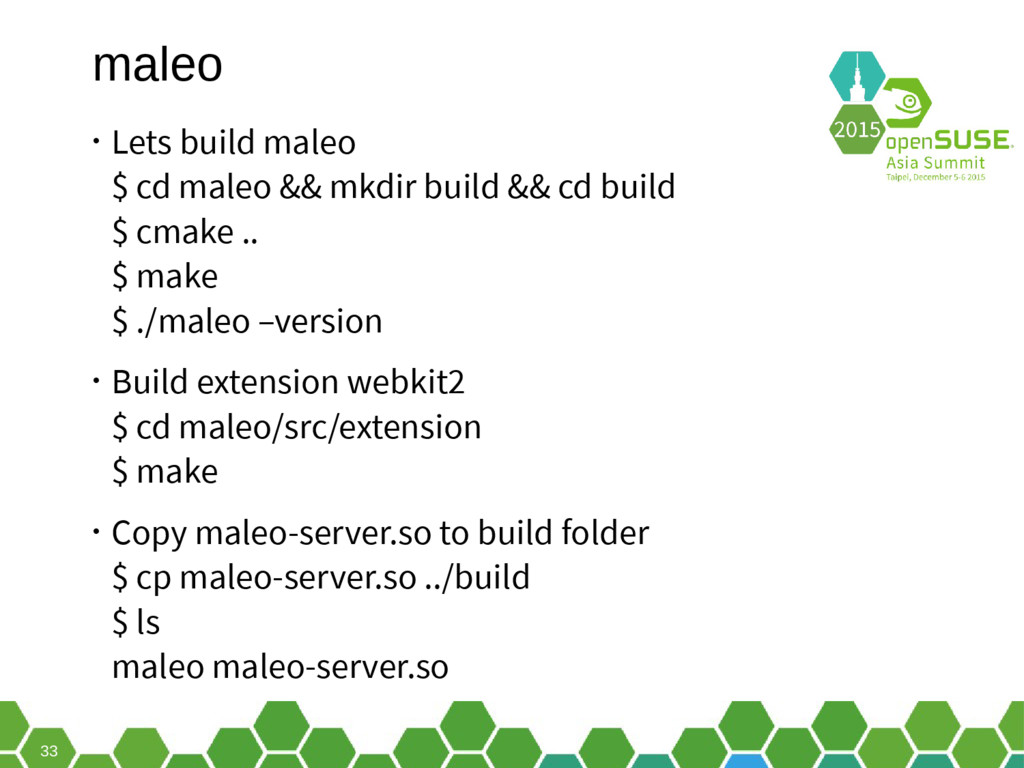
33 maleo • Lets build maleo $ cd maleo &&
mkdir build && cd build $ cmake .. $ make $ ./maleo –version • Build extension webkit2 $ cd maleo/src/extension $ make • Copy maleo-server.so to build folder $ cp maleo-server.so ../build $ ls maleo maleo-server.so -
35 Run maleo with fullpath • From git repo $
maleo ../examples/hello -
37 Lets make other example. • Do you have instagram?
• Let make it run with maleo -
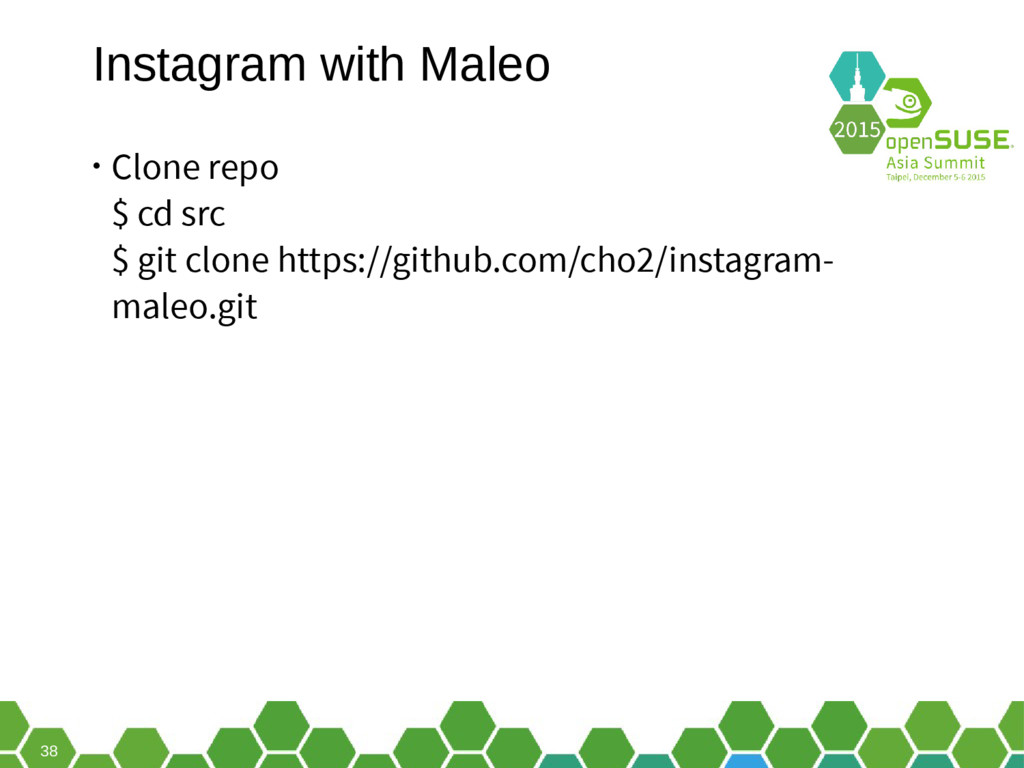
38 Instagram with Maleo • Clone repo $ cd src
$ git clone https://github.com/cho2/instagram- maleo.git -
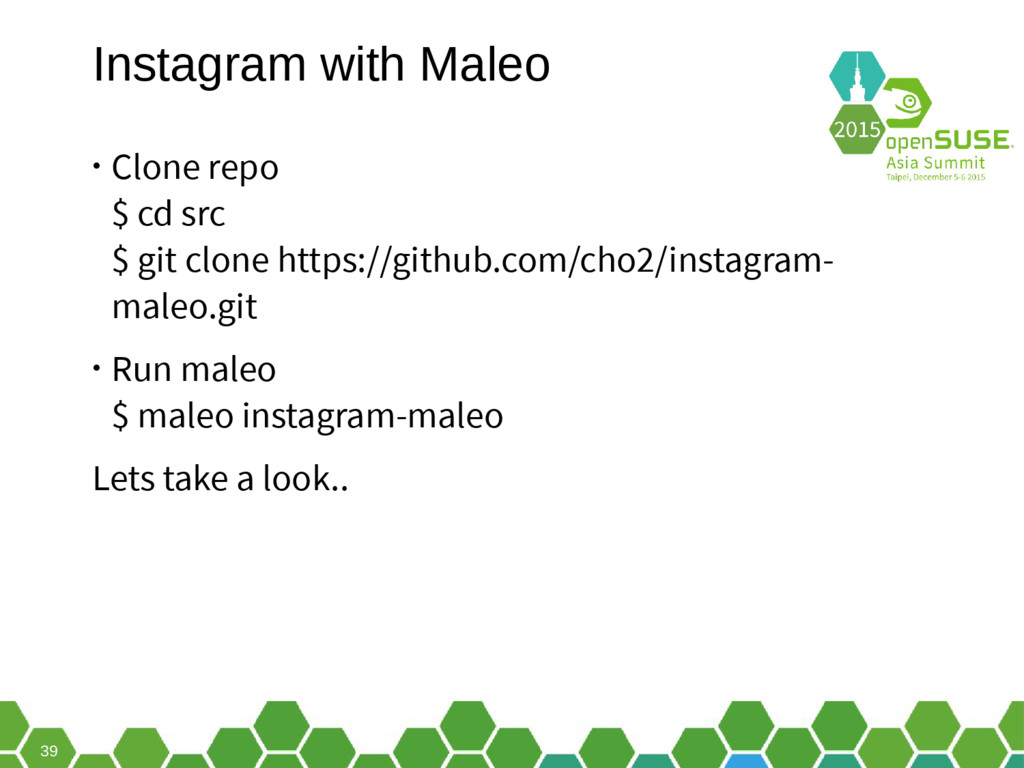
39 Instagram with Maleo • Clone repo $ cd src
$ git clone https://github.com/cho2/instagram- maleo.git • Run maleo $ maleo instagram-maleo Lets take a look.. -
40 How about twitter? • O really? | Yeps •
Clone $ git clone https://github.com/tuanpembual/twitter-maleo.git -
41 How about twitter? • O really? | Yeps •
Clone $ git clone https://github.com/tuanpembual/twitter-maleo.git • Run Maleo $ maleo twitter-maleo -
42 Next step • Make rpm package for seed, maleo
and app run maleo -
43 Next step • Make rpm package for seed, maleo
and app run maleo • Make specific repo -
44 Next step • Make rpm package for seed, maleo
and app run maleo • Make specific repo • Run maleo with NodeJS-way -
45 Next step • Make rpm package for seed, maleo
and app run maleo • Make specific repo • Run maleo with NodeJS-way Want join? Please contact me after this session. :) -
Thank you. Join the conversation, contribute & have a lot
of fun! www.opensuse.org -
48 Have a Lot of Fun, and Join Us At:
www.opensuse.org -
General Disclaimer This document is not to be construed as
a promise by any participating organisation to develop, deliver, or market a product. It is not a commitment to deliver any material, code, or functionality, and should not be relied upon in making purchasing decisions. openSUSE makes no representations or warranties with respect to the contents of this document, and specifically disclaims any express or implied warranties of merchantability or fitness for any particular purpose. The development, release, and timing of features or functionality described for openSUSE products remains at the sole discretion of openSUSE. Further, openSUSE reserves the right to revise this document and to make changes to its content, at any time, without obligation to notify any person or entity of such revisions or changes. All openSUSE marks referenced in this presentation are trademarks or registered trademarks of SUSE LLC, in the United States and other countries. All third-party trademarks are the property of their respective owners. License This slide deck is licensed under the Creative Commons Attribution-ShareAlike 4.0 International license. It can be shared and adapted for any purpose (even commercially) as long as Attribution is given and any derivative work is distributed under the same license. Details can be found at https://creativecommons.org/licenses/by-sa/4.0/ Credits Template Richard Brown [email protected] Design & Inspiration openSUSE Design Team http://opensuse.github.io/branding- guidelines/