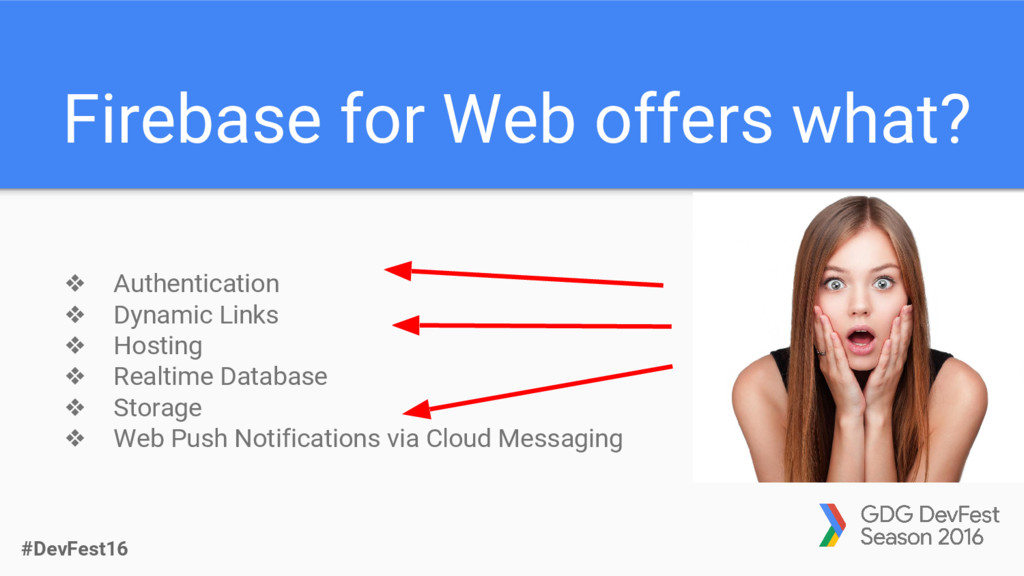
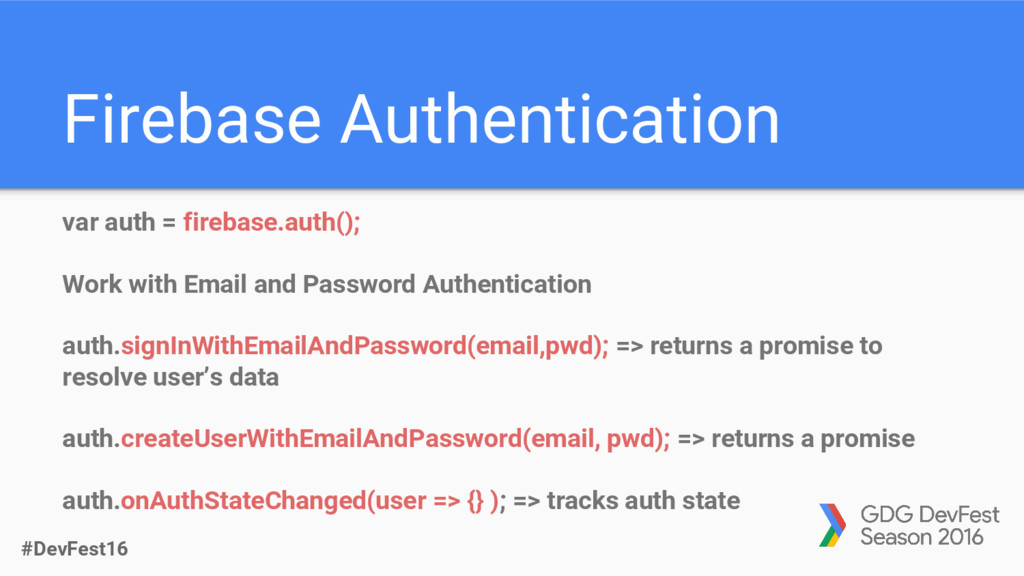
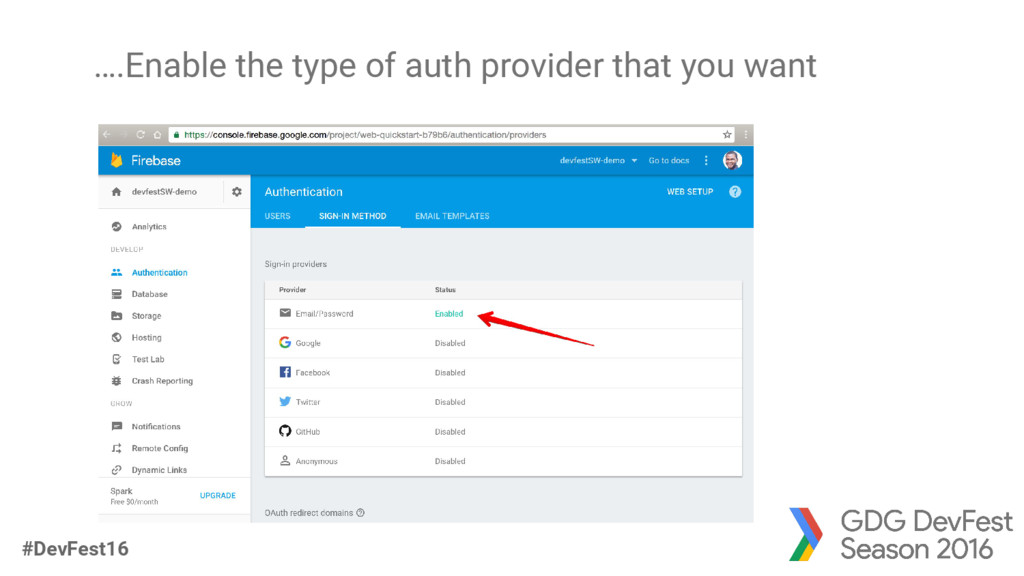
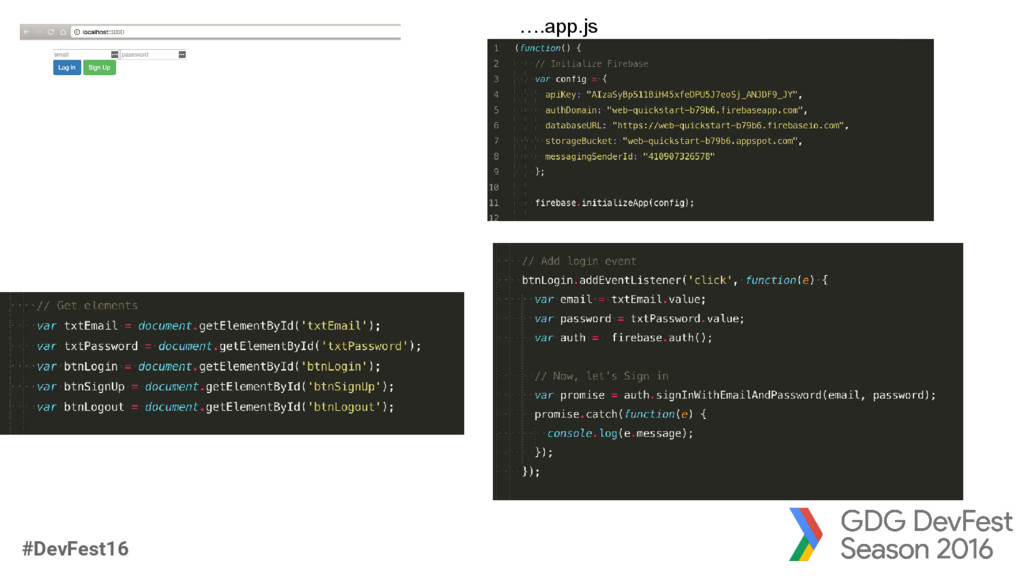
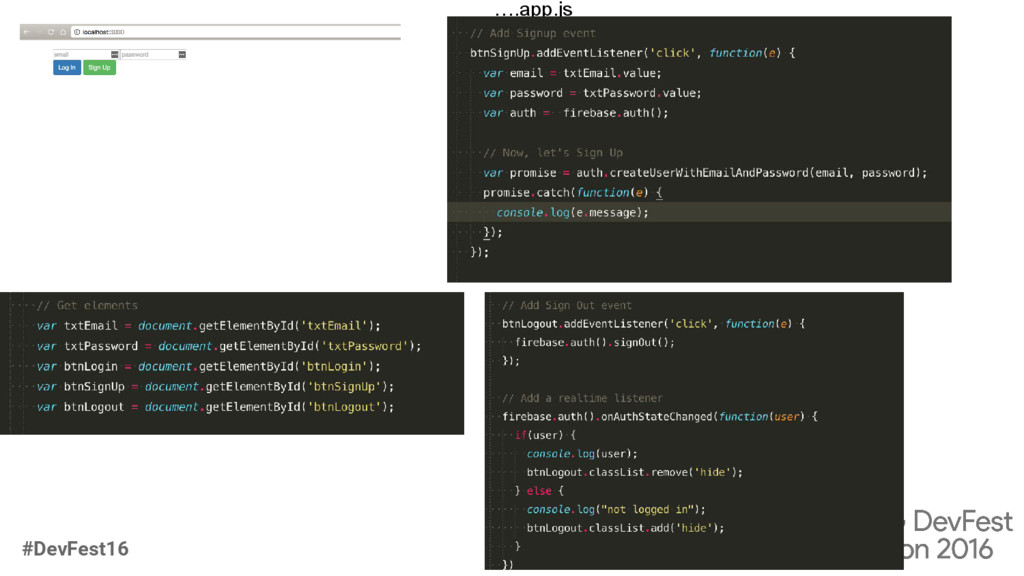
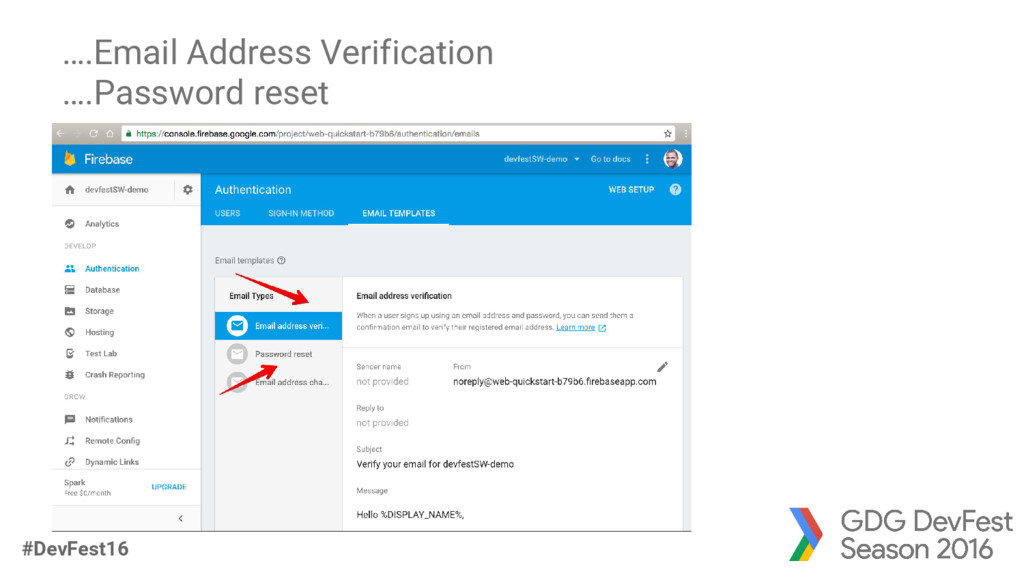
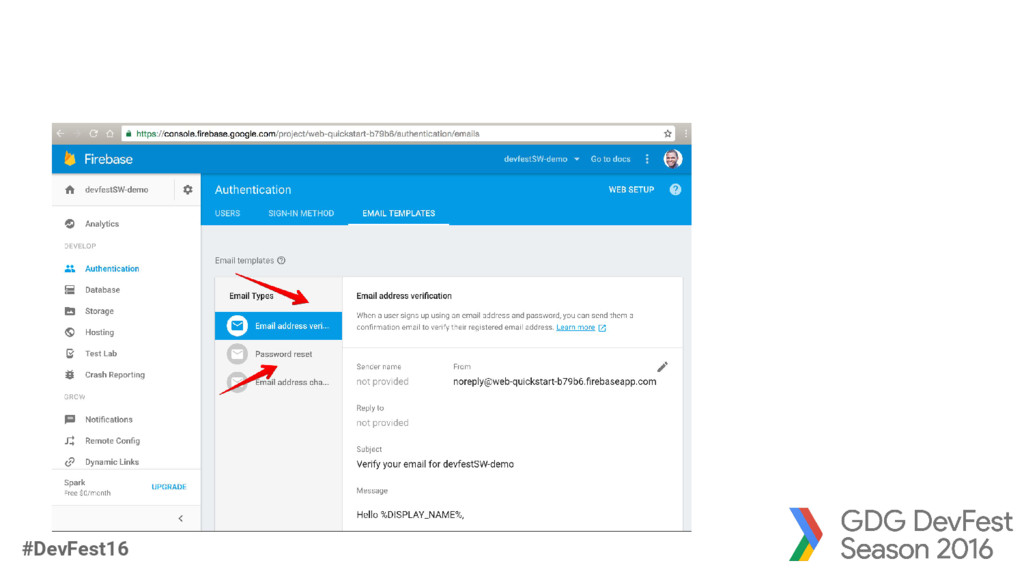
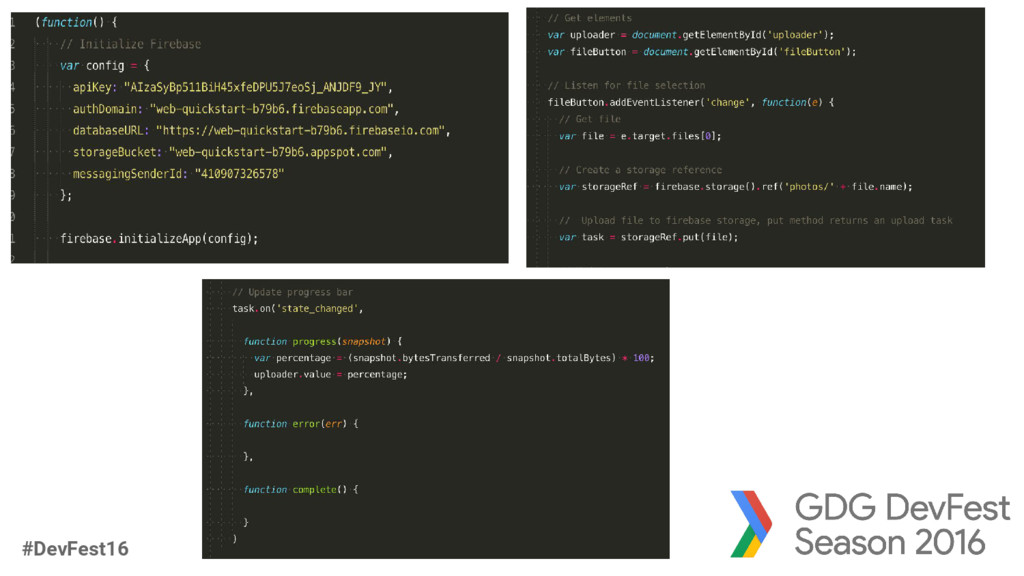
Email and Password Authentication auth.signInWithEmailAndPassword(email,pwd); => returns a promise to resolve user’s data auth.createUserWithEmailAndPassword(email, pwd); => returns a promise auth.onAuthStateChanged(user => {} ); => tracks auth state
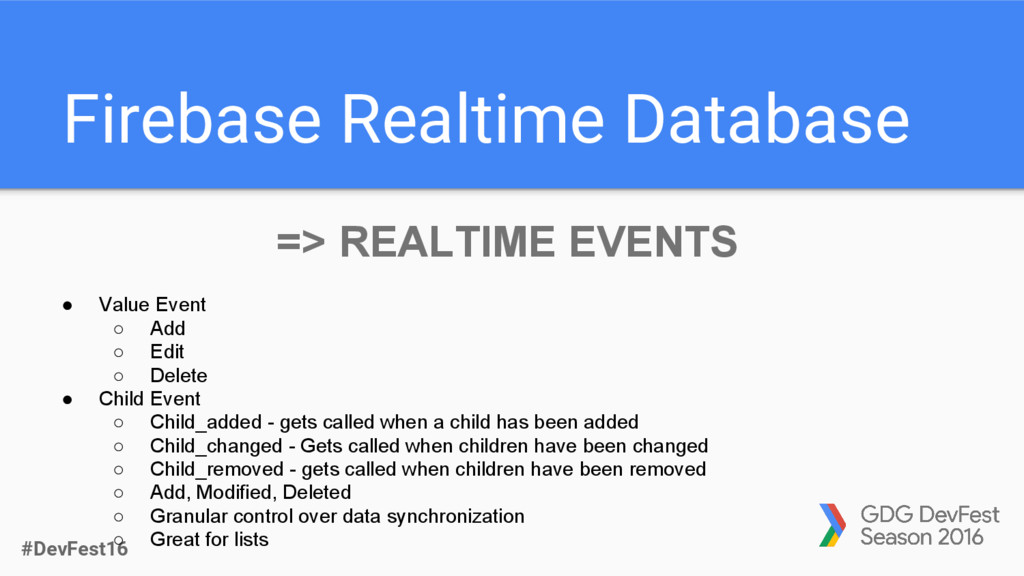
Event ◦ Add ◦ Edit ◦ Delete • Child Event ◦ Child_added - gets called when a child has been added ◦ Child_changed - Gets called when children have been changed ◦ Child_removed - gets called when children have been removed ◦ Add, Modified, Deleted ◦ Granular control over data synchronization ◦ Great for lists
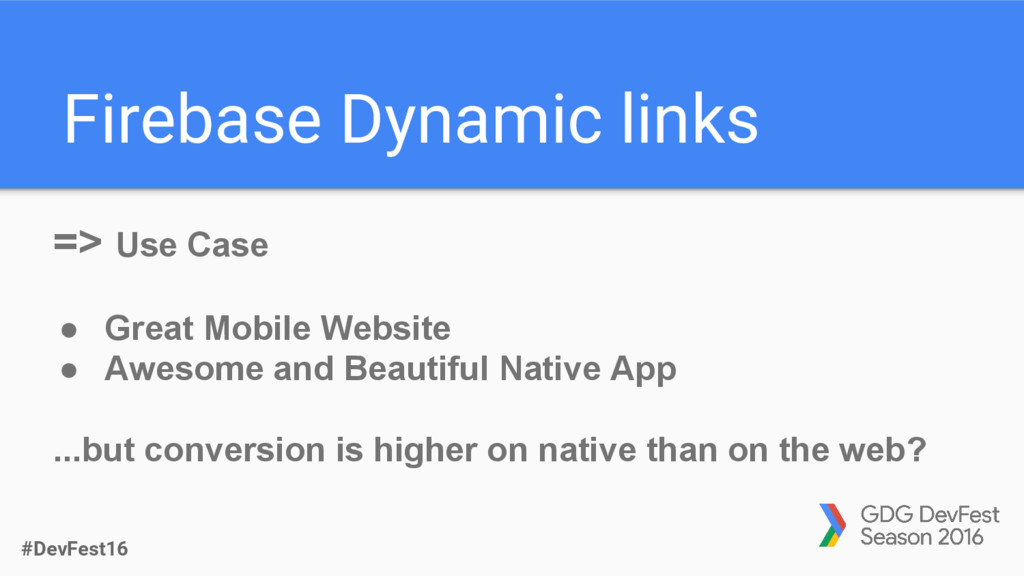
app deep-linkable • Add “Open in app” links to your web pages • The user will be directed to the corresponding page in your app from the mobile website
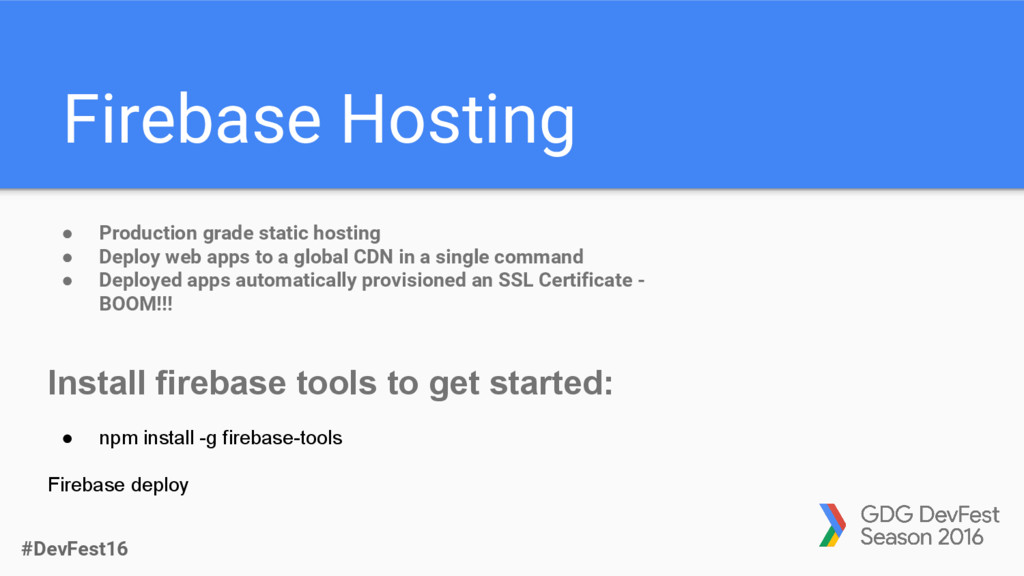
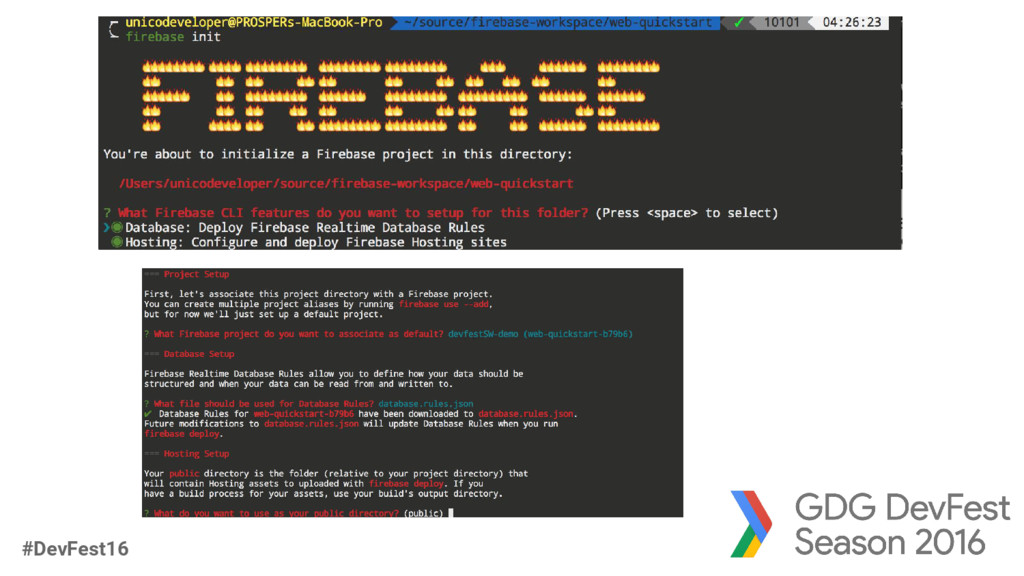
Deploy web apps to a global CDN in a single command • Deployed apps automatically provisioned an SSL Certificate - BOOM!!! Install firebase tools to get started: • npm install -g firebase-tools Firebase deploy
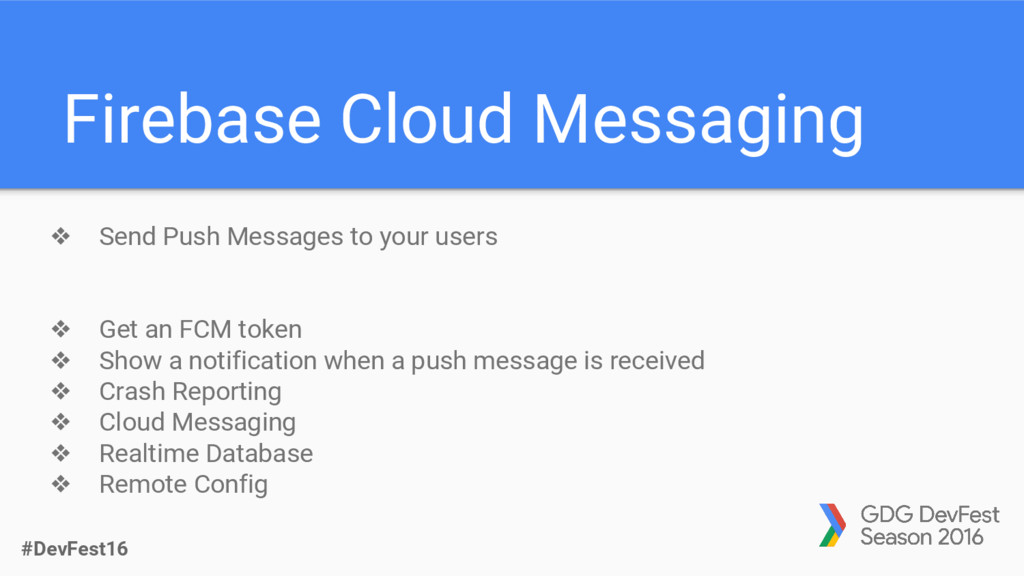
your users ❖ Get an FCM token ❖ Show a notification when a push message is received ❖ Crash Reporting ❖ Cloud Messaging ❖ Realtime Database ❖ Remote Config
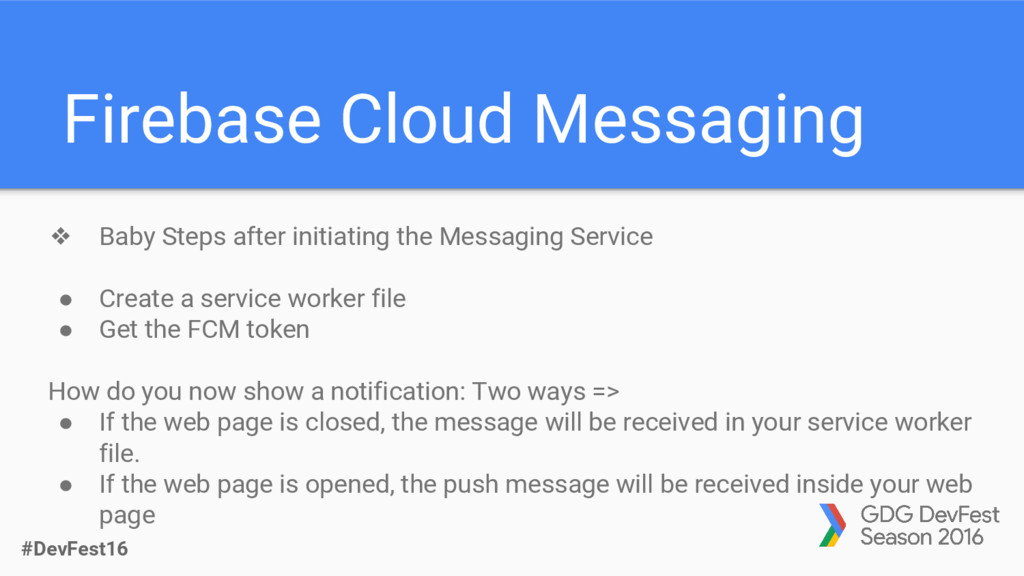
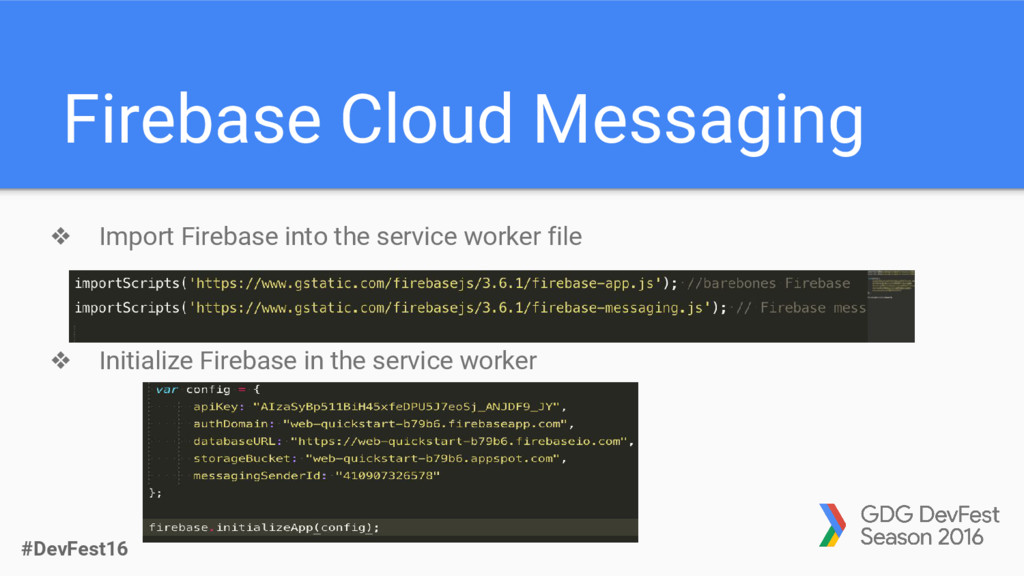
the Messaging Service • Create a service worker file • Get the FCM token How do you now show a notification: Two ways => • If the web page is closed, the message will be received in your service worker file. • If the web page is opened, the push message will be received inside your web page


 unicodeveloper
 bells17
 ivargrimstad
 satoshi256kbyte
 marcoroth
 palkan
 o0h
o0h
 gonta
gonta
 seike460
 deka_morita
 panda728
 armondando
 akase244
 marktimemedia
 nikkihalliwell
 swwweet
 honnibal
 techseoconnect
 rocio
rocio
 jmmastey
 kimpetersen
 wjessup
 seathinner
 lemiorhan