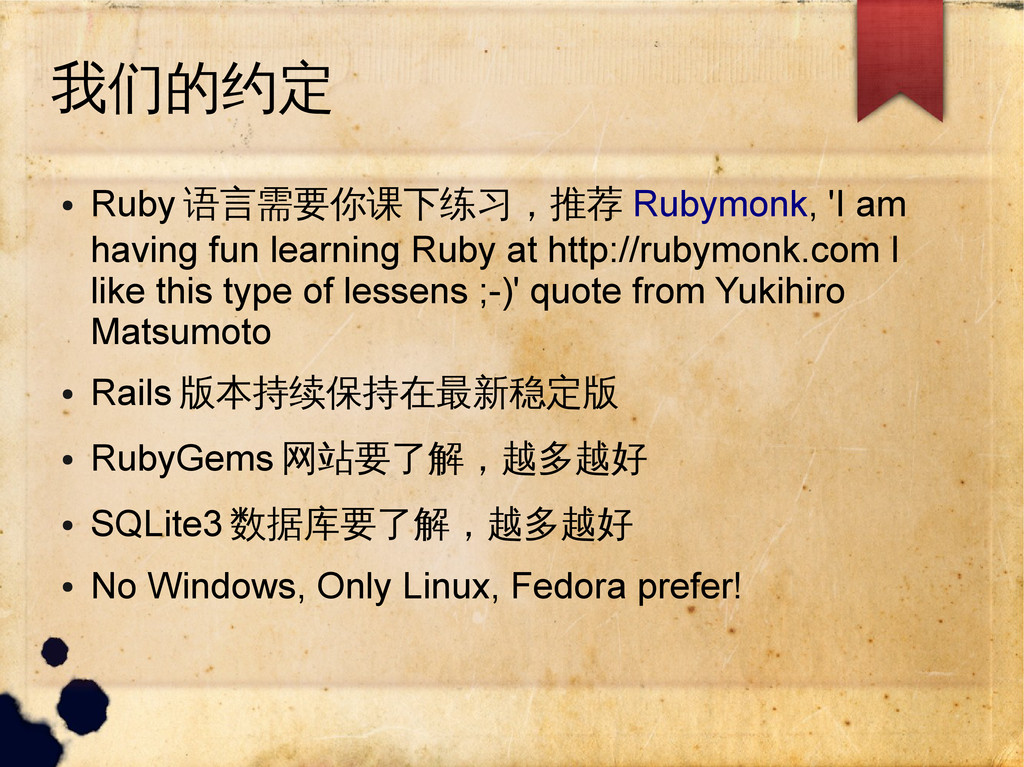
Ruby at http://rubymonk.com I like this type of lessens ;-)' quote from Yukihiro Matsumoto • Rails 版本持续保持在最新稳定版 • RubyGems 网站要了解,越多越好 • SQLite3 数据库要了解,越多越好 • No Windows, Only Linux, Fedora prefer!
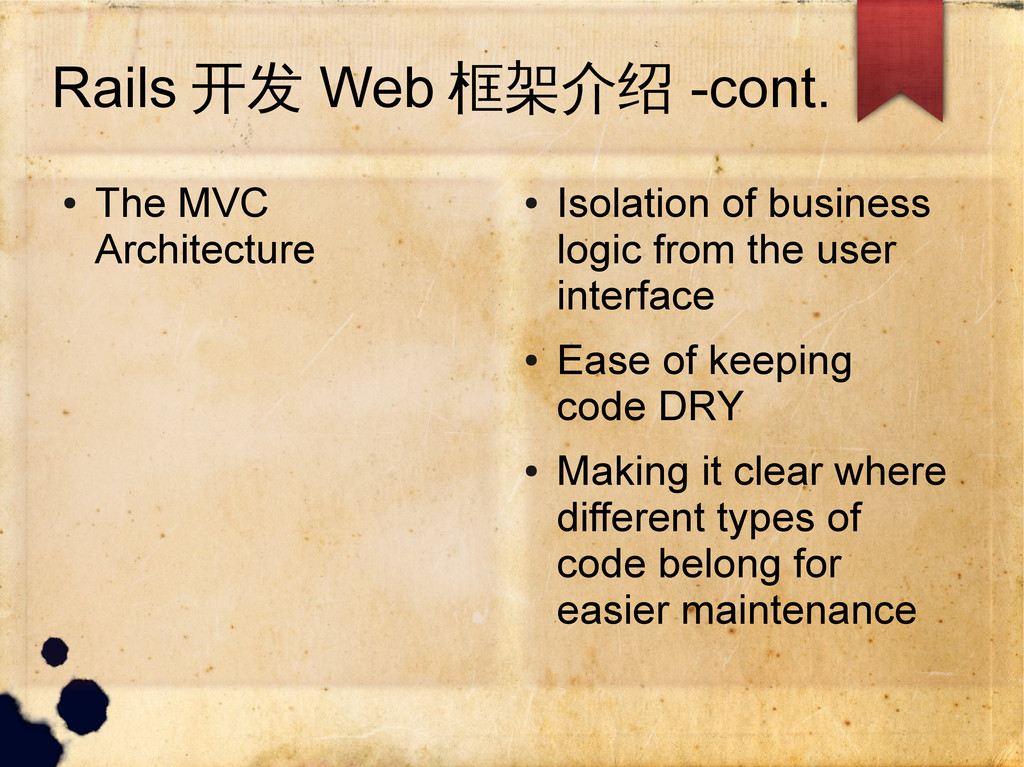
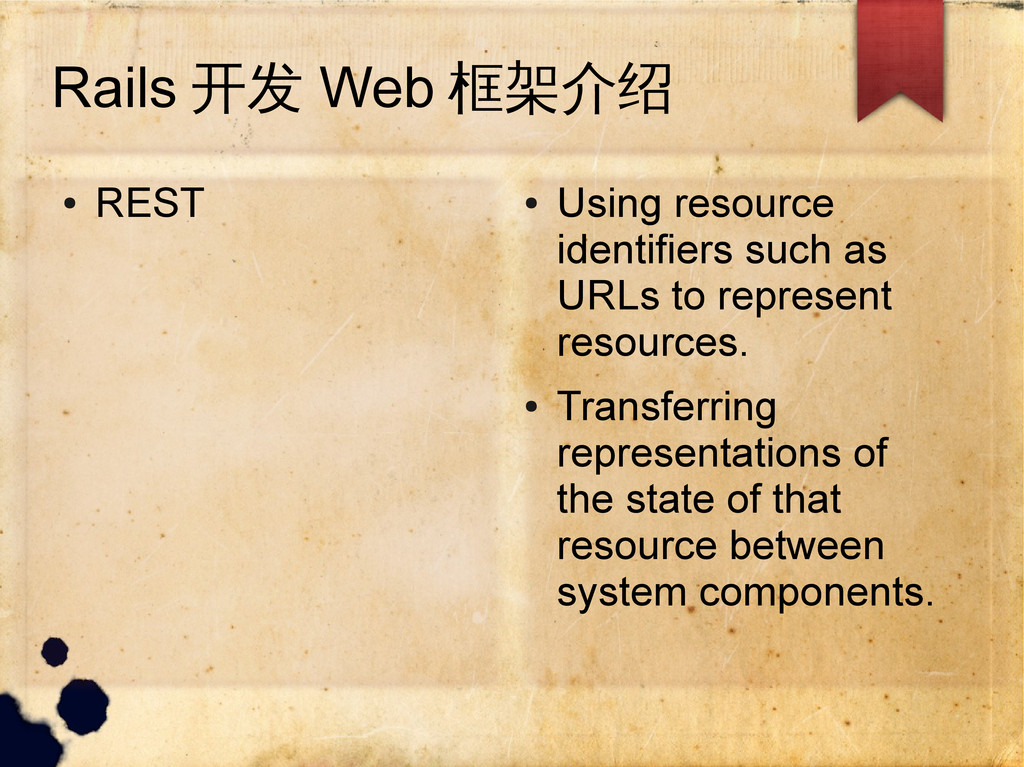
Isolation of business logic from the user interface • Ease of keeping code DRY • Making it clear where different types of code belong for easier maintenance
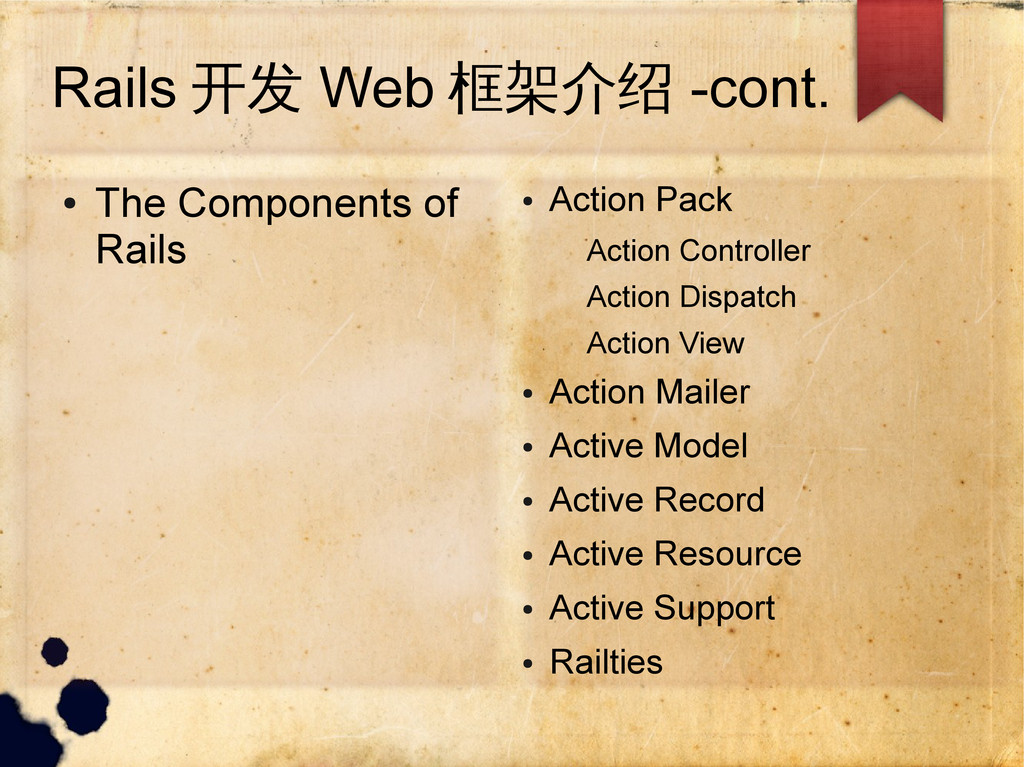
• Action Pack Action Controller Action Dispatch Action View • Action Mailer • Active Model • Active Record • Active Resource • Active Support • Railties
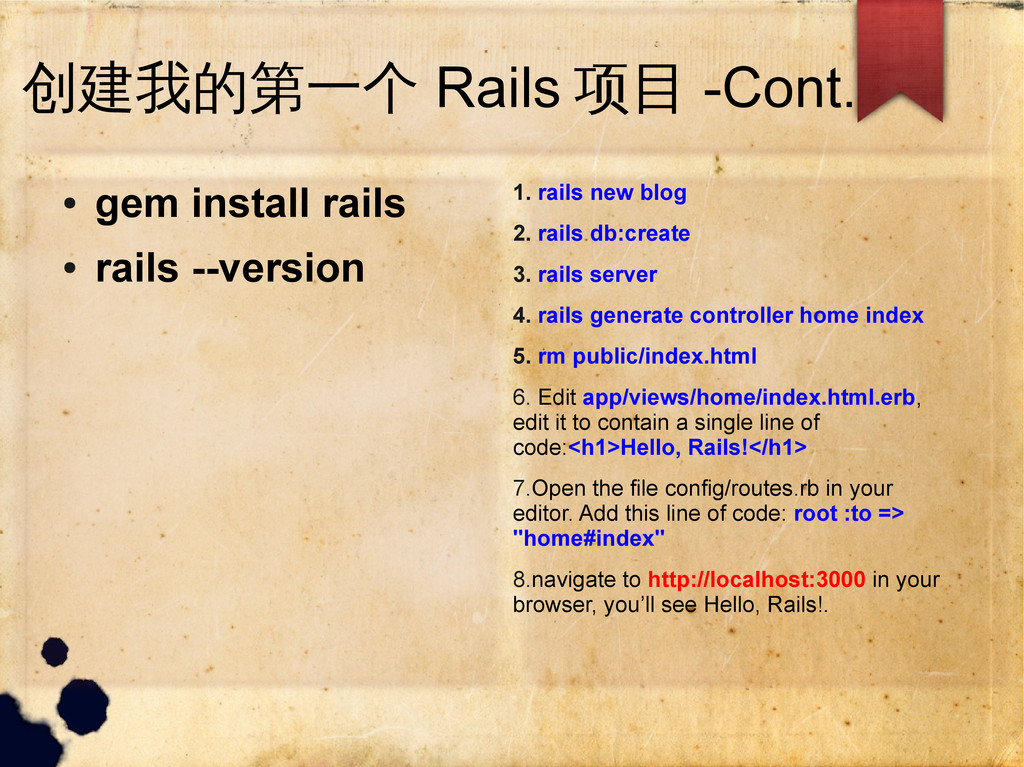
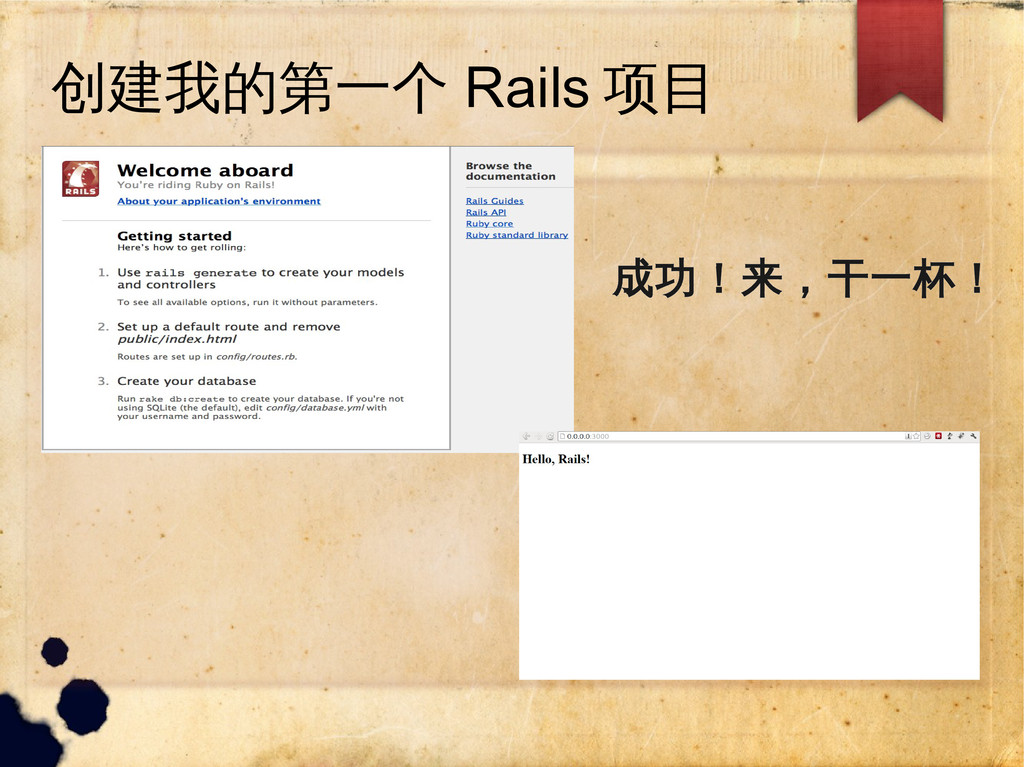
--version 1. rails new blog 2. rails db:create 3. rails server 4. rails generate controller home index 5. rm public/index.html 6. Edit app/views/home/index.html.erb, edit it to contain a single line of code:<h1>Hello, Rails!</h1> 7.Open the file config/routes.rb in your editor. Add this line of code: root :to => "home#index" 8.navigate to http://localhost:3000 in your browser, you’ll see Hello, Rails!.


 xds2000
 gionn
gionn
 takonda
 ueponx
 kentarofujii
 occhi
occhi
 jyouryuusui
 koukihosaka
 ishikawa_satoru
 terapyon
 bengo4com
 nttcom
 techtekt
 bermonpainter
 addyosmani
 mkilby
 reverentgeek
 chrislema
 lara
lara
 aleyda
 jnunemaker
 khoart
 axbom
axbom
 palkan
 vanstee