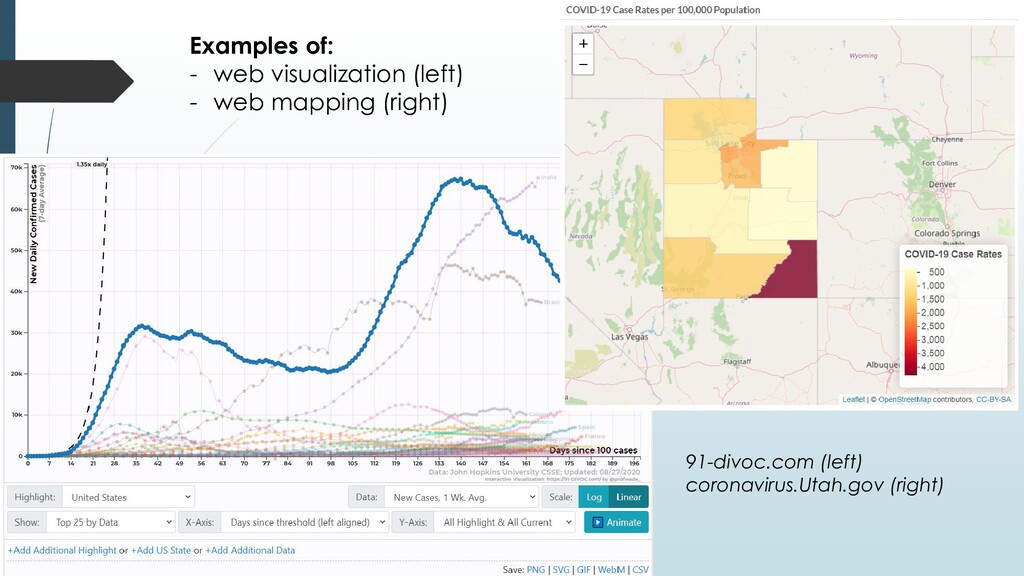
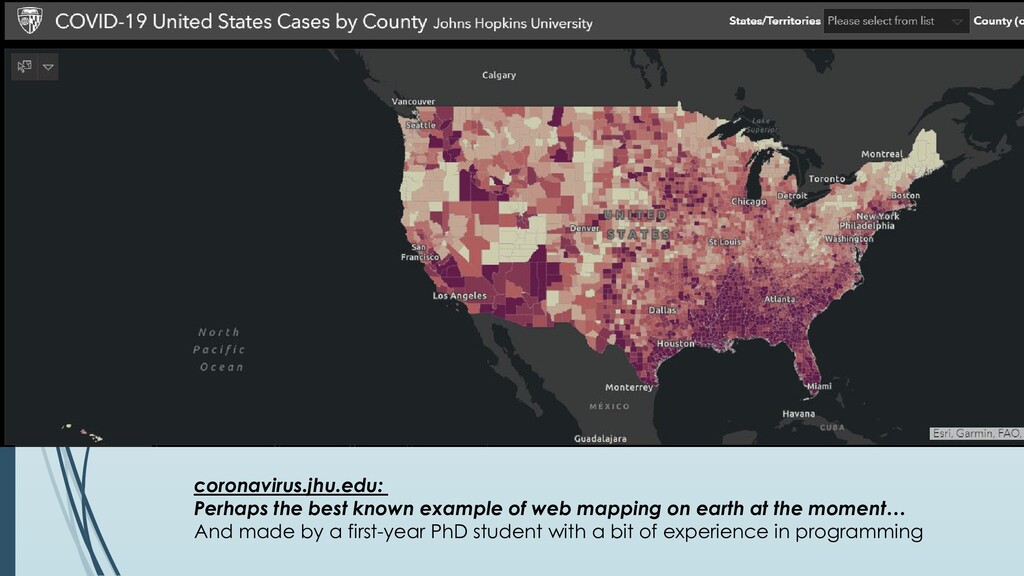
In this class, you’ll learn how to automate tasks in GIS with computer code We’ll cover: • Basic programming in Python • Getting Python and ArcGIS to play nicely together • Developing your own toolboxes in ArcGIS • Making maps for the web using open-source, free toolkits This is a timely course, for all the wrong reasons…
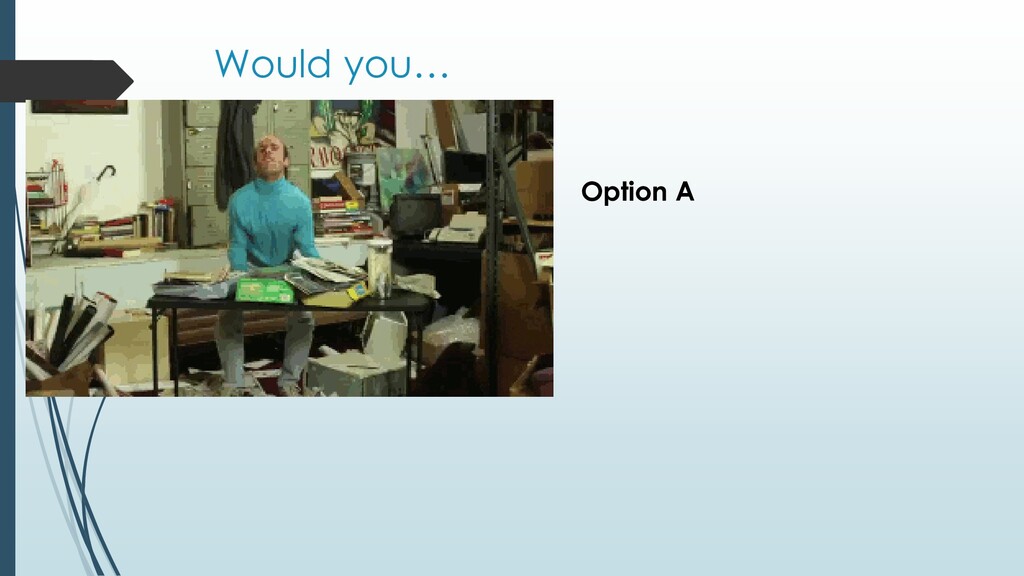
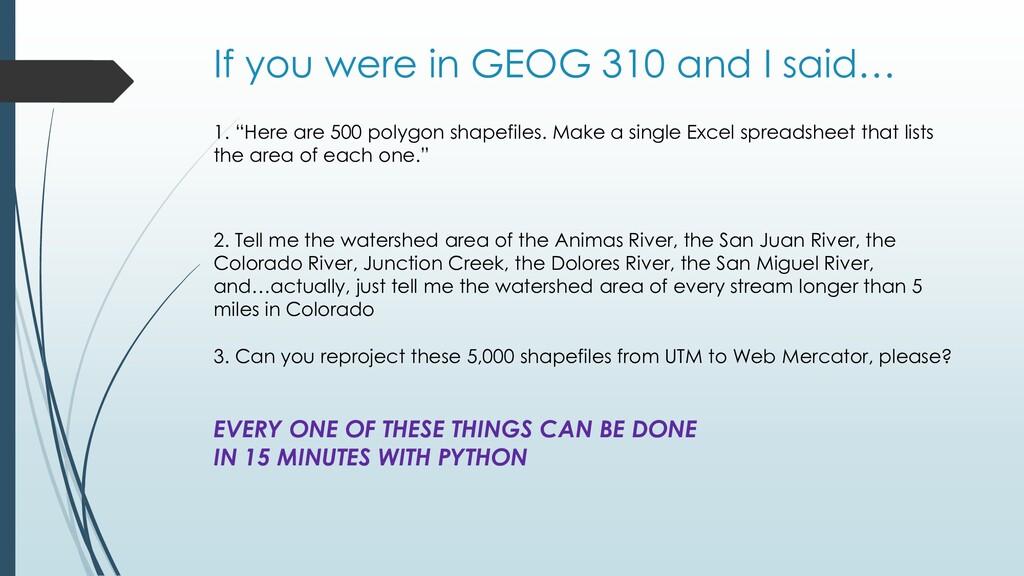
“Here are 500 polygon shapefiles. Make a single Excel spreadsheet that lists the area of each one.” 3. Can you reproject these 5,000 shapefiles from UTM to Web Mercator, please? 2. Tell me the watershed area of the Animas River, the San Juan River, the Colorado River, Junction Creek, the Dolores River, the San Miguel River, and…actually, just tell me the watershed area of every stream longer than 5 miles in Colorado
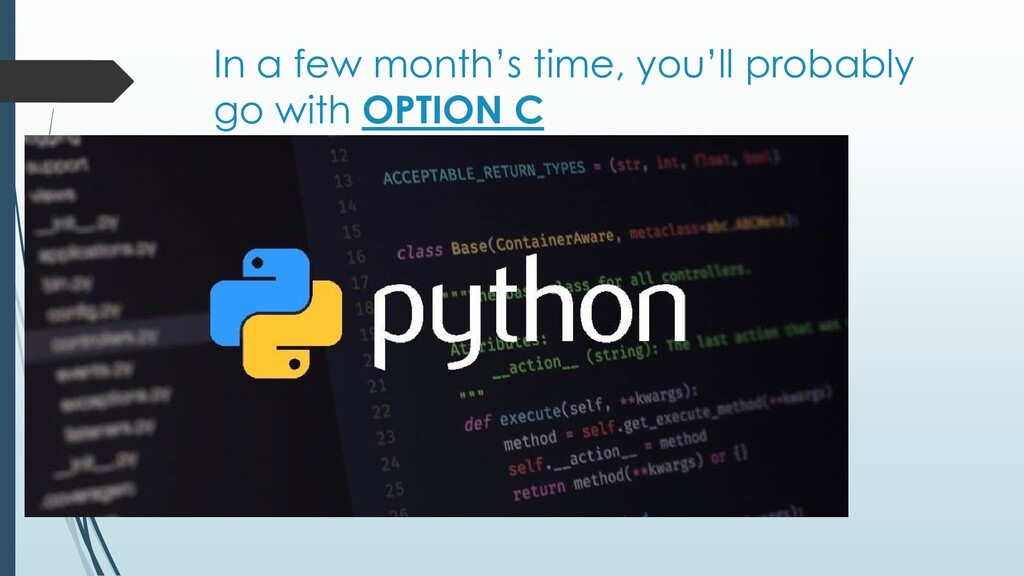
“Here are 500 polygon shapefiles. Make a single Excel spreadsheet that lists the area of each one.” 2. Tell me the watershed area of the Animas River, the San Juan River, the Colorado River, Junction Creek, the Dolores River, the San Miguel River, and…actually, just tell me the watershed area of every stream longer than 5 miles in Colorado 3. Can you reproject these 5,000 shapefiles from UTM to Web Mercator, please? EVERY ONE OF THESE THINGS CAN BE DONE IN 15 MINUTES WITH PYTHON
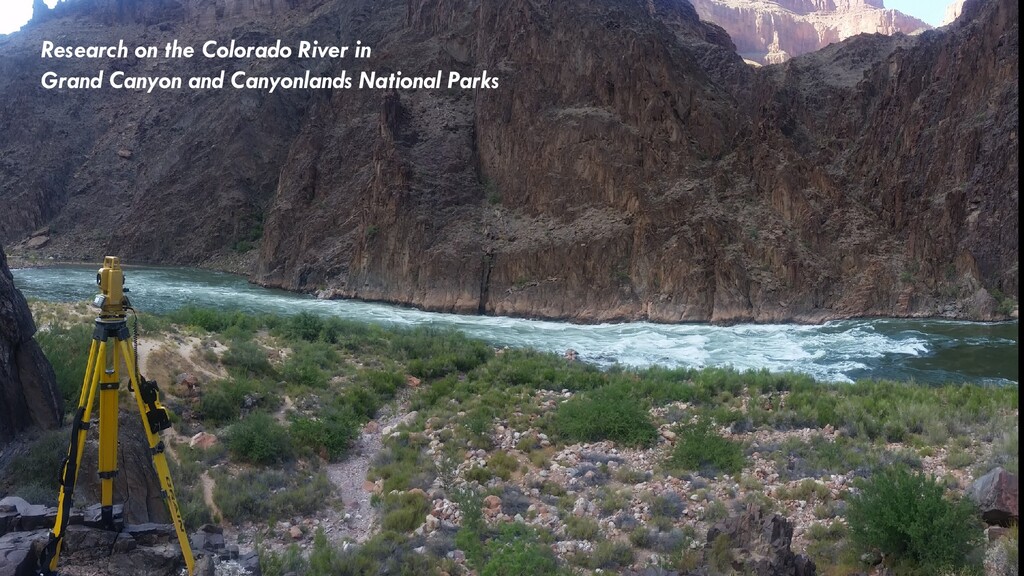
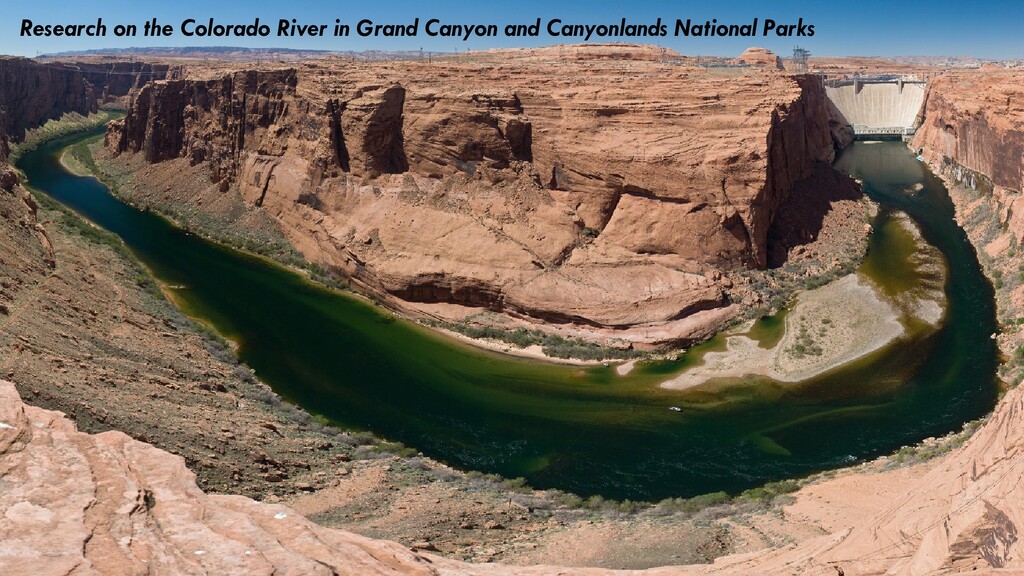
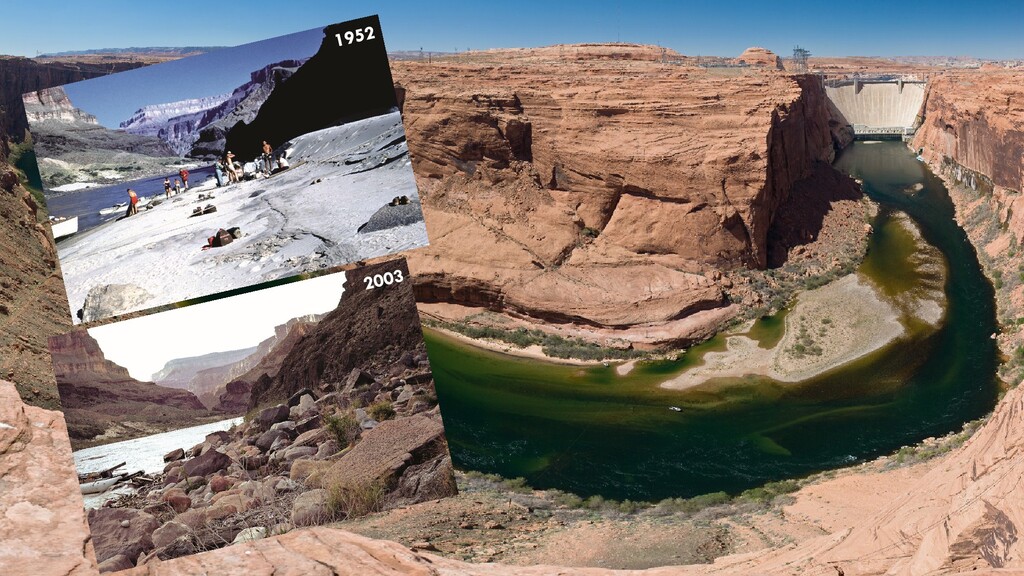
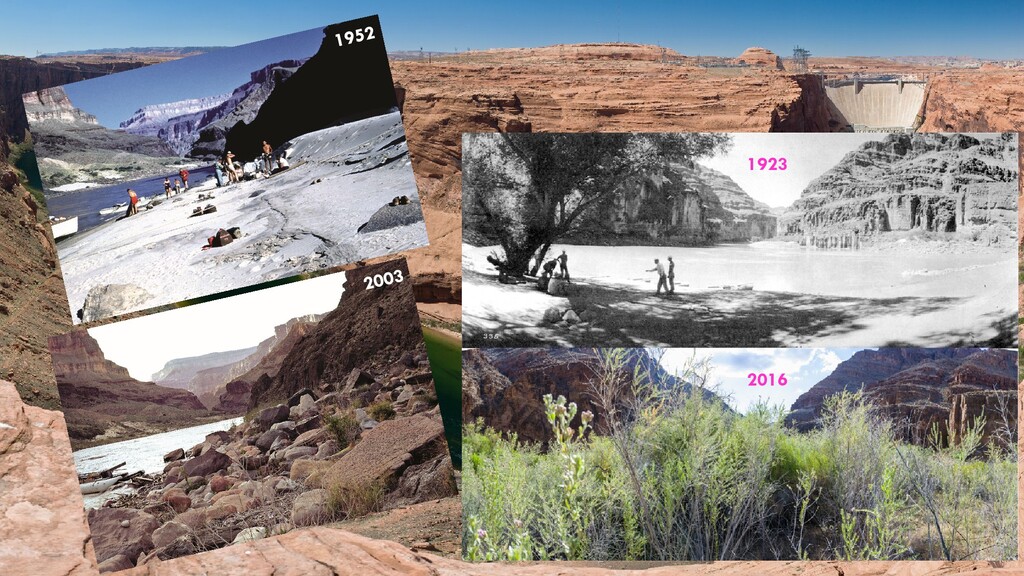
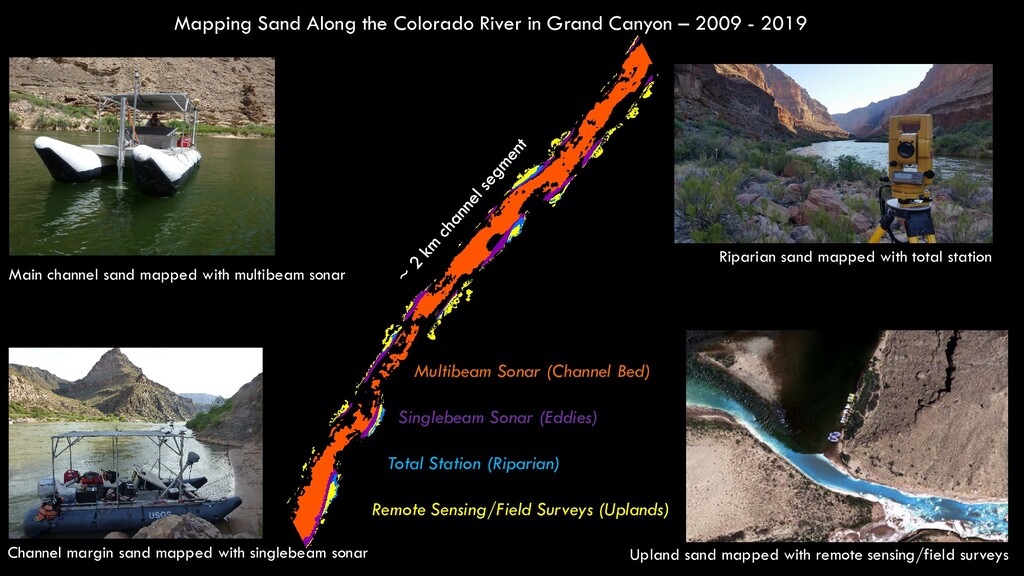
2009 - 2019 Main channel sand mapped with multibeam sonar Riparian sand mapped with total station Channel margin sand mapped with singlebeam sonar Upland sand mapped with remote sensing/field surveys Multibeam Sonar (Channel Bed) Singlebeam Sonar (Eddies) Total Station (Riparian) Remote Sensing/Field Surveys (Uplands)
What you’re studying at FLC 3. Other GIS classes you’ve taken? 4. Any prior experience writing computer code? 5. What do you want to do with your GIS skills? I’d like to hear from you! How many of you are here… - Because you have to be? - Because you want to be? - Because you’re actually in the wrong class but you don’t want to just get up and leave
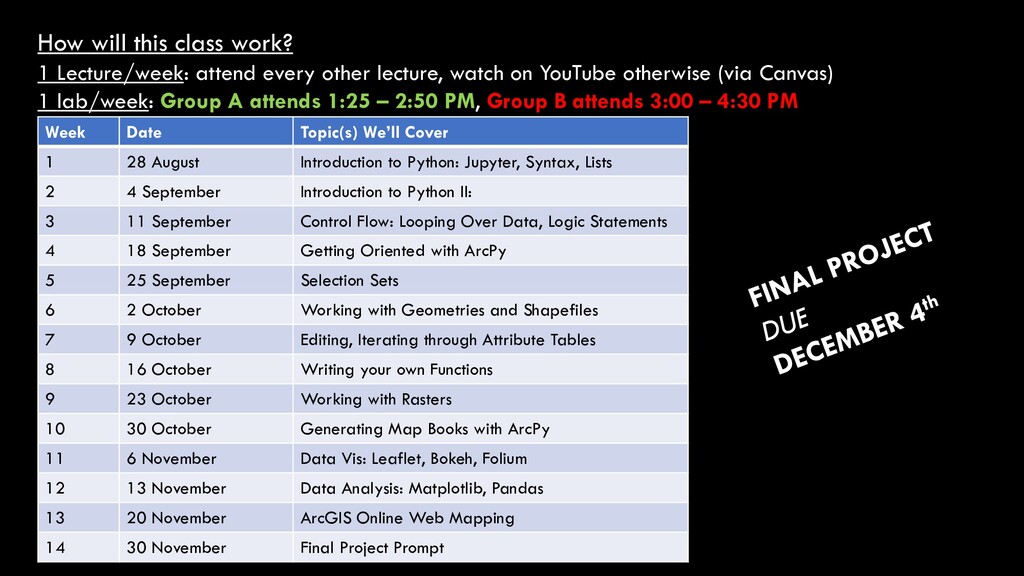
lecture, watch on YouTube otherwise (via Canvas) 1 lab/week: Group A attends 1:25 – 2:50 PM, Group B attends 3:00 – 4:30 PM Week Date Topic(s) We’ll Cover 1 28 August Introduction to Python: Jupyter, Syntax, Lists 2 4 September Introduction to Python II: 3 11 September Control Flow: Looping Over Data, Logic Statements 4 18 September Getting Oriented with ArcPy 5 25 September Selection Sets 6 2 October Working with Geometries and Shapefiles 7 9 October Editing, Iterating through Attribute Tables 8 16 October Writing your own Functions 9 23 October Working with Rasters 10 30 October Generating Map Books with ArcPy 11 6 November Data Vis: Leaflet, Bokeh, Folium 12 13 November Data Analysis: Matplotlib, Pandas 13 20 November ArcGIS Online Web Mapping 14 30 November Final Project Prompt
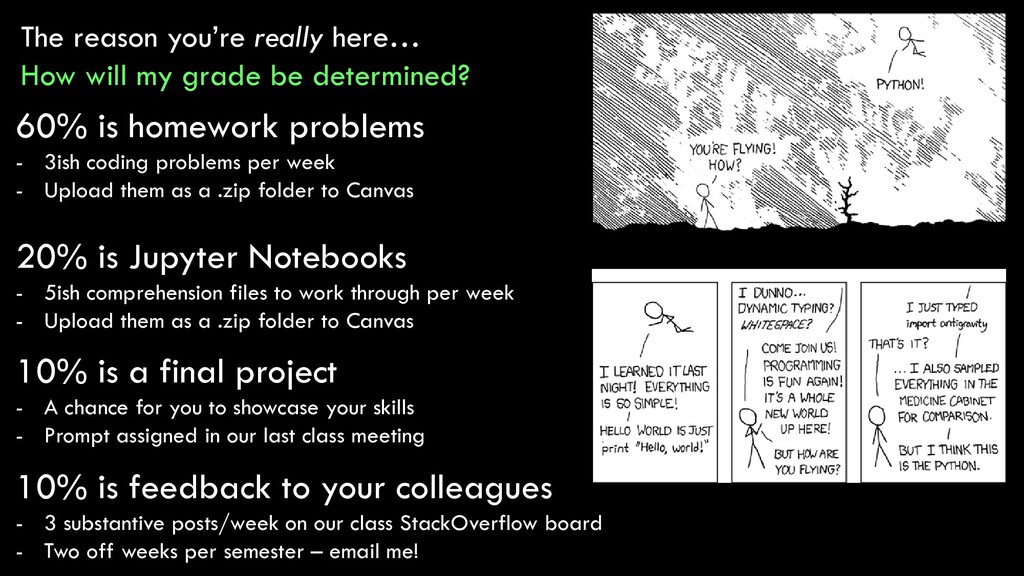
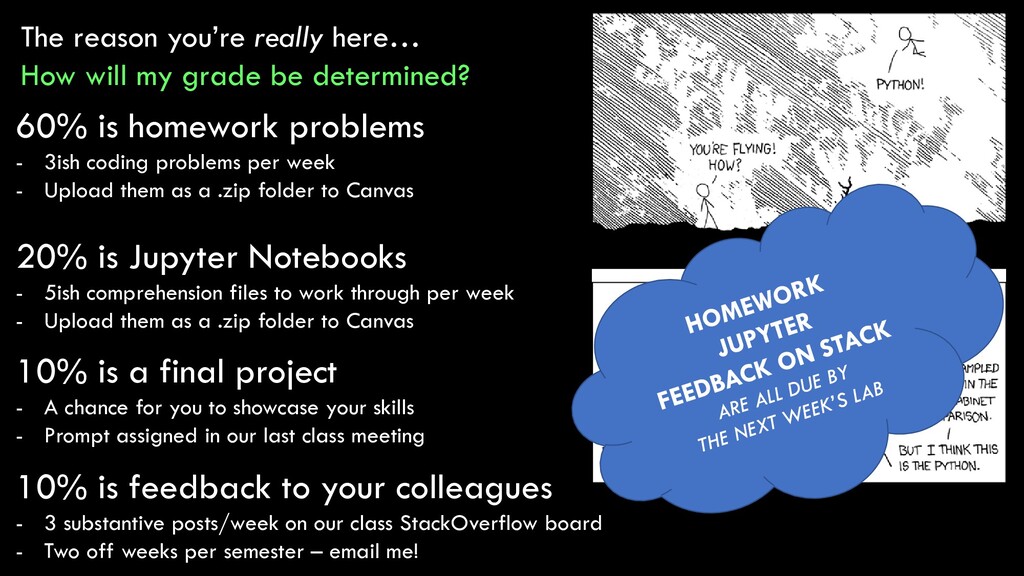
determined? 60% is homework problems - 3ish coding problems per week - Upload them as a .zip folder to Canvas 10% is feedback to your colleagues - 3 substantive posts/week on our class StackOverflow board - Two off weeks per semester – email me! 10% is a final project - A chance for you to showcase your skills - Prompt assigned in our last class meeting 20% is Jupyter Notebooks - 5ish comprehension files to work through per week - Upload them as a .zip folder to Canvas
determined? 60% is homework problems - 3ish coding problems per week - Upload them as a .zip folder to Canvas 10% is feedback to your colleagues - 3 substantive posts/week on our class StackOverflow board - Two off weeks per semester – email me! 10% is a final project - A chance for you to showcase your skills - Prompt assigned in our last class meeting 20% is Jupyter Notebooks - 5ish comprehension files to work through per week - Upload them as a .zip folder to Canvas
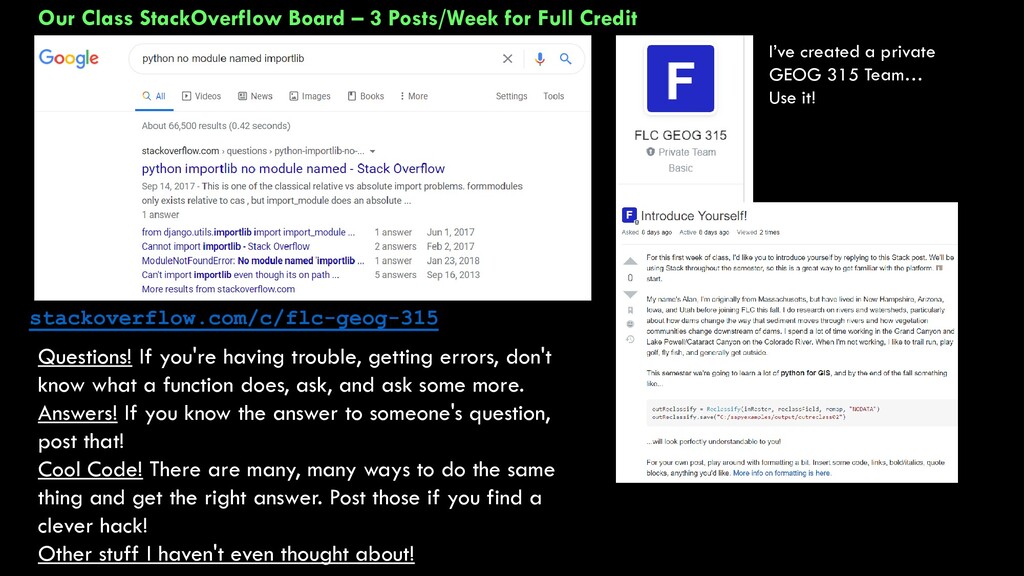
I’ve created a private GEOG 315 Team… Use it! stackoverflow.com/c/flc-geog-315 Questions! If you're having trouble, getting errors, don't know what a function does, ask, and ask some more. Answers! If you know the answer to someone's question, post that! Cool Code! There are many, many ways to do the same thing and get the right answer. Post those if you find a clever hack! Other stuff I haven't even thought about!
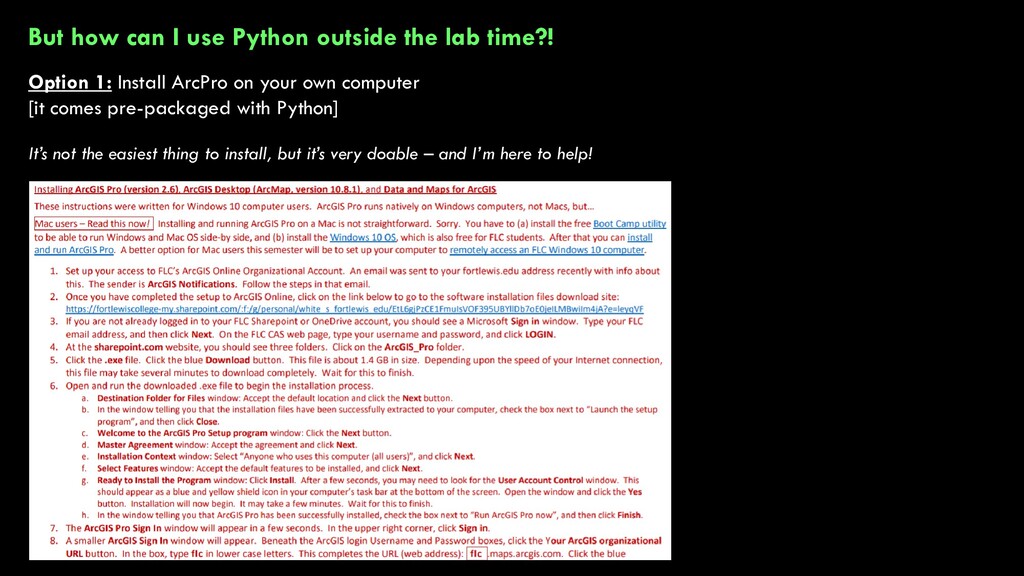
Option 1: Install ArcPro on your own computer [it comes pre-packaged with Python] It’s not the easiest thing to install, but it’s very doable – and I’m here to help!
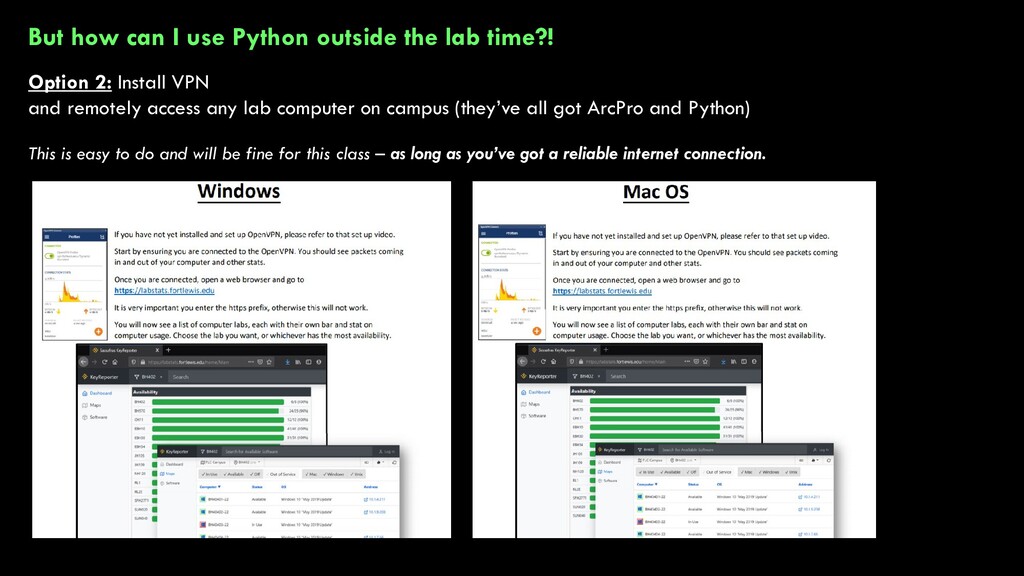
Option 2: Install VPN and remotely access any lab computer on campus (they’ve all got ArcPro and Python) This is easy to do and will be fine for this class – as long as you’ve got a reliable internet connection.
- be frustrating - be stressful - be a lot of work - just be downright difficult and kind of infuriating What I promise you: 1. I will be here to help you (but not hand-hold) 2. If you put in the effort, you will learn a TON of valuable skills and your GIS life will be easier My advice: worry less about your grade in this class and more about actually learning the material
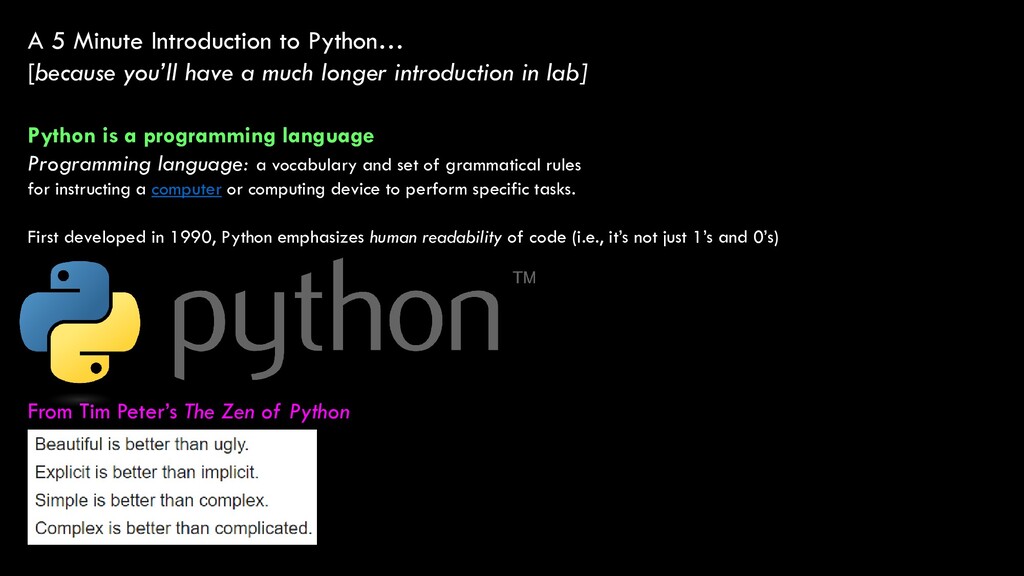
much longer introduction in lab] Python is a programming language Programming language: a vocabulary and set of grammatical rules for instructing a computer or computing device to perform specific tasks. First developed in 1990, Python emphasizes human readability of code (i.e., it’s not just 1’s and 0’s) From Tim Peter’s The Zen of Python
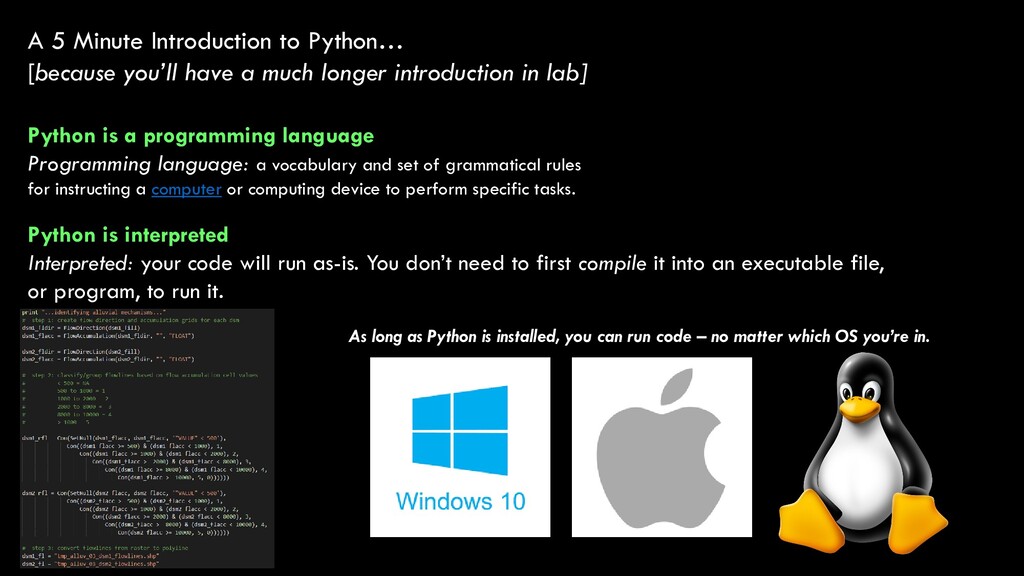
much longer introduction in lab] Python is a programming language Programming language: a vocabulary and set of grammatical rules for instructing a computer or computing device to perform specific tasks. Python is interpreted Interpreted: your code will run as-is. You don’t need to first compile it into an executable file, or program, to run it. As long as Python is installed, you can run code – no matter which OS you’re in.
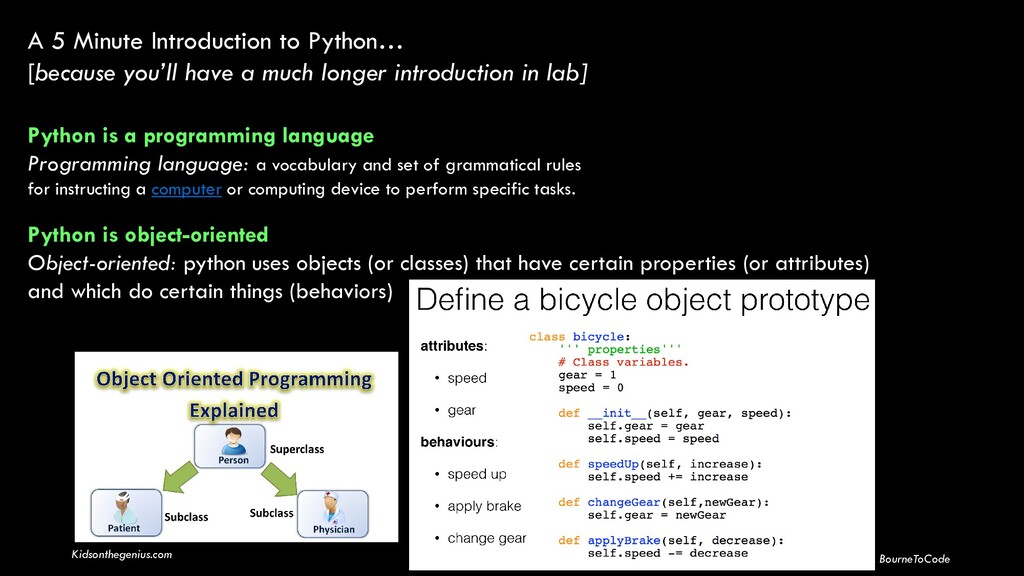
much longer introduction in lab] Python is a programming language Programming language: a vocabulary and set of grammatical rules for instructing a computer or computing device to perform specific tasks. Python is object-oriented Object-oriented: python uses objects (or classes) that have certain properties (or attributes) and which do certain things (behaviors) BourneToCode Kidsonthegenius.com
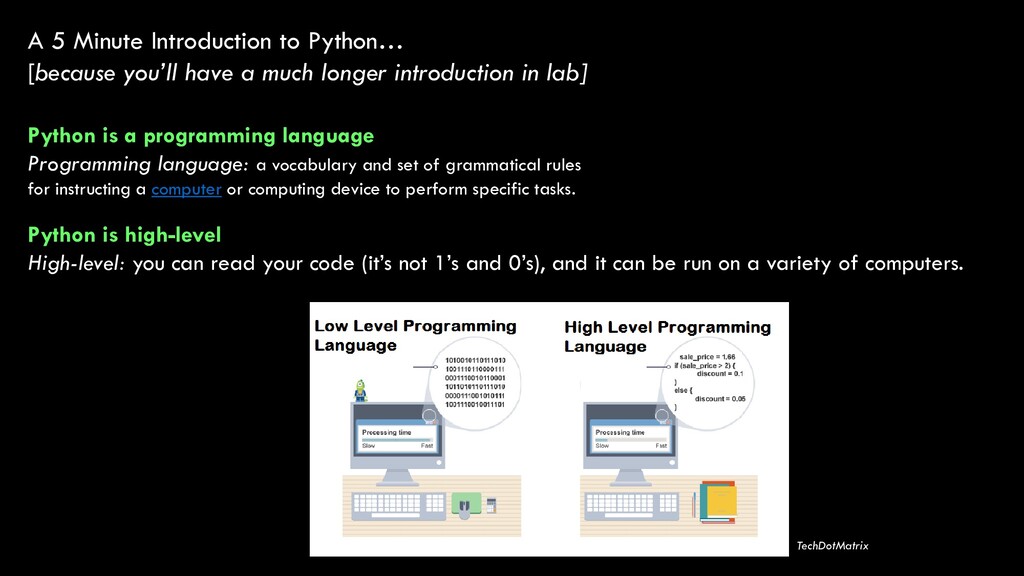
much longer introduction in lab] Python is a programming language Programming language: a vocabulary and set of grammatical rules for instructing a computer or computing device to perform specific tasks. Python is high-level High-level: you can read your code (it’s not 1’s and 0’s), and it can be run on a variety of computers. TechDotMatrix
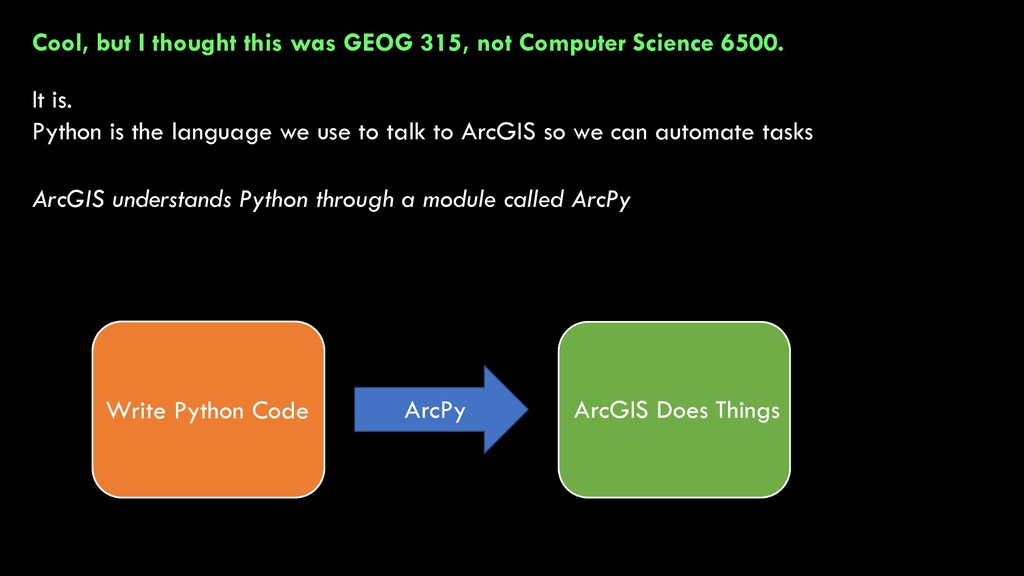
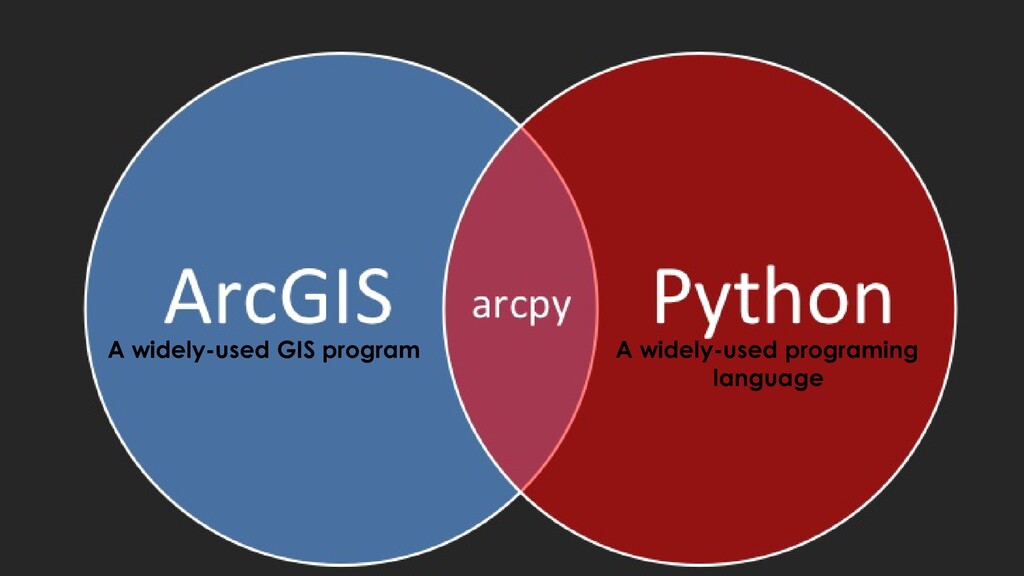
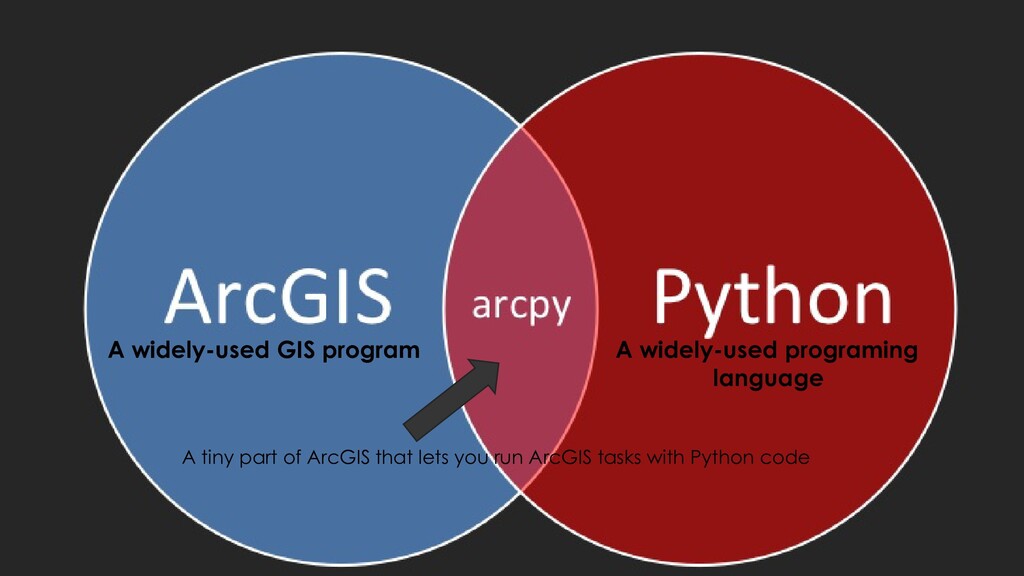
Science 6500. It is. Python is the language we use to talk to ArcGIS so we can automate tasks ArcGIS understands Python through a module called ArcPy Write Python Code ArcGIS Does Things ArcPy
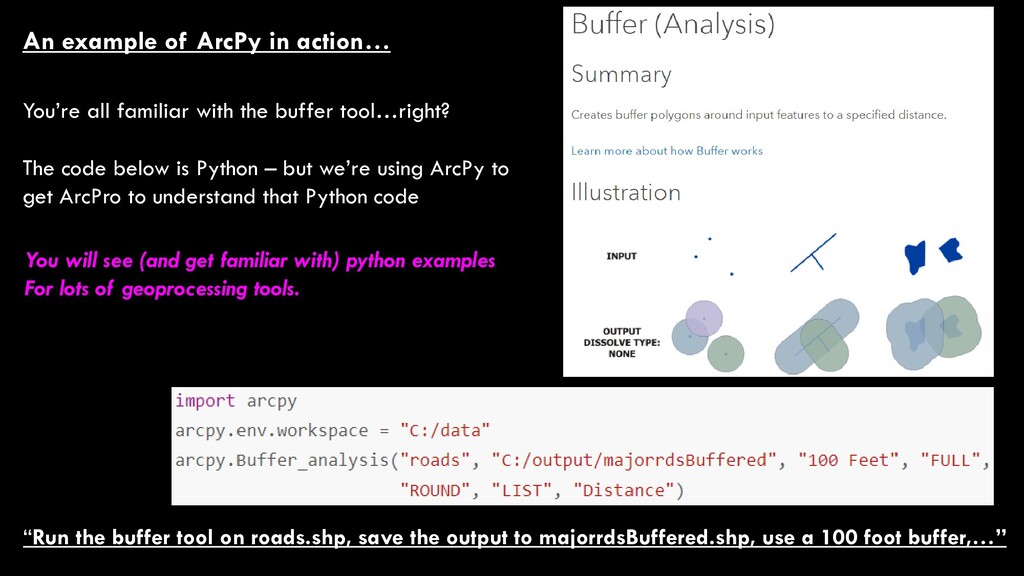
majorrdsBuffered.shp, use a 100 foot buffer,…” An example of ArcPy in action… You’re all familiar with the buffer tool…right? The code below is Python – but we’re using ArcPy to get ArcPro to understand that Python code You will see (and get familiar with) python examples For lots of geoprocessing tools.


 alankasprak
 kekekenta
 akiraasano
 ainischool
 cbtlibrary
 frievea
 suisan
 mutomasa
 terazawa
 pawan_pharm
 signer
 masakiokuda
 aleyda
 lauravandoore
 sstephenson
 techseoconnect
 aarron
 frankvandijk
 codingconduct
 apolaine
 inesmontani
 mkilby
 katiecoart
 uxyall

![Some Info About Me… Alan Kasprak [email protected] Office Location: Sitter](https://files.speakerdeck.com/presentations/8ecceb8e71e7448aa2da53935761f922/slide_12.jpg)