Upgrade to Pro — share decks privately, control downloads, hide ads and more …

Telda

 Telda

Avatar for Amr Shawki

Amr Shawki

June 19, 2026

More Decks by Amr Shawki

Other Decks in Design

Transcript

  1. 💡 Use full-screen mode for a better reading experience and

    the keyboard arrows for navigation through slides
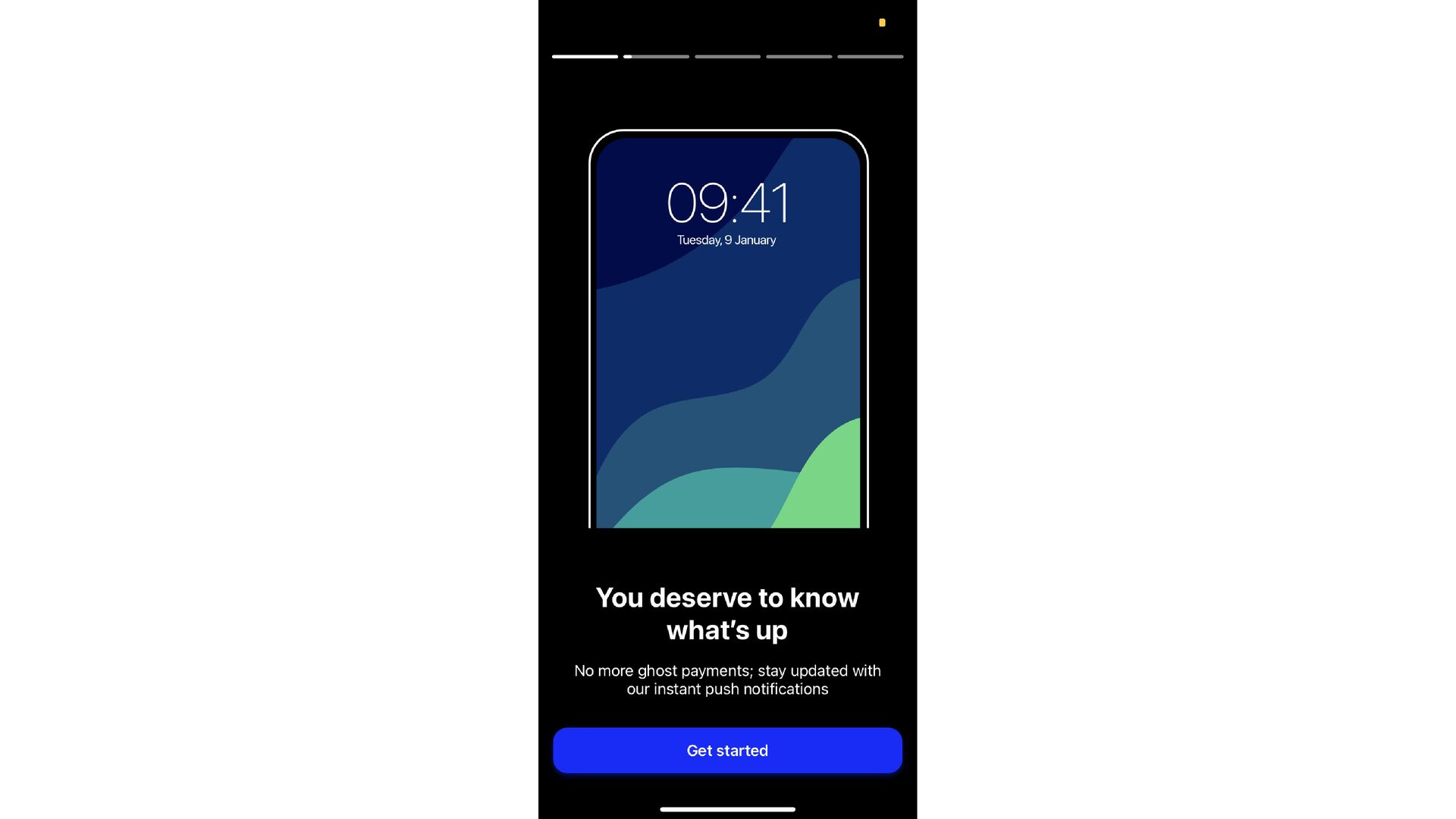
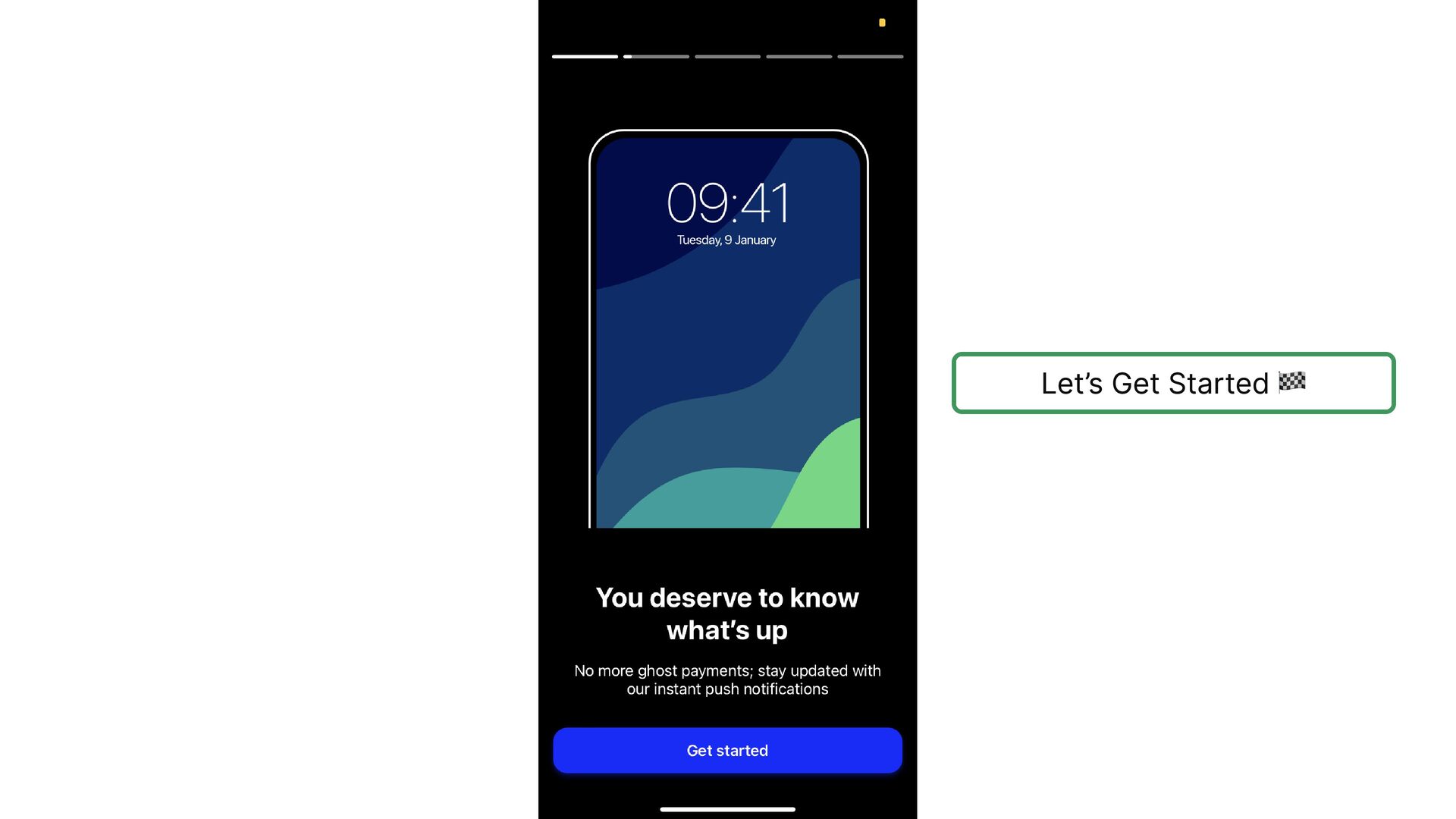
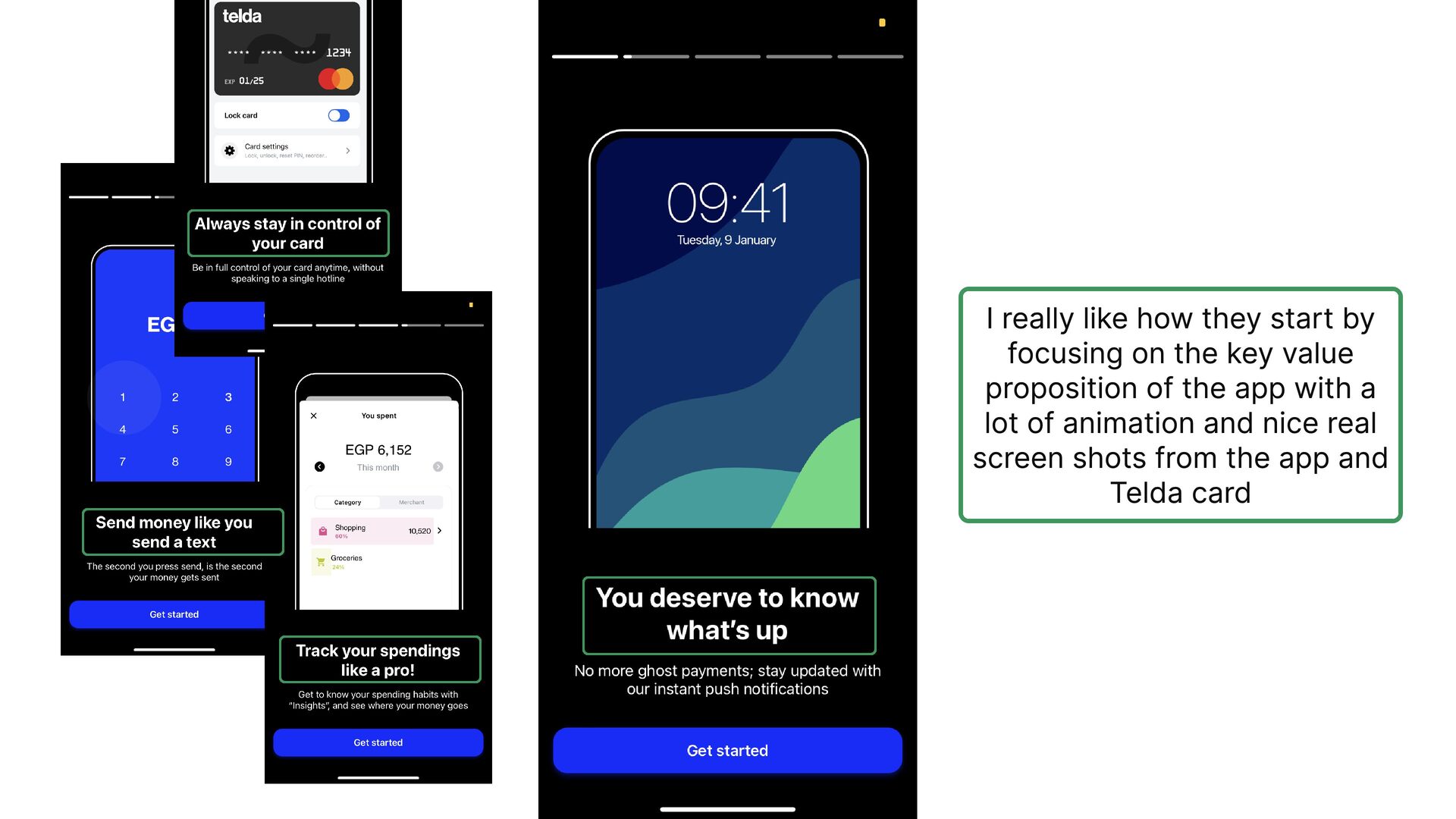
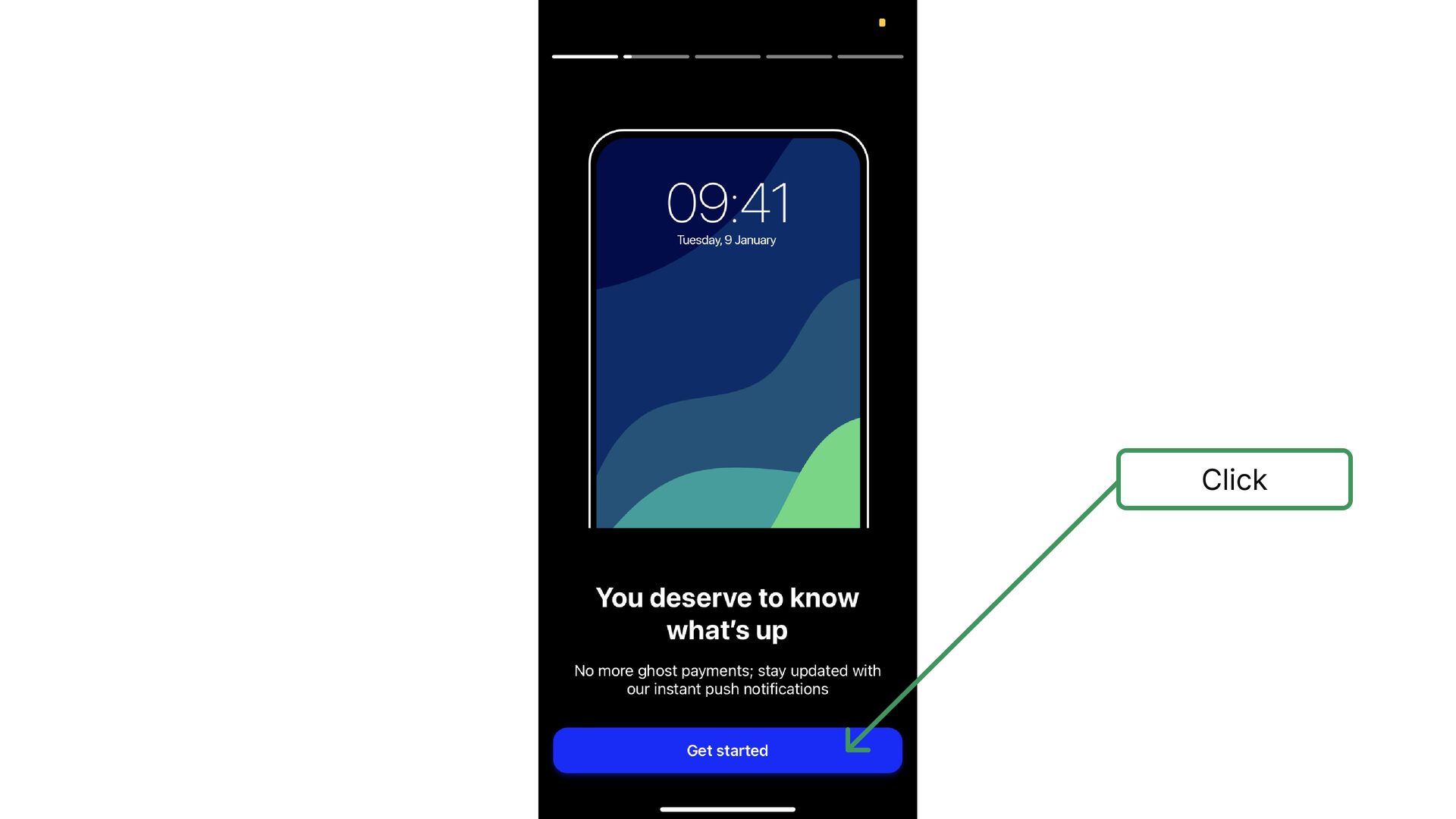
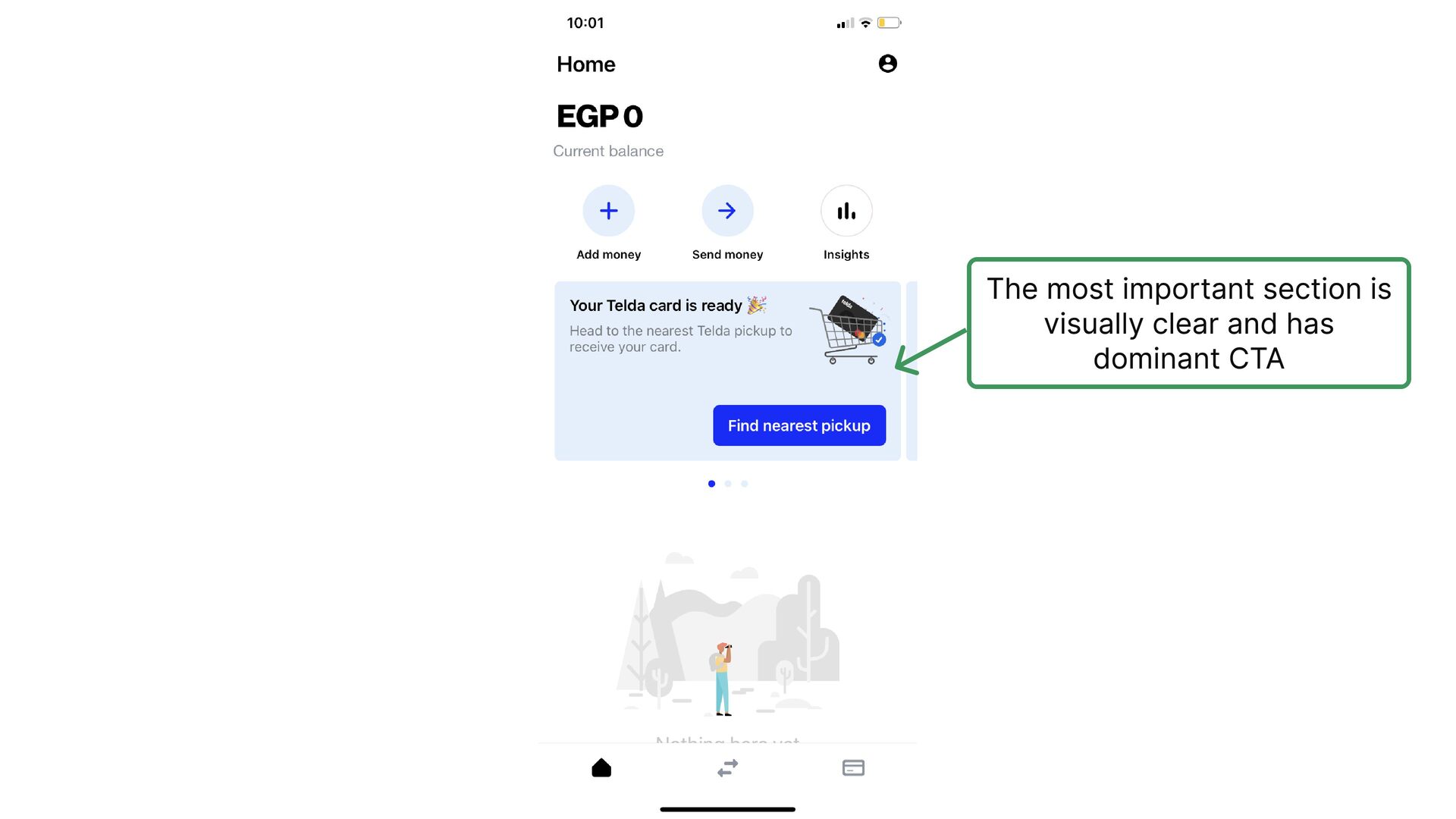
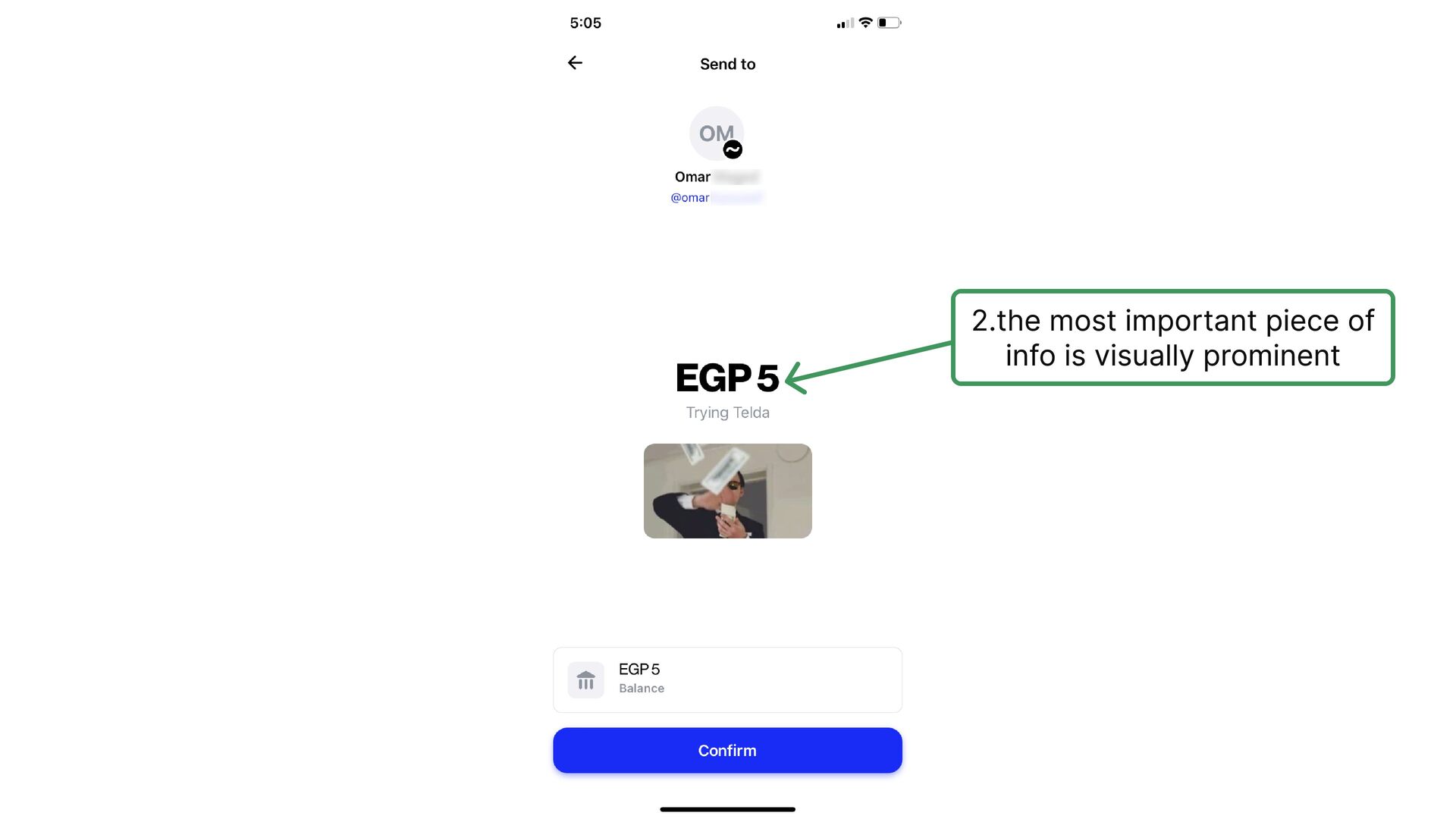
  2. I really like how they start by focusing on the

    key value proposition of the app with a lot of animation and nice real screen shots from the app and Telda card
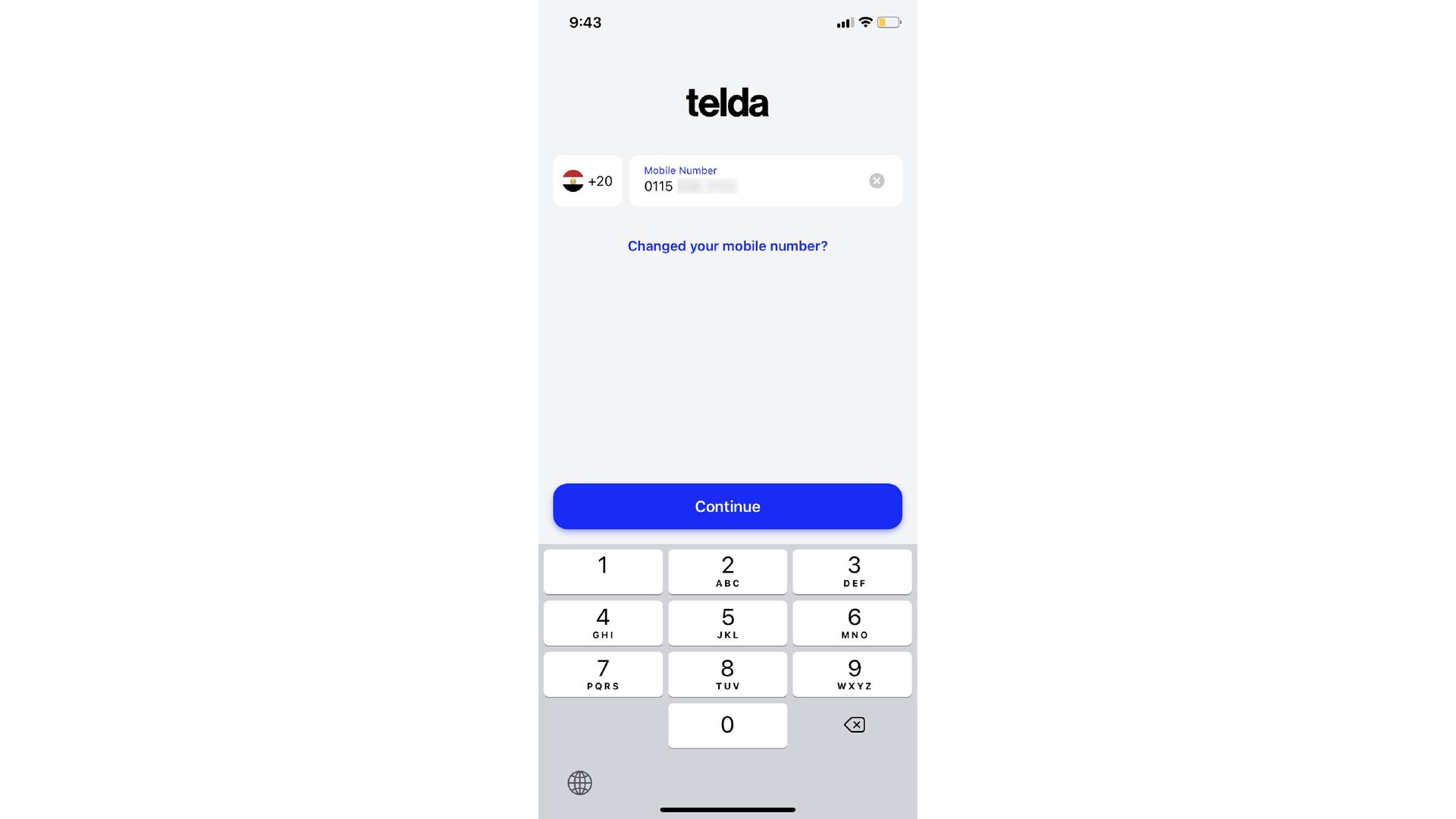
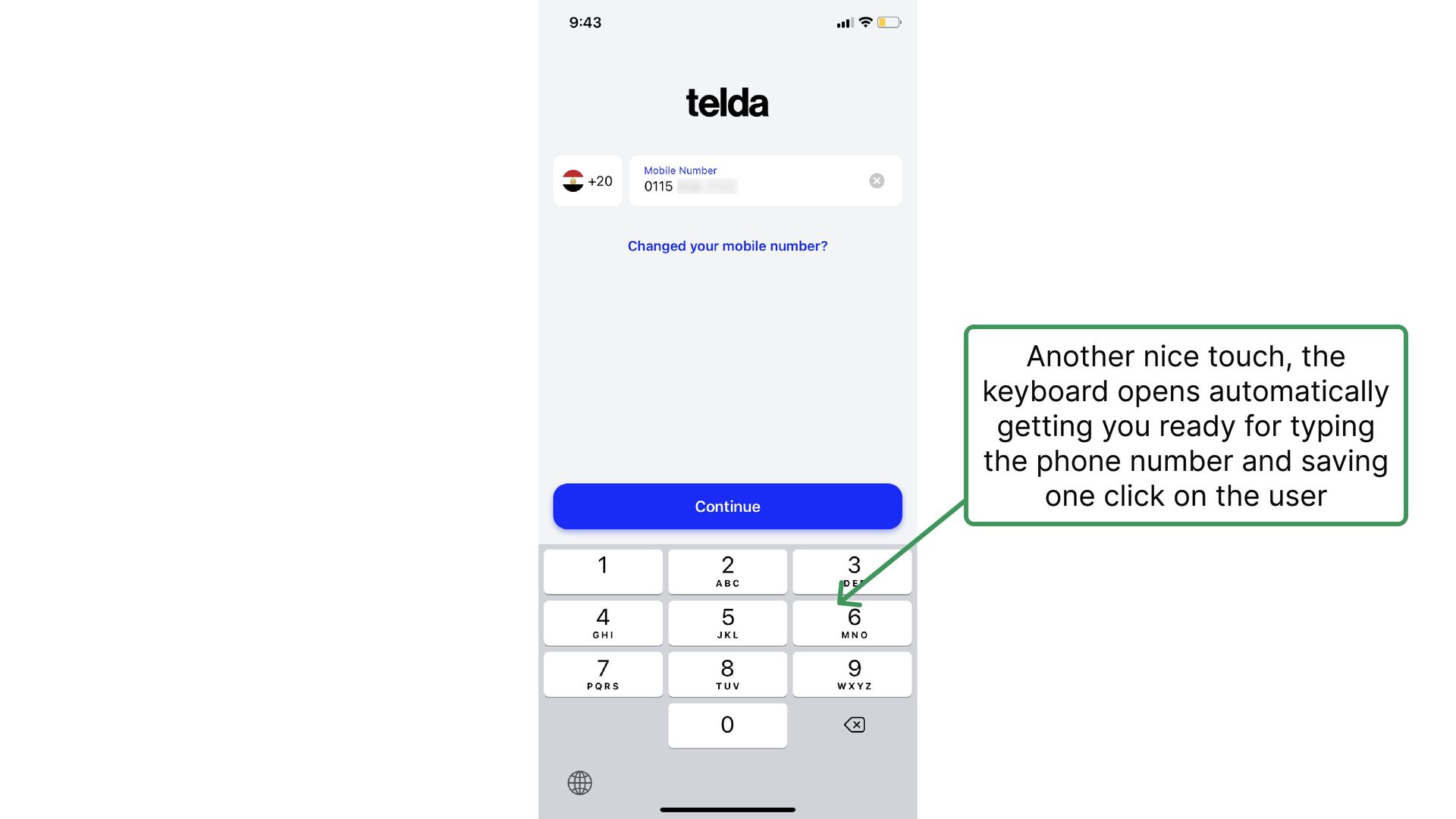
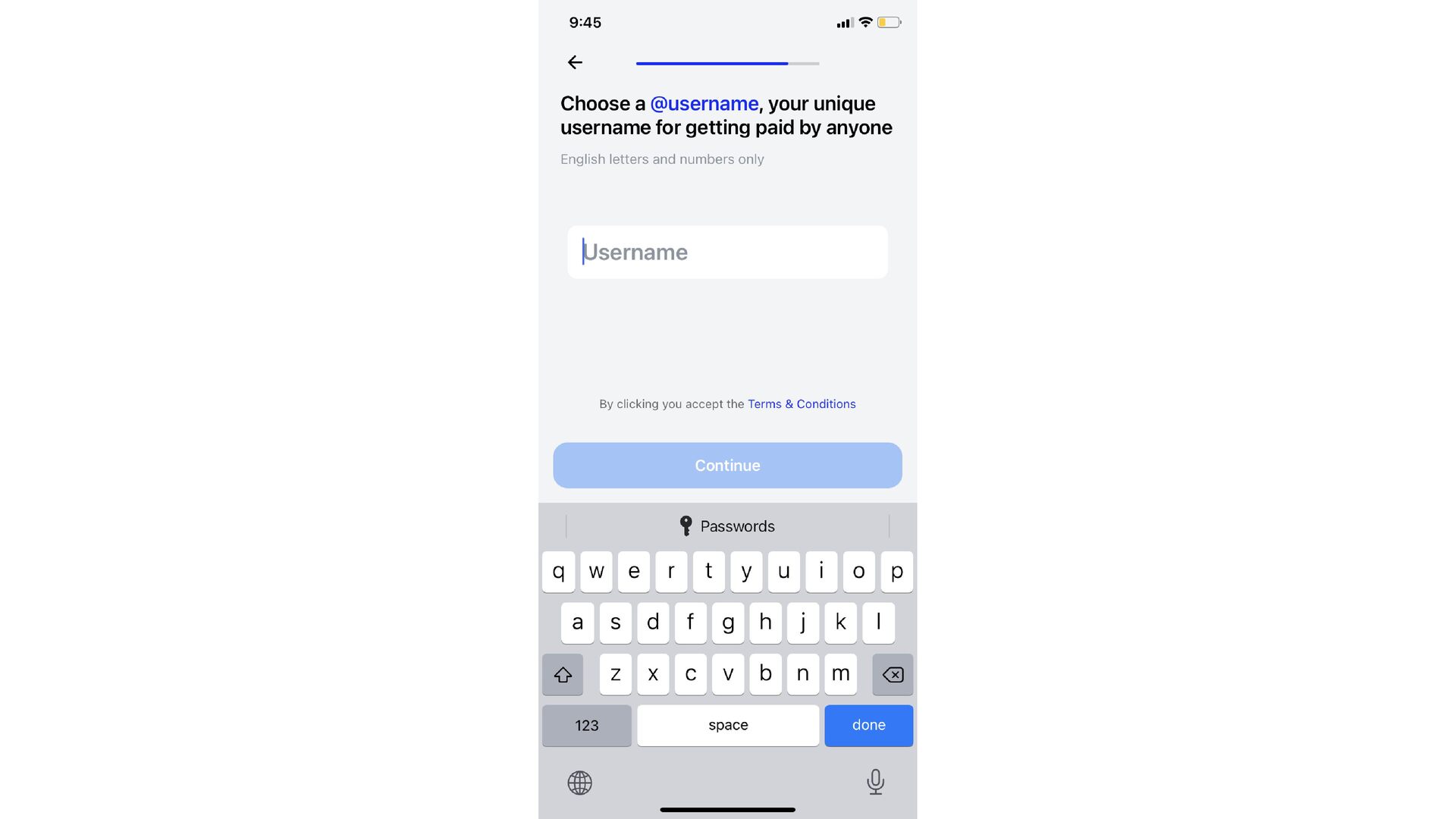
  3. Another nice touch, the keyboard opens automatically getting you ready

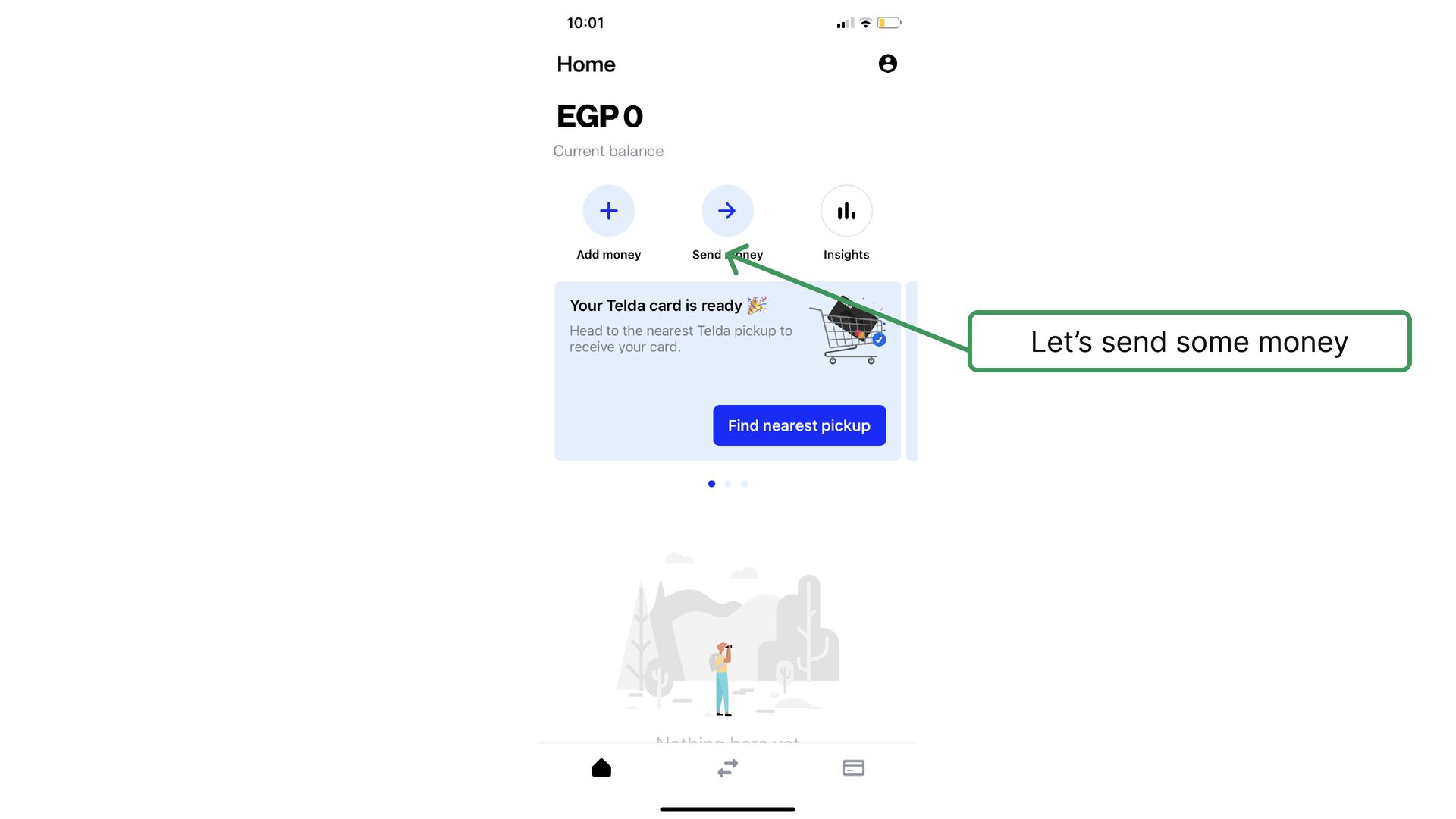
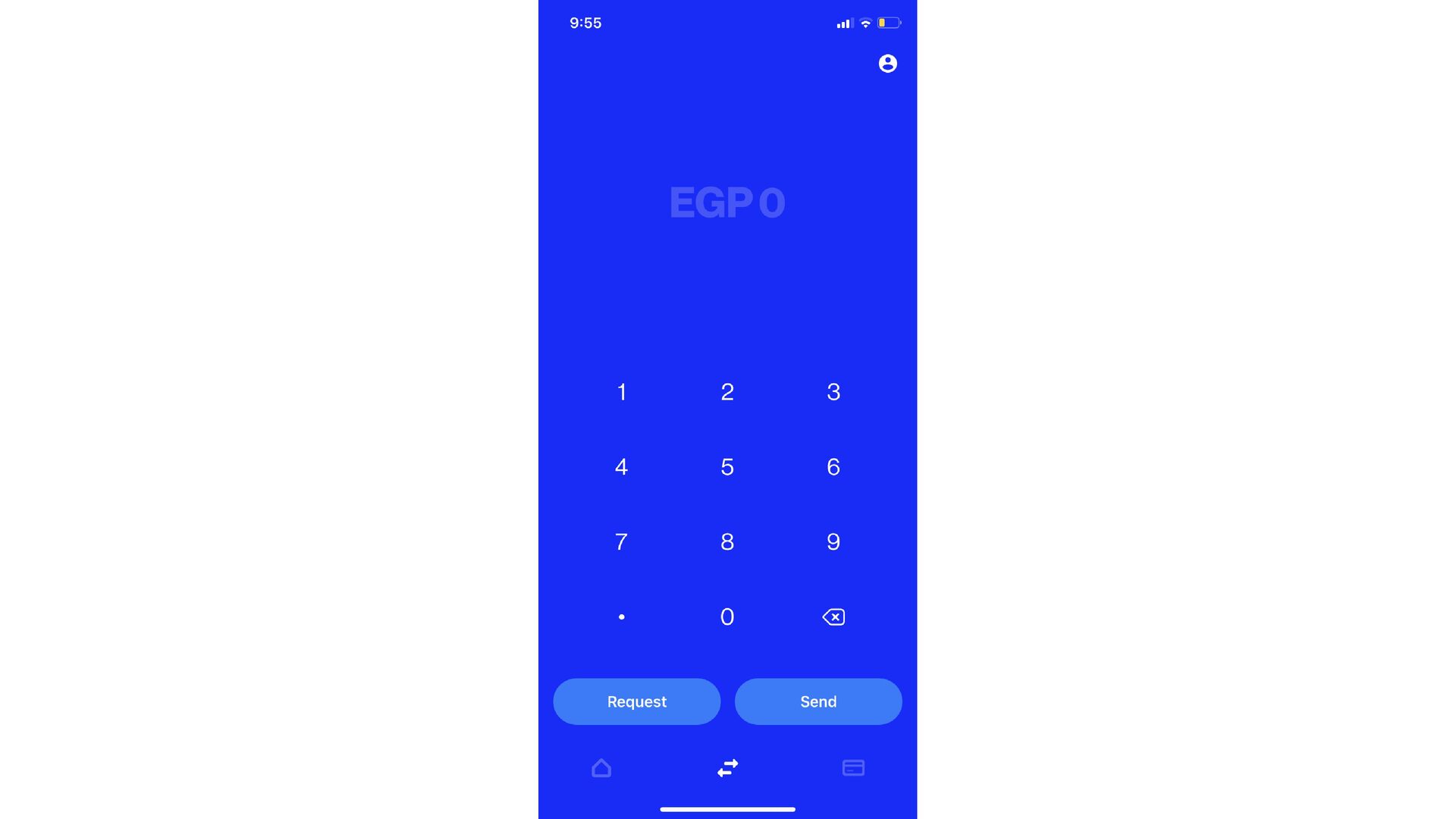
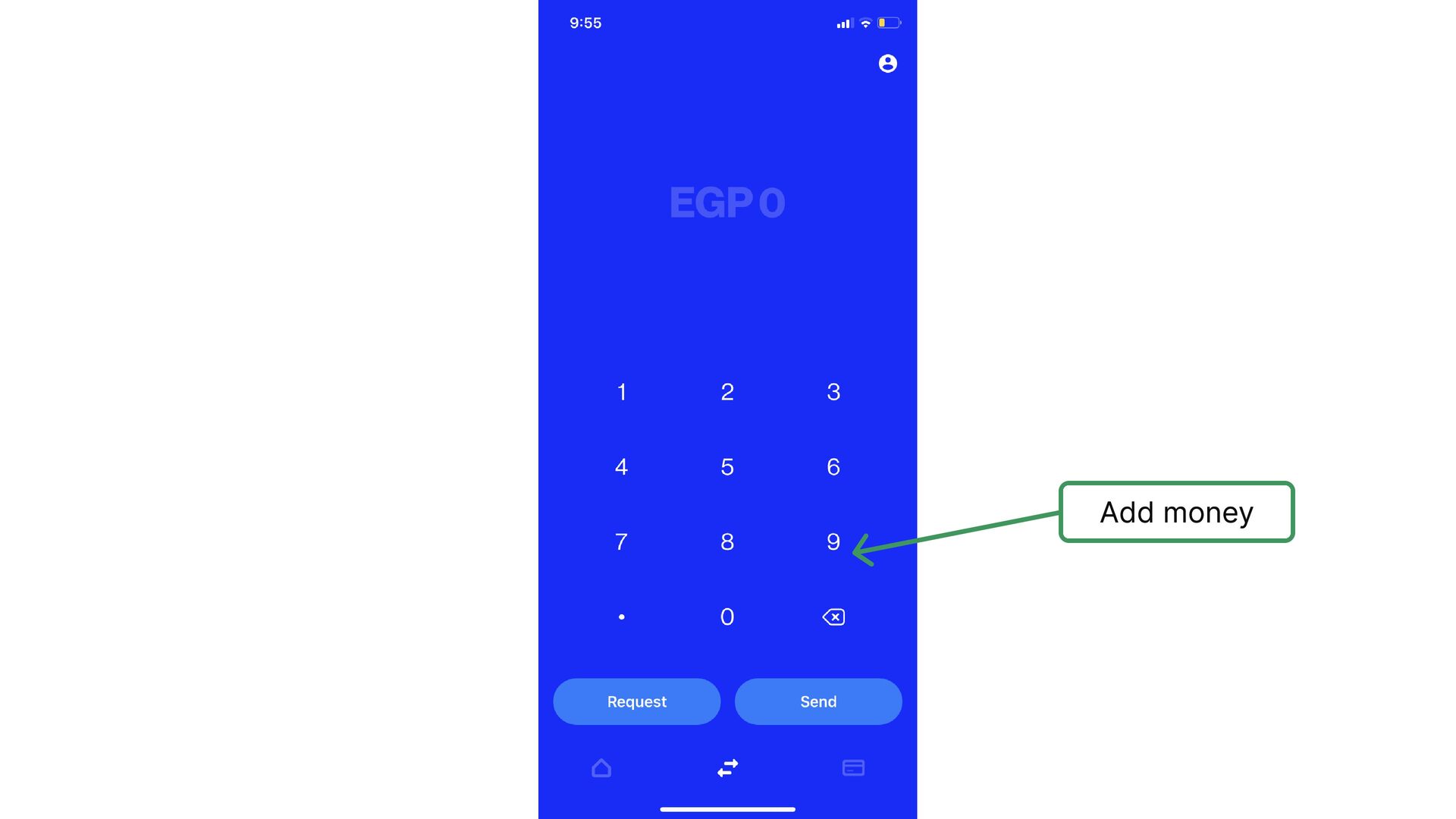
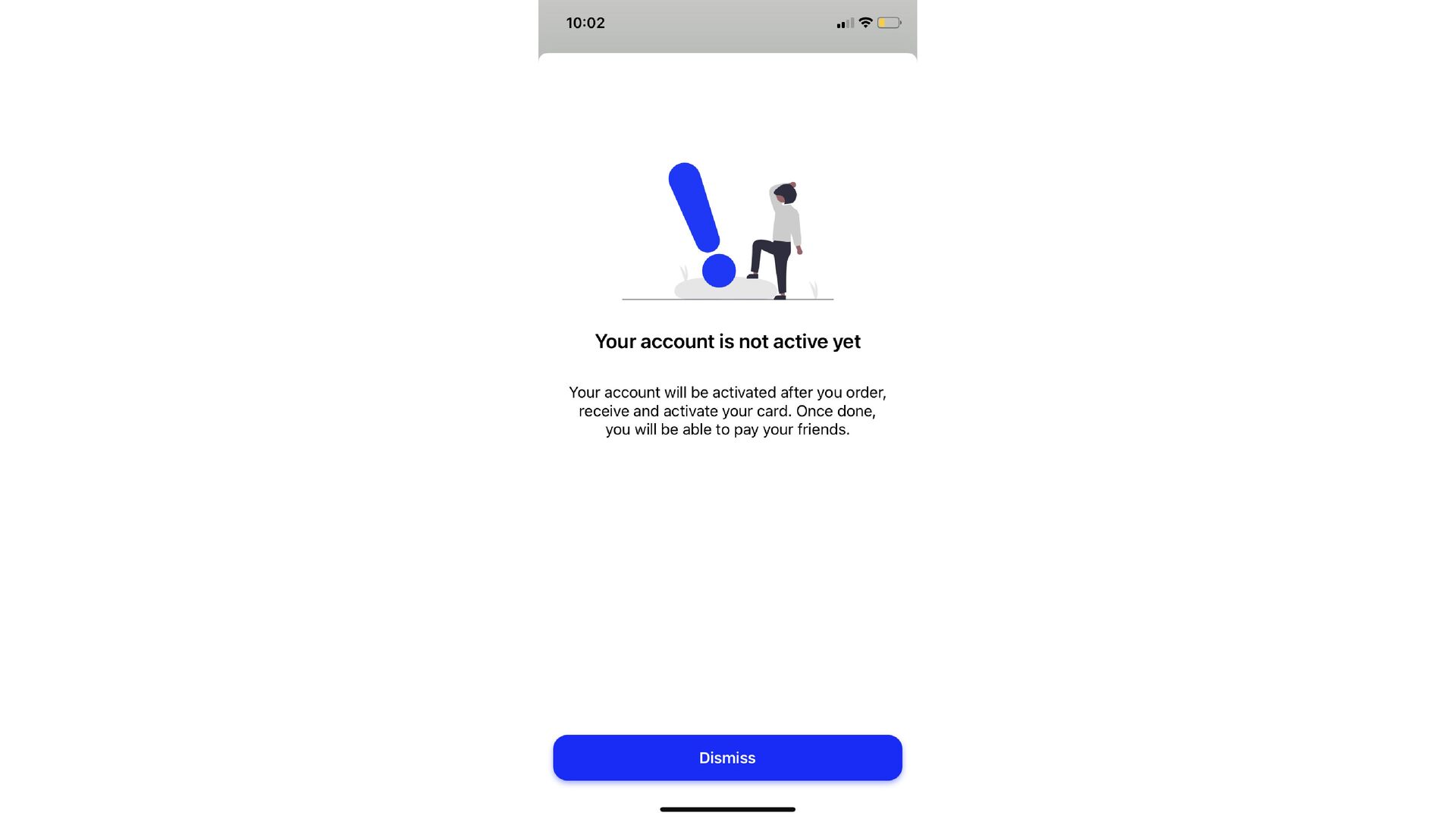
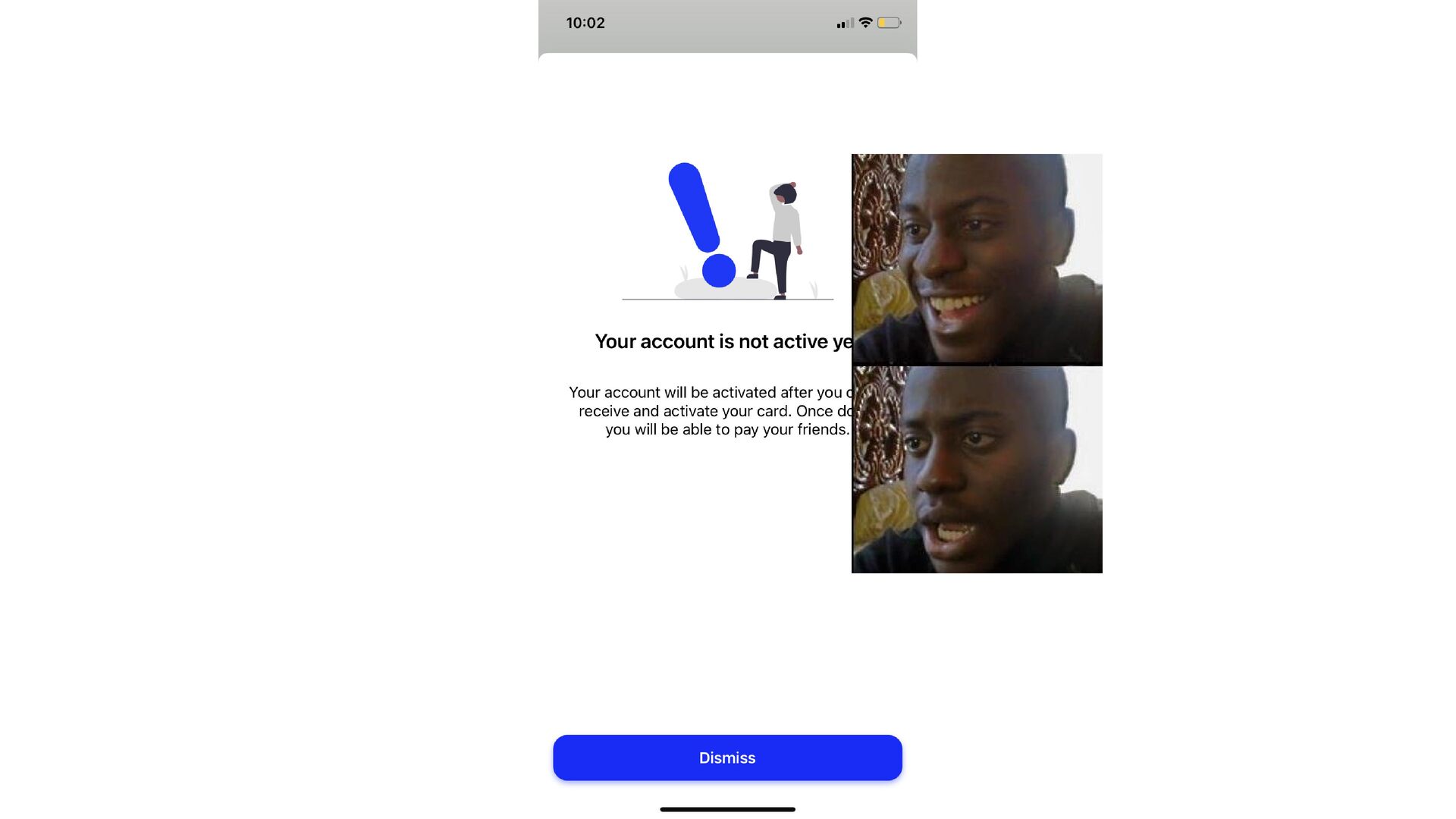
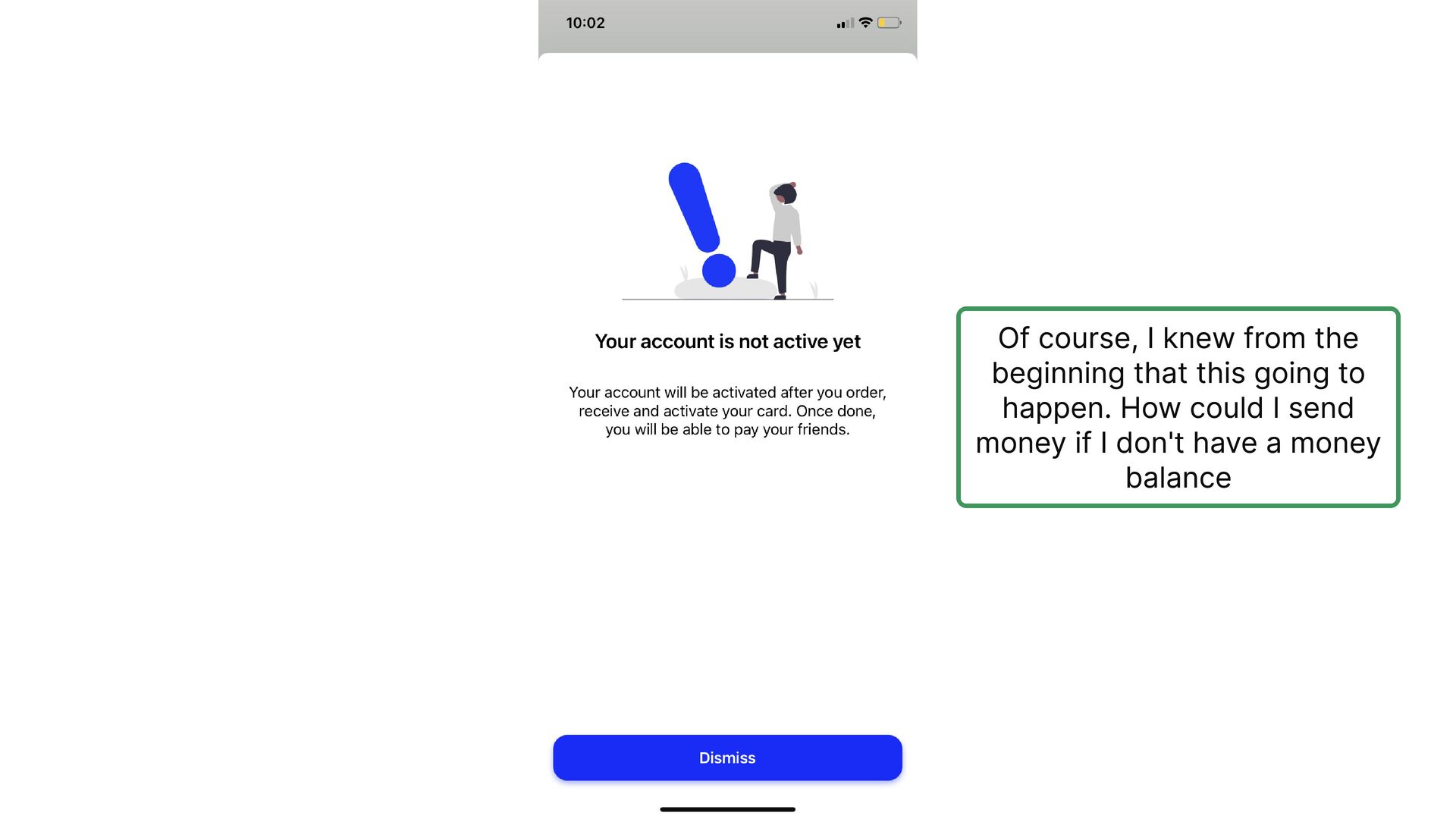
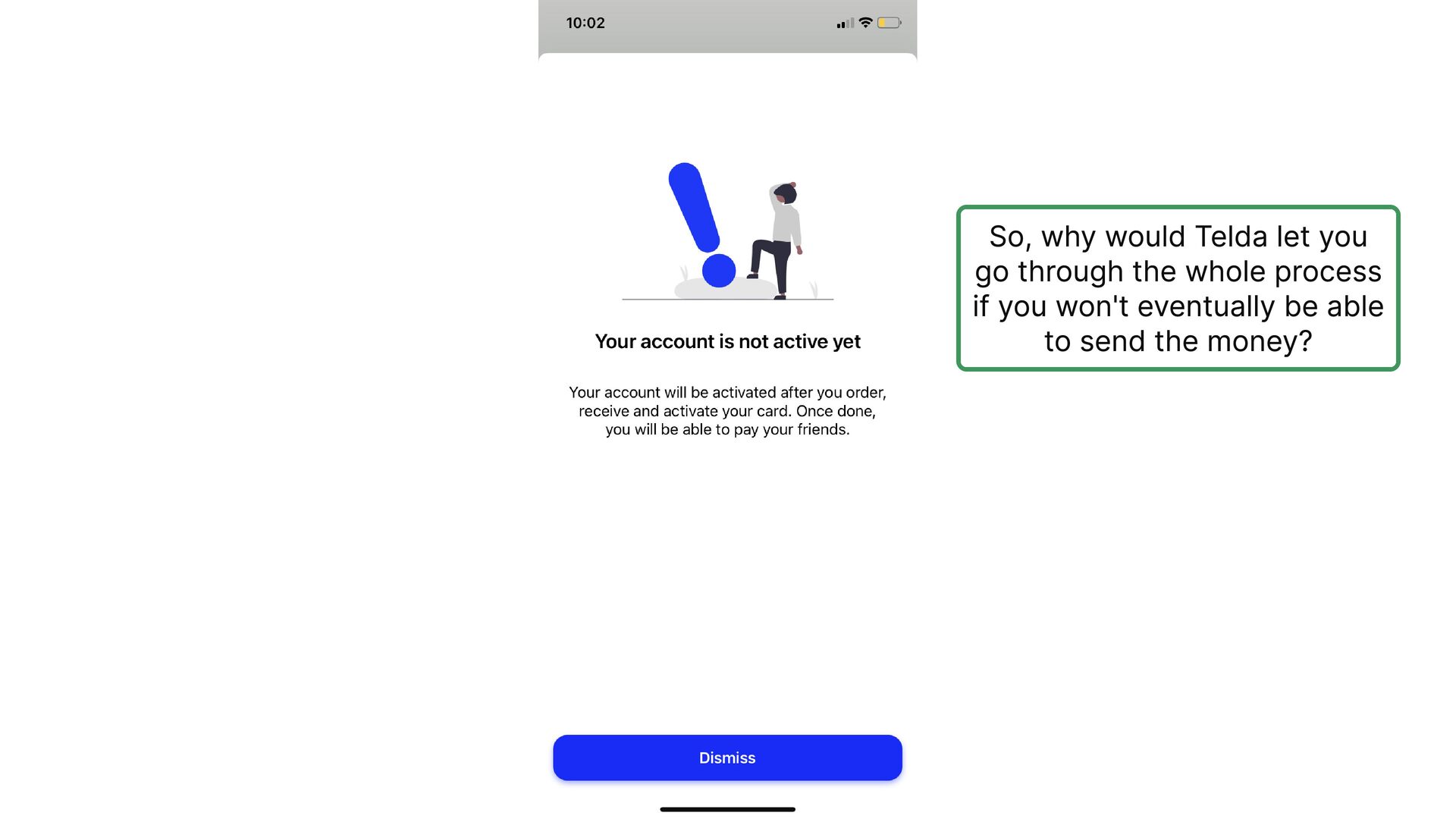
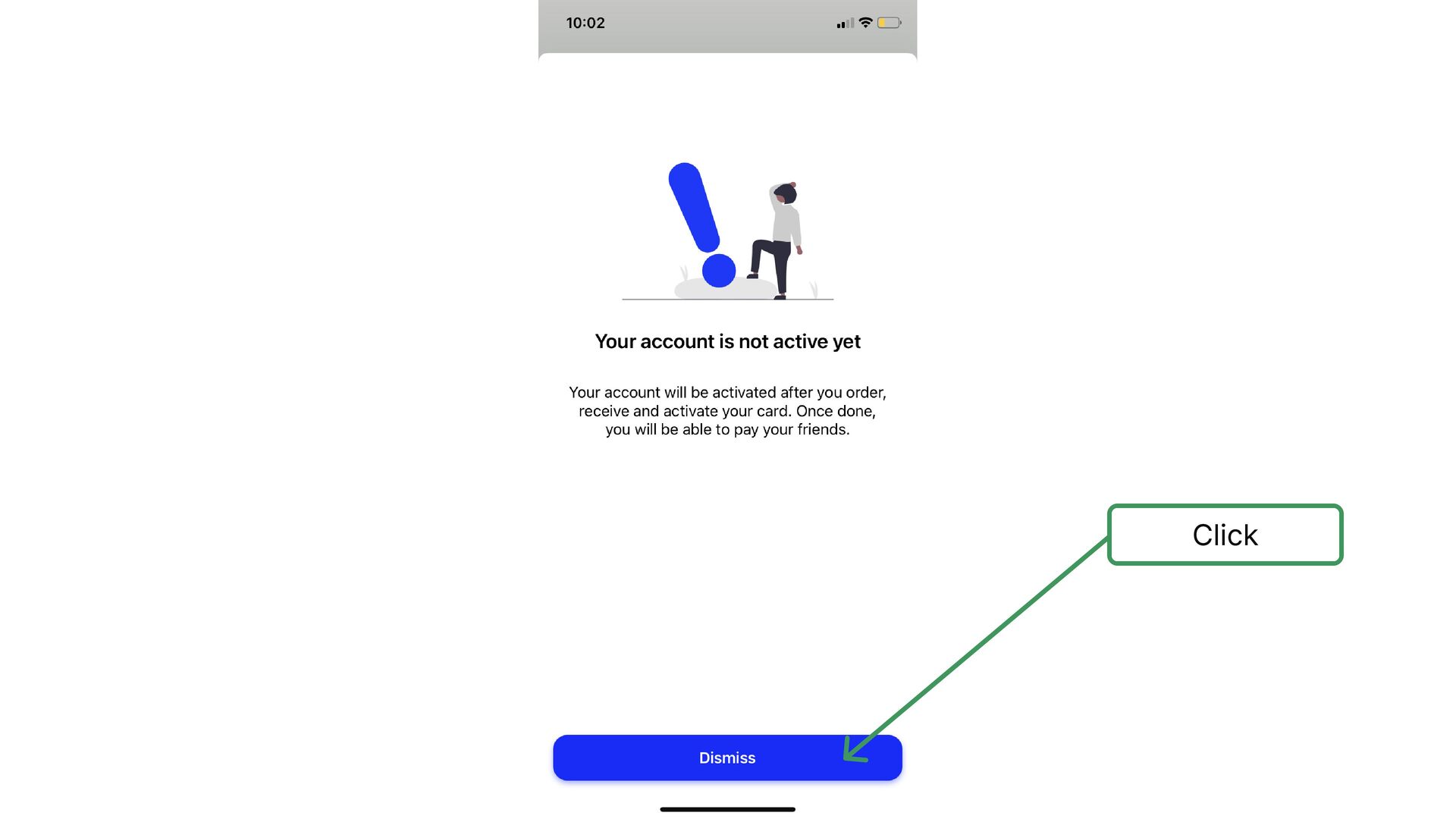
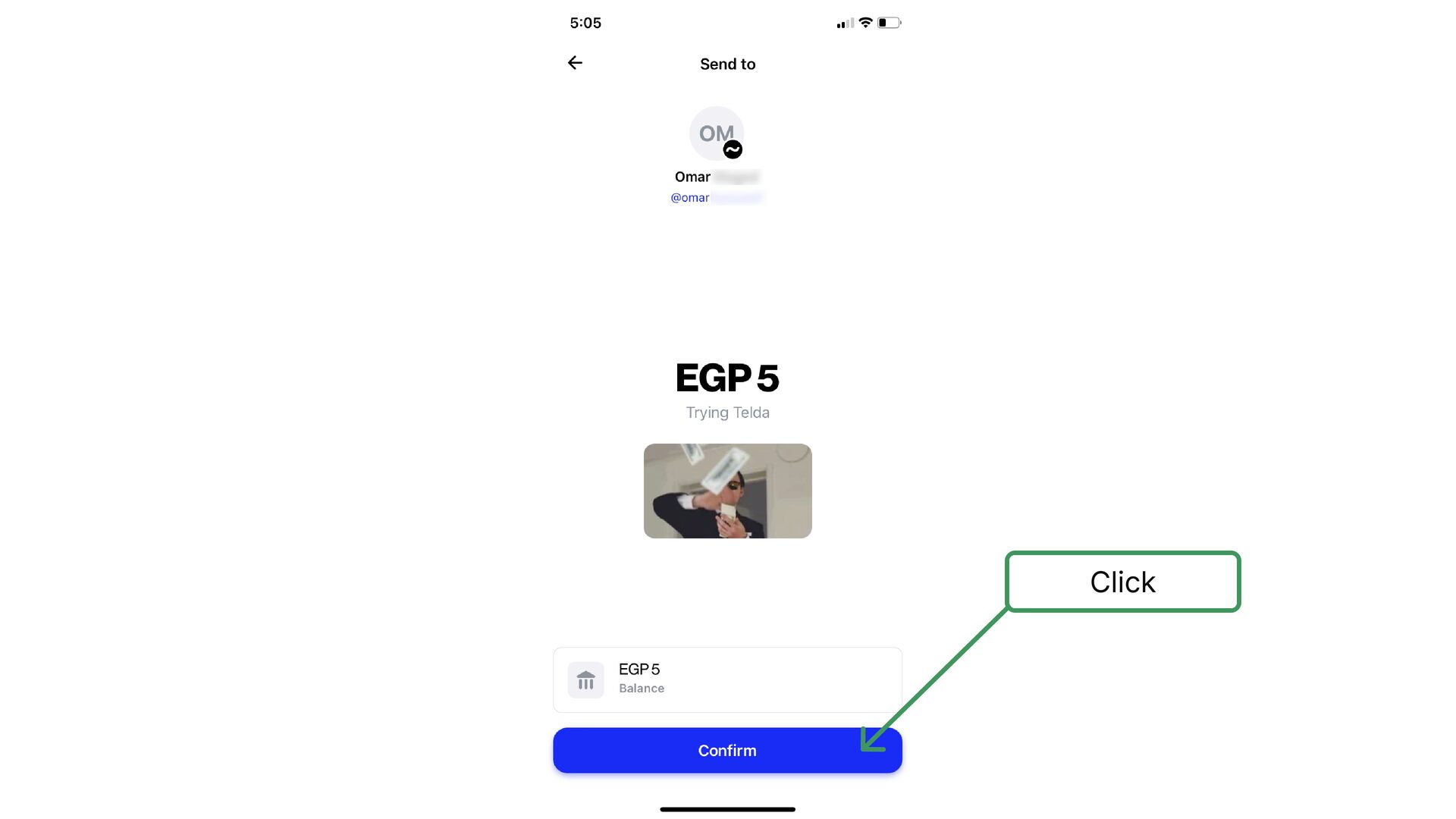
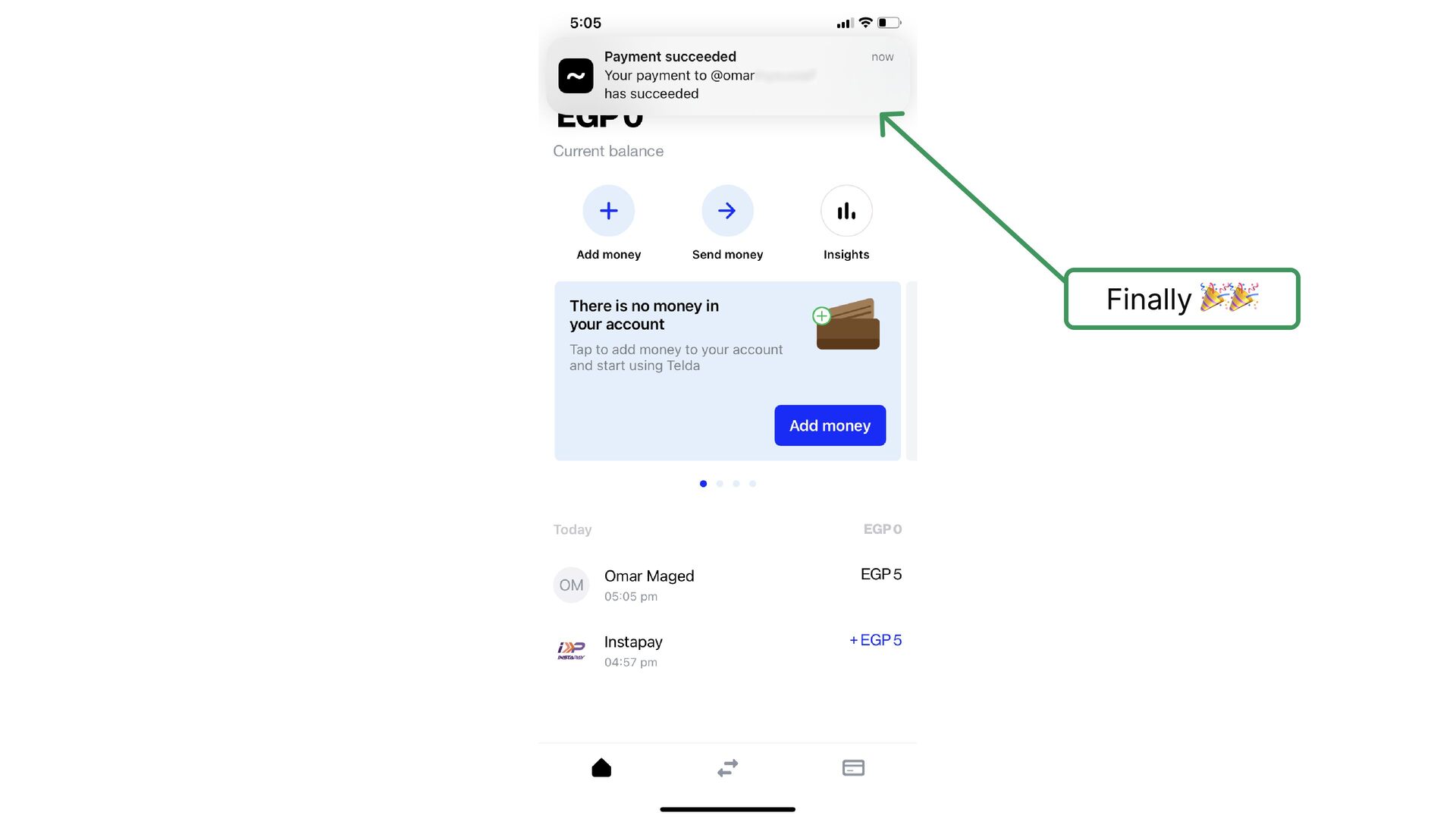
    for typing the phone number and saving one click on the user
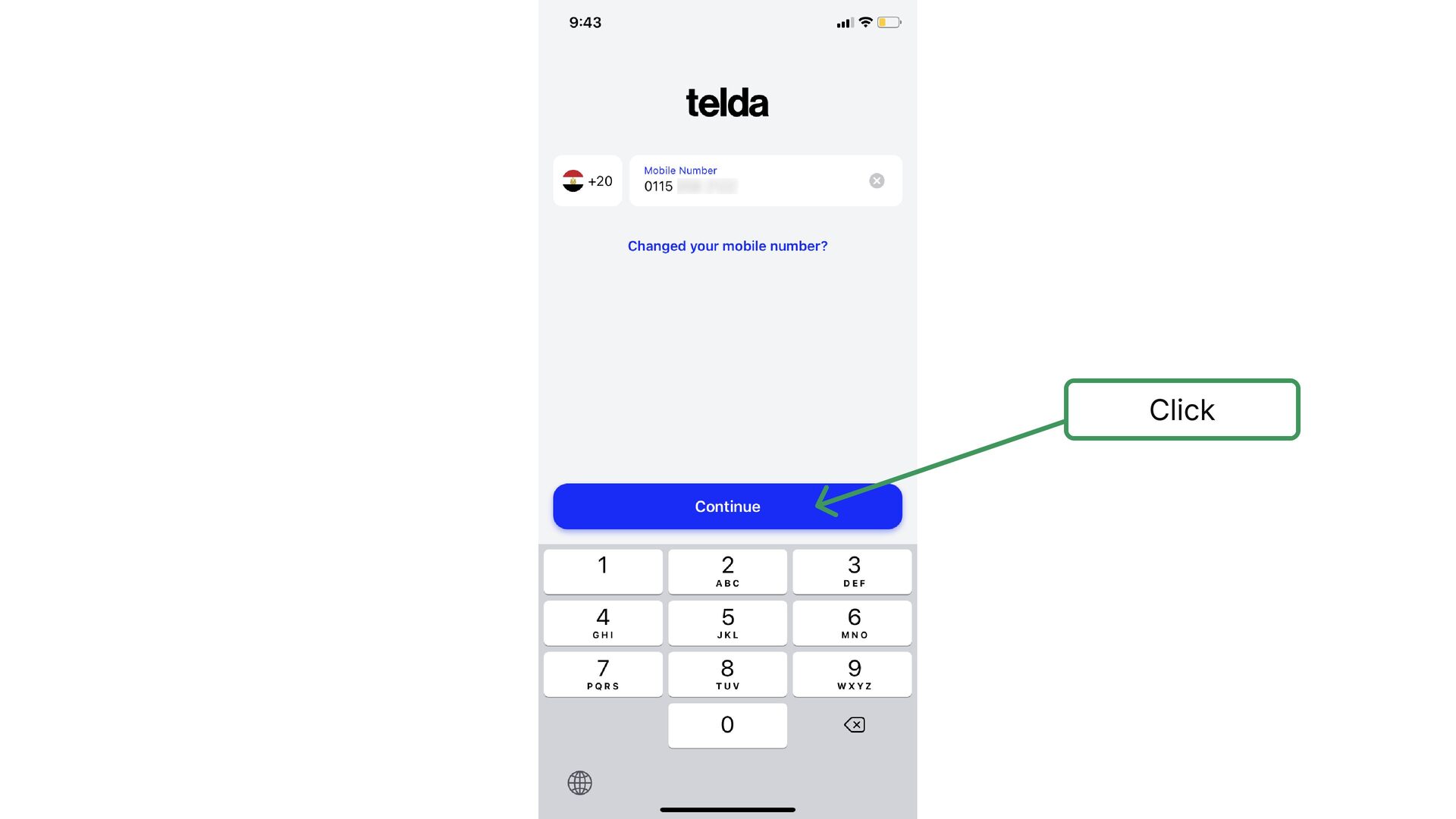
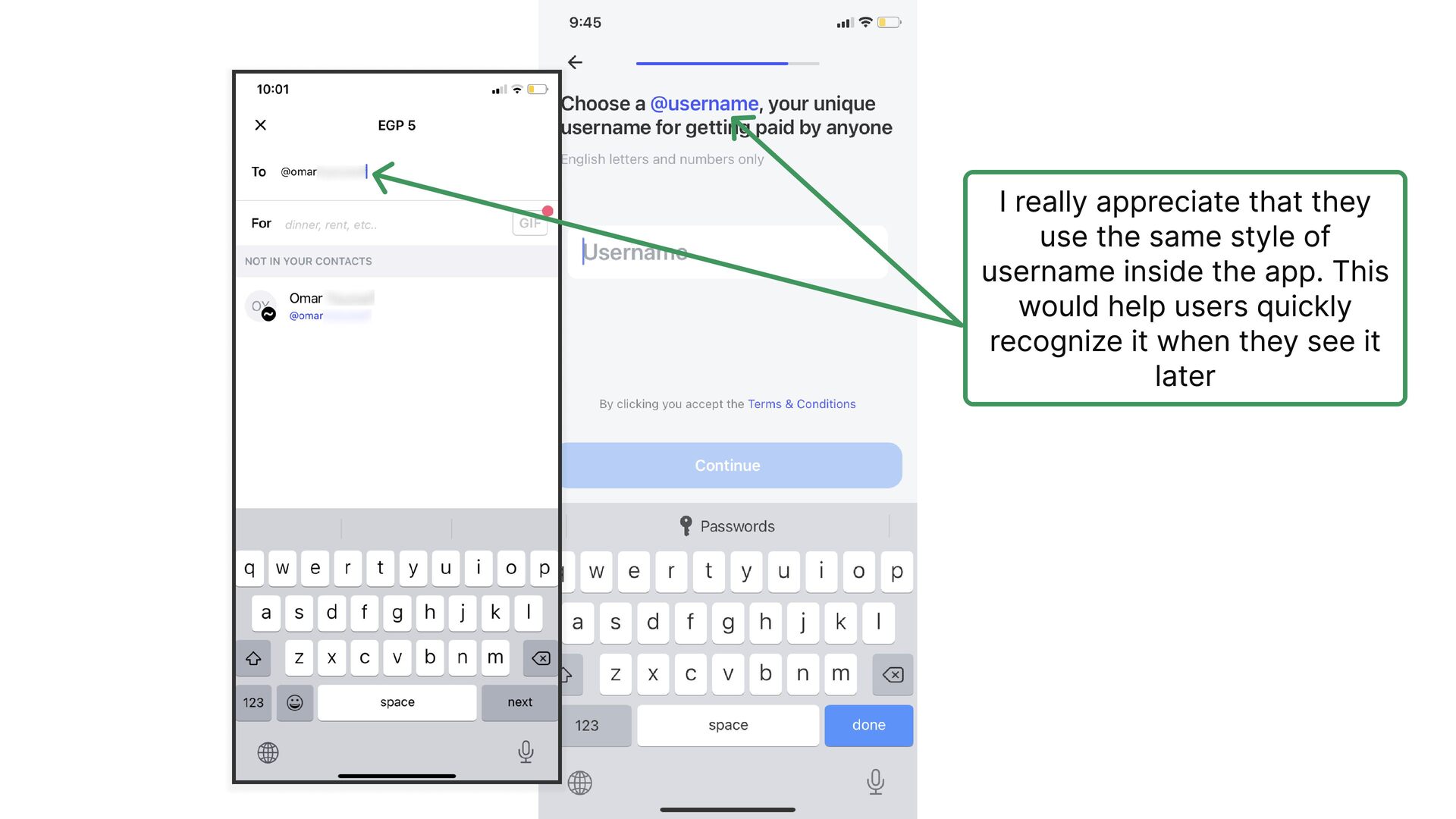
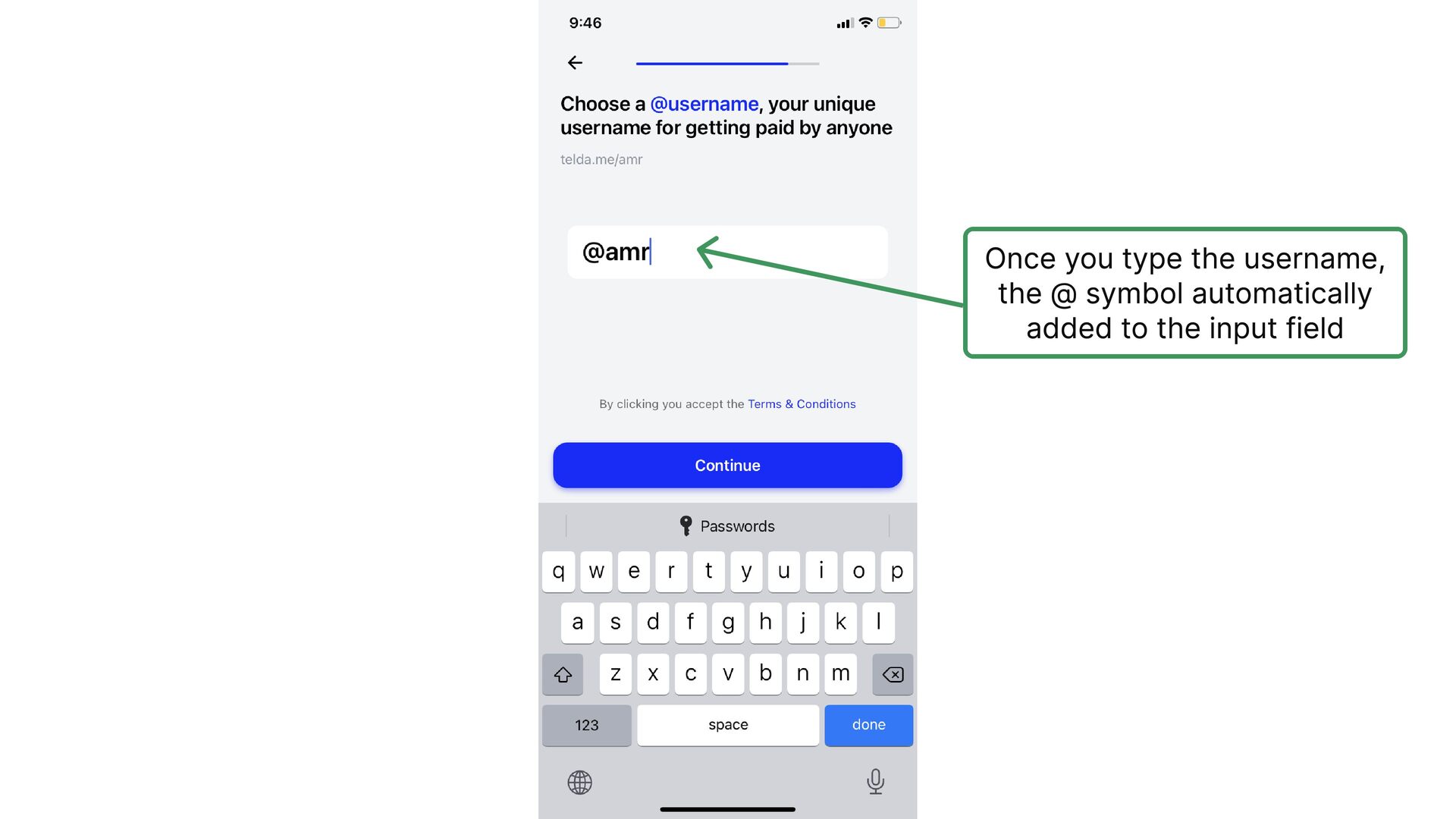
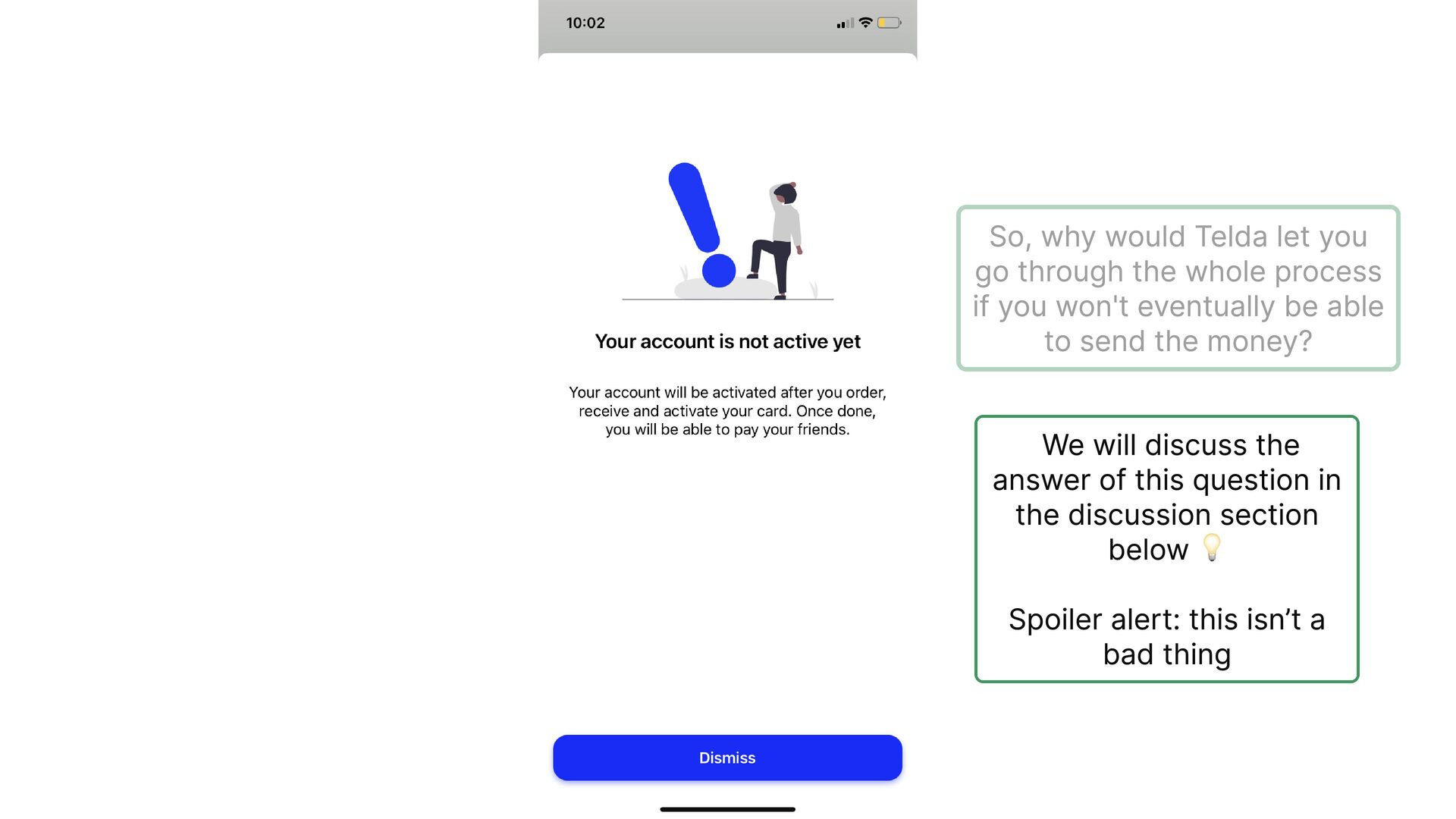
  4. I really appreciate that they use the same style of

    username inside the app. This would help users quickly recognize it when they see it later
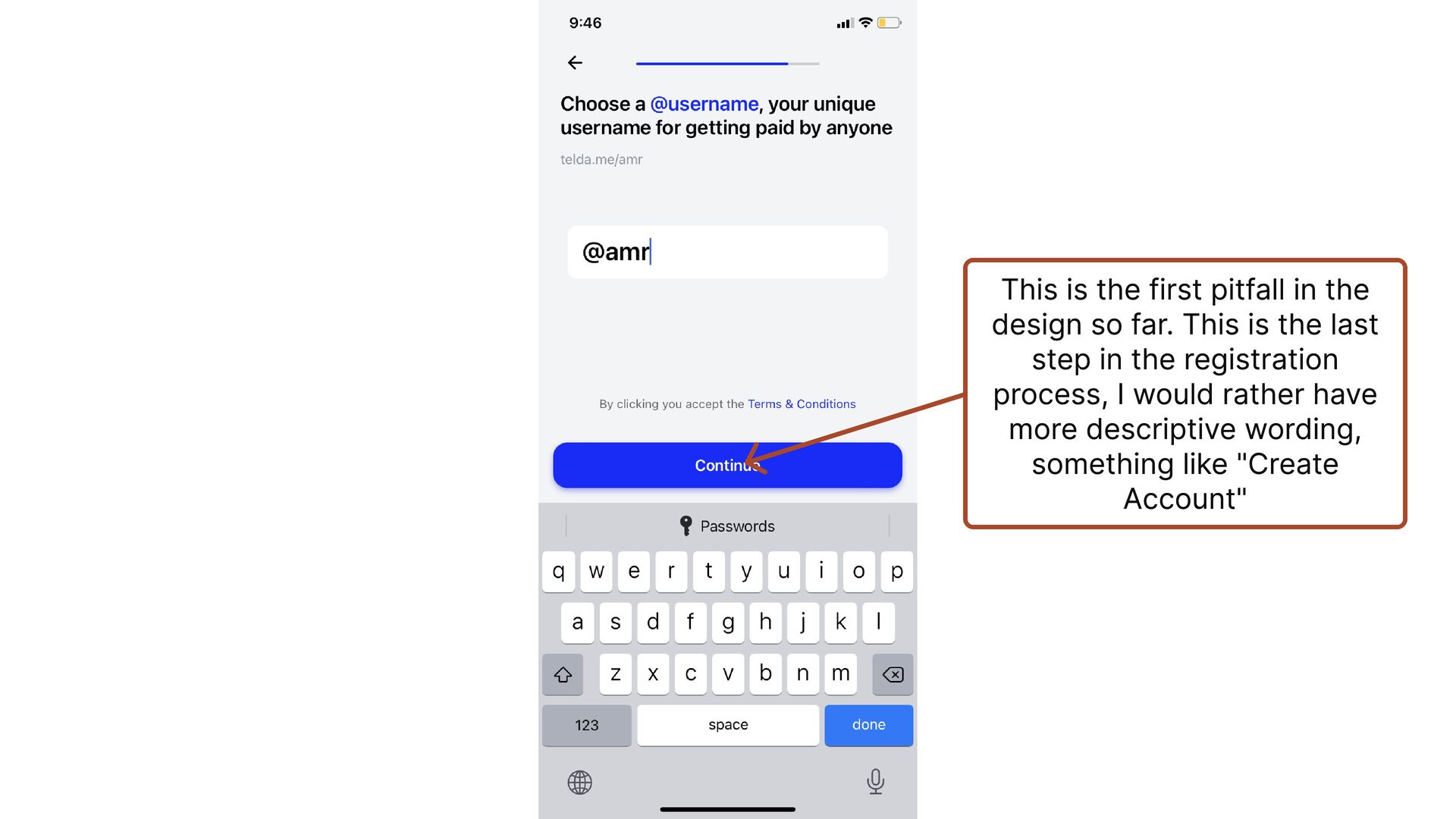
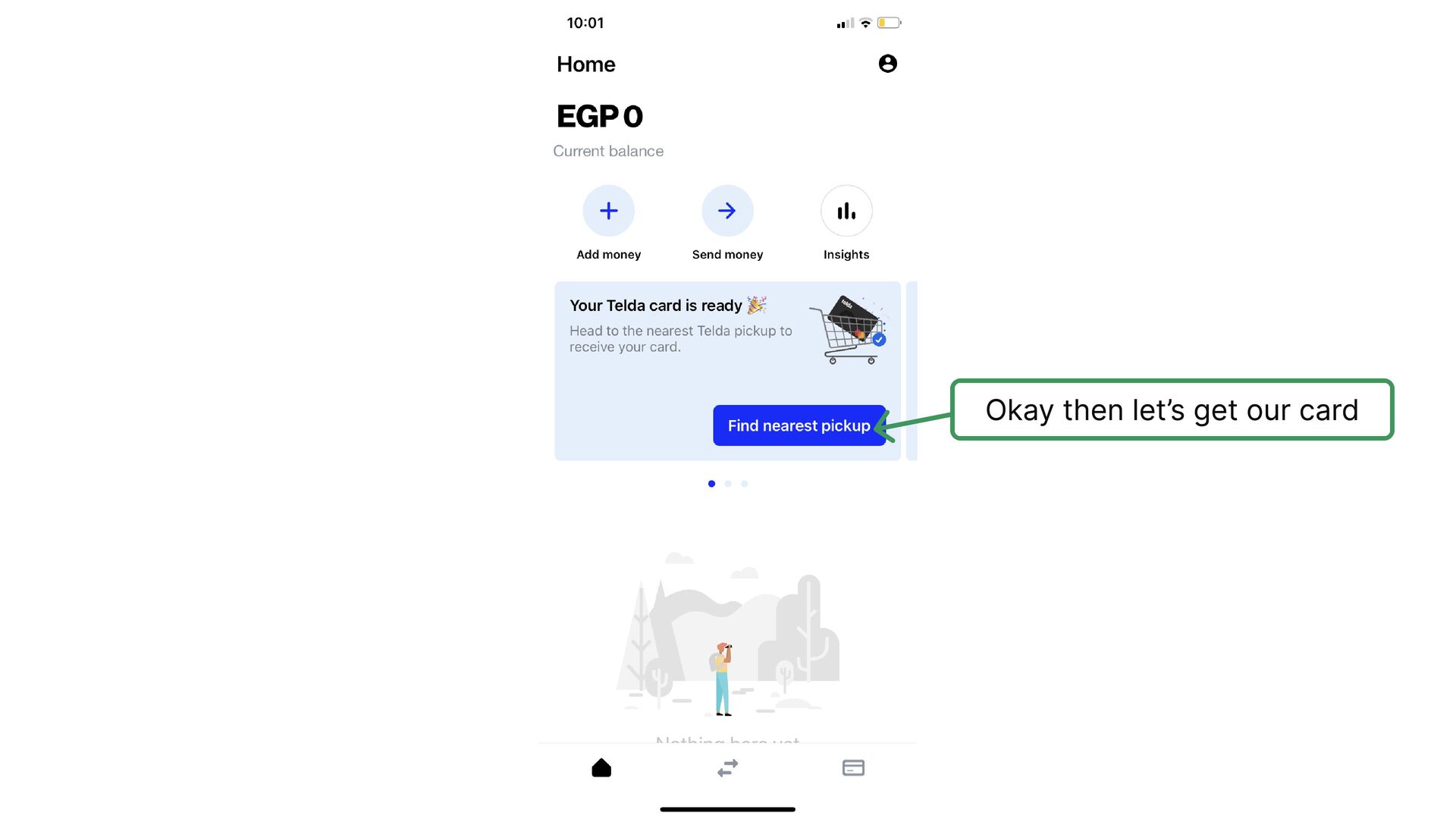
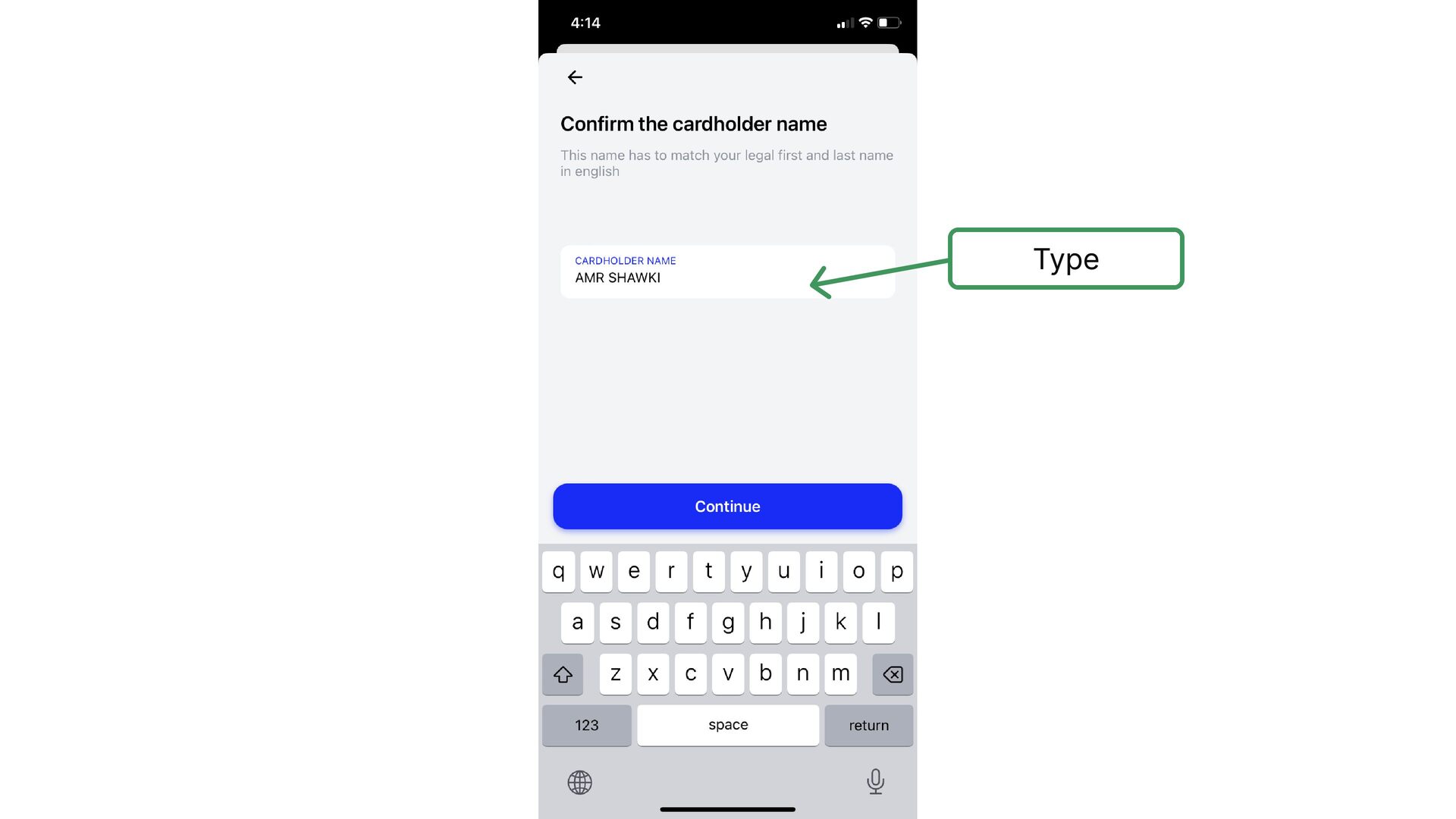
  5. This is the first pitfall in the design so far.

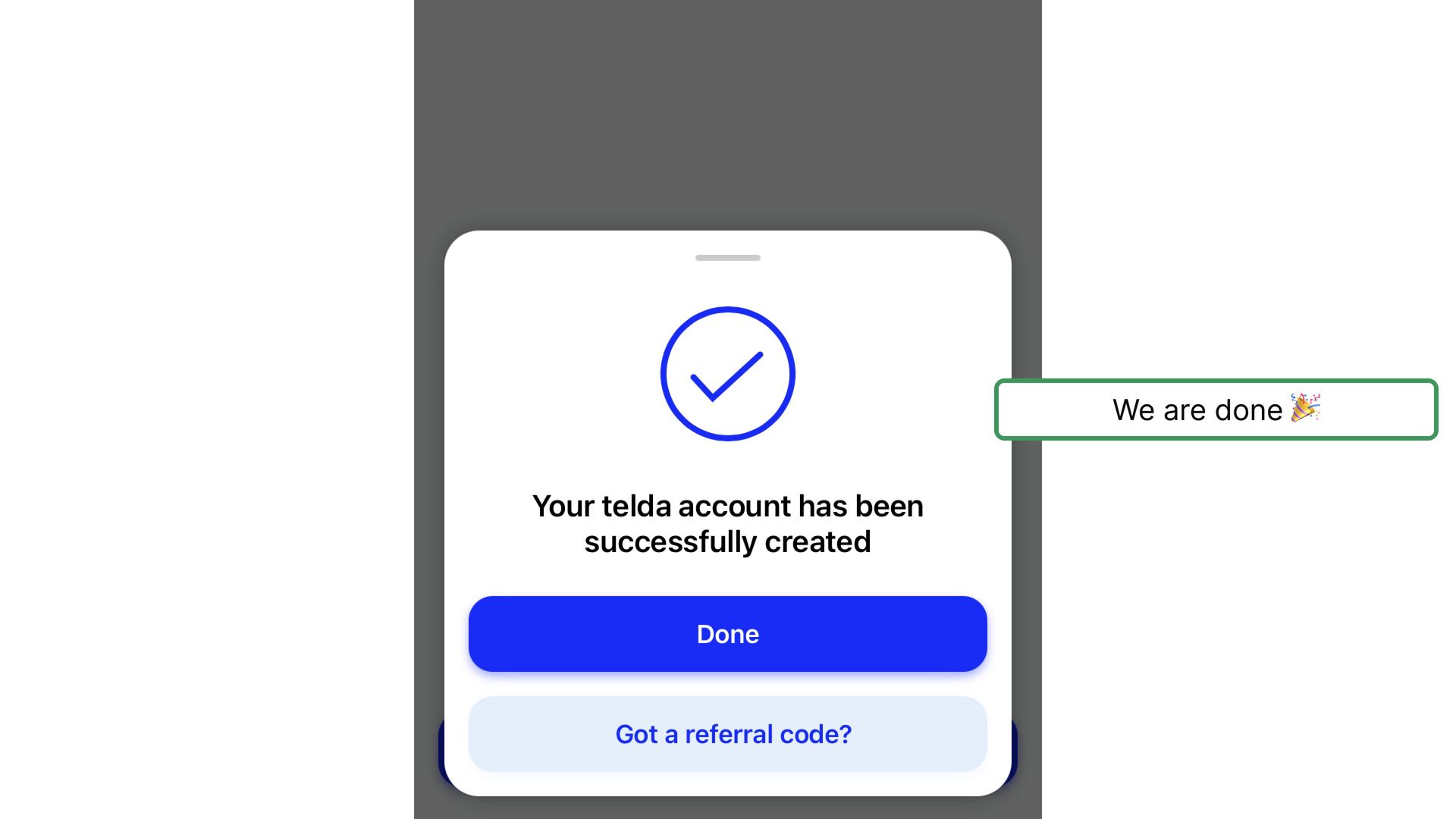
    This is the last step in the registration process, I would rather have more descriptive wording, something like "Create Account"
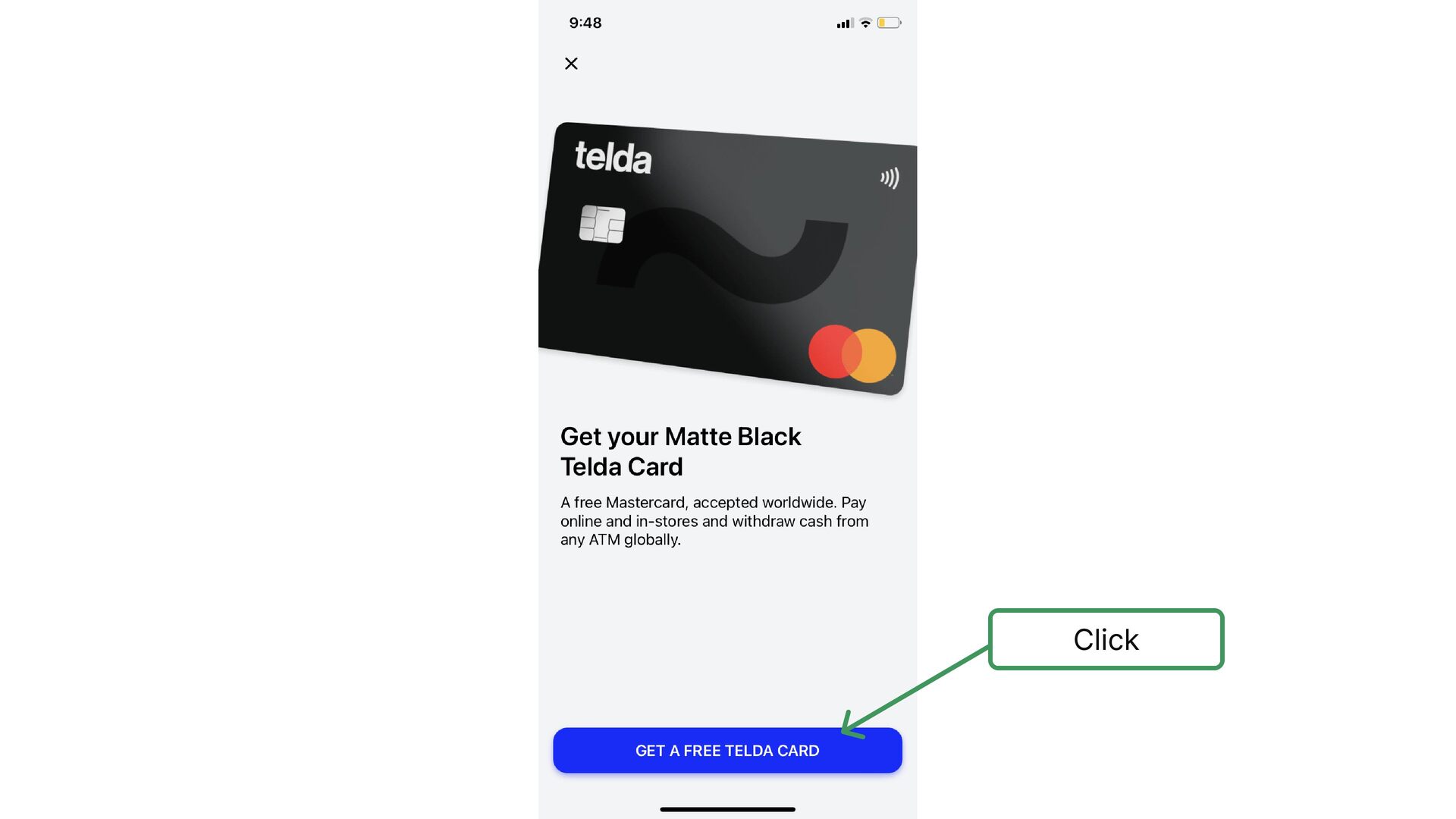
  6. Once you register you get directly onboarded on a screen

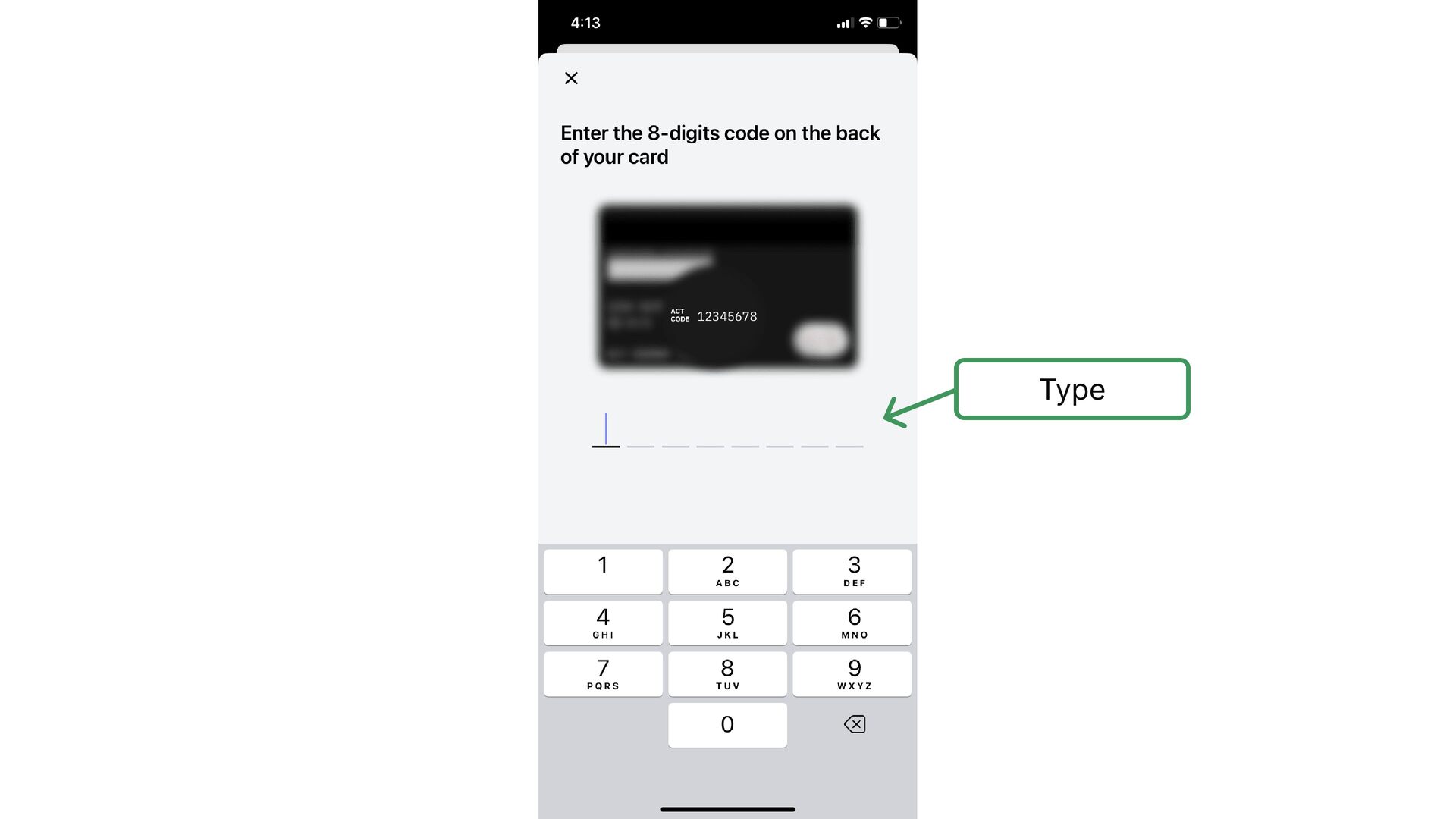
    to request Telda Card, makes sense, since the whole Telda business is built based on this card and this is the right time to introduce it
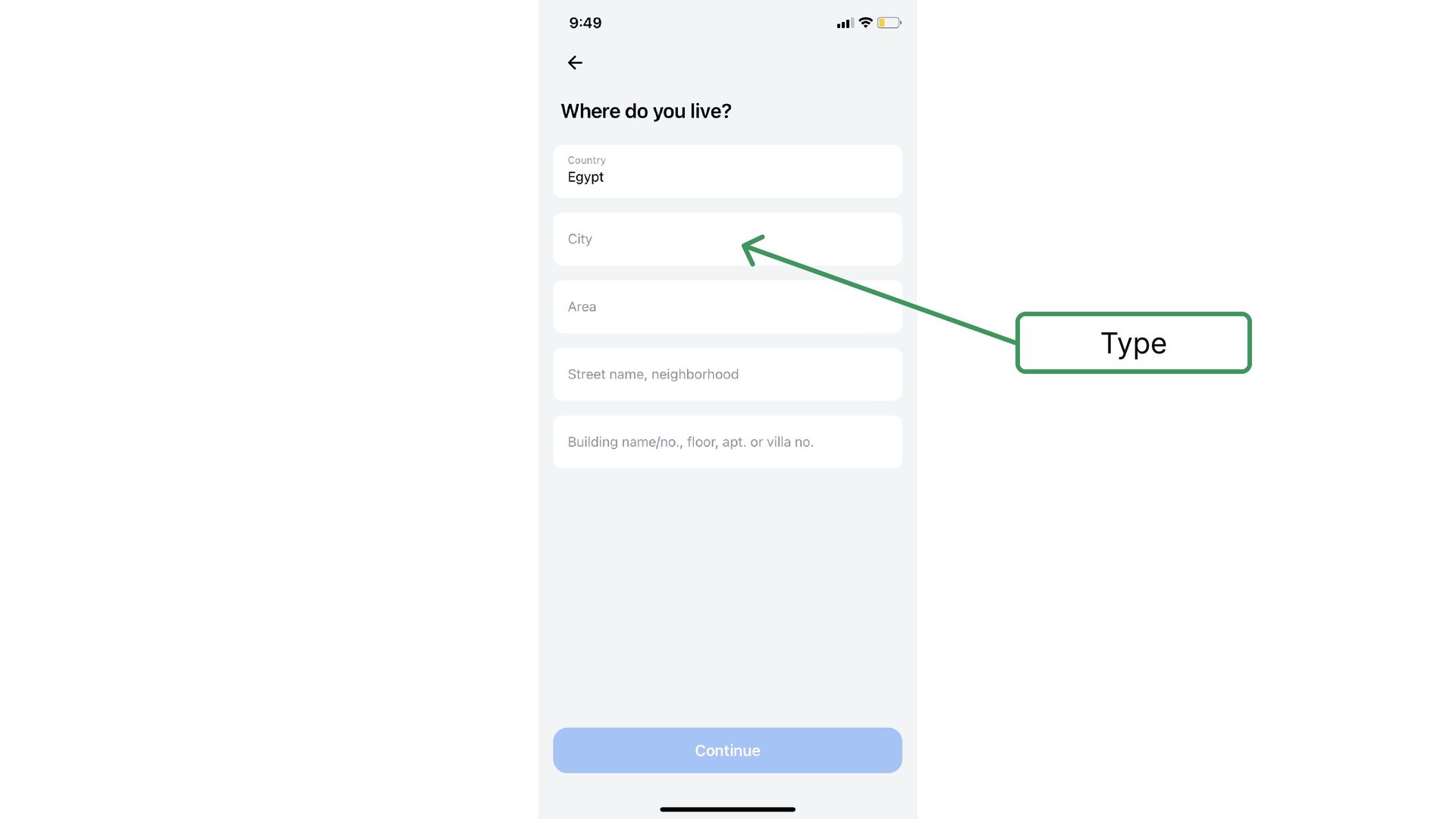
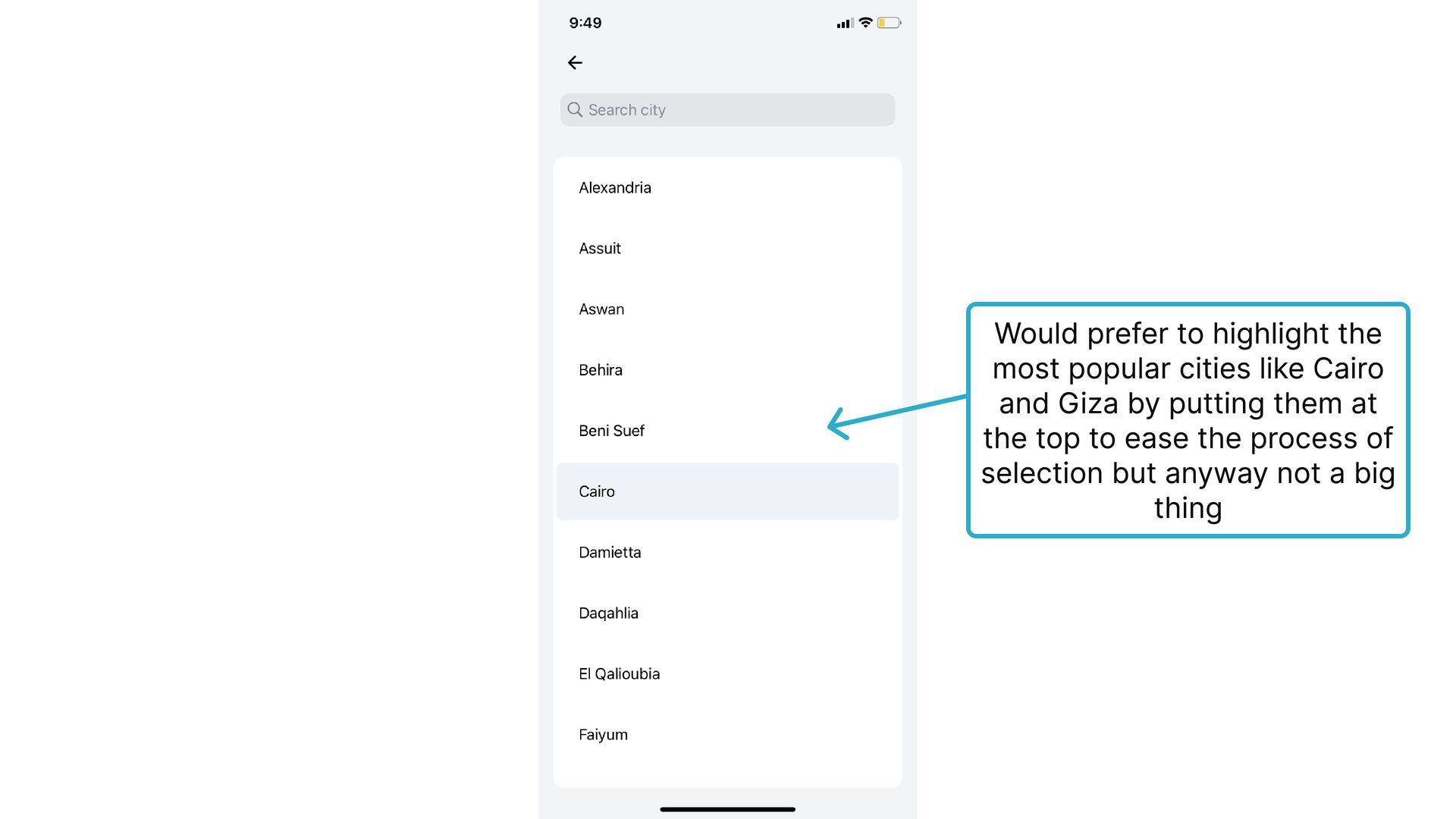
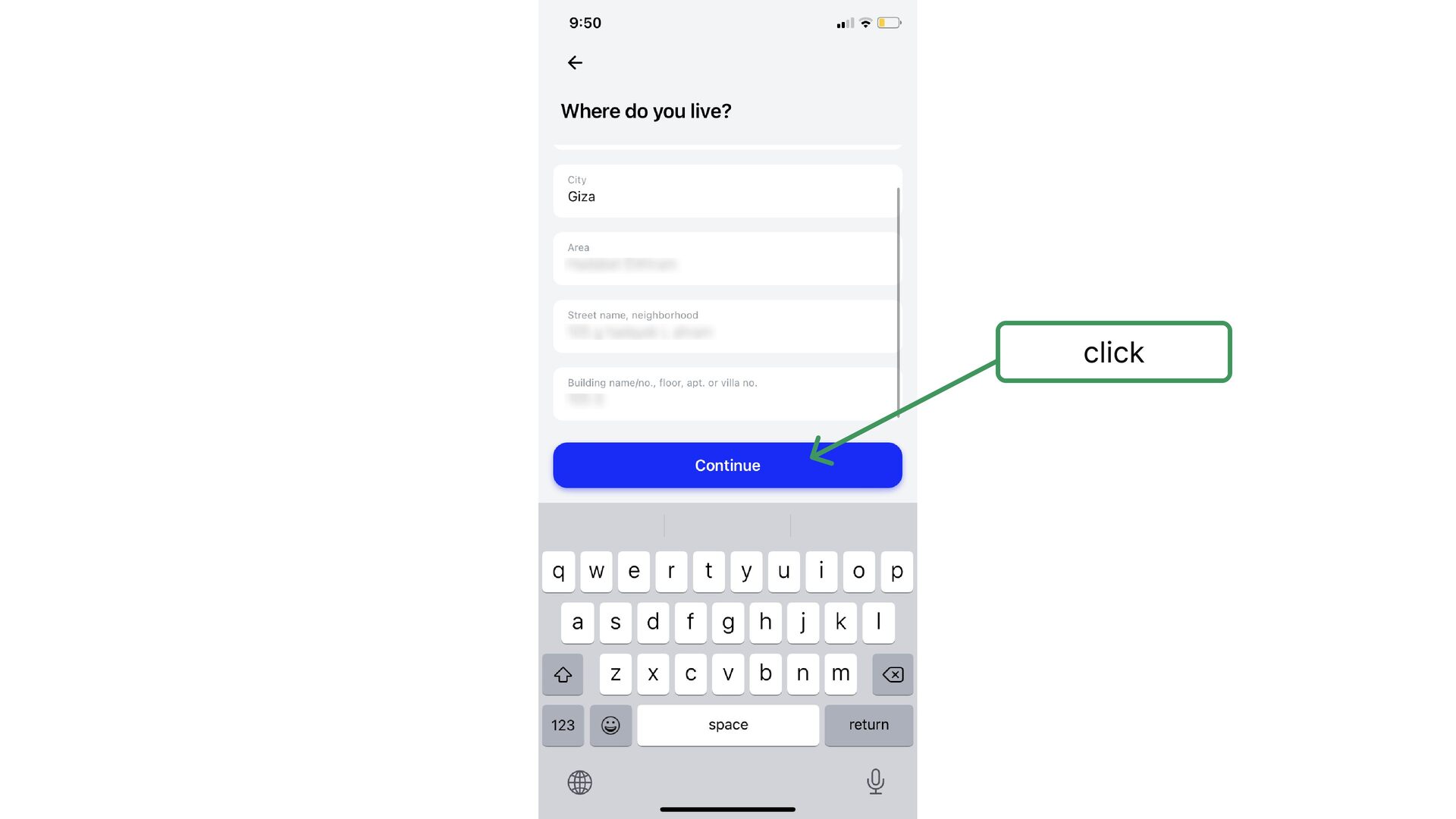
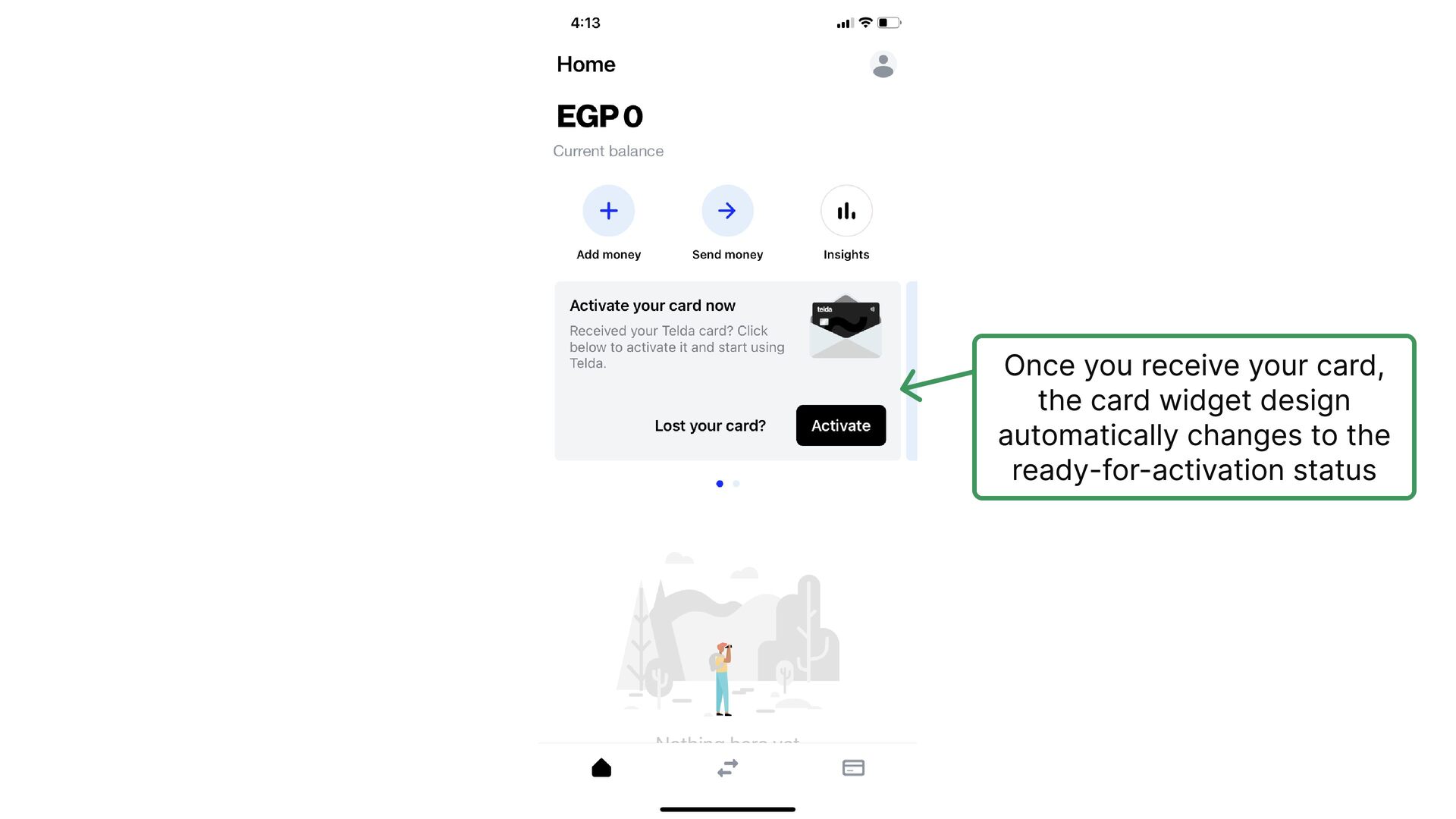
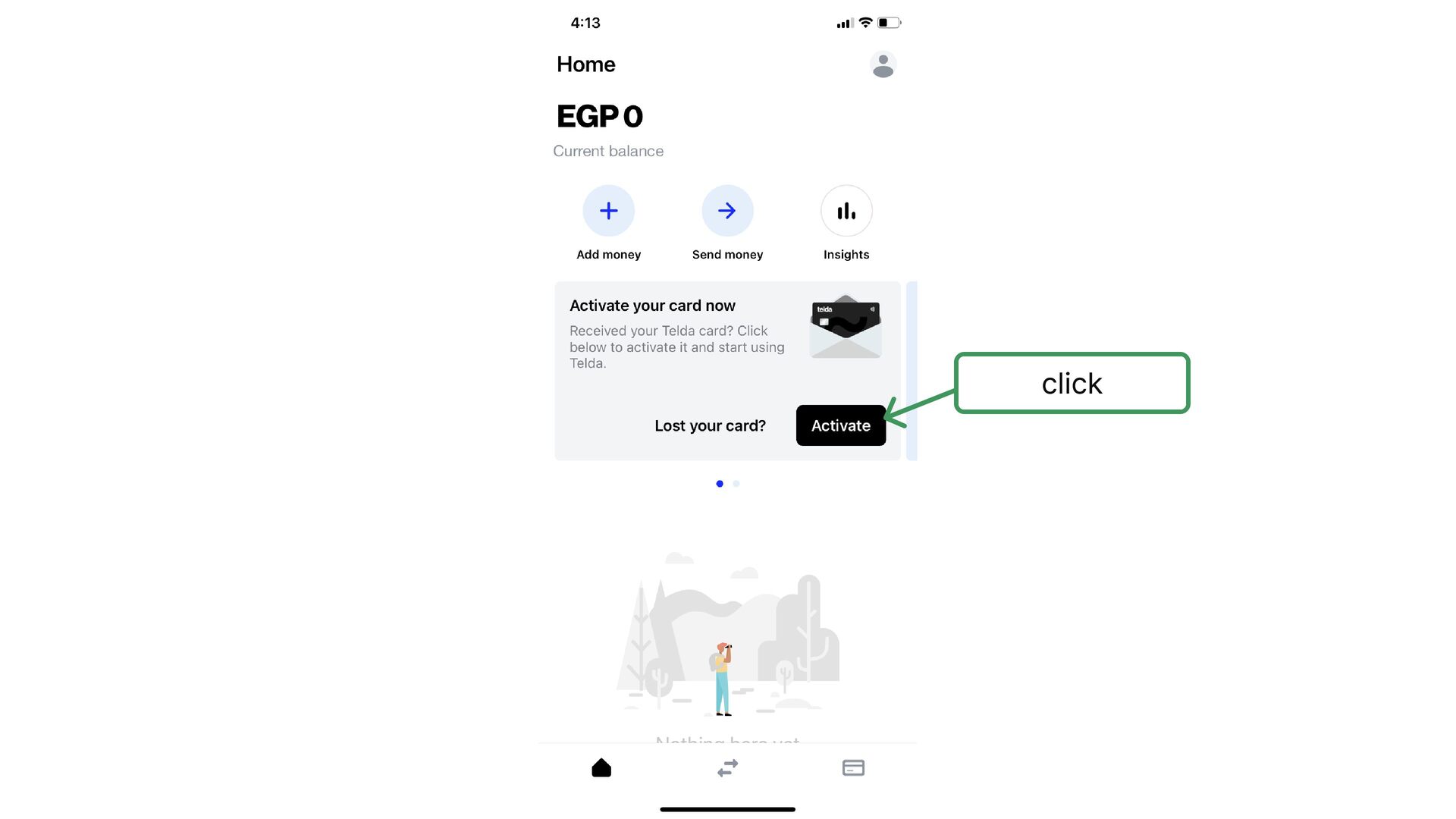
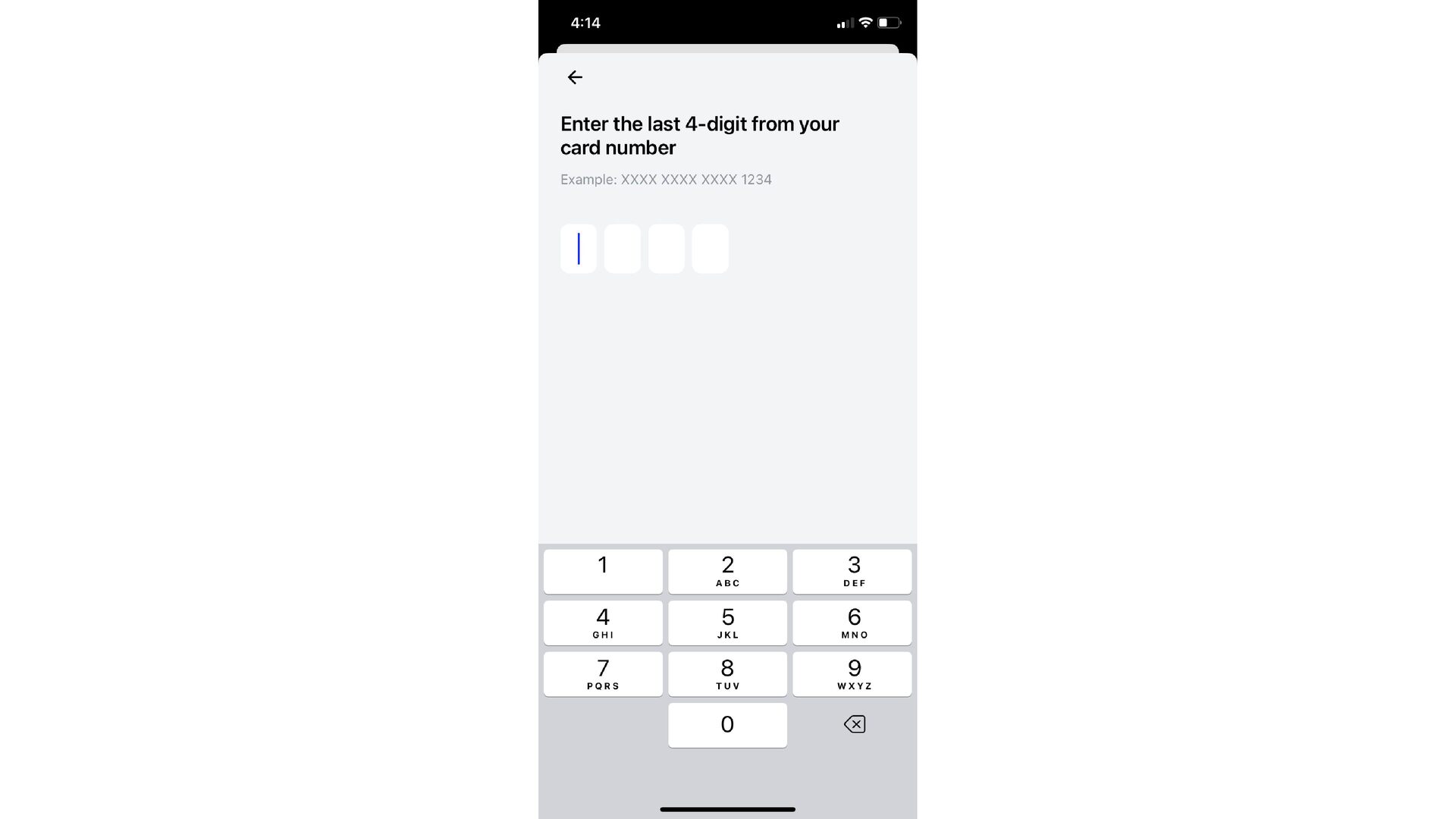
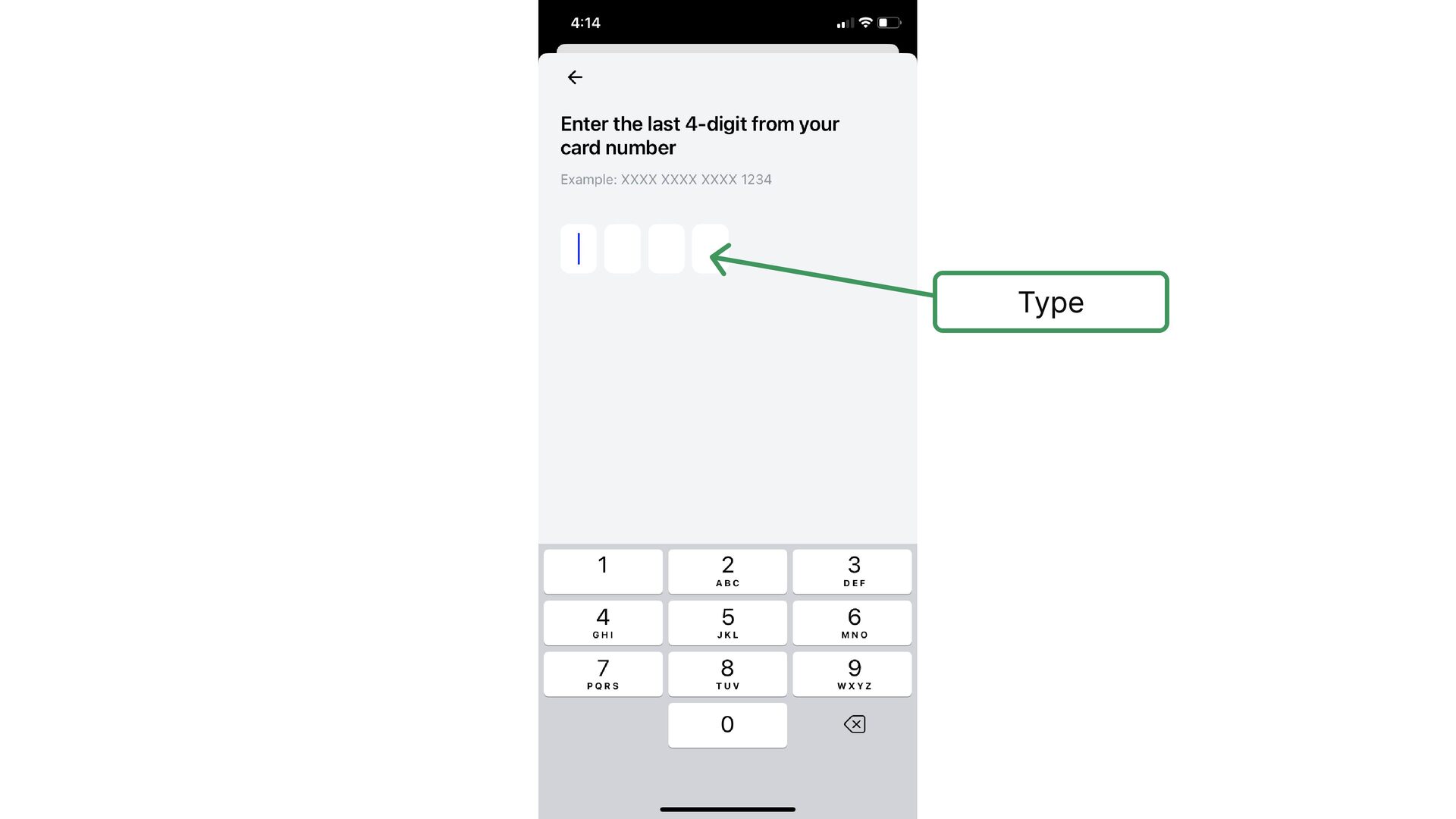
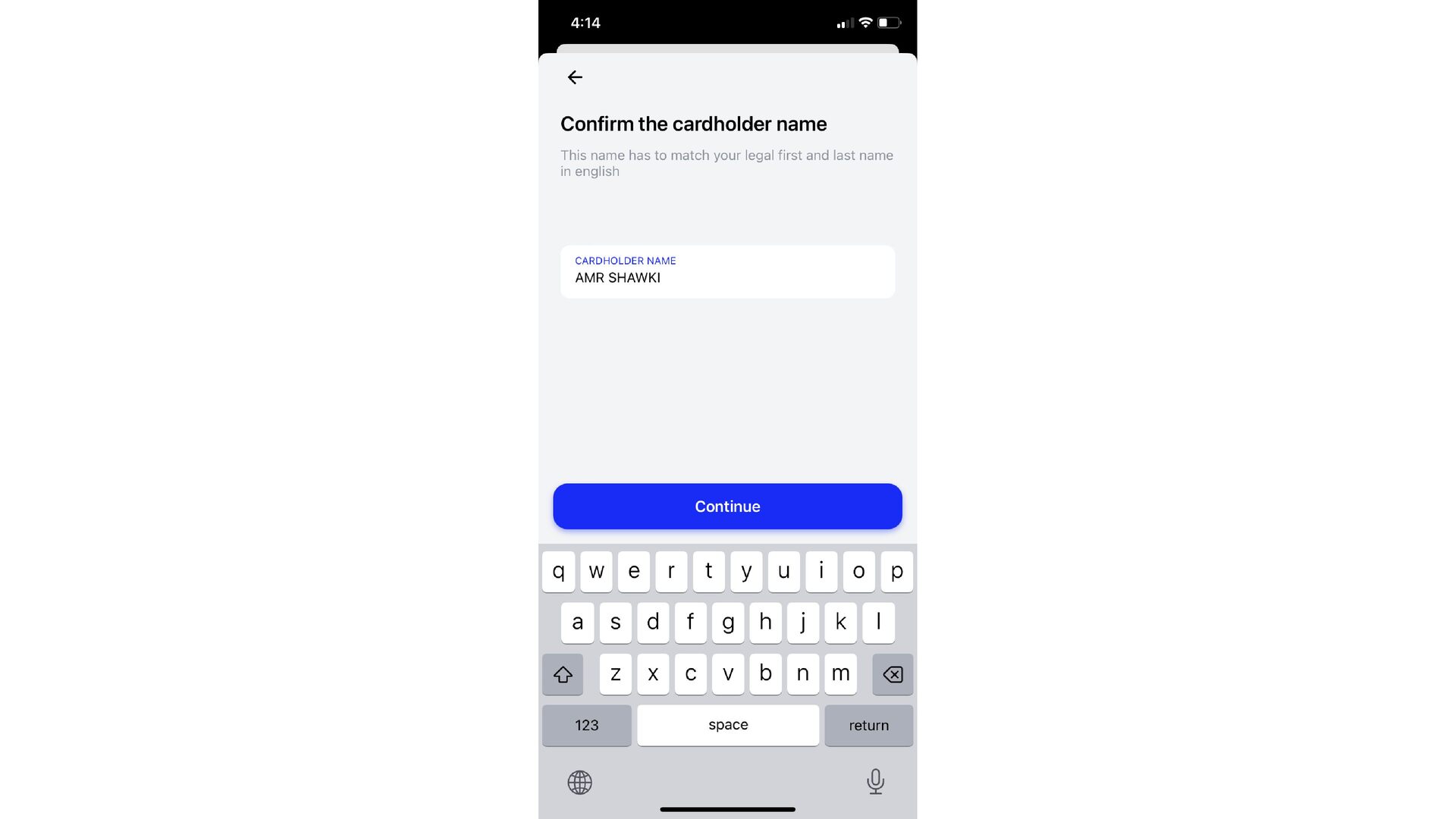
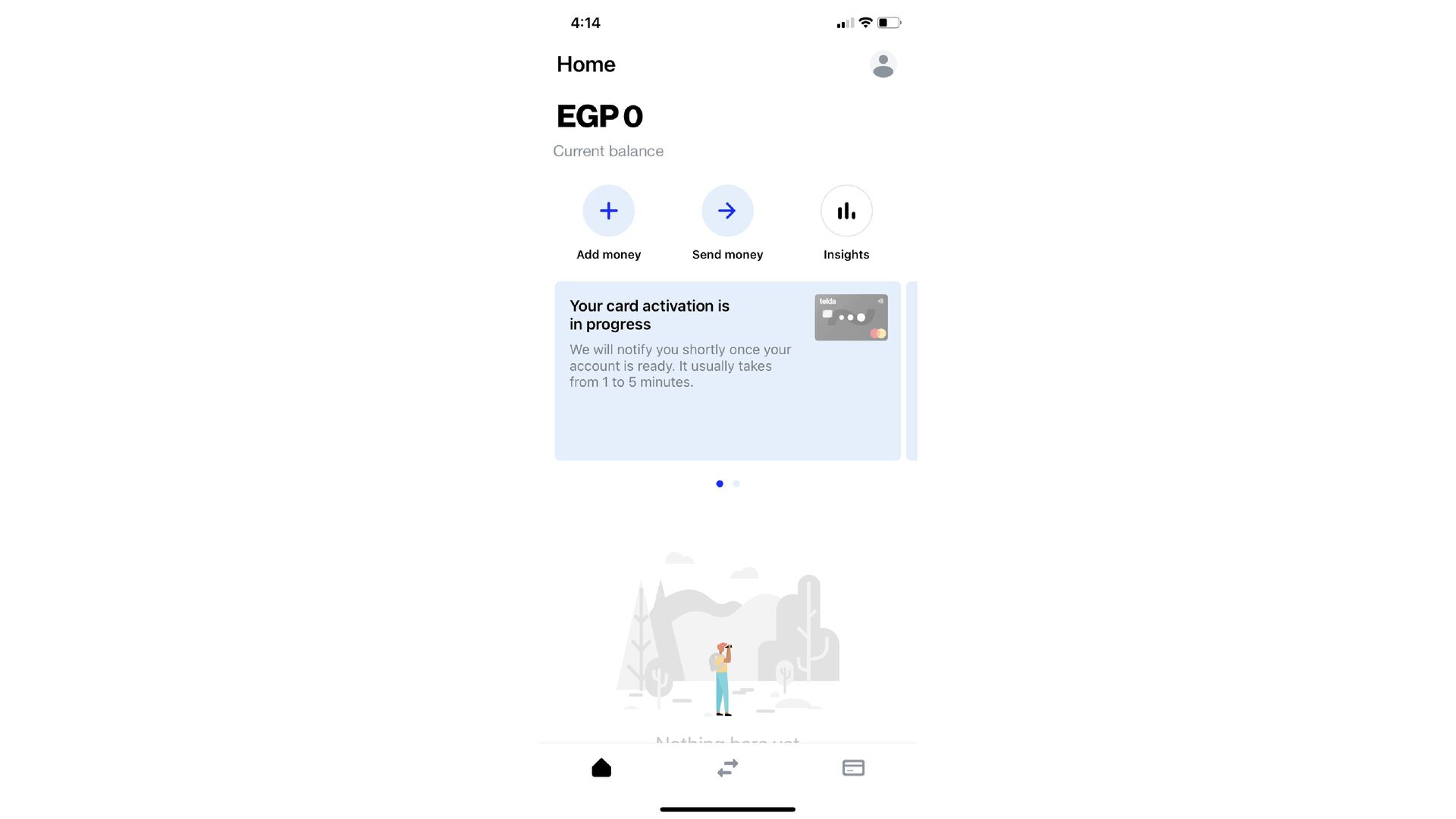
  7. Would prefer to highlight the most popular cities like Cairo

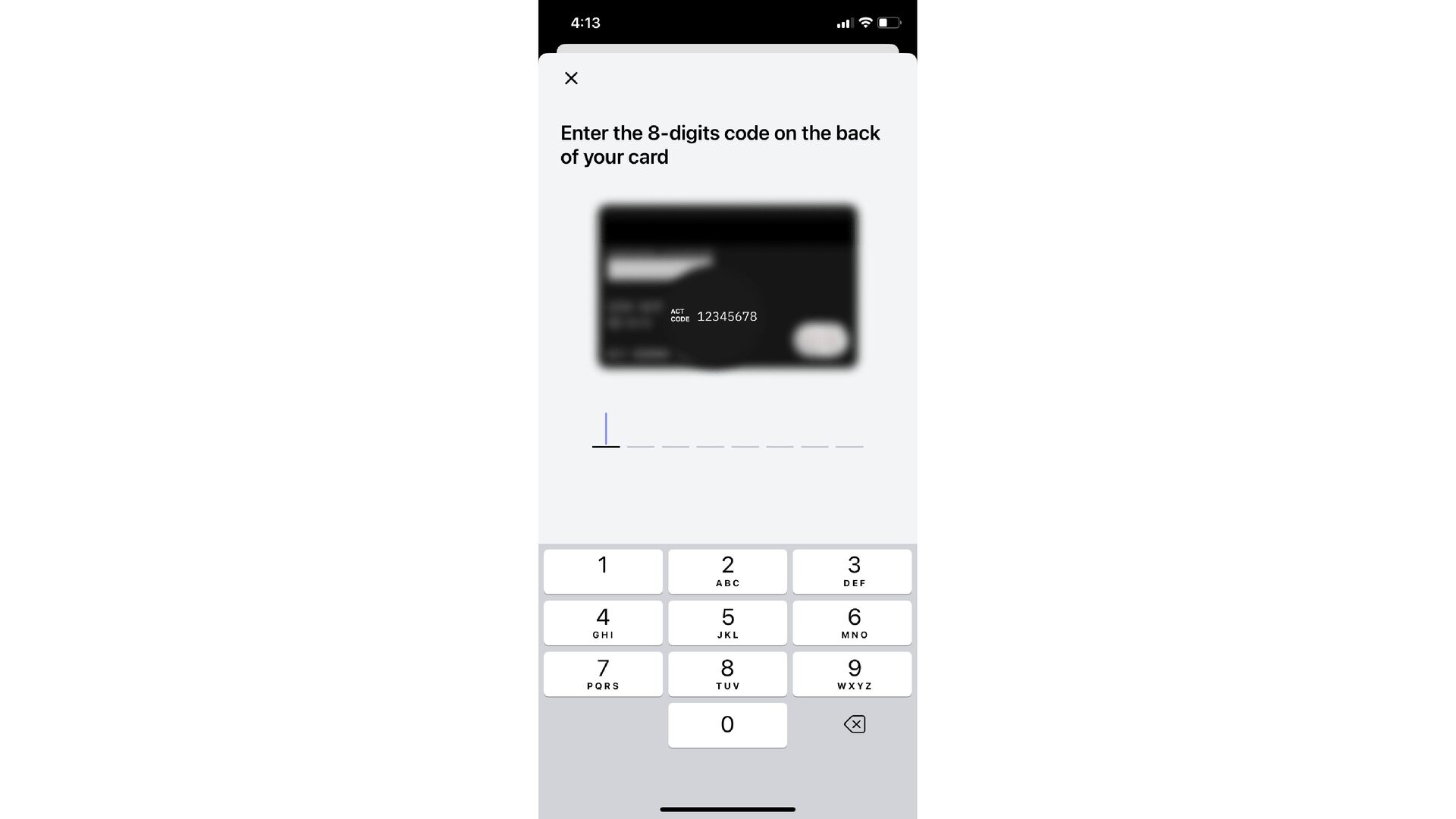
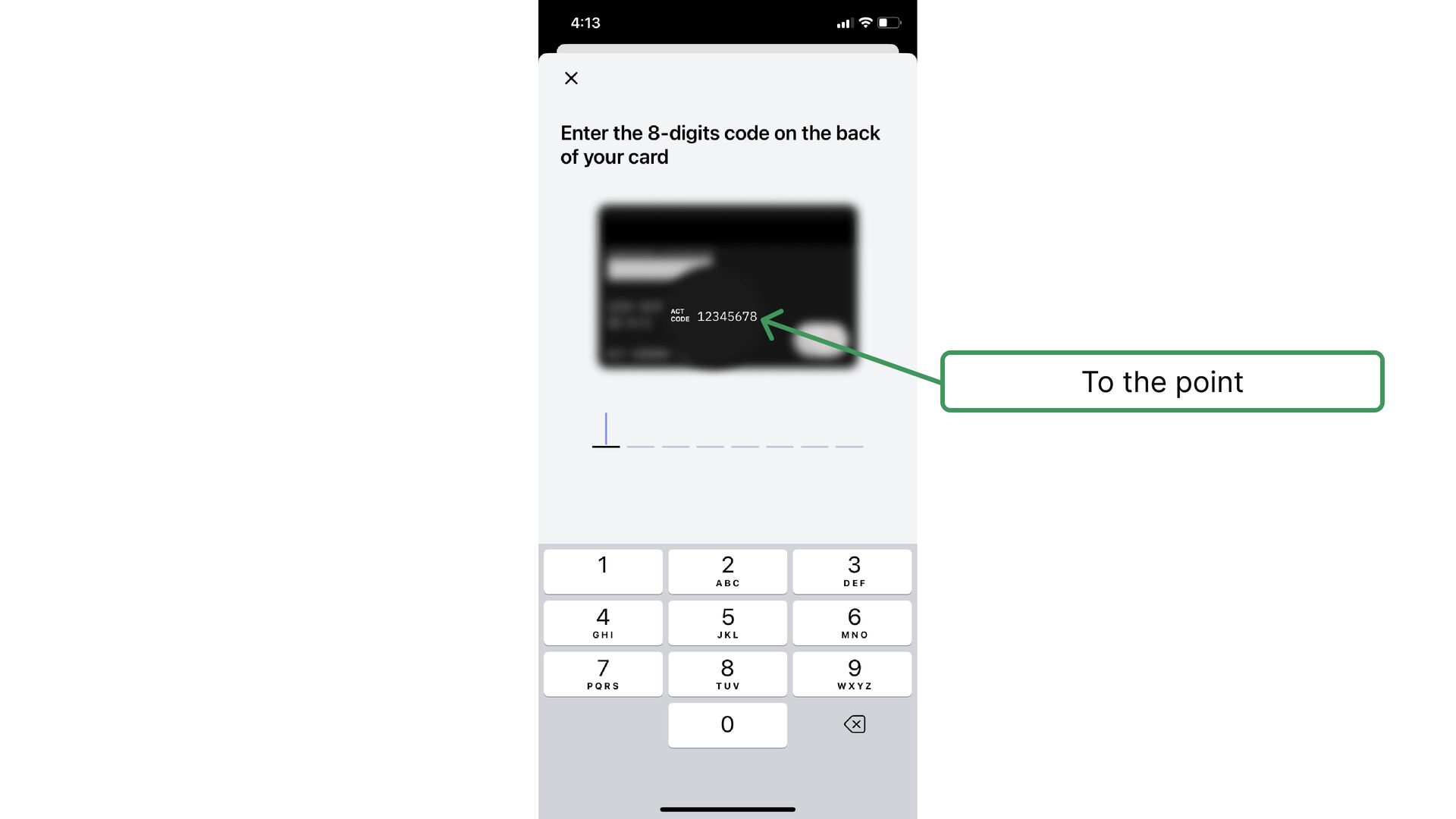
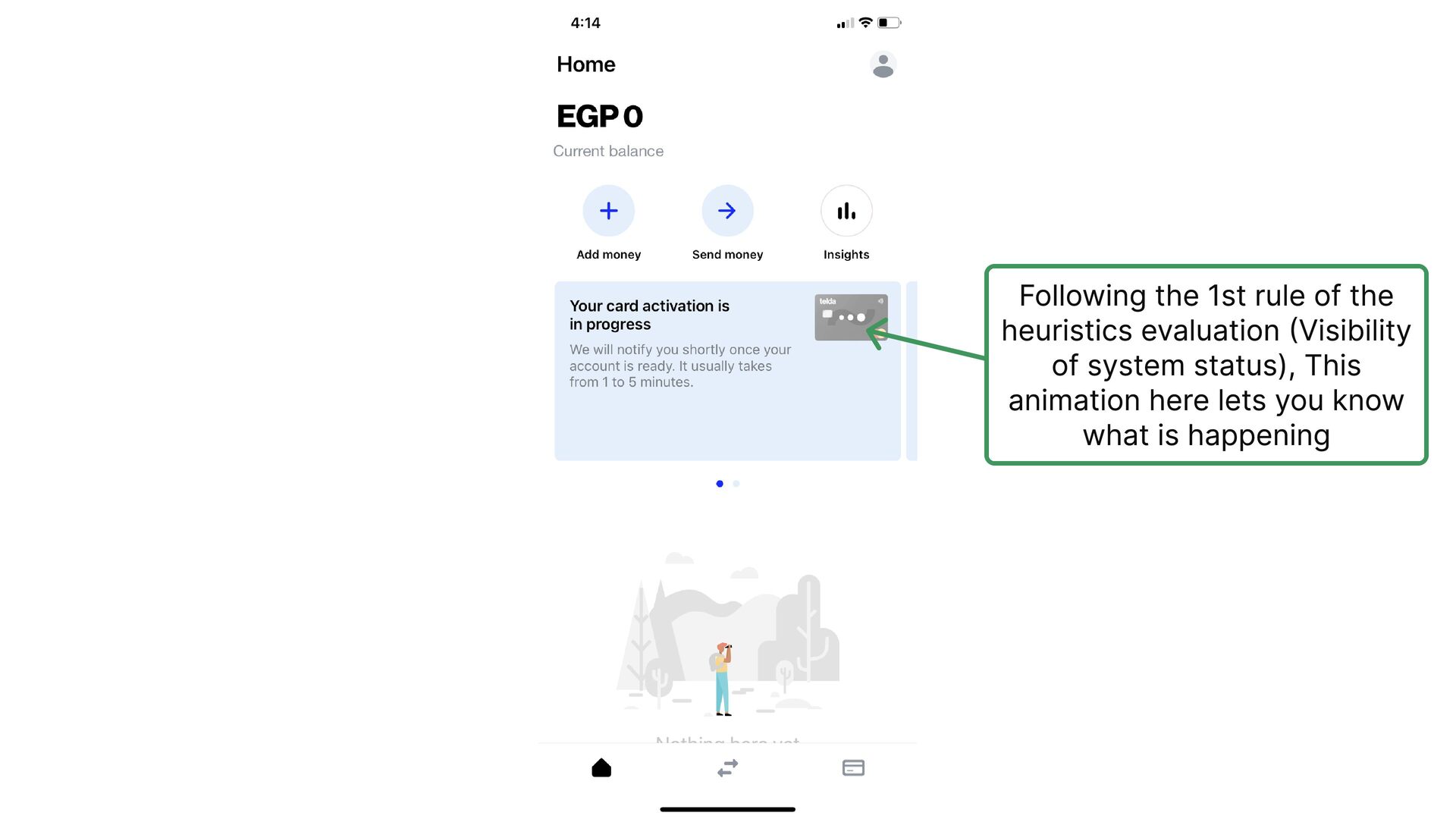
    and Giza by putting them at the top to ease the process of selection but anyway not a big thing
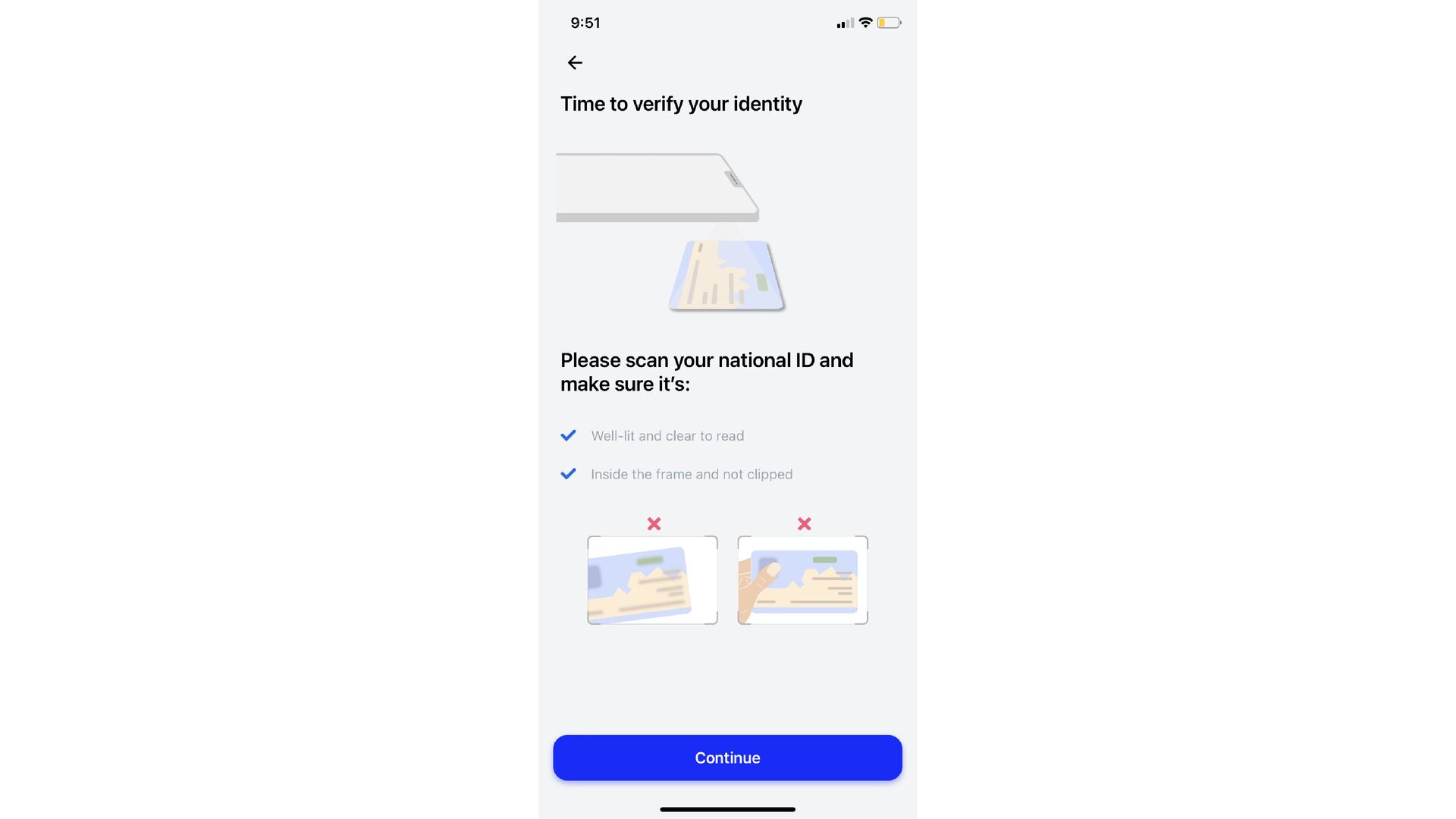
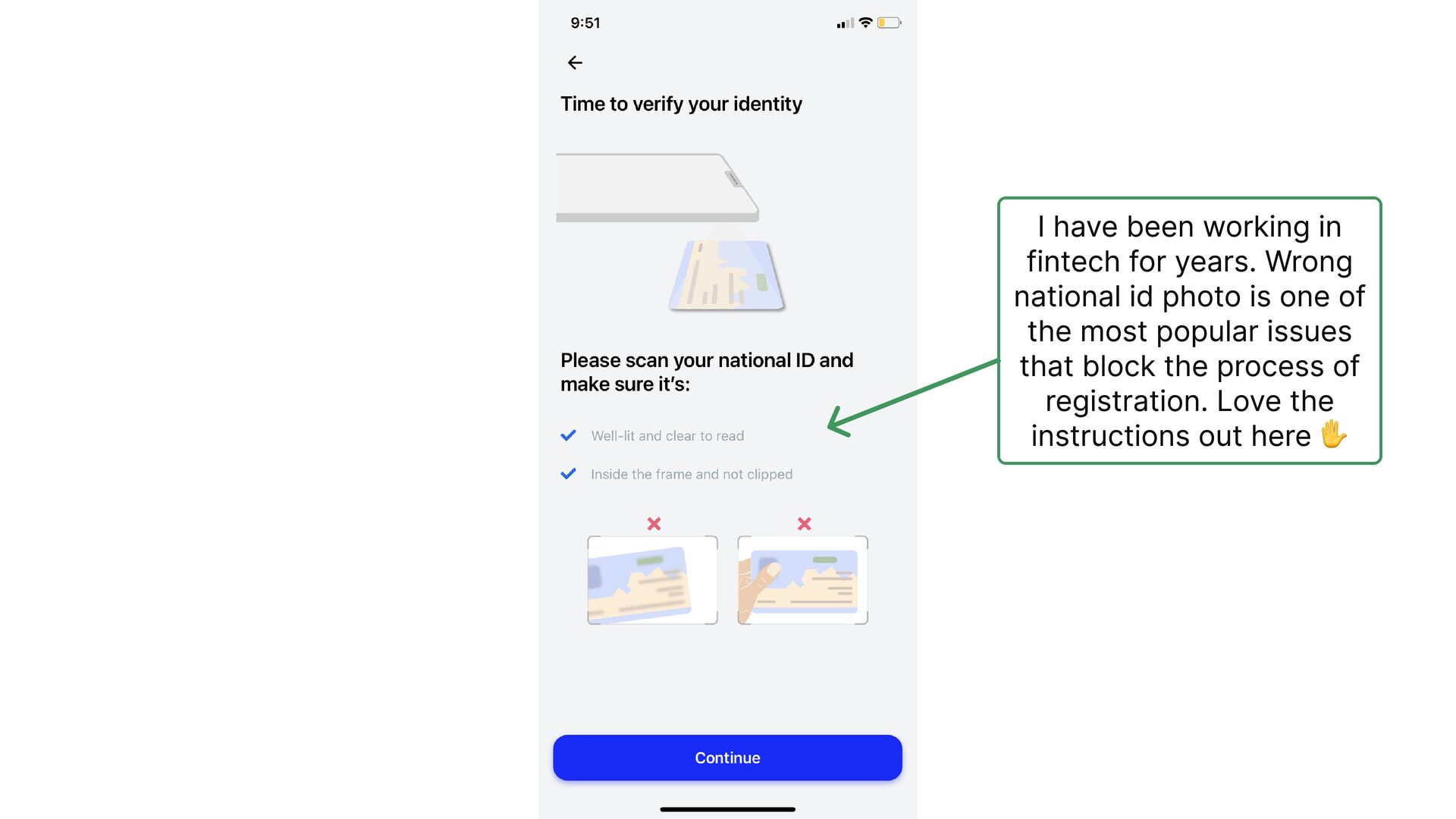
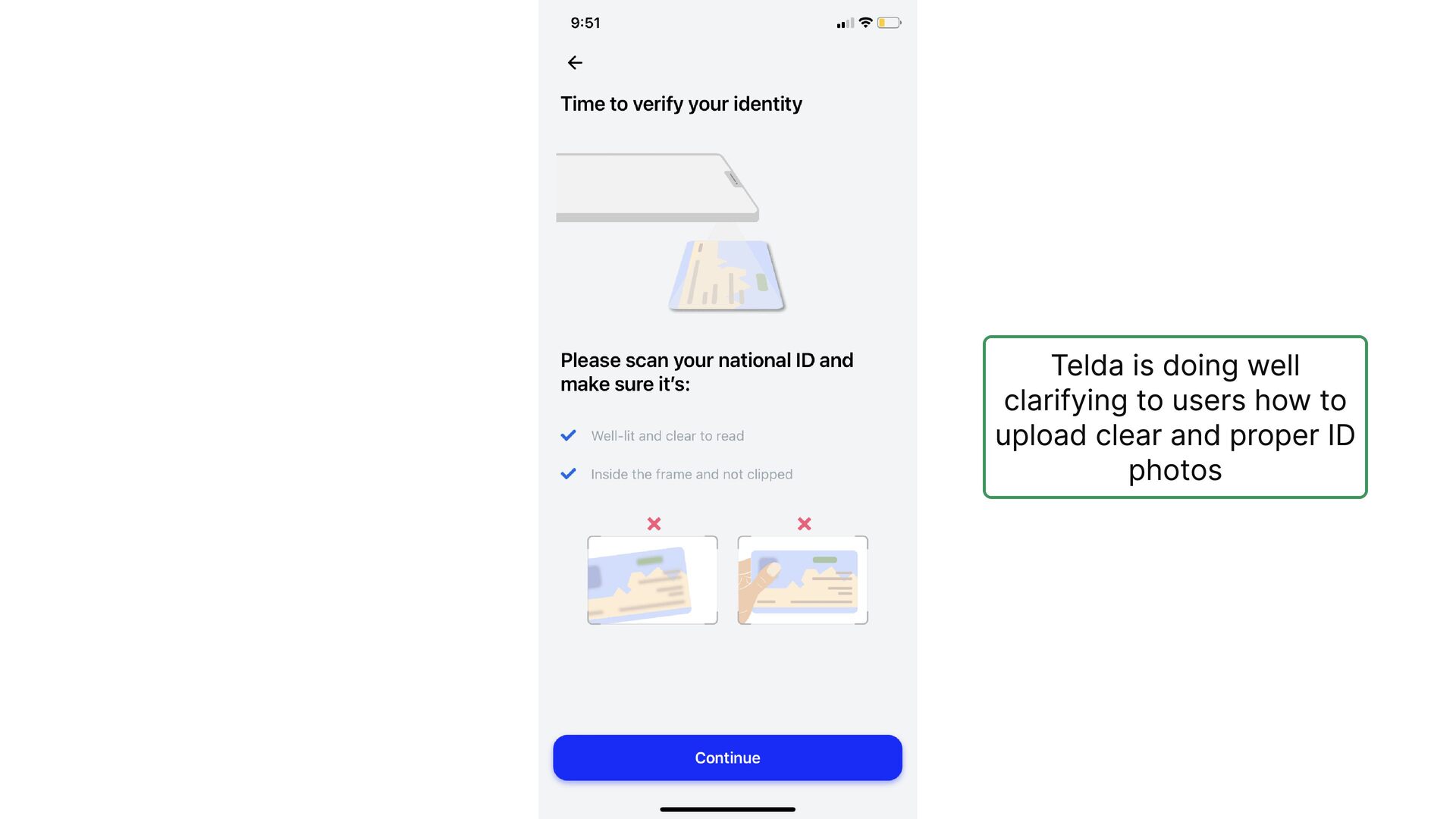
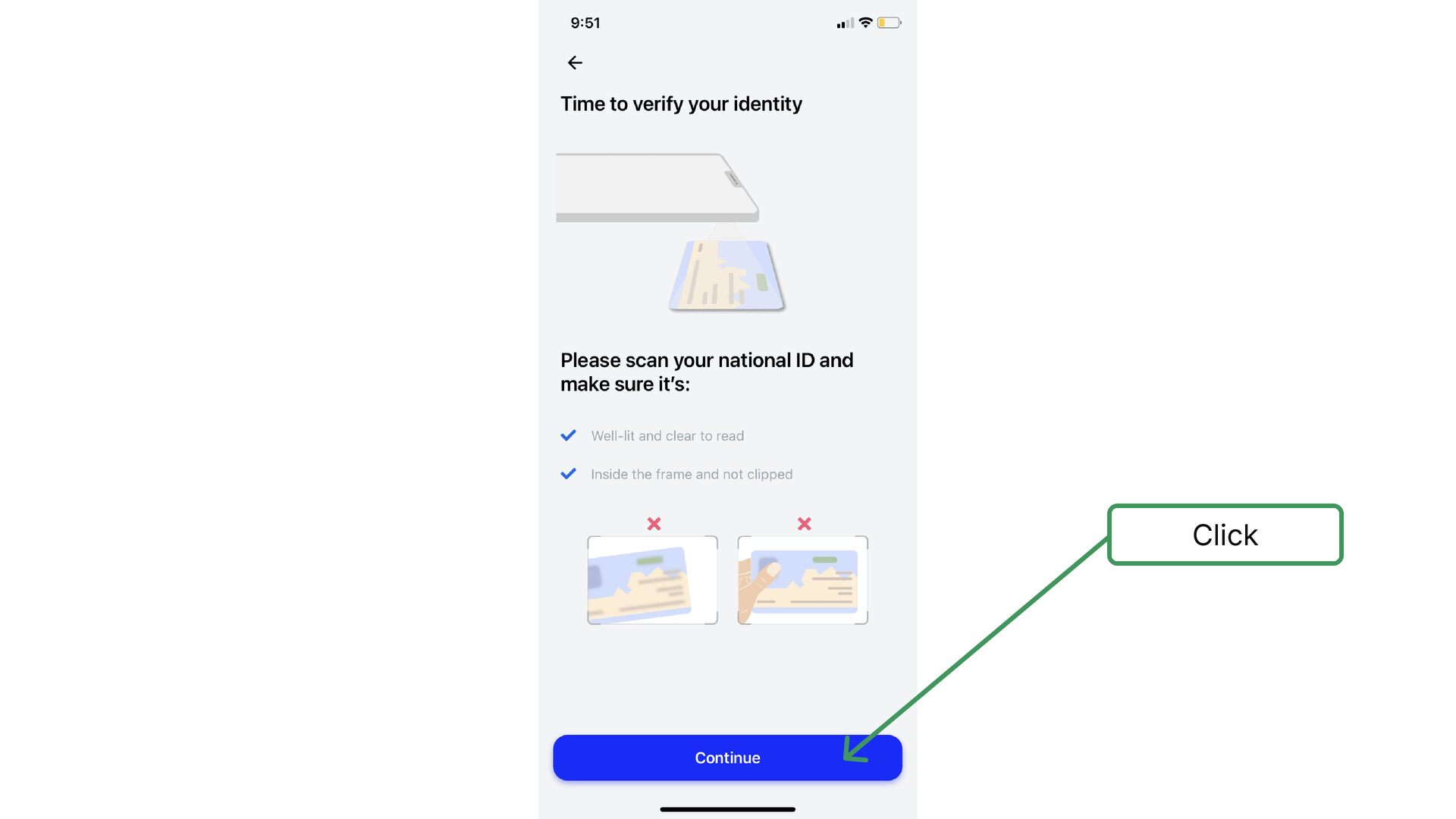
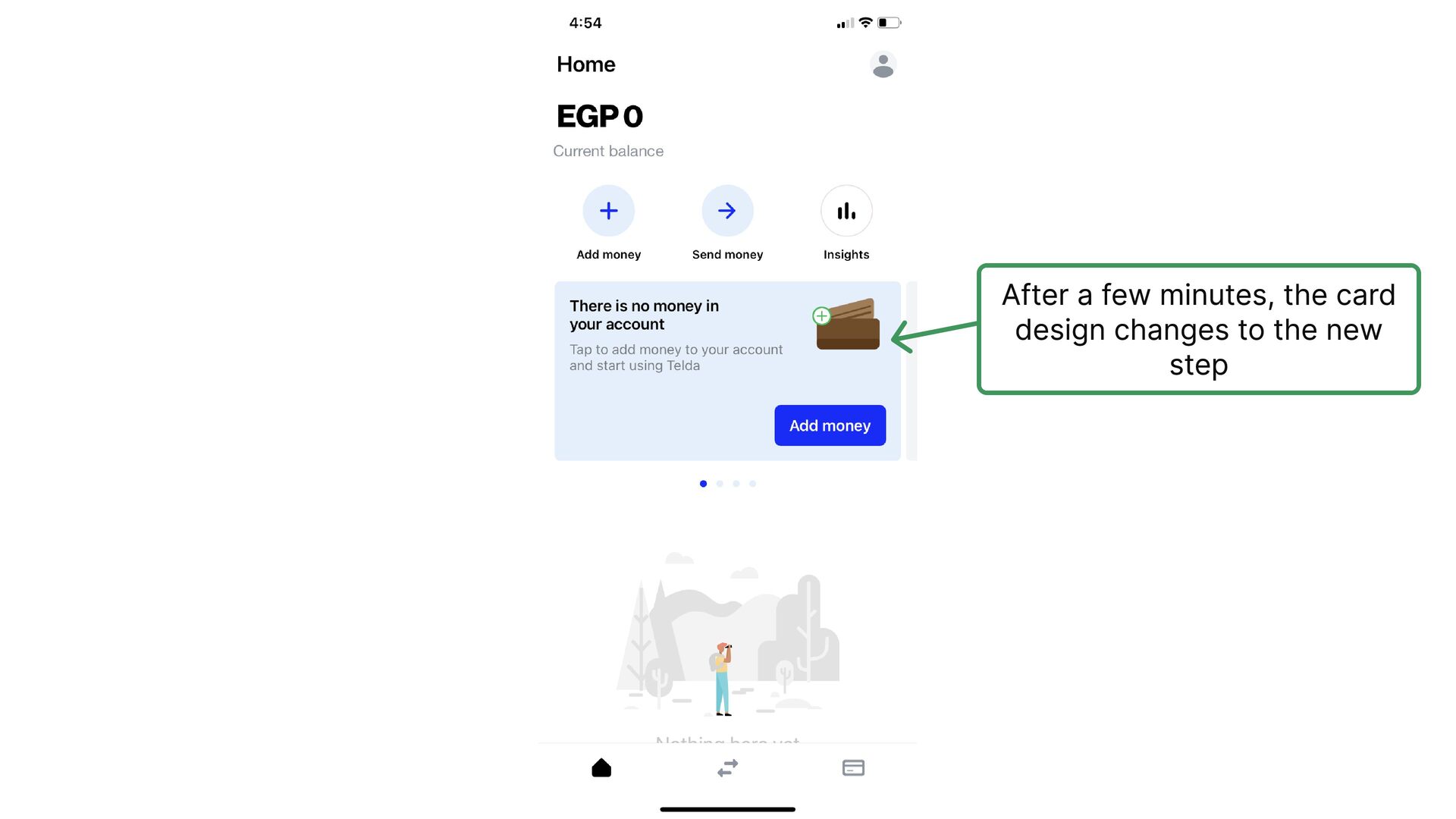
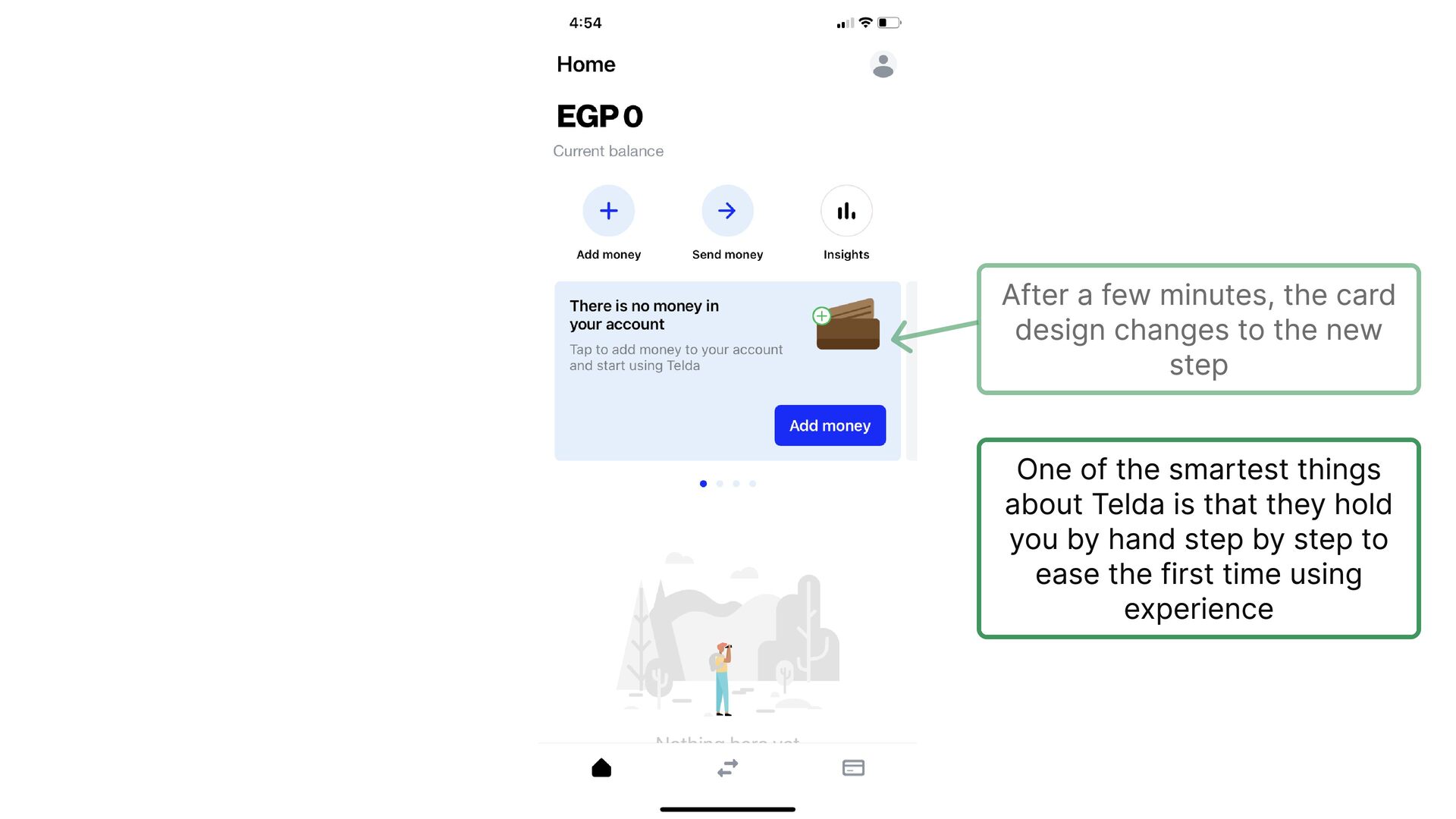
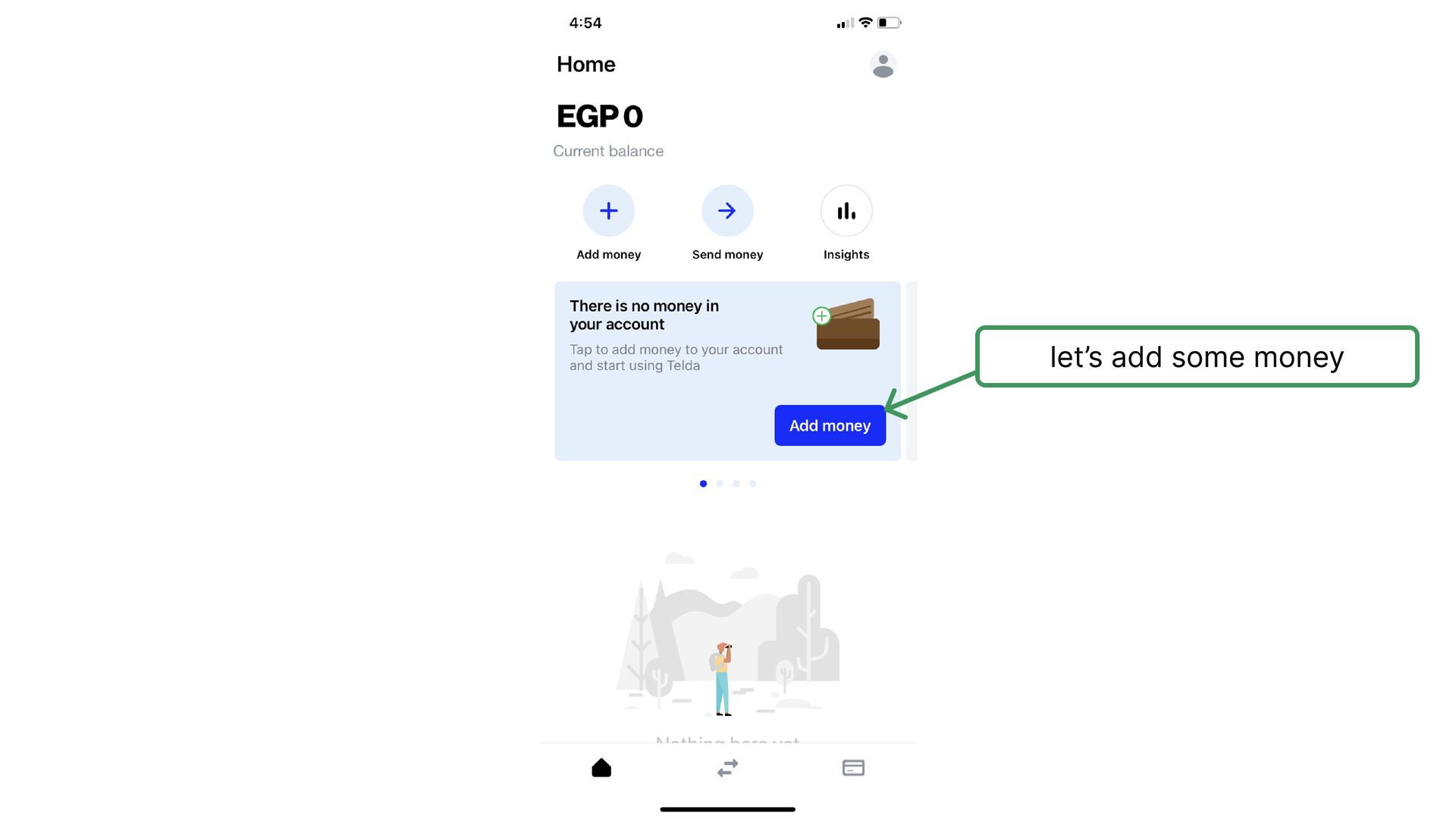
  8. I have been working in fintech for years. Wrong national

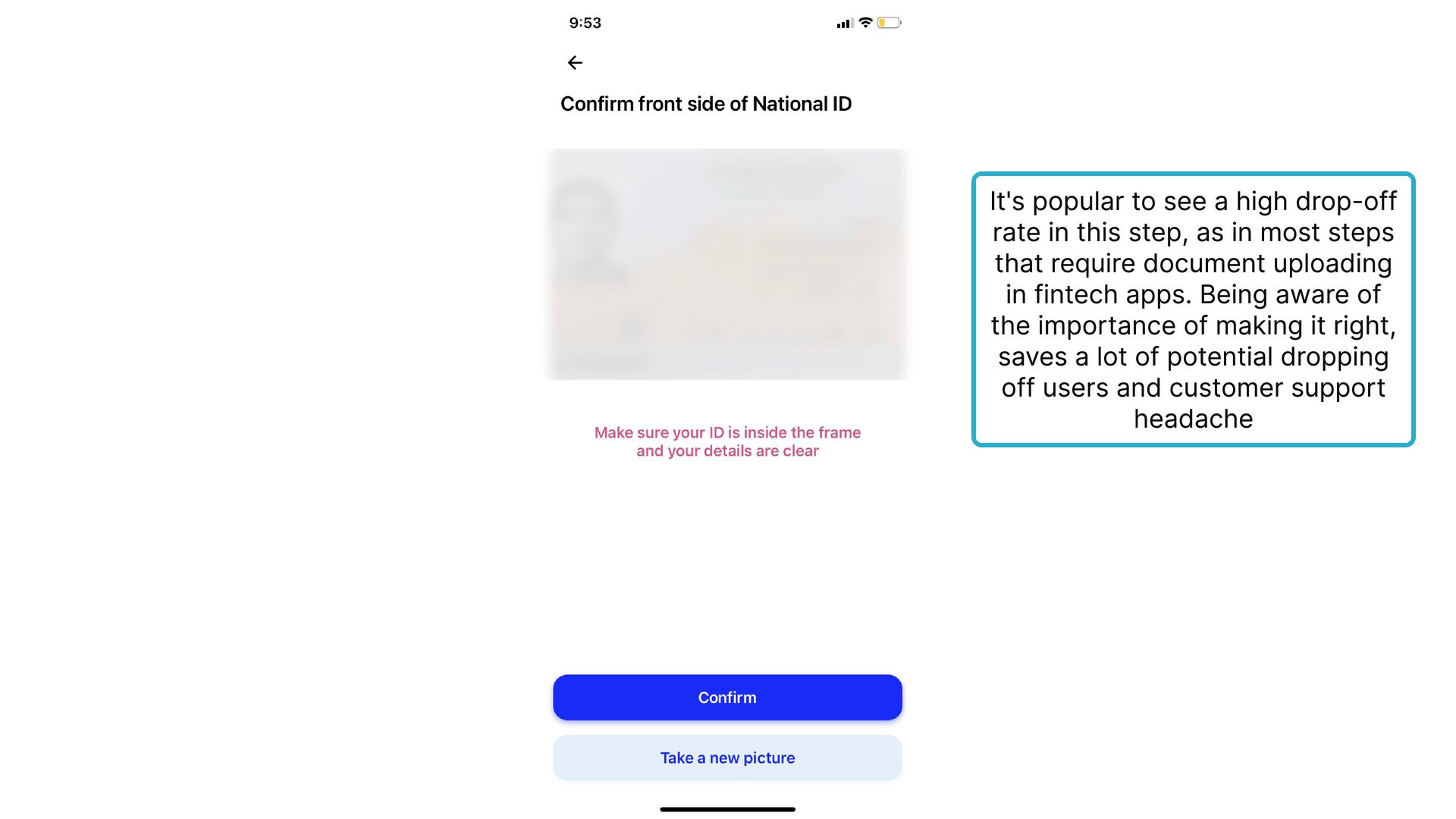
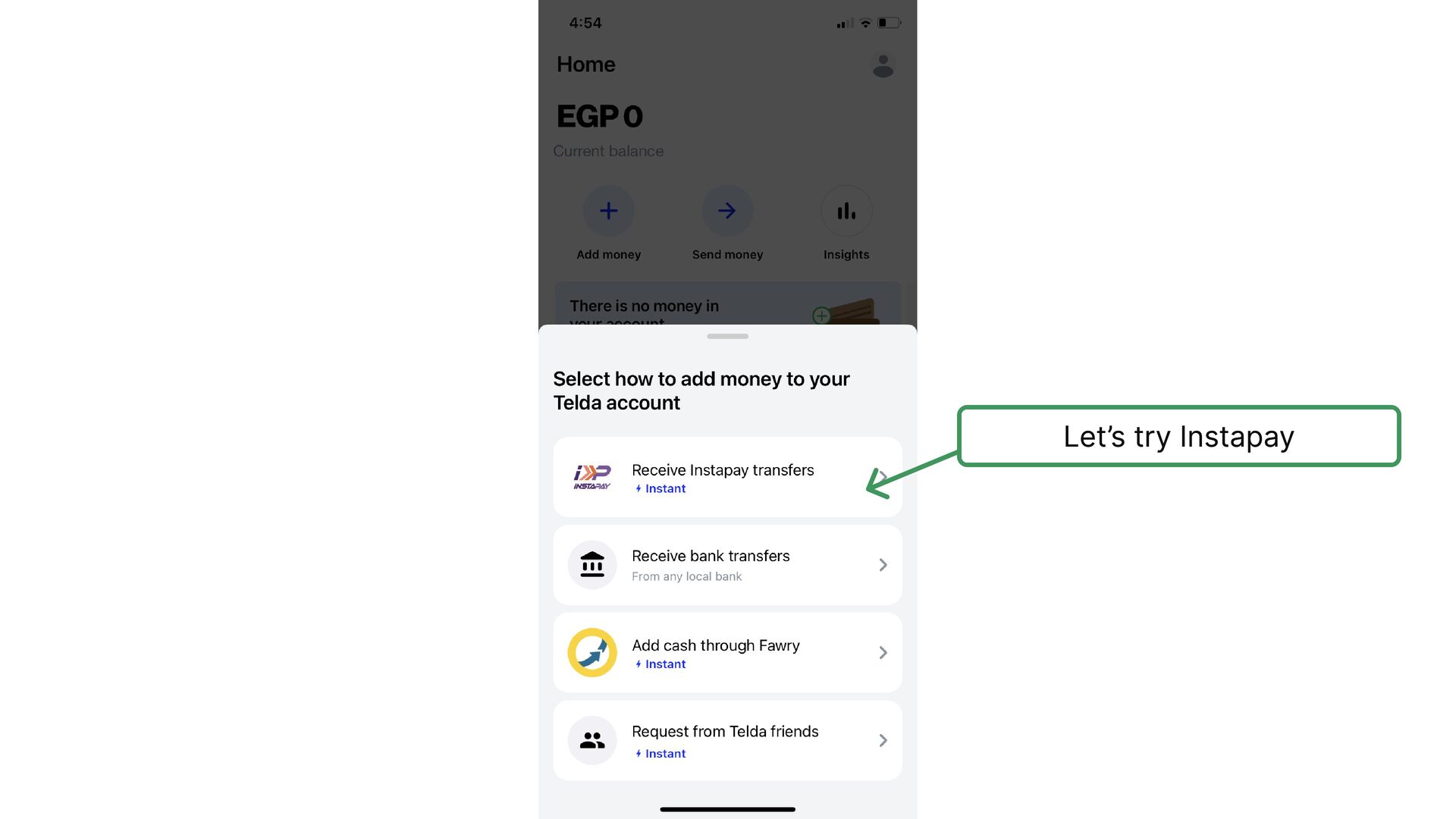
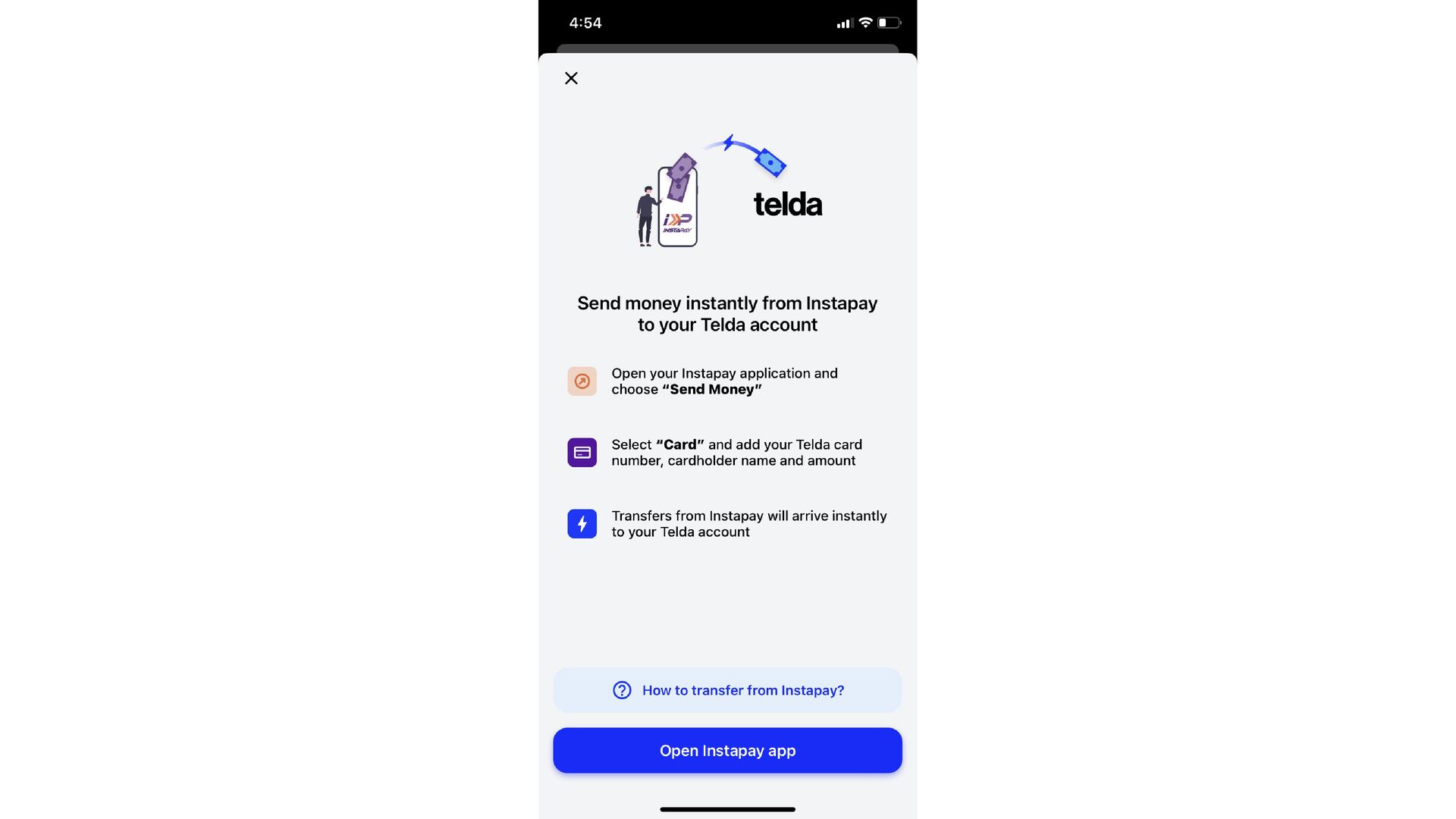
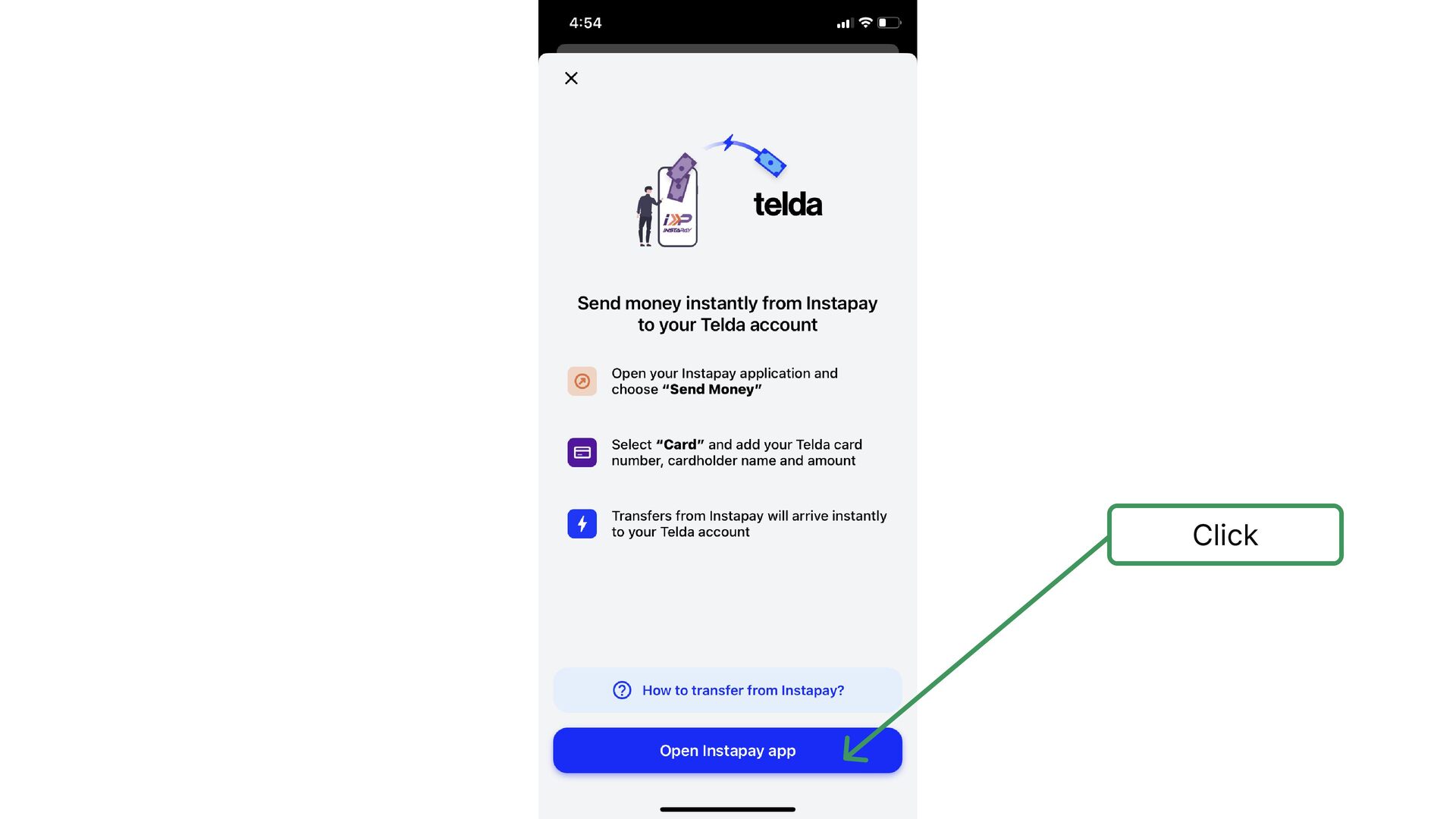
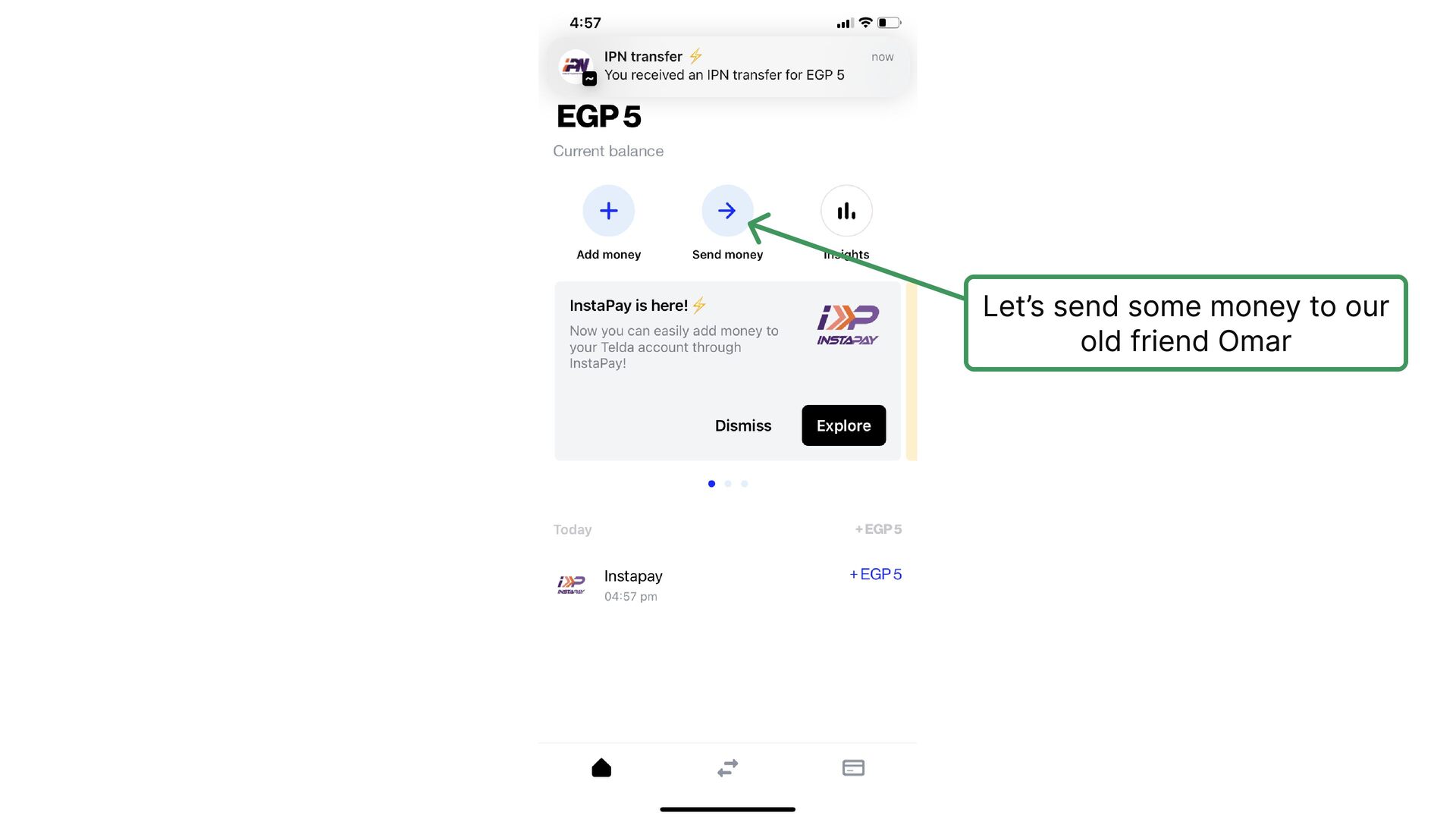
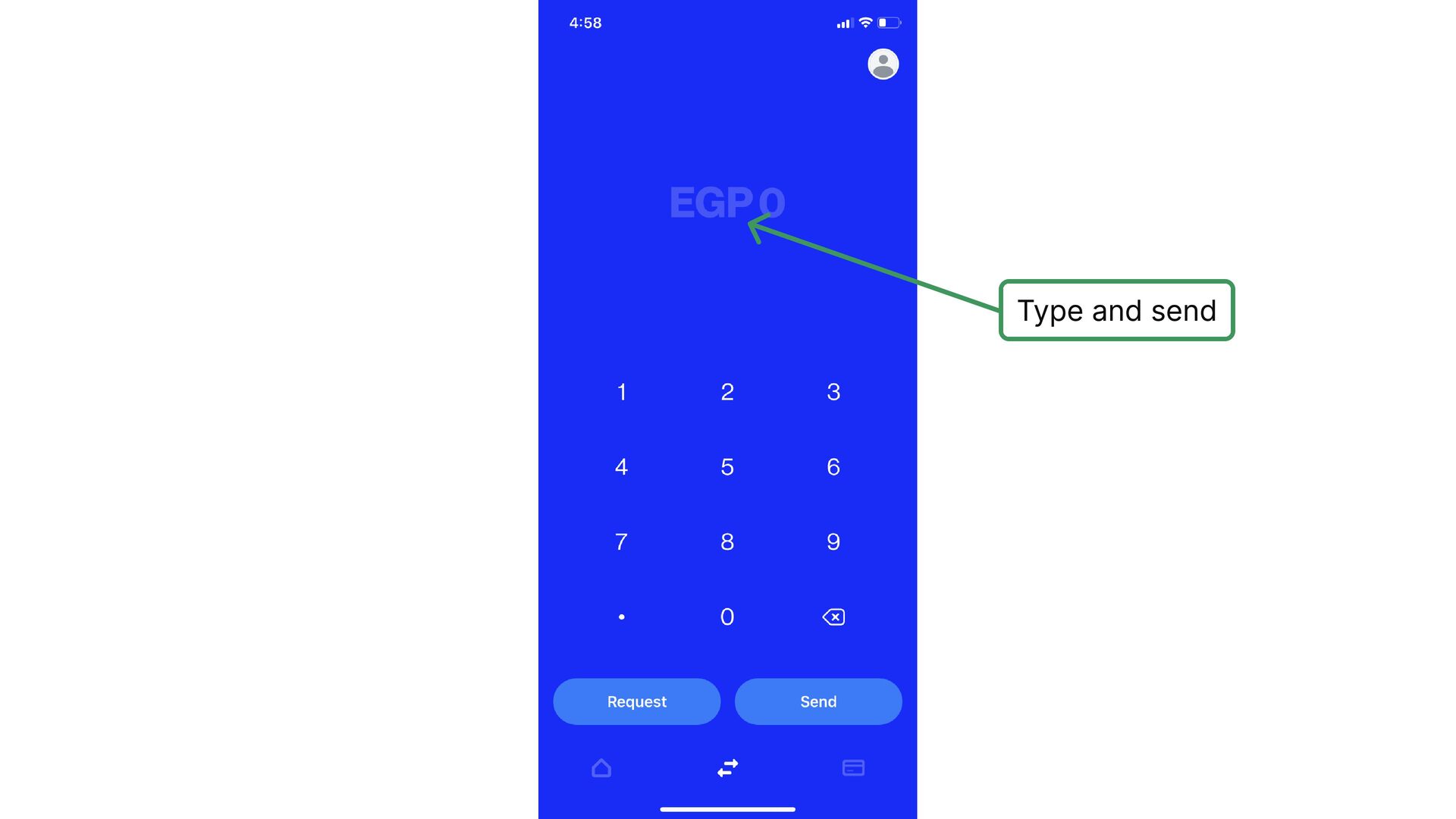
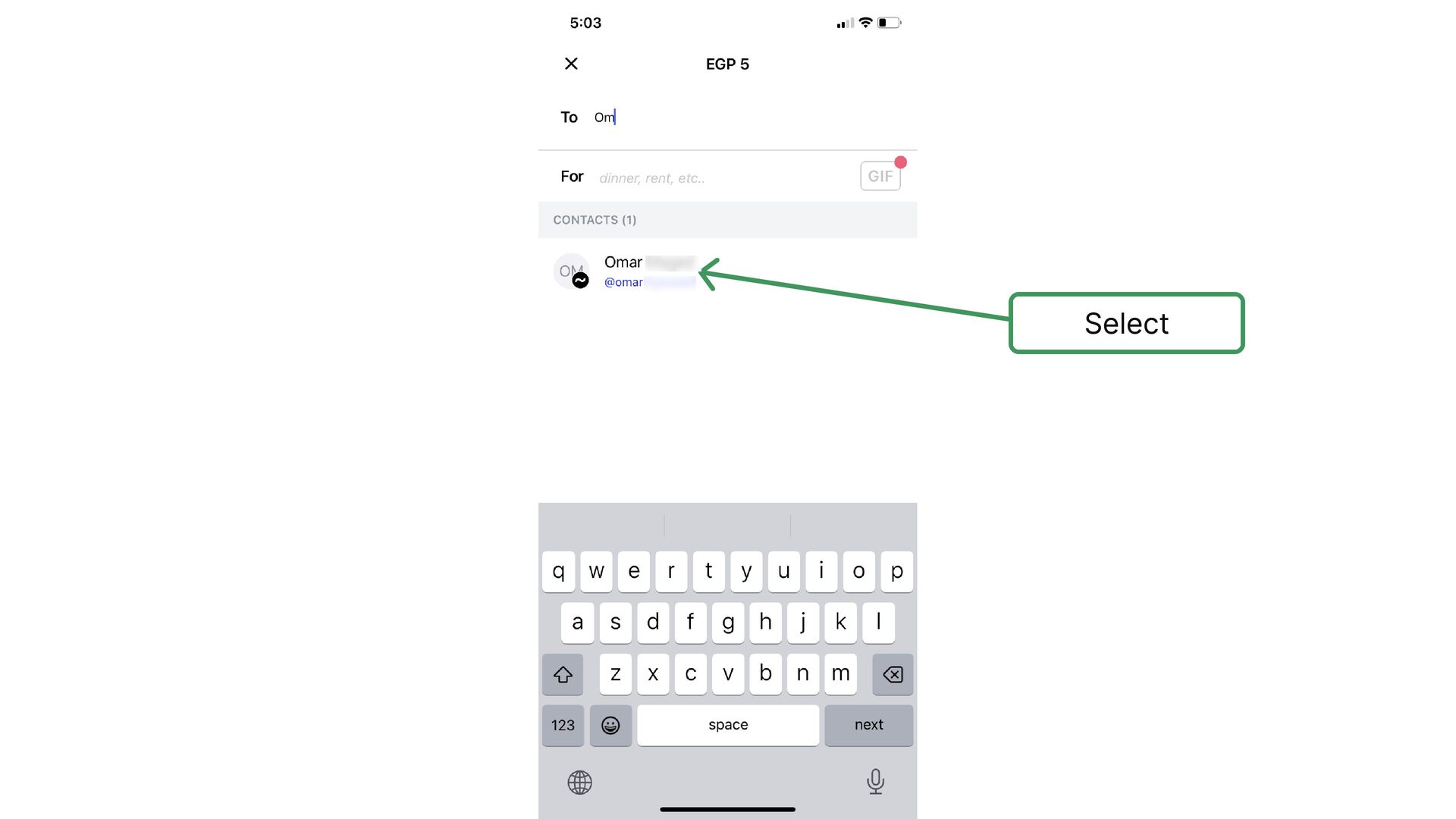
    id photo is one of the most popular issues that block the process of registration. Love the instructions out here ✋
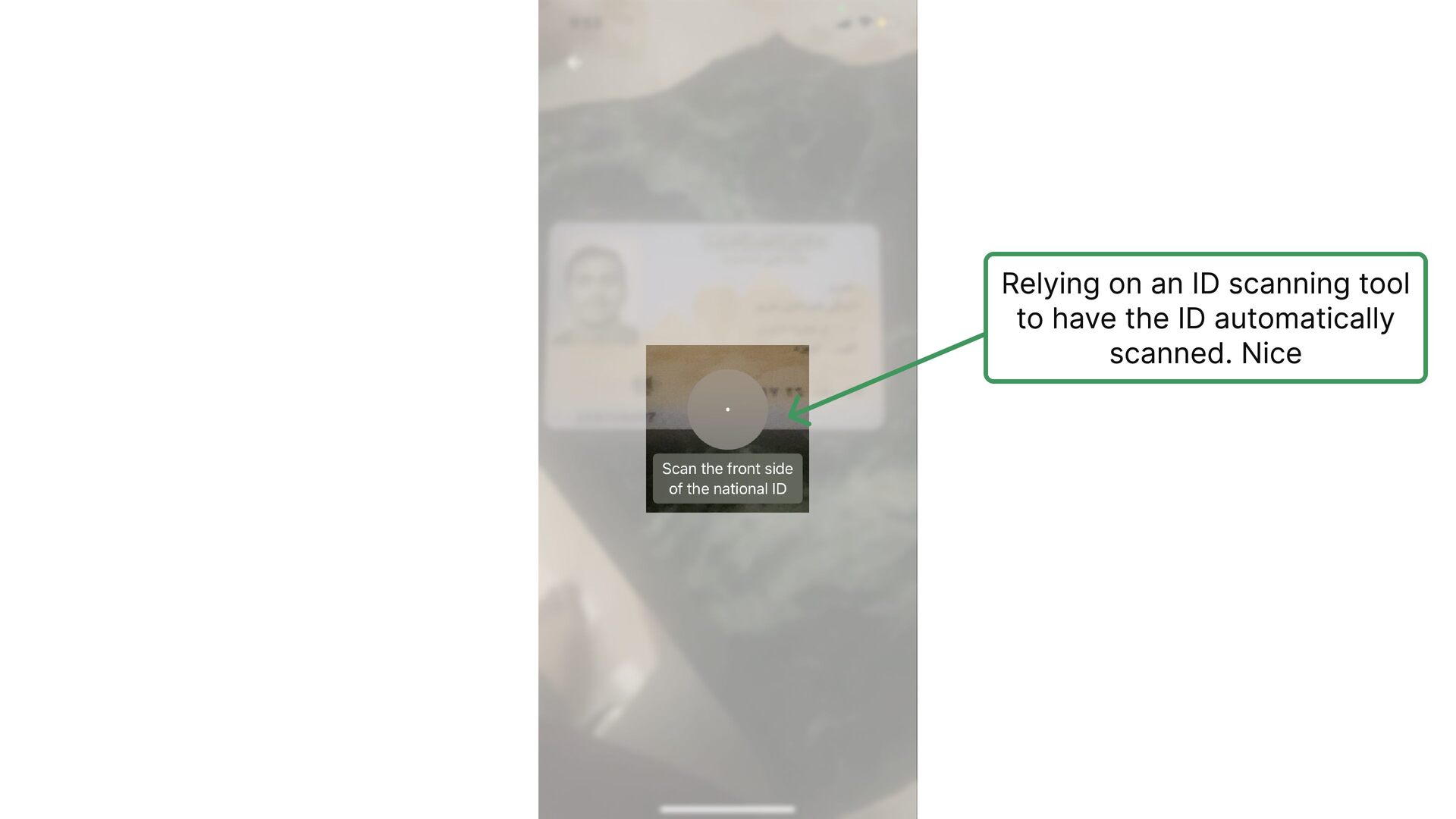
  9. Relying on an ID scanning tool to have the ID

    automatically scanned. Nice
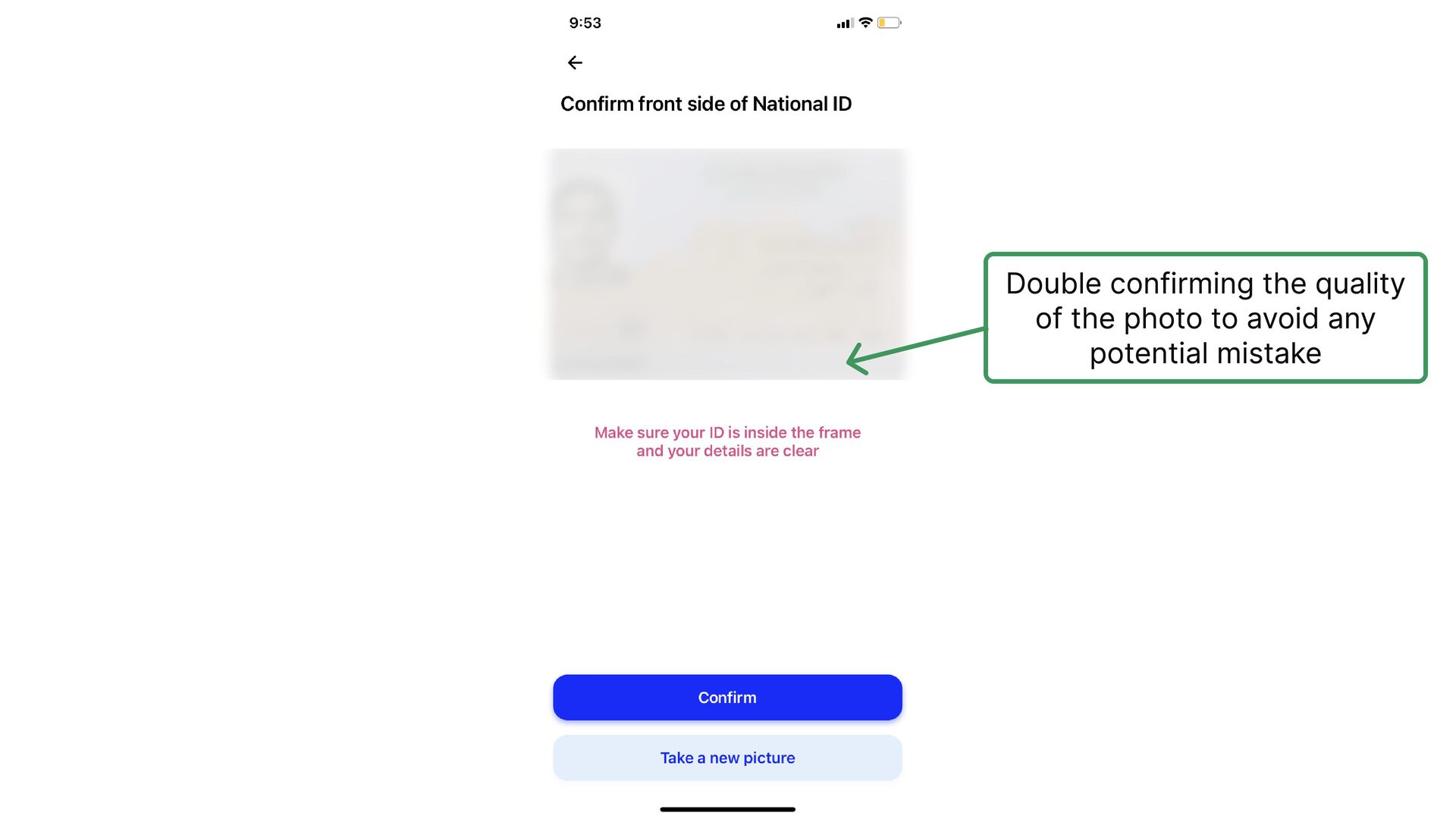
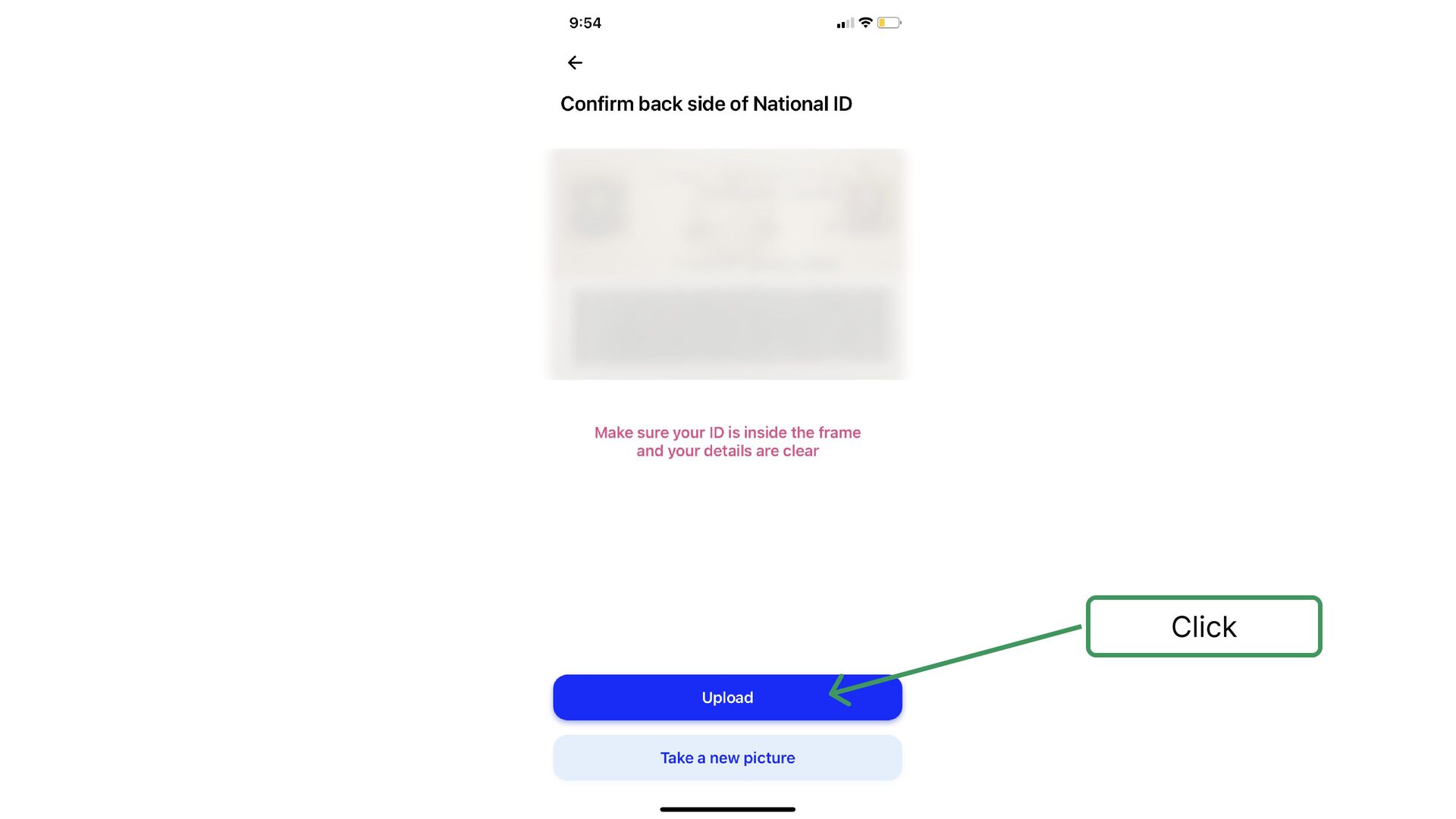
  10. It's popular to see a high drop-off rate in this

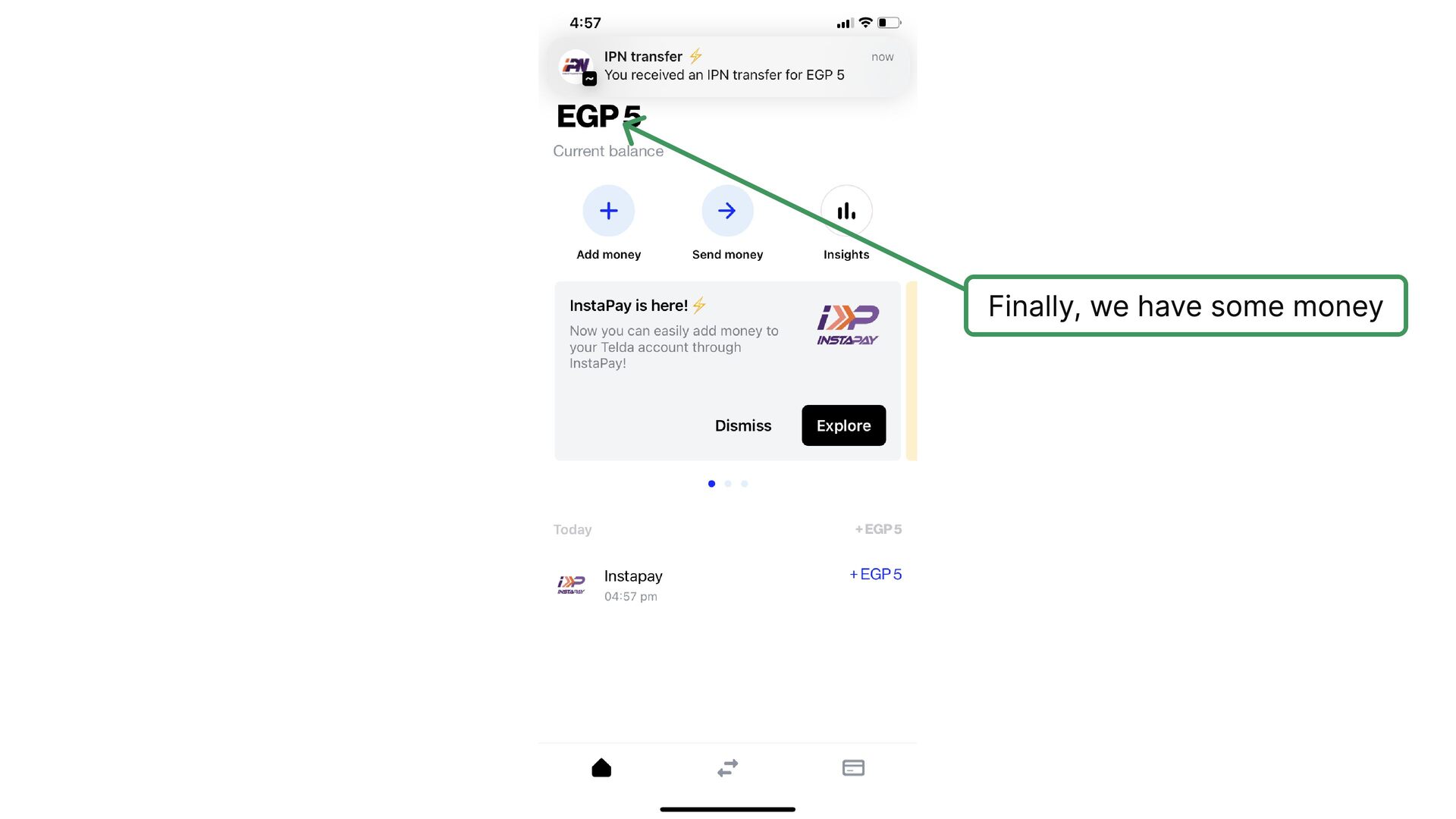
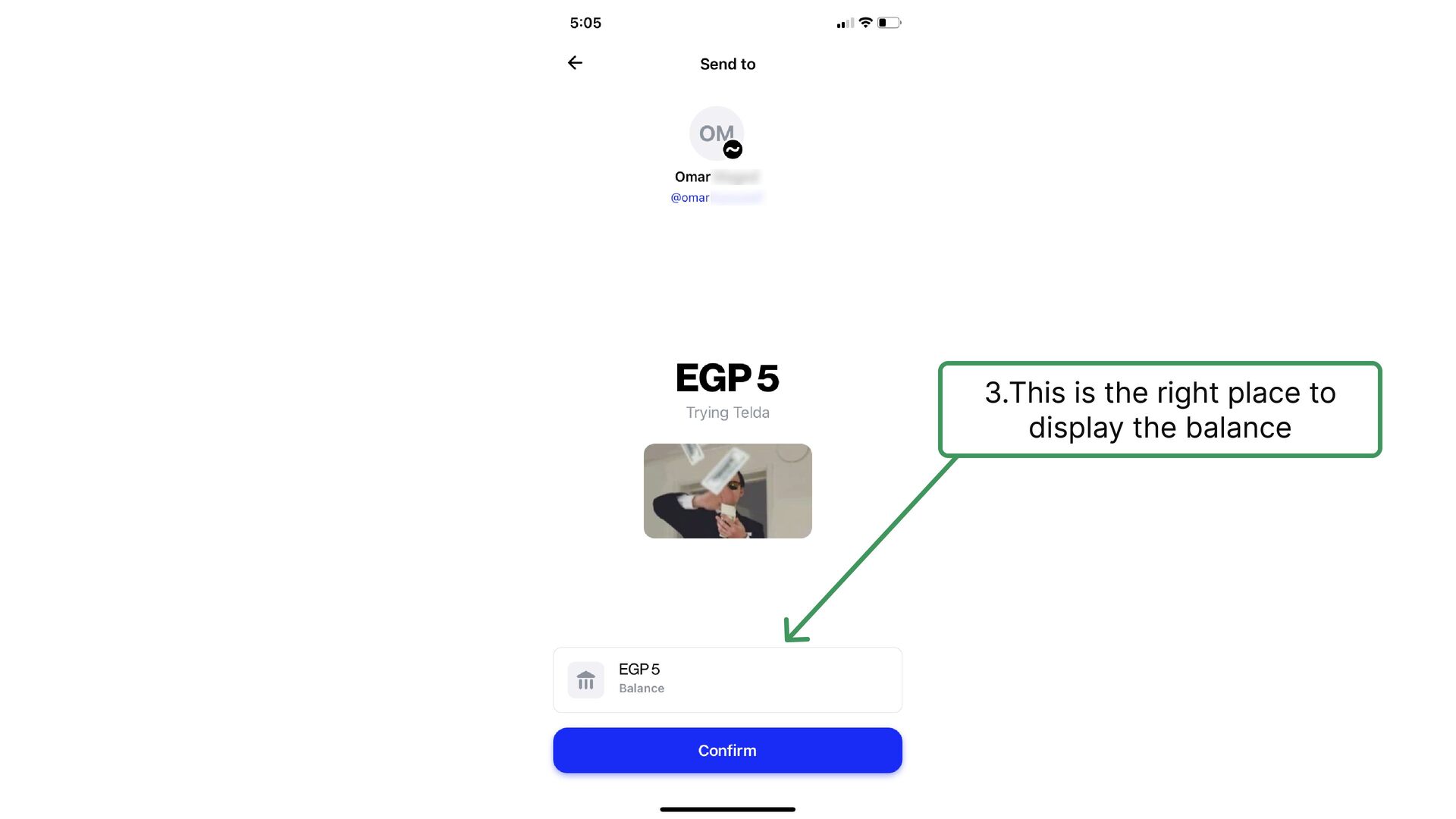
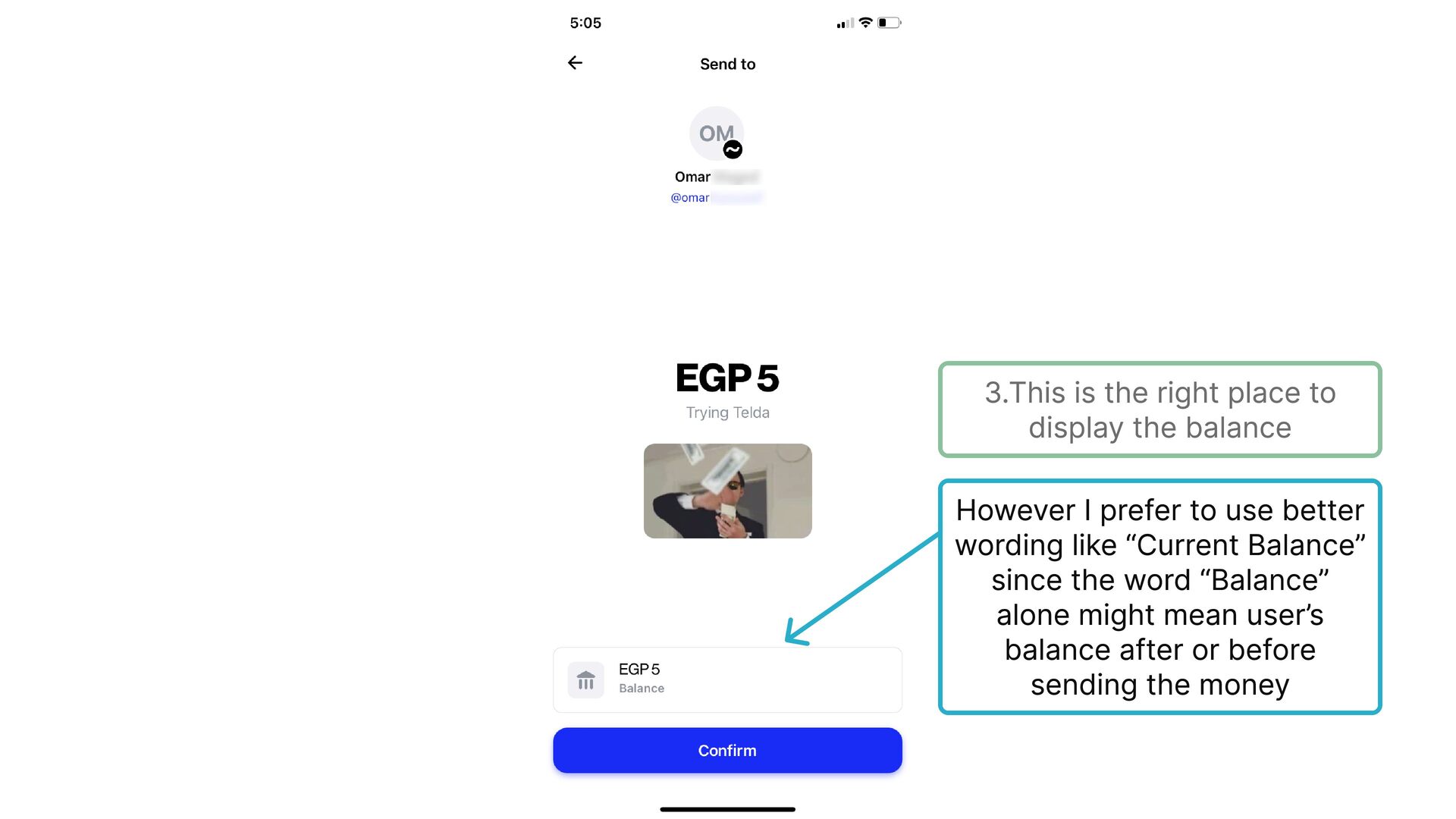
    step, as in most steps that require document uploading in fintech apps. Being aware of the importance of making it right, saves a lot of potential dropping off users and customer support headache
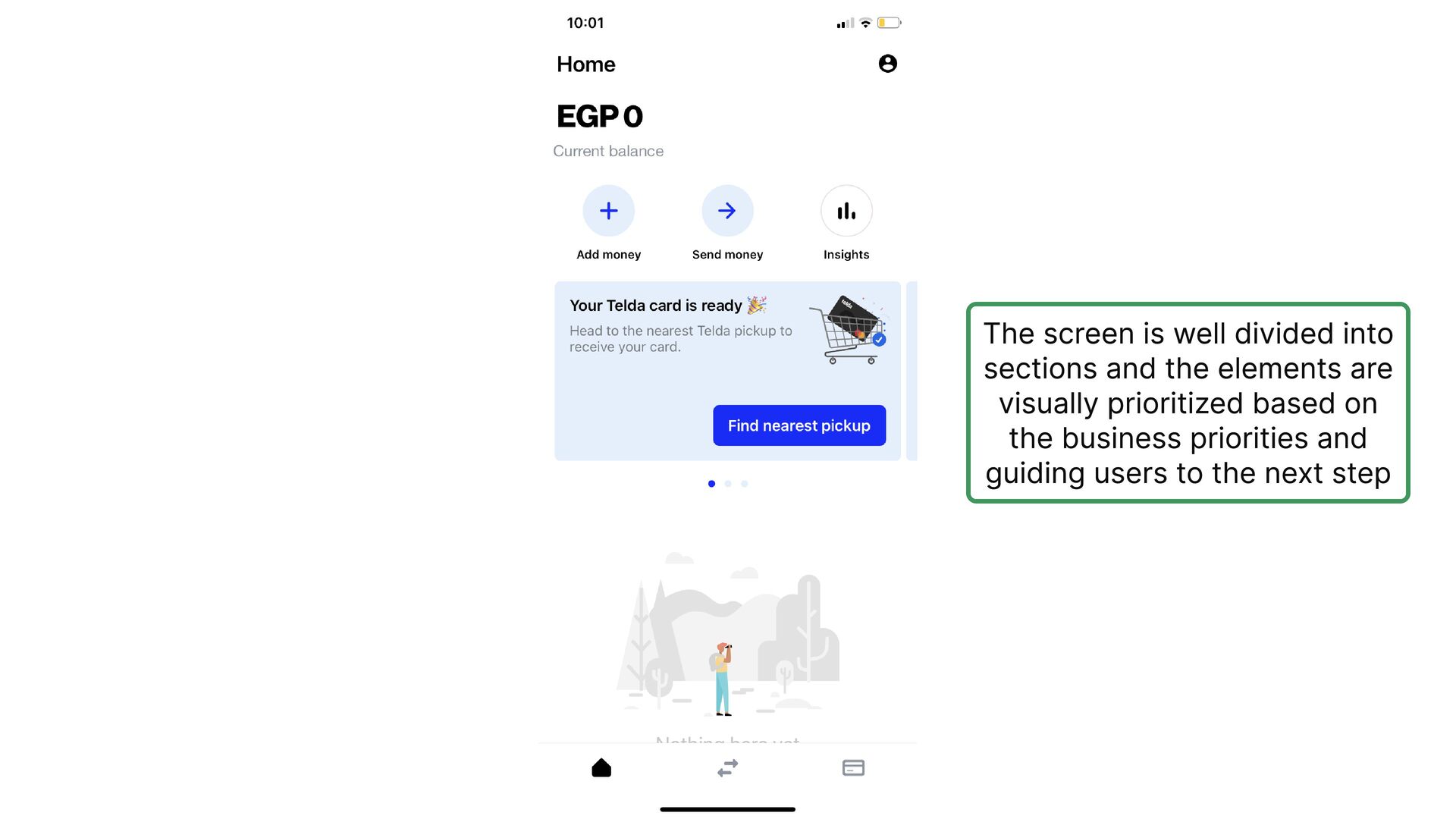
  11. The screen is well divided into sections and the elements

    are visually prioritized based on the business priorities and guiding users to the next step
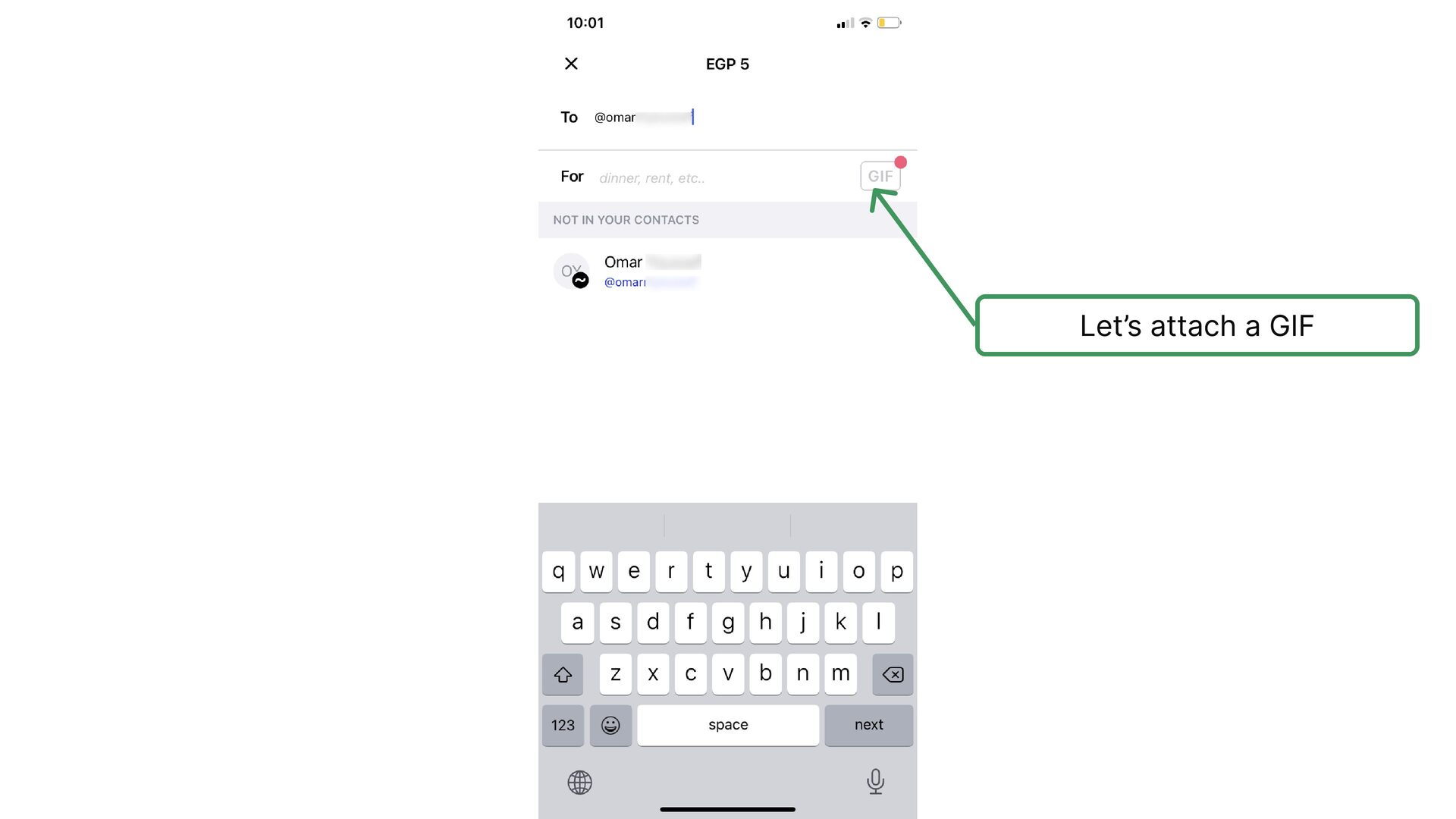
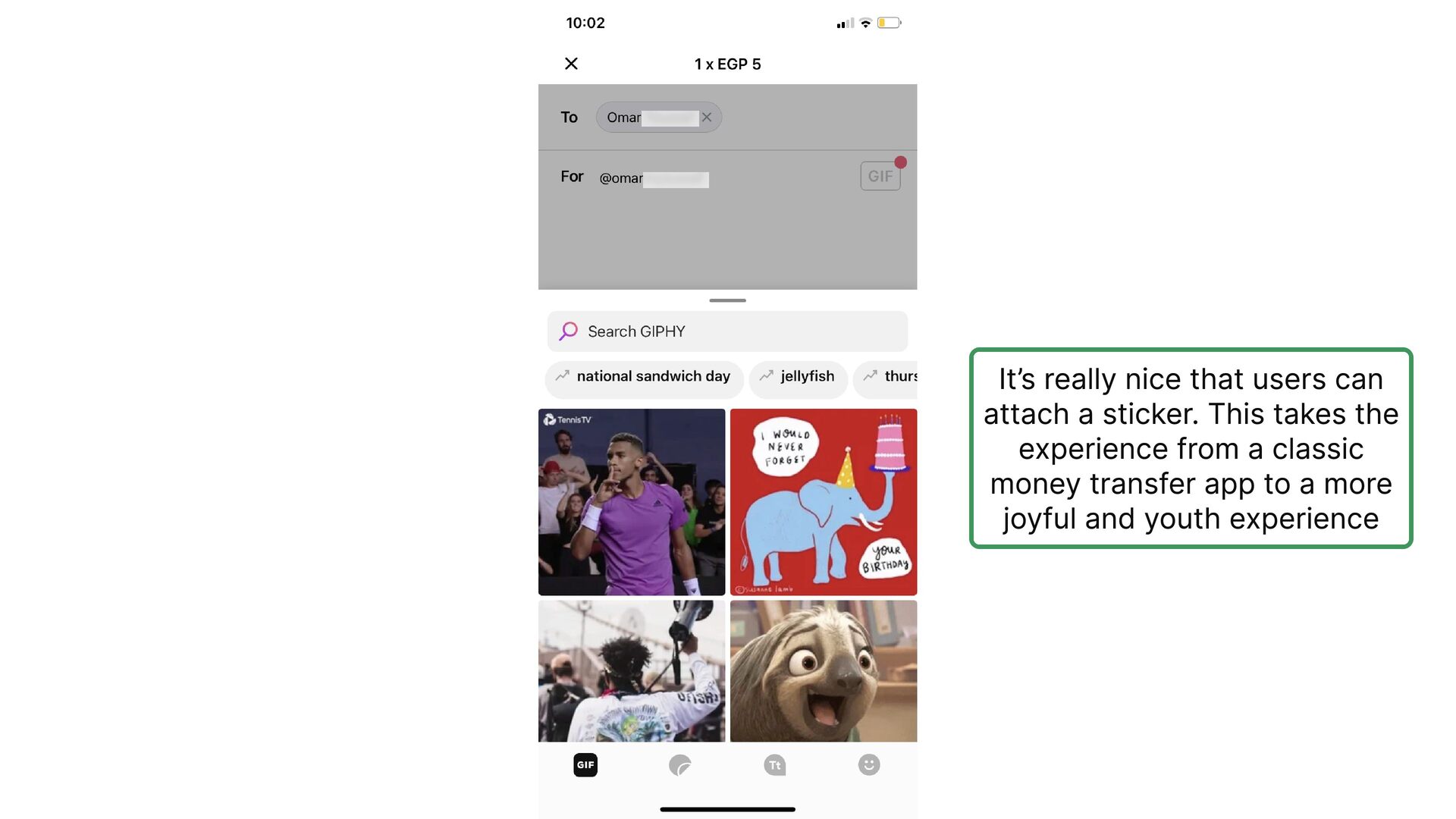
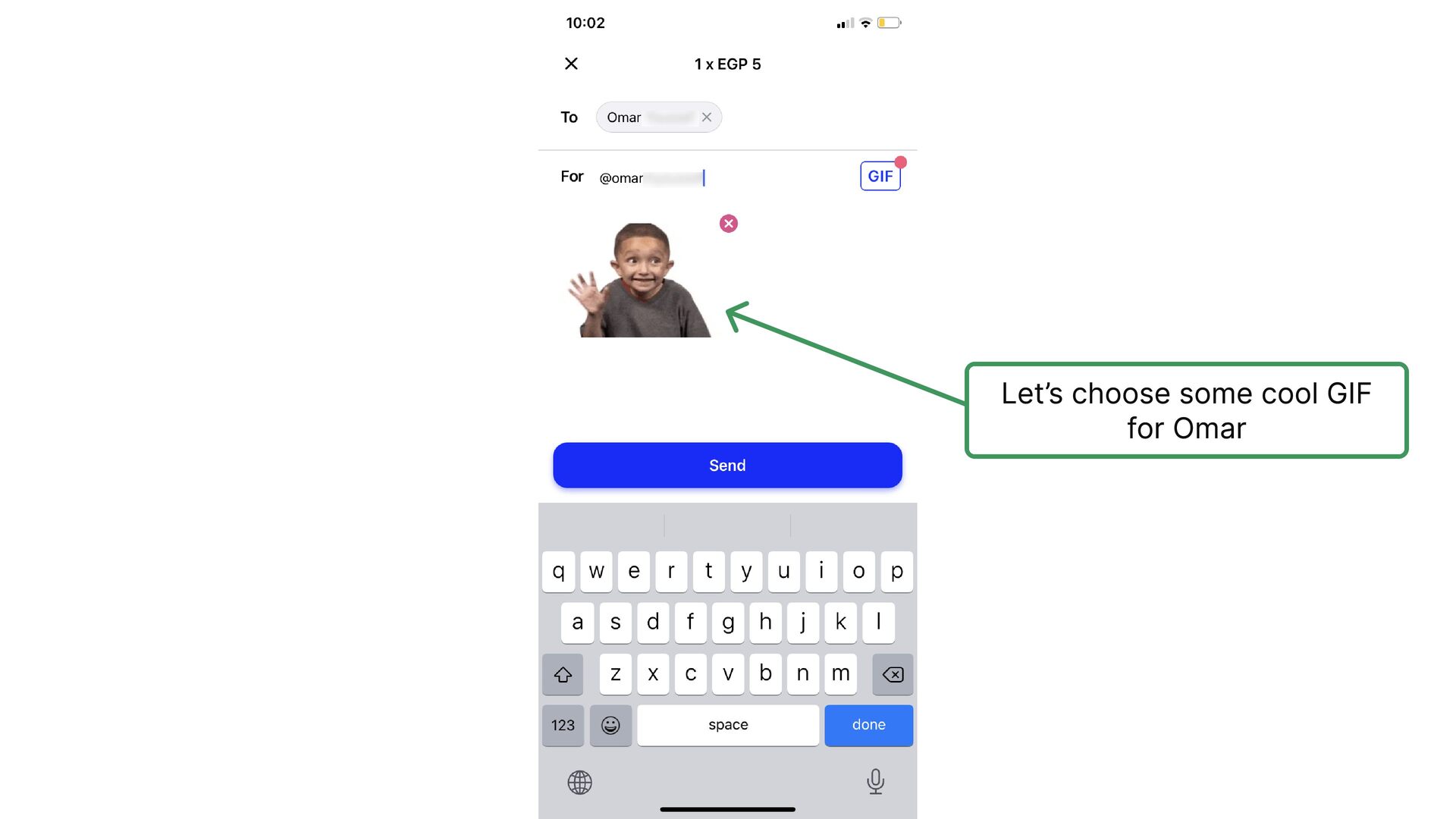
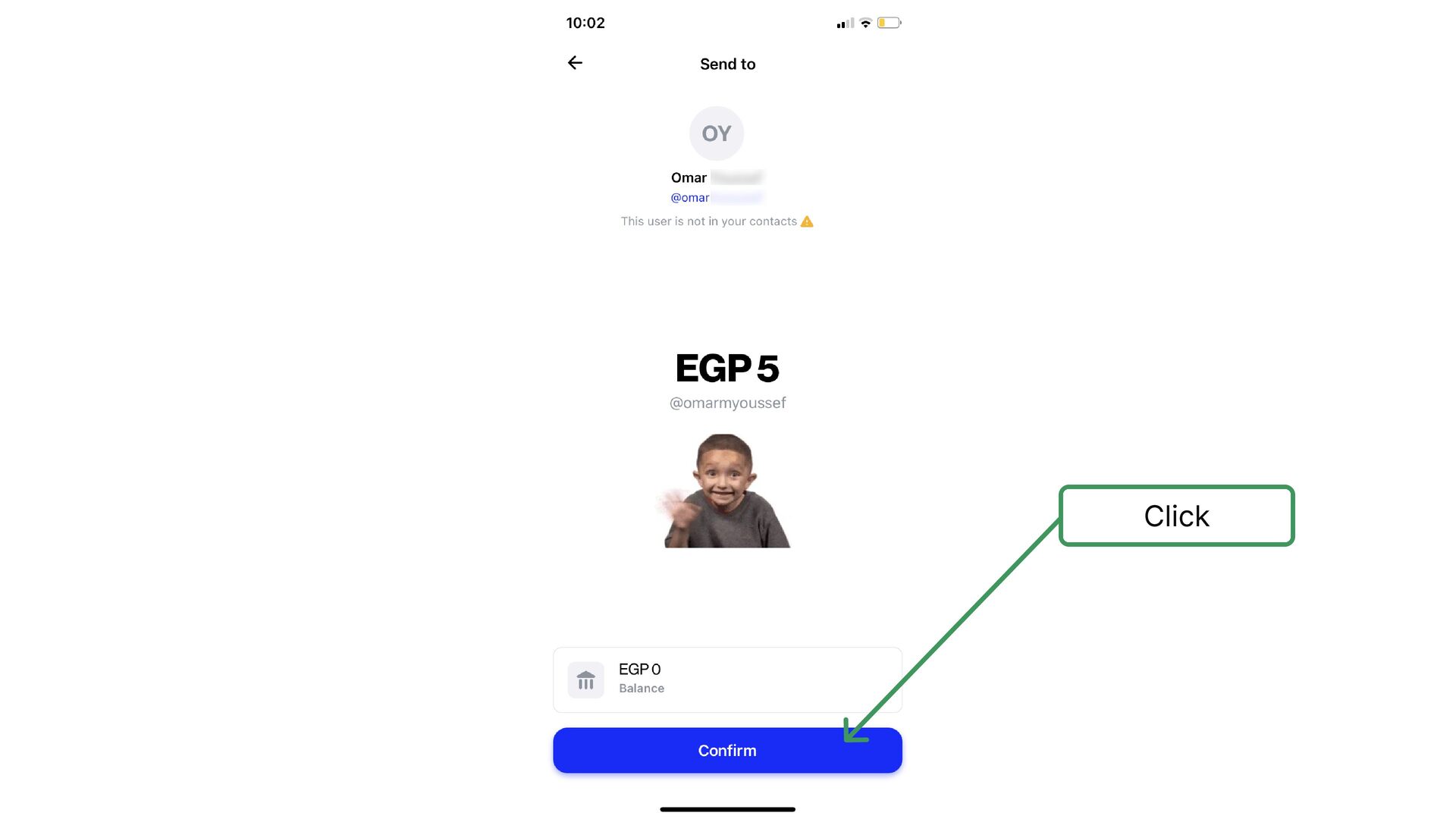
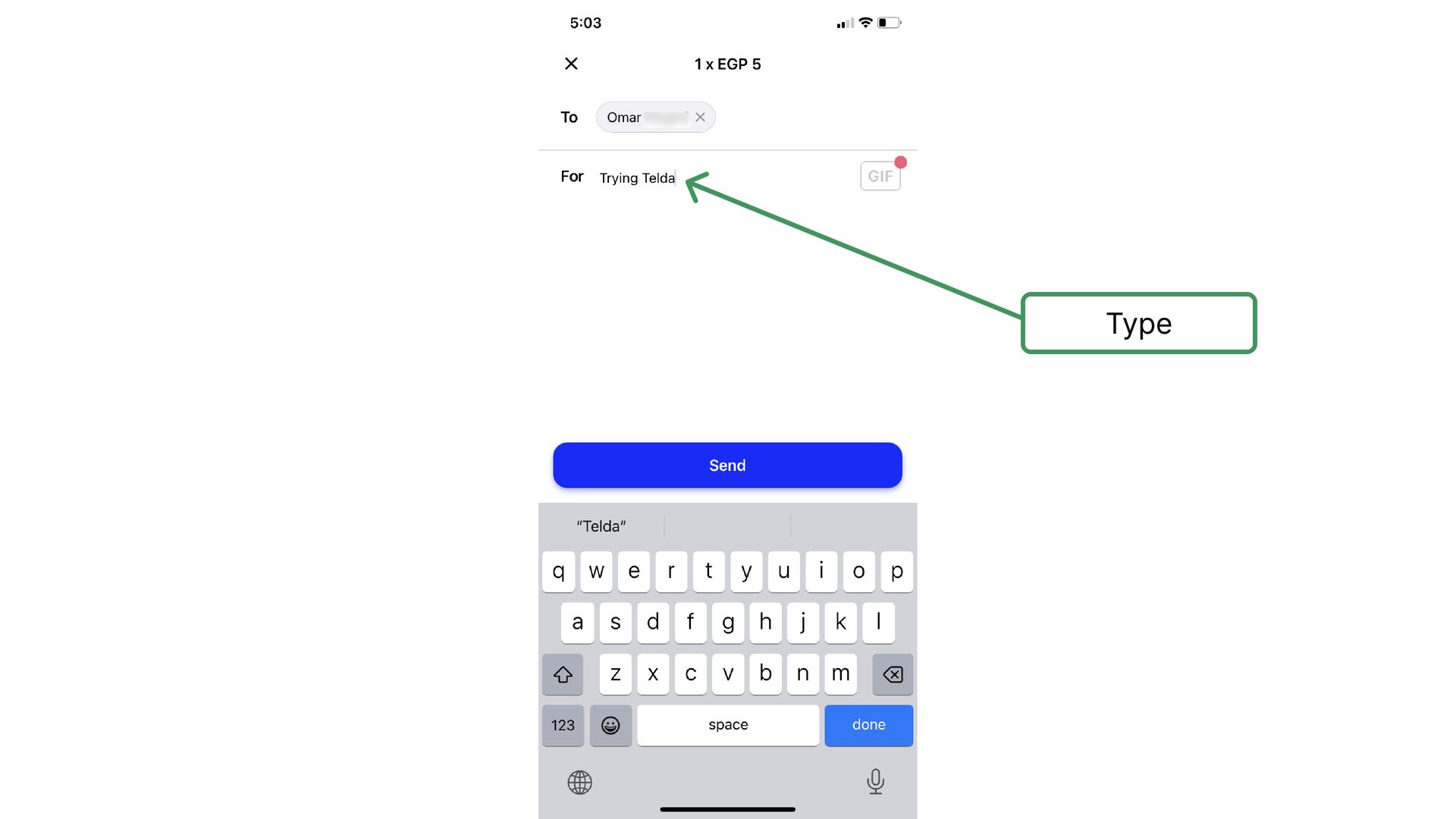
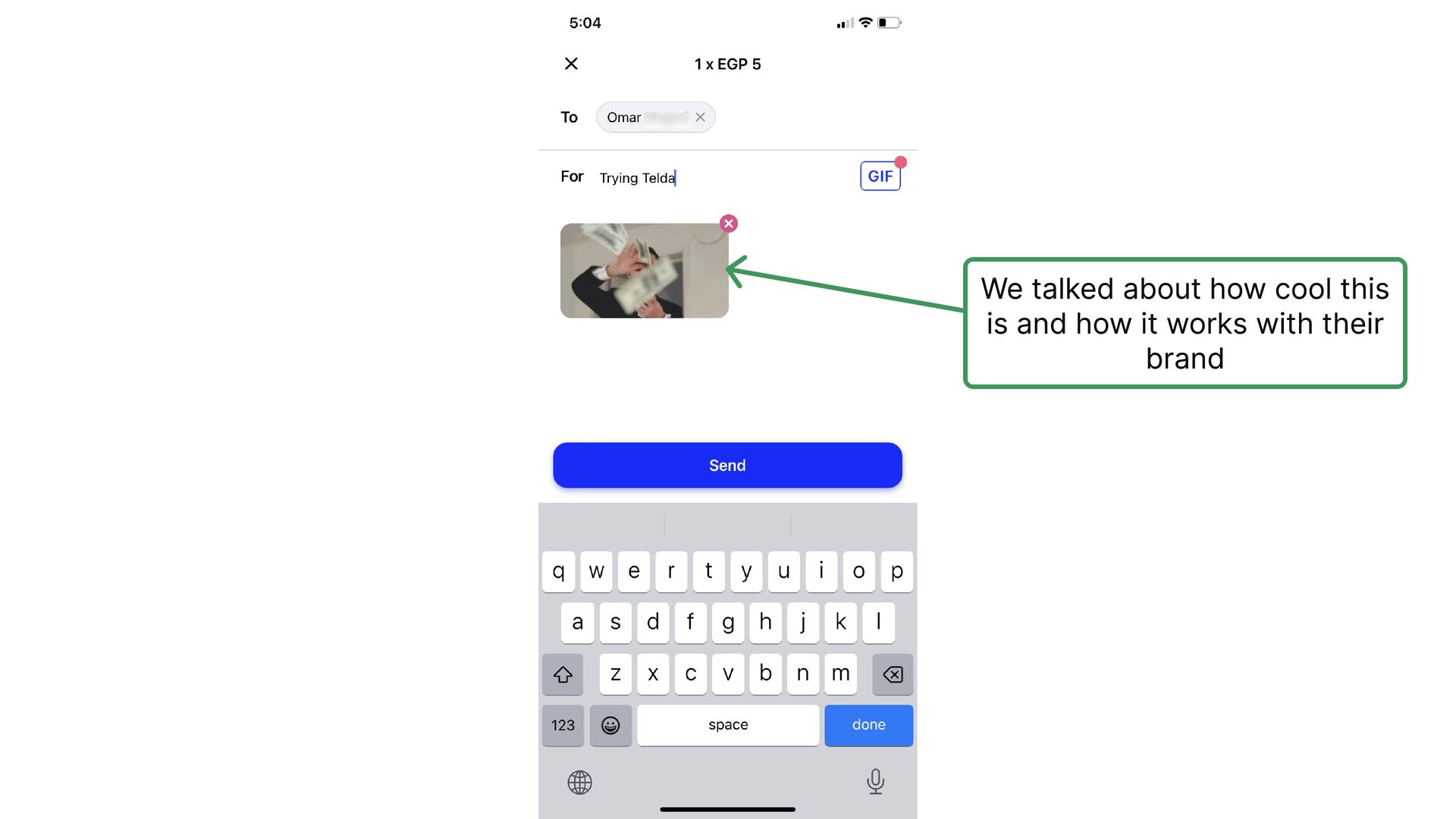
  12. It’s really nice that users can attach a sticker. This

    takes the experience from a classic money transfer app to a more joyful and youth experience
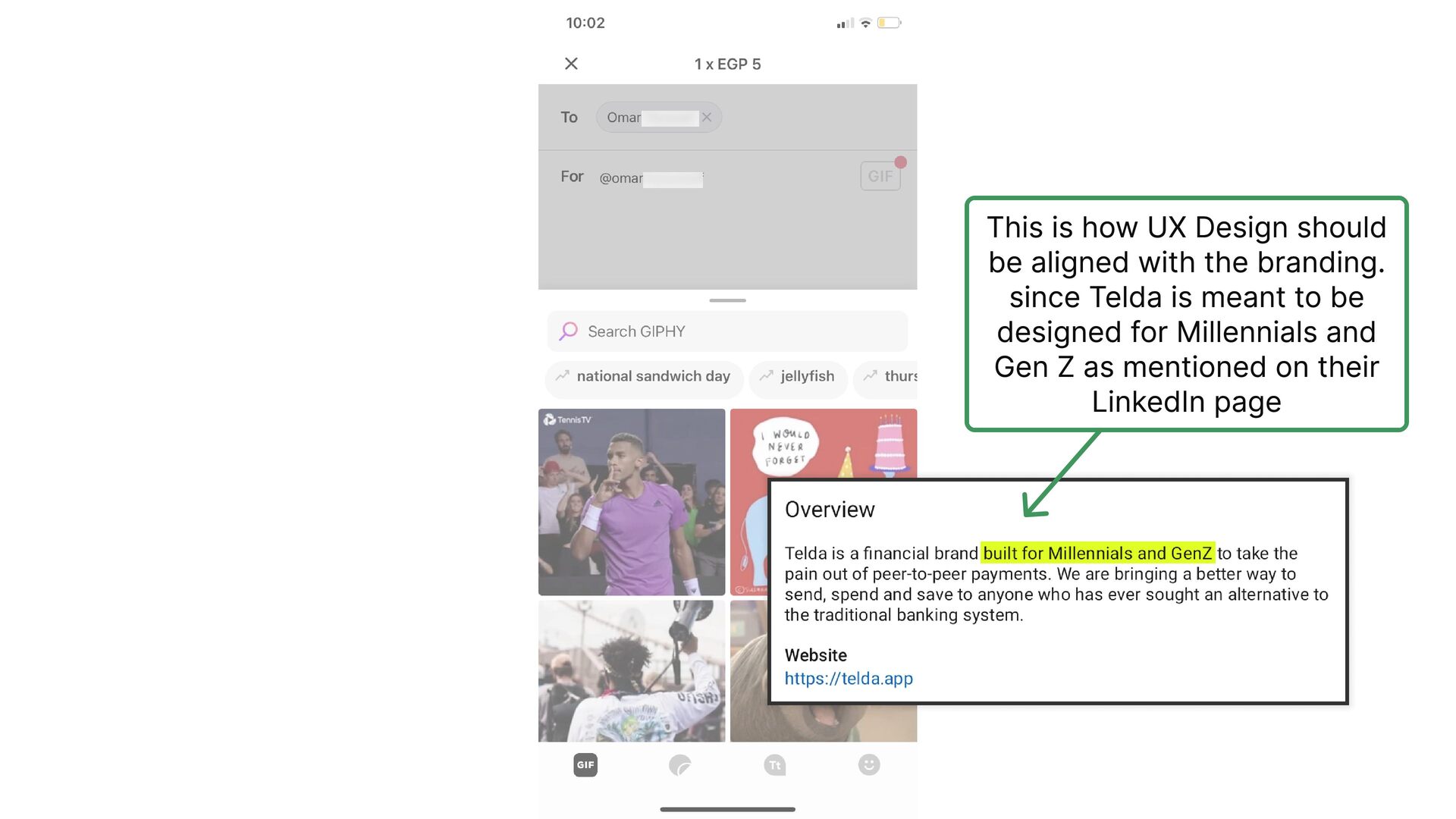
  13. This is how UX Design should be aligned with the

    branding. since Telda is meant to be designed for Millennials and Gen Z as mentioned on their LinkedIn page
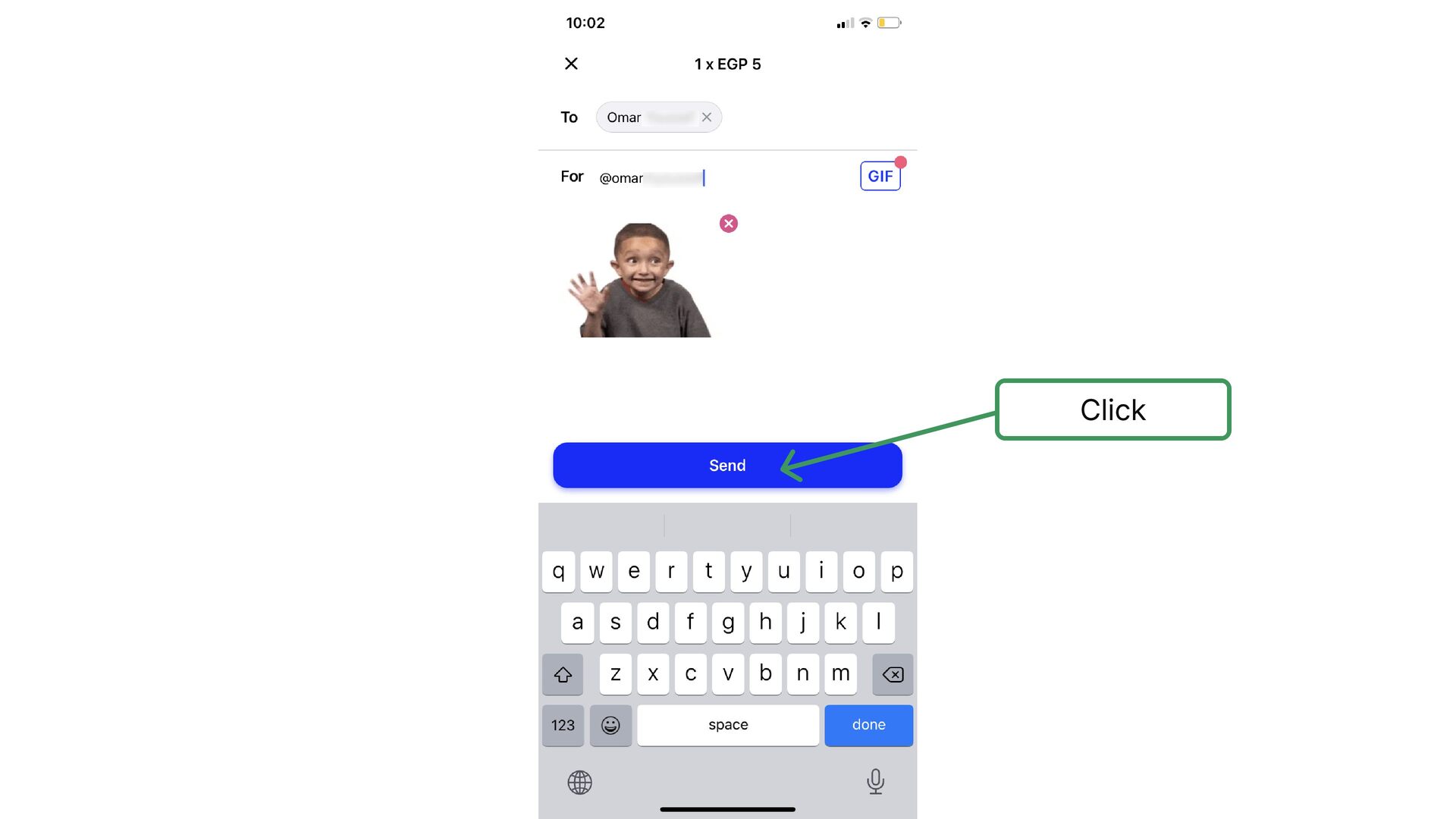
  14. Of course, I knew from the beginning that this going

    to happen. How could I send money if I don't have a money balance
  15. So, why would Telda let you go through the whole

    process if you won't eventually be able to send the money?
  16. So, why would Telda let you go through the whole

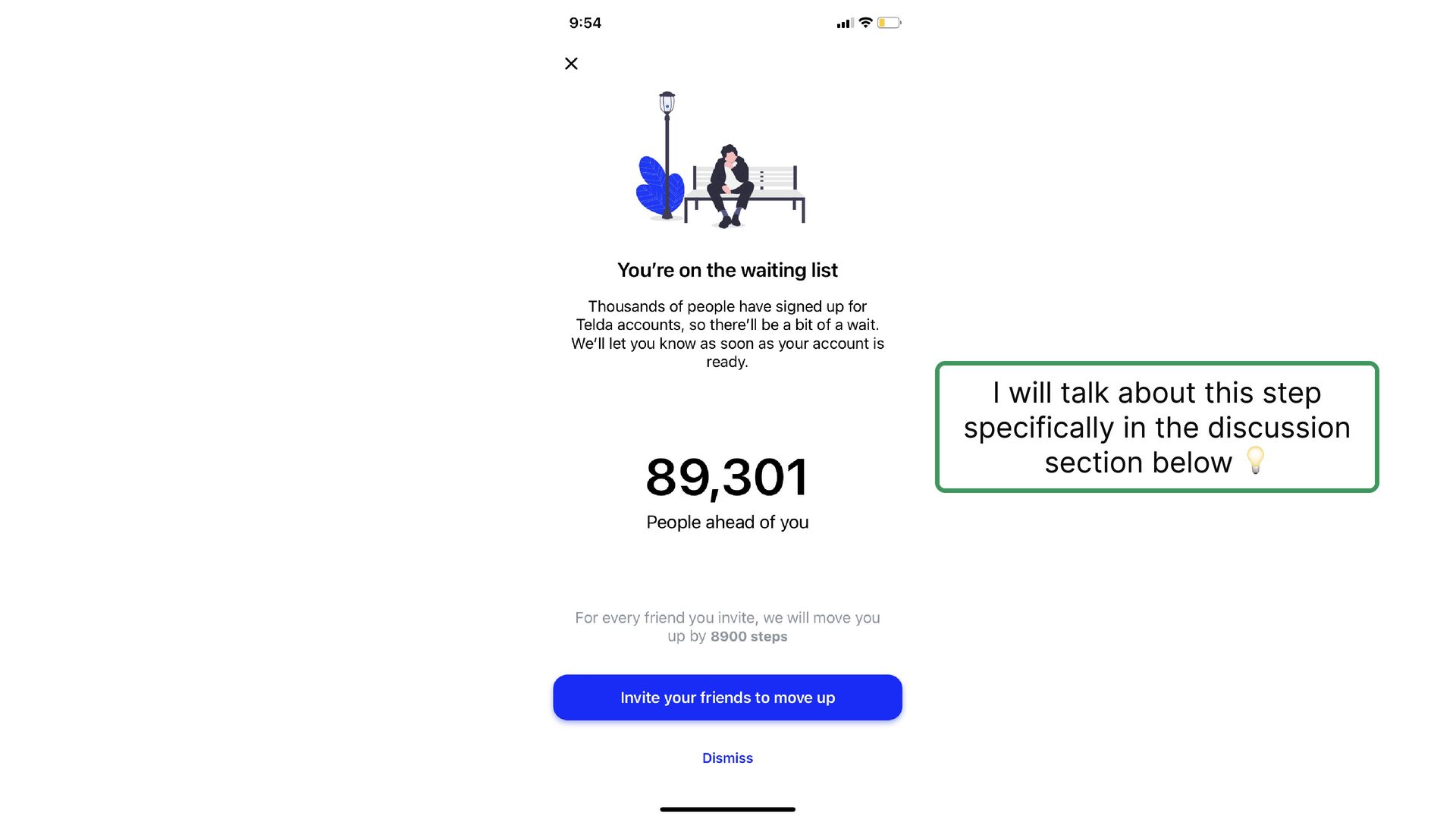
    process if you won't eventually be able to send the money? We will discuss the answer of this question in the discussion section below 💡 Spoiler alert: this isn’t a bad thing
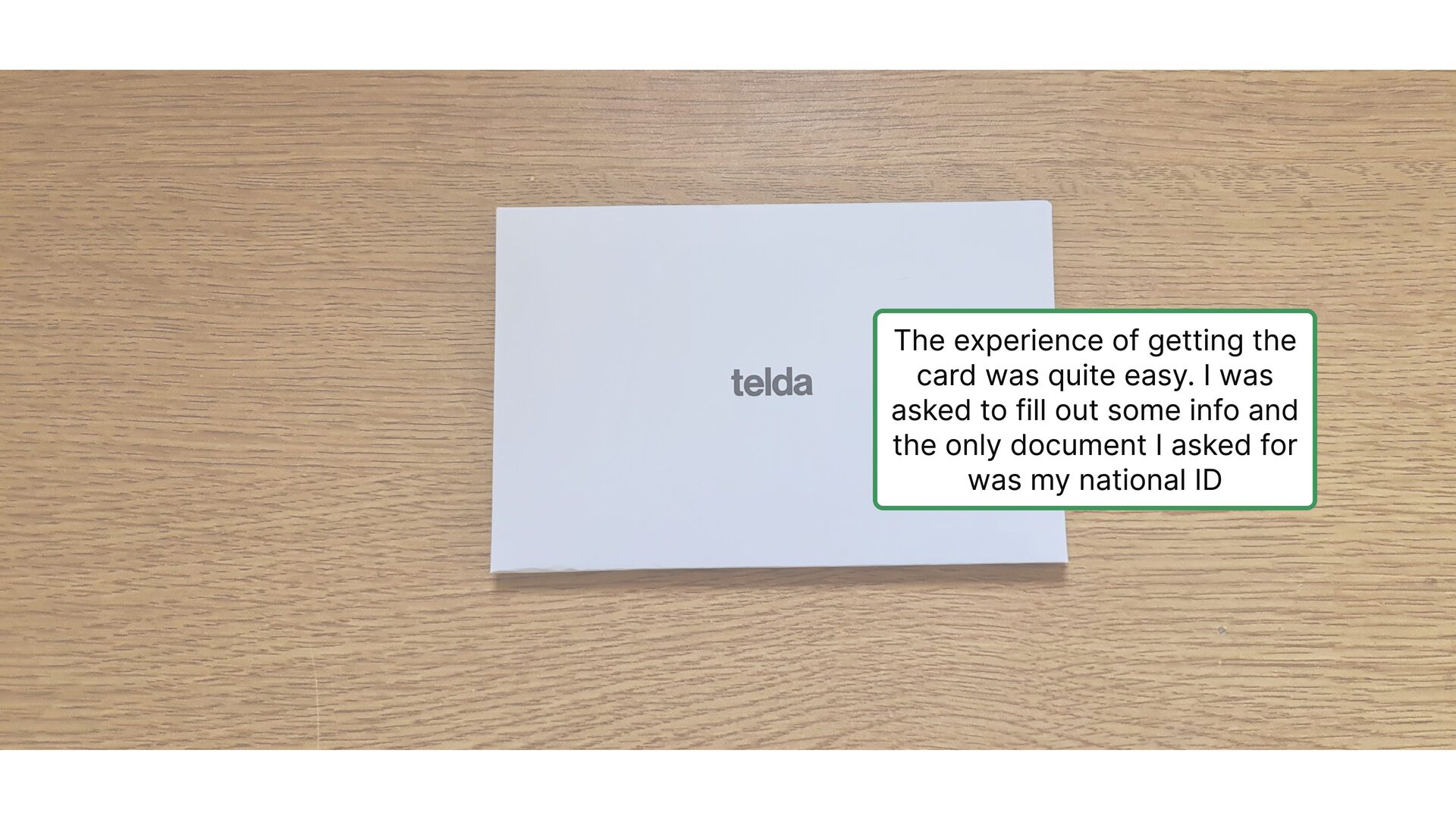
  17. The experience of getting the card was quite easy. I

    was asked to fill out some info and the only document I asked for was my national ID
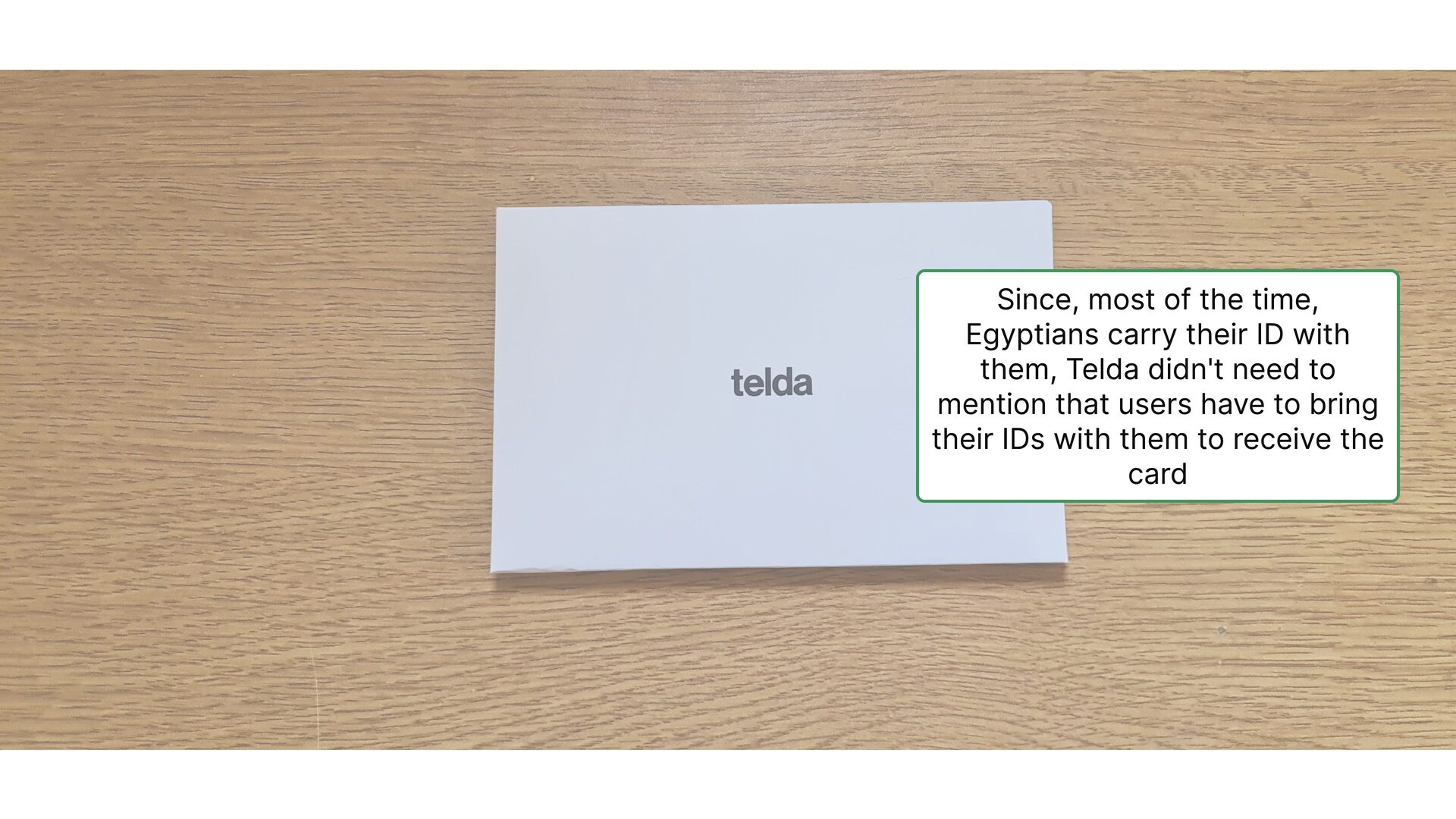
  18. Since, most of the time, Egyptians carry their ID with

    them, Telda didn't need to mention that users have to bring their IDs with them to receive the card
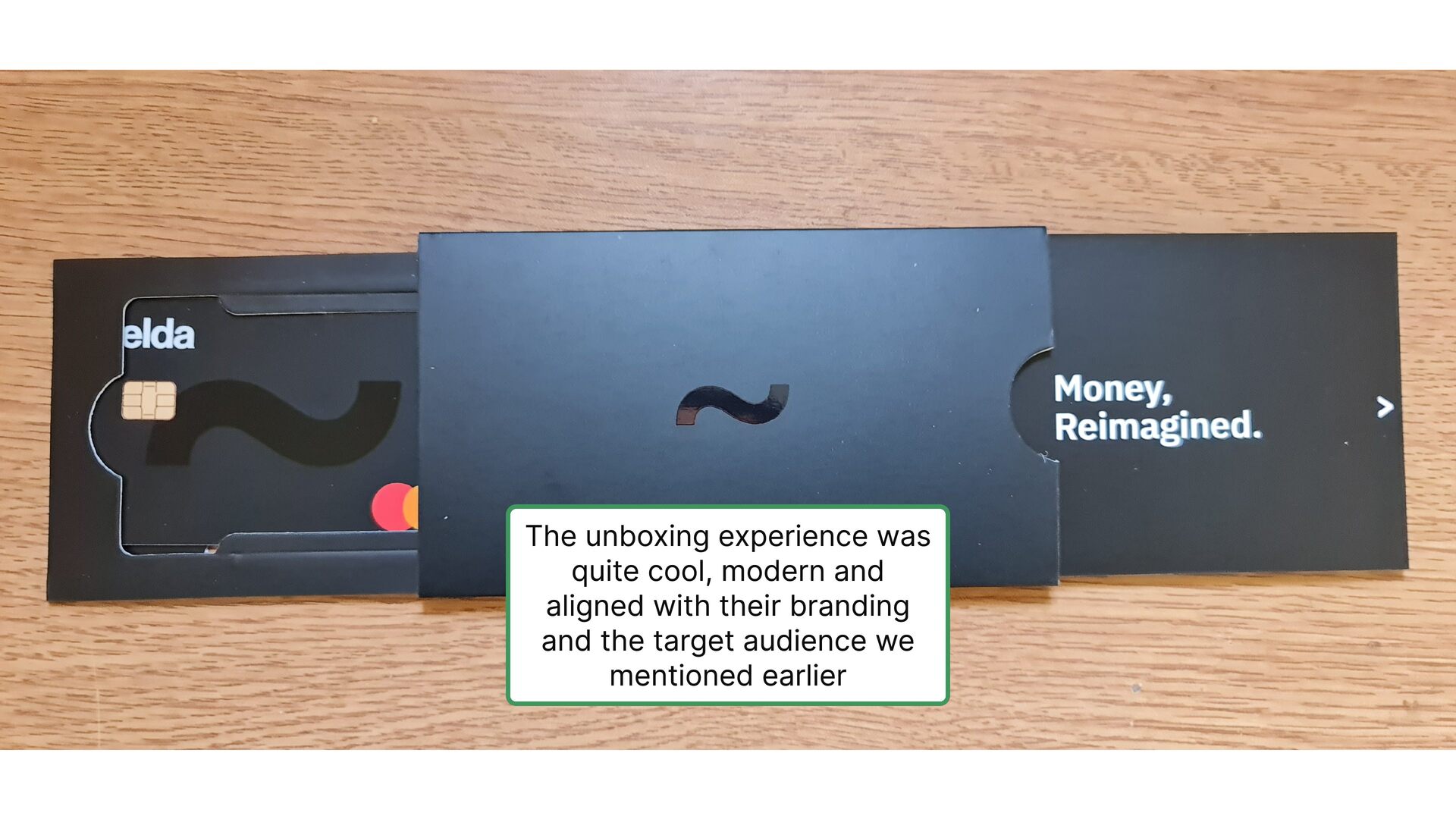
  19. The unboxing experience was quite cool, modern and aligned with

    their branding and the target audience we mentioned earlier
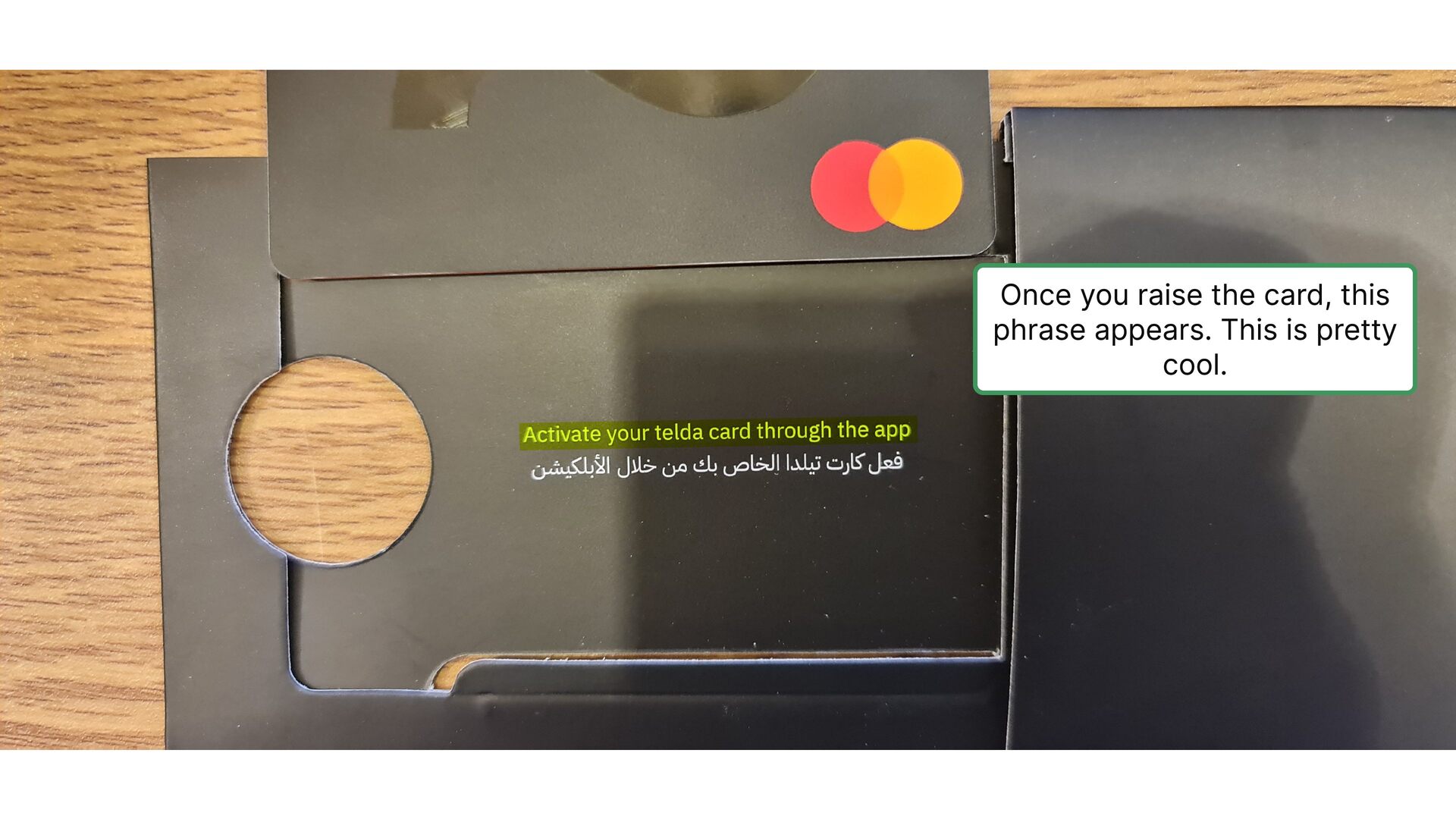
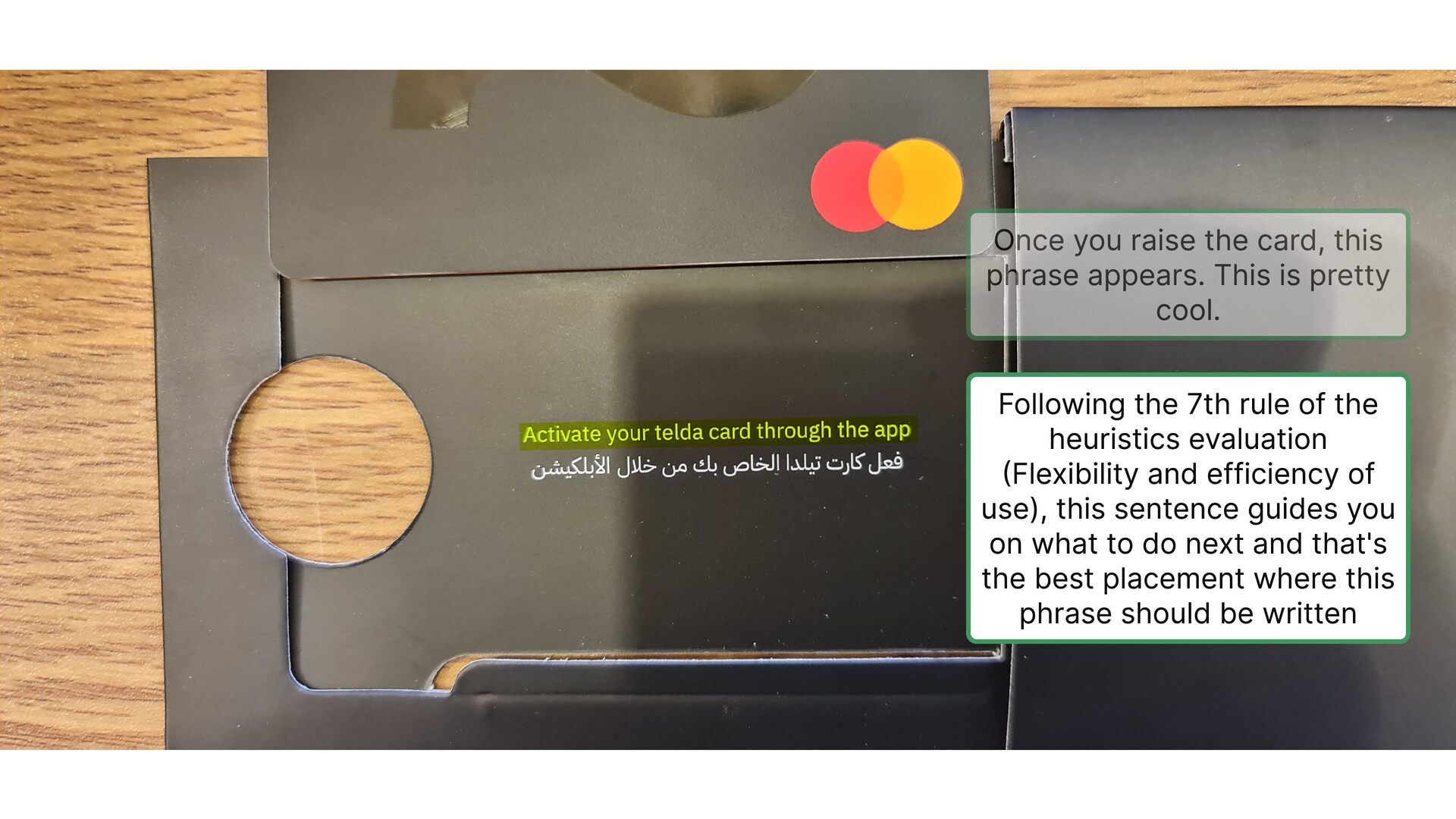
  20. Once you raise the card, this phrase appears. This is

    pretty cool. Following the 7th rule of the heuristics evaluation (Flexibility and efficiency of use), this sentence guides you on what to do next and that's the best placement where this phrase should be written
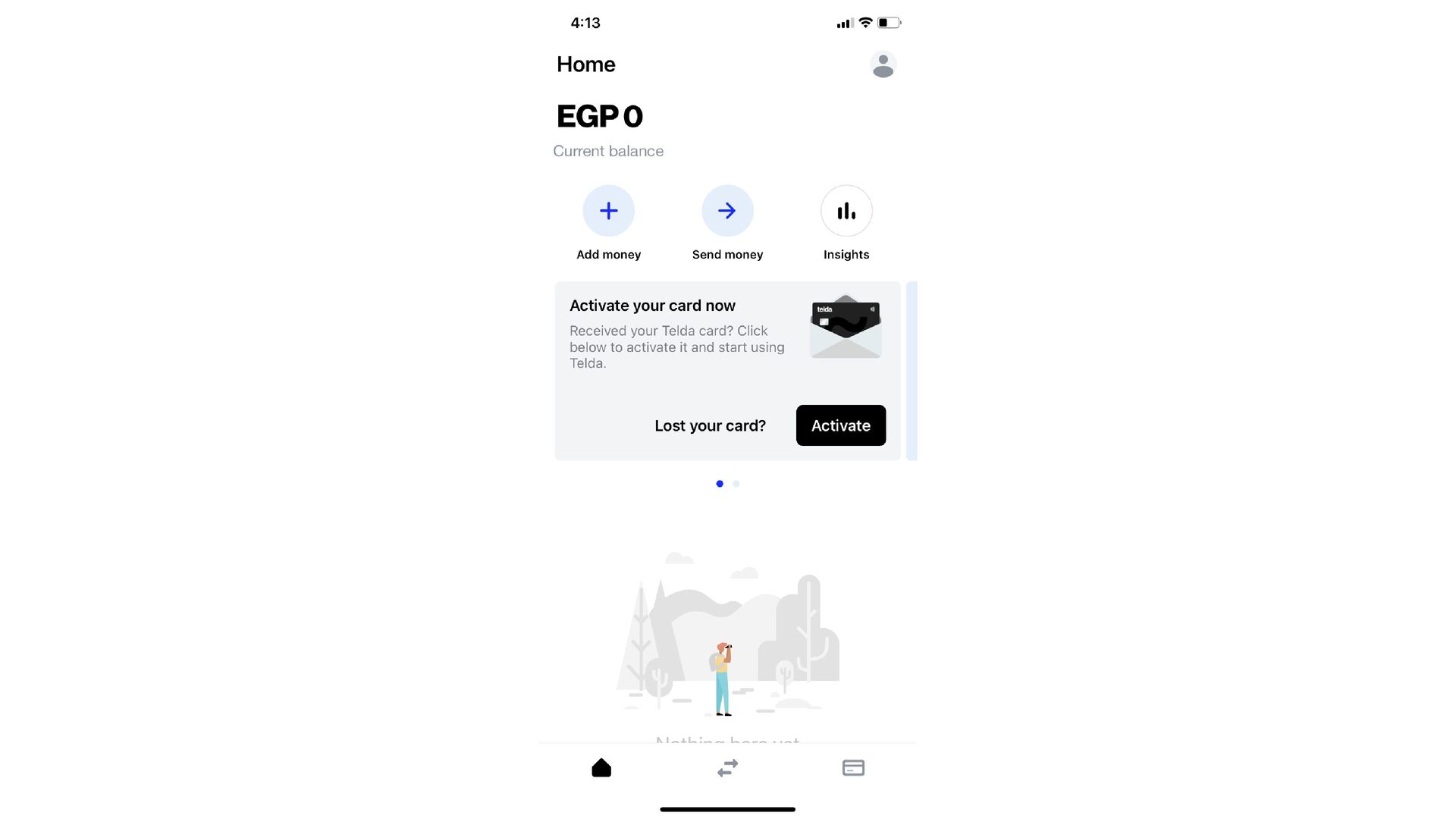
  21. Once you receive your card, the card widget design automatically

    changes to the ready-for-activation status
  22. Following the 1st rule of the heuristics evaluation (Visibility of

    system status), This animation here lets you know what is happening
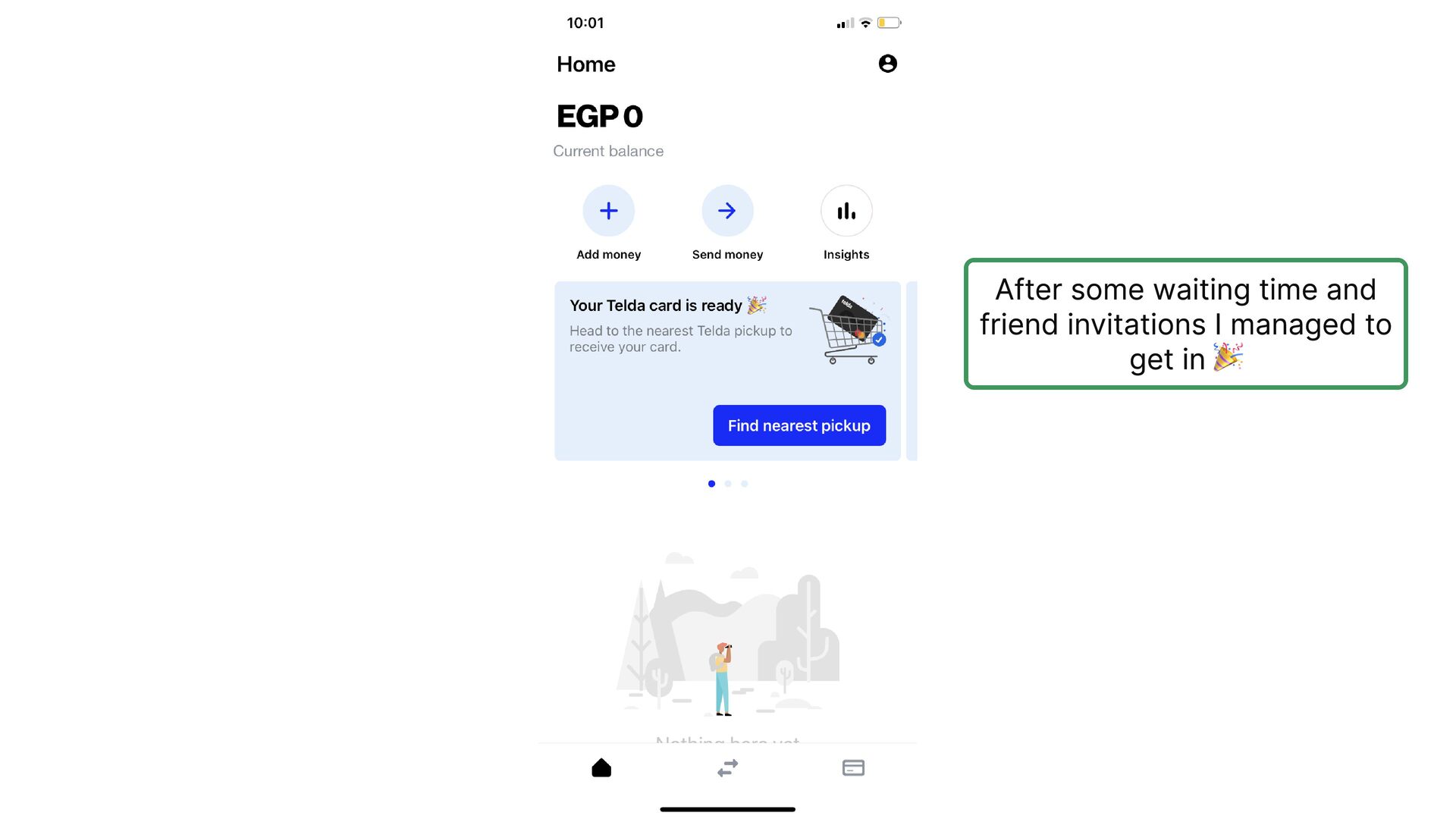
  23. After a few minutes, the card design changes to the

    new step One of the smartest things about Telda is that they hold you by hand step by step to ease the first time using experience
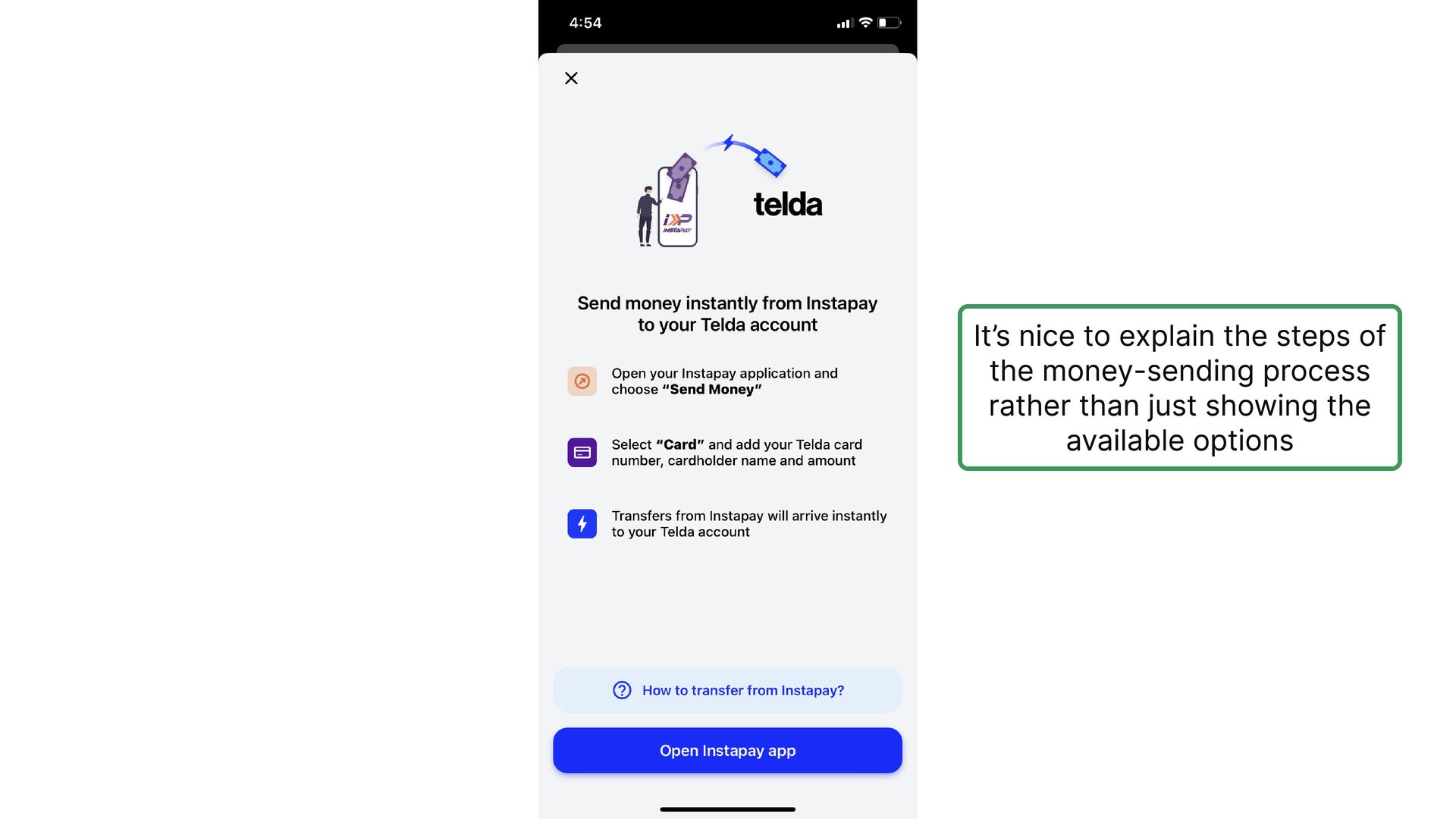
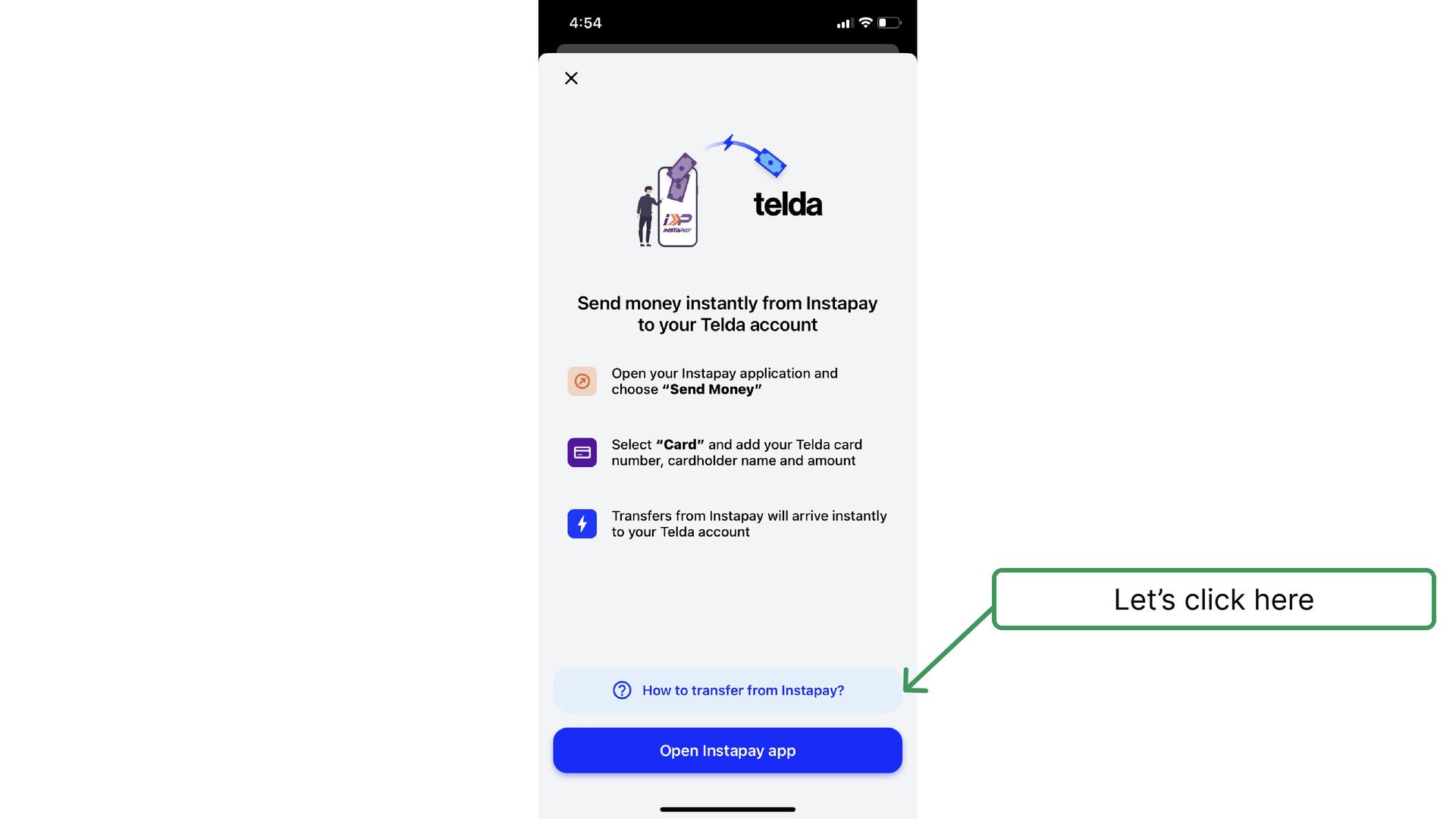
  24. It’s nice to explain the steps of the money-sending process

    rather than just showing the available options
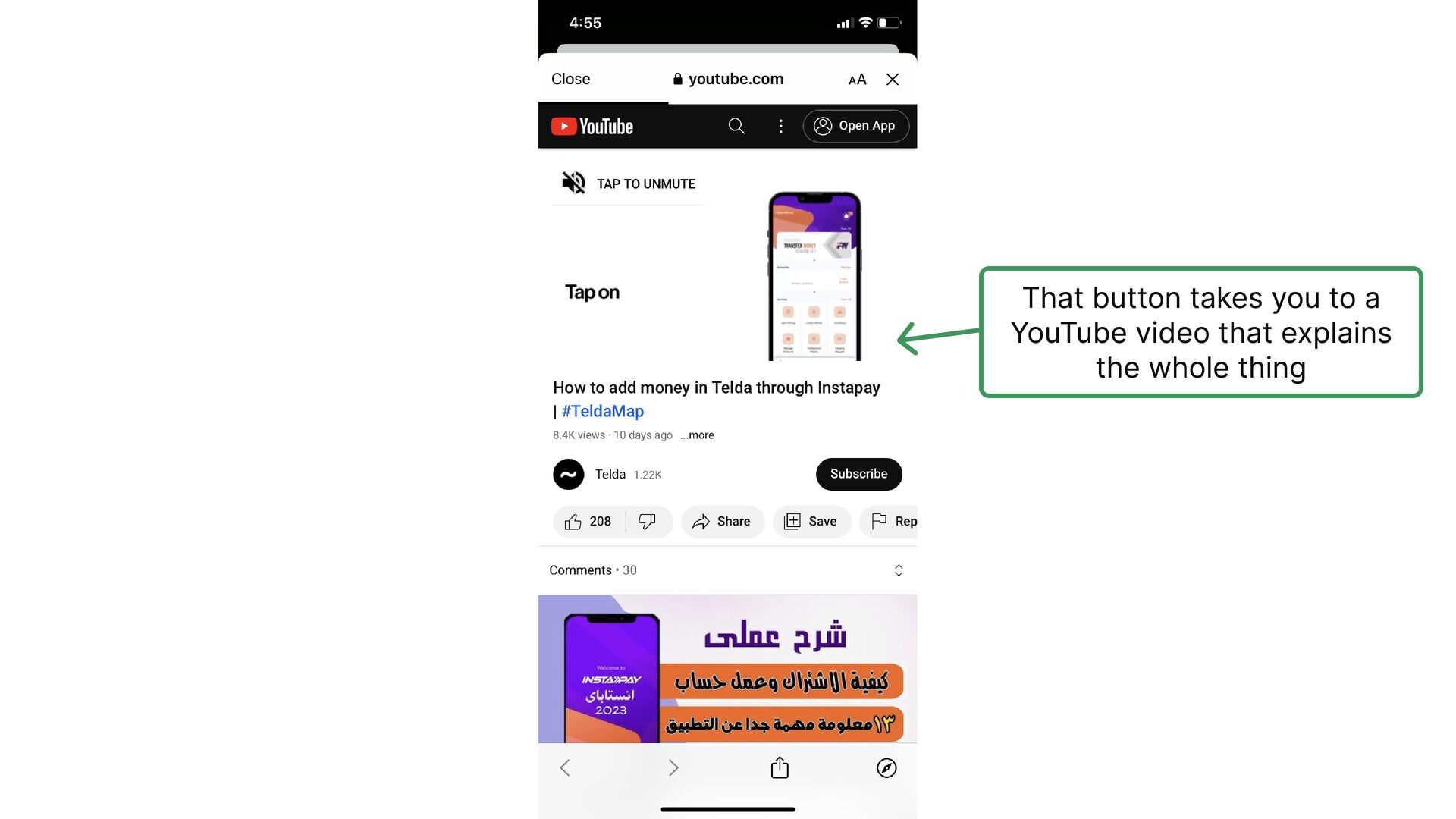
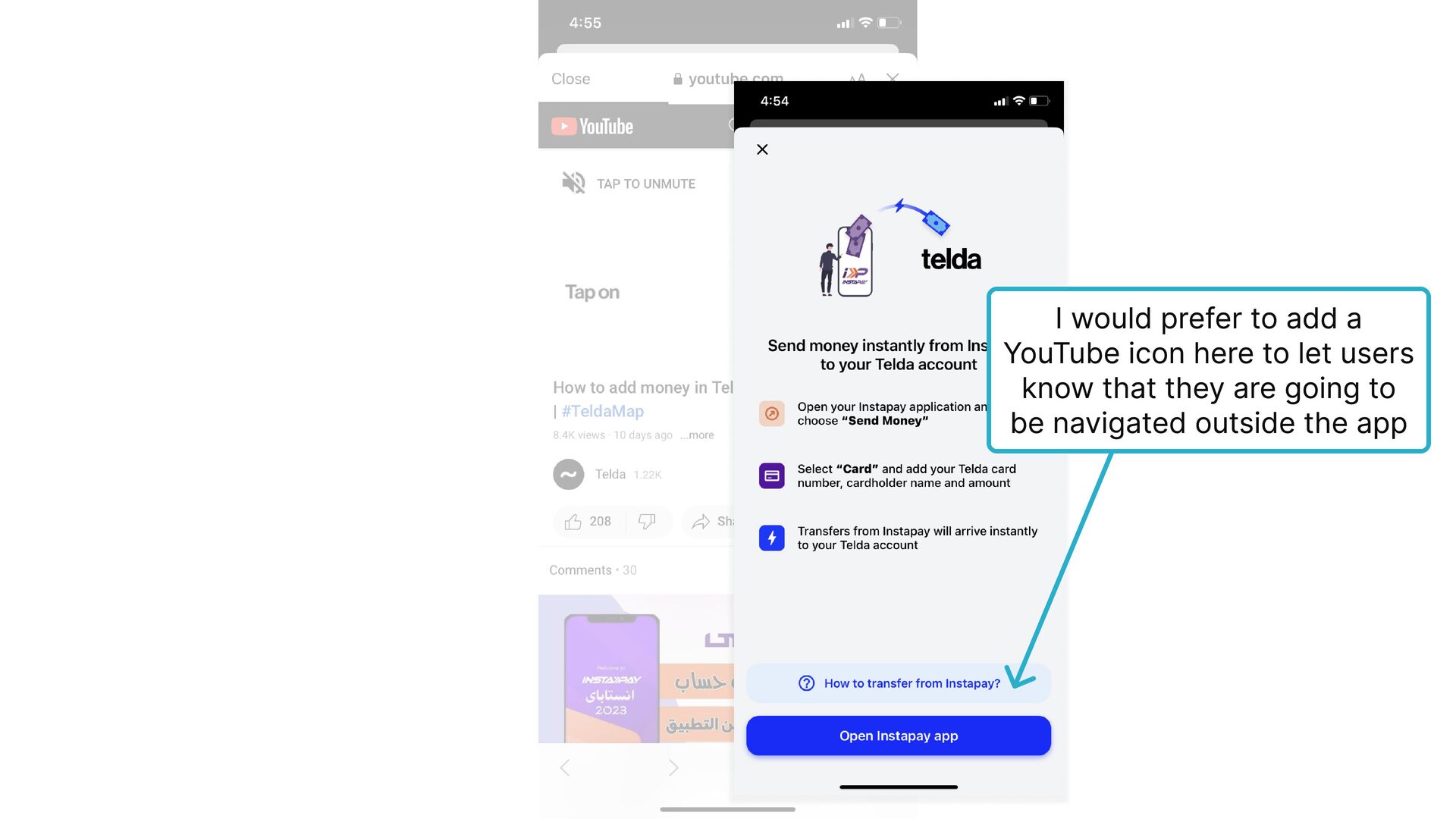
  25. I would prefer to add a YouTube icon here to

    let users know that they are going to be navigated outside the app
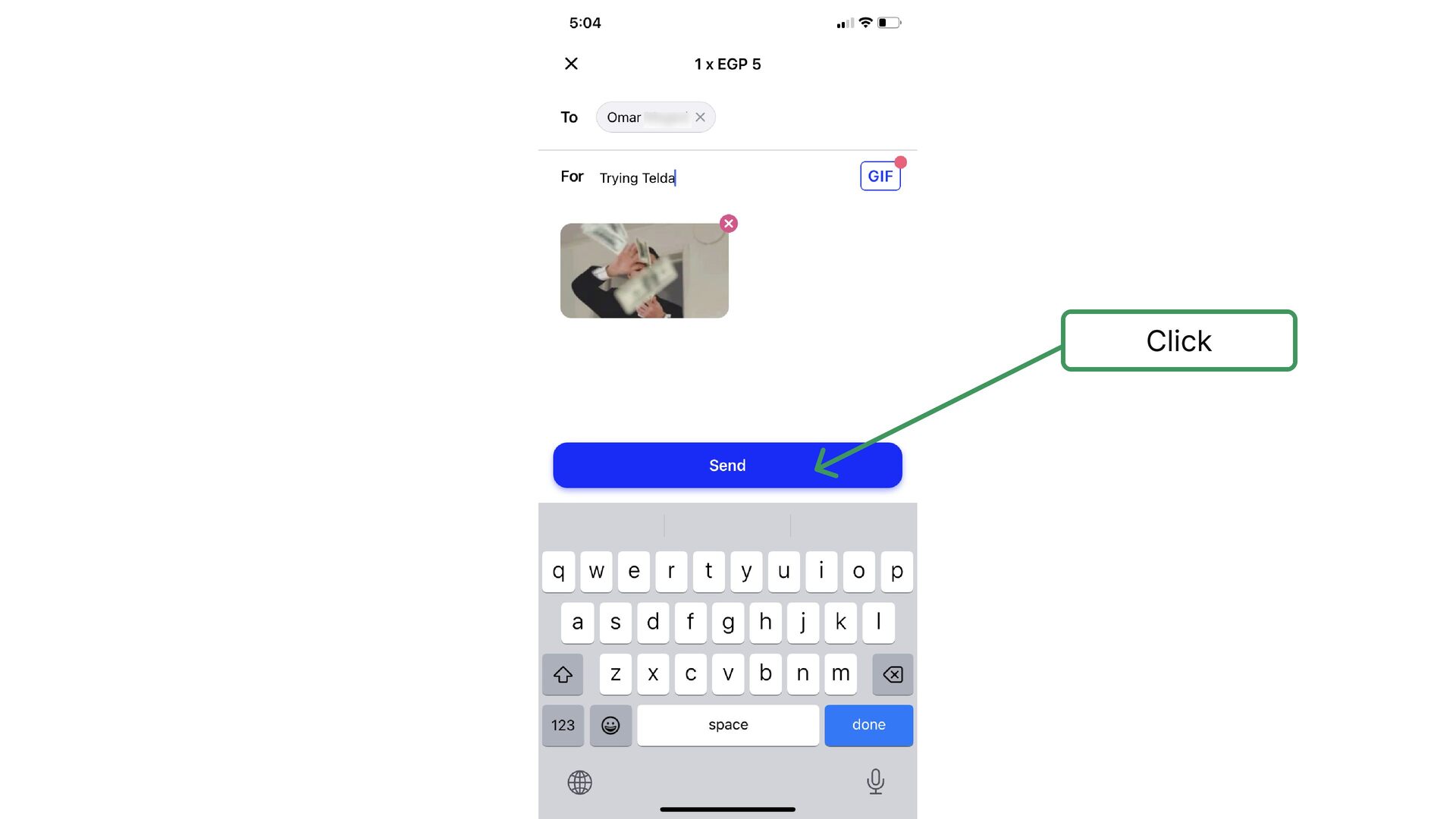
  26. When I clicked on the send button here, I thought

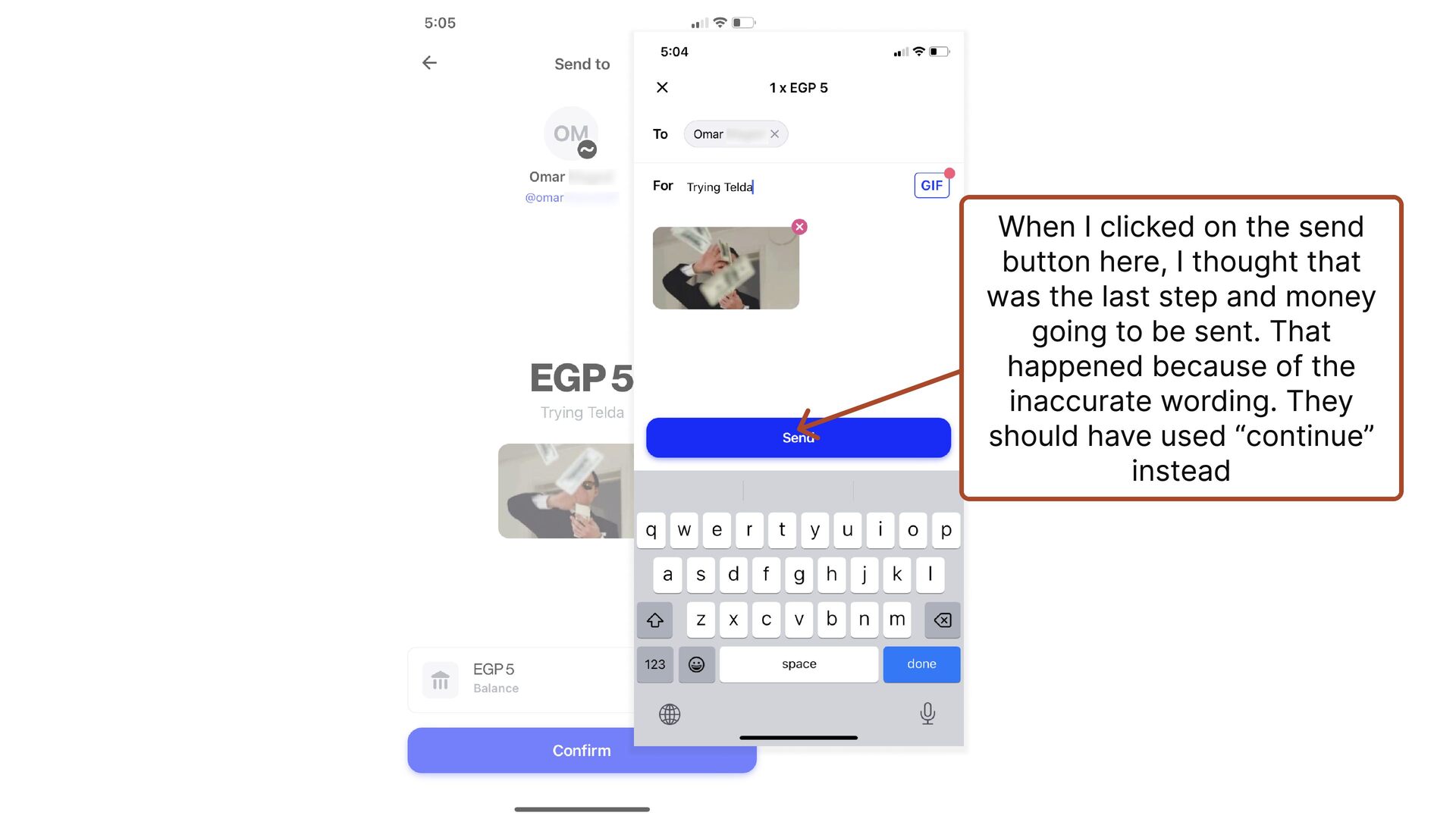
    that was the last step and money going to be sent. That happened because of the inaccurate wording. They should have used “continue” instead
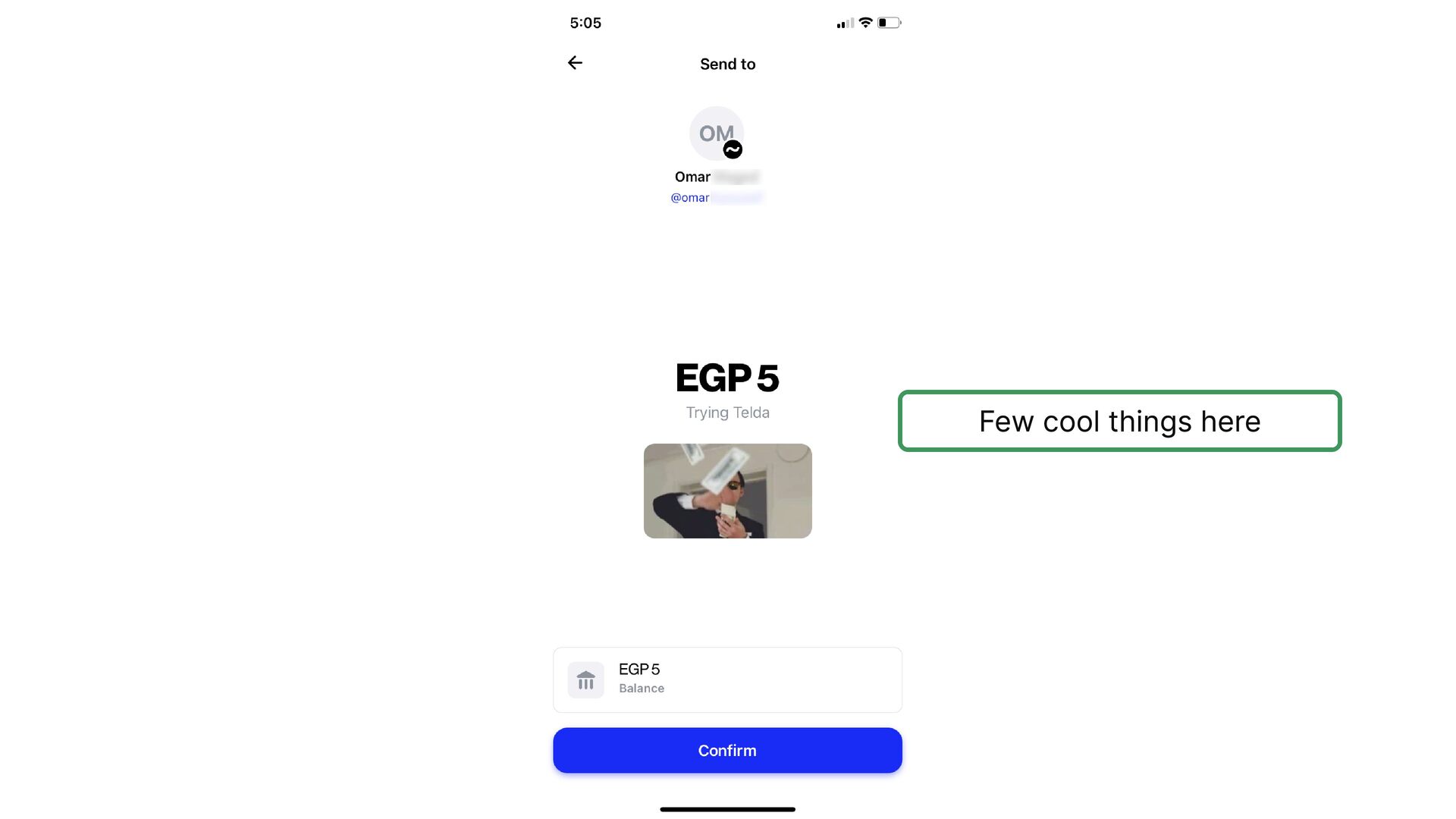
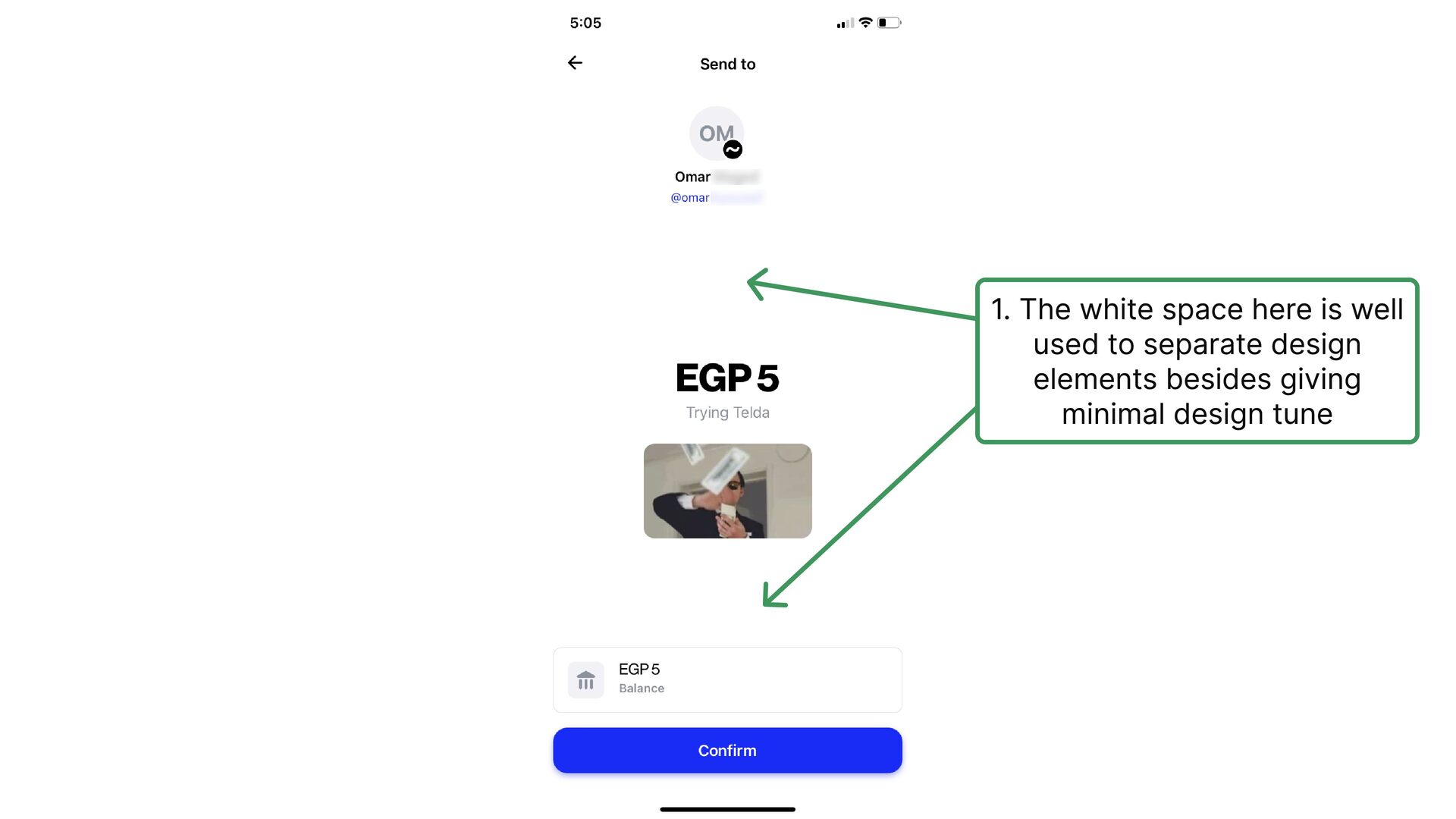
  27. 1. The white space here is well used to separate

    design elements besides giving minimal design tune
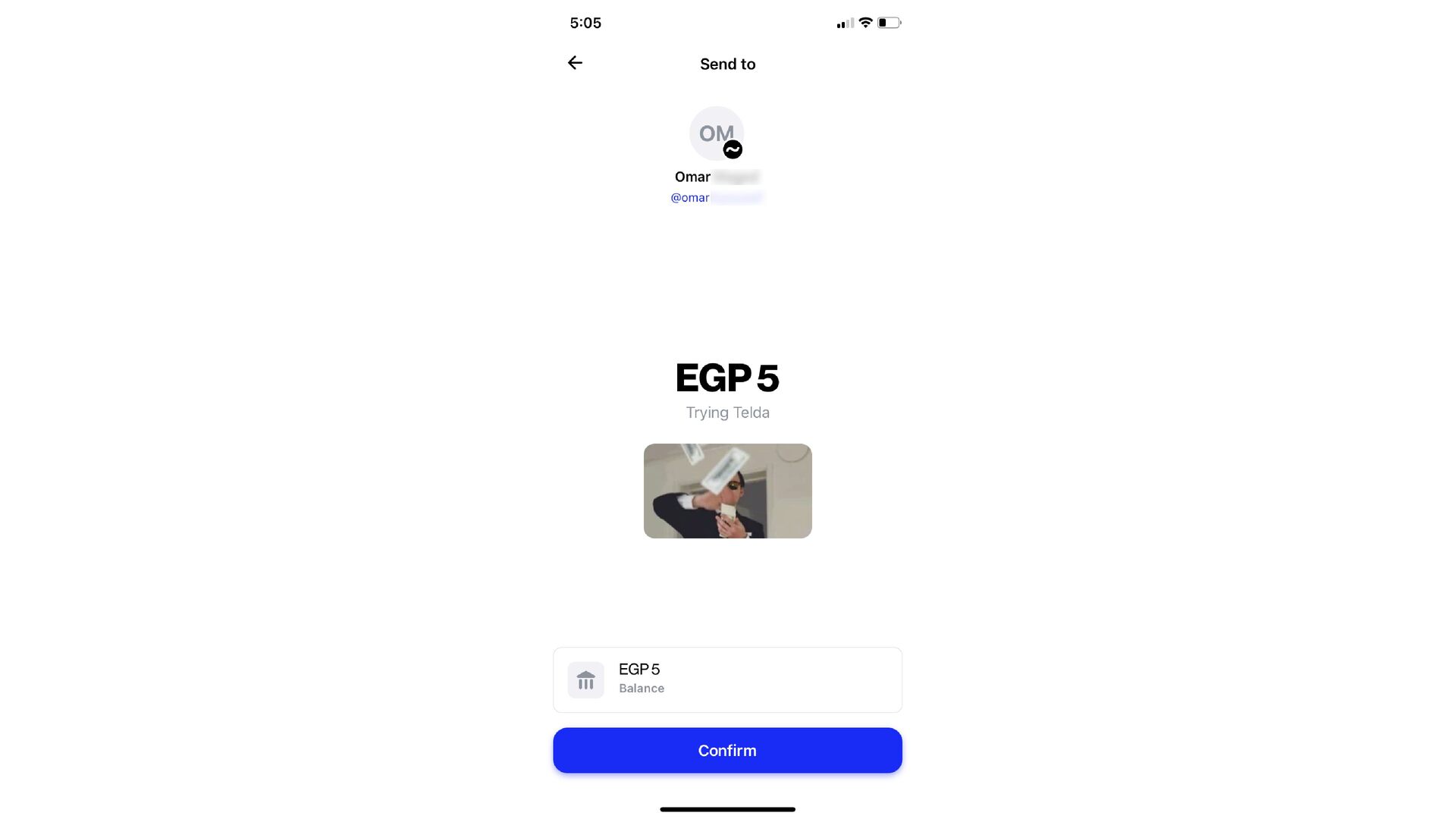
  28. 3.This is the right place to display the balance However

    I prefer to use better wording like “Current Balance” since the word “Balance” alone might mean user’s balance after or before sending the money
  29. In the discussion section below, we will discuss in detail

    a few things we mentioned in the slideshow. Enjoy reading 🍿