Upgrade to Pro — share decks privately, control downloads, hide ads and more …

AndroidでHDRメディアを「壊さずに」扱う

 AndroidでHDRメディアを「壊さずに」扱う

https://2026.droidkaigi.jp/en/timetable/1230756/

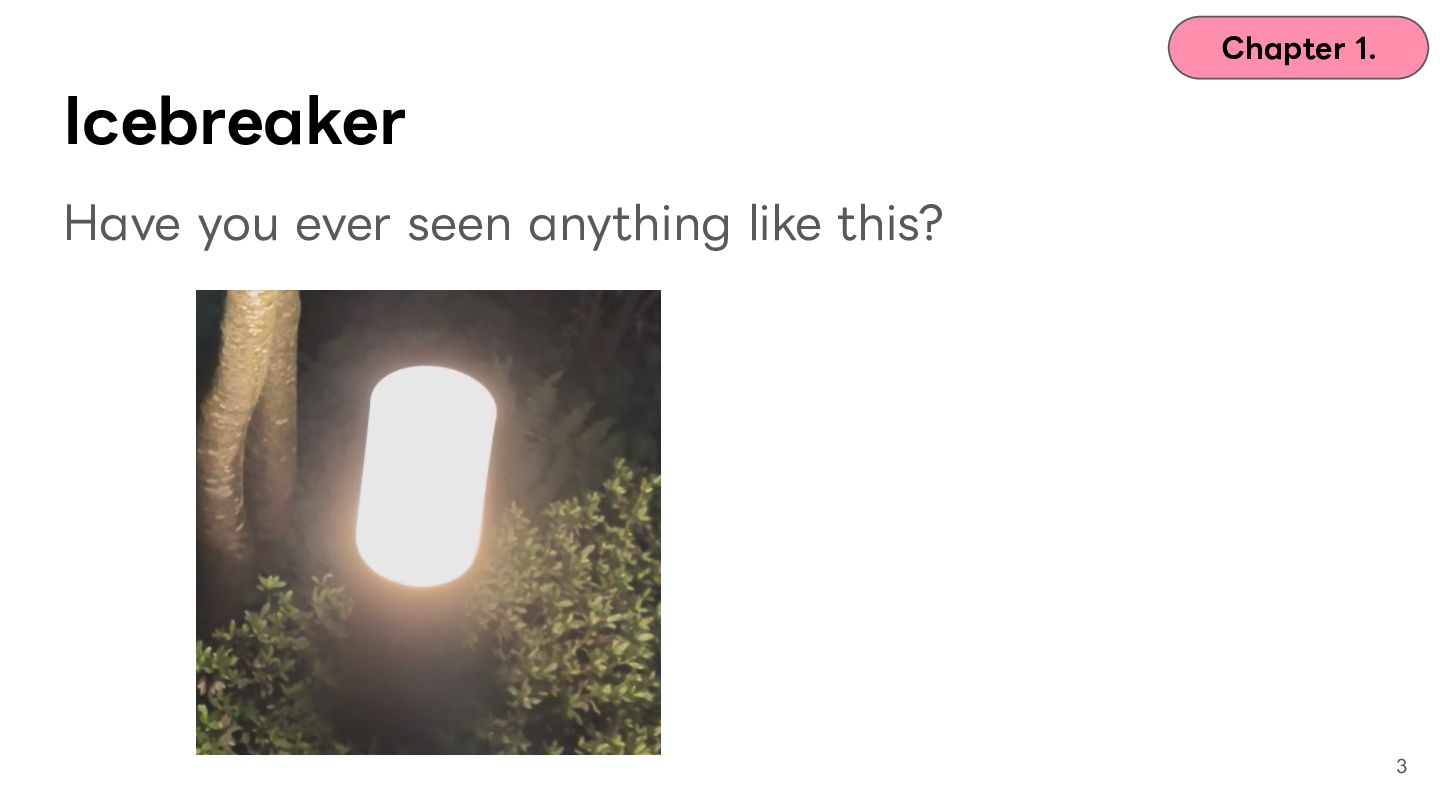
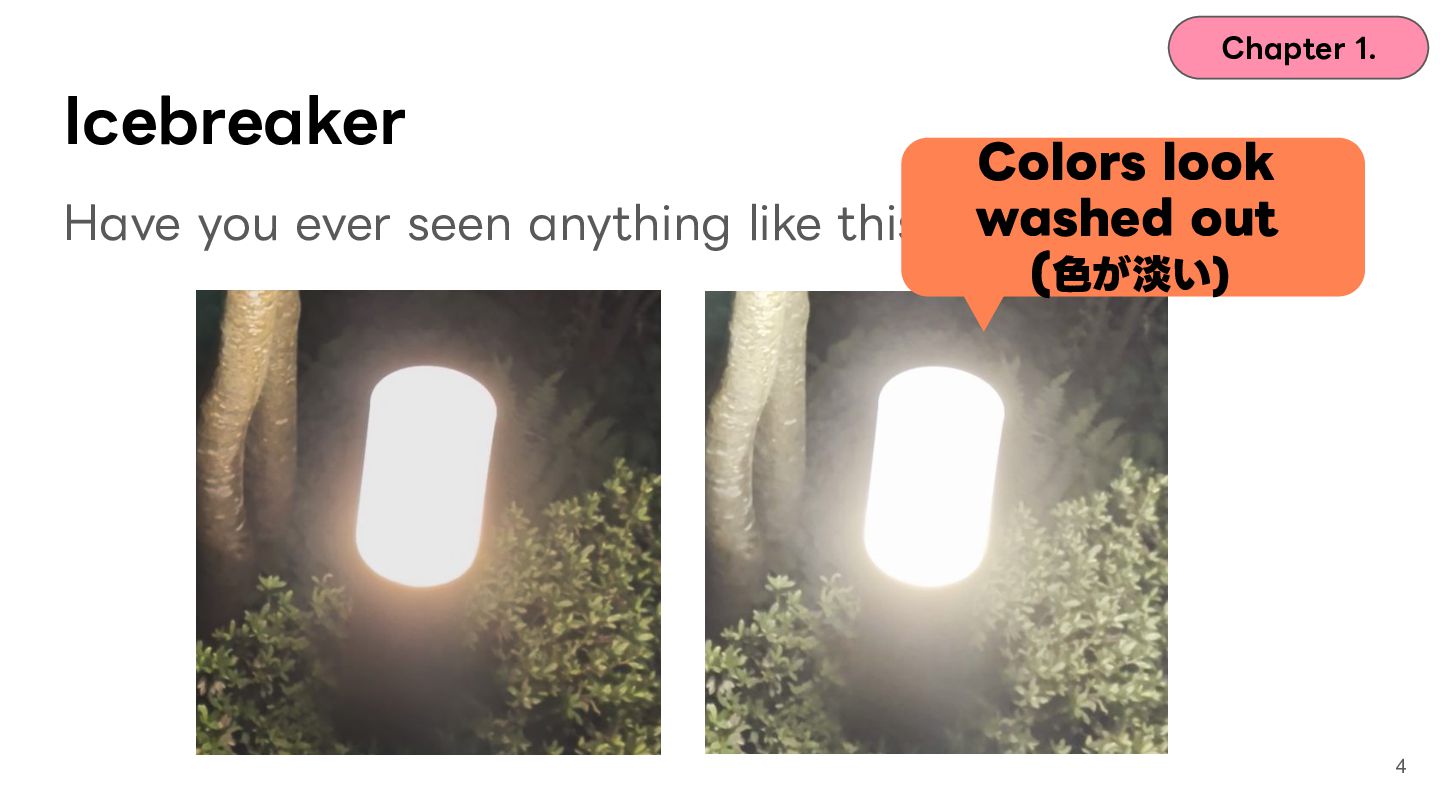
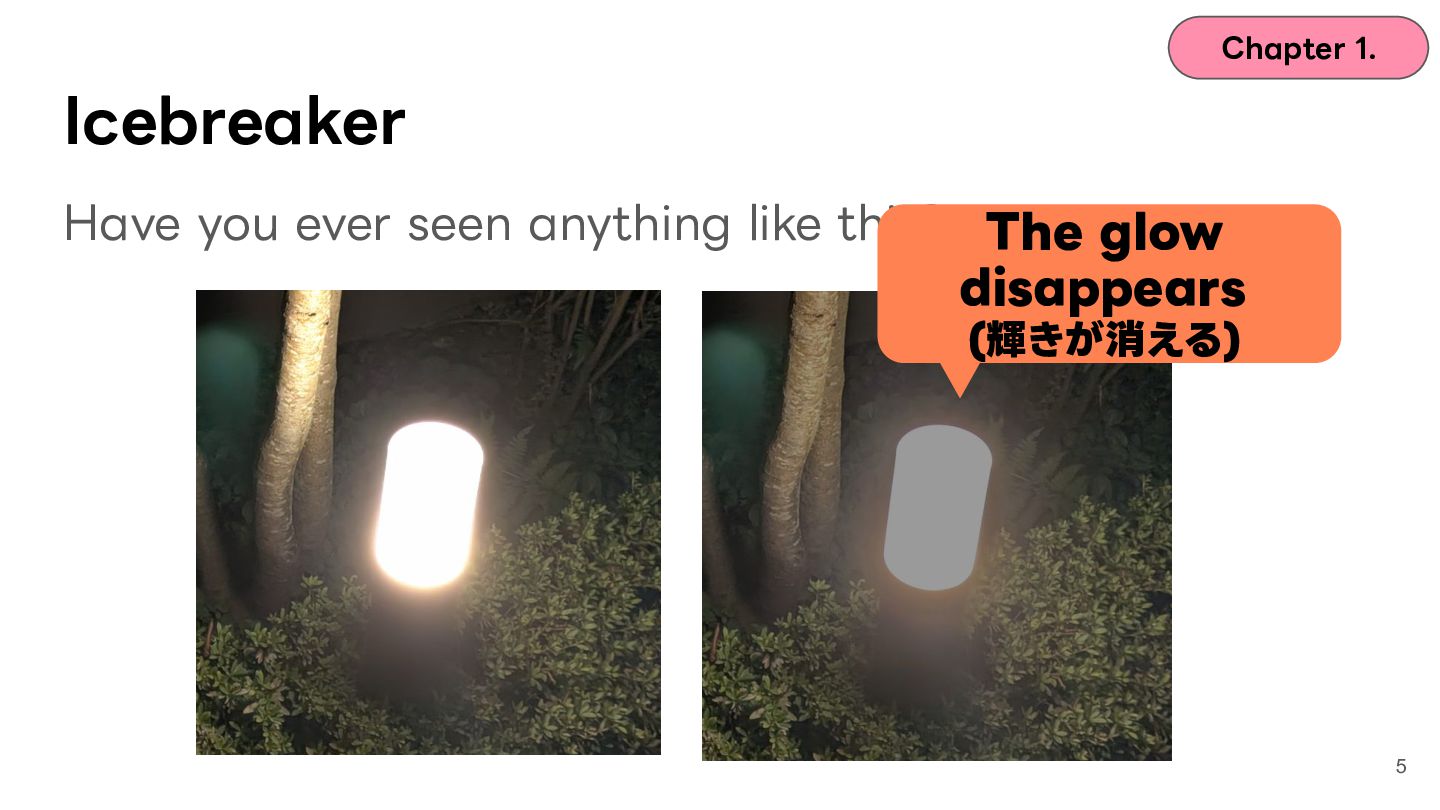
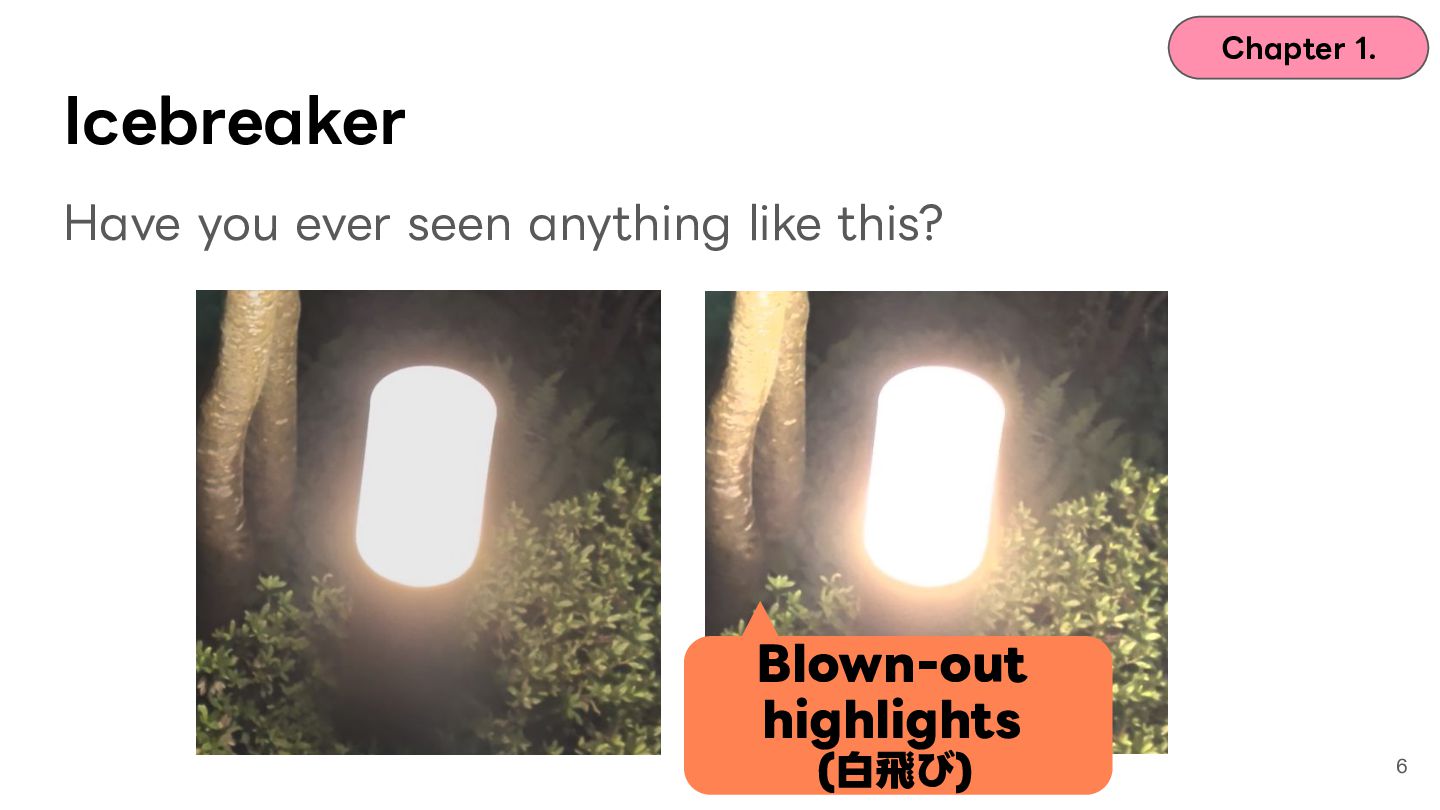
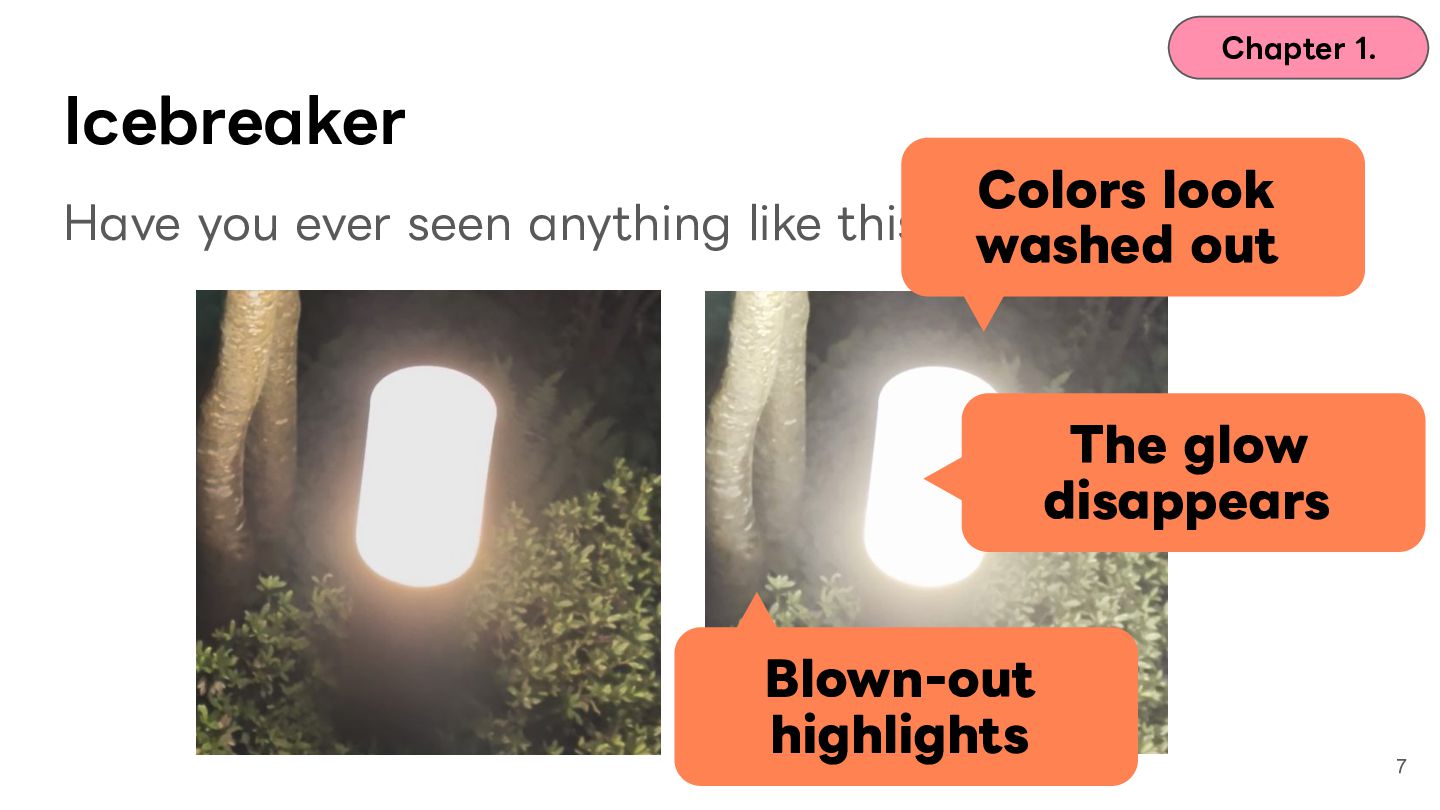
Android デバイスに搭載されるカメラで撮影した写真・動画を別アプリで開いたら、撮影時の鮮やかさが消えて妙に淡くなっていた、明るい部分が真っ白に飛んでいた、そんな経験はないでしょうか?

近年、Android では HDR (High Dynamic Range) と呼ばれる、肉眼のダイナミックレンジに近い、暗部から明部までの広い輝度・色域を表現する技術の対応が進んでいます。Android 14 で Ultra HDR が導入、Android 15 では HDR スクリーンショットのトーンマッピング改善、Android 16 ではHEIC 版 Ultra HDR の対応など、機能追加が進んでいます。一方で HDR には HDR10 / HDR10+ / Ultra HDR / Dolby Vision / HLG など複数の規格があり、デバイスやコンテンツごとに採用形式が異なります。アプリ側がこれを適切にハンドリングできていないと、白飛びしたり、色空間変換に失敗して淡い色味で表示されたりと、体験のコア部分に影響を与えます。

Android はこれらに対応する API を用意しています。表示や再生だけなら Glide や Media3 ExoPlayer がほとんどを抽象化してくれて、ライブラリに任せて済ませることができます。ところが、メディアの加工、サムネイル生成、共有、カスタムフィルタを伴うプレビューといった高度な要求に対応しようとすると ColorSpace / Gainmap / DataSpace といった普段は意識しない API のレイヤを、開発者が適切に考えて対応する必要があります。一方で、この作業は Android API に関する知識と画像処理に関する双方の知識が求められるため、対応は一筋縄ではいかないことも多くあります。

本セッションでは、写真・動画を中心に据えるメディア系 Android アプリの開発において発表者が実際に遭遇した、あるいは実装過程で遭遇しうる HDRメディアの破綻事例を起点にお話します。原因深掘りのために ColorSpace / Gainmap / DataSpace といった API レイヤまで掘り下げ、Bitmapや動画フレームというメディアそのものを「壊さずに」アプリへ橋渡しするために必要な知識を、実際に遭遇した課題ベースで逆引き解説します。

具体的には以下を扱う予定です。
- HDR とは何か: HDR10 / HDR10+ / Ultra HDR / Dolby Vision / HLG の関係整理
- Android が用意する HDR 関連 API の関係性と使い方 (ColorSpace, Gainmap, DataSpace など)
- Glide / Media3 が裏側で何をやってくれていて、何をやってくれていないのかを知る
- 具体例に基づく事例: 白飛び・淡い色・Gainmap を失うパターンの原因と対処、デバッグ方法
- OSバージョンやデバイス固有の問題など運用面での課題について

このセッションを聞き終わった後には、Glide / Media3 が抽象化してくれている層を分解して理解し、自分のアプリのメディアパイプラインに HDR を「壊さずに」 表現するために何をすべきかを判断できるようになります。

Avatar for Kazuki Chigita

Kazuki Chigita

September 02, 2026

More Decks by Kazuki Chigita

Other Decks in Technology

Transcript

  1. 2

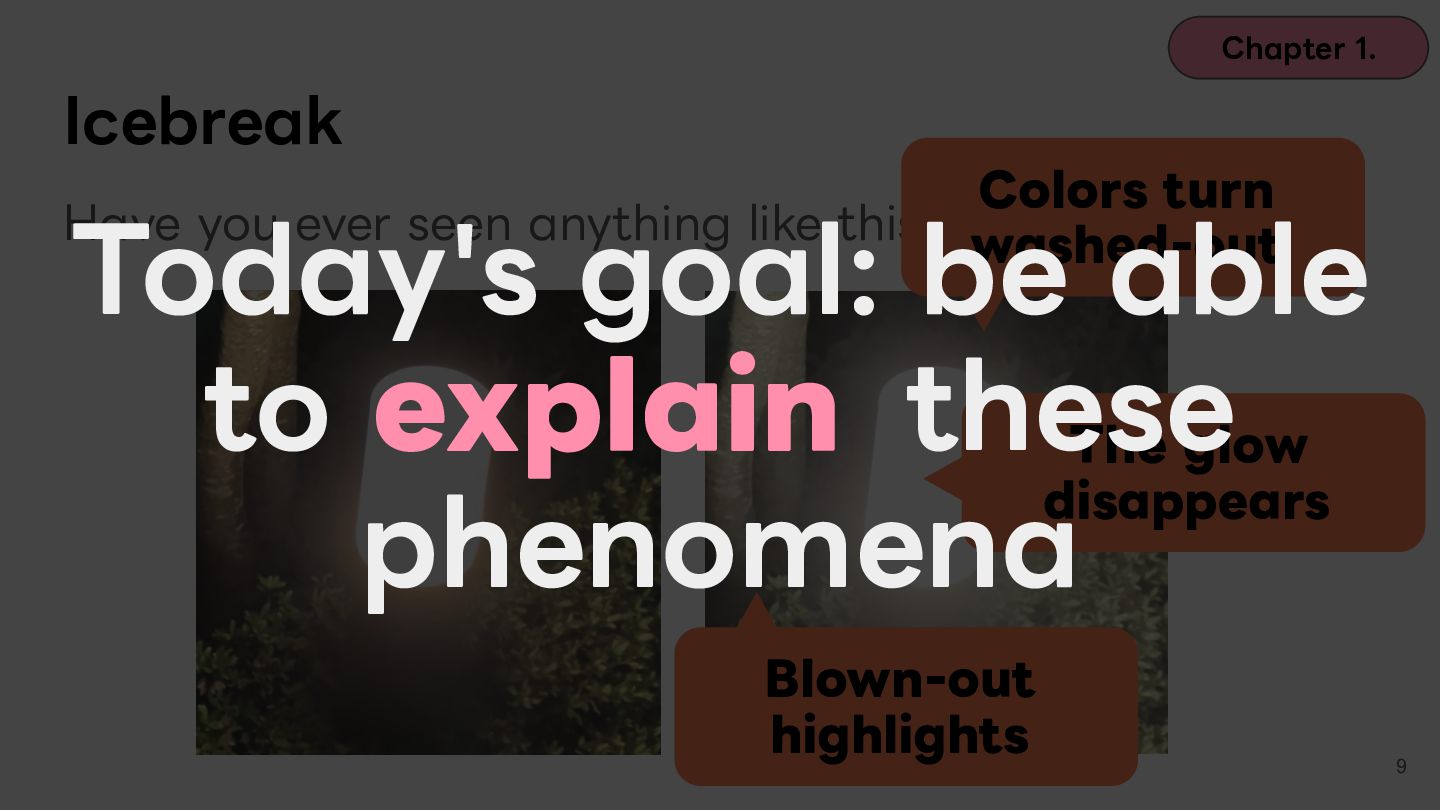
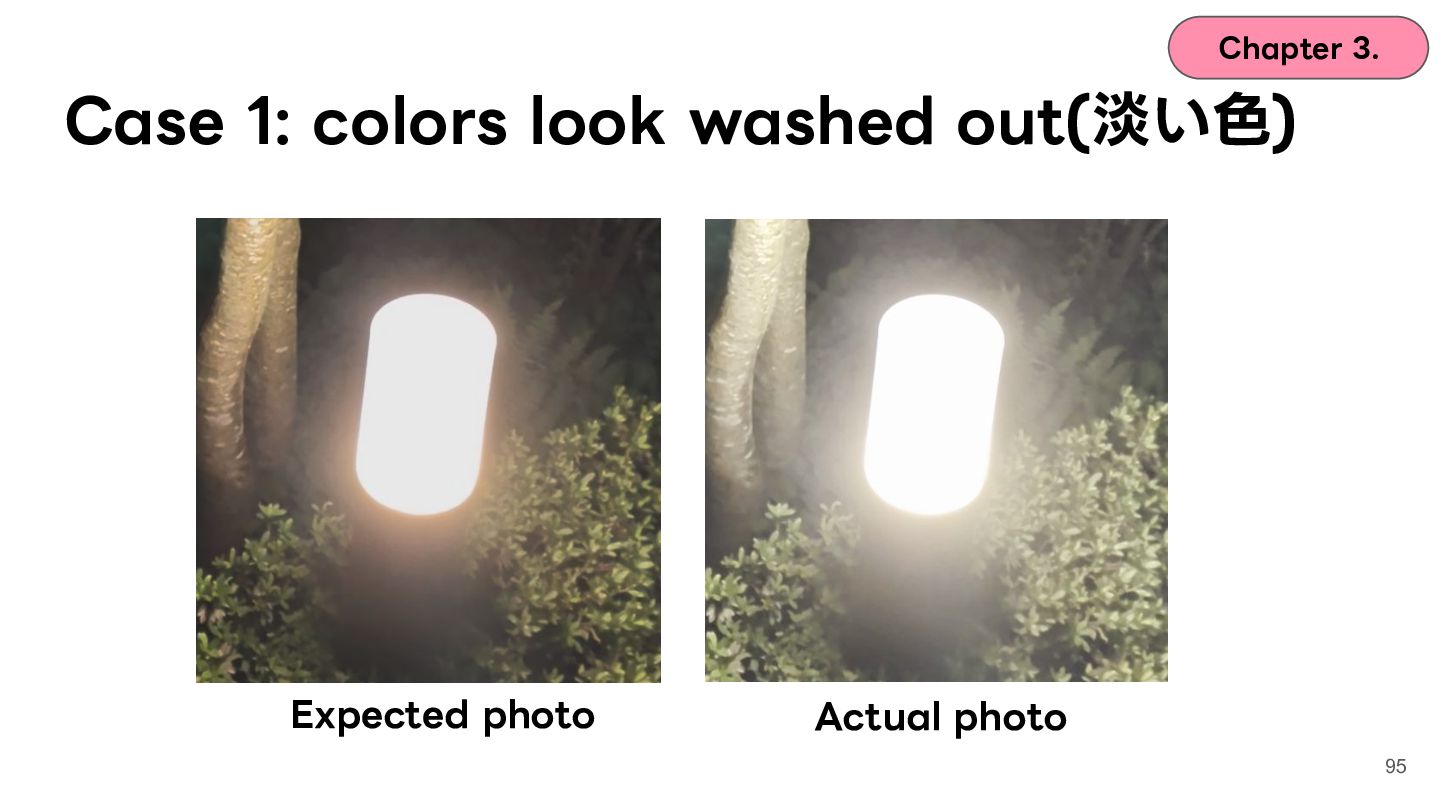
  2. Chapter 1. Icebreaker Colors look Have you ever seen anything
    like this? washed out ( ⾊が淡い) Replace with the broken photo later 4
  3. Chapter 1. Icebreaker Have you ever seen anything like this?

    The glow disappears (輝きが消える) 5
  4. Chapter 1. Icebreaker Colors look Have you ever seen anything
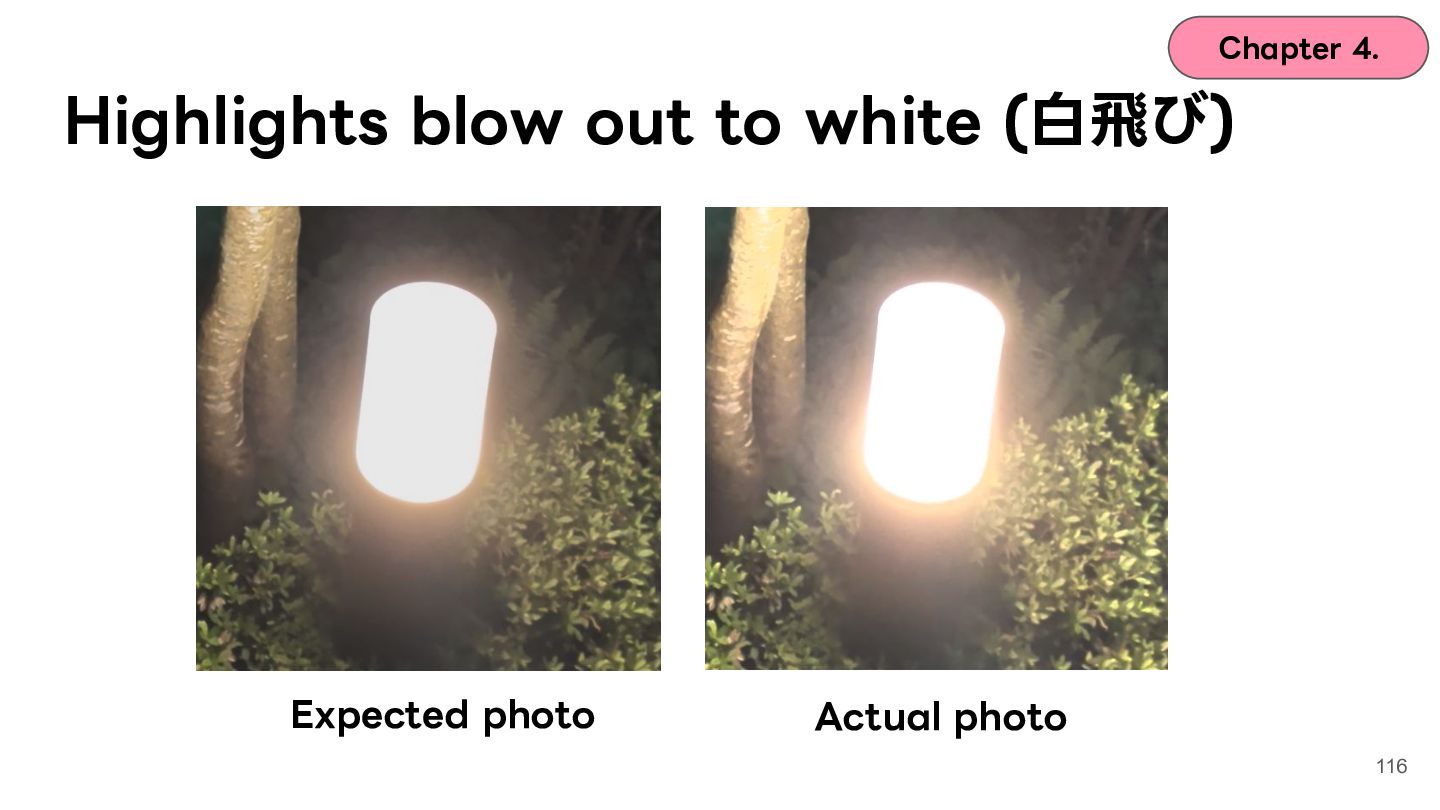
    like this? washed out The glow disappears Blown-out highlights 7
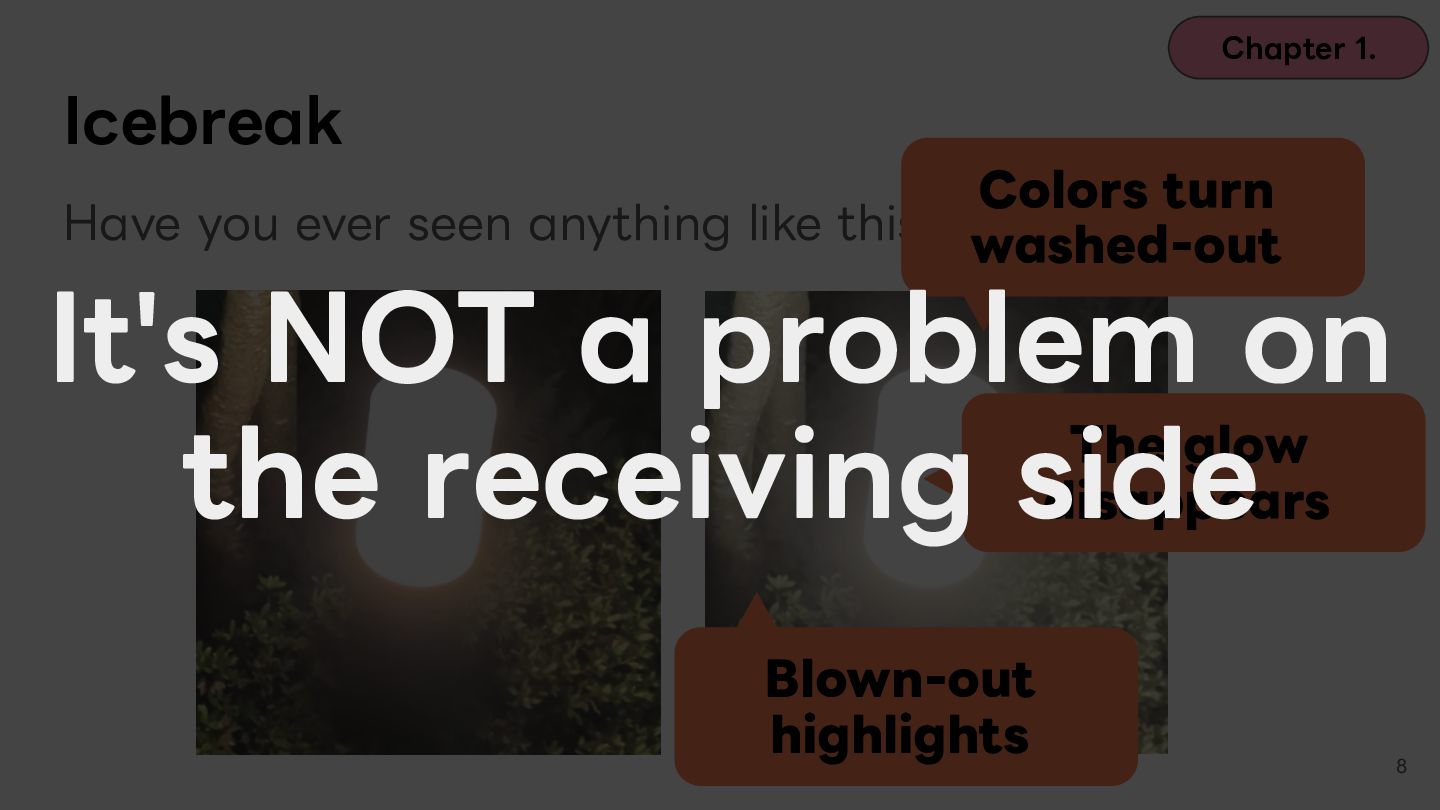
  5. Chapter 1. Icebreak Colors turn Have you ever seen anything

    like this? washed-out It's NOT a problem on The glow the receiving side disappears Blown-out highlights 8
  6. Chapter 1. Icebreak Colors turn Have you ever seen anything

    like this? washed-out Today's goal: be able to explain these The glow disappears phenomena Blown-out highlights 9
  7. Chapter 1. About Me Kazuki CHIGITA / @chigichan24 Building the

    family photo-sharing app 「家族アルバム みてね」(FamilyAlbum) at MIXI, Inc. New roles just opened. Weʼre looking for new teammates. https://mixigroup-recruit.mixi.co.jp/recruitment -category/career/14287/ 10
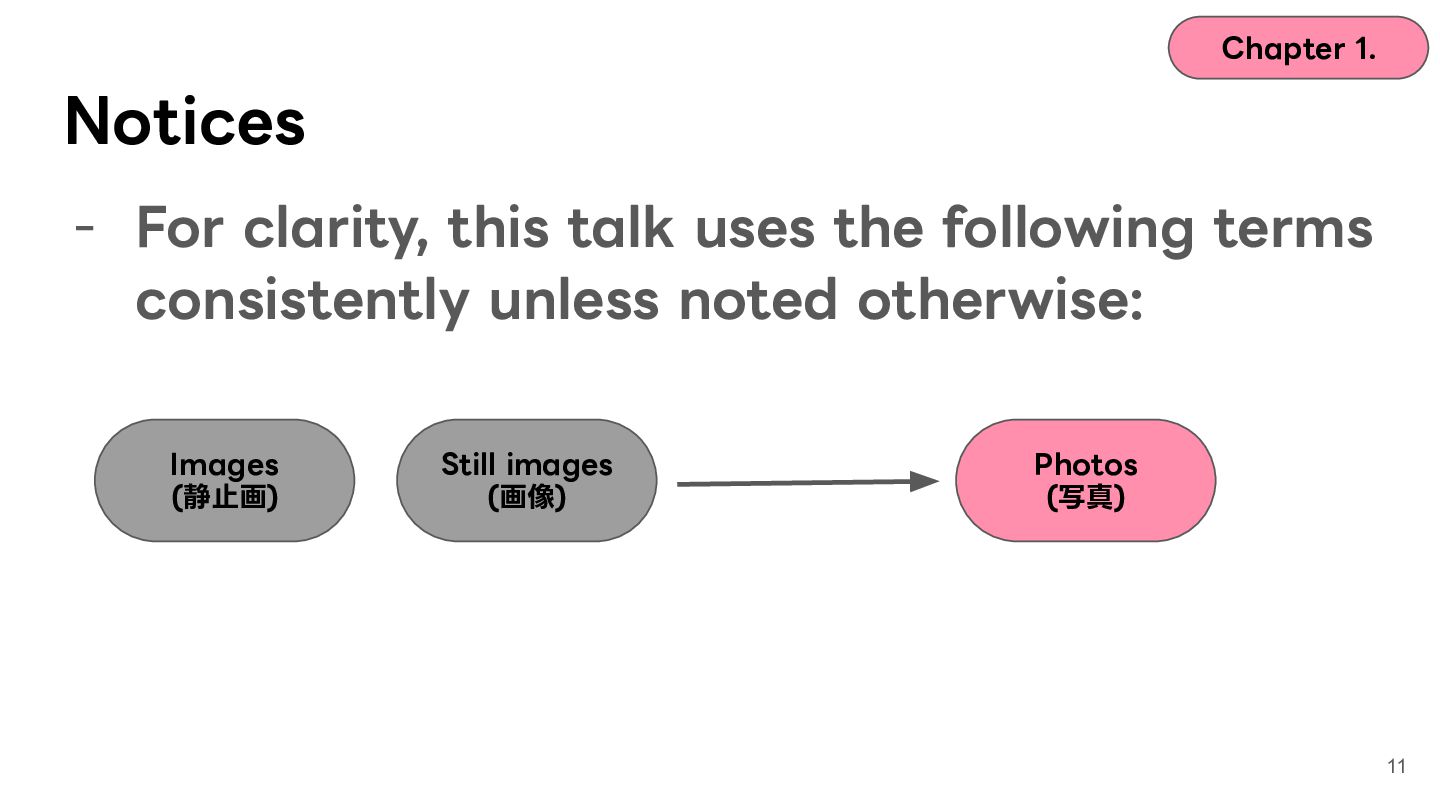
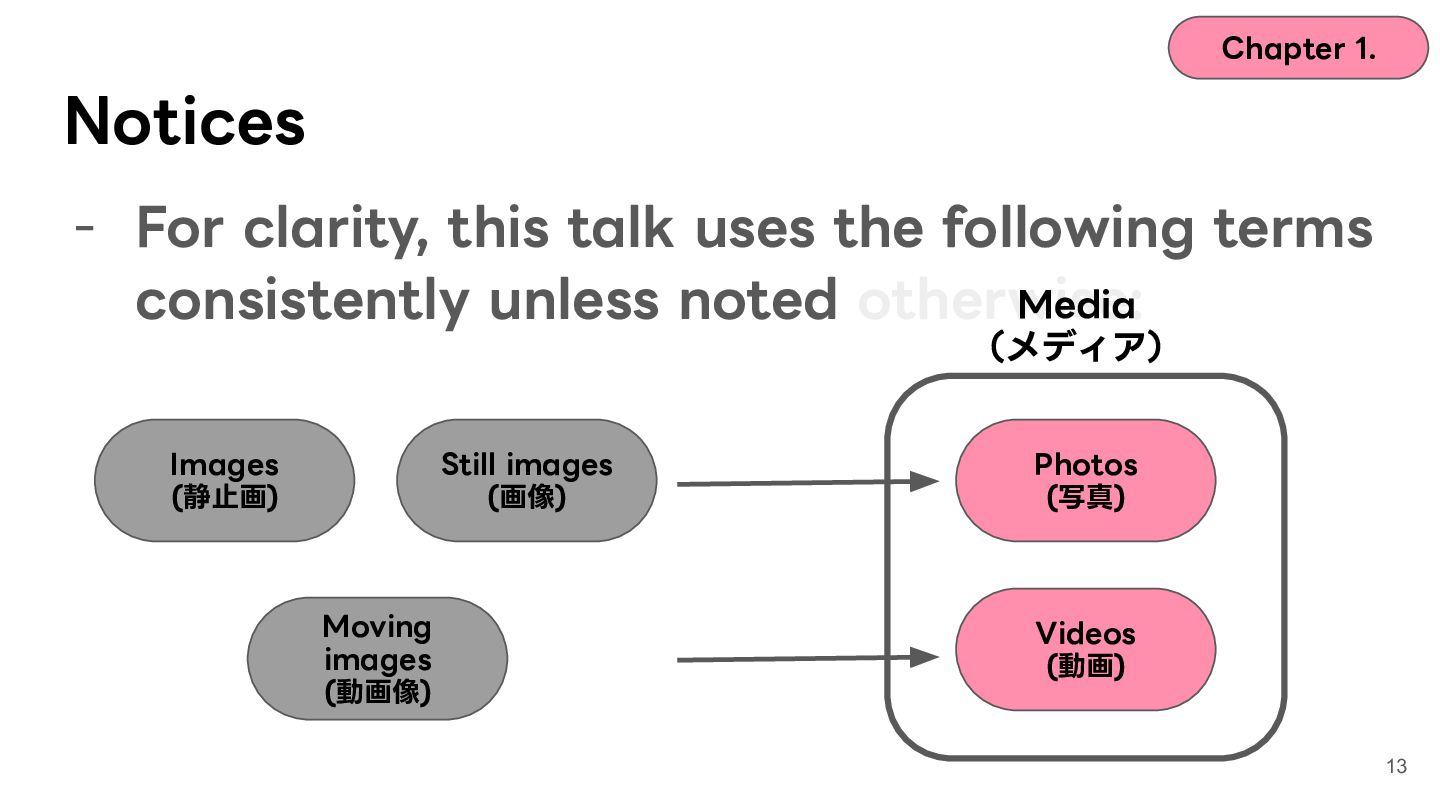
  8. Chapter 1. Notices - For clarity, this talk uses the

    following terms consistently unless noted otherwise: Images (静⽌画) Still images (画像) Photos (写真) 11
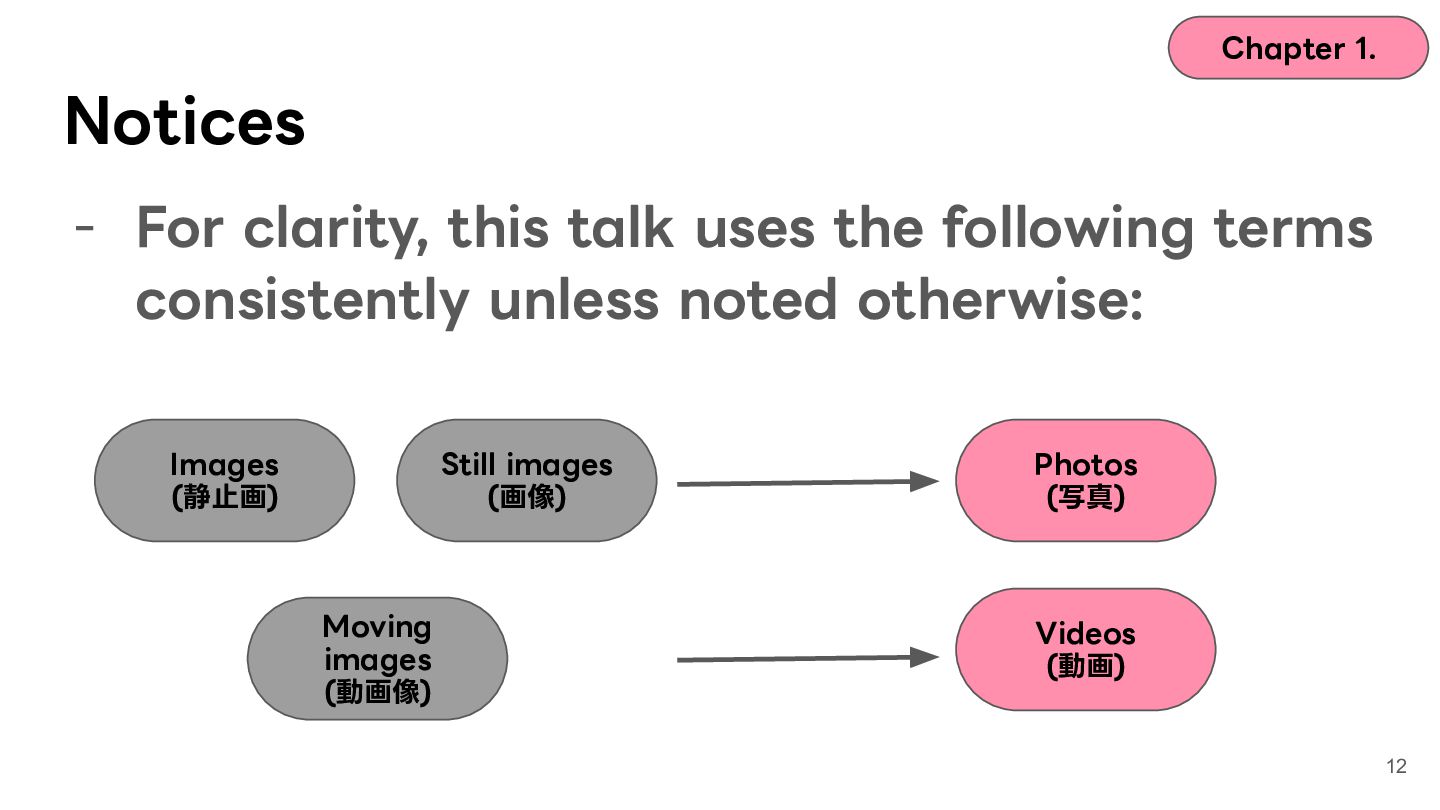
  9. Chapter 1. Notices - For clarity, this talk uses the

    following terms consistently unless noted otherwise: Images (静⽌画) Still images (画像) Moving images (動画像) Photos (写真) Videos (動画) 12
  10. Chapter 1. Notices - For clarity, this talk uses the

    following terms consistently unless noted otherwise: Media (メディア) Images (静⽌画) Still images (画像) Moving images (動画像) Photos (写真) Videos (動画) 13
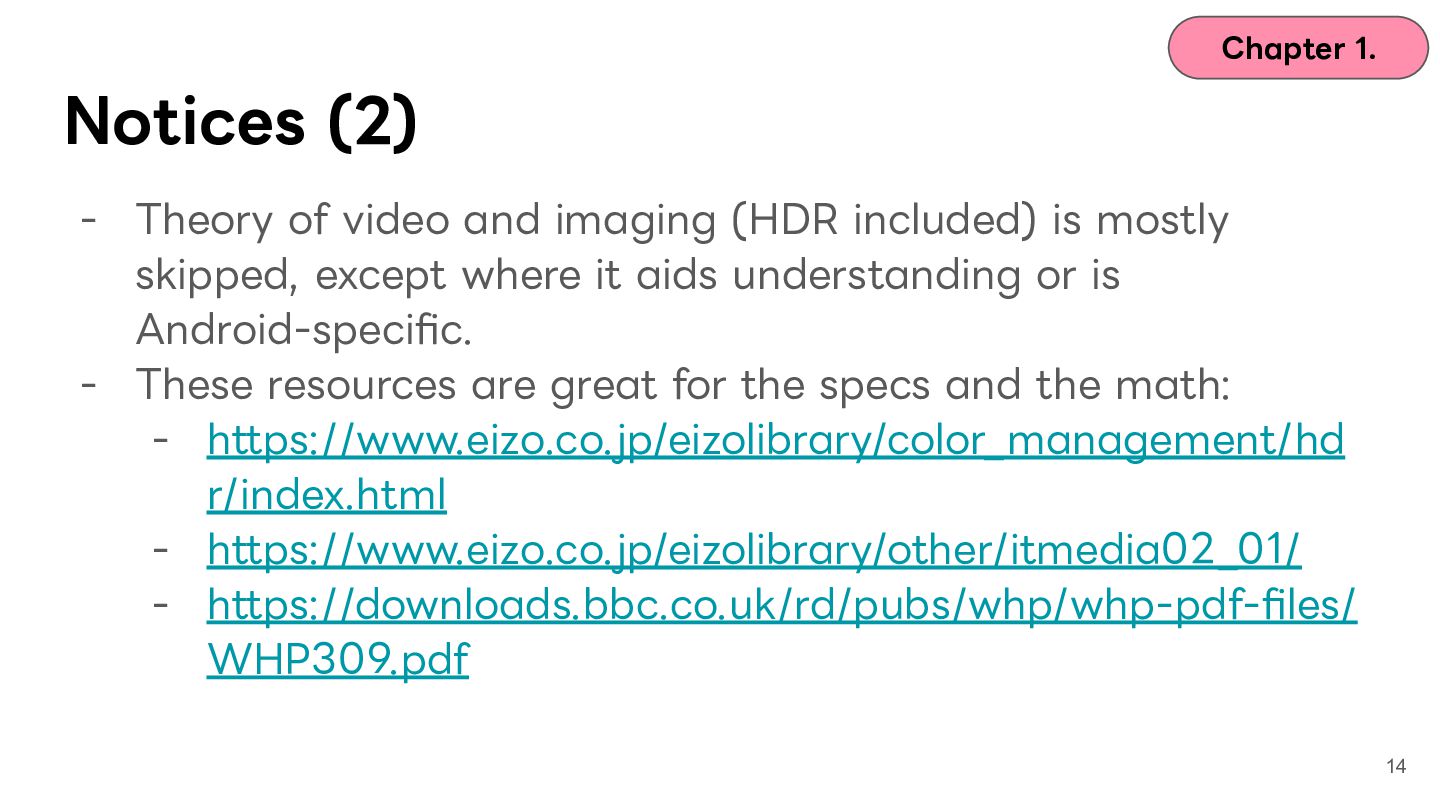
  11. Chapter 1. Notices (2) - Theory of video and imaging

    (HDR included) is mostly skipped, except where it aids understanding or is Android-specific. - These resources are great for the specs and the math: - https://www.eizo.co.jp/eizolibrary/color_management/hd r/index.html - https://www.eizo.co.jp/eizolibrary/other/itmedia02_01/ - https://downloads.bbc.co.uk/rd/pubs/whp/whp-pdf-files/ WHP309.pdf 14
  12. Contents Chapter 1. Icebreak Chapter 2. What is HDR? Chapter

    3. Case 1: washed-out colors and ColorSpace Chapter 4. Case 2: blown-out highlights and tone mapping Chapter 5. Case 3: the glow and gain maps Chapter 6. Wrap-up 15
  13. Contents Chapter 1. Icebreak Chapter 2. What is HDR? Chapter

    3. Case 1: washed-out colors and ColorSpace Chapter 4. Case 2: blown-out highlights and tone mapping Chapter 5. Case 3: the glow and gain maps Chapter 6. Wrap-up 16
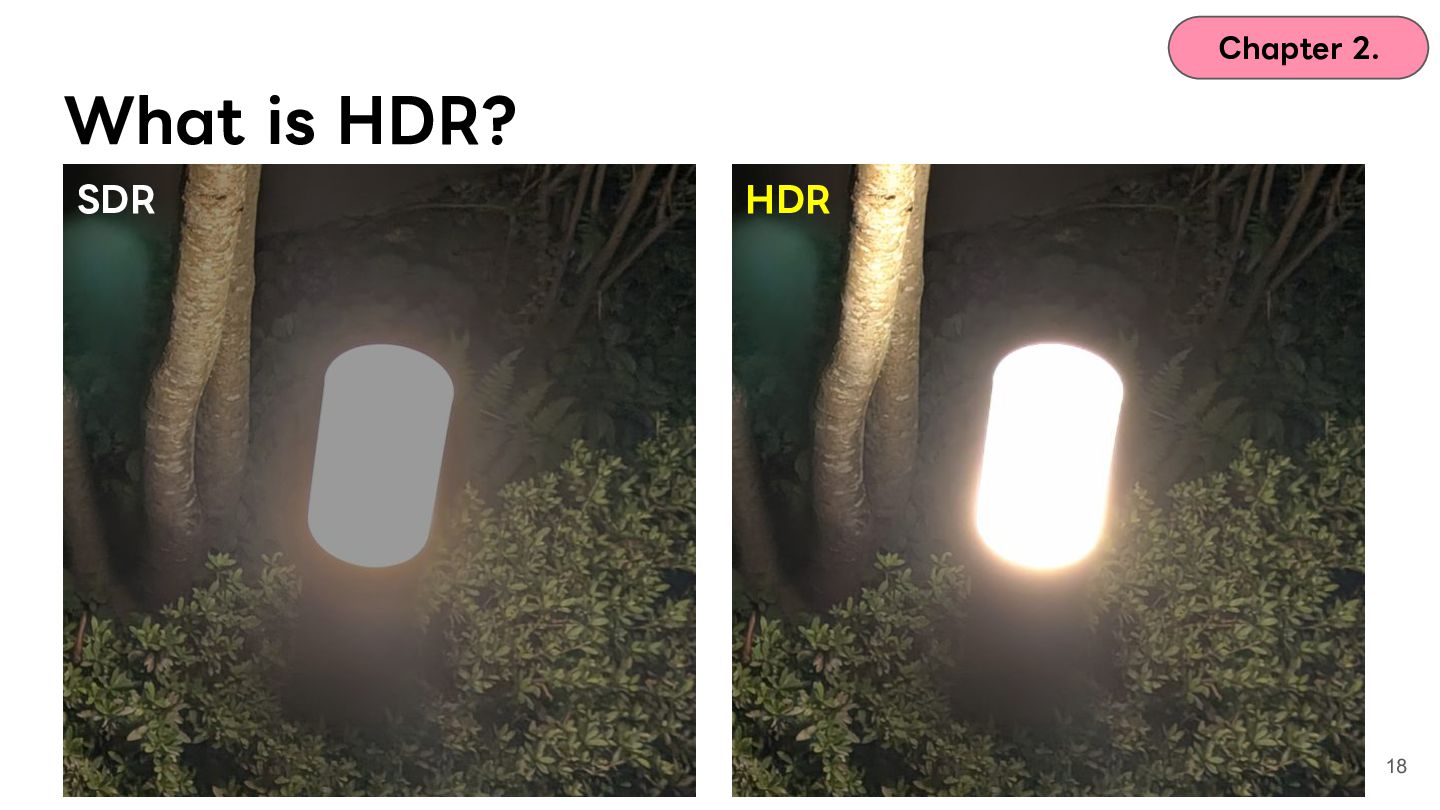
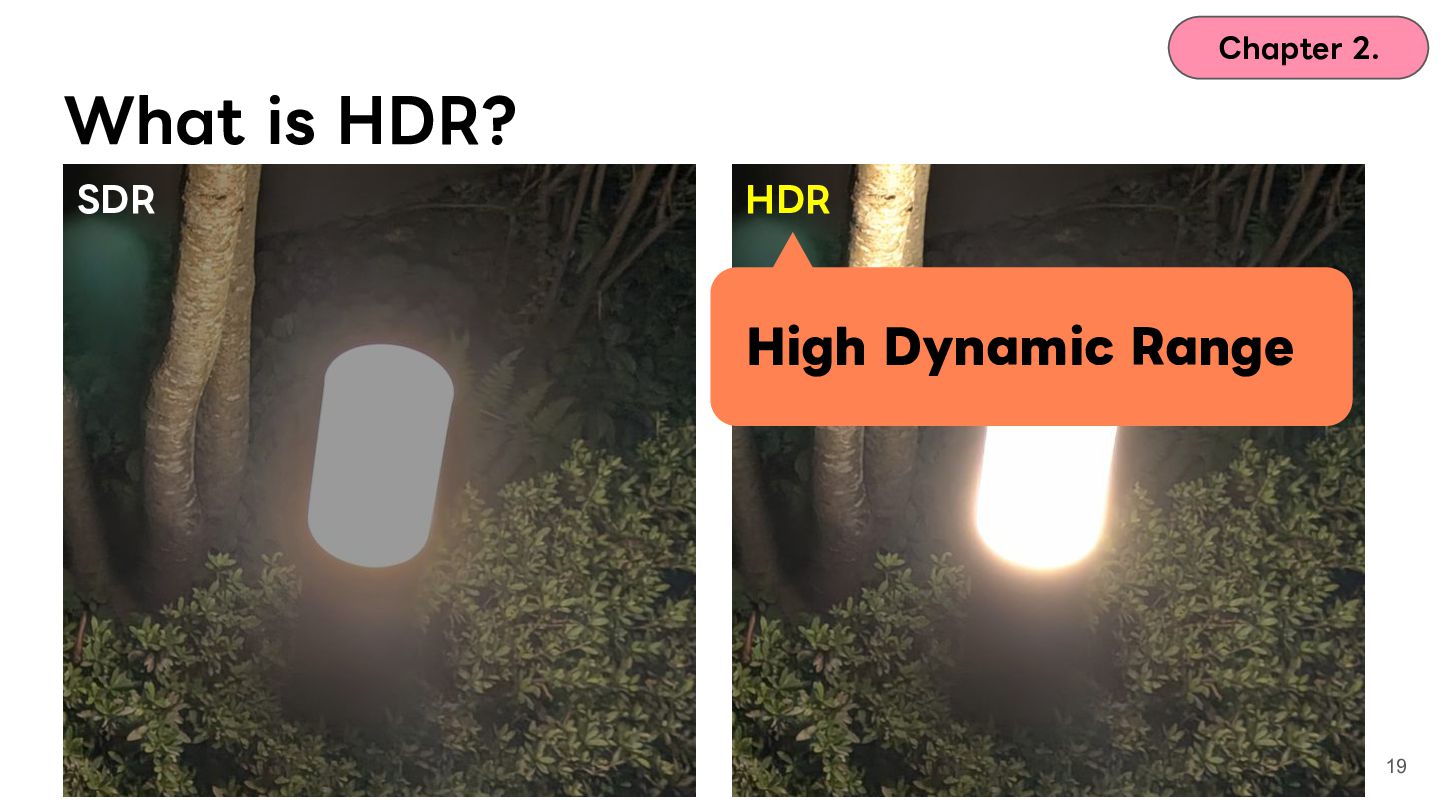
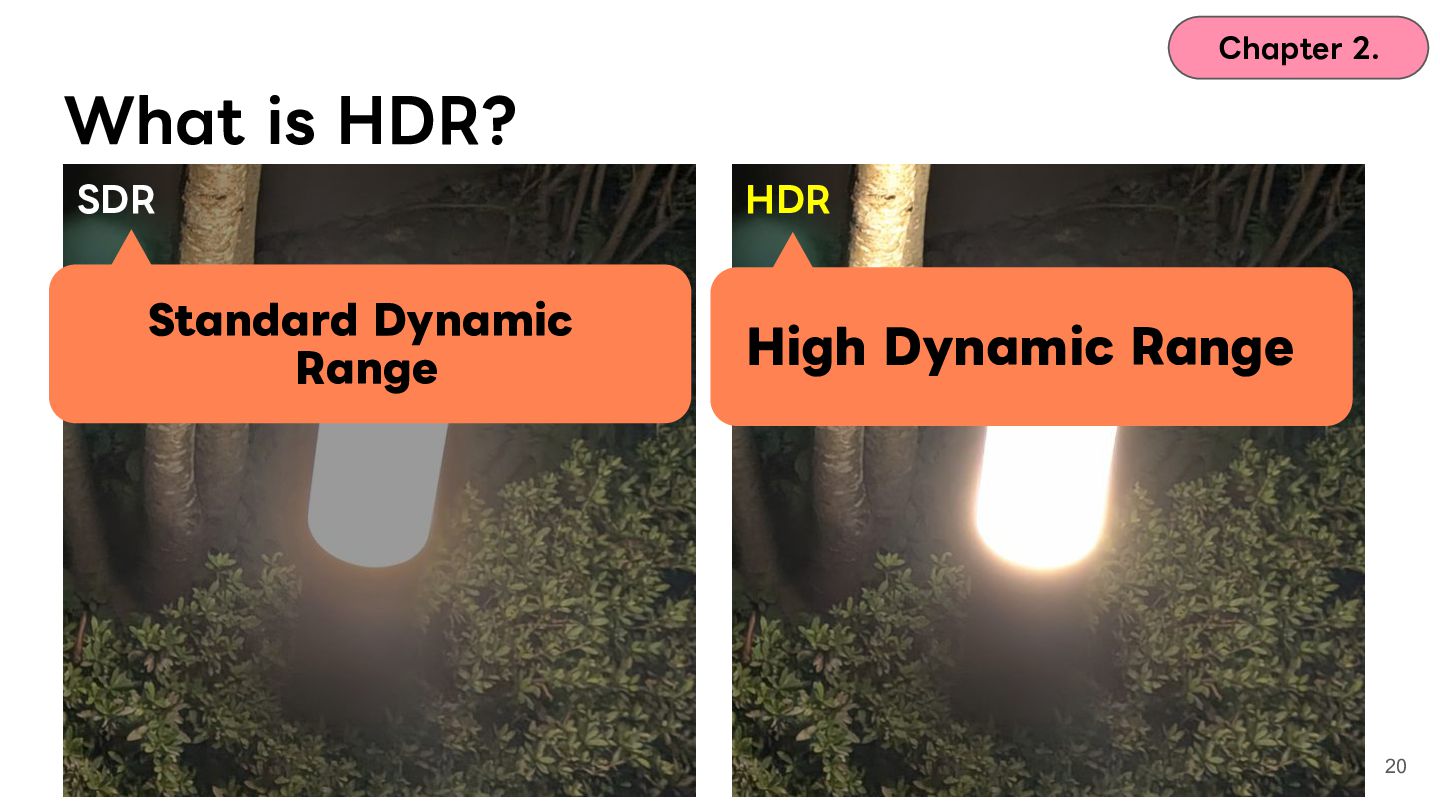
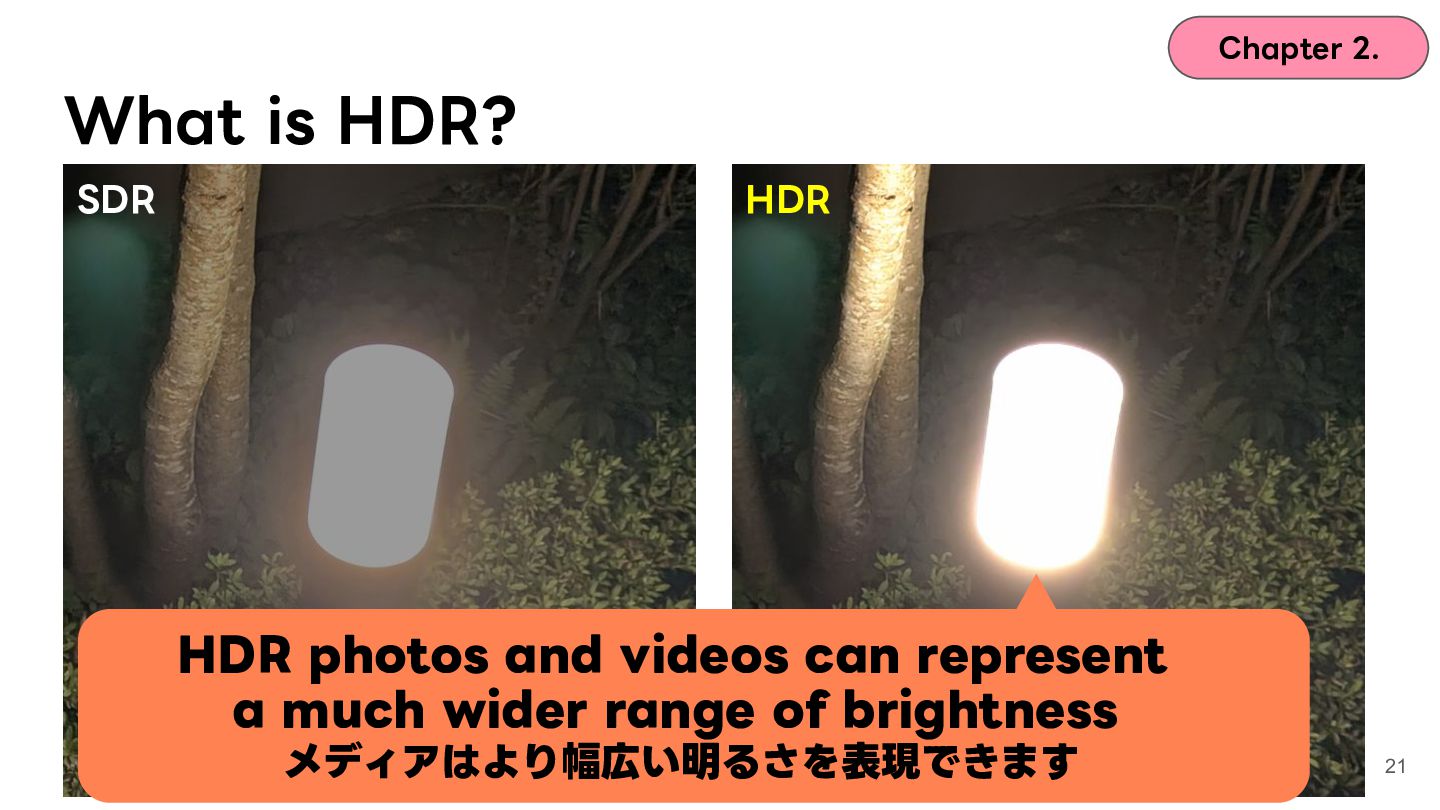
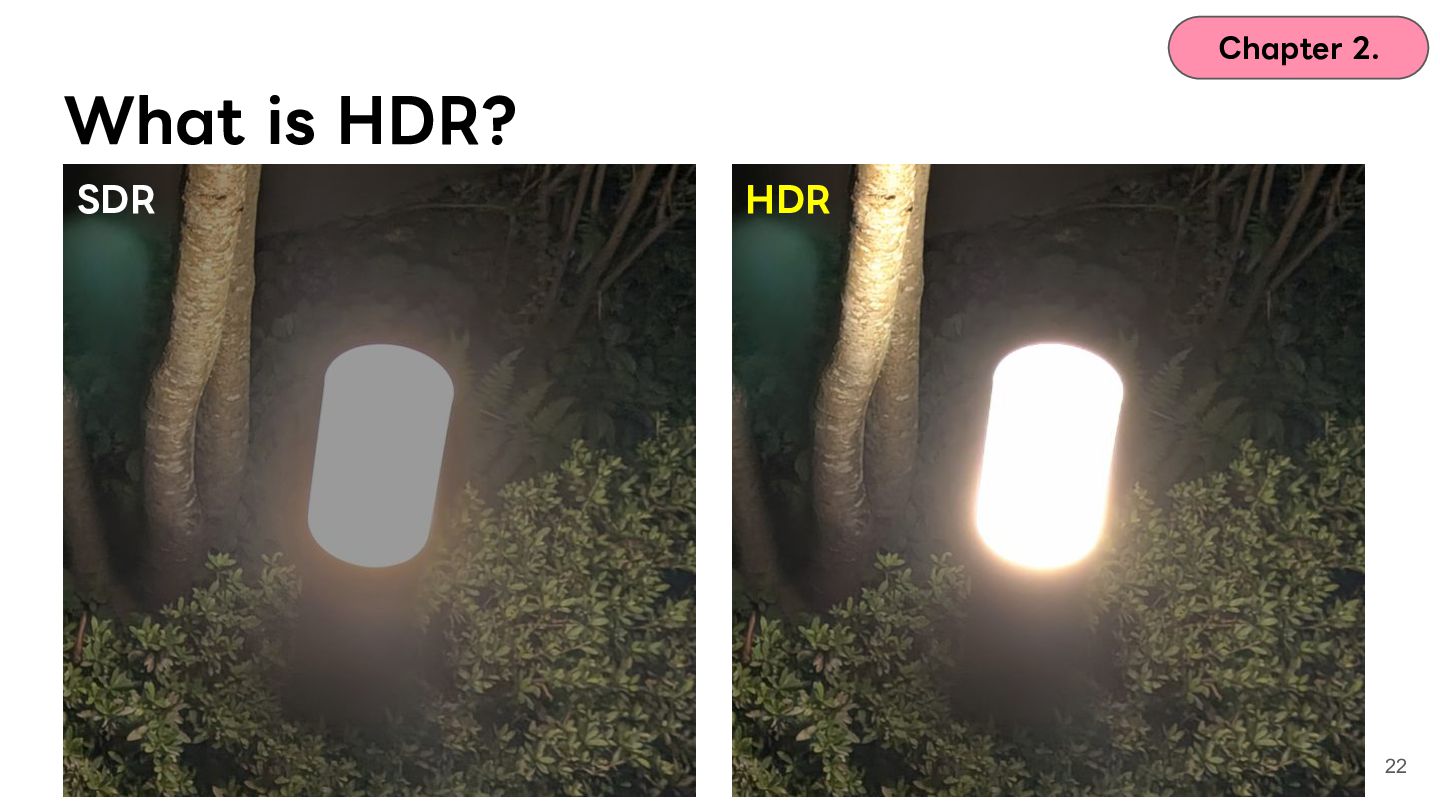
  14. Chapter 2. What is HDR? SDR HDR HDR photos and

    videos can represent a much wider range of brightness メディアはより幅広い明るさを表現できます 21
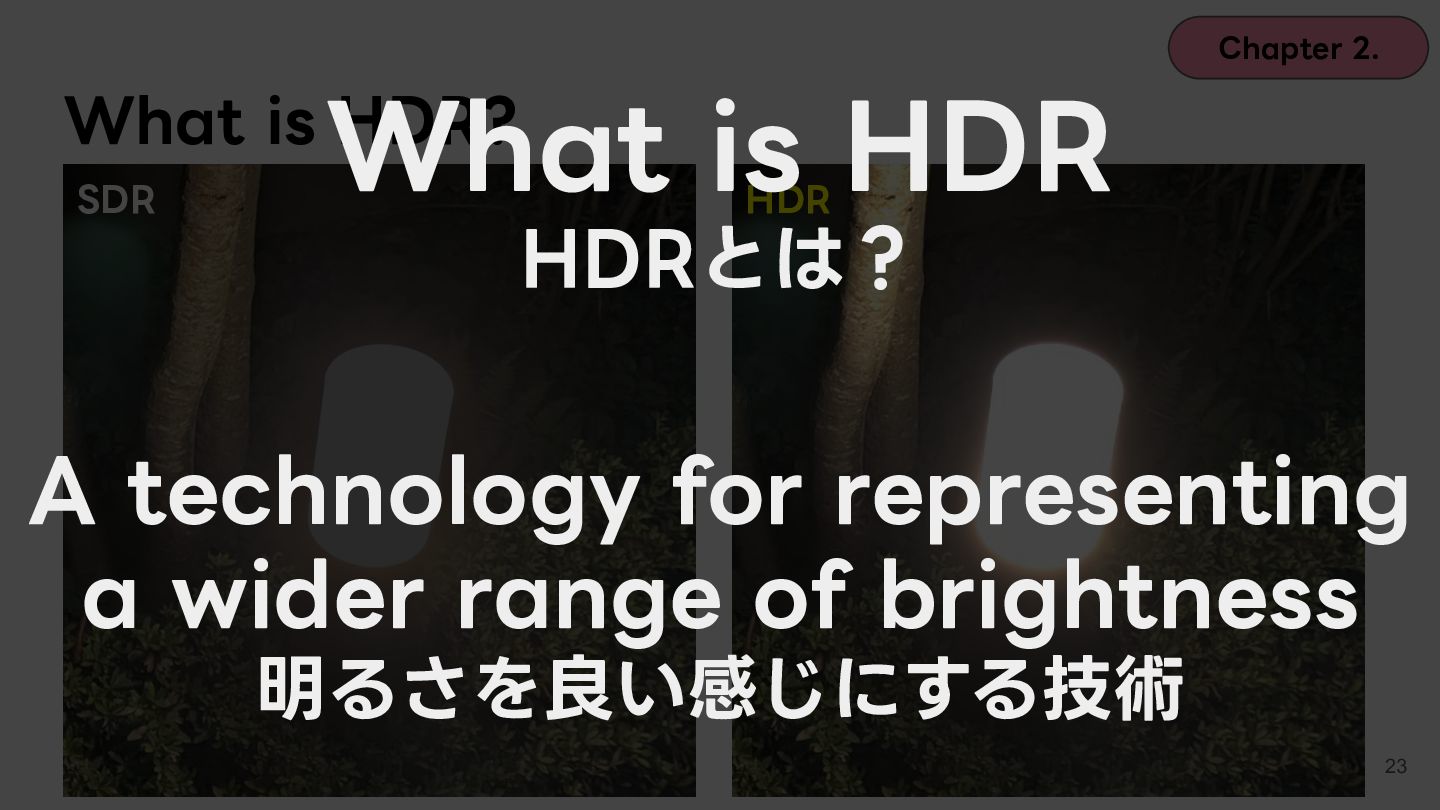
  15. Chapter 2. What is HDR What is HDR? SDR HDR

    HDRとは? A technology for representing a wider range of brightness 明るさを良い感じにする技術 23
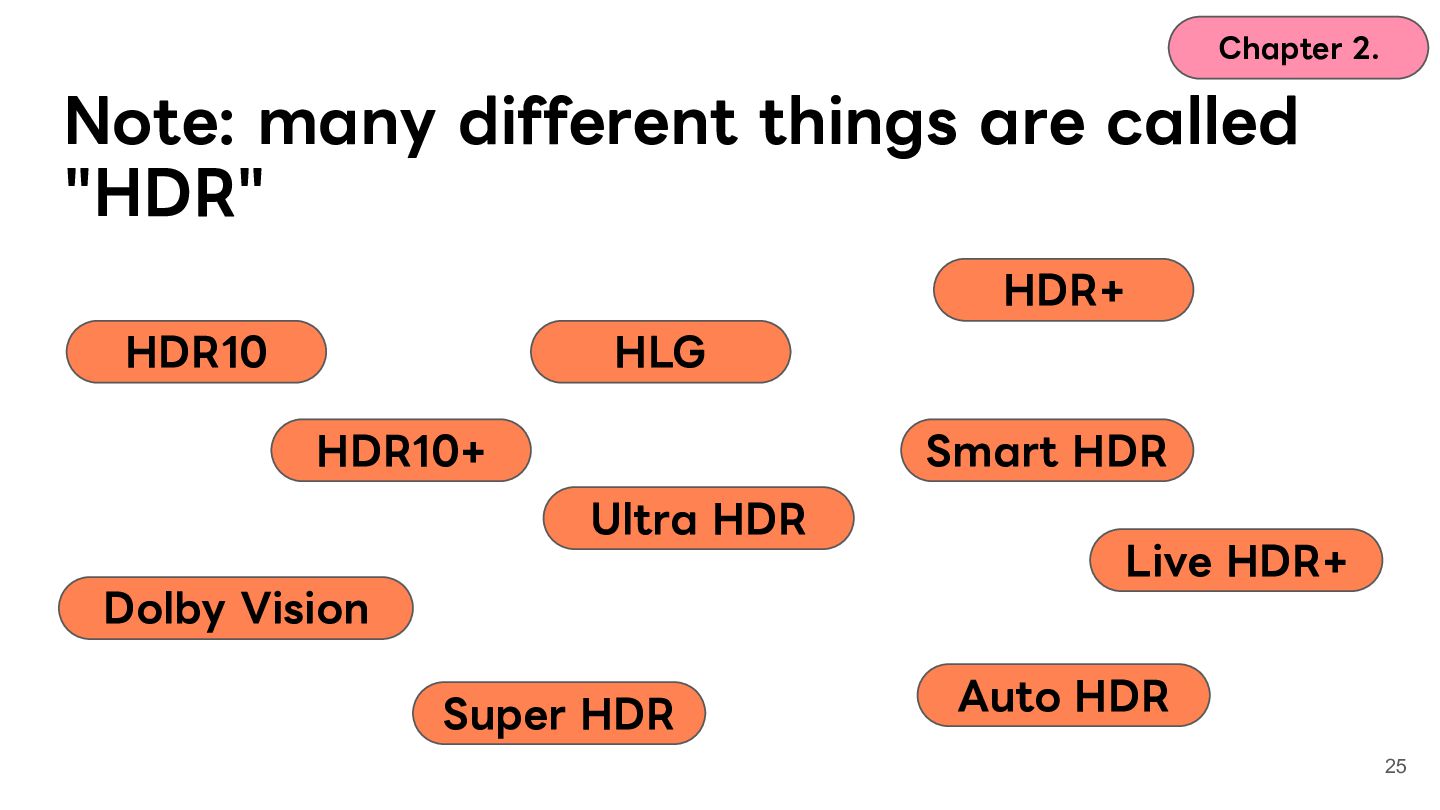
  16. Chapter 2. Note: many different things are called "HDR" HDR+

    HDR10 HLG HDR10+ Smart HDR Ultra HDR Live HDR+ Dolby Vision Super HDR Auto HDR 25
  17. Chapter 2. Note: many different things carry the name "HDR"

    HDR+ HDR10 HLG Hmm…? HDR10+ Smart HDR Ultra HDR Live HDR+ Dolby Vision Super HDR Auto HDR 26
  18. Chapter 2. HDR standards and features HDR+ HDR10 HLG HDR10+

    Smart HDR Ultra HDR Live HDR+ Dolby Vision Super HDR Auto HDR 27
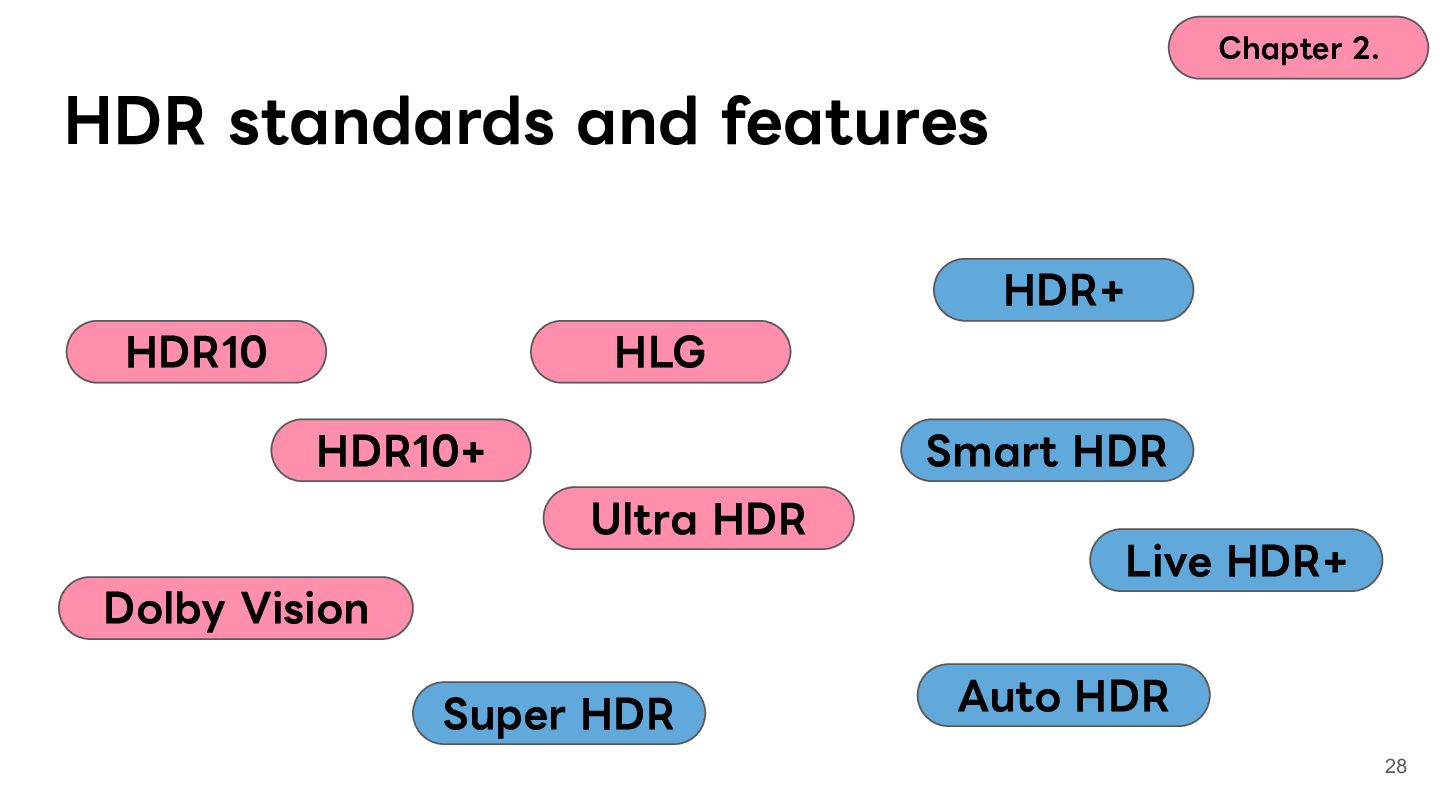
  19. Chapter 2. HDR standards and features HDR+ HDR10 HLG HDR10+

    Smart HDR Ultra HDR Live HDR+ Dolby Vision Super HDR Auto HDR 28
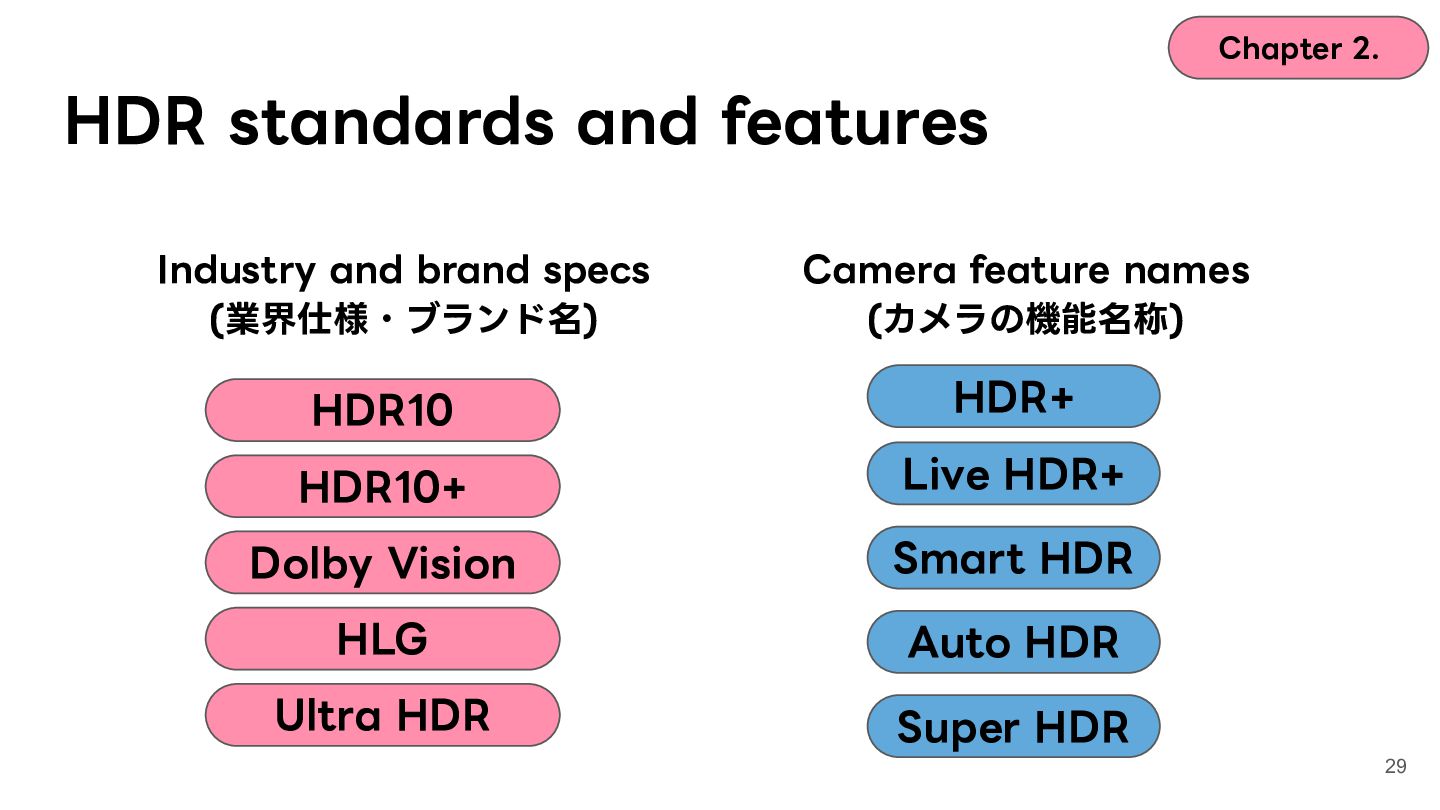
  20. Chapter 2. HDR standards and features Industry and brand specs

    (業界仕様・ブランド名) Camera feature names (カメラの機能名称) HDR10 HDR+ HDR10+ Live HDR+ Dolby Vision Smart HDR HLG Auto HDR Ultra HDR Super HDR 29
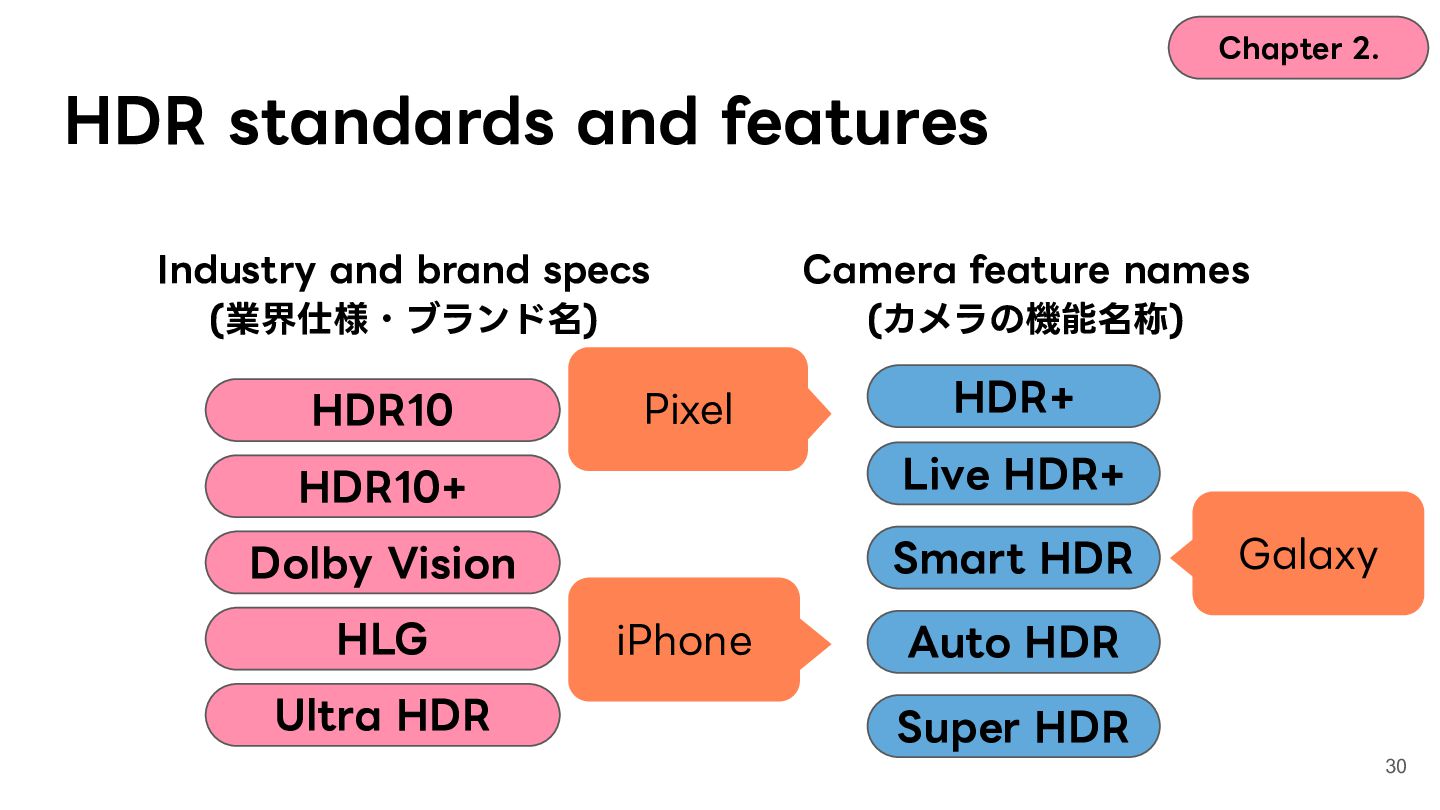
  21. Chapter 2. HDR standards and features Industry and brand specs

    (業界仕様・ブランド名) HDR10 Pixel Camera feature names (カメラの機能名称) HDR+ HDR10+ Live HDR+ Dolby Vision Smart HDR HLG Ultra HDR iPhone Galaxy Auto HDR Super HDR 30
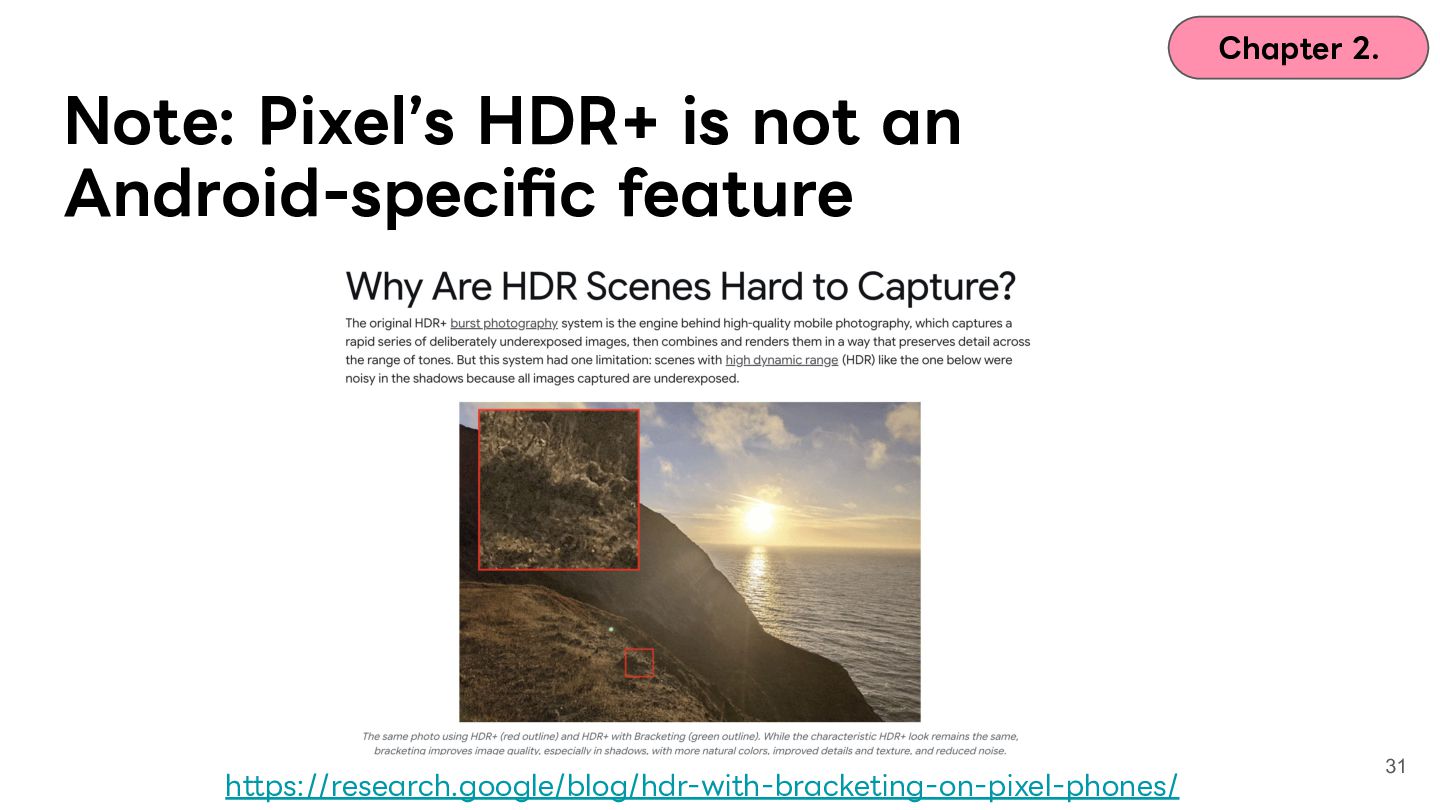
  22. Chapter 2. Note: Pixelʼs HDR+ is not an Android-specific feature

    https://research.google/blog/hdr-with-bracketing-on-pixel-phones/ 31
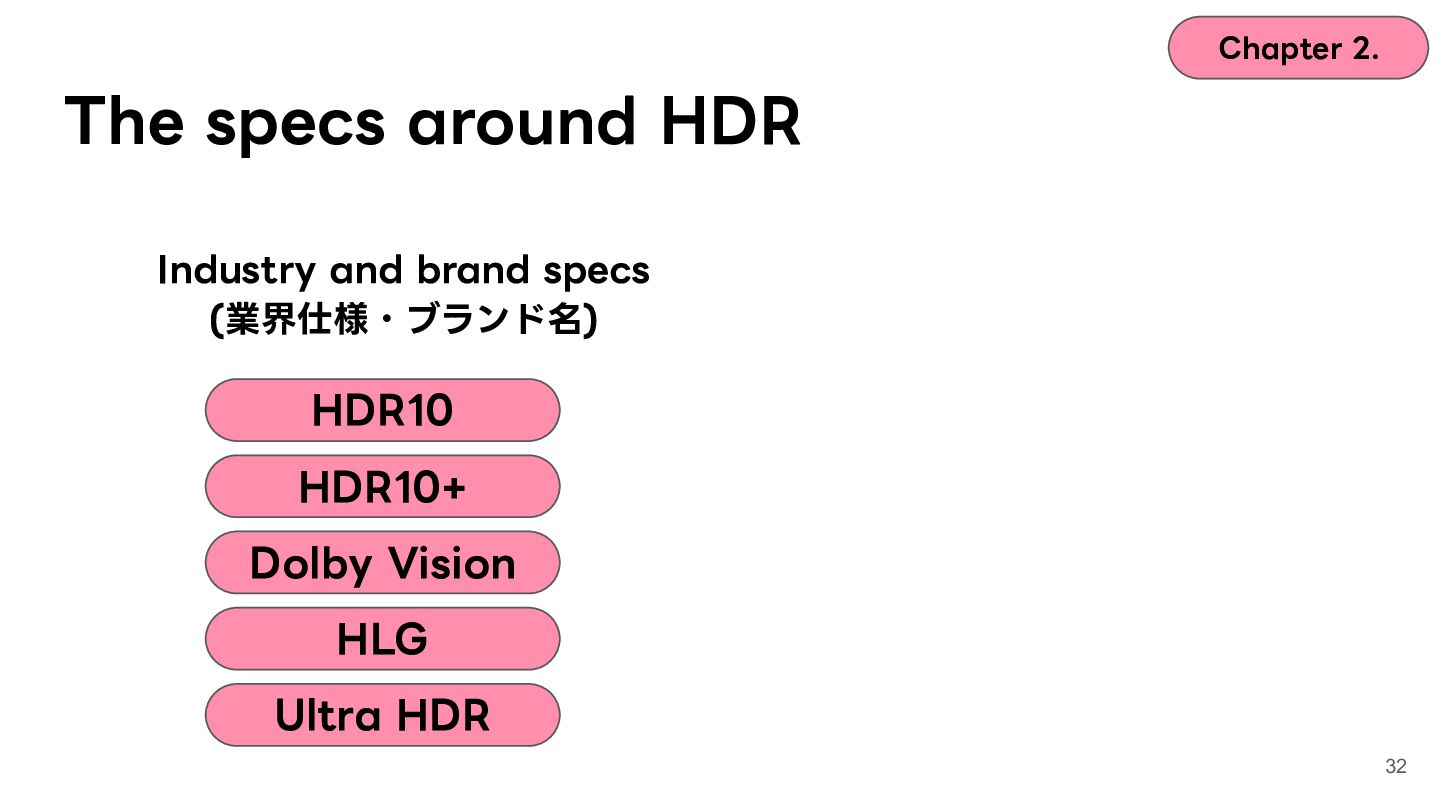
  23. Chapter 2. The specs around HDR Industry and brand specs

    (業界仕様・ブランド名) HDR10 HDR10+ Dolby Vision HLG Ultra HDR 32
  24. Chapter 2. The specs around HDR Industry and brand specs

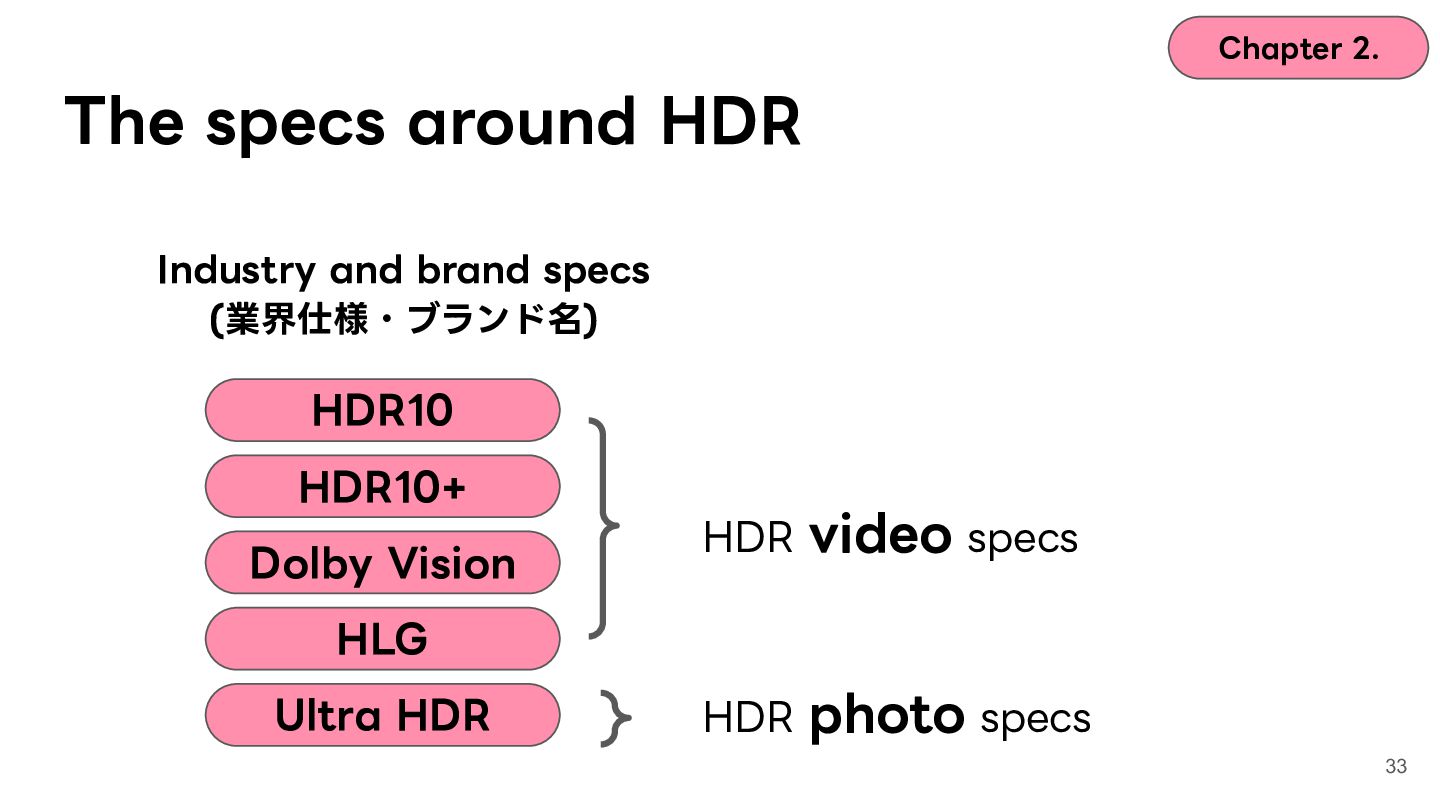
    (業界仕様・ブランド名) HDR10 HDR10+ Dolby Vision HDR video specs HLG Ultra HDR HDR photo specs 33
  25. Chapter 2. The specs around HDR Industry and brand specs

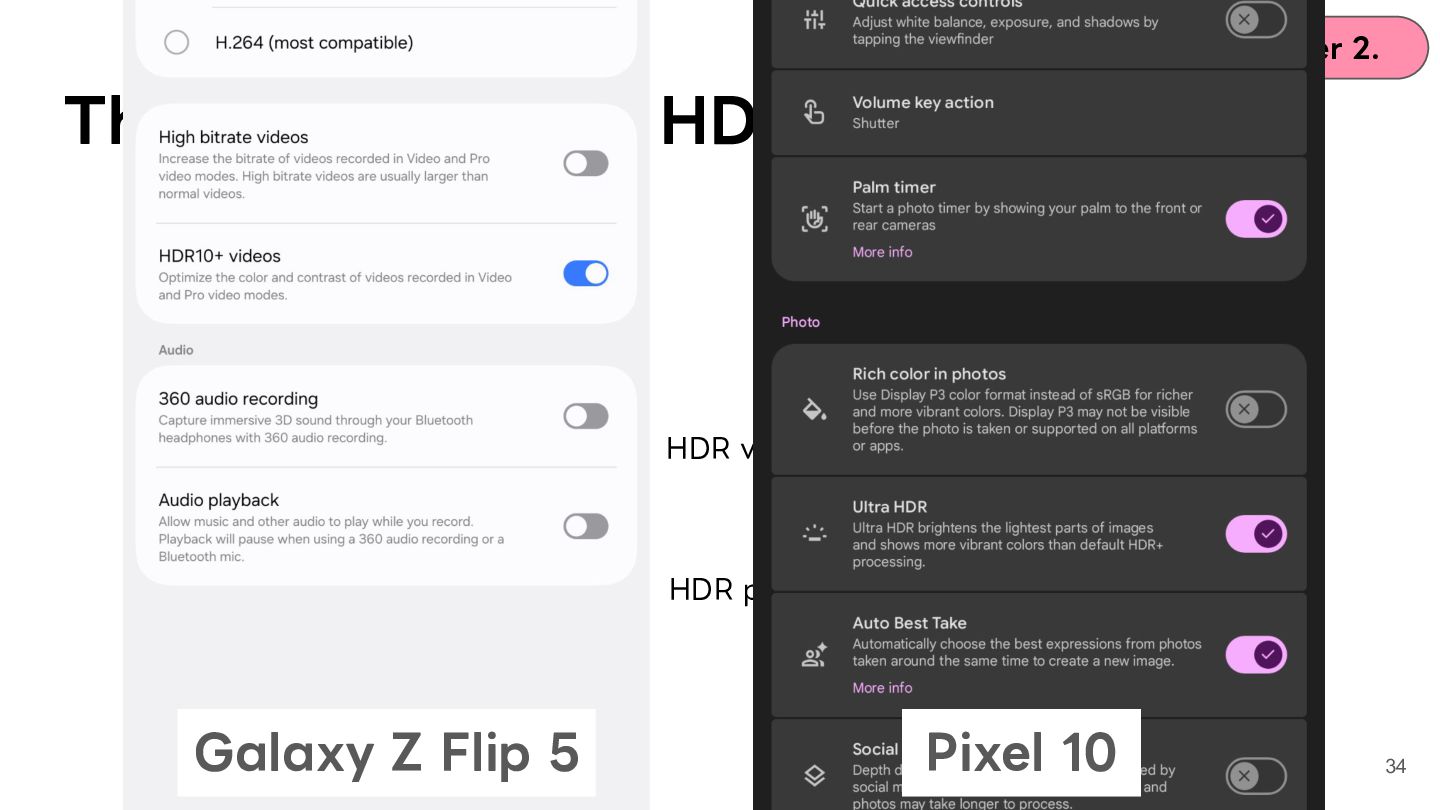
    - HDR10 HDR10+ Dolby Vision HLG Ultra HDR Galaxy Z Flip 5 HDR video specs HDR photo specs Pixel 10 34
  26. Chapter 2. The specs around HDR Industry and brand specs

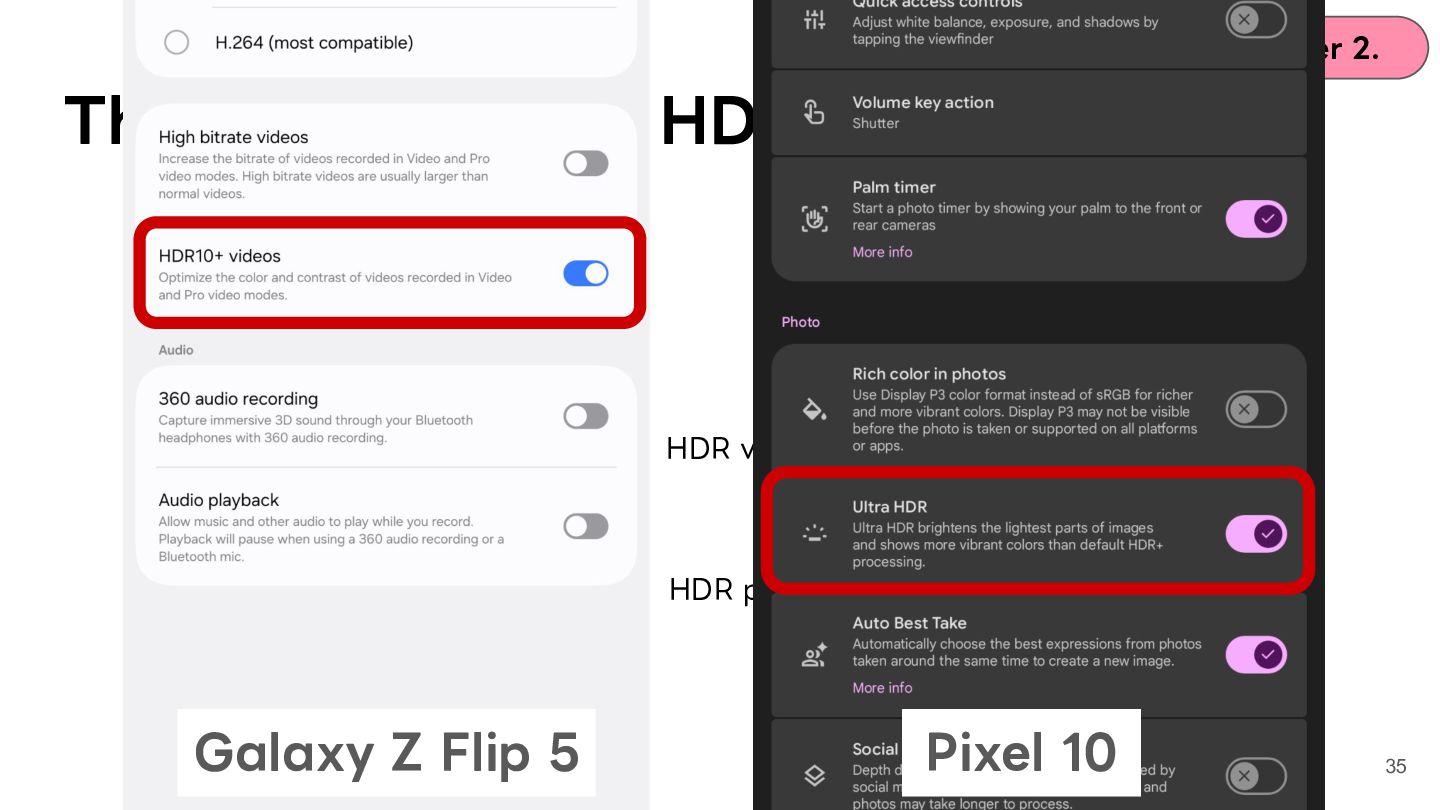
    - HDR10 HDR10+ Dolby Vision HLG Ultra HDR Galaxy Z Flip 5 HDR video specs HDR photo specs Pixel 10 35
  27. Chapter 2. The specs around HDR Industry and brand specs

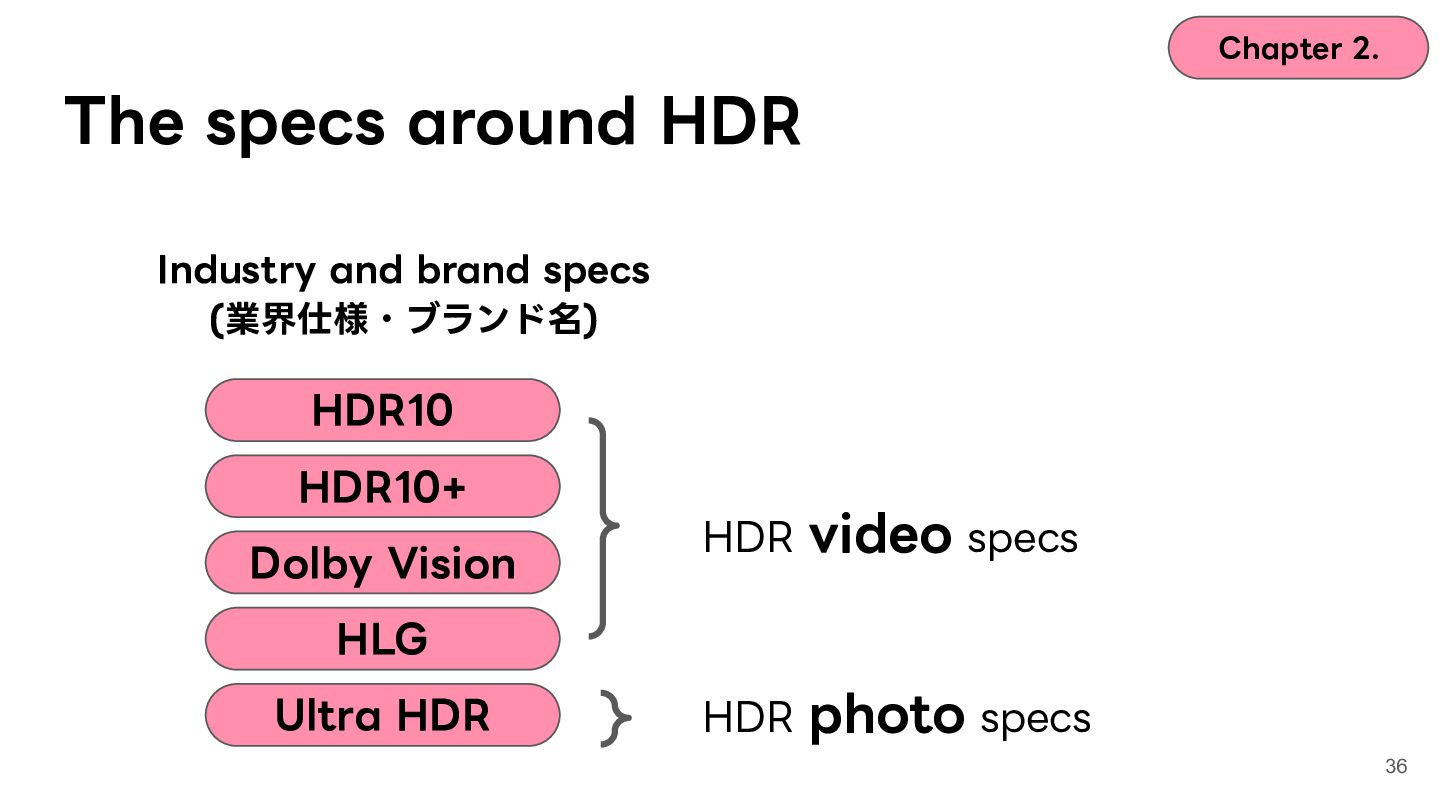
    (業界仕様・ブランド名) HDR10 HDR10+ Dolby Vision HDR video specs HLG Ultra HDR HDR photo specs 36
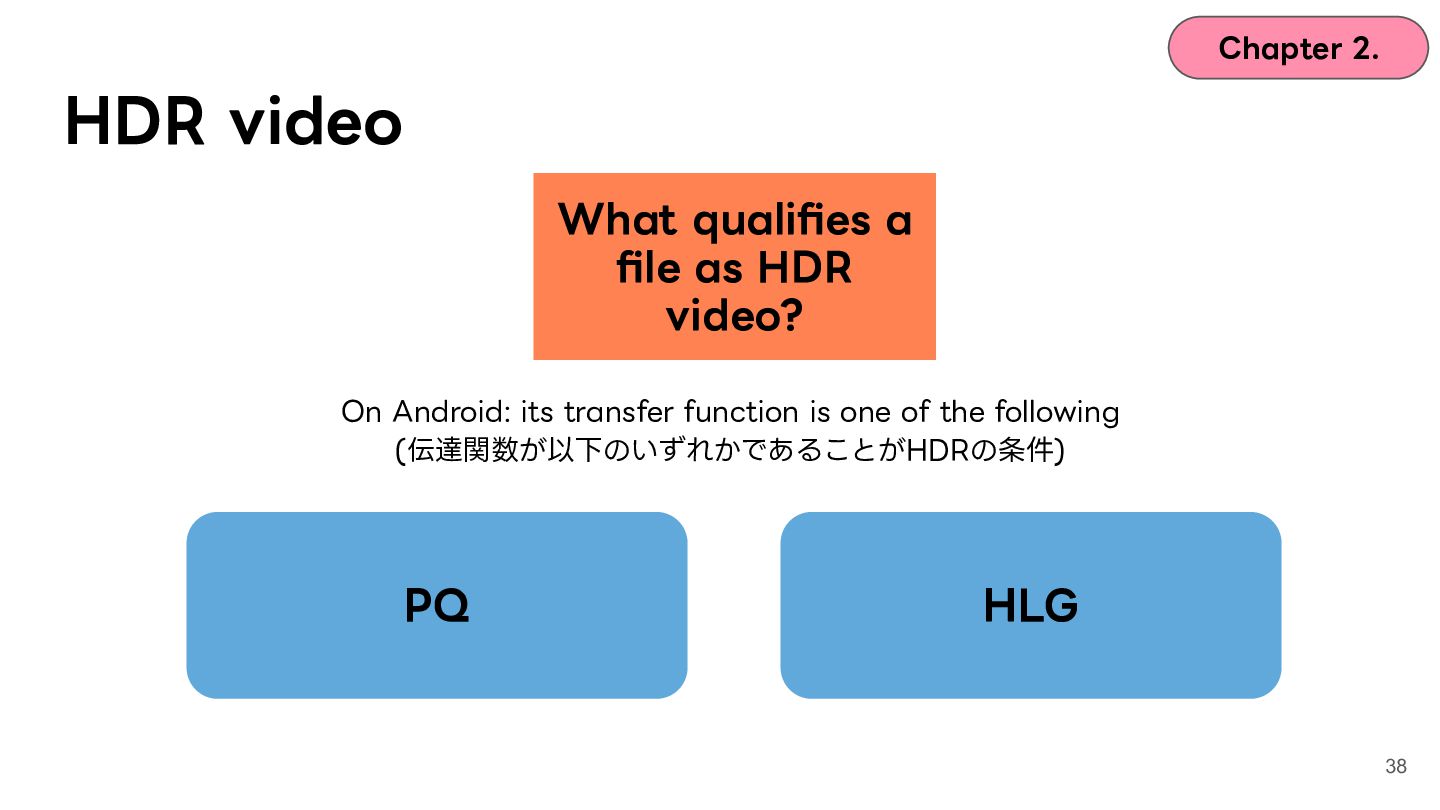
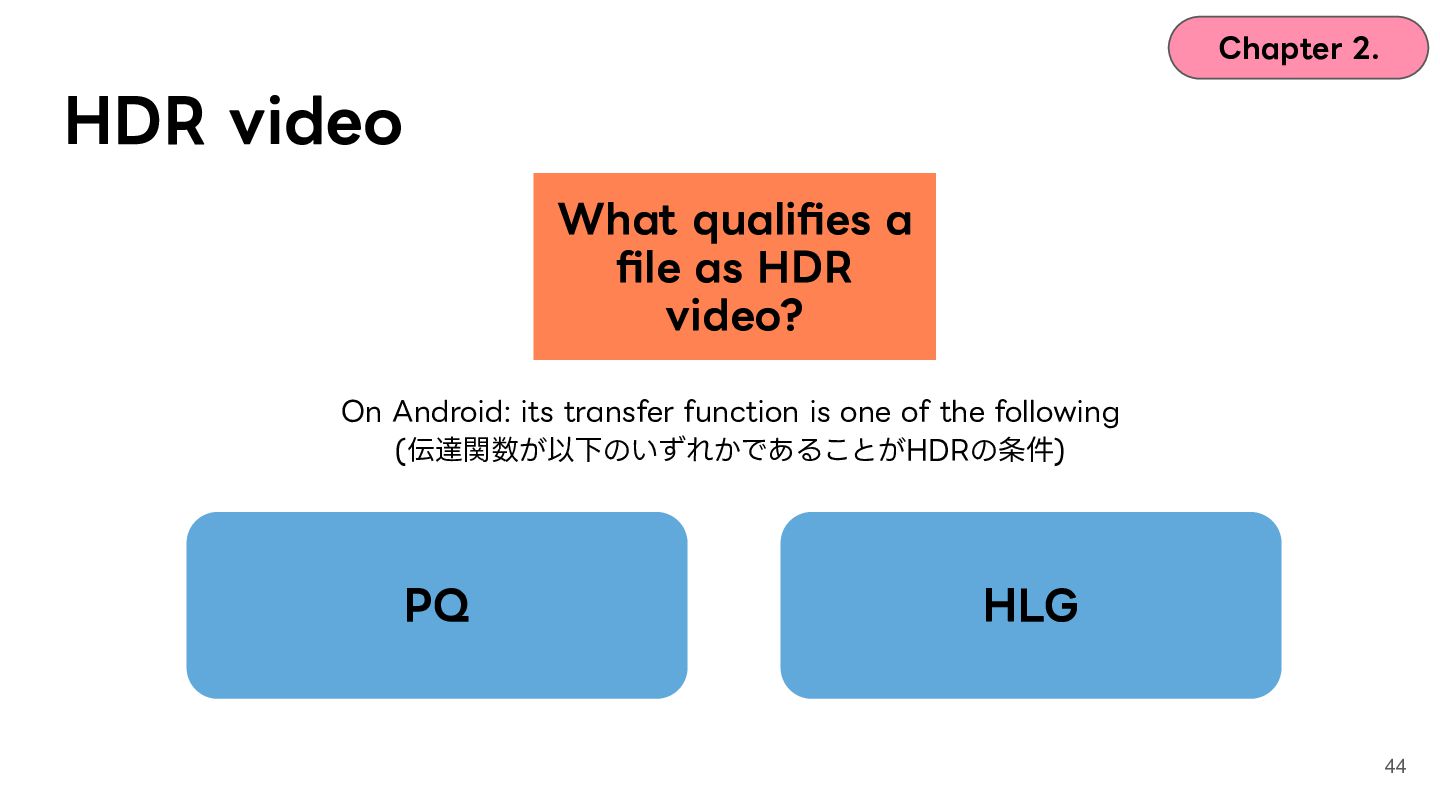
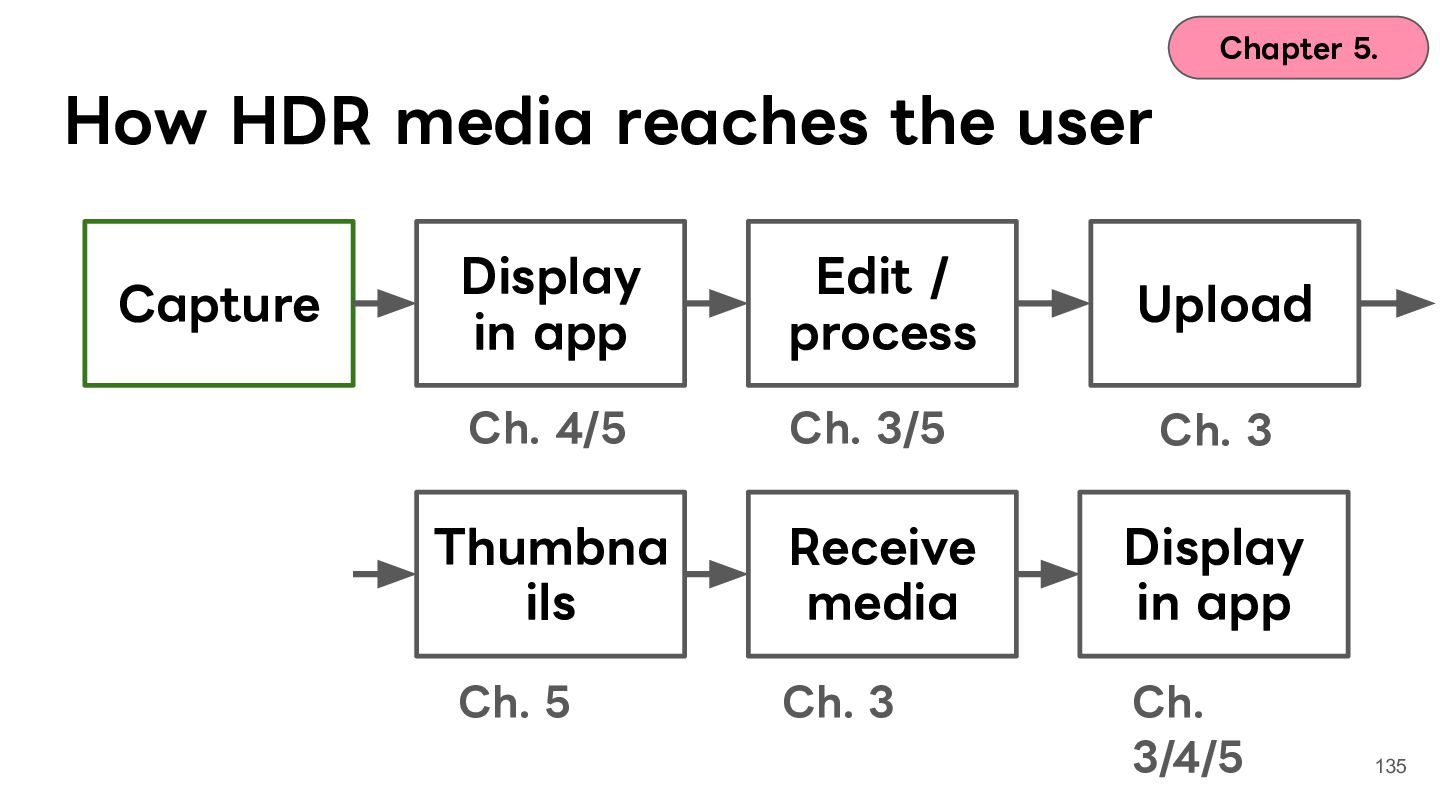
  28. Chapter 2. HDR video What qualifies a file as HDR

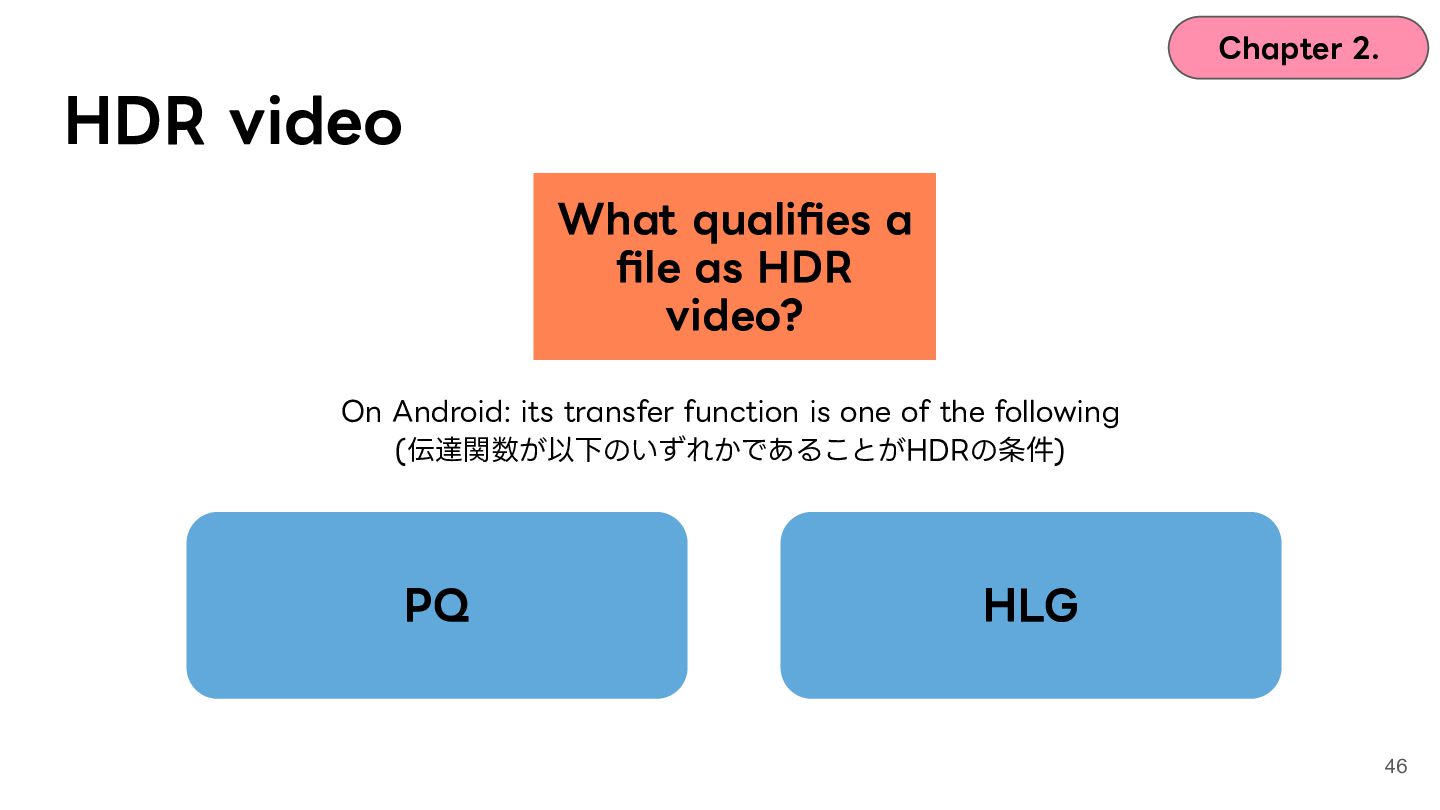
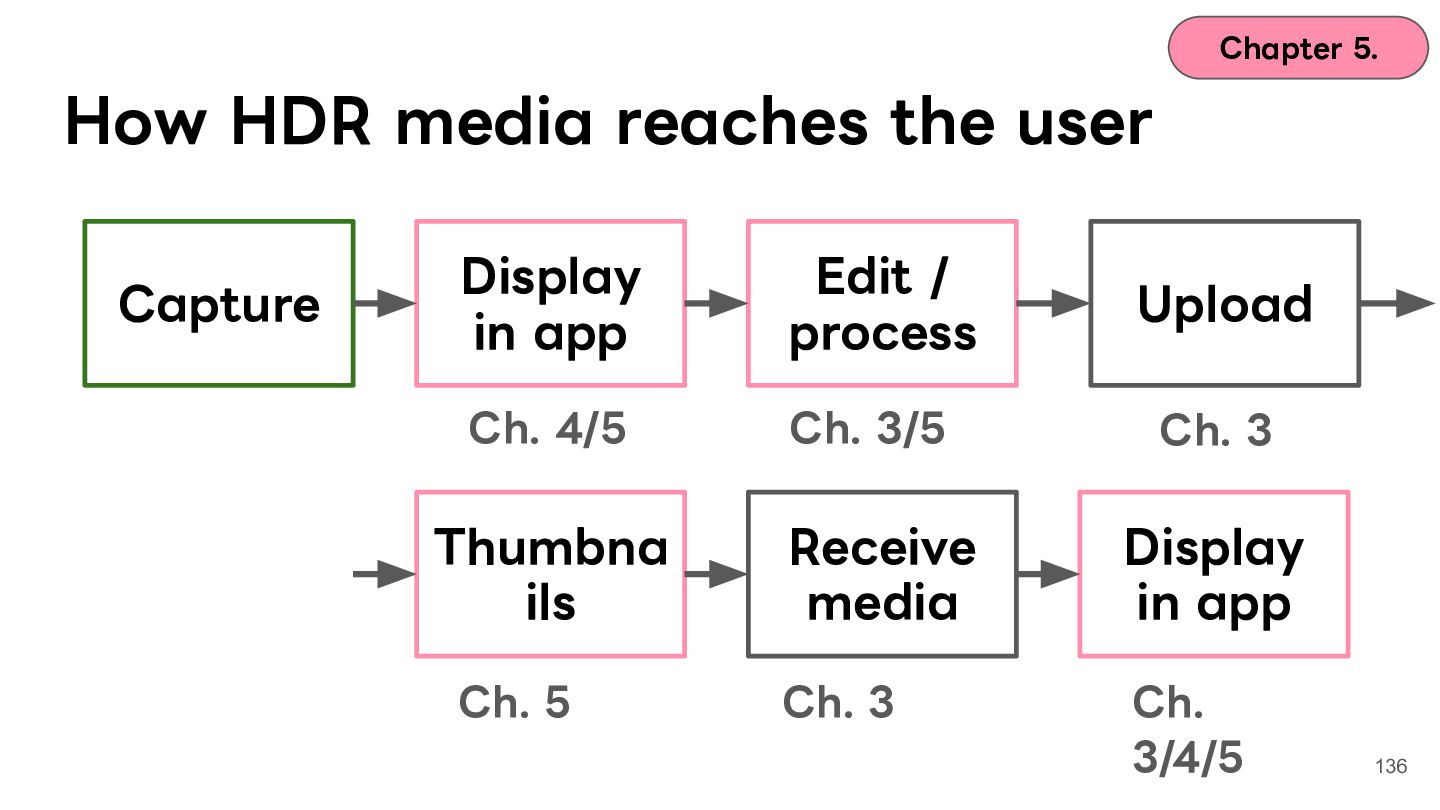
    video? On Android: its transfer function is one of the following (伝達関数が以下のいずれかであることがHDRの条件) PQ HLG 38
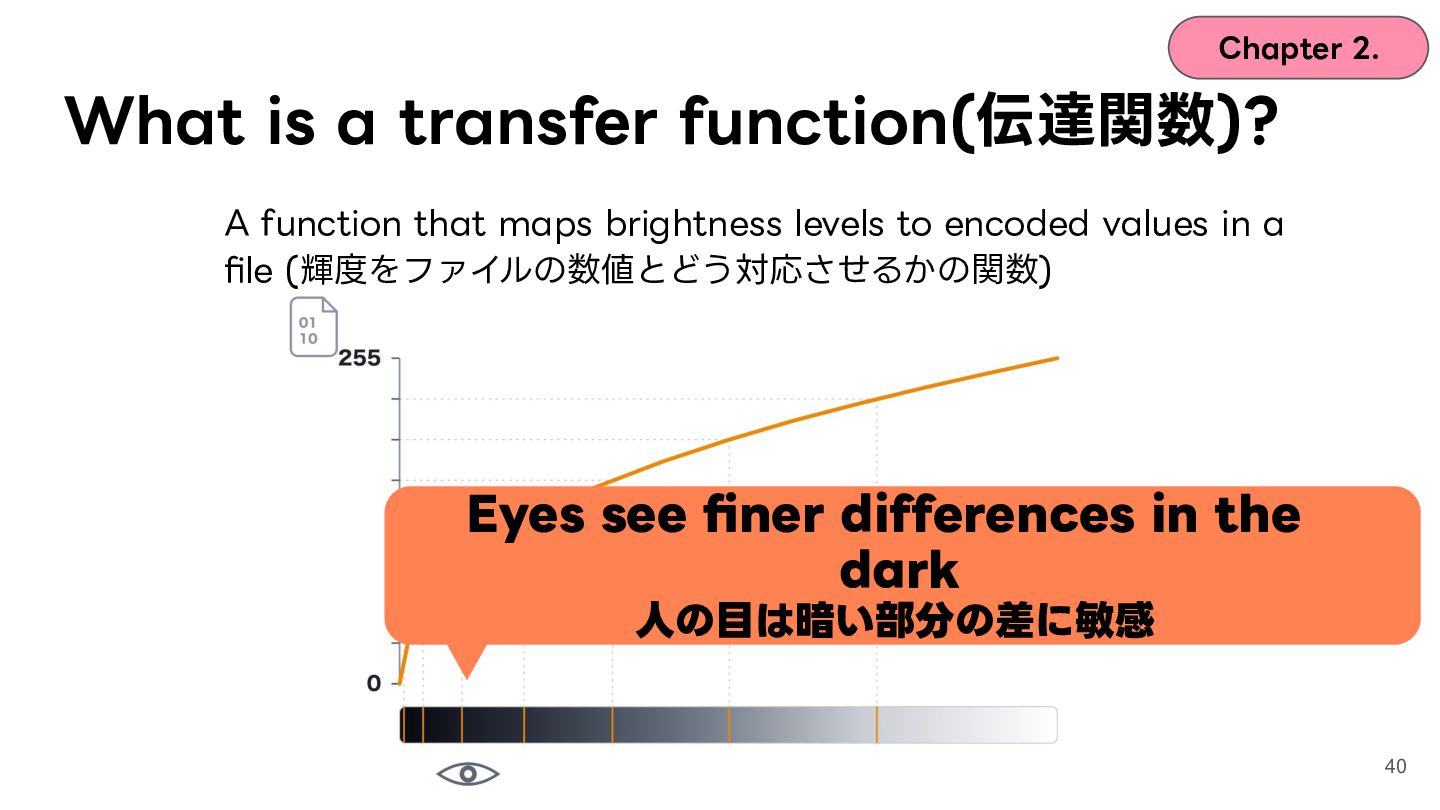
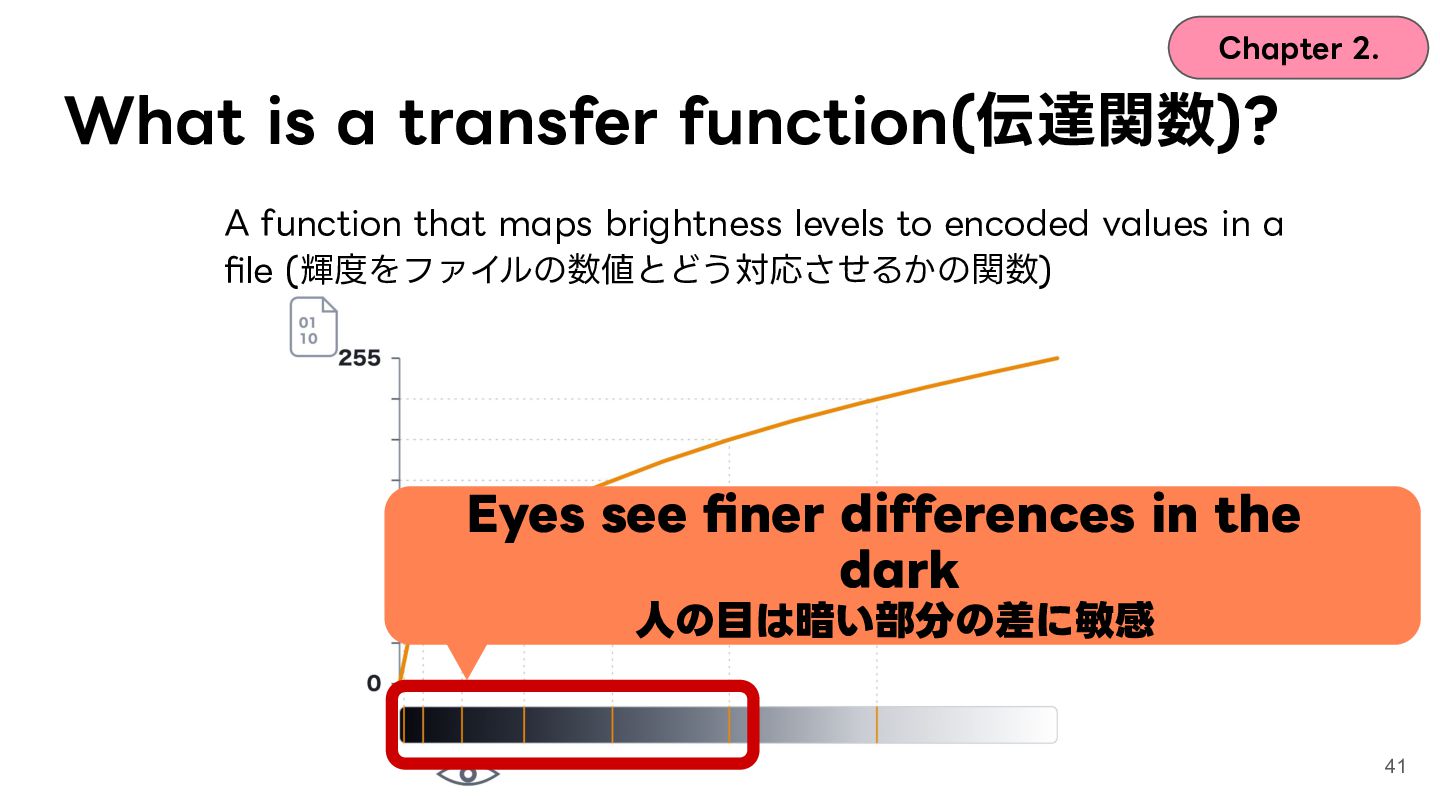
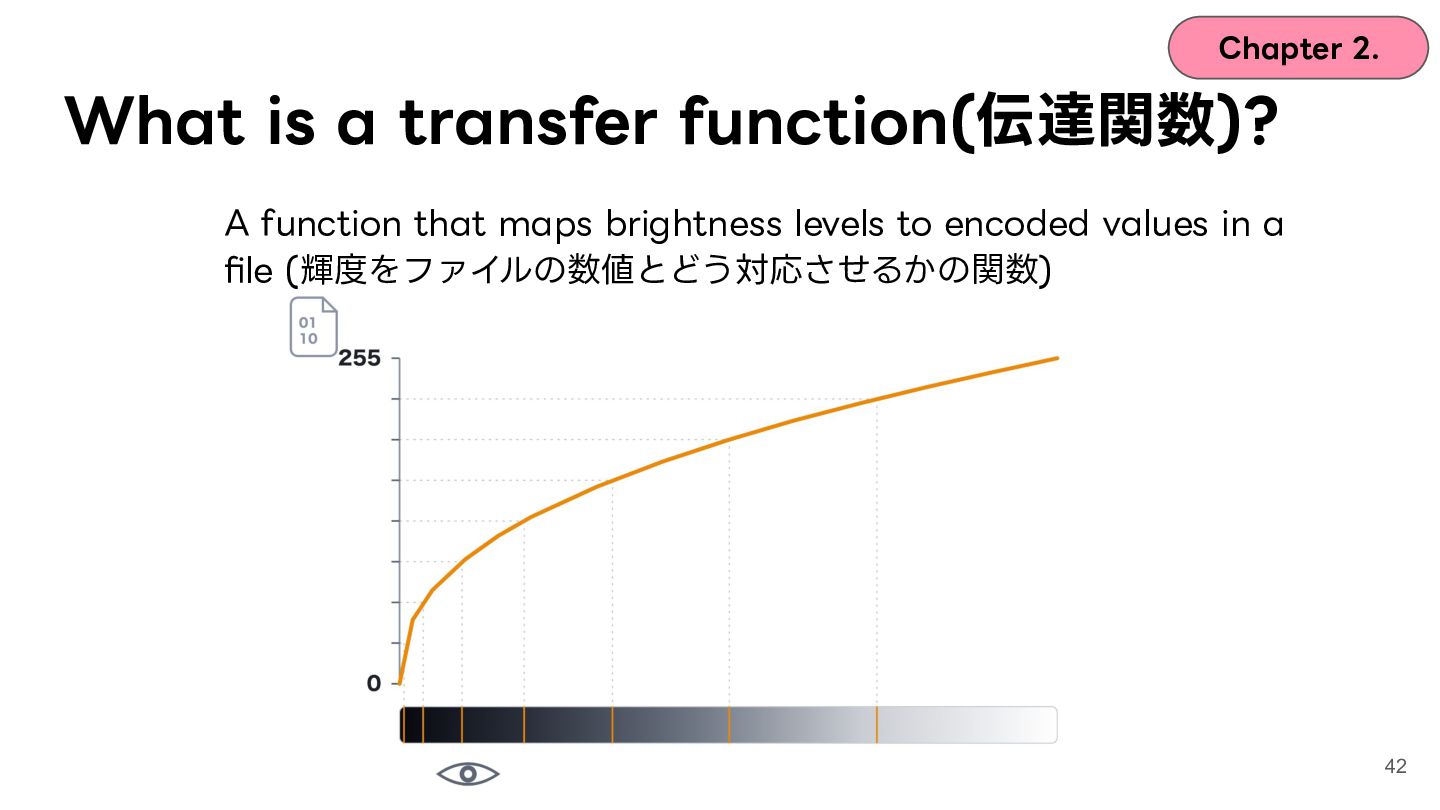
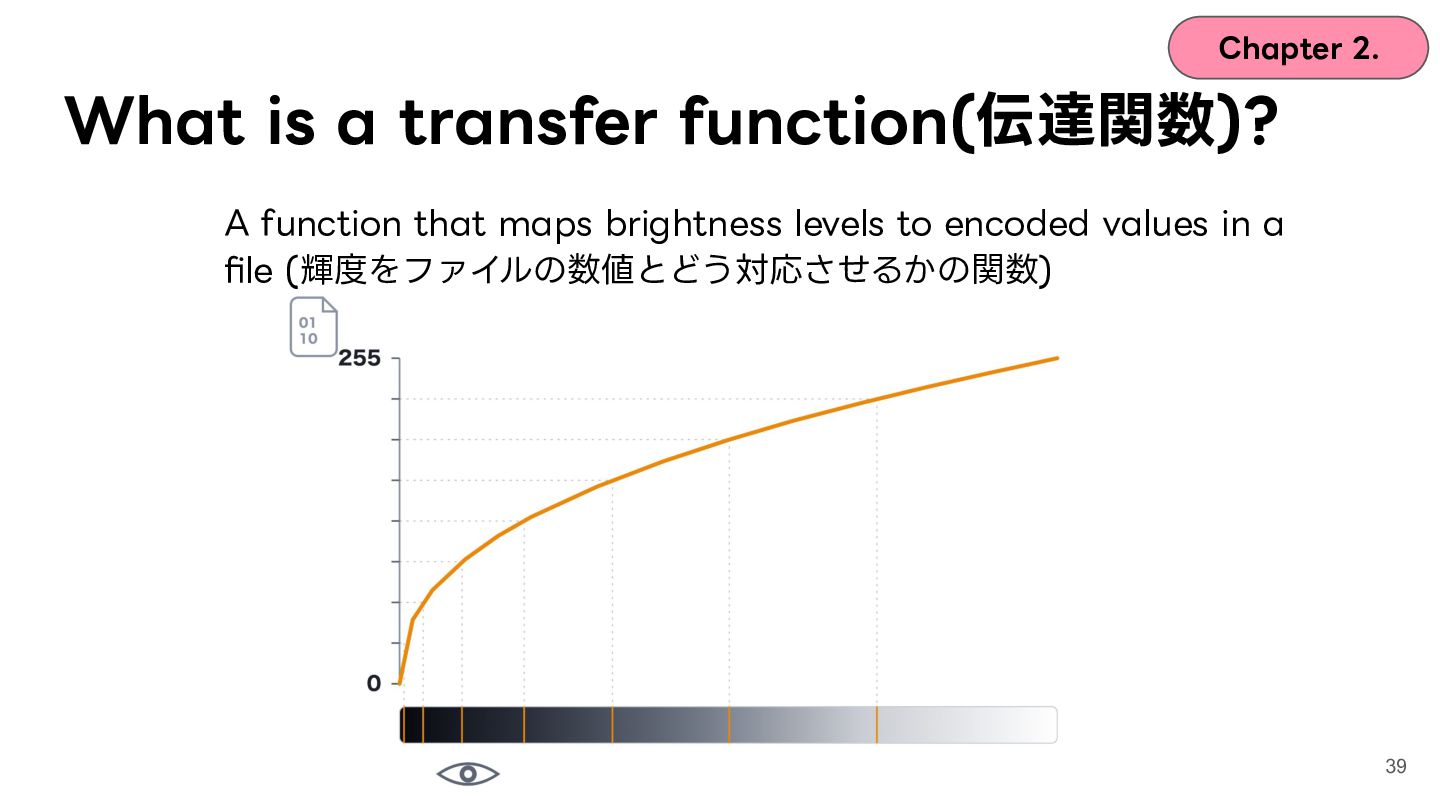
  29. Chapter 2. What is a transfer function(伝達関数)? A function that

    maps brightness levels to encoded values in a file (輝度をファイルの数値とどう対応させるかの関数) 39
  30. Chapter 2. What is a transfer function(伝達関数)? A function that

    maps brightness levels to encoded values in a file (輝度をファイルの数値とどう対応させるかの関数) Eyes see finer differences in the dark ⼈の⽬は暗い部分の差に敏感 40
  31. Chapter 2. What is a transfer function(伝達関数)? A function that

    maps brightness levels to encoded values in a file (輝度をファイルの数値とどう対応させるかの関数) Eyes see finer differences in the dark ⼈の⽬は暗い部分の差に敏感 41
  32. Chapter 2. What is a transfer function(伝達関数)? A function that

    maps brightness levels to encoded values in a file (輝度をファイルの数値とどう対応させるかの関数) 42
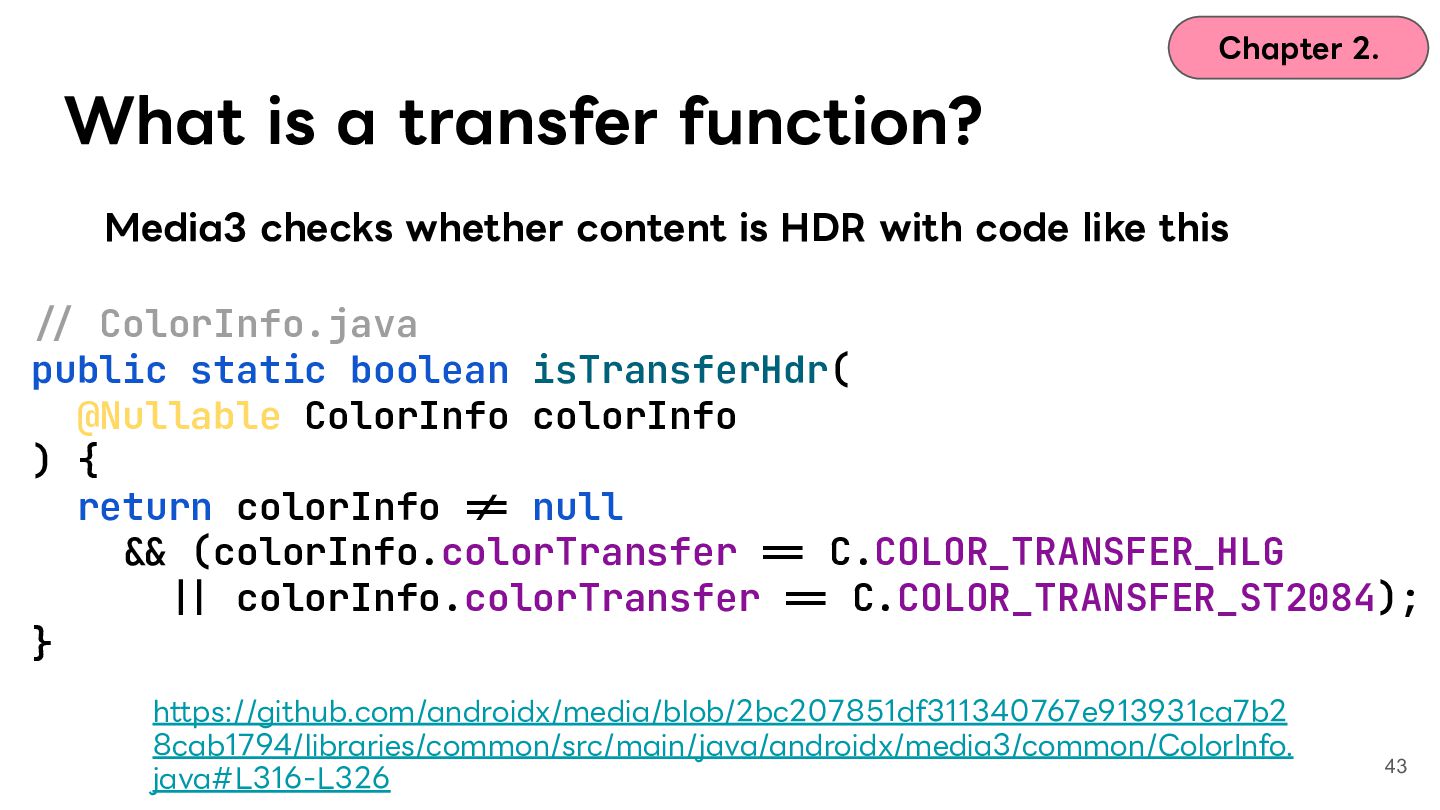
  33. Chapter 2. What is a transfer function? Media3 checks whether

    content is HDR with code like this -/ ColorInfo.java public static boolean isTransferHdr( @Nullable ColorInfo colorInfo ) { return colorInfo -= null -& (colorInfo.colorTransfer -= C.COLOR_TRANSFER_HLG -| colorInfo.colorTransfer -= C.COLOR_TRANSFER_ST2084); } https://github.com/androidx/media/blob/2bc207851df311340767e913931ca7b2 8cab1794/libraries/common/src/main/java/androidx/media3/common/ColorInfo. java#L316-L326 43
  34. Chapter 2. HDR video What qualifies a file as HDR

    video? On Android: its transfer function is one of the following (伝達関数が以下のいずれかであることがHDRの条件) PQ HLG 44
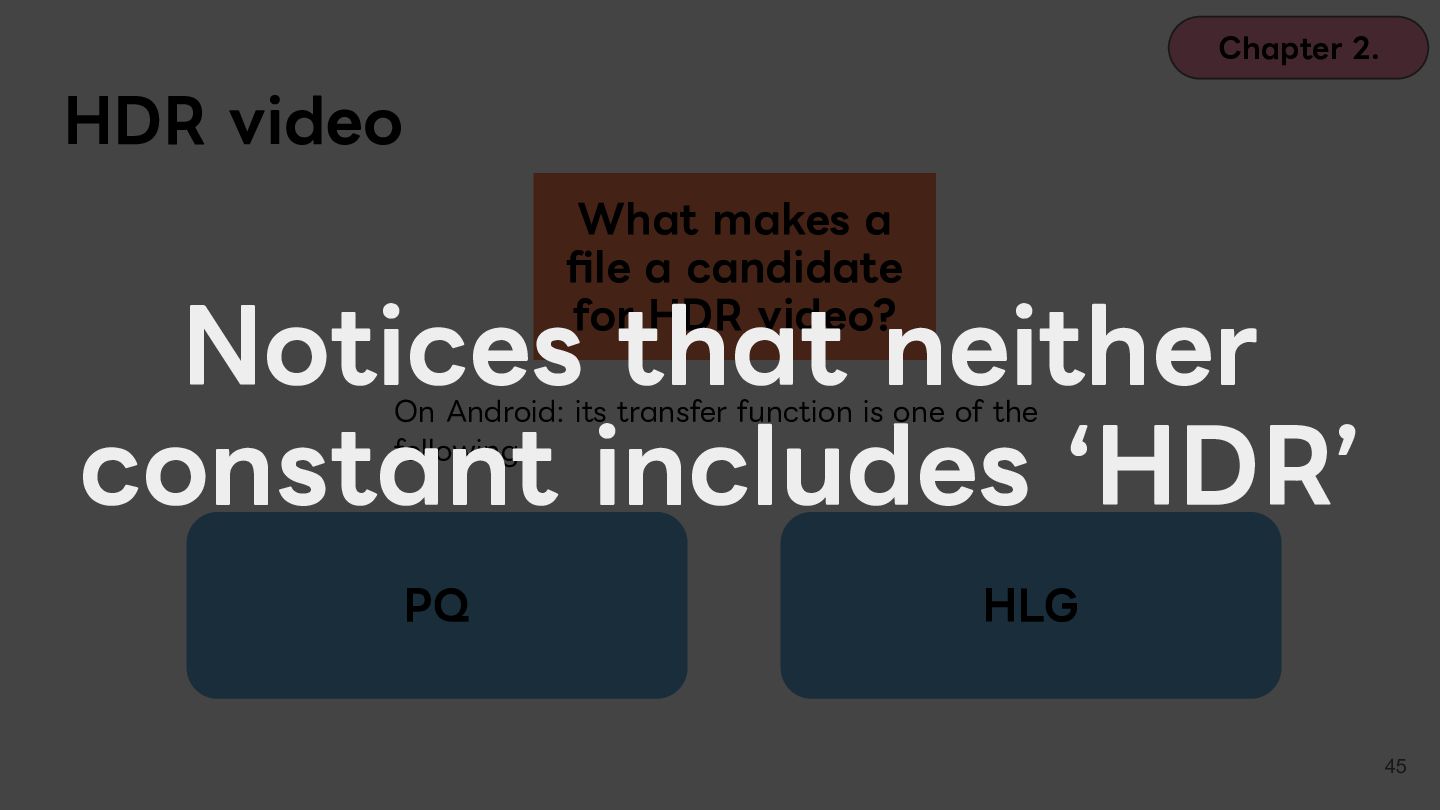
  35. Chapter 2. HDR video What makes a file a candidate

    for HDR video? Notices that neither constant includes ʻHDRʼ On Android: its transfer function is one of the following PQ HLG 45
  36. Chapter 2. HDR video What qualifies a file as HDR

    video? On Android: its transfer function is one of the following (伝達関数が以下のいずれかであることがHDRの条件) PQ HLG 46
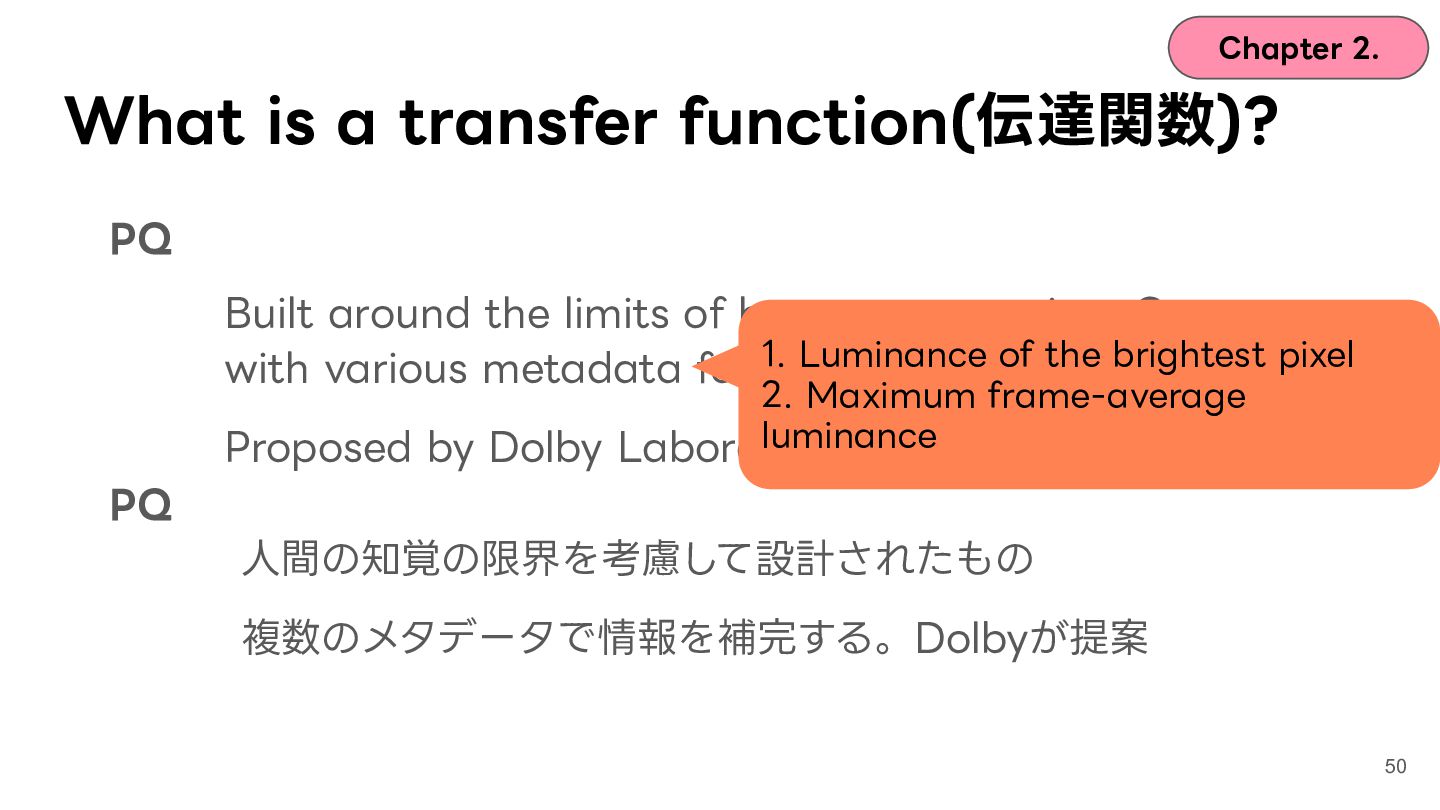
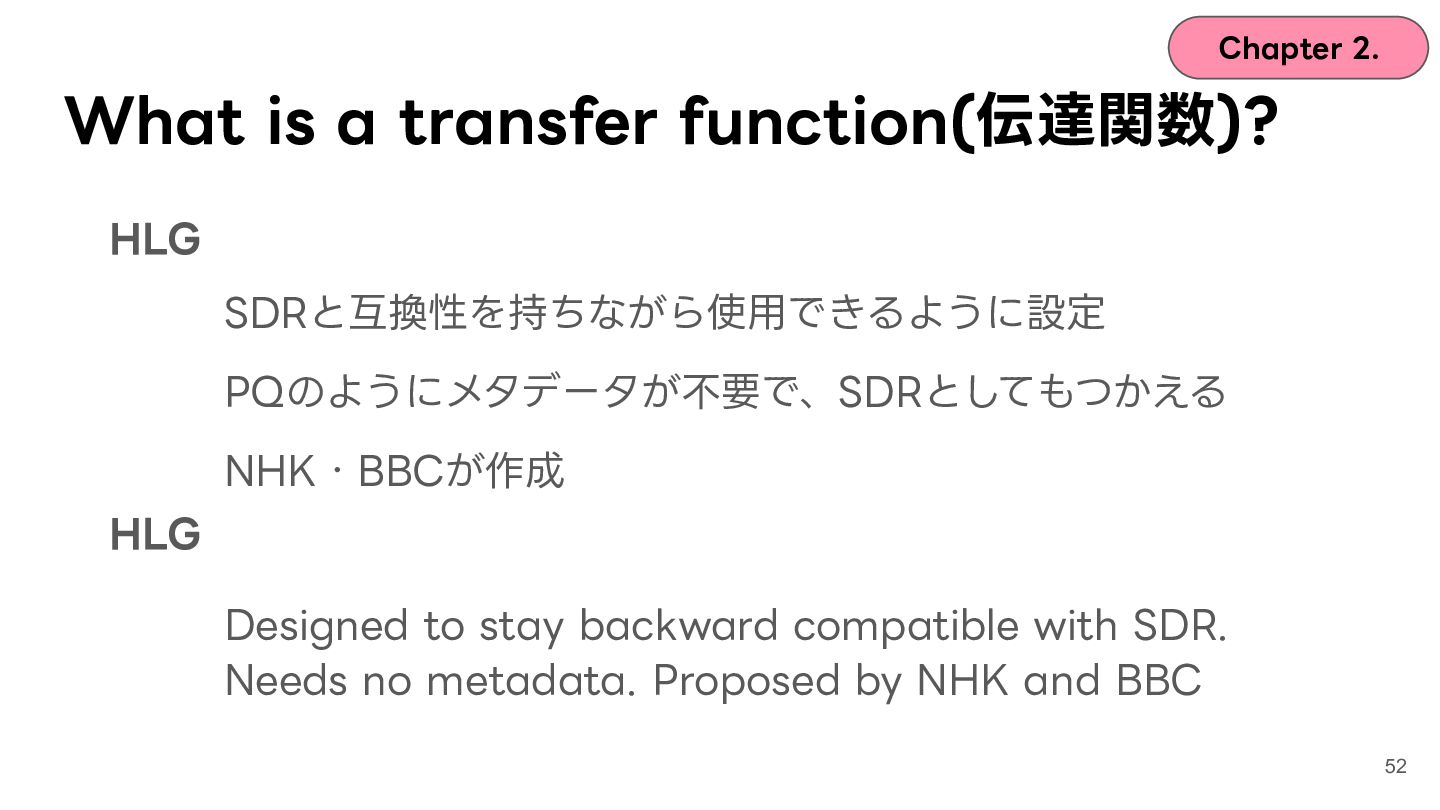
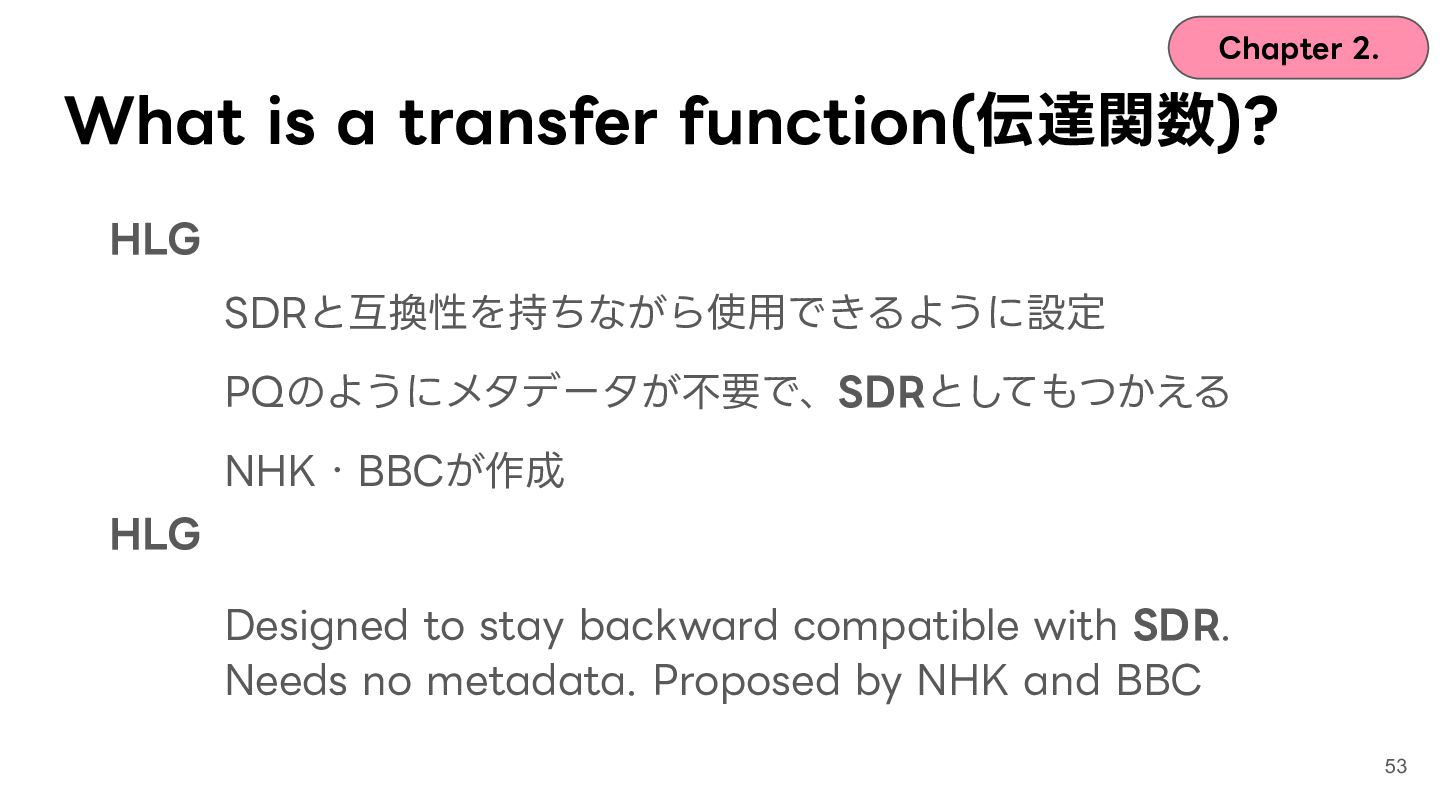
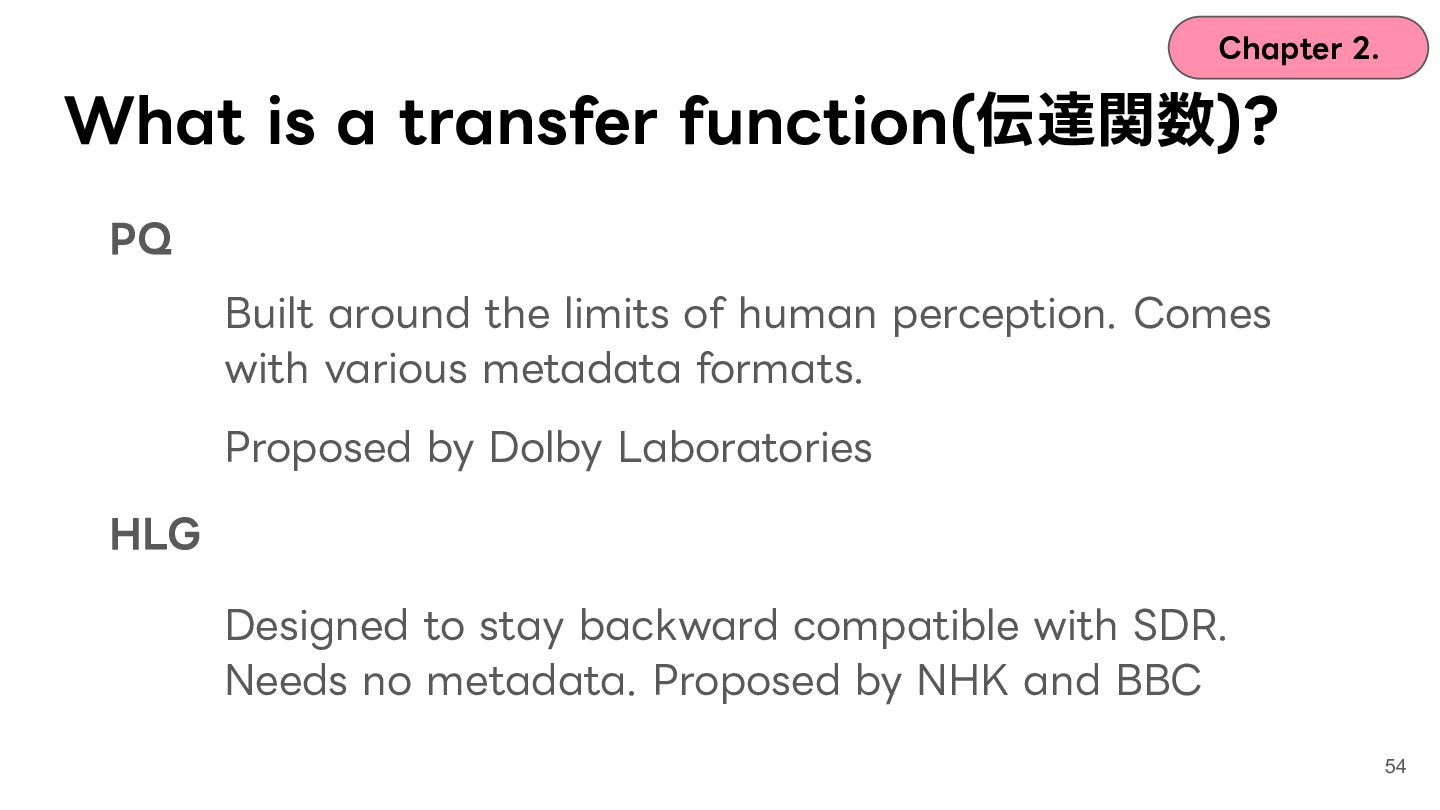
  37. Chapter 2. What is a transfer function(伝達関数)? PQ Built around

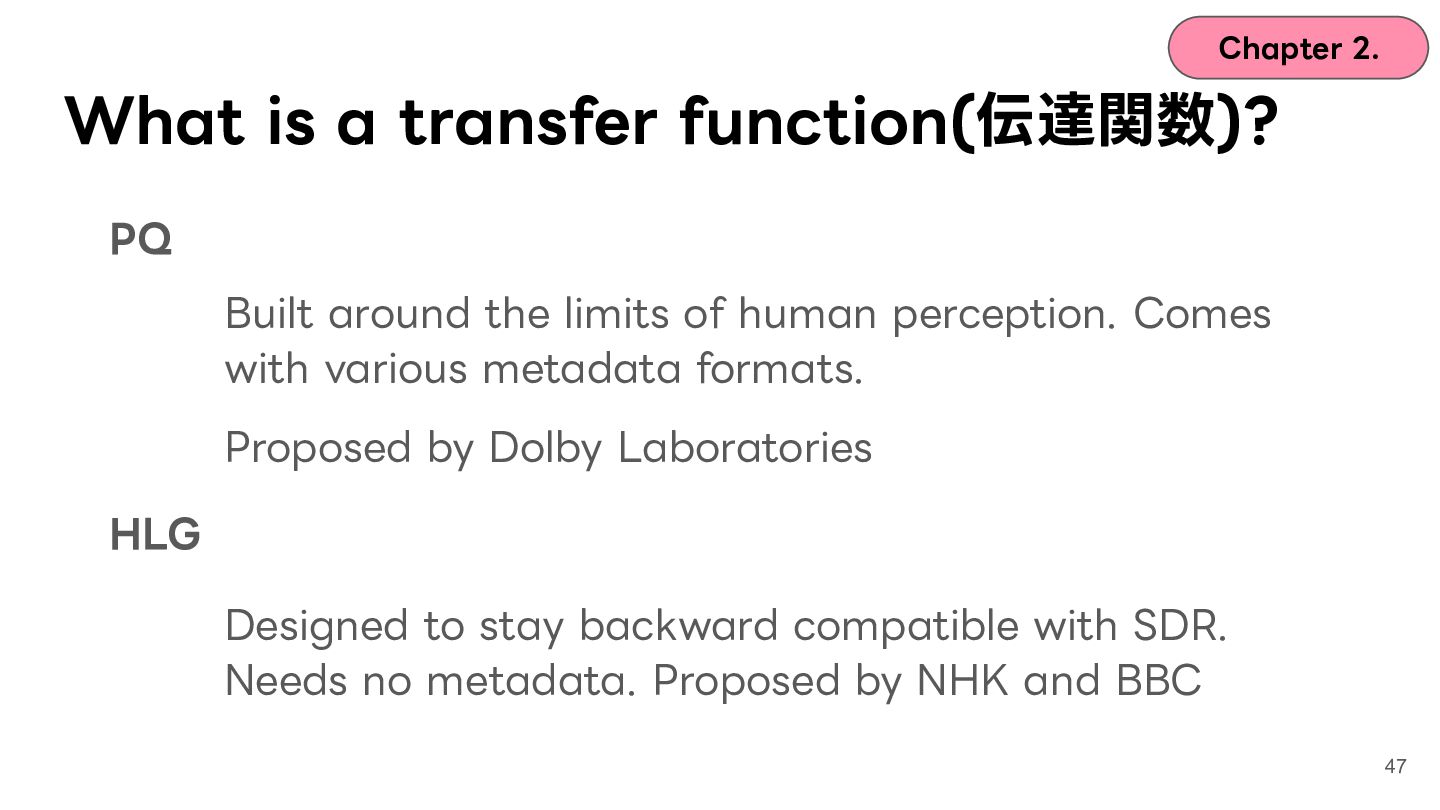
    the limits of human perception. Comes with various metadata formats. Proposed by Dolby Laboratories HLG Designed to stay backward compatible with SDR. Needs no metadata. Proposed by NHK and BBC 47
  38. Chapter 2. What is a transfer function(伝達関数)? PQ Built around

    the limits of human perception. Comes with various metadata formats. Proposed by Dolby Laboratories HLG Designed to stay backward compatible with SDR. Needs no metadata. Proposed by NHK and BBC 48
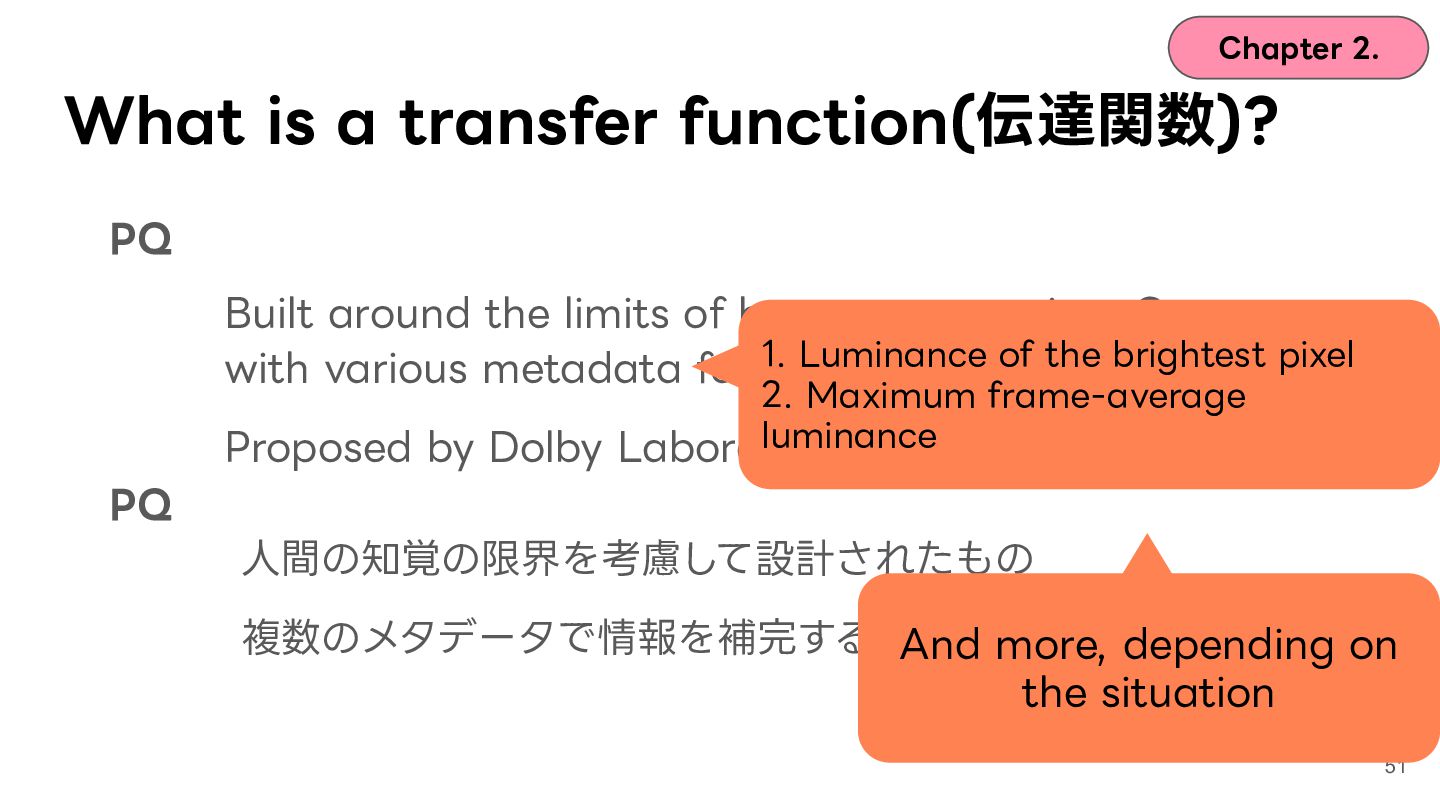
  39. Chapter 2. What is a transfer function(伝達関数)? PQ Built around

    the limits of human perception. Comes with various metadata formats. Proposed by Dolby Laboratories PQ ⼈間の知覚の限界を考慮して設計されたもの 複数のメタデータで情報を補完する。Dolbyが提案 49
  40. Chapter 2. What is a transfer function(伝達関数)? PQ Built around

    the limits of human perception. Comes 1. Luminance of the brightest pixel with various metadata formats. 2. Maximum frame-average luminance Proposed by Dolby Laboratories PQ ⼈間の知覚の限界を考慮して設計されたもの 複数のメタデータで情報を補完する。Dolbyが提案 50
  41. Chapter 2. What is a transfer function(伝達関数)? PQ Built around

    the limits of human perception. Comes 1. Luminance of the brightest pixel with various metadata formats. 2. Maximum frame-average luminance Proposed by Dolby Laboratories PQ ⼈間の知覚の限界を考慮して設計されたもの 複数のメタデータで情報を補完する。Dolbyが提案 And more, depending on the situation 51
  42. Chapter 2. What is a transfer function(伝達関数)? PQ Built around

    the limits of human perception. Comes with various metadata formats. Proposed by Dolby Laboratories HLG Designed to stay backward compatible with SDR. Needs no metadata. Proposed by NHK and BBC 54
  43. Chapter 2. What is a transfer function? PQ So how

    do specs like Proposed by Dolby Laboratories HDR10 relate? HLG Built around the limits of human perception. Comes with various metadata formats. Designed to stay backward compatible with SDR. Needs no metadata. Proposed by NHK and BBC 55
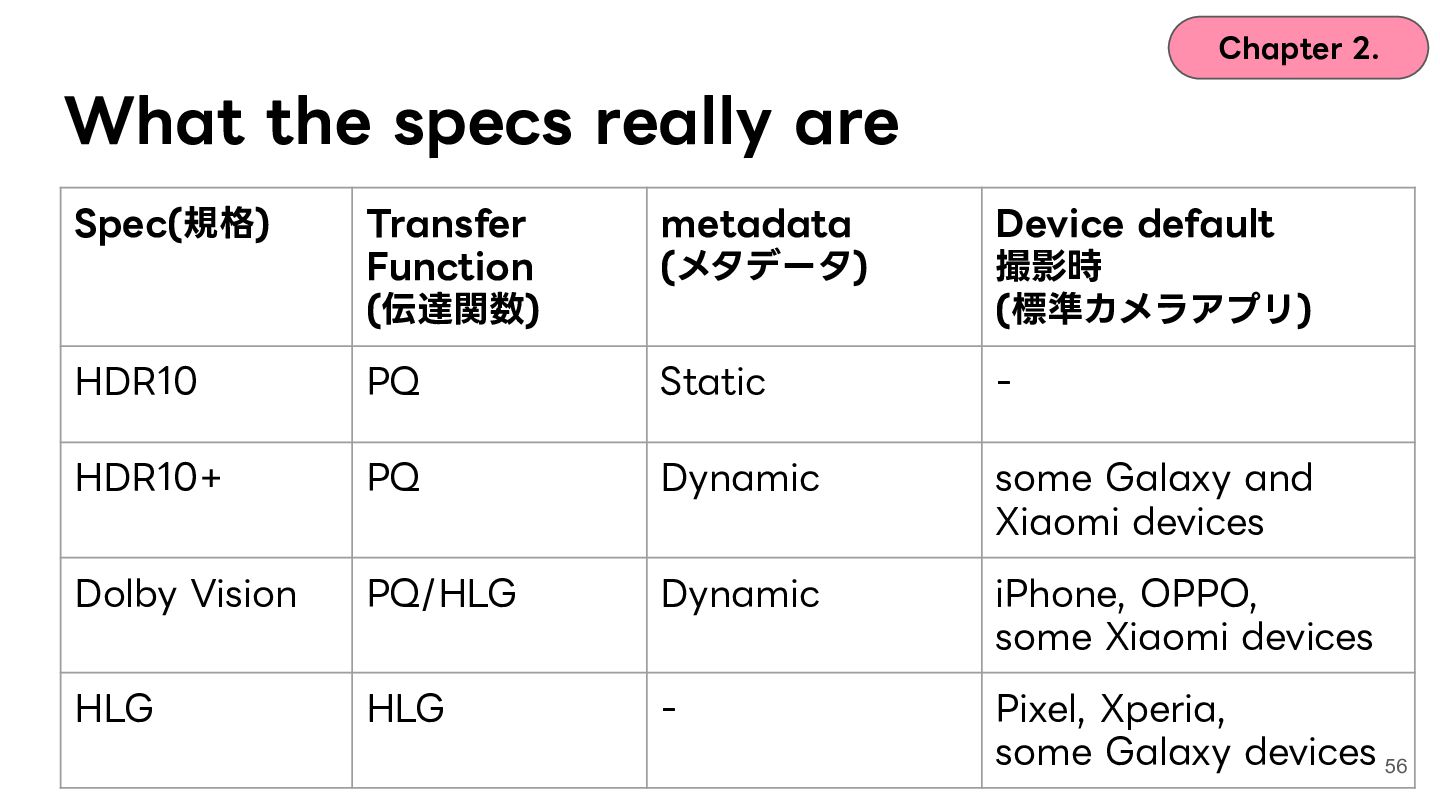
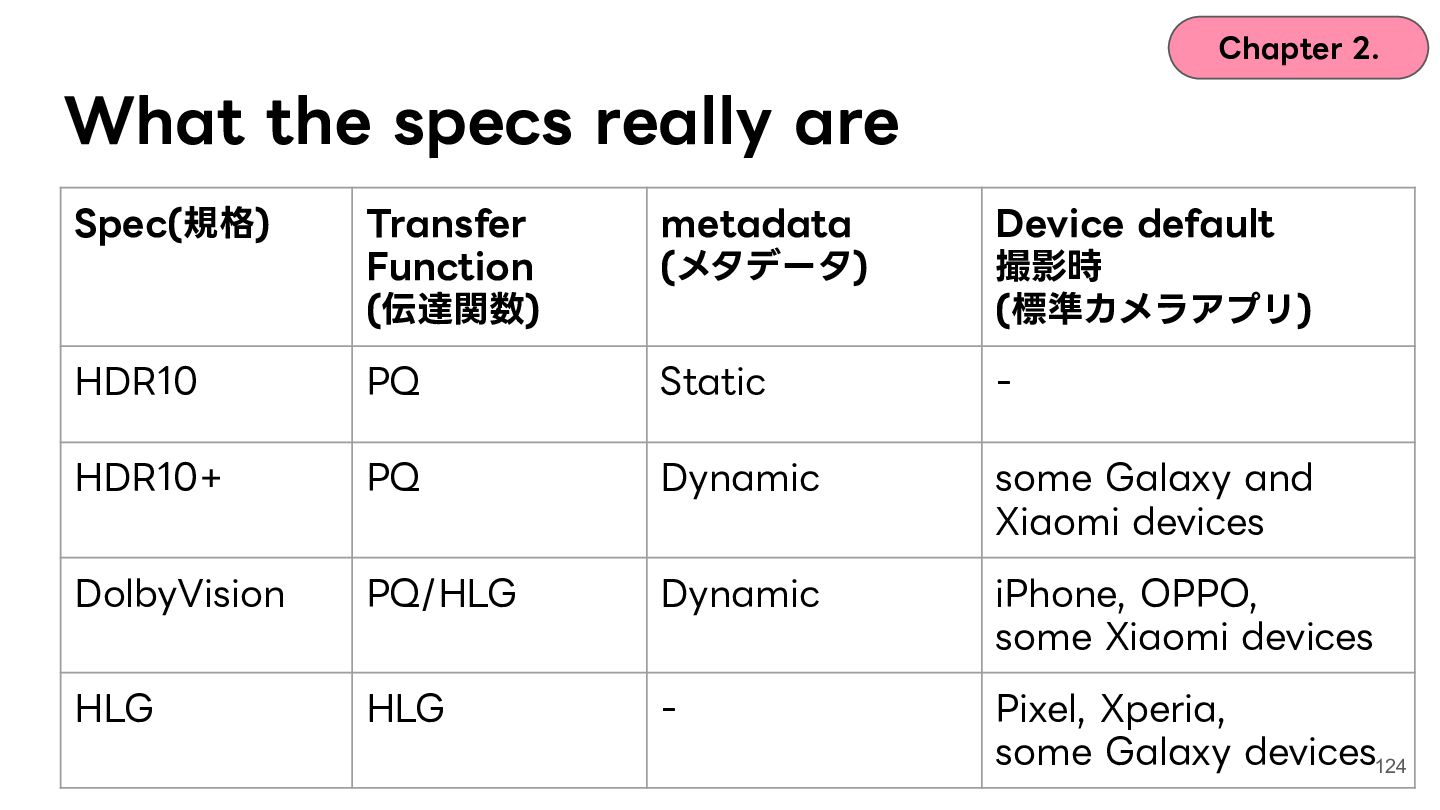
  44. Chapter 2. What the specs really are Spec(規格) Transfer Function

    (伝達関数) metadata (メタデータ) Device default 撮影時 (標準カメラアプリ) HDR10 PQ Static - HDR10+ PQ Dynamic some Galaxy and Xiaomi devices Dolby Vision PQ/HLG Dynamic iPhone, OPPO, some Xiaomi devices HLG HLG - Pixel, Xperia, some Galaxy devices 56
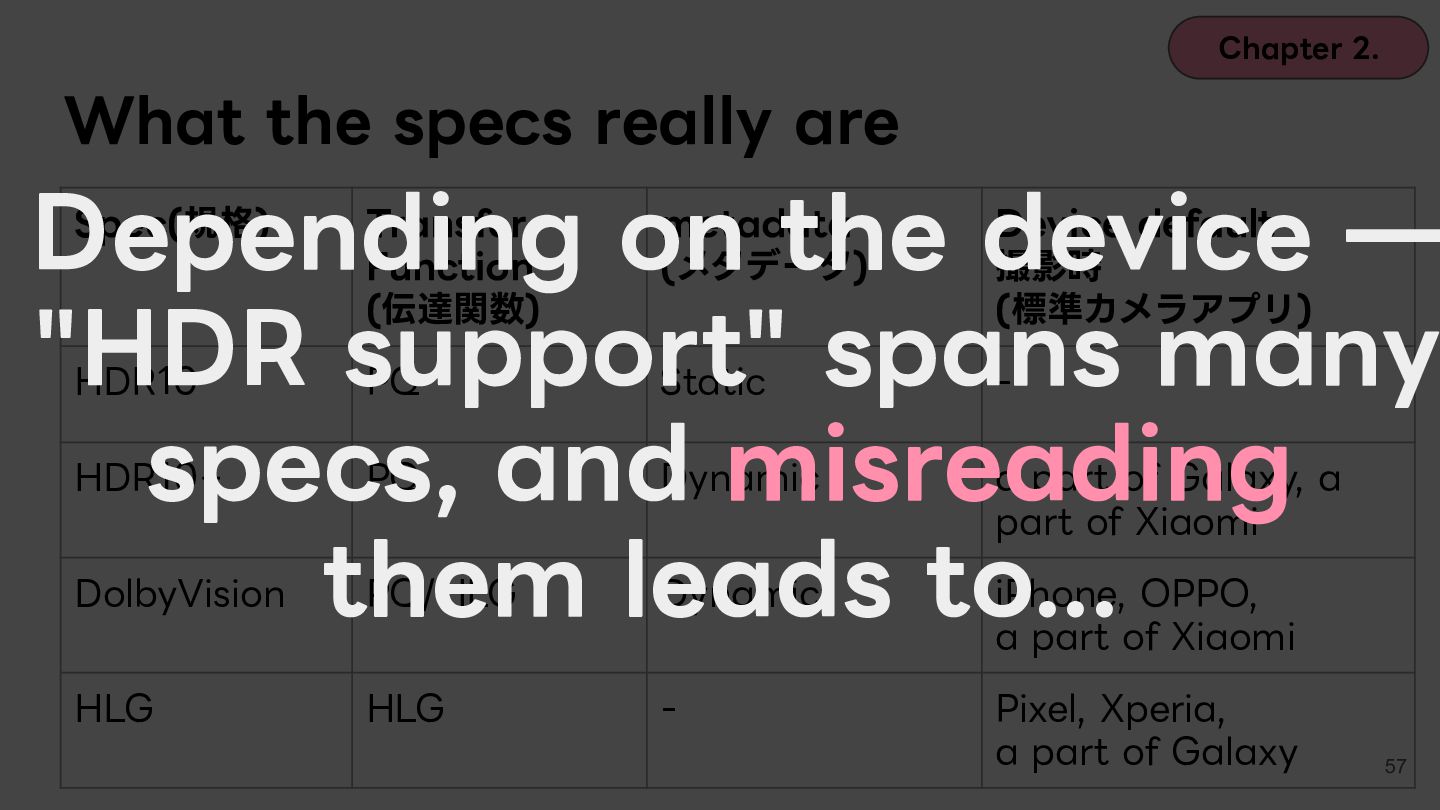
  45. Chapter 2. What the specs really are Depending on the

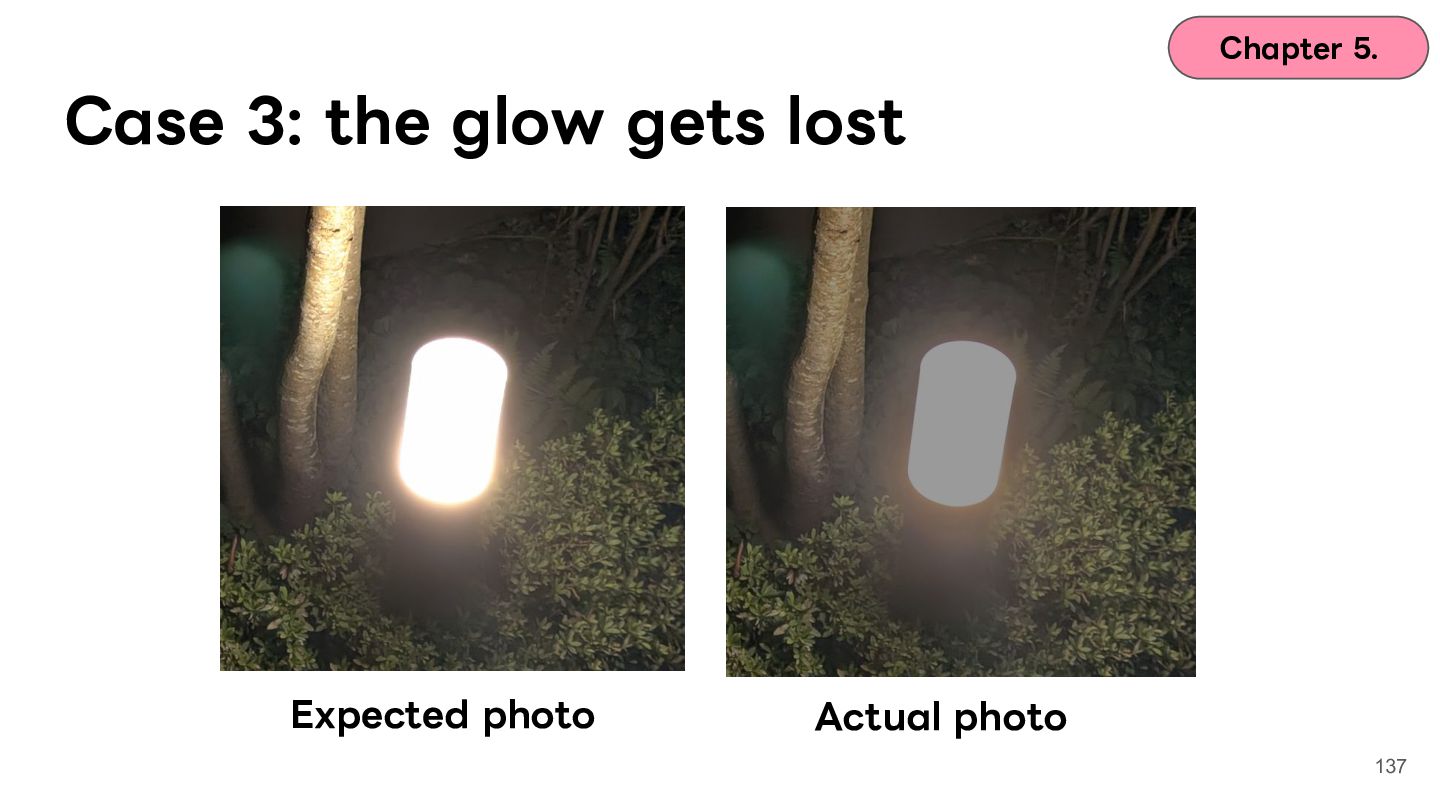
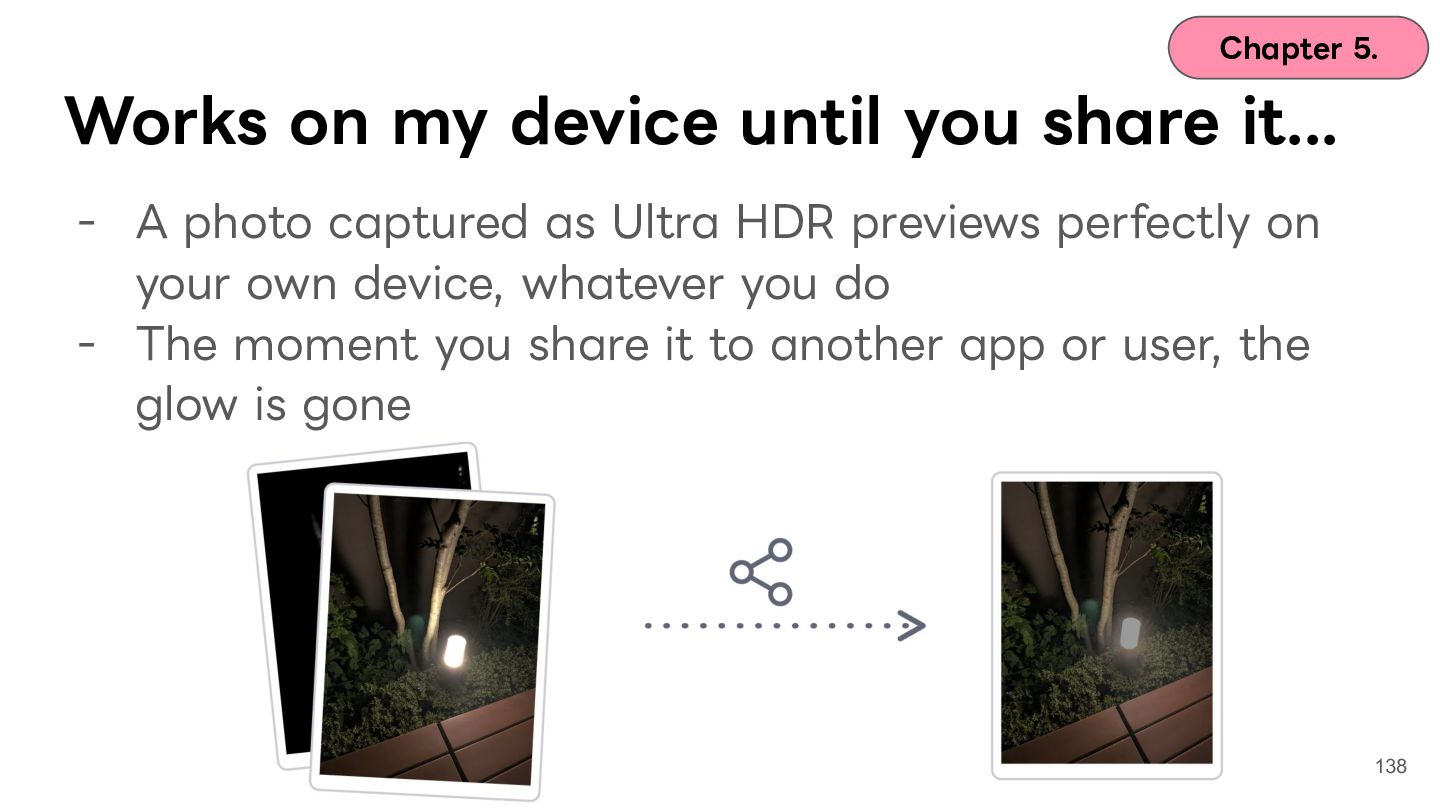
    device ̶ "HDR support" spans many specs, and misreading them leads to... Spec(規格) Transfer Function (伝達関数) metadata (メタデータ) Device default 撮影時 (標準カメラアプリ) HDR10 PQ Static - HDR10+ PQ Dynamic a part of Galaxy, a part of Xiaomi DolbyVision PQ/HLG Dynamic iPhone, OPPO, a part of Xiaomi HLG HLG - Pixel, Xperia, a part of Galaxy 57
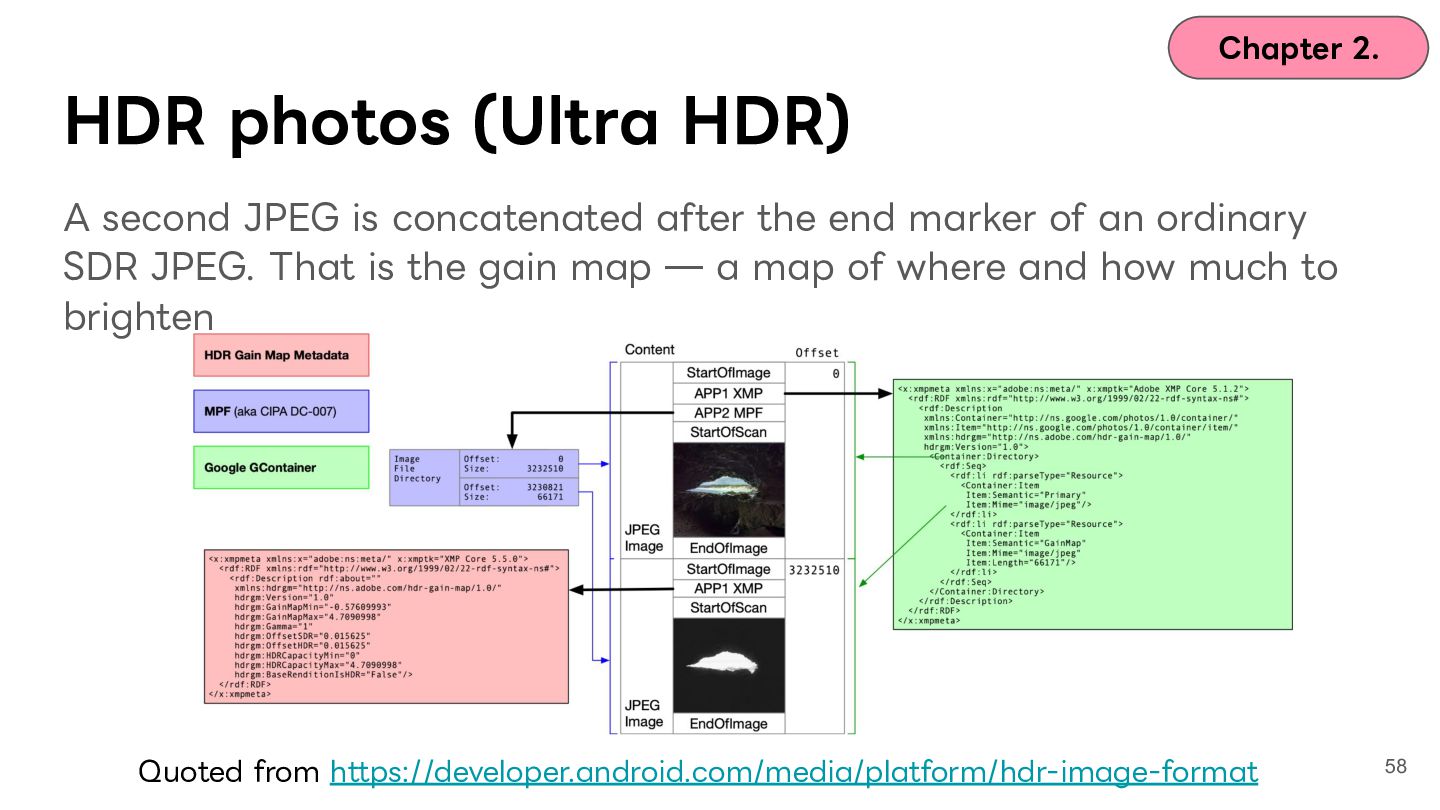
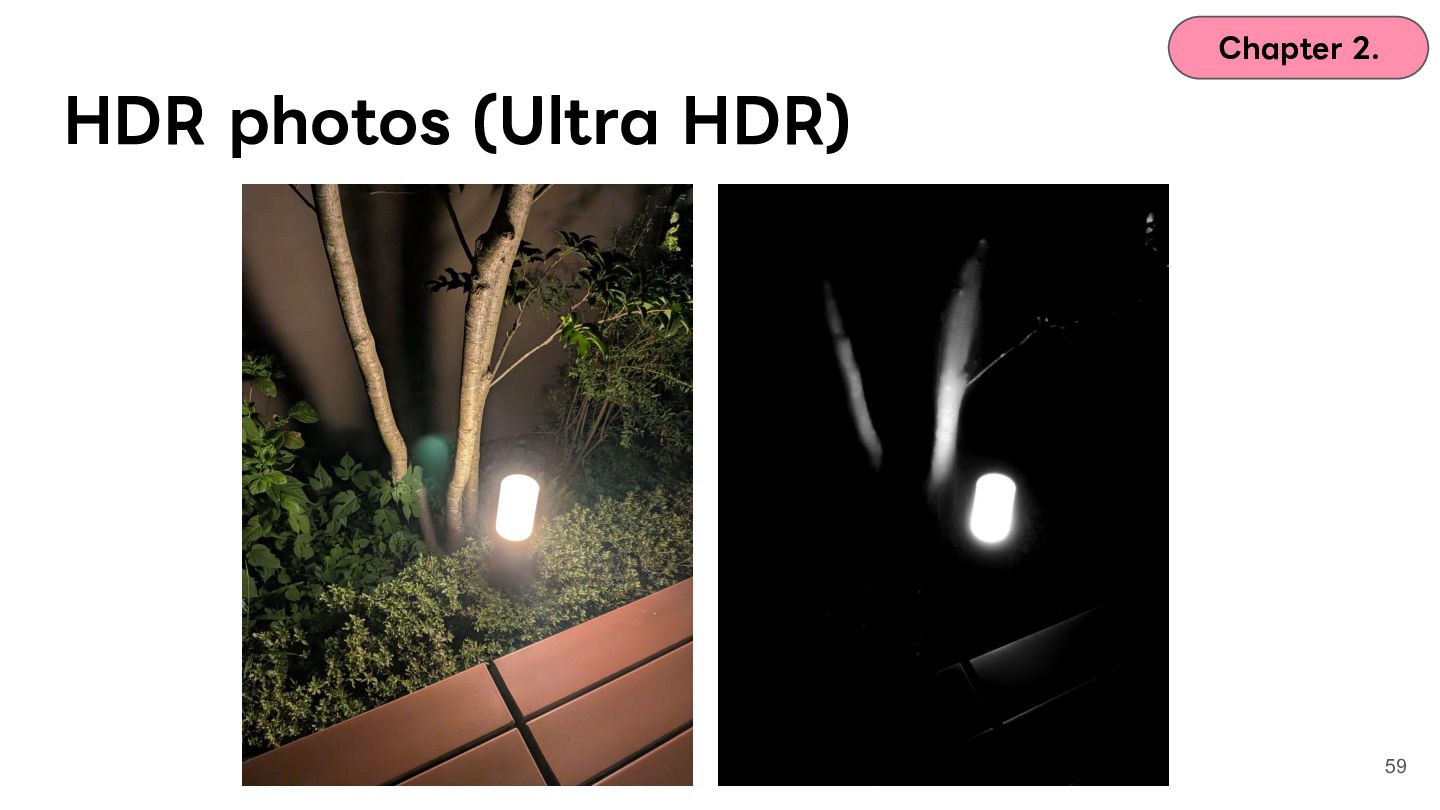
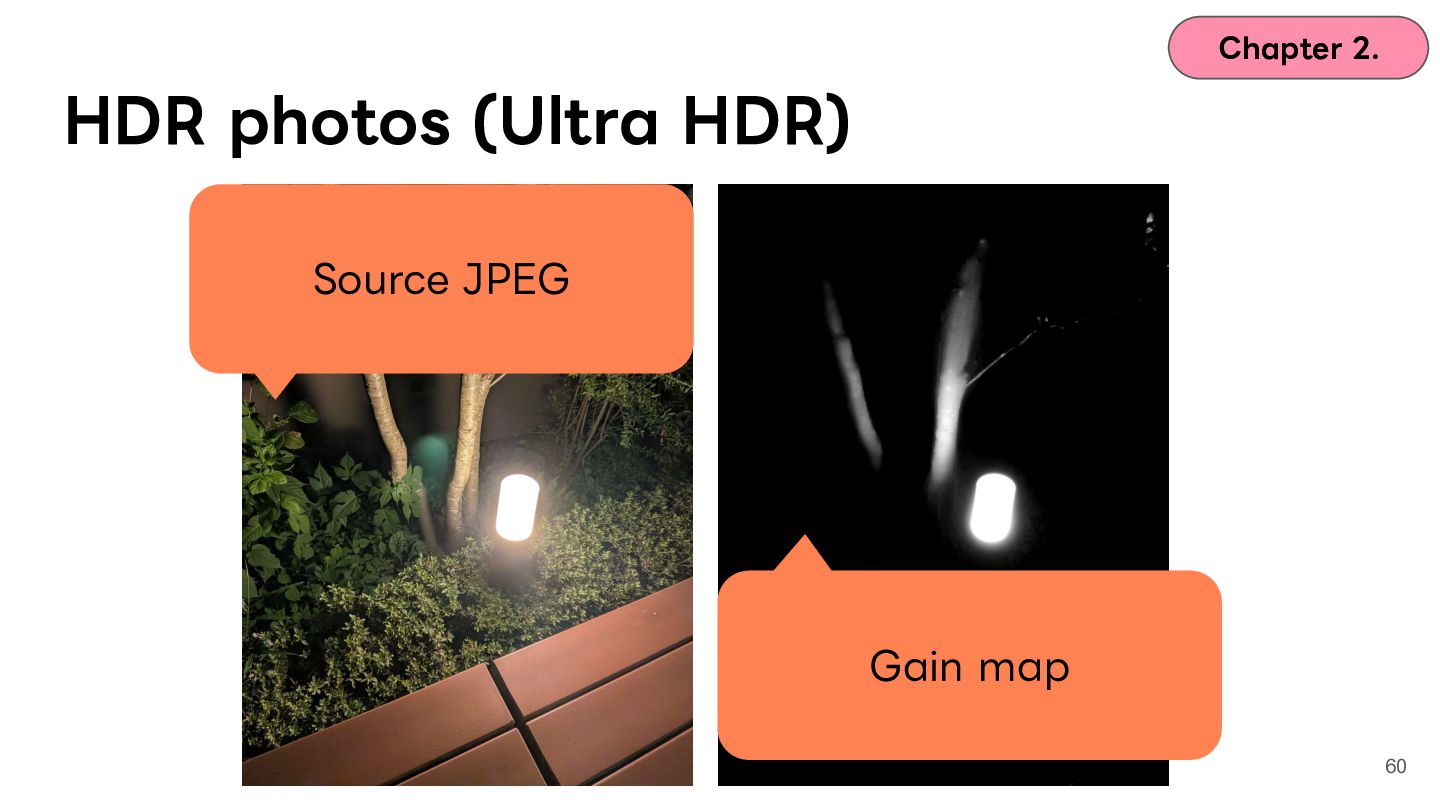
  46. Chapter 2. HDR photos (Ultra HDR) A second JPEG is

    concatenated after the end marker of an ordinary SDR JPEG. That is the gain map ̶ a map of where and how much to brighten Quoted from https://developer.android.com/media/platform/hdr-image-format 58
  47. Chapter 2. Why care about HDR on Android? Let's unpack

    a bit of history! Video Photos 61
  48. Chapter 2. Why care about HDR on Android? Let's unpack

    a bit of history! Video Photos 62
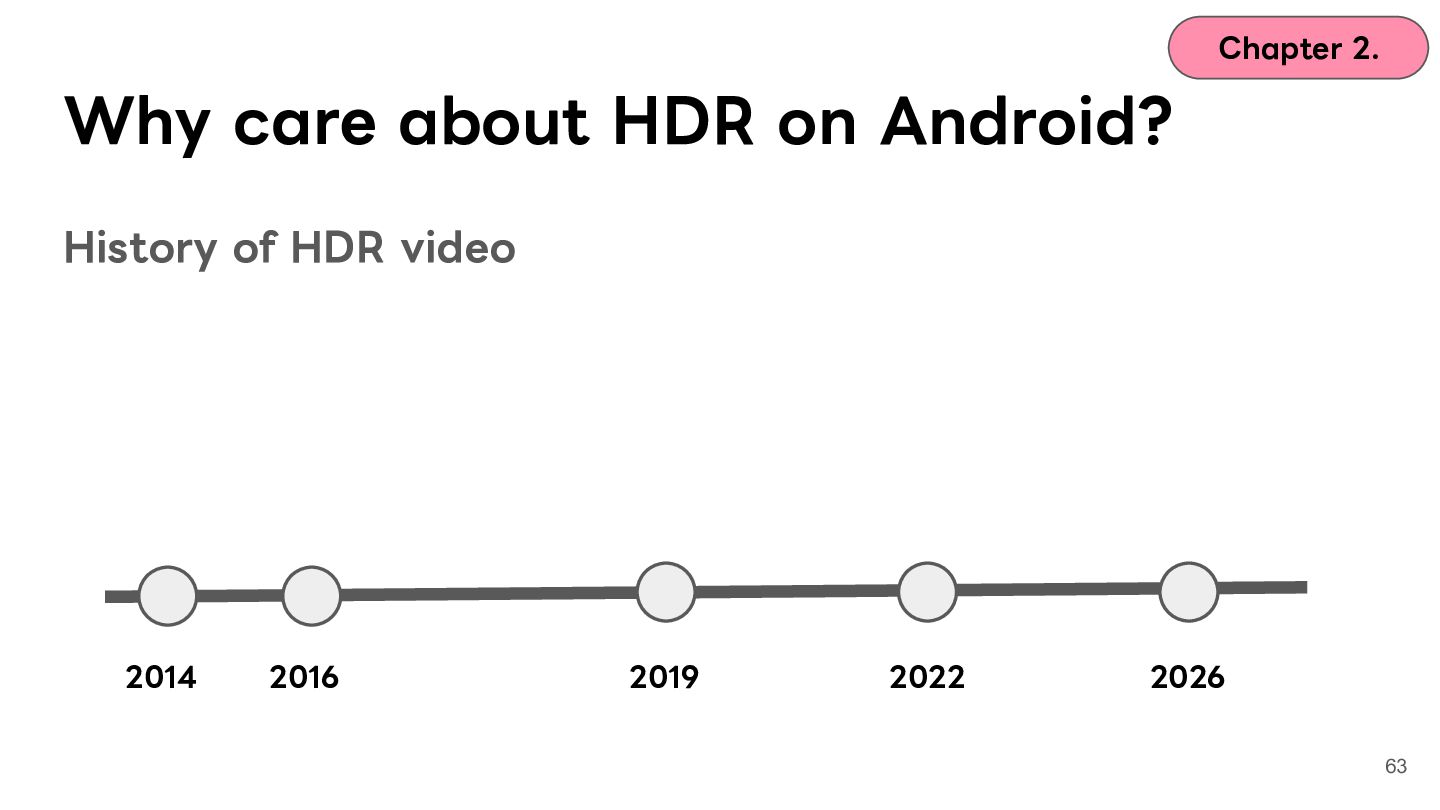
  49. Chapter 2. Why care about HDR on Android? History of

    HDR video 2014 2016 2019 2022 2026 63
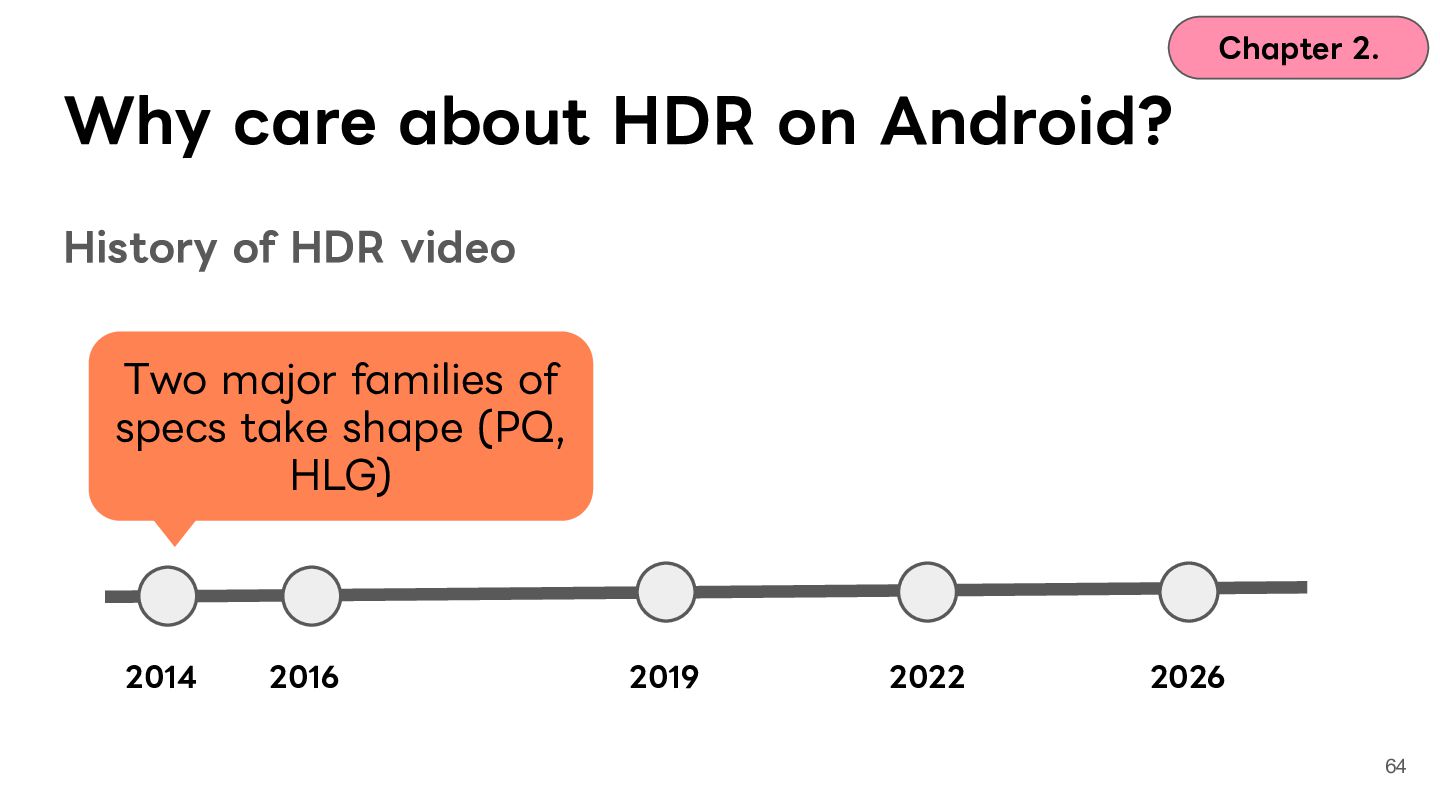
  50. Chapter 2. Why care about HDR on Android? History of

    HDR video Two major families of specs take shape (PQ, HLG) 2014 2016 2019 2022 2026 64
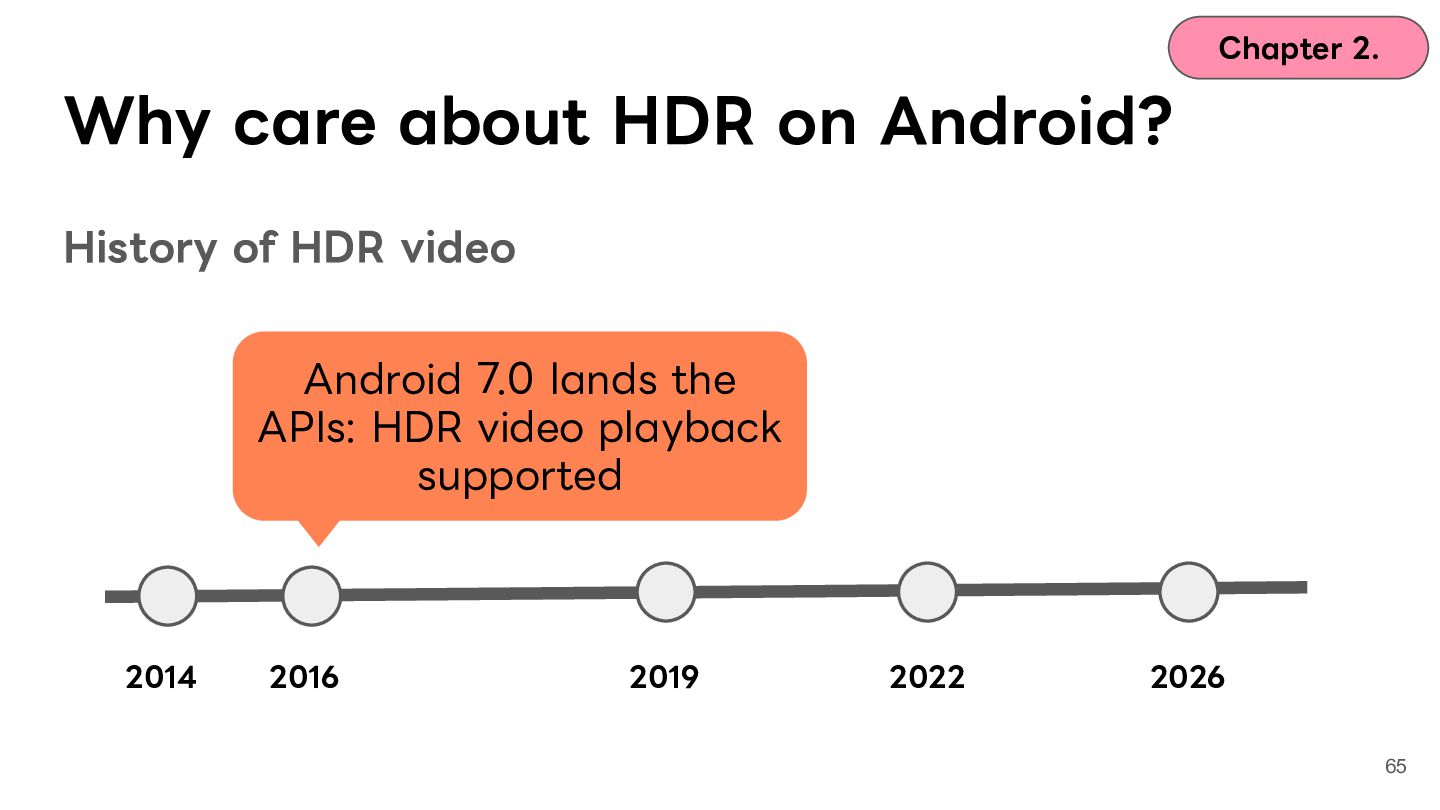
  51. Chapter 2. Why care about HDR on Android? History of

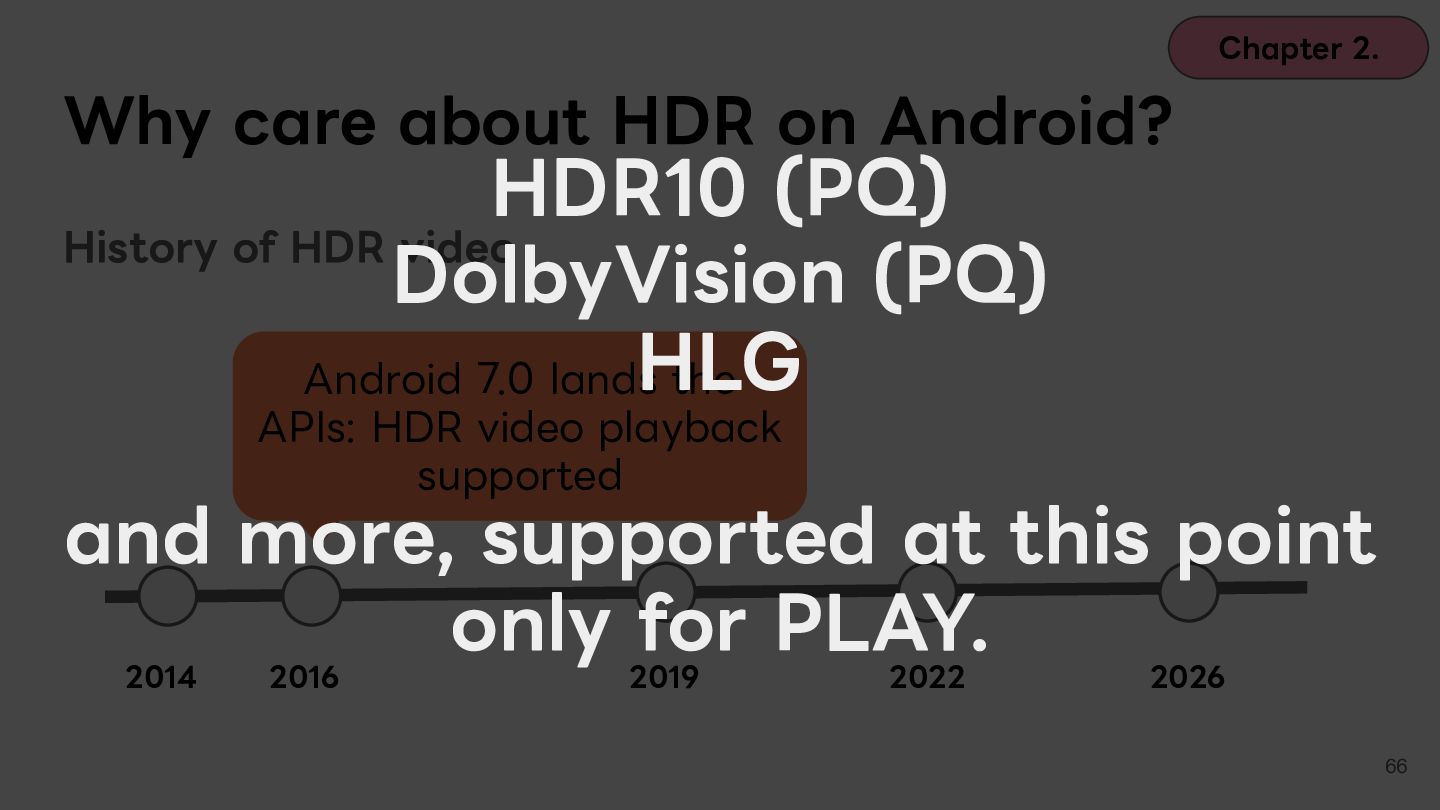
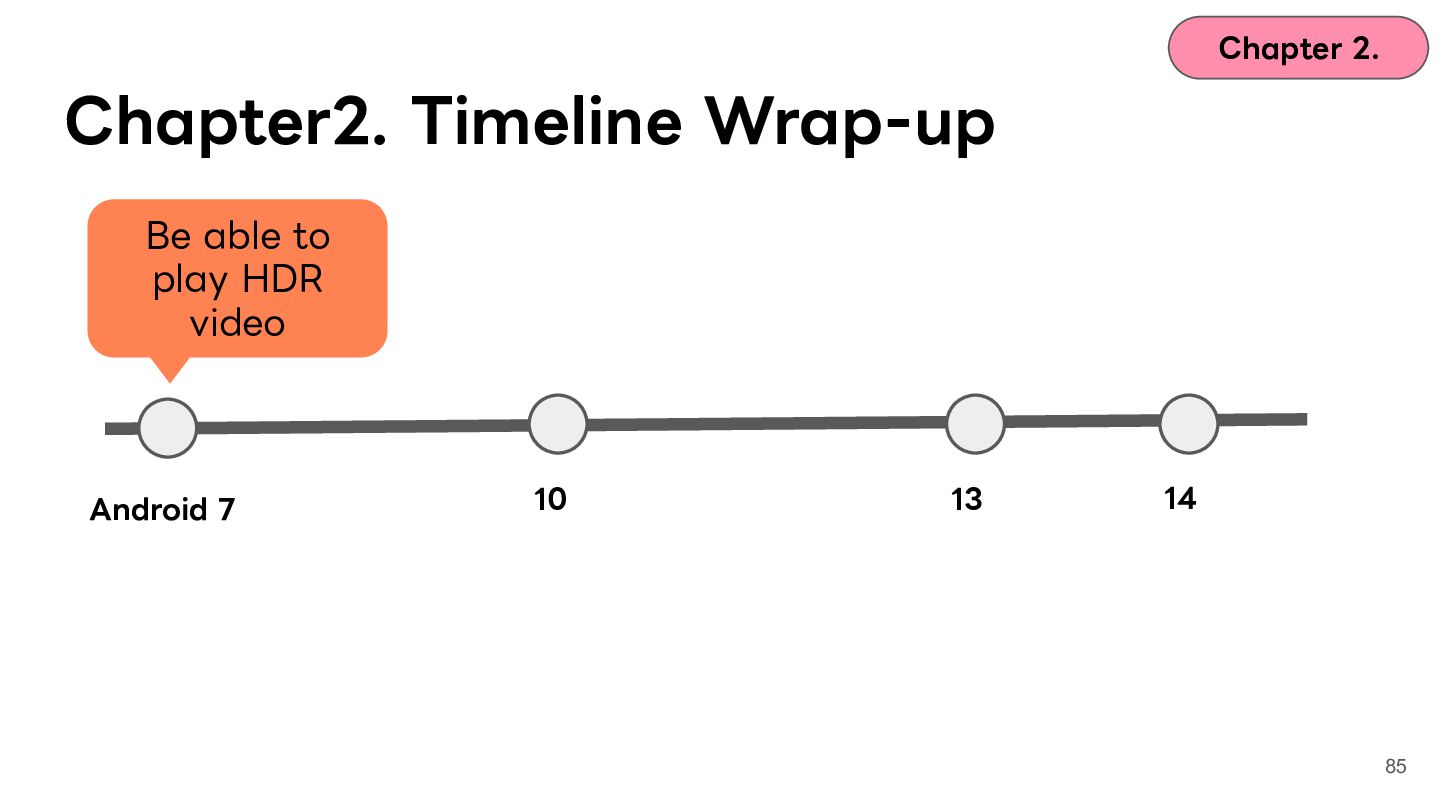
    HDR video Android 7.0 lands the APIs: HDR video playback supported 2014 2016 2019 2022 2026 65
  52. Chapter 2. Why care about HDR on Android? HDR10 (PQ)

    History of HDR video DolbyVision (PQ) HLG Android 7.0 lands the APIs: HDR video playback supported and more, supported at this point only for PLAY. 2014 2016 2019 2022 2026 66
  53. Chapter 2. Why care about HDR on Android? History of

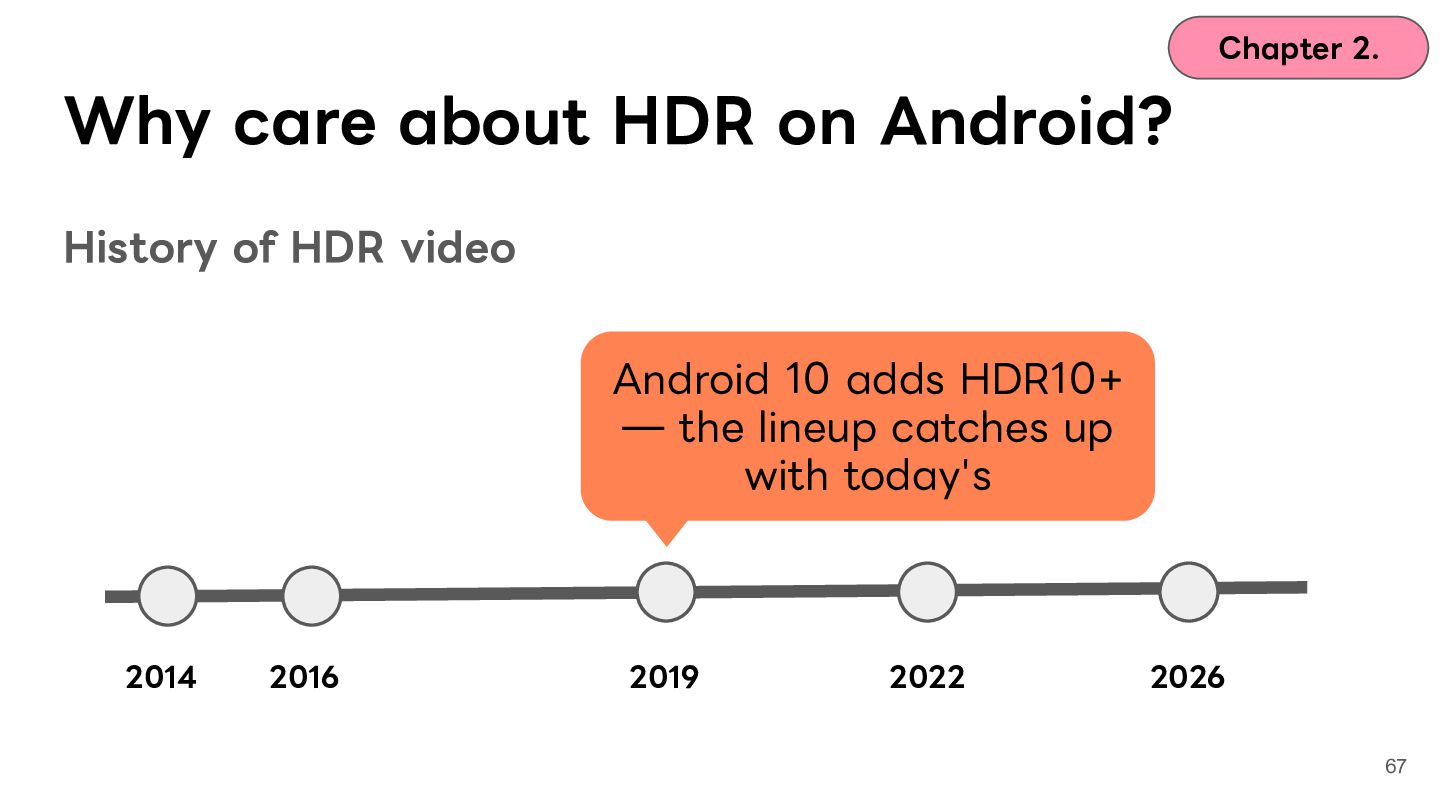
    HDR video Android 10 adds HDR10+ ̶ the lineup catches up with today's 2014 2016 2019 2022 2026 67
  54. Chapter 2. Why care about HDR on Android? History of

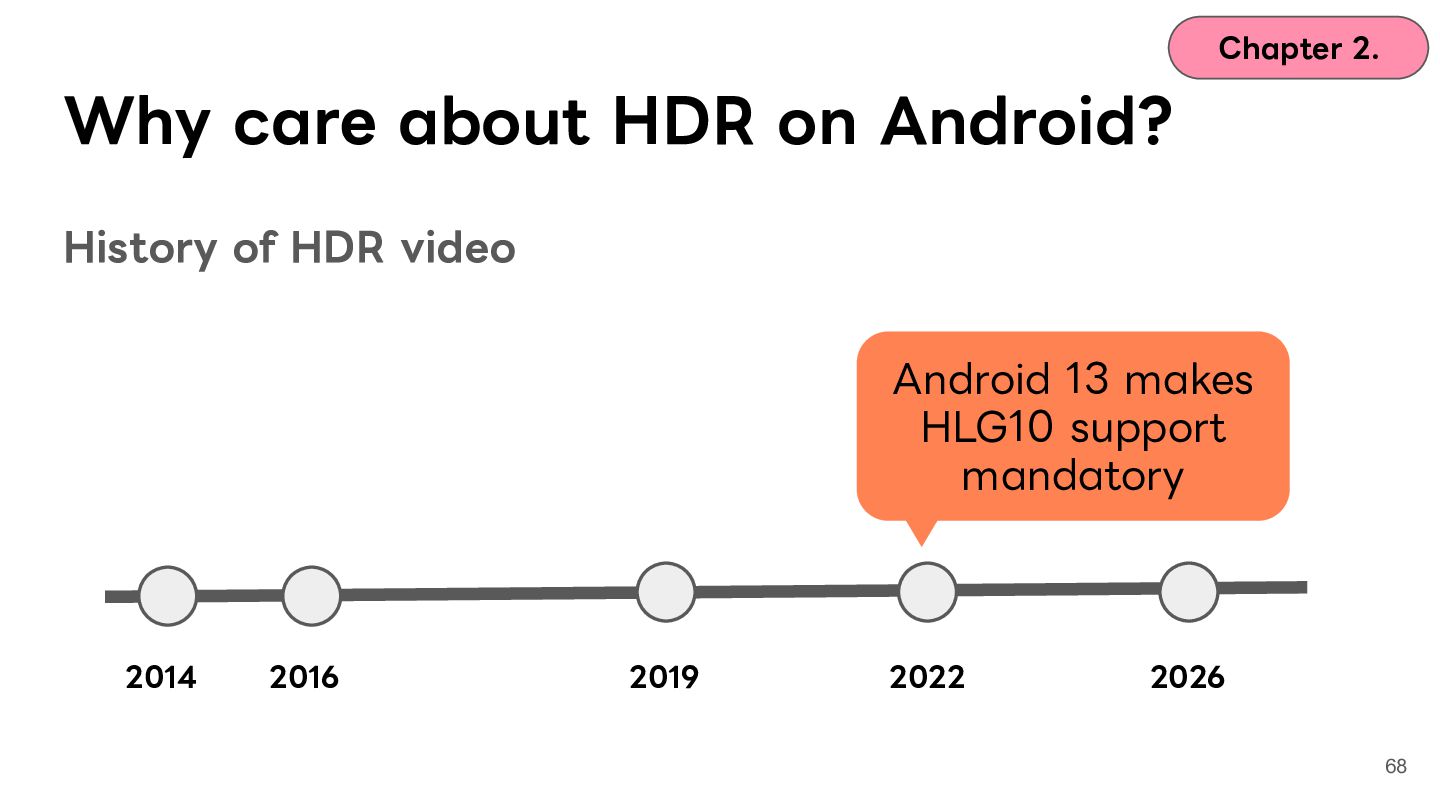
    HDR video Android 13 makes HLG10 support mandatory 2014 2016 2019 2022 2026 68
  55. Chapter 2. Why care about HDR on Android? History of

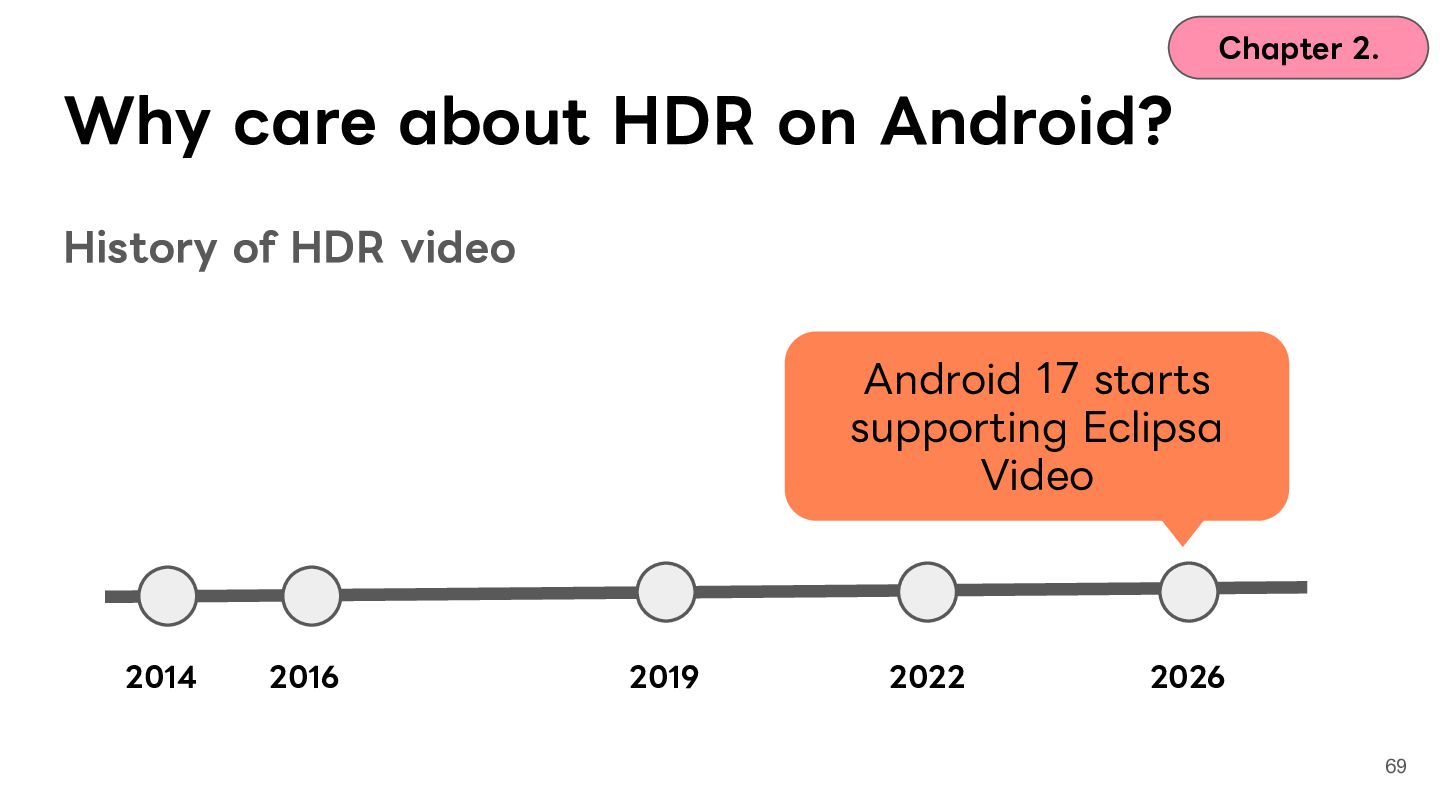
    HDR video Android 17 starts supporting Eclipsa Video 2014 2016 2019 2022 2026 69
  56. Chapter 2. Why care about HDR on Android? Let's unpack

    a bit of history! Video Photos 70
  57. Chapter 2. Why care about HDR on Android? History of

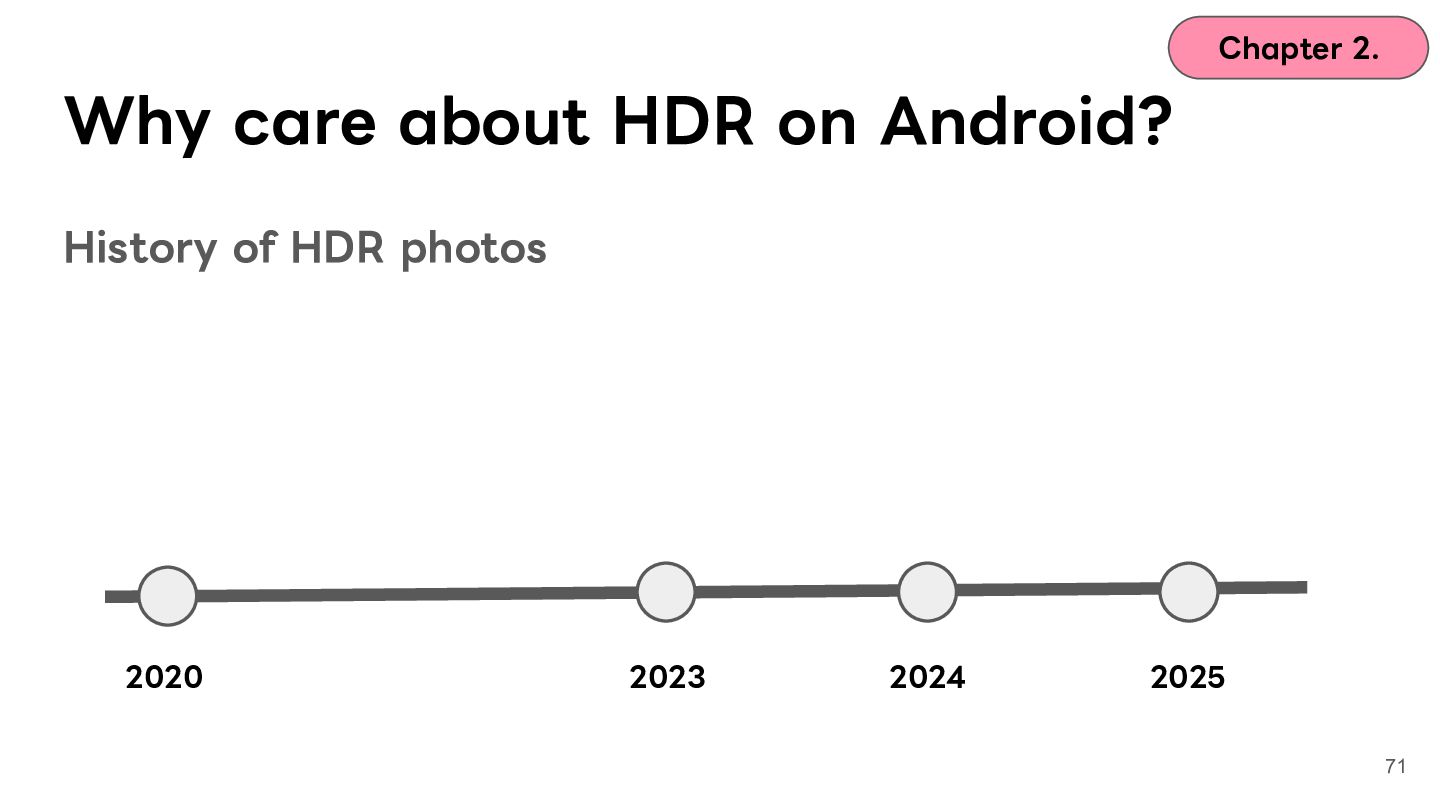
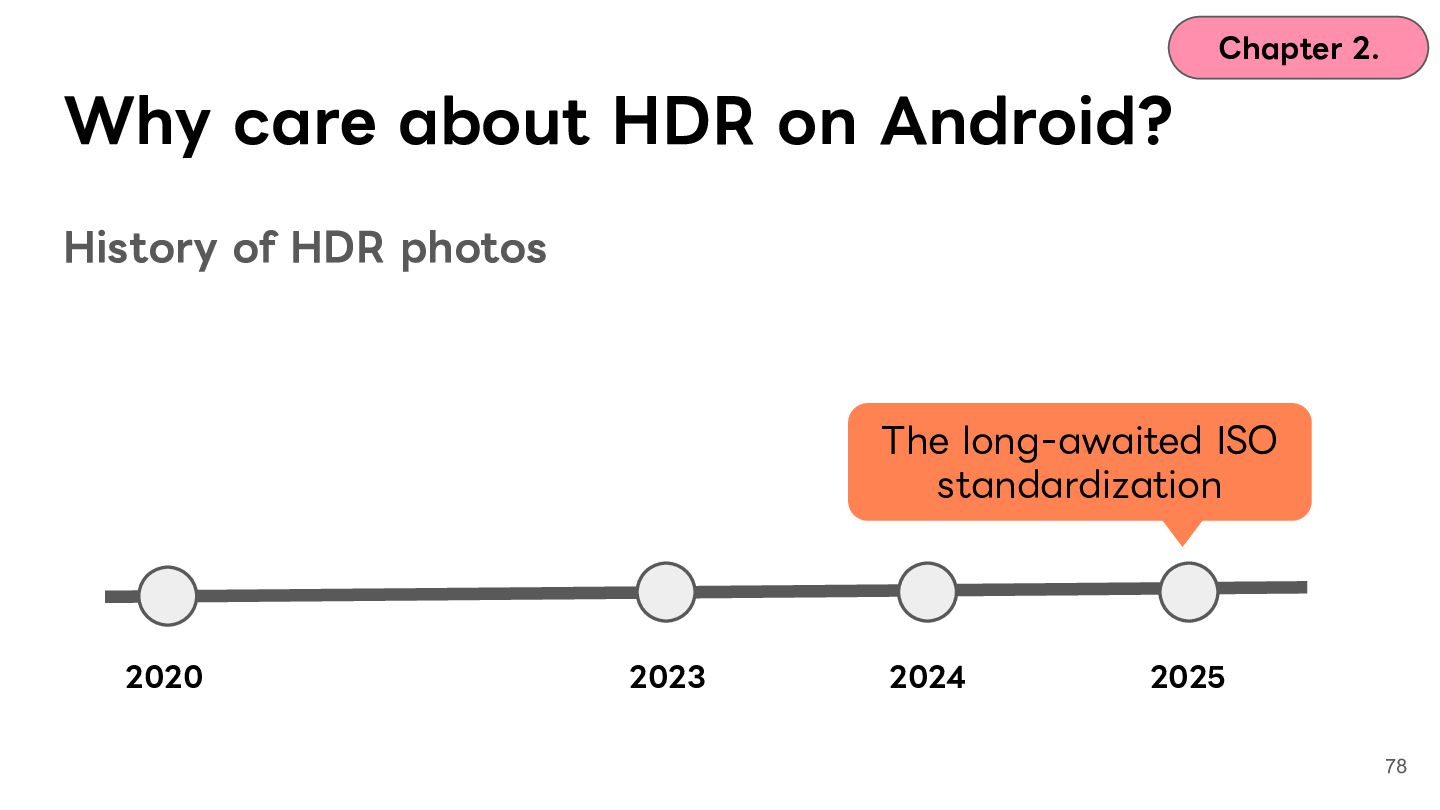
    HDR photos 2020 2023 2024 2025 71
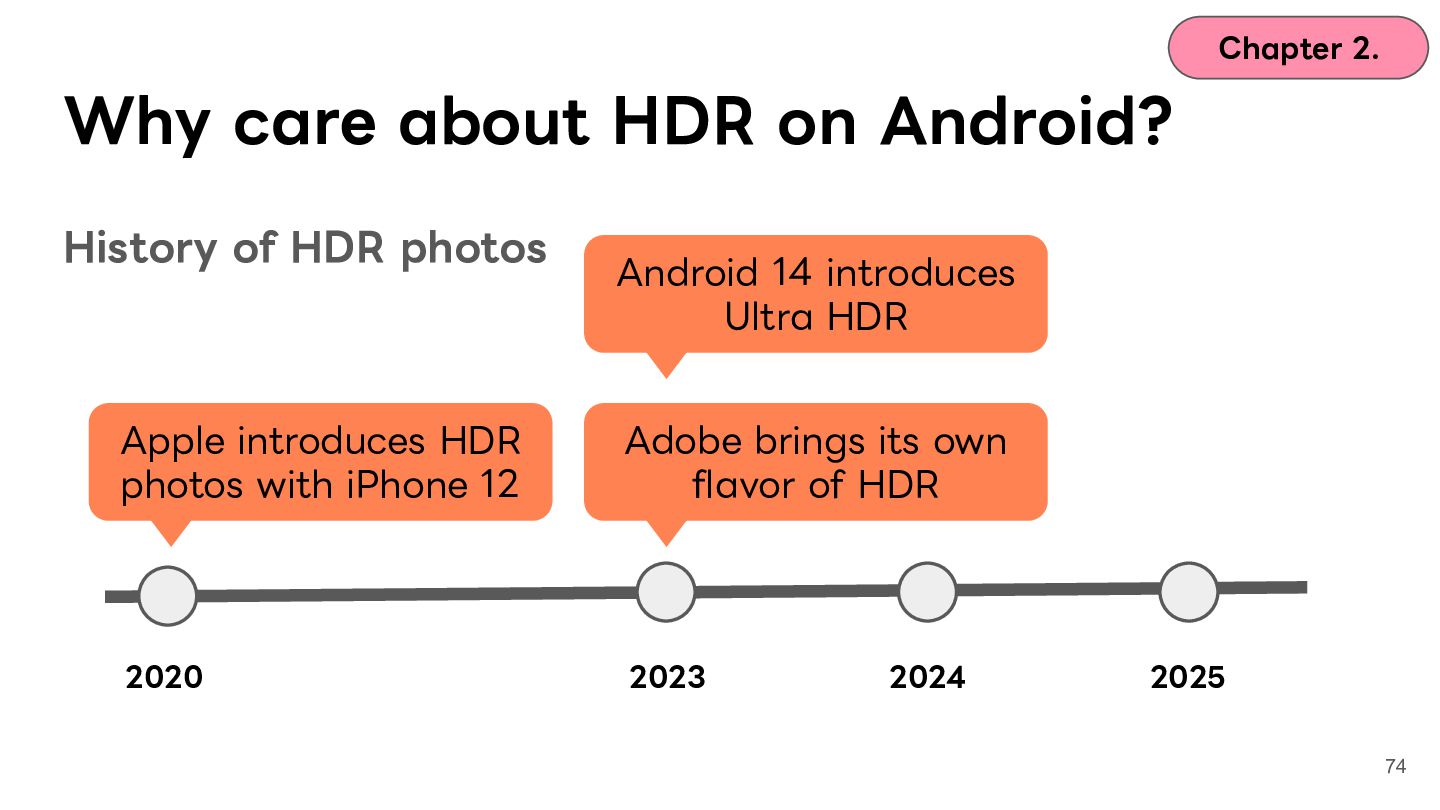
  58. Chapter 2. Why care about HDR on Android? History of

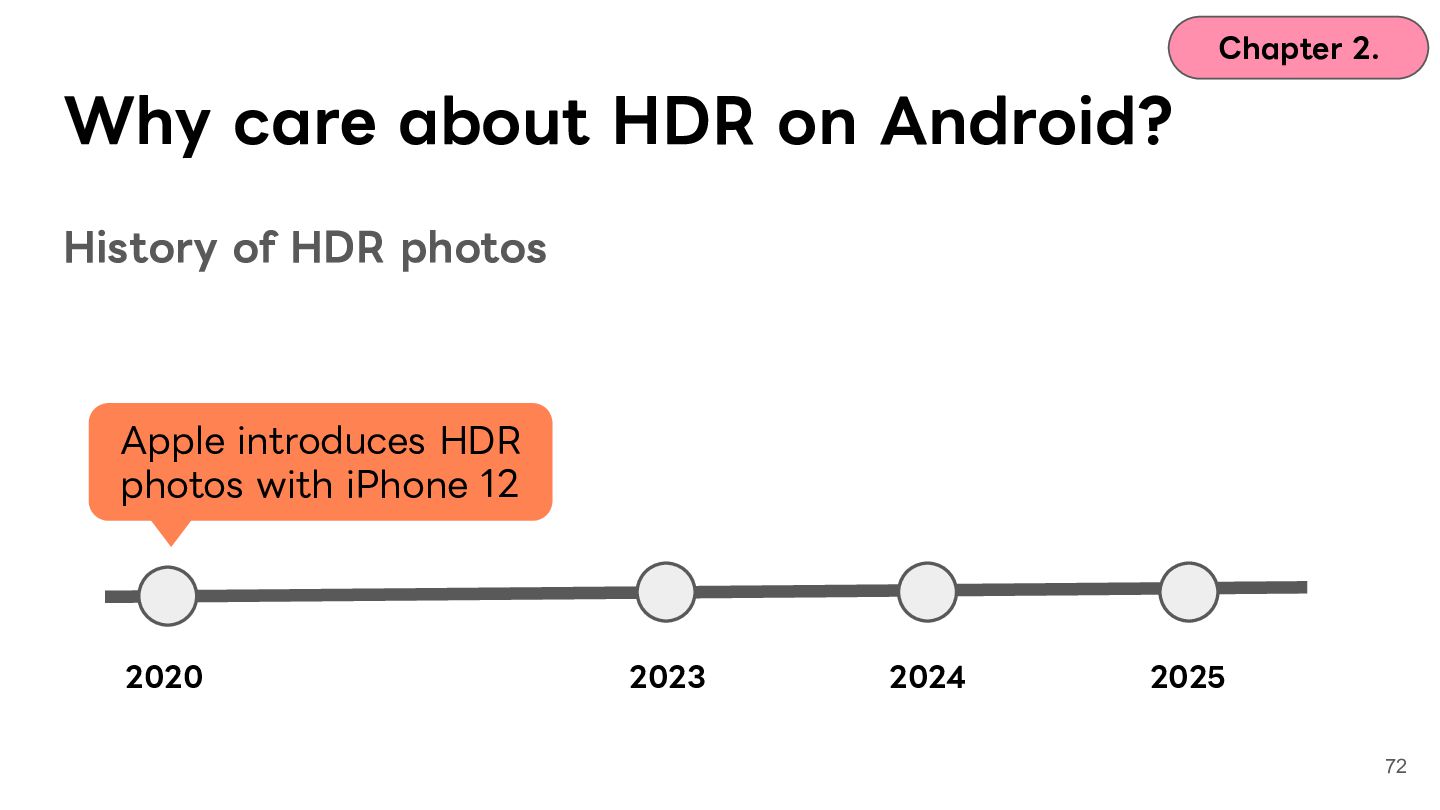
    HDR photos Apple introduces HDR photos with iPhone 12 2020 2023 2024 2025 72
  59. Chapter 2. Why care about HDR on Android? History of

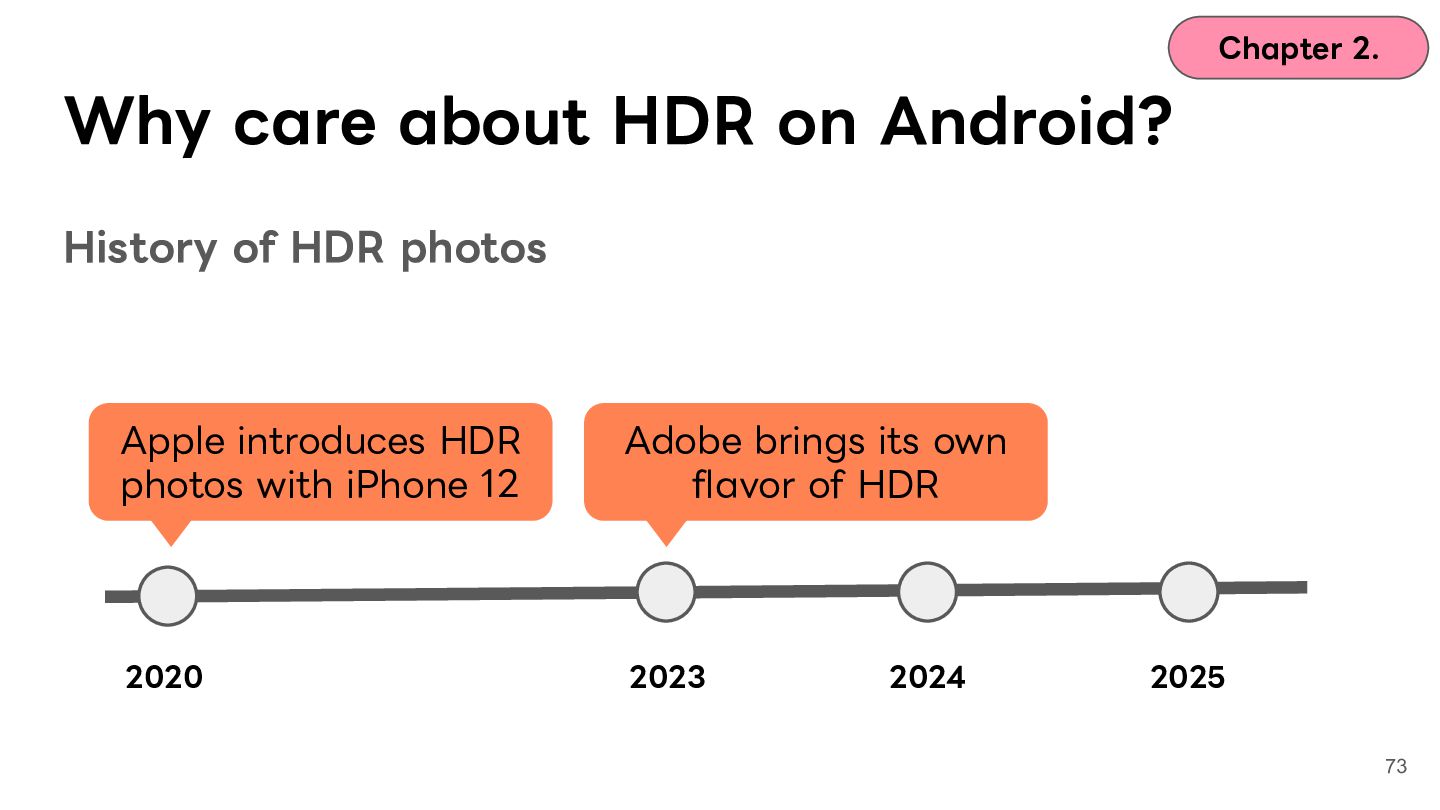
    HDR photos Apple introduces HDR photos with iPhone 12 Adobe brings its own flavor of HDR 2020 2023 2024 2025 73
  60. Chapter 2. Why care about HDR on Android? History of

    HDR photos Android 14 introduces Ultra HDR Apple introduces HDR photos with iPhone 12 Adobe brings its own flavor of HDR 2020 2023 2024 2025 74
  61. Chapter 2. Why care about HDR on Android? Apple, Adobe

    and Google each push photo HDR with their own History of HDR photos Apple introduces HDR photos with iPhone 12 Android 14 introduces Ultra HDR Adobe brings its own flavor of HDR gain map formats 2020 2023 2024 2025 75
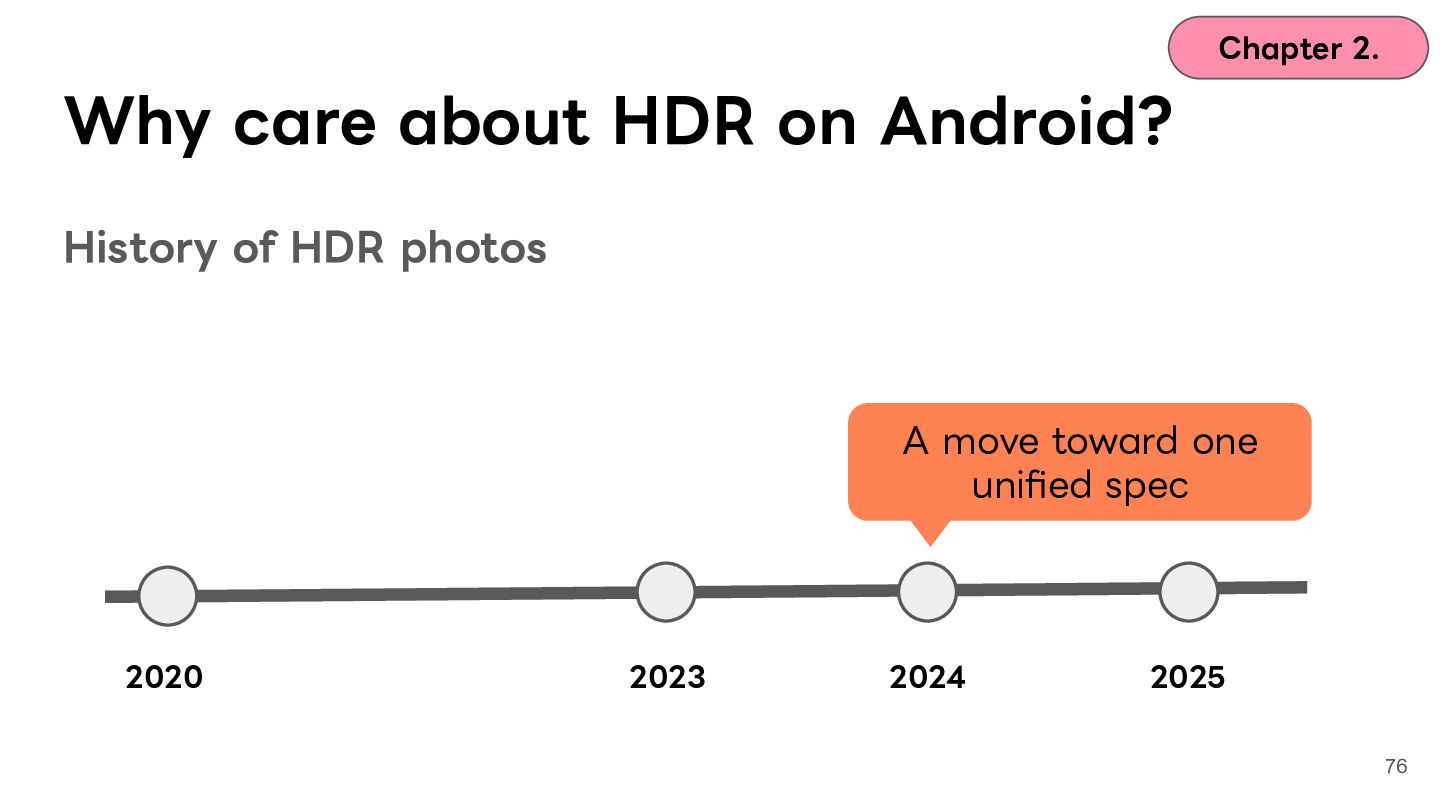
  62. Chapter 2. Why care about HDR on Android? History of

    HDR photos A move toward one unified spec 2020 2023 2024 2025 76
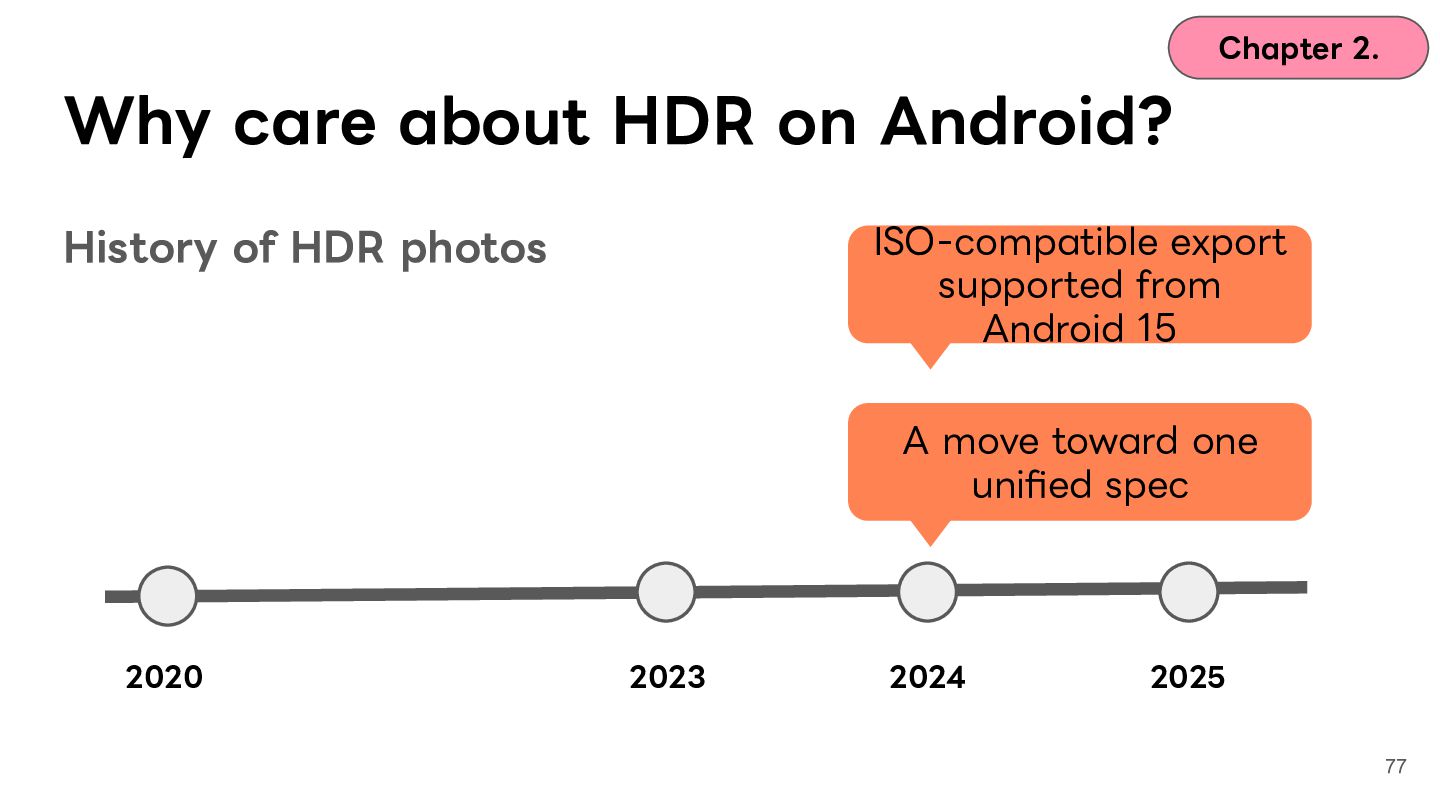
  63. Chapter 2. Why care about HDR on Android? ISO-compatible export

    supported from Android 15 History of HDR photos A move toward one unified spec 2020 2023 2024 2025 77
  64. Chapter 2. Why care about HDR on Android? History of

    HDR photos The long-awaited ISO standardization 2020 2023 2024 2025 78
  65. Chapter 2. Why care about HDR on Android? History of

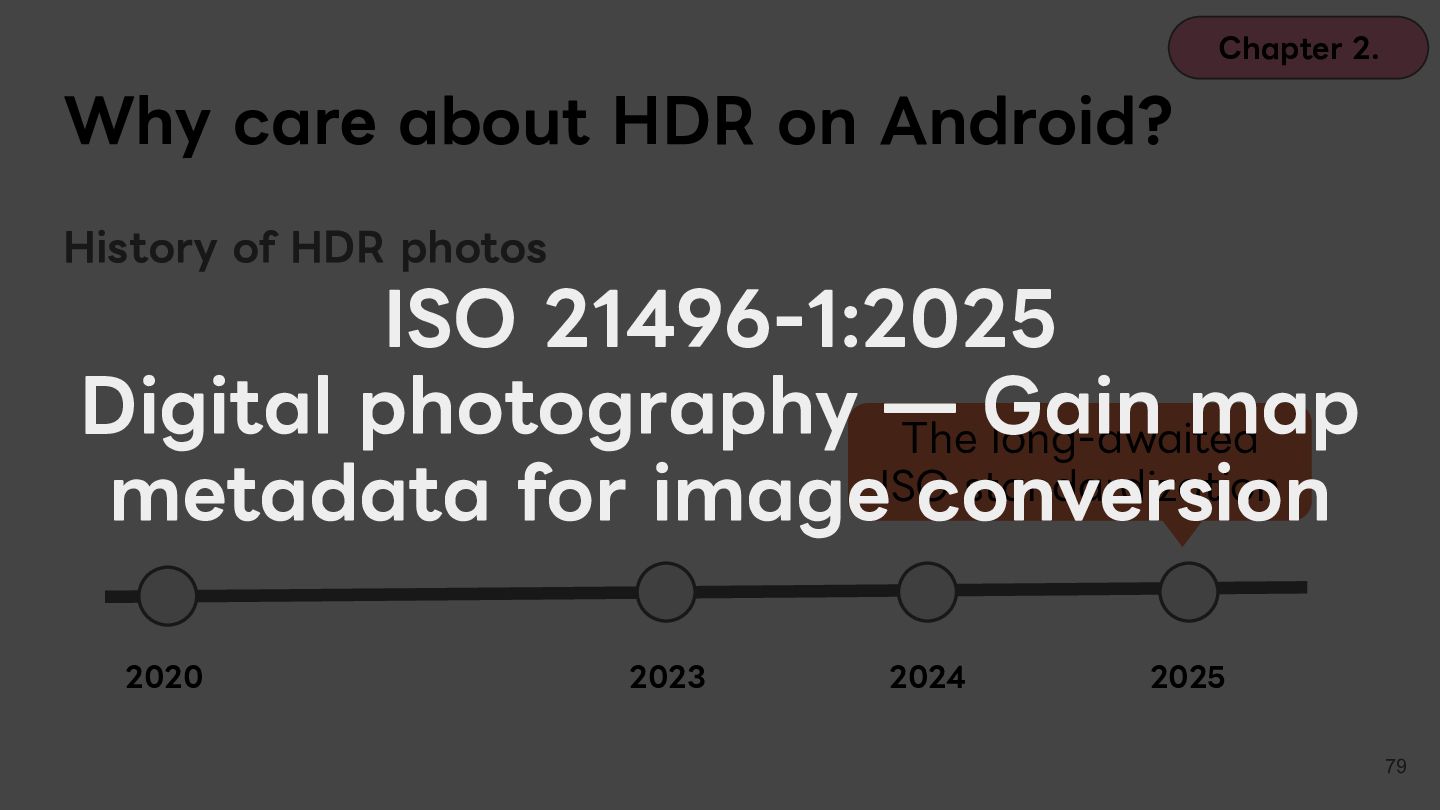
    HDR photos ISO 21496-1:2025 Digital photography ̶ Gain map The long-awaited standardization metadata for imageISOconversion 2020 2023 2024 2025 79
  66. Chapter 2. Why care about HDR on Android? History of

    HDR photos The long-awaited ISO standardization 2020 2023 2024 2025 80
  67. Chapter 2. Why care about HDR on Android? History of

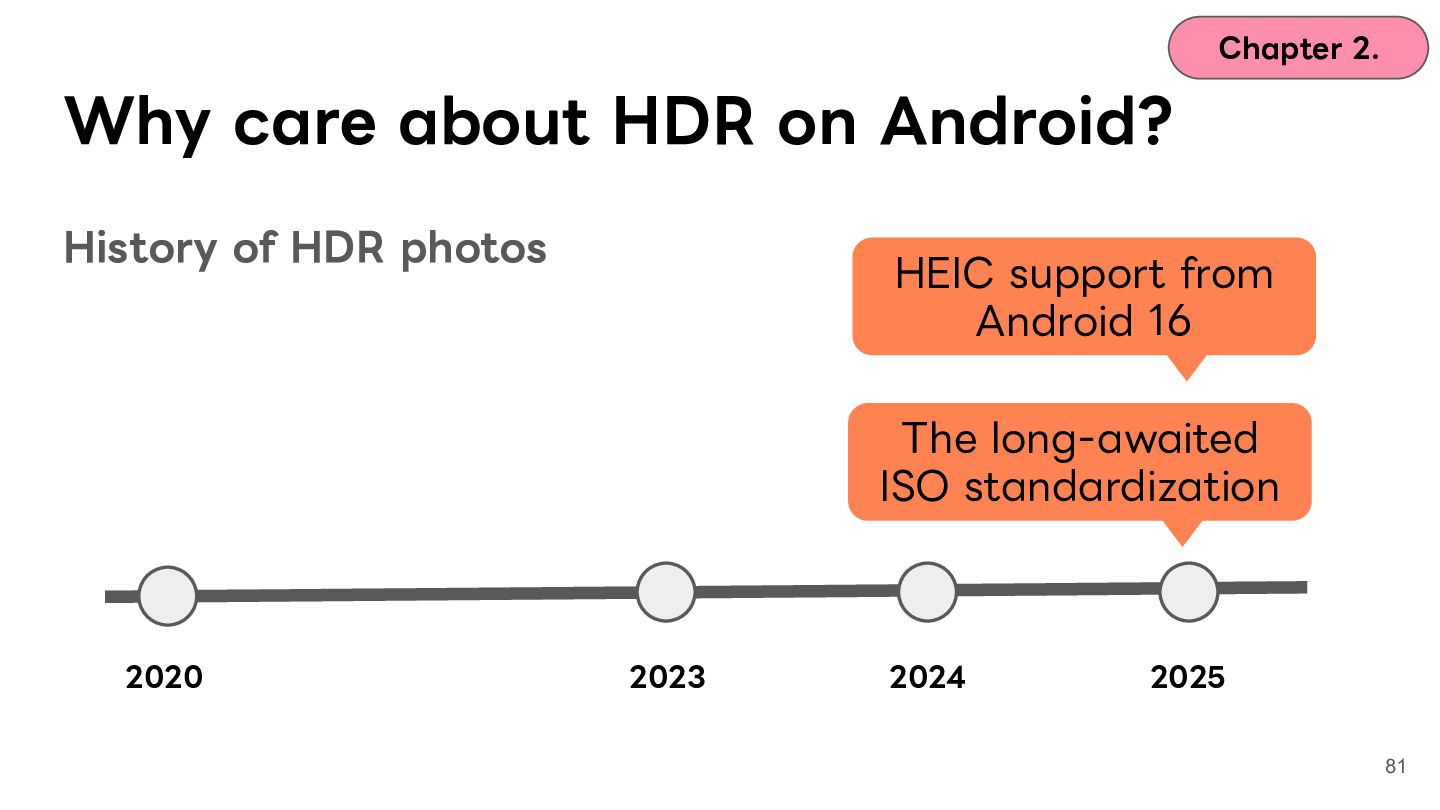
    HDR photos HEIC support from Android 16 The long-awaited ISO standardization 2020 2023 2024 2025 81
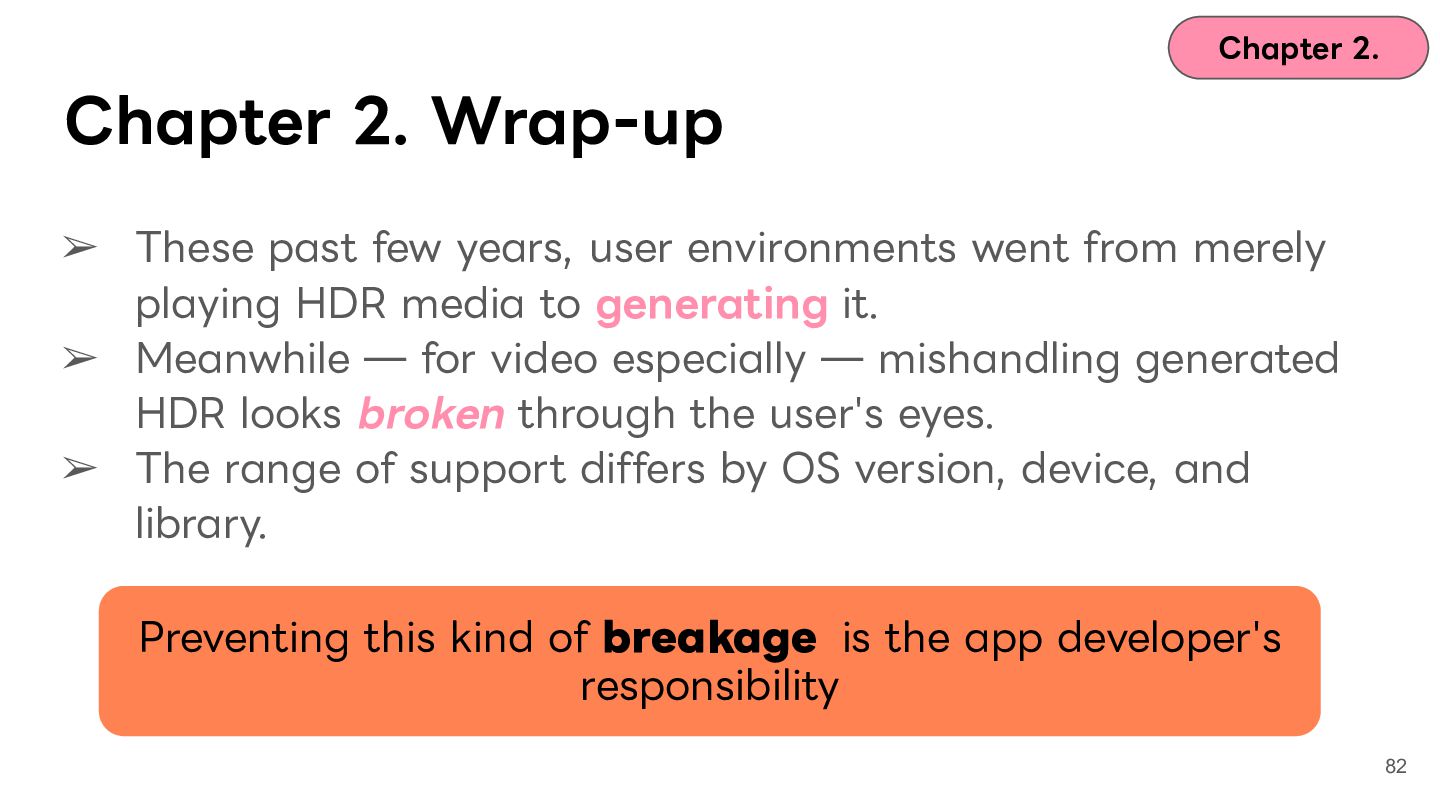
  68. Chapter 2. Chapter 2. Wrap-up ➢ These past few years,

    user environments went from merely playing HDR media to generating it. ➢ Meanwhile ̶ for video especially ̶ mishandling generated HDR looks broken through the user's eyes. ➢ The range of support differs by OS version, device, and library. Preventing this kind of breakage is the app developer's responsibility 82
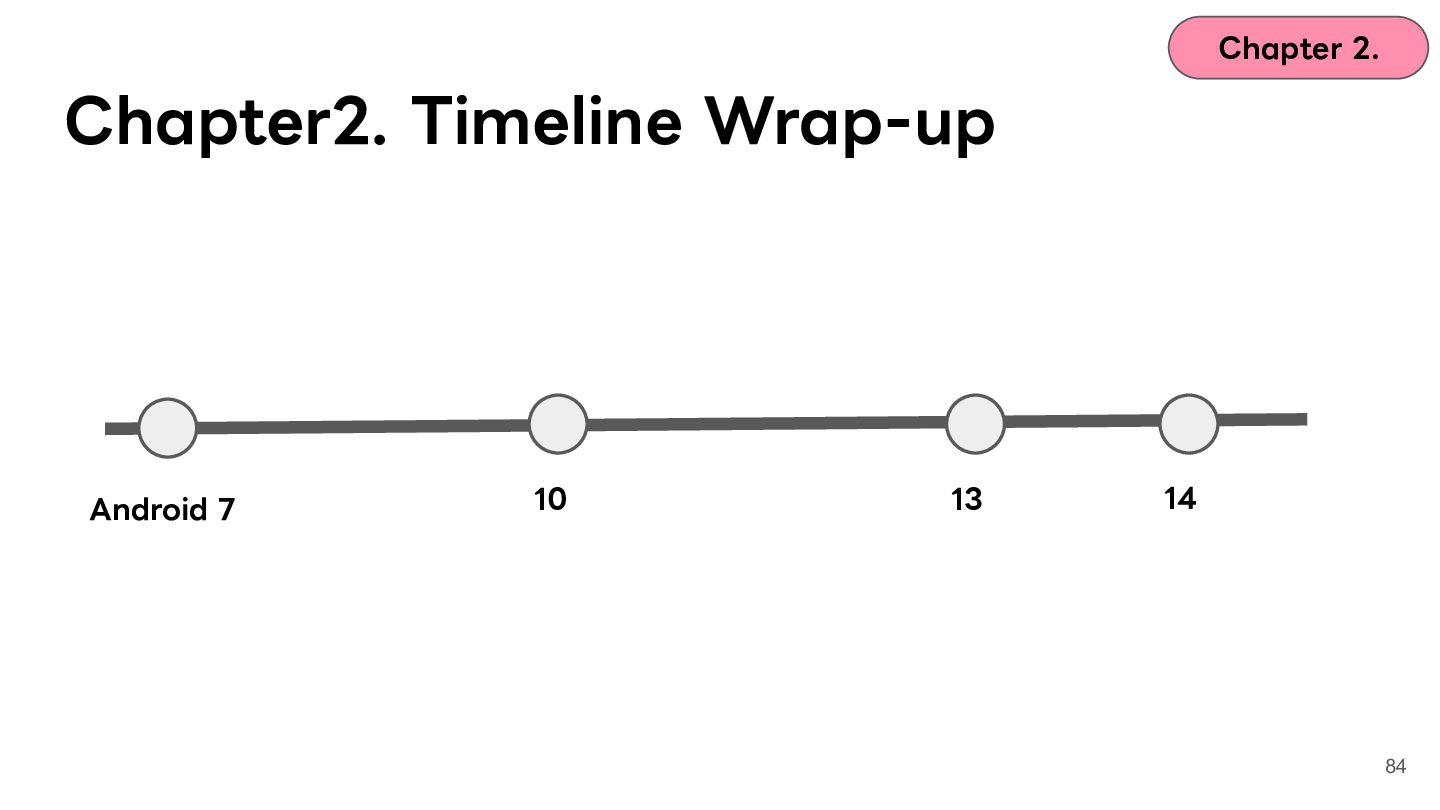
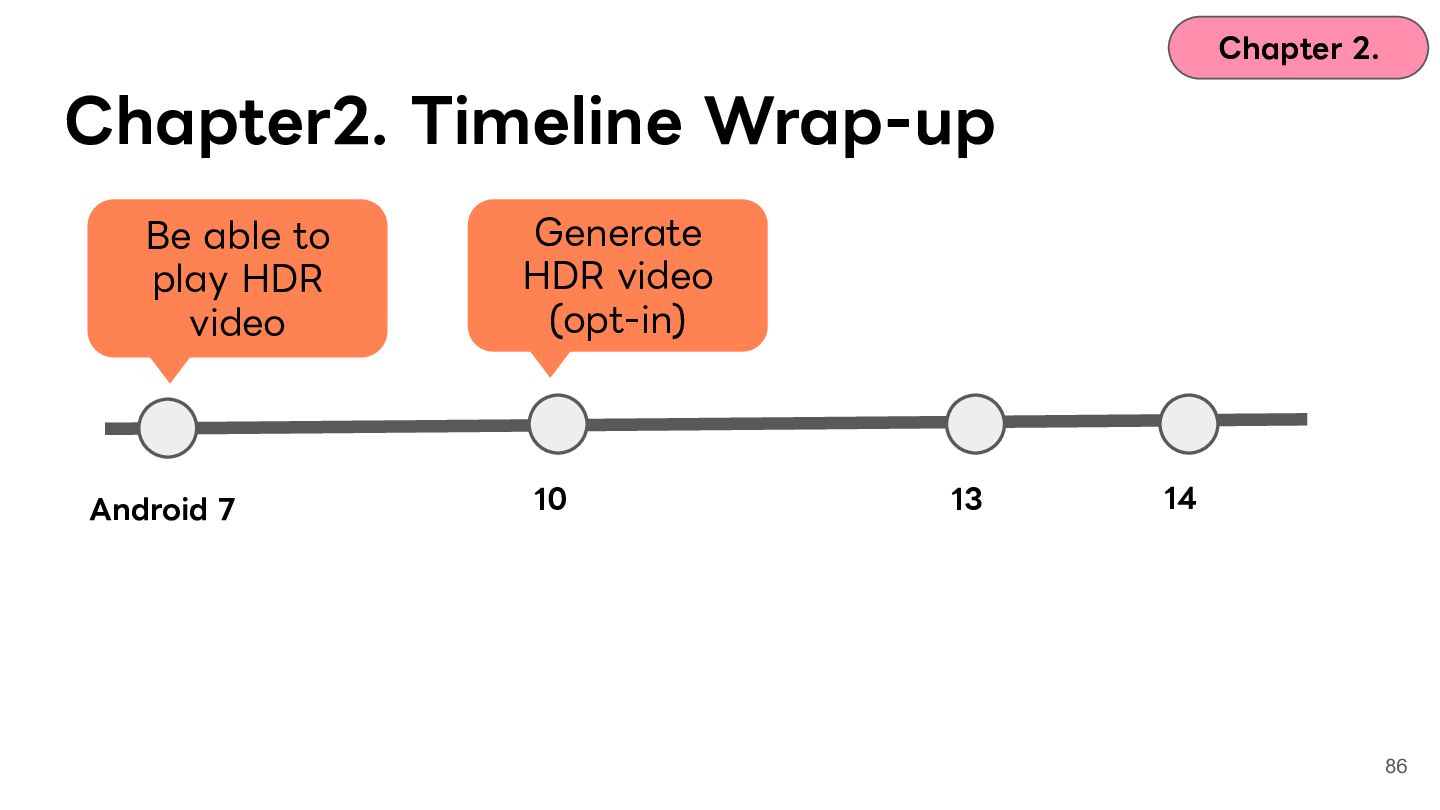
  69. Chapter 2. Chapter2. Timeline Wrap-up Be able to play HDR

    video Android 7 Generate HDR video (opt-in) 10 13 14 86
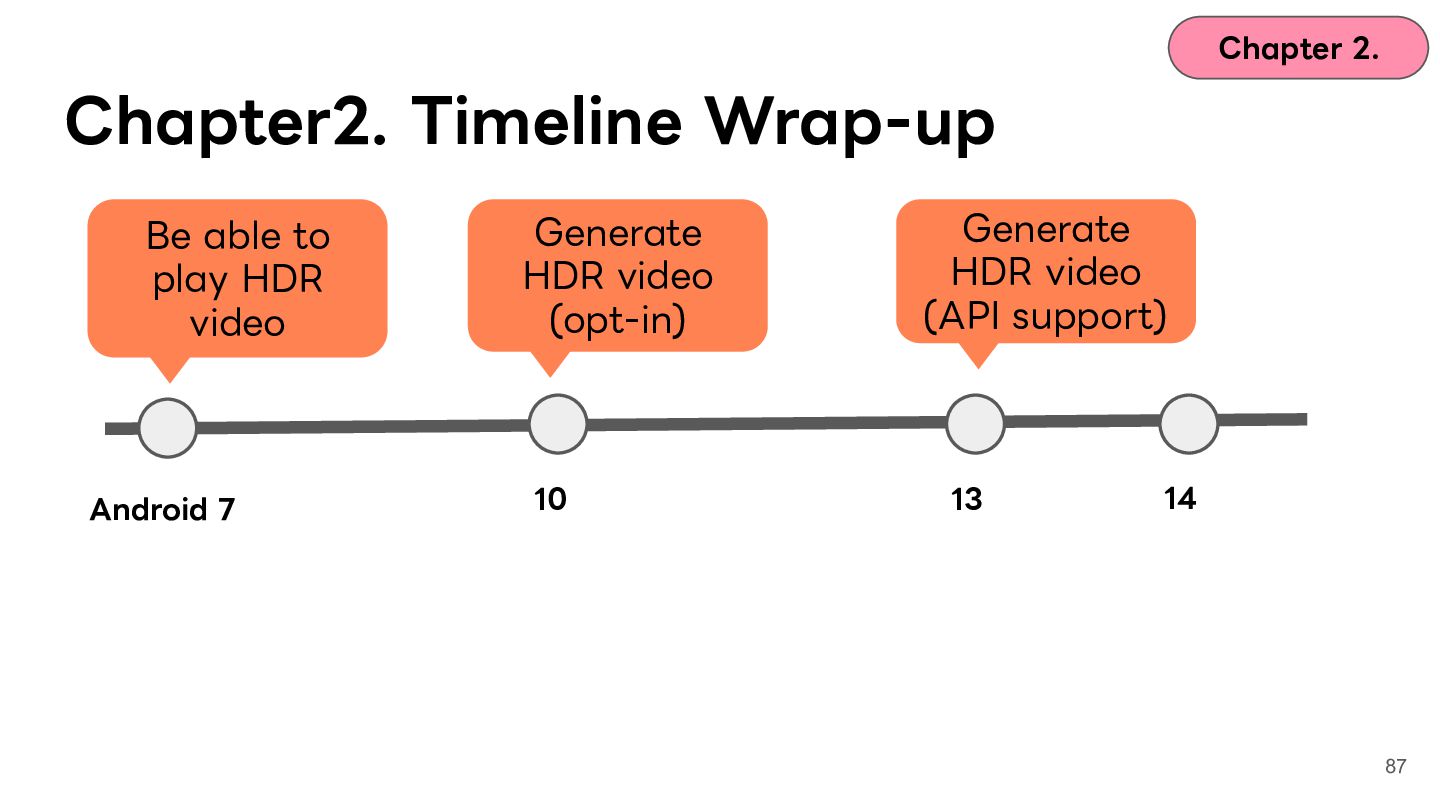
  70. Chapter 2. Chapter2. Timeline Wrap-up Be able to play HDR

    video Android 7 Generate HDR video (opt-in) 10 Generate HDR video (API support) 13 14 87
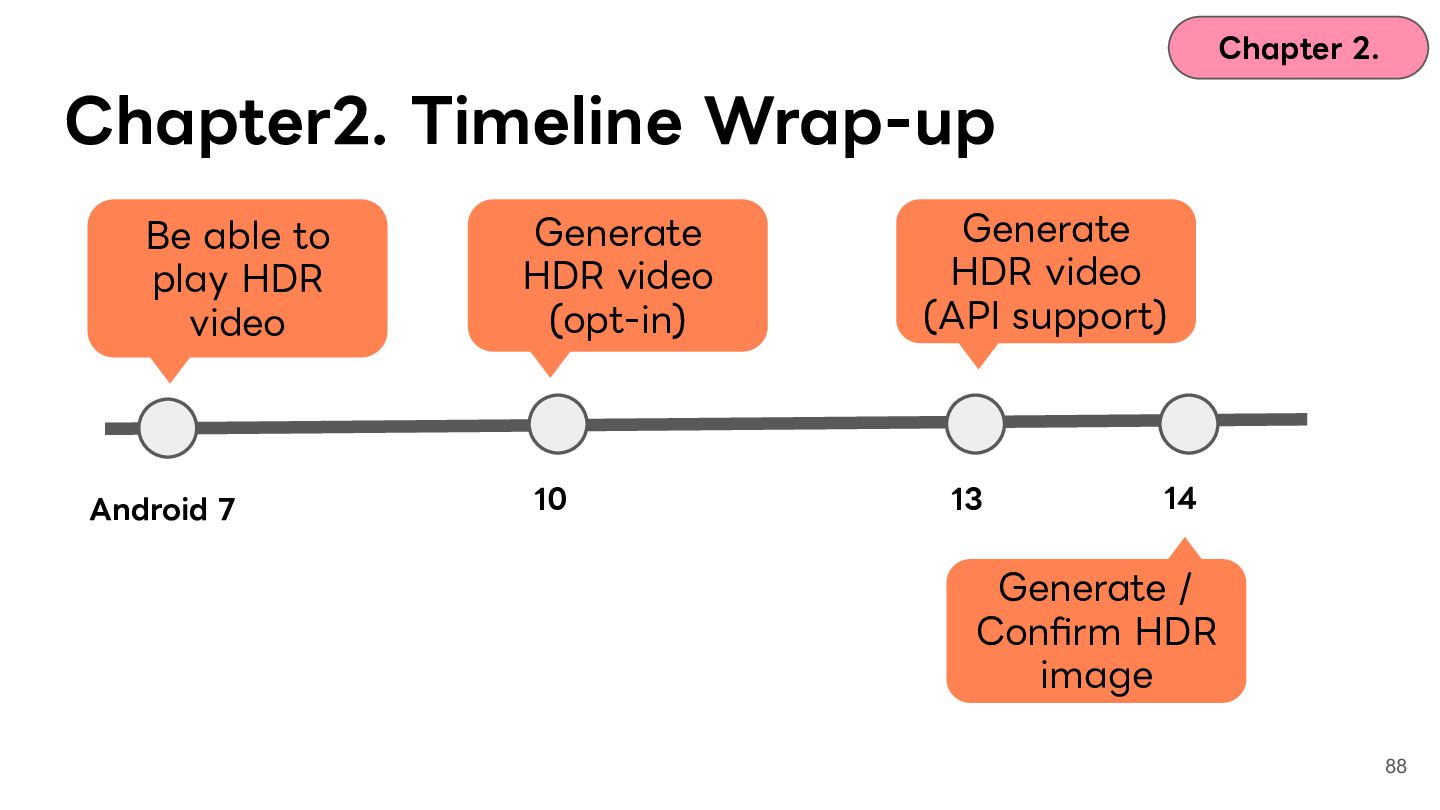
  71. Chapter 2. Chapter2. Timeline Wrap-up Be able to play HDR

    video Android 7 Generate HDR video (opt-in) 10 Generate HDR video (API support) 13 14 Generate / Confirm HDR image 88
  72. Contents Chapter 1. Icebreak Chapter 2. What is HDR? Chapter

    3. Case 1: washed-out colors and ColorSpace Chapter 4. Case 2: blown-out highlights and tone mapping Chapter 5. Case 3: the glow and gain maps Chapter 6. Wrap-up 89
  73. Contents Chapter 1. Icebreak Chapter 2. What is HDR? Chapter

    3. Case 1: washed-out colors and ColorSpace Chapter 4. Case 2: blown-out highlights and tone mapping Chapter 5. Case 3: the glow and gain maps Chapter 6. Wrap-up 90
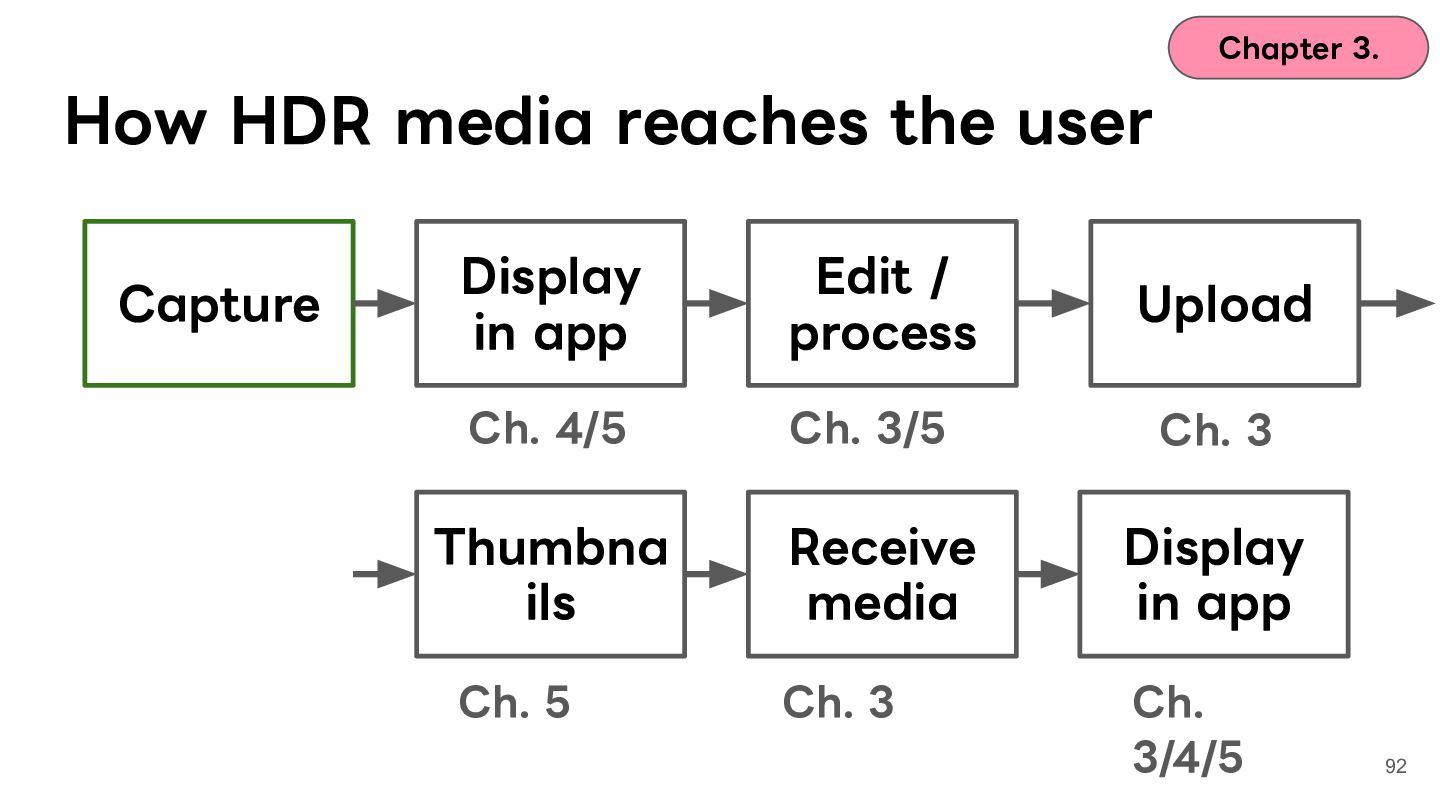
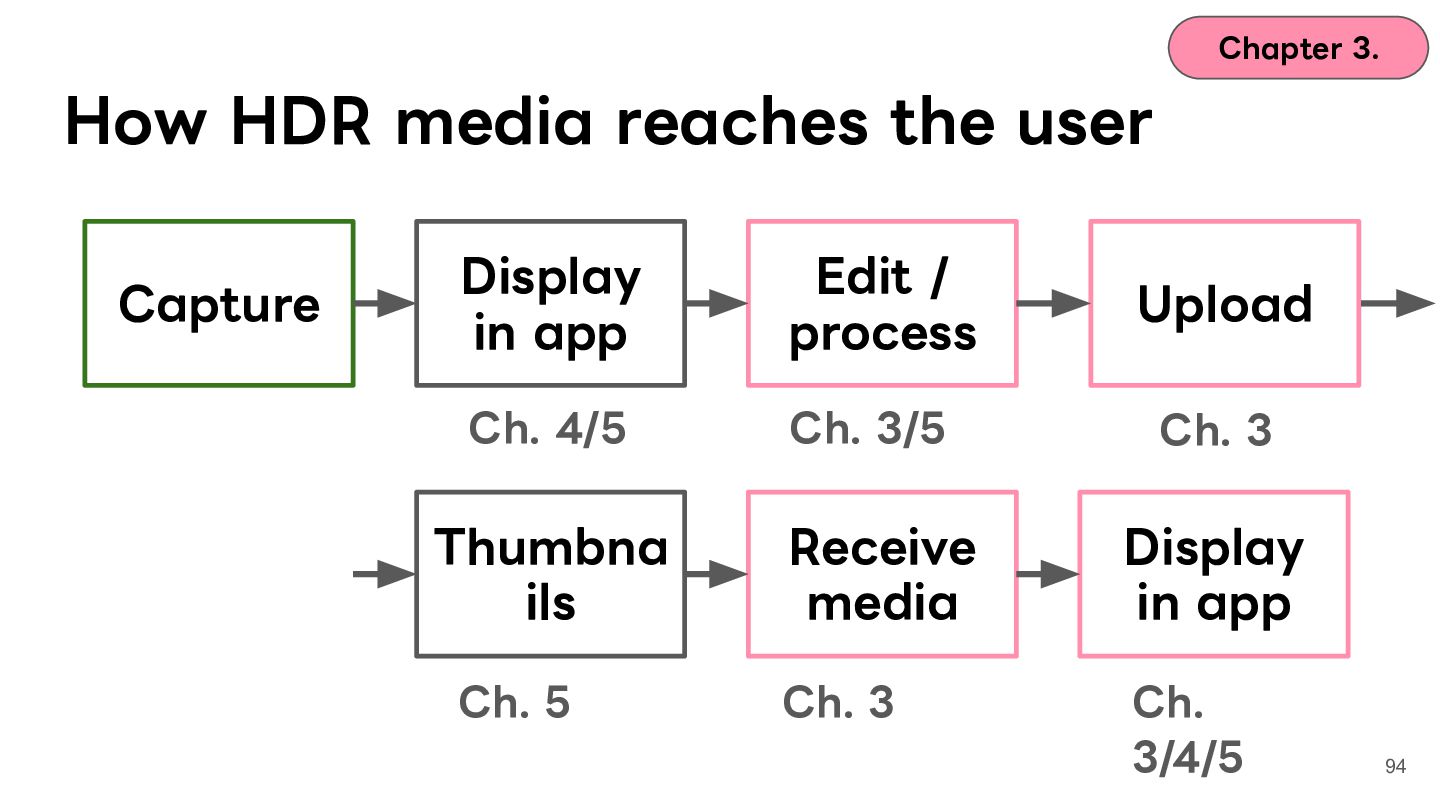
  74. Chapter 3. How HDR media reaches the user Capture Display

    in app Edit / process Upload Ch. 4/5 Ch. 3/5 Ch. 3 Thumbna ils Receive media Display in app Ch. 5 Ch. 3 Ch. 3/4/5 92
  75. Chapter 3. How HDR media reaches the user Display Edit

    / Real-world issues I Upload in app process encoded, mapped to Thumbna Receive Display this pipeline ils media in app Capture Ch. 4/5 Ch. 3/5 Ch. 3 Ch. 5 Ch. 3 Ch. 3/4/5 93
  76. Chapter 3. How HDR media reaches the user Capture Display

    in app Edit / process Upload Ch. 4/5 Ch. 3/5 Ch. 3 Thumbna ils Receive media Display in app Ch. 5 Ch. 3 Ch. 3/4/5 94
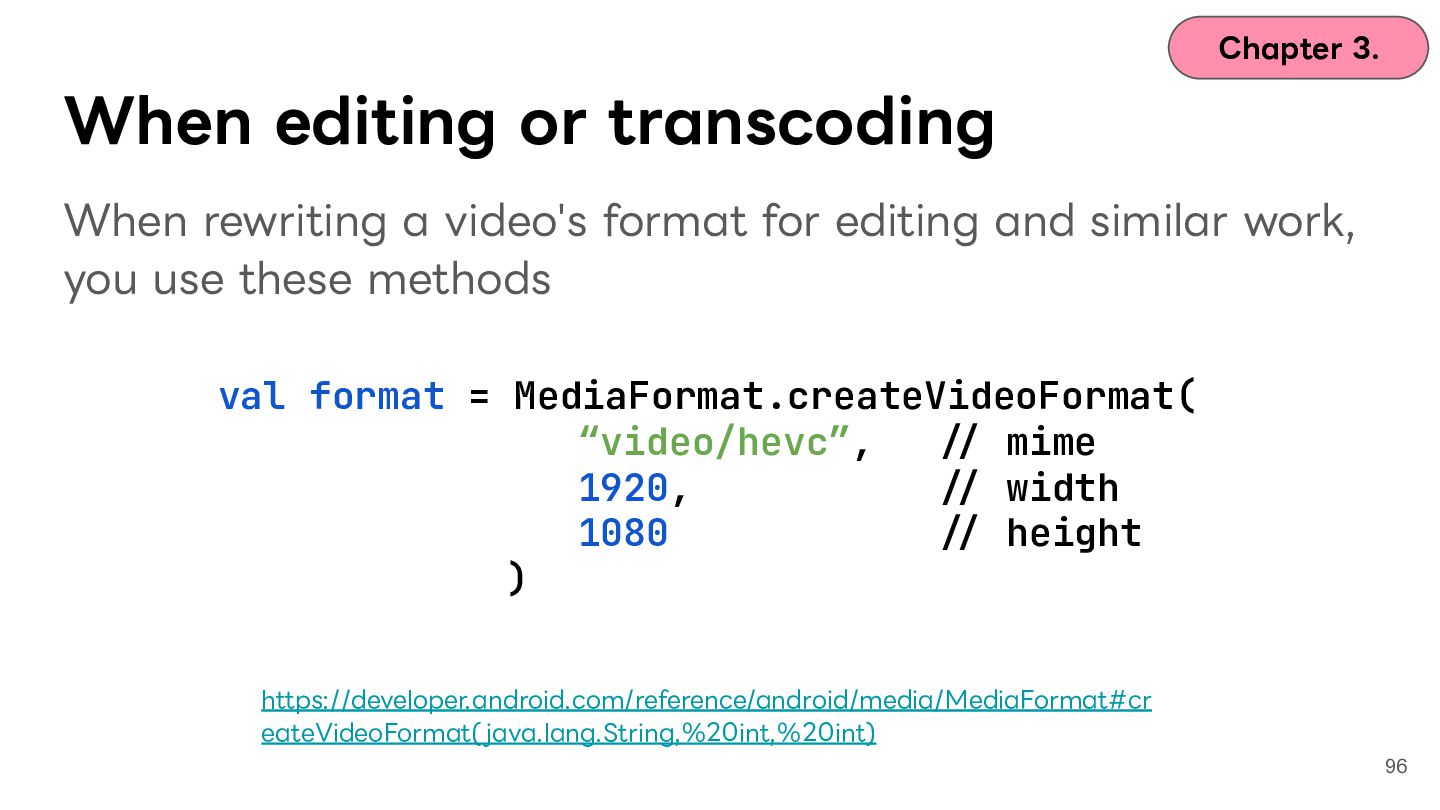
  77. Chapter 3. When editing or transcoding When rewriting a video's

    format for editing and similar work, you use these methods val format = MediaFormat.createVideoFormat( “video/hevc”, -/ mime 1920, -/ width 1080 -/ height ) https://developer.android.com/reference/android/media/MediaFormat#cr eateVideoFormat( java.lang.String,%20int,%20int) 96
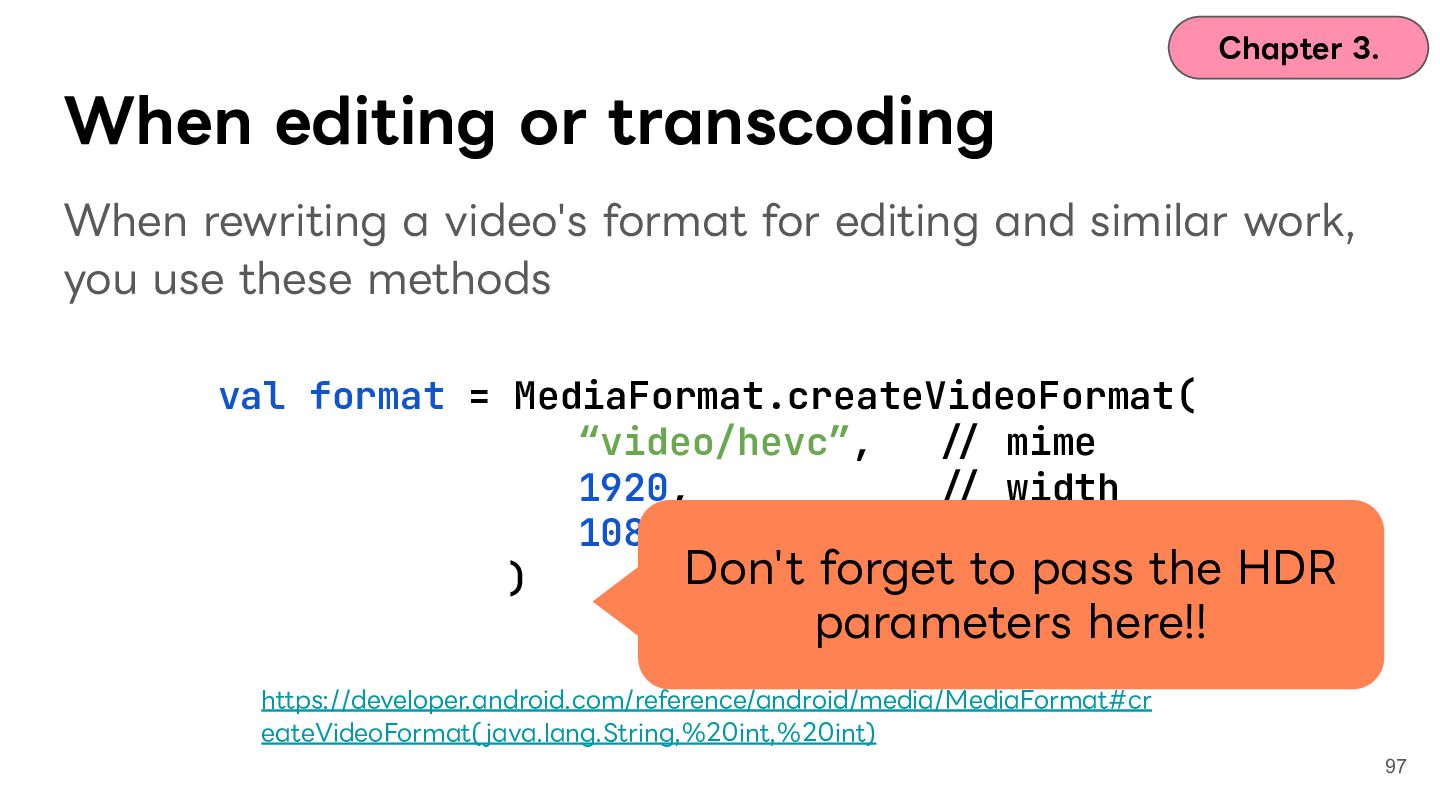
  78. Chapter 3. When editing or transcoding When rewriting a video's

    format for editing and similar work, you use these methods val format = MediaFormat.createVideoFormat( “video/hevc”, -/ mime 1920, -/ width 1080 -/ height Don't forget to pass the HDR ) parameters here!! https://developer.android.com/reference/android/media/MediaFormat#cr eateVideoFormat( java.lang.String,%20int,%20int) 97
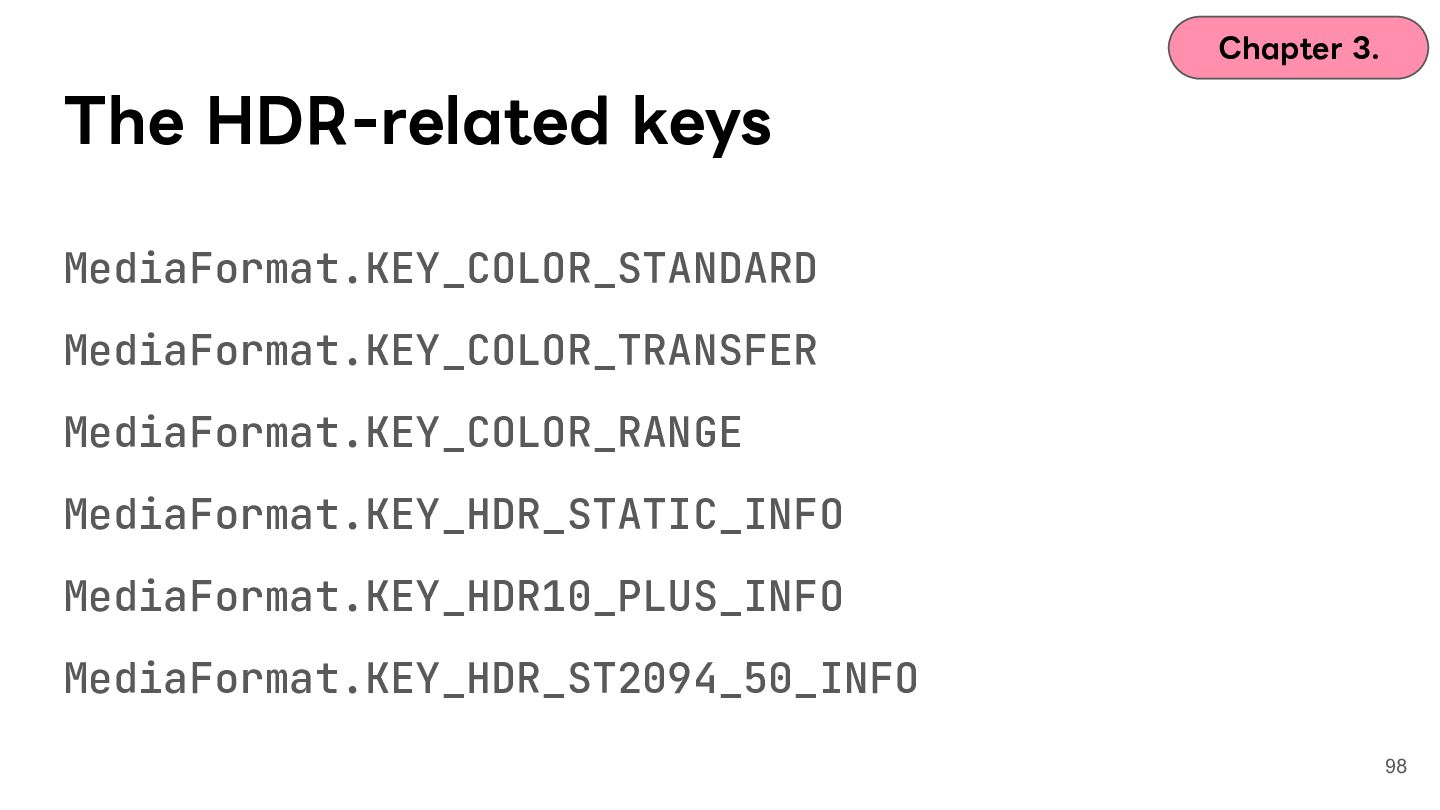
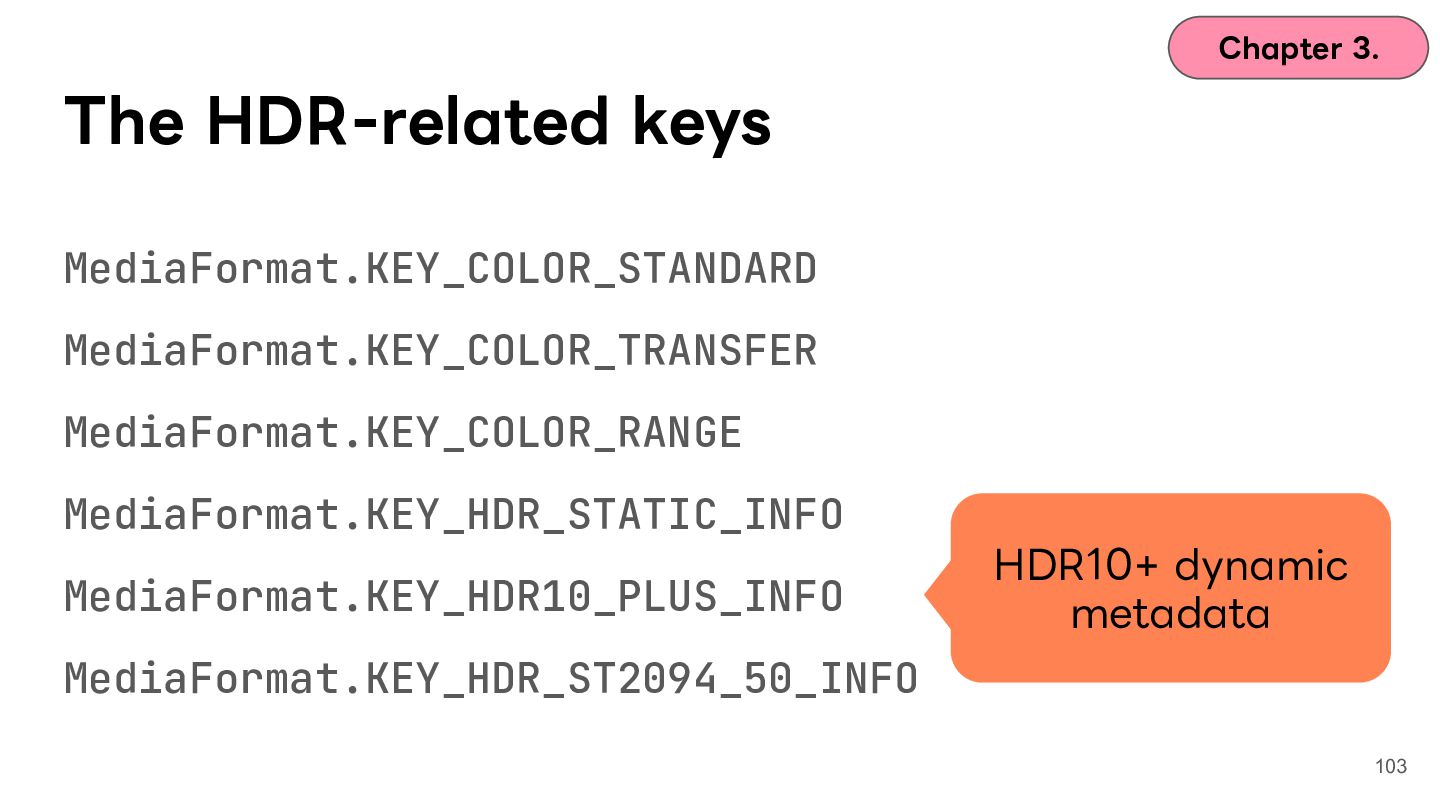
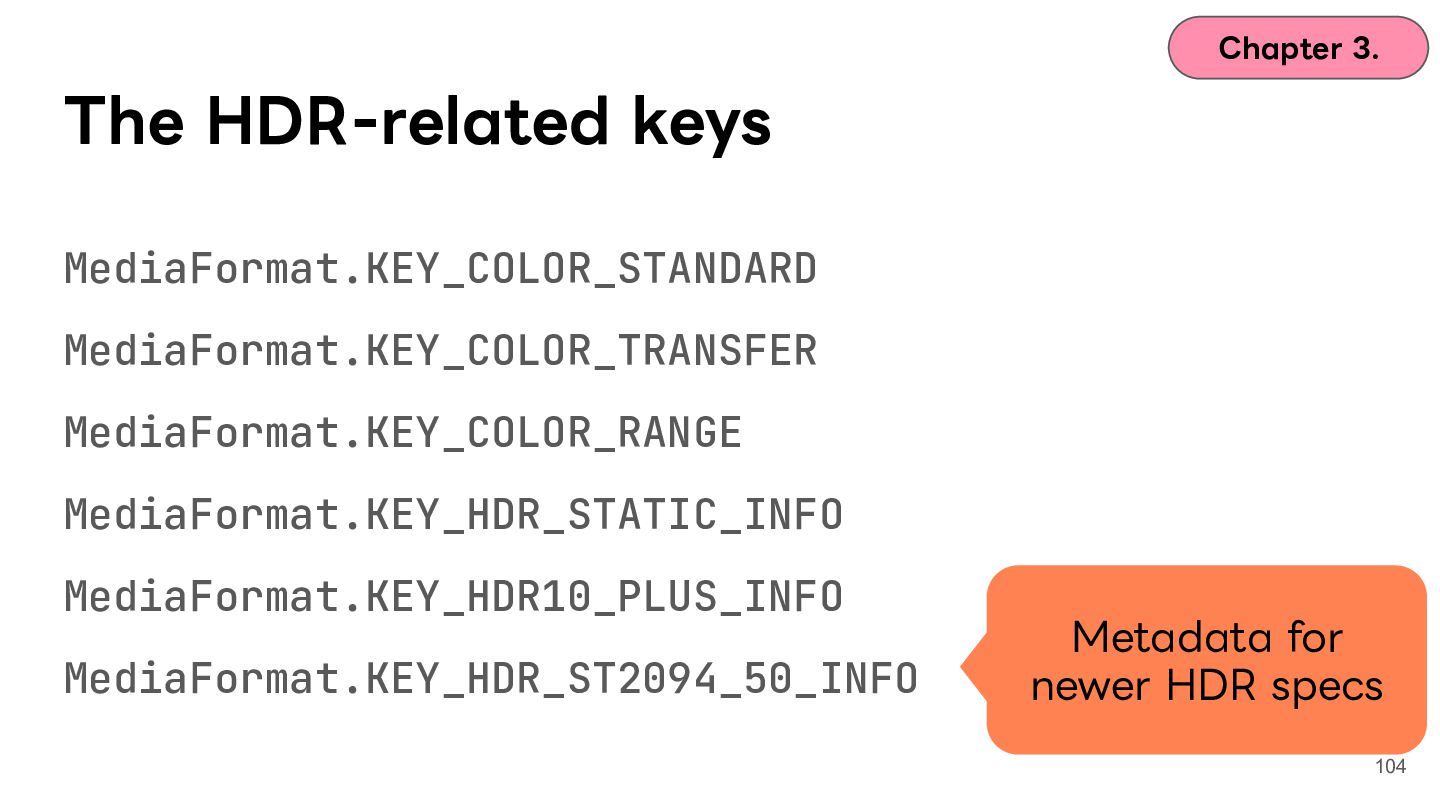
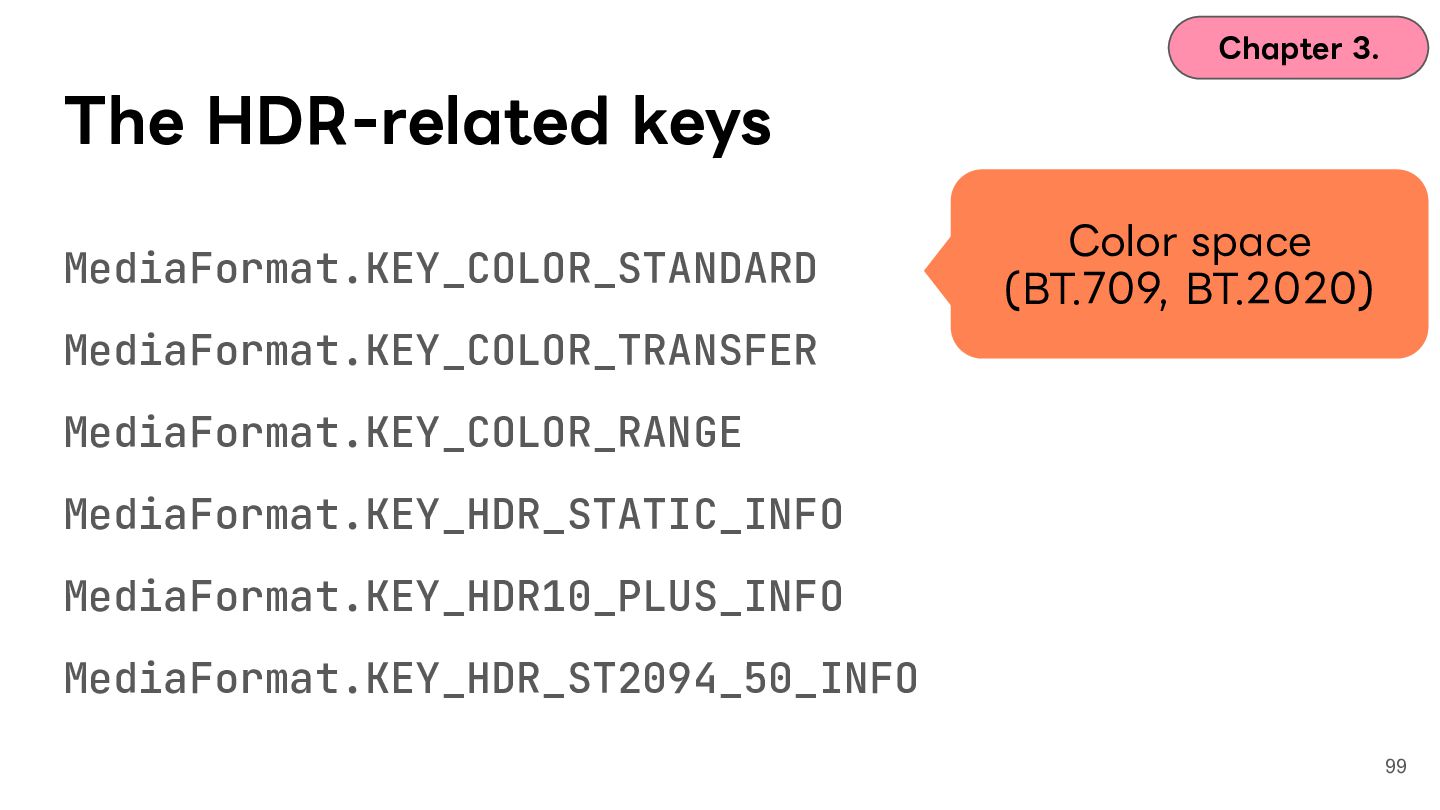
  79. Chapter 3. The HDR-related keys MediaFormat.KEY_COLOR_STANDARD Color space (BT.709, BT.2020)

    MediaFormat.KEY_COLOR_TRANSFER MediaFormat.KEY_COLOR_RANGE MediaFormat.KEY_HDR_STATIC_INFO MediaFormat.KEY_HDR10_PLUS_INFO MediaFormat.KEY_HDR_ST2094_50_INFO 99
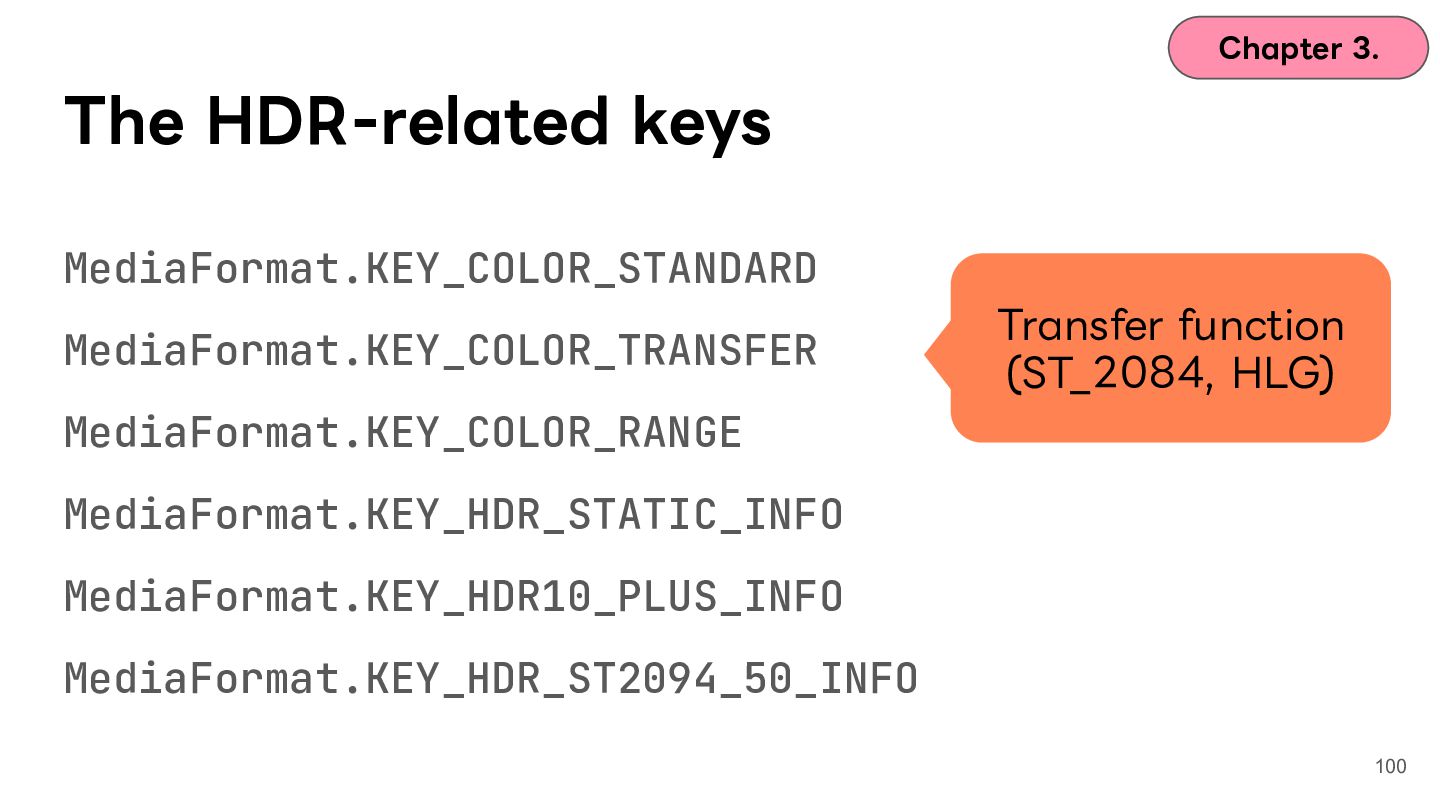
  80. Chapter 3. The HDR-related keys MediaFormat.KEY_COLOR_STANDARD MediaFormat.KEY_COLOR_TRANSFER Transfer function (ST_2084,

    HLG) MediaFormat.KEY_COLOR_RANGE MediaFormat.KEY_HDR_STATIC_INFO MediaFormat.KEY_HDR10_PLUS_INFO MediaFormat.KEY_HDR_ST2094_50_INFO 100
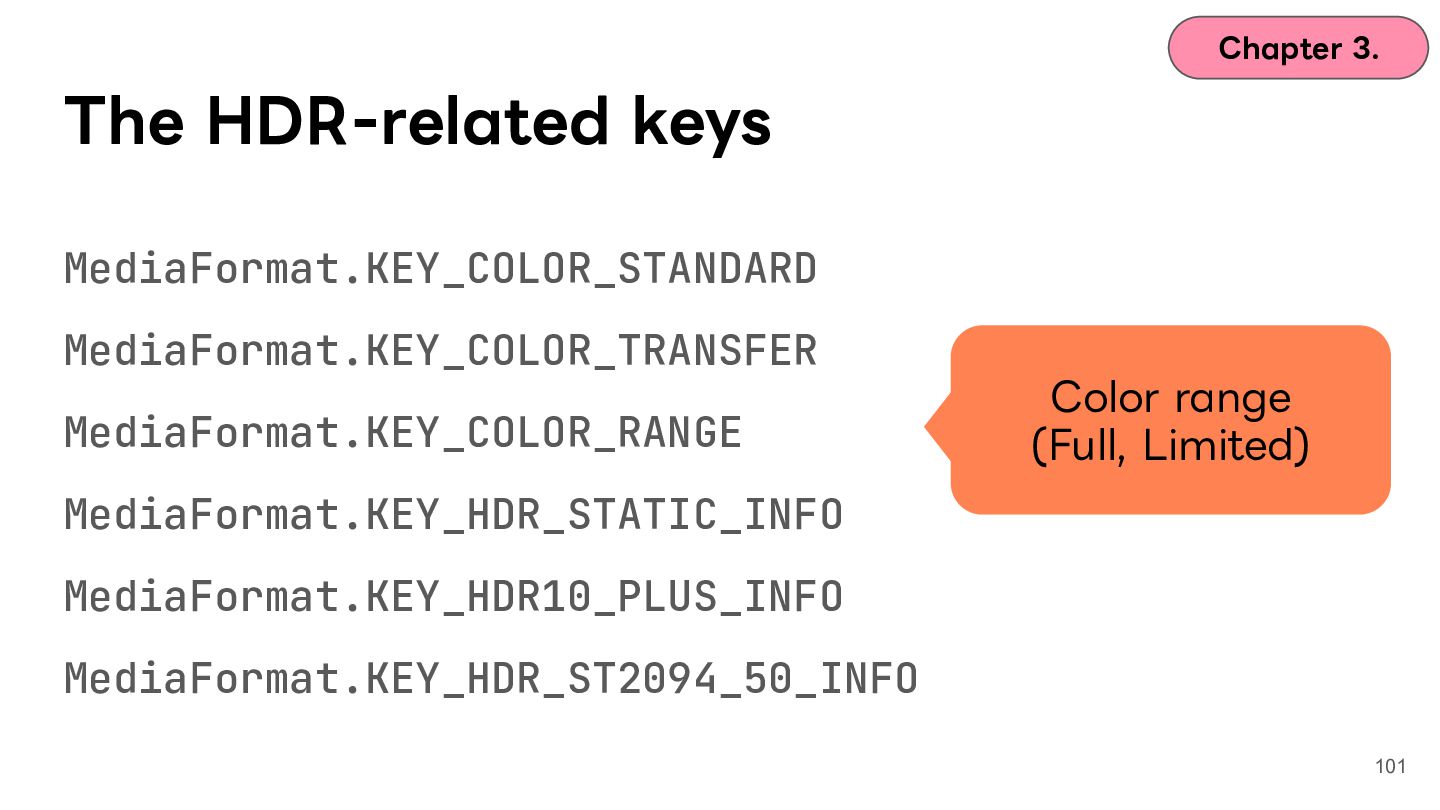
  81. Chapter 3. The HDR-related keys MediaFormat.KEY_COLOR_STANDARD MediaFormat.KEY_COLOR_TRANSFER MediaFormat.KEY_COLOR_RANGE Color range

    (Full, Limited) MediaFormat.KEY_HDR_STATIC_INFO MediaFormat.KEY_HDR10_PLUS_INFO MediaFormat.KEY_HDR_ST2094_50_INFO 101
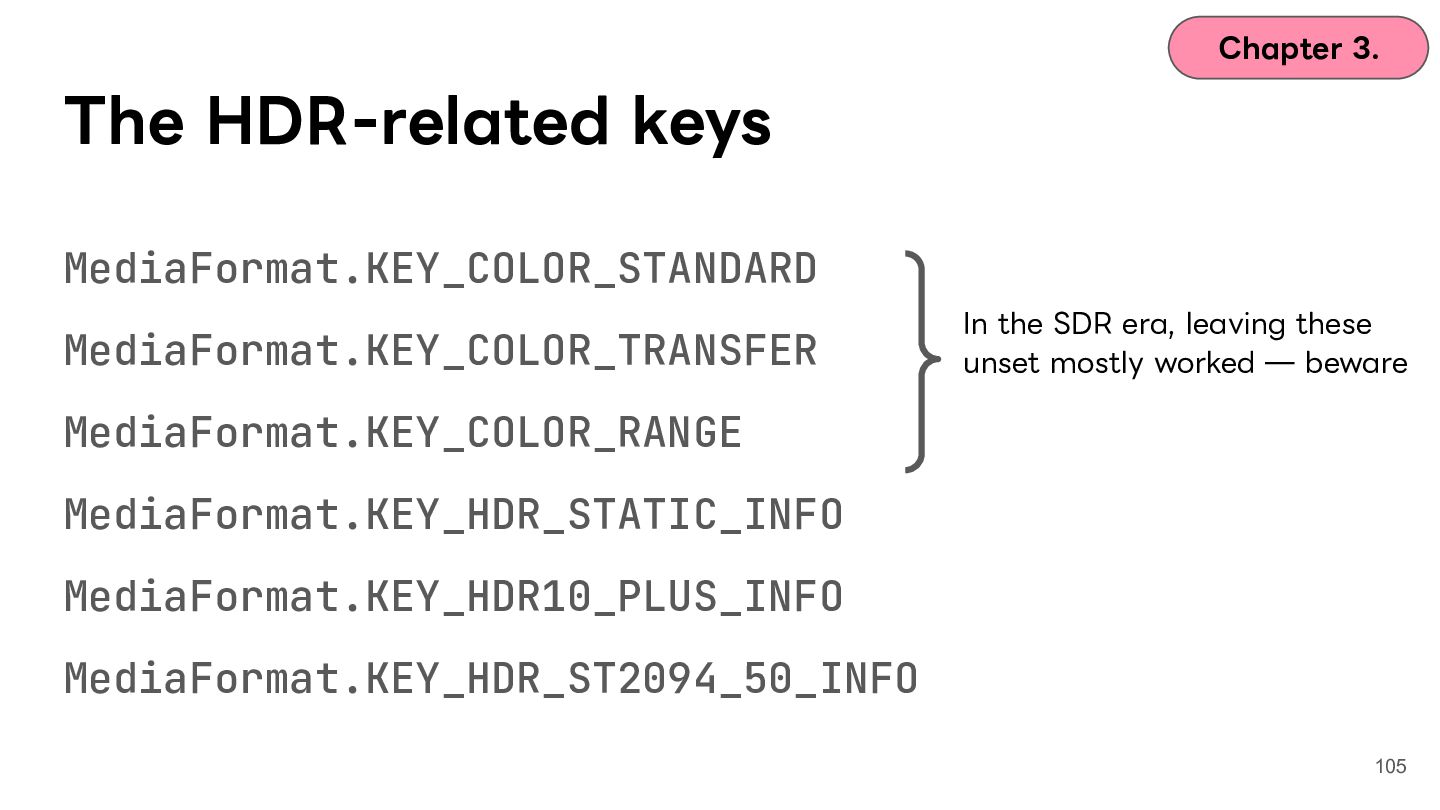
  82. Chapter 3. The HDR-related keys MediaFormat.KEY_COLOR_STANDARD MediaFormat.KEY_COLOR_TRANSFER In the SDR

    era, leaving these unset mostly worked ̶ beware MediaFormat.KEY_COLOR_RANGE MediaFormat.KEY_HDR_STATIC_INFO MediaFormat.KEY_HDR10_PLUS_INFO MediaFormat.KEY_HDR_ST2094_50_INFO 105
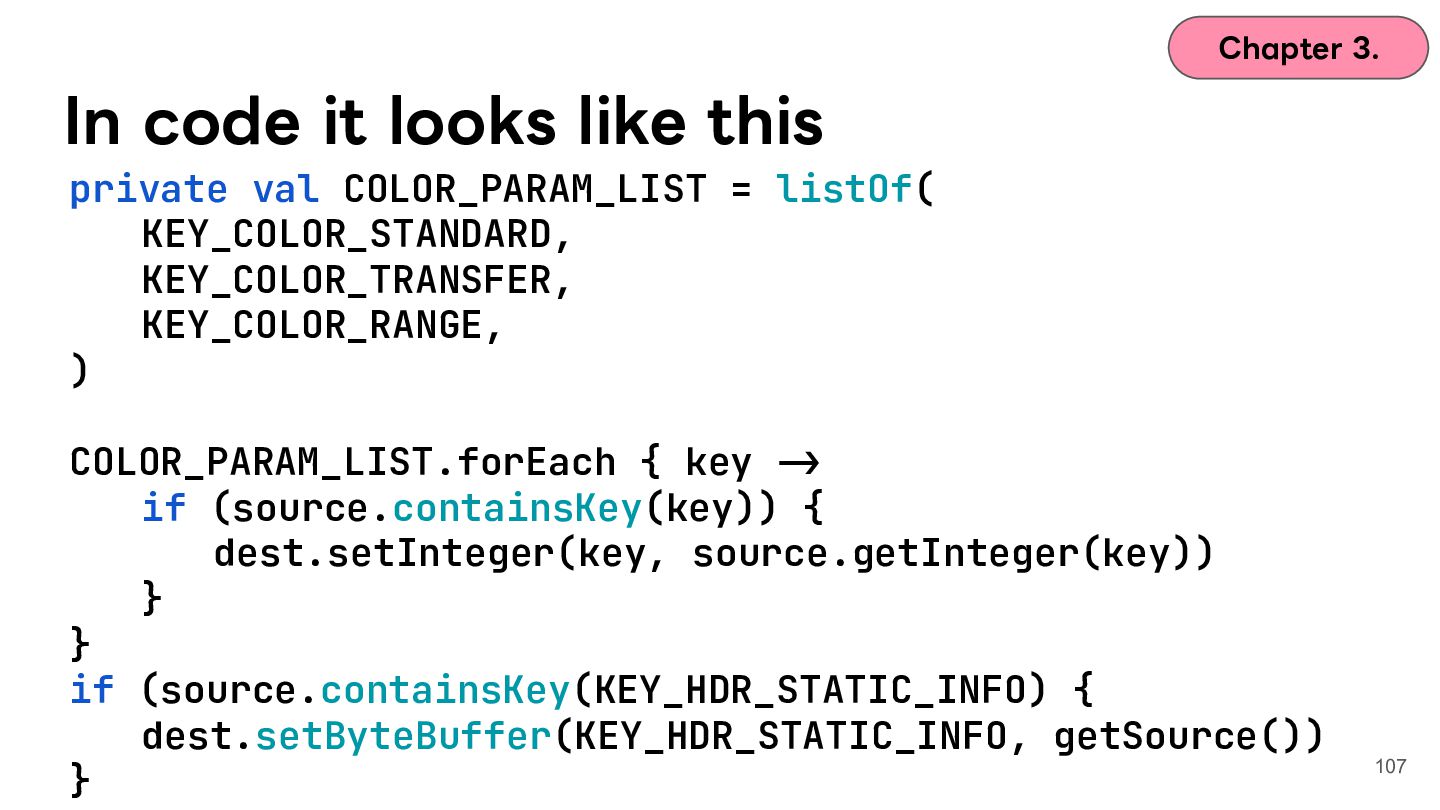
  83. Chapter 3. In code it looks like this private val

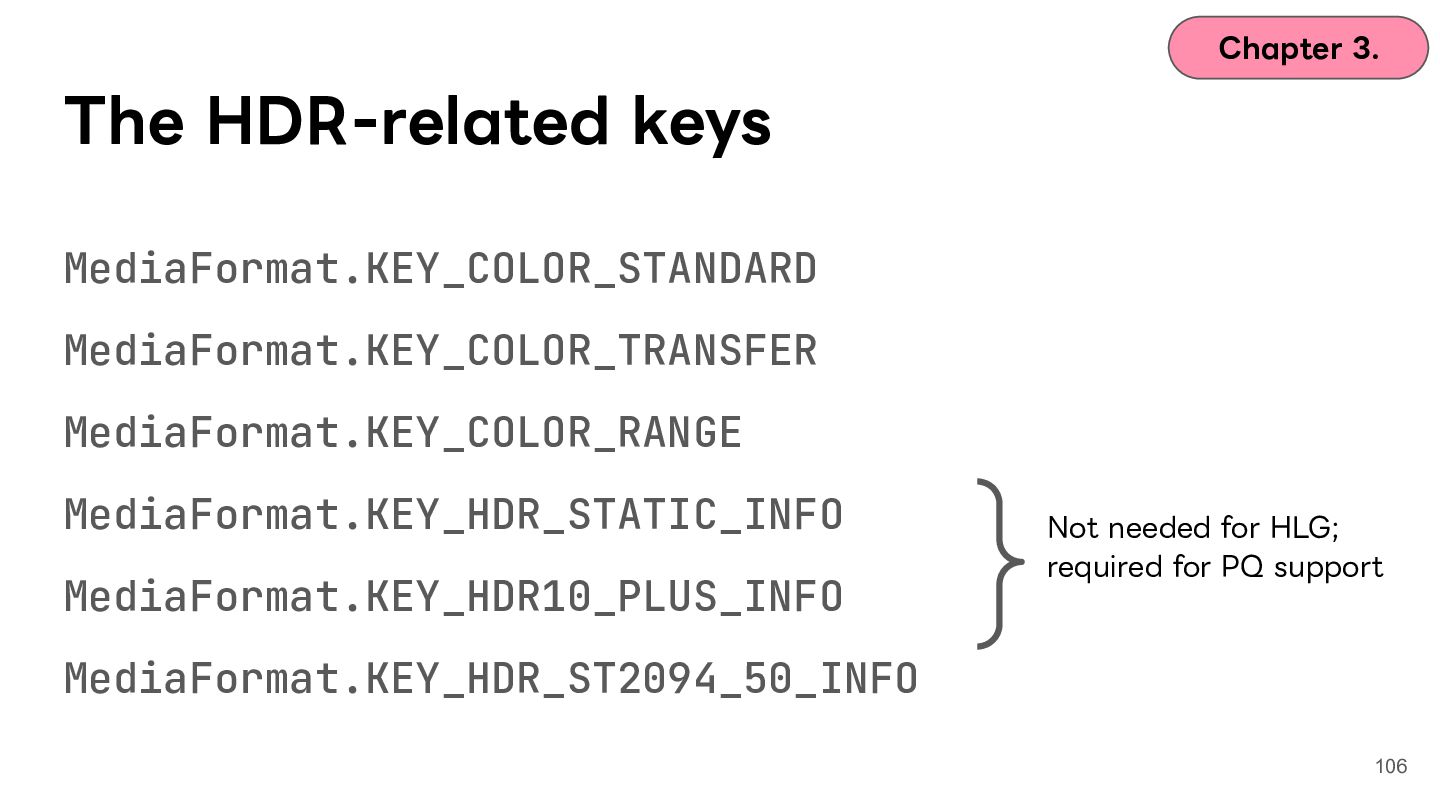
    COLOR_PARAM_LIST = listOf( KEY_COLOR_STANDARD, KEY_COLOR_TRANSFER, KEY_COLOR_RANGE, ) COLOR_PARAM_LIST.forEach { key -> if (source.containsKey(key)) { dest.setInteger(key, source.getInteger(key)) } } if (source.containsKey(KEY_HDR_STATIC_INFO) { dest.setByteBuffer(KEY_HDR_STATIC_INFO, getSource()) } 107
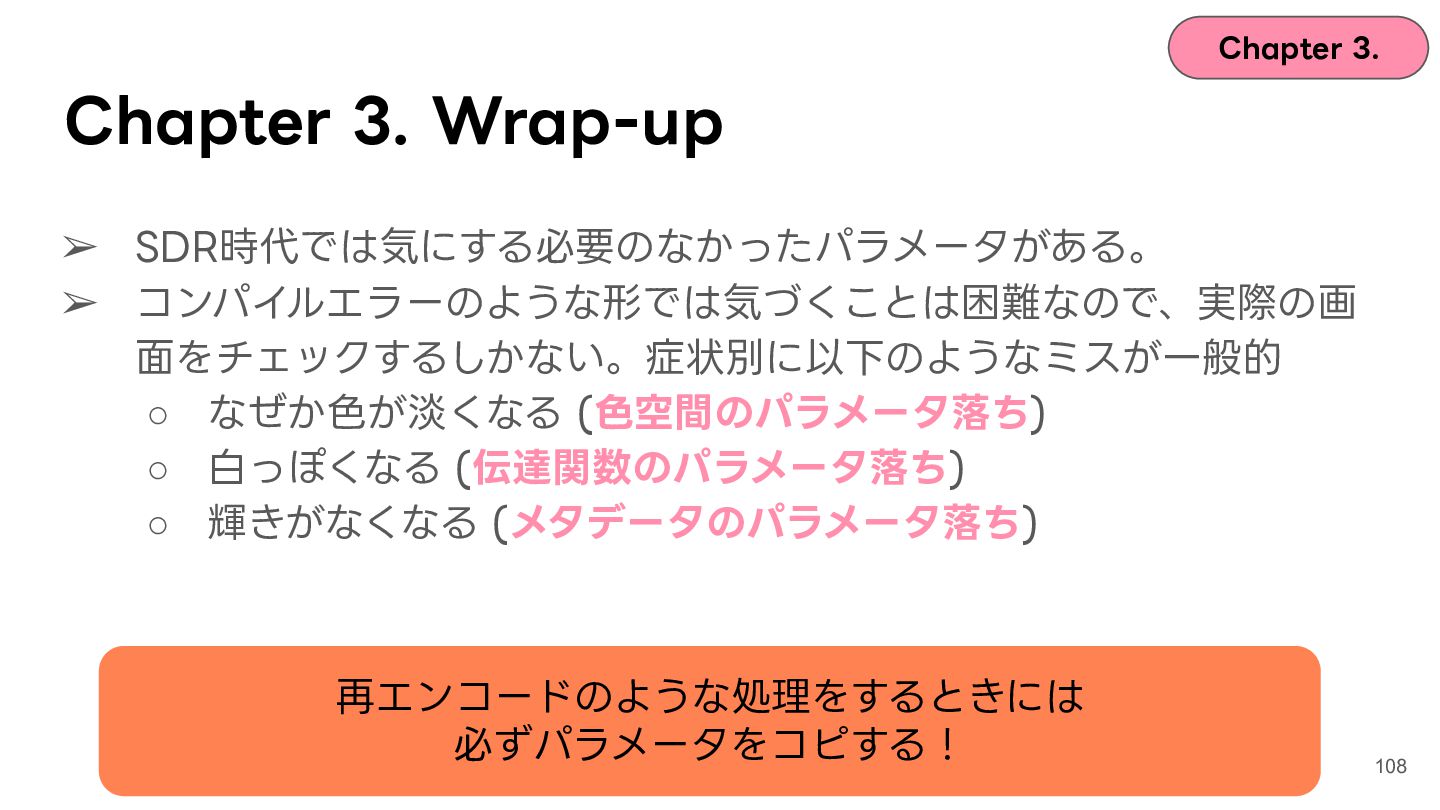
  84. Chapter 3. Chapter 3. Wrap-up ➢ SDR時代では気にする必要のなかったパラメータがある。 ➢ コンパイルエラーのような形では気づくことは困難なので、実際の画 ⾯をチェックするしかない。症状別に以下のようなミスが⼀般的

    ◦ なぜか⾊が淡くなる (⾊空間のパラメータ落ち) ◦ ⽩っぽくなる (伝達関数のパラメータ落ち) ◦ 輝きがなくなる (メタデータのパラメータ落ち) 再エンコードのような処理をするときには 必ずパラメータをコピする! 108
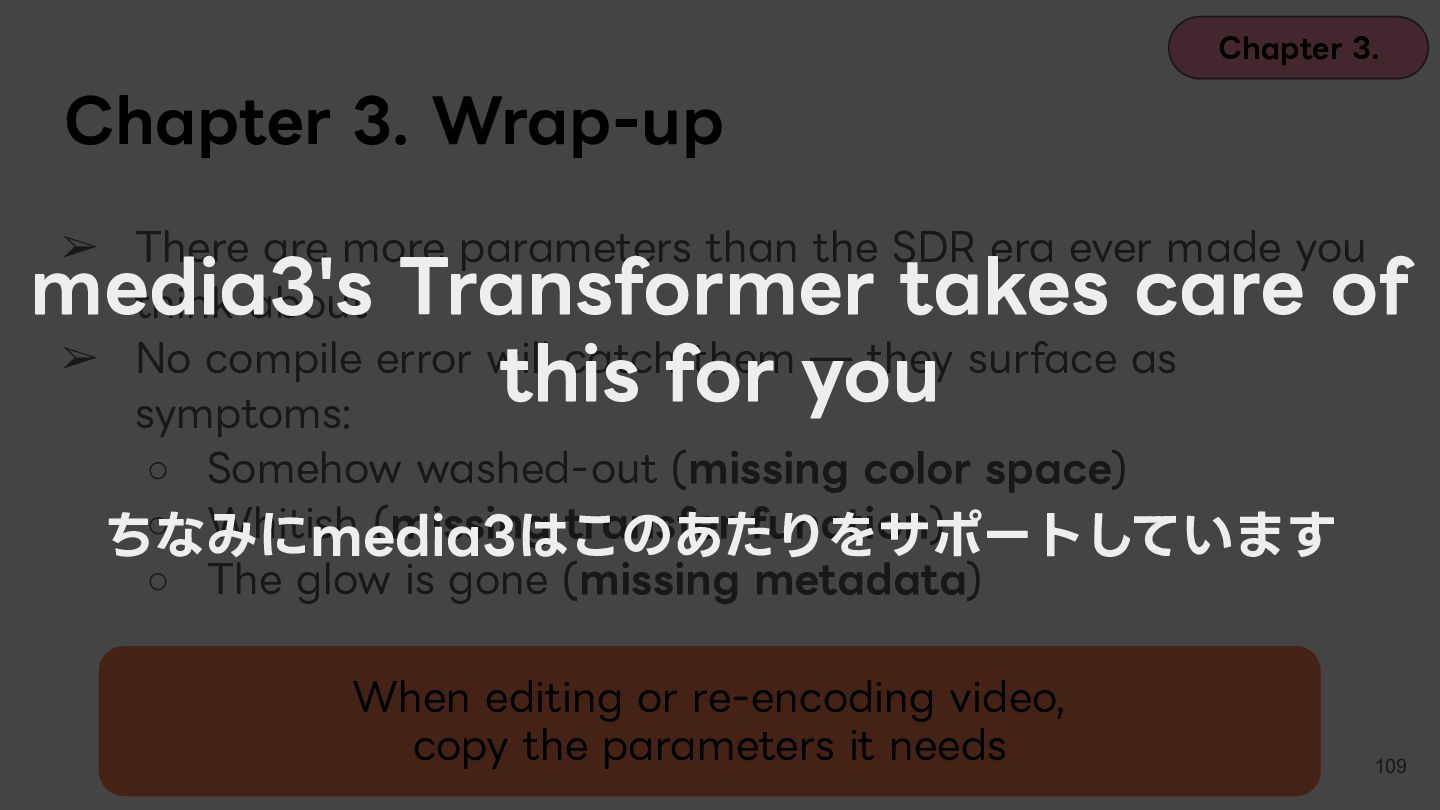
  85. Chapter 3. Chapter 3. Wrap-up ➢ There are more parameters

    than the SDR era ever made you think about ➢ No compile error will catch them ̶ they surface as symptoms: ◦ Somehow washed-out (missing color space) ◦ Whitish (missing transfer function) ちなみにmedia3はこのあたりをサポートしています ◦ The glow is gone (missing metadata) media3's Transformer takes care of this for you When editing or re-encoding video, copy the parameters it needs 109
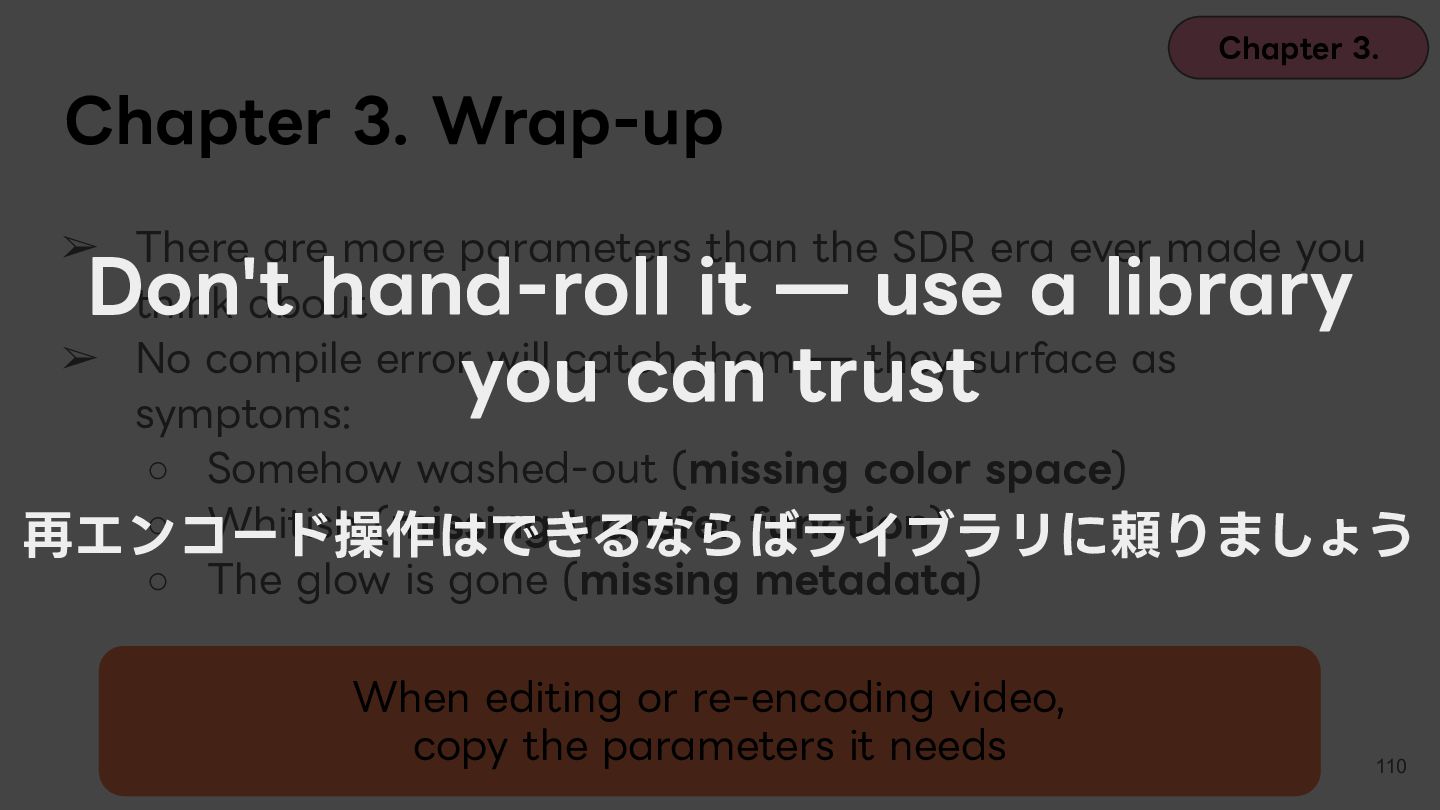
  86. Chapter 3. Chapter 3. Wrap-up ➢ There are more parameters

    than the SDR era ever made you think about ➢ No compile error will catch them ̶ they surface as symptoms: ◦ Somehow washed-out (missing color space) ◦ Whitish (missing transfer function) 再エンコード操作はできるならばライブラリに頼りましょう ◦ The glow is gone (missing metadata) Don't hand-roll it ̶ use a library you can trust When editing or re-encoding video, copy the parameters it needs 110
  87. Contents Chapter 1. Icebreak Chapter 2. What is HDR? Chapter

    3. Case 1: washed-out colors and ColorSpace Chapter 4. Case 2: blown-out highlights and tone mapping Chapter 5. Case 3: the glow and gain maps Chapter 6. Wrap-up 111
  88. Contents Chapter 1. Icebreak Chapter 2. What is HDR? Chapter

    3. Case 1: washed-out colors and ColorSpace Chapter 4. Case 2: blown-out highlights and tone mapping Chapter 5. Case 3: the glow and gain maps Chapter 6. Wrap-up 112
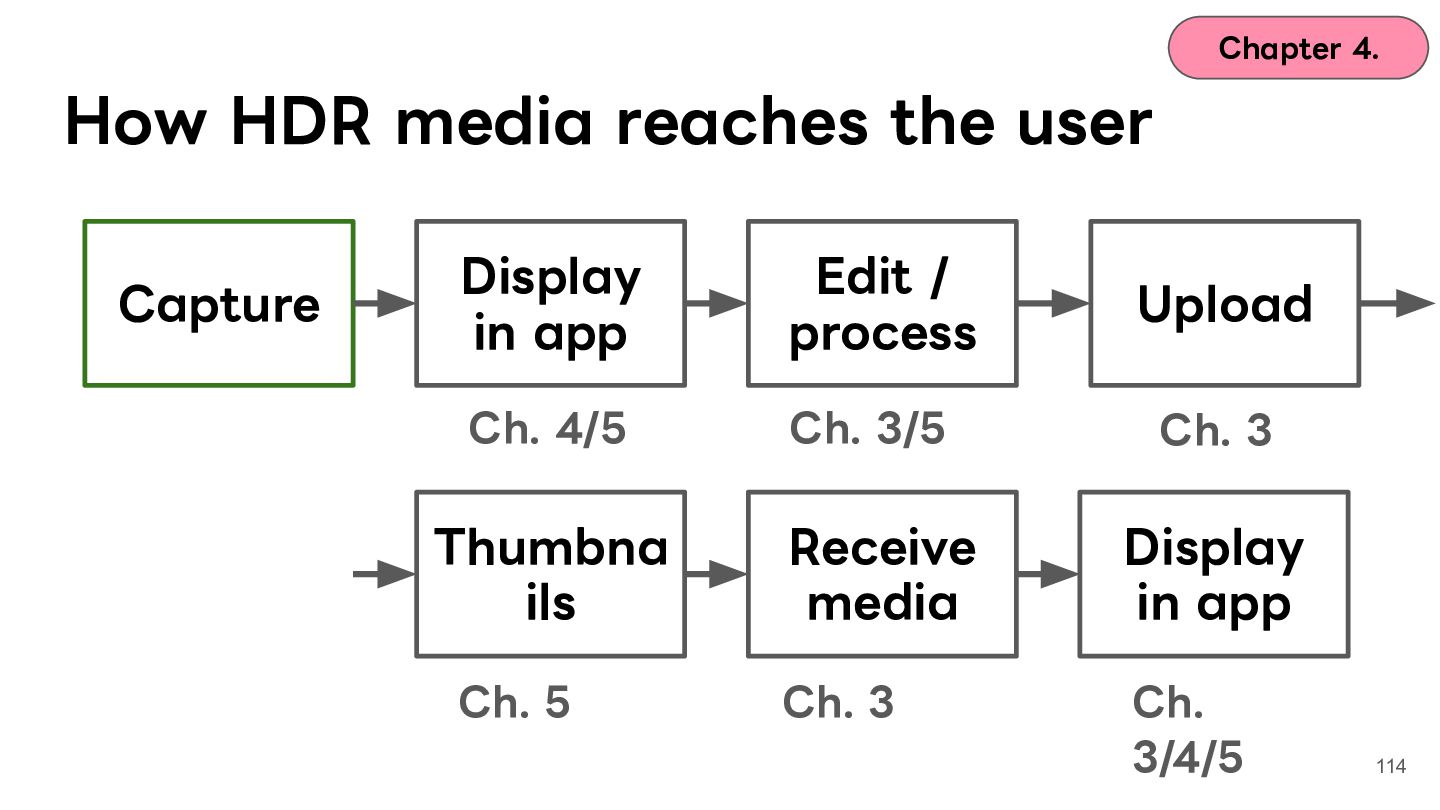
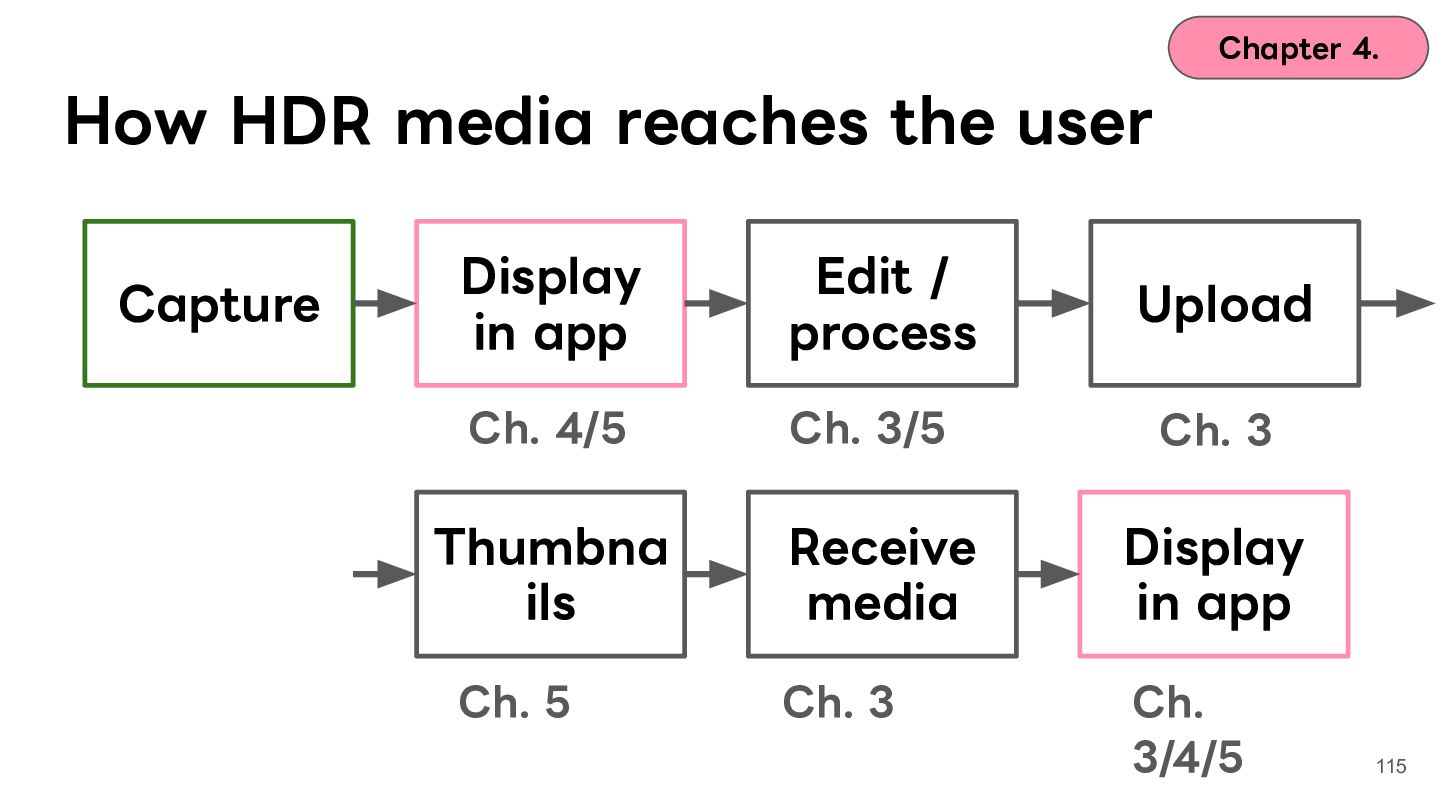
  89. Chapter 4. How HDR media reaches the user Capture Display

    in app Edit / process Upload Ch. 4/5 Ch. 3/5 Ch. 3 Thumbna ils Receive media Display in app Ch. 5 Ch. 3 Ch. 3/4/5 114
  90. Chapter 4. How HDR media reaches the user Capture Display

    in app Edit / process Upload Ch. 4/5 Ch. 3/5 Ch. 3 Thumbna ils Receive media Display in app Ch. 5 Ch. 3 Ch. 3/4/5 115
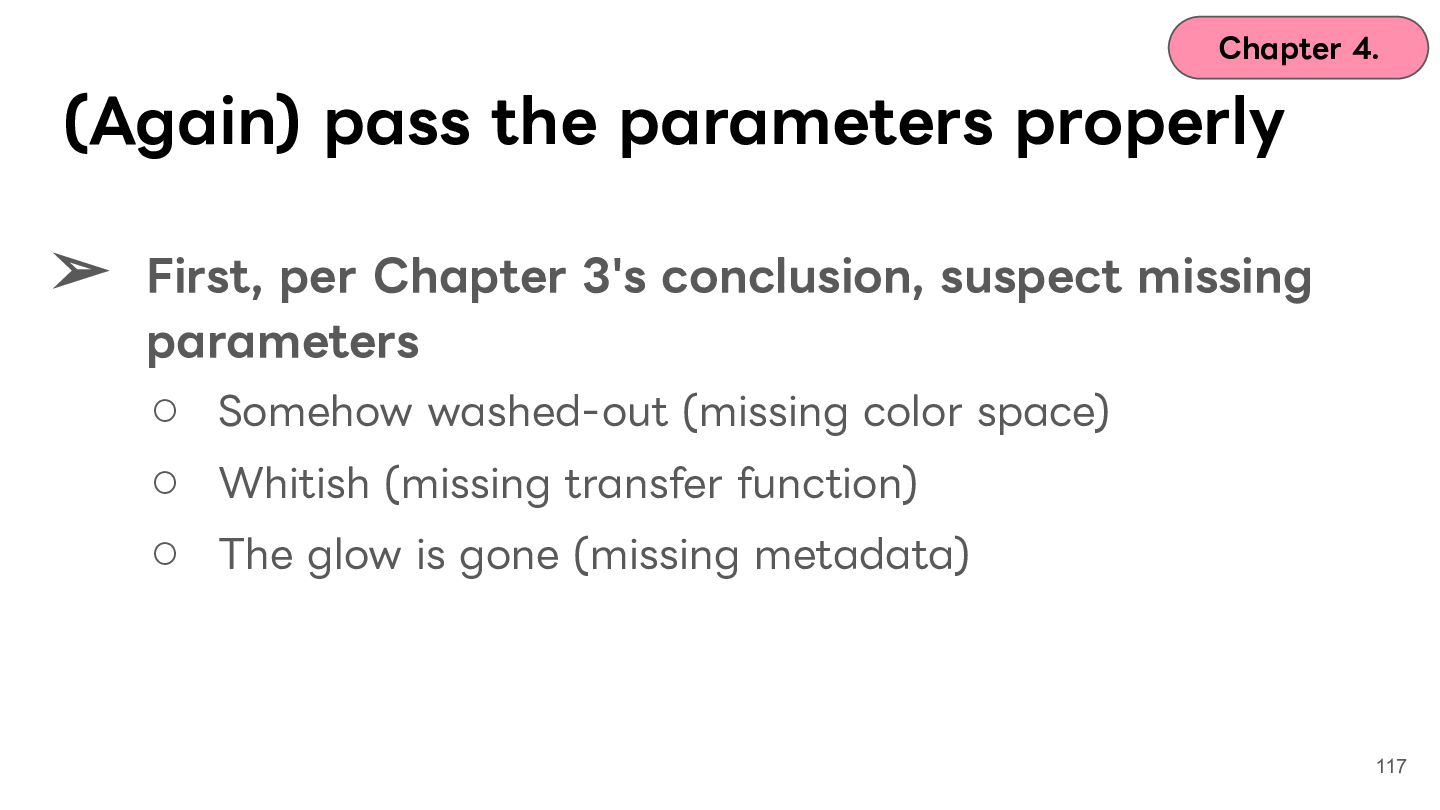
  91. Chapter 4. (Again) pass the parameters properly ➢ First, per

    Chapter 3's conclusion, suspect missing parameters ◦ Somehow washed-out (missing color space) ◦ Whitish (missing transfer function) ◦ The glow is gone (missing metadata) 117
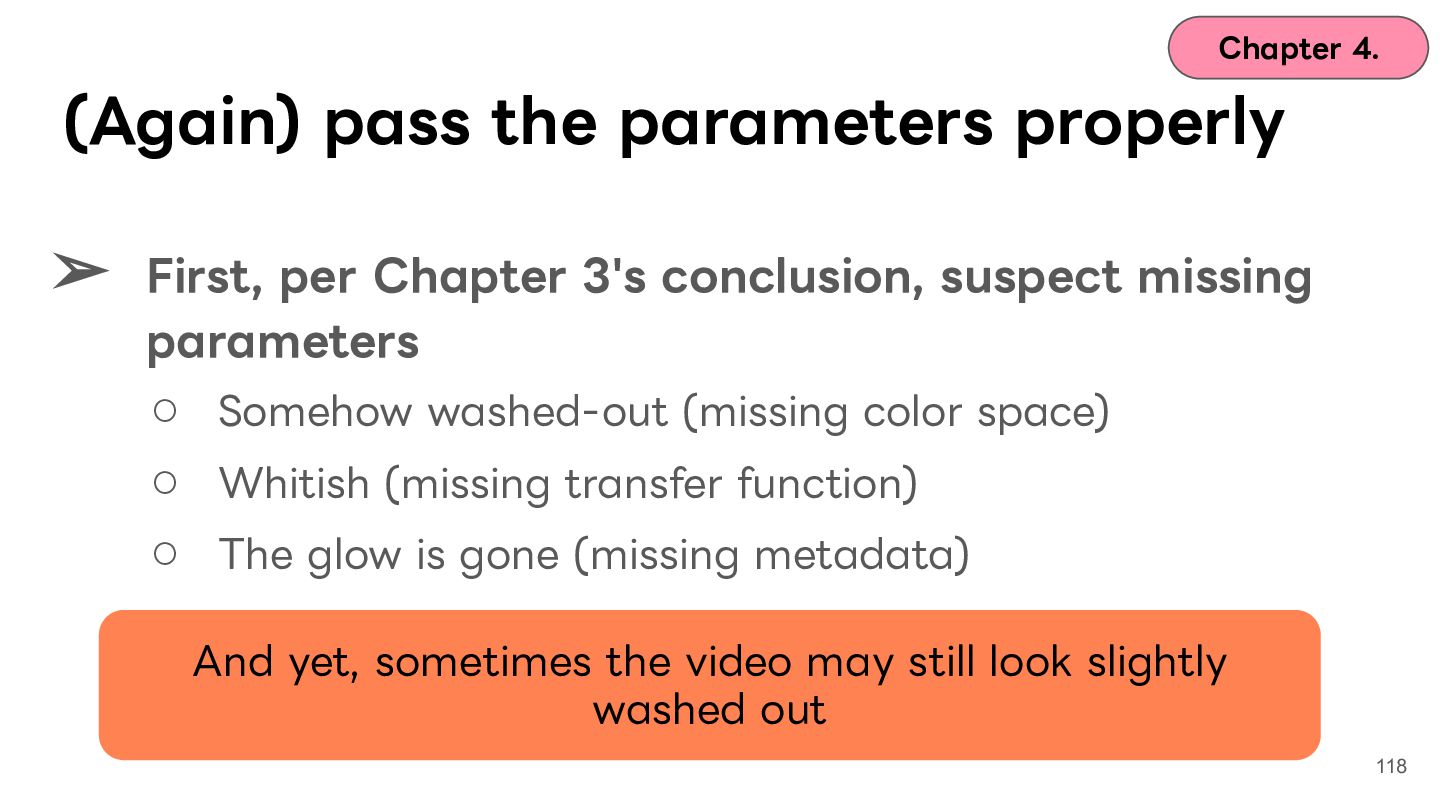
  92. Chapter 4. (Again) pass the parameters properly ➢ First, per

    Chapter 3's conclusion, suspect missing parameters ◦ Somehow washed-out (missing color space) ◦ Whitish (missing transfer function) ◦ The glow is gone (missing metadata) And yet, sometimes the video may still look slightly washed out 118
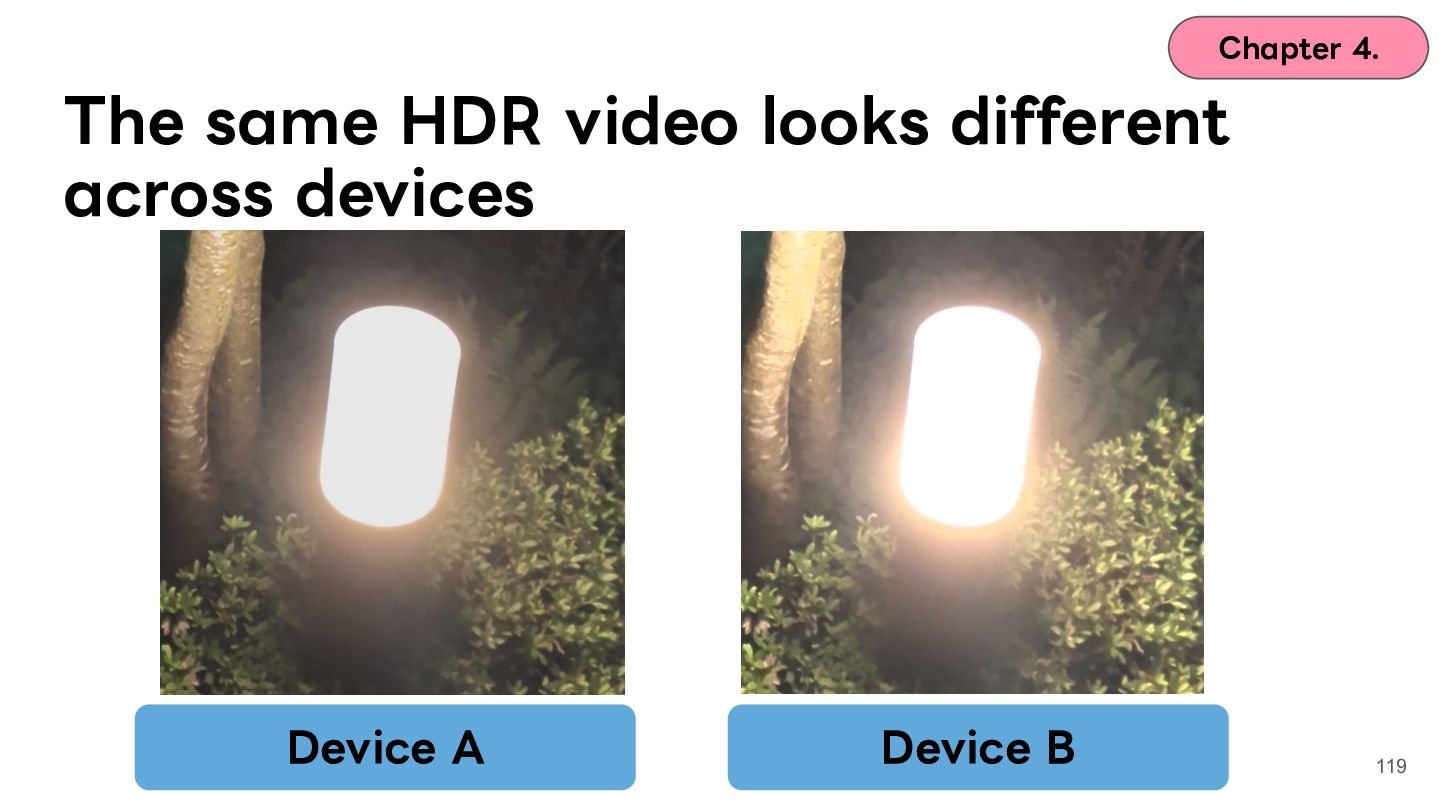
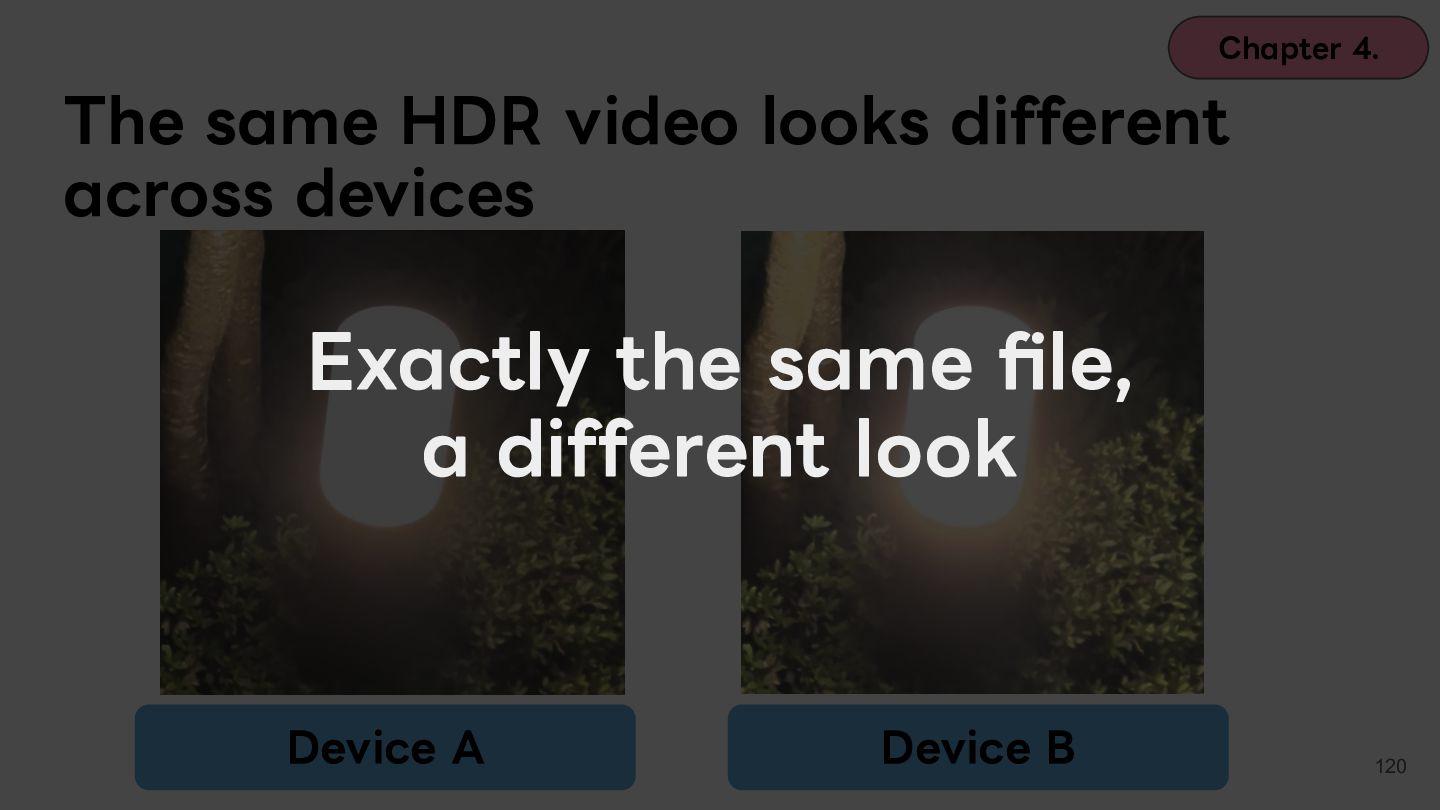
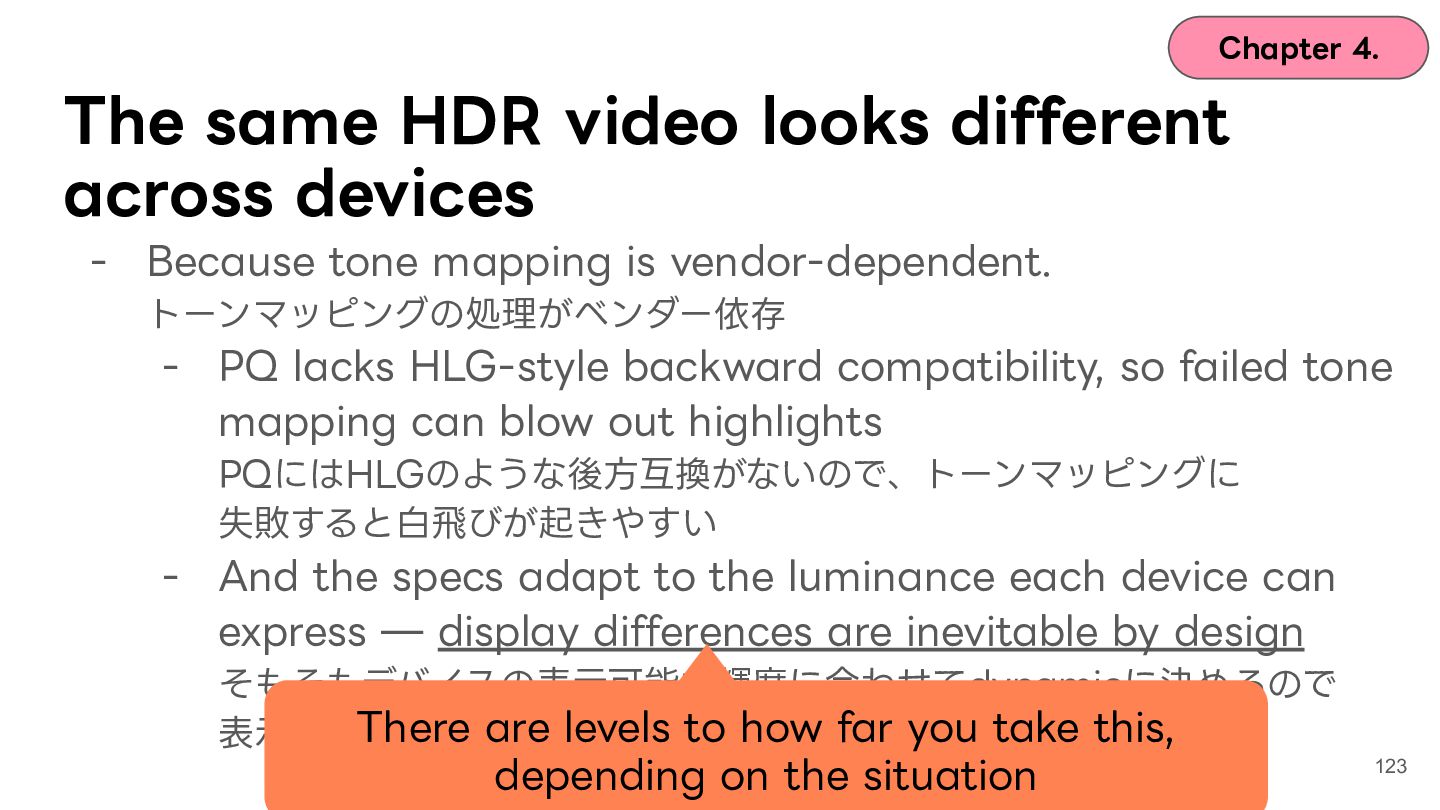
  93. Chapter 4. The same HDR video looks different across devices

    Exactly the same file, a different look Device A Device B 120
  94. Chapter 4. The same HDR video looks different across devices

    - Because tone mapping is vendor-dependent. トーンマッピングの処理がベンダー依存 - PQ lacks HLG-style backward compatibility, so failed tone mapping can blow out highlights PQにはHLGのような後⽅互換がないので、トーンマッピングに 失敗すると⽩⾶びが起きやすい - And the specs adapt to the luminance each device can express ̶ display differences are inevitable by design そもそもデバイスの表⽰可能な輝度に合わせてdynamicに決めるので 表⽰差が出るのは当たり前 121
  95. Chapter 4. The same HDR video looks different across devices

    - Because tone mapping is vendor-dependent. トーンマッピングの処理がベンダー依存 - PQ lacks HLG-style backward compatibility, so failed tone mapping can blow out highlights PQにはHLGのような後⽅互換がないので、トーンマッピングに 失敗すると⽩⾶びが起きやすい The process that compresses and maps values - And the specs adapt to the luminance each device can into the range the device's display can actually express ̶ display differences show are inevitable by design そもそもデバイスの表⽰可能な輝度に合わせてdynamicに決めるので 表⽰差が出るのは当たり前 122
  96. Chapter 4. The same HDR video looks different across devices

    - Because tone mapping is vendor-dependent. トーンマッピングの処理がベンダー依存 - PQ lacks HLG-style backward compatibility, so failed tone mapping can blow out highlights PQにはHLGのような後⽅互換がないので、トーンマッピングに 失敗すると⽩⾶びが起きやすい - And the specs adapt to the luminance each device can express ̶ display differences are inevitable by design そもそもデバイスの表⽰可能な輝度に合わせてdynamicに決めるので There are levels to how far you take this, 表⽰差が出るのは当たり前 depending on the situation 123
  97. Chapter 2. What the specs really are Spec(規格) Transfer Function

    (伝達関数) metadata (メタデータ) Device default 撮影時 (標準カメラアプリ) HDR10 PQ Static - HDR10+ PQ Dynamic some Galaxy and Xiaomi devices DolbyVision PQ/HLG Dynamic iPhone, OPPO, some Xiaomi devices HLG HLG - Pixel, Xperia, some Galaxy devices124
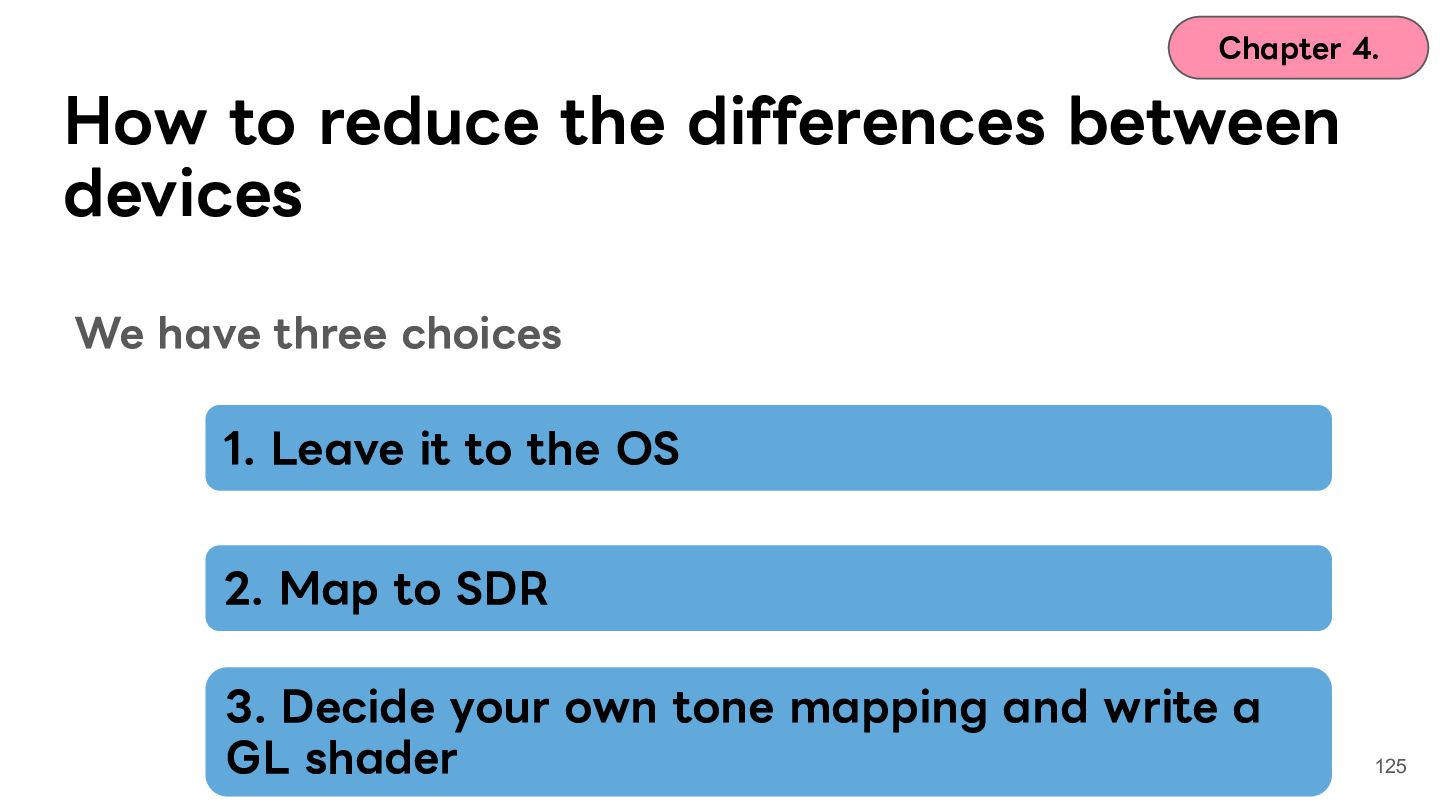
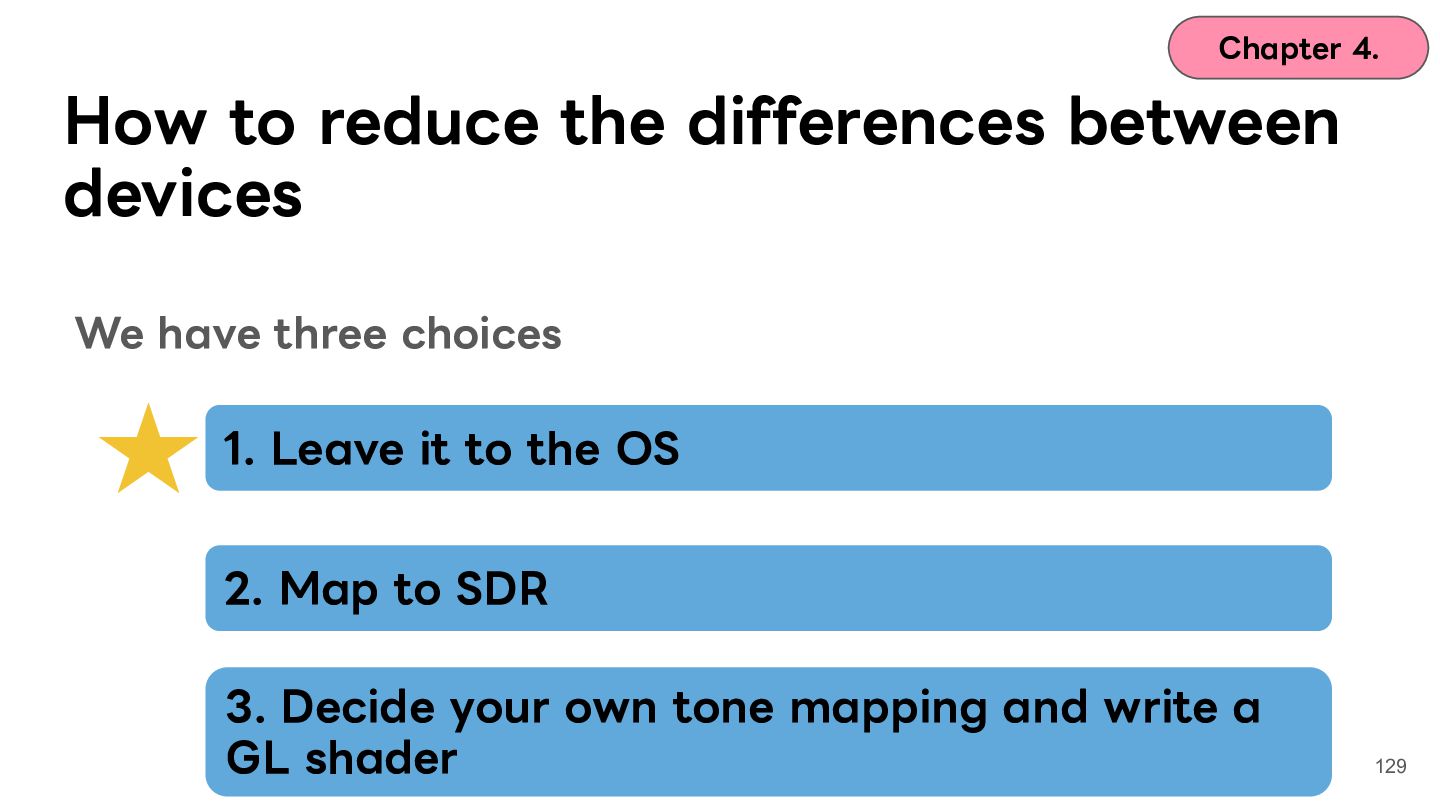
  98. Chapter 4. How to reduce the differences between devices We

    have three choices 1. Leave it to the OS 2. Map to SDR 3. Decide your own tone mapping and write a GL shader 125
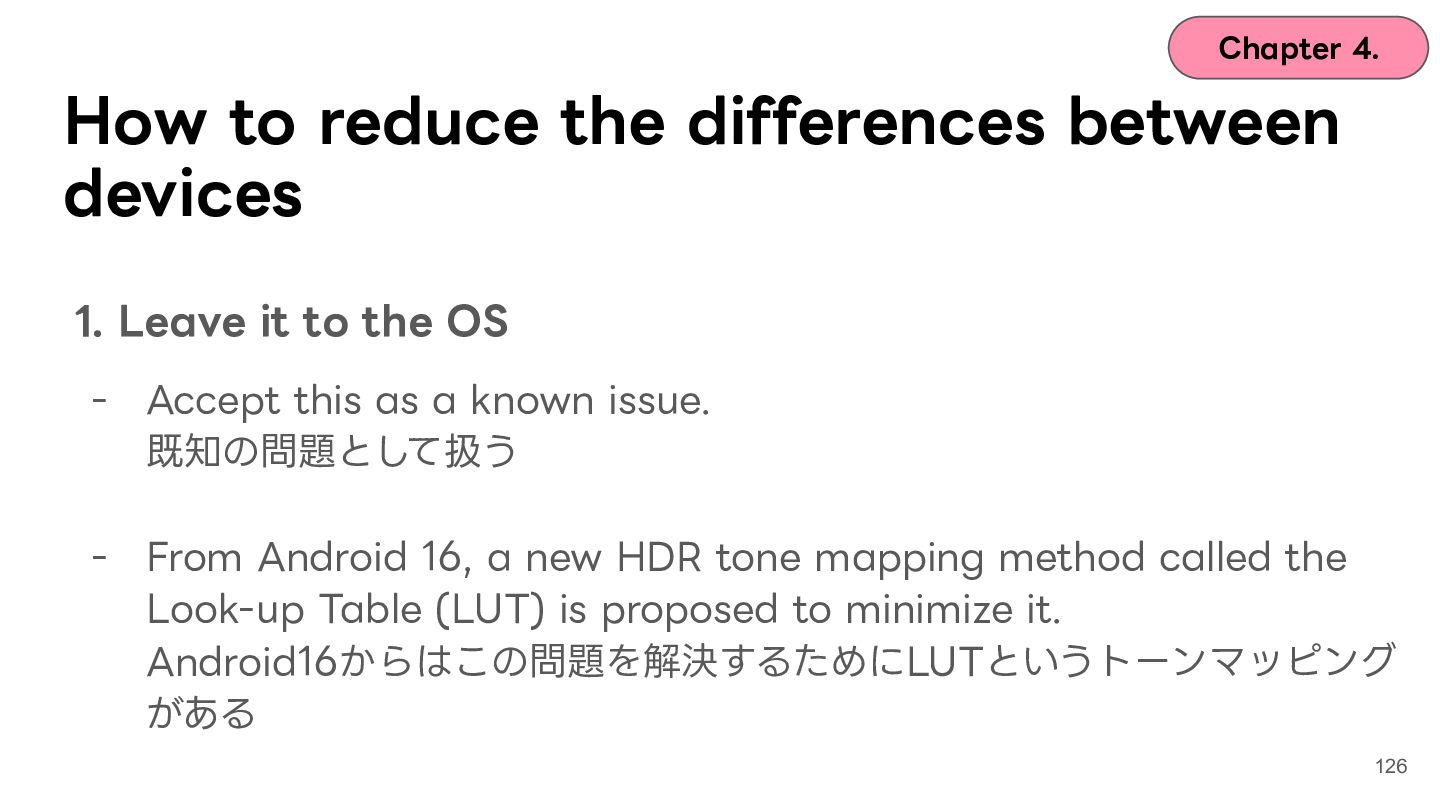
  99. Chapter 4. How to reduce the differences between devices 1.

    Leave it to the OS - Accept this as a known issue. 既知の問題として扱う - From Android 16, a new HDR tone mapping method called the Look-up Table (LUT) is proposed to minimize it. Android16からはこの問題を解決するためにLUTというトーンマッピング がある 126
  100. Chapter 4. How to reduce the differences between devices 2.

    Map to SDR - We lose HDR's expressiveness, but today's environments mostly align HDRでの表現⼒は失うが、最低限SDRでは表⽰できるようにする 127
  101. Chapter 4. How to reduce the differences between devices 3.

    Decide your own tone mapping and write a GL shader - Supporting every environment this way is realistically hard ⾃前でトーンマッピング⽅式を決めて、GLシェーダーを書く 128
  102. Chapter 4. How to reduce the differences between devices We

    have three choices 1. Leave it to the OS 2. Map to SDR 3. Decide your own tone mapping and write a GL shader 129
  103. Chapter 4. Chapter 4. Wrap-up ➢ Even with identical parameters,

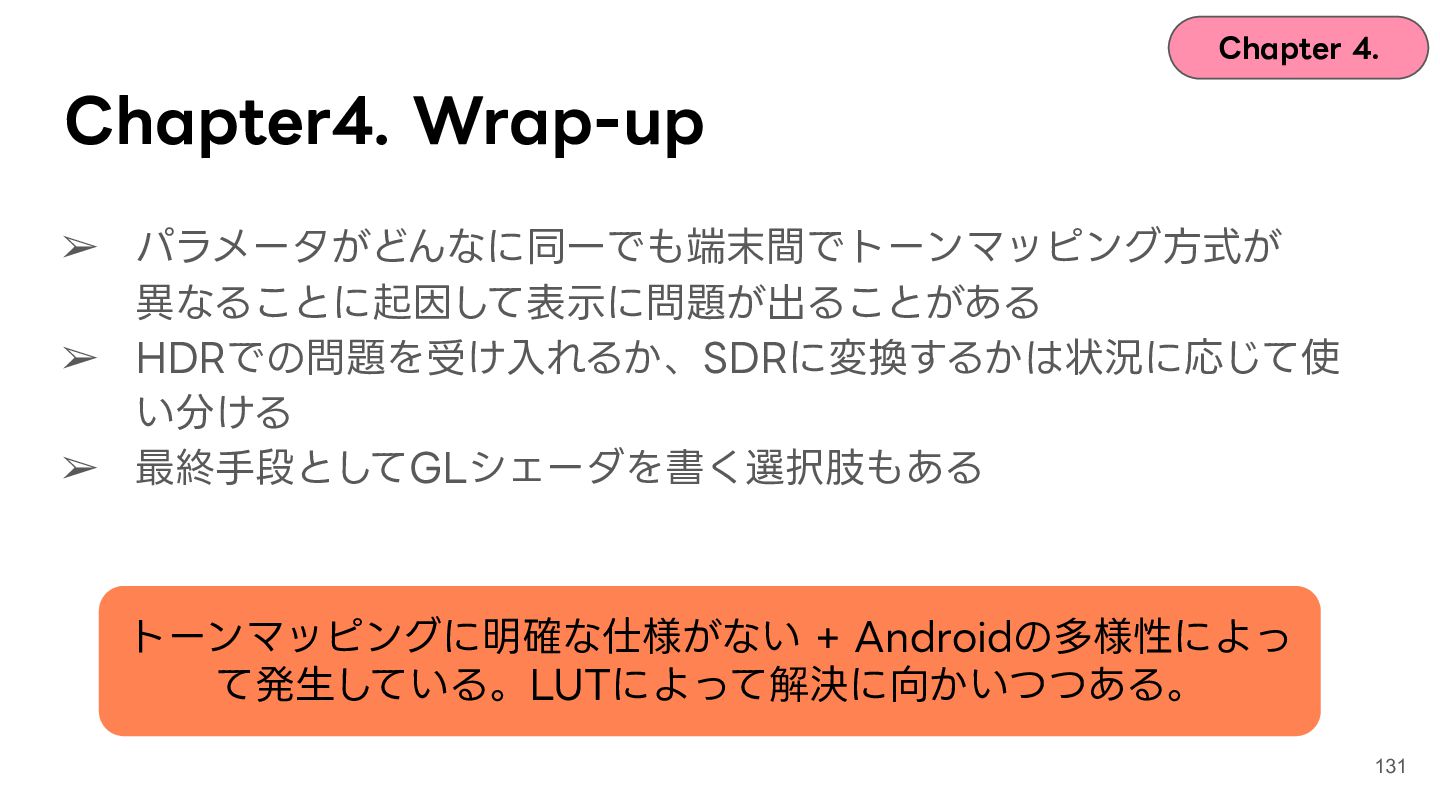
    display problems can follow from tone mapping differing across devices ➢ Whether you accept HDR's quirks or convert to SDR depends on the situation ➢ As a last resort, writing a GL shader is an option Tone mapping has no precise spec + Android is diverse ̶ that's the cause. LUTs are moving it toward resolution. 130
  104. Chapter 4. Chapter4. Wrap-up ➢ パラメータがどんなに同⼀でも端末間でトーンマッピング⽅式が 異なることに起因して表⽰に問題が出ることがある ➢ HDRでの問題を受け⼊れるか、SDRに変換するかは状況に応じて使 い分ける

    ➢ 最終⼿段としてGLシェーダを書く選択肢もある トーンマッピングに明確な仕様がない + Androidの多様性によっ て発⽣している。LUTによって解決に向かいつつある。 131
  105. Contents Chapter 1. Icebreak Chapter 2. What is HDR? Chapter

    3. Case 1: washed-out colors and ColorSpace Chapter 4. Case 2: blown-out highlights and tone mapping Chapter 5. Case 3: the glow and gain maps Chapter 6. Wrap-up 132
  106. Contents Chapter 1. Icebreak Chapter 2. What is HDR? Chapter

    3. Case 1: washed-out colors and ColorSpace Chapter 4. Case 2: blown-out highlights and tone mapping Chapter 5. Case 3: the glow and gain maps Chapter 6. Wrap-up 133
  107. Chapter 5. How HDR media reaches the user Capture Display

    in app Edit / process Upload Ch. 4/5 Ch. 3/5 Ch. 3 Thumbna ils Receive media Display in app Ch. 5 Ch. 3 Ch. 3/4/5 135
  108. Chapter 5. How HDR media reaches the user Capture Display

    in app Edit / process Upload Ch. 4/5 Ch. 3/5 Ch. 3 Thumbna ils Receive media Display in app Ch. 5 Ch. 3 Ch. 3/4/5 136
  109. Chapter 5. Works on my device until you share it...

    - A photo captured as Ultra HDR previews perfectly on your own device, whatever you do - The moment you share it to another app or user, the glow is gone 138
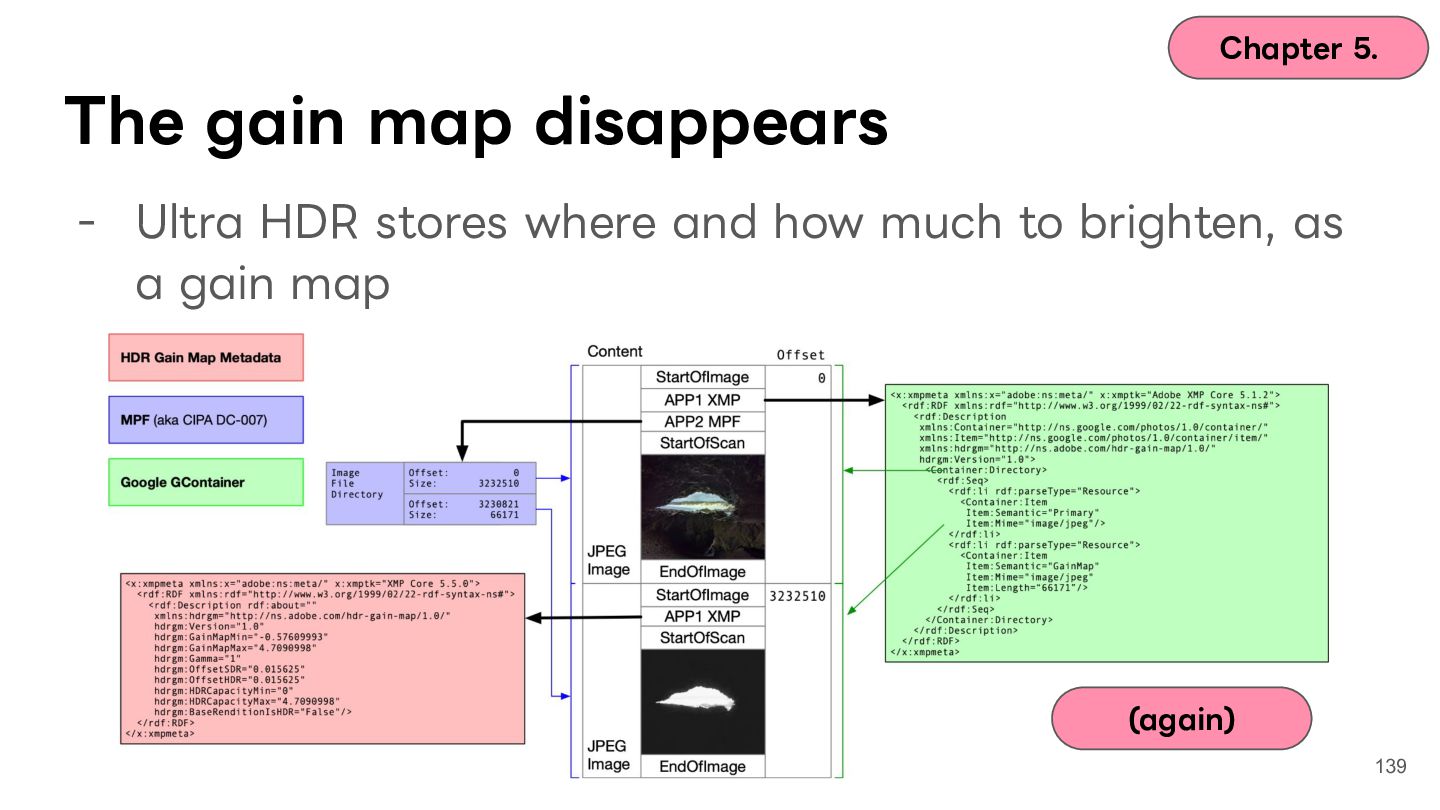
  110. Chapter 5. The gain map disappears - Ultra HDR stores

    where and how much to brighten, as a gain map (again) 139
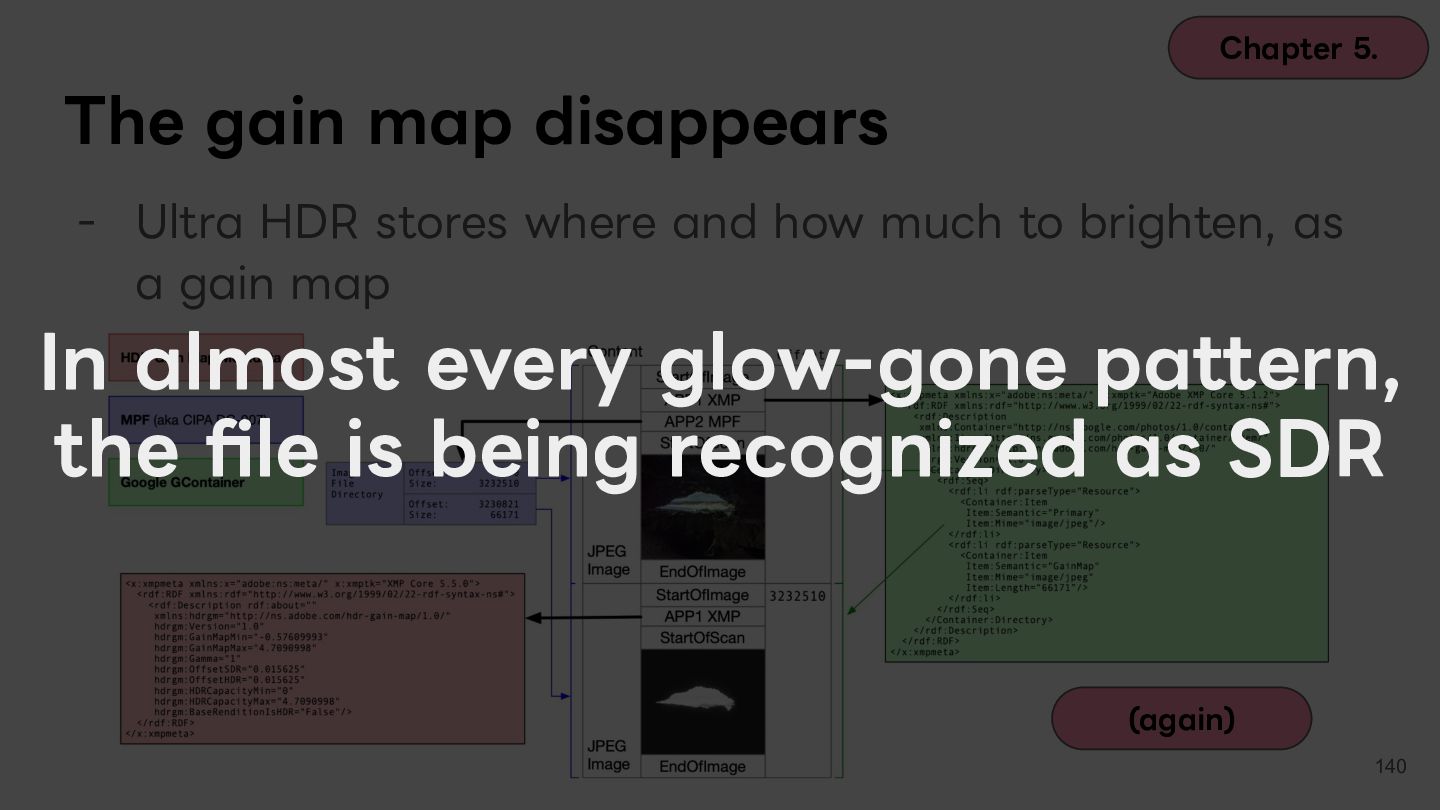
  111. Chapter 5. The gain map disappears - Ultra HDR stores

    where and how much to brighten, as a gain map In almost every glow-gone pattern, the file is being recognized as SDR (again) 140
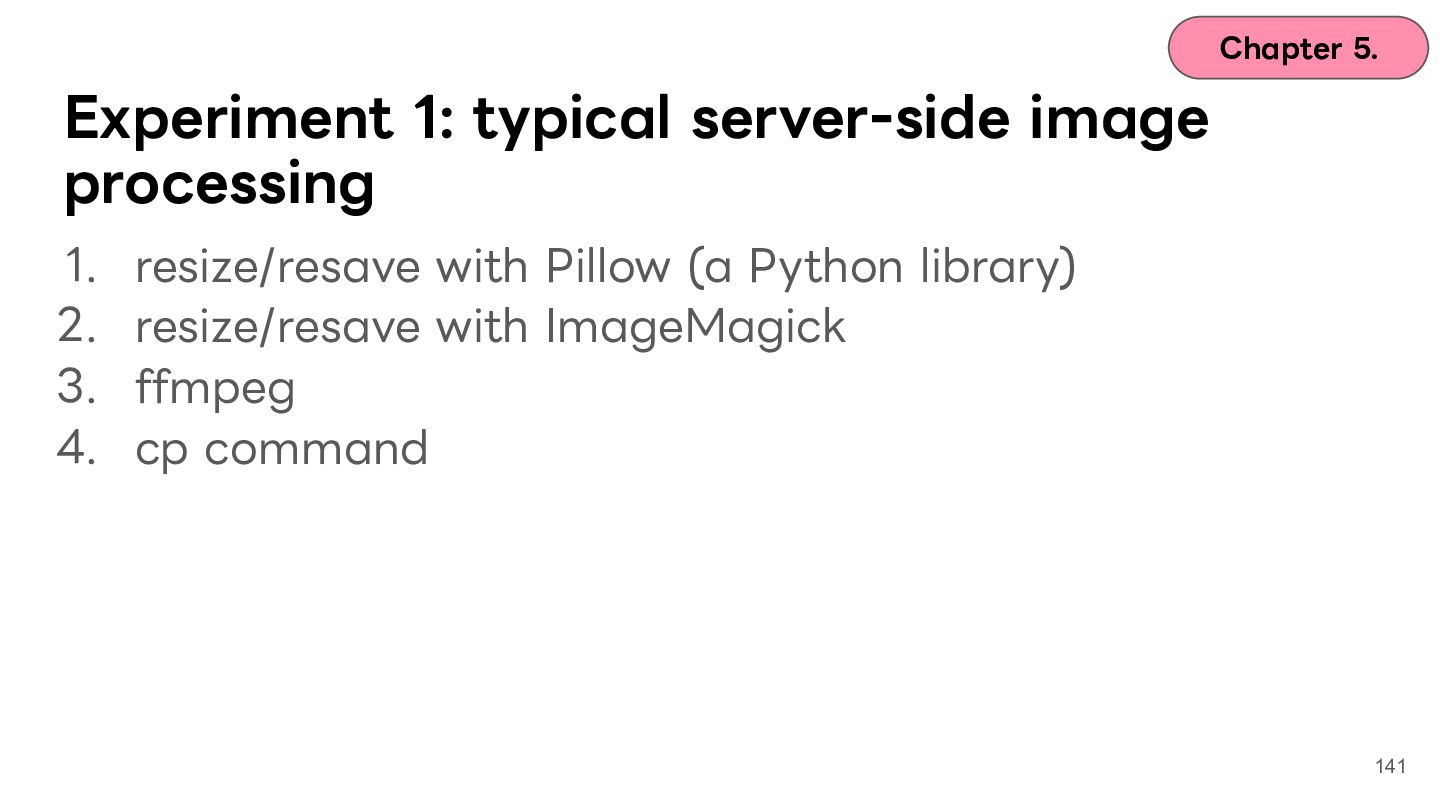
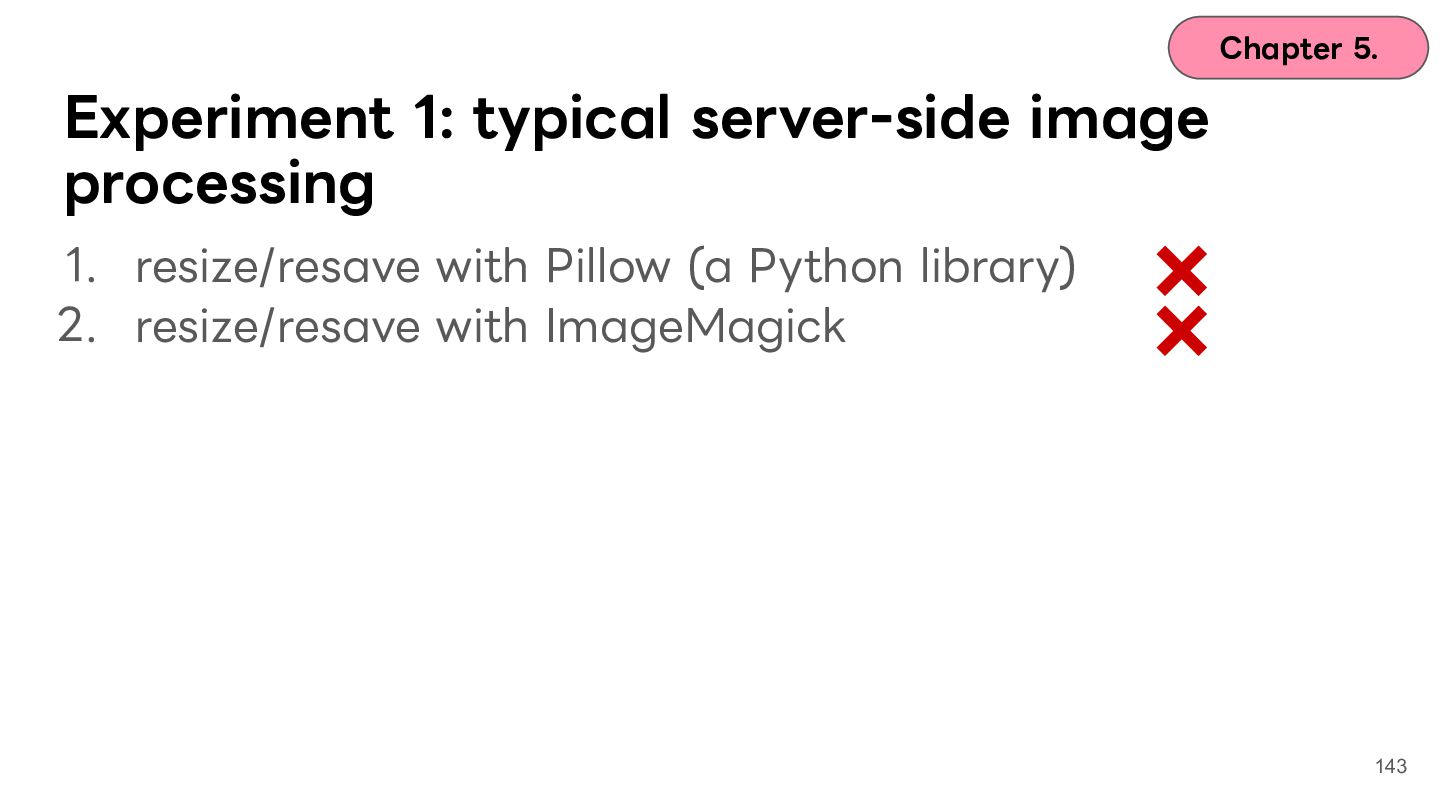
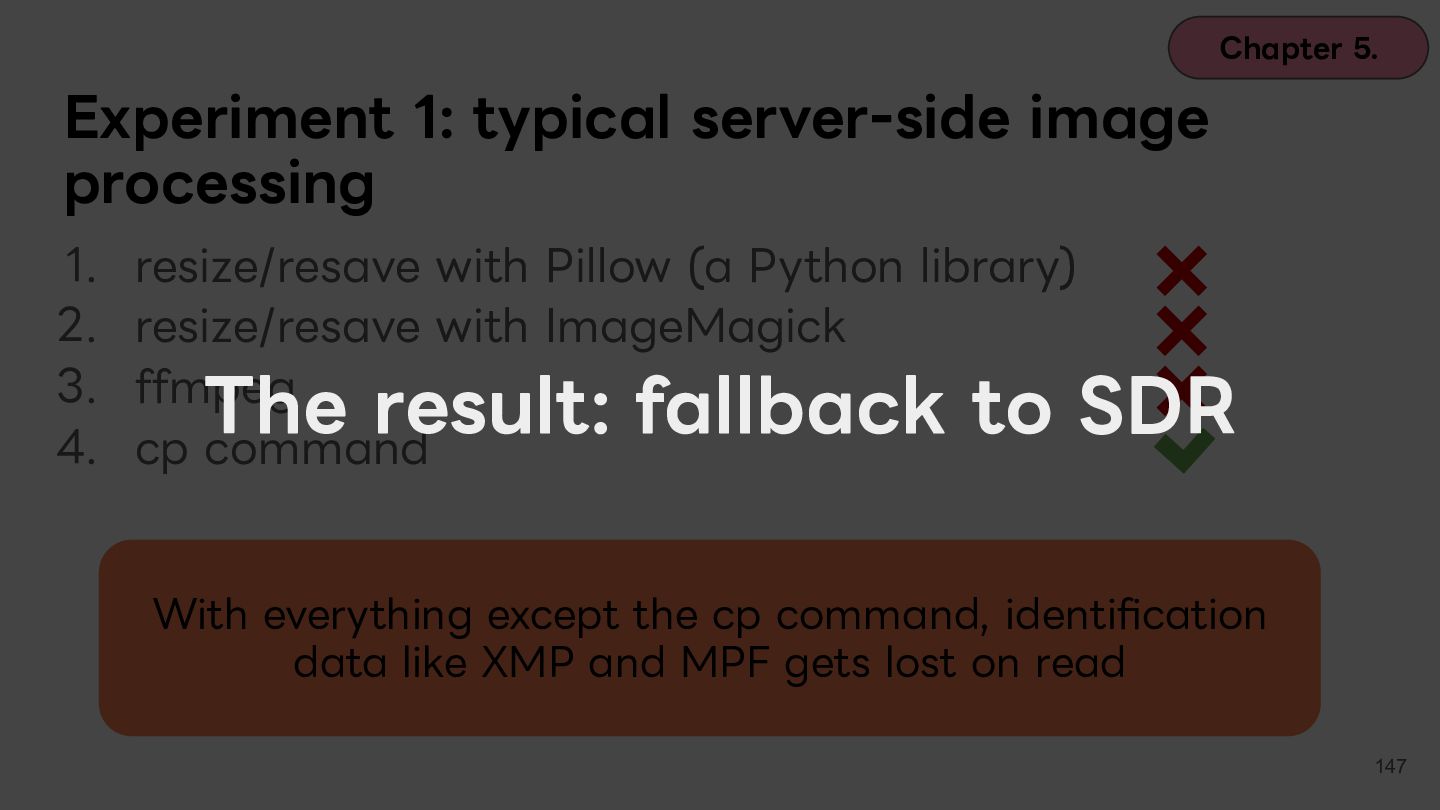
  112. Chapter 5. Experiment 1: typical server-side image processing 1. 2.

    3. 4. resize/resave with Pillow (a Python library) resize/resave with ImageMagick ffmpeg cp command 141
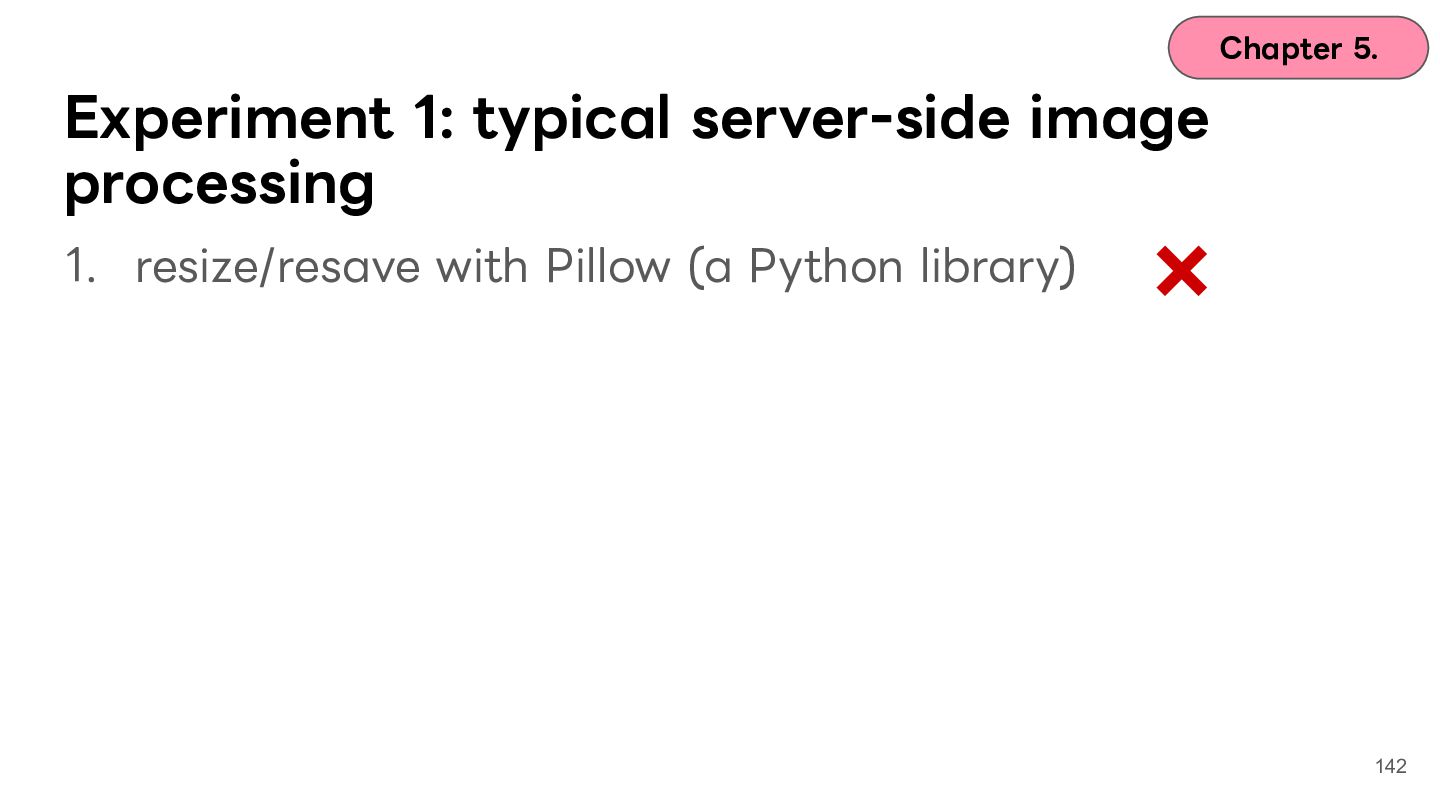
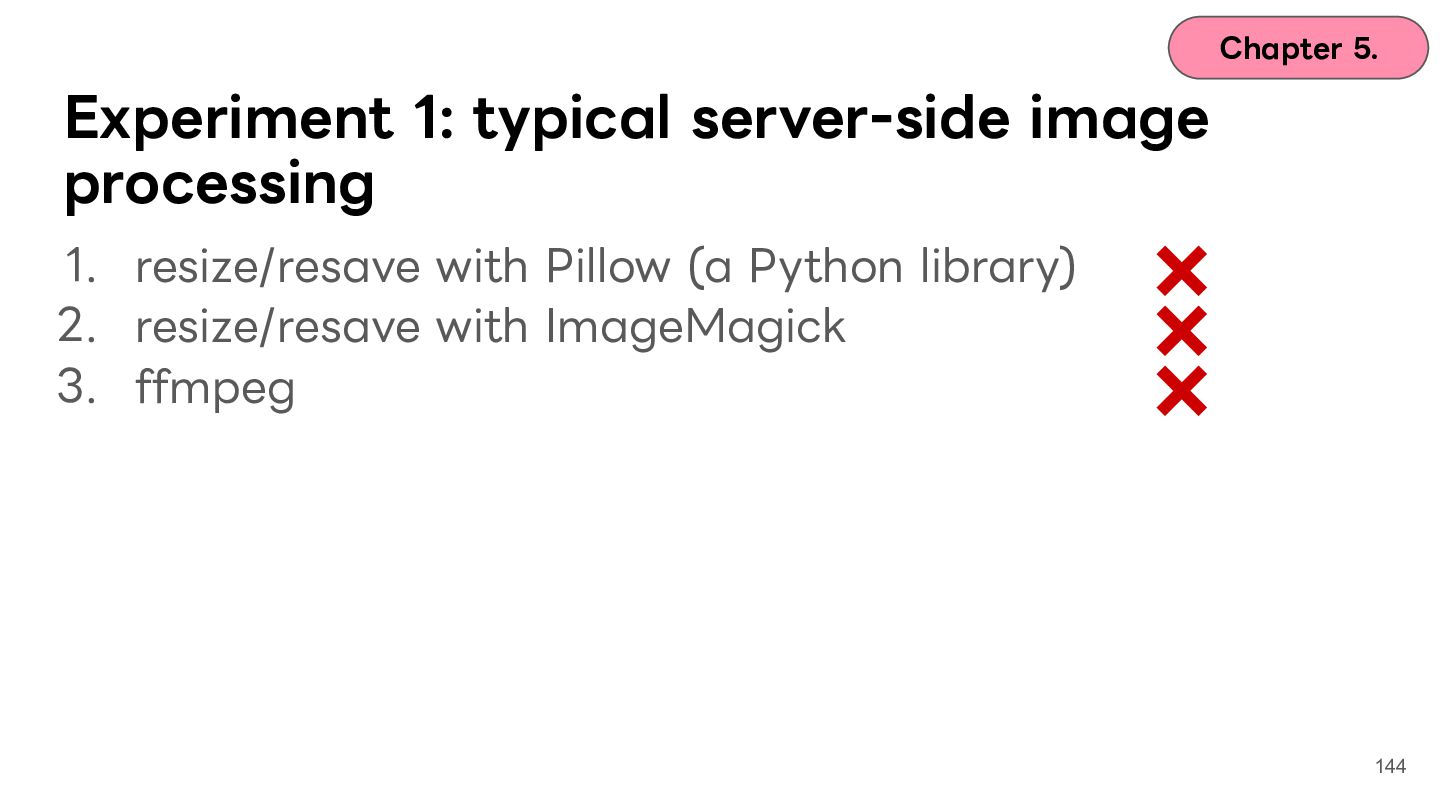
  113. Chapter 5. Experiment 1: typical server-side image processing 1. resize/resave

    with Pillow (a Python library) 2. resize/resave with ImageMagick 143
  114. Chapter 5. Experiment 1: typical server-side image processing 1. resize/resave

    with Pillow (a Python library) 2. resize/resave with ImageMagick 3. ffmpeg 144
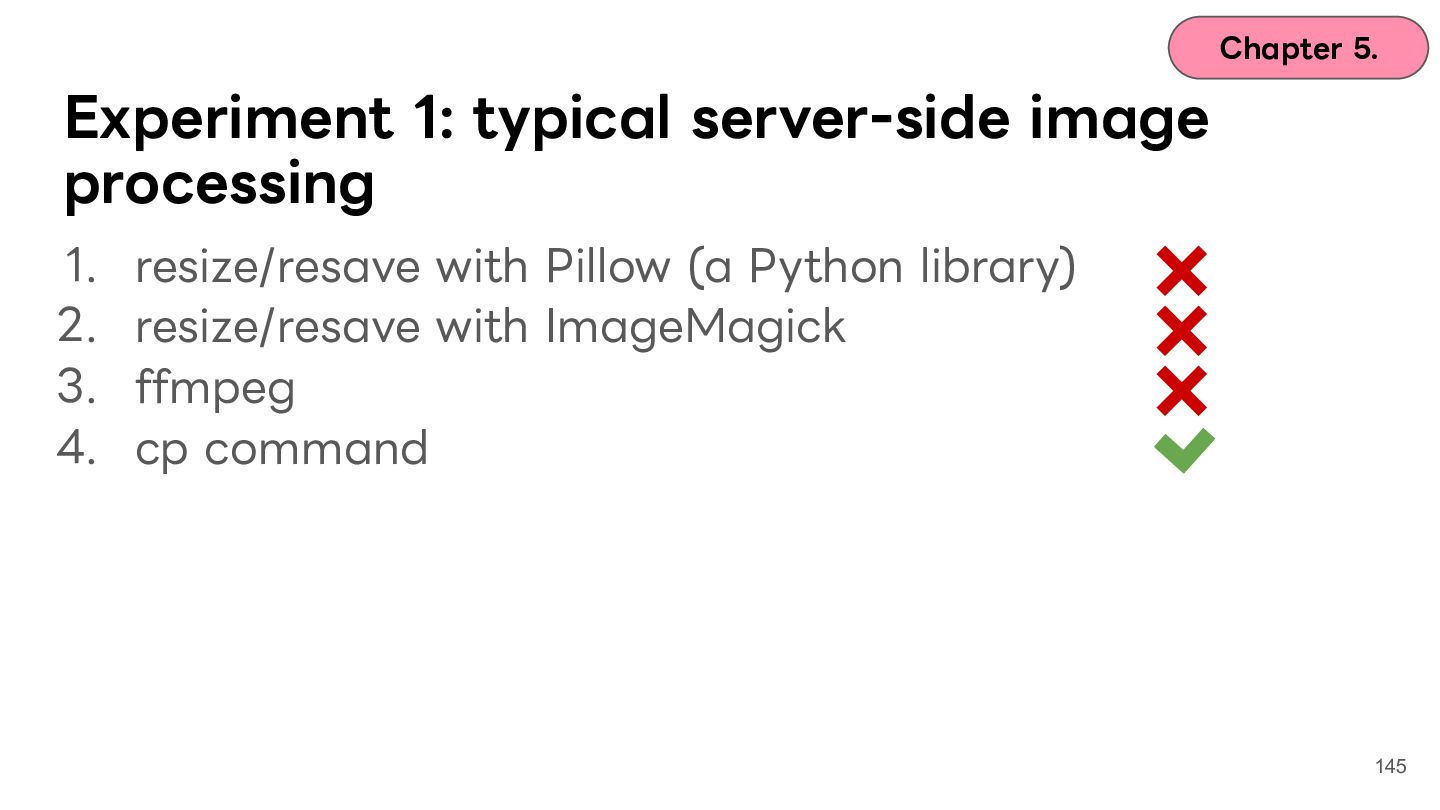
  115. Chapter 5. Experiment 1: typical server-side image processing 1. 2.

    3. 4. resize/resave with Pillow (a Python library) resize/resave with ImageMagick ffmpeg cp command 145
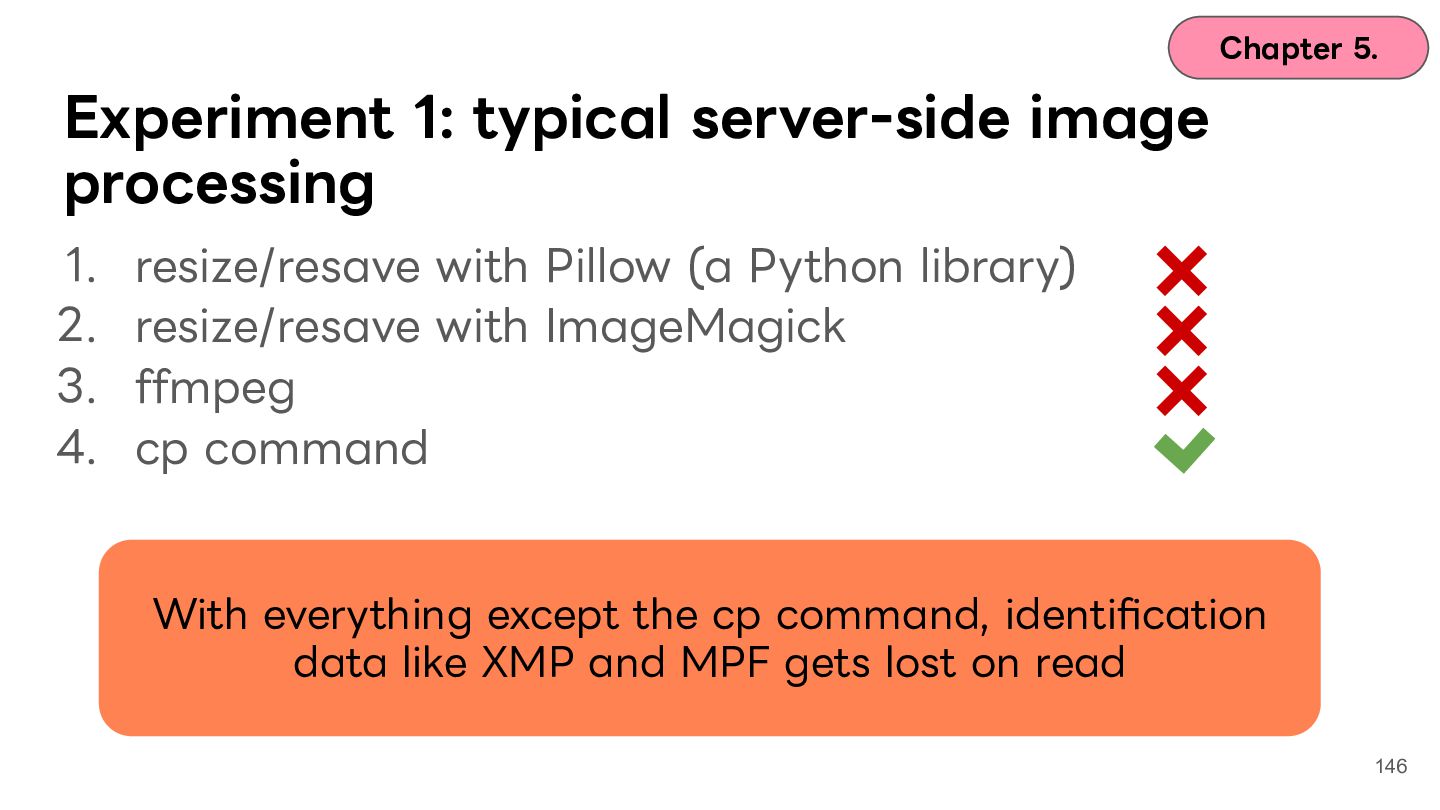
  116. Chapter 5. Experiment 1: typical server-side image processing 1. 2.

    3. 4. resize/resave with Pillow (a Python library) resize/resave with ImageMagick ffmpeg cp command With everything except the cp command, identification data like XMP and MPF gets lost on read 146
  117. Chapter 5. Experiment 1: typical server-side image processing 1. 2.

    3. 4. resize/resave with Pillow (a Python library) resize/resave with ImageMagick ffmpeg cp command The result: fallback to SDR With everything except the cp command, identification data like XMP and MPF gets lost on read 147
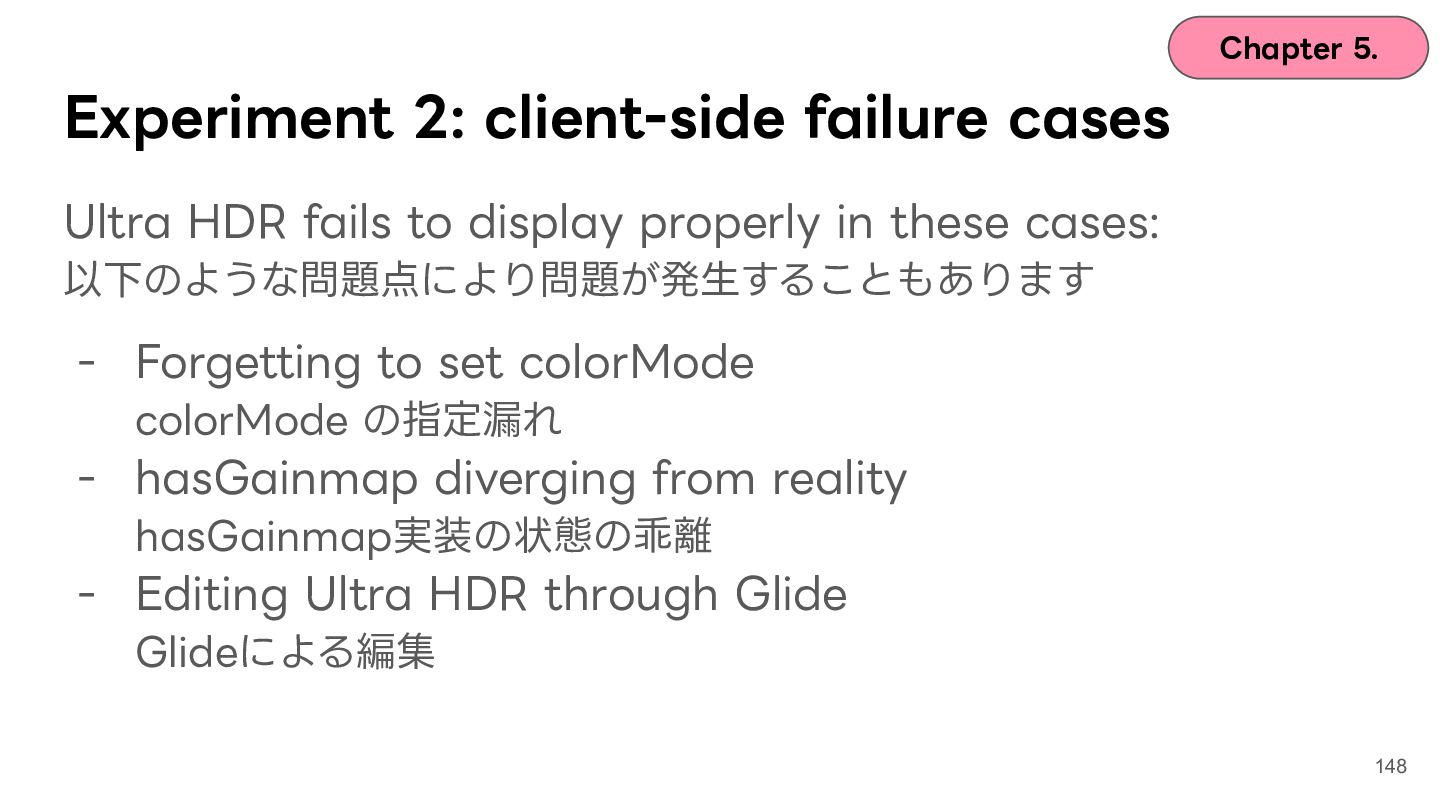
  118. Chapter 5. Experiment 2: client-side failure cases Ultra HDR fails

    to display properly in these cases: 以下のような問題点により問題が発⽣することもあります - Forgetting to set colorMode colorMode の指定漏れ - hasGainmap diverging from reality hasGainmap実装の状態の乖離 - Editing Ultra HDR through Glide Glideによる編集 148
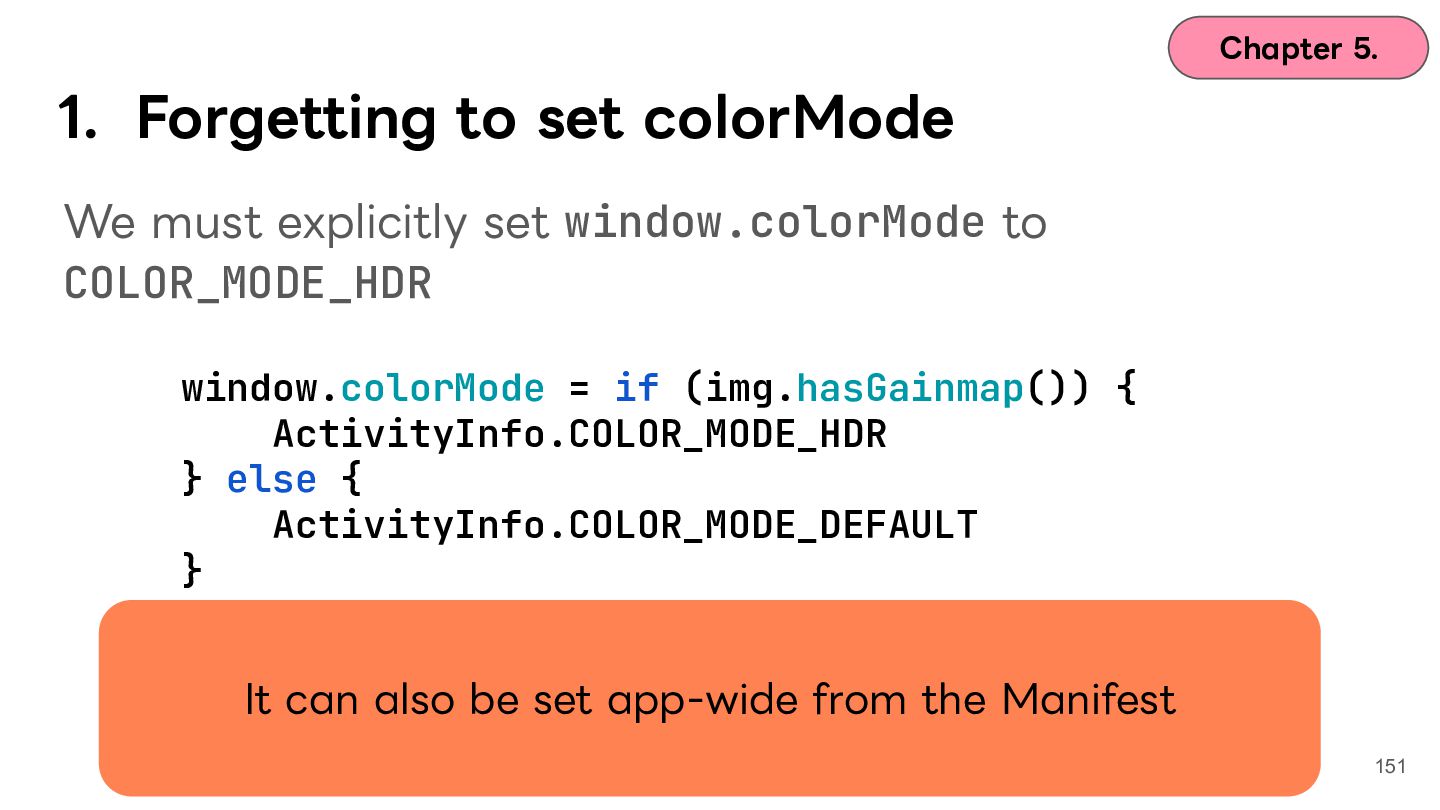
  119. Chapter 5. 1. Forgetting to set colorMode We must explicitly

    set window.colorMode to COLOR_MODE_HDR 149
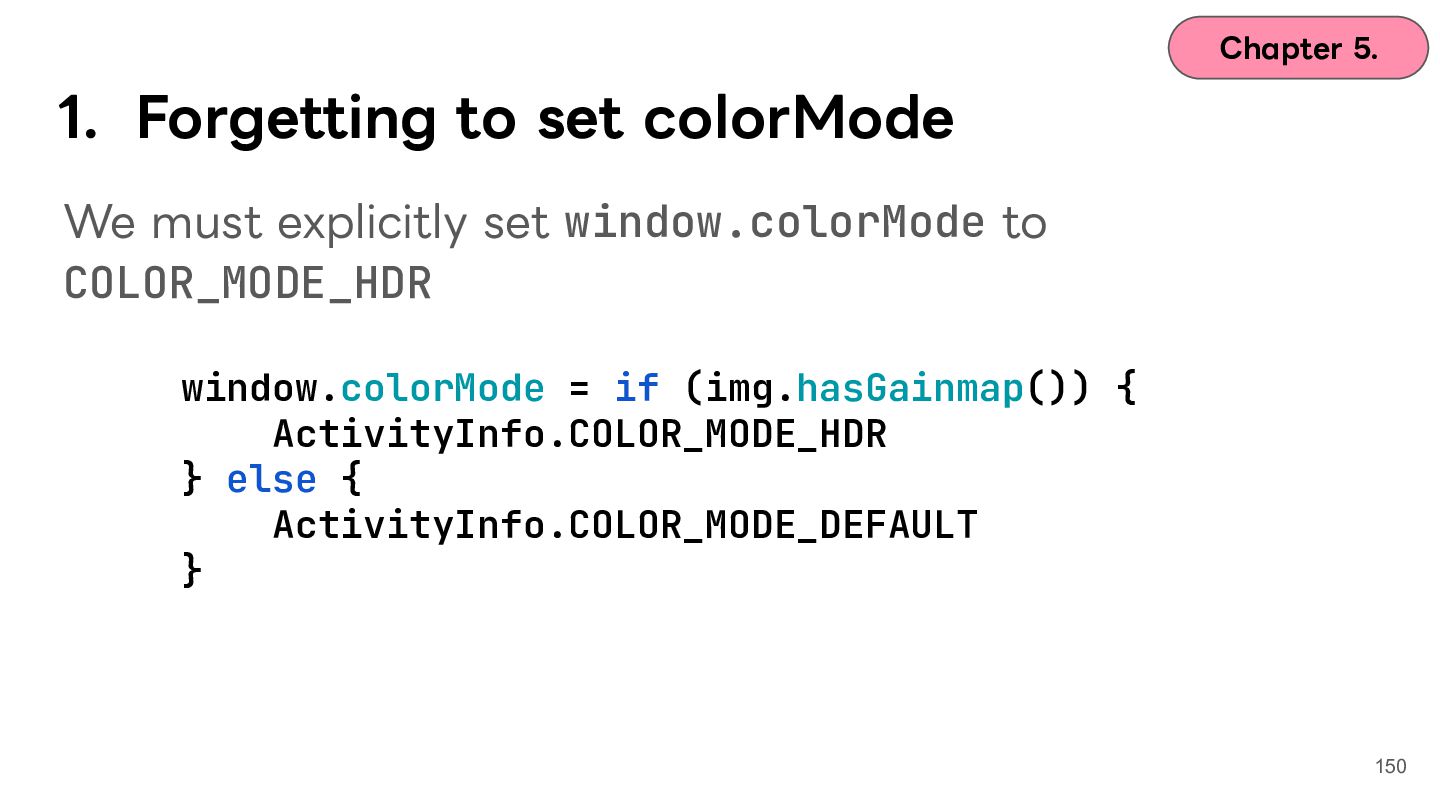
  120. Chapter 5. 1. Forgetting to set colorMode We must explicitly

    set window.colorMode to COLOR_MODE_HDR window.colorMode = if (img.hasGainmap()) { ActivityInfo.COLOR_MODE_HDR } else { ActivityInfo.COLOR_MODE_DEFAULT } 150
  121. Chapter 5. 1. Forgetting to set colorMode We must explicitly

    set window.colorMode to COLOR_MODE_HDR window.colorMode = if (img.hasGainmap()) { ActivityInfo.COLOR_MODE_HDR } else { ActivityInfo.COLOR_MODE_DEFAULT } It can also be set app-wide from the Manifest 151
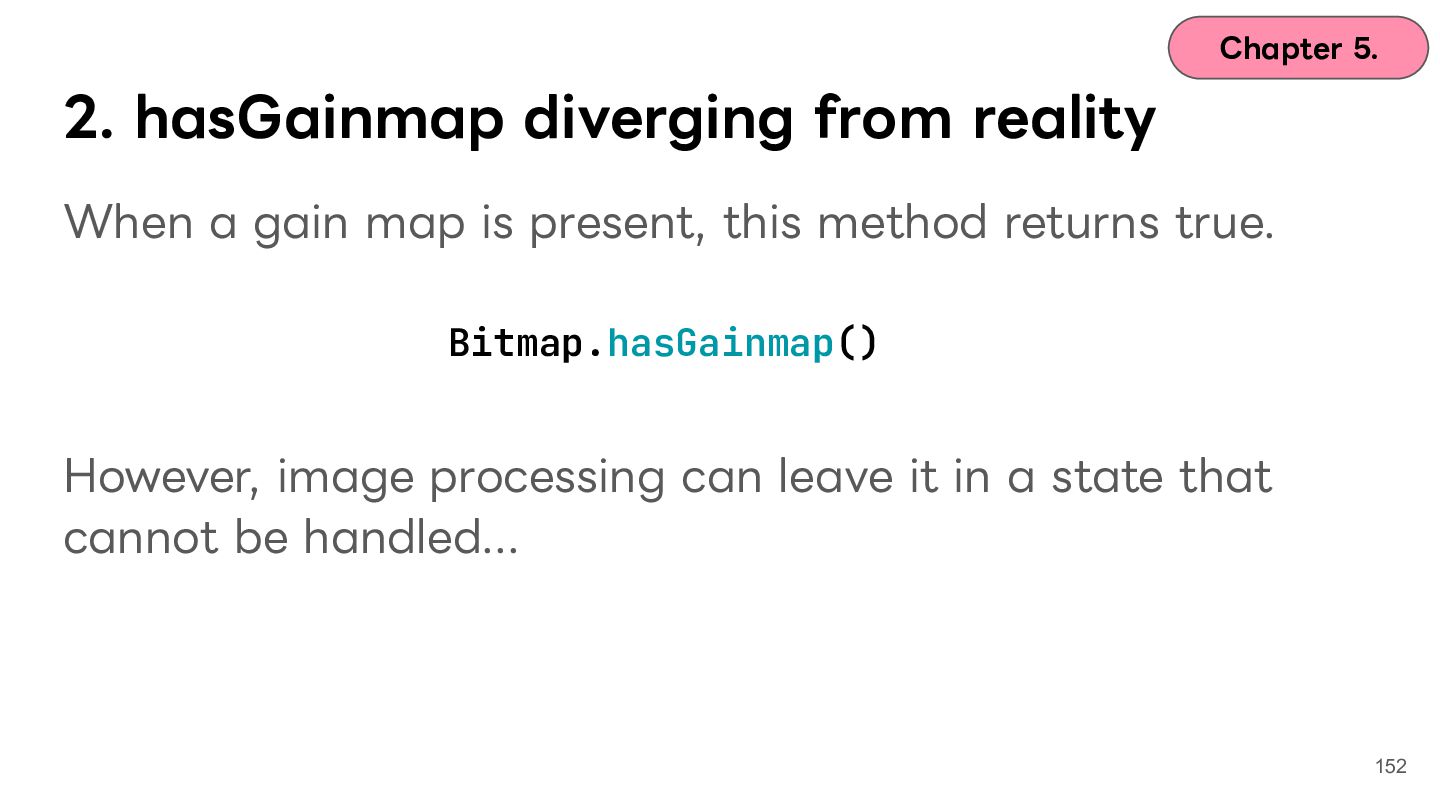
  122. Chapter 5. 2. hasGainmap diverging from reality When a gain

    map is present, this method returns true. Bitmap.hasGainmap() However, image processing can leave it in a state that cannot be handled... 152
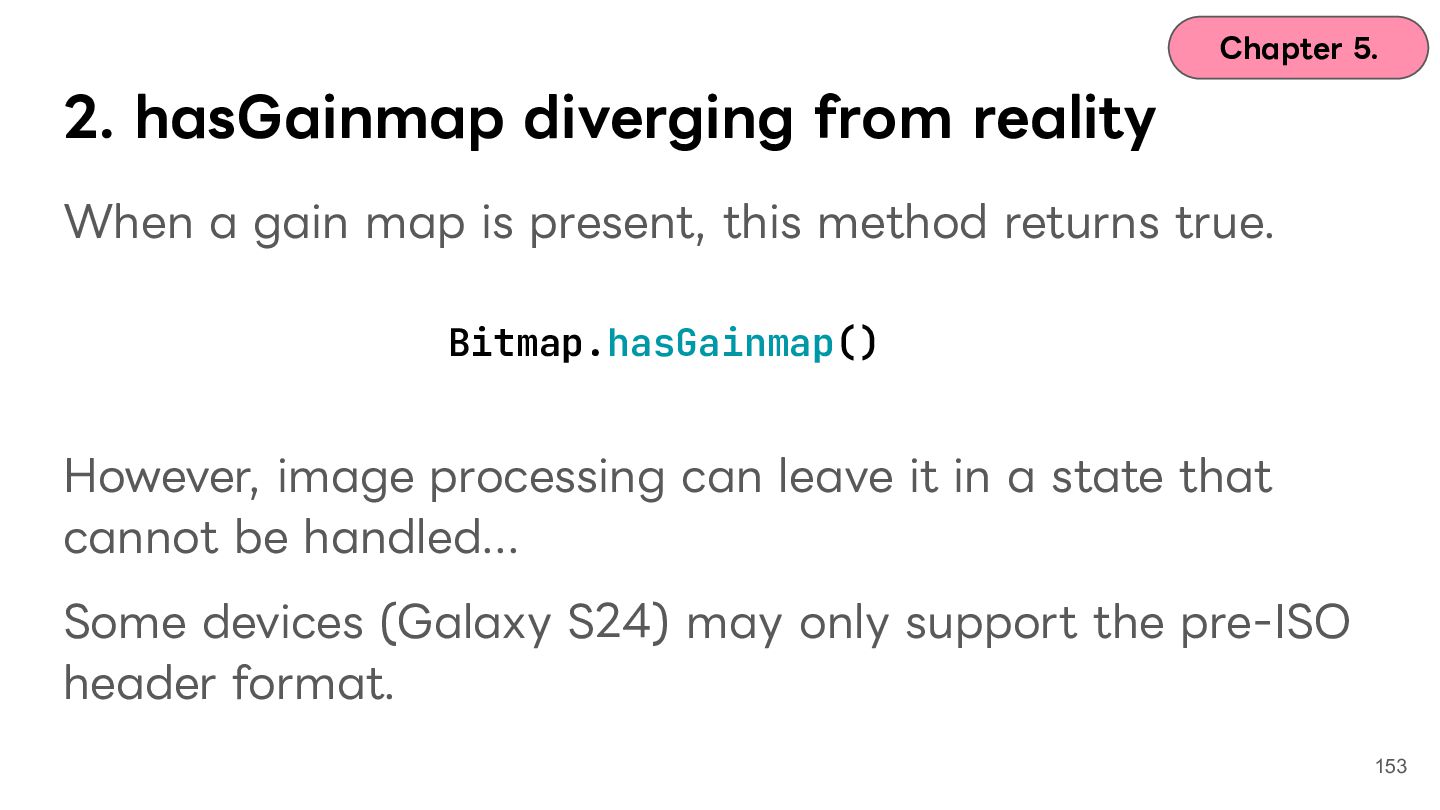
  123. Chapter 5. 2. hasGainmap diverging from reality When a gain

    map is present, this method returns true. Bitmap.hasGainmap() However, image processing can leave it in a state that cannot be handled... Some devices (Galaxy S24) may only support the pre-ISO header format. 153
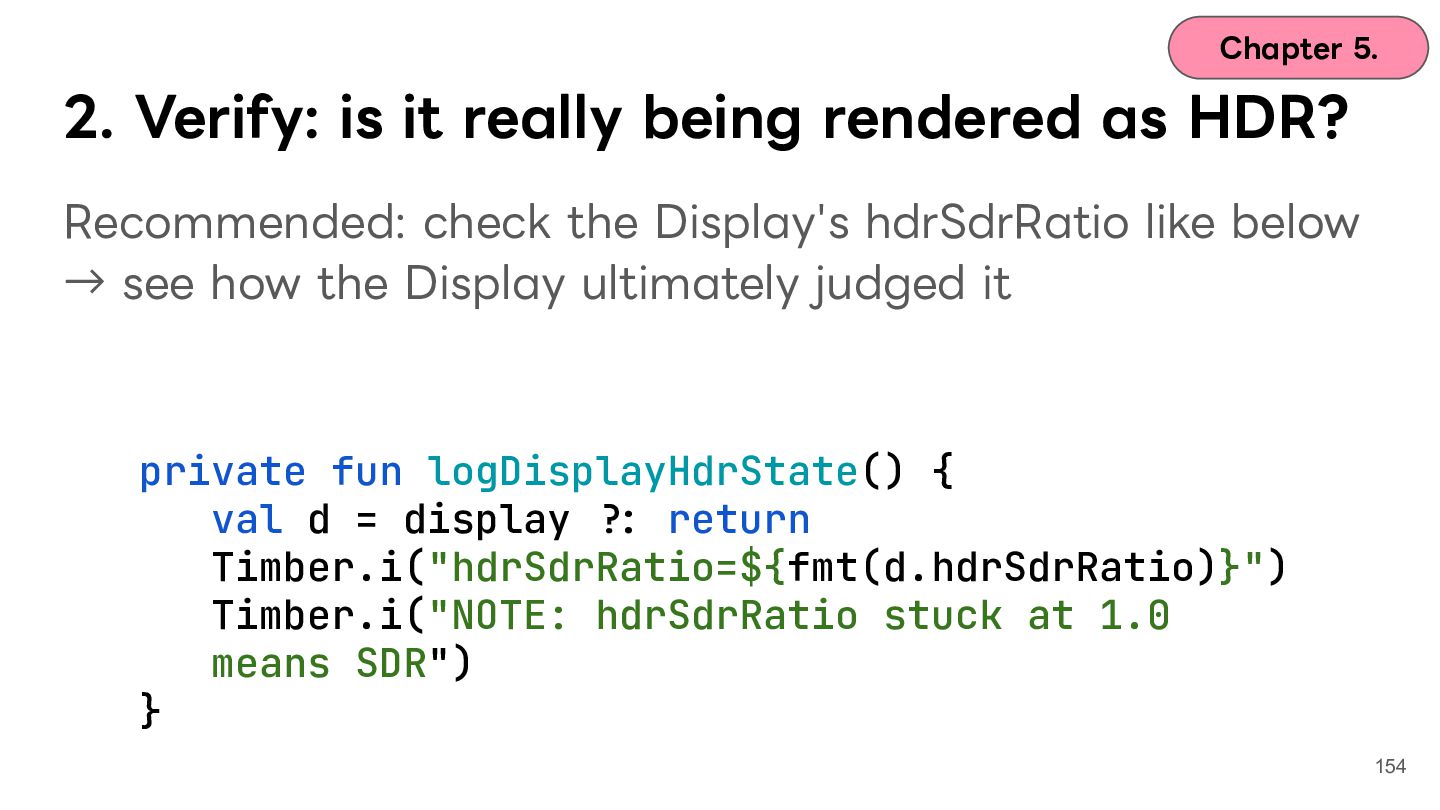
  124. Chapter 5. 2. Verify: is it really being rendered as

    HDR? Recommended: check the Display's hdrSdrRatio like below → see how the Display ultimately judged it private fun logDisplayHdrState() { val d = display /: return Timber.i("hdrSdrRatio=${fmt(d.hdrSdrRatio)}") Timber.i("NOTE: hdrSdrRatio stuck at 1.0 means SDR") } 154
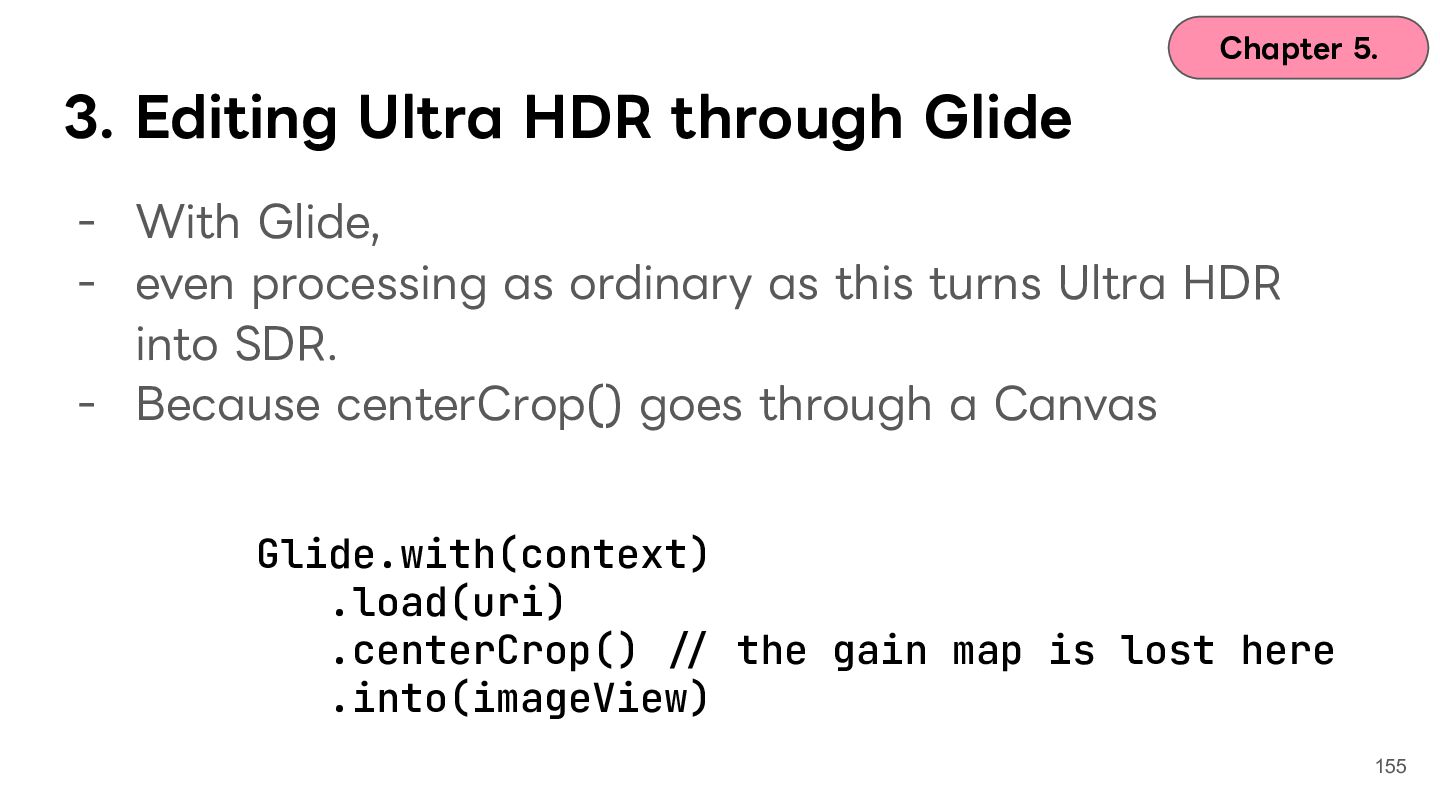
  125. Chapter 5. 3. Editing Ultra HDR through Glide - With

    Glide, - even processing as ordinary as this turns Ultra HDR into SDR. - Because centerCrop() goes through a Canvas Glide.with(context) .load(uri) .centerCrop() // the gain map is lost here .into(imageView) 155
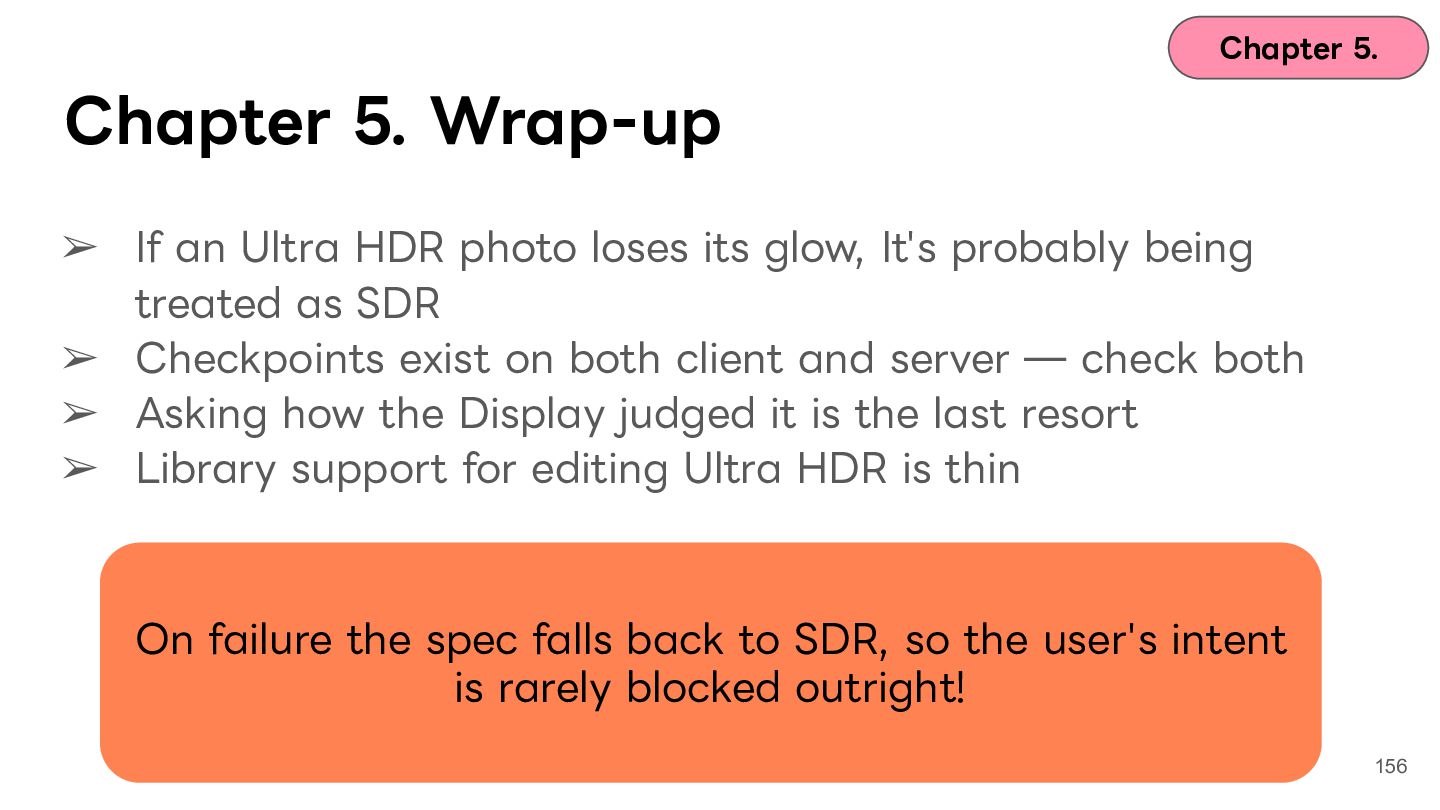
  126. Chapter 5. Chapter 5. Wrap-up ➢ If an Ultra HDR

    photo loses its glow, It's probably being treated as SDR ➢ Checkpoints exist on both client and server ̶ check both ➢ Asking how the Display judged it is the last resort ➢ Library support for editing Ultra HDR is thin On failure the spec falls back to SDR, so the user's intent is rarely blocked outright! 156
  127. Chapter 5. Chapter5. まとめ ➢ ➢ ➢ ➢ 輝きを失った写真はUltra HDRがSDRとして認識されたパターン

    クライアント・サーバいずれにも確認ポイントがあるので要チェック Displayがどう評価したかを確認するのが最終⼿段 ライブラリではUltra HDRの編集のサポートは⼿薄 失敗したときは、SDRにフォールバックされる仕様なので、 ユーザーさんの意図を阻害することは少ない! 157
  128. Contents Chapter 1. Icebreak Chapter 2. What is HDR? Chapter

    3. Case 1: washed-out colors and ColorSpace Chapter 4. Case 2: blown-out highlights and tone mapping Chapter 5. Case 3: the glow and gain maps Chapter 6. Wrap-up 158
  129. Contents Chapter 1. Icebreak Chapter 2. What is HDR? Chapter

    3. Case 1: washed-out colors and ColorSpace Chapter 4. Case 2: blown-out highlights and tone mapping Chapter 5. Case 3: the glow and gain maps Chapter 6. Wrap-up 159
  130. Chapter 1. Icebreak Colors turn Have you ever seen anything

    like this? washed-out Today's goal: be able The glow to explain these disappears phenomena Photo to be replaced later Replace with the broken photo later Blown-out highlights 162
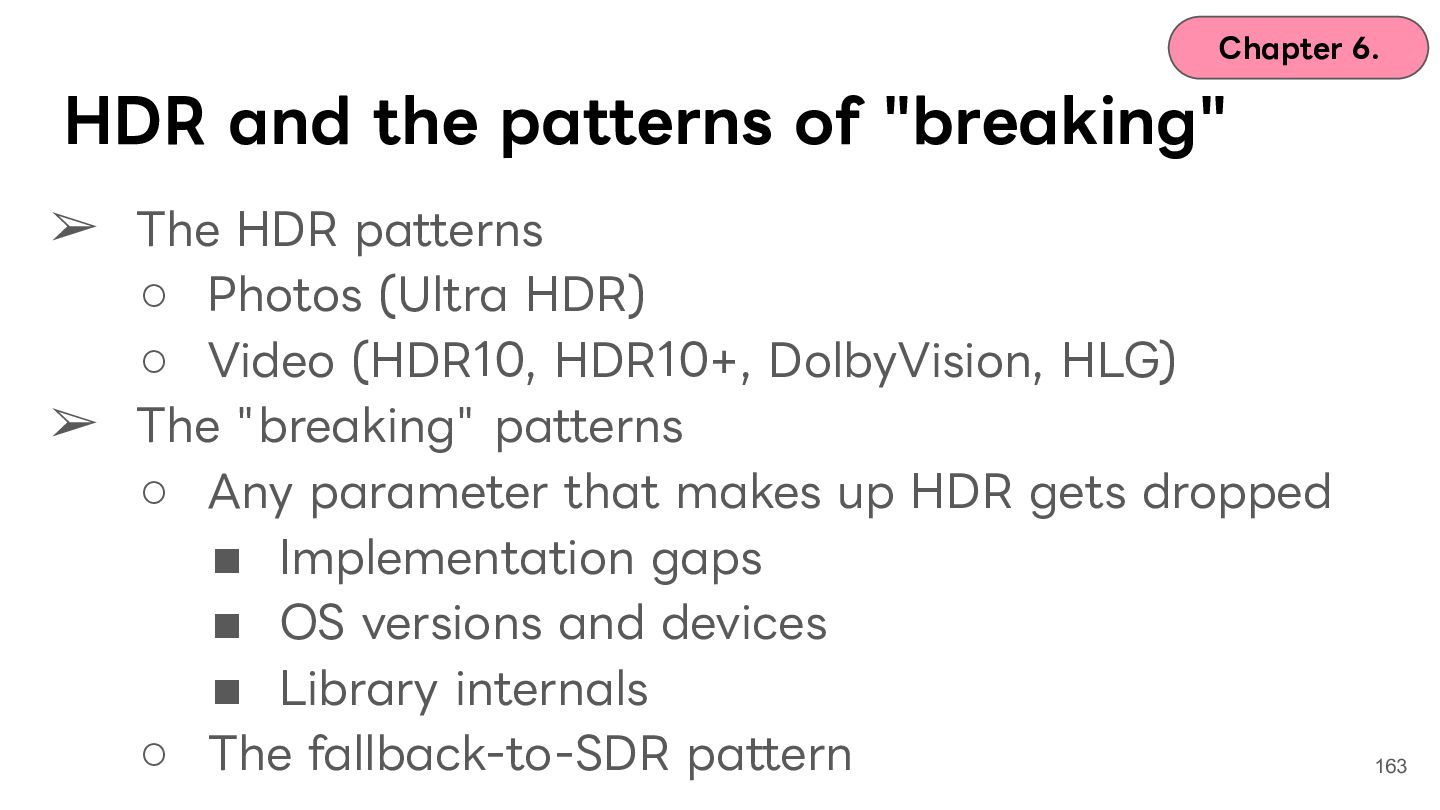
  131. Chapter 6. HDR and the patterns of "breaking" ➢ The

    HDR patterns ◦ Photos (Ultra HDR) ◦ Video (HDR10, HDR10+, DolbyVision, HLG) ➢ The "breaking" patterns ◦ Any parameter that makes up HDR gets dropped ▪ Implementation gaps ▪ OS versions and devices ▪ Library internals ◦ The fallback-to-SDR pattern 163
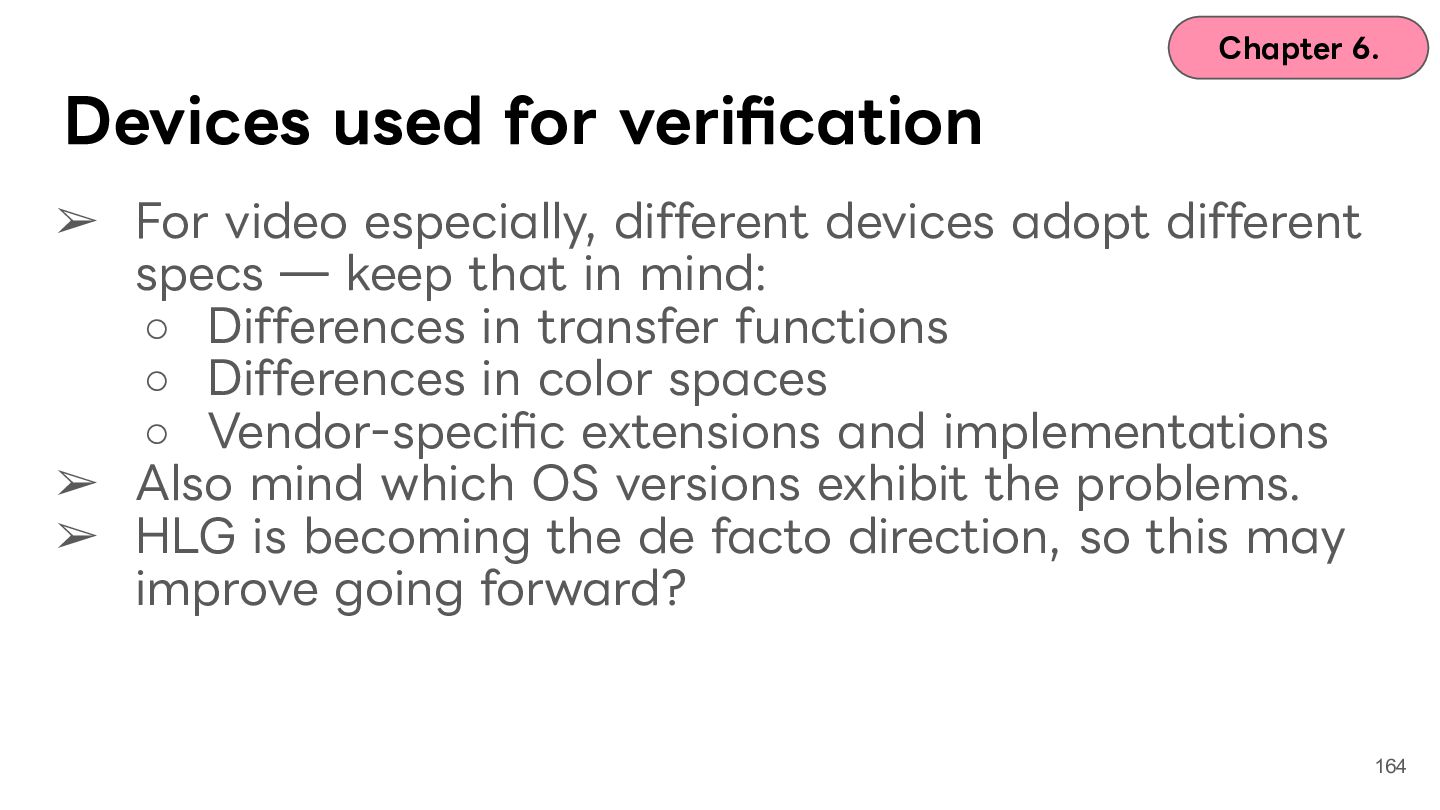
  132. Chapter 6. Devices used for verification ➢ For video especially,

    different devices adopt different specs ̶ keep that in mind: ◦ Differences in transfer functions ◦ Differences in color spaces ◦ Vendor-specific extensions and implementations ➢ Also mind which OS versions exhibit the problems. ➢ HLG is becoming the de facto direction, so this may improve going forward? 164
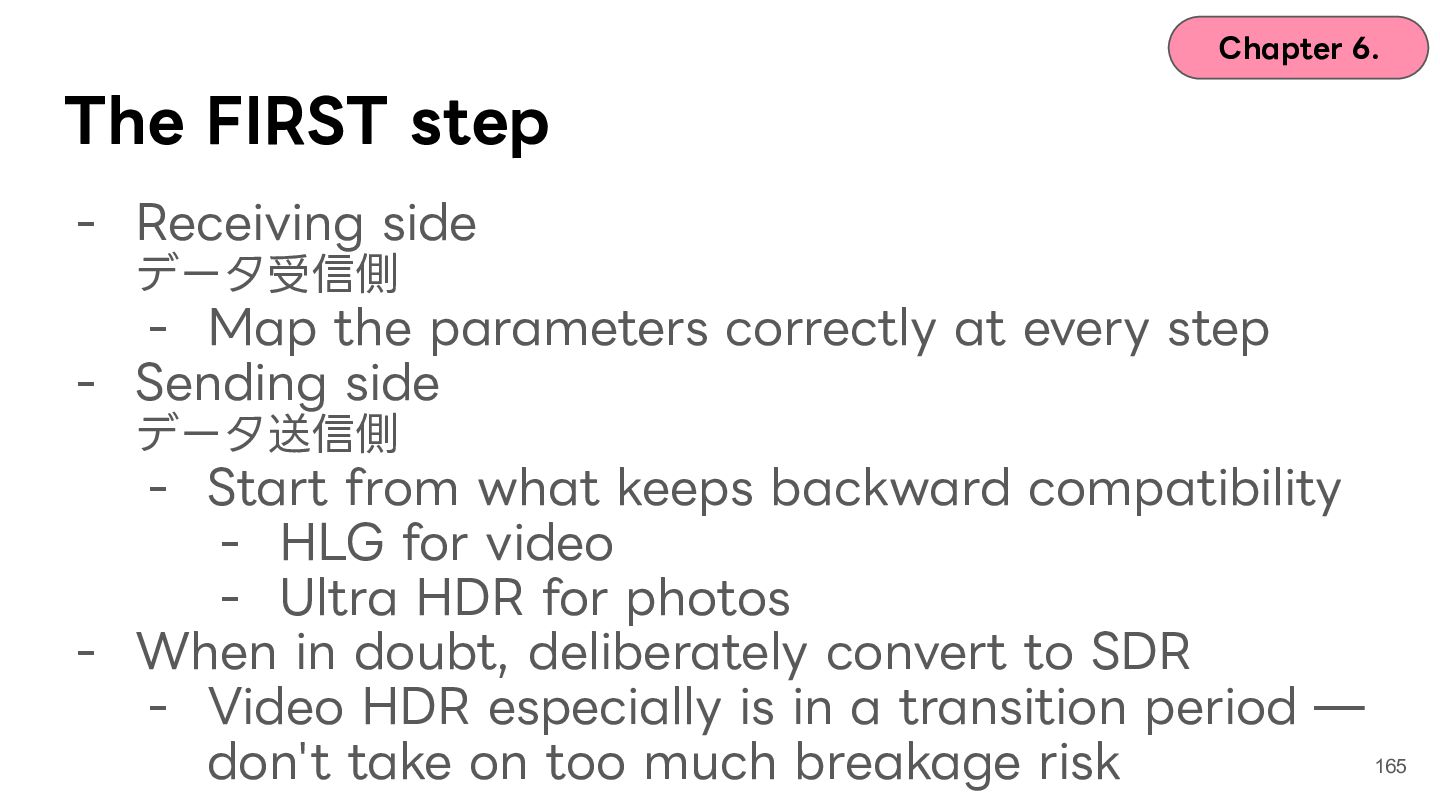
  133. Chapter 6. The FIRST step - Receiving side データ受信側 -

    Map the parameters correctly at every step - Sending side データ送信側 - Start from what keeps backward compatibility - HLG for video - Ultra HDR for photos - When in doubt, deliberately convert to SDR - Video HDR especially is in a transition period ̶ 165 don't take on too much breakage risk
  134. 166

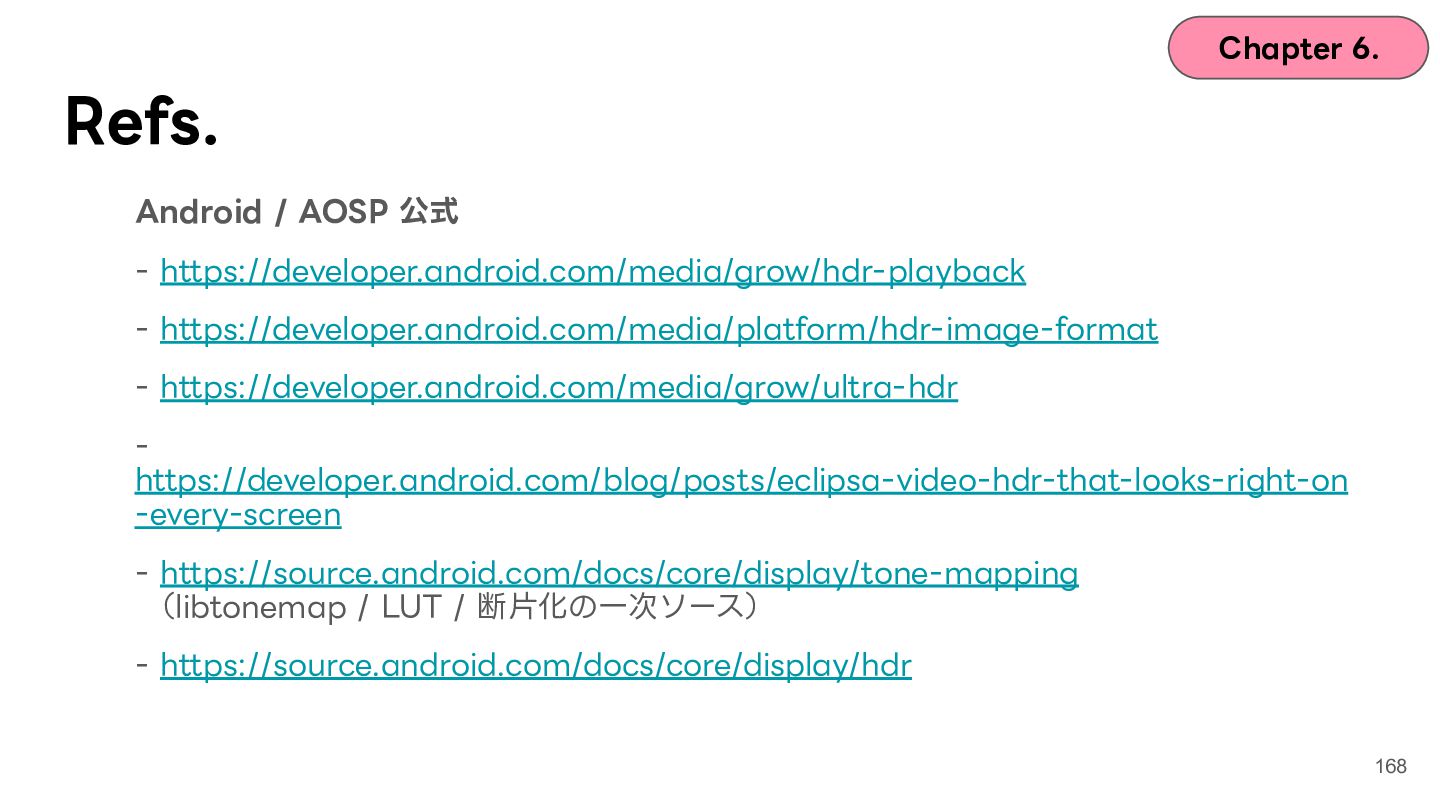
  135. Chapter 6. Refs. Android / AOSP 公式 - https://developer.android.com/media/grow/hdr-playback -

    https://developer.android.com/media/platform/hdr-image-format - https://developer.android.com/media/grow/ultra-hdr https://developer.android.com/blog/posts/eclipsa-video-hdr-that-looks-right-on -every-screen - https://source.android.com/docs/core/display/tone-mapping (libtonemap / LUT / 断⽚化の⼀次ソース) - https://source.android.com/docs/core/display/hdr 168
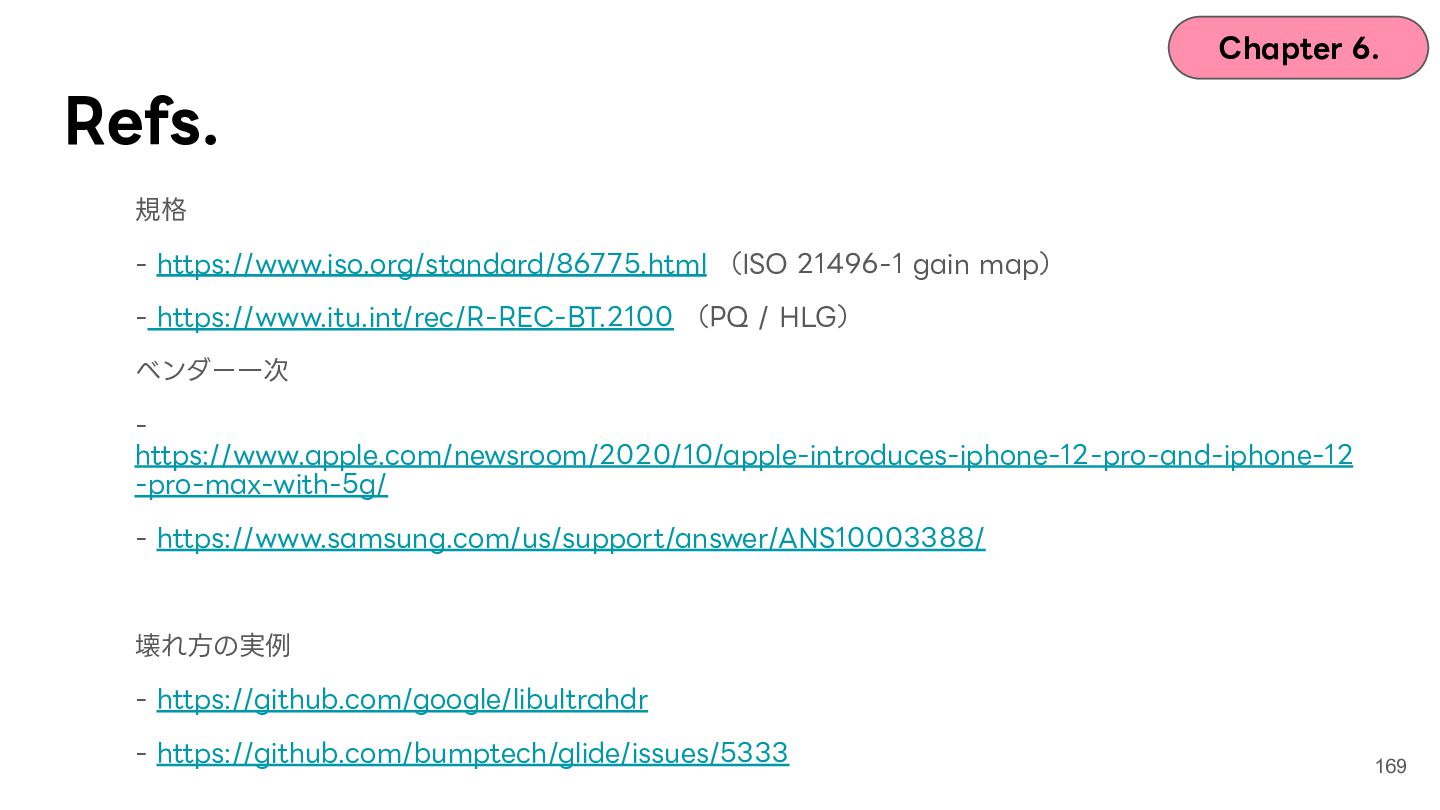
  136. Chapter 6. Refs. 規格 - https://www.iso.org/standard/86775.html (ISO 21496-1 gain map)

    - https://www.itu.int/rec/R-REC-BT.2100 (PQ / HLG) ベンダー⼀次 https://www.apple.com/newsroom/2020/10/apple-introduces-iphone-12-pro-and-iphone-12 -pro-max-with-5g/ - https://www.samsung.com/us/support/answer/ANS10003388/ 壊れ⽅の実例 - https://github.com/google/libultrahdr - https://github.com/bumptech/glide/issues/5333 169