Share
The Curious Case of Android Button - Yelp Engineering
Slides for the talk "The Curious Case of Android Button" by Nicola Corti, Android Engineer @ Yelp (Hamburg).
We interact with buttons every day to get coffee, order pizza, or start a new Gradle build. They may look simple and straightforward, but they have a fundamental role in our environment: create a sense of power.
We all love to feel empowered and we all hate being frustrated by bad design. Your users know this as well, they want to feel immediately rewarded when they interact with your UI, and they will quickly drop your app if they get annoyed.
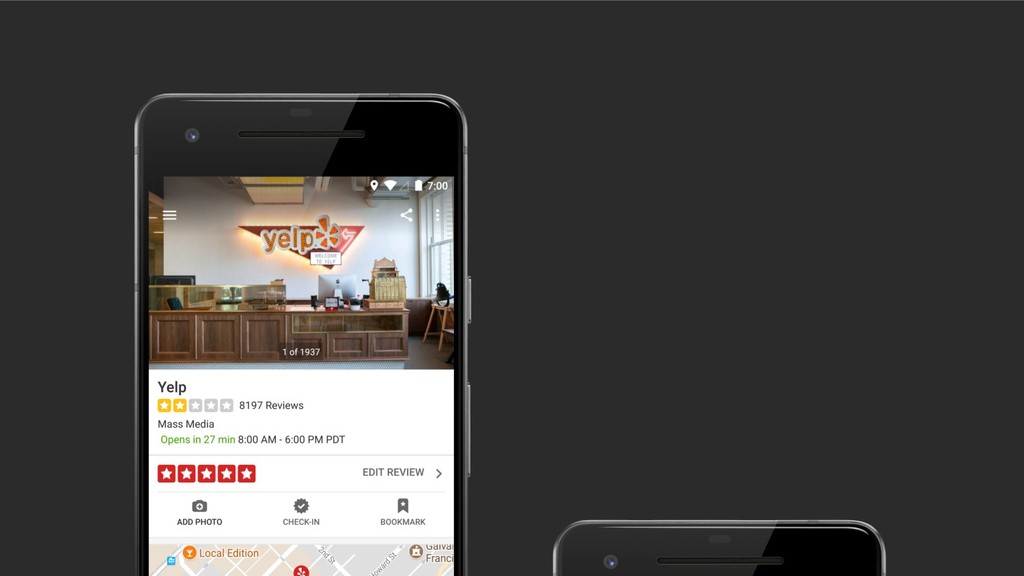
At Yelp, we get tens of millions button clicks a day. At that kind of scale, every pixel matters. We tune every single aspect of our buttons to make them simple and powerful, but adjusting every single shadow cast, click animation, or color layer can be tricky. In this talk, we will provide a deep dive into the Android framework and the Support Library to understand how buttons are rendered.

Nicola Corti
Transcript
150 slides
-
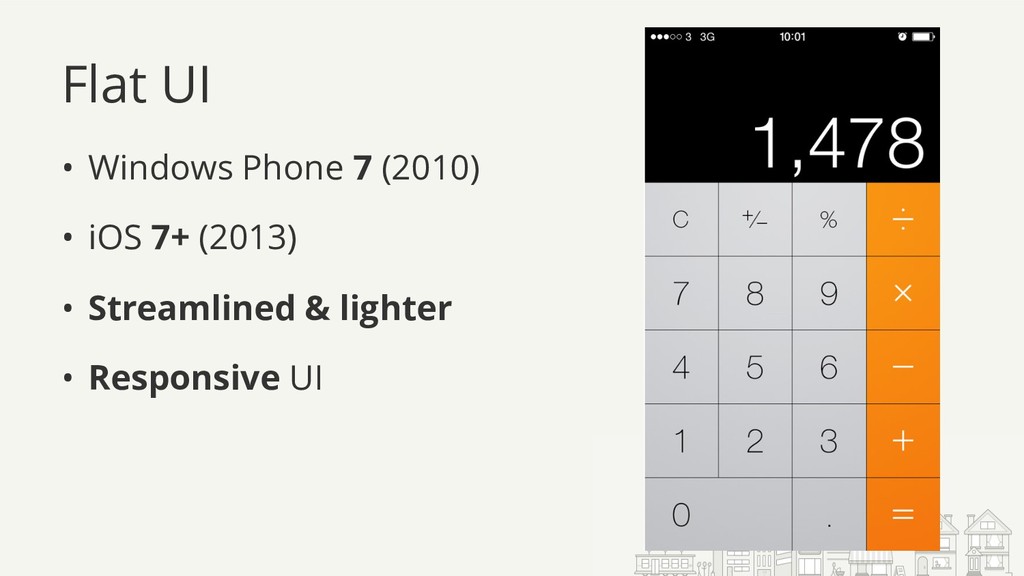
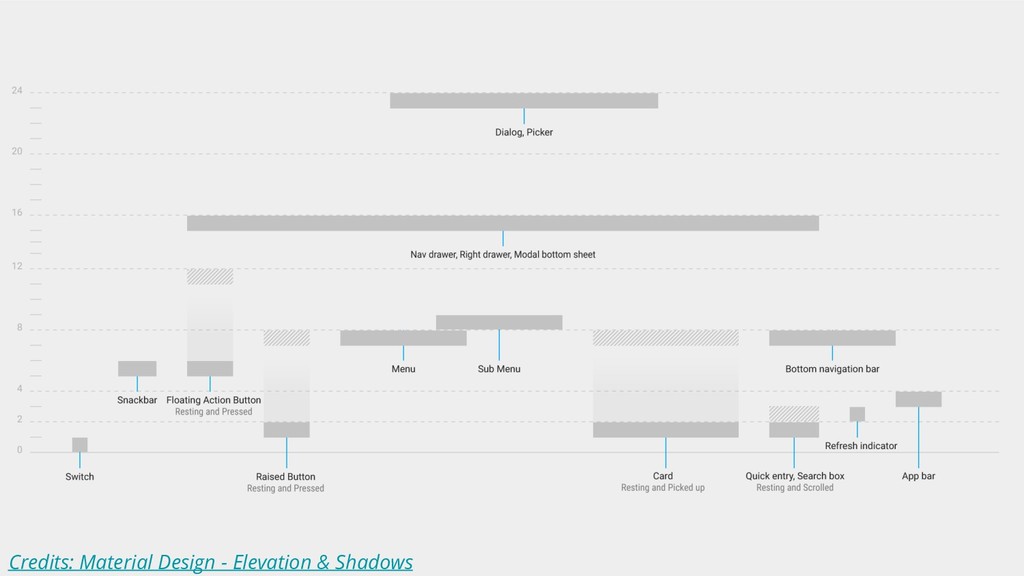
Flat UI • Windows Phone 7 (2010) • iOS 7+
(2013) • Streamlined & lighter • Responsive UI -
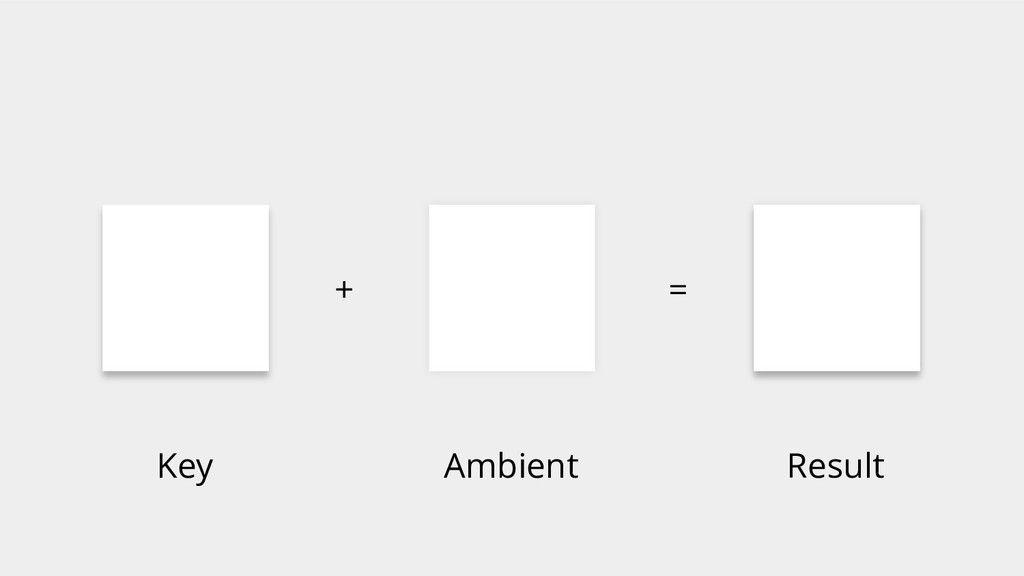
Almost Flat (aka Flat 2.0) • Google Material Design (2014)
• Shadows and Subtle Gradients -
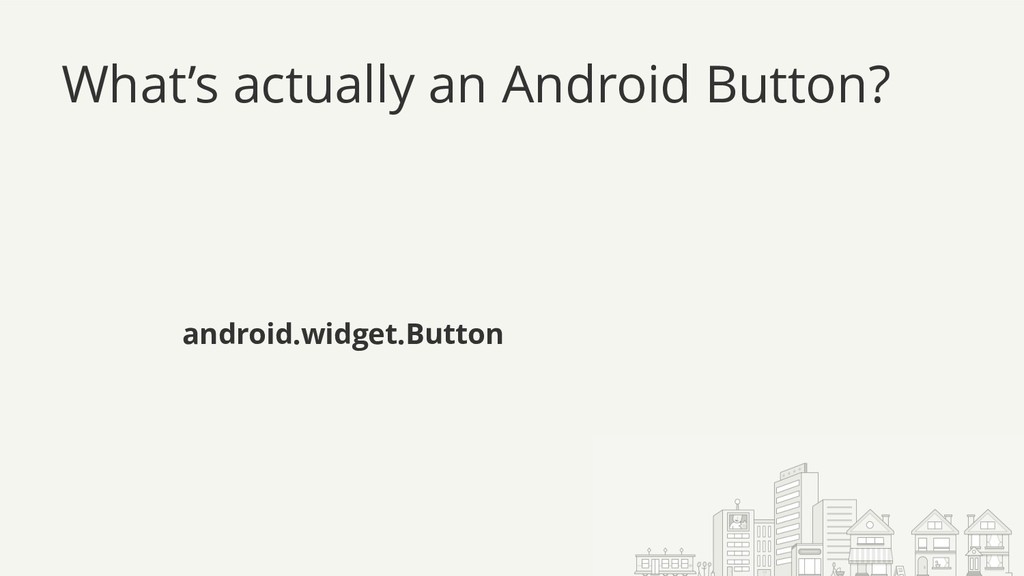
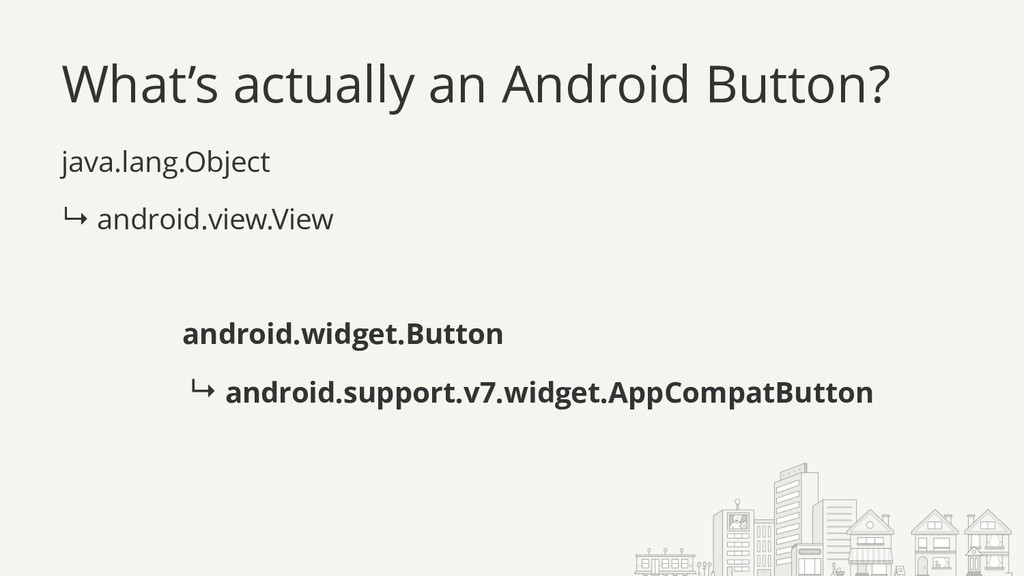
What’s actually an Android Button? java.lang.Object ↳ android.view.View ↳ android.widget.TextView
↳ android.widget.Button ↳ android.support.v7.widget.AppCompatButton -
What’s actually an Android Button? java.lang.Object ↳ android.view.View ↳ android.widget.TextView
↳ android.widget.Button ↳ android.support.v7.widget.AppCompatButton -
What’s actually an Android Button? java.lang.Object ↳ android.view.View ↳ android.widget.TextView
↳ android.widget.Button ↳ android.support.v7.widget.AppCompatButton -
What’s actually an Android Button? java.lang.Object ↳ android.view.View ↳ android.widget.TextView
↳ android.widget.Button ↳ android.support.v7.widget.AppCompatButton -
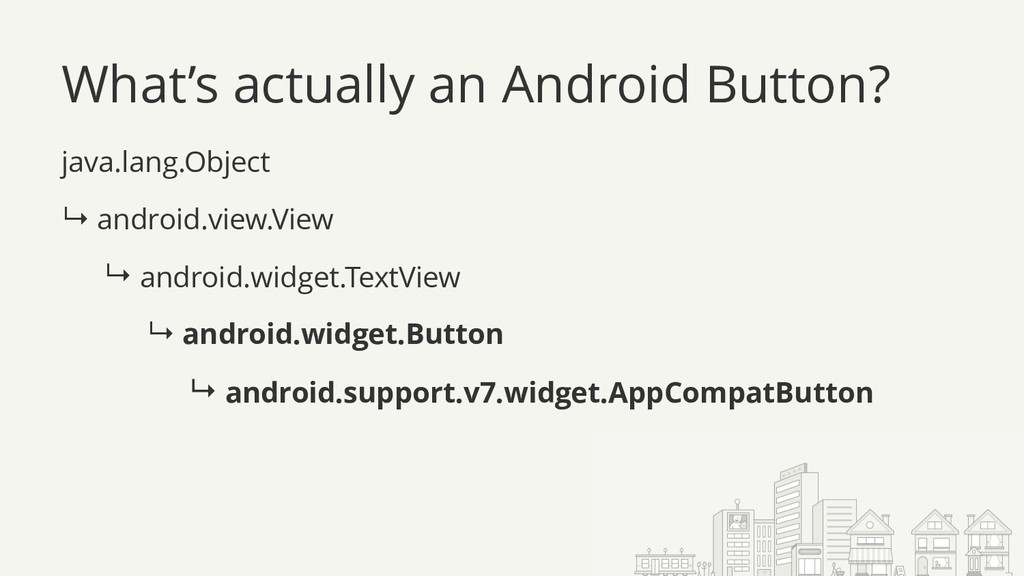
What’s actually an Android Button? java.lang.Object ↳ android.view.View ↳ android.widget.TextView
↳ android.widget.Button ↳ android.support.v7.widget.AppCompatButton -
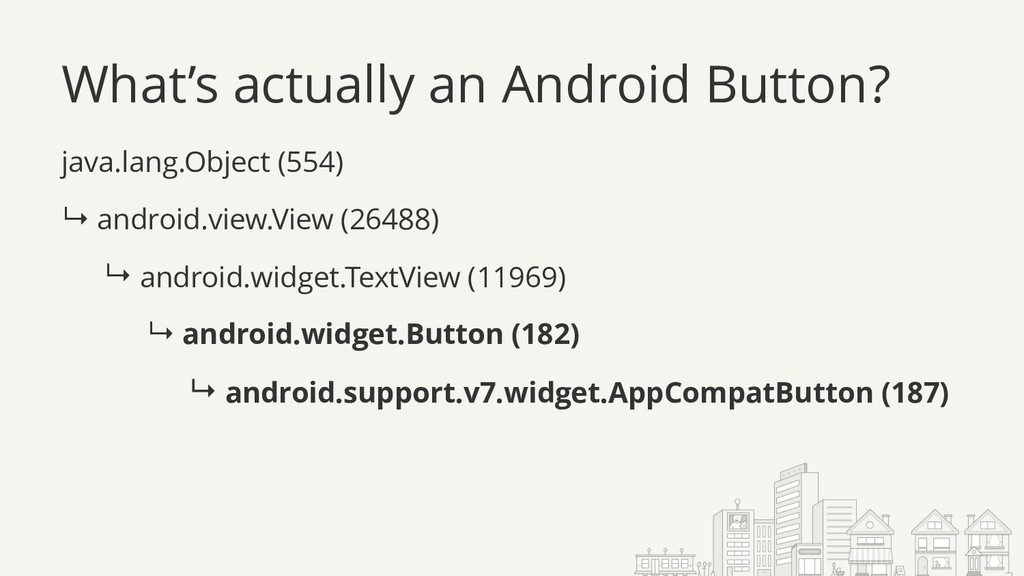
What’s actually an Android Button? java.lang.Object (554) ↳ android.view.View (26488)
↳ android.widget.TextView (11969) ↳ android.widget.Button (182) ↳ android.support.v7.widget.AppCompatButton (187) -
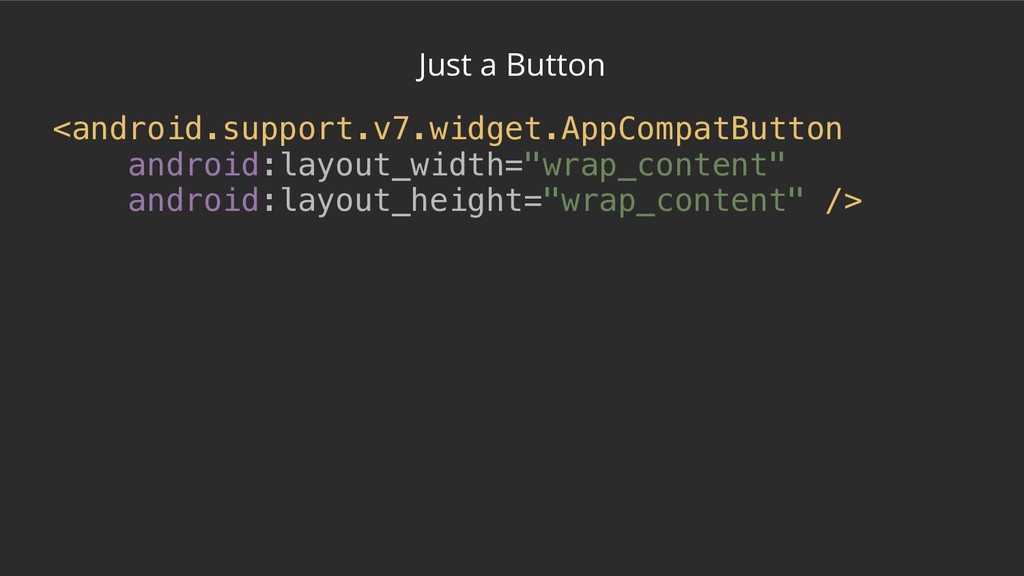
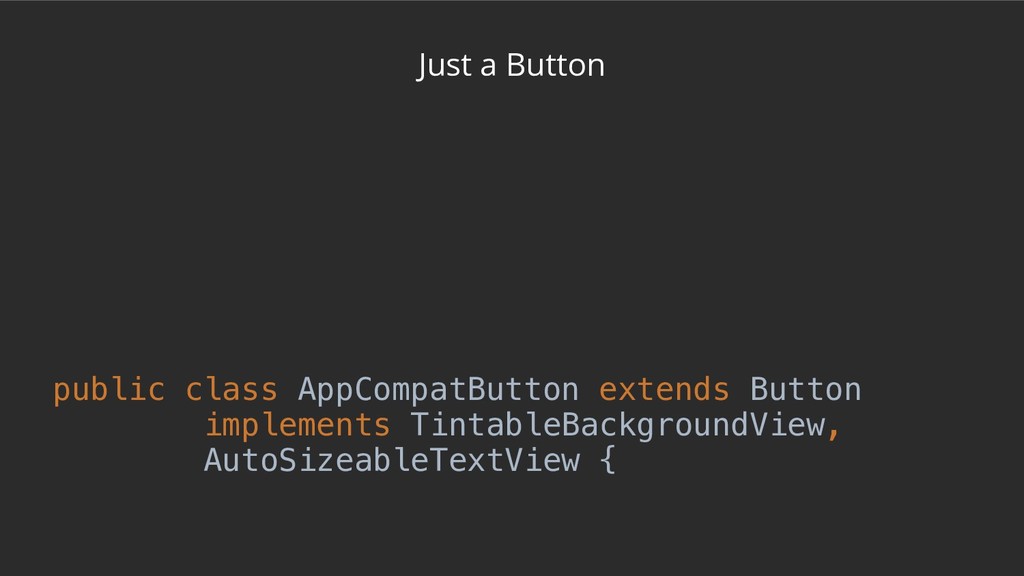
Just a Button /** * * <p>This will automatically be
used when you use {@link Button} in your layouts */ public class AppCompatButton extends Button implements TintableBackgroundView, AutoSizeableTextView { -
Just a Button /** * * <p>This will automatically be
used when you use {@link Button} in your layouts */ public class AppCompatButton extends Button implements TintableBackgroundView, AutoSizeableTextView { -
Just a Button /** * … * * <p>This will
automatically be used when you use {@link Button} in your layouts * … */ public class AppCompatButton extends Button implements TintableBackgroundView, AutoSizeableTextView { -
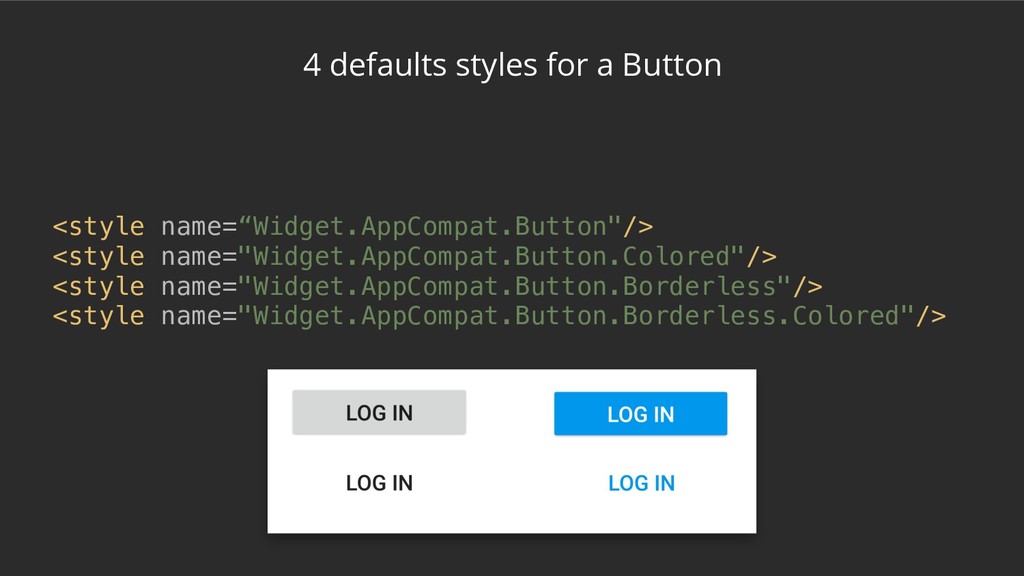
4 defaults styles for a Button <style name=“Widget.AppCompat.Button"/> <style name="Widget.AppCompat.Button.Colored"/>
<style name="Widget.AppCompat.Button.Borderless"/> <style name="Widget.AppCompat.Button.Borderless.Colored"/> -
4 defaults styles for a Button <style name=“Widget.AppCompat.Button"/> <style name="Widget.AppCompat.Button.Colored"/>
<style name="Widget.AppCompat.Button.Borderless"/> <style name="Widget.AppCompat.Button.Borderless.Colored"/> API 21+ -
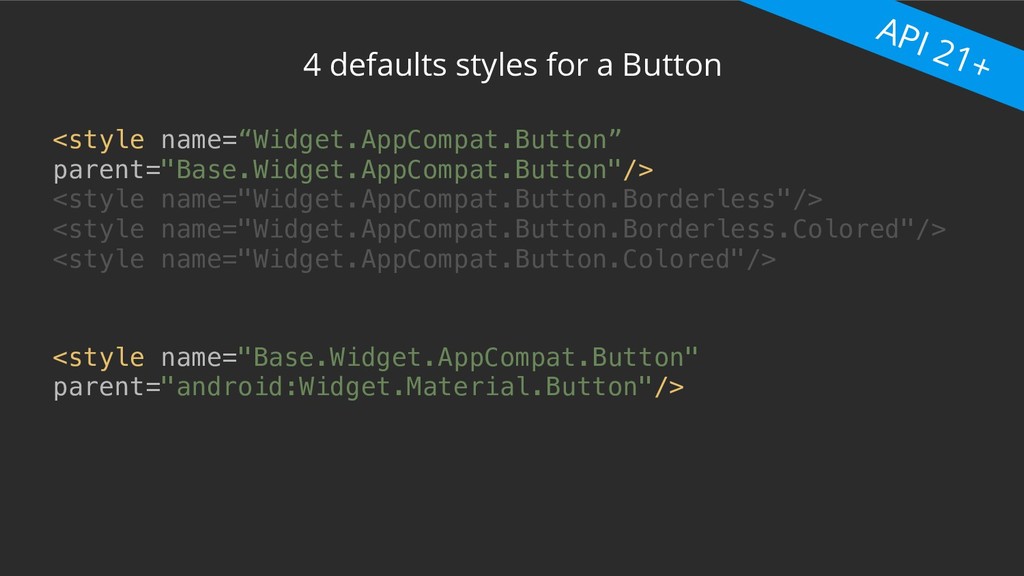
4 defaults styles for a Button <style name=“Widget.AppCompat.Button” parent="Base.Widget.AppCompat.Button"/> <style
name="Widget.AppCompat.Button.Borderless"/> <style name="Widget.AppCompat.Button.Borderless.Colored"/> <style name="Widget.AppCompat.Button.Colored"/> <style name="Base.Widget.AppCompat.Button" parent="android:Widget.Material.Button"/> API 21+ -
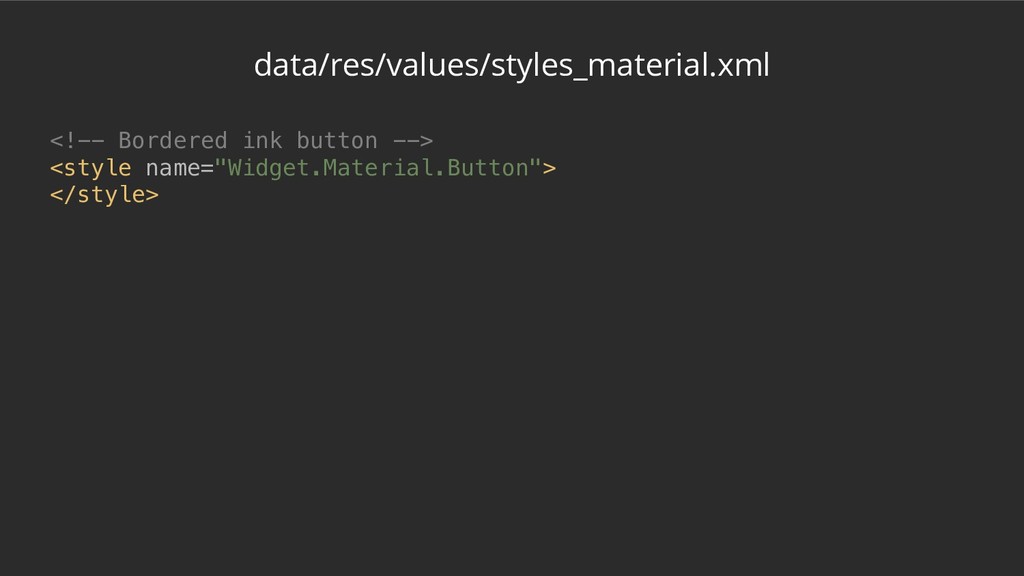
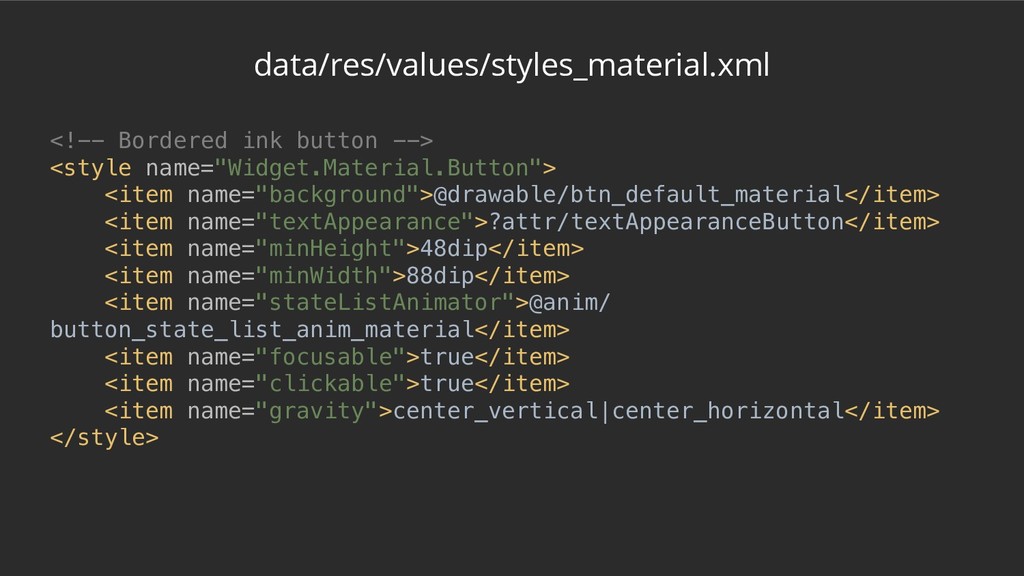
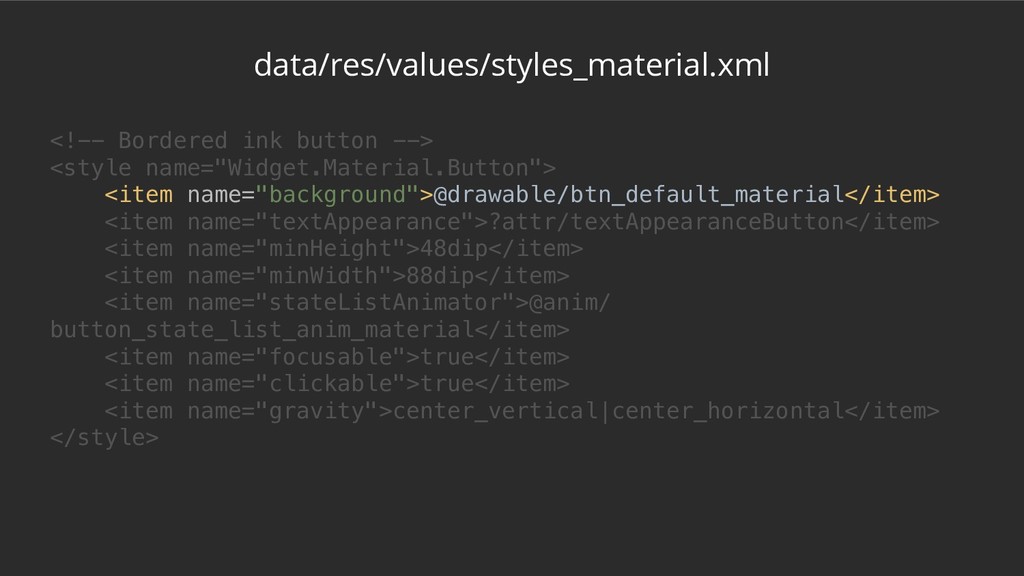
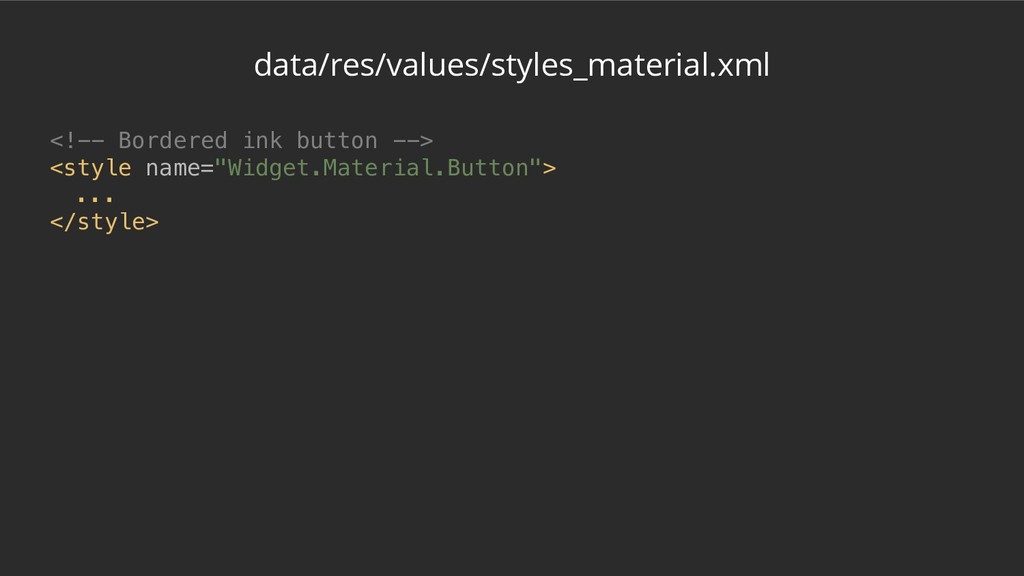
data/res/values/styles_material.xml <!-- Bordered ink button --> <style name="Widget.Material.Button"> <item name="background">@drawable/btn_default_material</item>
<item name="textAppearance">?attr/textAppearanceButton</item> <item name="minHeight">48dip</item> <item name="minWidth">88dip</item> <item name="stateListAnimator">@anim/ button_state_list_anim_material</item> <item name="focusable">true</item> <item name="clickable">true</item> <item name="gravity">center_vertical|center_horizontal</item> </style> -
data/res/values/styles_material.xml <!-- Bordered ink button --> <style name="Widget.Material.Button"> <item name="background">@drawable/btn_default_material</item>
<item name="textAppearance">?attr/textAppearanceButton</item> <item name="minHeight">48dip</item> <item name="minWidth">88dip</item> <item name="stateListAnimator">@anim/ button_state_list_anim_material</item> <item name="focusable">true</item> <item name="clickable">true</item> <item name="gravity">center_vertical|center_horizontal</item> </style> -
data/res/values/styles_material.xml <!-- Bordered ink button --> <style name="Widget.Material.Button"> <item name="background">@drawable/btn_default_material</item>
<item name="textAppearance">?attr/textAppearanceButton</item> <item name="minHeight">48dip</item> <item name="minWidth">88dip</item> <item name="stateListAnimator">@anim/ button_state_list_anim_material</item> <item name="focusable">true</item> <item name="clickable">true</item> <item name="gravity">center_vertical|center_horizontal</item> </style> -
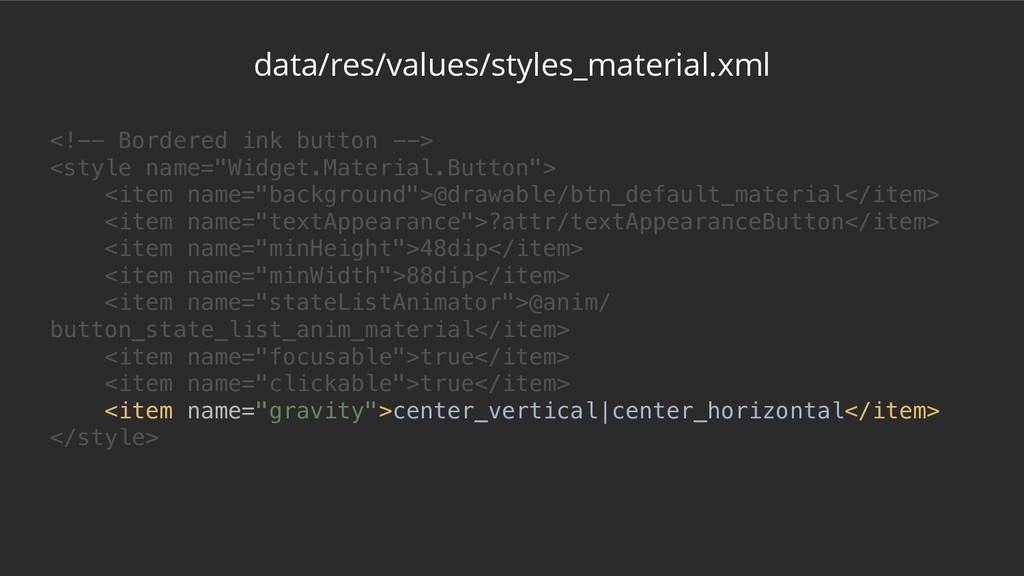
data/res/values/styles_material.xml <!-- Bordered ink button --> <style name="Widget.Material.Button"> <item name="background">@drawable/btn_default_material</item>
<item name="textAppearance">?attr/textAppearanceButton</item> <item name="minHeight">48dip</item> <item name="minWidth">88dip</item> <item name="stateListAnimator">@anim/ button_state_list_anim_material</item> <item name="focusable">true</item> <item name="clickable">true</item> <item name="gravity">center_vertical|center_horizontal</item> </style> -
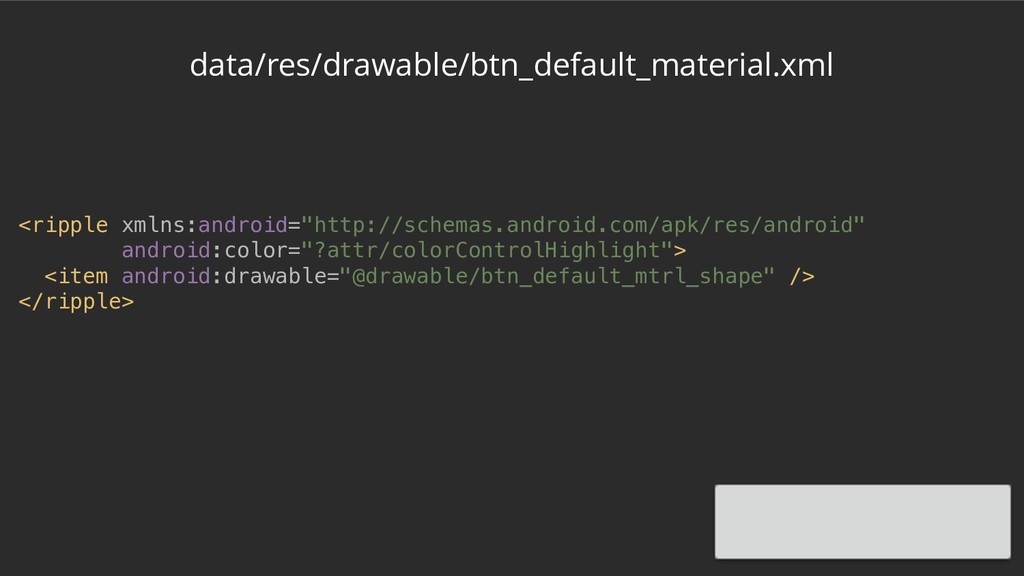
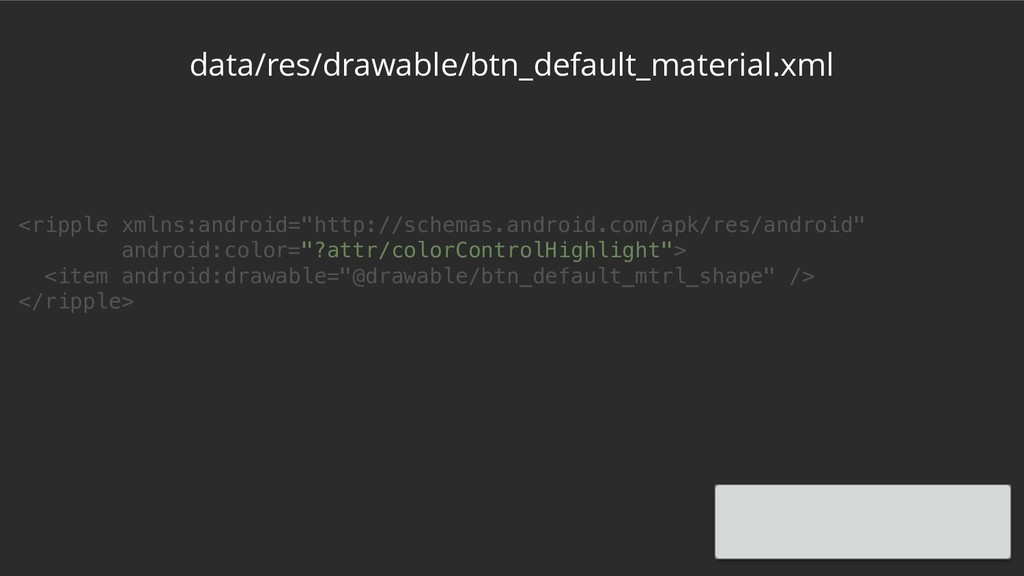
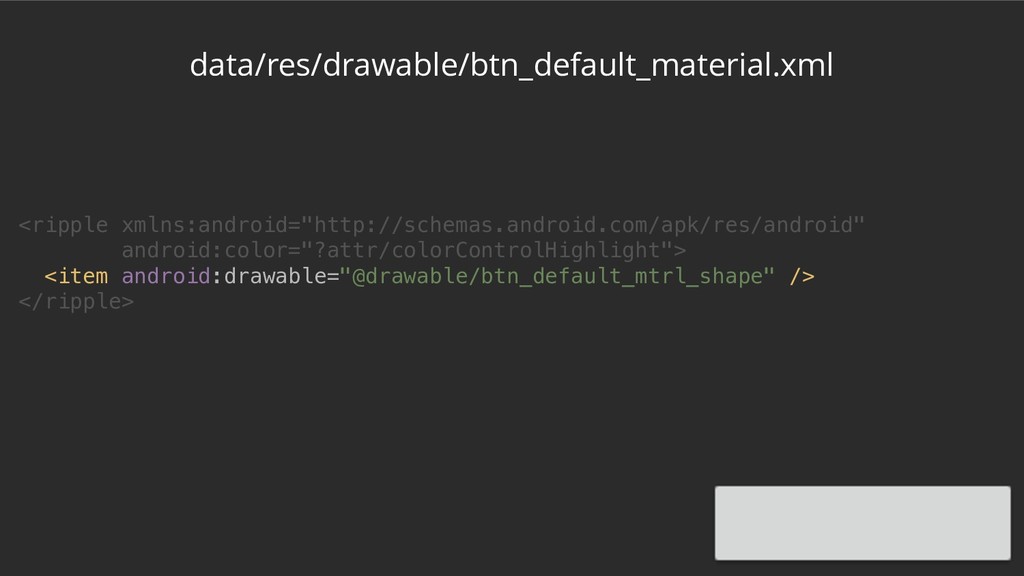
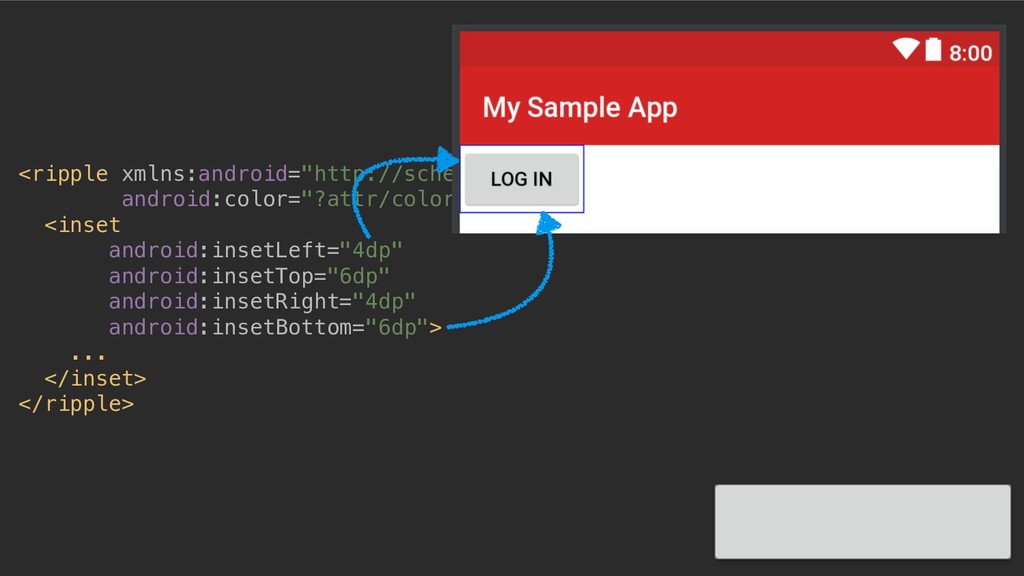
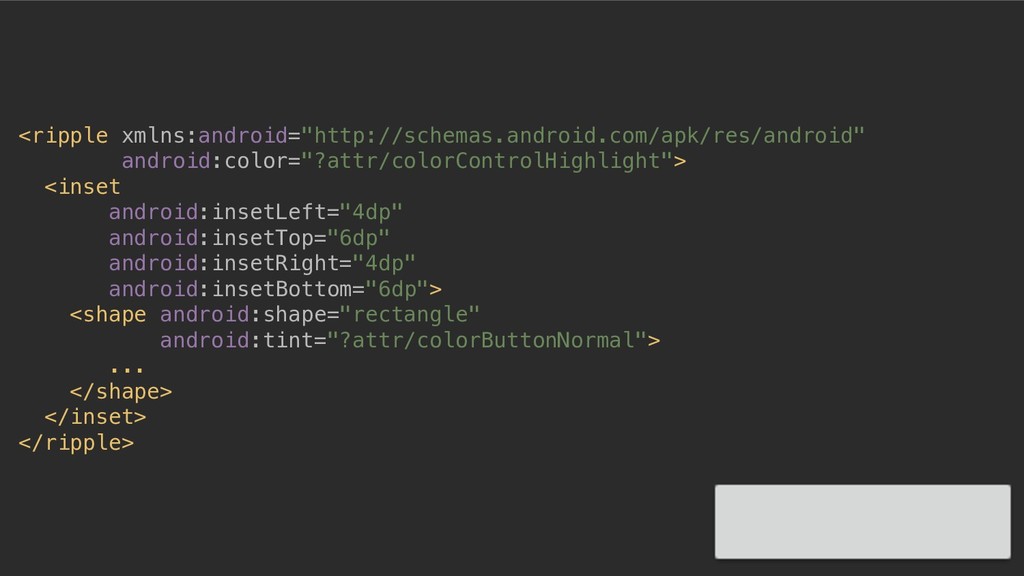
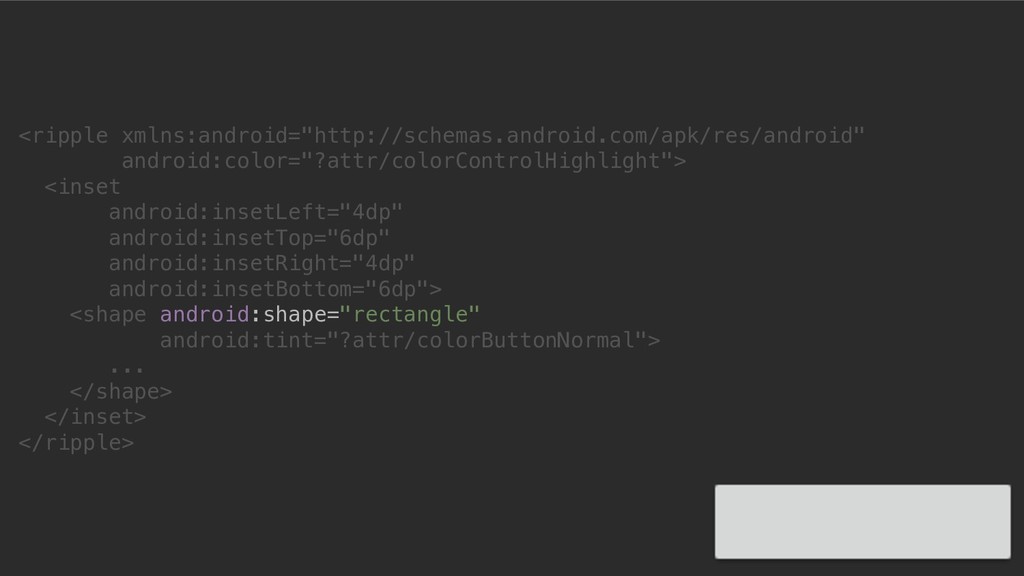
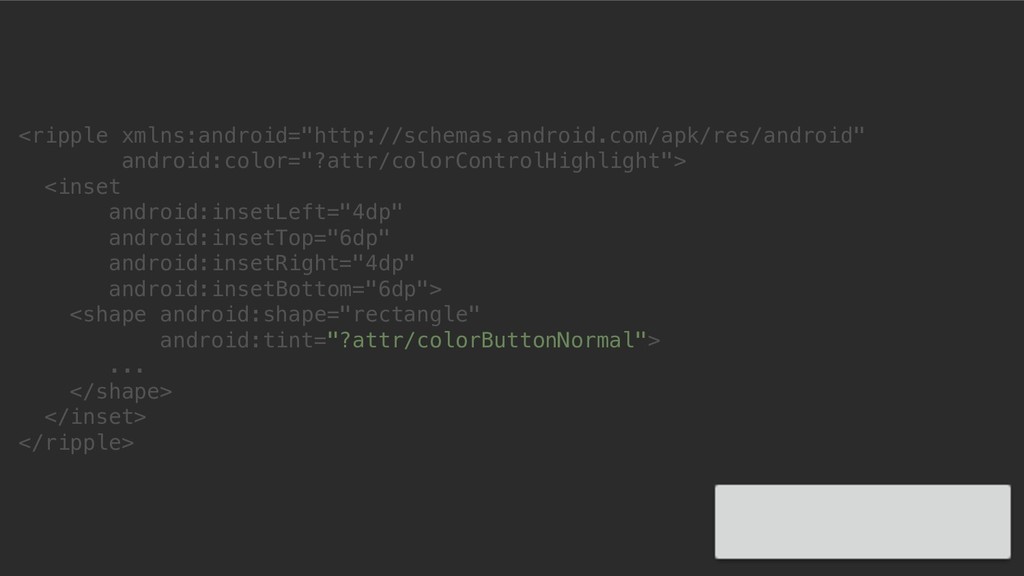
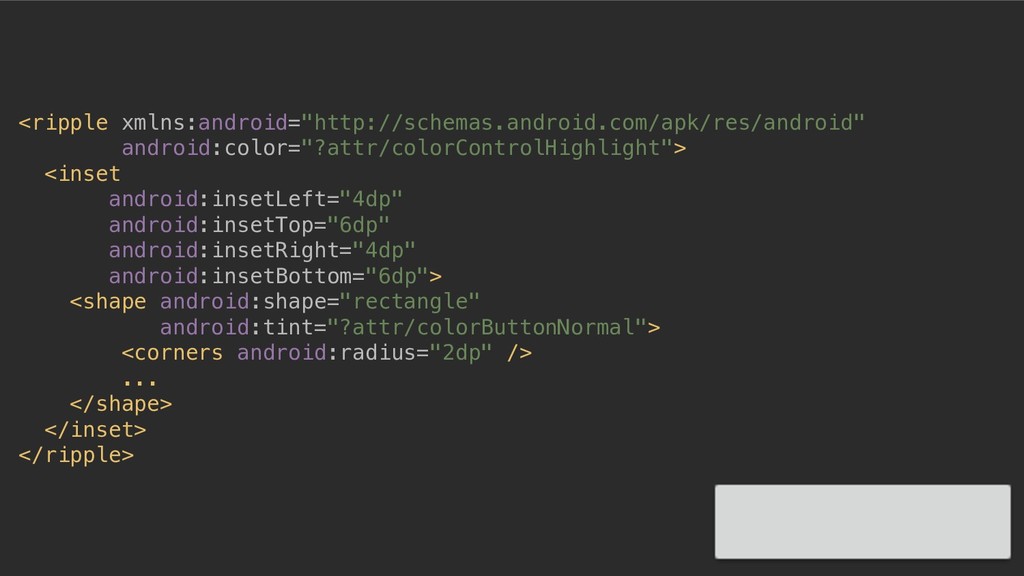
<ripple xmlns:android="http://schemas.android.com/apk/res/android" android:color="?attr/colorControlHighlight"> <inset android:insetLeft="4dp" android:insetTop="6dp" android:insetRight="4dp" android:insetBottom="6dp"> <shape android:shape="rectangle"
android:tint="?attr/colorButtonNormal"> ... </shape> </inset> </ripple> -
<ripple xmlns:android="http://schemas.android.com/apk/res/android" android:color="?attr/colorControlHighlight"> <inset android:insetLeft="4dp" android:insetTop="6dp" android:insetRight="4dp" android:insetBottom="6dp"> <shape android:shape="rectangle"
android:tint="?attr/colorButtonNormal"> ... </shape> </inset> </ripple> -
<ripple xmlns:android="http://schemas.android.com/apk/res/android" android:color="?attr/colorControlHighlight"> <inset android:insetLeft="4dp" android:insetTop="6dp" android:insetRight="4dp" android:insetBottom="6dp"> <shape android:shape="rectangle"
android:tint="?attr/colorButtonNormal"> ... </shape> </inset> </ripple> -
<ripple xmlns:android="http://schemas.android.com/apk/res/android" android:color="?attr/colorControlHighlight"> <inset android:insetLeft="4dp" android:insetTop="6dp" android:insetRight="4dp" android:insetBottom="6dp"> <shape android:shape="rectangle"
android:tint="?attr/colorButtonNormal"> <corners android:radius="2dp" /> ... </shape> </inset> </ripple> -
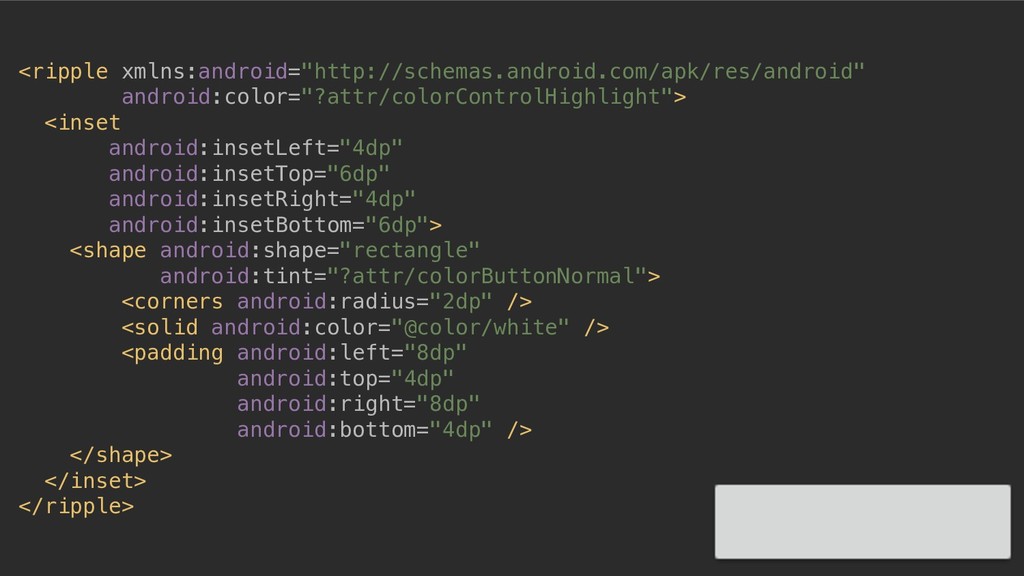
<ripple xmlns:android="http://schemas.android.com/apk/res/android" android:color="?attr/colorControlHighlight"> <inset android:insetLeft="4dp" android:insetTop="6dp" android:insetRight="4dp" android:insetBottom="6dp"> <shape android:shape="rectangle"
android:tint="?attr/colorButtonNormal"> <corners android:radius="2dp" /> <solid android:color="@color/white" /> ... </shape> </inset> </ripple> -
<ripple xmlns:android="http://schemas.android.com/apk/res/android" android:color="?attr/colorControlHighlight"> <inset android:insetLeft="4dp" android:insetTop="6dp" android:insetRight="4dp" android:insetBottom="6dp"> <shape android:shape="rectangle"
android:tint="?attr/colorButtonNormal"> <corners android:radius="2dp" /> <solid android:color="@color/white" /> <padding android:left="8dp" android:top="4dp" android:right="8dp" android:bottom="4dp" /> </shape> </inset> </ripple> -
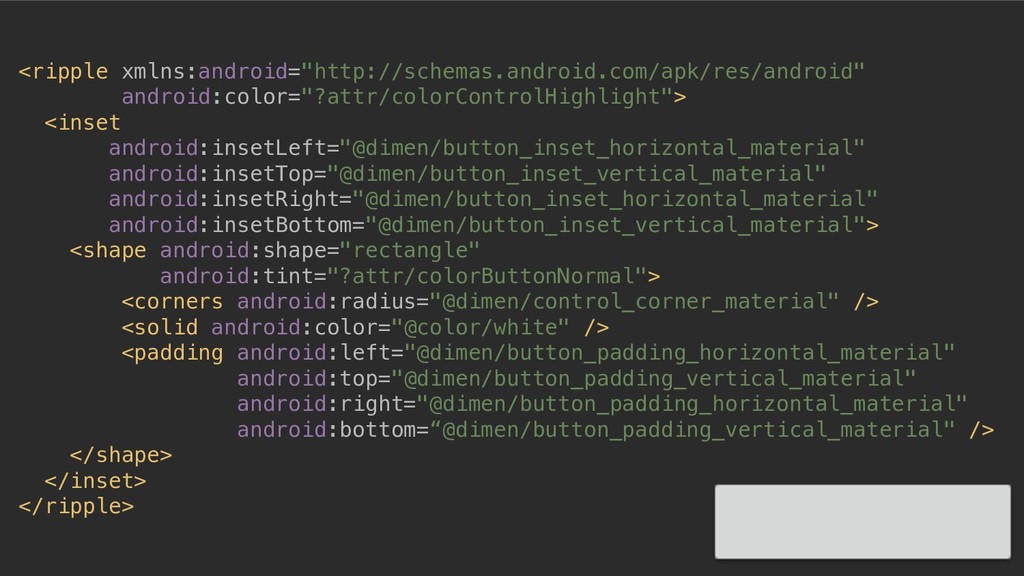
<ripple xmlns:android="http://schemas.android.com/apk/res/android" android:color="?attr/colorControlHighlight"> <inset android:insetLeft="@dimen/button_inset_horizontal_material" android:insetTop="@dimen/button_inset_vertical_material" android:insetRight="@dimen/button_inset_horizontal_material" android:insetBottom="@dimen/button_inset_vertical_material"> <shape android:shape="rectangle"
android:tint="?attr/colorButtonNormal"> <corners android:radius="@dimen/control_corner_material" /> <solid android:color="@color/white" /> <padding android:left="@dimen/button_padding_horizontal_material" android:top="@dimen/button_padding_vertical_material" android:right="@dimen/button_padding_horizontal_material" android:bottom=“@dimen/button_padding_vertical_material" /> </shape> </inset> </ripple> -
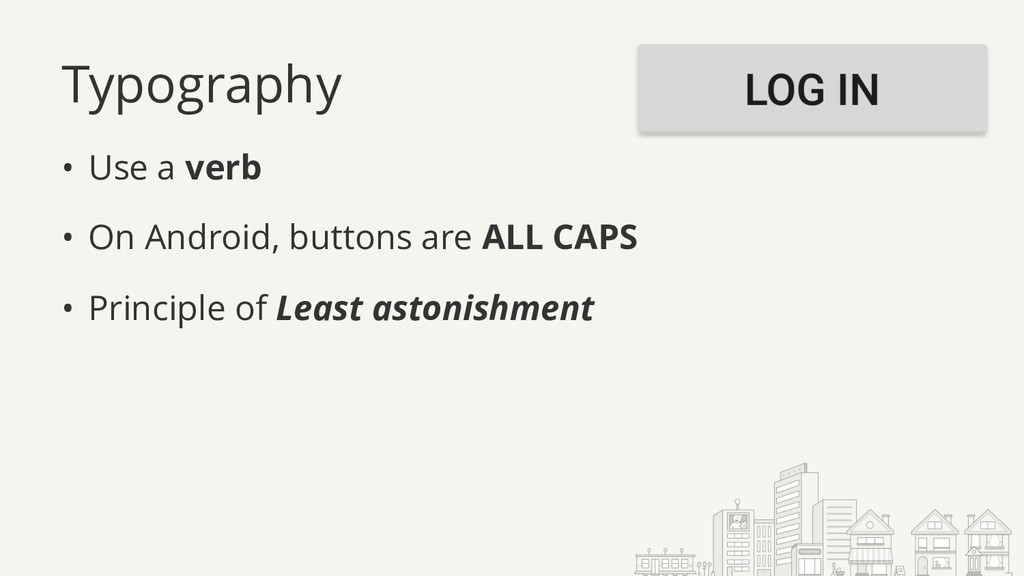
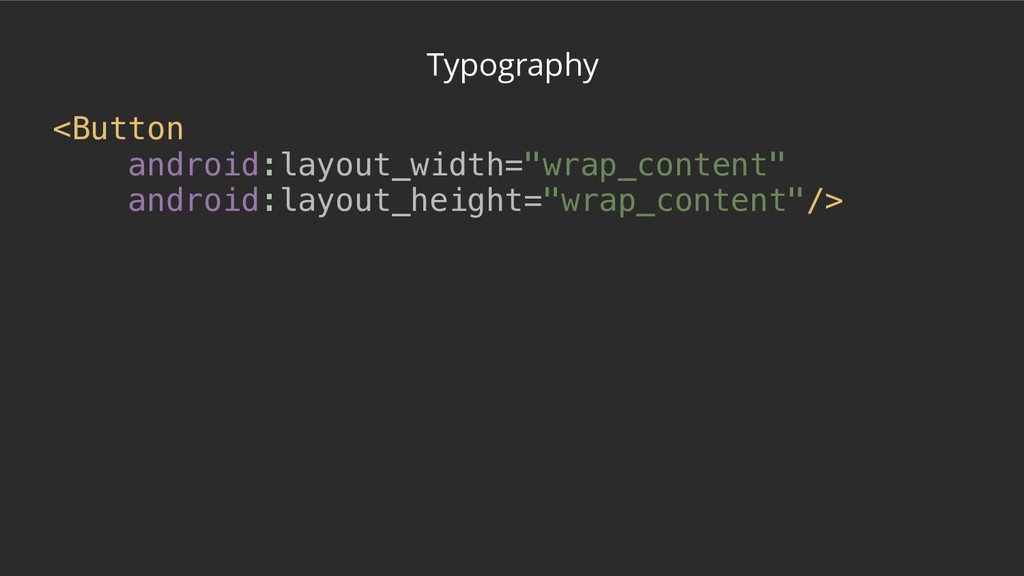
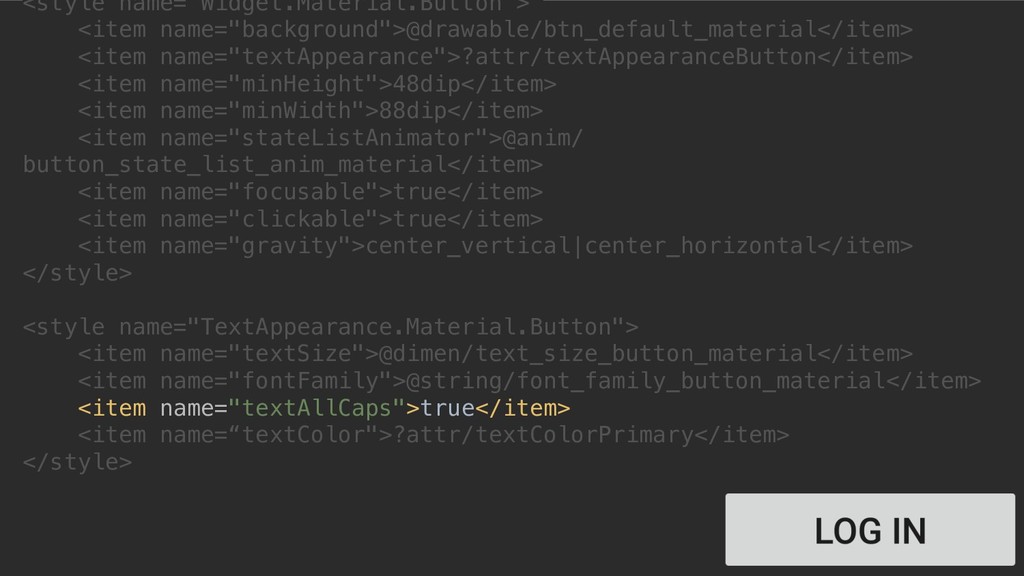
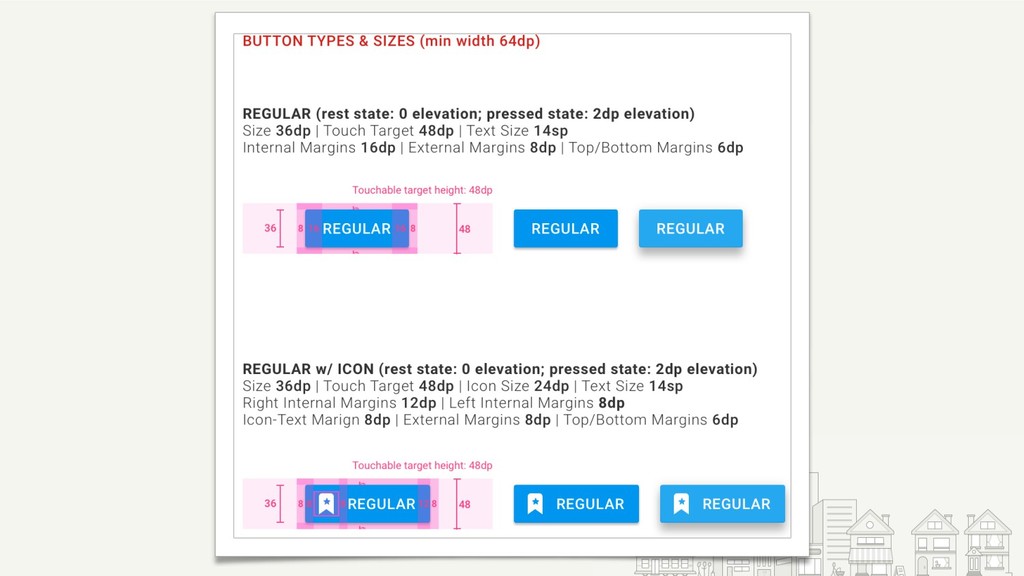
Typography • Use a verb • On Android, buttons are
ALL CAPS • Principle of Least astonishment -
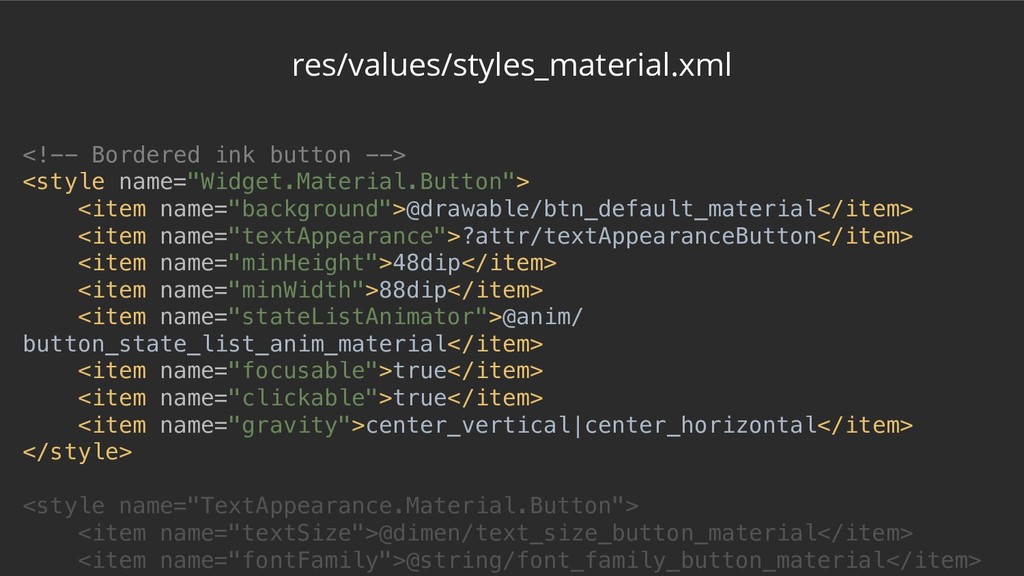
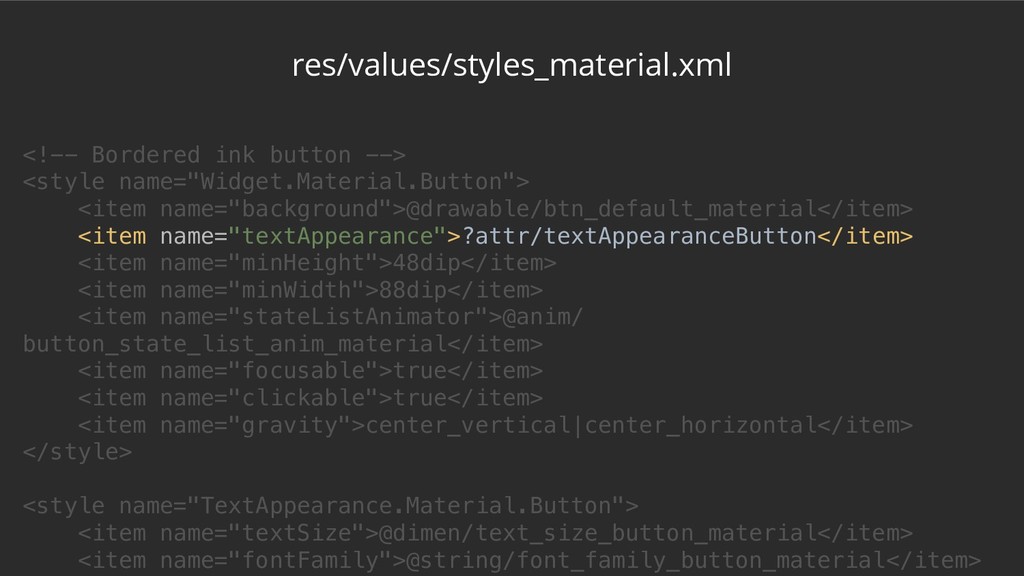
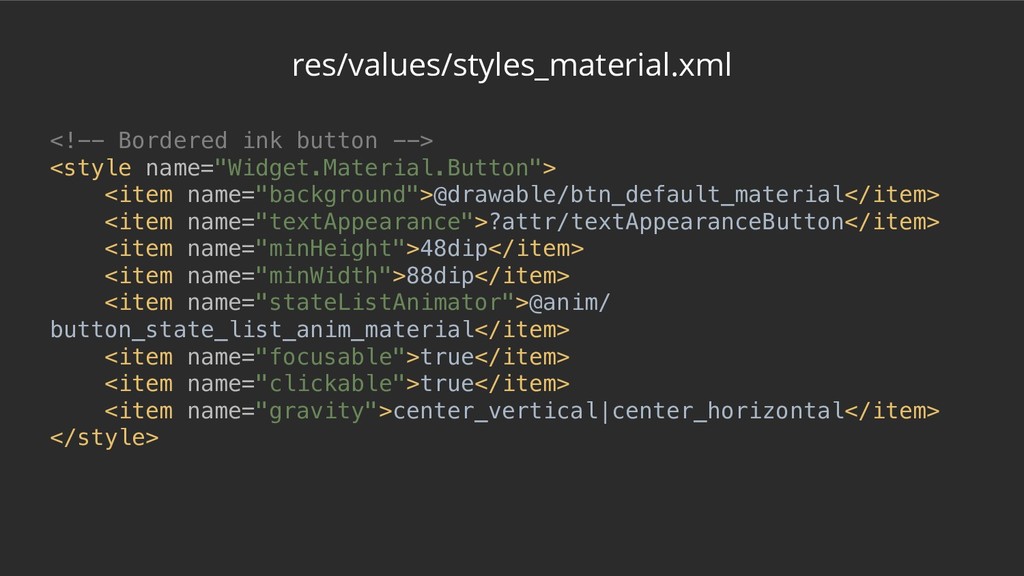
res/values/styles_material.xml <!-- Bordered ink button --> <style name="Widget.Material.Button"> <item name="background">@drawable/btn_default_material</item>
<item name="textAppearance">?attr/textAppearanceButton</item> <item name="minHeight">48dip</item> <item name="minWidth">88dip</item> <item name="stateListAnimator">@anim/ button_state_list_anim_material</item> <item name="focusable">true</item> <item name="clickable">true</item> <item name="gravity">center_vertical|center_horizontal</item> </style> <style name="TextAppearance.Material.Button"> <item name="textSize">@dimen/text_size_button_material</item> <item name="fontFamily">@string/font_family_button_material</item> -
res/values/styles_material.xml <!-- Bordered ink button --> <style name="Widget.Material.Button"> <item name="background">@drawable/btn_default_material</item>
<item name="textAppearance">?attr/textAppearanceButton</item> <item name="minHeight">48dip</item> <item name="minWidth">88dip</item> <item name="stateListAnimator">@anim/ button_state_list_anim_material</item> <item name="focusable">true</item> <item name="clickable">true</item> <item name="gravity">center_vertical|center_horizontal</item> </style> <style name="TextAppearance.Material.Button"> <item name="textSize">@dimen/text_size_button_material</item> <item name="fontFamily">@string/font_family_button_material</item> -
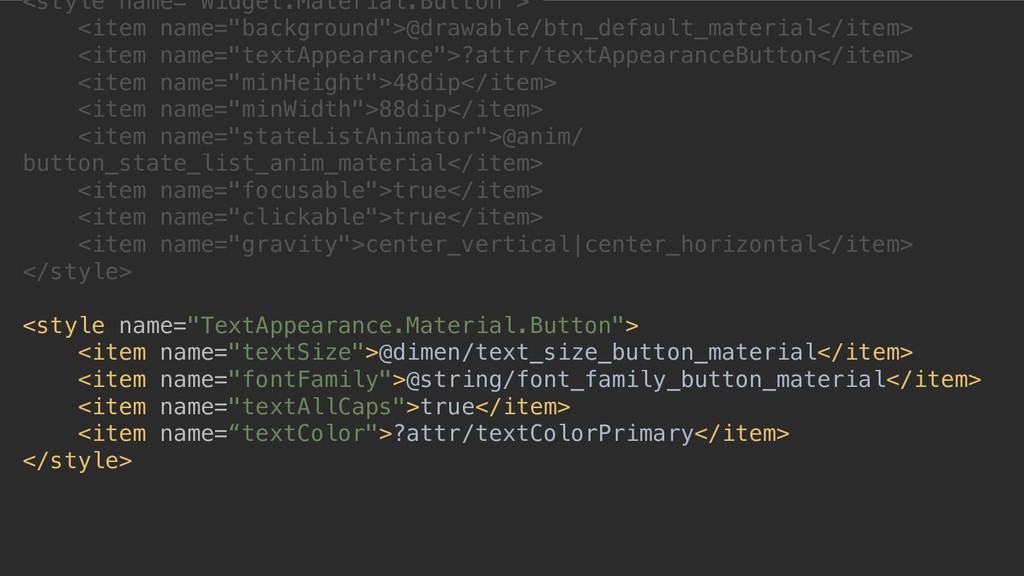
<style name="Widget.Material.Button"> <item name="background">@drawable/btn_default_material</item> <item name="textAppearance">?attr/textAppearanceButton</item> <item name="minHeight">48dip</item> <item name="minWidth">88dip</item>
<item name="stateListAnimator">@anim/ button_state_list_anim_material</item> <item name="focusable">true</item> <item name="clickable">true</item> <item name="gravity">center_vertical|center_horizontal</item> </style> <style name="TextAppearance.Material.Button"> <item name="textSize">@dimen/text_size_button_material</item> <item name="fontFamily">@string/font_family_button_material</item> <item name="textAllCaps">true</item> <item name=“textColor">?attr/textColorPrimary</item> </style> -
<style name="Widget.Material.Button"> <item name="background">@drawable/btn_default_material</item> <item name="textAppearance">?attr/textAppearanceButton</item> <item name="minHeight">48dip</item> <item name="minWidth">88dip</item>
<item name="stateListAnimator">@anim/ button_state_list_anim_material</item> <item name="focusable">true</item> <item name="clickable">true</item> <item name="gravity">center_vertical|center_horizontal</item> </style> <style name="TextAppearance.Material.Button"> <item name="textSize">@dimen/text_size_button_material</item> <item name="fontFamily">@string/font_family_button_material</item> <item name="textAllCaps">true</item> <item name=“textColor">?attr/textColorPrimary</item> </style> -
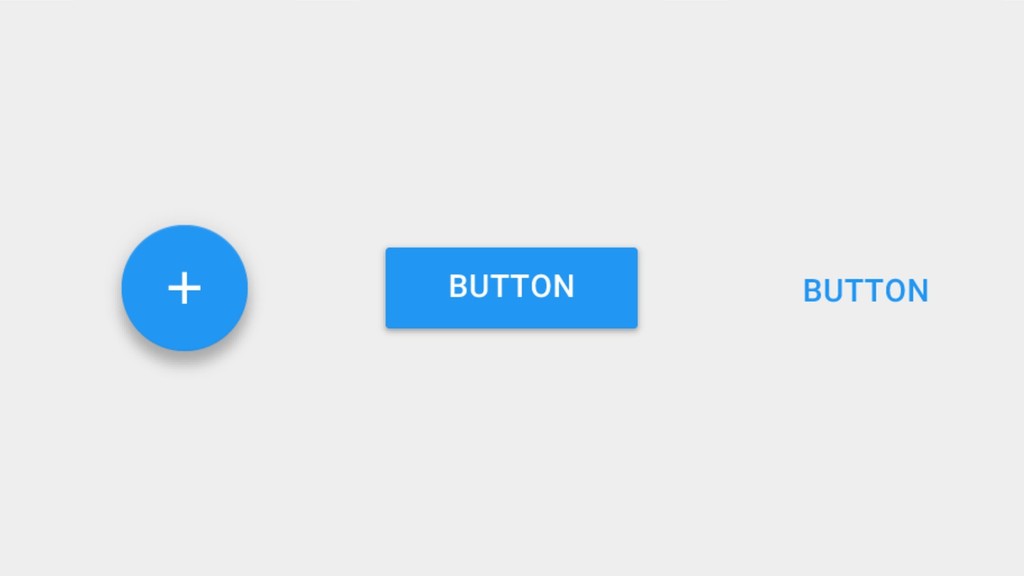
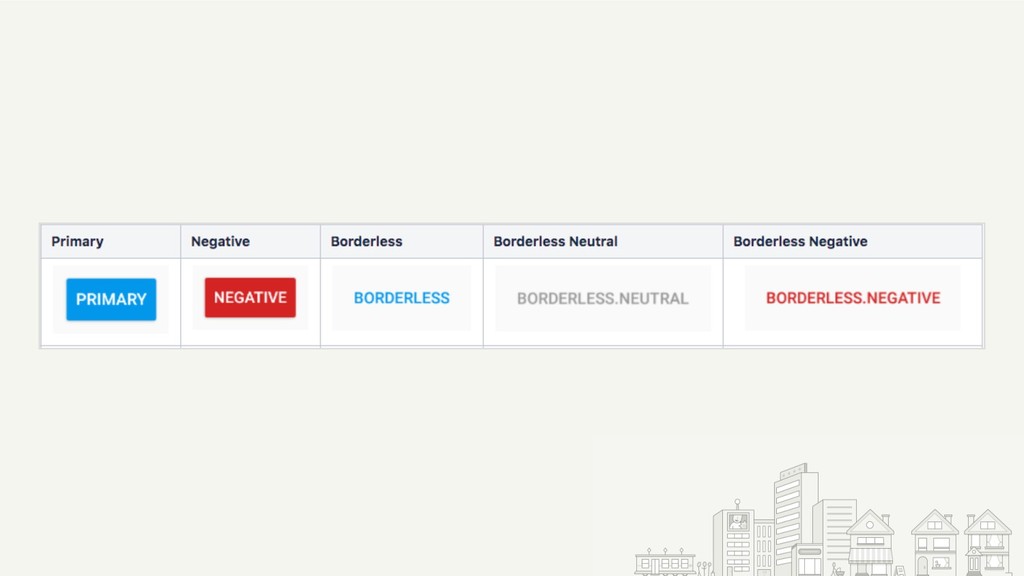
Hierarchy • First, define your color palette • Use contrast
to define hierarchy • Primary: high • Negative: medium • Secondary: low -
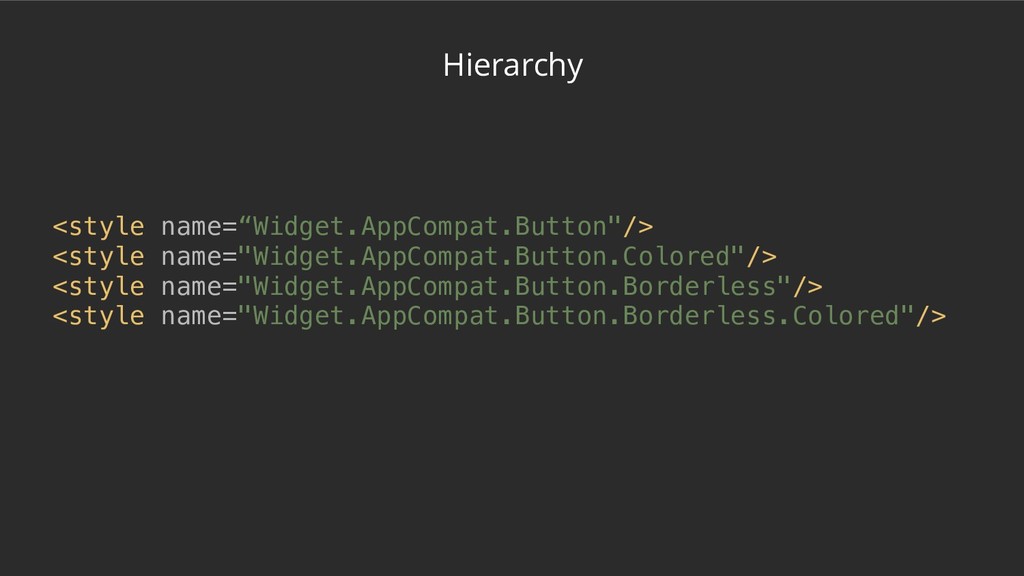
Hierarchy <style name=“Widget.AppCompat.Button"/> <style name=“Widget.AppCompat.Button.Colored” parent=“Base.Widget.AppCompat.Button.Colored”/> <style name="Widget.AppCompat.Button.Borderless"/> <style name=“Widget.AppCompat.Button.Borderless.Colored"/>
<style name=“Base.Widget.AppCompat.Button.Colored" parent=“android:Widget.Material.Button.Colored”/> API 23+ -
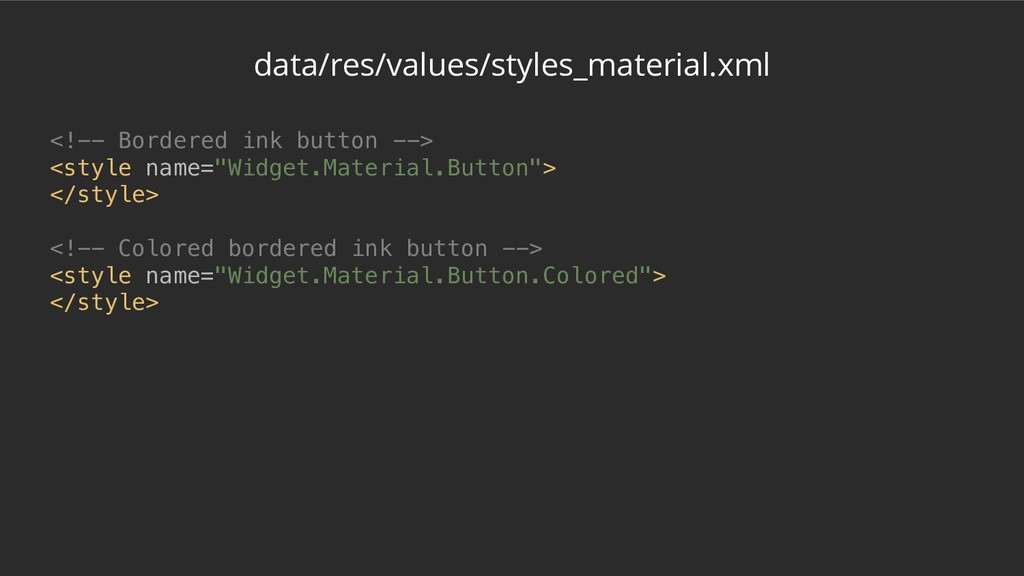
data/res/values/styles_material.xml <!-- Bordered ink button --> <style name="Widget.Material.Button"> </style> <!--
Colored bordered ink button --> <style name="Widget.Material.Button.Colored"> </style> -
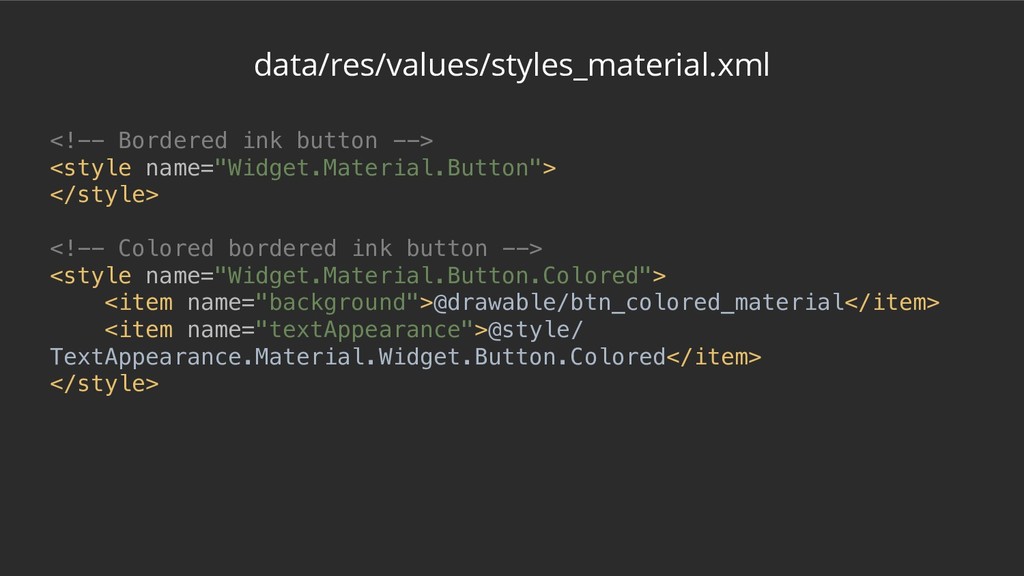
data/res/values/styles_material.xml <!-- Bordered ink button --> <style name="Widget.Material.Button"> </style> <!--
Colored bordered ink button --> <style name="Widget.Material.Button.Colored"> <item name="background">@drawable/btn_colored_material</item> <item name="textAppearance">@style/ TextAppearance.Material.Widget.Button.Colored</item> </style> -
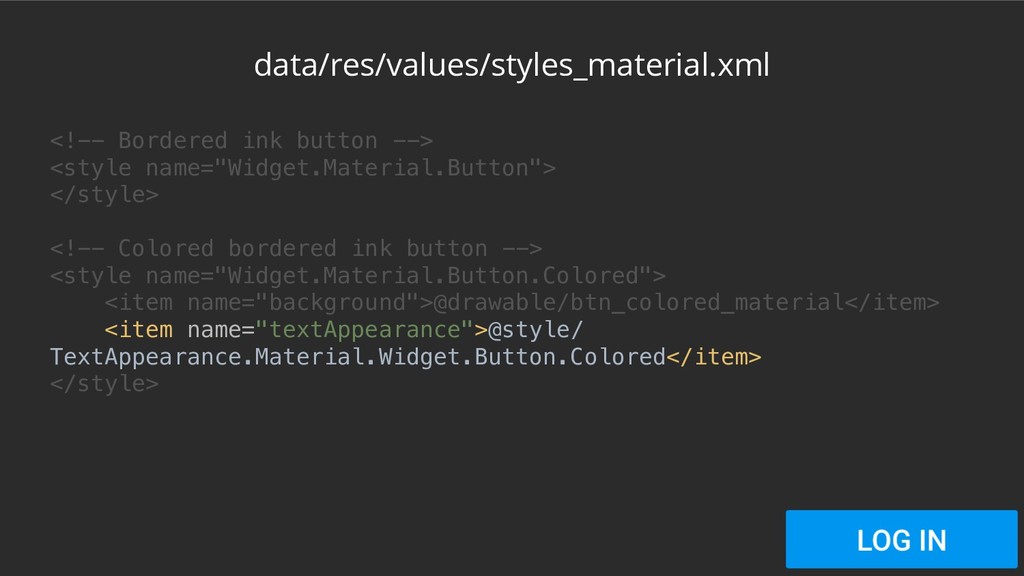
data/res/values/styles_material.xml <!-- Bordered ink button --> <style name="Widget.Material.Button"> </style> <!--
Colored bordered ink button --> <style name="Widget.Material.Button.Colored"> <item name="background">@drawable/btn_colored_material</item> <item name="textAppearance">@style/ TextAppearance.Material.Widget.Button.Colored</item> </style> -
data/res/values/styles_material.xml <!-- Bordered ink button --> <style name="Widget.Material.Button"> </style> <!--
Colored bordered ink button --> <style name="Widget.Material.Button.Colored"> <item name="background">@drawable/btn_colored_material</item> <item name="textAppearance">@style/ TextAppearance.Material.Widget.Button.Colored</item> </style> -
data/res/values/styles_material.xml <!-- Bordered ink button --> <style name="Widget.Material.Button"> </style> <!--
Colored bordered ink button --> <style name="Widget.Material.Button.Colored"> <item name="background">@drawable/btn_colored_material</item> <item name="textAppearance">@style/ TextAppearance.Material.Widget.Button.Colored</item> </style> -
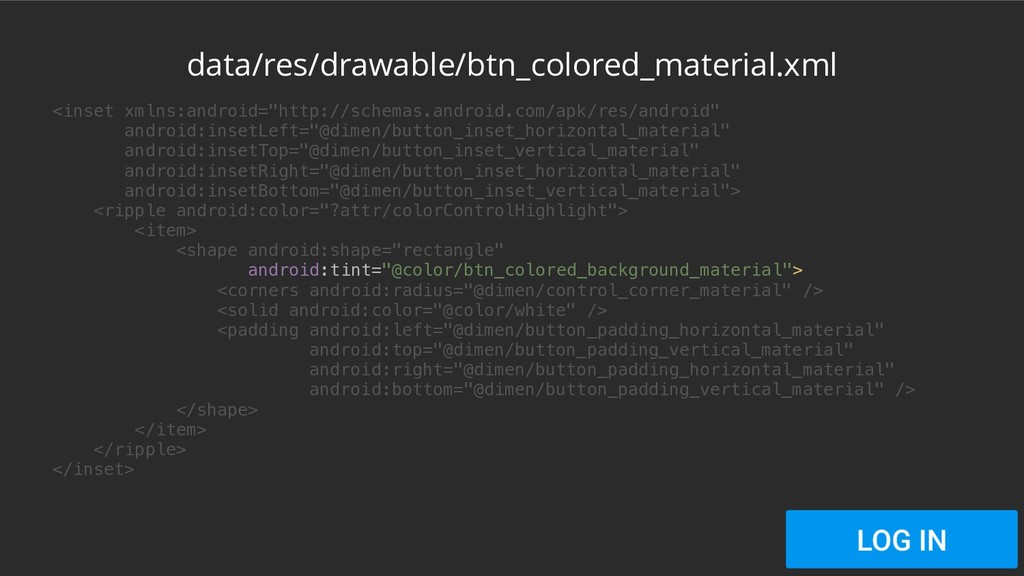
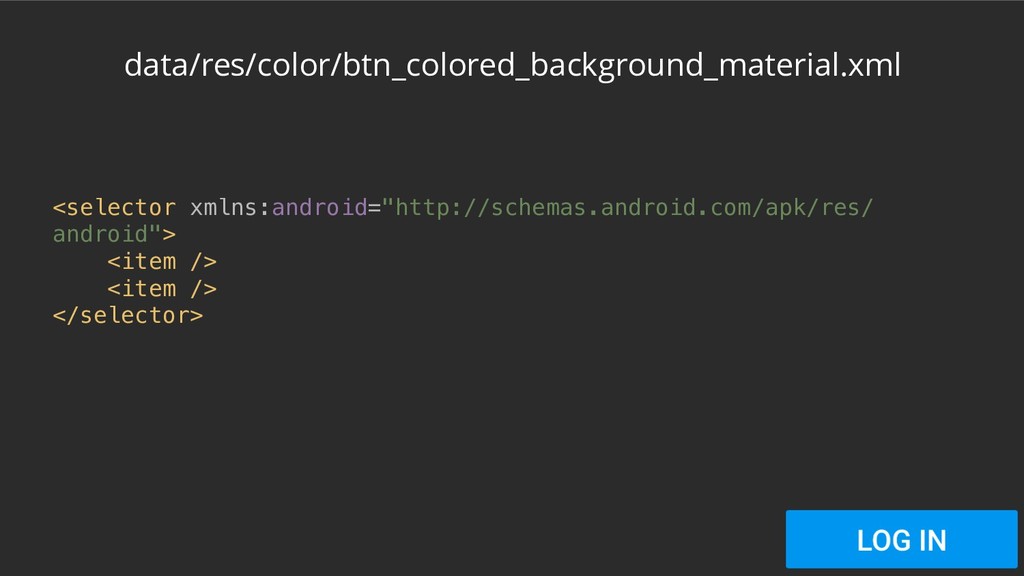
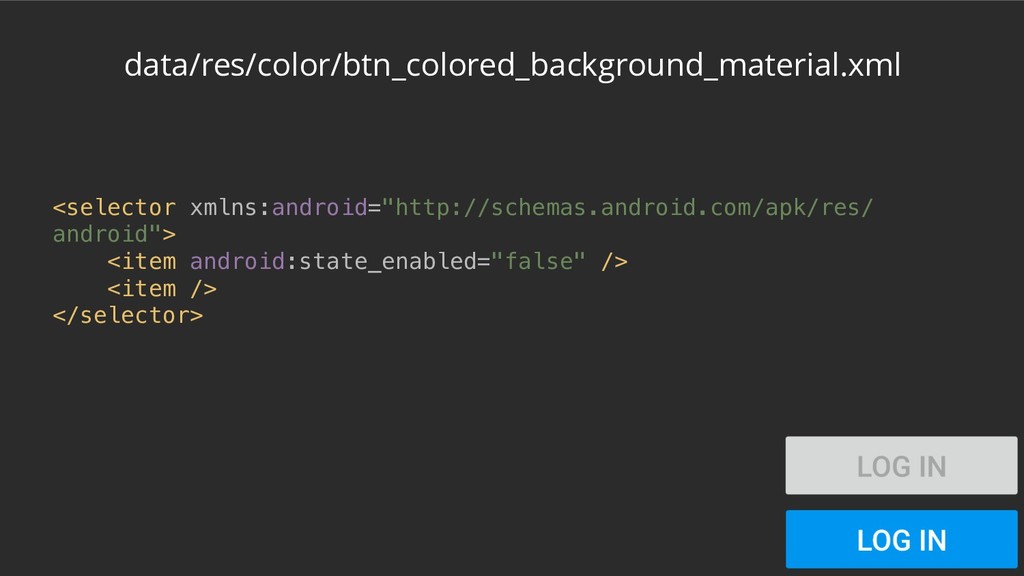
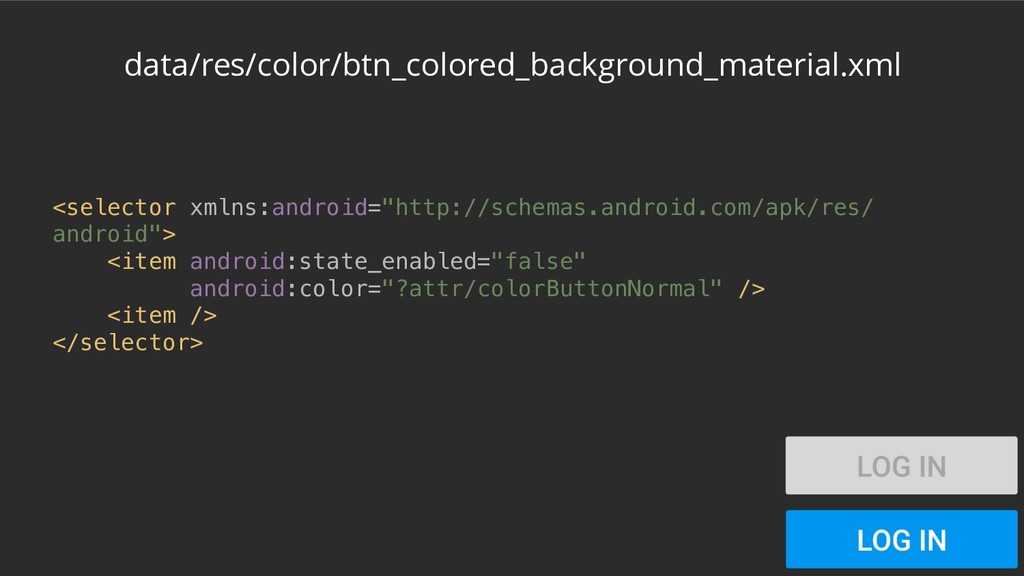
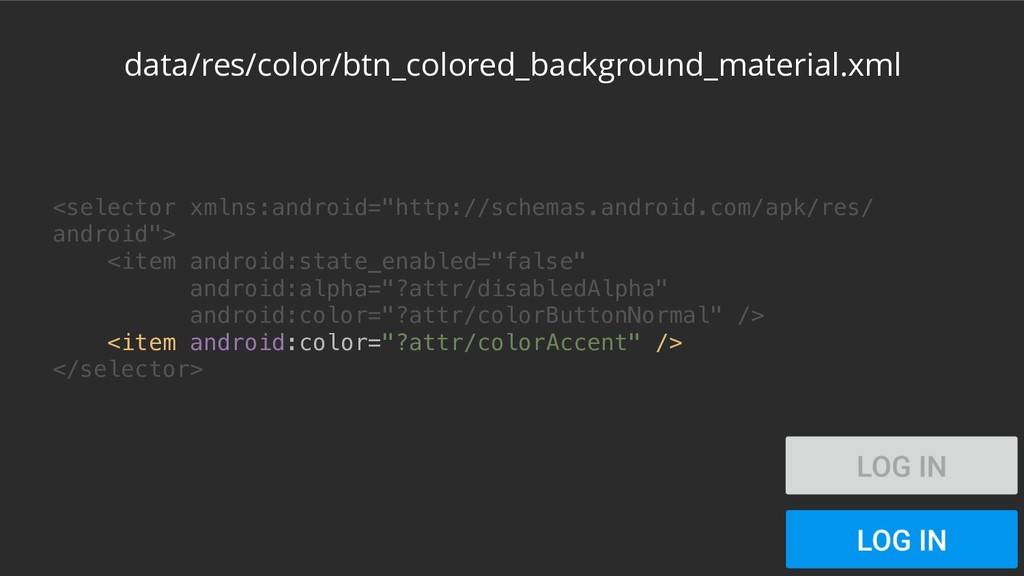
<inset xmlns:android="http://schemas.android.com/apk/res/android" android:insetLeft="@dimen/button_inset_horizontal_material" android:insetTop="@dimen/button_inset_vertical_material" android:insetRight="@dimen/button_inset_horizontal_material" android:insetBottom="@dimen/button_inset_vertical_material"> <ripple android:color="?attr/colorControlHighlight"> <item> <shape
android:shape="rectangle" android:tint="@color/btn_colored_background_material"> <corners android:radius="@dimen/control_corner_material" /> <solid android:color="@color/white" /> <padding android:left="@dimen/button_padding_horizontal_material" android:top="@dimen/button_padding_vertical_material" android:right="@dimen/button_padding_horizontal_material" android:bottom="@dimen/button_padding_vertical_material" /> </shape> </item> </ripple> </inset> data/res/drawable/btn_colored_material.xml -
<inset xmlns:android="http://schemas.android.com/apk/res/android" android:insetLeft="@dimen/button_inset_horizontal_material" android:insetTop="@dimen/button_inset_vertical_material" android:insetRight="@dimen/button_inset_horizontal_material" android:insetBottom="@dimen/button_inset_vertical_material"> <ripple android:color="?attr/colorControlHighlight"> <item> <shape
android:shape="rectangle" android:tint="@color/btn_colored_background_material"> <corners android:radius="@dimen/control_corner_material" /> <solid android:color="@color/white" /> <padding android:left="@dimen/button_padding_horizontal_material" android:top="@dimen/button_padding_vertical_material" android:right="@dimen/button_padding_horizontal_material" android:bottom="@dimen/button_padding_vertical_material" /> </shape> </item> </ripple> </inset> data/res/drawable/btn_colored_material.xml -
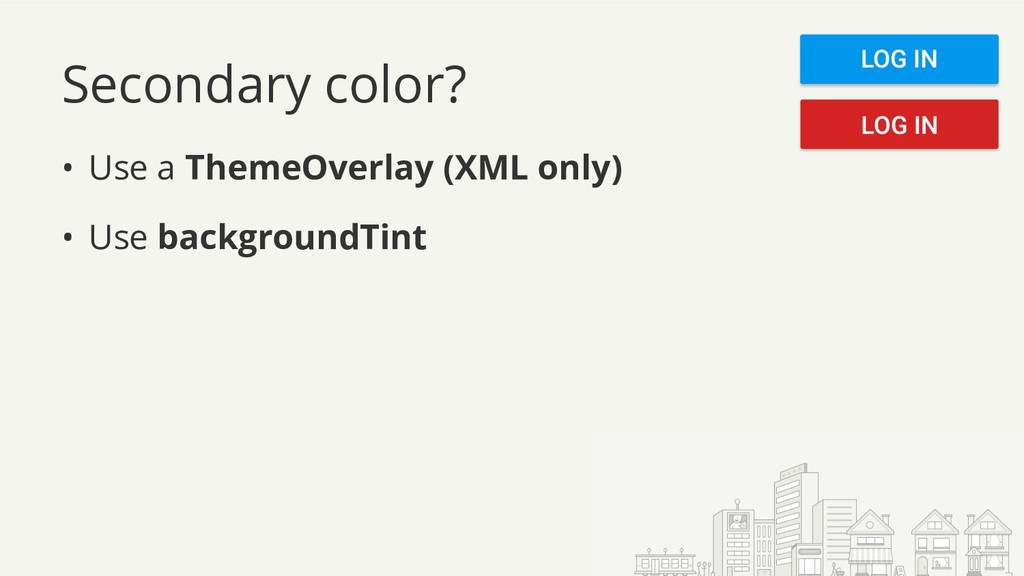
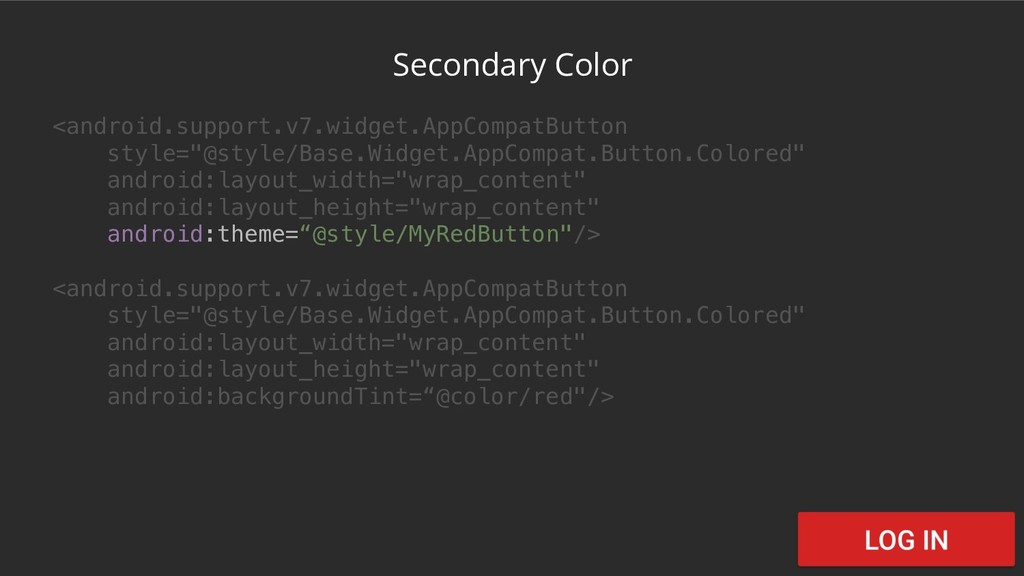
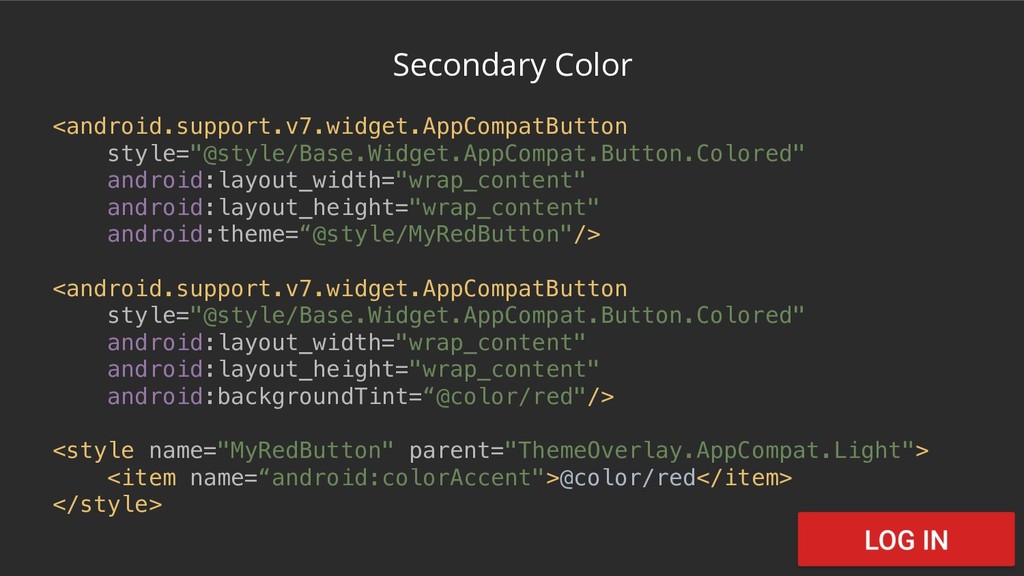
Secondary color? • Use a ThemeOverlay (XML only) • Use
backgroundTint -
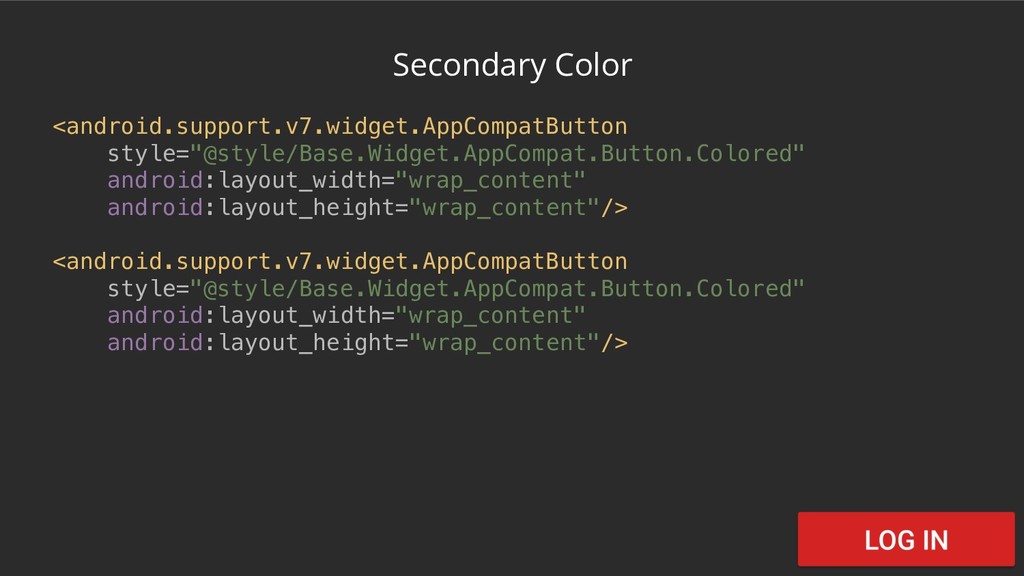
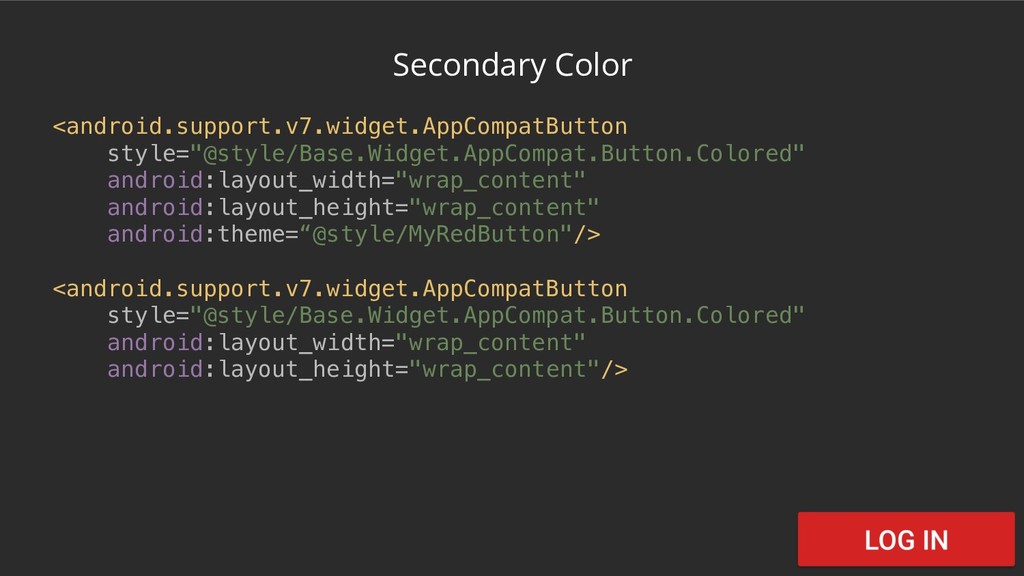
Secondary Color <android.support.v7.widget.AppCompatButton style="@style/Base.Widget.AppCompat.Button.Colored" android:layout_width="wrap_content" android:layout_height="wrap_content" android:theme=“@style/MyRedButton"/> <android.support.v7.widget.AppCompatButton style="@style/Base.Widget.AppCompat.Button.Colored" android:layout_width="wrap_content"
android:layout_height="wrap_content"/> -
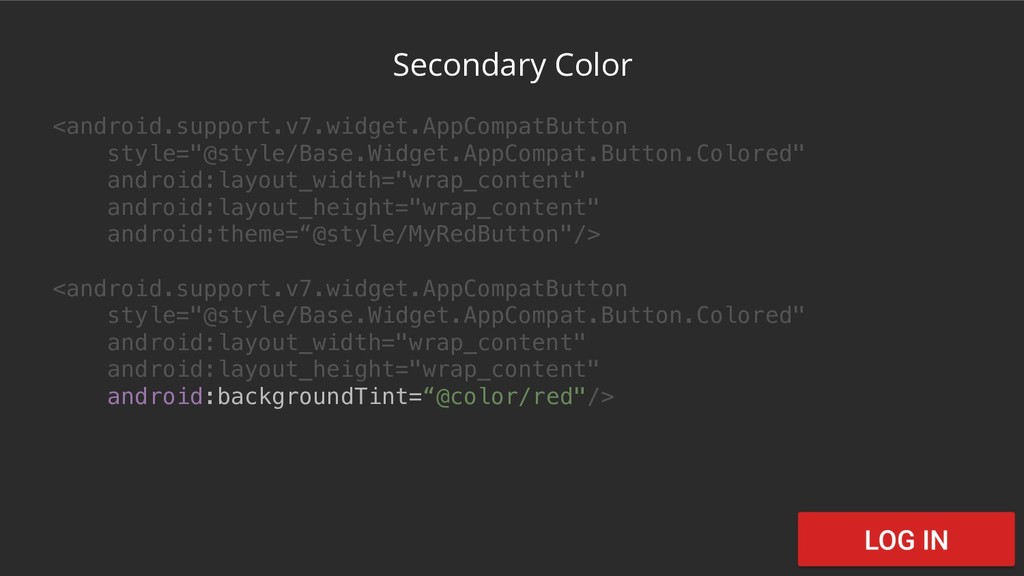
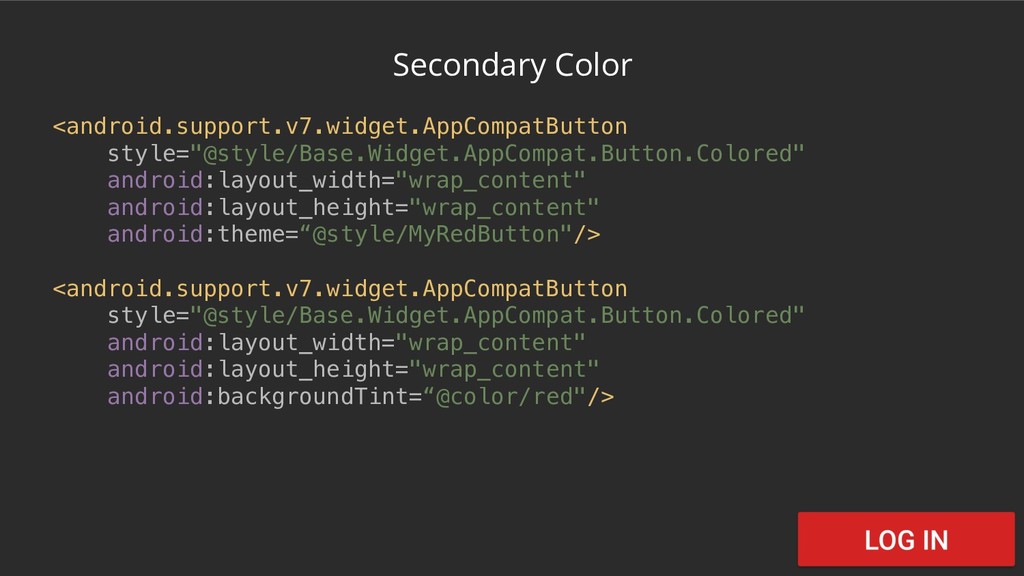
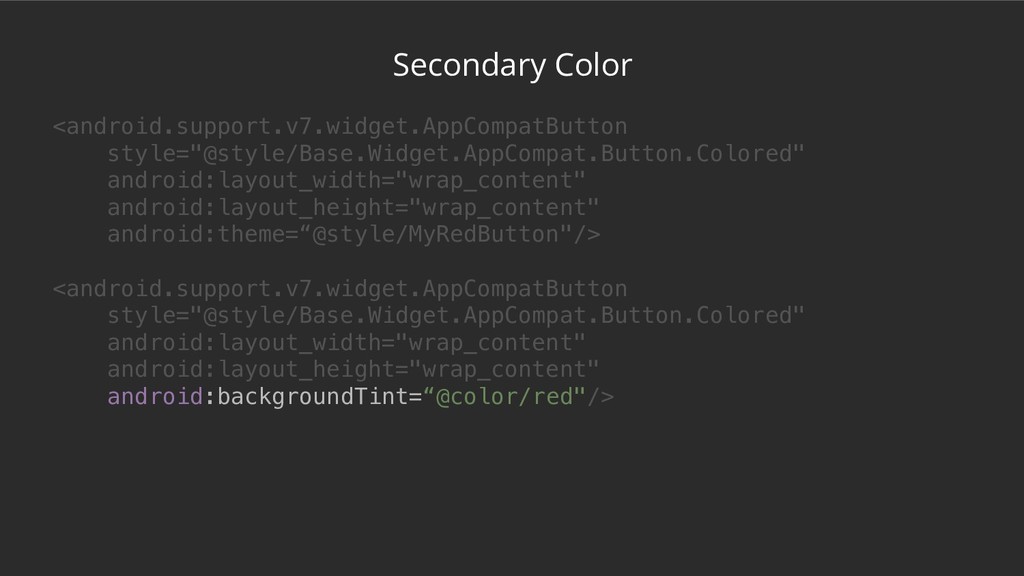
Secondary Color <android.support.v7.widget.AppCompatButton style="@style/Base.Widget.AppCompat.Button.Colored" android:layout_width="wrap_content" android:layout_height="wrap_content" android:theme=“@style/MyRedButton"/> <android.support.v7.widget.AppCompatButton style="@style/Base.Widget.AppCompat.Button.Colored" android:layout_width="wrap_content"
android:layout_height="wrap_content" android:backgroundTint=“@color/red"/> -
Secondary Color <android.support.v7.widget.AppCompatButton style="@style/Base.Widget.AppCompat.Button.Colored" android:layout_width="wrap_content" android:layout_height="wrap_content" android:theme=“@style/MyRedButton"/> <android.support.v7.widget.AppCompatButton style="@style/Base.Widget.AppCompat.Button.Colored" android:layout_width="wrap_content"
android:layout_height="wrap_content" android:backgroundTint=“@color/red"/> -
Secondary Color <android.support.v7.widget.AppCompatButton style="@style/Base.Widget.AppCompat.Button.Colored" android:layout_width="wrap_content" android:layout_height="wrap_content" android:theme=“@style/MyRedButton"/> <android.support.v7.widget.AppCompatButton style="@style/Base.Widget.AppCompat.Button.Colored" android:layout_width="wrap_content"
android:layout_height="wrap_content" android:backgroundTint=“@color/red"/> -
Secondary Color <android.support.v7.widget.AppCompatButton style="@style/Base.Widget.AppCompat.Button.Colored" android:layout_width="wrap_content" android:layout_height="wrap_content" android:theme=“@style/MyRedButton"/> <android.support.v7.widget.AppCompatButton style="@style/Base.Widget.AppCompat.Button.Colored" android:layout_width="wrap_content"
android:layout_height="wrap_content" android:backgroundTint=“@color/red"/> -
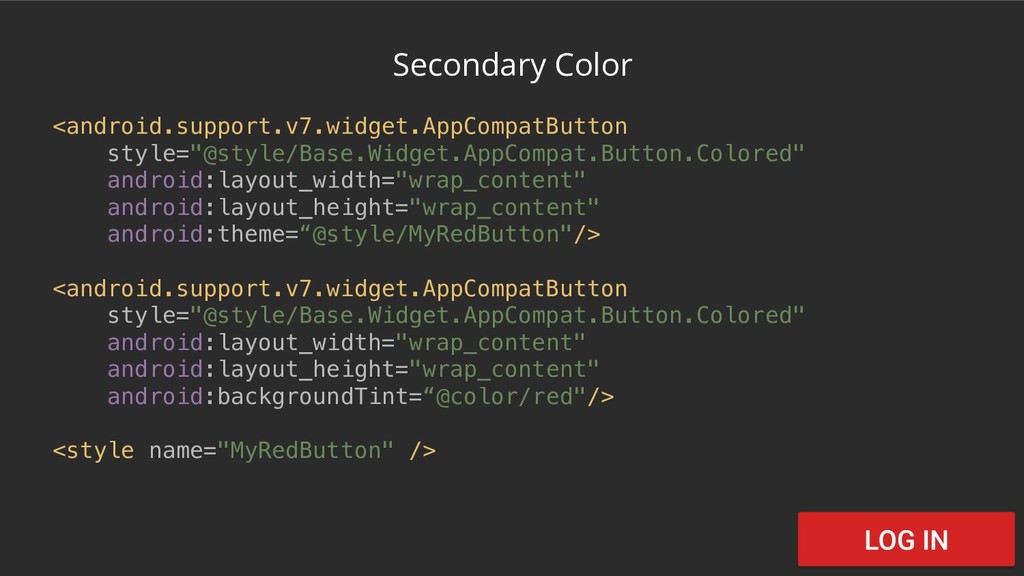
Secondary Color <android.support.v7.widget.AppCompatButton style="@style/Base.Widget.AppCompat.Button.Colored" android:layout_width="wrap_content" android:layout_height="wrap_content" android:theme=“@style/MyRedButton"/> <android.support.v7.widget.AppCompatButton style="@style/Base.Widget.AppCompat.Button.Colored" android:layout_width="wrap_content"
android:layout_height="wrap_content" android:backgroundTint=“@color/red"/> <style name="MyRedButton" /> -
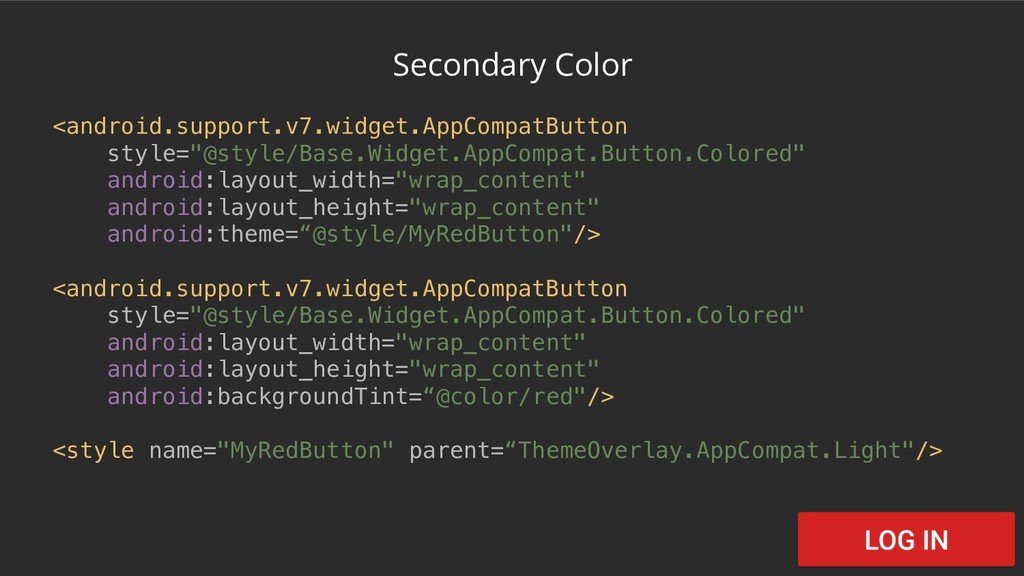
Secondary Color <android.support.v7.widget.AppCompatButton style="@style/Base.Widget.AppCompat.Button.Colored" android:layout_width="wrap_content" android:layout_height="wrap_content" android:theme=“@style/MyRedButton"/> <android.support.v7.widget.AppCompatButton style="@style/Base.Widget.AppCompat.Button.Colored" android:layout_width="wrap_content"
android:layout_height="wrap_content" android:backgroundTint=“@color/red"/> <style name="MyRedButton" parent=“ThemeOverlay.AppCompat.Light"/> -
Secondary Color <android.support.v7.widget.AppCompatButton style="@style/Base.Widget.AppCompat.Button.Colored" android:layout_width="wrap_content" android:layout_height="wrap_content" android:theme=“@style/MyRedButton"/> <android.support.v7.widget.AppCompatButton style="@style/Base.Widget.AppCompat.Button.Colored" android:layout_width="wrap_content"
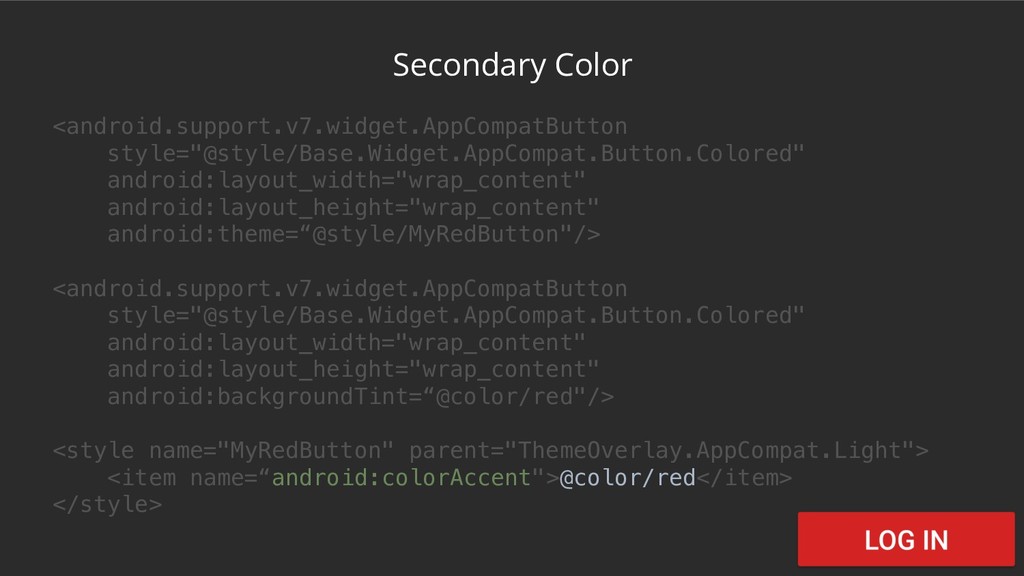
android:layout_height="wrap_content" android:backgroundTint=“@color/red"/> <style name="MyRedButton" parent="ThemeOverlay.AppCompat.Light"> <item name=“android:colorAccent">@color/red</item> </style> -
Secondary Color <android.support.v7.widget.AppCompatButton style="@style/Base.Widget.AppCompat.Button.Colored" android:layout_width="wrap_content" android:layout_height="wrap_content" android:theme=“@style/MyRedButton"/> <android.support.v7.widget.AppCompatButton style="@style/Base.Widget.AppCompat.Button.Colored" android:layout_width="wrap_content"
android:layout_height="wrap_content" android:backgroundTint=“@color/red"/> <style name="MyRedButton" parent="ThemeOverlay.AppCompat.Light"> <item name=“android:colorAccent">@color/red</item> </style> -
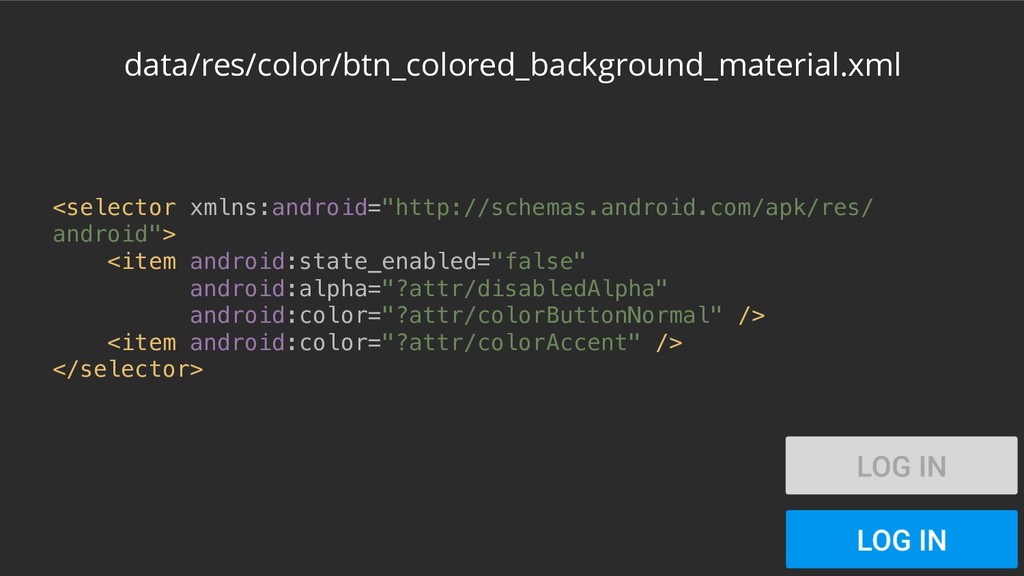
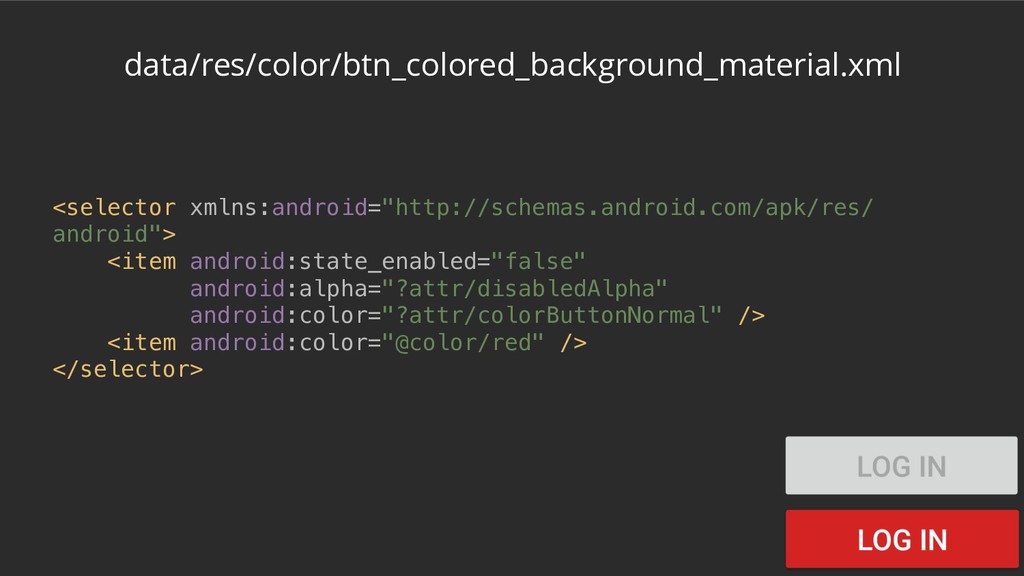
All works fine but…? .isEnabled = false with ThemeOverlay with
backgroundTint with ThemeOverlay with backgroundTint -
Secondary Color <android.support.v7.widget.AppCompatButton style="@style/Base.Widget.AppCompat.Button.Colored" android:layout_width="wrap_content" android:layout_height="wrap_content" android:theme=“@style/MyRedButton"/> <android.support.v7.widget.AppCompatButton style="@style/Base.Widget.AppCompat.Button.Colored" android:layout_width="wrap_content"
android:layout_height="wrap_content" android:backgroundTint=“@color/red"/> -
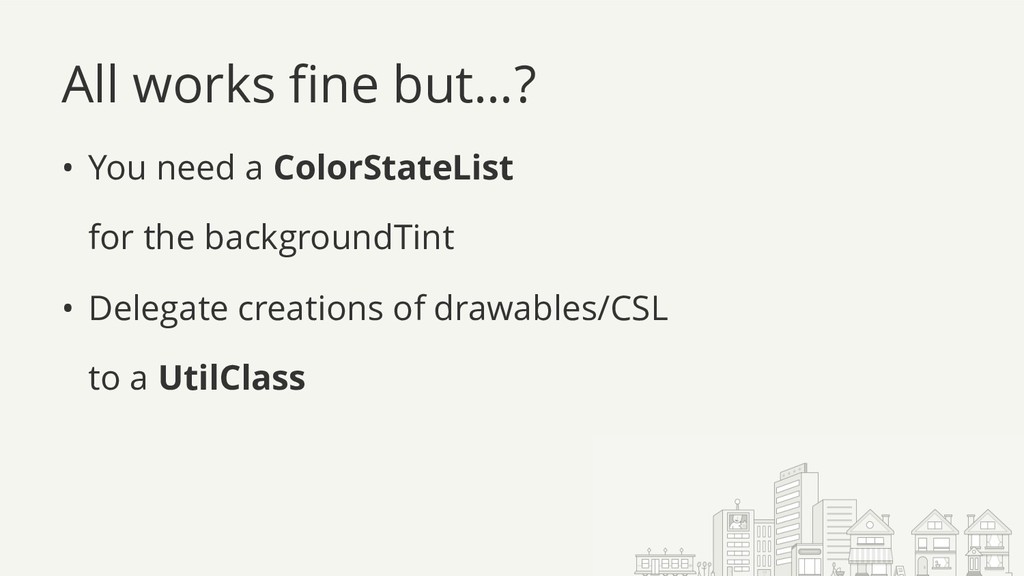
All works fine but…? • You need a ColorStateList for
the backgroundTint • Delegate creations of drawables/CSL to a UtilClass -
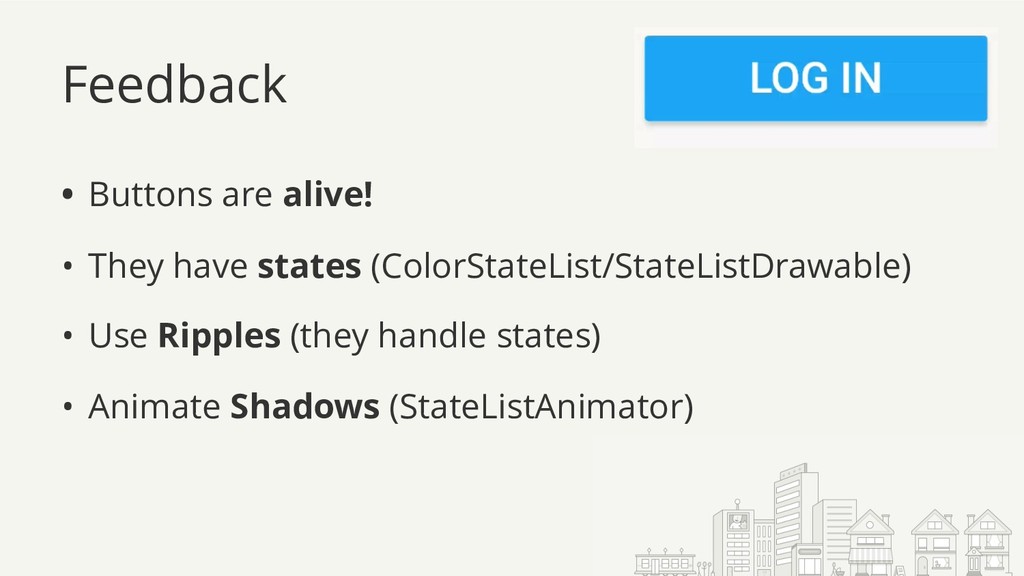
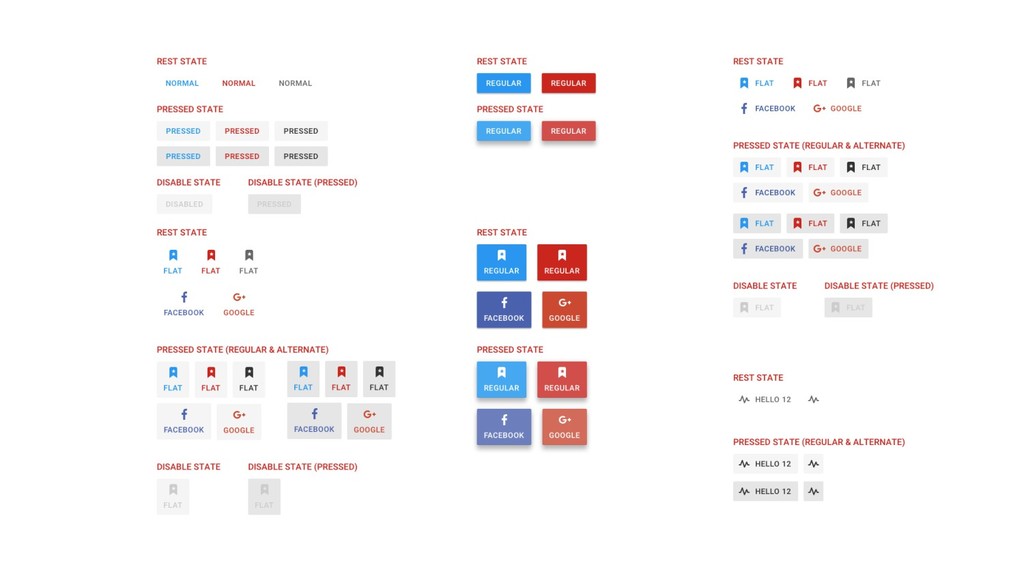
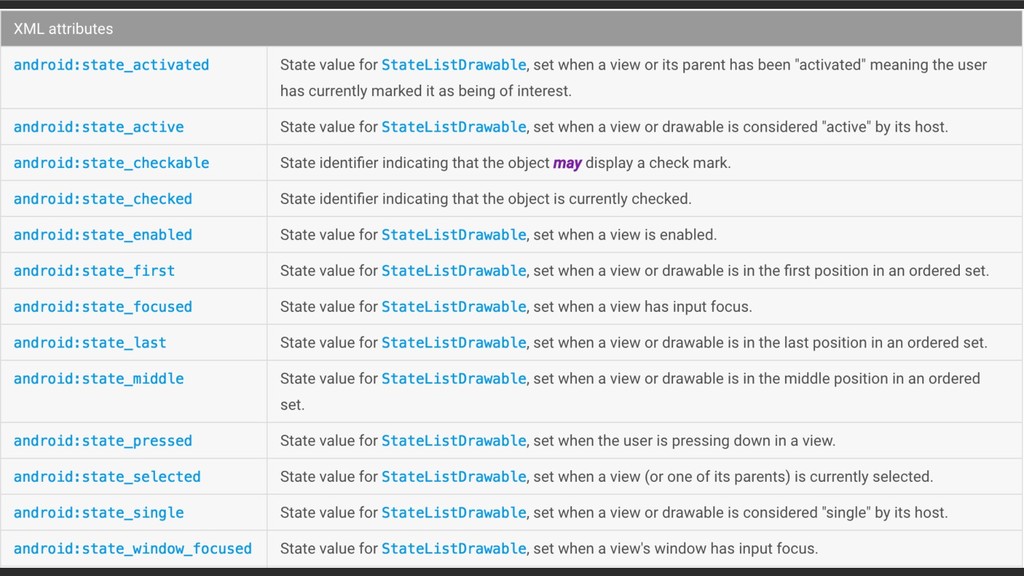
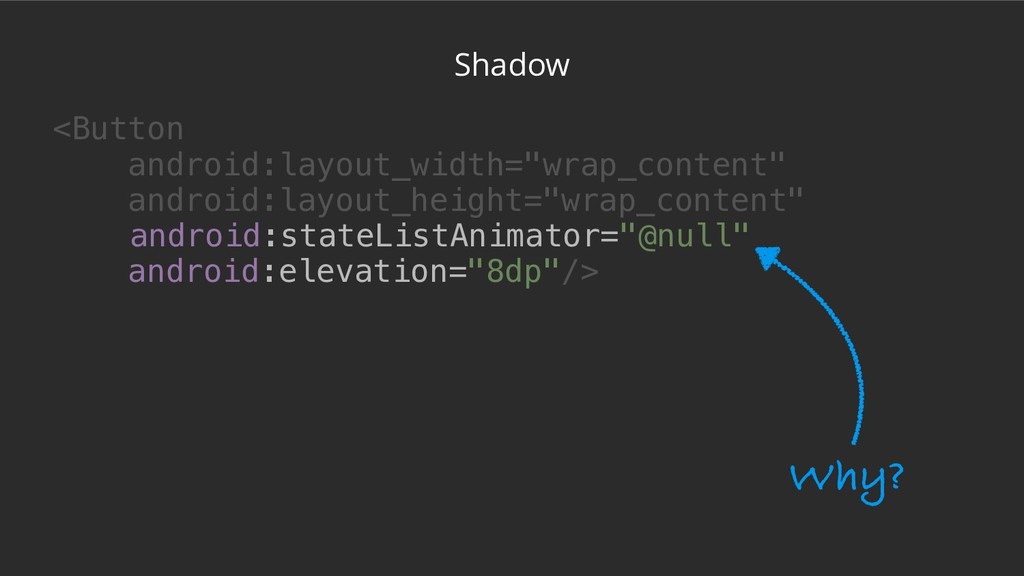
Feedback • Buttons are alive! • They have states (ColorStateList/StateListDrawable)
• Use Ripples (they handle states) • Animate Shadows (StateListAnimator) -
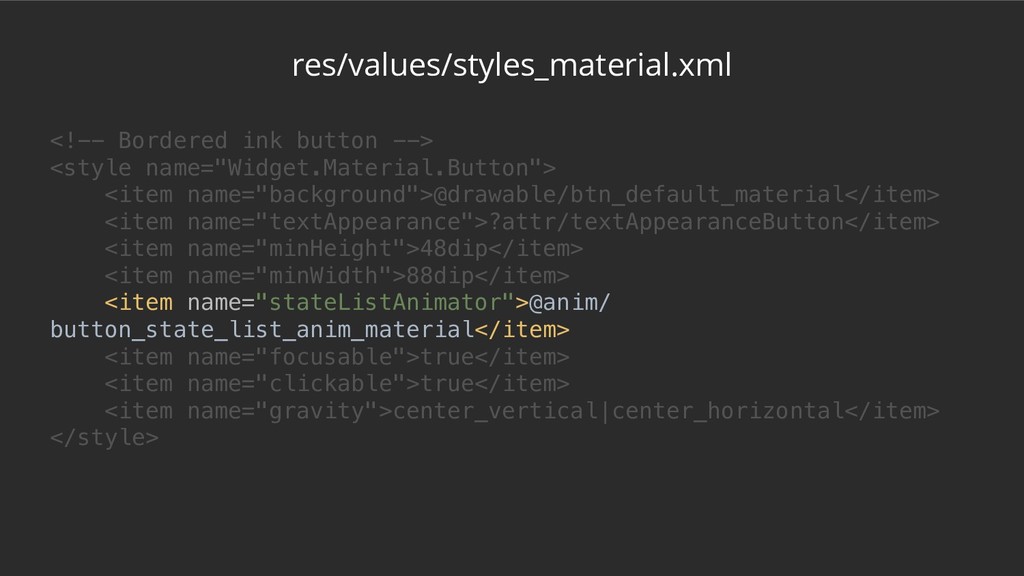
res/values/styles_material.xml <!-- Bordered ink button --> <style name="Widget.Material.Button"> <item name="background">@drawable/btn_default_material</item>
<item name="textAppearance">?attr/textAppearanceButton</item> <item name="minHeight">48dip</item> <item name="minWidth">88dip</item> <item name="stateListAnimator">@anim/ button_state_list_anim_material</item> <item name="focusable">true</item> <item name="clickable">true</item> <item name="gravity">center_vertical|center_horizontal</item> </style> -
res/values/styles_material.xml <!-- Bordered ink button --> <style name="Widget.Material.Button"> <item name="background">@drawable/btn_default_material</item>
<item name="textAppearance">?attr/textAppearanceButton</item> <item name="minHeight">48dip</item> <item name="minWidth">88dip</item> <item name="stateListAnimator">@anim/ button_state_list_anim_material</item> <item name="focusable">true</item> <item name="clickable">true</item> <item name="gravity">center_vertical|center_horizontal</item> </style> -
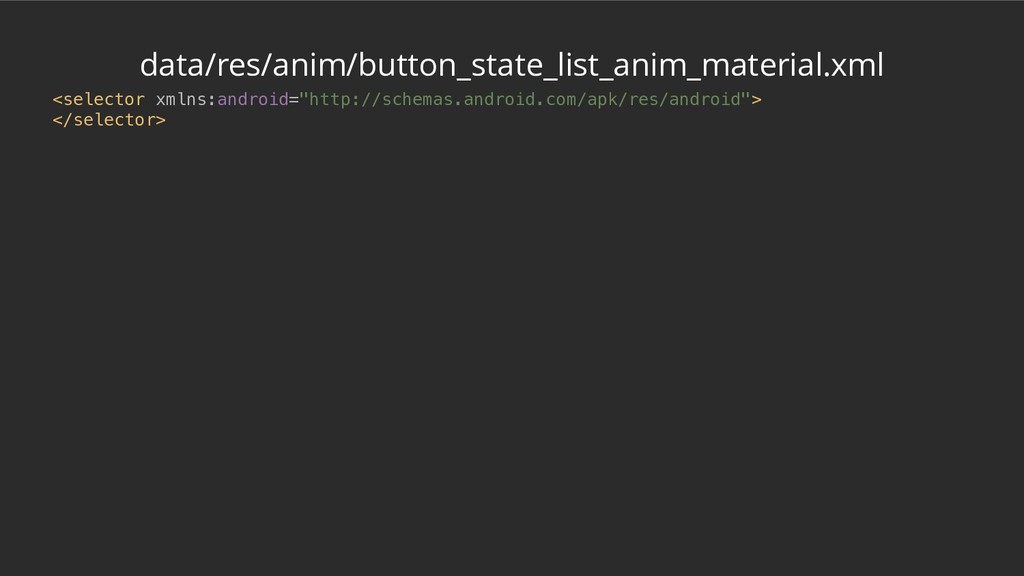
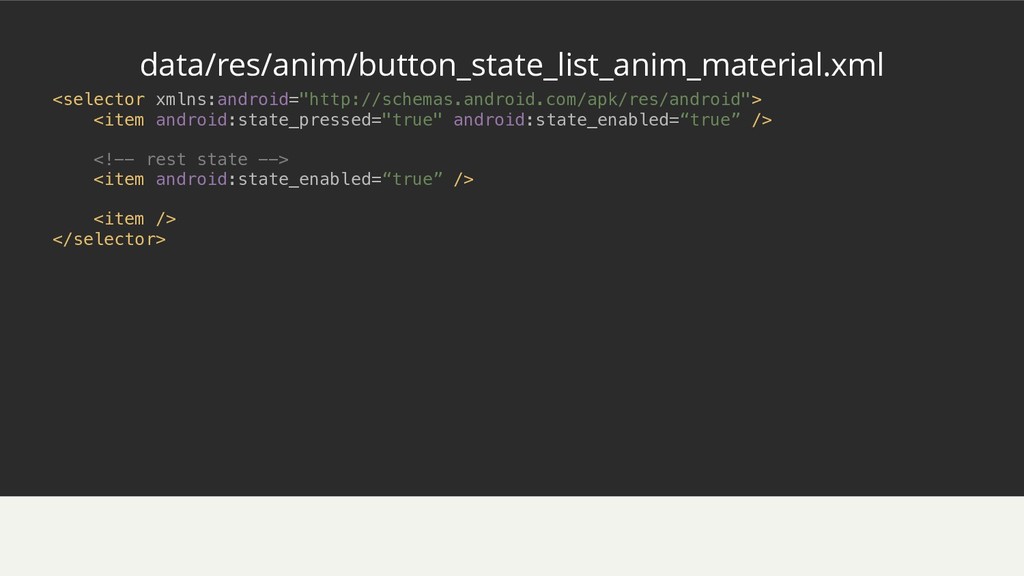
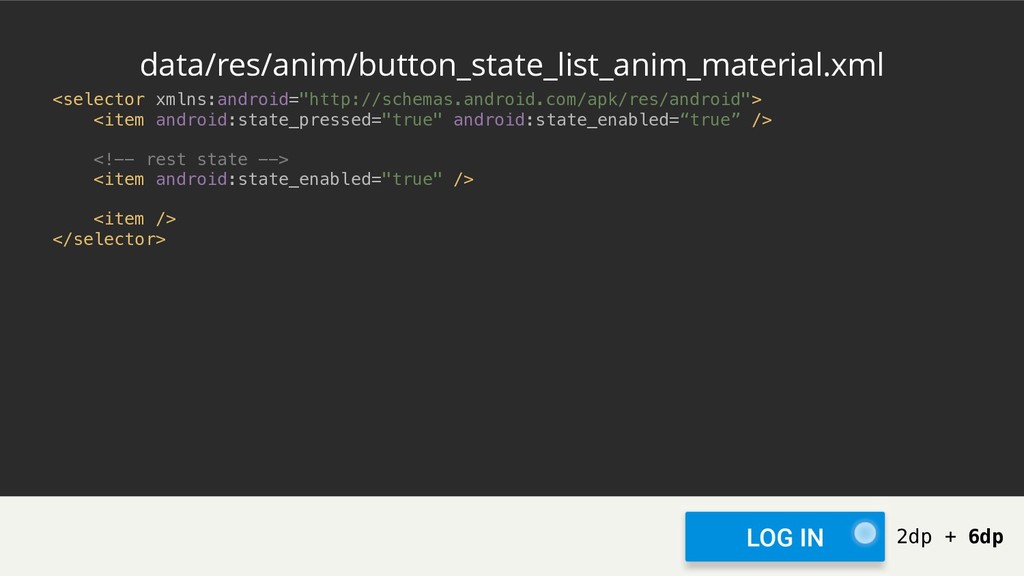
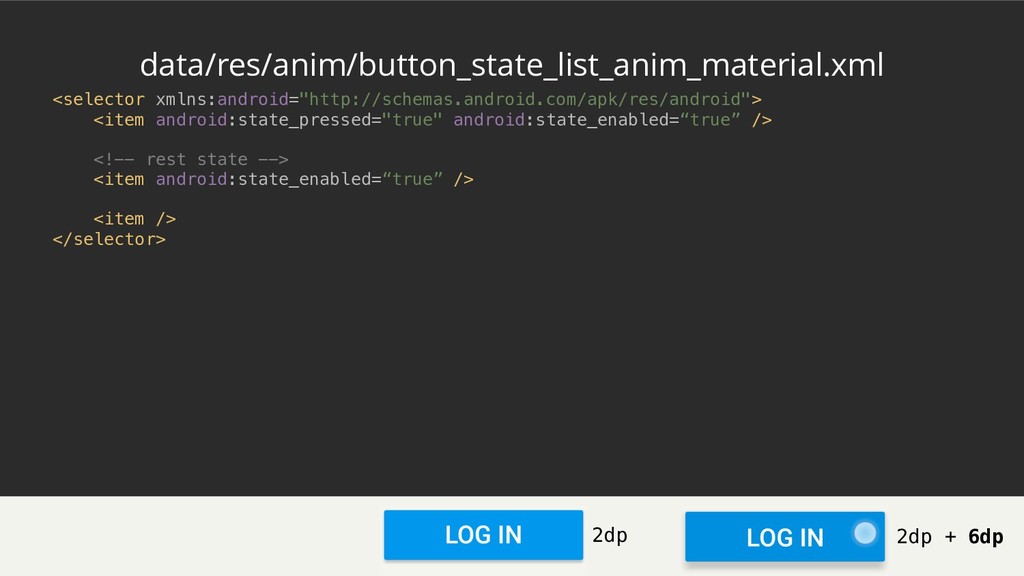
<selector xmlns:android="http://schemas.android.com/apk/res/android"> <item android:state_pressed="true" android:state_enabled=“true” /> <!-- rest state -->
<item android:state_enabled=“true” /> <item /> </selector> data/res/anim/button_state_list_anim_material.xml -
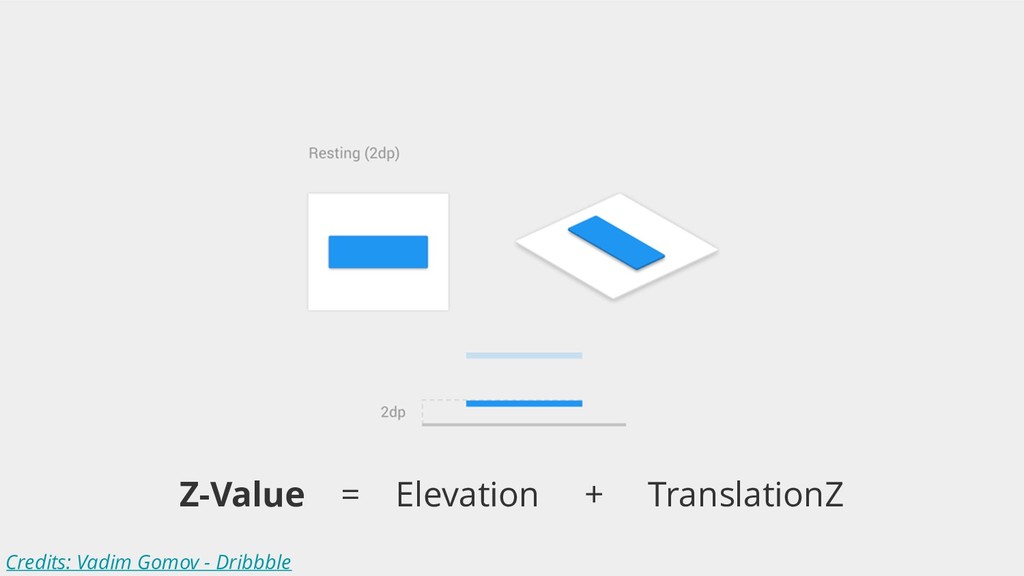
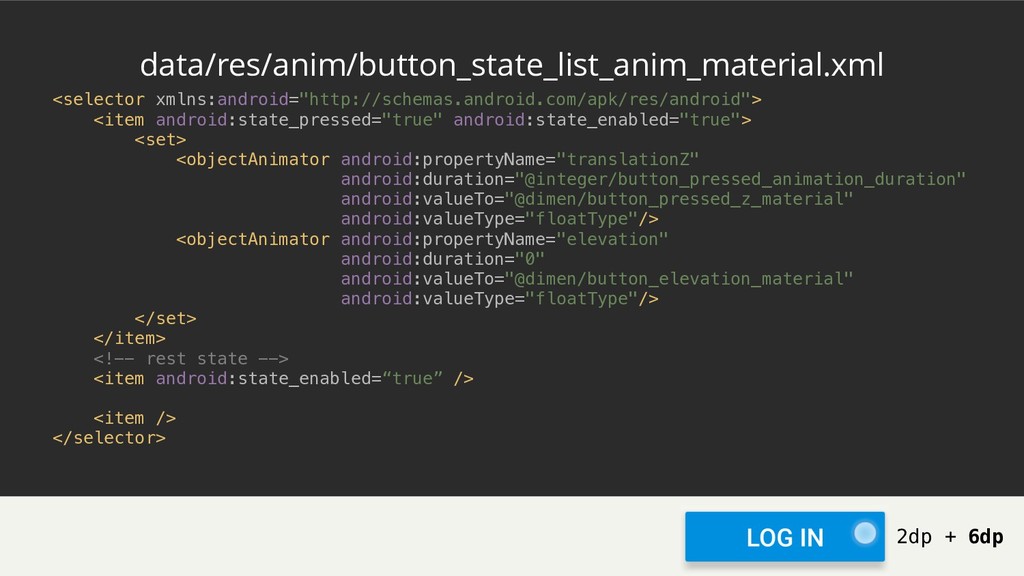
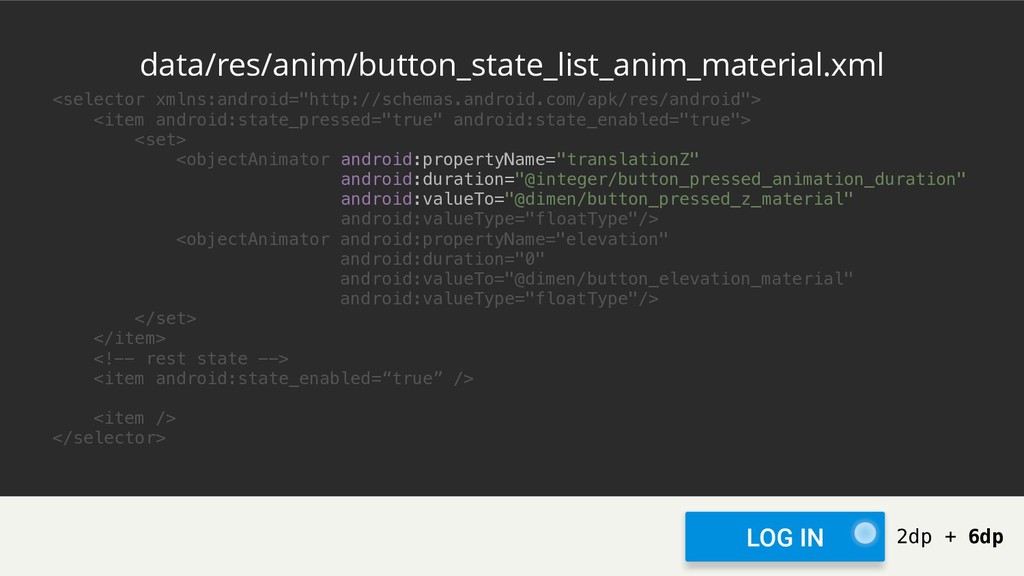
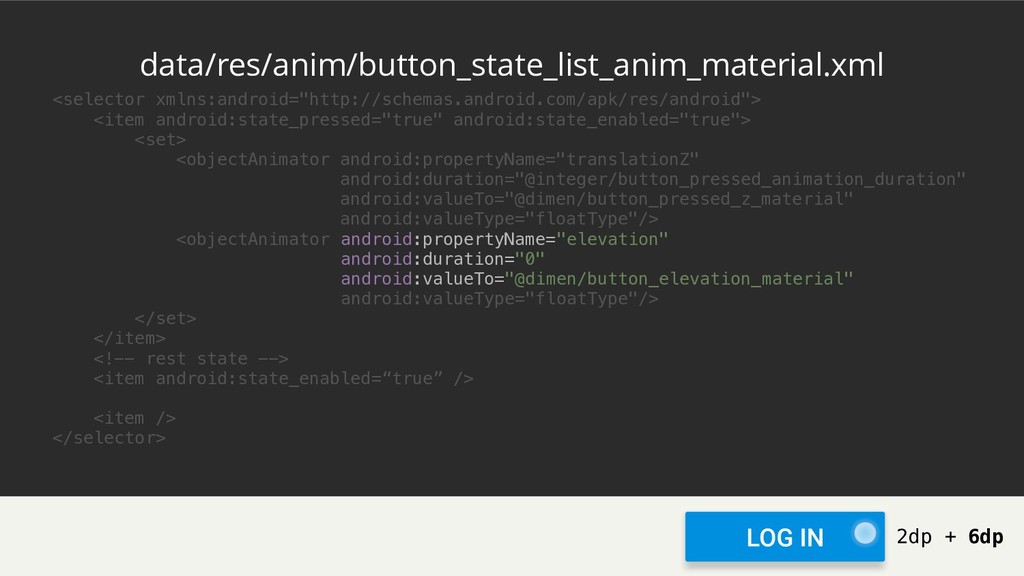
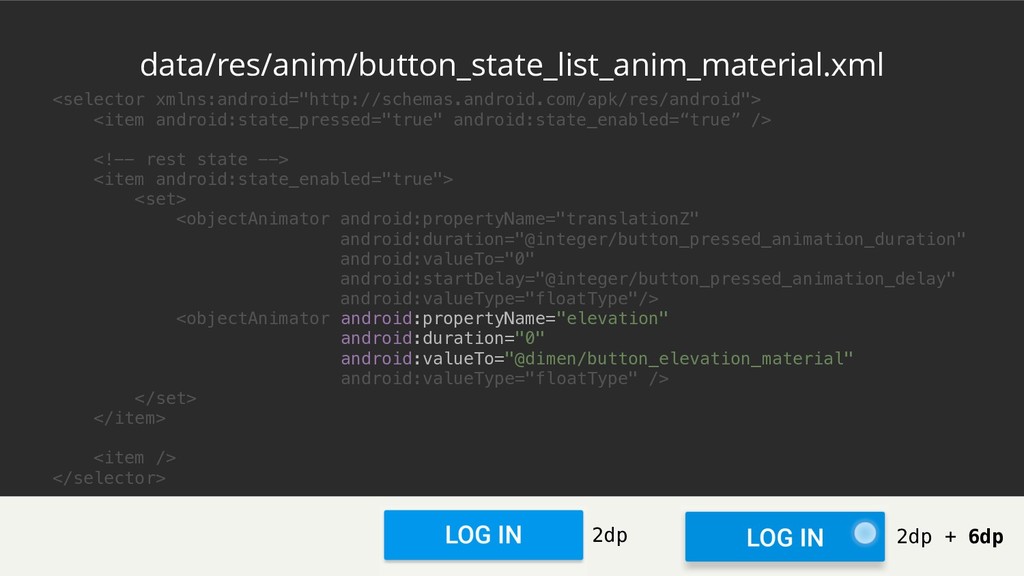
<selector xmlns:android="http://schemas.android.com/apk/res/android"> <item android:state_pressed="true" android:state_enabled="true"> <set> <objectAnimator android:propertyName="translationZ" android:duration="@integer/button_pressed_animation_duration" android:valueTo="@dimen/button_pressed_z_material"
android:valueType="floatType"/> <objectAnimator android:propertyName="elevation" android:duration="0" android:valueTo="@dimen/button_elevation_material" android:valueType="floatType"/> </set> </item> <!-- rest state --> <item android:state_enabled=“true” /> <item /> </selector> data/res/anim/button_state_list_anim_material.xml 2dp + 6dp -
<selector xmlns:android="http://schemas.android.com/apk/res/android"> <item android:state_pressed="true" android:state_enabled="true"> <set> <objectAnimator android:propertyName="translationZ" android:duration="@integer/button_pressed_animation_duration" android:valueTo="@dimen/button_pressed_z_material"
android:valueType="floatType"/> <objectAnimator android:propertyName="elevation" android:duration="0" android:valueTo="@dimen/button_elevation_material" android:valueType="floatType"/> </set> </item> <!-- rest state --> <item android:state_enabled=“true” /> <item /> </selector> data/res/anim/button_state_list_anim_material.xml 2dp + 6dp -
<selector xmlns:android="http://schemas.android.com/apk/res/android"> <item android:state_pressed="true" android:state_enabled="true"> <set> <objectAnimator android:propertyName="translationZ" android:duration="@integer/button_pressed_animation_duration" android:valueTo="@dimen/button_pressed_z_material"
android:valueType="floatType"/> <objectAnimator android:propertyName="elevation" android:duration="0" android:valueTo="@dimen/button_elevation_material" android:valueType="floatType"/> </set> </item> <!-- rest state --> <item android:state_enabled=“true” /> <item /> </selector> data/res/anim/button_state_list_anim_material.xml 2dp + 6dp -
<selector xmlns:android="http://schemas.android.com/apk/res/android"> <item android:state_pressed="true" android:state_enabled=“true” /> <!-- rest state -->
<item android:state_enabled="true" /> <item /> </selector> data/res/anim/button_state_list_anim_material.xml 2dp + 6dp -
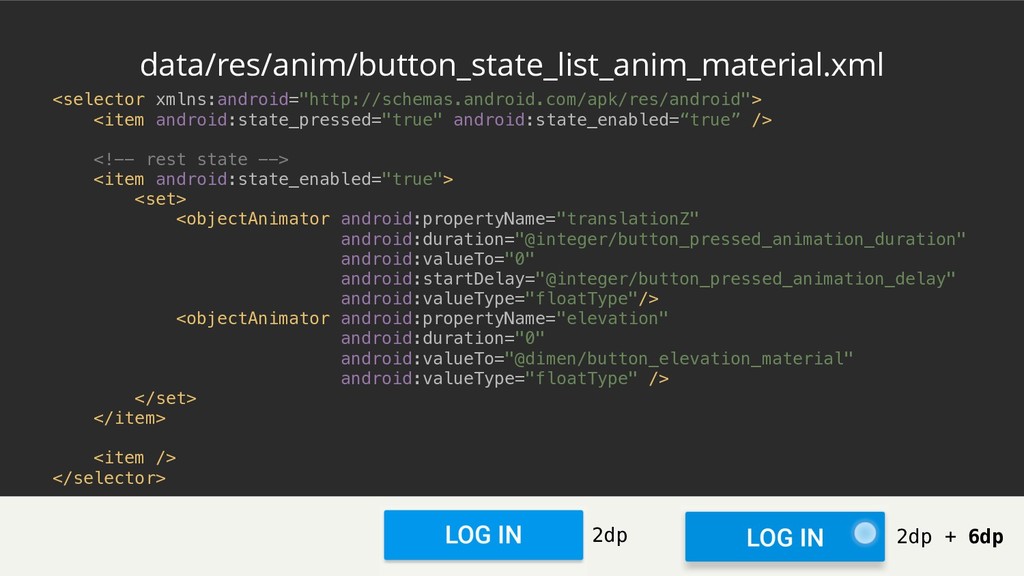
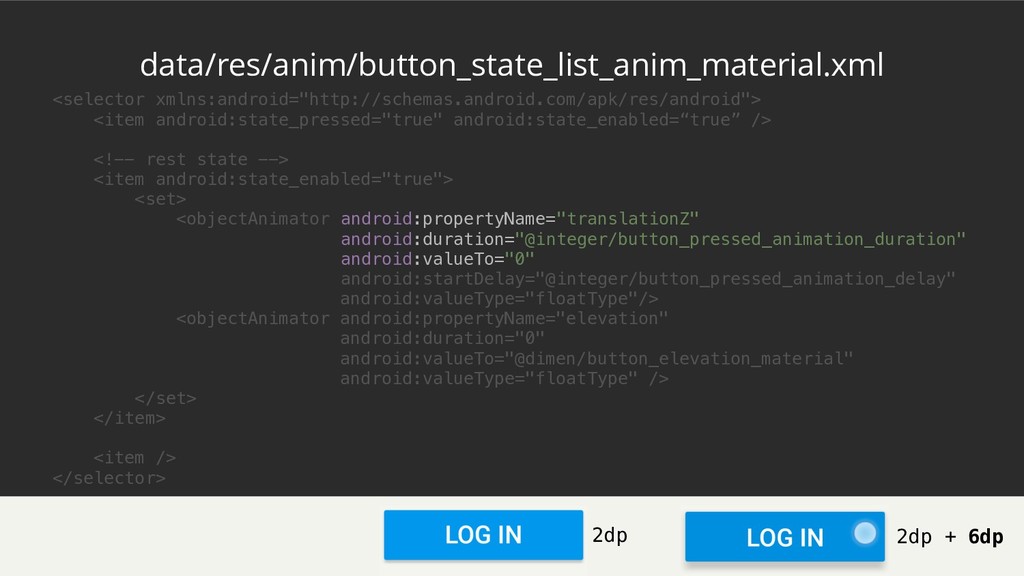
<selector xmlns:android="http://schemas.android.com/apk/res/android"> <item android:state_pressed="true" android:state_enabled=“true” /> <!-- rest state -->
<item android:state_enabled="true"> <set> <objectAnimator android:propertyName="translationZ" android:duration="@integer/button_pressed_animation_duration" android:valueTo="0" android:startDelay="@integer/button_pressed_animation_delay" android:valueType="floatType"/> <objectAnimator android:propertyName="elevation" android:duration="0" android:valueTo="@dimen/button_elevation_material" android:valueType="floatType" /> </set> </item> <item /> </selector> data/res/anim/button_state_list_anim_material.xml 2dp + 6dp 2dp -
<selector xmlns:android="http://schemas.android.com/apk/res/android"> <item android:state_pressed="true" android:state_enabled=“true” /> <!-- rest state -->
<item android:state_enabled="true"> <set> <objectAnimator android:propertyName="translationZ" android:duration="@integer/button_pressed_animation_duration" android:valueTo="0" android:startDelay="@integer/button_pressed_animation_delay" android:valueType="floatType"/> <objectAnimator android:propertyName="elevation" android:duration="0" android:valueTo="@dimen/button_elevation_material" android:valueType="floatType" /> </set> </item> <item /> </selector> data/res/anim/button_state_list_anim_material.xml 2dp + 6dp 2dp -
<selector xmlns:android="http://schemas.android.com/apk/res/android"> <item android:state_pressed="true" android:state_enabled=“true” /> <!-- rest state -->
<item android:state_enabled="true"> <set> <objectAnimator android:propertyName="translationZ" android:duration="@integer/button_pressed_animation_duration" android:valueTo="0" android:startDelay="@integer/button_pressed_animation_delay" android:valueType="floatType"/> <objectAnimator android:propertyName="elevation" android:duration="0" android:valueTo="@dimen/button_elevation_material" android:valueType="floatType" /> </set> </item> <item /> </selector> data/res/anim/button_state_list_anim_material.xml 2dp + 6dp 2dp -
<selector xmlns:android="http://schemas.android.com/apk/res/android"> <item android:state_pressed="true" android:state_enabled=“true” /> <!-- rest state -->
<item android:state_enabled=“true” /> <item /> </selector> data/res/anim/button_state_list_anim_material.xml 2dp + 6dp 2dp -
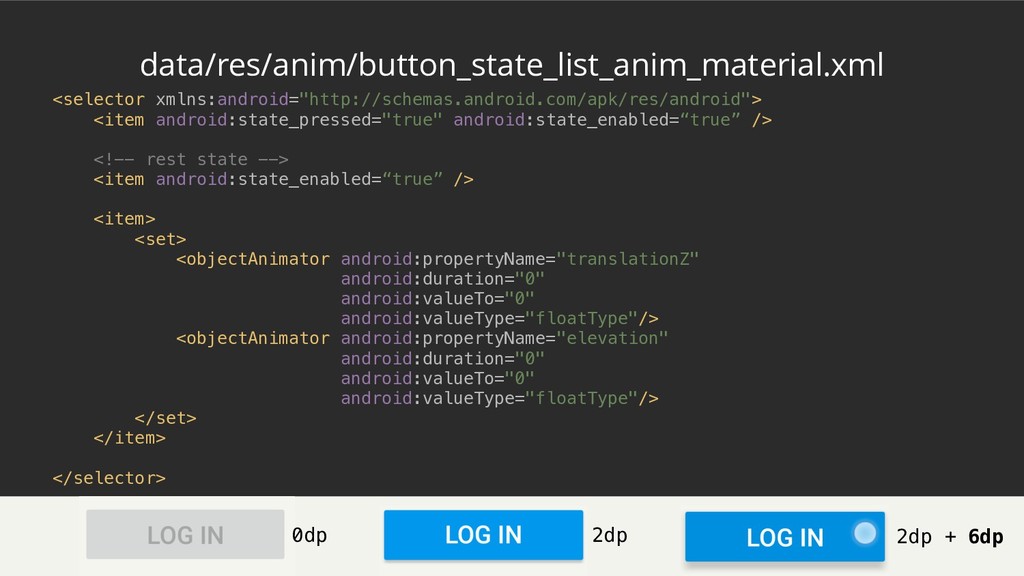
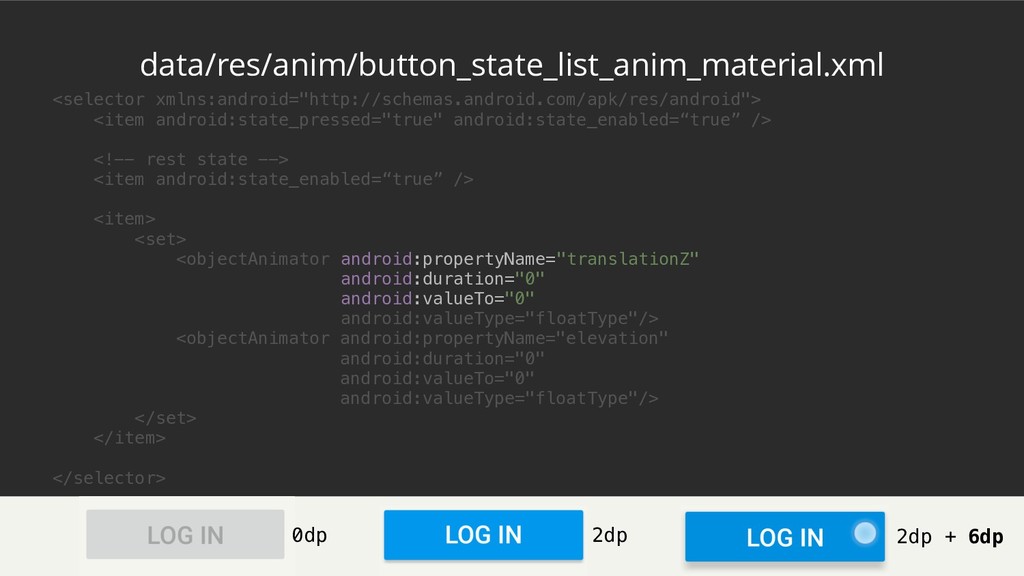
<selector xmlns:android="http://schemas.android.com/apk/res/android"> <item android:state_pressed="true" android:state_enabled=“true” /> <!-- rest state -->
<item android:state_enabled=“true” /> <item> <set> <objectAnimator android:propertyName="translationZ" android:duration="0" android:valueTo="0" android:valueType="floatType"/> <objectAnimator android:propertyName="elevation" android:duration="0" android:valueTo="0" android:valueType="floatType"/> </set> </item> </selector> data/res/anim/button_state_list_anim_material.xml 2dp + 6dp 2dp 0dp -
<selector xmlns:android="http://schemas.android.com/apk/res/android"> <item android:state_pressed="true" android:state_enabled=“true” /> <!-- rest state -->
<item android:state_enabled=“true” /> <item> <set> <objectAnimator android:propertyName="translationZ" android:duration="0" android:valueTo="0" android:valueType="floatType"/> <objectAnimator android:propertyName="elevation" android:duration="0" android:valueTo="0" android:valueType="floatType"/> </set> </item> </selector> data/res/anim/button_state_list_anim_material.xml 2dp + 6dp 2dp 0dp -
<selector xmlns:android="http://schemas.android.com/apk/res/android"> <item android:state_pressed="true" android:state_enabled=“true” /> <!-- rest state -->
<item android:state_enabled=“true” /> <item> <set> <objectAnimator android:propertyName="translationZ" android:duration="0" android:valueTo="0" android:valueType="floatType"/> <objectAnimator android:propertyName="elevation" android:duration="0" android:valueTo="0" android:valueType="floatType"/> </set> </item> </selector> data/res/anim/button_state_list_anim_material.xml 2dp + 6dp 2dp 0dp
 cortinico
 inariku
 oracle4engineer
 falken
 demaecan
 toru_kubota
 okiyuki99
 itosoft
 jozono
 shift_evolve
 kintotechdev
 takuros
 ryanjones
 aleyda
 inesmontani
 cassininazir
 brad_frost
 akashhashmi
 hatefulcrawdad
 sonatard
 baasie
 rabernat
 reverentgeek
 lynnandtonic