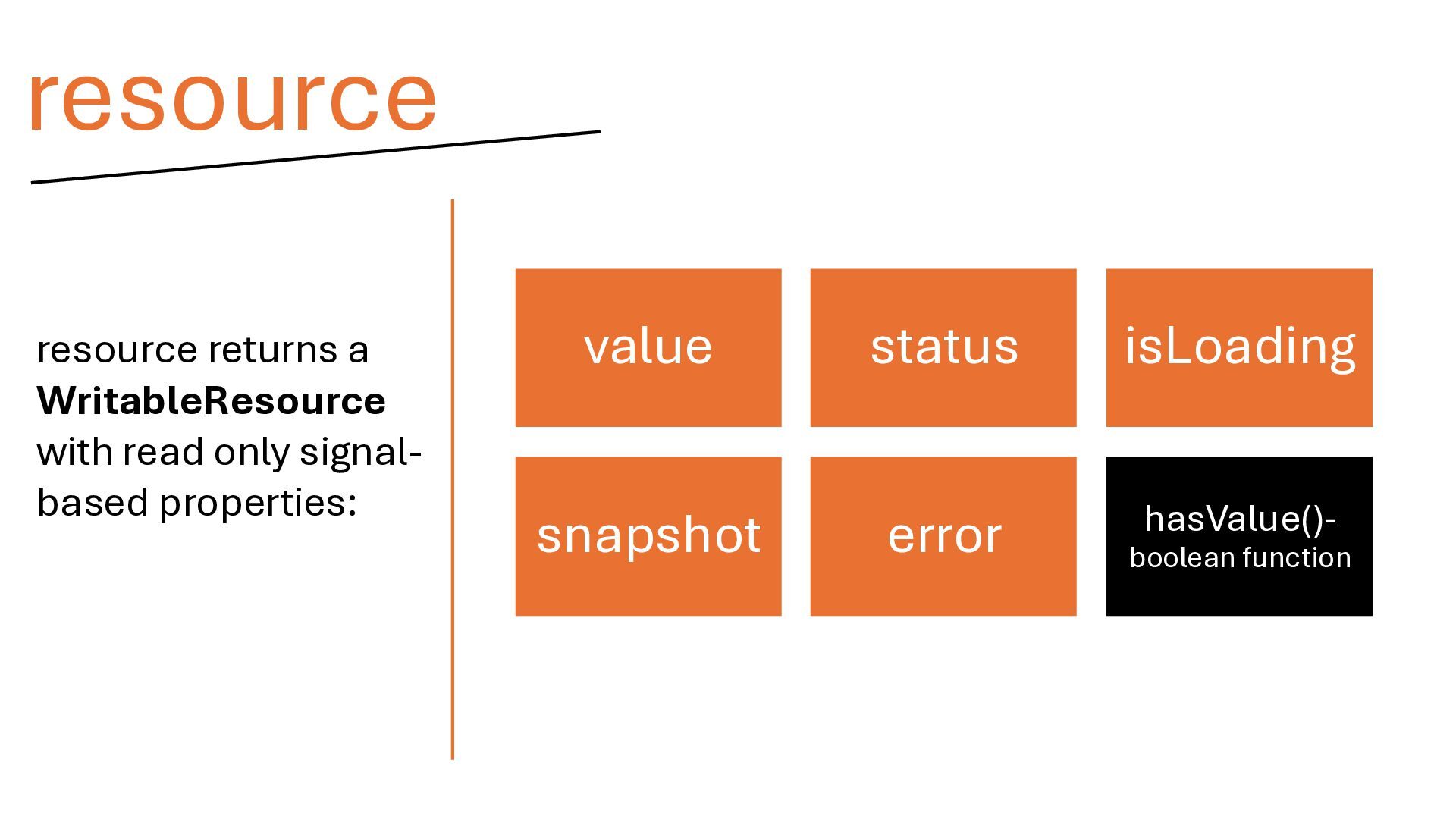
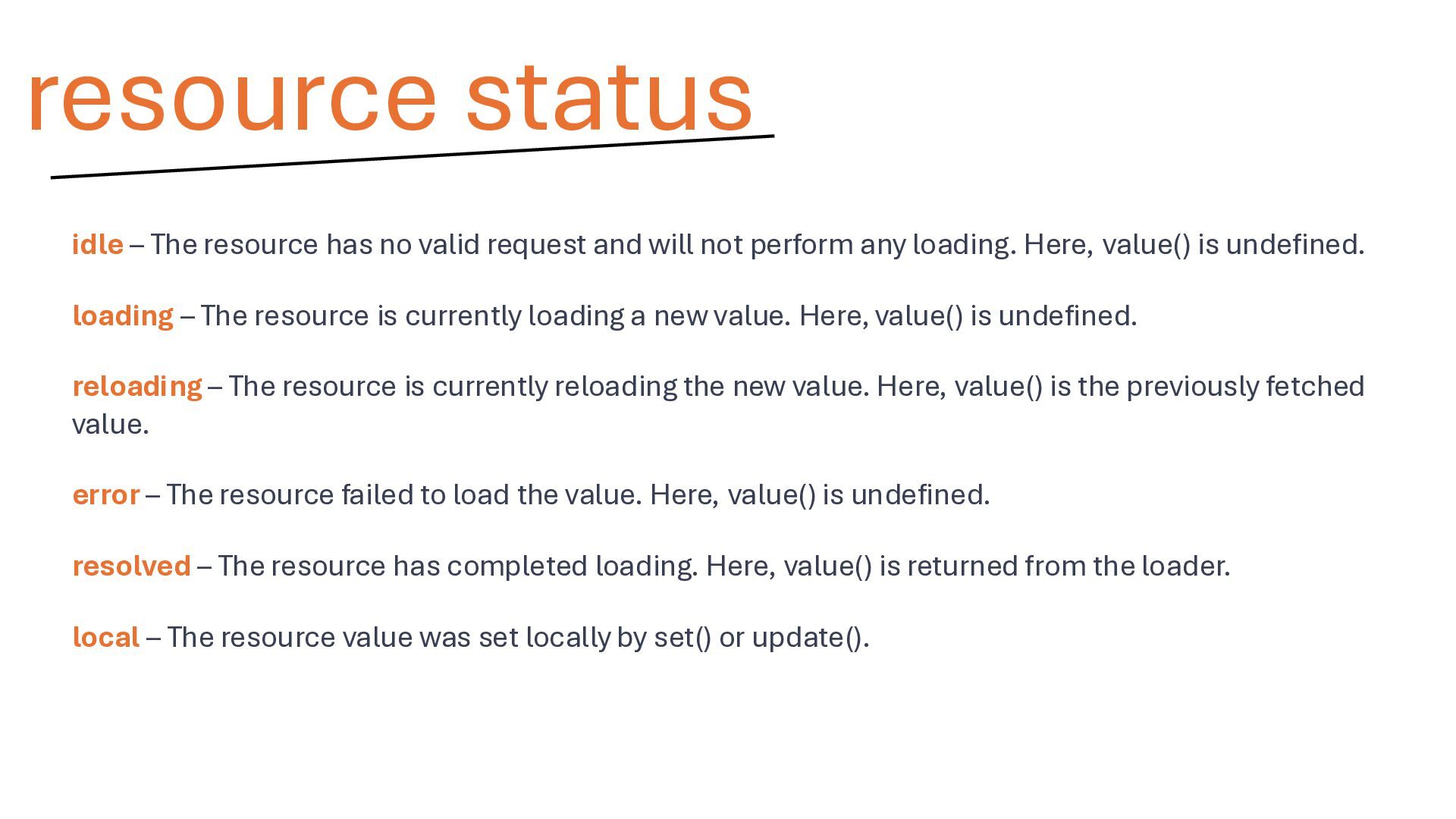
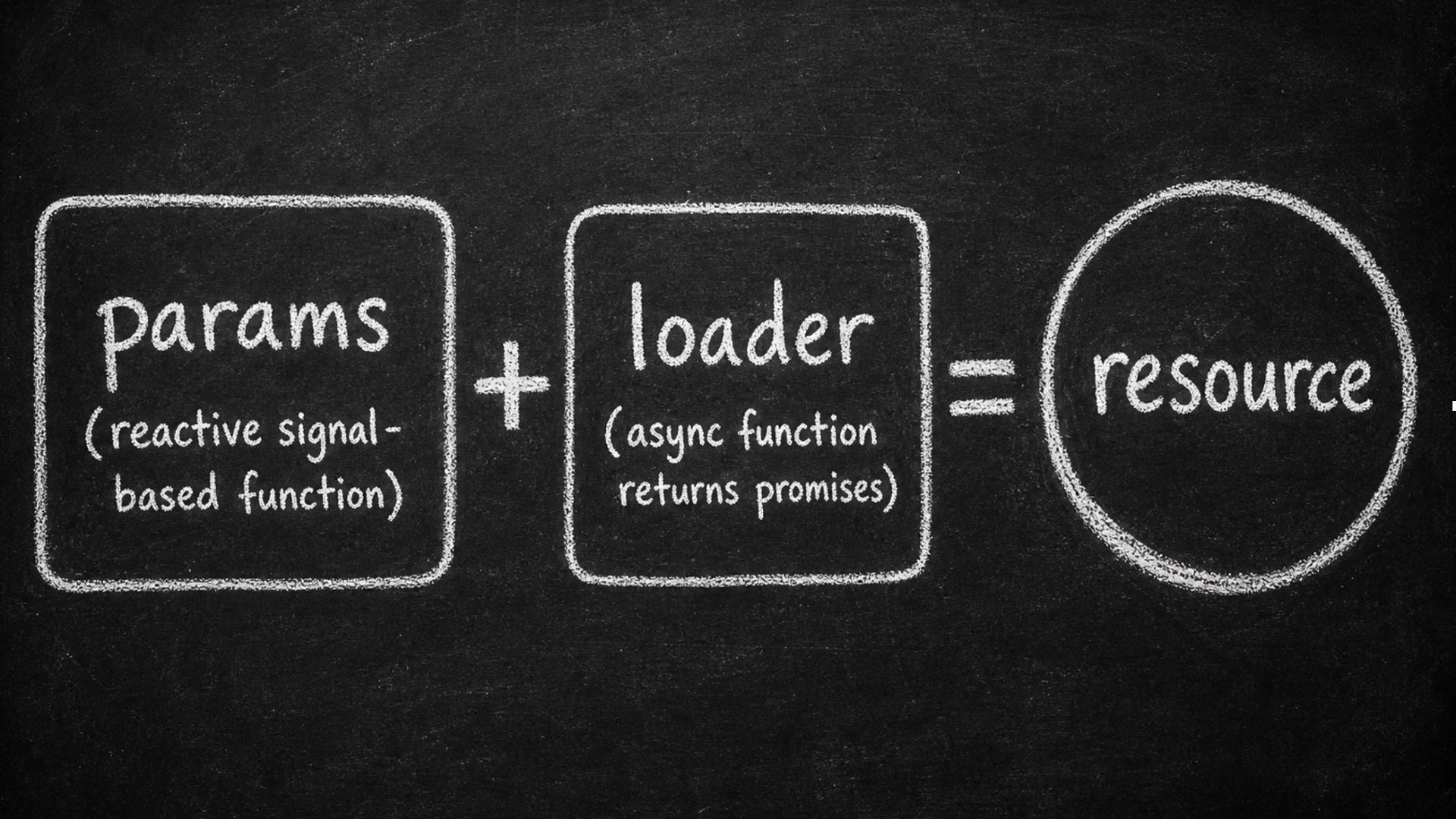
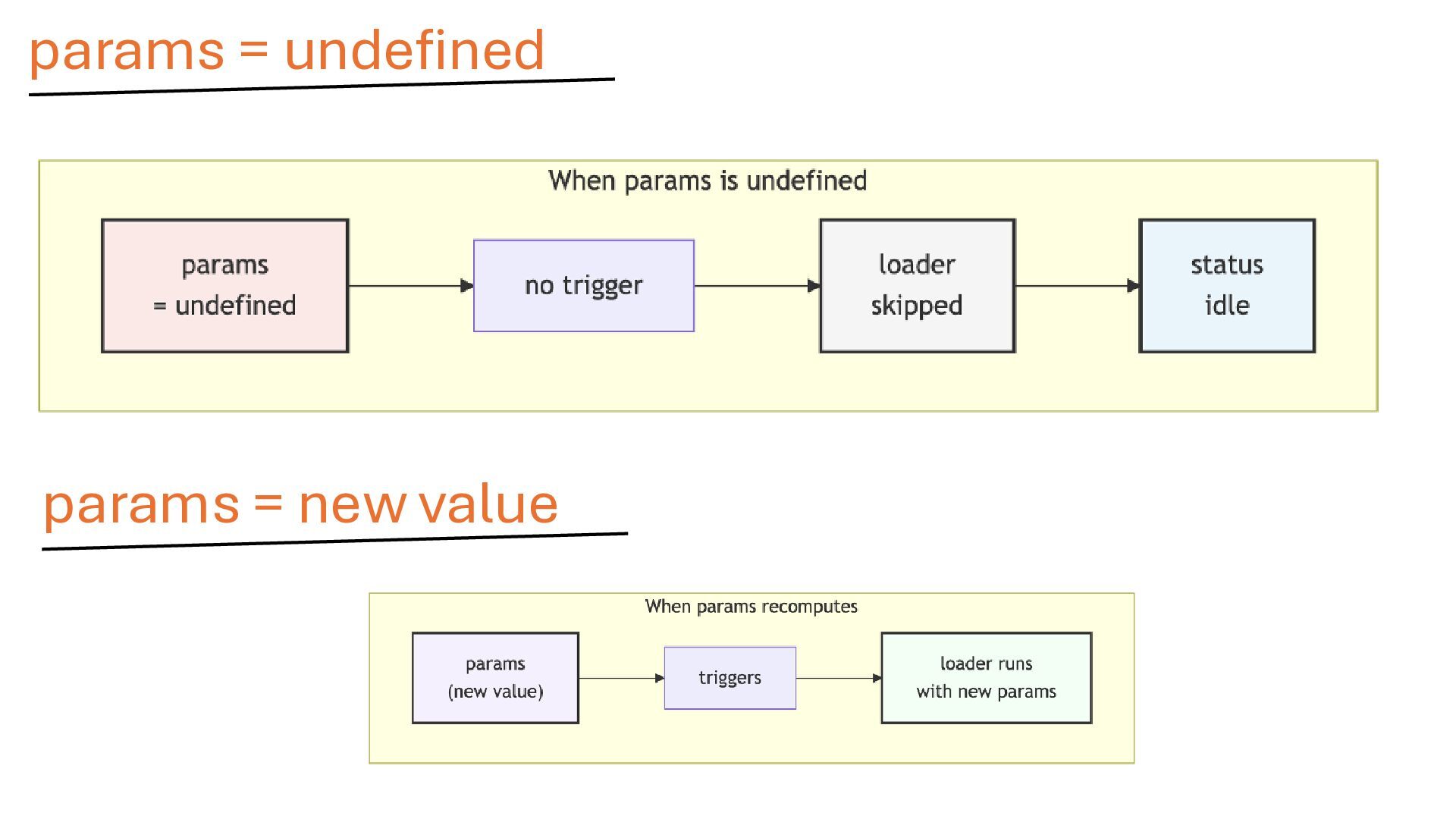
and will not perform any loading. Here, value() is undefined. loading – The resource is currently loading a new value. Here, value() is undefined. reloading – The resource is currently reloading the new value. Here, value() is the previously fetched value. error – The resource failed to load the value. Here, value() is undefined. resolved – The resource has completed loading. Here, value() is returned from the loader. local – The resource value was set locally by set() or update().
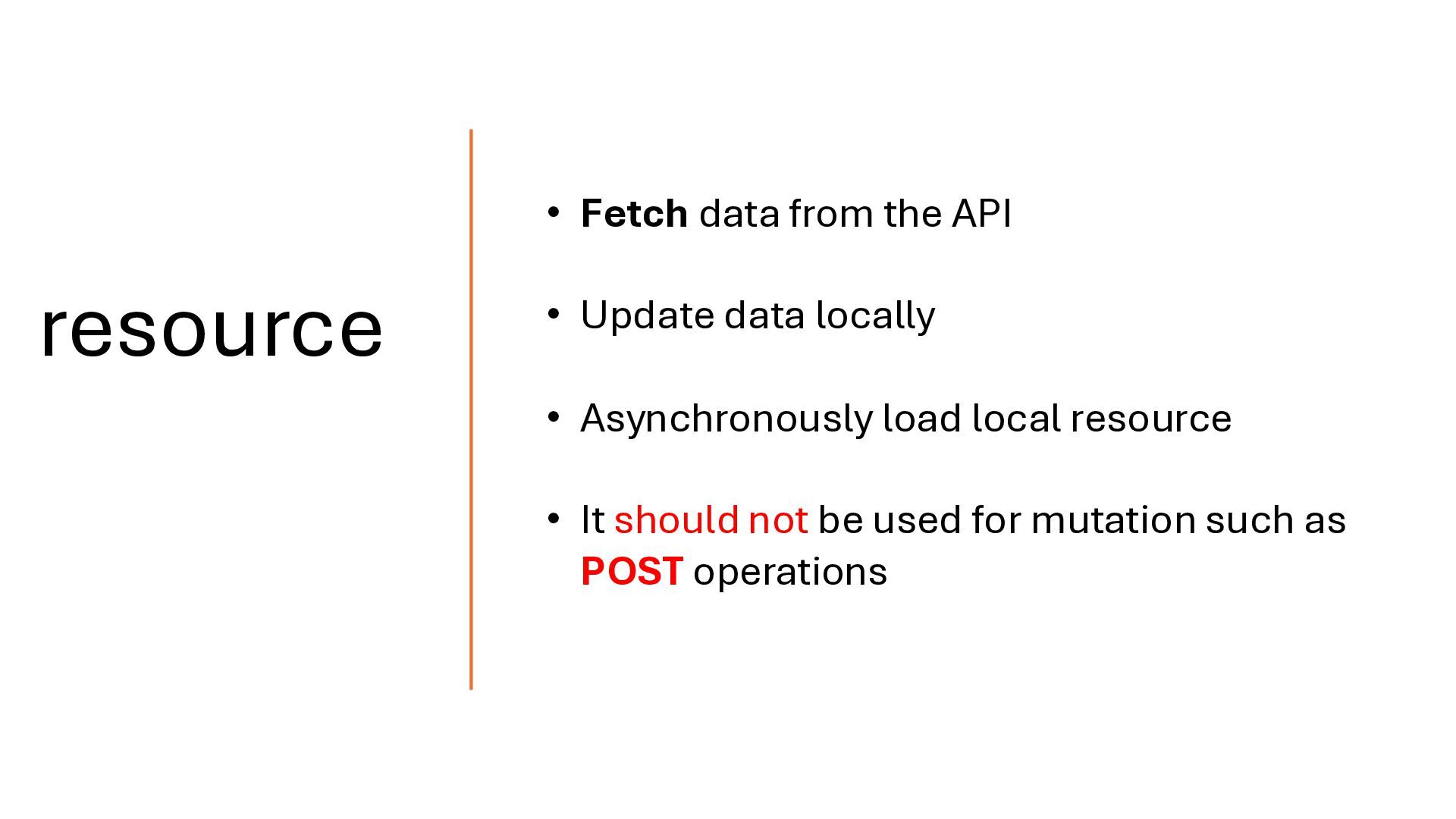
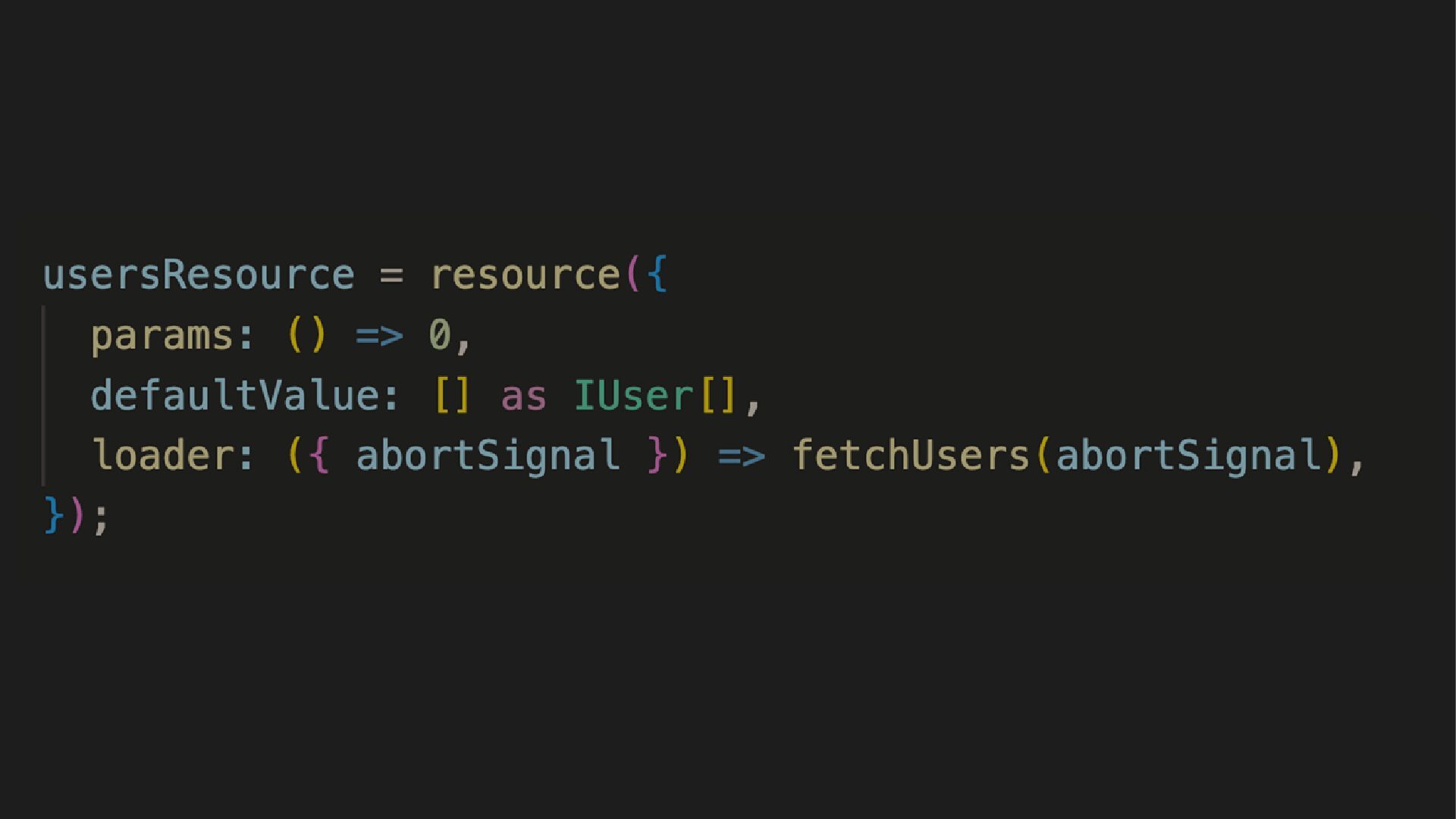
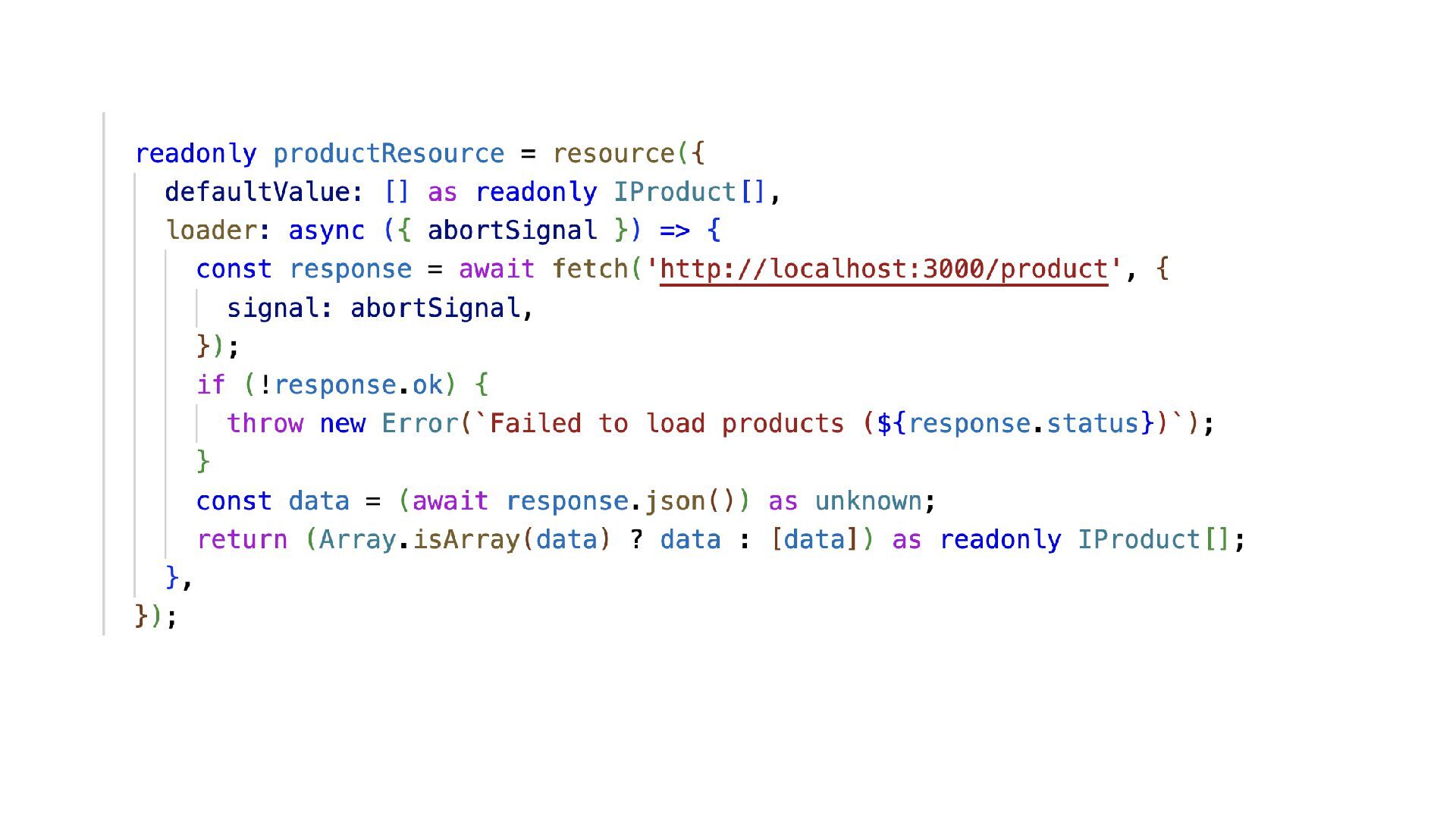
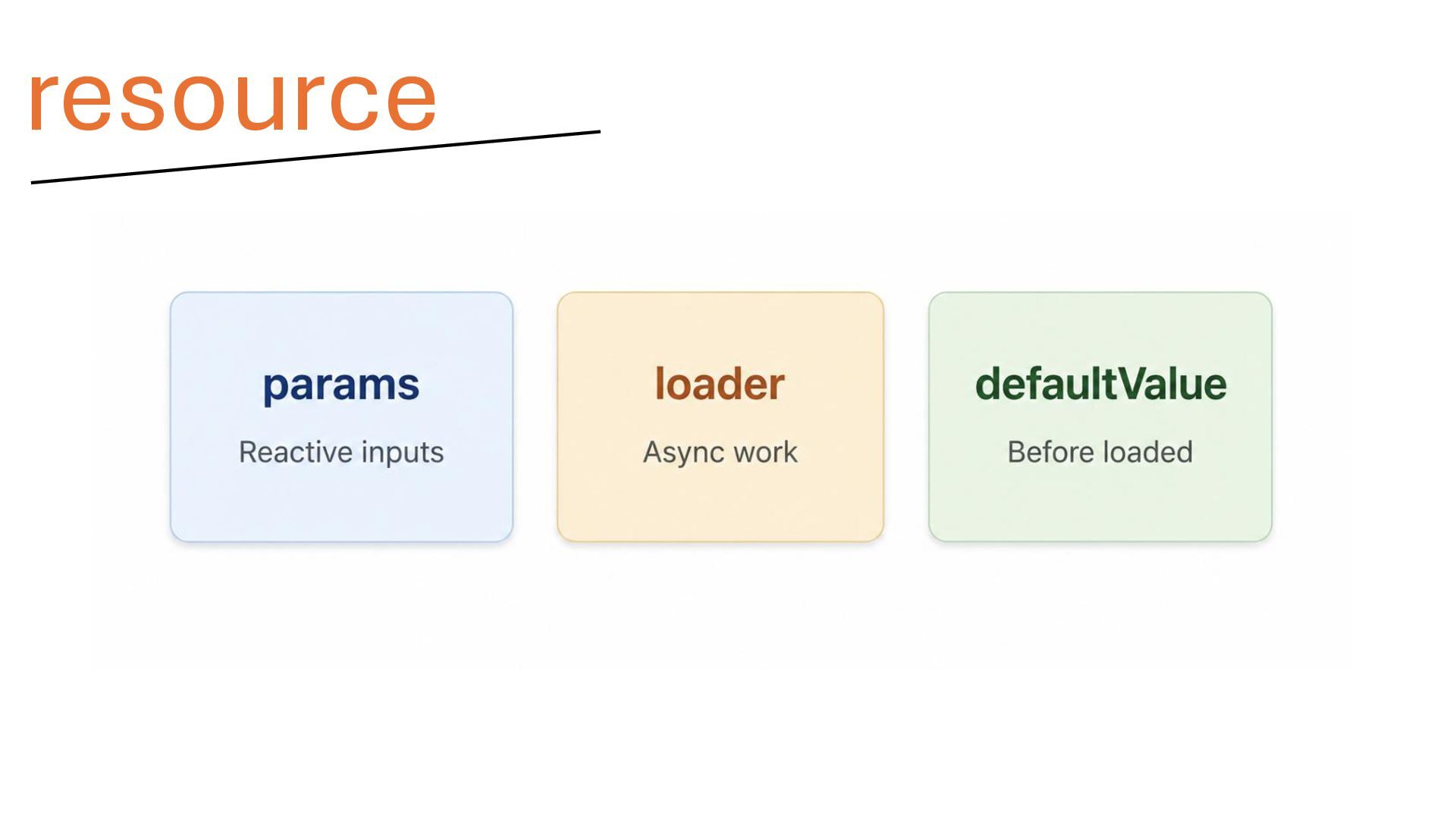
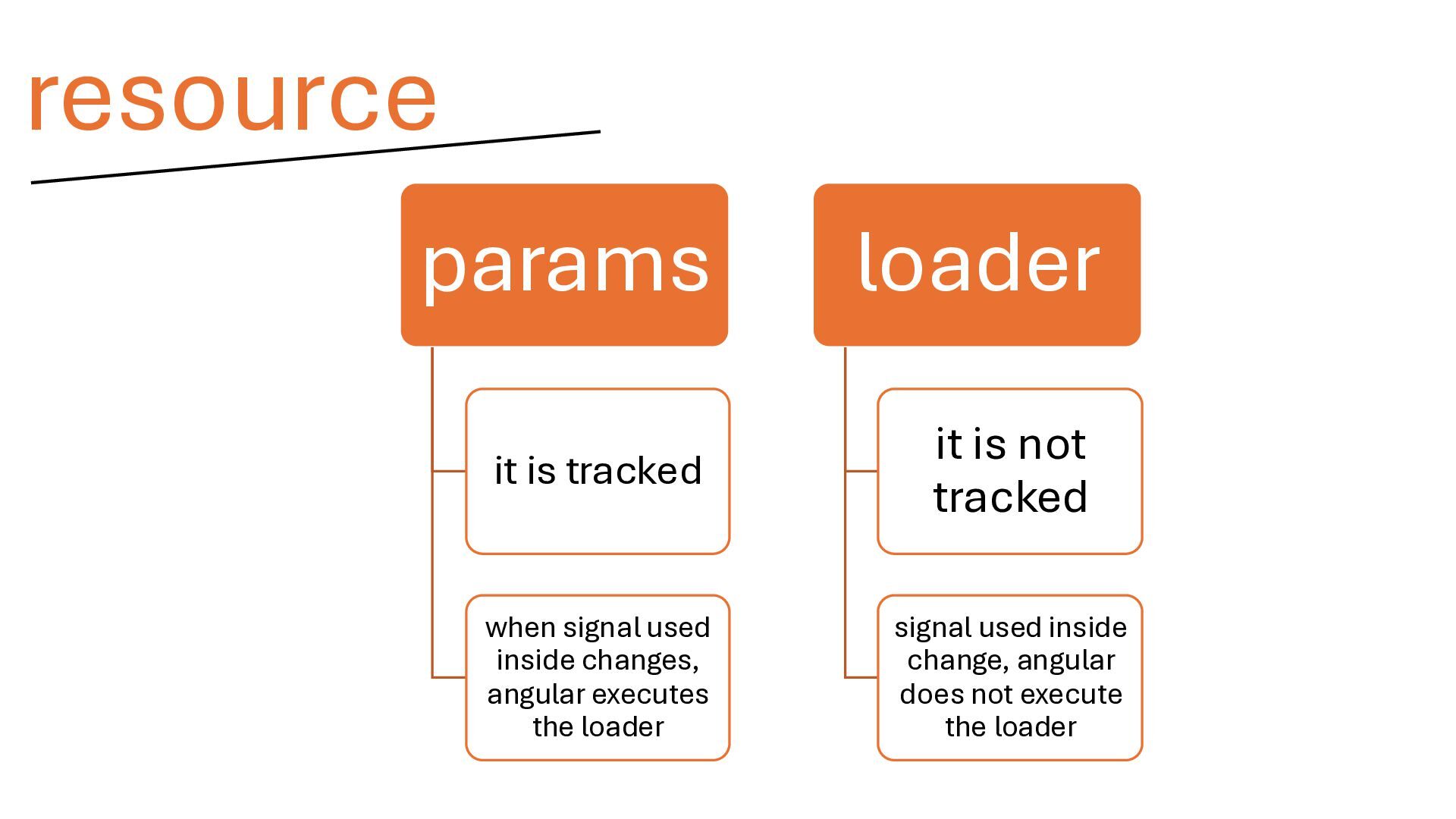
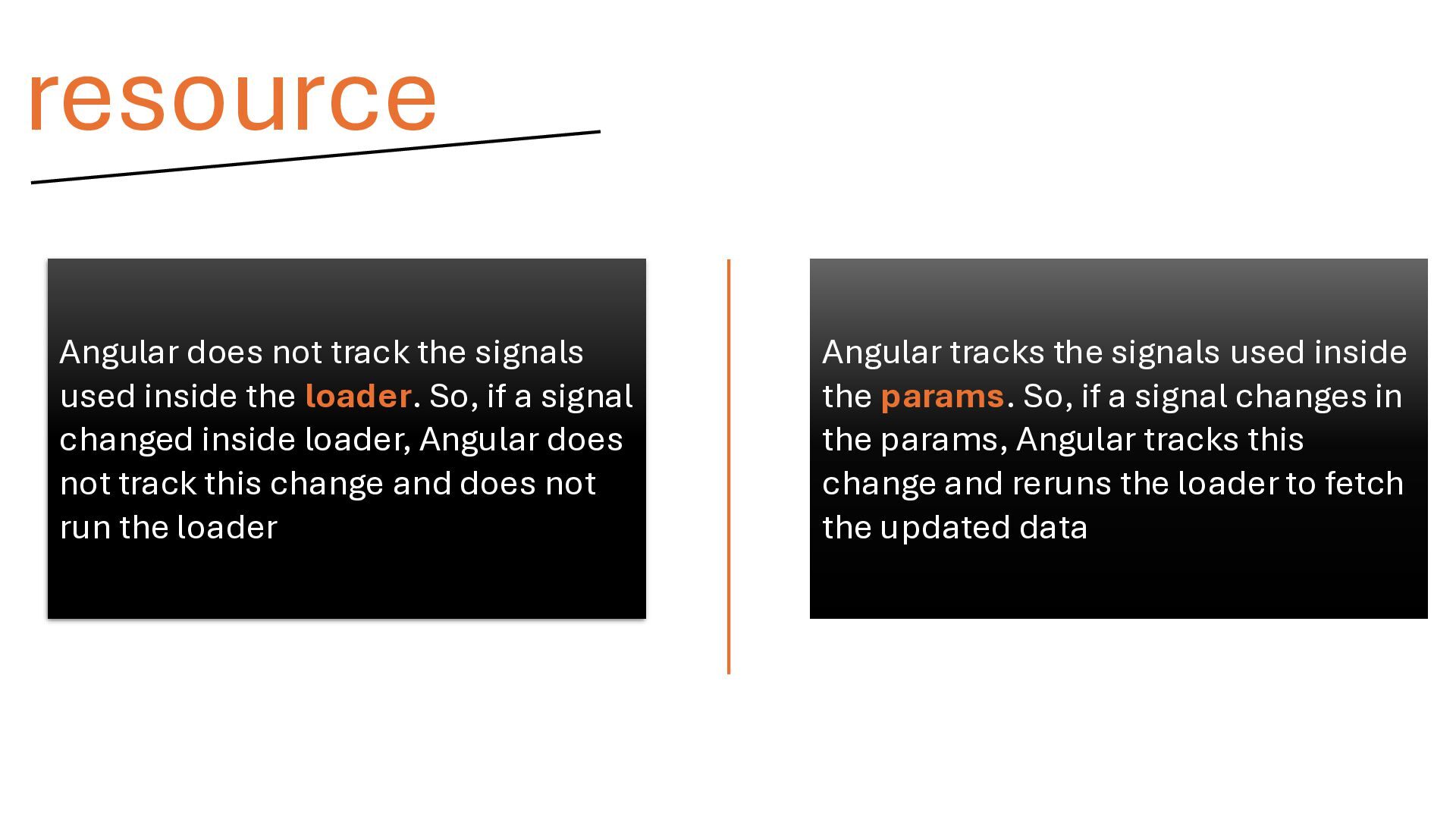
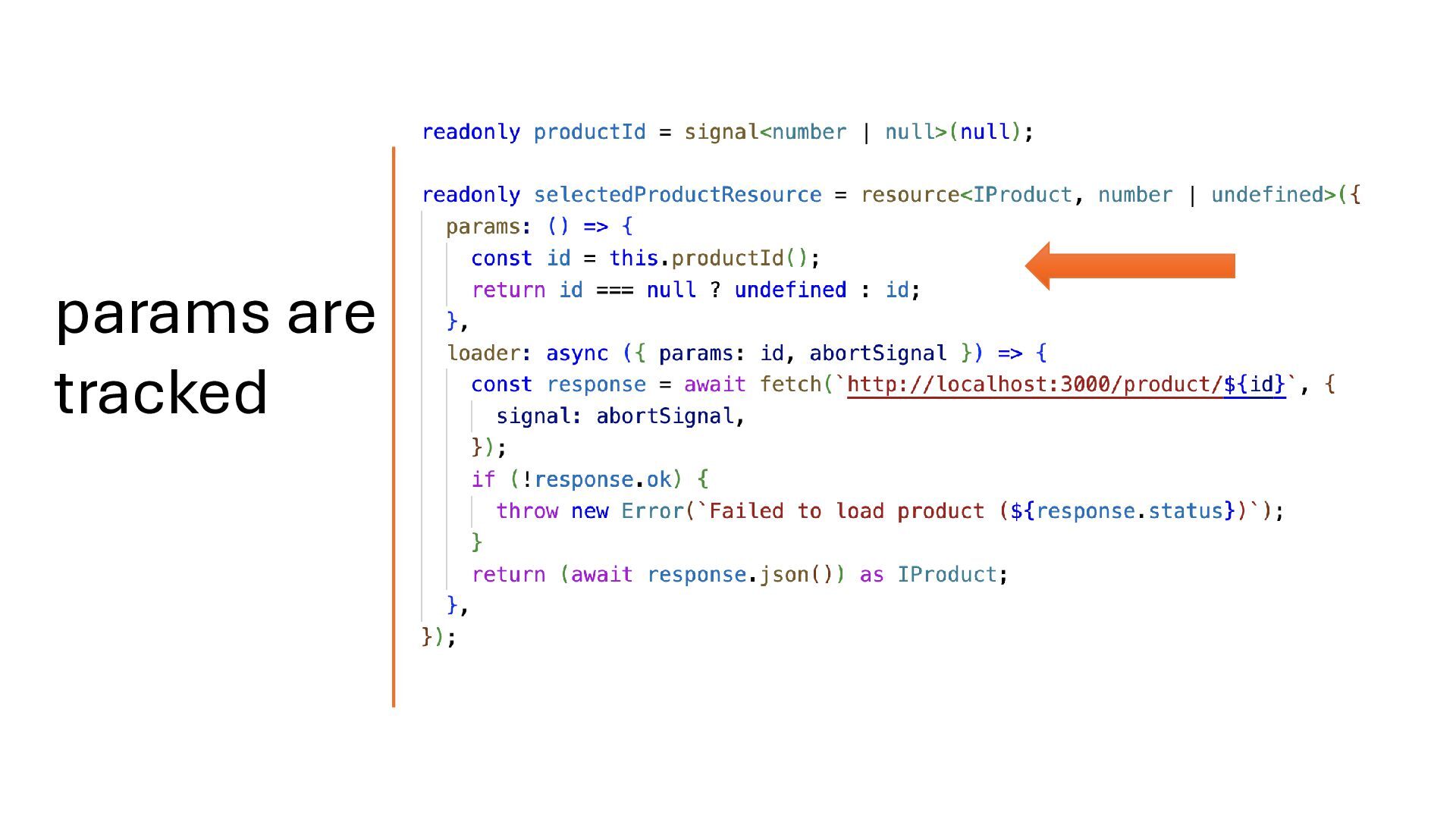
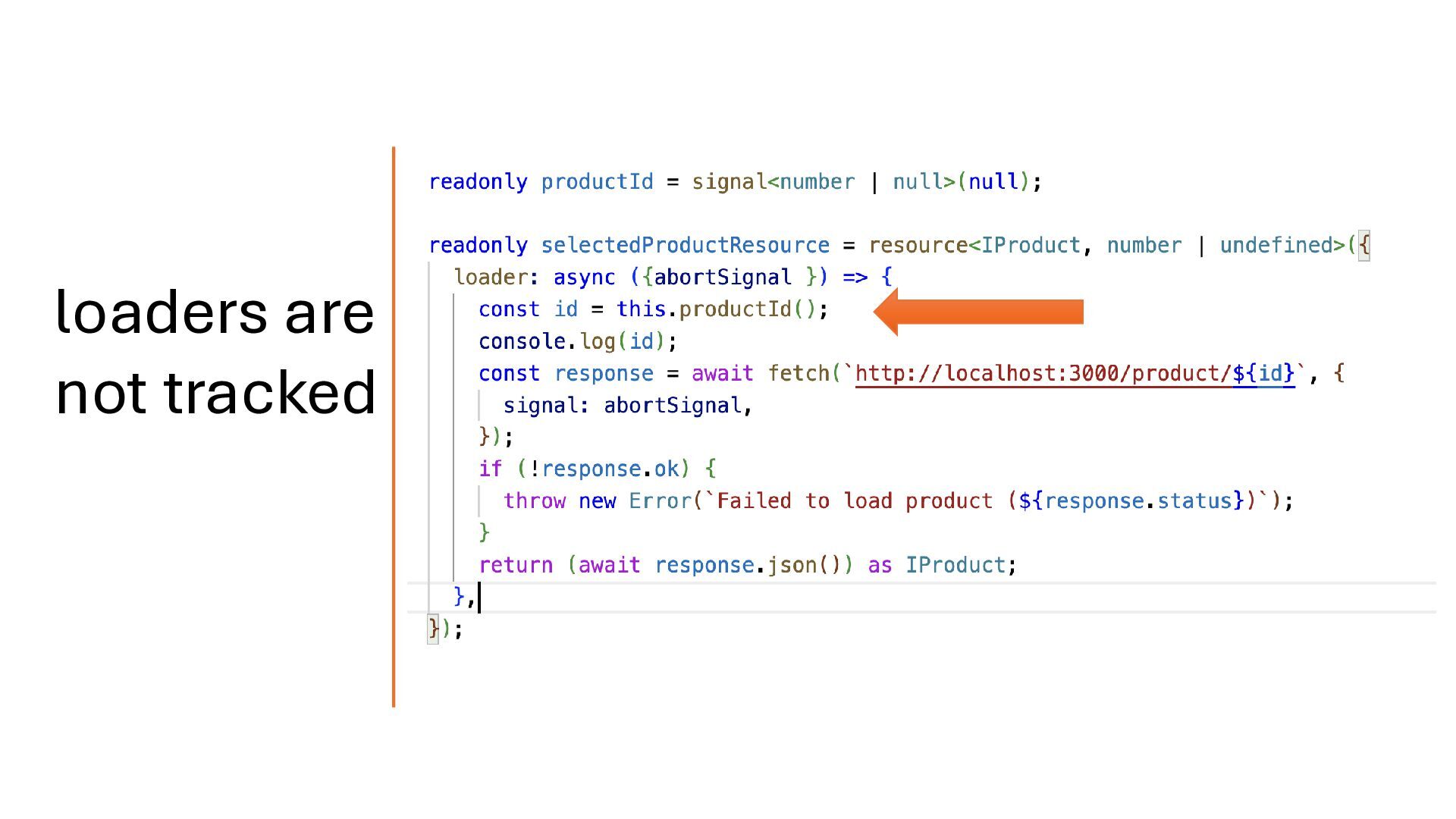
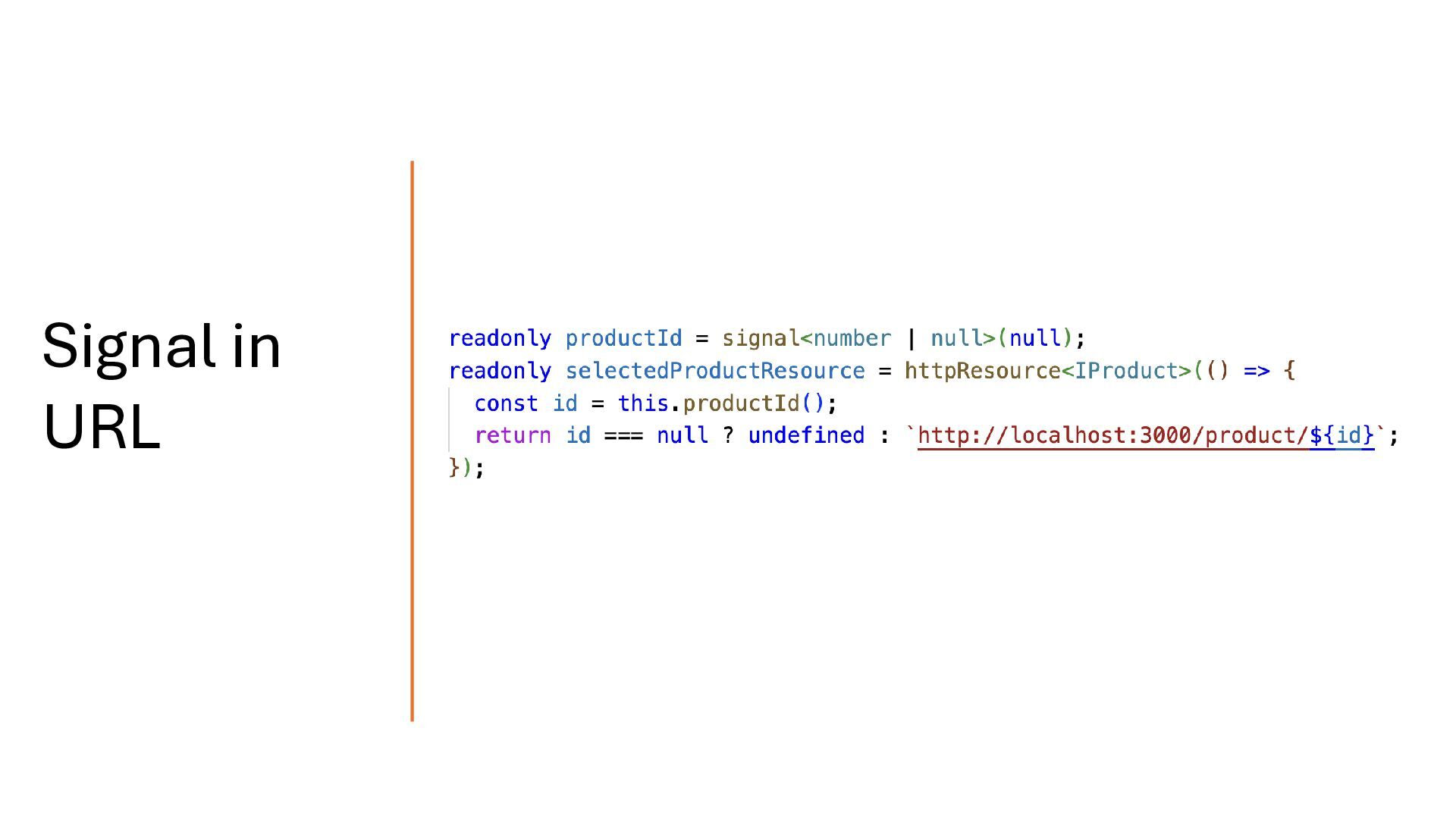
loader. So, if a signal changed inside loader, Angular does not track this change and does not run the loader Angular tracks the signals used inside the params. So, if a signal changes in the params, Angular tracks this change and reruns the loader to fetch the updated data
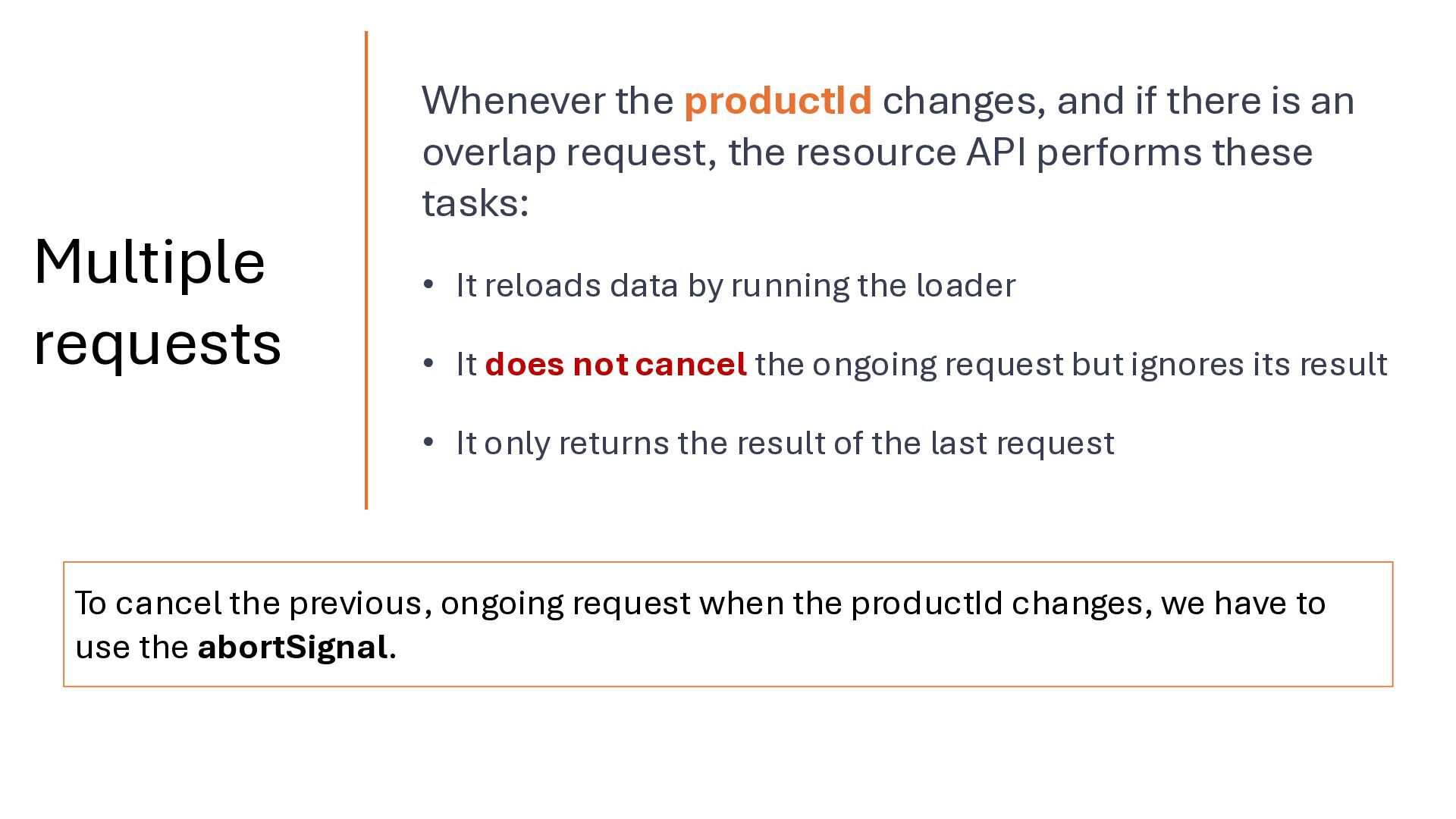
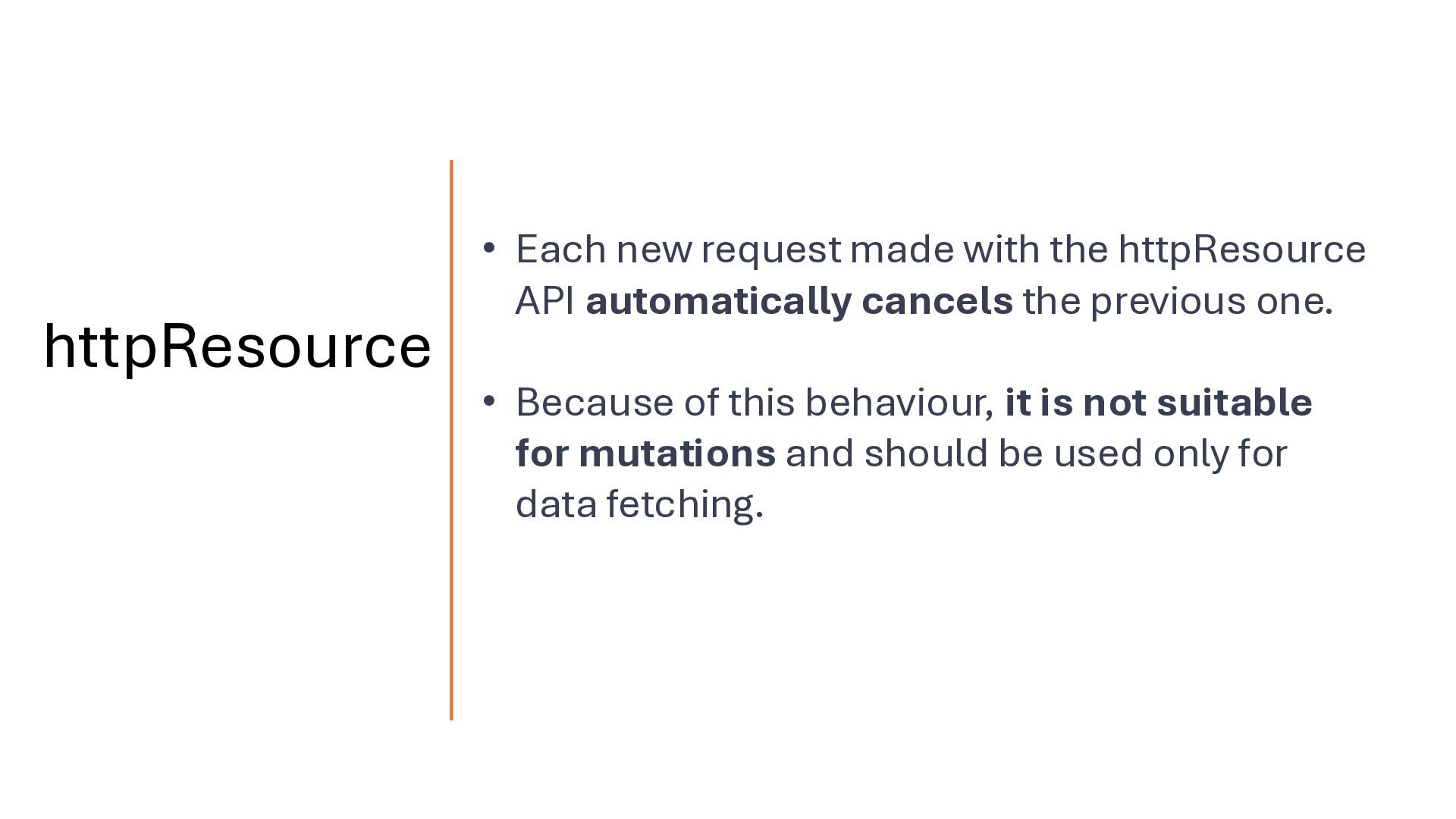
an overlap request, the resource API performs these tasks: • It reloads data by running the loader • It does not cancel the ongoing request but ignores its result • It only returns the result of the last request To cancel the previous, ongoing request when the productId changes, we have to use the abortSignal.
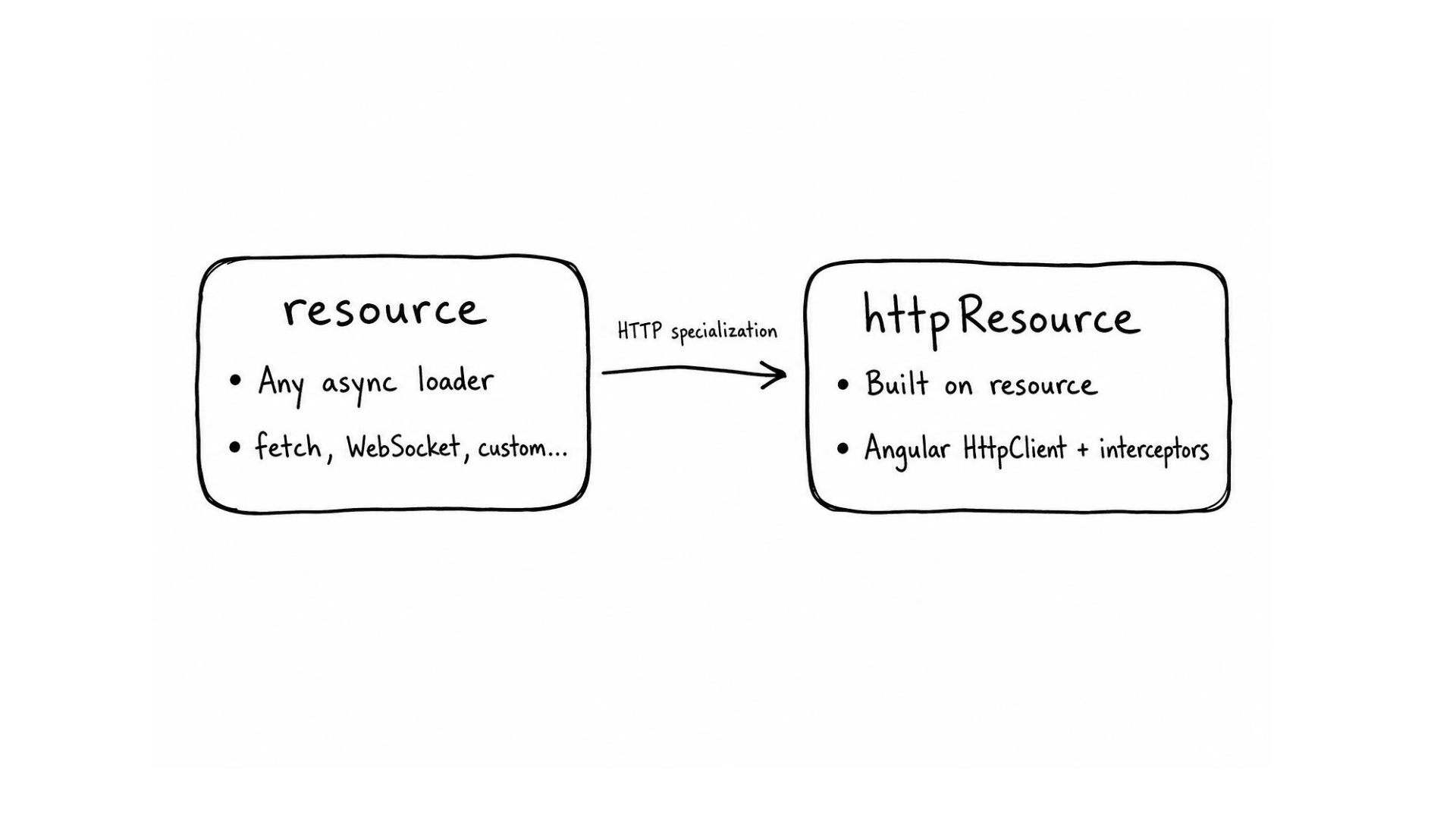
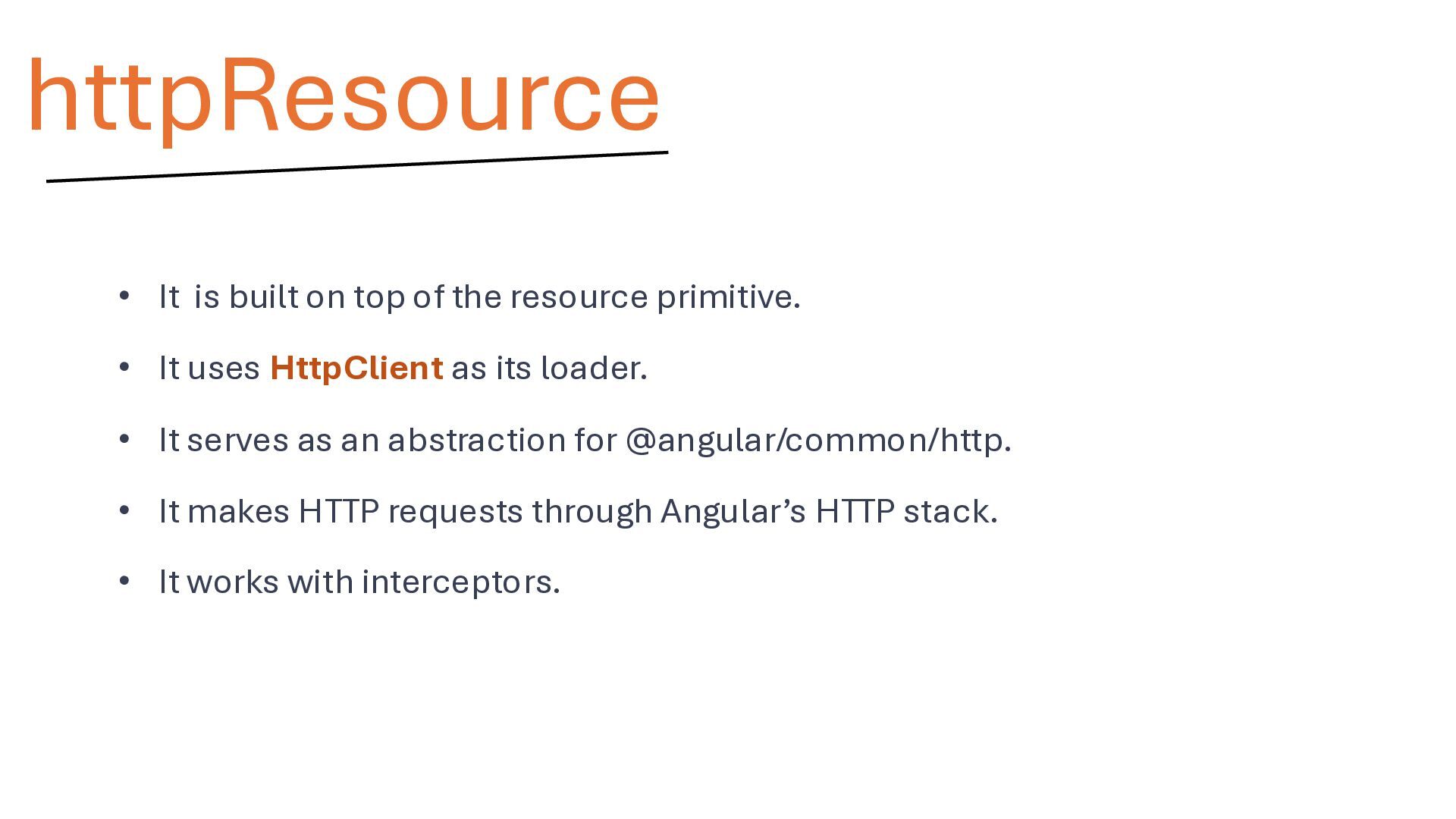
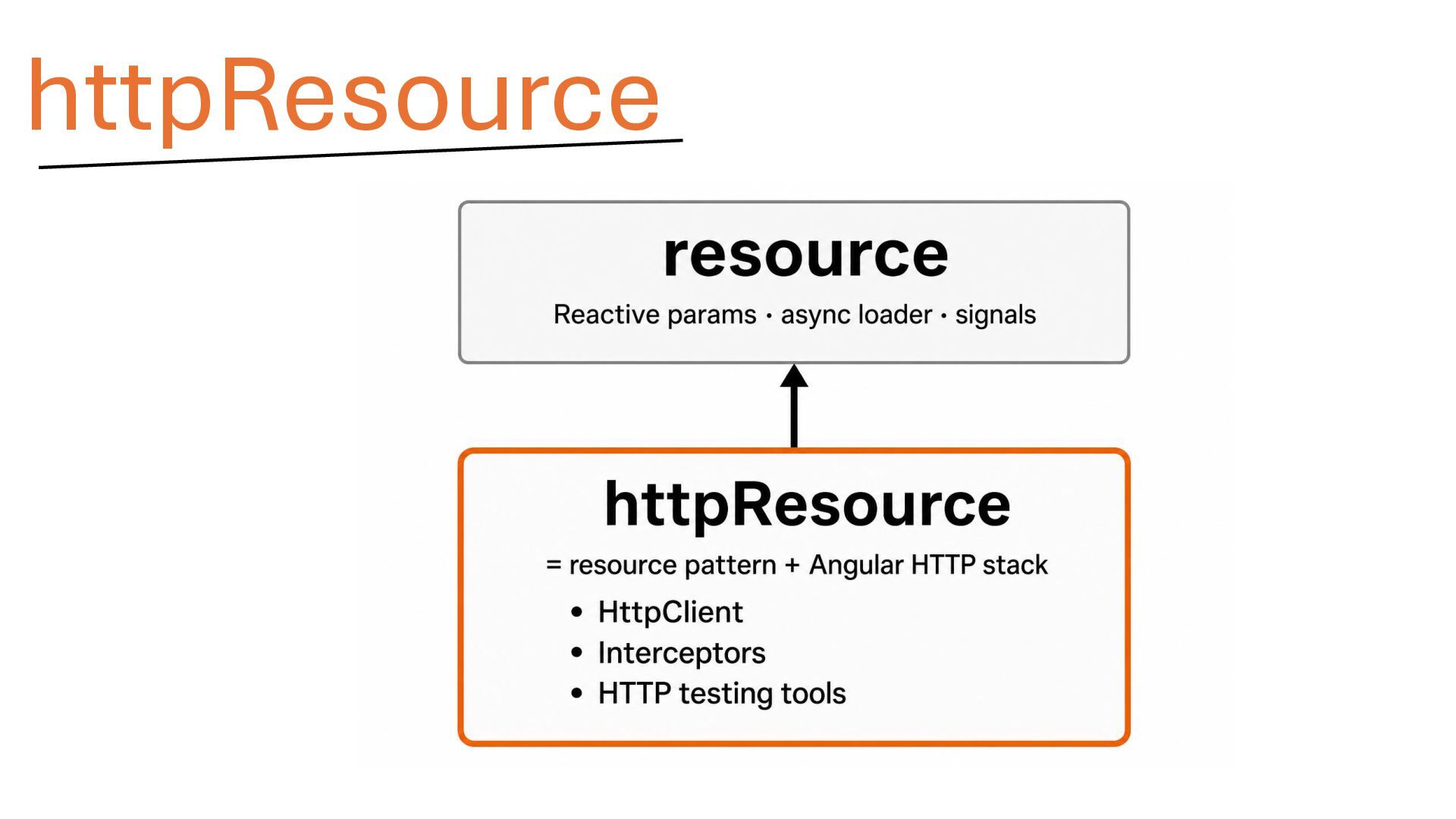
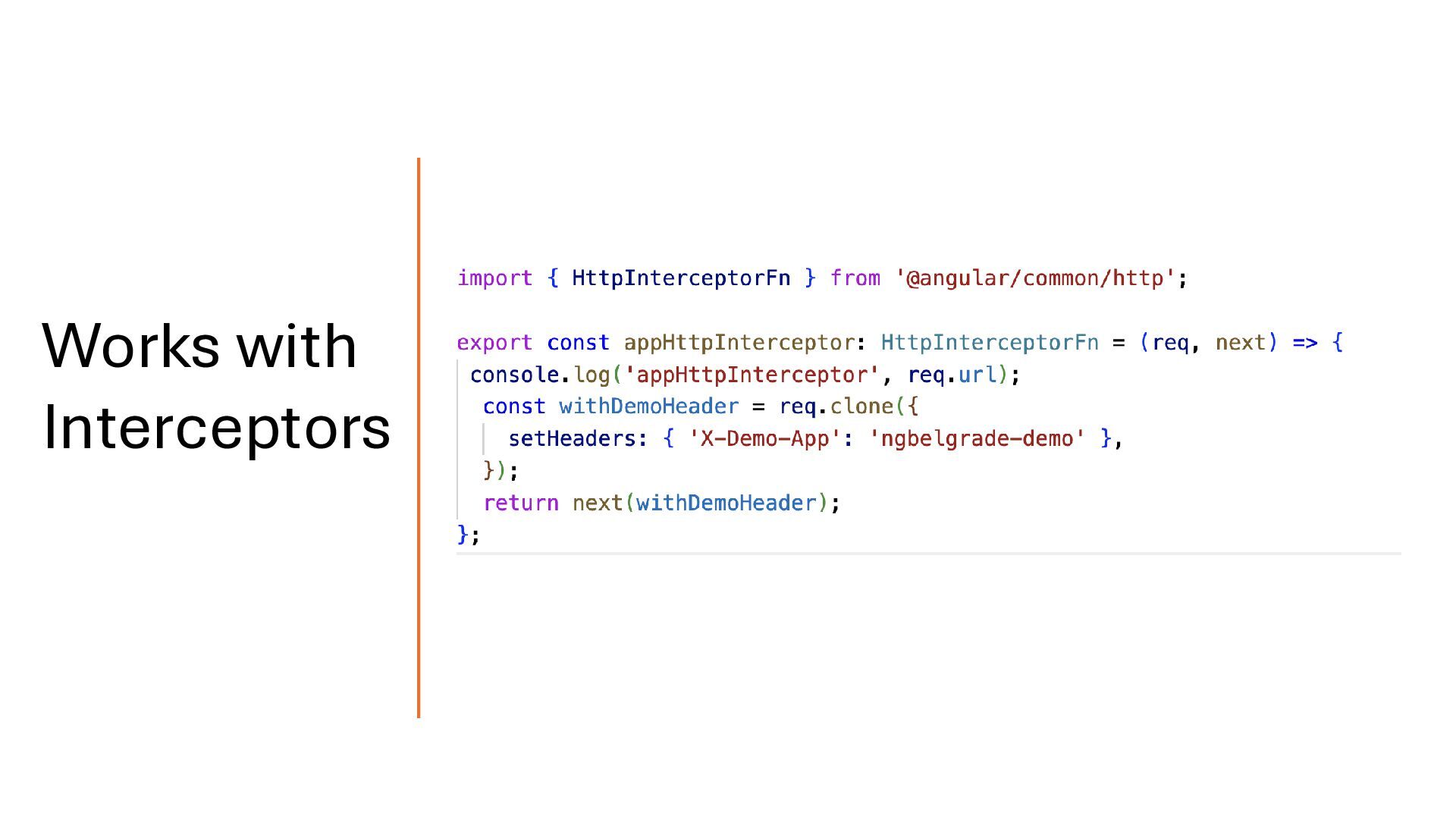
primitive. • It uses HttpClient as its loader. • It serves as an abstraction for @angular/common/http. • It makes HTTP requests through Angular’s HTTP stack. • It works with interceptors.
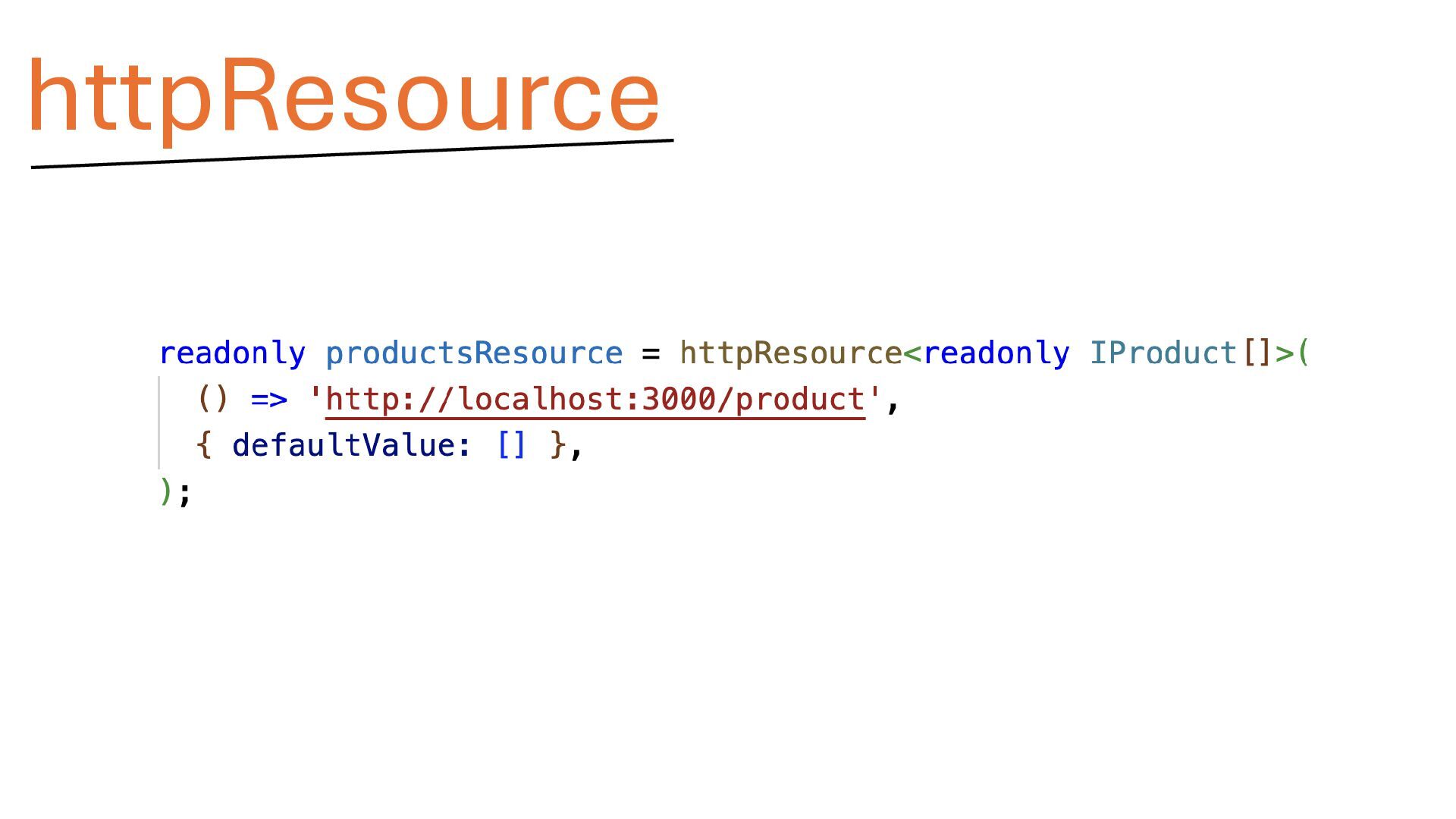
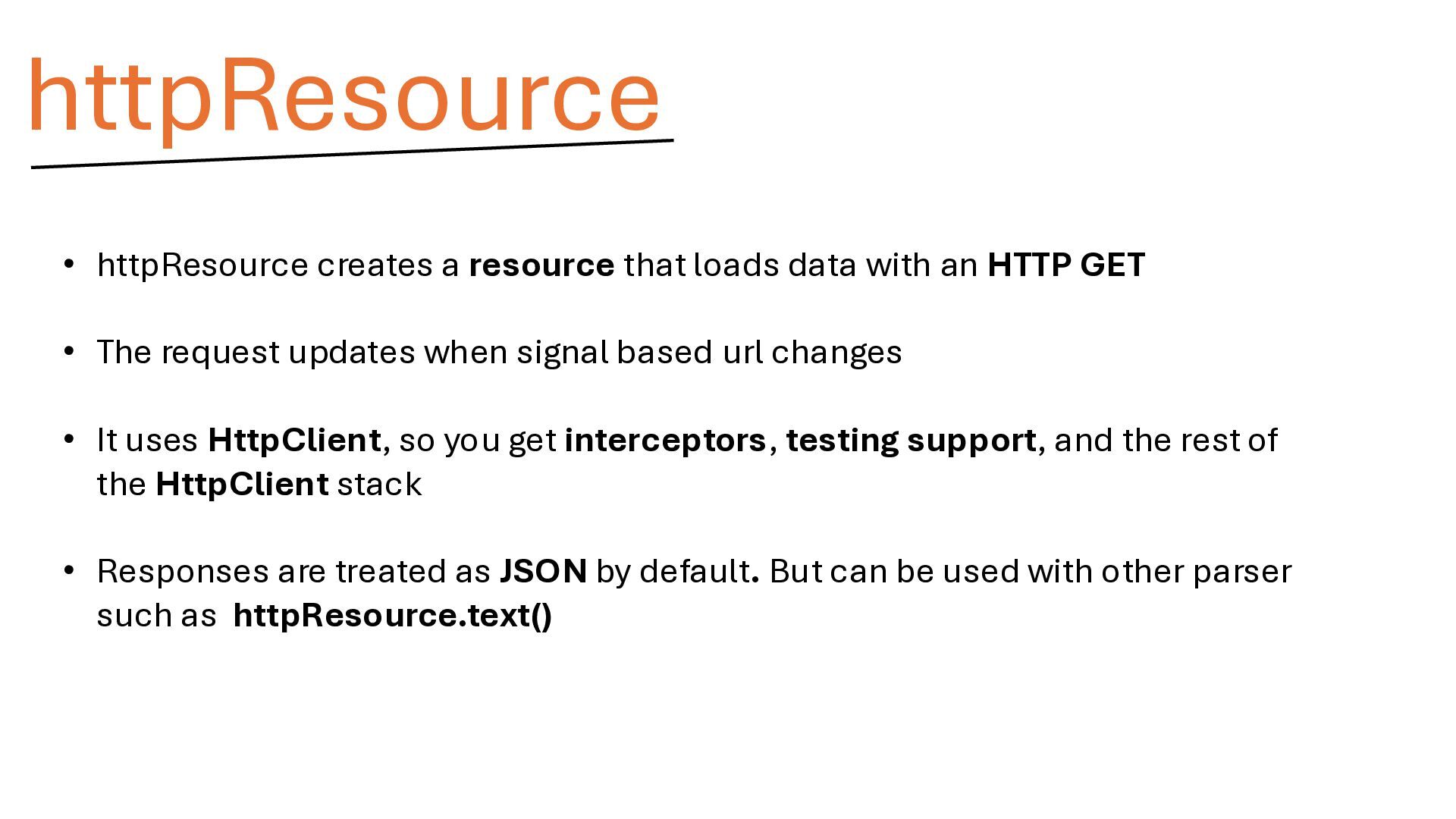
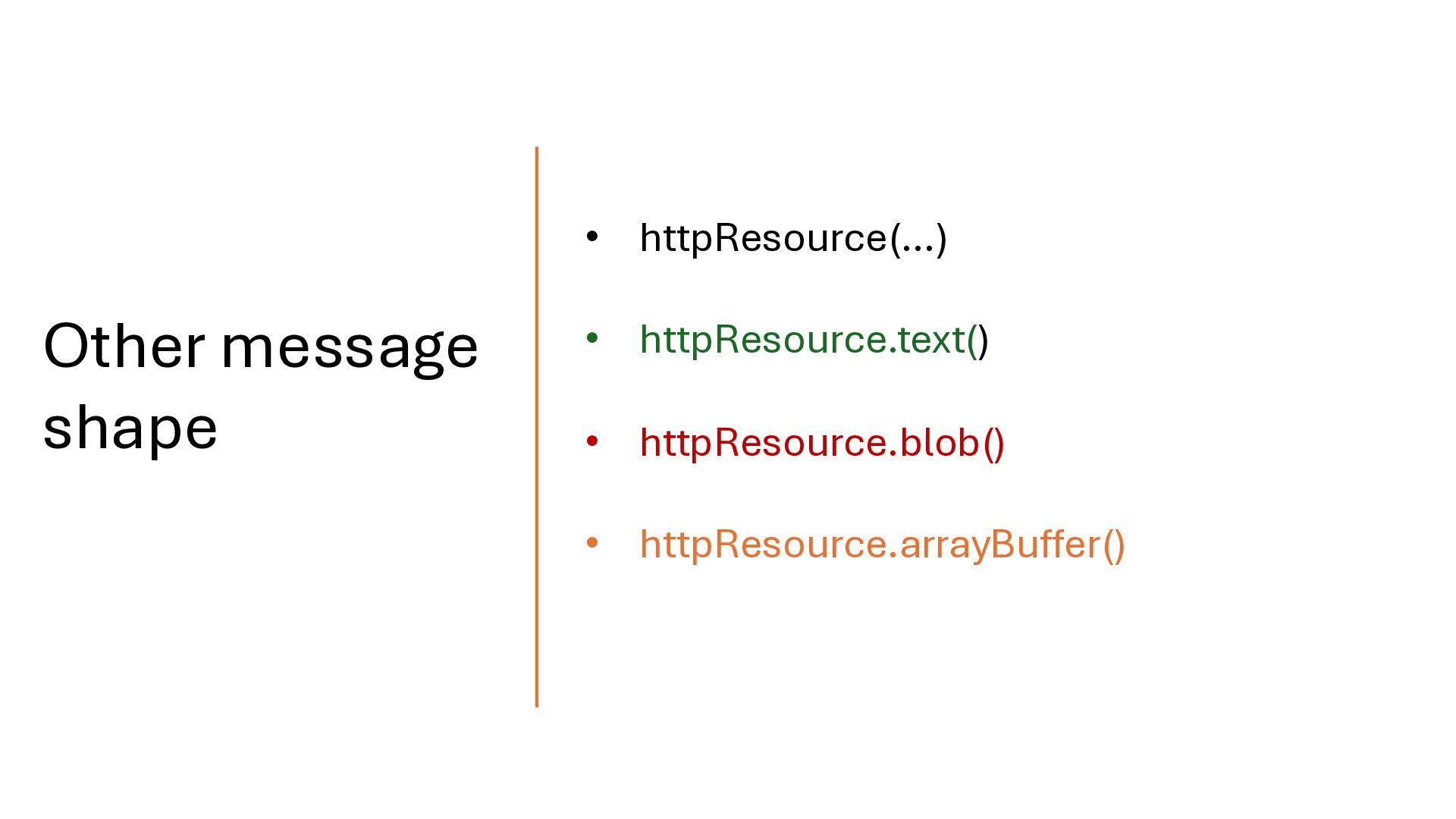
an HTTP GET • The request updates when signal based url changes • It uses HttpClient, so you get interceptors, testing support, and the rest of the HttpClient stack • Responses are treated as JSON by default. But can be used with other parser such as httpResource.text()


 debug_mode
 ishii_mit
 yoshimura_datam
 ainischool
 frievea
 tasusu
 bvr7352
 aokiplayer
 akiraasano
 uranoken
 minecr
 robintux
 tmiket
 sabderemane
 jdejongh
 rkendrick25
 csswizardry
 samtorres
 joshbly
 irinanazarova
 inesmontani
 katarinadahlin
 geshan
 mojombo

![Thank YOU • [email protected] • Training • Consulting • Speaking](https://files.speakerdeck.com/presentations/9357070358e24fc4866bd2a1be1809ea/slide_32.jpg)