by providing models with key-value binding and custom events, • collections with a rich API of enumerable functions, • views with declarative event handling, • and connects it all to your existing API over a RESTful JSON interface. Thursday, August 8, 13
view = new TodoIndex collection: todos App.layout.content.show view.render() show: (id) -> todo = todos.get(id) view = new TodoShow model: todo App.layout.content.show view.render() Thursday, August 8, 13
todo = new Todo title: "Backbone", done: true todos = new TodosCollection todos.add todo todos.add title: "Marionette", done: false todo.on 'change:done', (model) -> console.log model.toJSON() todos.on 'add', (model, coll) -> console.log "new item" Code Sample Thursday, August 8, 13
method - CRUD • model - model or collection to save • options - callbacks, other options for sync implementation (e.g. jQuery ajax options) Thursday, August 8, 13
# It is good practices to use template instead, # such as Handlebars render: -> context = model.toJSON() @$el.html "<label><input type=\”checkbox\”> #{context.title} </label>" @ui = { label: @$('label'), input: @$('input') } if @model.get('done') @ui.input.prop 'checked', true @ui.label.css 'text-decoration', 'line-through' @ # It is a convention to return the view itself Thursday, August 8, 13
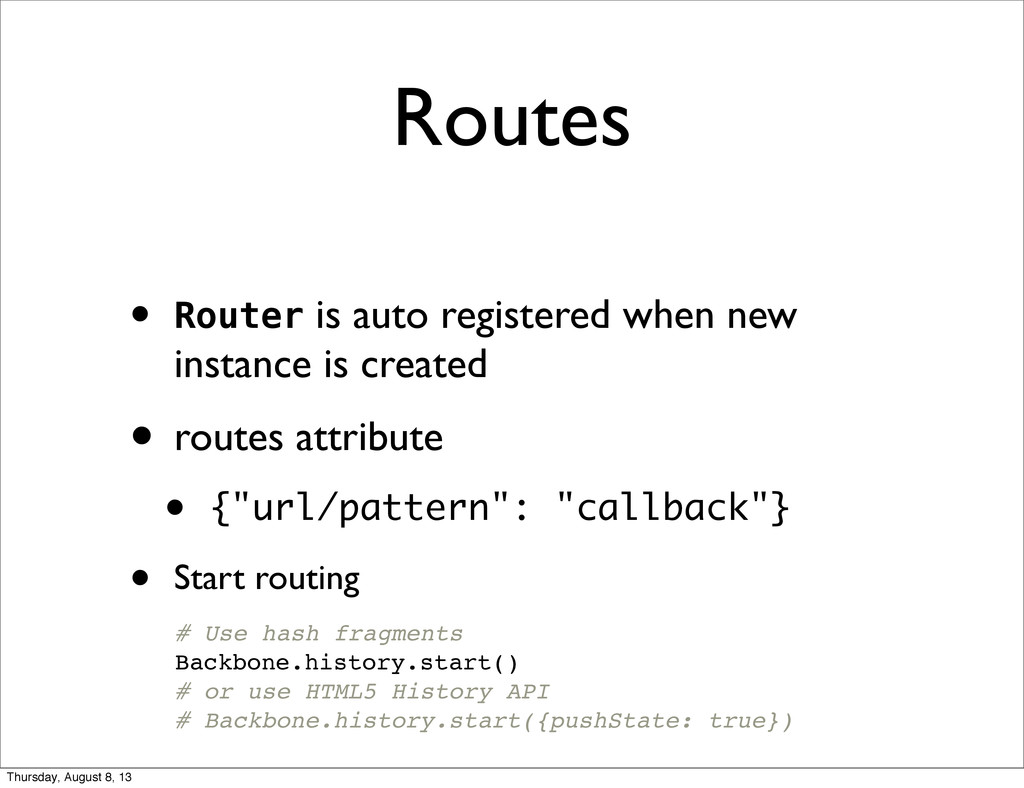
created • routes attribute • {"url/pattern": "callback"} • Start routing # Use hash fragments Backbone.history.start() # or use HTML5 History API # Backbone.history.start({pushState: true}) Thursday, August 8, 13


 doitian
 kameitomohiro
 toru_kubota
 iotengineer22
 kawanago
 shisyu_gaku
 nayuts
 mot_techtalk
 pauli
pauli
 kmiya84377
 ks91
ks91
 yokawasa
 signer
 varn
varn
 afnizarnur
 akihiro_kokubo
 gr2m
gr2m
 reverentgeek
 michielstock
 skipperchong
 mlcsv
mlcsv
 chikuwait
 axbom
axbom
 baasie


![Backbone.sync • Model persistence • Signature sync(method, model, [options]) •](https://files.speakerdeck.com/presentations/fb691e50e21a0130b88506fe8c00898a/slide_18.jpg)