developer since 2012 Founder phanbook.com Loves open source development Evolable Asia Company [email protected] September 4, 2017 (Aucfan Lab) AWS September 4, 2017 1 / 7
server. And each virtual server have special features, which could easy install, documentations, easy custom or anything else. In this topic we will discussion the virtual server Amazon EC2. 1 What is Amazon EC2 2 How to use it 3 Why using it 4 Conclusions (Aucfan Lab) AWS September 4, 2017 2 / 7
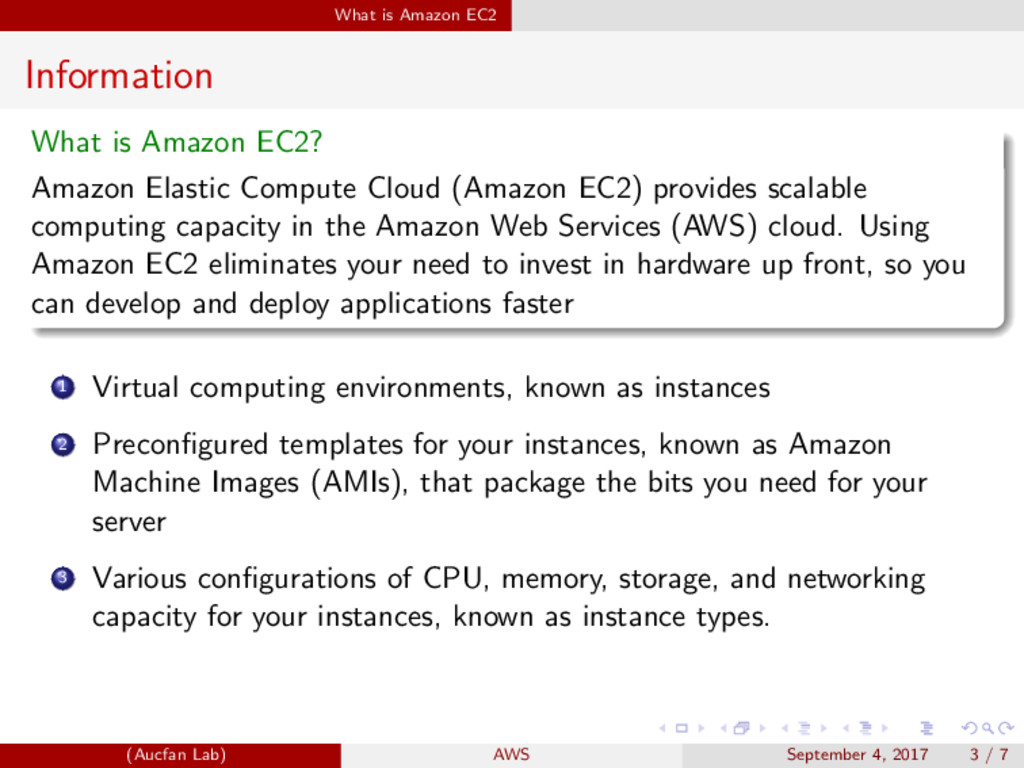
Elastic Compute Cloud (Amazon EC2) provides scalable computing capacity in the Amazon Web Services (AWS) cloud. Using Amazon EC2 eliminates your need to invest in hardware up front, so you can develop and deploy applications faster 1 Virtual computing environments, known as instances (Aucfan Lab) AWS September 4, 2017 3 / 7
Elastic Compute Cloud (Amazon EC2) provides scalable computing capacity in the Amazon Web Services (AWS) cloud. Using Amazon EC2 eliminates your need to invest in hardware up front, so you can develop and deploy applications faster 1 Virtual computing environments, known as instances 2 Preconfigured templates for your instances, known as Amazon Machine Images (AMIs), that package the bits you need for your server (Aucfan Lab) AWS September 4, 2017 3 / 7
Elastic Compute Cloud (Amazon EC2) provides scalable computing capacity in the Amazon Web Services (AWS) cloud. Using Amazon EC2 eliminates your need to invest in hardware up front, so you can develop and deploy applications faster 1 Virtual computing environments, known as instances 2 Preconfigured templates for your instances, known as Amazon Machine Images (AMIs), that package the bits you need for your server 3 Various configurations of CPU, memory, storage, and networking capacity for your instances, known as instance types. (Aucfan Lab) AWS September 4, 2017 3 / 7
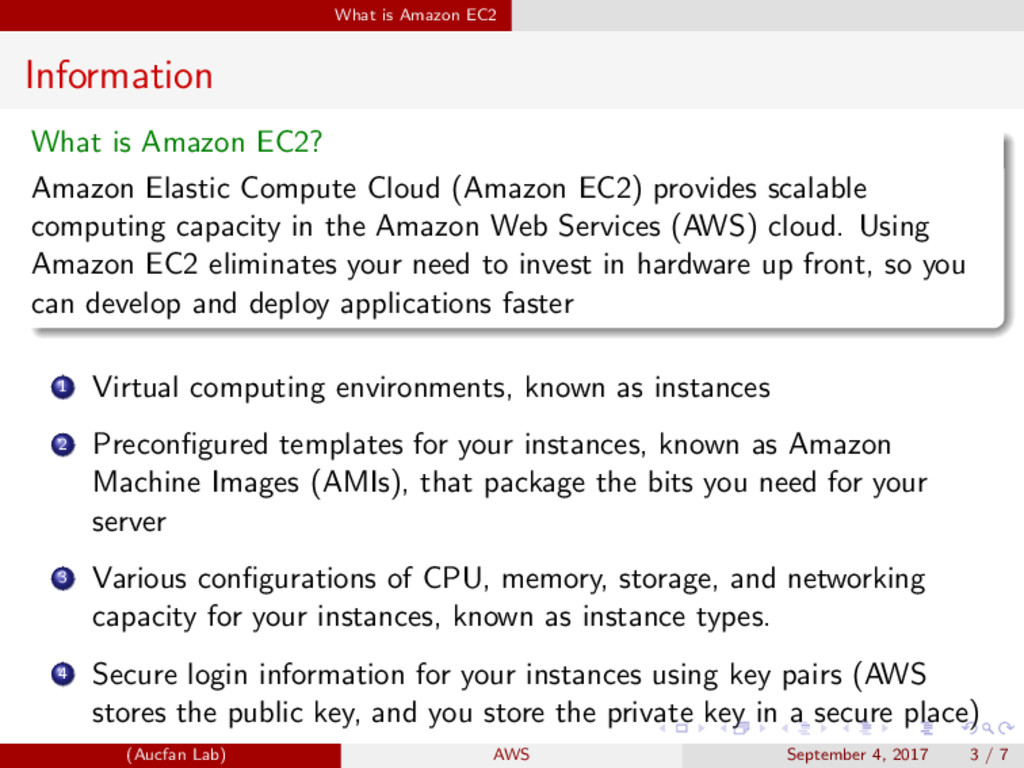
Elastic Compute Cloud (Amazon EC2) provides scalable computing capacity in the Amazon Web Services (AWS) cloud. Using Amazon EC2 eliminates your need to invest in hardware up front, so you can develop and deploy applications faster 1 Virtual computing environments, known as instances 2 Preconfigured templates for your instances, known as Amazon Machine Images (AMIs), that package the bits you need for your server 3 Various configurations of CPU, memory, storage, and networking capacity for your instances, known as instance types. 4 Secure login information for your instances using key pairs (AWS stores the public key, and you store the private key in a secure place) (Aucfan Lab) AWS September 4, 2017 3 / 7
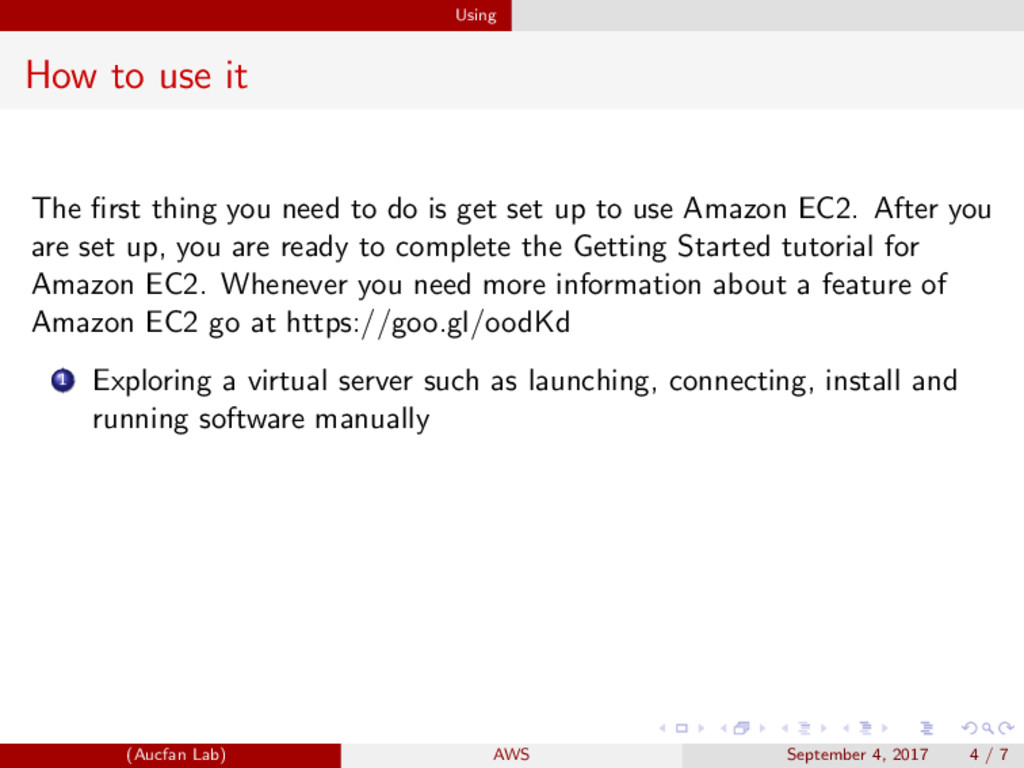
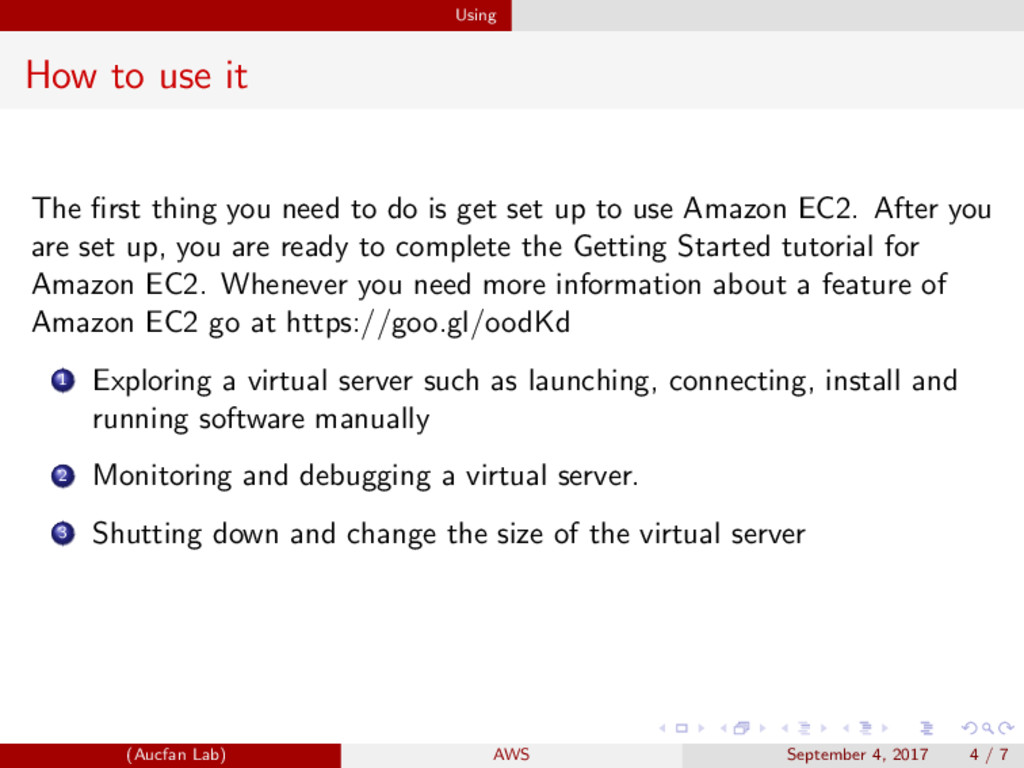
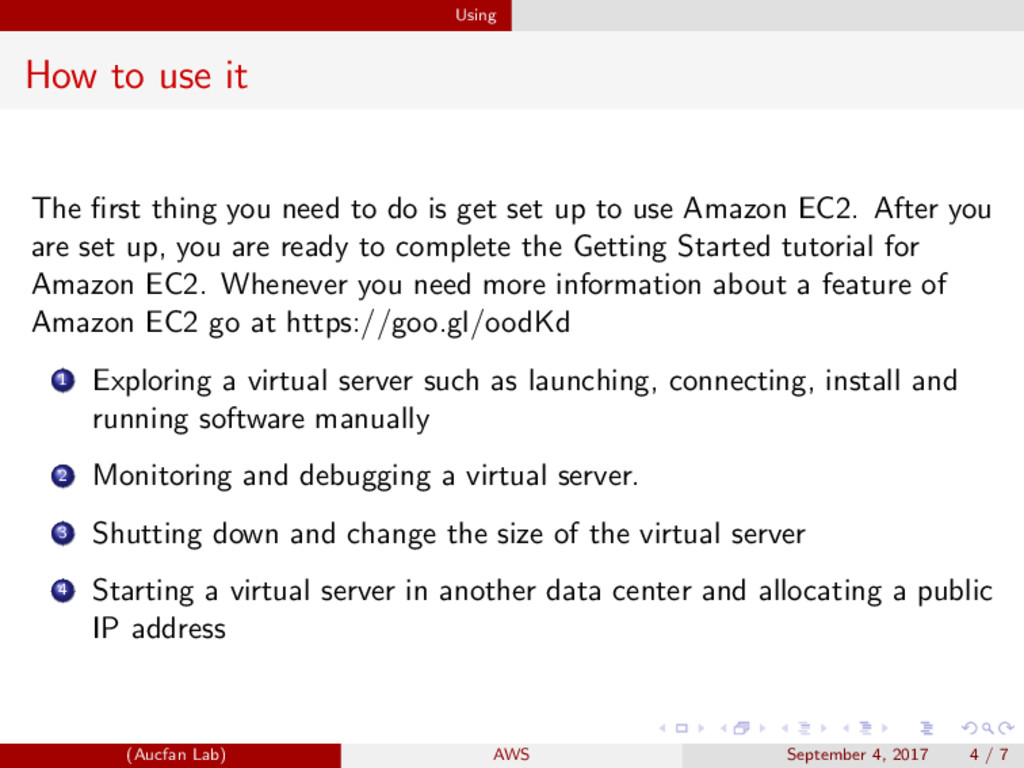
to do is get set up to use Amazon EC2. After you are set up, you are ready to complete the Getting Started tutorial for Amazon EC2. Whenever you need more information about a feature of Amazon EC2 go at https://goo.gl/oodKd 1 Exploring a virtual server such as launching, connecting, install and running software manually (Aucfan Lab) AWS September 4, 2017 4 / 7
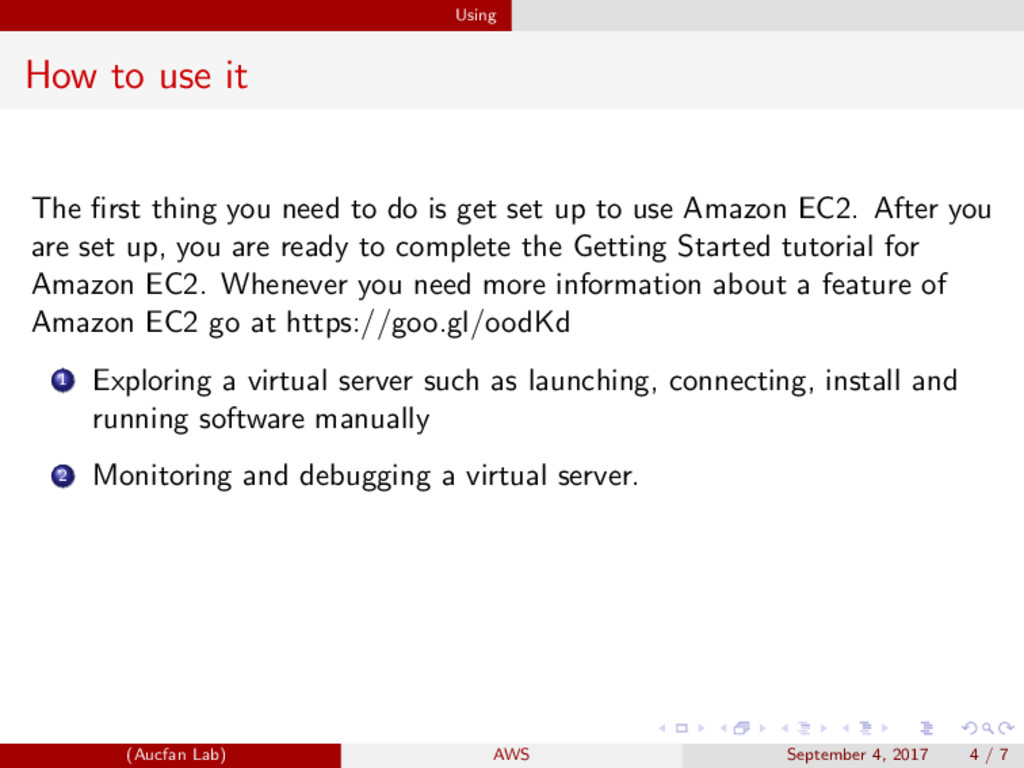
to do is get set up to use Amazon EC2. After you are set up, you are ready to complete the Getting Started tutorial for Amazon EC2. Whenever you need more information about a feature of Amazon EC2 go at https://goo.gl/oodKd 1 Exploring a virtual server such as launching, connecting, install and running software manually 2 Monitoring and debugging a virtual server. (Aucfan Lab) AWS September 4, 2017 4 / 7
to do is get set up to use Amazon EC2. After you are set up, you are ready to complete the Getting Started tutorial for Amazon EC2. Whenever you need more information about a feature of Amazon EC2 go at https://goo.gl/oodKd 1 Exploring a virtual server such as launching, connecting, install and running software manually 2 Monitoring and debugging a virtual server. 3 Shutting down and change the size of the virtual server (Aucfan Lab) AWS September 4, 2017 4 / 7
to do is get set up to use Amazon EC2. After you are set up, you are ready to complete the Getting Started tutorial for Amazon EC2. Whenever you need more information about a feature of Amazon EC2 go at https://goo.gl/oodKd 1 Exploring a virtual server such as launching, connecting, install and running software manually 2 Monitoring and debugging a virtual server. 3 Shutting down and change the size of the virtual server 4 Starting a virtual server in another data center and allocating a public IP address (Aucfan Lab) AWS September 4, 2017 4 / 7
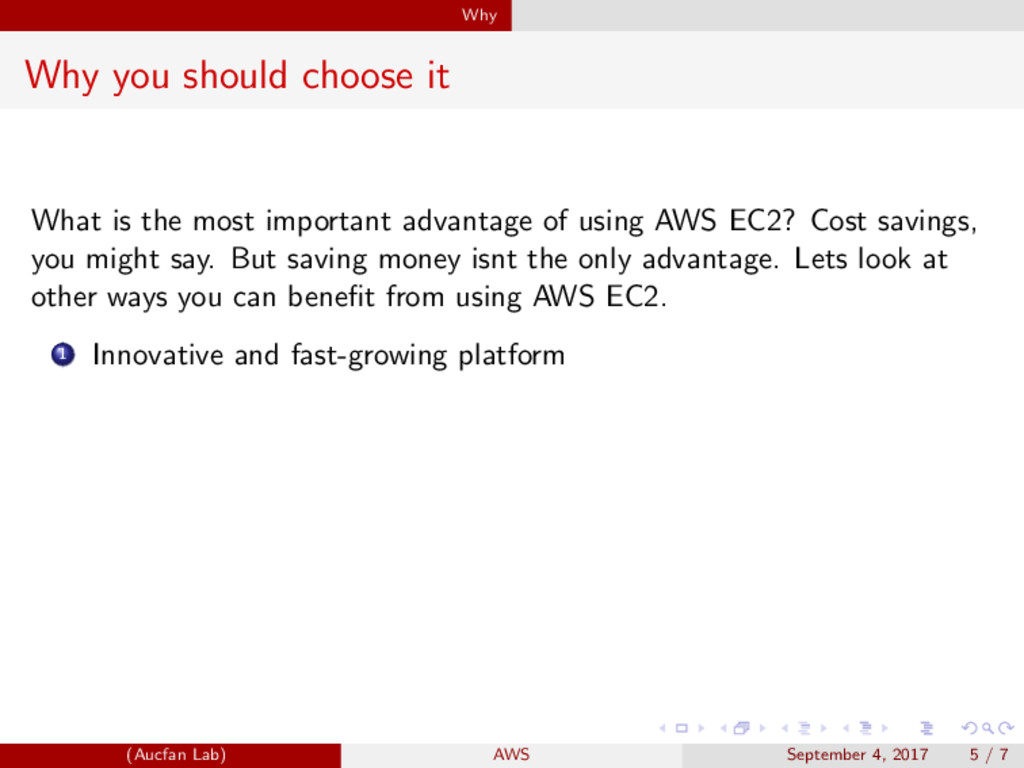
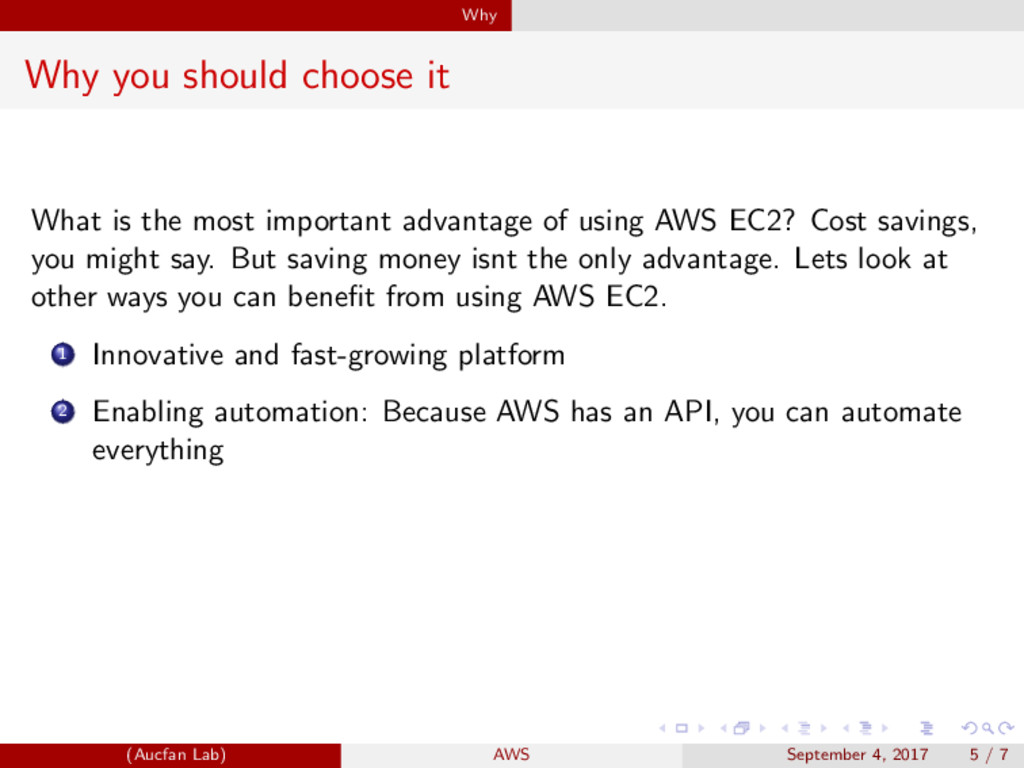
important advantage of using AWS EC2? Cost savings, you might say. But saving money isnt the only advantage. Lets look at other ways you can benefit from using AWS EC2. 1 Innovative and fast-growing platform (Aucfan Lab) AWS September 4, 2017 5 / 7
important advantage of using AWS EC2? Cost savings, you might say. But saving money isnt the only advantage. Lets look at other ways you can benefit from using AWS EC2. 1 Innovative and fast-growing platform 2 Enabling automation: Because AWS has an API, you can automate everything (Aucfan Lab) AWS September 4, 2017 5 / 7
important advantage of using AWS EC2? Cost savings, you might say. But saving money isnt the only advantage. Lets look at other ways you can benefit from using AWS EC2. 1 Innovative and fast-growing platform 2 Enabling automation: Because AWS has an API, you can automate everything 3 Flexible capacity: You can scale from one server to thousands of servers (Aucfan Lab) AWS September 4, 2017 5 / 7
important advantage of using AWS EC2? Cost savings, you might say. But saving money isnt the only advantage. Lets look at other ways you can benefit from using AWS EC2. 1 Innovative and fast-growing platform 2 Enabling automation: Because AWS has an API, you can automate everything 3 Flexible capacity: You can scale from one server to thousands of servers 4 Built for failure (reliability) (Aucfan Lab) AWS September 4, 2017 5 / 7
give you some information about Amazon Ec2, I would suggest you to read the documents at AWS. Are you using Amazon Ec2 or planning to use them? I would love to hear your opinion on the subject. (Aucfan Lab) AWS September 4, 2017 6 / 7


 duythien
 sansan33
 akhino
 glaforge
 joere
joere
 shugo
shugo
 akitoshiga
 ivry_presentationmaterials
 jtakeda
 shisyu_gaku
 ezaki
ezaki
 finengine
 occhi
occhi
 dugsong
 davidcarrasco
 varn
varn
 rkendrick25
 techseoconnect
 reverentgeek
 tapps
tapps
 ianozsvald
 geshan
 ipullrank
 leimatthew05
 inesmontani