Upgrade to Pro — share decks privately, control downloads, hide ads and more …

Docker Volumes and Networking

Sponsored · Ship Features Fearlessly Turn features on and off without deploys. Used by thousands of Ruby developers.
Avatar for ehazlett ehazlett
September 30, 2015

Docker Volumes and Networking

Presentation from Docker Indianapolis: http://www.meetup.com/Docker-Indianapolis/events/225508133/

Avatar for ehazlett

ehazlett

September 30, 2015
Tweet

Other Decks in Technology

Transcript

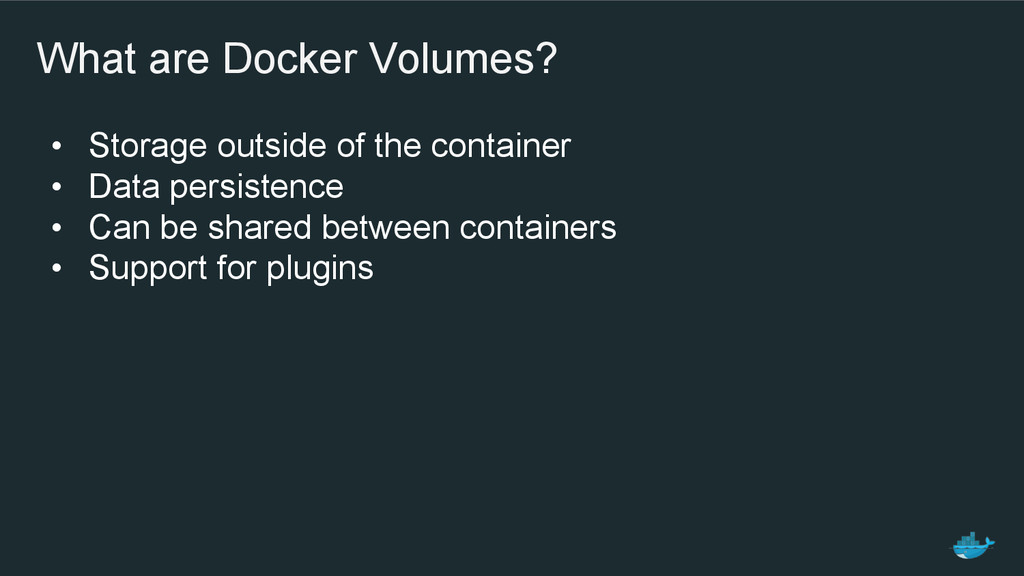
  1. What are Docker Volumes? • Storage outside of the container

    • Data persistence • Can be shared between containers • Support for plugins
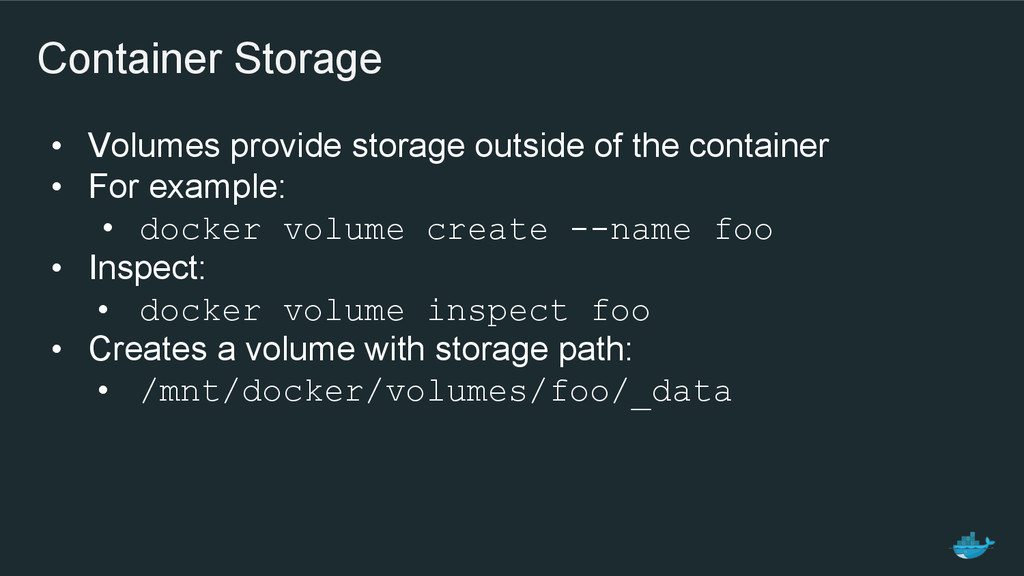
  2. Container Storage • Volumes provide storage outside of the container

    • For example: • docker volume create --name foo • Inspect: • docker volume inspect foo • Creates a volume with storage path: • /mnt/docker/volumes/foo/_data
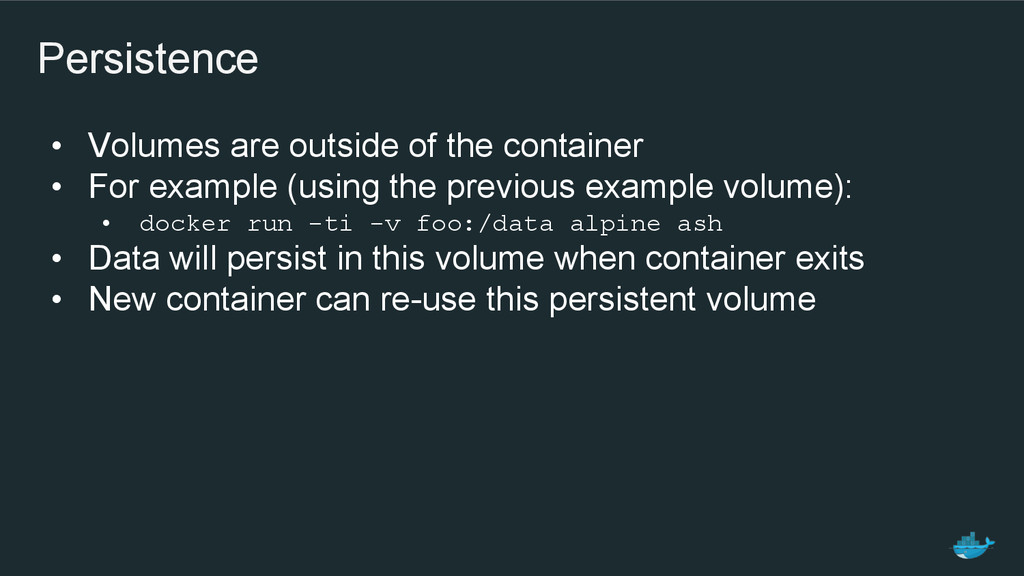
  3. Persistence • Volumes are outside of the container • For

    example (using the previous example volume): • docker run -ti -v foo:/data alpine ash • Data will persist in this volume when container exits • New container can re-use this persistent volume
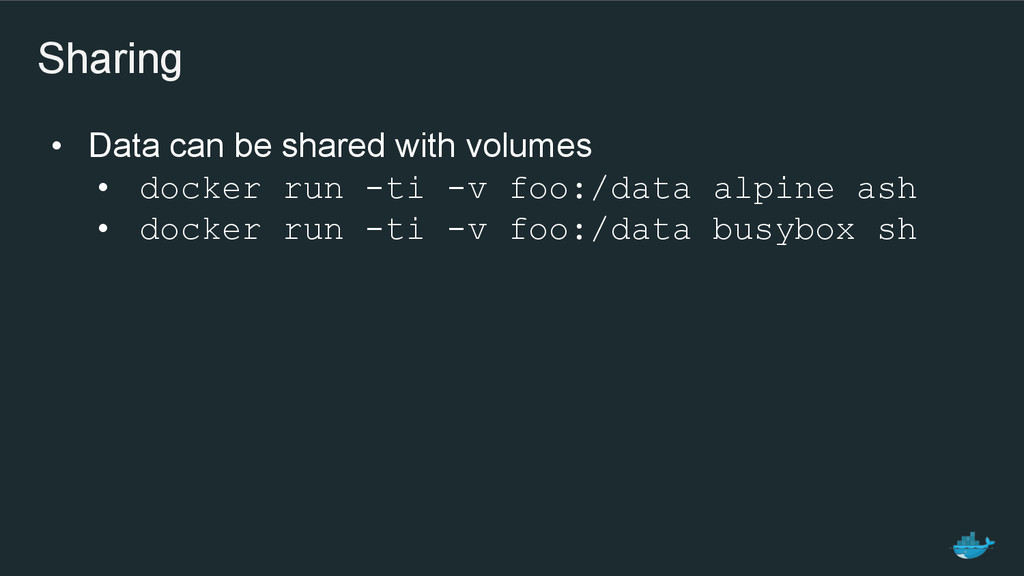
  4. Sharing • Data can be shared with volumes • docker

    run -ti -v foo:/data alpine ash • docker run -ti -v foo:/data busybox sh
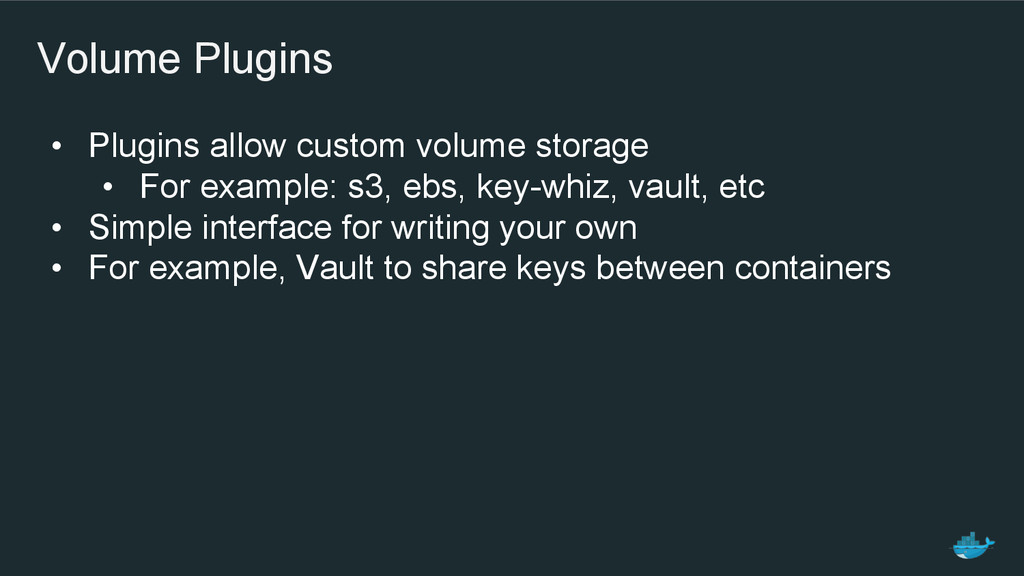
  5. Volume Plugins • Plugins allow custom volume storage • For

    example: s3, ebs, key-whiz, vault, etc • Simple interface for writing your own • For example, Vault to share keys between containers
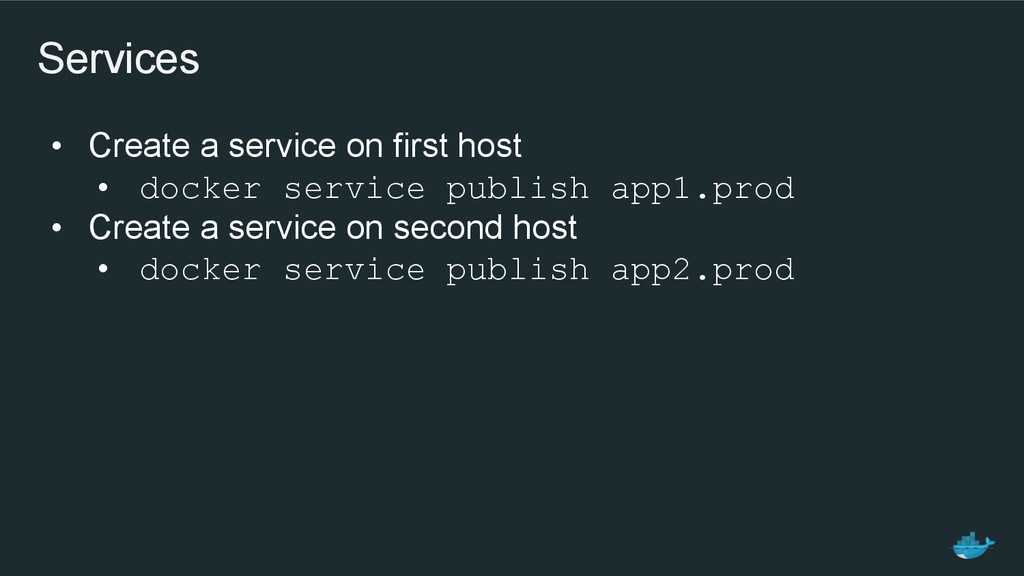
  6. Services • Create a service on first host • docker

    service publish app1.prod • Create a service on second host • docker service publish app2.prod
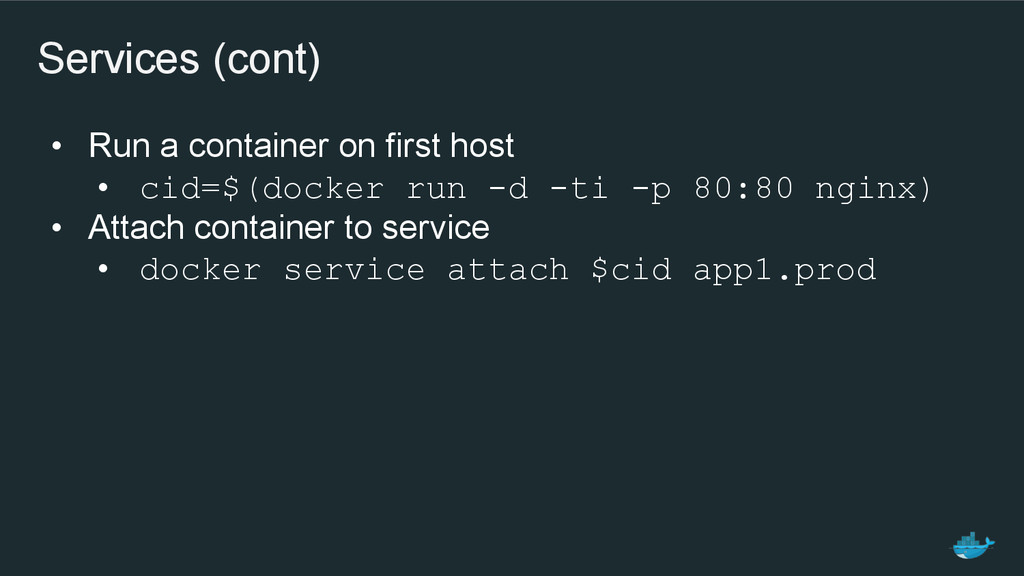
  7. Services (cont) • Run a container on first host •

    cid=$(docker run -d -ti -p 80:80 nginx) • Attach container to service • docker service attach $cid app1.prod
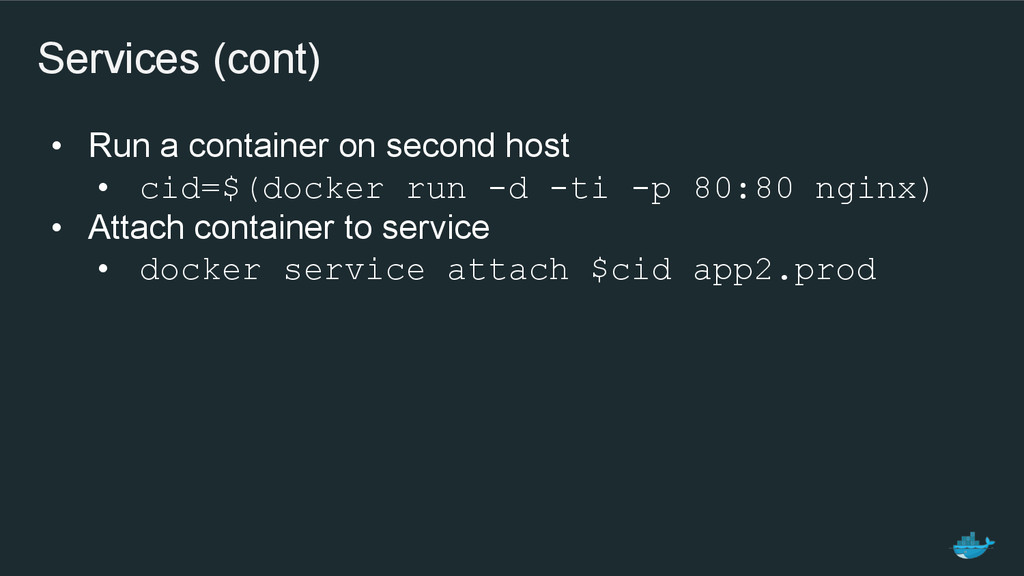
  8. Services (cont) • Run a container on second host •

    cid=$(docker run -d -ti -p 80:80 nginx) • Attach container to service • docker service attach $cid app2.prod