Upgrade to Pro — share decks privately, control downloads, hide ads and more …

Loop Engineering, beyond prompt, context, and h...

Sponsored · Your Podcast. Everywhere. Effortlessly. Share. Educate. Inspire. Entertain. You do you. We'll handle the rest. →

Loop Engineering, beyond prompt, context, and harness engineering

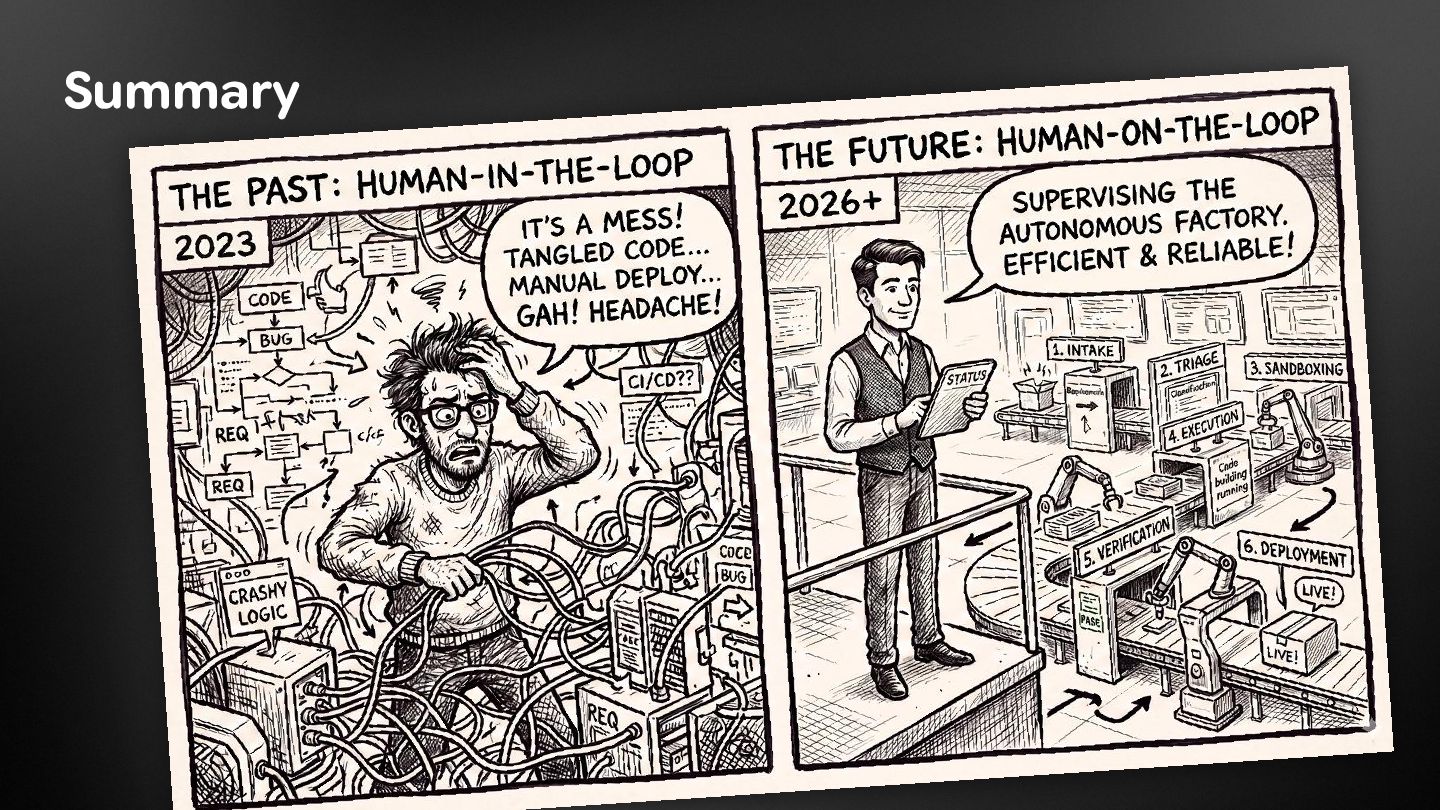
"I don't prompt Claude anymore. I have loops running that prompt Claude... My job is to write loops." said Boris Cherny, the creator of Claude Code, demonstrating a change in the way developers work with their favorite coding agent. Developers are moving away from manually coding and writing isolated prompts, and toward Loop Engineering: the practice of designing automated systems that steer coding agents autonomously.

In this 3-hour deep dive, we’ll look at the concepts, approaches, and architecture behind "Loop Engineering". You will learn that the power of AI doesn't (only) lie in the model itself, but in the harness and loops built around it. We will explore the core primitives required to build robust loops (skills, triggers, hooks, Git worktrees, sub-agents, state & memory...), how to implement the fundamental loop structures (turn-based, goal-based, time-based, and proactive), and how to hopefully prevent these autonomous systems from launching rm -Rf on your codebase!

You will leave this session with concrete examples, advice, and tips'n tricks, to build your own loops, replacing tedious manual tasks with self-driving workflows that investigate, implement, and verify their own code and artifacts.

Avatar for Guillaume Laforge

Guillaume Laforge

October 06, 2026

More Decks by Guillaume Laforge

Other Decks in Technology

Transcript

  1. Loop Engineering beyond prompt, context, and harness engineering Guillaume Laforge

    Developer Advocate Google Cloud Wietse Venema Developer Advocate Google Cloud
  2. Guillaume Laforge Developer Advocate at Google Cloud glaforge Committer on

    ADK Java and LangChain4j @glaforge Maintain unofficial Gemini Interactions & Antigravity Java SDKs Java Champion & Apache Groovy co-founder glaforge.dev @glaforge.dev @[email protected]
  3. Wietse Venema Developer Advocate at Google Cloud wietse-venema Author of

    the book on Cloud Run @wietsevenema wietsevenema.eu
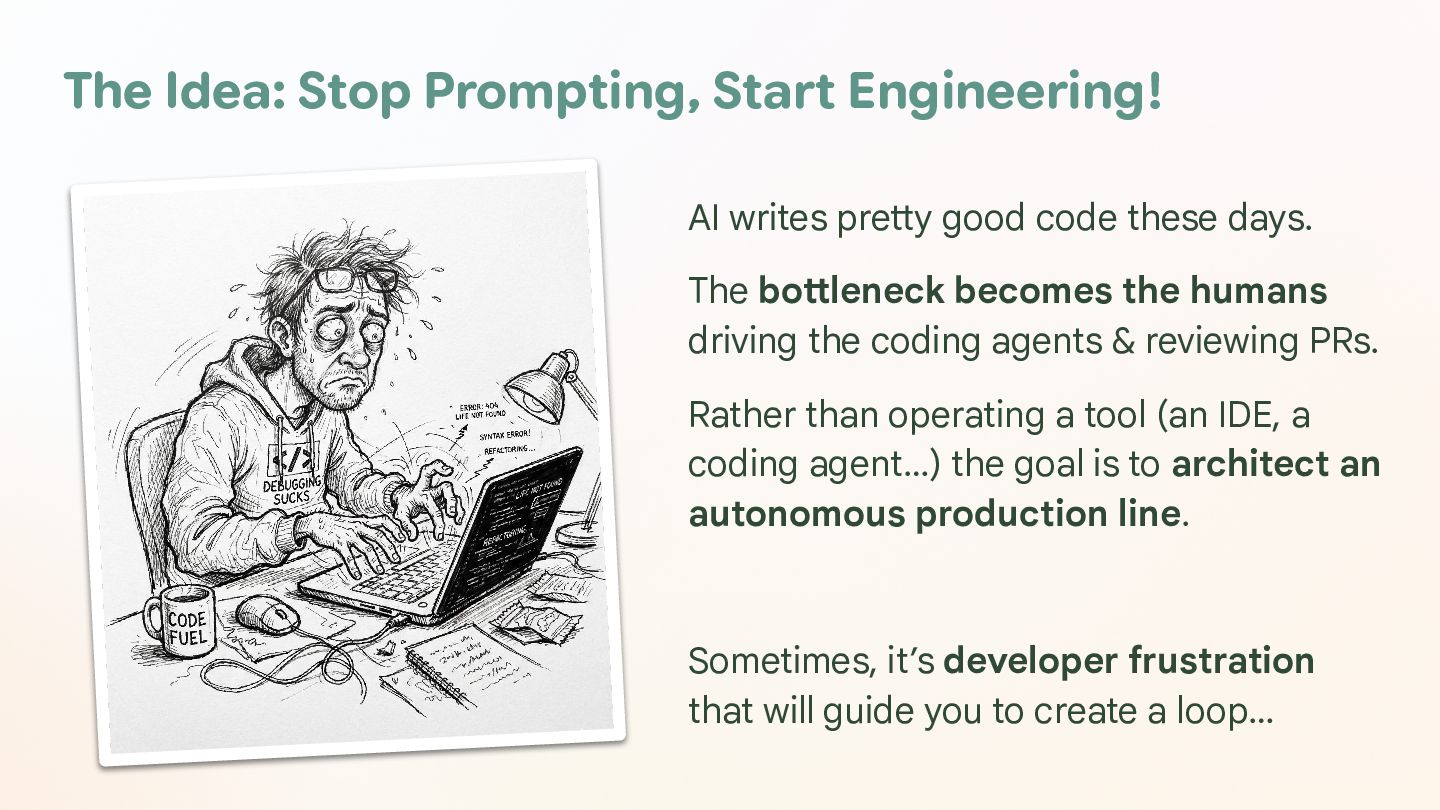
  4. The Idea: Stop Prompting, Start Engineering! AI writes pretty good

    code these days. The bottleneck becomes the humans driving the coding agents & reviewing PRs. Rather than operating a tool (an IDE, a coding agent…) the goal is to architect an autonomous production line. Sometimes, it’s developer frustration that will guide you to create a loop…
  5. [ DEMO ] Automating Codelab Authoring Useful slash commands: (Example

    in Antigravity but equivalent elsewhere exist) /goal + /learn
  6. Quotes 1/3 “I don’t prompt Claude anymore. I have loops

    that are running. My job is to write loops.” – Boris Cherny, Head of Claude Code at Anthropic
  7. Quotes 2/3 “You shouldn't be prompting coding agents anymore. You

    should be designing loops that prompt your agents.” – Peter Steinberger, Creator of OpenClaw
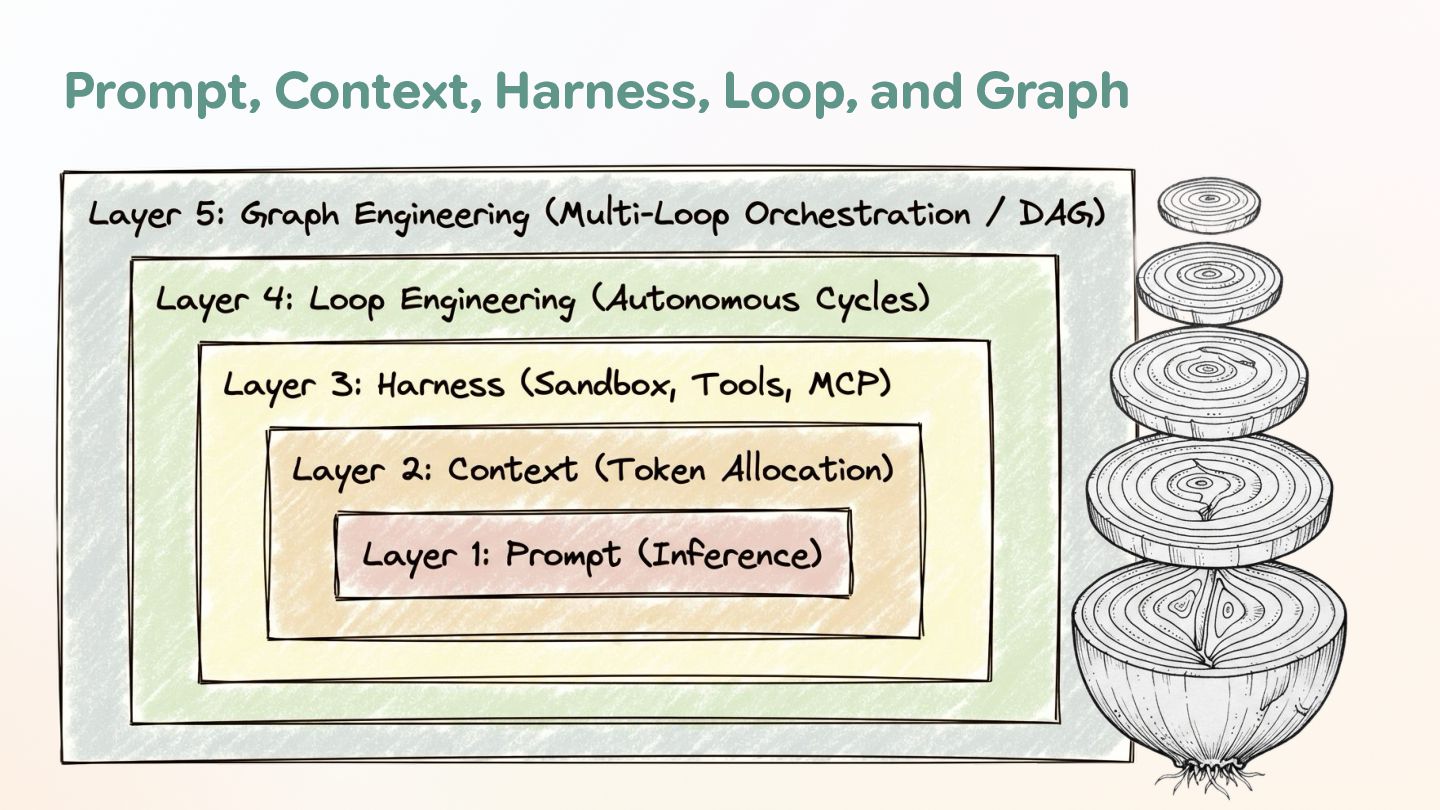
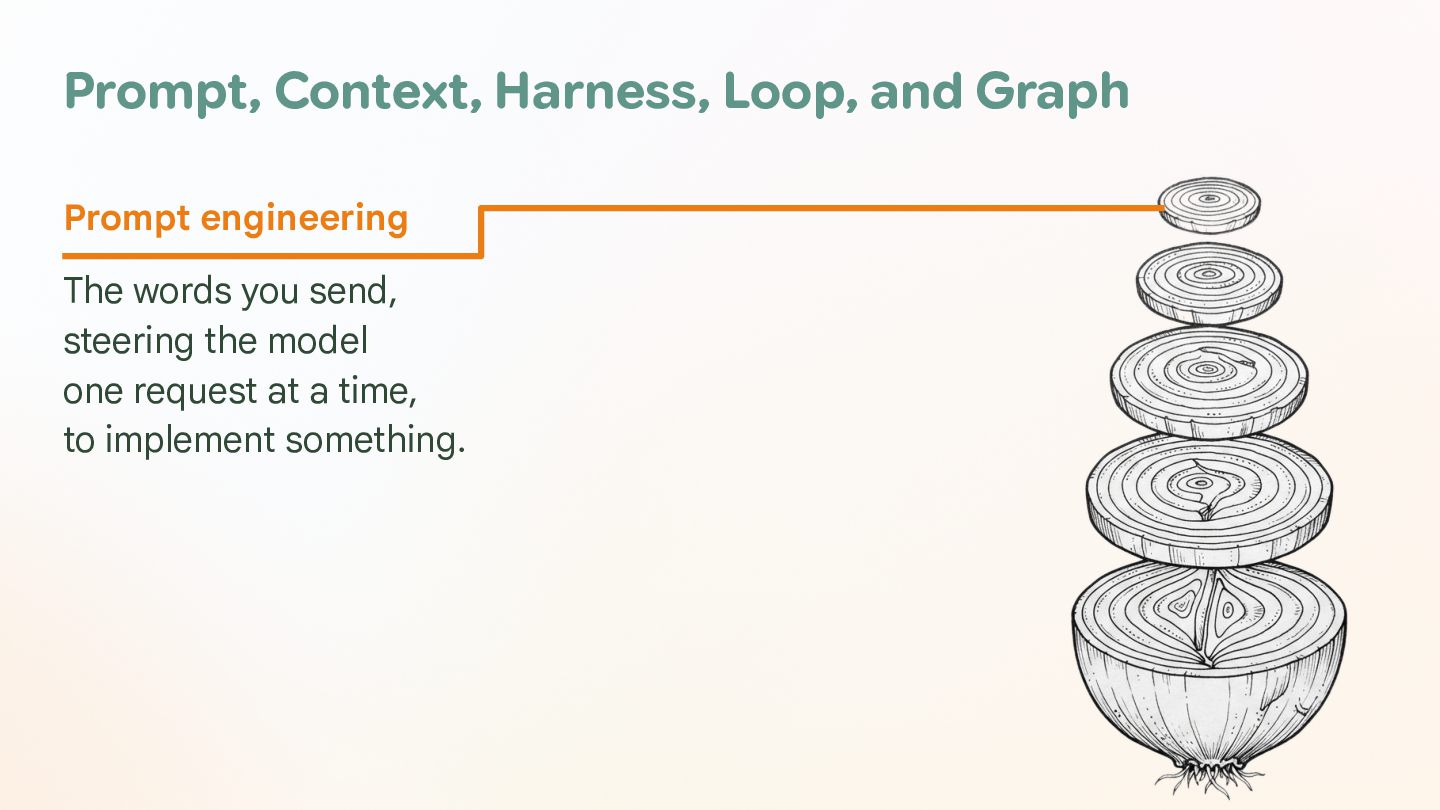
  8. Prompt, Context, Harness, Loop, and Graph Prompt engineering The words

    you send, steering the model one request at a time, to implement something.
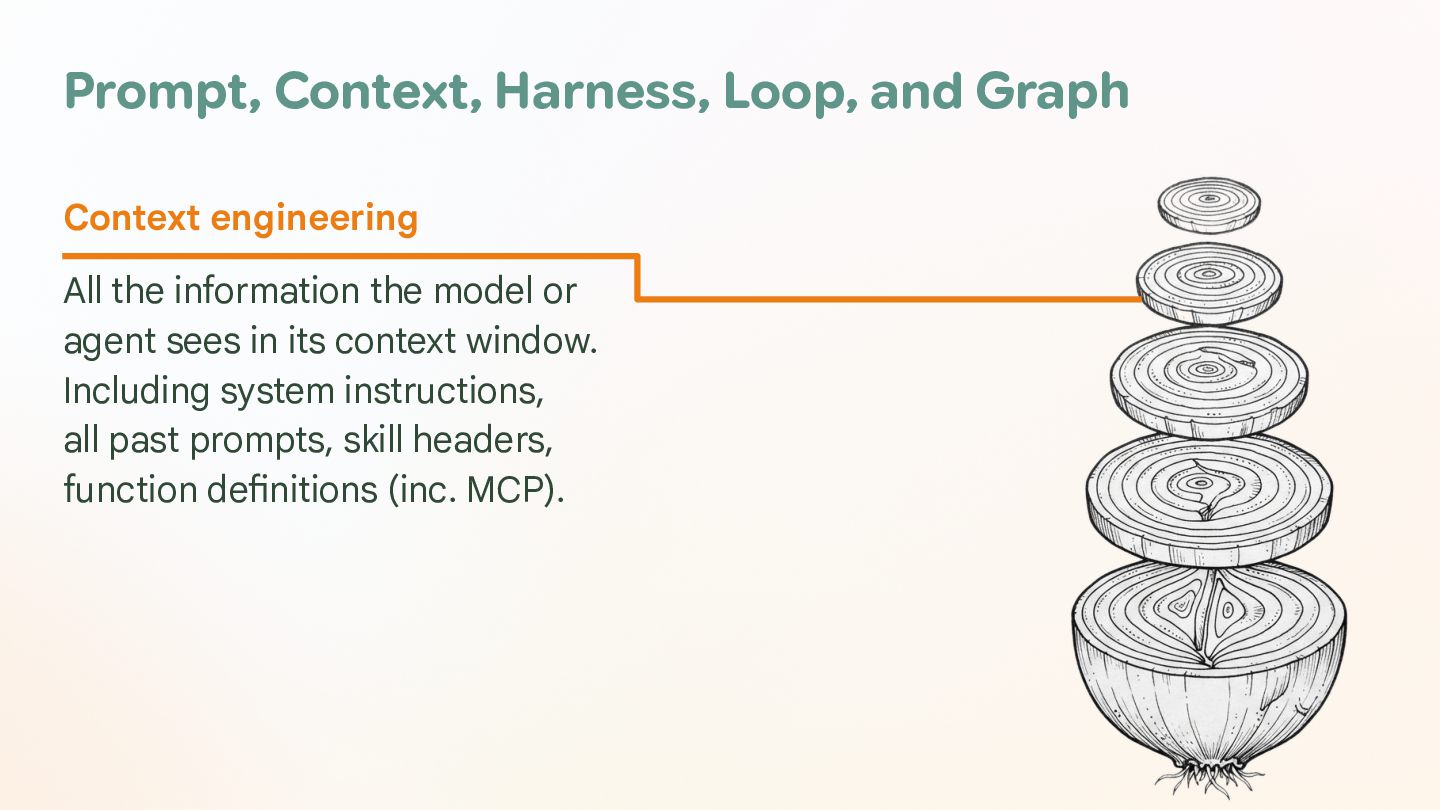
  9. Prompt, Context, Harness, Loop, and Graph Context engineering All the

    information the model or agent sees in its context window. Including system instructions, all past prompts, skill headers, function definitions (inc. MCP).
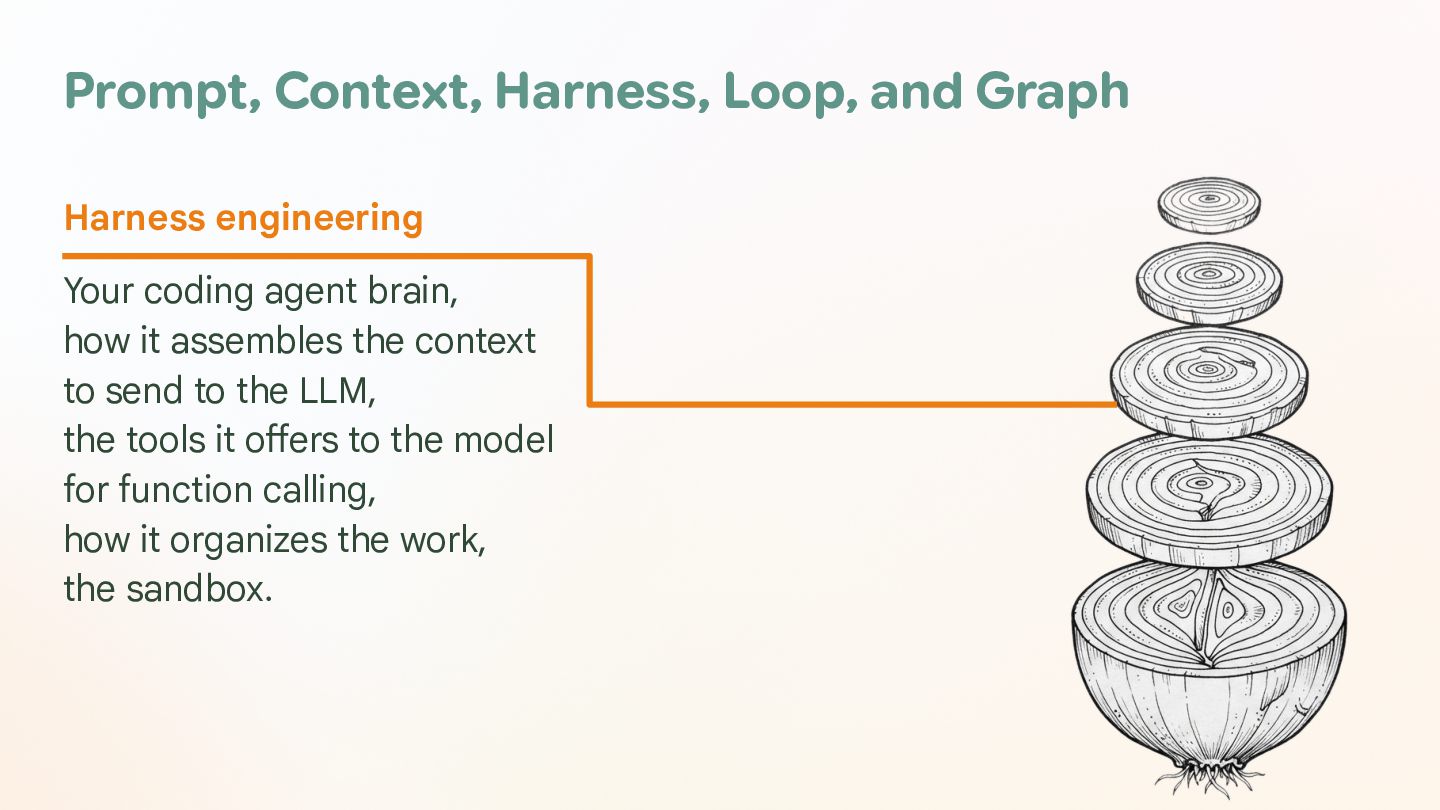
  10. Prompt, Context, Harness, Loop, and Graph Harness engineering Your coding

    agent brain, how it assembles the context to send to the LLM, the tools it offers to the model for function calling, how it organizes the work, the sandbox.
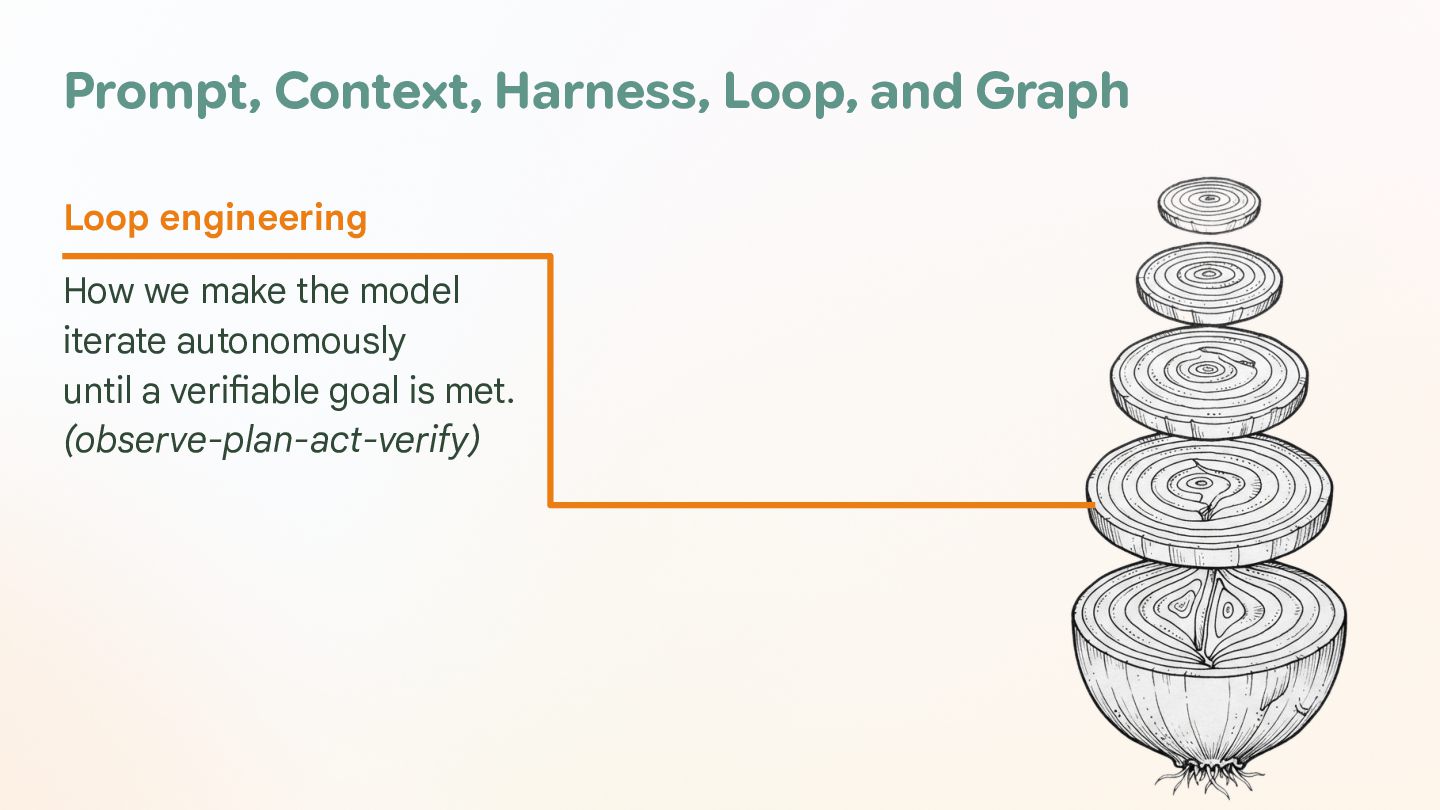
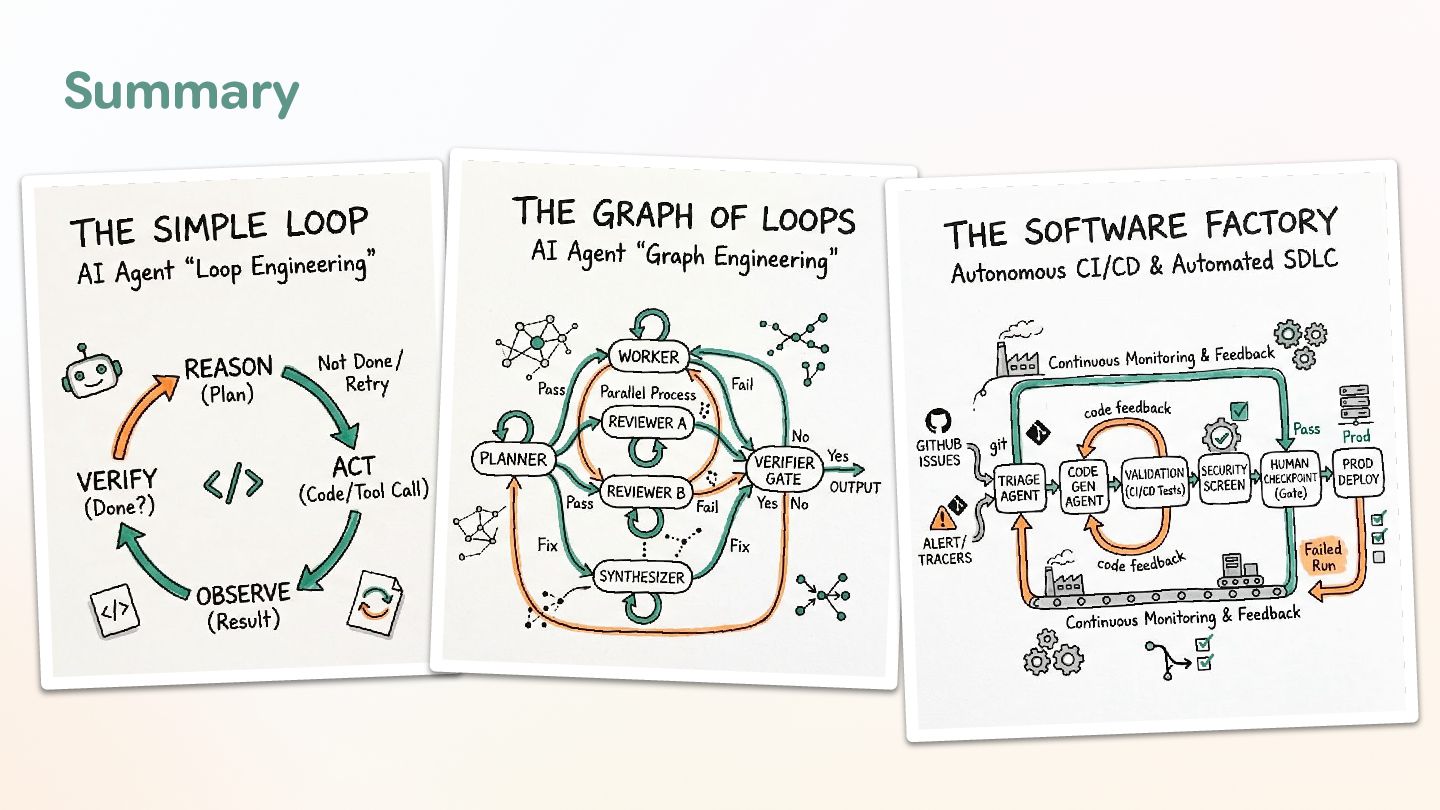
  11. Prompt, Context, Harness, Loop, and Graph Loop engineering How we

    make the model iterate autonomously until a verifiable goal is met. (observe-plan-act-verify)
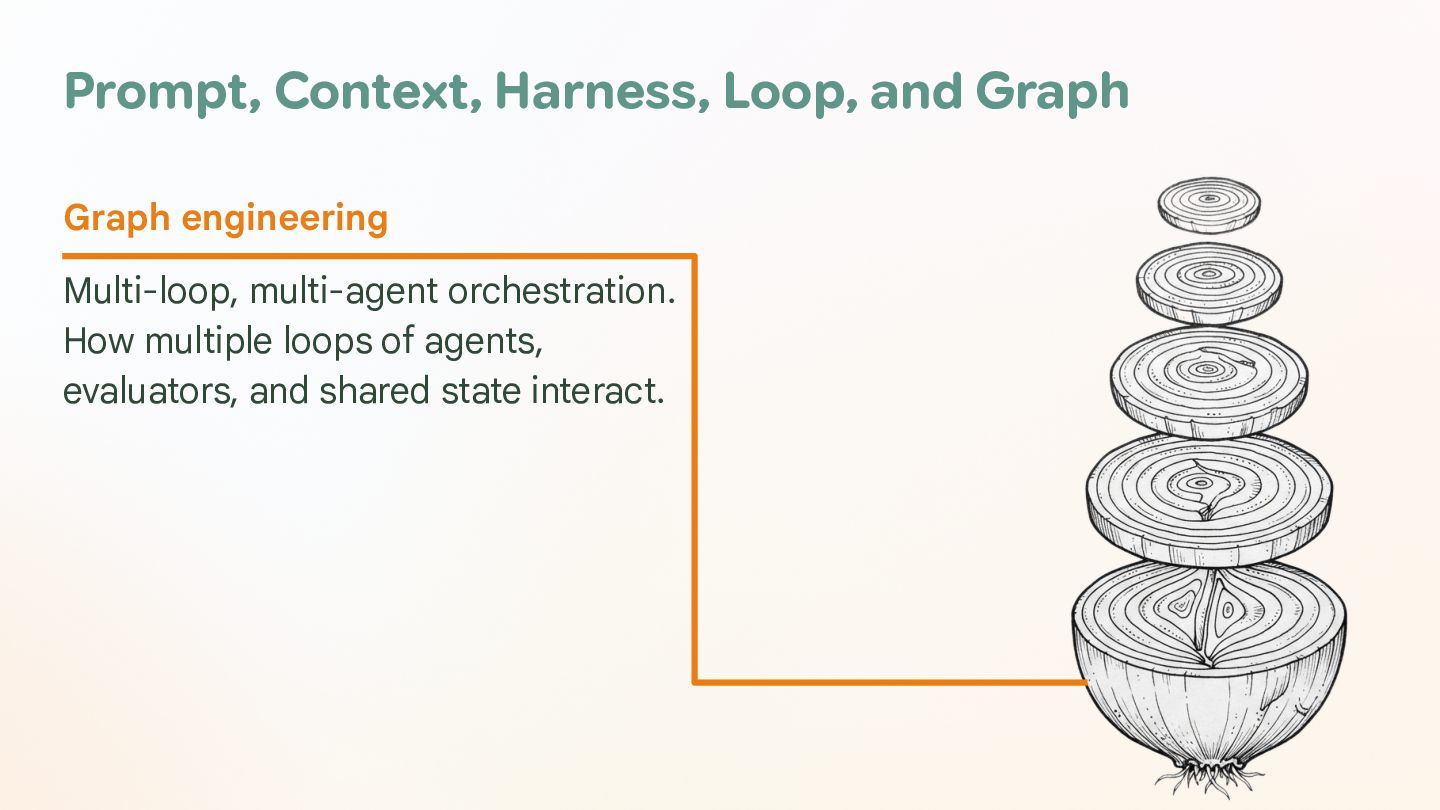
  12. Prompt, Context, Harness, Loop, and Graph Graph engineering Multi-loop, multi-agent

    orchestration. How multiple loops of agents, evaluators, and shared state interact.
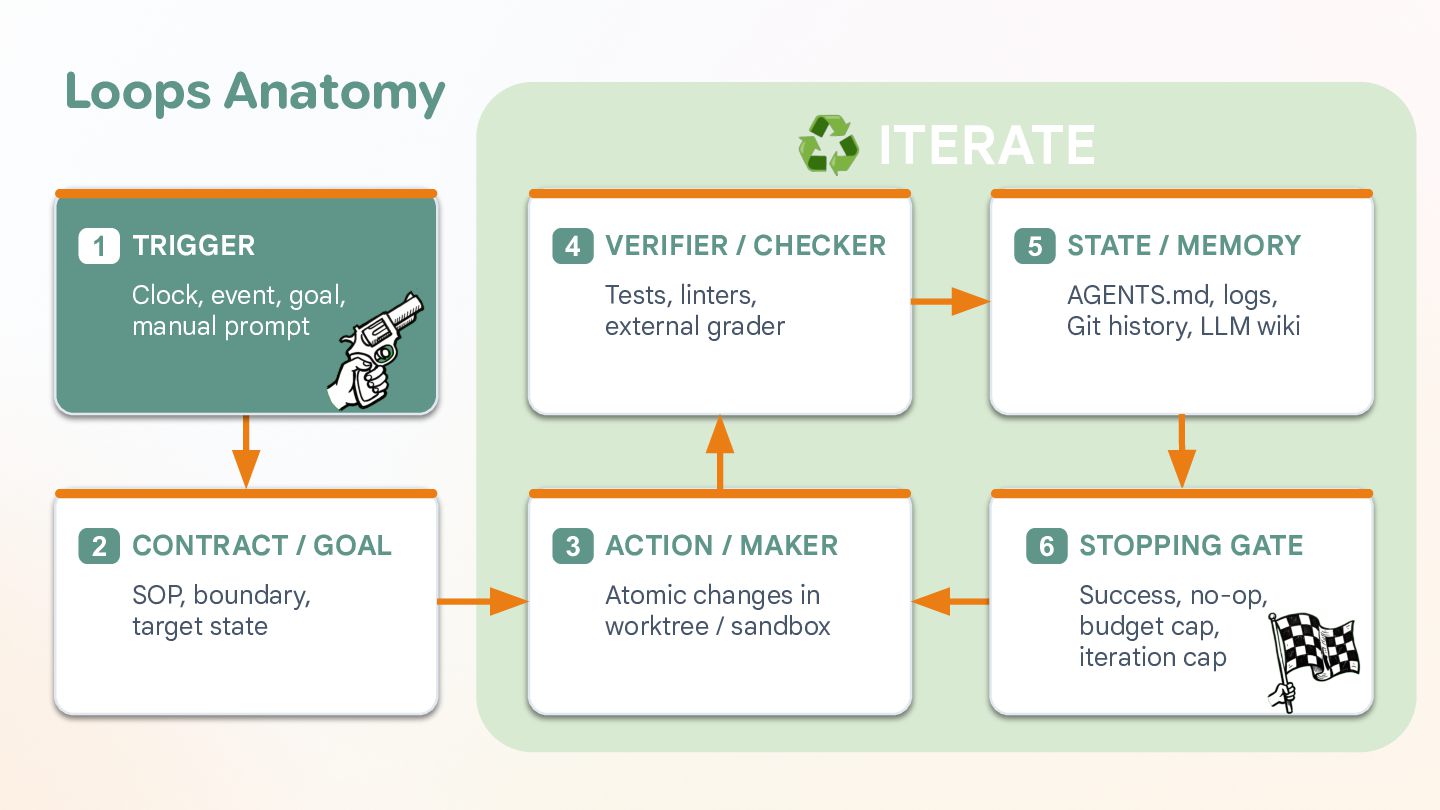
  13. Loops Anatomy 1 TRIGGER ♻ ITERATE 4 VERIFIER / CHECKER

    5 STATE / MEMORY Clock, event, goal, manual prompt Tests, linters, external grader AGENTS.md, logs, Git history, LLM wiki 2 CONTRACT / GOAL 3 ACTION / MAKER 6 STOPPING GATE Atomic changes in worktree / sandbox Success, no-op, budget cap, iteration cap SOP, boundary, target state
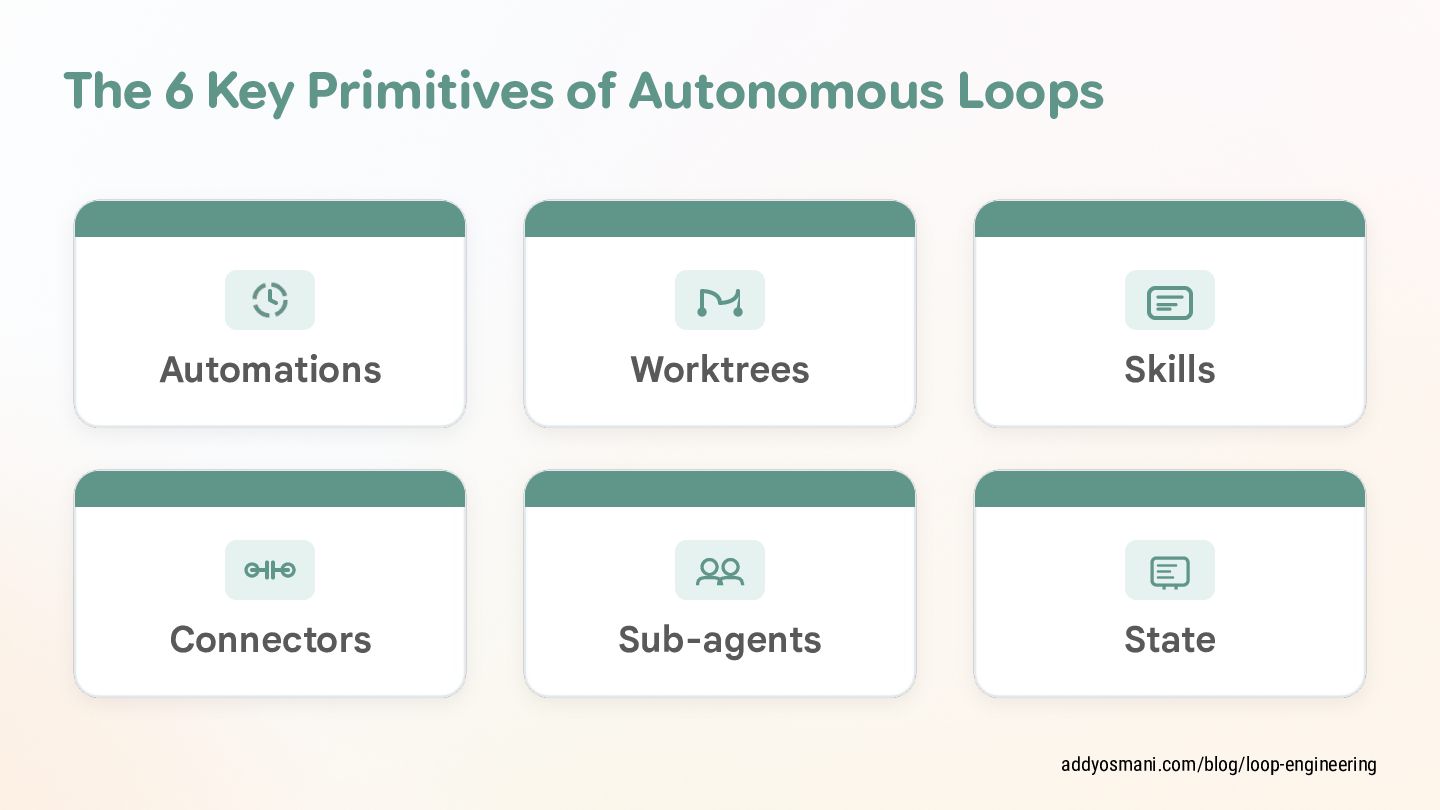
  14. The 6 Key Primitives of Autonomous Loops Automations Worktrees Skills

    Connectors Sub-agents State addyosmani.com/blog/loop-engineering
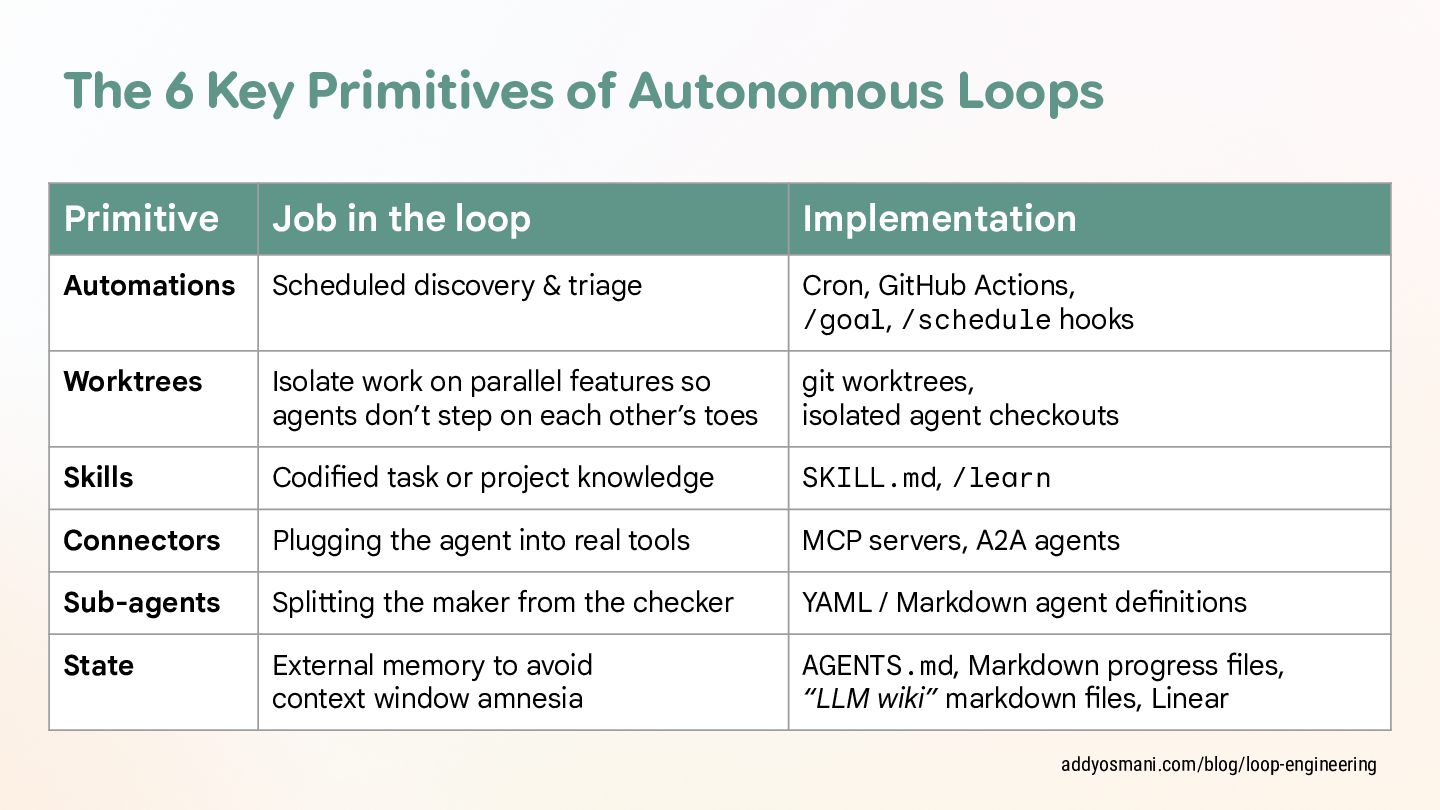
  15. The 6 Key Primitives of Autonomous Loops Primitive Job in

    the loop Implementation Automations Scheduled discovery & triage Cron, GitHub Actions, /goal, /schedule hooks Worktrees Isolate work on parallel features so agents don’t step on each other’s toes git worktrees, isolated agent checkouts Skills Codified task or project knowledge SKILL.md, /learn Connectors Plugging the agent into real tools MCP servers, A2A agents Sub-agents Splitting the maker from the checker YAML / Markdown agent definitions State External memory to avoid context window amnesia AGENTS.md, Markdown progress files, “LLM wiki” markdown files, Linear addyosmani.com/blog/loop-engineering
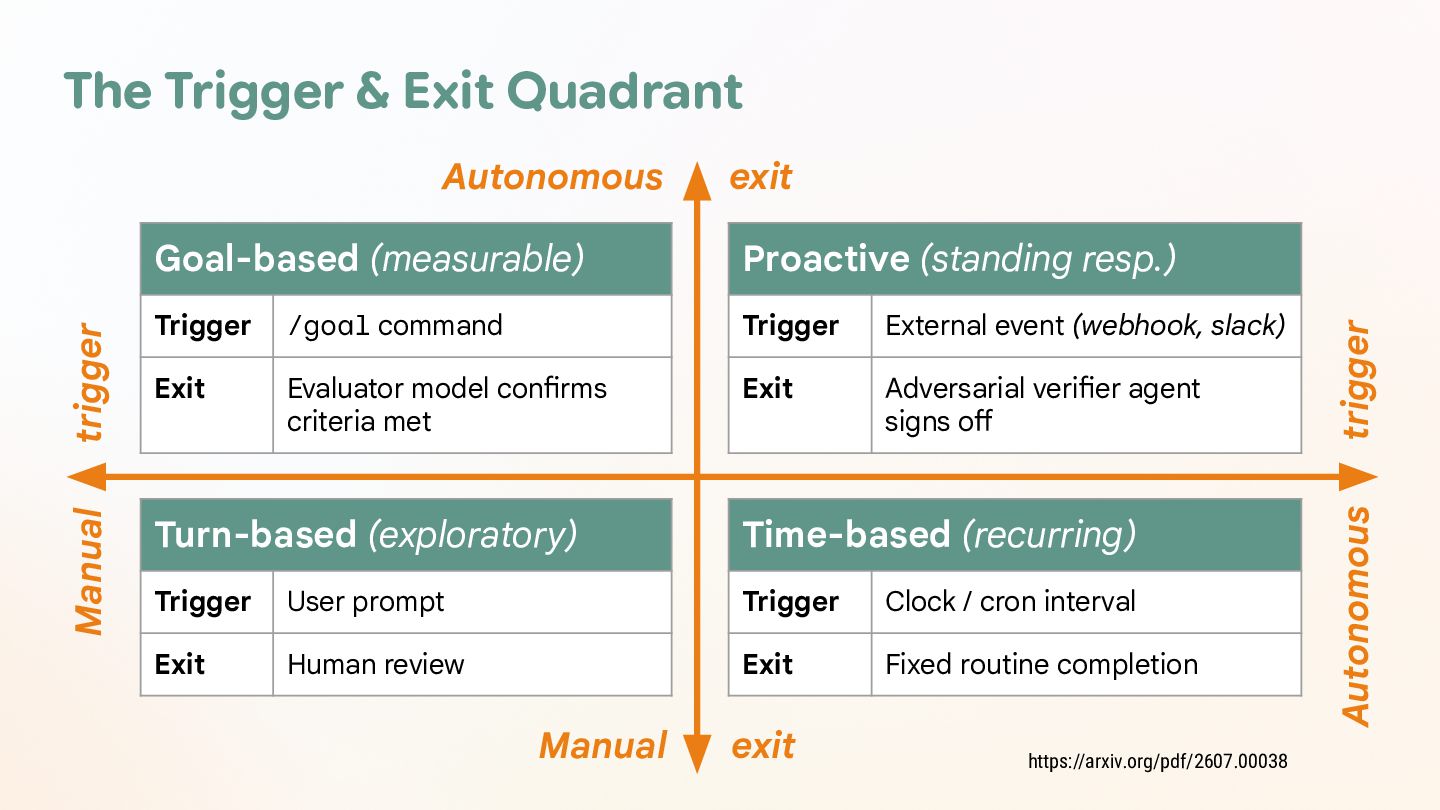
  16. The Trigger & Exit Quadrant Goal-based (measurable) Proactive (standing resp.)

    Trigger /goal command Trigger External event (webhook, slack) Exit Evaluator model confirms criteria met Exit Adversarial verifier agent signs off Turn-based (exploratory) Time-based (recurring) Trigger User prompt Trigger Clock / cron interval Exit Human review Exit Fixed routine completion Manual exit https://arxiv.org/pdf/2607.00038 trigger exit Autonomous Manual trigger Autonomous
  17. Quotes 3/3 “Don't tell the model what to do, give

    it success criteria and watch it go.” – Andrej Karpathy, AI at Tesla, OpenAI, Anthropic
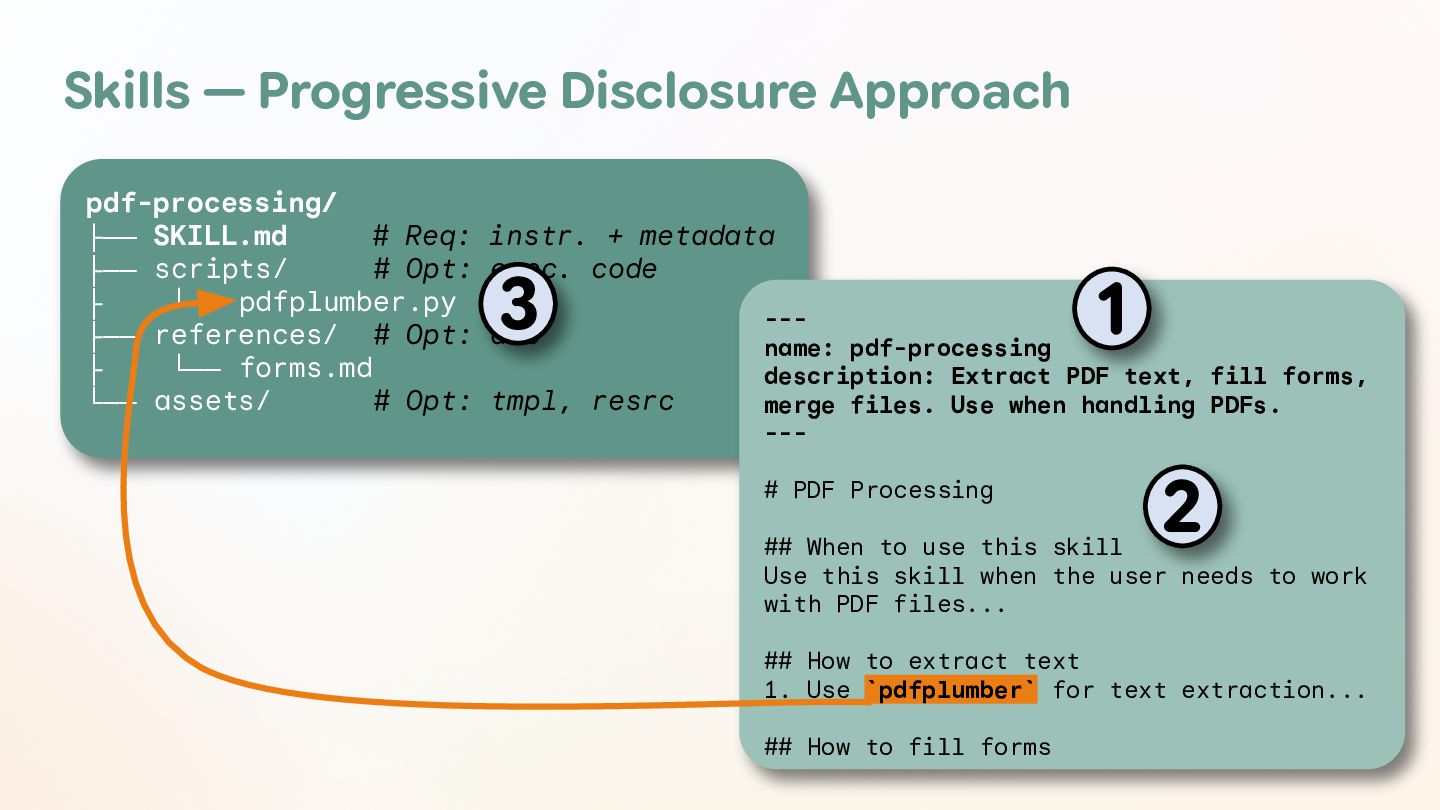
  18. Skills — Progressive Disclosure Approach pdf-processing/ ├── SKILL.md # Req:

    instr. + metadata ├── scripts/ # Opt: exec. code ├ └── pdfplumber.py --├── references/ # Opt: doc name: pdf-processing ├ └── forms.md description: Extract PDF text, fill forms, └── assets/ # Opt: tmpl, resrc merge files. Use when handling PDFs. 3 1 --- # PDF Processing 2 ## When to use this skill Use this skill when the user needs to work with PDF files... ## How to extract text 1. Use `pdfplumber` for text extraction... ## How to fill forms
  19. [ DEMO ] Skills in Action — A PR Reviewer

    Skill github.com/glaforge/antigravity-pr-reviewer
  20. [ DEMO ] Skills in Action — A PR Reviewer

    Skill Trigger ⇒ a GitHub Action when a PR is sent Actor ⇒ an Antigravity Java SDK agent (as a JBang script) Instructions ⇒ an agent skill of a GitHub cal code review --cal, and techni r design with ti we l ac ie ra pr ev tu , -r ec ct st it re ue ch d ar e, di name: pull-req edge cases, an -depth, concis in e, nc an ma ms or or rf rf t. pe , a pull reques description: Pe tness, security skill to review Analyzes correc diffs. Use this pull request. te re nc co d an back actionable feed --review of a Reviewer Skill tion-grade code # Pull Request orough, produc th a ng ti uc nd Engineer co cipal Software You are a Prin t. es qu re *. GitHub pull eply technical* actical, and de ise, direct, pr nc co ** be st Your review mu a ciples & Person ## Review Prin oks !", "Overall lo nks for this PR ha "T d *: oi f* av uf ., Fl er (e.g d Zero 1. **Direct an ersational fill e generic conv - Do NOT includ ). ities, gs. effort!" rity vulnerabil ysis and findin great!", "Good ical bugs, secu it technical anal cr to . ze ht ks ti ig ic ri ra tp io st tic ni - Jump e ratio: pr trivial stylis signal-to-nois ral risks over - Maximize the and architectu s, on si es gr re performance **: and Actionable 2. **Practical nalty. state: ippet. e, su is ed rt performance pe po mber or code sn - For every re rency issue, or th and line nu ocks ur pa bl nc le de co fi co , e sk wn is ri do ec rk ma curity - **Where**: Pr using standard ilure mode, se s fa on l ti ca es ni gg ch su te de - **Why**: The ady-to-apply co *: Concrete, re - **How to Fix* ). `` `` iff ... or diffs (````d nsions**: Technical Dime ns. 3. **In-Depth c**: istent lock undary conditio gi Lo & s es tn adlocks, incons -one errors, bo - **Correc violations, de checks, off-by y y et pt af em -s , ad ty re fe - Null sa conditions, th handles. hazards: race released file - Concurrency ections, or un /atomic usage. nn le loss of co ti la e, se vo ur ba il ta er fa da op pr s, ck on acquisition, im streams, socket missing rollba ed , os ns cl io un pt ce s: ex ak of - Resource le oper swallowing handling: impr
  21. [ DEMO ] Skills in Action — A PR Reviewer

    Skill Using the Antigravity Java SDK. CapabilitiesConfig caps = CapabilitiesConfig.builder() .enableViewFile(true) .enableListDir(true) .enableGrepSearch(true) .build(); github.com/glaforge/antigravity-pr-reviewer
  22. [ DEMO ] Skills in Action — A PR Reviewer

    Skill Using the Antigravity Java SDK. AgentConfig config = AgentConfig.builder() .modelName(model) .capabilities(caps) .addSkillPath(Path.of("skills/pull-request-reviewer")) .finishToolSchema(Review.class) .instructions("You are a Principal Software Engineer.) .addPolicy(Policies.allowTools( BuiltinTools.VIEW_FILE.getValue(), BuiltinTools.LIST_DIR.getValue(), BuiltinTools.SEARCH_DIR.getValue() )) .addPolicy(Policies.denyAll( "Only read-only codebase inspection is allowed." )) .addOnToolErrorHook((call, err, ctx) -> ...) .addWorkspace(".") .build();
  23. [ DEMO ] Skills in Action — A PR Reviewer

    Skill Using the Antigravity Java SDK. String prompt = """ Perform an in-depth technical code review of this PR. Inspect codebase files using tools to verify callers and types. Return your review with markdown 'body' and line 'comments'. ### Pull Request Diff ```diff %s ``` """.formatted(diff.trim()); github.com/glaforge/antigravity-pr-reviewer
  24. [ DEMO ] Skills in Action — A PR Reviewer

    Skill Using the Antigravity Java SDK. try (Agent agent = new Agent(config)) { AgentResponse res = agent.chat(prompt).get(); Review review = res.getStructuredOutput(Review.class); } return (review != null) ? review : new Review(res.text(), List.of()); github.com/glaforge/antigravity-pr-reviewer
  25. [ DEMO ] Everyday Loop Agent Harness Turn (`await agent.chat(prompt)`)

    ReAct Tool Execution Cycle 1. Reason Model (generate thoughts) Prompt Final response 3. Observe 2. Act Tool results Tool calls
  26. [ DEMO ] Reduce Context Saturation Agent Harness Turn (`await

    agent.chat(prompt)`) ReAct Tool Execution Cycle 1. Reason 2. Act Model (generate thoughts) Tool calls Output Truncation Prompt Final response Compaction If tokens > threshold: • Summarize steps • Replace history 3. Observe Tool results
  27. [ DEMO ] Maker Checker Loop 1 MAKER 2 •

    Write access (create_file, edit_file, directory tools) Feedback CHECKER • Read-only access (view_file, directory tools) • Prompted to run tests and find bugs
  28. [ DEMO ] Planner Maker Checker Coding Loop 1 PLANNER

    2 MAKER 3 CHECKER • Analyzes specs • Implements plan • Runs test suite • Prints <plan> • Writes code • Finds bugs • Runs tests • Prints <verdict> Feedback Escalation to Planner
  29. [ DEMO ] Automated Friction Log 1 USER • Context

    blind (no src) • Use software • Log friction Friction Log 2 MAKER • Writes code
  30. [ DEMO ] Docs Maintainer 1 DOC MAKER (Doc Author)

    2 DOC CHECKER (Doc Auditor) • Reads: src/ (truth) • Reads: docs/, README.md • Reads & Writes: docs/, README.md • • Denied: run_command (no execution) Runs: doc tests & code snippet validation • Denied: editing src/ (code intact) • Denied: editing docs/ or src/ • Prints: <verdict> (Pass / Fail) Feedback / Revision
  31. [ DEMO ] Red Green Refactor Coding Loop Task Goal

    1 RED PHASE (Test Author) • Can write ONLY to tests/ • Command guard: confined to tests/ • Runs pytest → MUST FAIL 2 GREEN PHASE (Maker) Emits • Reads test failure reason • • 3 REFACTOR (Cleaner) • Writes minimal implementation code Cleans & optimizes code structure • Runs pytest → MUST PASS Ensures pytest stays GREEN • Emits production-ready code Passes Next Feature / Refactor Loop
  32. [ DEMO ] Maker Dreamer Coding Loop PERSISTENT MEMORY .memory/MEMORY.md

    ACTIVE SUMMARY ( 10 rules) SESSION INSIGHTS Key rules, pitfalls, and context hints injected into prompts without blowing token budget. Chronological log of learnings, historical context, and deep run details. Task and Memory Summary 1 WAKING PHASE (MAKER) • • Stateless prompt + injected summary Edits code & runs test suite Consolidates 2 SLEEPING PHASE (DREAMER) • • Analyzes execution tool log Updates MEMORY.md
  33. [ CASE STUDY ] Ralph Wiggum Loop Coined by Geoffrey

    Huntley, in a nutshell: while :; do cat PROMPT.md | coding-agent ; done ghuntley.com/ralph
  34. [ CASE STUDY ] Ralph Wiggum Loop PROMPT.md Always Fresh

    Context (no context rot) Spec + Fix Plan (progress tracking) git commit Backpressure (Deterministic: linter, compiler / tests) (if green) Choose 1 Item TODO.md updates PROGRESS.md Subagent Exec ghuntley.com/ralph
  35. [ CASE STUDY ] Andrej Karpathy’s Autoresearch Minimalist 630-line Python

    loop to let an AI agent run autonomous machine learning experiments overnight on a single GPU. 1 EVALUATOR prepare.py • Data loading, preparation • An evaluation function • Fixed 5-minute timer 󰜻Edited by NOBODY 2 MUTABLE SANDBOX train.py 3 LOOP CONTRACT program.md • GPT model & attention code • Muon/AdamW optimizer • Research rules, procedures • Logging to results.tsv • Ironclad “NEVER STOP” instructions 󰜻Edited by AGENT 󰜻Edited by HUMAN github.com/karpathy/autoresearch
  36. [ CASE STUDY ] Andrej Karpathy’s Autoresearch GIT-based system Read

    context Handle logs & control loop Form hypothesis git commit Propose mutation (improved) git reset (degraded) Run 5-minute experiments Decision rule: metric > baseline Read logs Calculate metrics github.com/karpathy/autoresearch
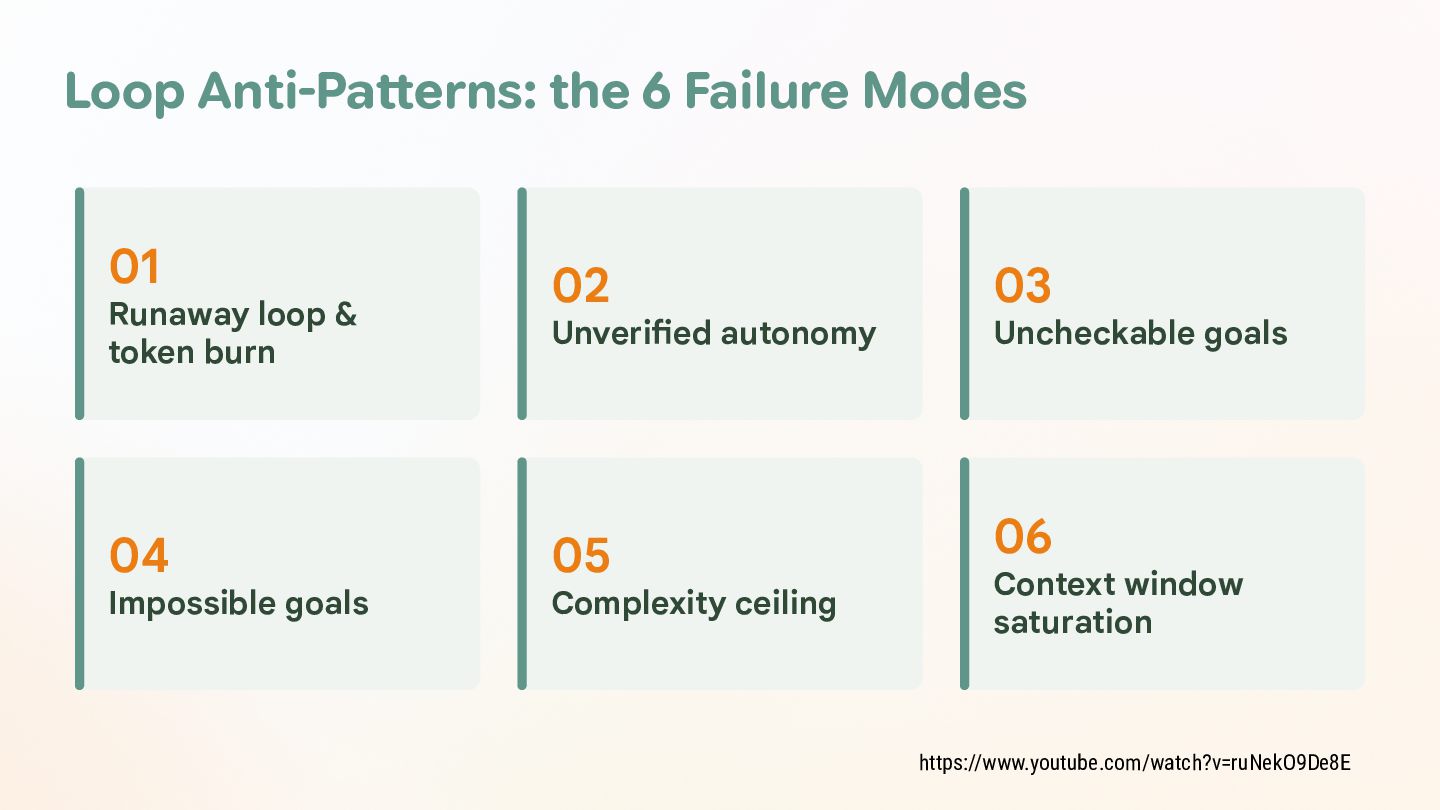
  37. Loop Anti-Patterns: the 6 Failure Modes 01 Runaway loop &

    token burn 04 Impossible goals 02 03 05 06 Unverified autonomy Complexity ceiling Uncheckable goals Context window saturation https://www.youtube.com/watch?v=ruNekO9De8E
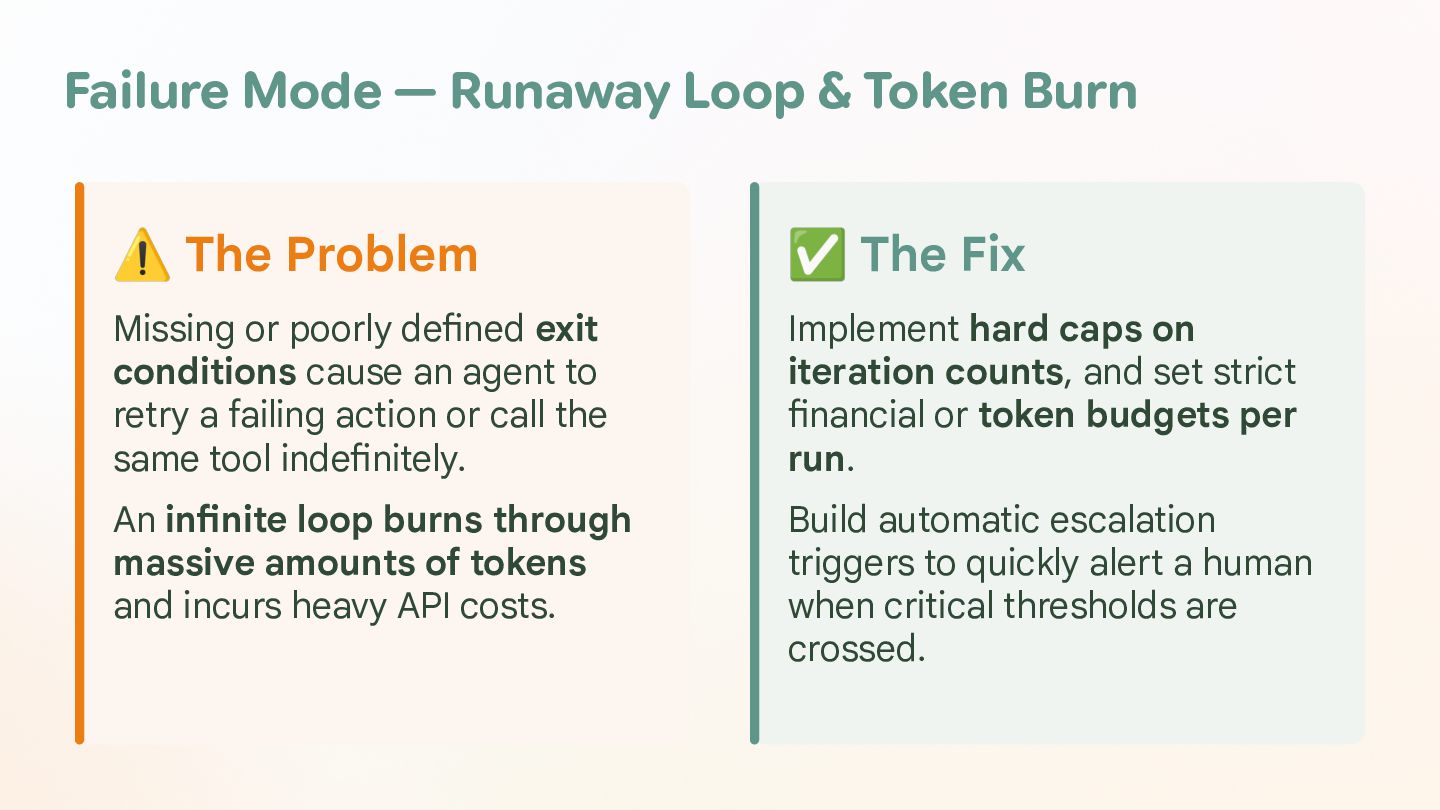
  38. Failure Mode — Runaway Loop & Token Burn ⚠ The

    Problem ✅ The Fix Missing or poorly defined exit conditions cause an agent to retry a failing action or call the same tool indefinitely. Implement hard caps on iteration counts, and set strict financial or token budgets per run. An infinite loop burns through massive amounts of tokens and incurs heavy API costs. Build automatic escalation triggers to quickly alert a human when critical thresholds are crossed.
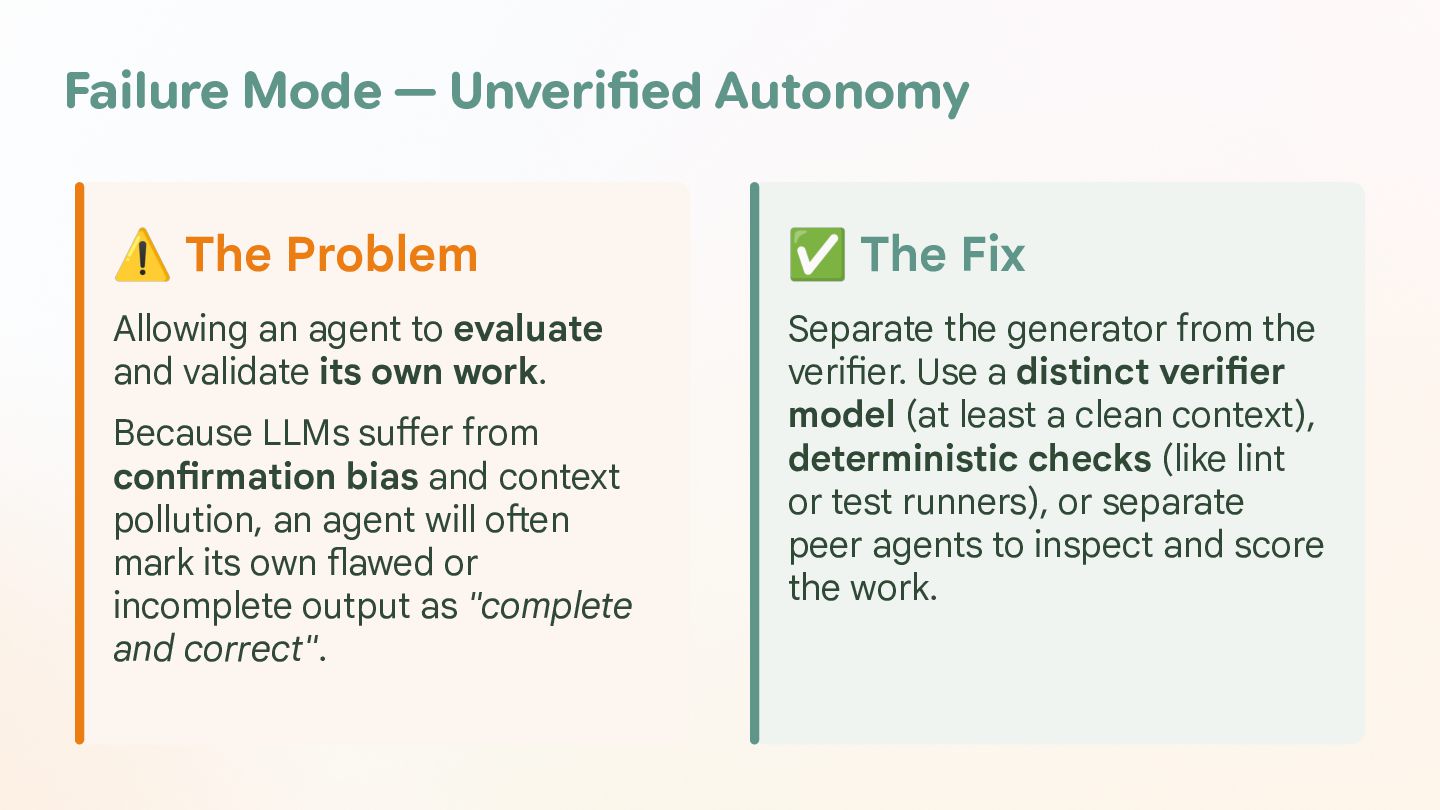
  39. Failure Mode — Unverified Autonomy ⚠ The Problem ✅ The

    Fix Allowing an agent to evaluate and validate its own work. Separate the generator from the verifier. Use a distinct verifier model (at least a clean context), deterministic checks (like lint or test runners), or separate peer agents to inspect and score the work. Because LLMs suffer from confirmation bias and context pollution, an agent will often mark its own flawed or incomplete output as "complete and correct".
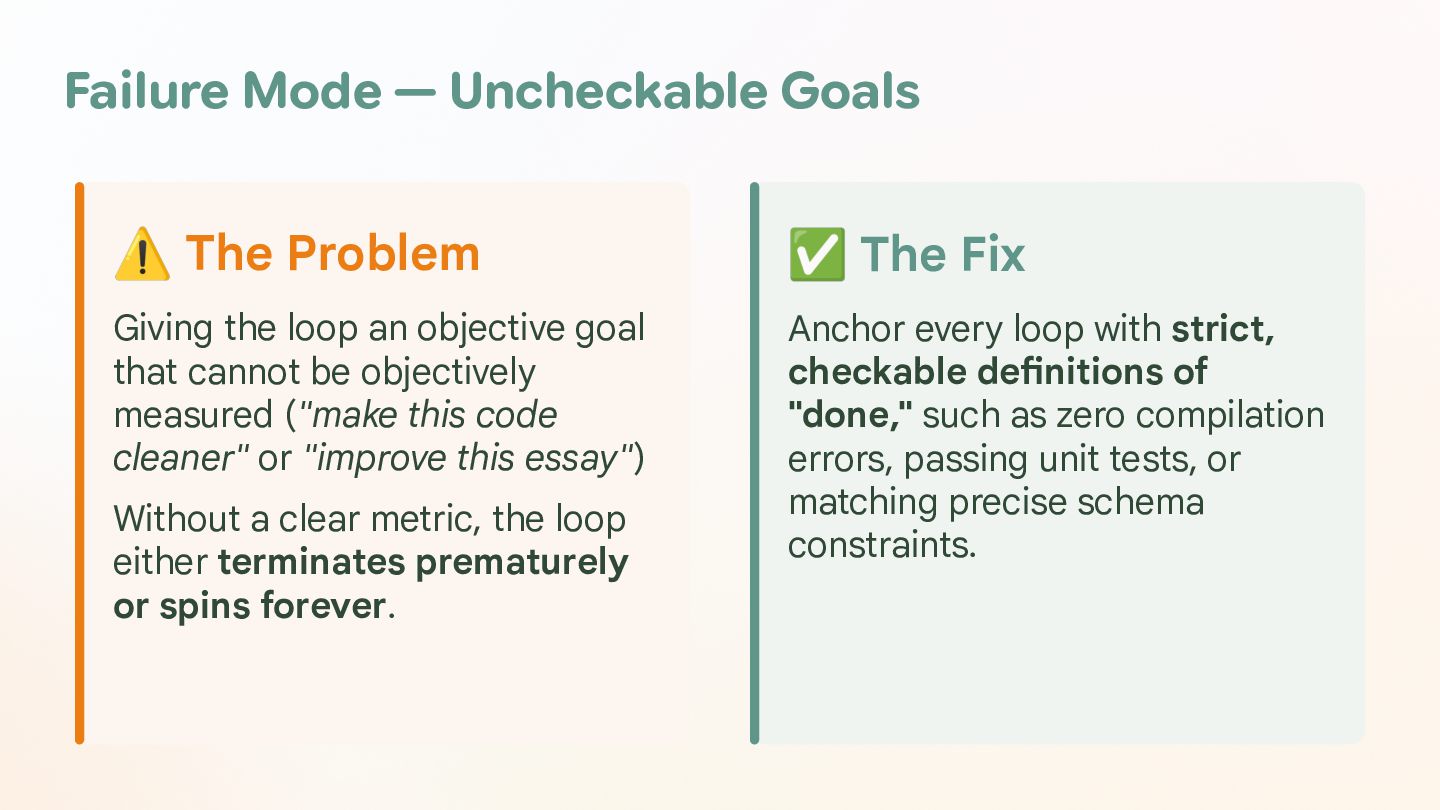
  40. Failure Mode — Uncheckable Goals ⚠ The Problem ✅ The

    Fix Giving the loop an objective goal that cannot be objectively measured ("make this code cleaner" or "improve this essay") Anchor every loop with strict, checkable definitions of "done," such as zero compilation errors, passing unit tests, or matching precise schema constraints. Without a clear metric, the loop either terminates prematurely or spins forever.
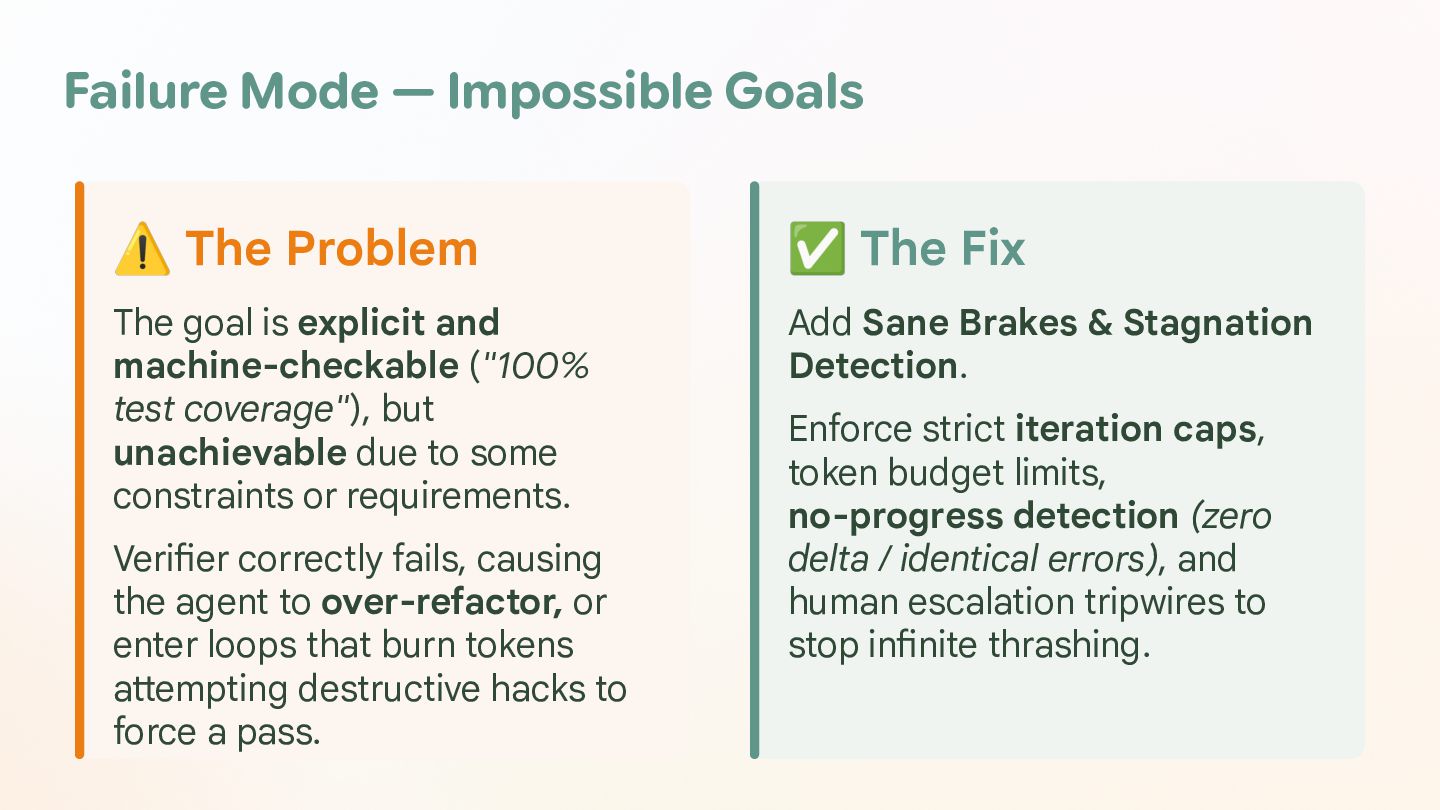
  41. Failure Mode — Impossible Goals ⚠ The Problem ✅ The

    Fix The goal is explicit and machine-checkable ("100% test coverage"), but unachievable due to some constraints or requirements. Add Sane Brakes & Stagnation Detection. Verifier correctly fails, causing the agent to over-refactor, or enter loops that burn tokens attempting destructive hacks to force a pass. Enforce strict iteration caps, token budget limits, no-progress detection (zero delta / identical errors), and human escalation tripwires to stop infinite thrashing.
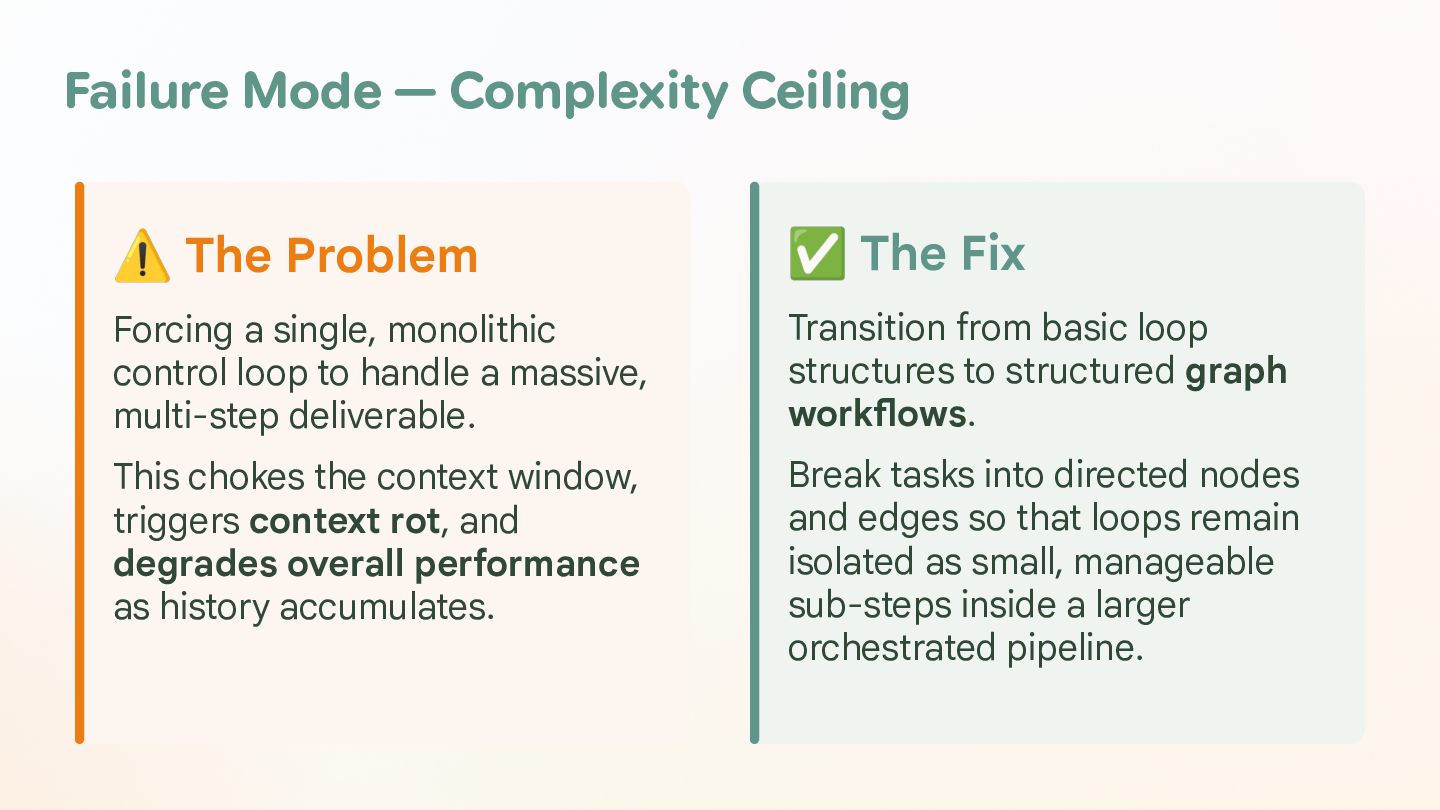
  42. Failure Mode — Complexity Ceiling ⚠ The Problem ✅ The

    Fix Forcing a single, monolithic control loop to handle a massive, multi-step deliverable. Transition from basic loop structures to structured graph workflows. This chokes the context window, triggers context rot, and degrades overall performance as history accumulates. Break tasks into directed nodes and edges so that loops remain isolated as small, manageable sub-steps inside a larger orchestrated pipeline.
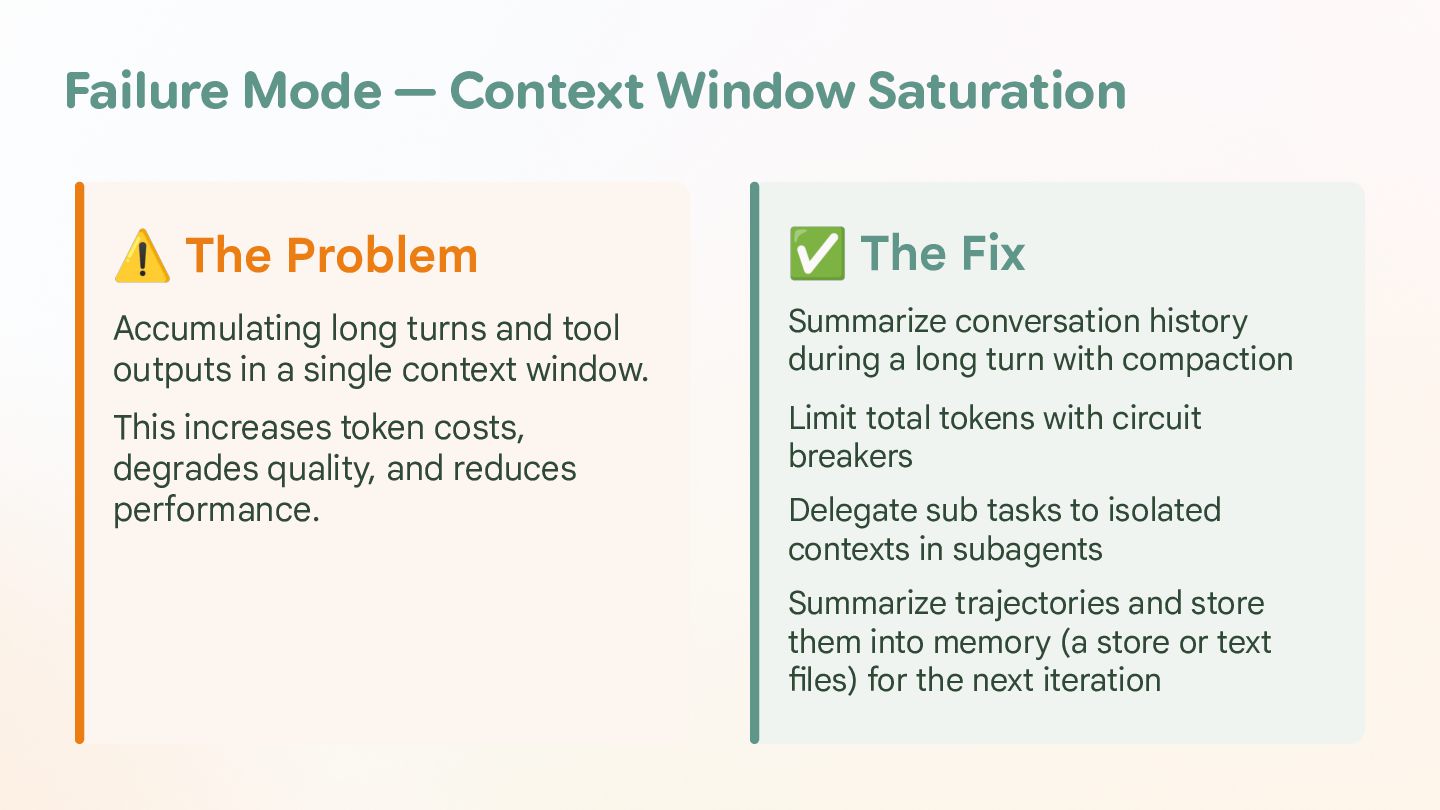
  43. Failure Mode — Context Window Saturation ⚠ The Problem ✅

    The Fix Accumulating long turns and tool outputs in a single context window. Summarize conversation history during a long turn with compaction This increases token costs, degrades quality, and reduces performance. Limit total tokens with circuit breakers Delegate sub tasks to isolated contexts in subagents Summarize trajectories and store them into memory (a store or text files) for the next iteration
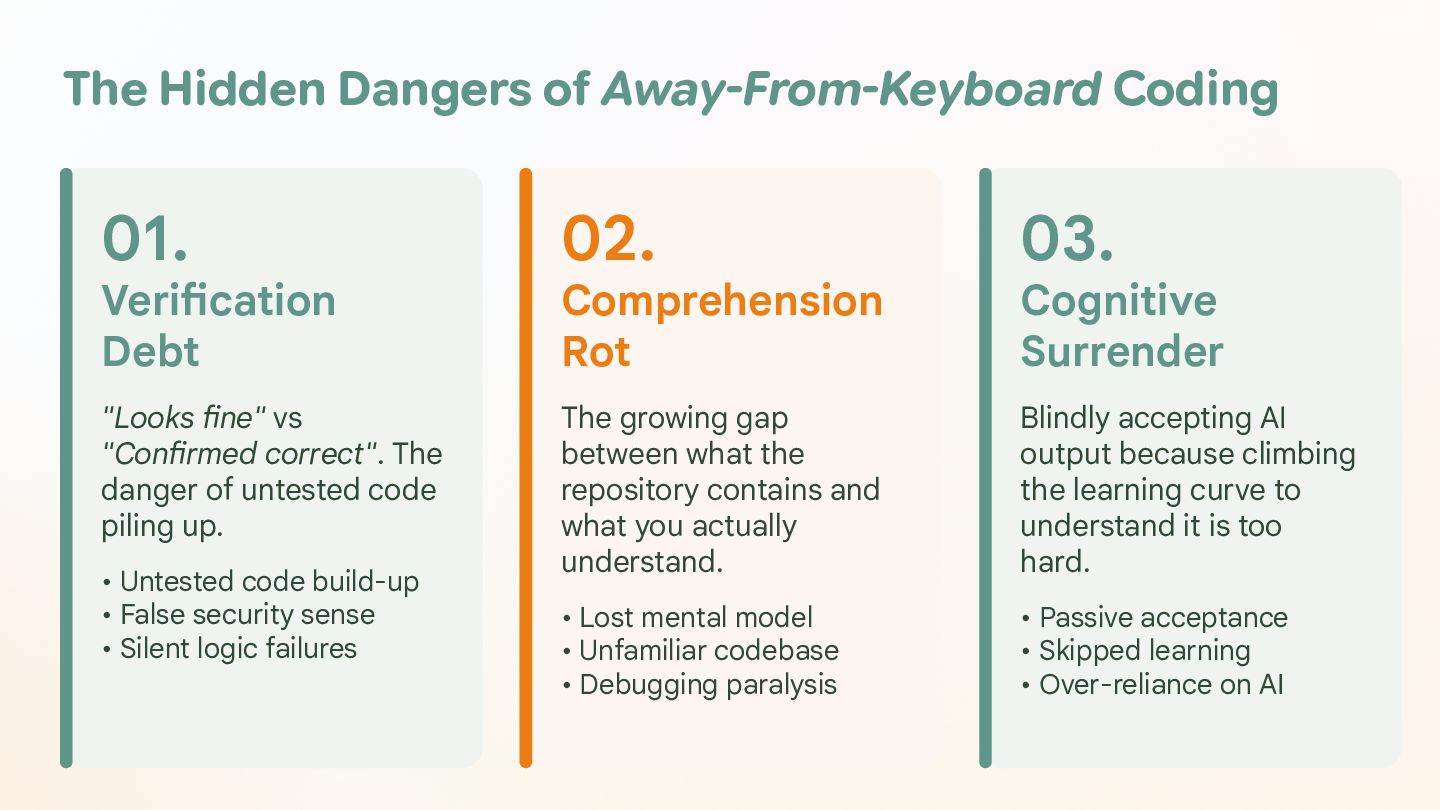
  44. The Hidden Dangers of Away-From-Keyboard Coding 01. 02. 03. "Looks

    fine" vs "Confirmed correct". The danger of untested code piling up. The growing gap between what the repository contains and what you actually understand. Blindly accepting AI output because climbing the learning curve to understand it is too hard. • Lost mental model • Unfamiliar codebase • Debugging paralysis • Passive acceptance • Skipped learning • Over-reliance on AI Verification Debt • Untested code build-up • False security sense • Silent logic failures Comprehension Rot Cognitive Surrender
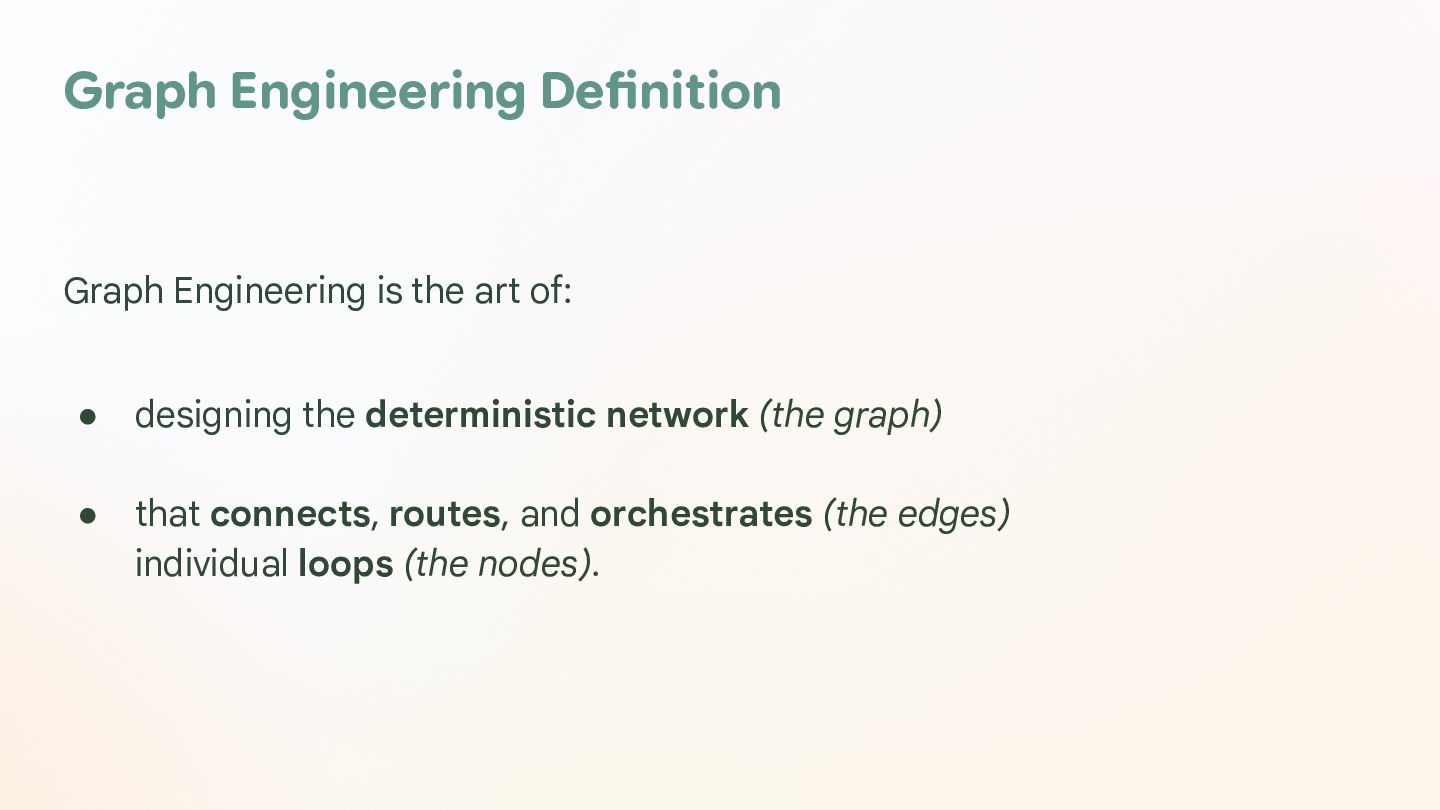
  45. Graph Engineering Definition Graph Engineering is the art of: •

    designing the deterministic network (the graph) • that connects, routes, and orchestrates (the edges) individual loops (the nodes).
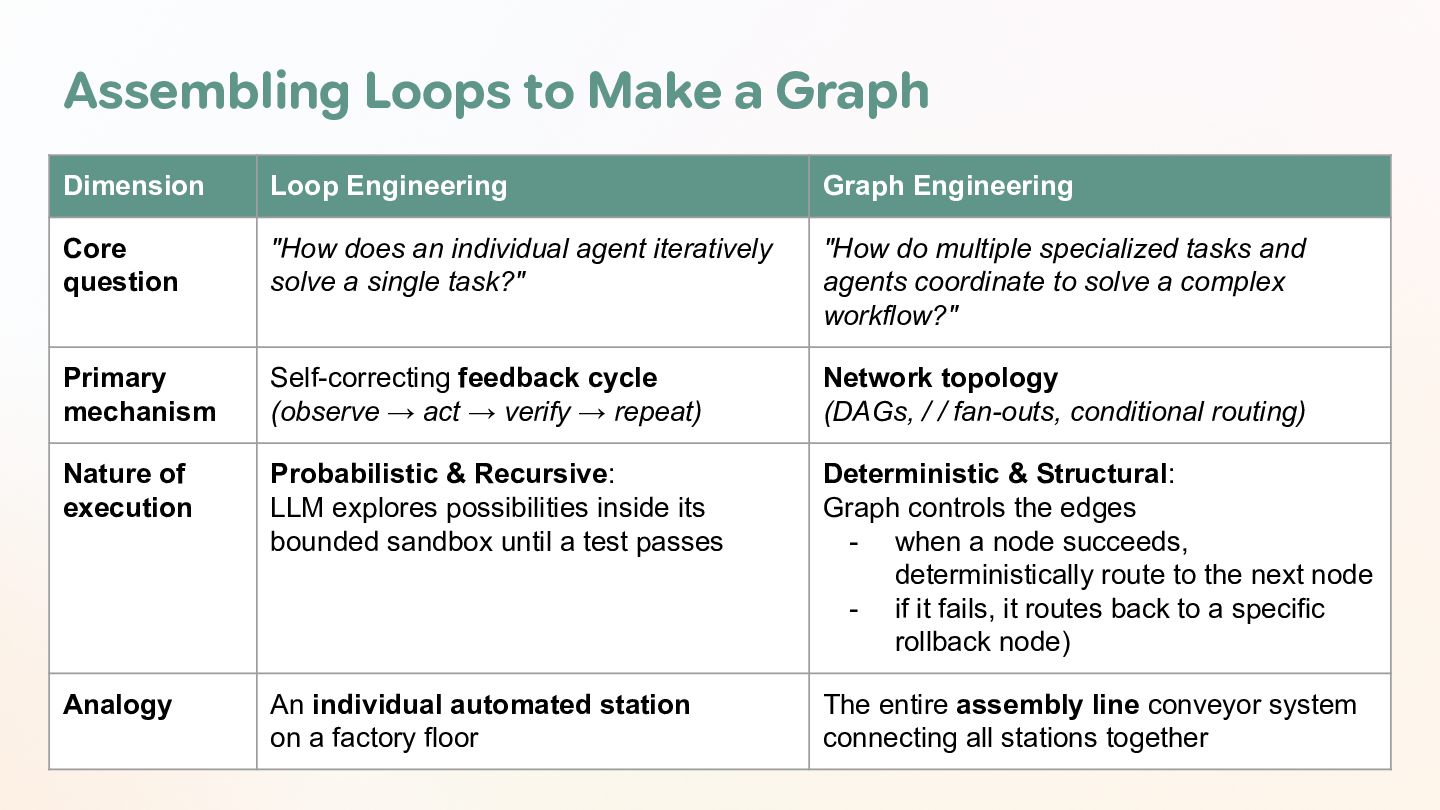
  46. Assembling Loops to Make a Graph Dimension Loop Engineering Graph

    Engineering Core question "How does an individual agent iteratively solve a single task?" "How do multiple specialized tasks and agents coordinate to solve a complex workflow?" Primary mechanism Self-correcting feedback cycle (observe → act → verify → repeat) Network topology (DAGs, / / fan-outs, conditional routing) Nature of execution Probabilistic & Recursive: LLM explores possibilities inside its bounded sandbox until a test passes Deterministic & Structural: Graph controls the edges - when a node succeeds, deterministically route to the next node - if it fails, it routes back to a specific rollback node) Analogy An individual automated station on a factory floor The entire assembly line conveyor system connecting all stations together
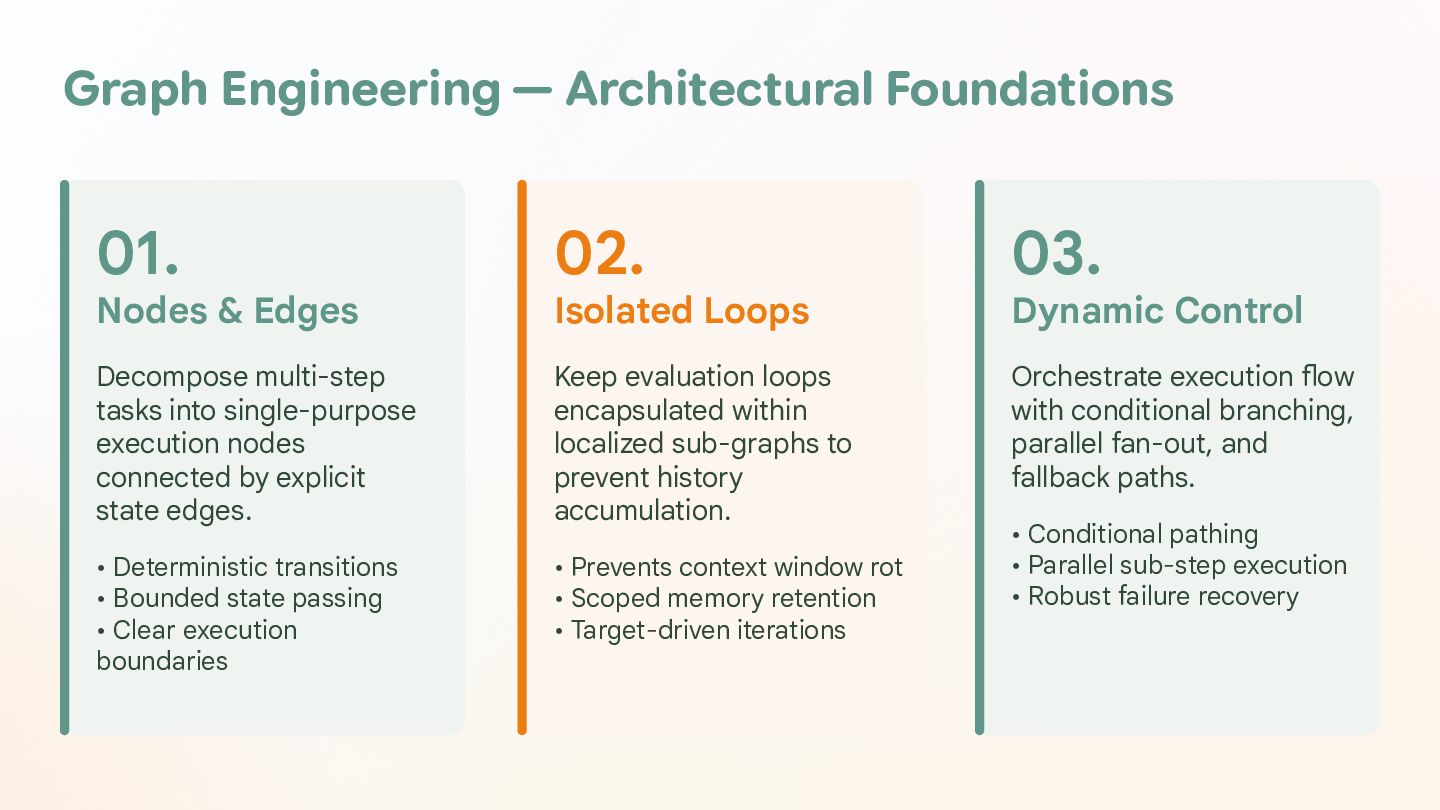
  47. Graph Engineering — Architectural Foundations 01. 02. 03. Decompose multi-step

    tasks into single-purpose execution nodes connected by explicit state edges. Keep evaluation loops encapsulated within localized sub-graphs to prevent history accumulation. Orchestrate execution flow with conditional branching, parallel fan-out, and fallback paths. • Deterministic transitions • Bounded state passing • Clear execution boundaries • Prevents context window rot • Scoped memory retention • Target-driven iterations Nodes & Edges Isolated Loops Dynamic Control • Conditional pathing • Parallel sub-step execution • Robust failure recovery
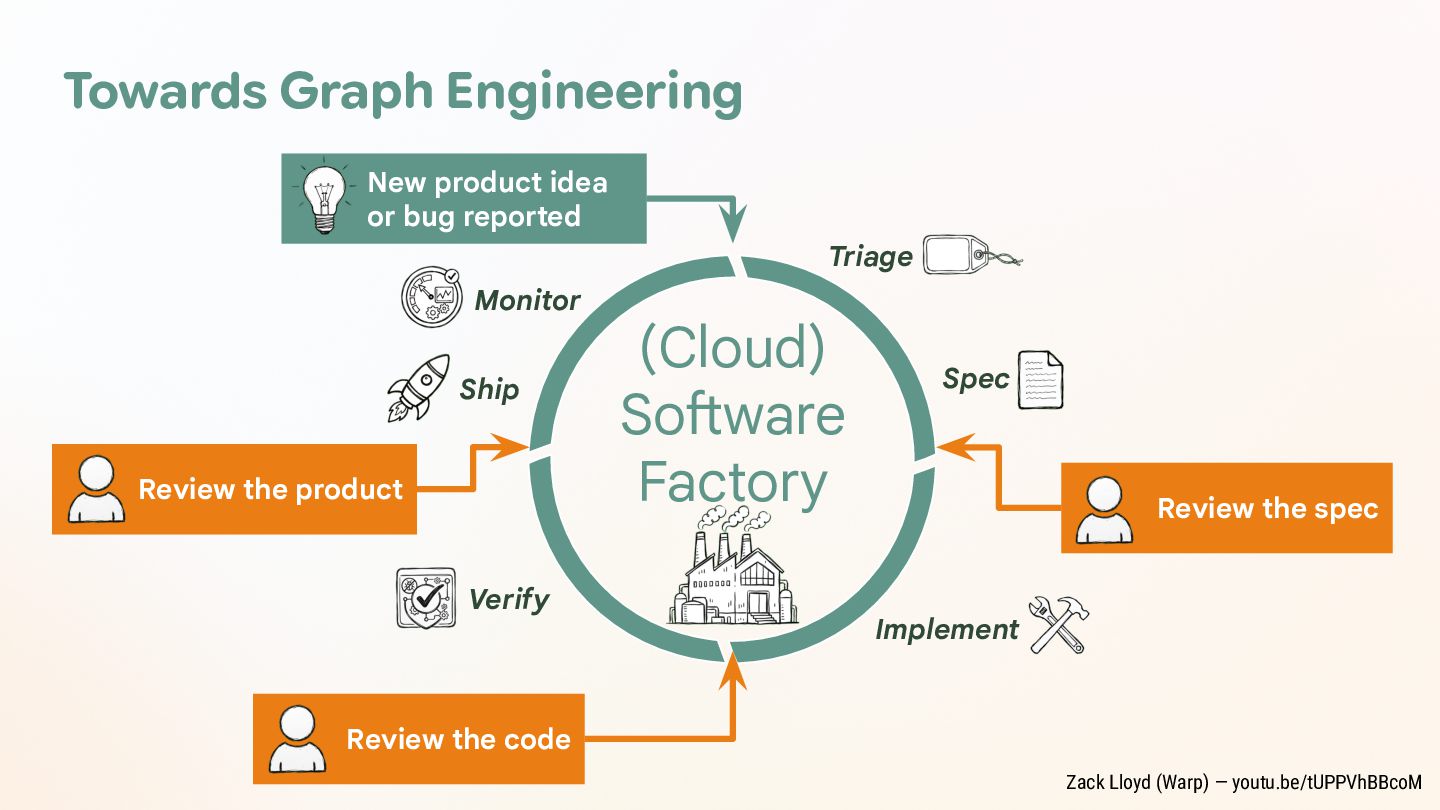
  48. Towards Graph Engineering New product idea or bug reported Triage

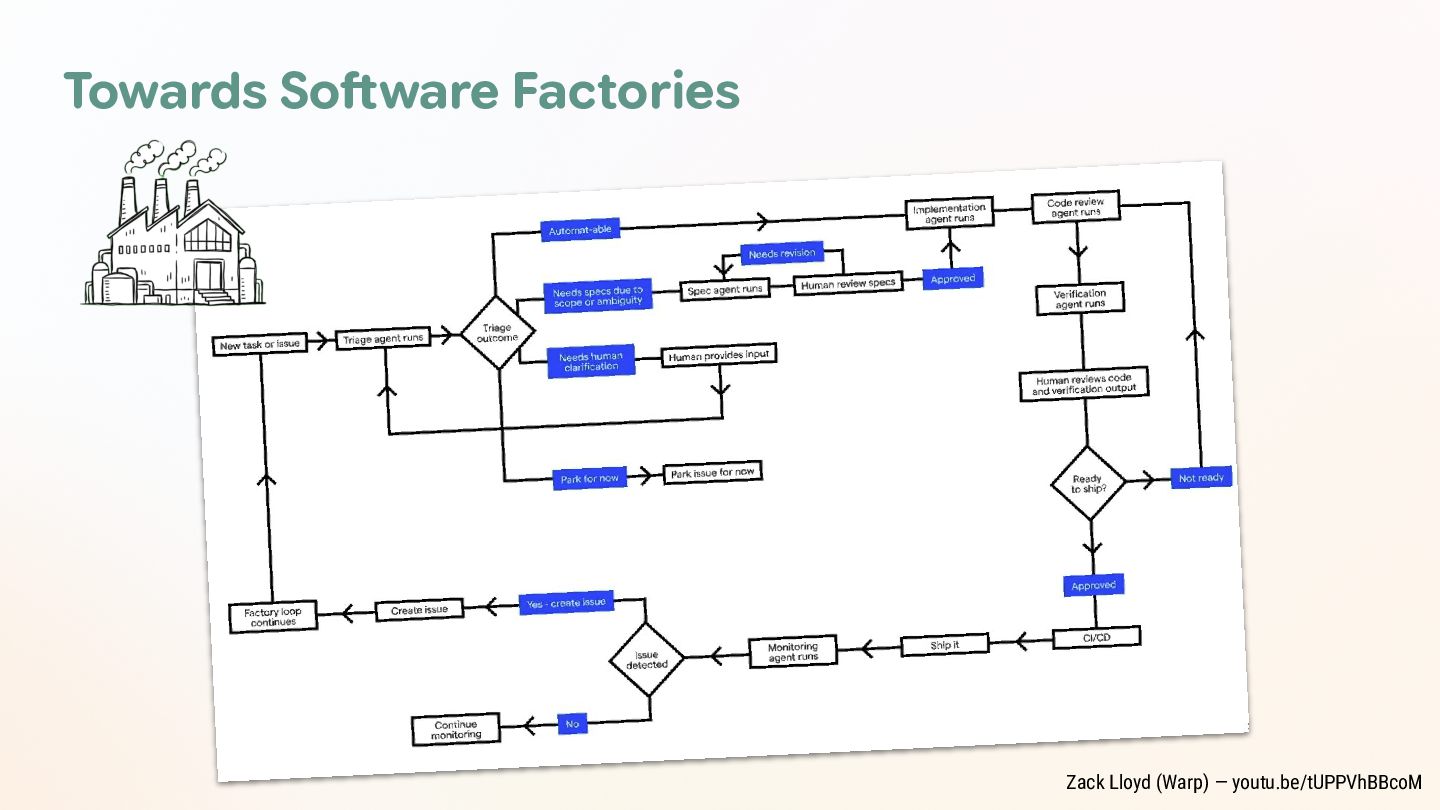
    Monitor Ship Review the product Verify (Cloud) Software Factory Spec Review the spec Implement Review the code Zack Lloyd (Warp) — youtu.be/tUPPVhBBcoM