I work as a Full-stack Developer @ Lepsta Inc. Where we develop the next generation version control system. On the internet: • Lepsta: https://www.lepsta.tech • Twitter: @horiyomi4u • Github: https://github.com/horiyomi
building web apps using one of the most simplest programming language to pick up (Python)”. Plus it comes with with some out of the box features that most, if not all web apps would need such as • Authentication(Can be extended and customized) • Admin system that works right out of the box e.t.c Django As A Framework BRIEFLY ON DJANGO
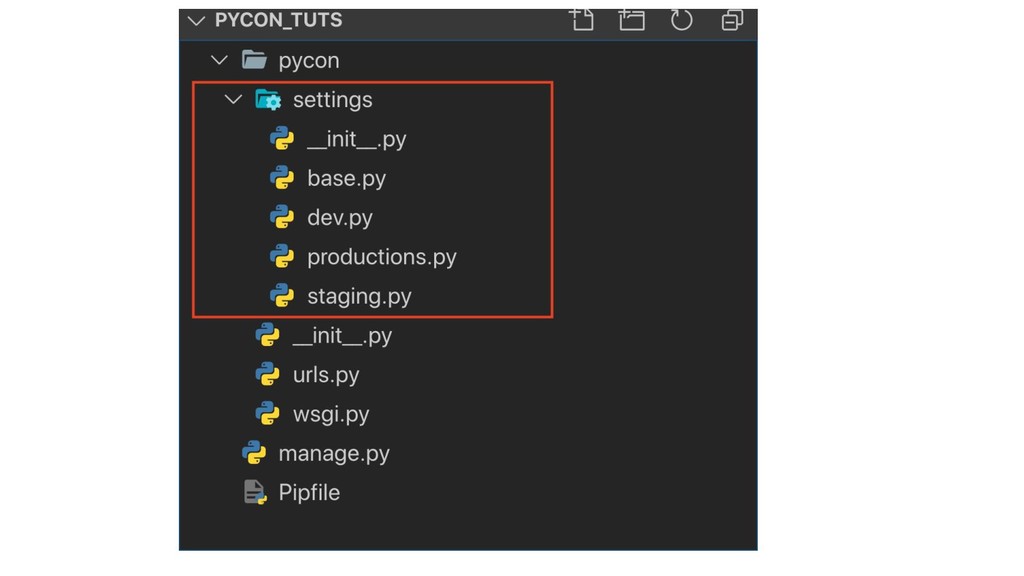
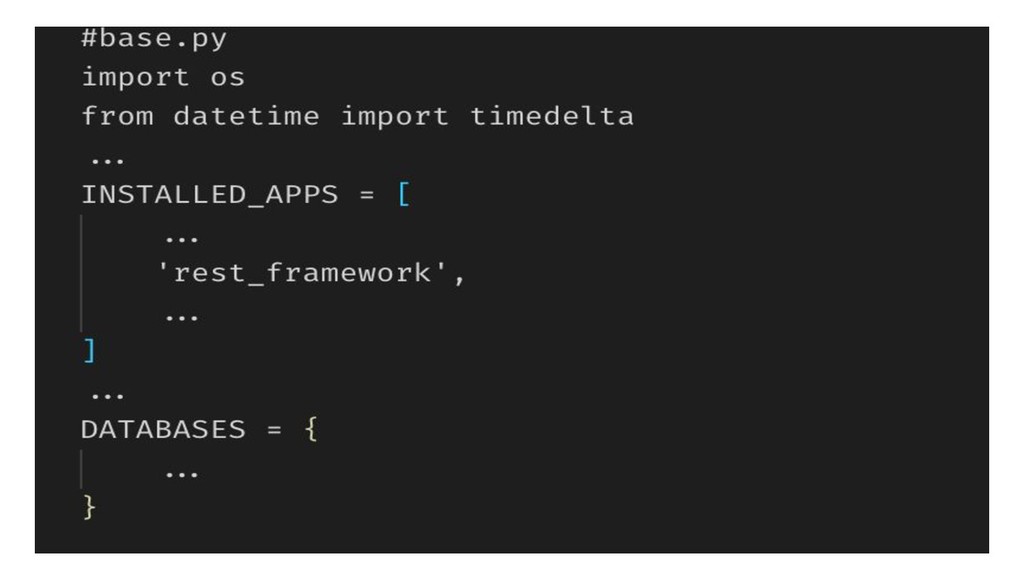
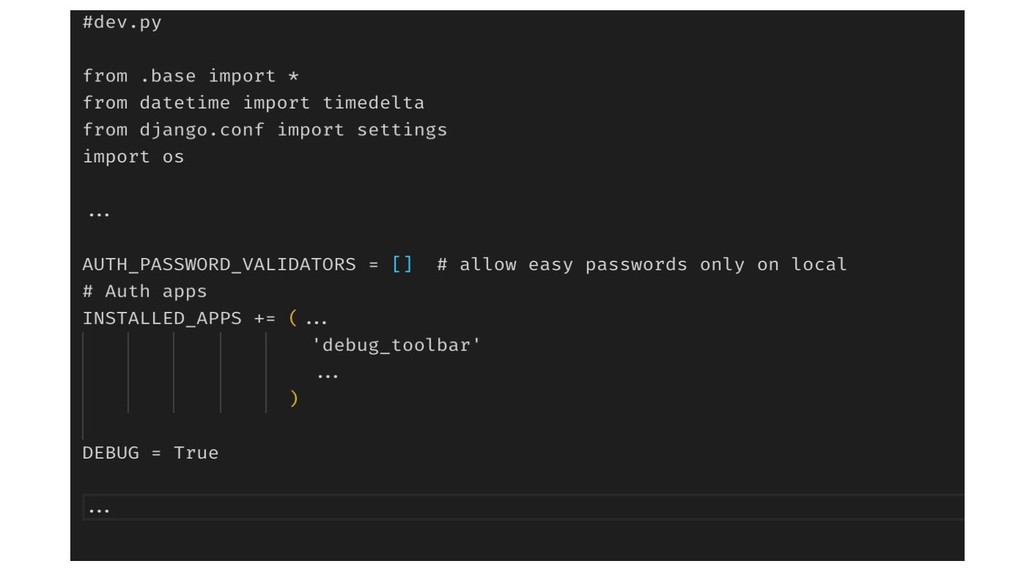
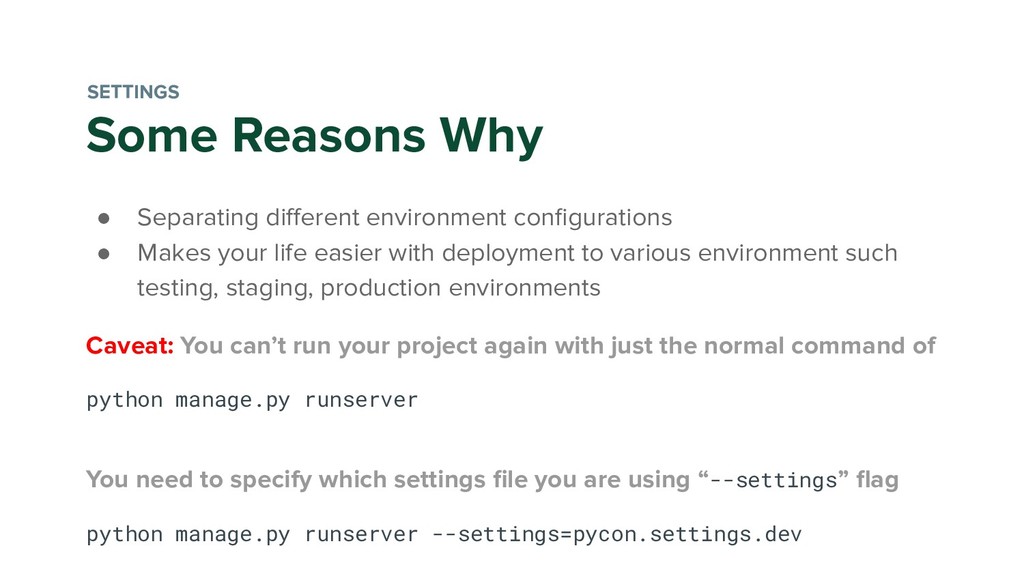
your life easier with deployment to various environment such testing, staging, production environments Caveat: You can’t run your project again with just the normal command of python manage.py runserver You need to specify which settings file you are using “--settings” flag python manage.py runserver --settings=pycon.settings.dev SETTINGS
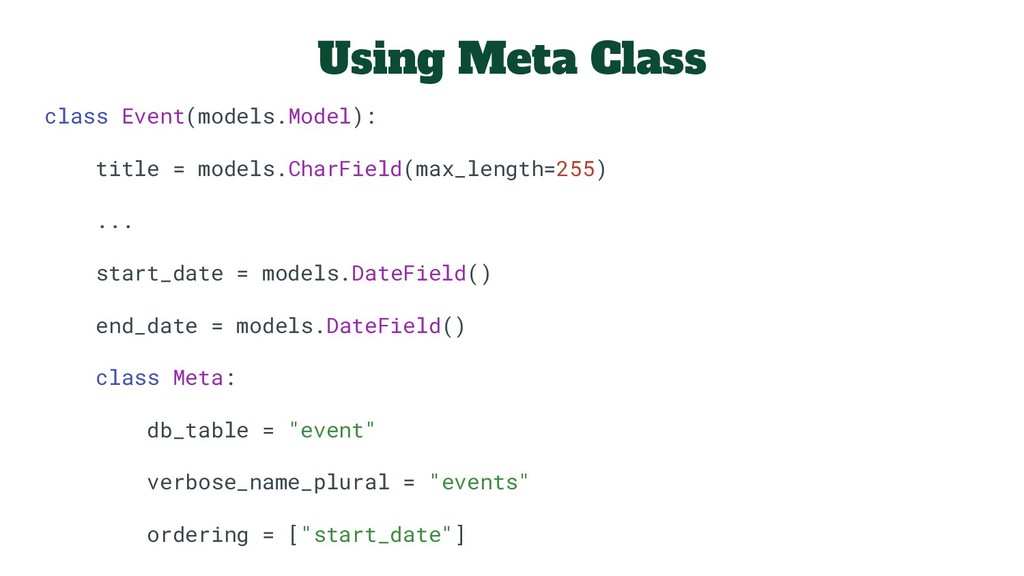
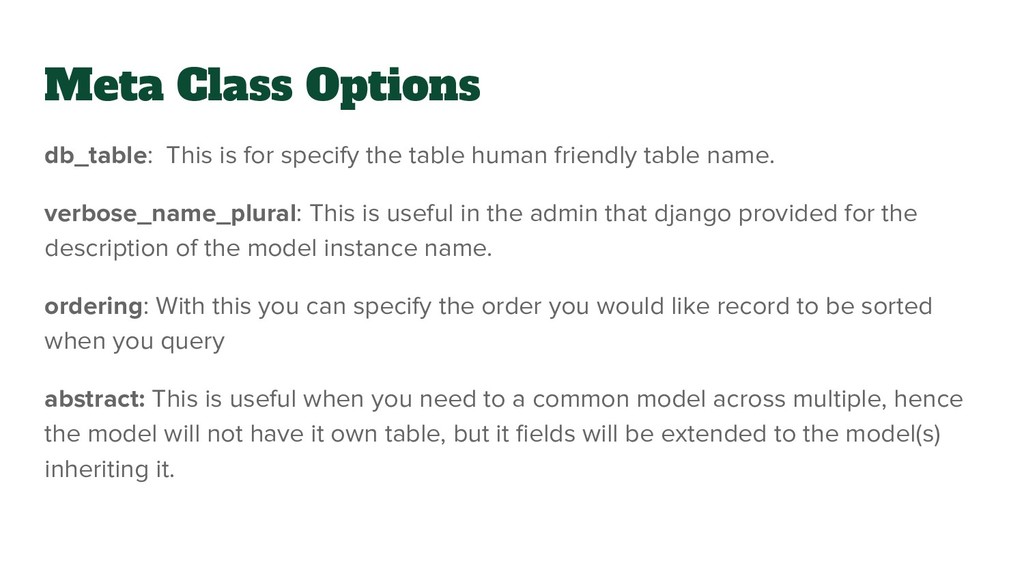
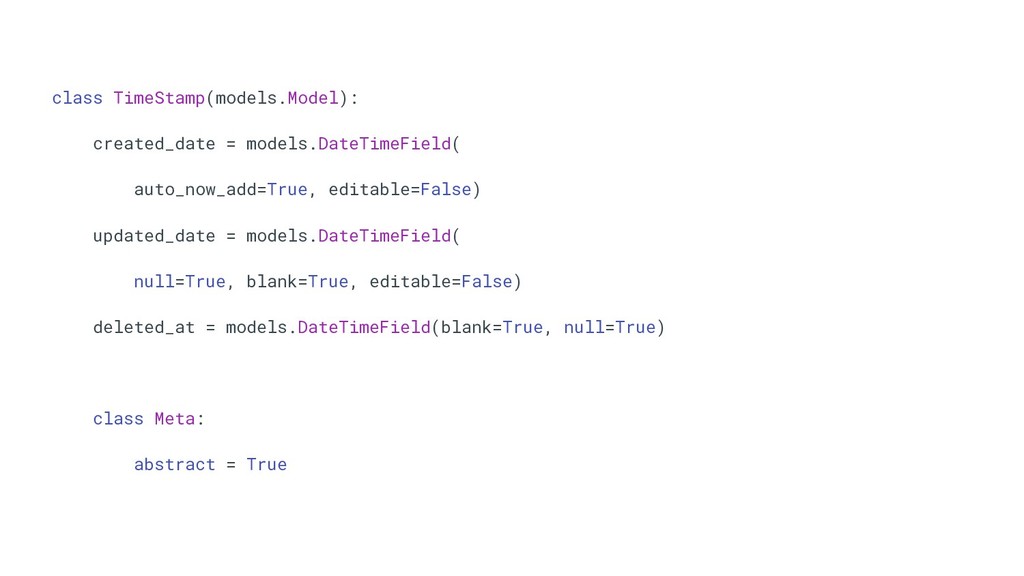
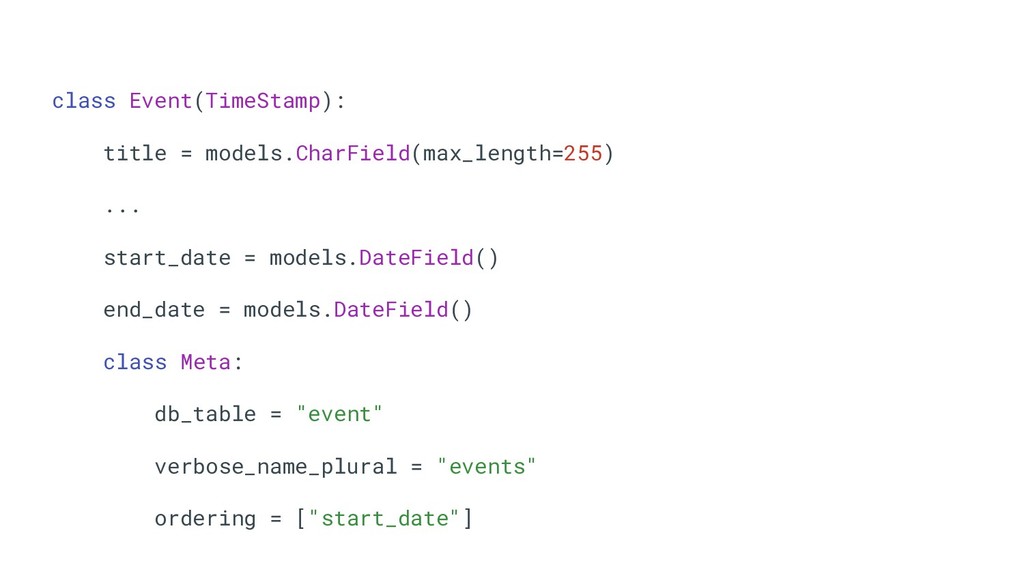
human friendly table name. verbose_name_plural: This is useful in the admin that django provided for the description of the model instance name. ordering: With this you can specify the order you would like record to be sorted when you query abstract: This is useful when you need to a common model across multiple, hence the model will not have it own table, but it fields will be extended to the model(s) inheriting it.
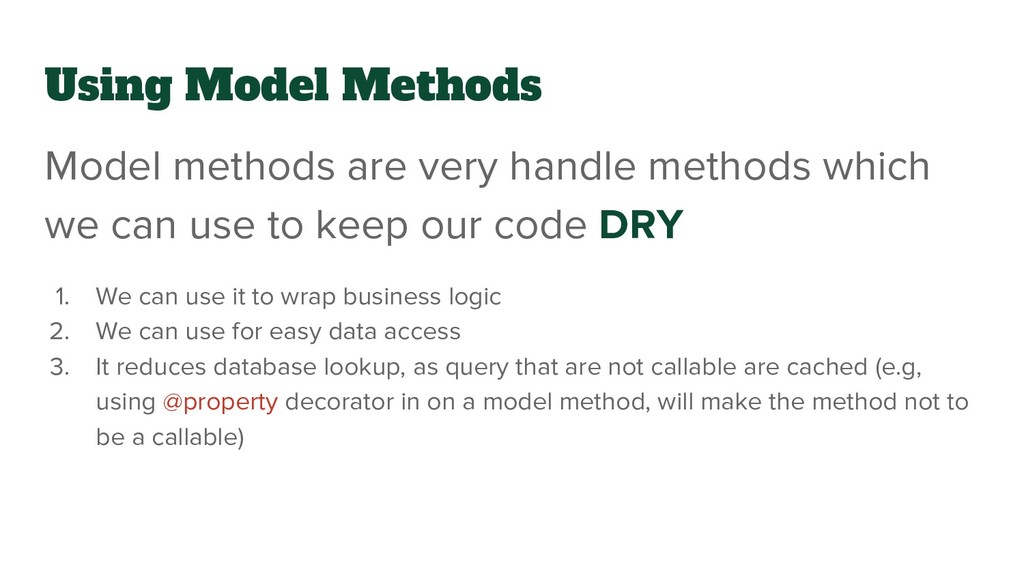
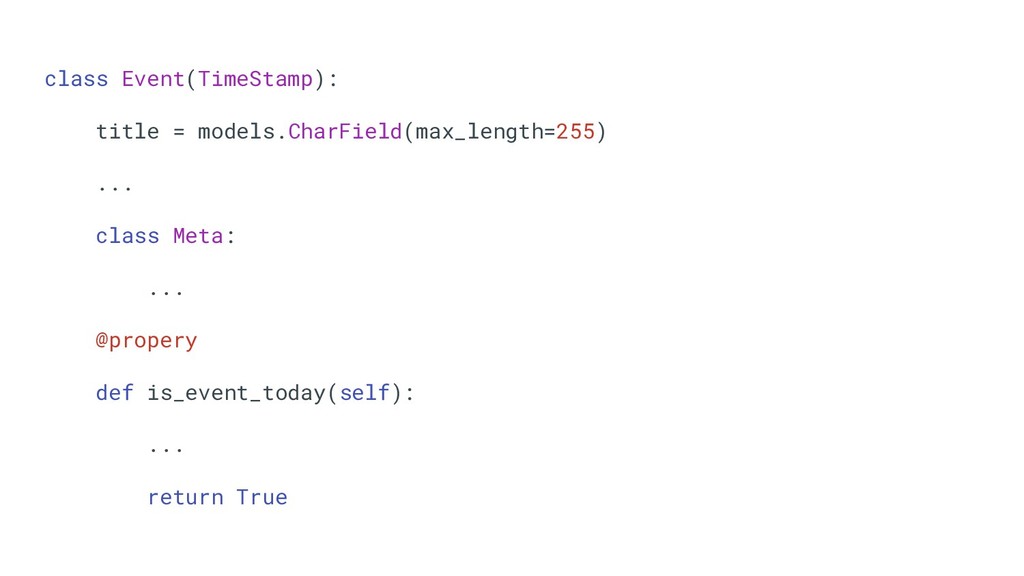
we can use to keep our code DRY 1. We can use it to wrap business logic 2. We can use for easy data access 3. It reduces database lookup, as query that are not callable are cached (e.g, using @property decorator in on a model method, will make the method not to be a callable)
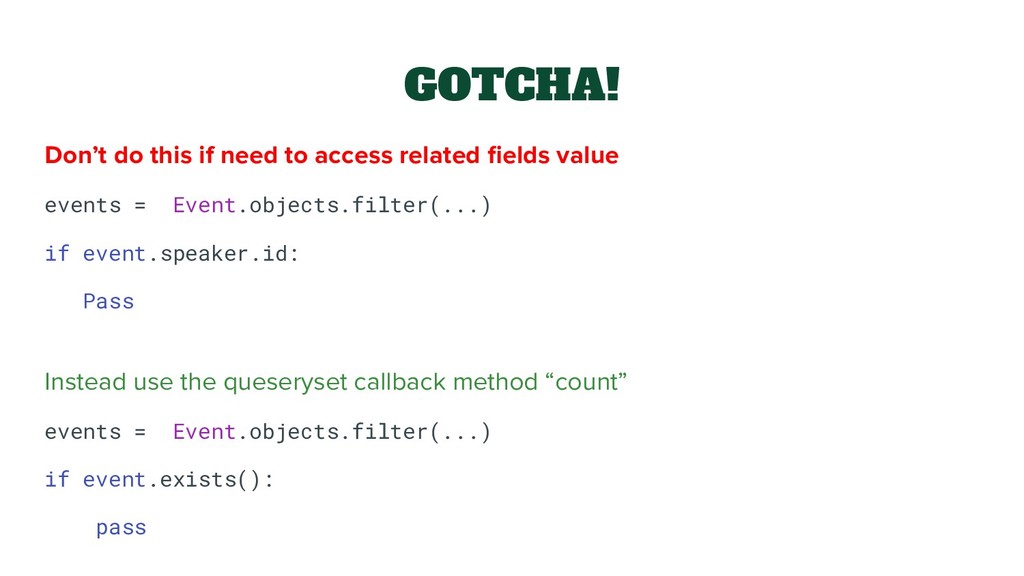
value events = Event.objects.filter(...) if event.speaker.id: Pass Instead use the queseryset callback method “count” events = Event.objects.filter(...) if event.exists(): pass
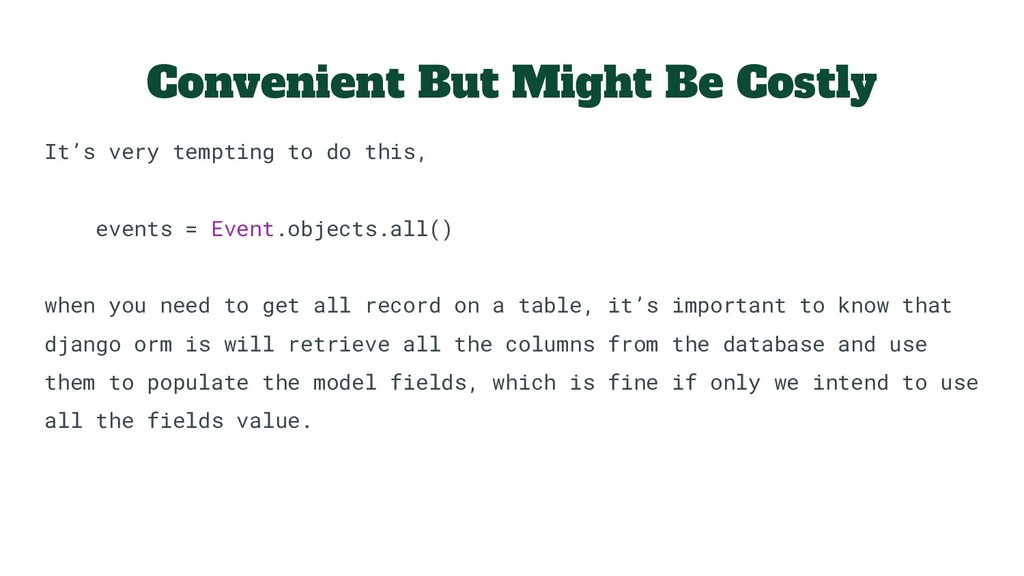
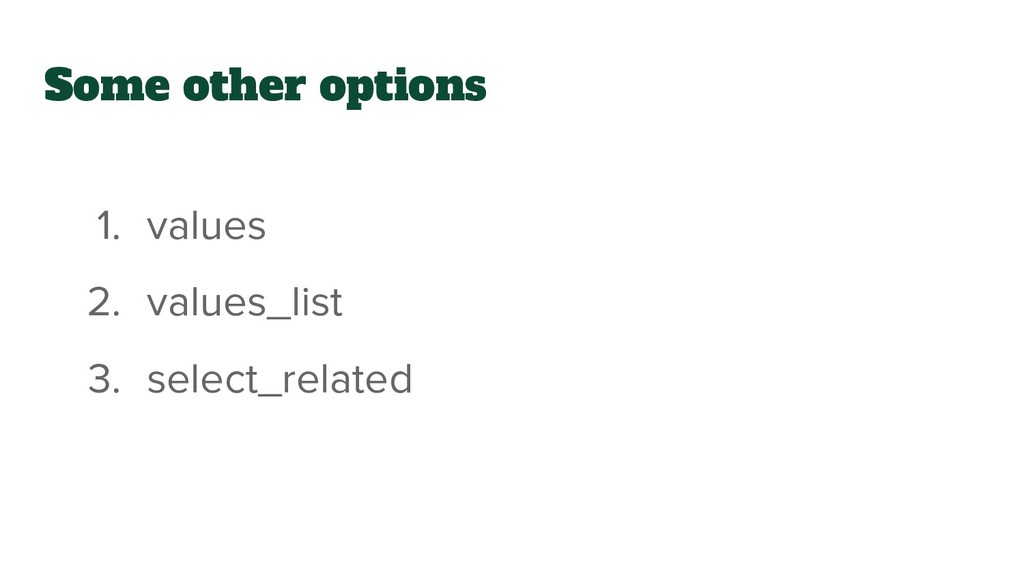
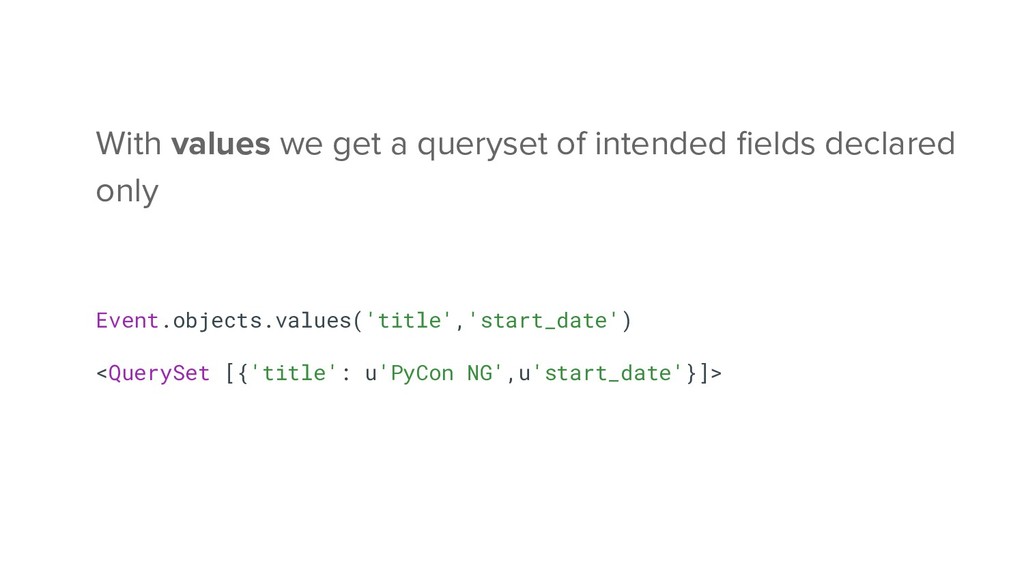
this, events = Event.objects.all() when you need to get all record on a table, it’s important to know that django orm is will retrieve all the columns from the database and use them to populate the model fields, which is fine if only we intend to use all the fields value.
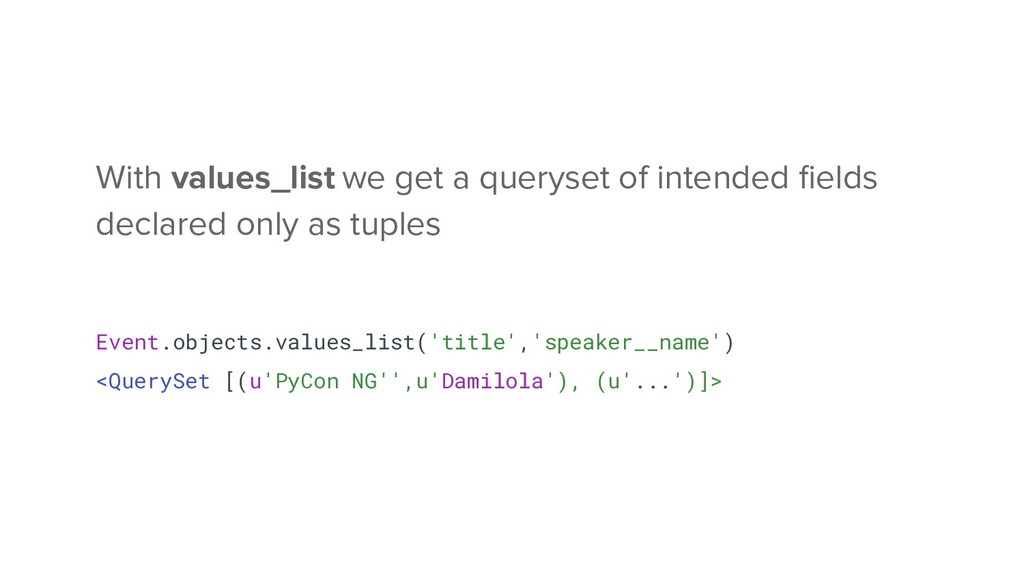
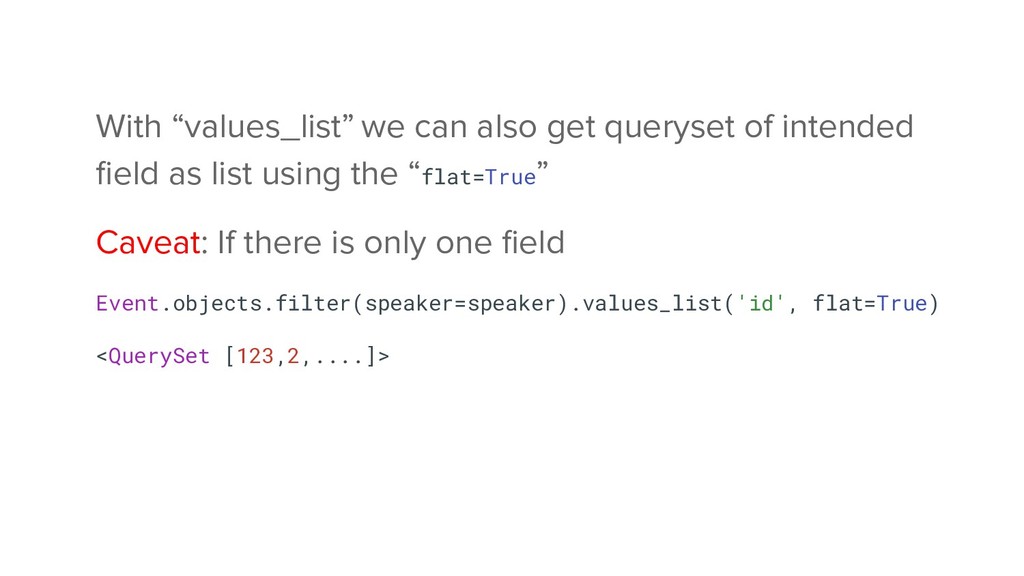
as list using the “flat=True” Caveat: If there is only one field Event.objects.filter(speaker=speaker).values_list('id', flat=True) <QuerySet [123,2,....]>


 tetsuya28
 bitkey
 iktakahiro
 akitoshiga
 greenmidori
 satomasahiro2005
 terapyon
 pfn
pfn
 occhi
occhi
 taketakekaho
 yu23ki14
 mhrtech
 frankvandijk
 aleyda
 jacobtomlinson
 mlcsv
mlcsv
 addyosmani
 tessaabrams
 livdayseo
 baasie
.png) helenjbeal
helenjbeal
 axbom
axbom
 pedronauck
 seathinner