Upgrade to Pro — share decks privately, control downloads, hide ads and more …

Data Privacy and Cybersecurity for Tax Professi...

Avatar for Kevin Kevin
May 22, 2018

Data Privacy and Cybersecurity for Tax Professionals

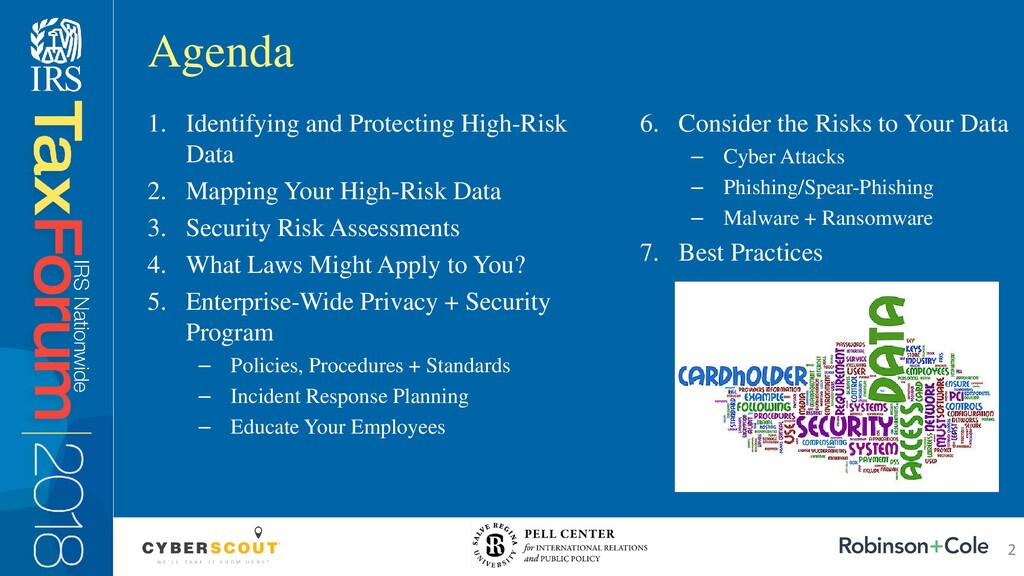
1.Identifying and Protecting High-Risk Data

2.Mapping Your High-Risk Data

3.Security Risk Assessments

4.What Laws Might Apply to You?

5.Enterprise

-Wide Privacy
+ Security Program
–Policies, Procedures
+ Standards
–Incident Response Planning
–Educate Your EmployeesAgenda

6.Consider the Risks to Your Data

–Cyber Attacks
–Phishing/Spear-Phishing
–Malware + Ransomware

7.Best Practices

Source: https://www.taxcroc.com/

Avatar for Kevin

Kevin

May 22, 2018

Other Decks in Business

Transcript

  1. 1. Identifying and Protecting High-Risk Data 2. Mapping Your High-Risk

    Data 3. Security Risk Assessments 4. What Laws Might Apply to You? 5. Enterprise-Wide Privacy + Security Program – Policies, Procedures + Standards – Incident Response Planning – Educate Your Employees Agenda 2 6. Consider the Risks to Your Data – Cyber Attacks – Phishing/Spear-Phishing – Malware + Ransomware 7. Best Practices
  2. Tax professionals are prime targets for identity thieves. Why? Your

    clients’ information — bank and investment accounts, Social Security numbers, health insurance records, and more — can be a virtual goldmine in the wrong hands. That’s why securing it against a data breach is critical to protect your clients and your business. Introduction 3
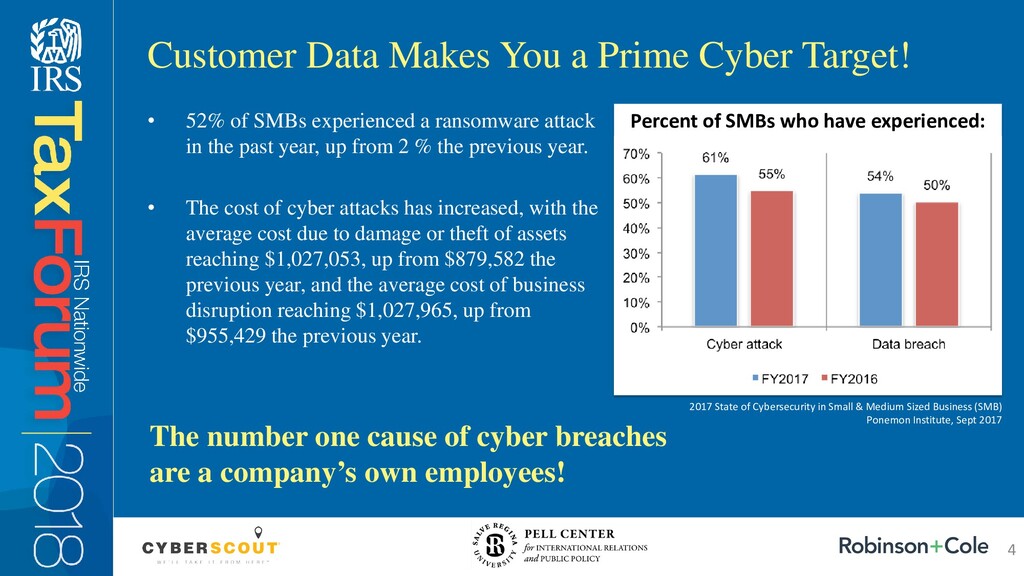
  3. • 52% of SMBs experienced a ransomware attack in the

    past year, up from 2 % the previous year. • The cost of cyber attacks has increased, with the average cost due to damage or theft of assets reaching $1,027,053, up from $879,582 the previous year, and the average cost of business disruption reaching $1,027,965, up from $955,429 the previous year. Customer Data Makes You a Prime Cyber Target! Percent of SMBs who have experienced: 2017 State of Cybersecurity in Small & Medium Sized Business (SMB) Ponemon Institute, Sept 2017 The number one cause of cyber breaches are a company’s own employees! 4
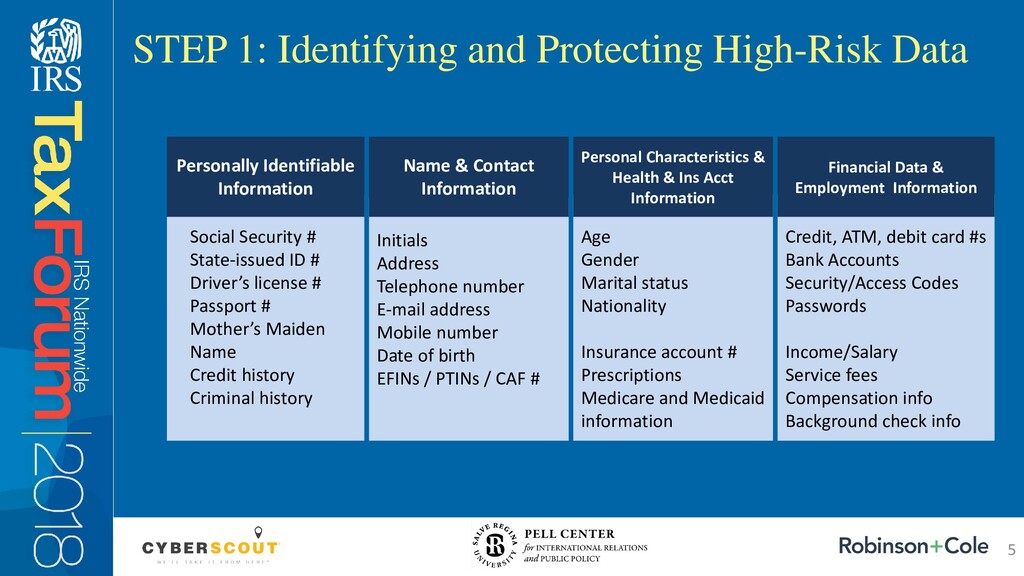
  4. STEP 1: Identifying and Protecting High-Risk Data Social Security #

    State-issued ID # Driver’s license # Passport # Mother’s Maiden Name Credit history Criminal history Personally Identifiable Information Initials Address Telephone number E-mail address Mobile number Date of birth EFINs / PTINs / CAF # Age Gender Marital status Nationality Insurance account # Prescriptions Medicare and Medicaid information Credit, ATM, debit card #s Bank Accounts Security/Access Codes Passwords Income/Salary Service fees Compensation info Background check info Name & Contact Information Personal Characteristics & Health & Ins Acct Information Financial Data & Employment Information 5
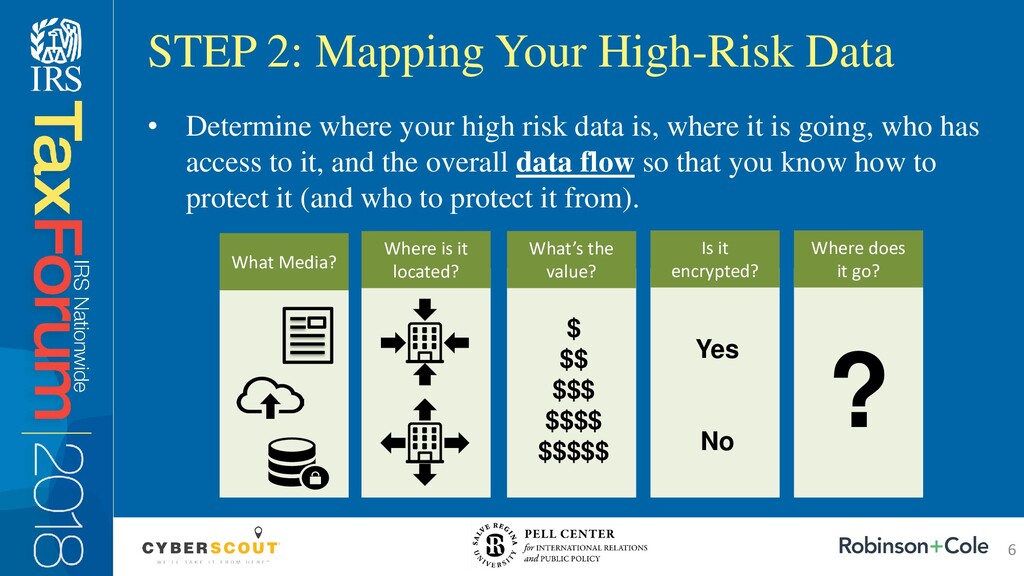
  5. • Determine where your high risk data is, where it

    is going, who has access to it, and the overall data flow so that you know how to protect it (and who to protect it from). STEP 2: Mapping Your High-Risk Data What Media? Where is it located? What’s the value? Is it encrypted? Where does it go? $ $$ $$$ $$$$ $$$$$ Yes No ? 6
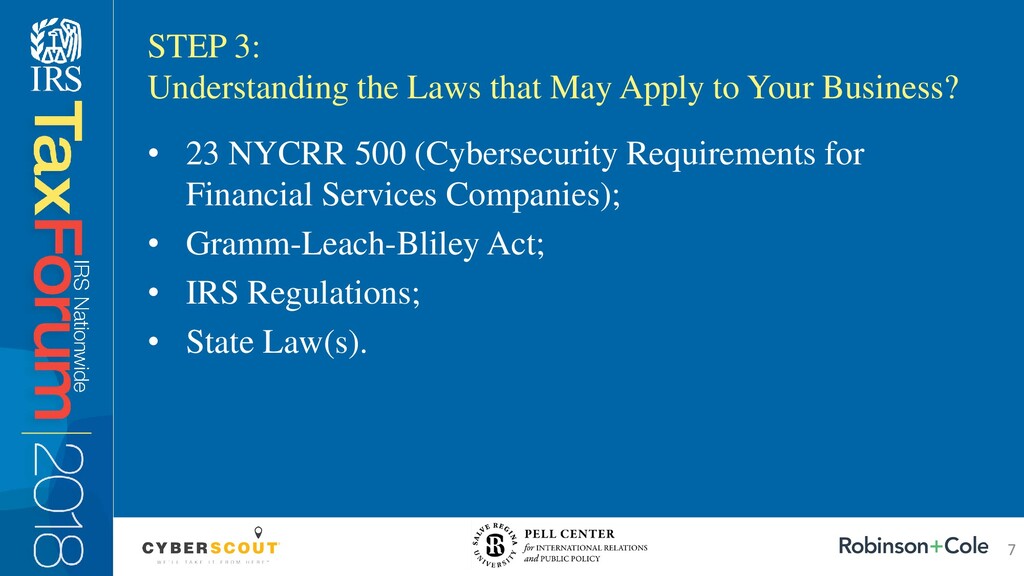
  6. • 23 NYCRR 500 (Cybersecurity Requirements for Financial Services Companies);

    • Gramm-Leach-Bliley Act; • IRS Regulations; • State Law(s). STEP 3: Understanding the Laws that May Apply to Your Business? 7
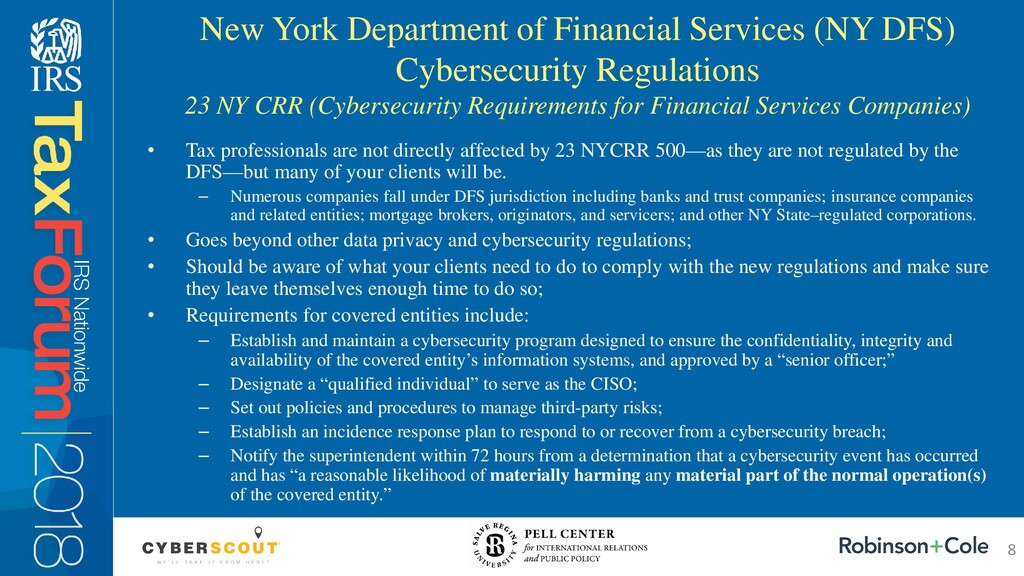
  7. • Tax professionals are not directly affected by 23 NYCRR

    500—as they are not regulated by the DFS—but many of your clients will be. – Numerous companies fall under DFS jurisdiction including banks and trust companies; insurance companies and related entities; mortgage brokers, originators, and servicers; and other NY State–regulated corporations. • Goes beyond other data privacy and cybersecurity regulations; • Should be aware of what your clients need to do to comply with the new regulations and make sure they leave themselves enough time to do so; • Requirements for covered entities include: – Establish and maintain a cybersecurity program designed to ensure the confidentiality, integrity and availability of the covered entity’s information systems, and approved by a “senior officer;” – Designate a “qualified individual” to serve as the CISO; – Set out policies and procedures to manage third-party risks; – Establish an incidence response plan to respond to or recover from a cybersecurity breach; – Notify the superintendent within 72 hours from a determination that a cybersecurity event has occurred and has “a reasonable likelihood of materially harming any material part of the normal operation(s) of the covered entity.” New York Department of Financial Services (NY DFS) Cybersecurity Regulations 23 NY CRR (Cybersecurity Requirements for Financial Services Companies) 8
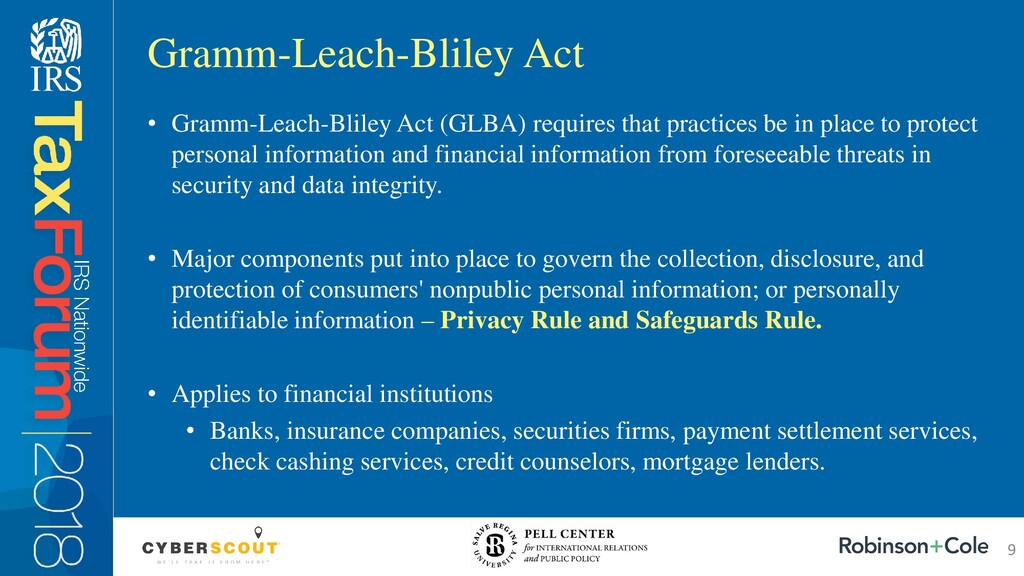
  8. • Gramm-Leach-Bliley Act (GLBA) requires that practices be in place

    to protect personal information and financial information from foreseeable threats in security and data integrity. • Major components put into place to govern the collection, disclosure, and protection of consumers' nonpublic personal information; or personally identifiable information – Privacy Rule and Safeguards Rule. • Applies to financial institutions • Banks, insurance companies, securities firms, payment settlement services, check cashing services, credit counselors, mortgage lenders. Gramm-Leach-Bliley Act 9
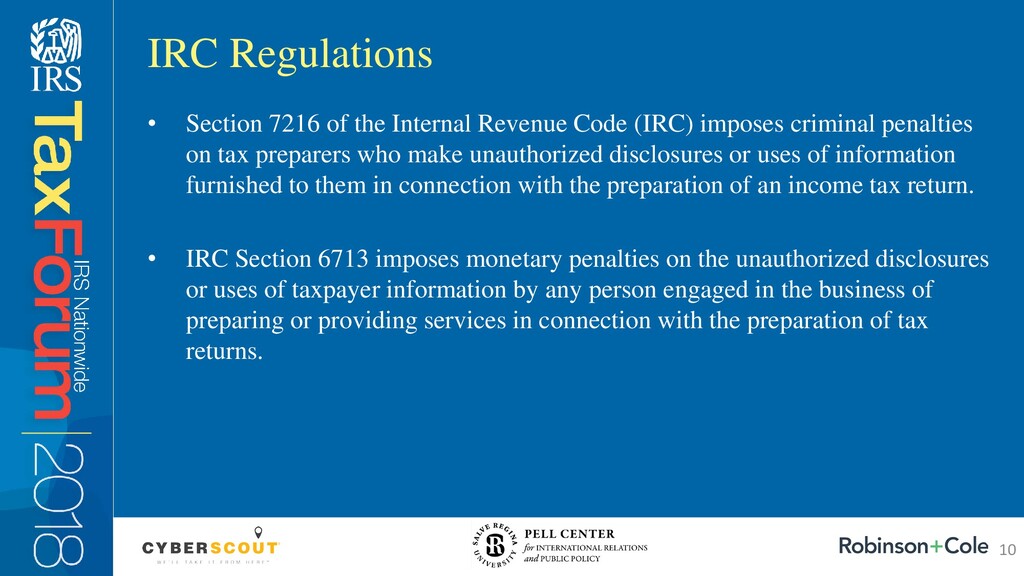
  9. • Section 7216 of the Internal Revenue Code (IRC) imposes

    criminal penalties on tax preparers who make unauthorized disclosures or uses of information furnished to them in connection with the preparation of an income tax return. • IRC Section 6713 imposes monetary penalties on the unauthorized disclosures or uses of taxpayer information by any person engaged in the business of preparing or providing services in connection with the preparation of tax returns. IRC Regulations 10
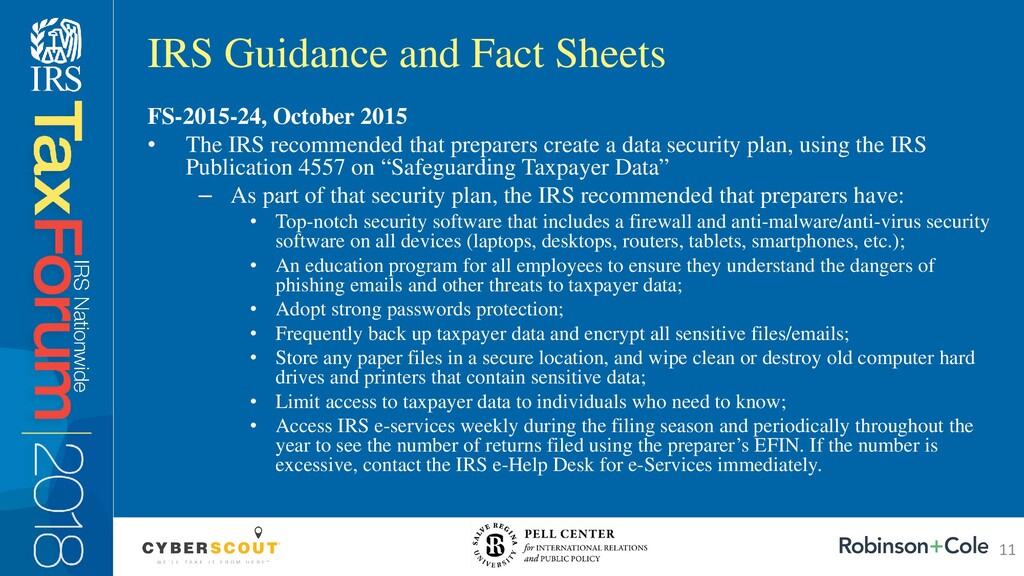
  10. FS-2015-24, October 2015 • The IRS recommended that preparers create

    a data security plan, using the IRS Publication 4557 on “Safeguarding Taxpayer Data” – As part of that security plan, the IRS recommended that preparers have: • Top-notch security software that includes a firewall and anti-malware/anti-virus security software on all devices (laptops, desktops, routers, tablets, smartphones, etc.); • An education program for all employees to ensure they understand the dangers of phishing emails and other threats to taxpayer data; • Adopt strong passwords protection; • Frequently back up taxpayer data and encrypt all sensitive files/emails; • Store any paper files in a secure location, and wipe clean or destroy old computer hard drives and printers that contain sensitive data; • Limit access to taxpayer data to individuals who need to know; • Access IRS e-services weekly during the filing season and periodically throughout the year to see the number of returns filed using the preparer’s EFIN. If the number is excessive, contact the IRS e-Help Desk for e-Services immediately. IRS Guidance and Fact Sheets 11
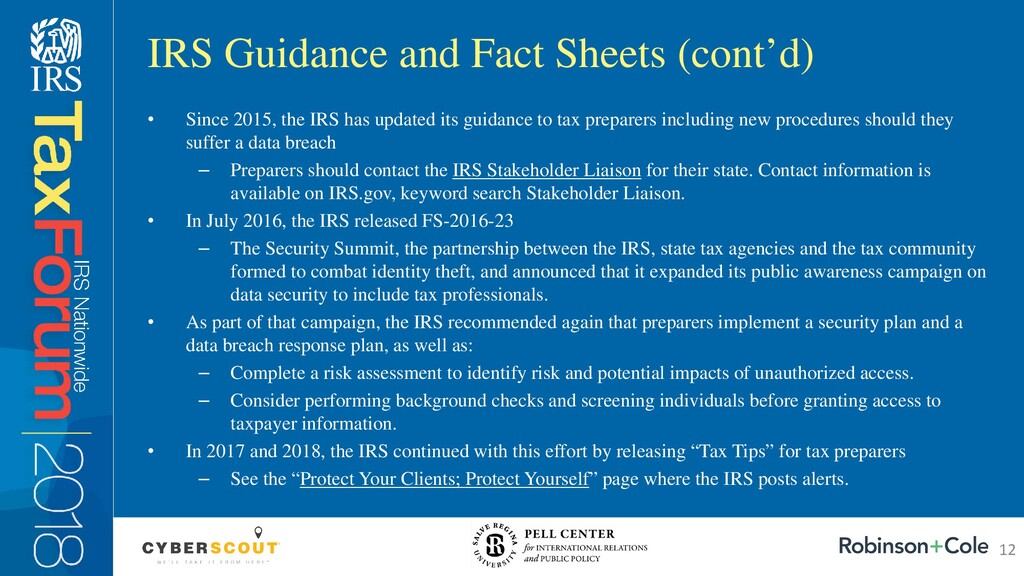
  11. • Since 2015, the IRS has updated its guidance to

    tax preparers including new procedures should they suffer a data breach – Preparers should contact the IRS Stakeholder Liaison for their state. Contact information is available on IRS.gov, keyword search Stakeholder Liaison. • In July 2016, the IRS released FS-2016-23 – The Security Summit, the partnership between the IRS, state tax agencies and the tax community formed to combat identity theft, and announced that it expanded its public awareness campaign on data security to include tax professionals. • As part of that campaign, the IRS recommended again that preparers implement a security plan and a data breach response plan, as well as: – Complete a risk assessment to identify risk and potential impacts of unauthorized access. – Consider performing background checks and screening individuals before granting access to taxpayer information. • In 2017 and 2018, the IRS continued with this effort by releasing “Tax Tips” for tax preparers – See the “Protect Your Clients; Protect Yourself” page where the IRS posts alerts. IRS Guidance and Fact Sheets (cont’d) 12
  12. So What Can you Do to Follow these Laws, Regulations

    and Guidelines? MINIMIZE the risks of an attack MONITOR for dangers MANAGE the damage 13
  13. MINIMIZE: Enterprise-Wide Privacy + Security Program • Policies, procedures and

    standards – Privacy (e.g. access controls, use and disclosure); – Security (e.g. data retention, data backup, media reuse policy). • Education through training and awareness • Compliance with regulatory and legal requirements • Audit and assess periodically • Assess collection, use and disclosure of data from: – Employees; – Clients; – Business Partners; and – Contractors, Consultants and Vendors. • Determine what policies, procedures and standards need to be in place to protect that data, and applicable state and/or federal laws related to the same • Examine the processing and storage of data on: – Mobile devices/removable media; – Transmission channels; – Applications and software; – Servers; – Backup media; • Implement appropriate security processes to protect the transmission of data • Establish Website Privacy Policy and Terms of Use; Privacy Policy + Procedures; and Security Policy + Procedures 14
  14. • Acceptable Use Procedure • Social Media Standards and Guidelines

    • Bring Your Own Device Program • E-mail Procedure • Data Retention Program and Retention Schedule • HIPAA Compliance – If self-funded health plan MINIMIZE: Privacy + Security Policies, Procedures and Standards 15
  15. Cyber Attacks • It could be anyone. • If you

    throw a dart at a map of the world, you are likely to hit a source of the problem. • Experts say the risk from attacks extends beyond losing information to opening opportunities for serious damage. • With proper systems you CAN know where every attack is originating and how frequently. Do you? Cyber Attacks: How does this happen? • Through your network – Vulnerabilities in your hardware, software or systems. – Your employees and mistakes they might make. – Your clients, if, and to the extent they have access to your network. – Vendors and contractors, if and to the extent they have access to your network. MONITOR: Consider the Risks to Your Data 16
  16. • Phishing • A malicious “spam-like” message sent in large

    batches to a broad audience. • Spear-Phishing • A form of phishing – messages appear to come from a familiar or trusted sender and target recipients. • Ransomware • A type of malicious software designed to block access to a computer system until a sum of money is paid. • Malware • Software that is intended to damage or disable computers and computer systems. MONITOR: Consider the Risks to Your Data 17
  17. Phishing/Spear-Phishing • IRS Issued Warnings to Payroll/HR Departments – March

    1, 2016, and February 2, 2017. – Warning of phishing schemes that affected numerous companies • Phishing emails posing as state accounting or professional associations. – According to the IRS, “If your CEO appears to be emailing you for company employees’ personal information, including SSNs, check it out before you respond.” – If you receive suspicious emails related to taxes or the IRS, or phishing attempts to gain access to your databases, forward/report those emails to [email protected]. MONITOR: Consider the Risks to Your Data 18
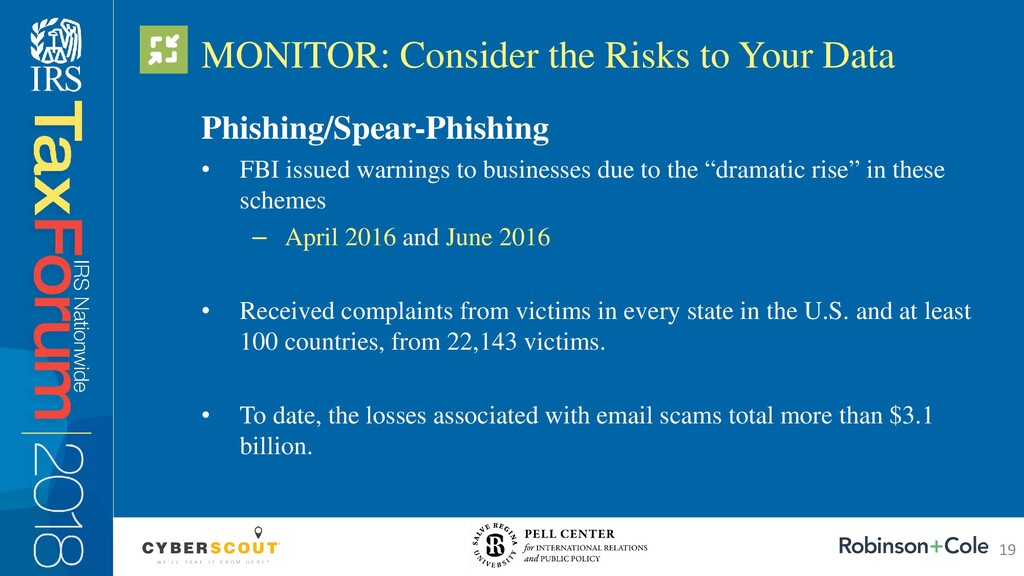
  18. Phishing/Spear-Phishing • FBI issued warnings to businesses due to the

    “dramatic rise” in these schemes – April 2016 and June 2016 • Received complaints from victims in every state in the U.S. and at least 100 countries, from 22,143 victims. • To date, the losses associated with email scams total more than $3.1 billion. MONITOR: Consider the Risks to Your Data 19
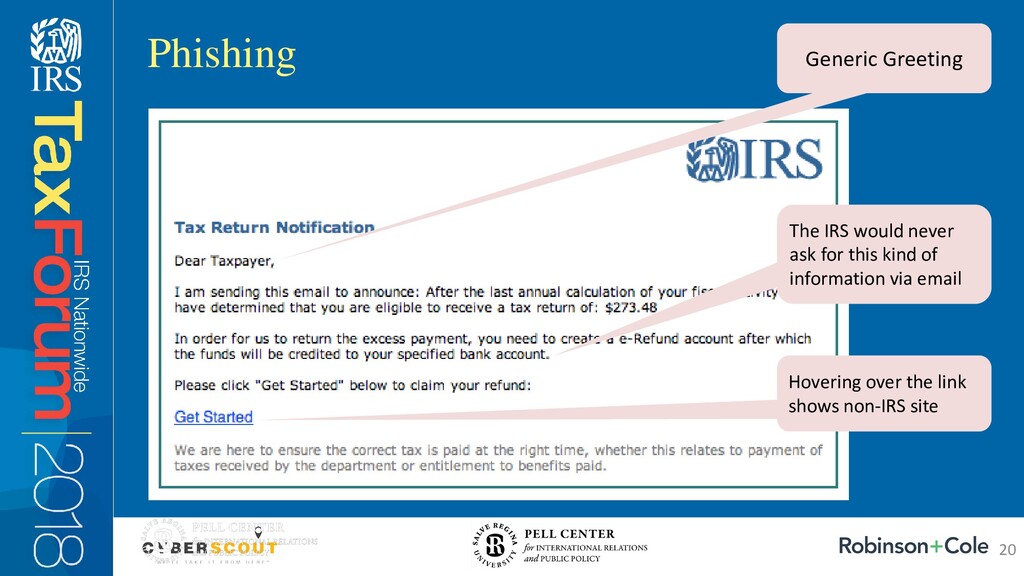
  19. Phishing Generic Greeting The IRS would never ask for this

    kind of information via email Hovering over the link shows non-IRS site 20
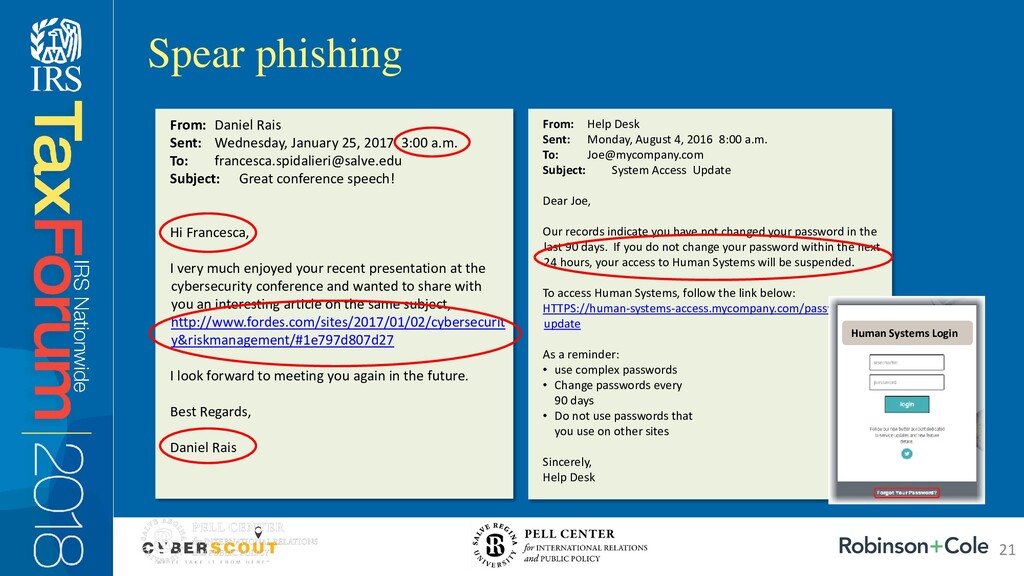
  20. Spear phishing From: Help Desk Sent: Monday, August 4, 2016

    8:00 a.m. To: [email protected] Subject: System Access Update Dear Joe, Our records indicate you have not changed your password in the last 90 days. If you do not change your password within the next 24 hours, your access to Human Systems will be suspended. To access Human Systems, follow the link below: HTTPS://human-systems-access.mycompany.com/password- update As a reminder: • use complex passwords • Change passwords every 90 days • Do not use passwords that you use on other sites Sincerely, Help Desk Human Systems Login From: Daniel Rais Sent: Wednesday, January 25, 2017 3:00 a.m. To: [email protected] Subject: Great conference speech! Hi Francesca, I very much enjoyed your recent presentation at the cybersecurity conference and wanted to share with you an interesting article on the same subject, http://www.fordes.com/sites/2017/01/02/cybersecurit y&riskmanagement/#1e797d807d27 I look forward to meeting you again in the future. Best Regards, Daniel Rais 21
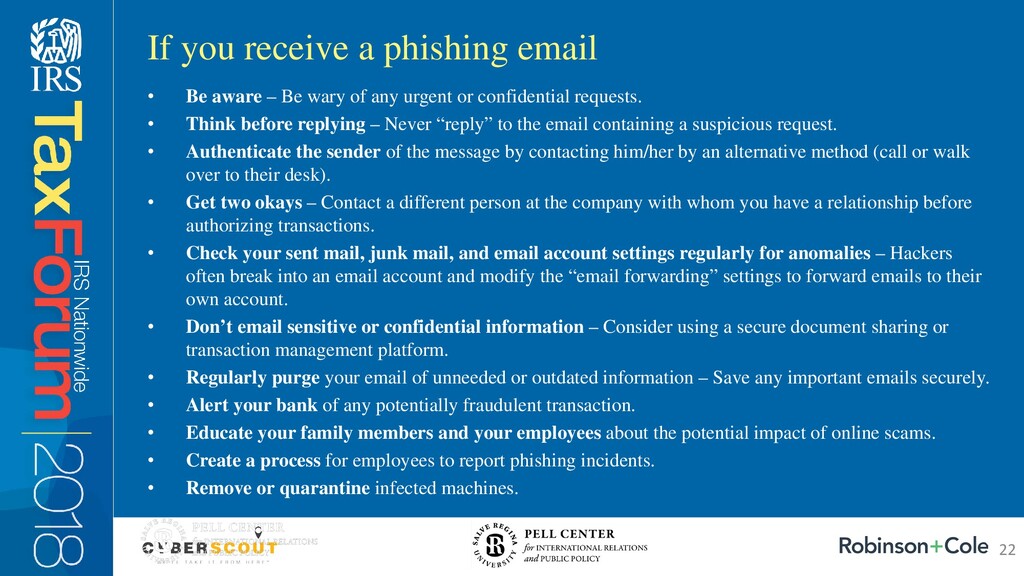
  21. • Be aware – Be wary of any urgent or

    confidential requests. • Think before replying – Never “reply” to the email containing a suspicious request. • Authenticate the sender of the message by contacting him/her by an alternative method (call or walk over to their desk). • Get two okays – Contact a different person at the company with whom you have a relationship before authorizing transactions. • Check your sent mail, junk mail, and email account settings regularly for anomalies – Hackers often break into an email account and modify the “email forwarding” settings to forward emails to their own account. • Don’t email sensitive or confidential information – Consider using a secure document sharing or transaction management platform. • Regularly purge your email of unneeded or outdated information – Save any important emails securely. • Alert your bank of any potentially fraudulent transaction. • Educate your family members and your employees about the potential impact of online scams. • Create a process for employees to report phishing incidents. • Remove or quarantine infected machines. If you receive a phishing email 22
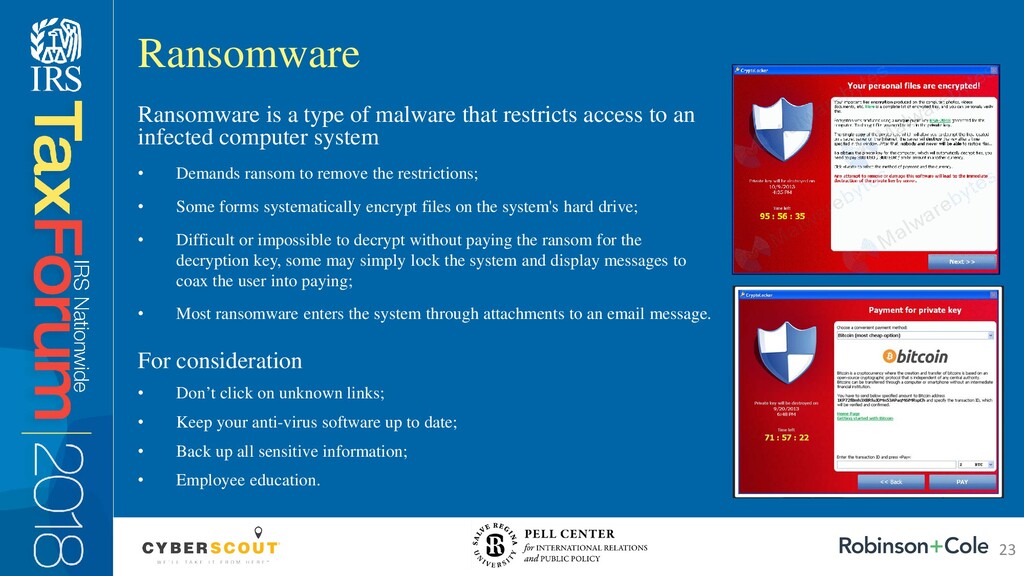
  22. Ransomware is a type of malware that restricts access to

    an infected computer system • Demands ransom to remove the restrictions; • Some forms systematically encrypt files on the system's hard drive; • Difficult or impossible to decrypt without paying the ransom for the decryption key, some may simply lock the system and display messages to coax the user into paying; • Most ransomware enters the system through attachments to an email message. For consideration • Don’t click on unknown links; • Keep your anti-virus software up to date; • Back up all sensitive information; • Employee education. Ransomware 23
  23. Ransomware/Malware • IBM Security released a report in 2017: –

    70% of companies infected with ransomware pay the ransom to get the decryption key for access to data. – Half of the 1,621 companies surveyed said they had been attacked with ransomware. – Of the 70% who paid, more than half paid more than $10,000 for the decryption key, while 20% paid more than $40,000. • 60% of executives said they would pay to recover their data and 25% of them said they would pay between $20,000 and $50,000 to recover customer records, financial information, intellectual property and business plans. • Based upon the survey, it does not appear that ransomware is going to go away any time soon!!! • The profit margins and incentives are high for cyber criminals to continue on the same path of attacking businesses with ransomware. MONITOR: Consider the Risks to Your Data 24
  24. • Incident Response and Breach Notification Plan – To be

    effective, the incident response plan and breach notification process must be part of a comprehensive information security plan: • Risk assessment; • Trigger events; • Mitigation plan. – Identify State and Federal Laws and Requirements; – Communications/Media Team/Vendors in Place; – Breach Notification Laws Across the Country: • 50 State Breach Notification Laws • For larger businesses: assemble an incident response team and assign overall responsibility for enterprise-wide information privacy & security oversight (appoint a data privacy officer and a data security officer). MANAGE: Develop an Incident Response Plan 25
  25. • Make employees aware of the important role they play

    in privacy and security. • Your employees are your front line of defense when it comes to security (and also one of your highest risks). • Hold a yearly data privacy and security training for all employees and all new employees. MANAGE: Educate Your Employees 26
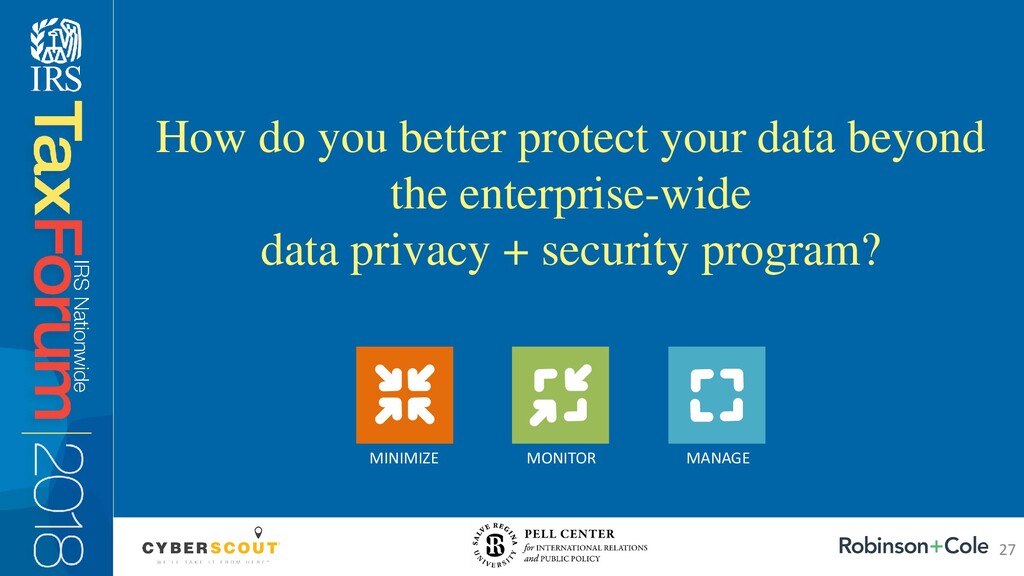
  26. How do you better protect your data beyond the enterprise-wide

    data privacy + security program? MINIMIZE MONITOR MANAGE 27
  27. • Laptops, USBs, portable hard drives, and smartphones are high

    risk if they contain personal information or other confidential business information: – Stolen unencrypted mobile devices still an issue every day; – Lost laptops and USB drives; – Connecting to an unsecure Wi-Fi network. • If a mobile device contains personal information and the personal information is accessed, used, or disclosed by an unauthorized individual you may be required to notify under state law. • Risks with using USB drives; – Cyber criminals starting to write viruses and worms that specifically target USBs; – So small they’re easy to lose; – If a lost or stolen USB drive contains sensitive personal information that’s not encrypted or secure it could be a reportable data breach. Be Aware of Risks from Mobile Devices and Removable Media 28
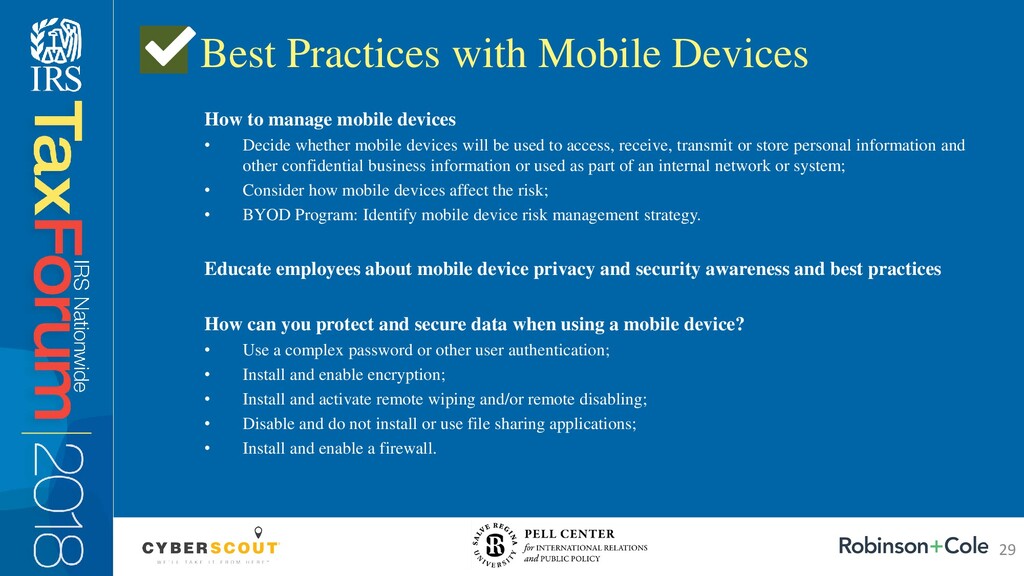
  28. How to manage mobile devices • Decide whether mobile devices

    will be used to access, receive, transmit or store personal information and other confidential business information or used as part of an internal network or system; • Consider how mobile devices affect the risk; • BYOD Program: Identify mobile device risk management strategy. Educate employees about mobile device privacy and security awareness and best practices How can you protect and secure data when using a mobile device? • Use a complex password or other user authentication; • Install and enable encryption; • Install and activate remote wiping and/or remote disabling; • Disable and do not install or use file sharing applications; • Install and enable a firewall. Best Practices with Mobile Devices 29
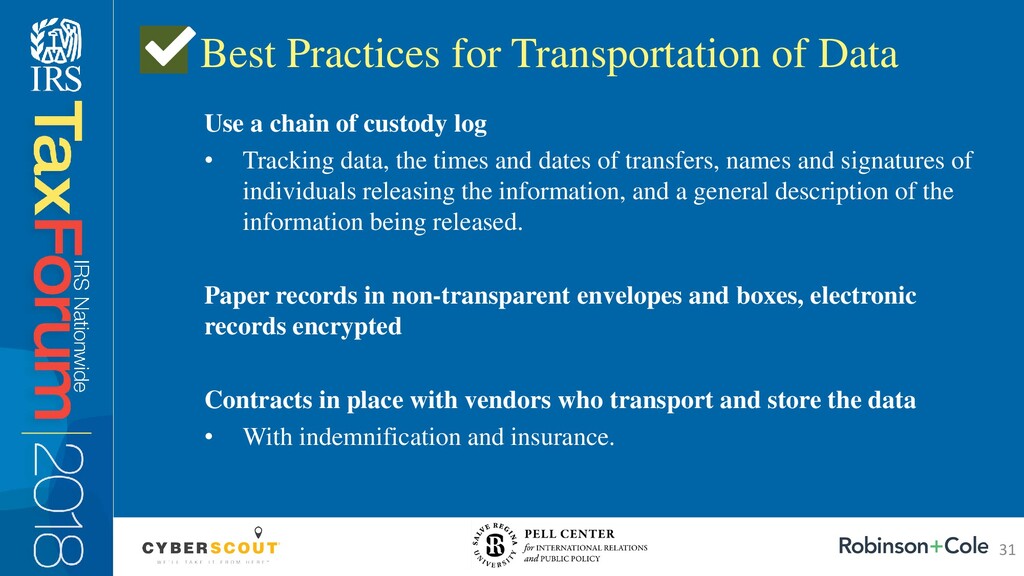
  29. Use a chain of custody log • Tracking data, the

    times and dates of transfers, names and signatures of individuals releasing the information, and a general description of the information being released. Paper records in non-transparent envelopes and boxes, electronic records encrypted Contracts in place with vendors who transport and store the data • With indemnification and insurance. Best Practices for Transportation of Data 31
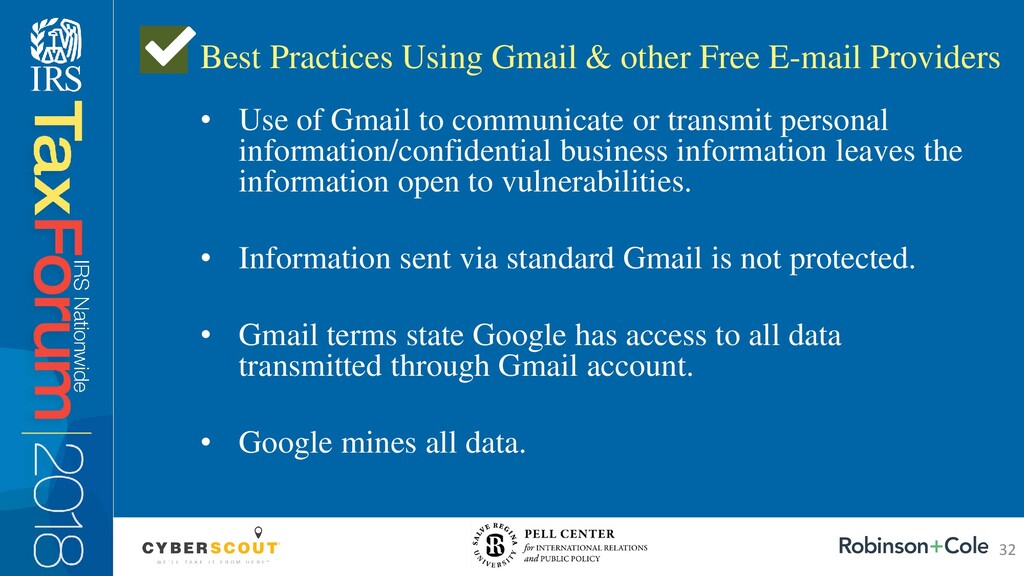
  30. • Use of Gmail to communicate or transmit personal information/confidential

    business information leaves the information open to vulnerabilities. • Information sent via standard Gmail is not protected. • Gmail terms state Google has access to all data transmitted through Gmail account. • Google mines all data. Best Practices Using Gmail & other Free E-mail Providers 32
  31. • Encryption • Virtual Private Network/RSA • Verify Selected Recipients

    • Use Standard Confidentiality Disclaimers in Outlook • “Sensitive” communications should be given special protections against disclosure to 3rd parties • It is the responsibility of the employee directing the communication to determine if the communication is “sensitive” or “confidential.” Best Practices when Using E-mail 33
  32. Protect High risk data • Any documents with SSN •

    W-2s • Health insurance records • Benefits records • Salary and personnel information Best Practices to Protect Paper Records How to Protect • Lock filing cabinets • Lock offices/building/rooms • Only accessed by authorized personnel with a need to know • Do not send via regular mail • Implement a Retention Program • Destroy any paper records that don’t need to be kept/stored 34
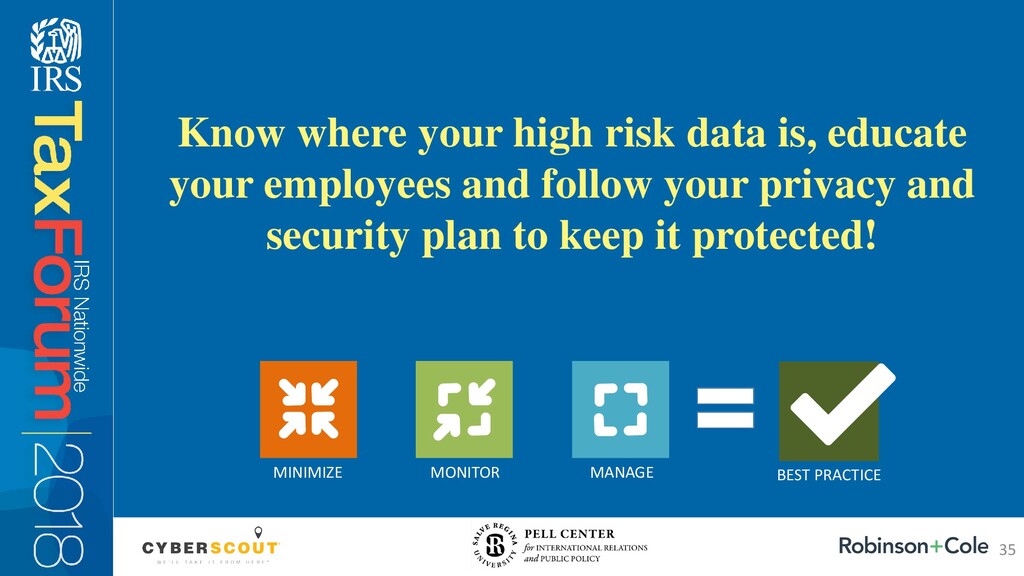
  33. Know where your high risk data is, educate your employees

    and follow your privacy and security plan to keep it protected! MINIMIZE MONITOR MANAGE BEST PRACTICE 35
  34. • IRS “Protect Your Clients; Protect Yourself” – www.irs.gov/tax-professionals/protect-your-clients-protect-yourself •

    US-CERT – www.us-cert.gov • InfraGard – www.infragard.org • SANS Institute – www.sans.org Additional Resources 36
  35. This seminar was made possible thanks to a generous grant

    from the American Coalition for Taxpayer Rights (ACTR) to the Pell Center at Salve Regina University
  36. Thank You / Questions Matt Cullina CEO CyberScout Email: [email protected]

    Francesca Spidalieri Sr. Fellow for Cyber Leadership Pell Center, Salve Regina University Email: [email protected] Linn Foster Freedman Partner Robinson + Cole Email: [email protected] Blog: www.dataprivacyandsecurityinsider.com Our Mission As trusted partners, we help your customers minimize, monitor and manage identity theft, fraud and cyber risk. Our Mission We are a multidisciplinary research center focused at the intersection of politics, policies and ideas. Our Mission We cultivate deep relationships within our communities, the legal profession and industries we serve to envision “the whole picture” and to understand the factors that drive today’s constantly changing world. 37