and onboarded a number of junior developers since then ▸ Maintainer of django-storages ▸ Talk will proceed in 3 parts: ▸ Overview of the API provided by Django ▸ Some options for deployment ▸ Writing a storage backend
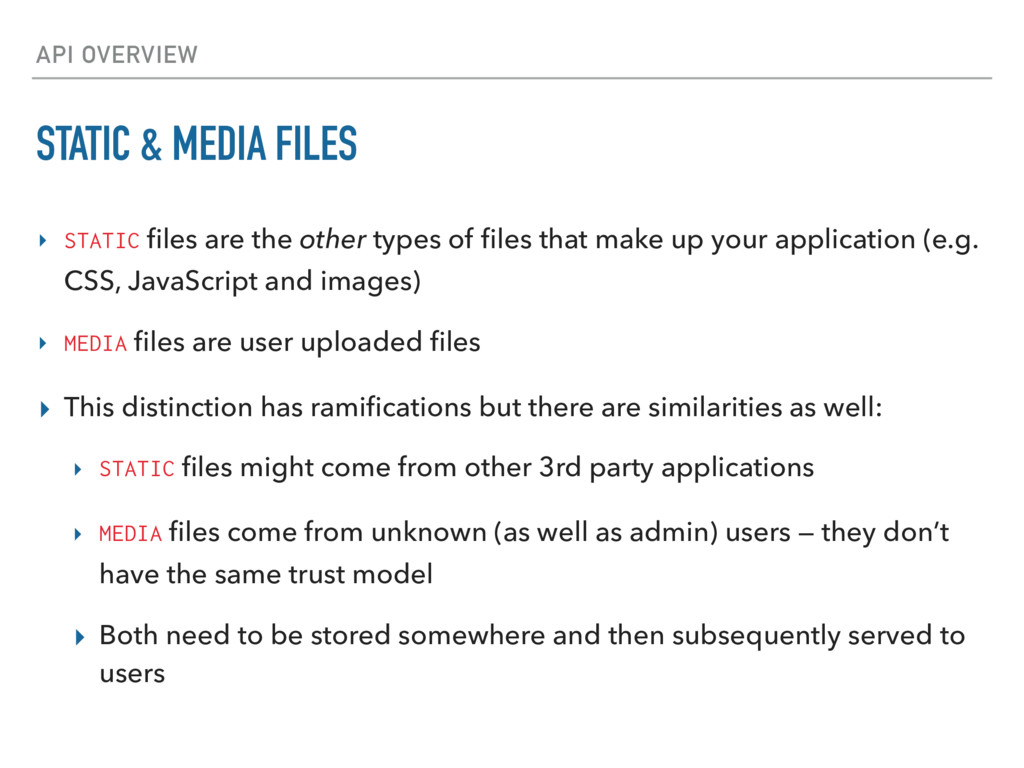
the other types of files that make up your application (e.g. CSS, JavaScript and images) ▸ MEDIA files are user uploaded files ▸ This distinction has ramifications but there are similarities as well: ▸ STATIC files might come from other 3rd party applications ▸ MEDIA files come from unknown (as well as admin) users — they don’t have the same trust model ▸ Both need to be stored somewhere and then subsequently served to users
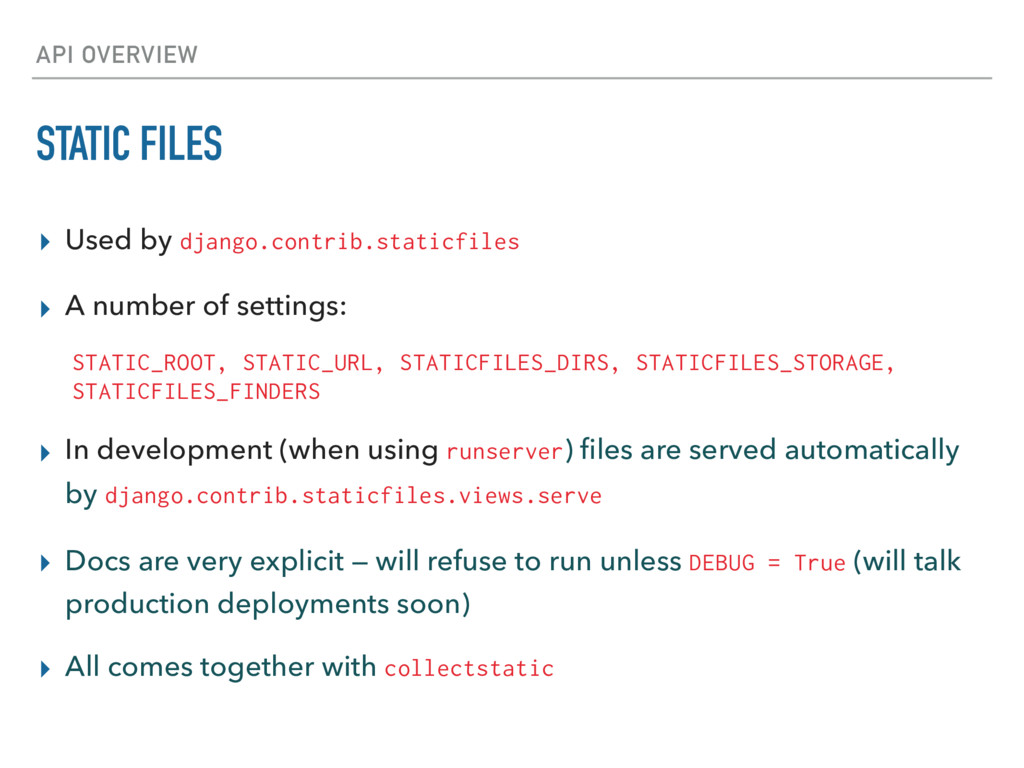
number of settings: STATIC_ROOT, STATIC_URL, STATICFILES_DIRS, STATICFILES_STORAGE, STATICFILES_FINDERS ▸ In development (when using runserver) files are served automatically by django.contrib.staticfiles.views.serve ▸ Docs are very explicit — will refuse to run unless DEBUG = True (will talk production deployments soon) ▸ All comes together with collectstatic
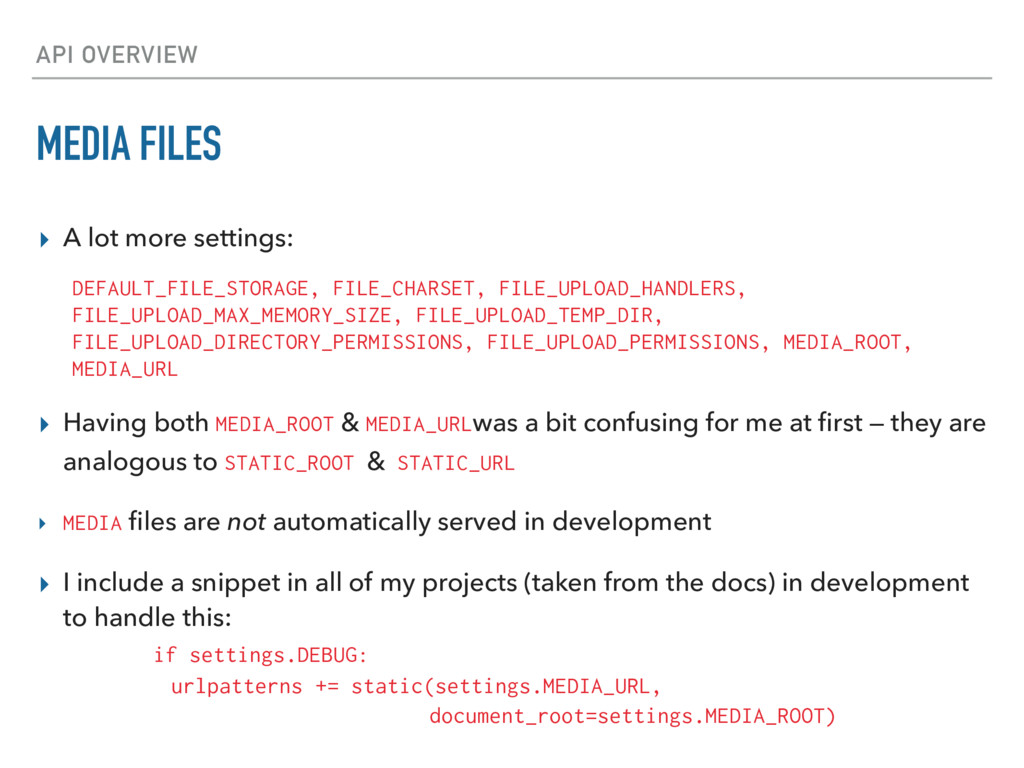
FILE_CHARSET, FILE_UPLOAD_HANDLERS, FILE_UPLOAD_MAX_MEMORY_SIZE, FILE_UPLOAD_TEMP_DIR, FILE_UPLOAD_DIRECTORY_PERMISSIONS, FILE_UPLOAD_PERMISSIONS, MEDIA_ROOT, MEDIA_URL ▸ Having both MEDIA_ROOT & MEDIA_URLwas a bit confusing for me at first — they are analogous to STATIC_ROOT & STATIC_URL ▸ MEDIA files are not automatically served in development ▸ I include a snippet in all of my projects (taken from the docs) in development to handle this: if settings.DEBUG: urlpatterns += static(settings.MEDIA_URL, document_root=settings.MEDIA_ROOT)
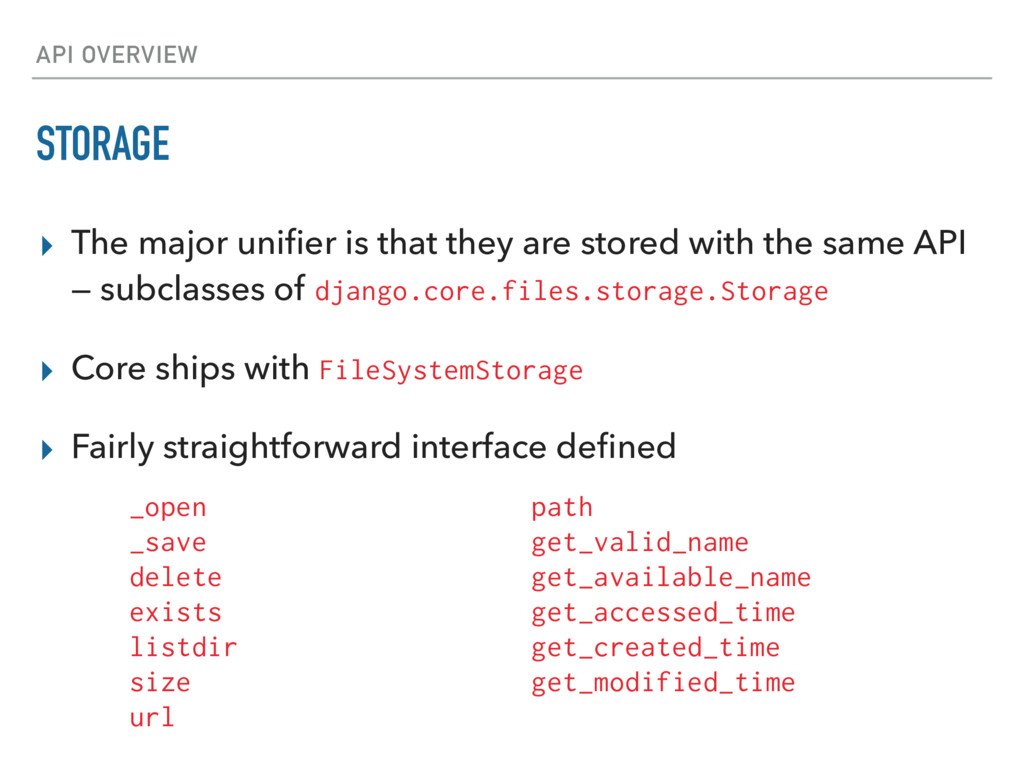
are stored with the same API — subclasses of django.core.files.storage.Storage ▸ Core ships with FileSystemStorage ▸ Fairly straightforward interface defined _open _save delete exists listdir size url path get_valid_name get_available_name get_accessed_time get_created_time get_modified_time
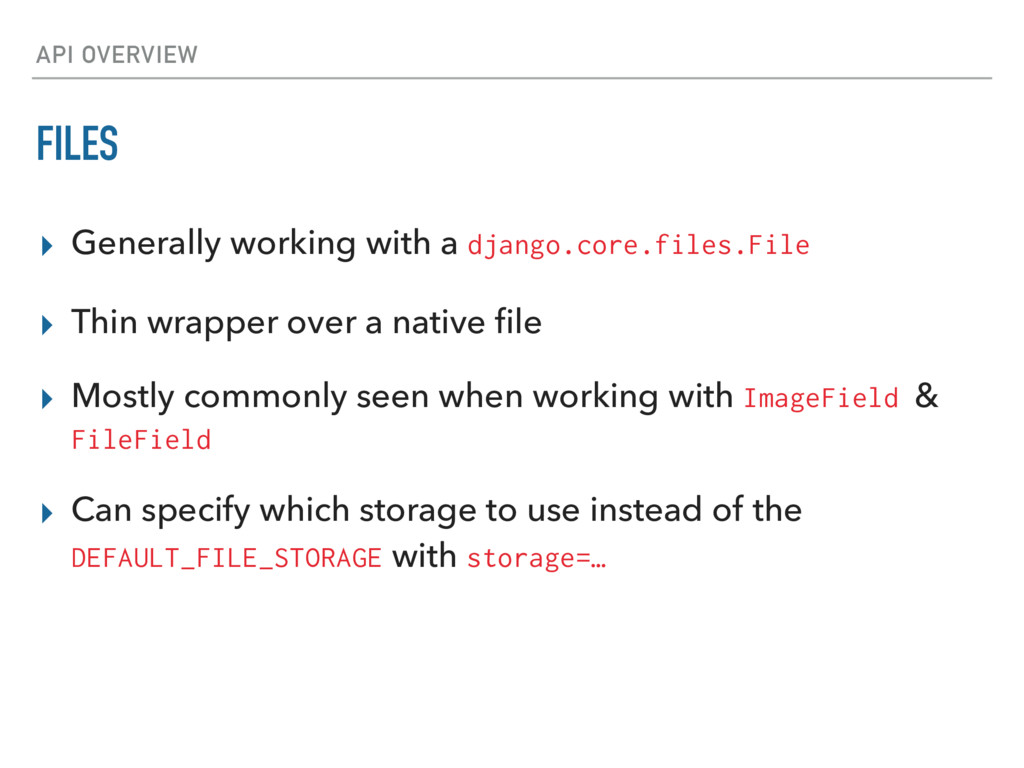
Thin wrapper over a native file ▸ Mostly commonly seen when working with ImageField & FileField ▸ Can specify which storage to use instead of the DEFAULT_FILE_STORAGE with storage=…
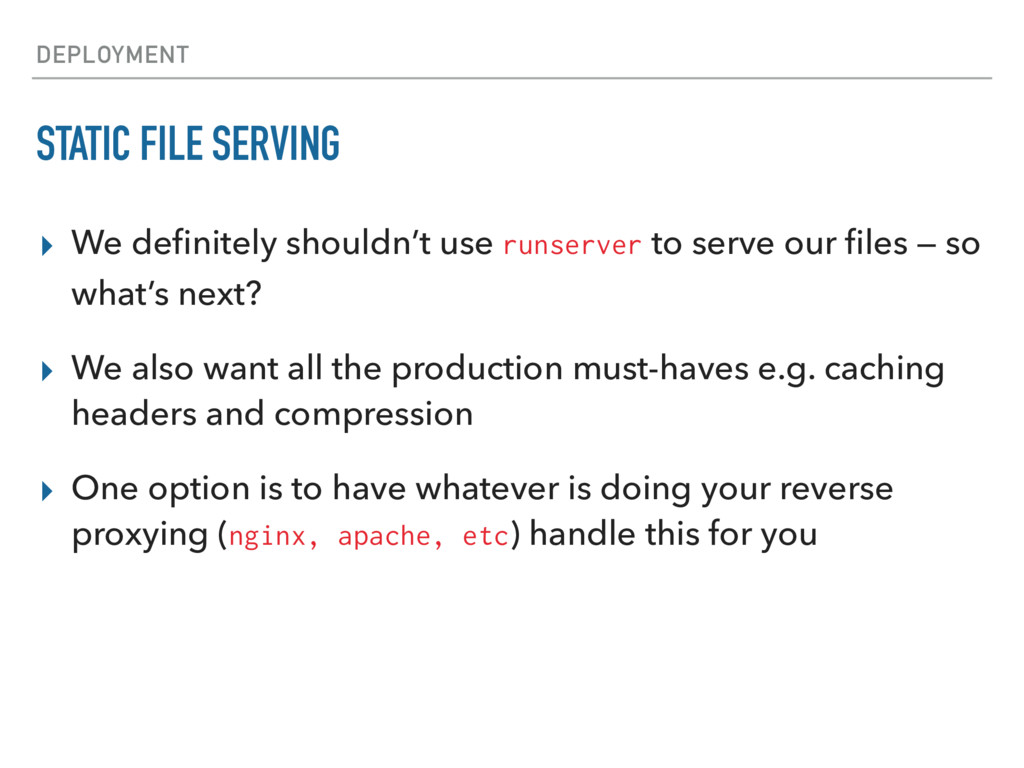
to serve our files — so what’s next? ▸ We also want all the production must-haves e.g. caching headers and compression ▸ One option is to have whatever is doing your reverse proxying (nginx, apache, etc) handle this for you
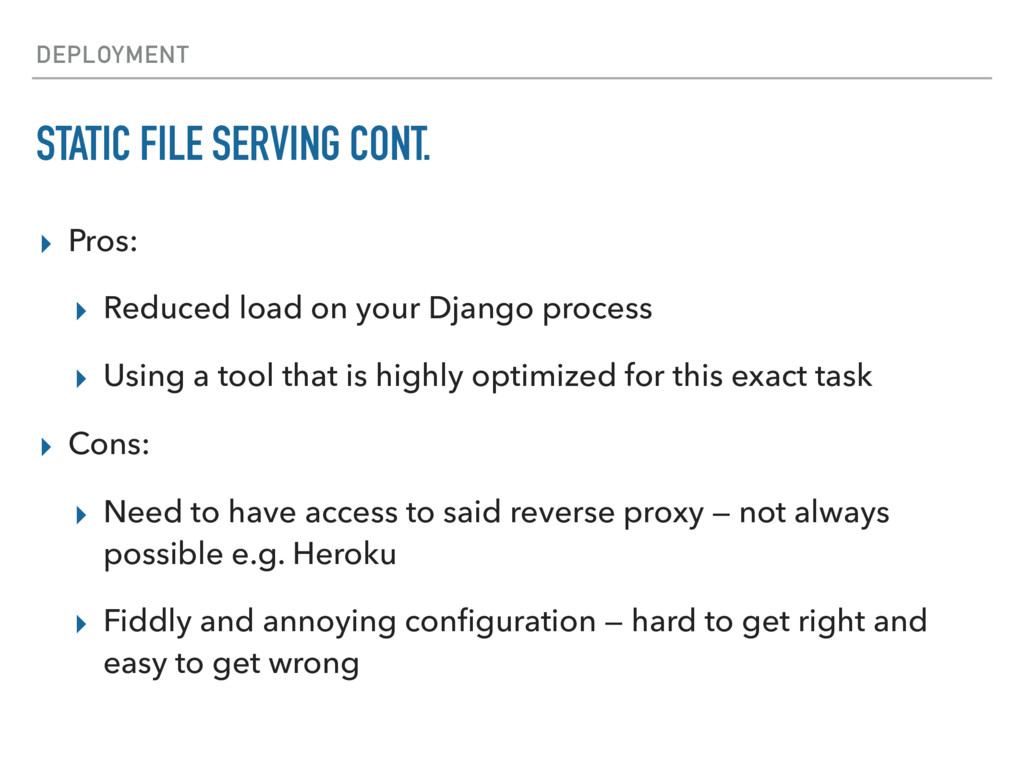
on your Django process ▸ Using a tool that is highly optimized for this exact task ▸ Cons: ▸ Need to have access to said reverse proxy — not always possible e.g. Heroku ▸ Fiddly and annoying configuration — hard to get right and easy to get wrong
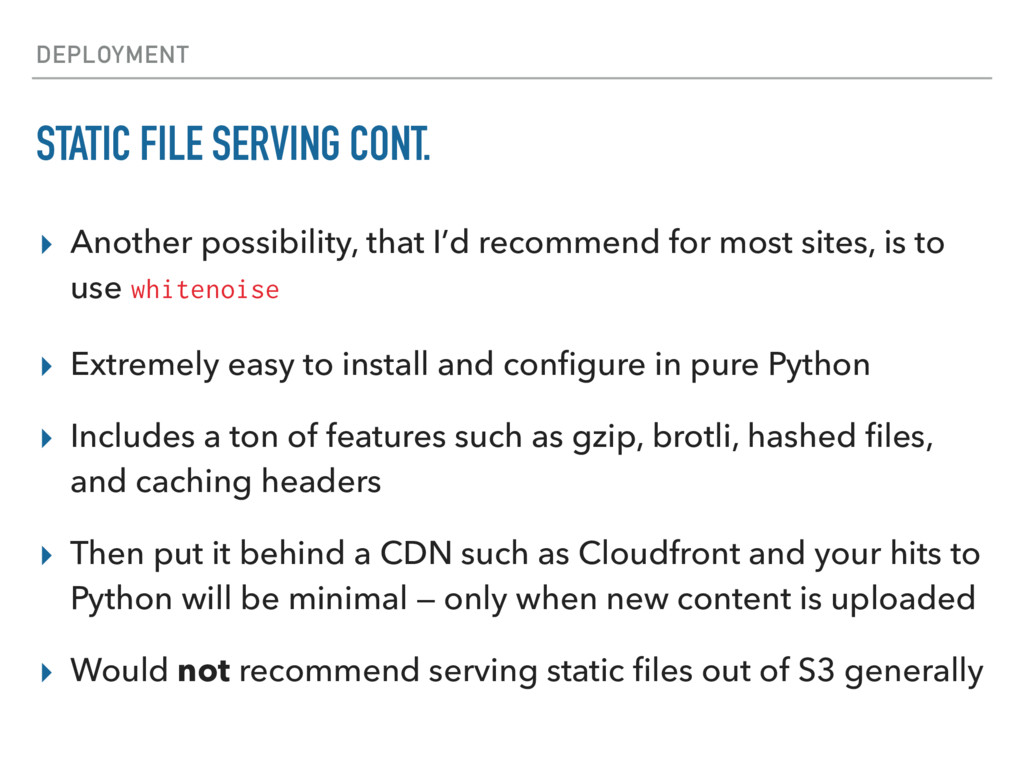
recommend for most sites, is to use whitenoise ▸ Extremely easy to install and configure in pure Python ▸ Includes a ton of features such as gzip, brotli, hashed files, and caching headers ▸ Then put it behind a CDN such as Cloudfront and your hits to Python will be minimal — only when new content is uploaded ▸ Would not recommend serving static files out of S3 generally
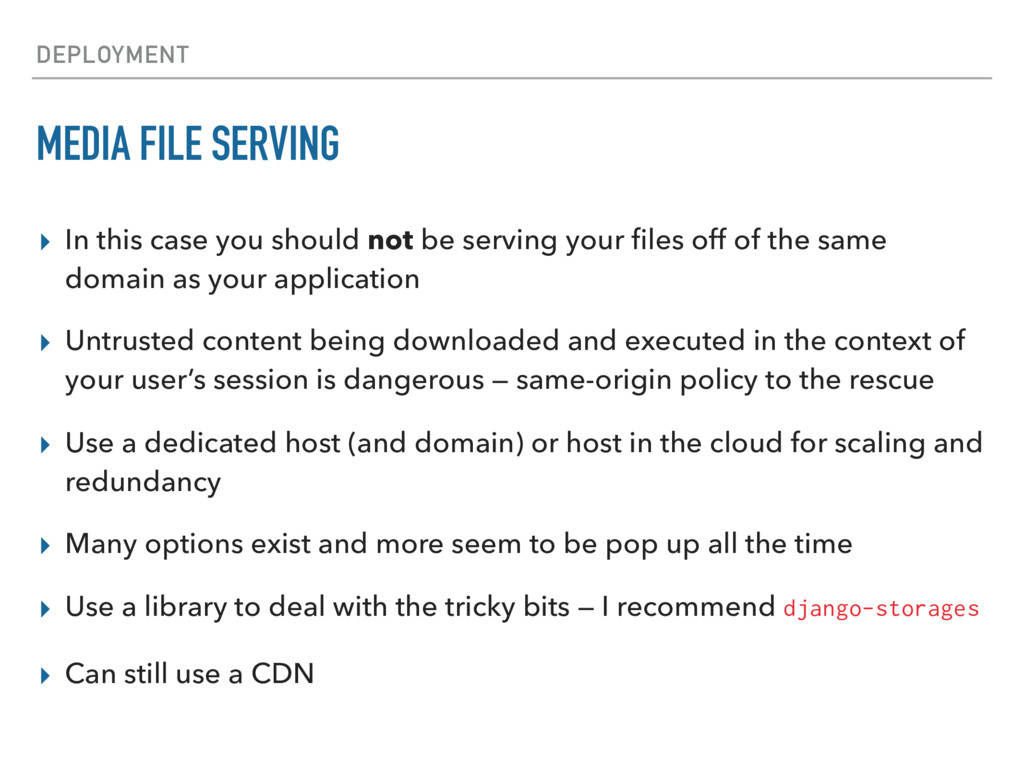
not be serving your files off of the same domain as your application ▸ Untrusted content being downloaded and executed in the context of your user’s session is dangerous — same-origin policy to the rescue ▸ Use a dedicated host (and domain) or host in the cloud for scaling and redundancy ▸ Many options exist and more seem to be pop up all the time ▸ Use a library to deal with the tricky bits — I recommend django-storages ▸ Can still use a CDN


 jschneier
 s_shimotori
 yuukiw00w
 h1d3mun3
 yukiny
 rkaga
rkaga
 tosite
 uyuki234
 seike460
 rockname
 findyinc
.jpg) yumnumm
yumnumm
 madoxten
 thirion
 panda_program
 kimpetersen
 cassininazir
 akademiya2063
 cromwellryan
 trishagee
 samlambert
 rkendrick25
 davetheseo
 codingconduct