Upgrade to Pro
— share decks privately, control downloads, hide ads and more …
Speaker Deck
Sign up for free
Menu
Search
Features
All features
Private URLs
Password Protection
Custom URLS
Scheduled publishing
Remove Branding
Restrict embedding
Deck Collections
Notes
Features
All features
Private URLs
Password Protection
Custom URLS
Scheduled publishing
Remove Branding
Restrict embedding
Deck Collections
Notes
Explore
Featured decks
Featured speakers
Programming
Technology
Storyboards
Explore
Featured decks
Featured speakers
Programming
Technology
Storyboards
Pricing
Search
Sign in
Sign up for free
Parse.com presentation
Search
Sponsored
·
SiteGround - Reliable hosting with speed, security, and support you can count on.
→
John Tubert
March 06, 2013
Programming
85
0
Share
Embed
Copy iframe code
Copy JS code
Copy link
Start on current slide
Parse.com presentation
Parse.com presentation I gave to an internal team at R/GA.
John Tubert
March 06, 2013
Other Decks in Programming
See All in Programming
個人開発者よ、Honoを使え(おじさんver)
tanahiro2010
2
260
Compiling a real-world CLI tool to native with Static Hermes
tmikov2023
0
120
contenteditable と日本語入力に向き合う
colorful12
0
200
残高管理から台帳サービスへの進化
artoy
1
200
Optunaを作ったときにやりたかったこと、その後 (2026/10/16, Optuna Meetup #3)
iwiwi
1
430
ActionController meets Protocol Buffers
sorah
0
520
Starting & Sustaining Code-Based E2E Testing for Non-Coding QA Teams( #jasstniigata )
teyamagu
PRO
1
1k
[2026-09-26]空論ジェネリックプロセス~テスト資産とAIで紡ぐ、再現可能なパフォーマンスチューニングの話~
tosite
0
270
Railsバージョンを4倍にした話
optim
0
350
SalesForceを内製化!? ~ HR事業を支える顧客管理基盤のインフラを大公開 ~
oku053
0
180
Vue Fes Japan の “作る側”に関わってみて
naokihaba
0
160
AWS CDKのカスタムリソースでContinuum(旧Security Agent)を実装した話 | Implementing Continuum (formerly Security Agent) via AWS CDK Custom Resource
akihisaikeda
2
150
Featured
See All Featured
We Analyzed 250 Million AI Search Results: Here's What I Found
joshbly
2
2k
Large-scale JavaScript Application Architecture
addyosmani
516
110k
Measuring & Analyzing Core Web Vitals
bluesmoon
9
1k
Put a Button on it: Removing Barriers to Going Fast.
kastner
60
4.6k
Public Speaking Without Barfing On Your Shoes - THAT 2023
reverentgeek
1
600
Building Applications with DynamoDB
mza
96
7.2k
How to Get Subject Matter Experts Bought In and Actively Contributing to SEO & PR Initiatives.
livdayseo
0
220
Building an army of robots
kneath
307
47k
Future Trends and Review - Lecture 12 - Web Technologies (1019888BNR)
signer
PRO
0
3.8k
Crafting Experiences
bethany
1
380
Refactoring Trust on Your Teams (GOTO; Chicago 2020)
rmw
35
3.8k
Breaking role norms: Why Content Design is so much more than writing copy - Taylor Woolridge
uxyall
1
450
Transcript
Parse.com Mobile app platform By John Tubert
Disclaimer I am NOT an iOS developer, nor an expert
in the parse.com platform.
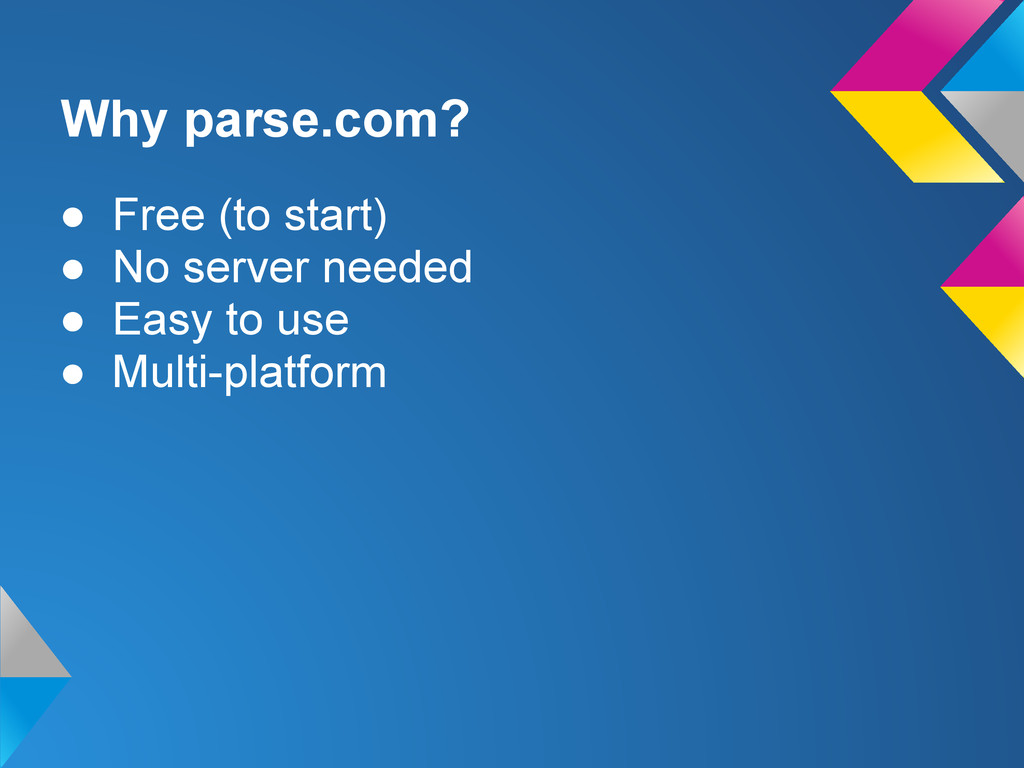
Why parse.com? • Free (to start) • No server needed
• Easy to use • Multi-platform
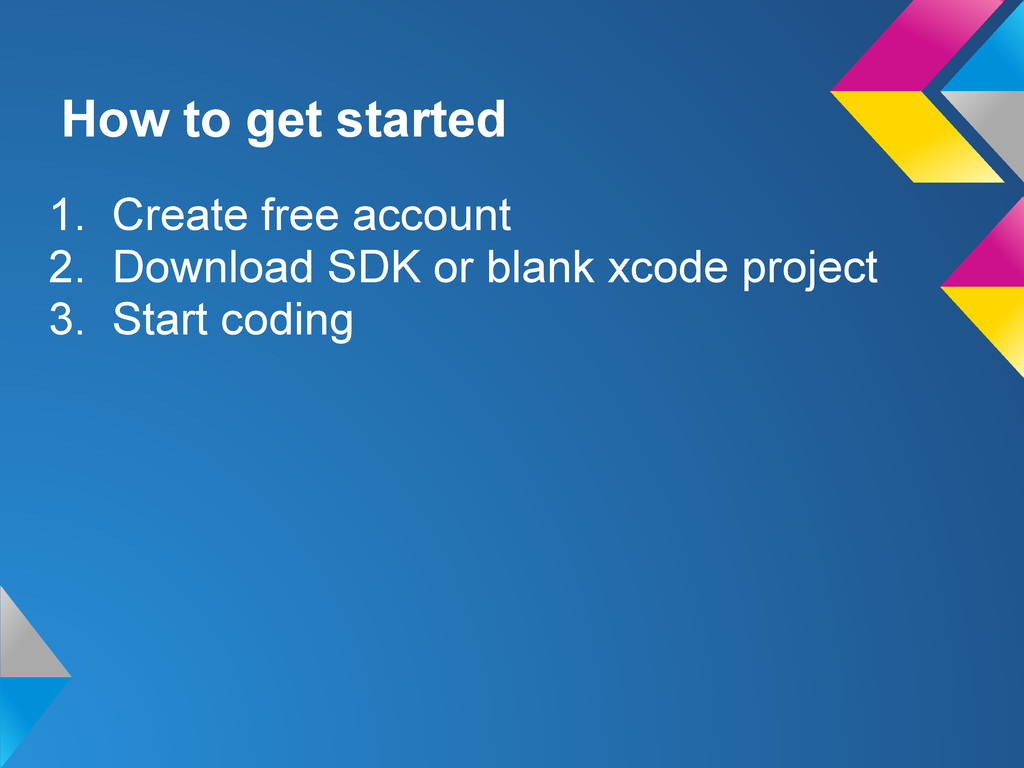
How to get started 1. Create free account 2. Download
SDK or blank xcode project 3. Start coding
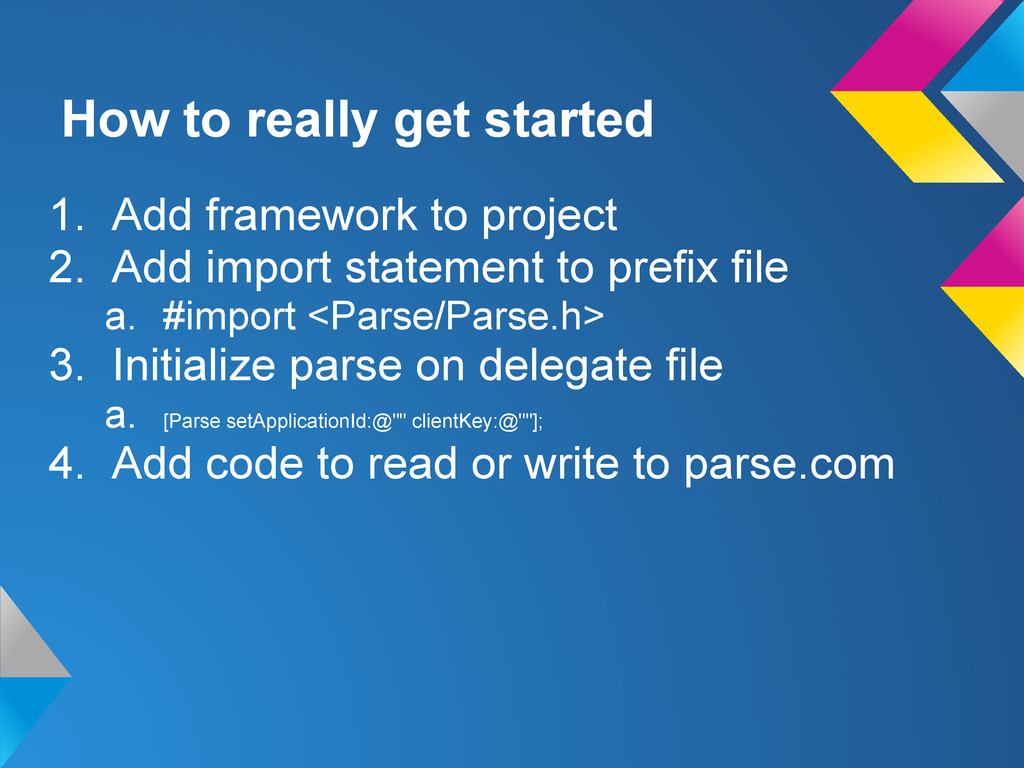
How to really get started 1. Add framework to project
2. Add import statement to prefix file a. #import <Parse/Parse.h> 3. Initialize parse on delegate file a. [Parse setApplicationId:@"" clientKey:@""]; 4. Add code to read or write to parse.com
Register/login users Show LoginAndSignUpDemo
Write PFObject *addressObject = [PFObject objectWithClassName:@"Addresses"]; [addressObject setObject:@"John Tubert" forKey:@"name"];
[addressObject setObject:@"350 west 39th Street" forKey:@"Address"]; [addressObject setObject:@"New York" forKey:@"City"]; [addressObject setObject:@"NY" forKey:@"State"]; [addressObject setObject:@"10018" forKey:@"Zip"]; [addressObject save];
Count PFQuery *queryPhotoCount = [PFQuery queryWithClassName:@"Photo"]; [queryPhotoCount whereKey:kPAPPhotoUserKey equalTo:[PFUser currentUser]];
[queryPhotoCount setCachePolicy:kPFCachePolicyCacheThenNetwork]; [queryPhotoCount countObjectsInBackgroundWithBlock:^(int number, NSError *error) { if (!error) { NSLog(@"count: %i",number); } }];
Read PFQuery *query = [PFQuery queryWithClassName:@"Addresses"]; [query setCachePolicy:kPFCachePolicyCacheThenNetwork]; [query findObjectsInBackgroundWithBlock:^(NSArray
*objects, NSError *error) { if (error) { NSLog(@"error %@",error); }else{ NSLog(@"objects %@",objects); } }];
Read (with constraints) PFQuery *query = [PFQuery queryWithClassName:@"Addresses"]; [query whereKey:@"name"
containsString:@"John"]; [query setCachePolicy:kPFCachePolicyCacheThenNetwork]; [query findObjectsInBackgroundWithBlock:^(NSArray *objects, NSError *error) { if (error) { NSLog(@"error %@",error); }else{ NSLog(@"objects %@",objects); } }];
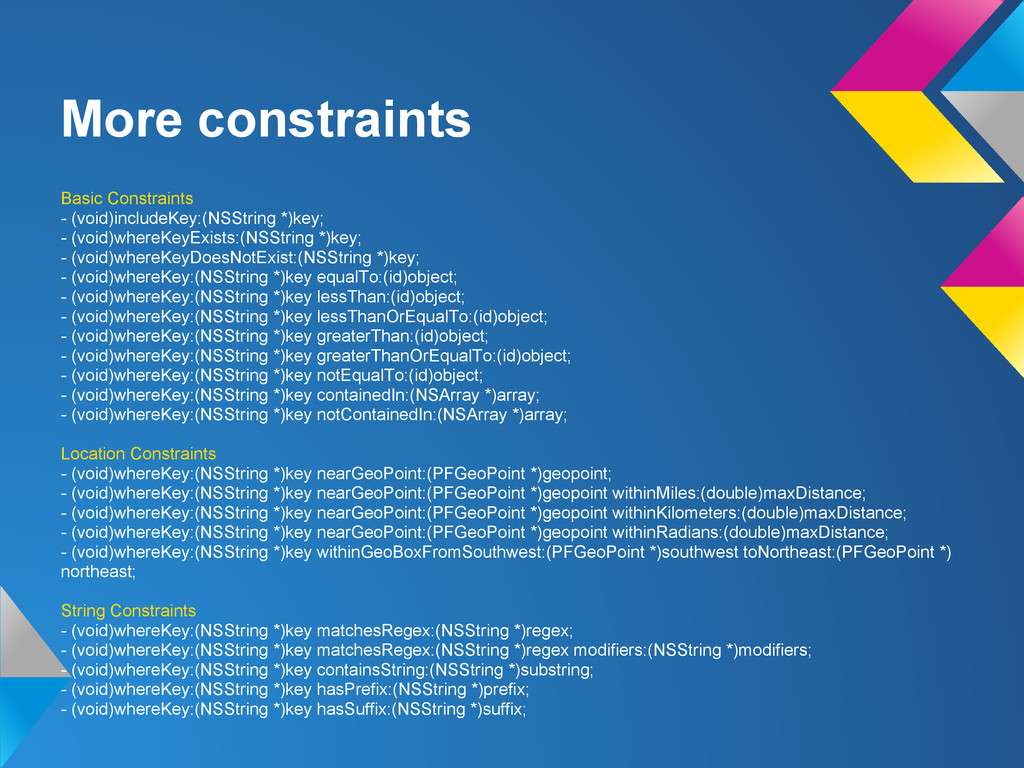
More constraints Basic Constraints - (void)includeKey:(NSString *)key; - (void)whereKeyExists:(NSString *)key;
- (void)whereKeyDoesNotExist:(NSString *)key; - (void)whereKey:(NSString *)key equalTo:(id)object; - (void)whereKey:(NSString *)key lessThan:(id)object; - (void)whereKey:(NSString *)key lessThanOrEqualTo:(id)object; - (void)whereKey:(NSString *)key greaterThan:(id)object; - (void)whereKey:(NSString *)key greaterThanOrEqualTo:(id)object; - (void)whereKey:(NSString *)key notEqualTo:(id)object; - (void)whereKey:(NSString *)key containedIn:(NSArray *)array; - (void)whereKey:(NSString *)key notContainedIn:(NSArray *)array; Location Constraints - (void)whereKey:(NSString *)key nearGeoPoint:(PFGeoPoint *)geopoint; - (void)whereKey:(NSString *)key nearGeoPoint:(PFGeoPoint *)geopoint withinMiles:(double)maxDistance; - (void)whereKey:(NSString *)key nearGeoPoint:(PFGeoPoint *)geopoint withinKilometers:(double)maxDistance; - (void)whereKey:(NSString *)key nearGeoPoint:(PFGeoPoint *)geopoint withinRadians:(double)maxDistance; - (void)whereKey:(NSString *)key withinGeoBoxFromSouthwest:(PFGeoPoint *)southwest toNortheast:(PFGeoPoint *) northeast; String Constraints - (void)whereKey:(NSString *)key matchesRegex:(NSString *)regex; - (void)whereKey:(NSString *)key matchesRegex:(NSString *)regex modifiers:(NSString *)modifiers; - (void)whereKey:(NSString *)key containsString:(NSString *)substring; - (void)whereKey:(NSString *)key hasPrefix:(NSString *)prefix; - (void)whereKey:(NSString *)key hasSuffix:(NSString *)suffix;
Saving photos PFObject *photo = [PFObject objectWithClassName:kPAPPhotoClassKey]; [photo setObject:[PFUser currentUser]
forKey:kPAPPhotoUserKey]; [photo setObject:self.photoFile forKey:kPAPPhotoPictureKey]; [photo setObject:self.thumbnailFile forKey:kPAPPhotoThumbnailKey]; [photo save];
DEMO Show ArchUp demo
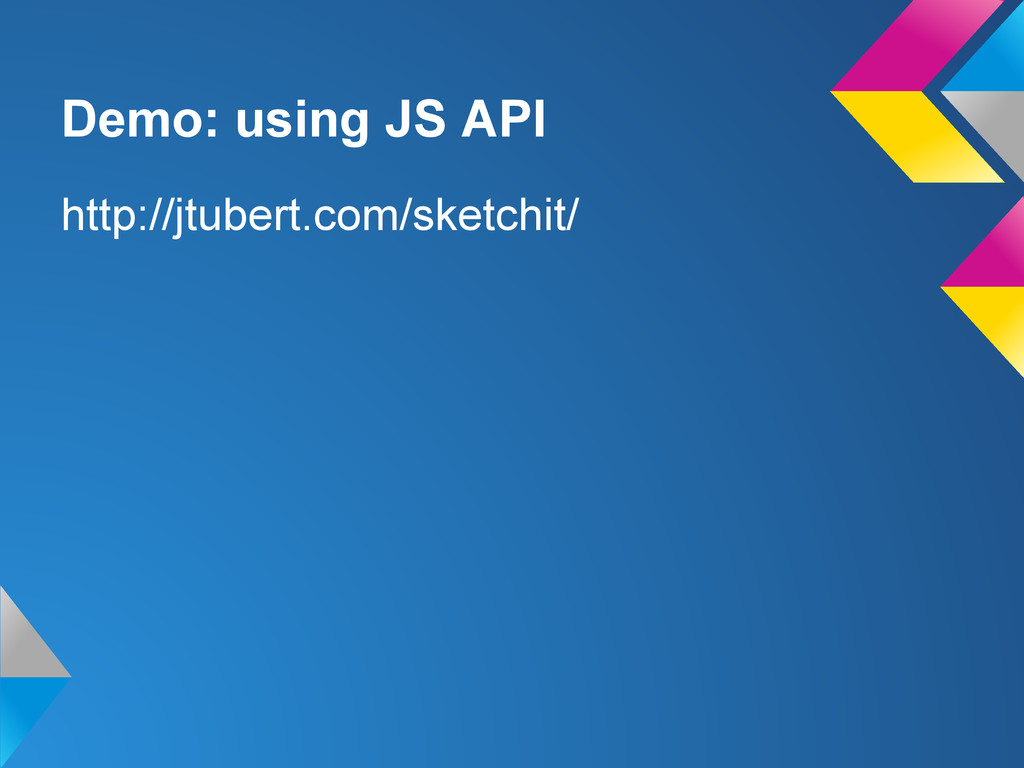
Demo: using JS API http://jtubert.com/sketchit/
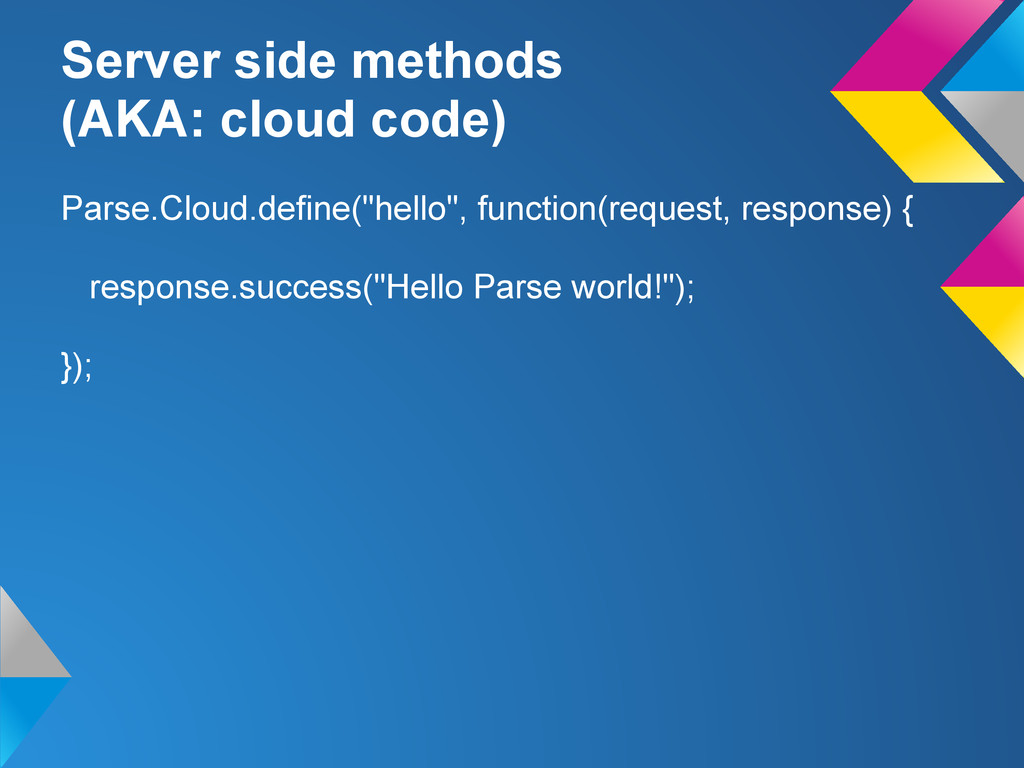
Server side methods (AKA: cloud code) Parse.Cloud.define("hello", function(request, response) {
response.success("Hello Parse world!"); });
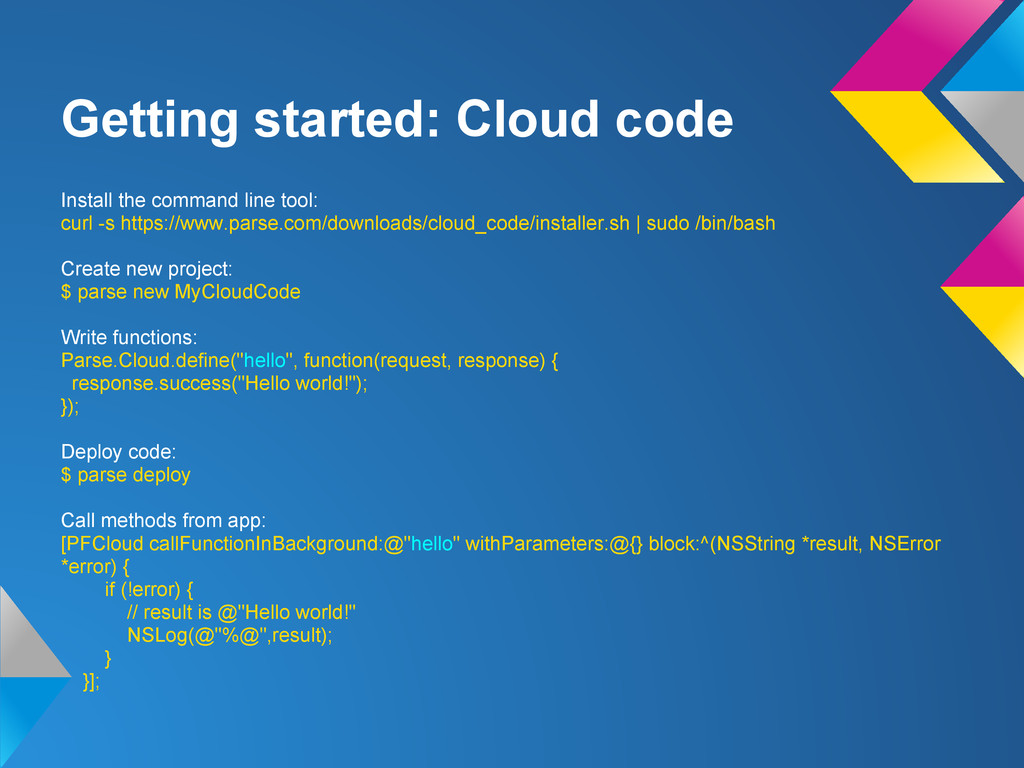
Getting started: Cloud code Install the command line tool: curl
-s https://www.parse.com/downloads/cloud_code/installer.sh | sudo /bin/bash Create new project: $ parse new MyCloudCode Write functions: Parse.Cloud.define("hello", function(request, response) { response.success("Hello world!"); }); Deploy code: $ parse deploy Call methods from app: [PFCloud callFunctionInBackground:@"hello" withParameters:@{} block:^(NSString *result, NSError *error) { if (!error) { // result is @"Hello world!" NSLog(@"%@",result); } }];
Questions/ Comments
THANKS

 SiteGround - Reliable hosting with speed, security, and support you can count on.


 tanahiro2010
 tmikov2023
 colorful12
 artoy
artoy
 iwiwi
iwiwi
 sorah
sorah
 teyamagu
 tosite
 optim
optim
 oku053
 naokihaba
 akihisaikeda
 joshbly
 addyosmani
 bluesmoon
 kastner
 reverentgeek
 mza
mza
 livdayseo
 kneath
 signer
 bethany
 rmw
rmw
 uxyall


![Write PFObject *addressObject = [PFObject objectWithClassName:@"Addresses"]; [addressObject setObject:@"John Tubert" forKey:@"name"];](https://files.speakerdeck.com/presentations/07e8b690683c01309fc512313d2fe9da/slide_6.jpg)
![Count PFQuery *queryPhotoCount = [PFQuery queryWithClassName:@"Photo"]; [queryPhotoCount whereKey:kPAPPhotoUserKey equalTo:[PFUser currentUser]];](https://files.speakerdeck.com/presentations/07e8b690683c01309fc512313d2fe9da/slide_7.jpg)
![Read PFQuery *query = [PFQuery queryWithClassName:@"Addresses"]; [query setCachePolicy:kPFCachePolicyCacheThenNetwork]; [query findObjectsInBackgroundWithBlock:^(NSArray](https://files.speakerdeck.com/presentations/07e8b690683c01309fc512313d2fe9da/slide_8.jpg)
![Read (with constraints) PFQuery *query = [PFQuery queryWithClassName:@"Addresses"]; [query whereKey:@"name"](https://files.speakerdeck.com/presentations/07e8b690683c01309fc512313d2fe9da/slide_9.jpg)
![Saving photos PFObject *photo = [PFObject objectWithClassName:kPAPPhotoClassKey]; [photo setObject:[PFUser currentUser]](https://files.speakerdeck.com/presentations/07e8b690683c01309fc512313d2fe9da/slide_11.jpg)