Upgrade to Pro
— share decks privately, control downloads, hide ads and more …
Speaker Deck
Sign up for free
Menu
Search
Features
All features
Private URLs
Password Protection
Custom URLS
Scheduled publishing
Remove Branding
Restrict embedding
Deck Collections
Notes
Features
All features
Private URLs
Password Protection
Custom URLS
Scheduled publishing
Remove Branding
Restrict embedding
Deck Collections
Notes
Explore
Featured decks
Featured speakers
Programming
Technology
Storyboards
Explore
Featured decks
Featured speakers
Programming
Technology
Storyboards
Pricing
Search
Sign in
Sign up for free
B3 コアタイム 第6回目 ( 2014年12月09日(火) )
Search
MIKAMI-YUKI
December 08, 2014
Education
170
0
Share
Embed
Copy iframe code
Copy JS code
Copy link
Start on current slide
B3 コアタイム 第6回目 ( 2014年12月09日(火) )
MIKAMI-YUKI
December 08, 2014
More Decks by MIKAMI-YUKI
See All by MIKAMI-YUKI
2016年_年次大会_発表資料
mikamiy
0
140
文献紹介_10_意味的類似性と多義解消を用いた文書検索手法
mikamiy
0
360
文献紹介_9_コーパスに基づく動詞の多義解消
mikamiy
0
140
文献紹介_8_単語単位による日本語言語モデルの検討
mikamiy
0
110
文献紹介_7_自動獲得した未知語の読み・文脈情報による仮名漢字変換
mikamiy
0
130
文献紹介_6_複数の言語的特徴を用いた日本語述部の同義判定
mikamiy
0
120
文献紹介_5_マイクロブログにおける感情・コミュニケーション・動作タイプの推定に基づく顔文字の推薦
mikamiy
0
160
文献紹介_4_結合価パターンを用いた仮名漢字変換候補の選択
mikamiy
0
420
文献紹介_3_絵本のテキストを対象とした形態素解析
mikamiy
1
430
Other Decks in Education
See All in Education
批判的応用言語学ワークショップ(2026-08-12 お茶の⽔⼥⼦⼤学)
terasawat
0
210
25-26 CBT Library top items
cbtlibrary
0
360
Quality Control of Crude Drugs
pawan_pharm
0
200
The Dirty Dozen: 12 gala mistakes you don’t know you’re making
auctria
PRO
0
150
未踏峰連山 Frontiers: Creating and Conquering Untrodden Peaks
ishii_mit
1
170
Introduction to Primary and Secondary Metabolites their Metabolic Pathways
drpoonamkc
0
170
AWS Academy プログラムのご紹介
hiragahh
0
110
学習者データを「見る」:外国語教師のためのデータの入力、分析、解釈方法
uranoken
0
440
Introduction to Accounting
bvr7352
0
270
【ainiチャット操作ガイド】
ainischool
0
130
Invest Early, Build Together
rashwhitman
0
770
EL GEOPARQUE MUNDIAL UNESCO VOLCANES DE CALATRAVA: DE LA INVESTIGACIÓN CIENTÍFICA A LA TRANSPOSICIÓN DIDÁCTICA EN EL AULA
juanmartin2026
0
34k
Featured
See All Featured
Building the Perfect Custom Keyboard
takai
2
910
[RailsConf 2023 Opening Keynote] The Magic of Rails
eileencodes
31
10k
A Guide to Academic Writing Using Generative AI - A Workshop
ks91
PRO
1
520
実際に使うSQLの書き方 徹底解説 / pgcon21j-tutorial
soudai
PRO
203
77k
Automating Front-end Workflow
addyosmani
1369
210k
Lightning Talk: Beautiful Slides for Beginners
inesmontani
PRO
2
730
Claude Code どこまでも/ Claude Code Everywhere
nwiizo
68
59k
Distributed Sagas: A Protocol for Coordinating Microservices
caitiem20
333
23k
The Director’s Chair: Orchestrating AI for Truly Effective Learning
tmiket
1
330
The AI Search Optimization Roadmap by Aleyda Solis
aleyda
2
6.3k
How GitHub (no longer) Works
holman
316
150k
Understanding Cognitive Biases in Performance Measurement
bluesmoon
32
3.1k
Transcript
「入門 自然言語処理」 5章:単語の分類とタグ付け B3 三上侑城
もくじ •タガーの利用 •タグ付きコーパス •ディクショナリ(重要) •自動タグ付け •Nグラムタグ付け
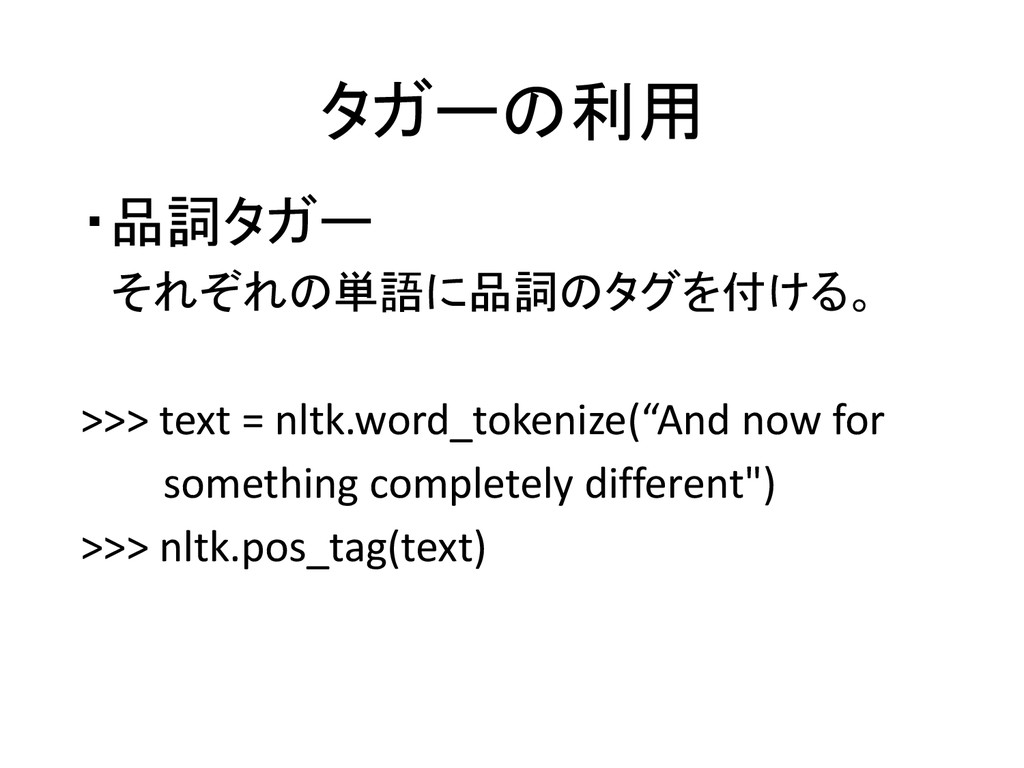
タガーの利用 ・品詞タガー それぞれの単語に品詞のタグを付ける。 >>> text = nltk.word_tokenize(“And now for something
completely different") >>> nltk.pos_tag(text)
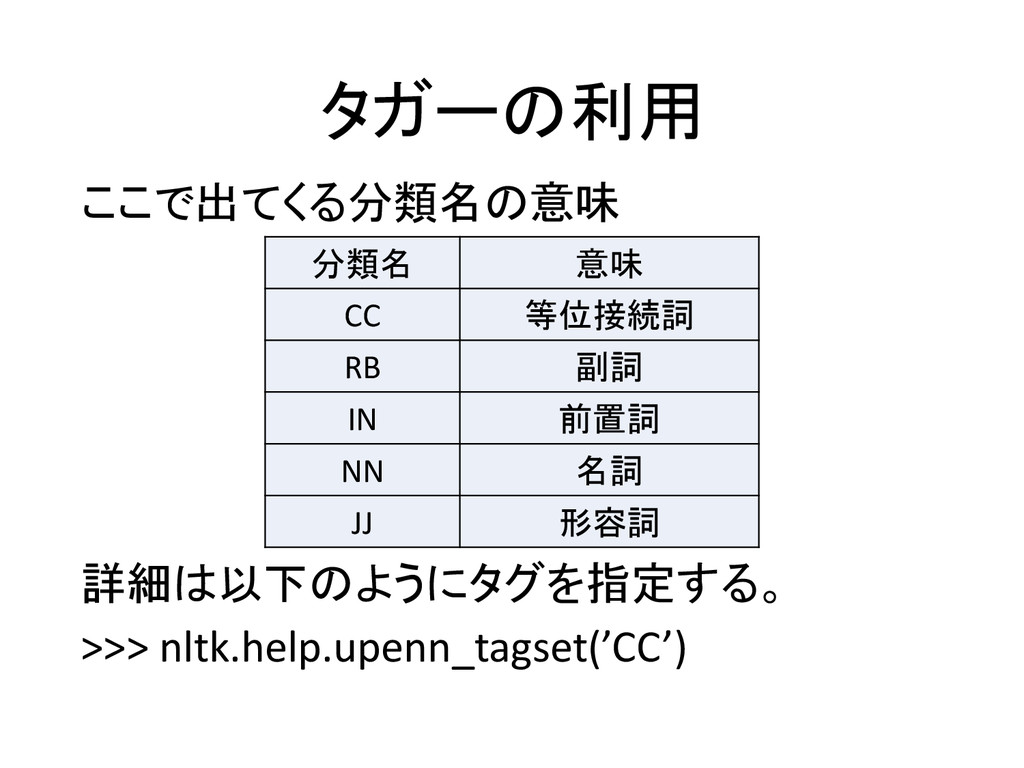
タガーの利用 ここで出てくる分類名の意味 詳細は以下のようにタグを指定する。 >>> nltk.help.upenn_tagset(’CC’) 分類名 意味 CC 等位接続詞 RB
副詞 IN 前置詞 NN 名詞 JJ 形容詞
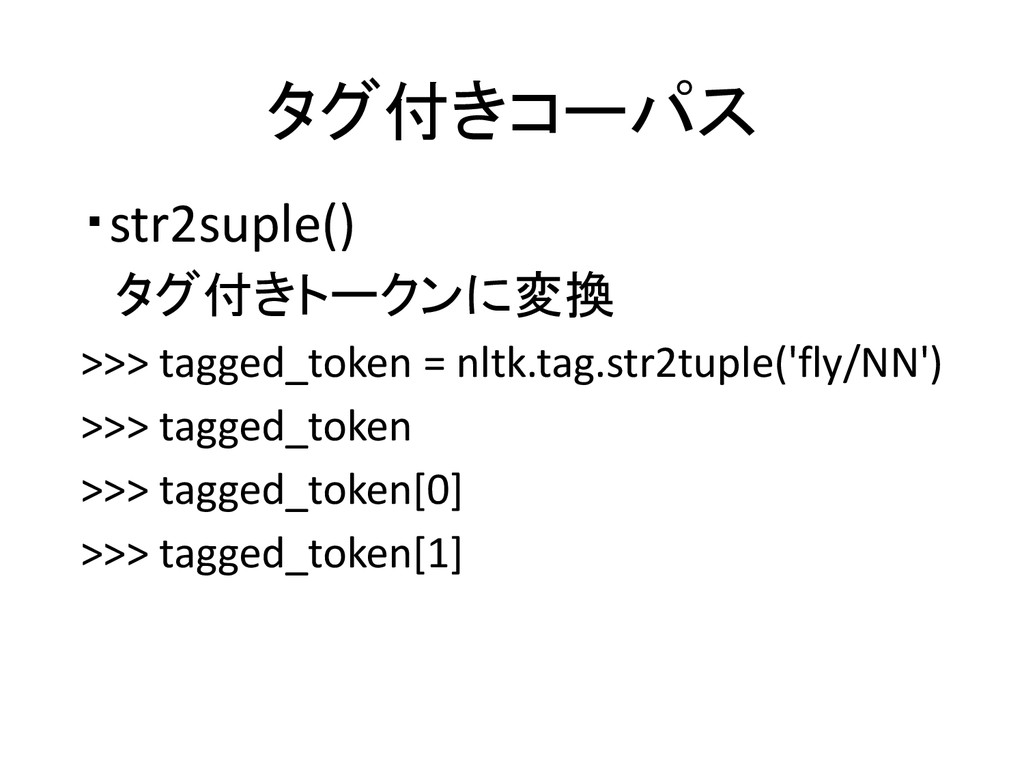
タグ付きコーパス ・str2suple() タグ付きトークンに変換 >>> tagged_token = nltk.tag.str2tuple('fly/NN') >>> tagged_token >>>
tagged_token[0] >>> tagged_token[1]
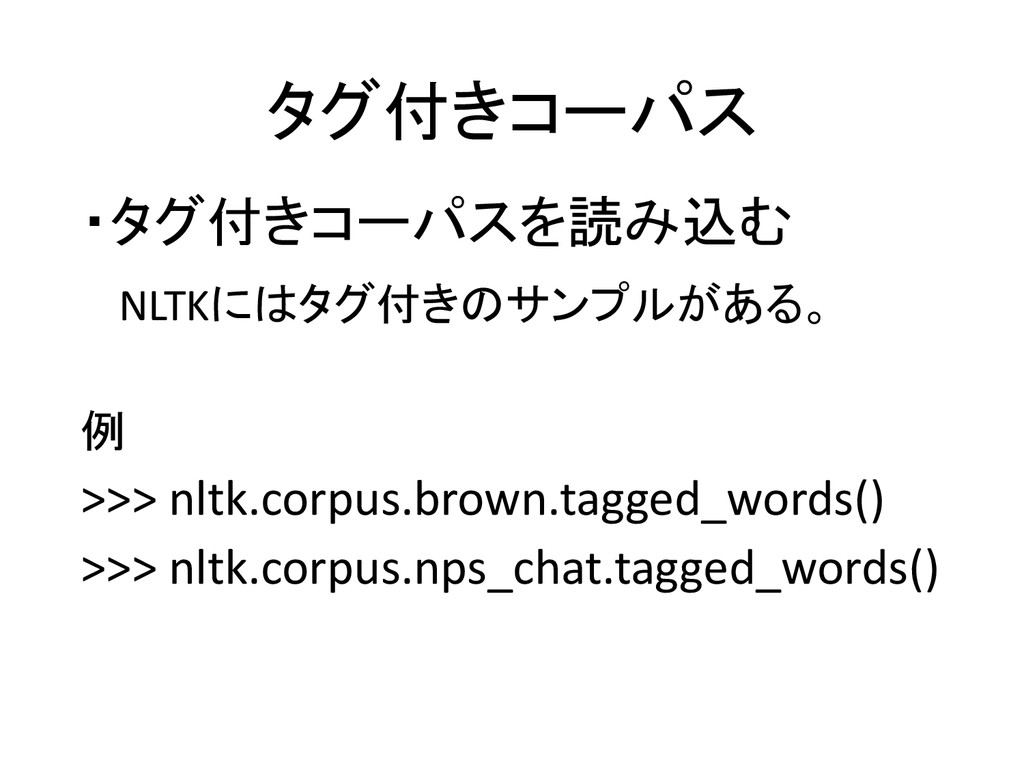
タグ付きコーパス ・タグ付きコーパスを読み込む NLTKにはタグ付きのサンプルがある。 例 >>> nltk.corpus.brown.tagged_words() >>> nltk.corpus.nps_chat.tagged_words()
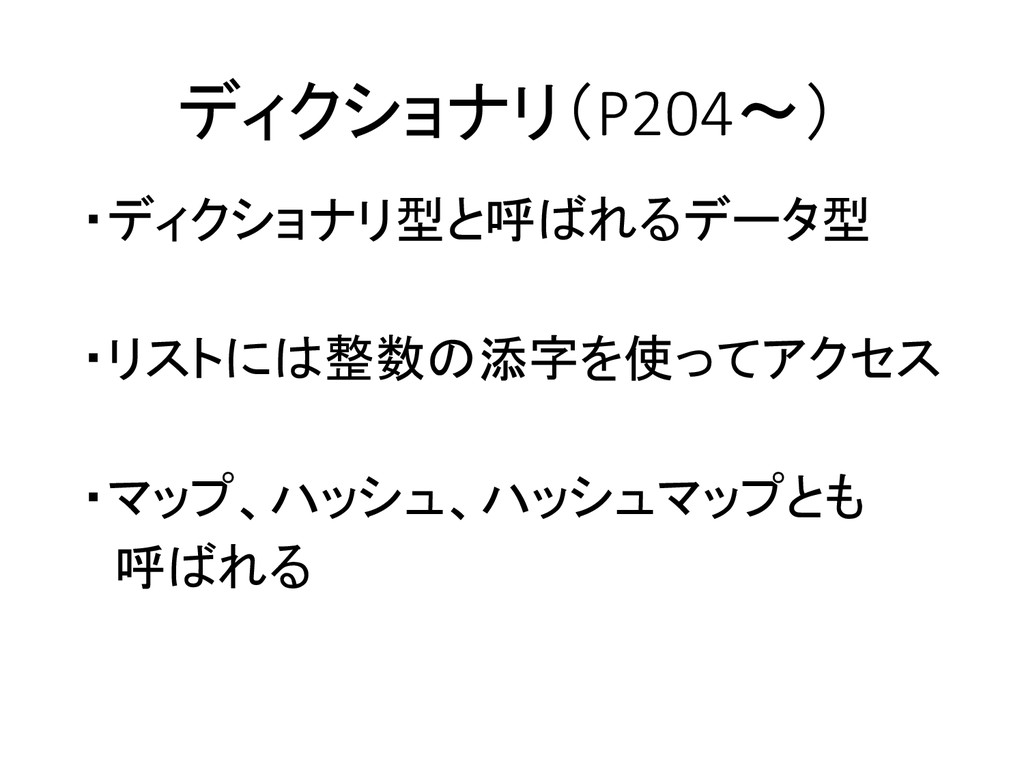
ディクショナリ(P204~) ・ディクショナリ型と呼ばれるデータ型 ・リストには整数の添字を使ってアクセス ・マップ、ハッシュ、ハッシュマップとも 呼ばれる
ディクショナリ >>> pos = {} >>> pos >>> pos['colorless'] =
'ADJ' >>> pos >>> pos['ideas'] = 'N' >>> pos['sleep'] = 'V' >>> pos['furiously'] = 'ADV' >>> pos
ディクショナリ ・キー指定で値を得る >>> pos['ideas'] >>>pos['colorless'] ・ないものはエラーが出る。 >>>pos['green']
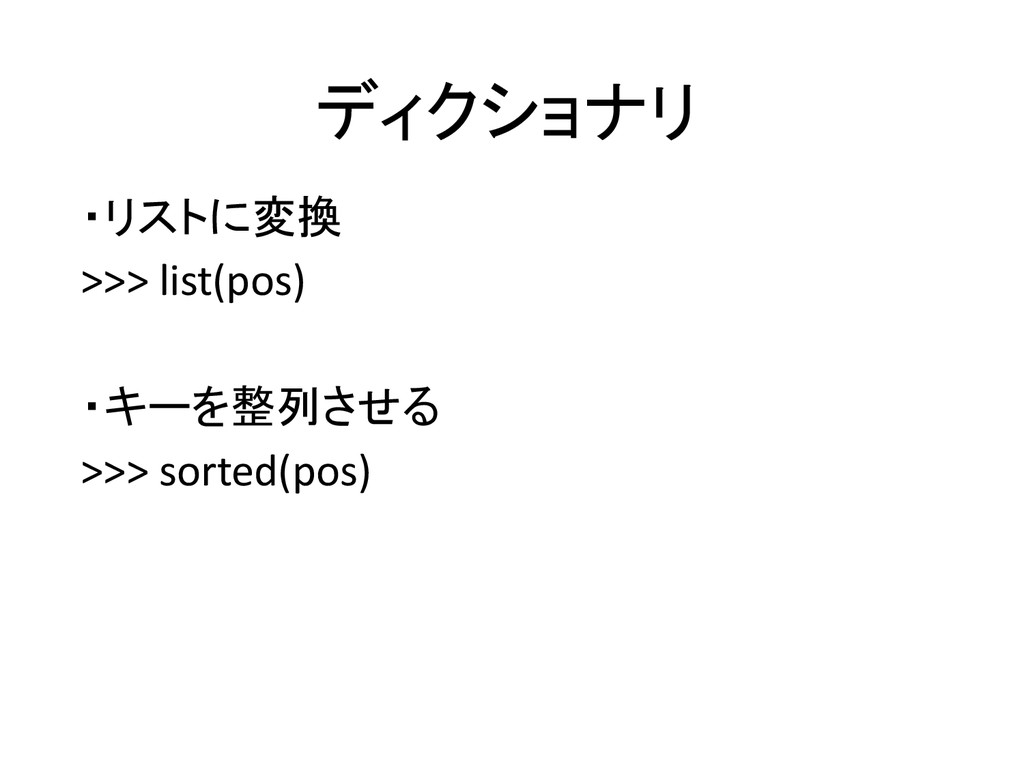
ディクショナリ ・リストに変換 >>> list(pos) ・キーを整列させる >>> sorted(pos)
ディクショナリ ・最後にsがつくものを探す >>> [w for w in pos if w.endswith('s')]
・ディクショナリの中身を全て表示 >>> for word in sorted(pos): ... print word + ":", pos[word]
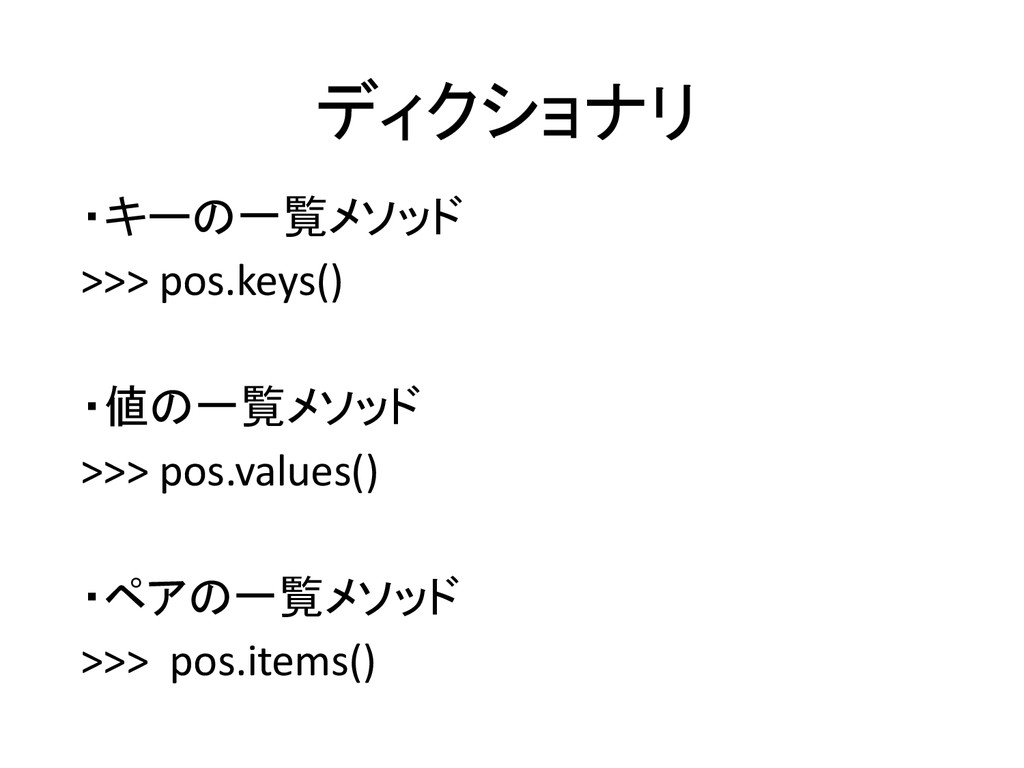
ディクショナリ ・キーの一覧メソッド >>> pos.keys() ・値の一覧メソッド >>> pos.values() ・ペアの一覧メソッド >>> pos.items()
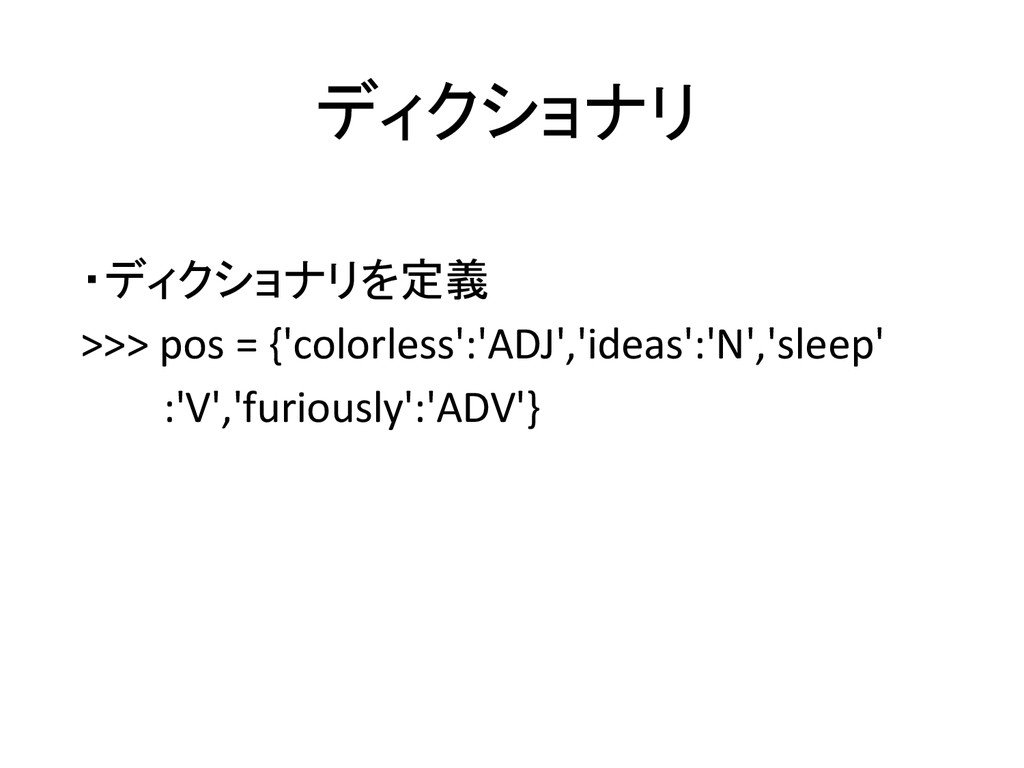
ディクショナリ ・ディクショナリを定義 >>> pos = {'colorless':'ADJ','ideas':'N','sleep' :'V','furiously':'ADV'}
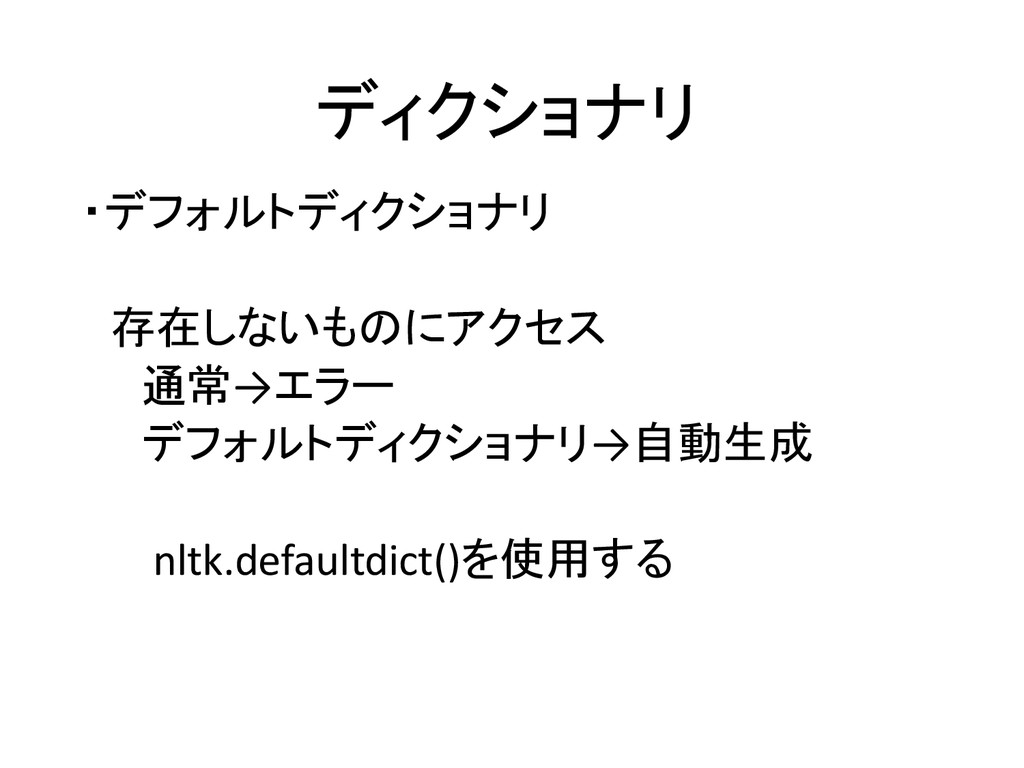
ディクショナリ ・デフォルトディクショナリ 存在しないものにアクセス 通常→エラー デフォルトディクショナリ→自動生成 nltk.defaultdict()を使用する
ディクショナリ ・デフォルトディクショナリ 整数型の場合 >>> freq1 = {} >>> freq1['colorless'] =
4 >>> freq1['ideas'] #エラーが出る >>> freq2 = nltk.defaultdict(int) >>> freq2['colorless'] = 4 >>> freq2[‘ideas’] #エラーは出ない
ディクショナリ ・デフォルトディクショナリ リスト型の場合 >>> pos1 = {} >>> pos1['sleep'] =
['N','V'] >>> pos1['ideas'] #エラーが出る >>> pos2 = nltk.defaultdict(list) >>> pos2['sleep'] = ['N','V'] >>> pos2[‘ideas’] #エラーは出ない
ディクショナリ ・デフォルトディクショナリ デフォルト値の設定 >>> pos = nltk.defaultdict(lambda:'N') >>> pos['colorless'] =
'ADJ' >>> pos['blog'] #Nが自動的に入る >>> pos.items()
自動タグ付け ・テキストに自動的に品詞タグを付け てくれる。 ・様々なタガーがあり、それぞれに 特徴がある。 ・必要となった時に参照してもらい たい(P214~)
Nグラムタグ付け ・文脈を考慮してタグを付けてくれる ・いくつかのタガーを組み合わせて 使い、精度を高められる。 ・必要となった時に参照してもらい たい(P219~)


 mikamiy
 terasawat
 cbtlibrary
 pawan_pharm
 auctria
 ishii_mit
 drpoonamkc
 hiragahh
 uranoken
 bvr7352
 ainischool
 rashwhitman
 juanmartin2026
 takai
takai
 eileencodes
 ks91
ks91
 soudai
 addyosmani
 inesmontani
 nwiizo
 caitiem20
 tmiket
 aleyda
 holman
 bluesmoon

![ディクショナリ >>> pos = {} >>> pos >>> pos['colorless'] =](https://files.speakerdeck.com/presentations/6adf6fb06118013251f026198fa87bea/slide_7.jpg)
![ディクショナリ ・キー指定で値を得る >>> pos['ideas'] >>>pos['colorless'] ・ないものはエラーが出る。 >>>pos['green']](https://files.speakerdeck.com/presentations/6adf6fb06118013251f026198fa87bea/slide_8.jpg)
![ディクショナリ ・最後にsがつくものを探す >>> [w for w in pos if w.endswith('s')]](https://files.speakerdeck.com/presentations/6adf6fb06118013251f026198fa87bea/slide_10.jpg)
![ディクショナリ ・デフォルトディクショナリ 整数型の場合 >>> freq1 = {} >>> freq1['colorless'] =](https://files.speakerdeck.com/presentations/6adf6fb06118013251f026198fa87bea/slide_14.jpg)
![ディクショナリ ・デフォルトディクショナリ リスト型の場合 >>> pos1 = {} >>> pos1['sleep'] =](https://files.speakerdeck.com/presentations/6adf6fb06118013251f026198fa87bea/slide_15.jpg)
![ディクショナリ ・デフォルトディクショナリ デフォルト値の設定 >>> pos = nltk.defaultdict(lambda:'N') >>> pos['colorless'] =](https://files.speakerdeck.com/presentations/6adf6fb06118013251f026198fa87bea/slide_16.jpg)