Upgrade to Pro — share decks privately, control downloads, hide ads and more …

How a multifunction actuator brings KNX automat...

Sponsored · Your Podcast. Everywhere. Effortlessly. Share. Educate. Inspire. Entertain. You do you. We'll handle the rest. →

How a multifunction actuator brings KNX automation functions together

Managing lighting, curtains and fans through separate controls can become increasingly complex as a home automation project grows. In villas, hotels and apartment buildings, individual switches and isolated functions can make everyday operation less convenient. A KNX multifunction actuator helps bring supported control functions into a coordinated automation system.
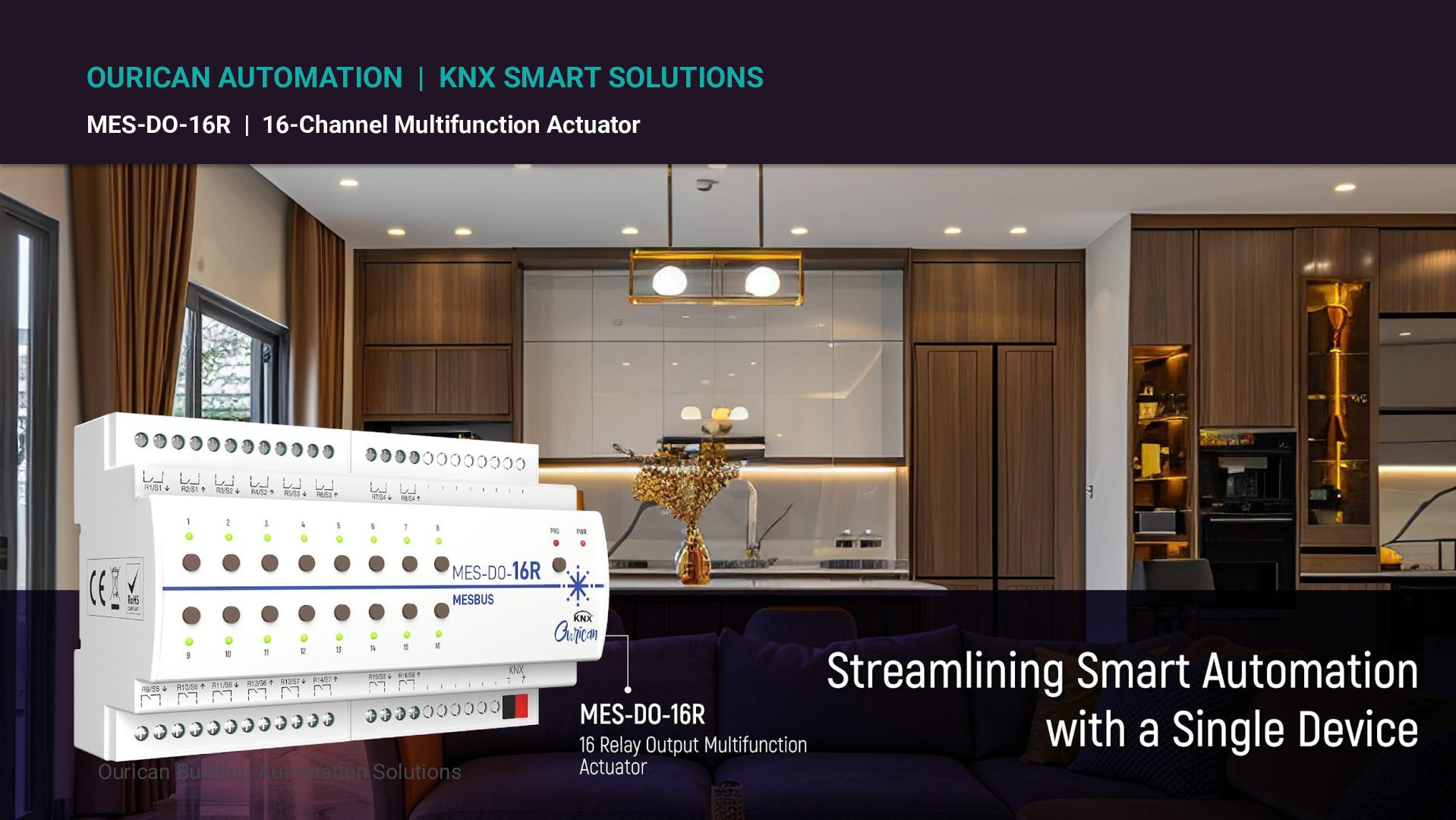
This infographic introduces Ourican’s MES-DO-16R, a 16-channel multifunction actuator designed for different control requirements within KNX home automation projects. It highlights how the device can be configured for regular lighting control, curtain and shutter operation, and ceiling fan control when the required add-on module is used.

Avatar for Messung Ourican

Messung Ourican

October 13, 2026

Other Decks in Business

Transcript

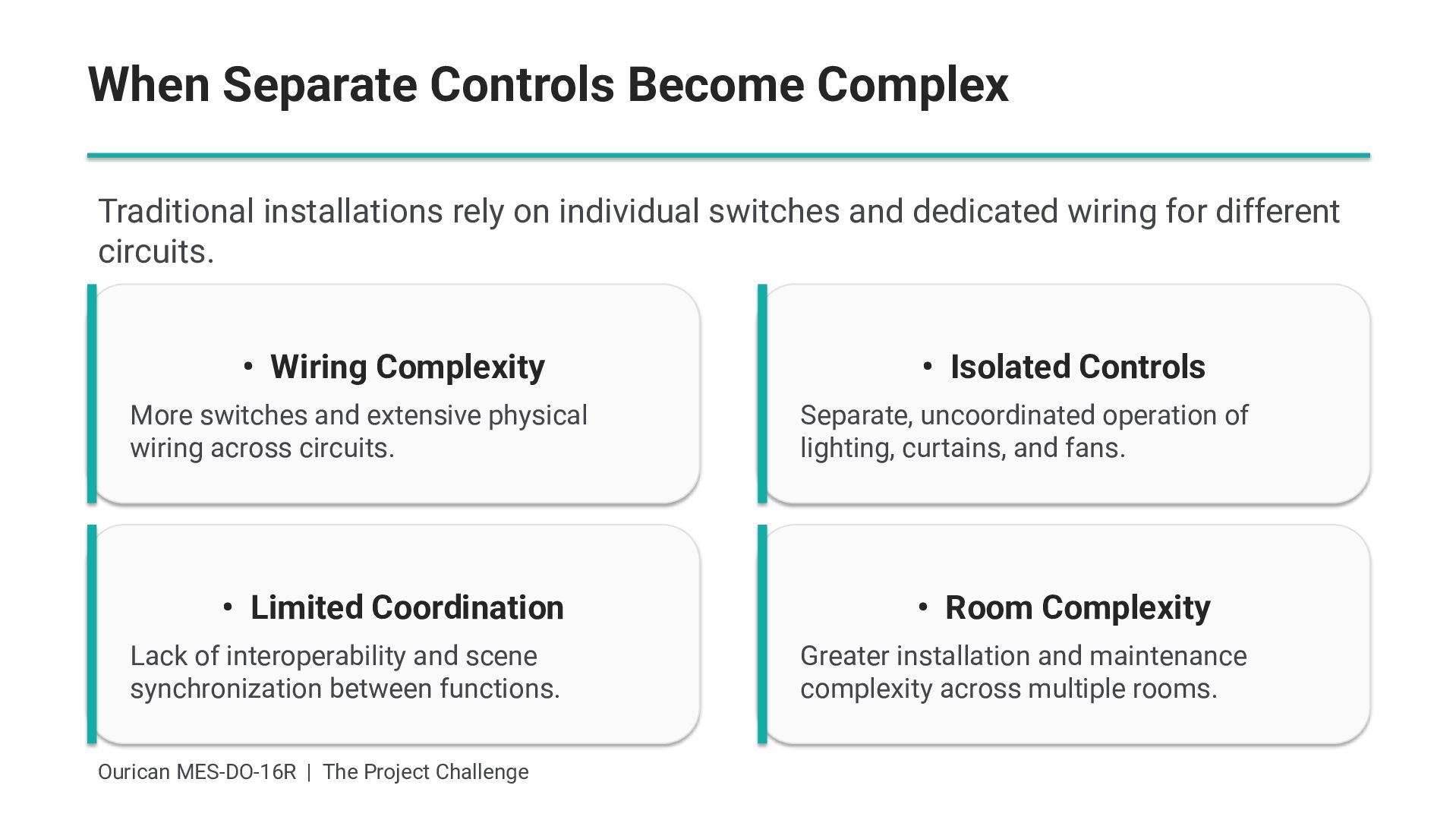
  1. When Separate Controls Become Complex Traditional installations rely on individual

    switches and dedicated wiring for different circuits. • Wiring Complexity More switches and extensive physical wiring across circuits. • Limited Coordination Lack of interoperability and scene synchronization between functions. Ourican MES-DO-16R | The Project Challenge • Isolated Controls Separate, uncoordinated operation of lighting, curtains, and fans. • Room Complexity Greater installation and maintenance complexity across multiple rooms.
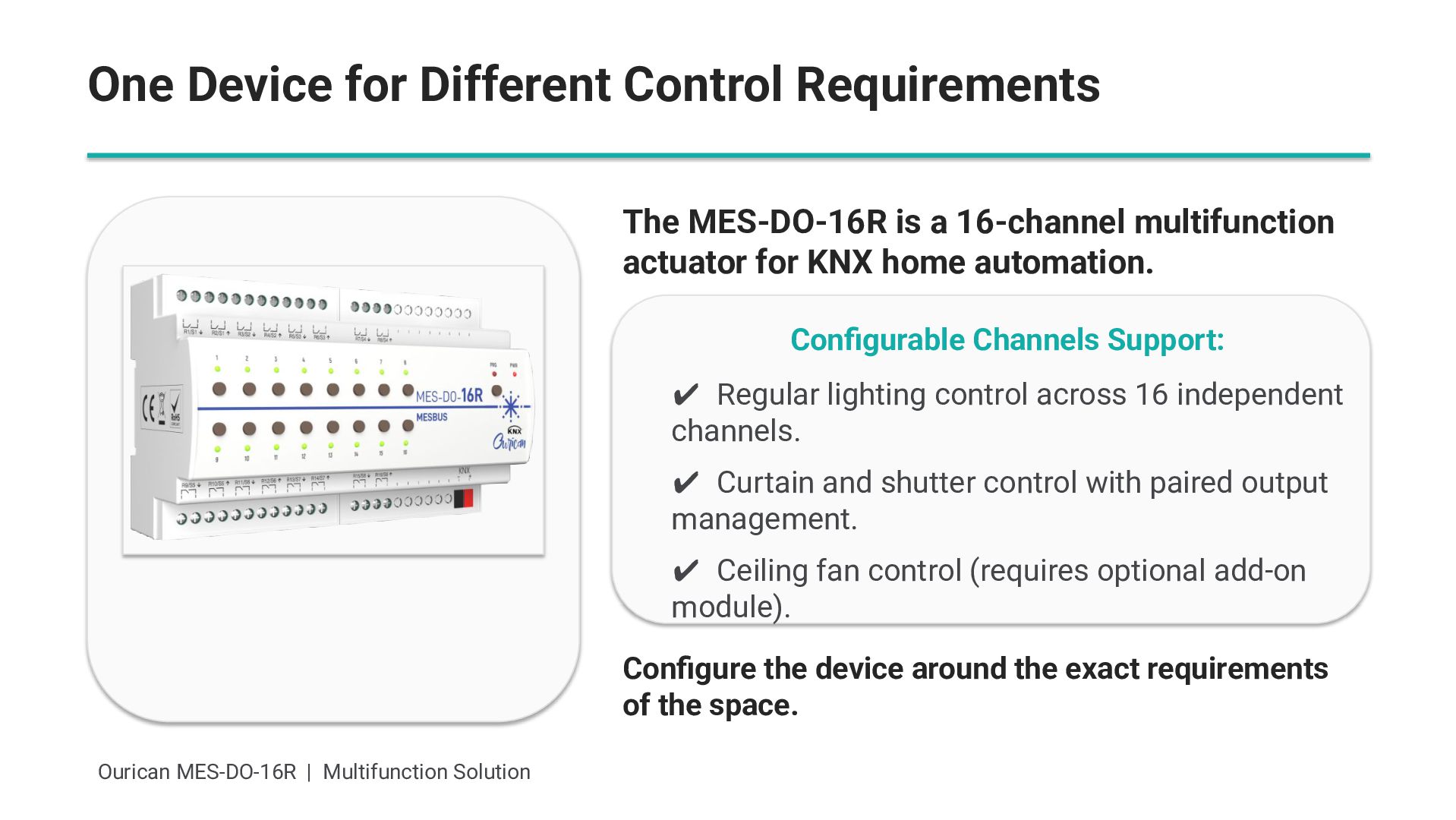
  2. One Device for Different Control Requirements The MES-DO-16R is a

    16-channel multifunction actuator for KNX home automation. Configurable Channels Support: ✔ Regular lighting control across 16 independent channels. ✔ Curtain and shutter control with paired output management. ✔ Ceiling fan control (requires optional add-on module). Configure the device around the exact requirements of the space. Ourican MES-DO-16R | Multifunction Solution
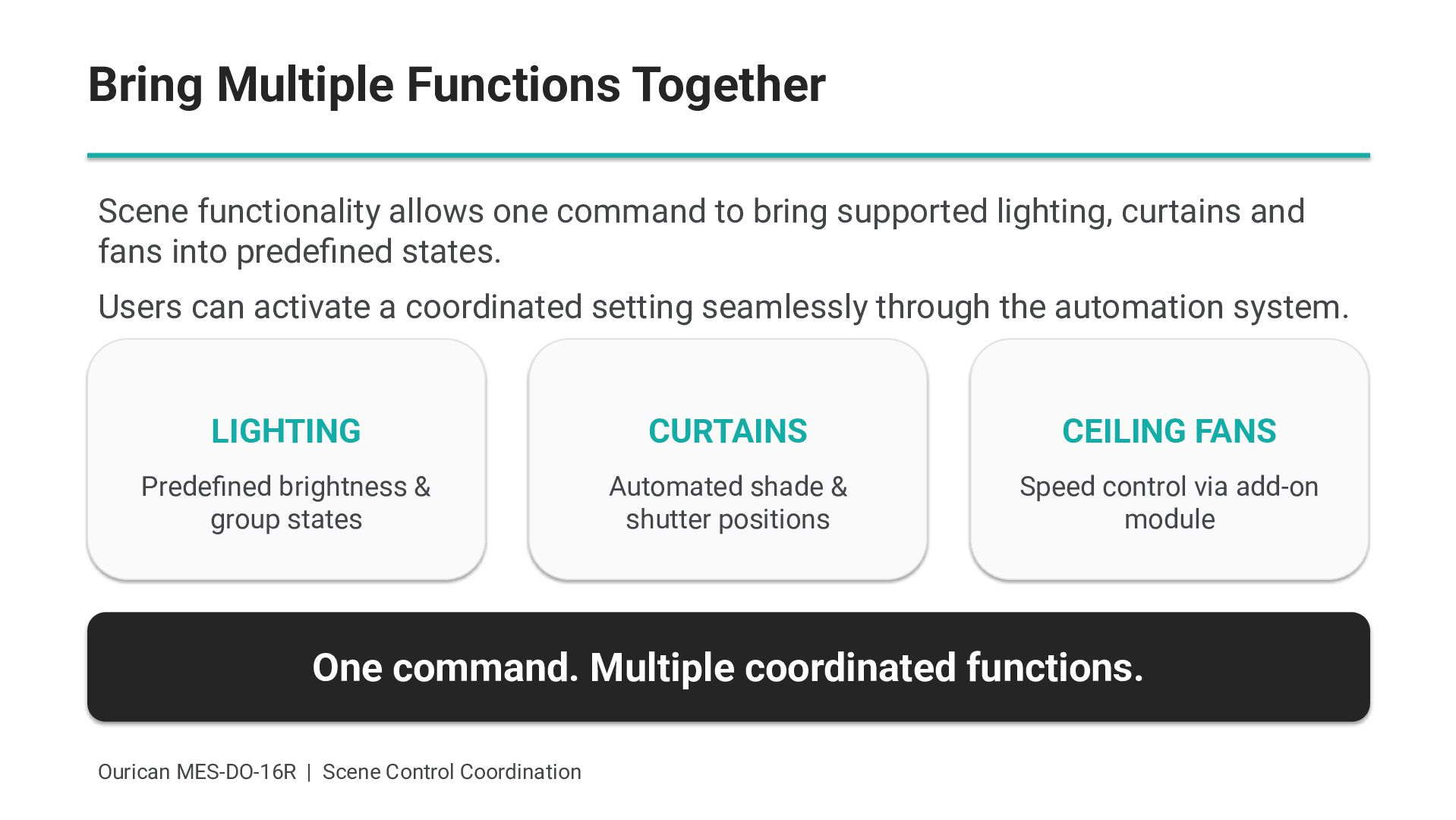
  3. Bring Multiple Functions Together Scene functionality allows one command to

    bring supported lighting, curtains and fans into predefined states. Users can activate a coordinated setting seamlessly through the automation system. LIGHTING CURTAINS CEILING FANS Predefined brightness & group states Automated shade & shutter positions Speed control via add-on module One command. Multiple coordinated functions. Ourican MES-DO-16R | Scene Control Coordination
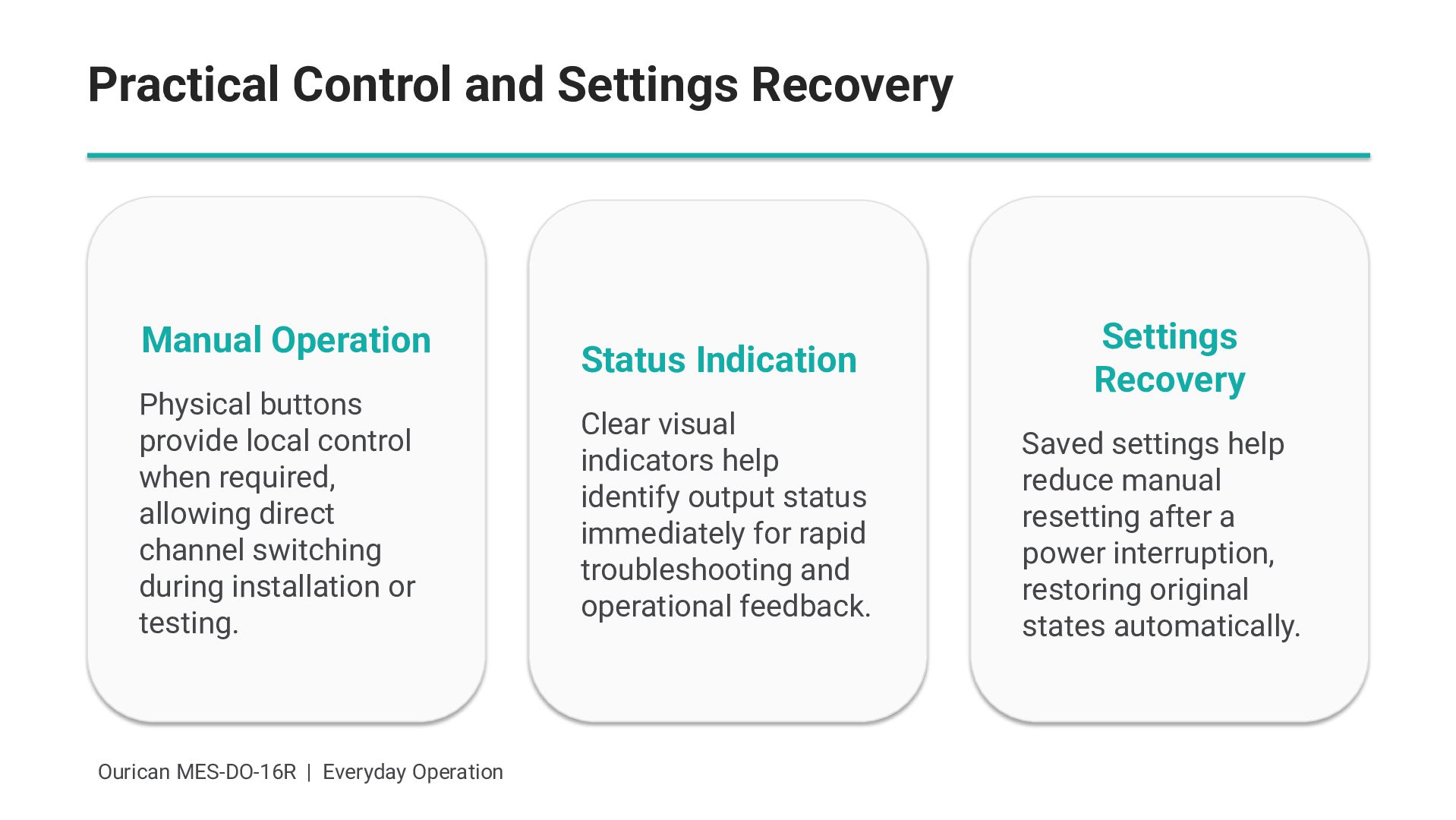
  4. Practical Control and Settings Recovery Manual Operation Physical buttons provide

    local control when required, allowing direct channel switching during installation or testing. Ourican MES-DO-16R | Everyday Operation Status Indication Clear visual indicators help identify output status immediately for rapid troubleshooting and operational feedback. Settings Recovery Saved settings help reduce manual resetting after a power interruption, restoring original states automatically.
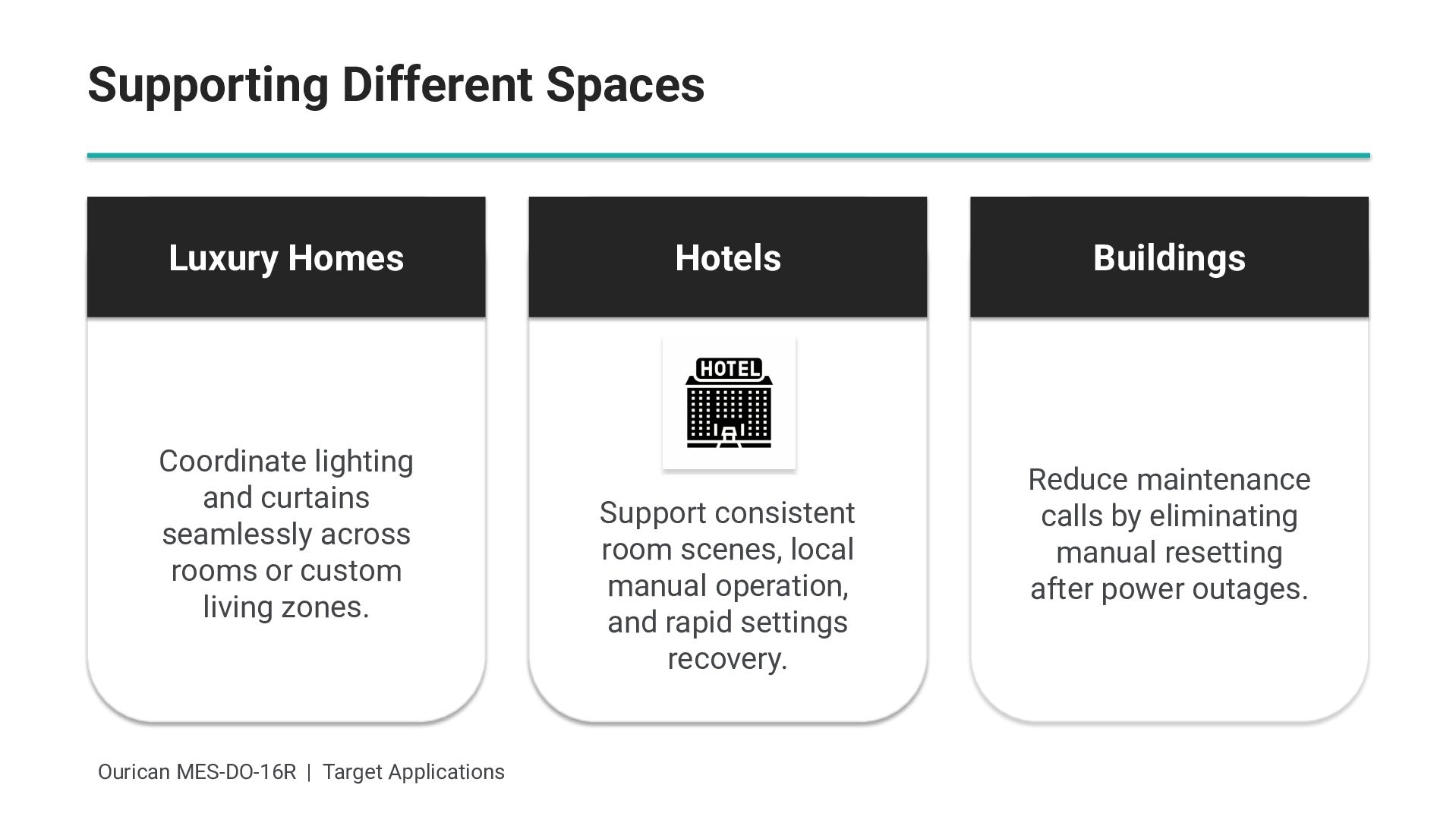
  5. Supporting Different Spaces Luxury Homes Coordinate lighting and curtains seamlessly

    across rooms or custom living zones. Ourican MES-DO-16R | Target Applications Hotels Support consistent room scenes, local manual operation, and rapid settings recovery. Buildings Reduce maintenance calls by eliminating manual resetting after power outages.
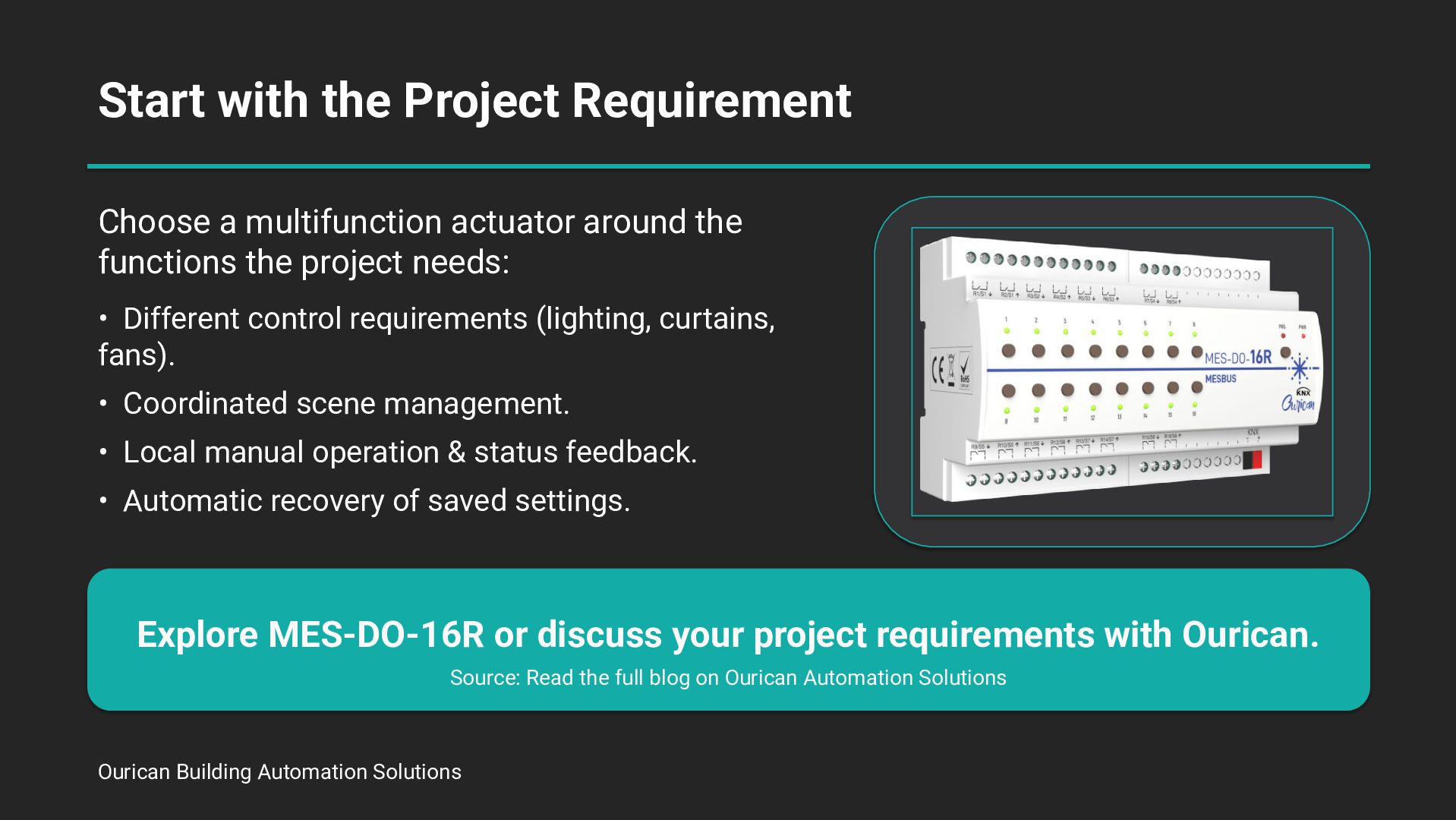
  6. Start with the Project Requirement Choose a multifunction actuator around

    the functions the project needs: • Different control requirements (lighting, curtains, fans). • Coordinated scene management. • Local manual operation & status feedback. • Automatic recovery of saved settings. Explore MES-DO-16R or discuss your project requirements with Ourican. Source: Read the full blog on Ourican Automation Solutions Ourican Building Automation Solutions