Upgrade to Pro
— share decks privately, control downloads, hide ads and more …
Speaker Deck
Sign up for free
Menu
Search
Features
All features
Private URLs
Password Protection
Custom URLS
Scheduled publishing
Remove Branding
Restrict embedding
Deck Collections
Notes
Features
All features
Private URLs
Password Protection
Custom URLS
Scheduled publishing
Remove Branding
Restrict embedding
Deck Collections
Notes
Explore
Featured decks
Featured speakers
Programming
Technology
Storyboards
Explore
Featured decks
Featured speakers
Programming
Technology
Storyboards
Pricing
Search
Sign in
Sign up for free
CoreOS Technical Overview @ pdxdevops
Search
Sponsored
·
Your Podcast. Everywhere. Effortlessly.
Share. Educate. Inspire. Entertain. You do you. We'll handle the rest.
→
Brandon Philips
February 24, 2014
Programming
370
3
Share
Embed
Copy iframe code
Copy JS code
Copy link
Start on current slide
CoreOS Technical Overview @ pdxdevops
Slides from a talk given at PDX devops
http://pdxdevops.org/
Brandon Philips
February 24, 2014
More Decks by Brandon Philips
See All by Brandon Philips
Node.js Workflow with Minikube and Skaffold
philips
0
310
Manage the App on Kubernetes
philips
0
390
Production Backbone Monitoring Containerized Apps
philips
0
250
KubeCon EU 2017: Dancing on the Edge of a Volcano
philips
1
900
rkt - KubeCon EU keynote - 2017
philips
1
330
FOSDEM_Keynote_2017-_.pdf
philips
0
190
Tectonic Summit Day 2 Keynote
philips
0
430
Kubernetes: Simple to Manage Anywhere (self-hosted, Tectonic upgrade demo)
philips
0
460
KubeCon Keynote 2016- Distributed Systems Simplified on Kubernetes
philips
2
600
Other Decks in Programming
See All in Programming
コードで差別化できない時代の ソフトウェアエンジニアリング / Software Engineering in an Era Where Code Doesn’t Differentiate
kishida
2
180
すこし踏み込む CancellationToken
htkym
2
1.7k
ActionController meets Protocol Buffers
sorah
0
530
UnityでSystem.Net.WebSocketsなWebSocketサーバが動かないのでUnity Monoのコードを覗いてみた / about implementing websocket server with unity mono
drumath2237
1
610
AmebaブログはKMPから卒業します
kmars0605
0
190
The Rails Doctrine Decade
koic
2
590
カツオ、ご期待ください
suneo3476
0
190
AIに “答え“を書かせるのを やめてみた
___akari11
0
120
IBM Bob でAI駆動開発『QC-Playbook』
ichirokano2
0
110
golang-bob.pdf
iwatsukayura
0
130
Everything will be SERVERLESS — 信じて運用した10年の経験値 / Everything Will be Serverless — Lessons Learned from 10 Years of Operational Experience
seike460
PRO
1
1.1k
Findy - エンジニア向け会社紹介/Findy Company Deck
findyinc
6
400k
Featured
See All Featured
HTML-Aware ERB: The Path to Reactive Rendering @ RubyCon 2026, Rimini, Italy
marcoroth
5
820
Rails Girls Zürich Keynote
gr2m
96
14k
Measuring Dark Social's Impact On Conversion and Attribution
stephenakadiri
2
310
Designing Experiences People Love
moore
143
24k
AI Search: Where Are We & What Can We Do About It?
aleyda
0
8.1k
How to Grow Your eCommerce with AI & Automation
katarinadahlin
PRO
2
330
Build your cross-platform service in a week with App Engine
jlugia
234
19k
Building Better People: How to give real-time feedback that sticks.
wjessup
370
20k
SEO Brein meetup: CTRL+C is not how to scale international SEO
lindahogenes
2
2.9k
How To Speak Unicorn (iThemes Webinar)
marktimemedia
1
600
Context Engineering - Making Every Token Count
addyosmani
9
1.2k
Color Theory Basics | Prateek | Gurzu
gurzu
1
490
Transcript
CoreOS
Linux for Massive Server Deployments
@BrandonPhilips github.com/philips
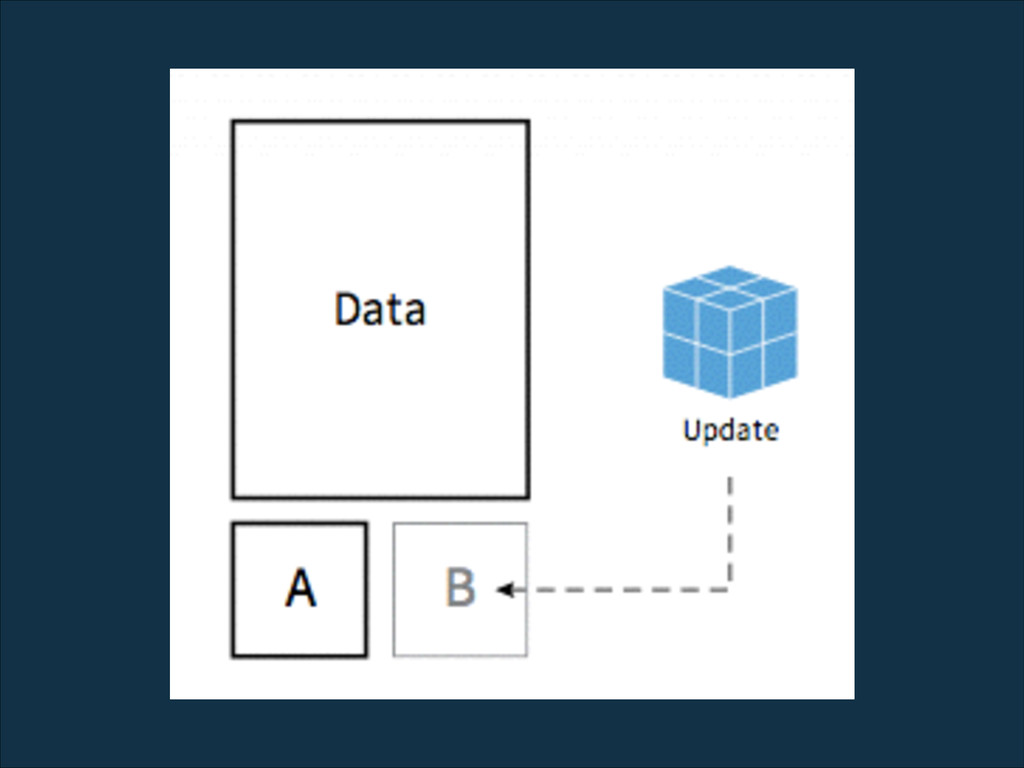
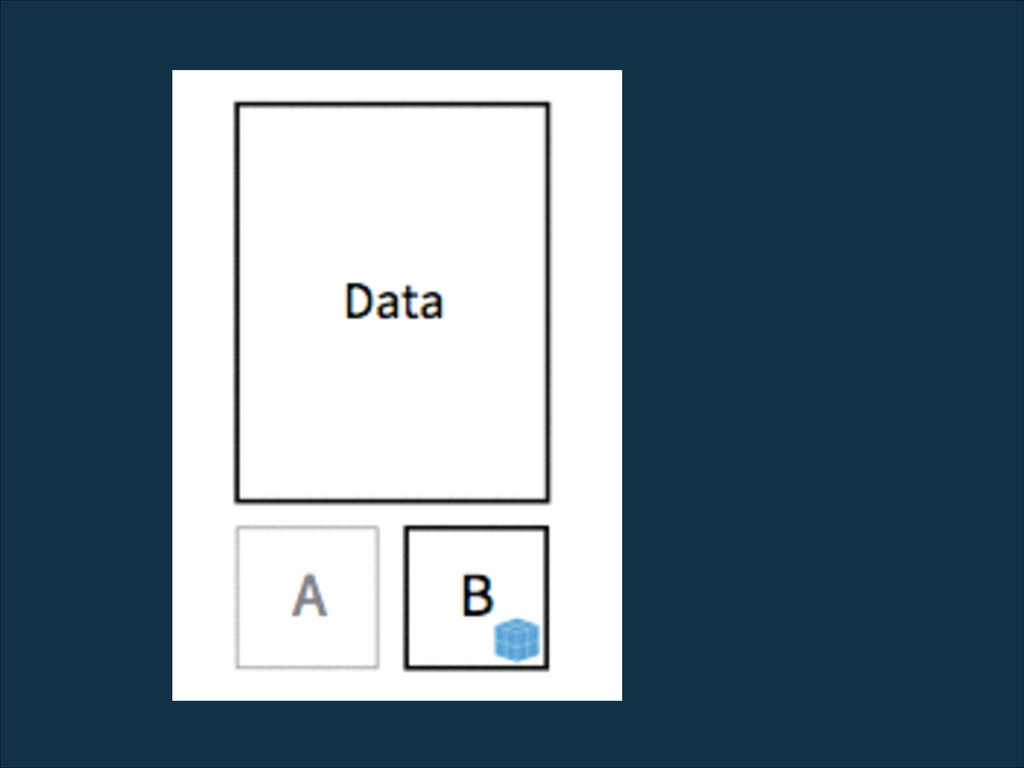
secure the internet Why?
manual updates
automatic updates
automatic updates
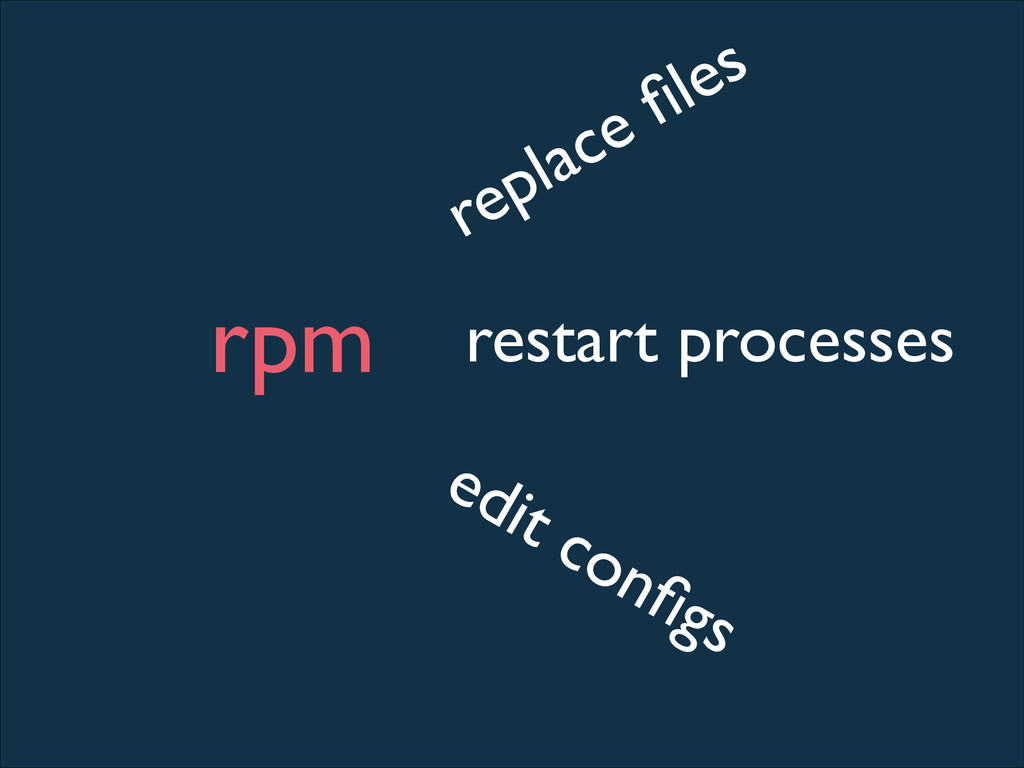
rpm replace files restart processes edit configs
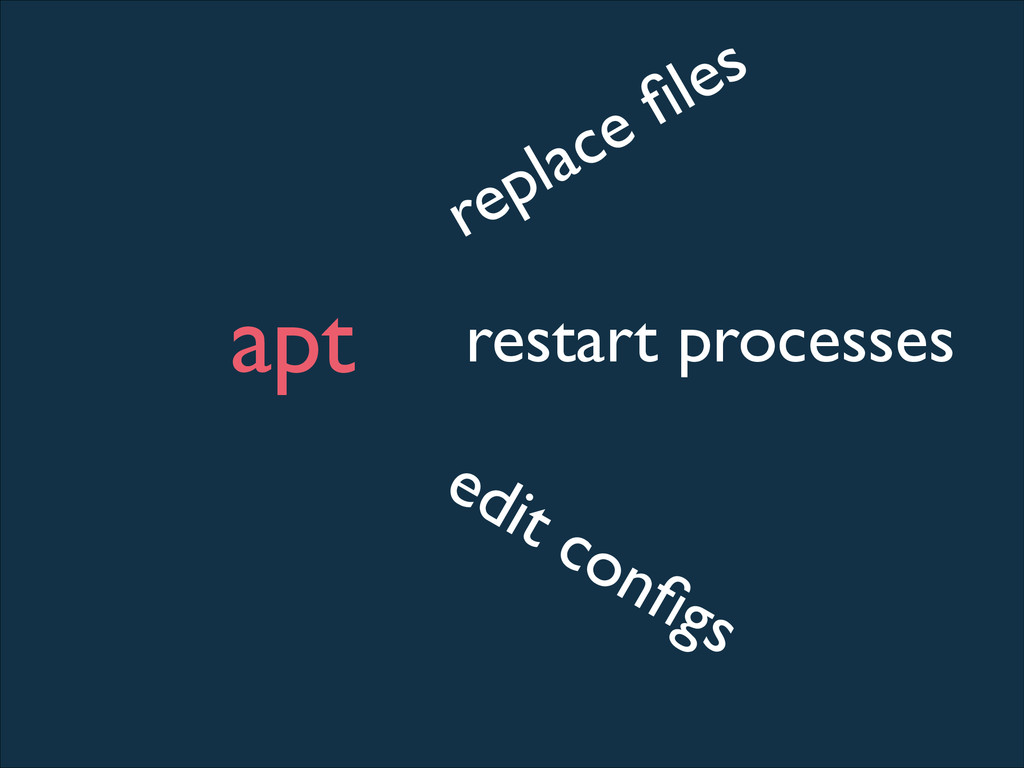
apt replace files restart processes edit configs
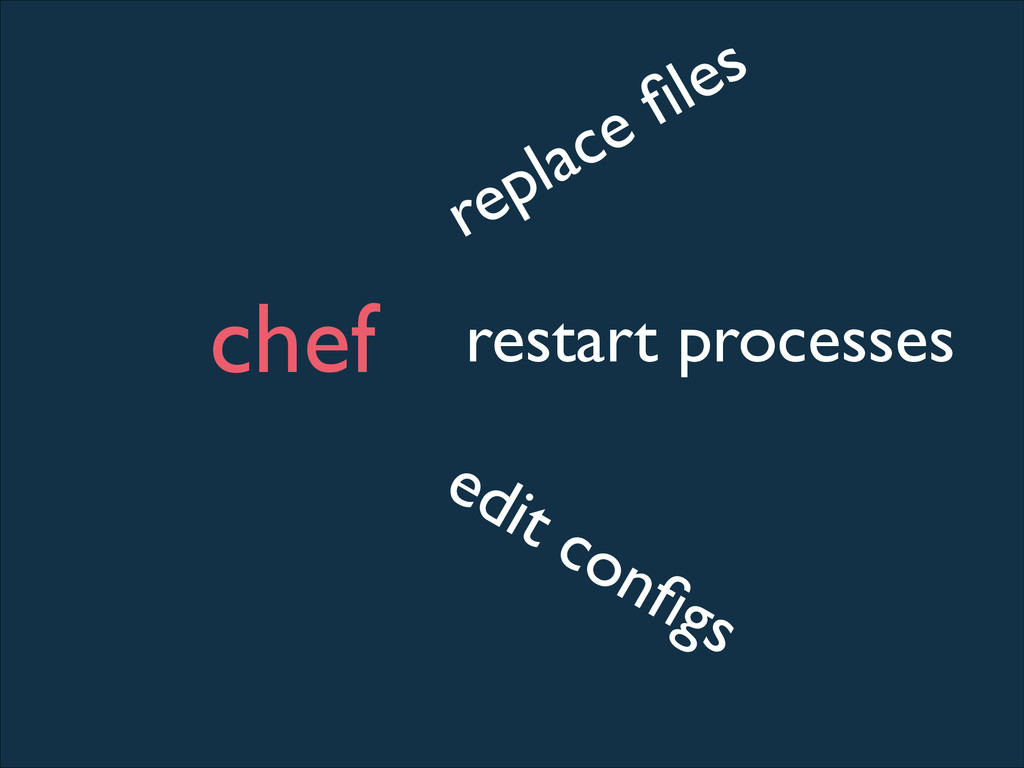
chef replace files restart processes edit configs
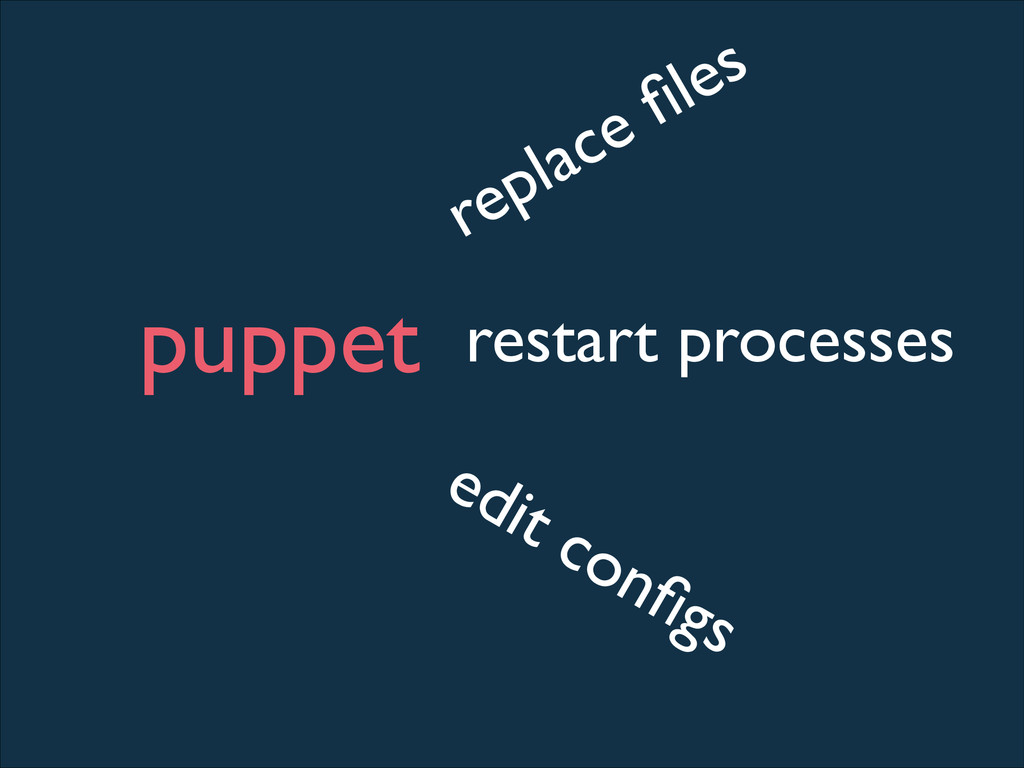
puppet replace files restart processes edit configs
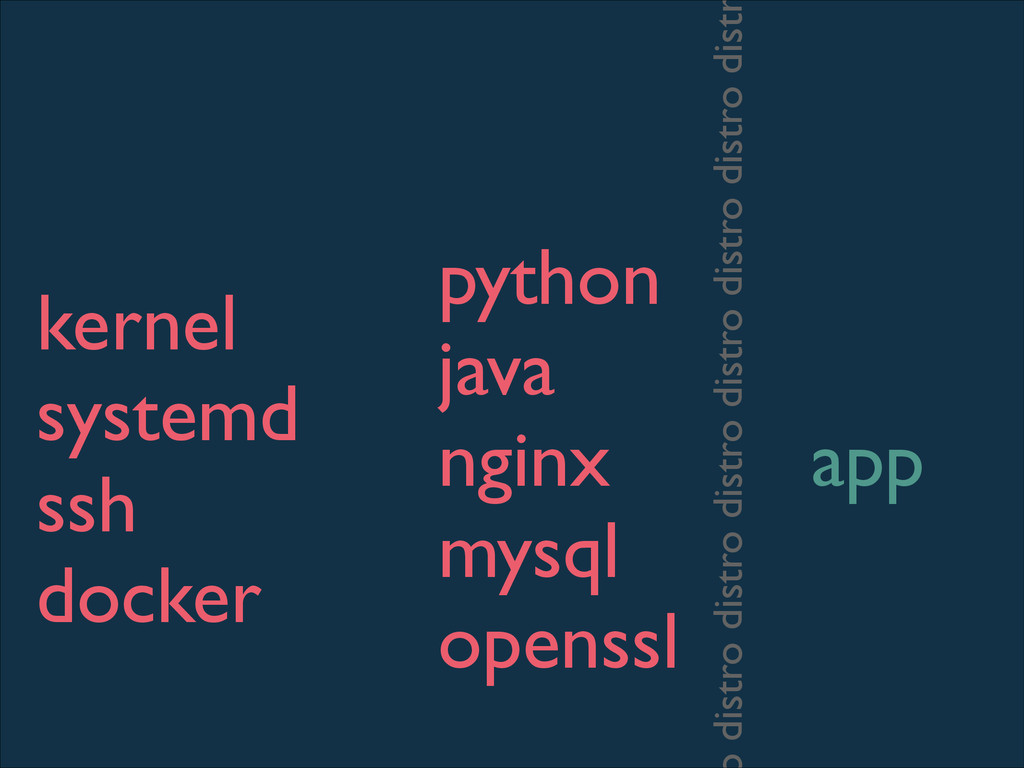
kernel systemd ssh docker python java nginx mysql openssl app
distro distro distro distro distro distro dist
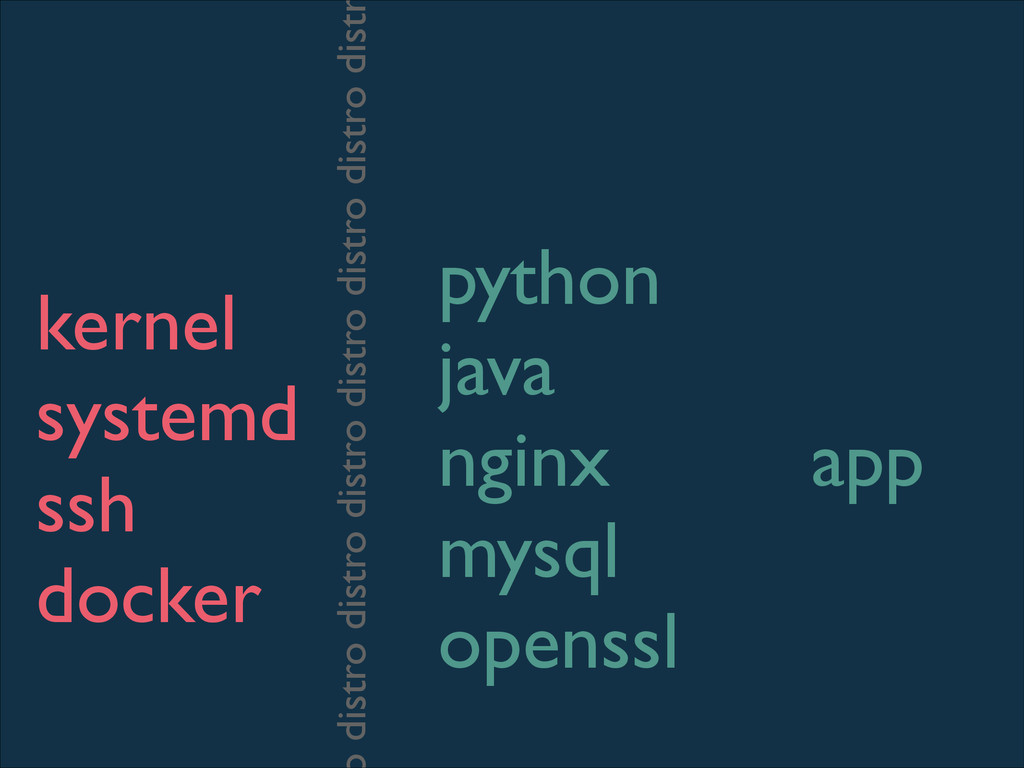
kernel systemd ssh docker python java nginx mysql openssl app
distro distro distro distro distro distro dist
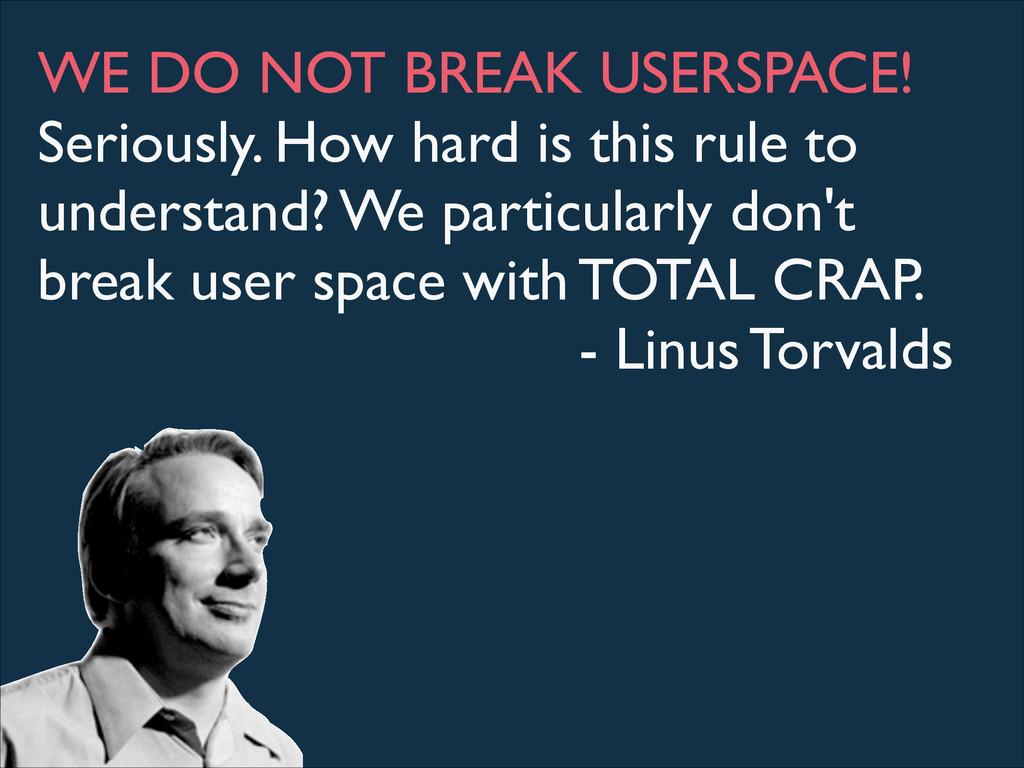
The Linux Kernel does not break userspace.
WE DO NOT BREAK USERSPACE! Seriously. How hard is this
rule to understand? We particularly don't break user space with TOTAL CRAP. - Linus Torvalds
None
None
etcd
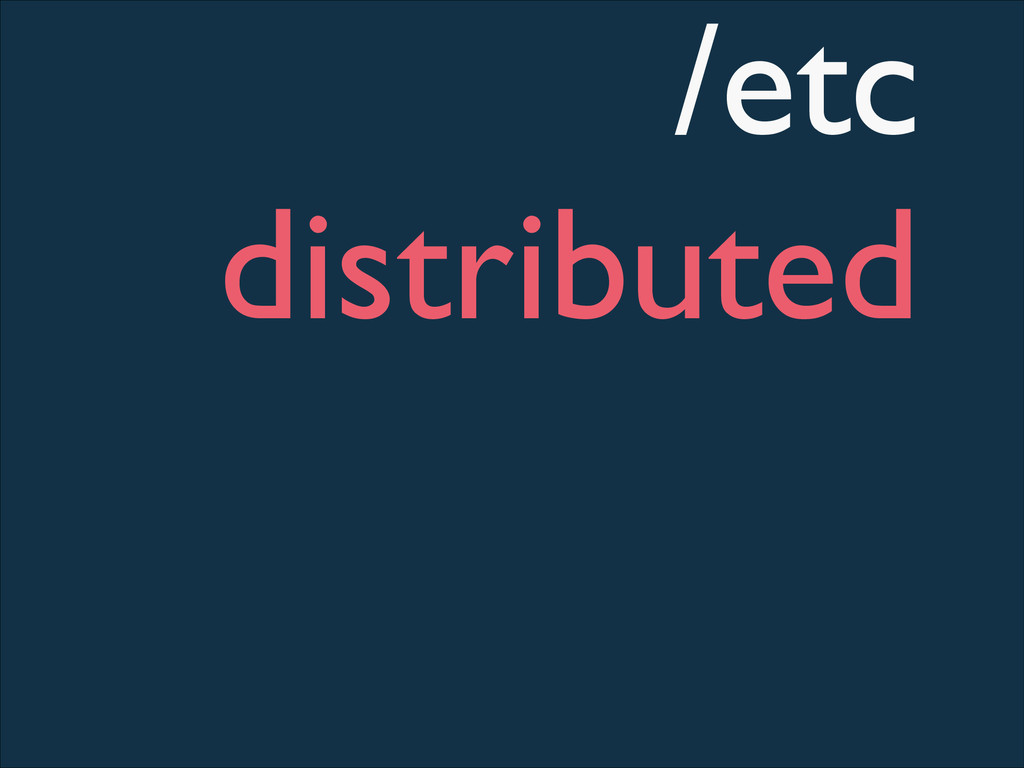
/etc distributed
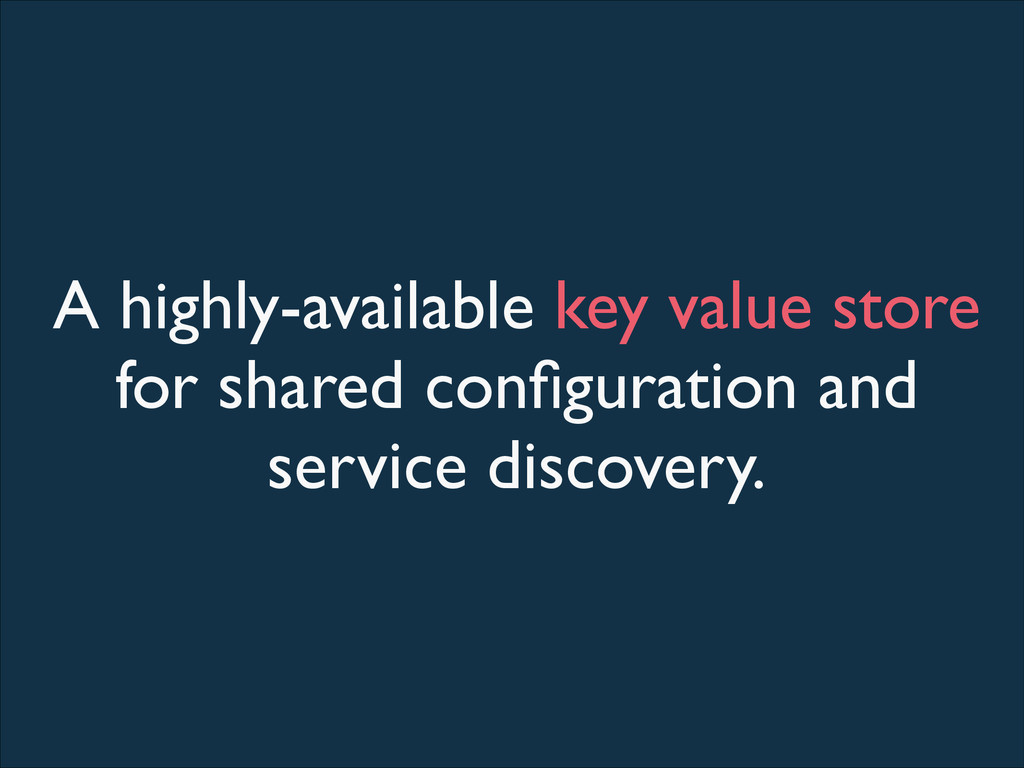
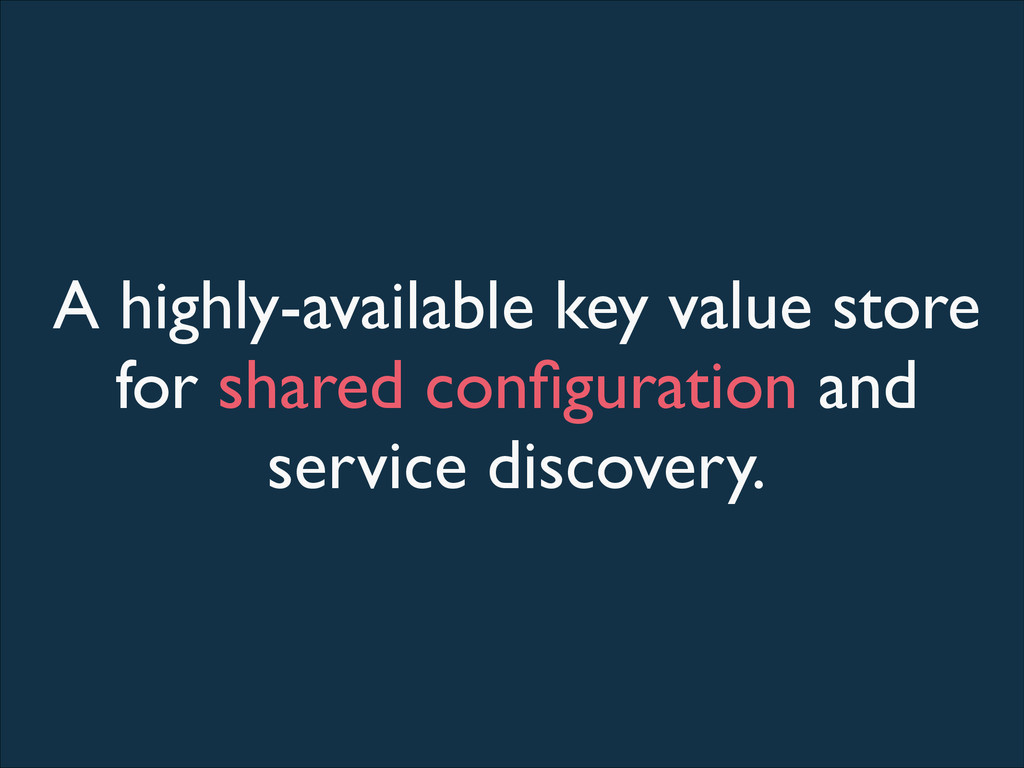
A highly-available key value store for shared configuration and service
discovery.
A highly-available key value store for shared configuration and service
discovery.
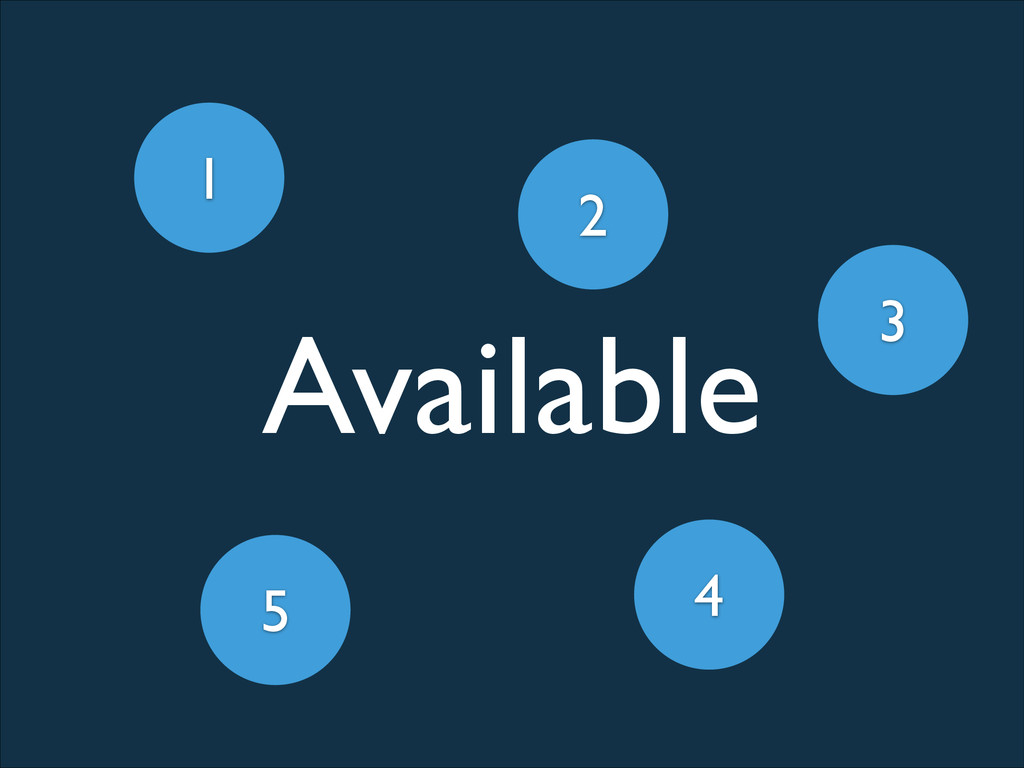
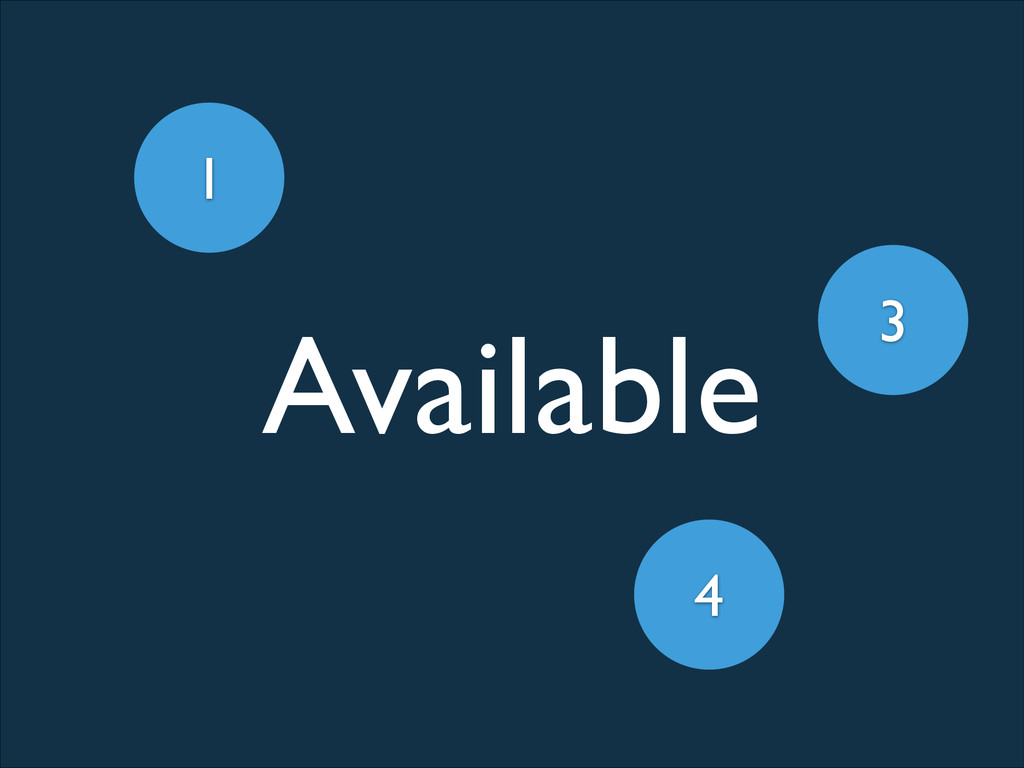
Available 3 1 2 5 4
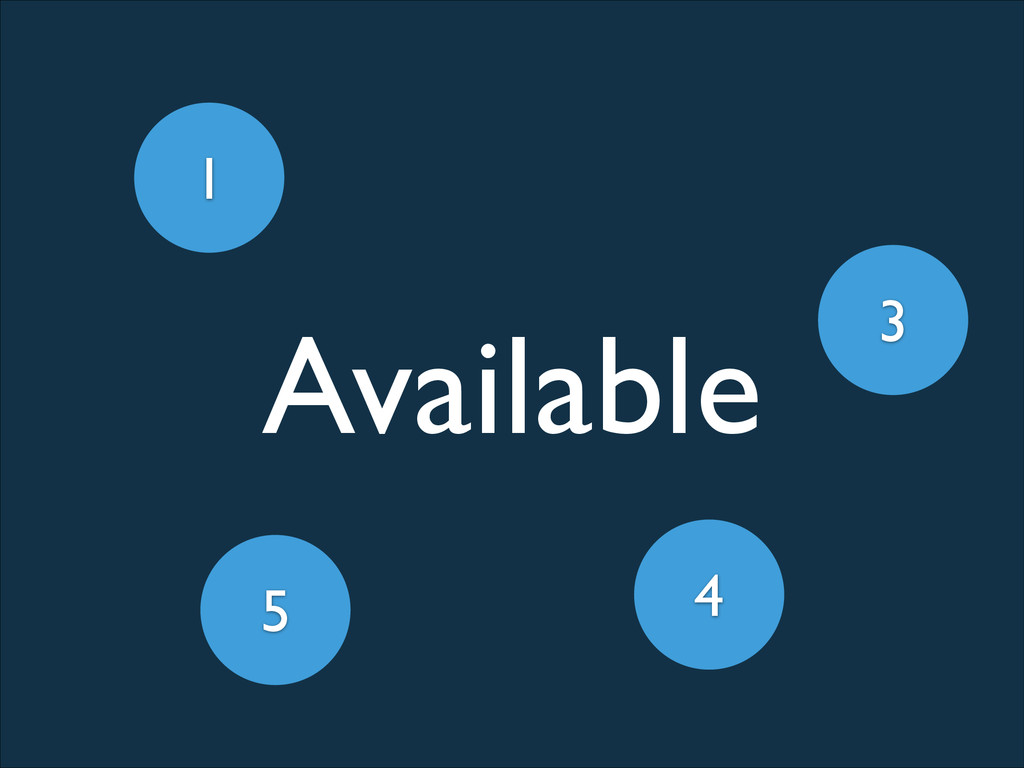
Available 3 1 5 4
Available 3 1 4
Unavailable 3 1
A highly-available key value store for shared configuration and service
discovery.
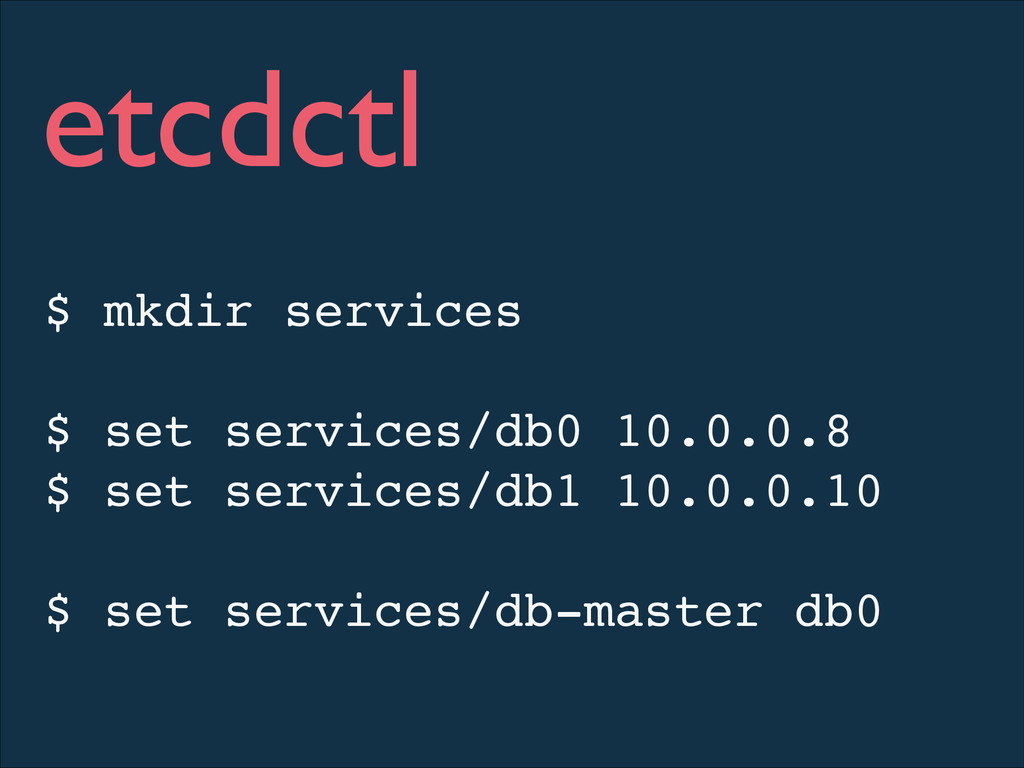
$ mkdir services! ! $ set services/db0 10.0.0.8! $ set
services/db1 10.0.0.10! ! $ set services/db-master db0 etcdctl
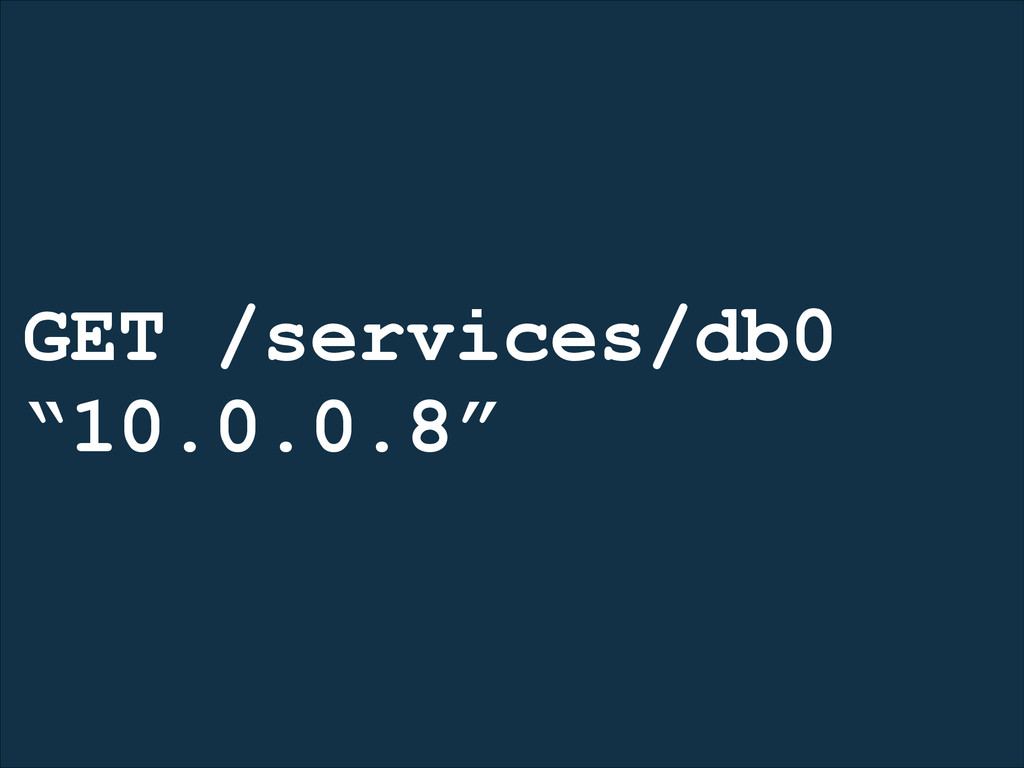
GET /services/db0 “10.0.0.8”
A highly-available key value store for shared configuration and service
discovery.
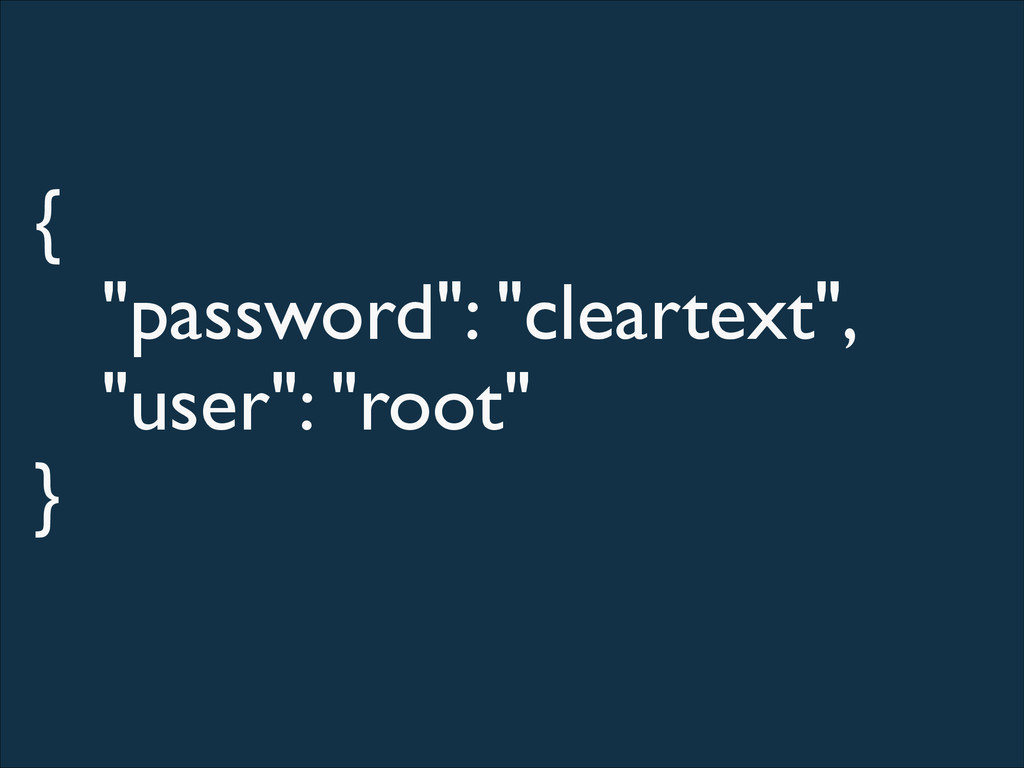
{ "password": "cleartext", "user": "root" }
A highly-available key value store for shared configuration and service
discovery.
A highly-available key value store for shared configuration and service
discovery & locking.
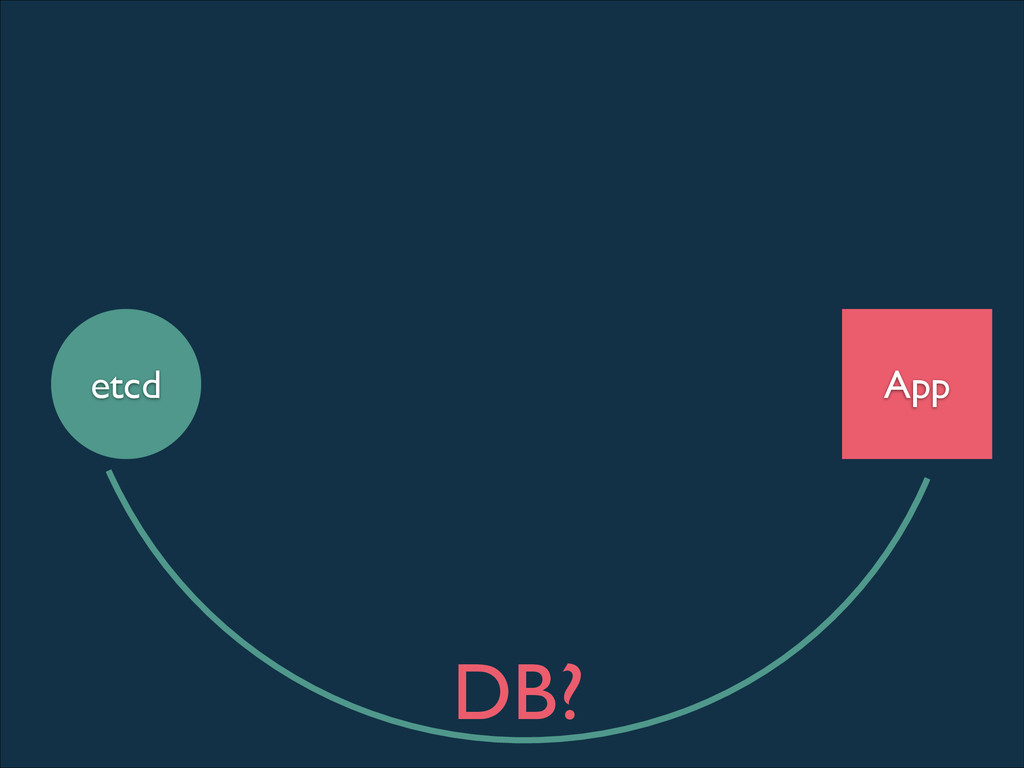
App etcd DB?
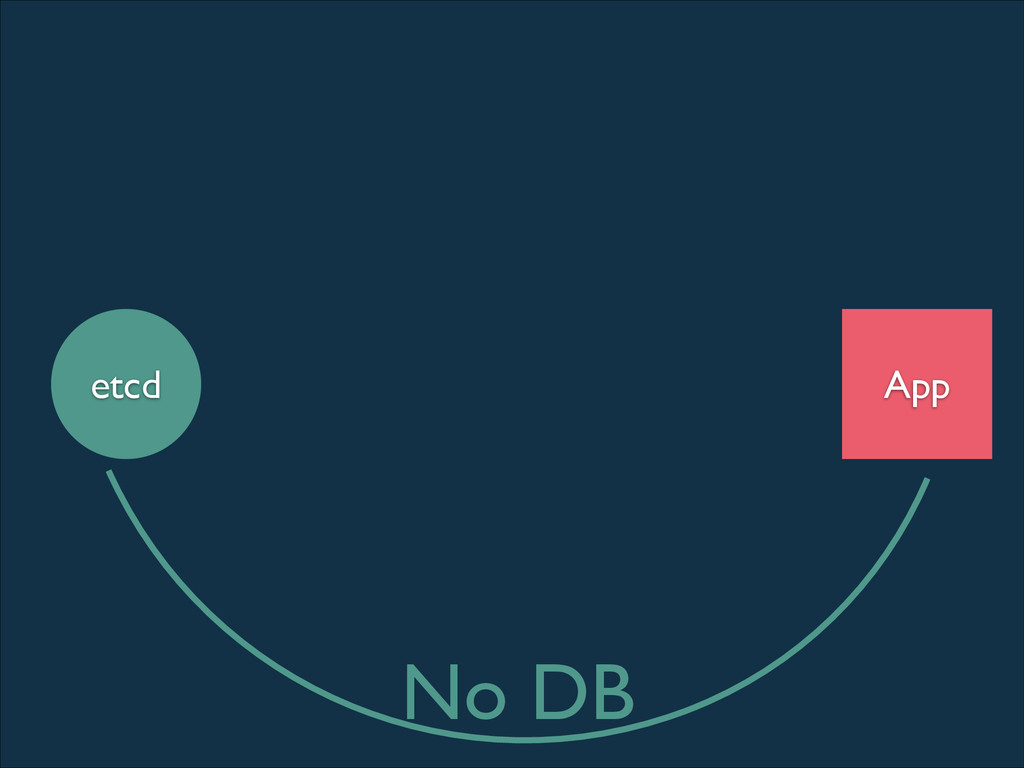
App etcd No DB
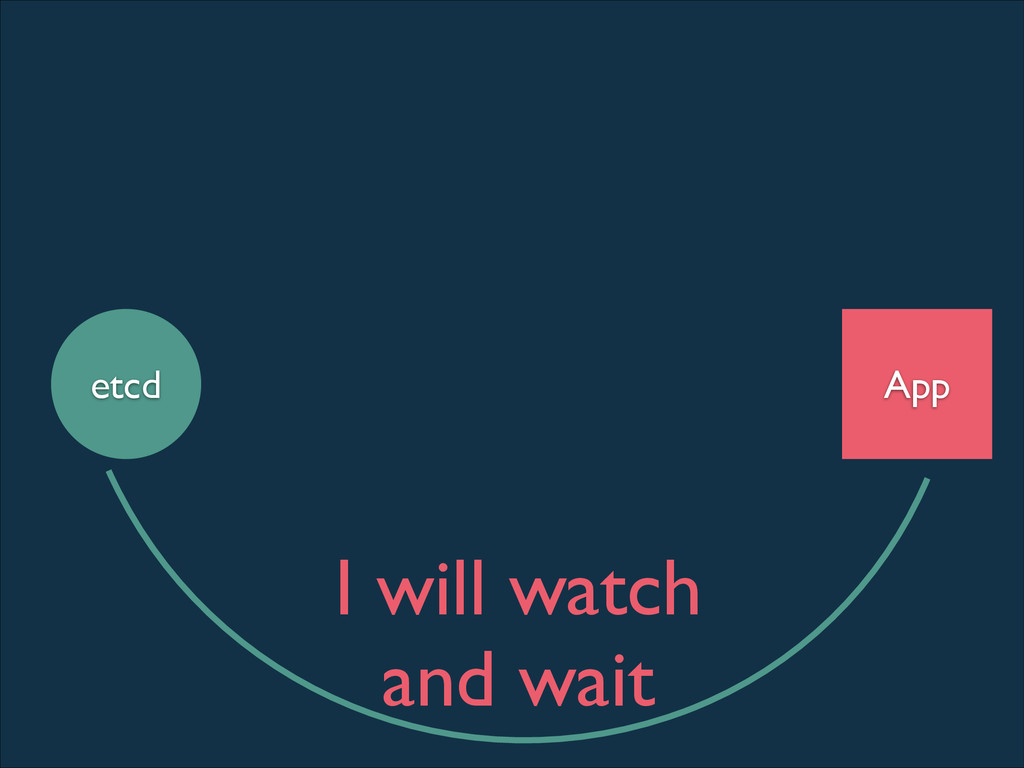
App etcd I will watch and wait
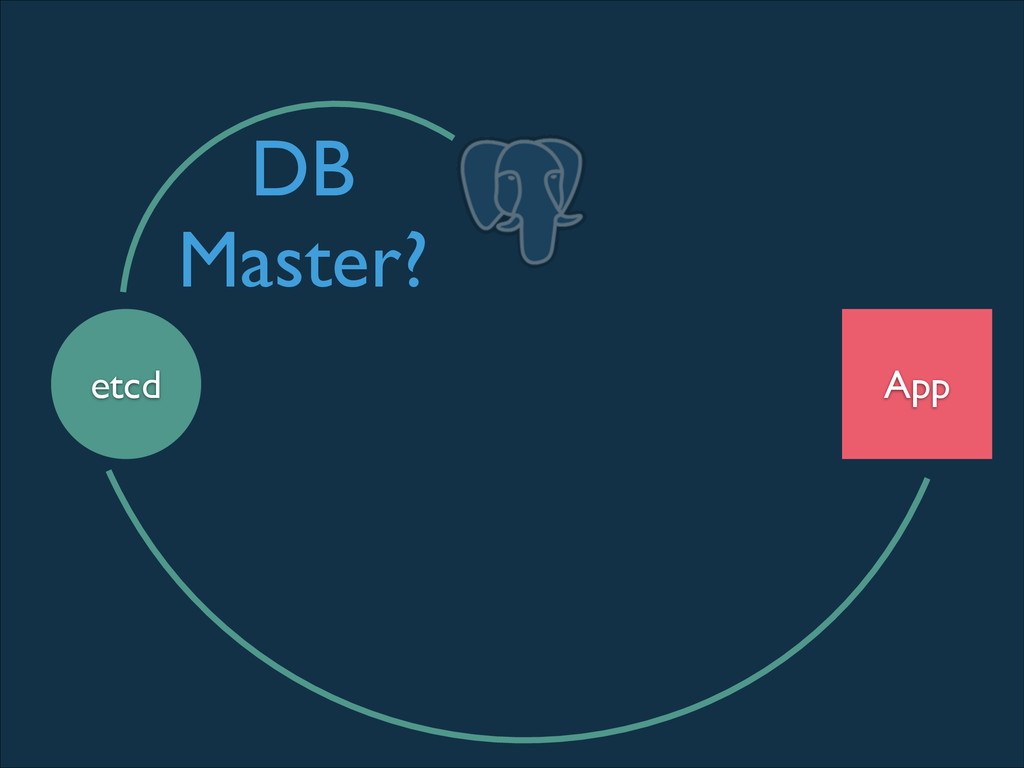
App etcd DB Master?
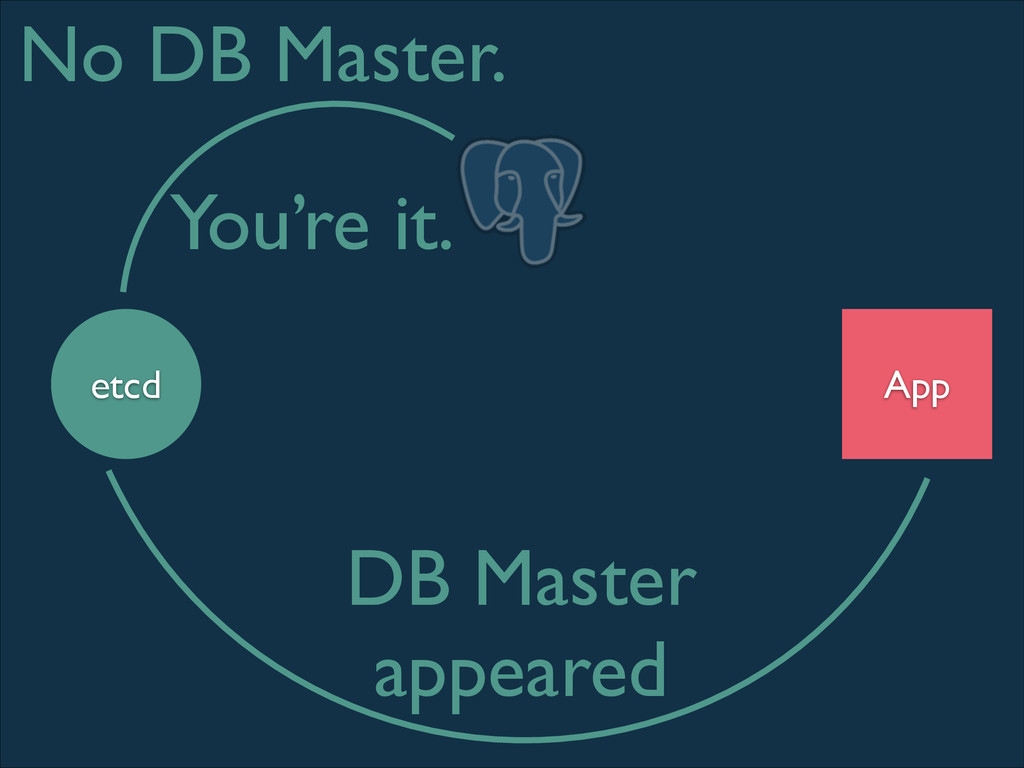
App etcd No DB Master. You’re it. DB Master appeared
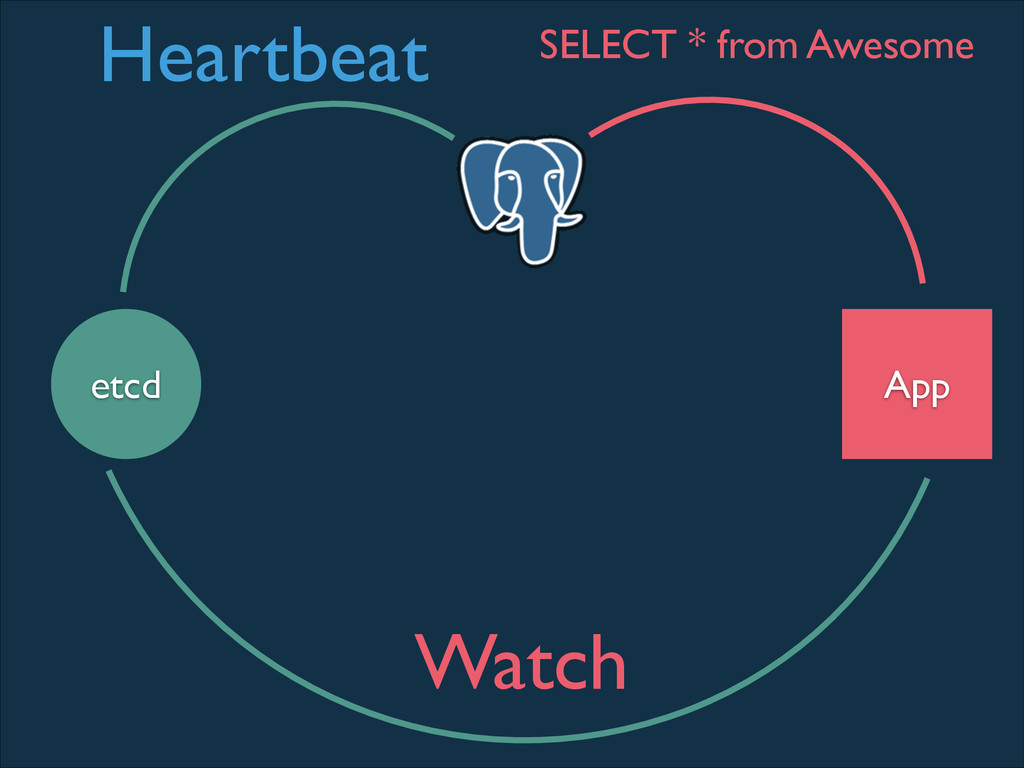
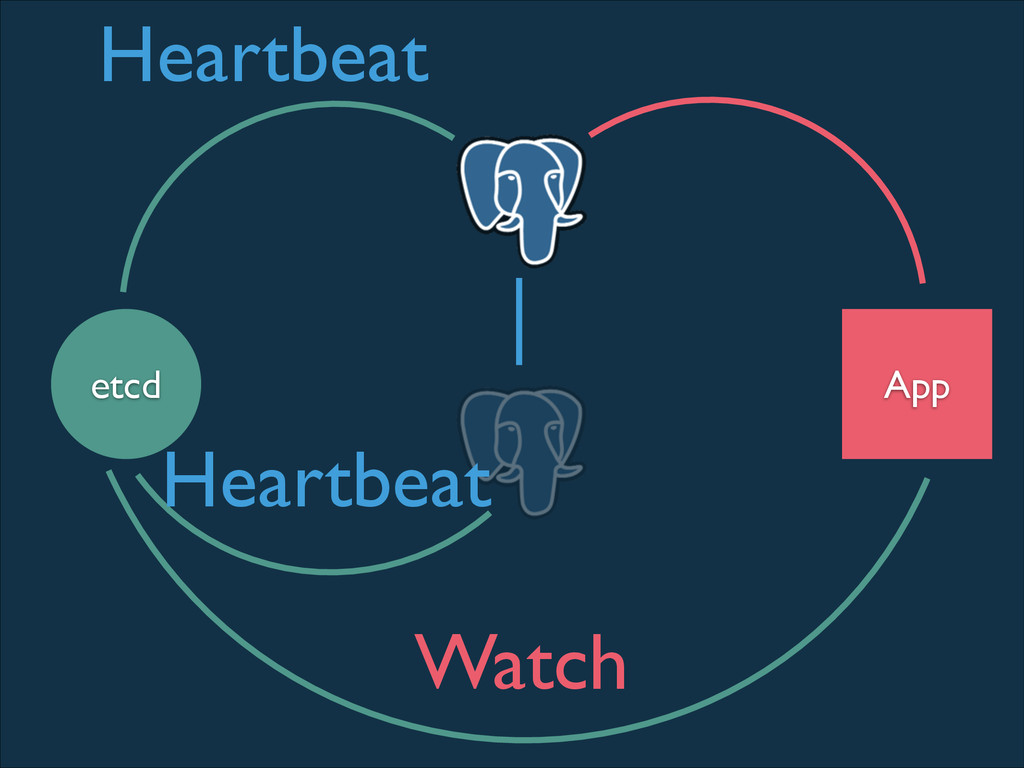
App etcd Heartbeat Watch SELECT * from Awesome
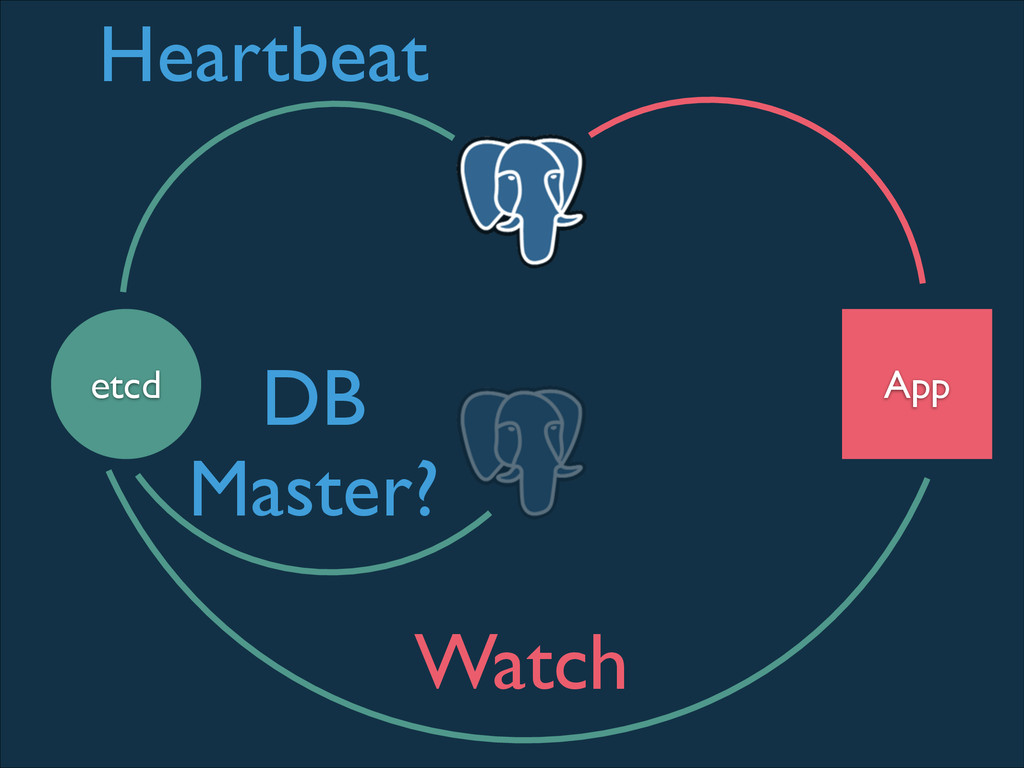
App etcd Heartbeat DB Master? Watch
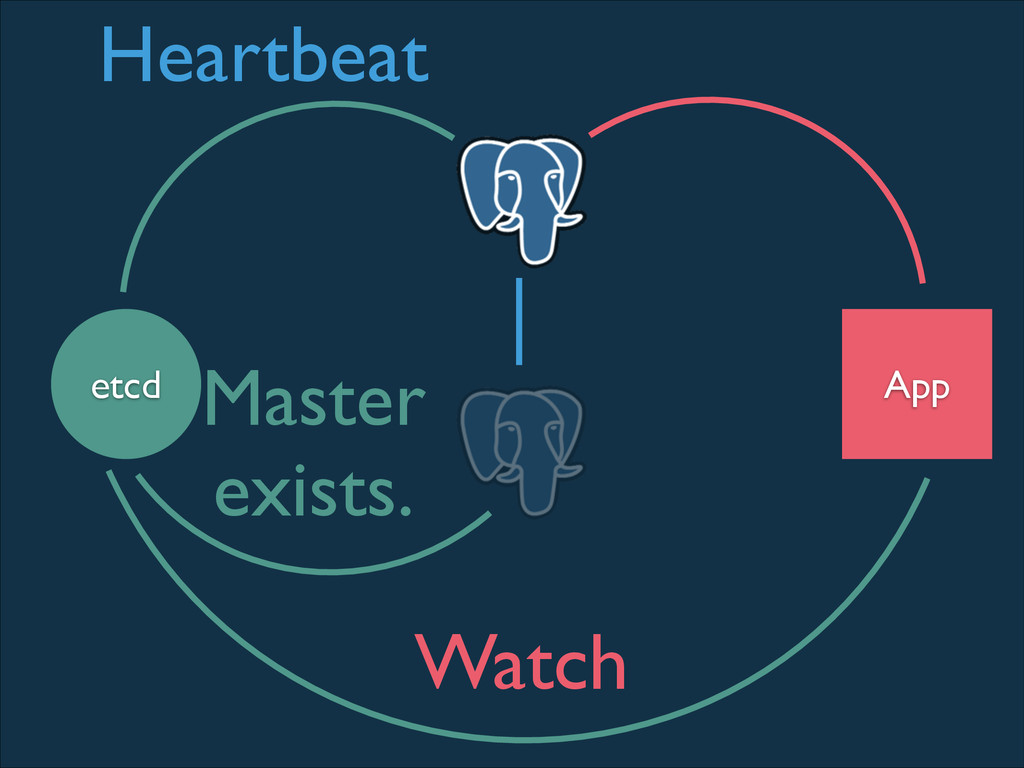
App etcd Heartbeat Master exists. Watch
App etcd Heartbeat Heartbeat Watch
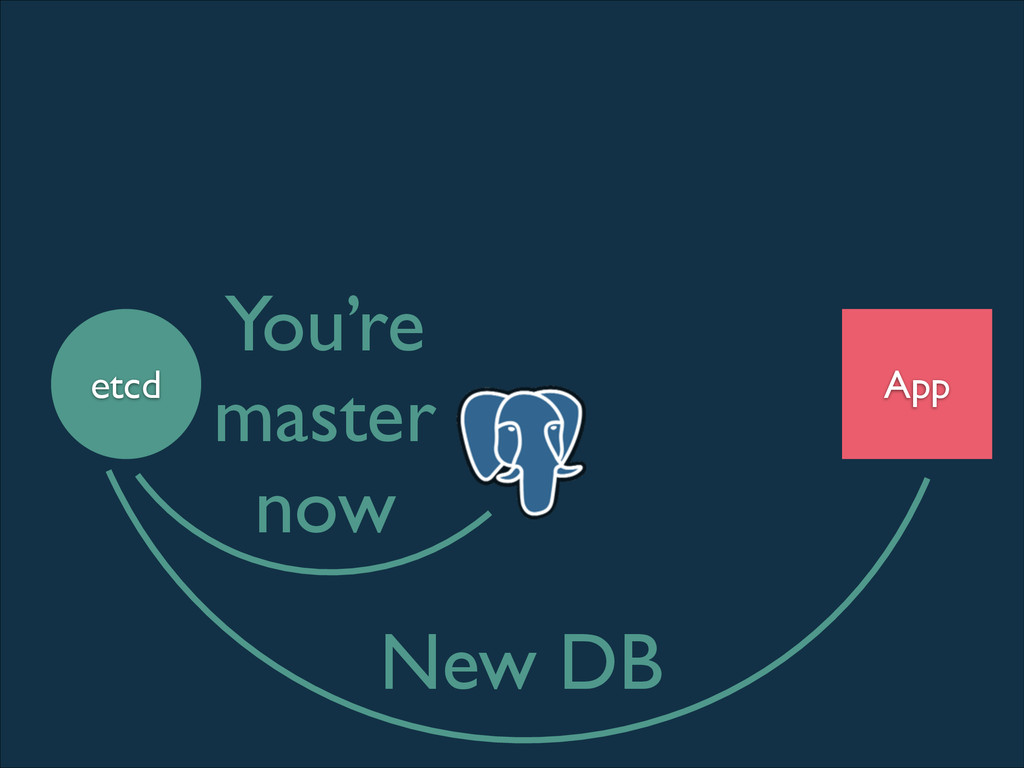
App etcd You’re master now New DB
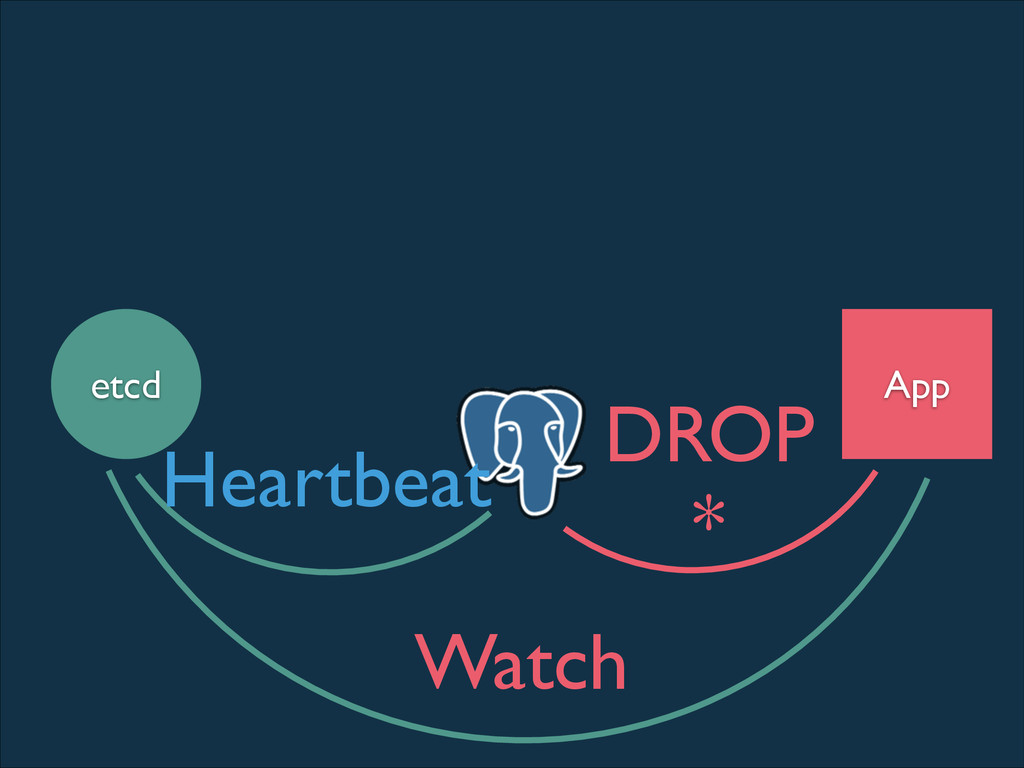
App etcd Watch Heartbeat DROP *
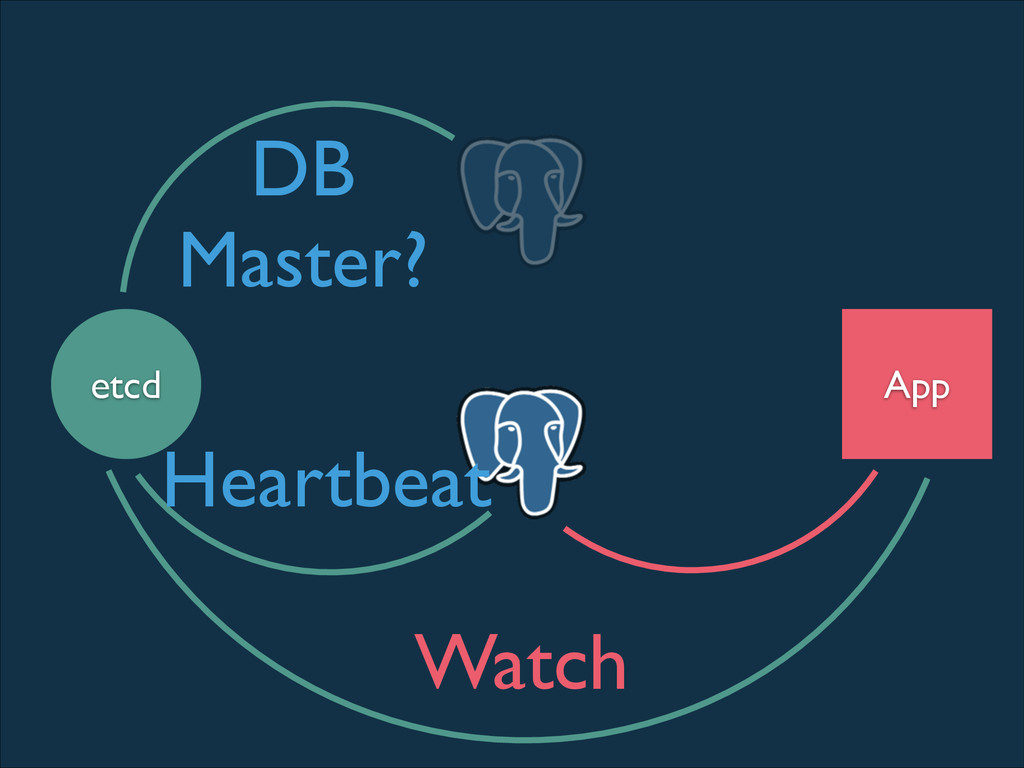
App etcd Watch Heartbeat DB Master?
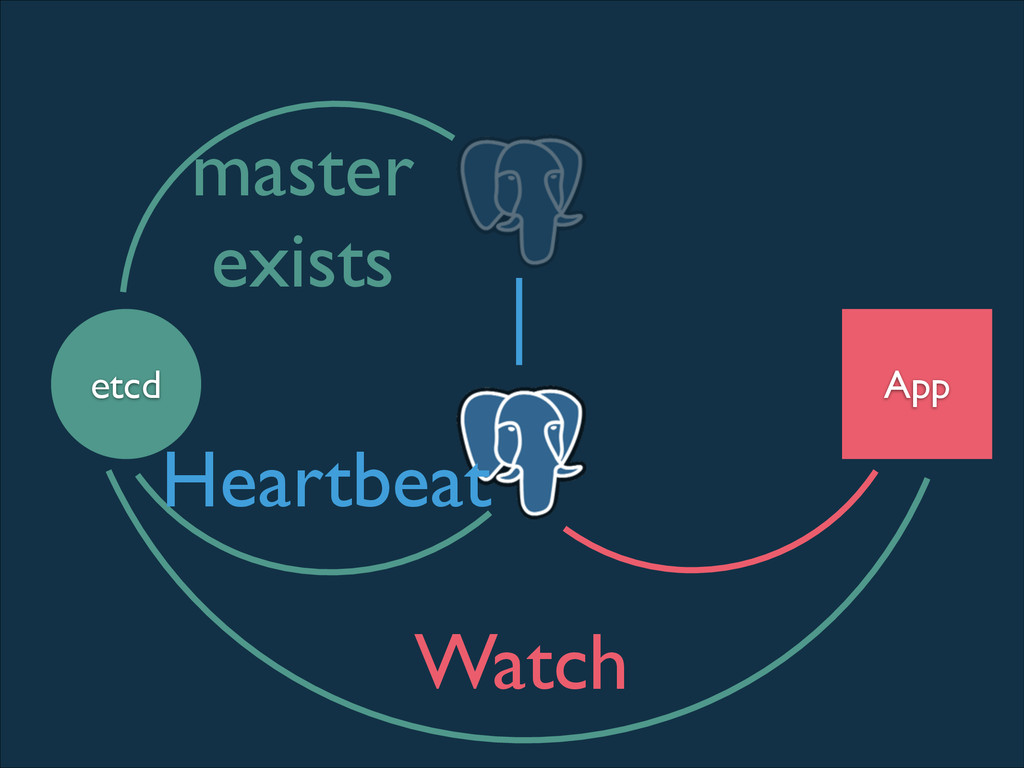
App etcd master exists Heartbeat Watch
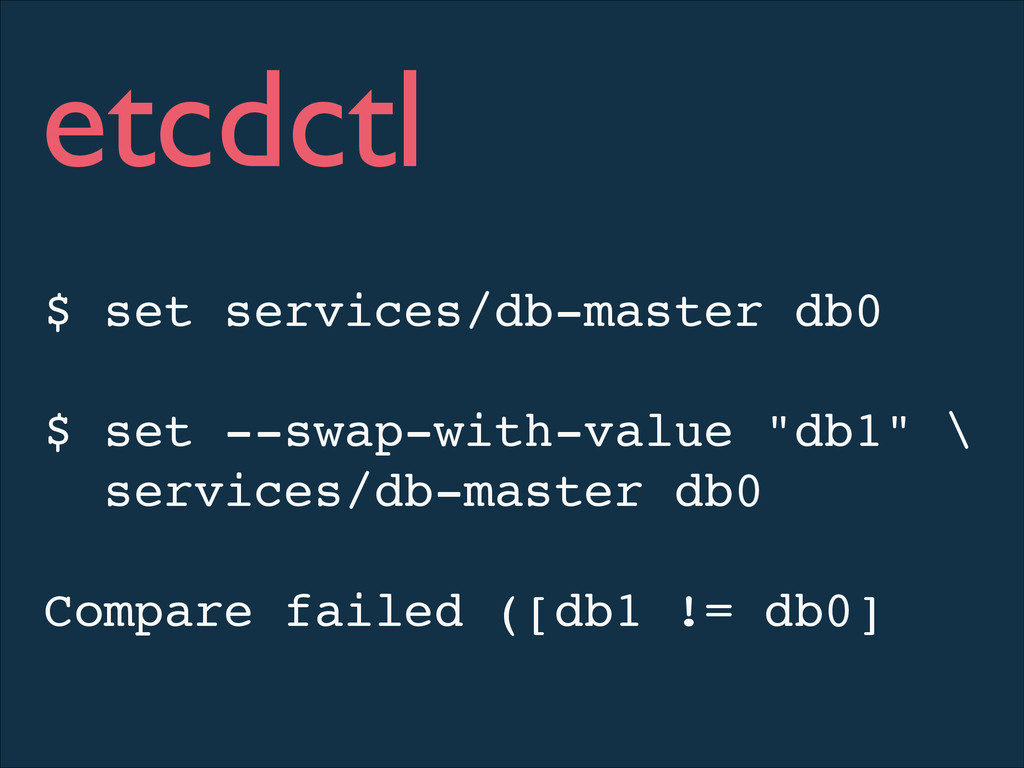
$ set services/db-master db0! ! $ set --swap-with-value "db1" \!
services/db-master db0! ! Compare failed ([db1 != db0]! etcdctl
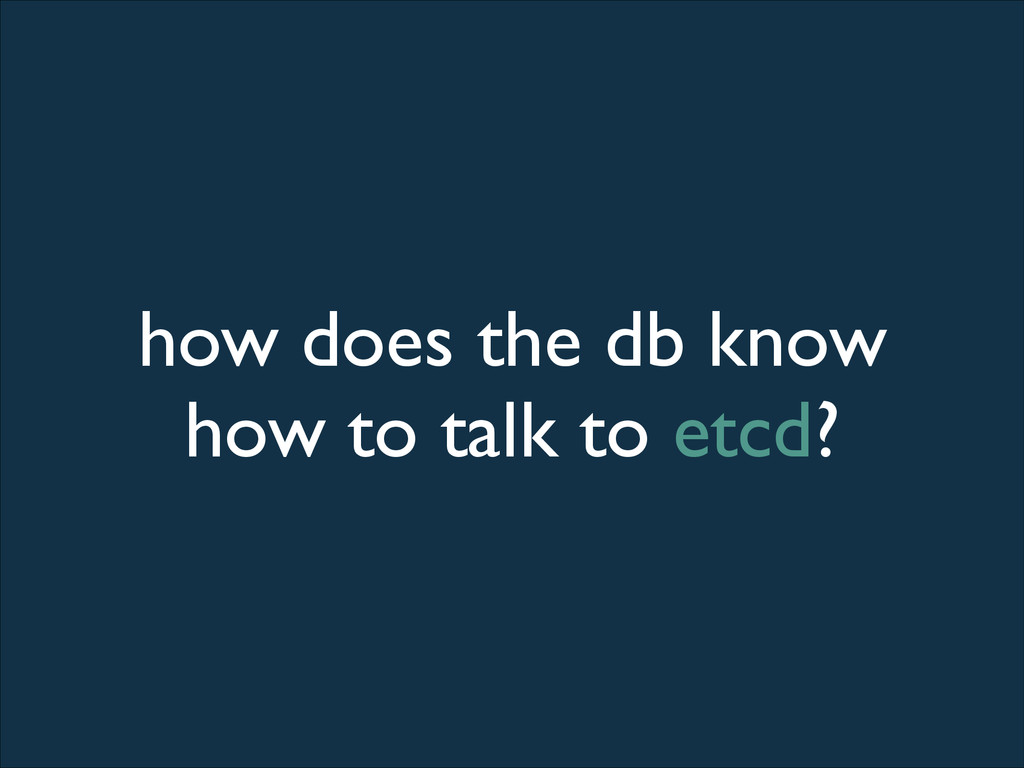
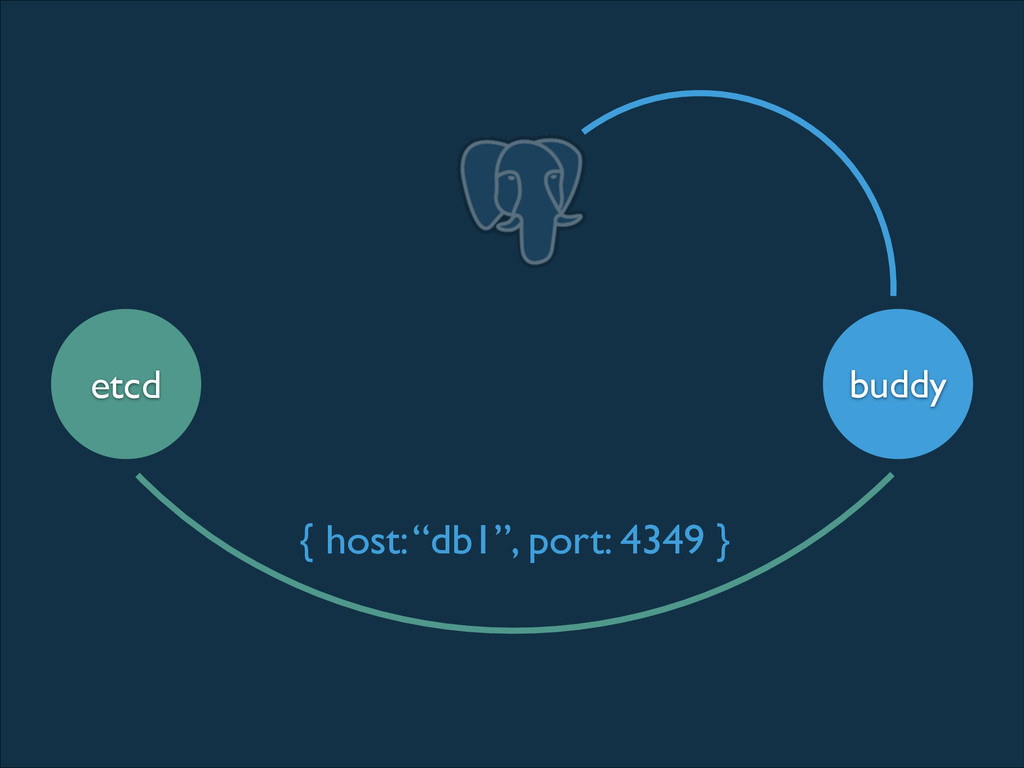
how does the db know how to talk to etcd?
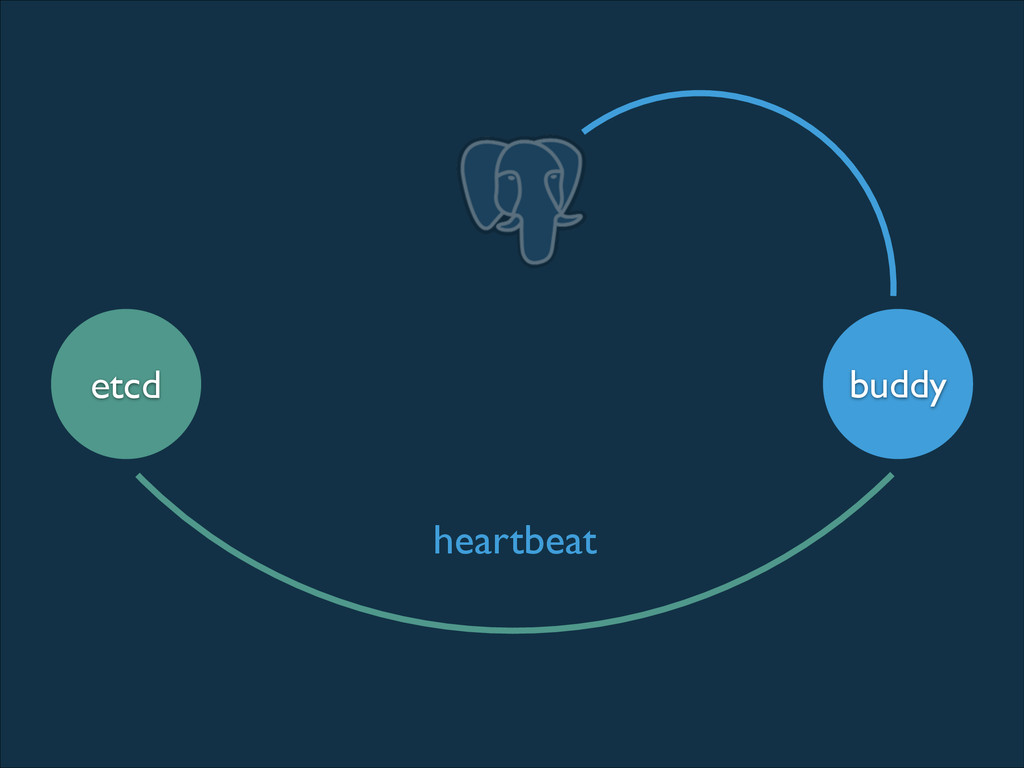
buddy etcd { host: “db1”, port: 4349 }
buddy etcd heartbeat
etcd
linux+systemd CoreOS is
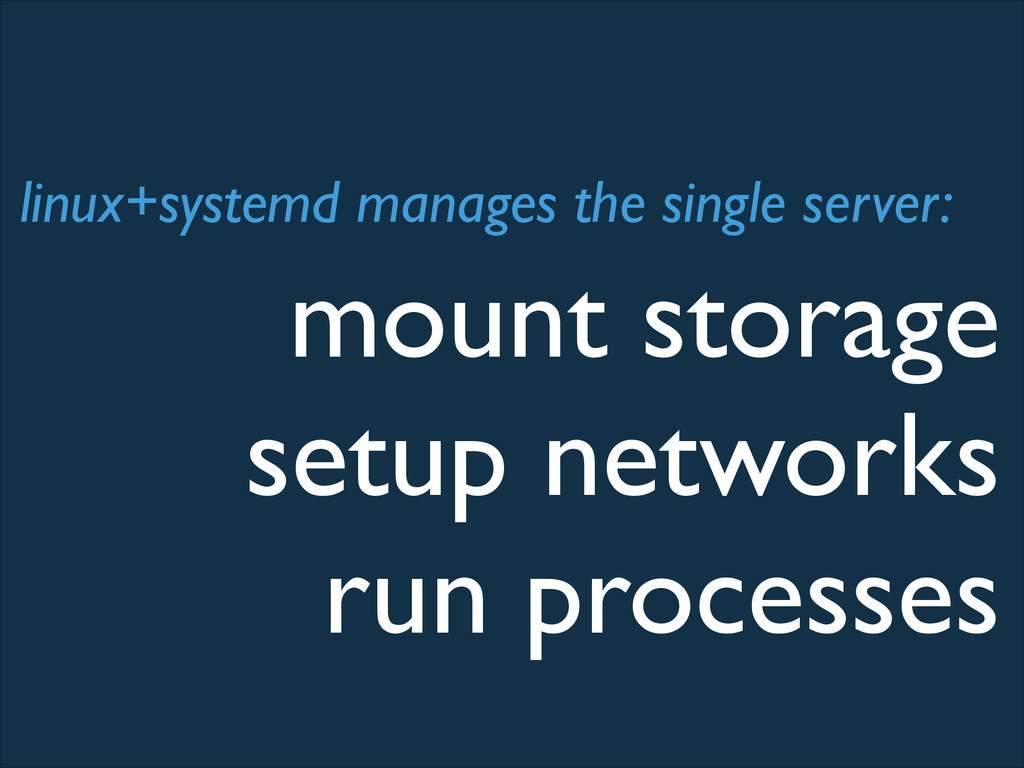
mount storage setup networks run processes linux+systemd manages the single
server:
mount storage $ cat media-state.mount! [Mount]! What=/dev/disk/by-label/STATE! Where=/media/state! Options=commit=600,data=ordered! Type=ext4!
FsckPassNo=0
setup networks $ cat public.link! [Match]! MACAddress=52:54:00:12:34:56! [Link]! Alias=public! !
$ cat public.network! [Network]! DHCP=True!
run services $ cat docker.service! [Unit]! After=network.target! ! [Service]! ExecStart=/usr/bin/docker
-d -H fd://! Restart=on-failure! ! [Install]! WantedBy=multi-user.target
docker runs containers $ cat scrup.service! [Unit]! Description=Scrup Service! After=docker.service!
! [Service]! ExecStart=/usr/bin/docker run -p 3000:3000 philips/scrup systemd logs and monitors
fleet demo
more security more reliability more stability
Credits: Browser Icons: https://www.iconfinder.com/ Thanks! @coreoslinux


 philips
 kishida
 htkym
htkym
 sorah
sorah
 drumath2237
 kmars0605
 koic
koic
 suneo3476
 ___akari11
 ichirokano2
 iwatsukayura
 seike460
 findyinc
 marcoroth
 gr2m
gr2m
 stephenakadiri
 moore
moore
 aleyda
 katarinadahlin
 jlugia
 wjessup
 lindahogenes
 marktimemedia
 addyosmani
 gurzu
gurzu








![mount storage $ cat media-state.mount! [Mount]! What=/dev/disk/by-label/STATE! Where=/media/state! Options=commit=600,data=ordered! Type=ext4!](https://files.speakerdeck.com/presentations/2015159080d20131e5751252e28d83c2/slide_52.jpg)
![setup networks $ cat public.link! [Match]! MACAddress=52:54:00:12:34:56! [Link]! Alias=public! !](https://files.speakerdeck.com/presentations/2015159080d20131e5751252e28d83c2/slide_53.jpg)
![run services $ cat docker.service! [Unit]! After=network.target! ! [Service]! ExecStart=/usr/bin/docker](https://files.speakerdeck.com/presentations/2015159080d20131e5751252e28d83c2/slide_54.jpg)
![docker runs containers $ cat scrup.service! [Unit]! Description=Scrup Service! After=docker.service!](https://files.speakerdeck.com/presentations/2015159080d20131e5751252e28d83c2/slide_55.jpg)