Upgrade to Pro — share decks privately, control downloads, hide ads and more …

Liz Quilty: Hacking the OWI robotic arm bot

Sponsored · SiteGround - Reliable hosting with speed, security, and support you can count on. →

Liz Quilty: Hacking the OWI robotic arm bot

= = = = = = = = = = = = = = = = = = = = = = = = = = = = = = = = =
Liz Quilty:
Hacking the OWI robotic arm bot
= = = = = = = = = = = = = = = = = = = = = = = = = = = = = = = = =
@ Kiwi PyCon 2013 - Saturday, 07 Sep 2013 - Track 1
http://nz.pycon.org/

**Audience level**

Novice

**Description**

Demonstrating the OWI robotic arm running automated with a Raspberry Pi and some python code.

**Abstract**

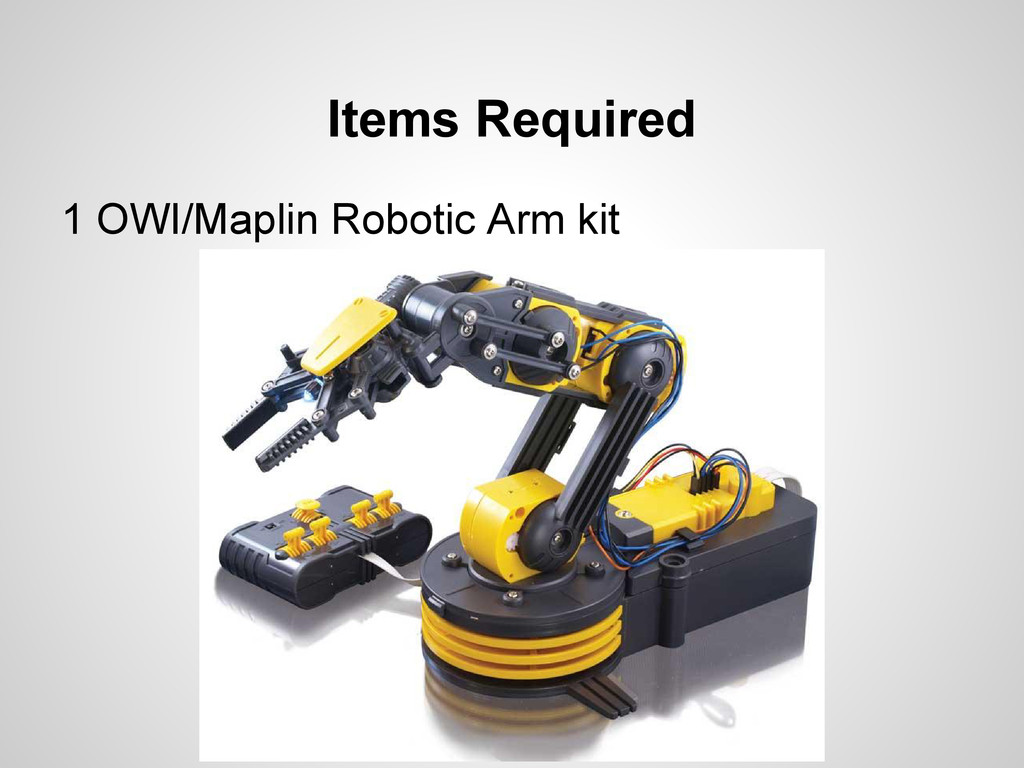
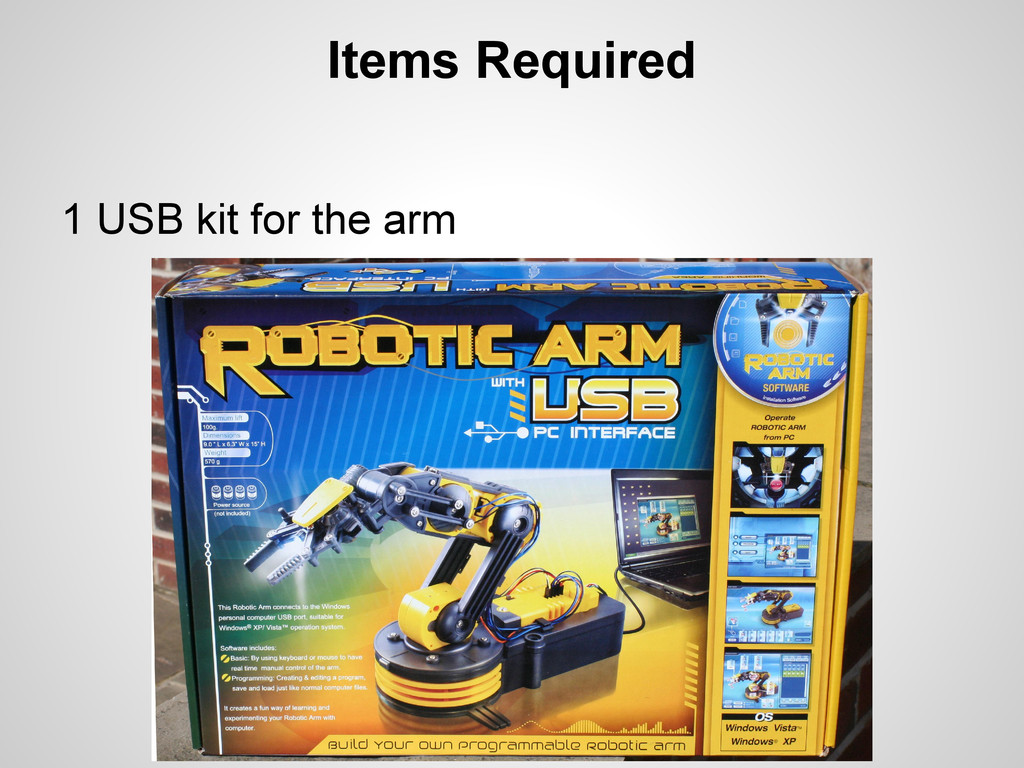
After buying my son an OWI robotic arm,we decided to see if we could do more with it than use the remote controller. We quickly found you can buy a USB interface, however it only came with windows drivers. After some googling we found we could control this with python scripts which led to even more fun!

**YouTube**

http://www.youtube.com/watch?v=UJUbOWDlbWs

Python New Zealand

September 07, 2013

Transcript

19 slides
  1. Confession I don’t really know python. My way is possibly

    not the best I just like making things, and having fun :)
  2. Setup Your Raspberry Pi Partition and install raspbian http://elinux.org/RPi_Easy_SD_Card_Setup Unpack

    this to the SD card as instructed Set up networking and connect via SSH
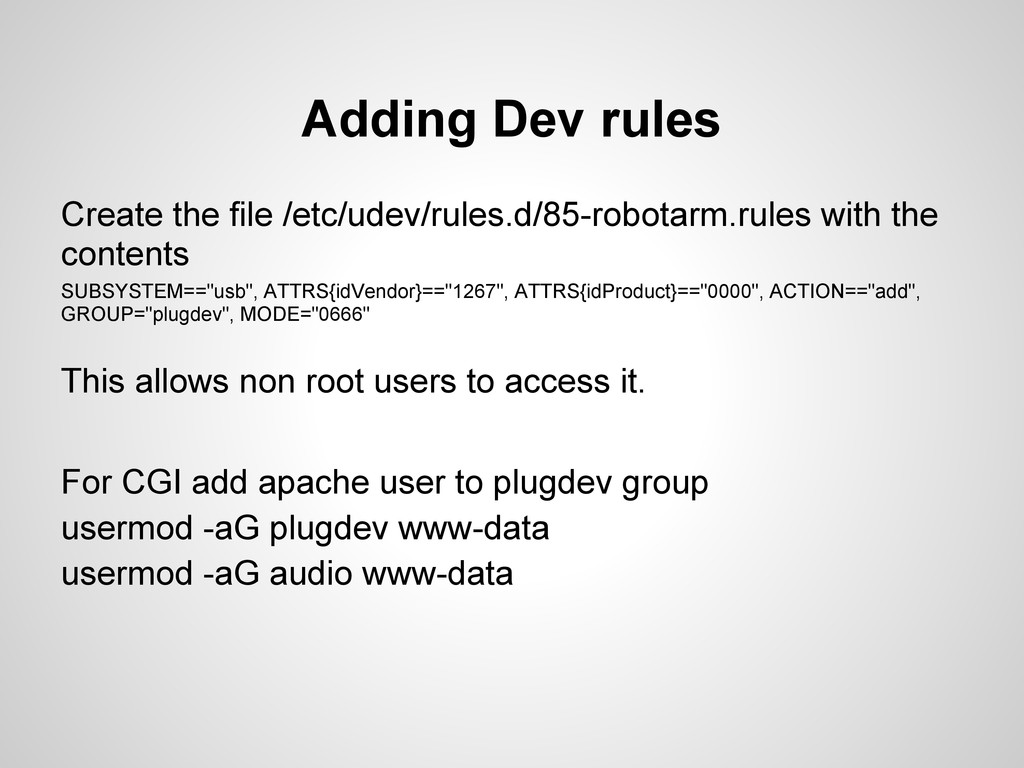
  3. Adding Dev rules Create the file /etc/udev/rules.d/85-robotarm.rules with the contents

    SUBSYSTEM=="usb", ATTRS{idVendor}=="1267", ATTRS{idProduct}=="0000", ACTION=="add", GROUP="plugdev", MODE="0666" This allows non root users to access it. For CGI add apache user to plugdev group usermod -aG plugdev www-data usermod -aG audio www-data
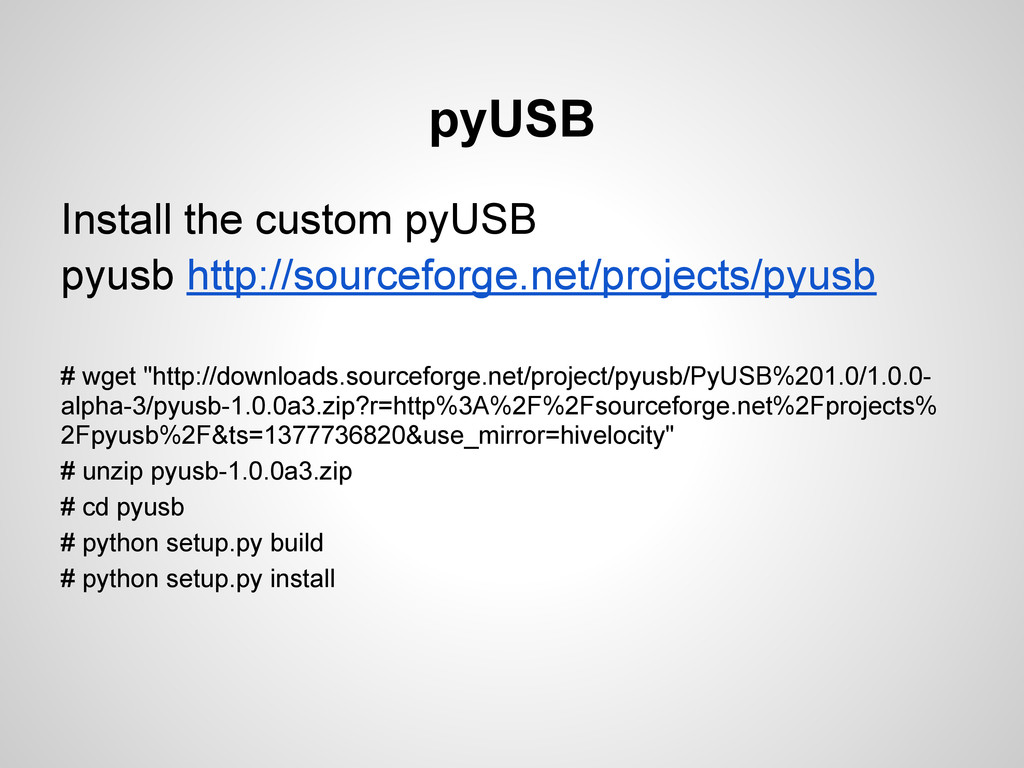
  4. pyUSB Install the custom pyUSB pyusb http://sourceforge.net/projects/pyusb # wget "http://downloads.sourceforge.net/project/pyusb/PyUSB%201.0/1.0.0-

    alpha-3/pyusb-1.0.0a3.zip?r=http%3A%2F%2Fsourceforge.net%2Fprojects% 2Fpyusb%2F&ts=1377736820&use_mirror=hivelocity" # unzip pyusb-1.0.0a3.zip # cd pyusb # python setup.py build # python setup.py install
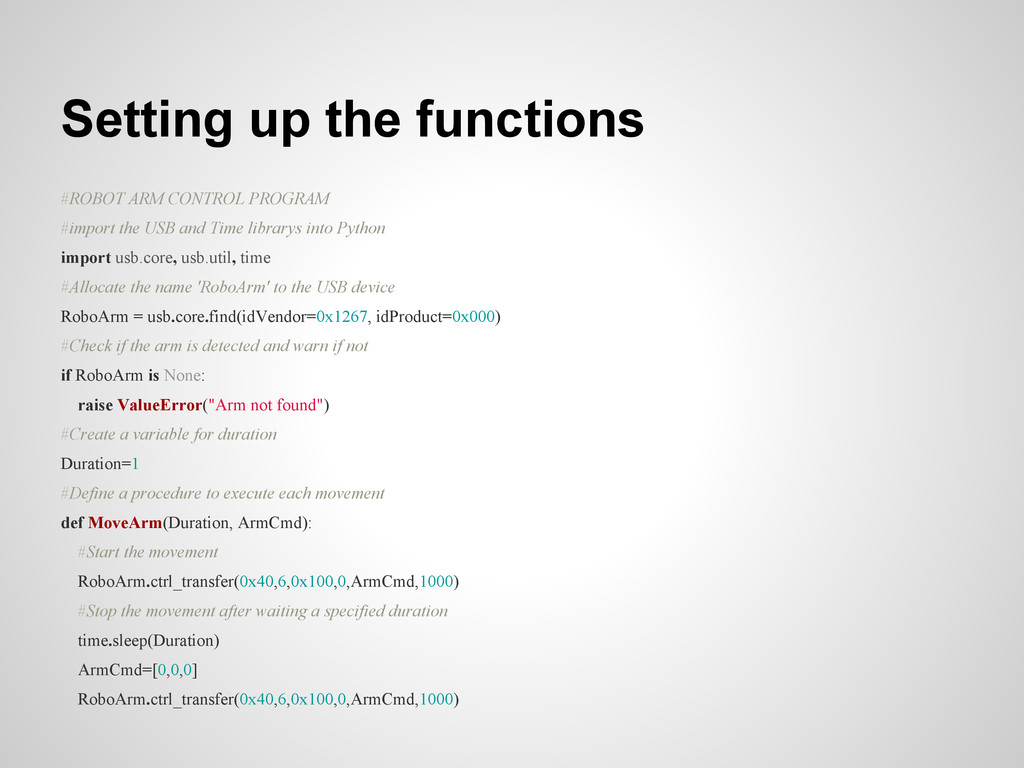
  5. Setting up the functions #ROBOT ARM CONTROL PROGRAM #import the

    USB and Time librarys into Python import usb.core, usb.util, time #Allocate the name 'RoboArm' to the USB device RoboArm = usb.core.find(idVendor=0x1267, idProduct=0x000) #Check if the arm is detected and warn if not if RoboArm is None: raise ValueError("Arm not found") #Create a variable for duration Duration=1 #Define a procedure to execute each movement def MoveArm(Duration, ArmCmd): #Start the movement RoboArm.ctrl_transfer(0x40,6,0x100,0,ArmCmd,1000) #Stop the movement after waiting a specified duration time.sleep(Duration) ArmCmd=[0,0,0] RoboArm.ctrl_transfer(0x40,6,0x100,0,ArmCmd,1000)
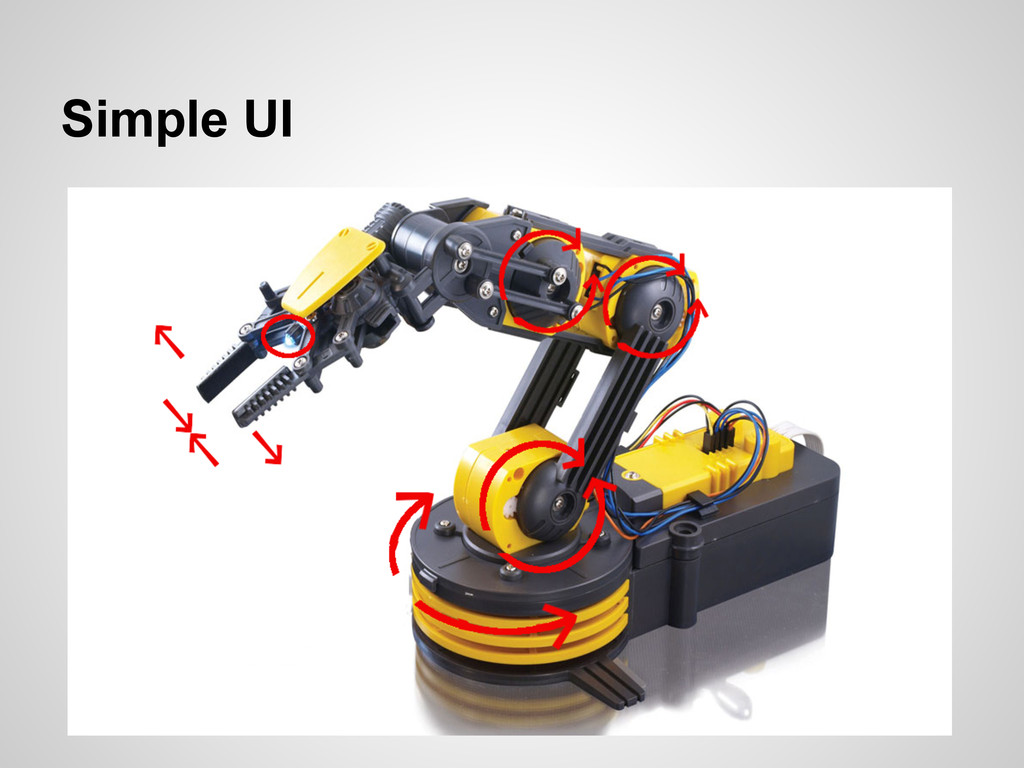
  6. Moving MoveArm(1,[0,1,0]) #Rotate base anti-clockwise MoveArm(1,[0,2,0]) #Rotate base clockwise MoveArm(1,[64,0,0])

    #Shoulder up MoveArm(1,[128,0,0]) #Shoulder down MoveArm(1,[16,0,0]) #Elbow up MoveArm(1,[32,0,0]) #Elbow down MoveArm(1,[4,0,0]) #Wrist up MoveArm(1,[8,0,0]) # Wrist down MoveArm(1,[2,0,0]) #Grip open MoveArm(1,[1,0,0]) #Grip close MoveArm(1,[0,0,1]) #Light on MoveArm(1,[0,0,0]) #Light off
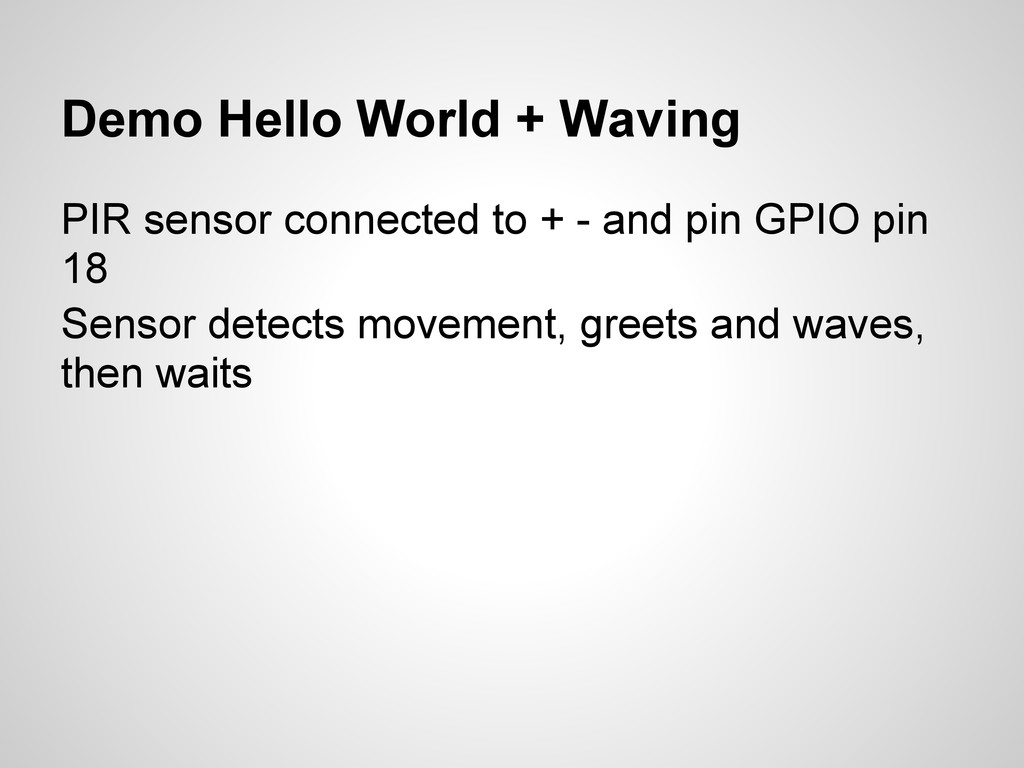
  7. Demo Hello World + Waving PIR sensor connected to +

    - and pin GPIO pin 18 Sensor detects movement, greets and waves, then waits
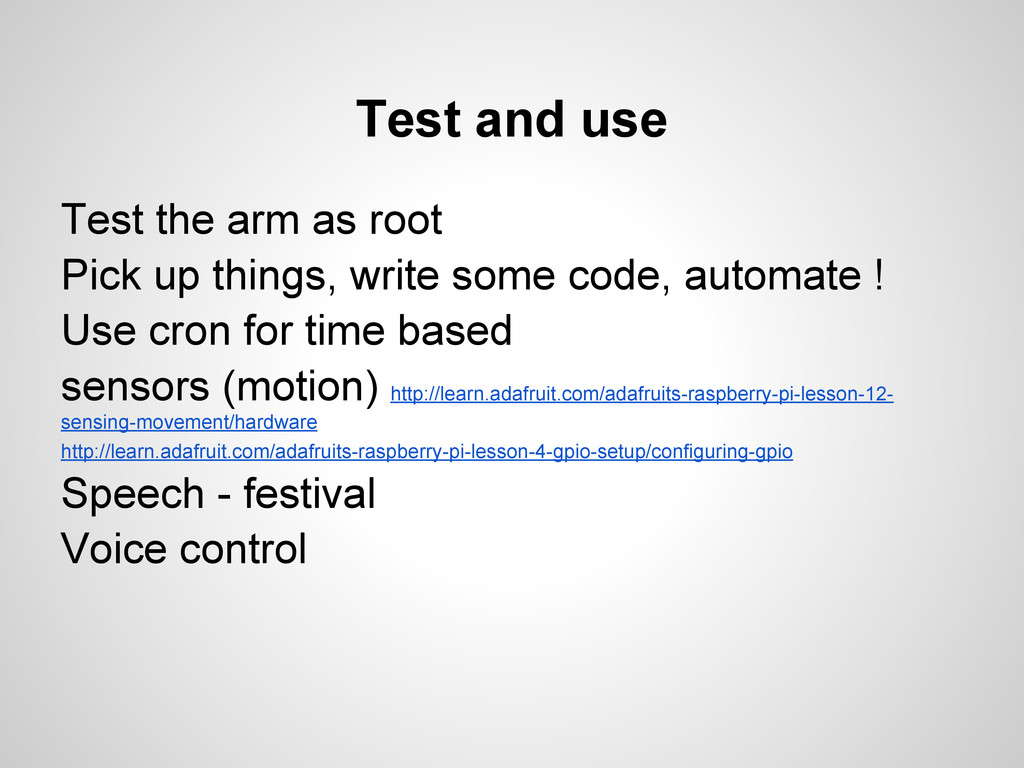
  8. Test and use Test the arm as root Pick up

    things, write some code, automate ! Use cron for time based sensors (motion) http://learn.adafruit.com/adafruits-raspberry-pi-lesson-12- sensing-movement/hardware http://learn.adafruit.com/adafruits-raspberry-pi-lesson-4-gpio-setup/configuring-gpio Speech - festival Voice control
  9. Demo • Connect to the Wireless Access point RoboticArm •

    Browse to http://10.0.0.2 Try not to overload it :)
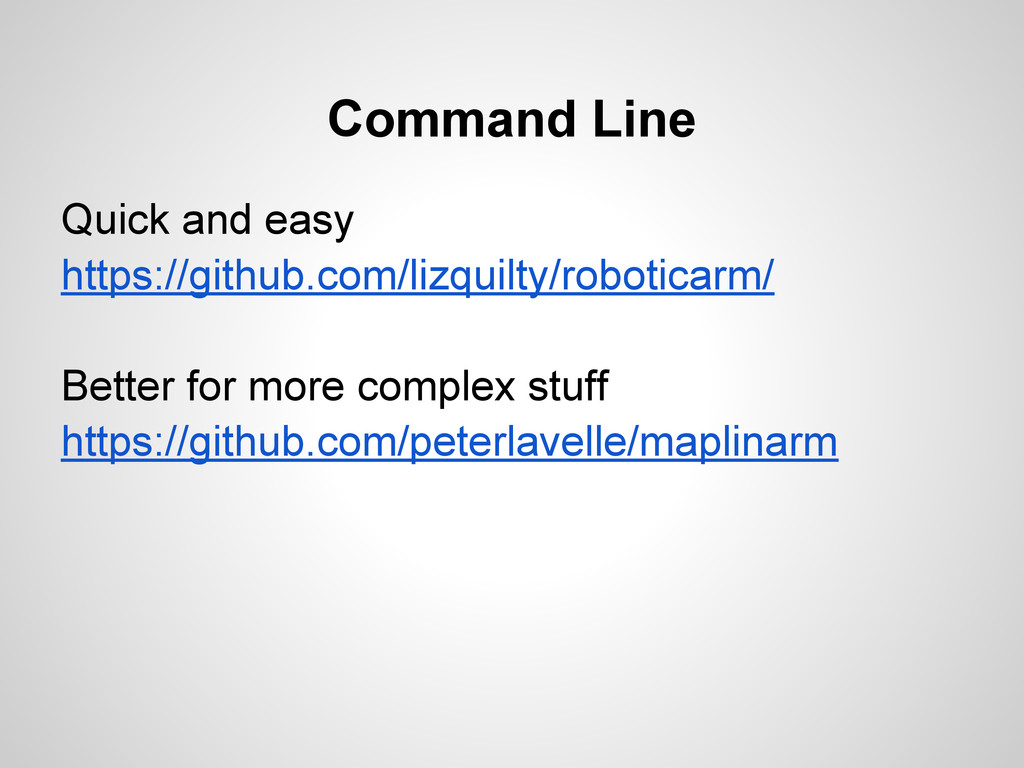
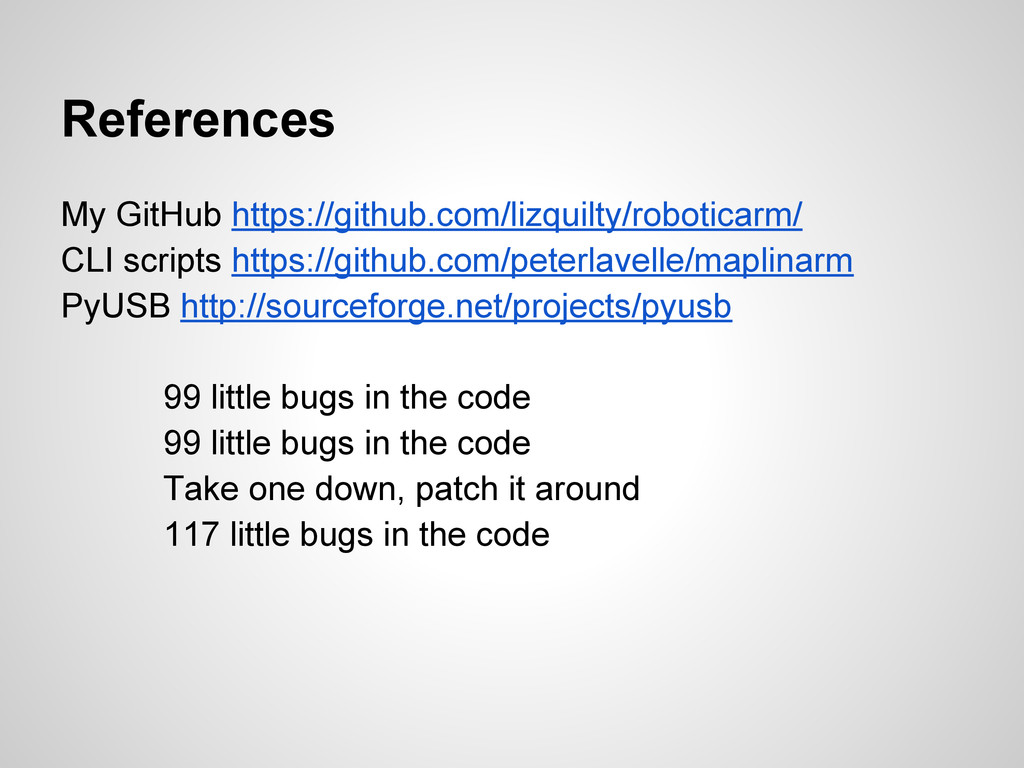
  10. References My GitHub https://github.com/lizquilty/roboticarm/ CLI scripts https://github.com/peterlavelle/maplinarm PyUSB http://sourceforge.net/projects/pyusb 99

    little bugs in the code 99 little bugs in the code Take one down, patch it around 117 little bugs in the code

More Decks by Python New Zealand

Other Decks in Programming